White Laptop Video Mockup by Mockey for Modern Creators
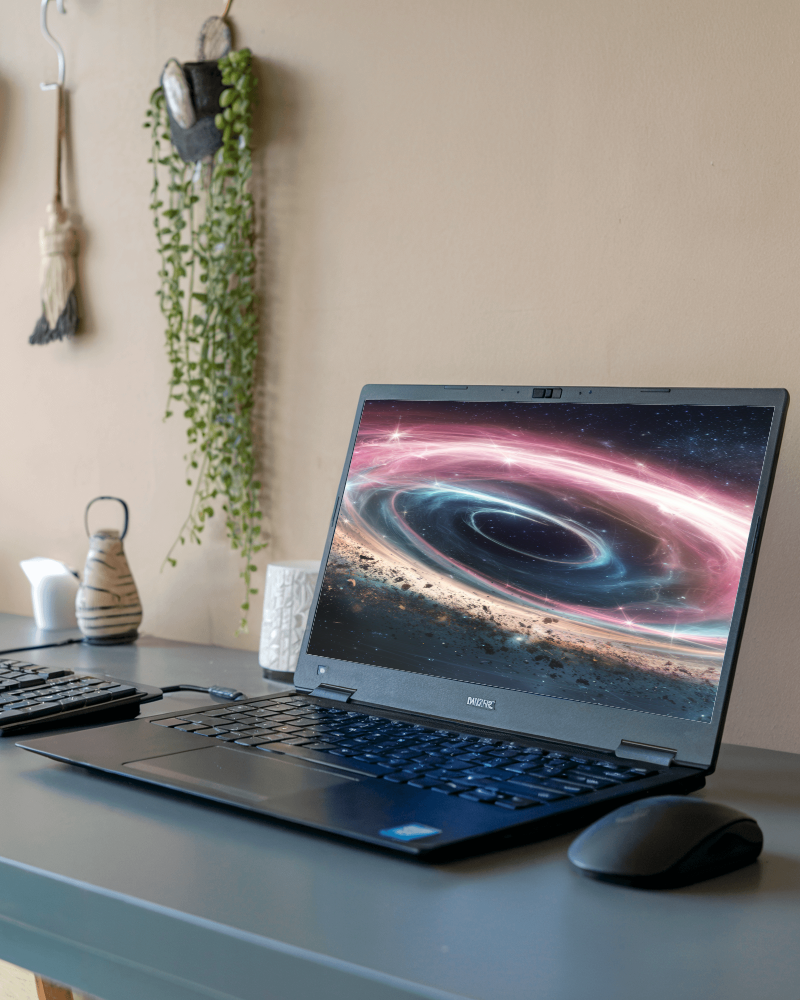
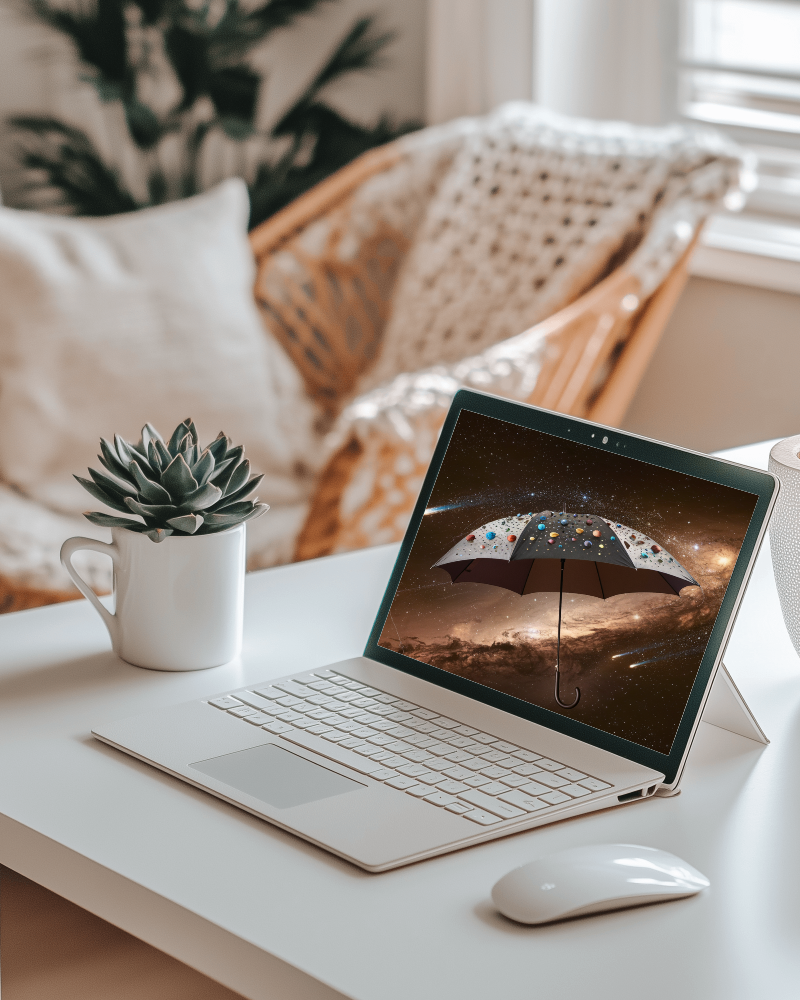
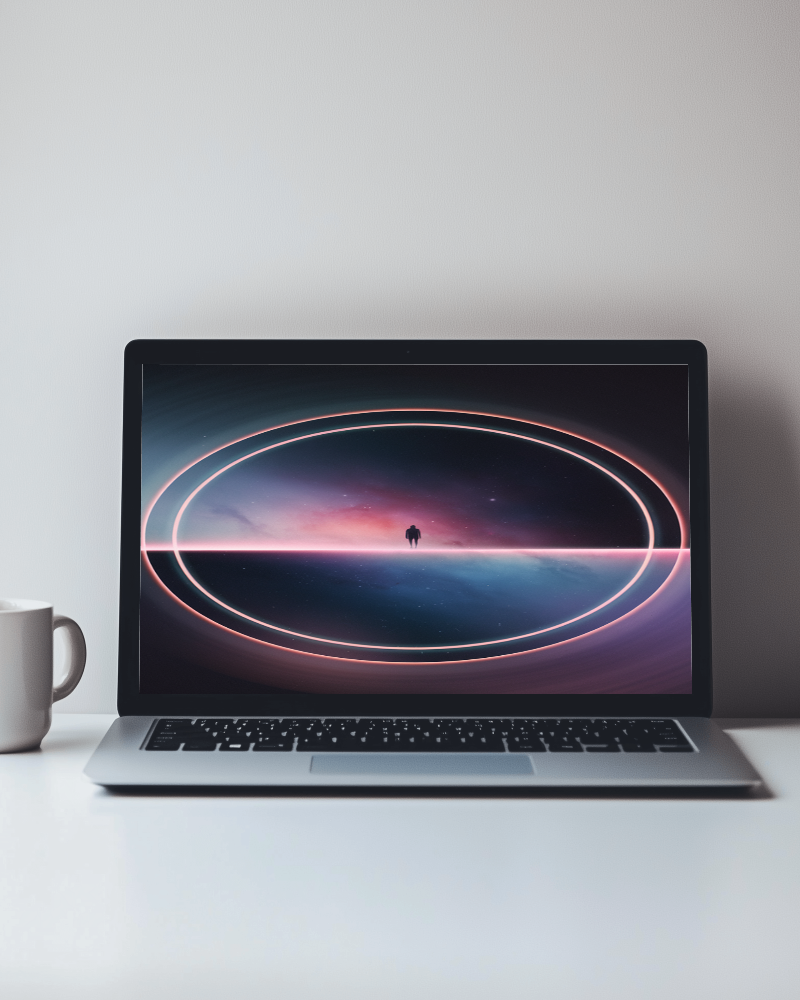
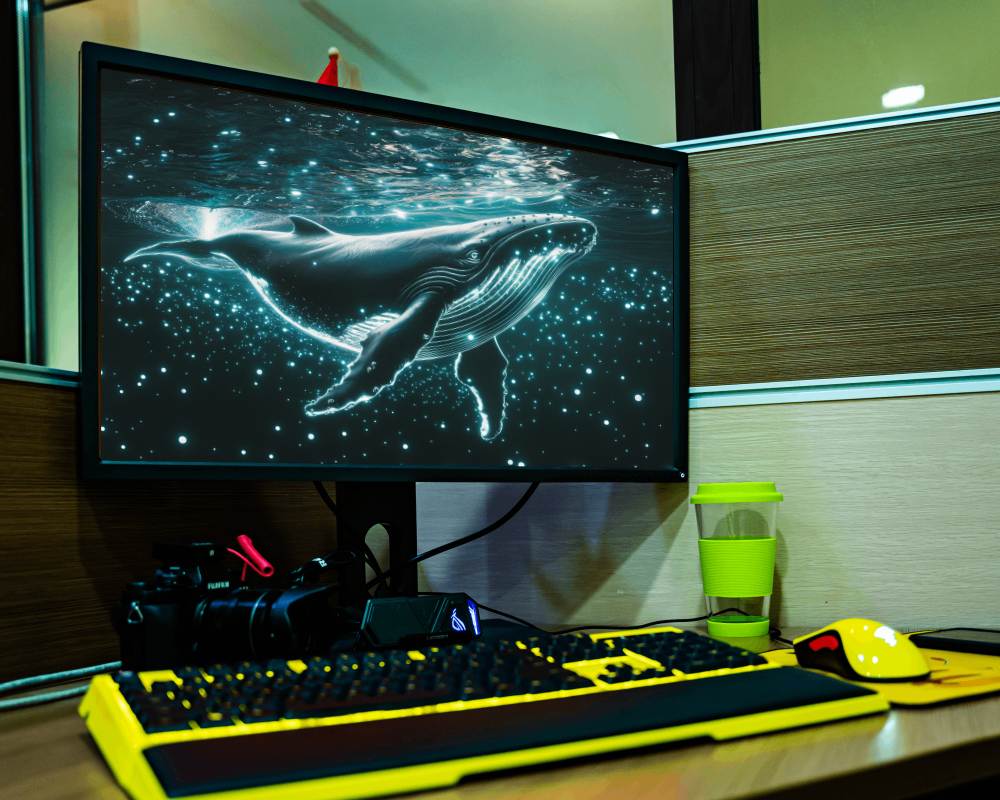
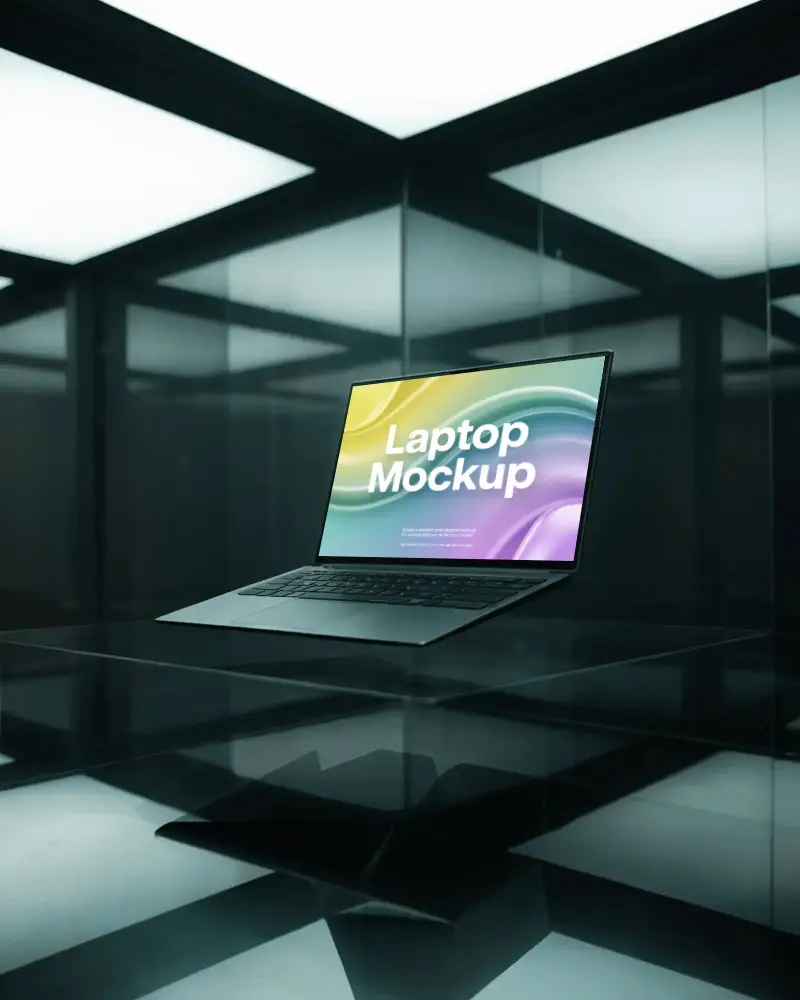
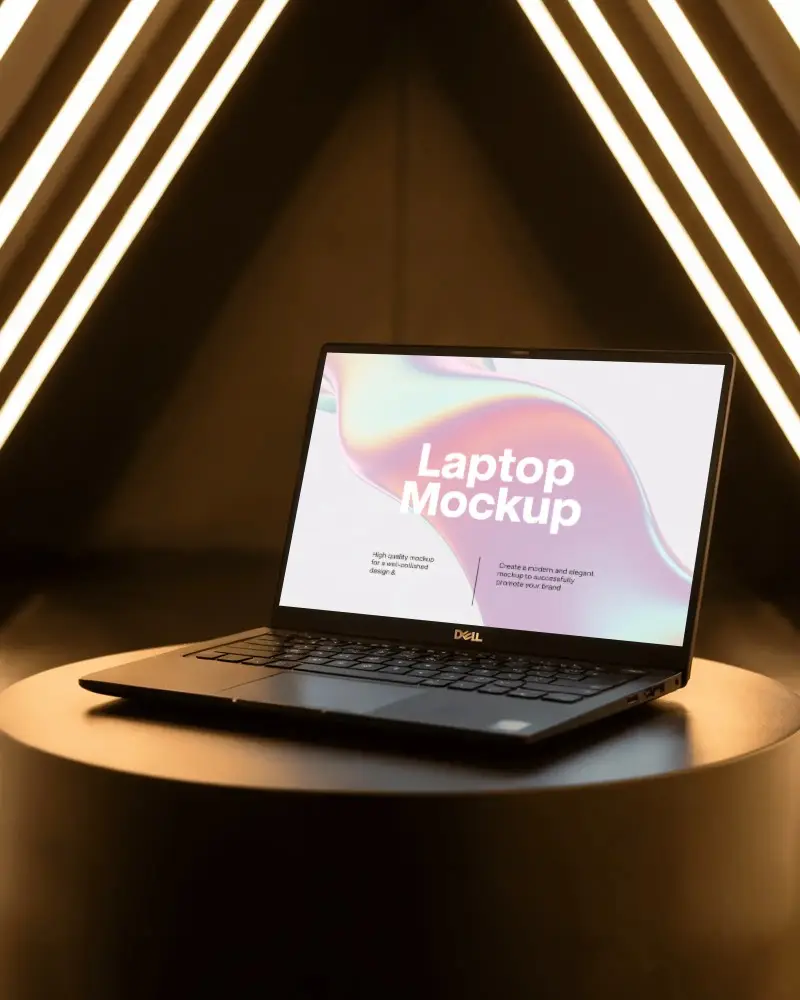
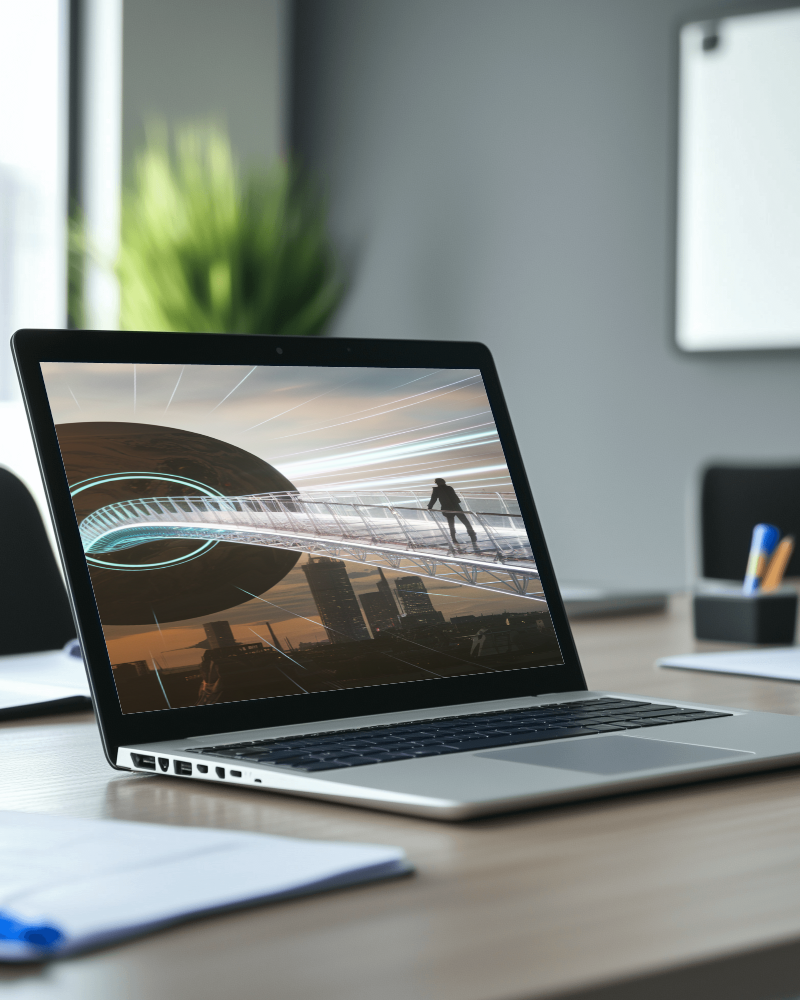
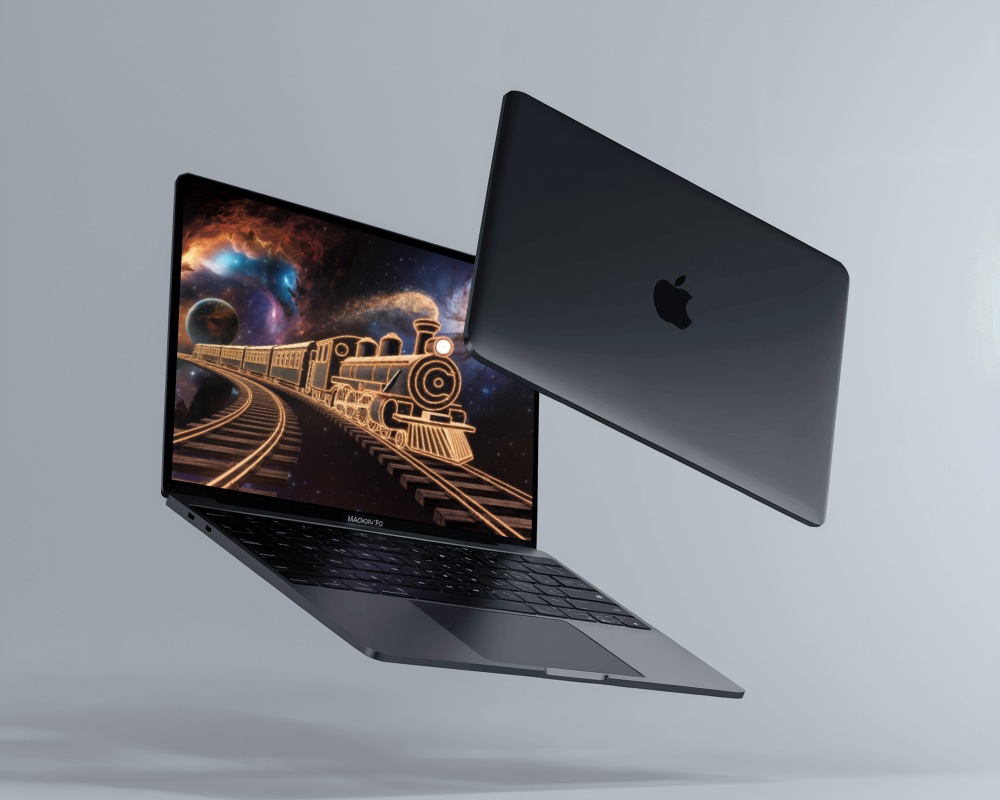
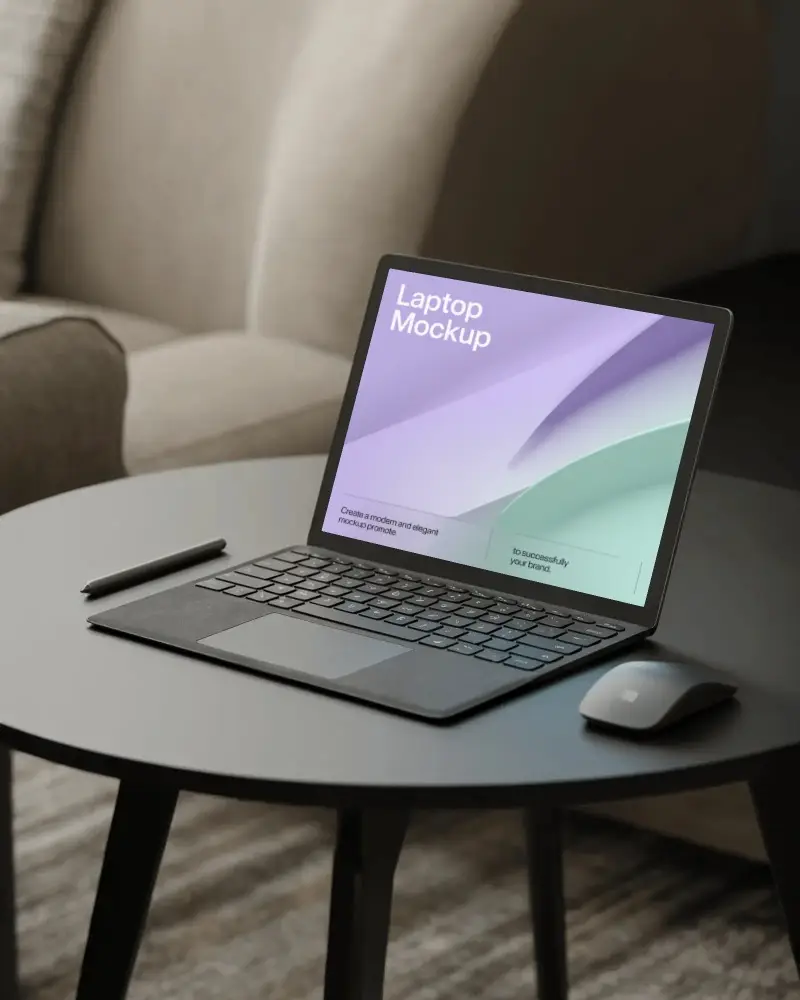
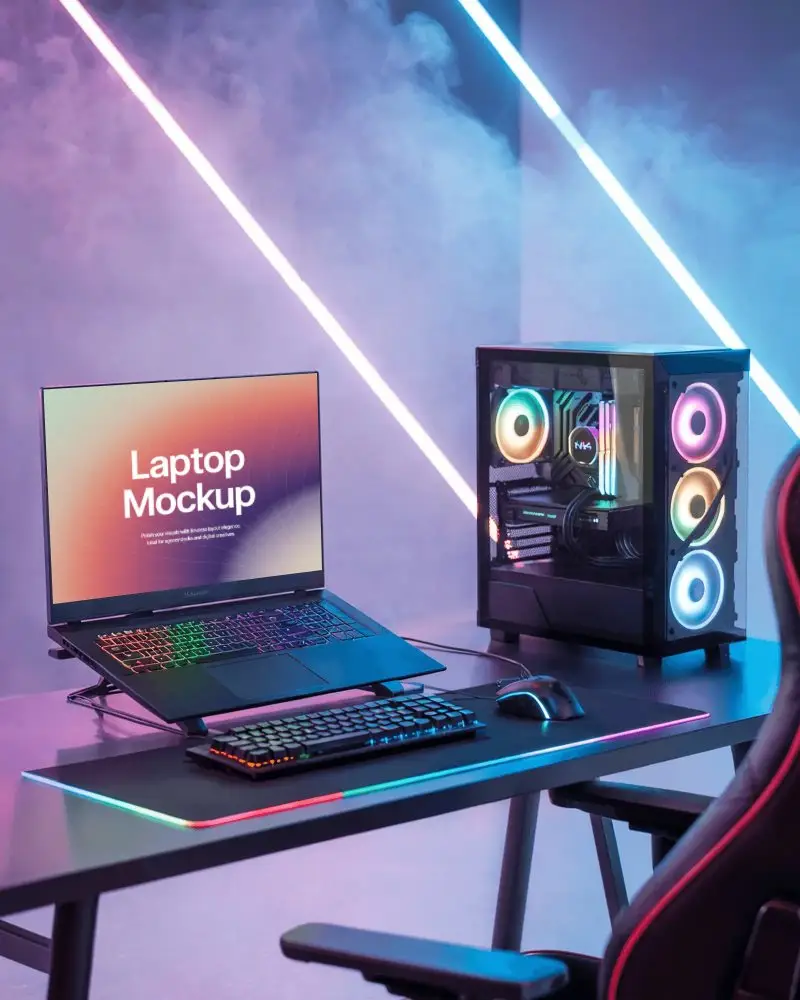
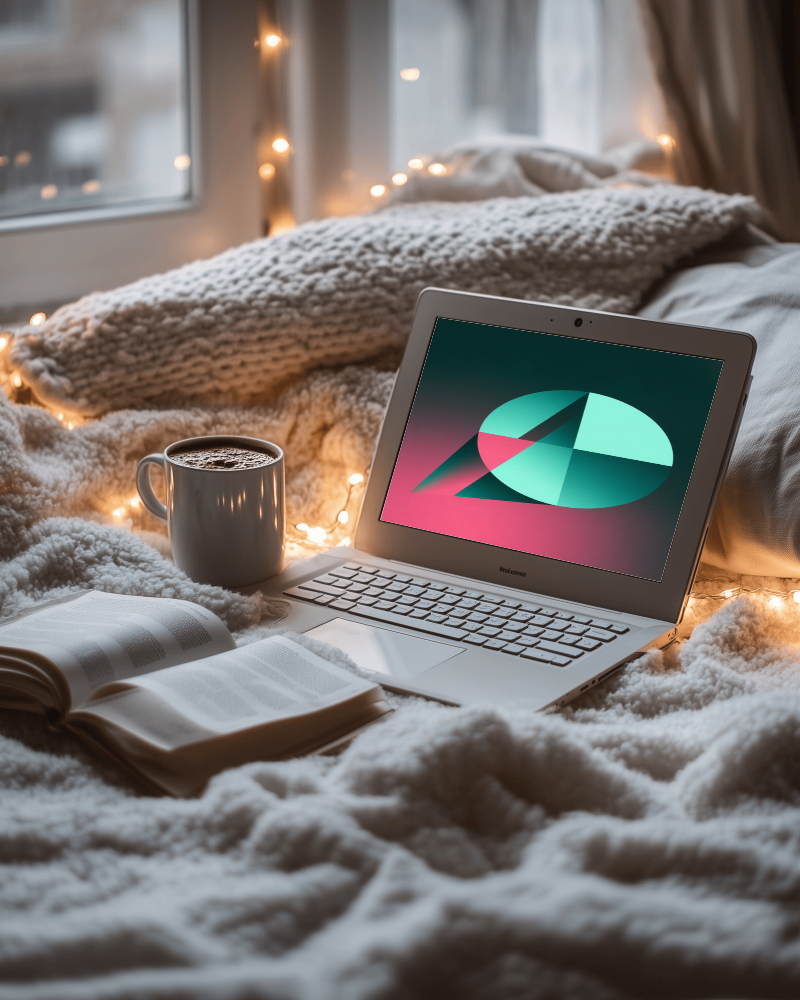
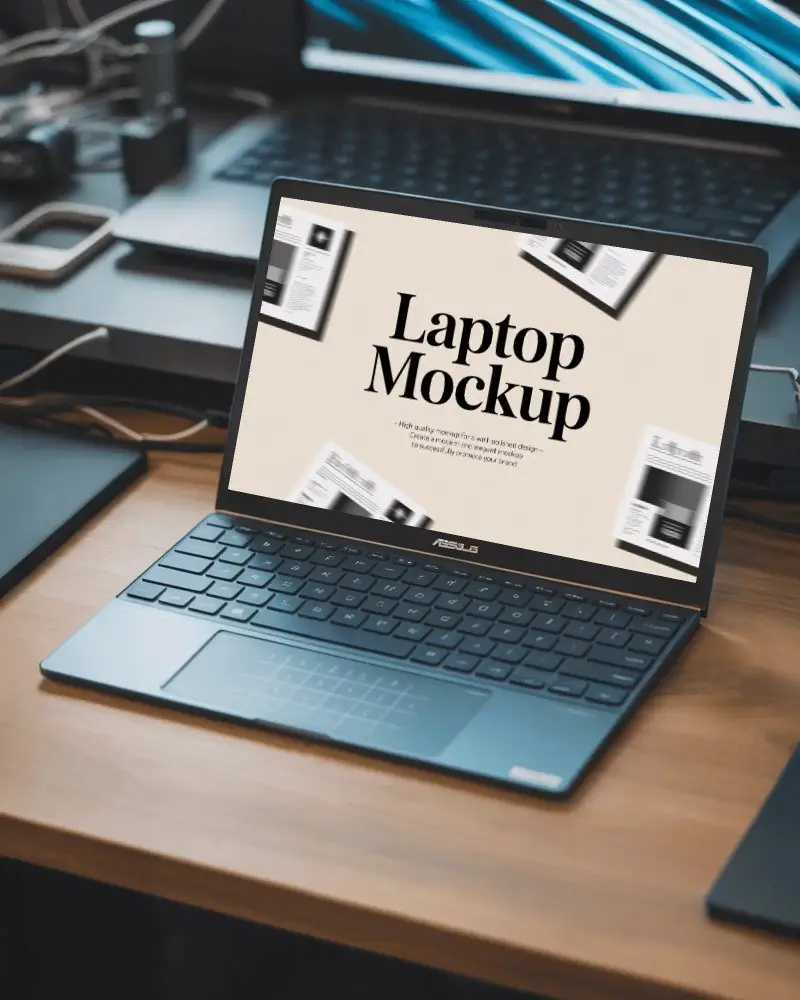
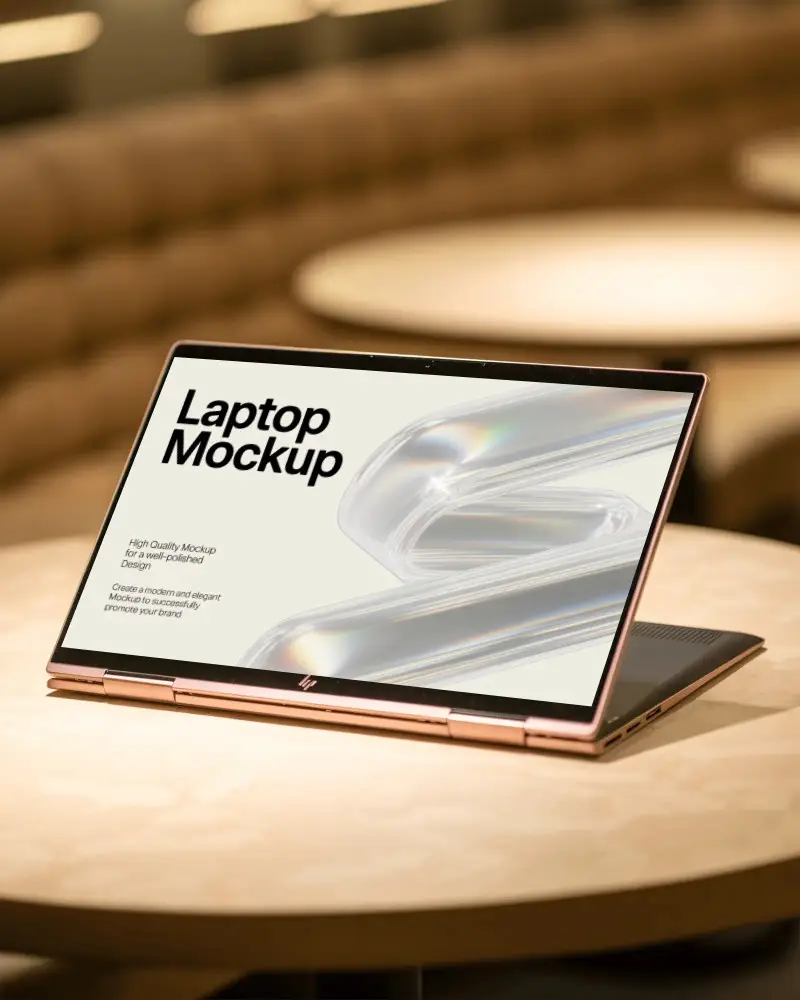
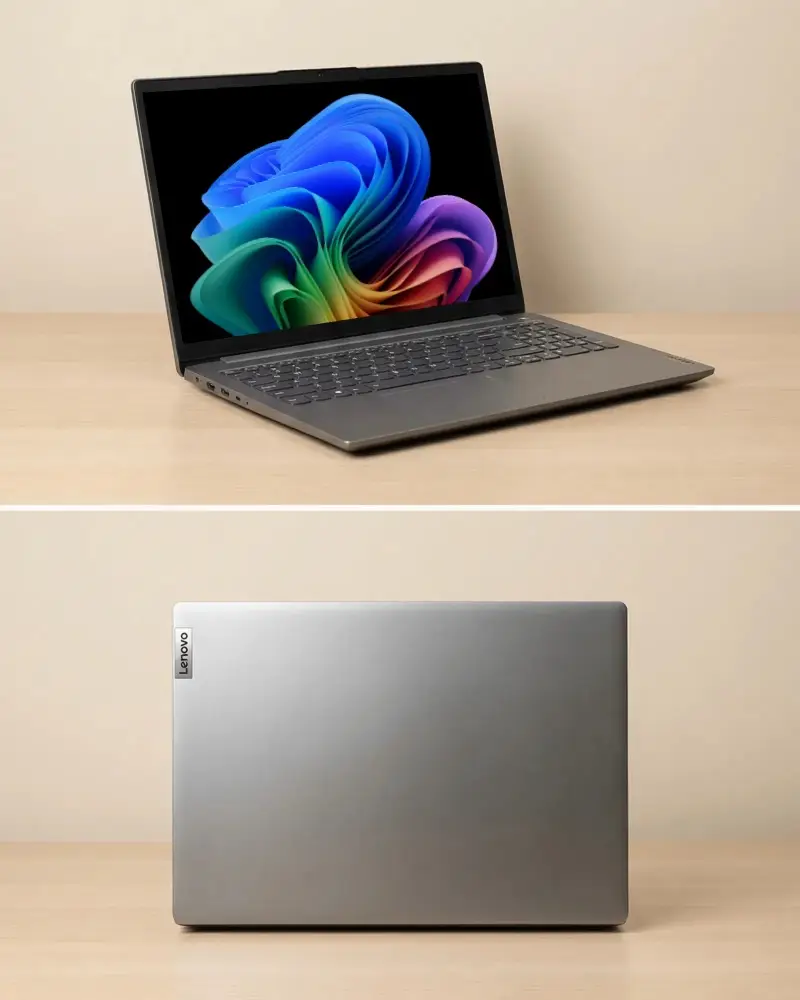
Mockey’s White laptop video mockup gives your screens the movement they deserve. Instead of static previews, your UI glides across a modern laptop frame with sharp clarity and realistic lighting—ideal for showcasing websites, dashboards, apps, or product demos in a sleek, professional way.
How to Create a White Laptop Video Mockup
To create a White laptop video mockup:
- Step 1: Choose the Pricing option and purchase a plan.
- Step 2: Open Video Mockups, select Laptop from the Tech category, choose a video template, and upload your design.
- Step 3: Crop and adjust your design, then click Generate Video to save the White laptop video mockup.


FAQs on White Laptop Video Mockups
Can I preview my UI instantly in the White laptop video mockup?
There is no live preview before export. Upload your UI design, generate the video, and preview it after the file is created.
Will the animation look smooth after exporting from the White laptop video mockup?
Yes, Mockey AI exports White laptop video mockups with smooth animation using optimized frame rate and resolution settings.
Do I need editing software to customize the White laptop video mockup?
No additional editing software is needed. Mockey AI’s built-in editor lets you customize and generate high-quality laptop video mockups easily.
Can I use the White laptop video mockup for paid ads or client presentations?
Yes, Mockey AI’s White laptop video mockups can be used for paid advertisements, client presentations, and other commercial purposes.
