Laptop Video Mockups
Showcase your designs with laptop video mockups that feel real and engaging. Add motion to your visuals, customize scenes fast, and create scroll stopping content for ads and social media.
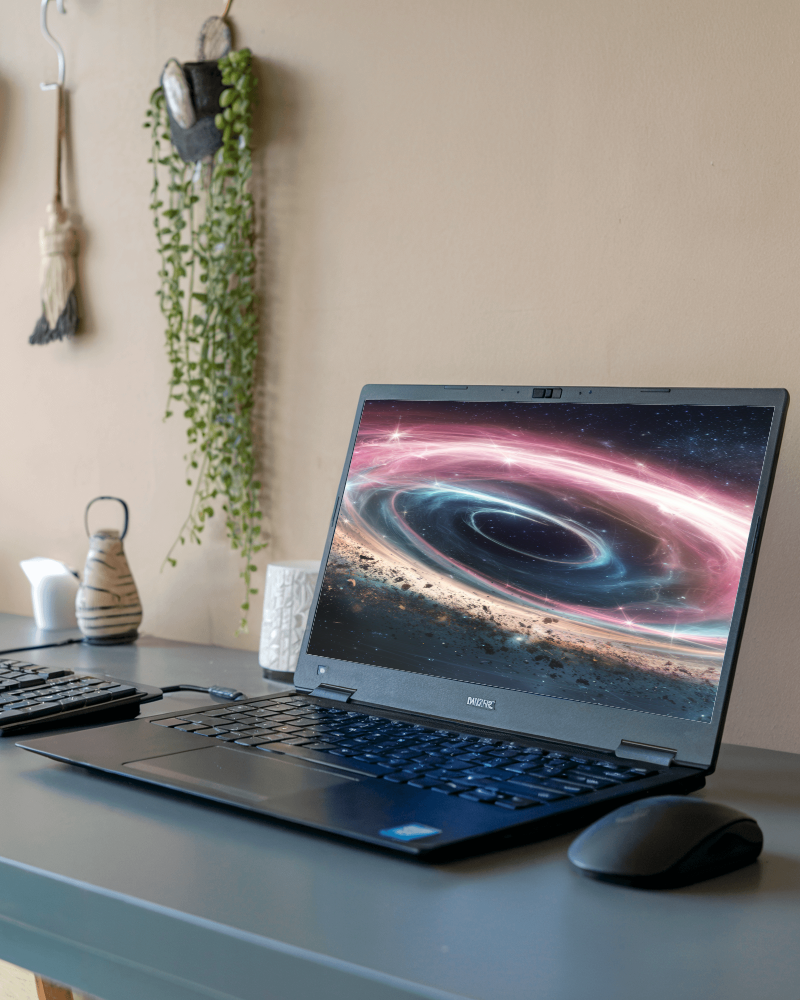
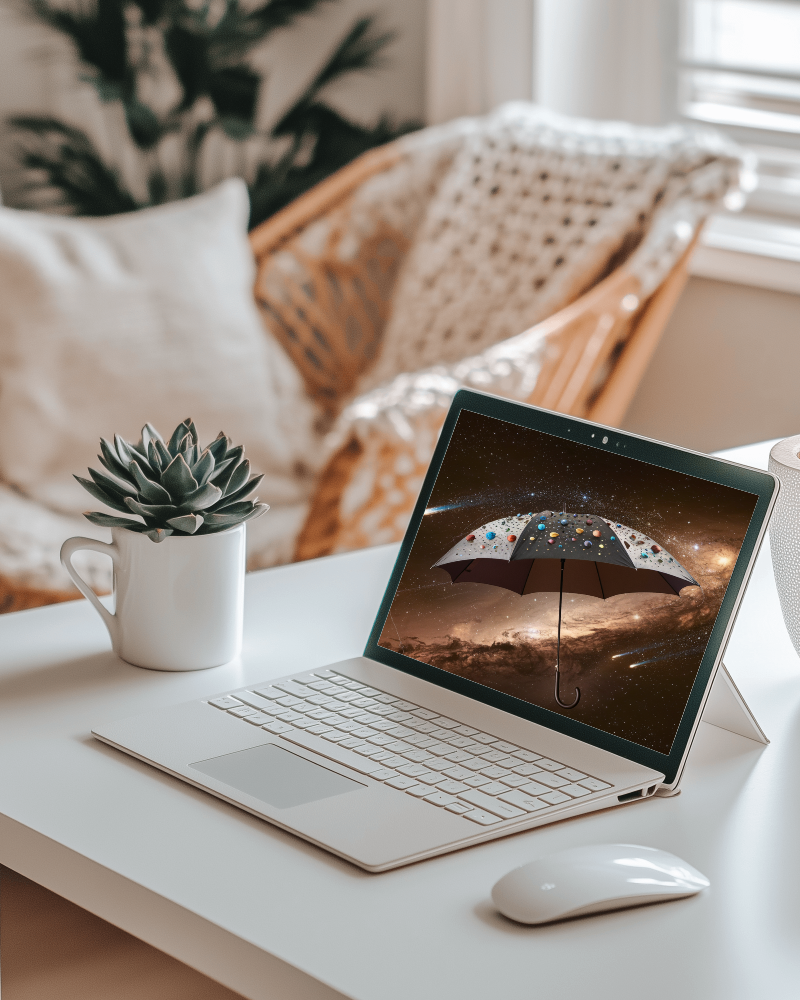
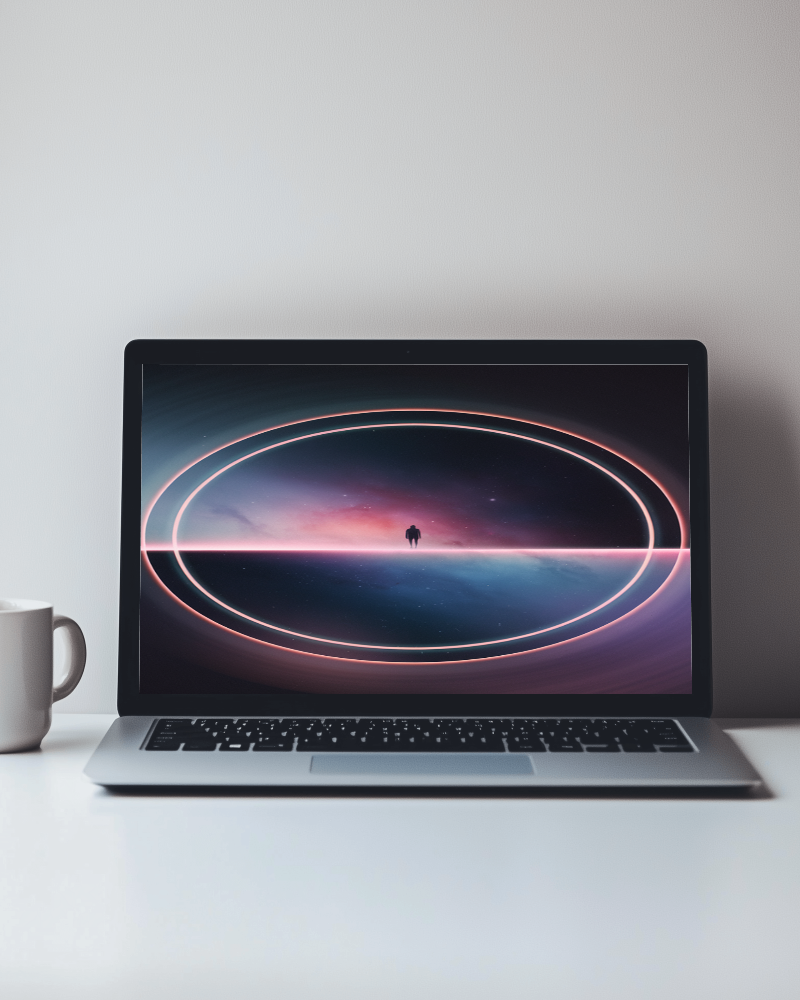
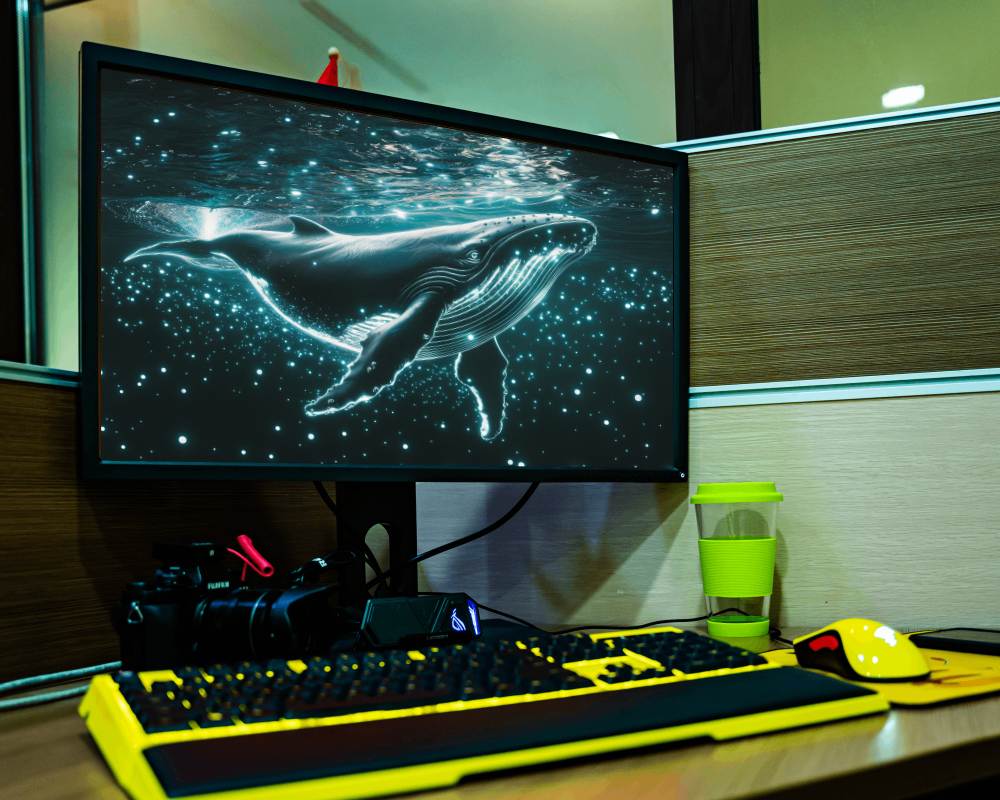
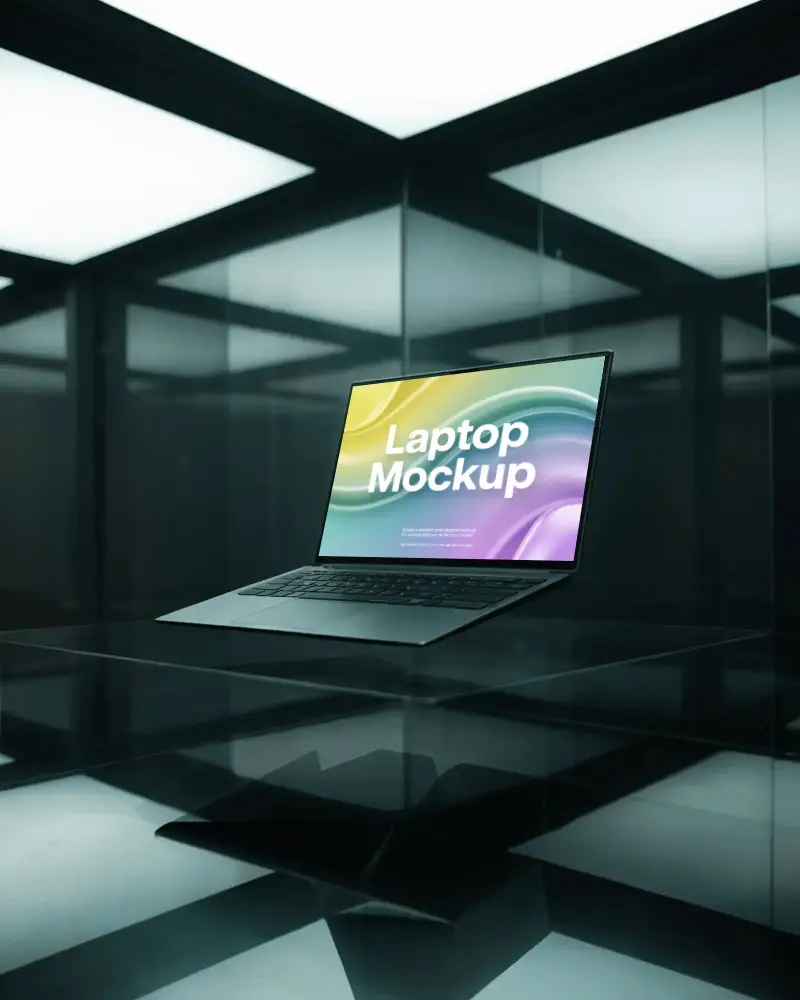
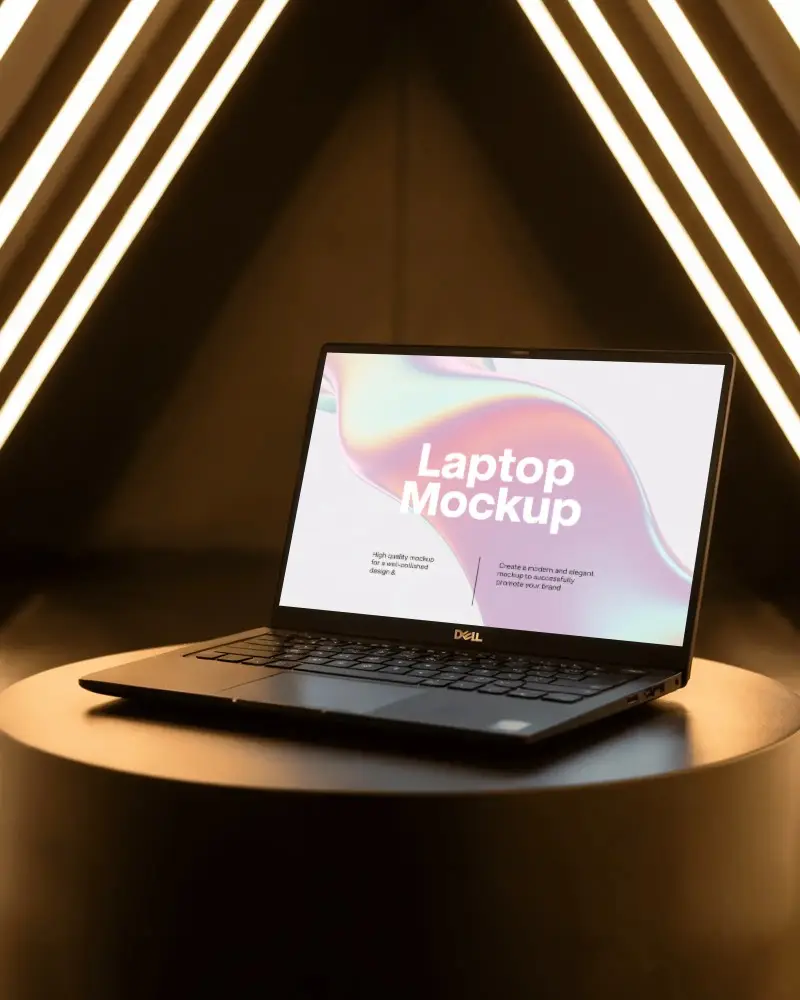
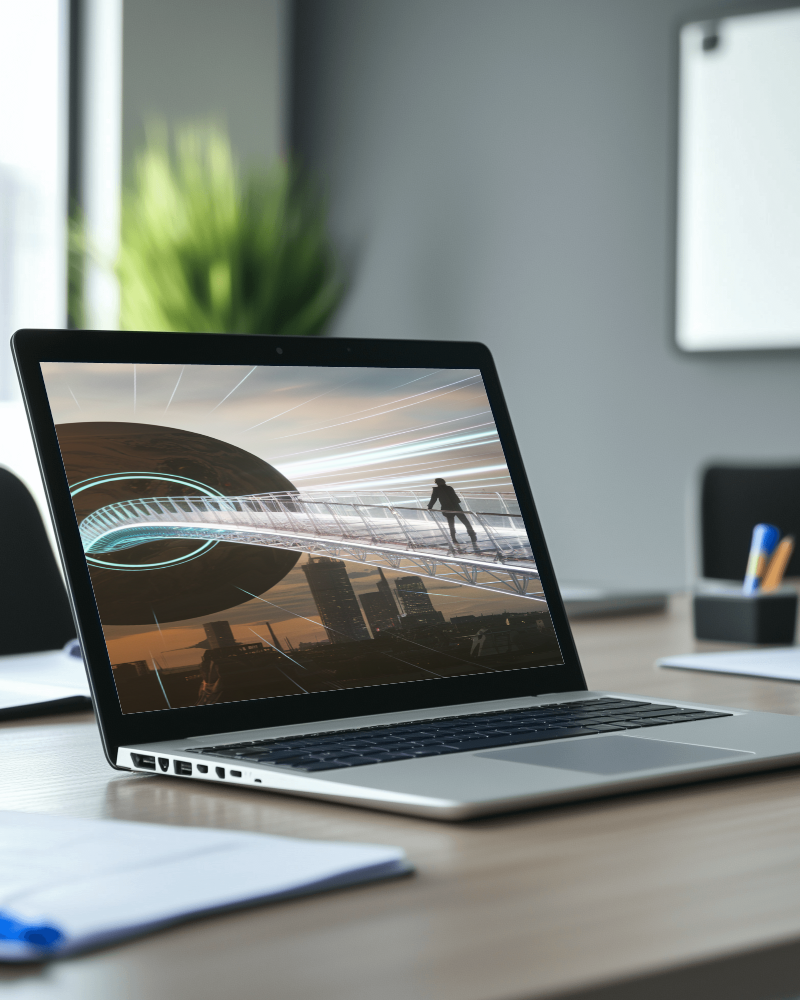
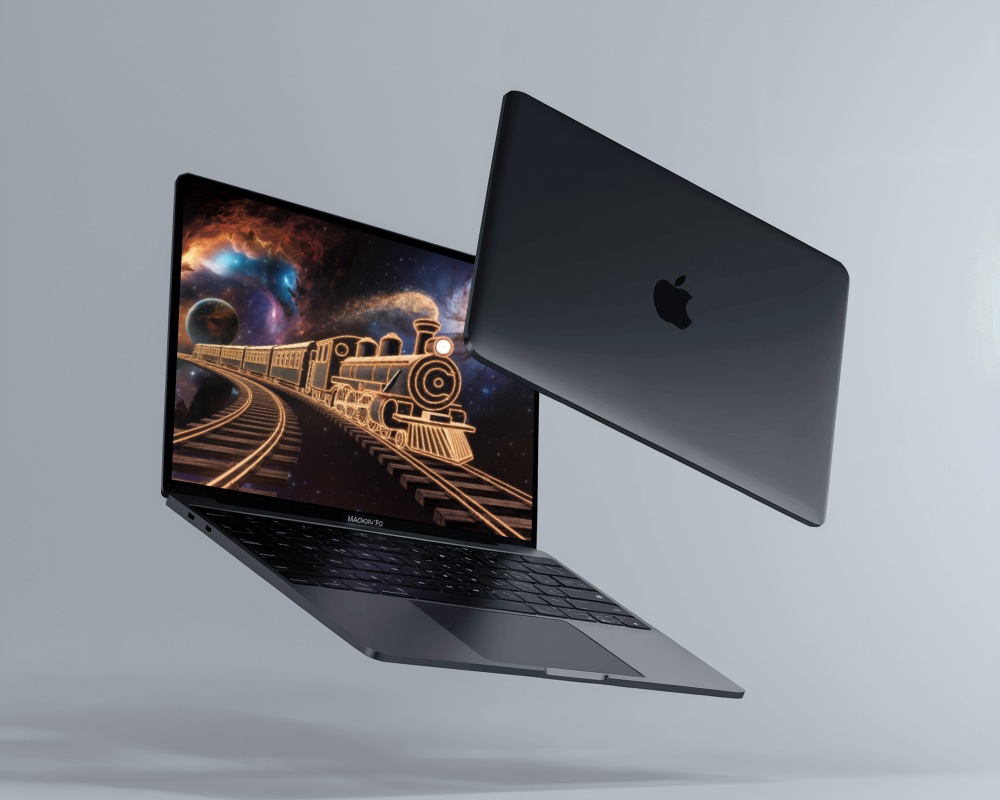
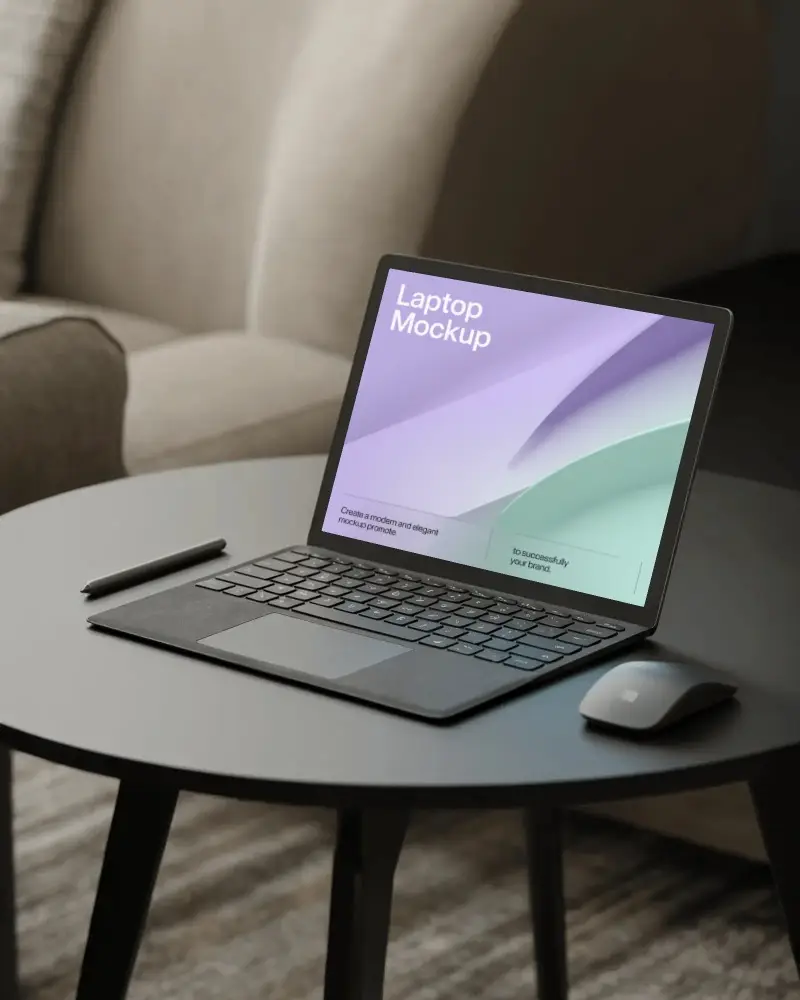
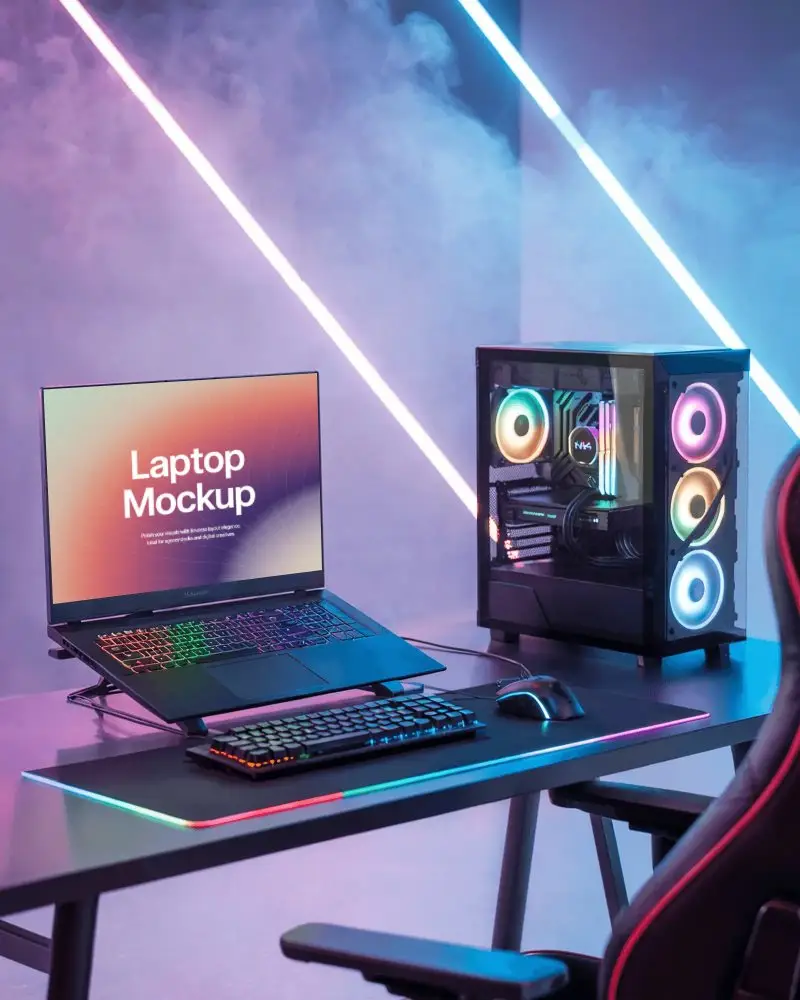
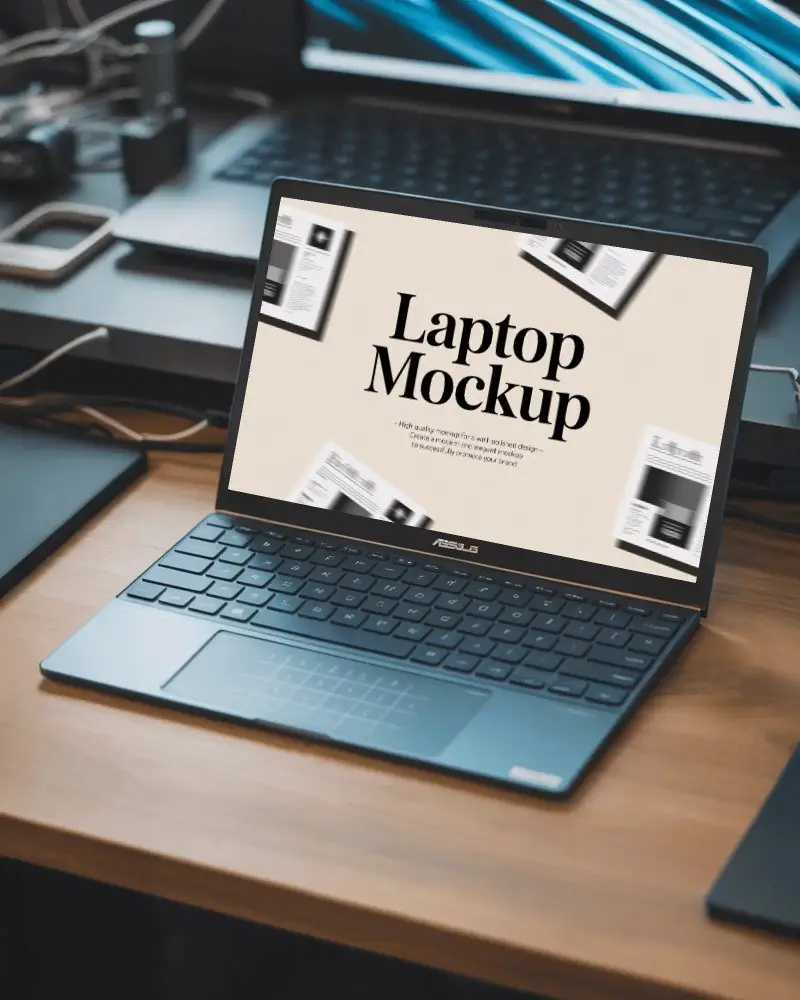
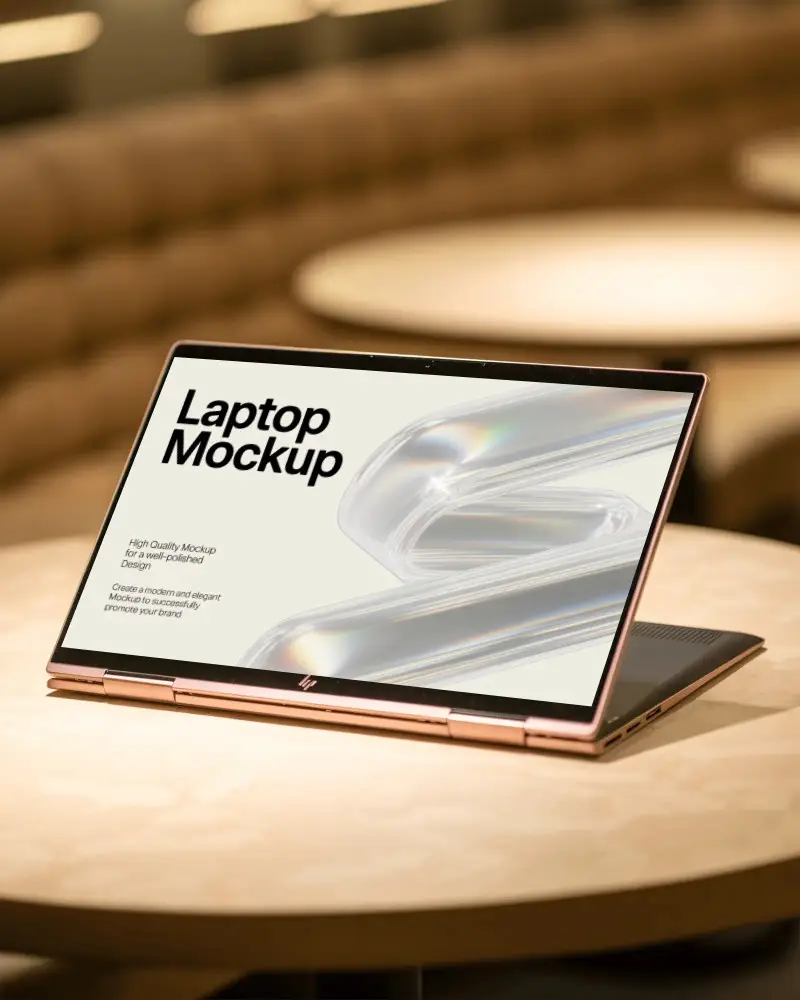
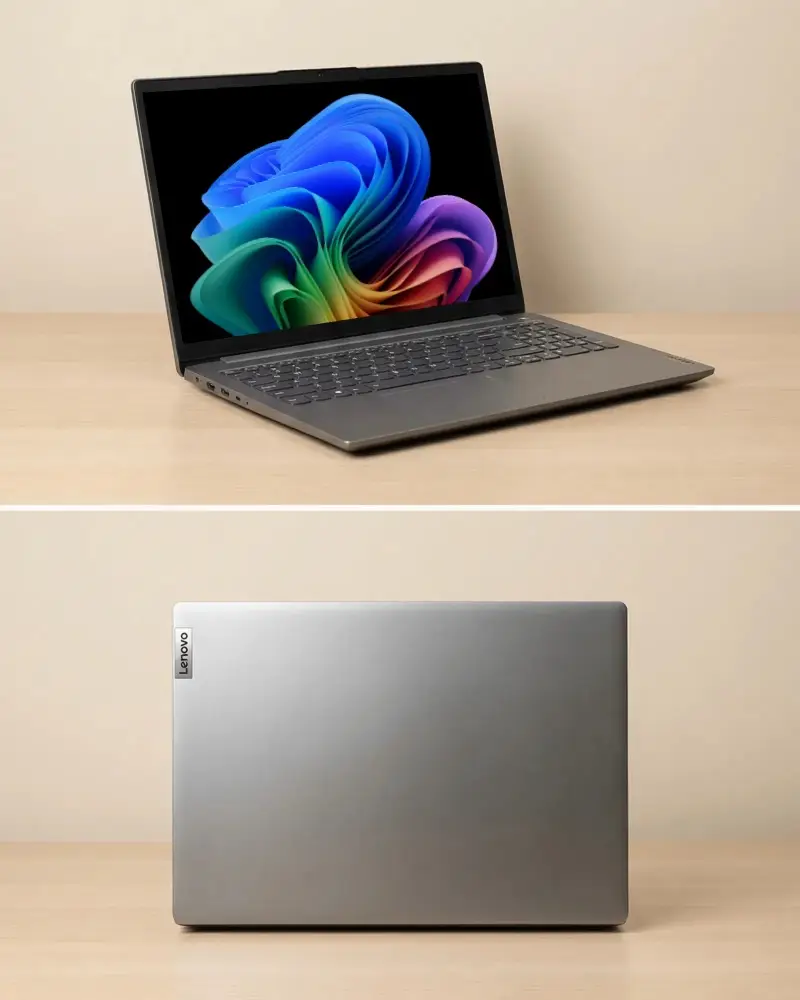
How to Create a Laptop Video Mockup in Mockey AI
To create laptop video mockups:
- Step 1: Select the 'Pricing' option and purchase the MAX plan.
- Step 2: Navigate to 'Video Mockups,' choose 'Laptop' from the Tech category, select a template that appeals to you, and upload your design.
- Step 3: Make any necessary customizations, then click on 'Generate Video' to produce and save the laptop video mockup.


FAQs on laptop Video Mockups
What is a laptop video mockup?
A laptop video mockup shows how a website, app, or layout will appear on a real laptop screen with smooth animations and transitions. Mockups are used by engineers and designers to test concepts and get feedback. Additionally, advertisers depend on them for professional presentations.
Why should I use Laptop Video Mockups?
Use laptop video mockups to display digital products like websites and apps in a video format. These moving mockups add a professional touch, show how users interact, and simplify complex designs. A product demo, marketing campaign, or investor pitch can benefit from them, where plain images often fail.
What formats can I export my laptop video mockup in?
You can save your laptop video mockup in MP4 format using Mockey AI. The most popular choice is MP4. It runs on nearly all platforms and provides clear quality.
Can I upload my own screen design or website?
You can upload your own screen design, website screenshot, or any image format onto a laptop device and download it as a short video clip.
Where can I use laptop video mockups?
You can use laptop video mockups for product promotion, virtual presentations, social media marketing, or app demonstrations.
