Box Valentine's Day Video Mockups
Show your Box designs in a romantic and emotional way with Mockey AI's Valentine's Day video mockups. Whether you are targeting couples, Galentine's Day shoppers, or gift buyers, these video templates help your products stand out during the love season with realistic motion and heartfelt scenes.
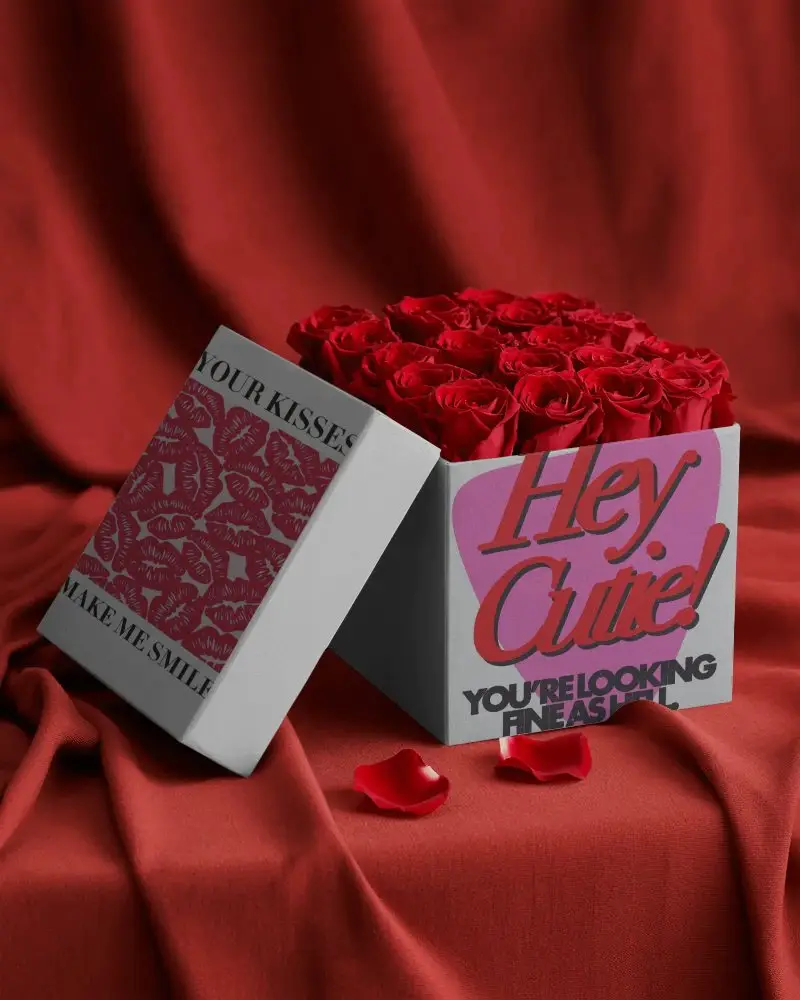
How to Create a Box Valentine Video Mockup
To create a Box Valentine's video mockup:
- Step 1: Choose a Valentine's Day video template that fits your Box product.
- Step 2: Upload your designs, adjust placement, or modify colors.
- Step 3: Save the Box Valentine video mockup after clicking Generate Video.


FAQs on Valentine Box Video Mockups
What is a Box Valentine video mockup?
A Box Valentine video mockup is a ready-made short video template where you can place your design and instantly create a romantic-themed video. You just upload your design, and the video is ready.
How is a Box Valentine video mockup different from a normal video template?
The main difference is focus and usage. A normal template is made for general use. But a Box Valentine video mockup focuses on your product and adds a romantic feel. It shows your product as if it is part of a real Valentine's moment, and it is mainly used to help you sell.
What products can I use in Box Valentine video mockups?
You can create Box Valentine's video mockups for multiple products like t-shirts, gift boxes, greeting cards, and more.
Do Box Valentine video mockups include sound?
All the Box Valentine video mockups are silent by default. You can add your own music to Instagram or TikTok, which makes this better.
