Hand Holding Business Card Video Mockup Templates Download Online
Create high-quality blank business card video mockups with Mockey’s advanced video mockup generator. Customize backgrounds, lighting, and presentation style, and showcase your Hand Holding designs with smooth, engaging visuals that feel professional and polished.
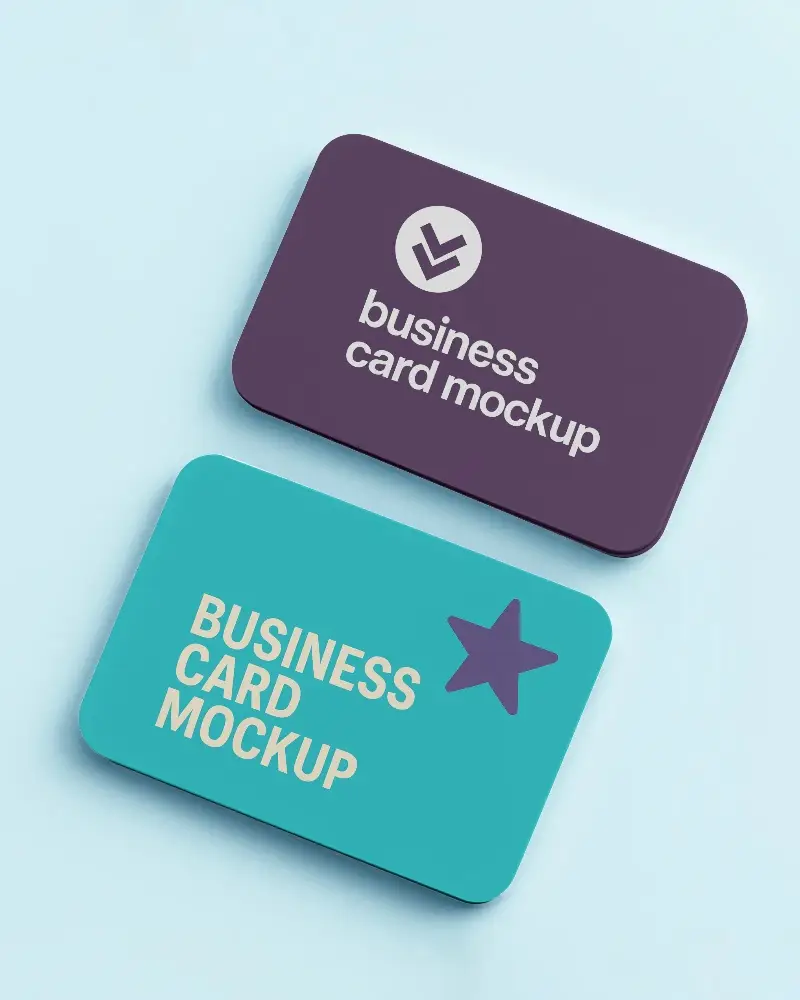
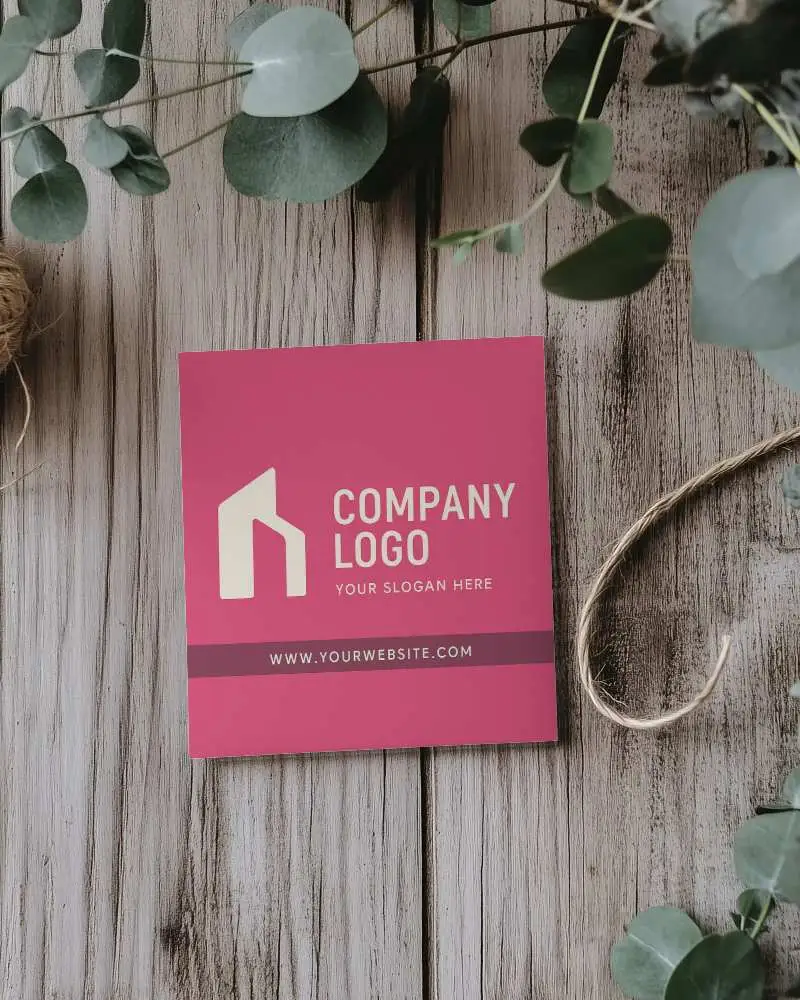
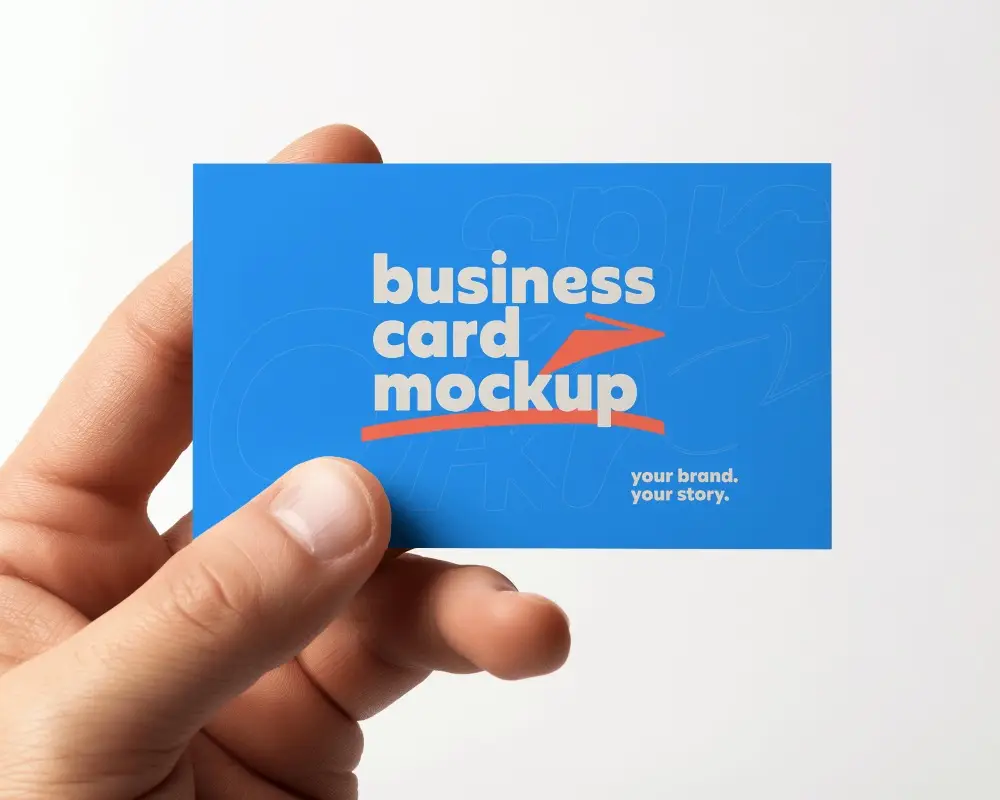
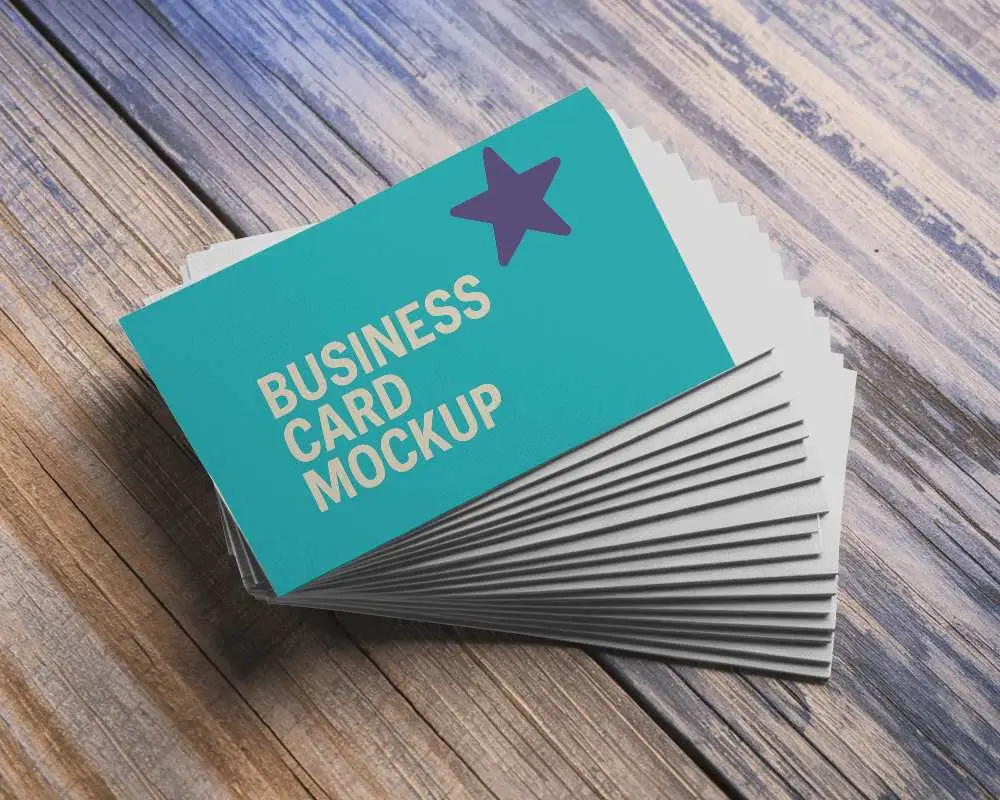
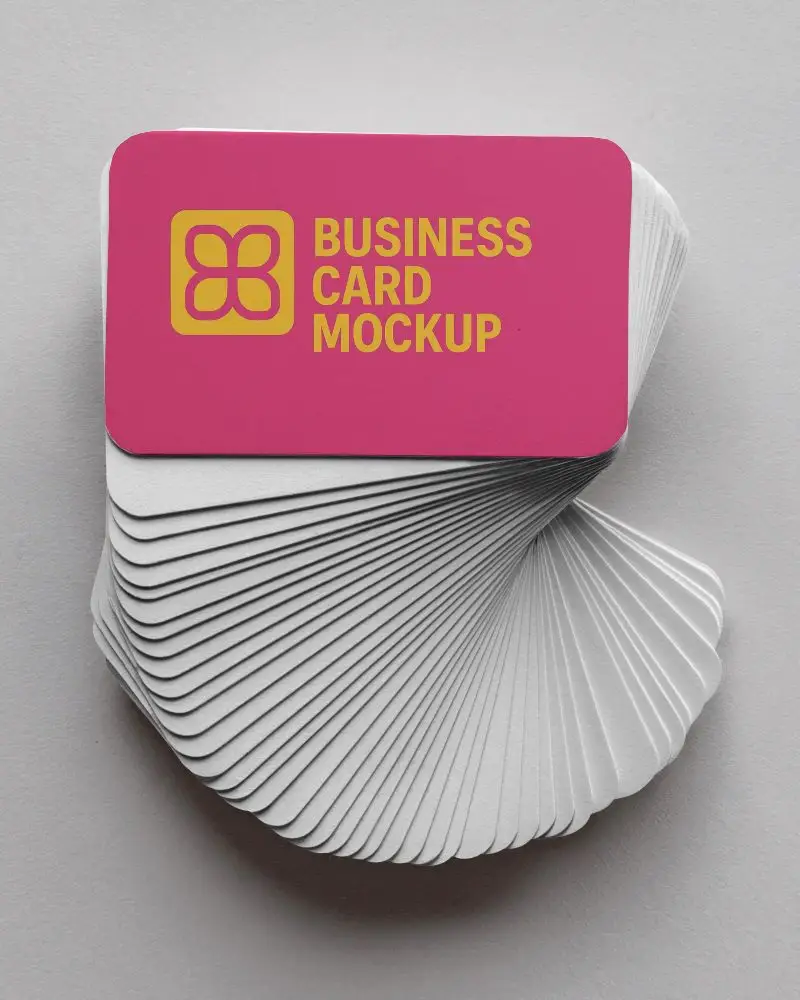
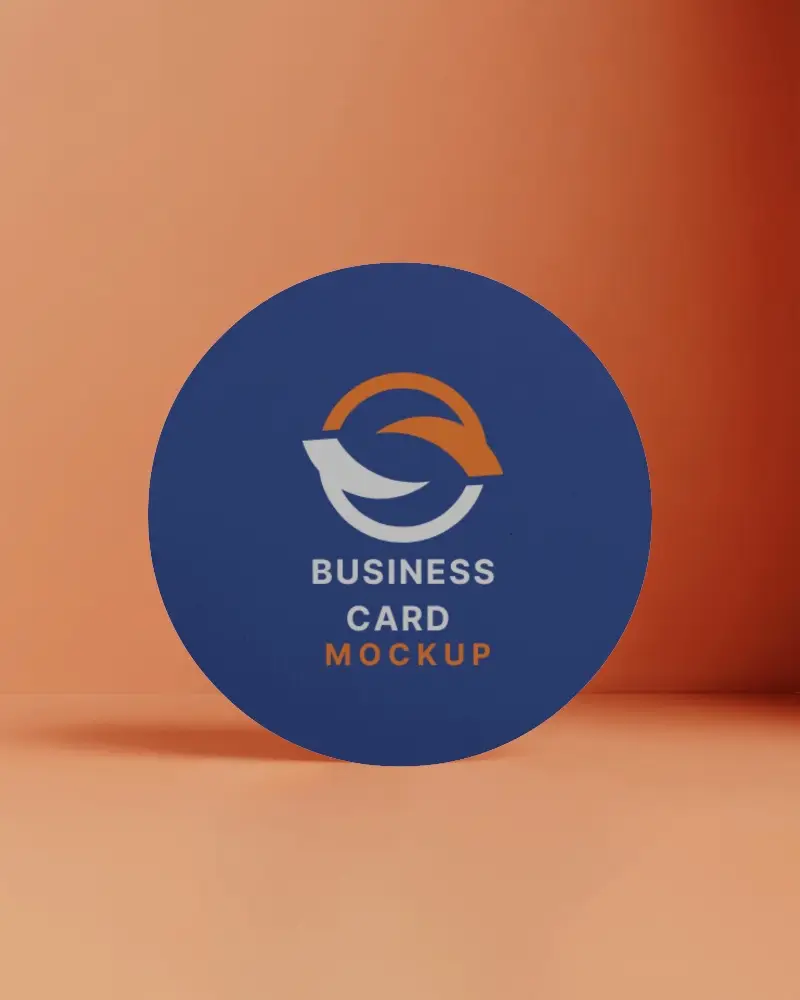
How to Create a Hand Holding Business Card Video Mockup with Mockey
To create Hand Holding blank business card video mockups:
- Step 1: Switch to the CREATOR or ELITE plan and open the Video Mockups section.
- Step 2: Go to Print > Business Card > Hand Holding and choose a video template.
- Step 3: Upload your design, make basic customizations, and click Generate Video to save the Hand Holding business card video mockup.


FAQs on Hand Holding Business Card Video Mockups
What makes a blank business card video mockup effective for branding?
An effective Hand Holding blank business card video mockup adds smooth motion and realistic detail that builds trust. The animated presentation gives your brand a premium and professional feel even before printing.
Who can benefit from using blank business card video mockups?
Graphic designers, marketing agencies, freelancers, e-commerce businesses, and printing companies all benefit from using Hand Holding blank business card video mockups to present designs clearly and professionally.
Can I customize animations in a blank business card video mockup?
You cannot customize the animation itself in Hand Holding blank business card video mockups. You can upload your design and adjust colors, and the final MP4 video will export exactly as shown in the preview.
Are blank business card video mockups suitable for social media promotions?
Hand Holding blank business card video mockups work very well for social media promotions. Their clean motion and visual appeal help attract attention and make a strong impression on potential clients.
