Oversized Book Video Mockup Templates
Generate high-quality Oversized book video mockups using Mockey’s advanced video mockup generator. Customize scenes, apply animations, and showcase your Oversized book designs with dynamic, high-quality visual presentations.
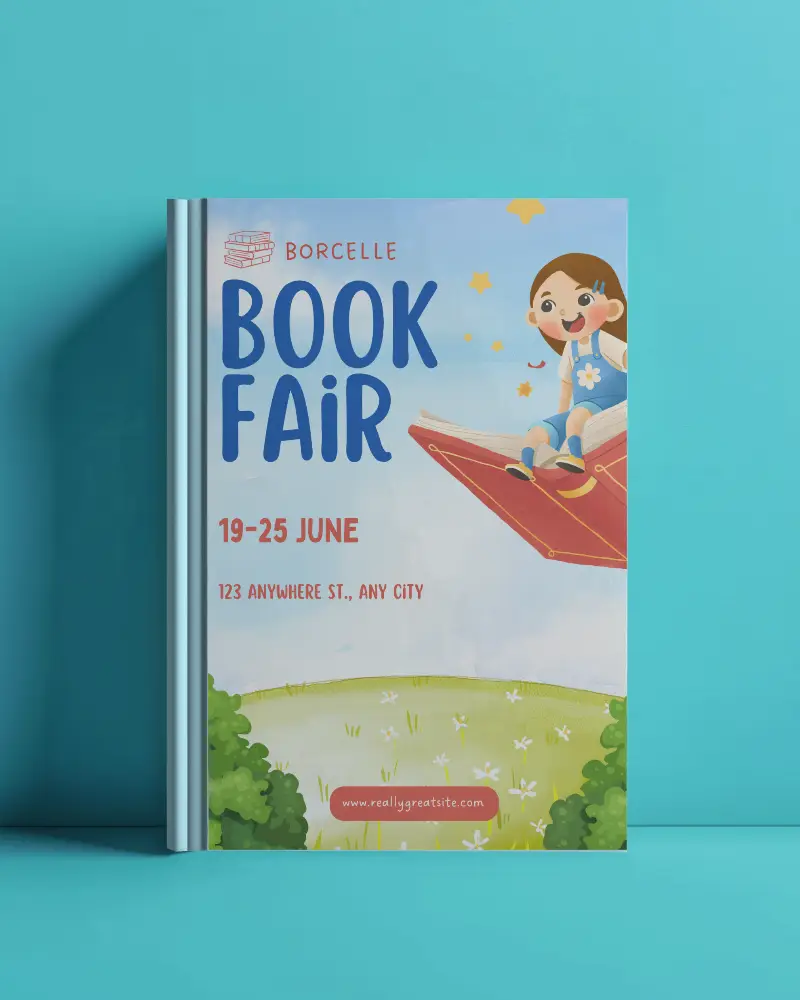
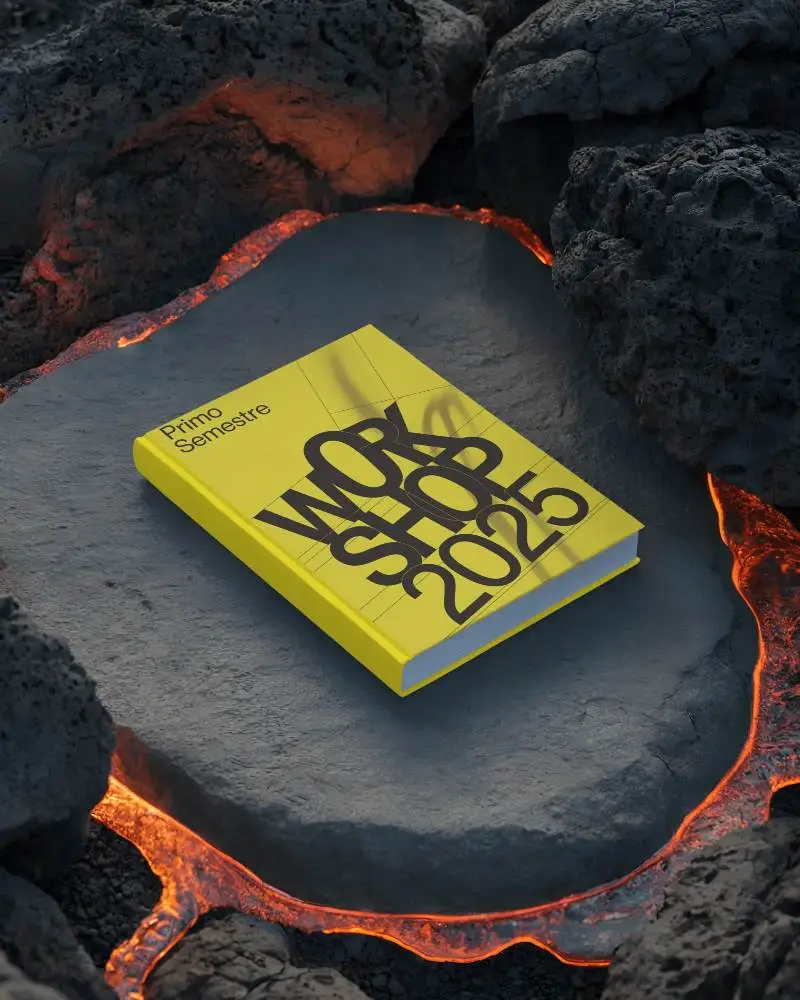
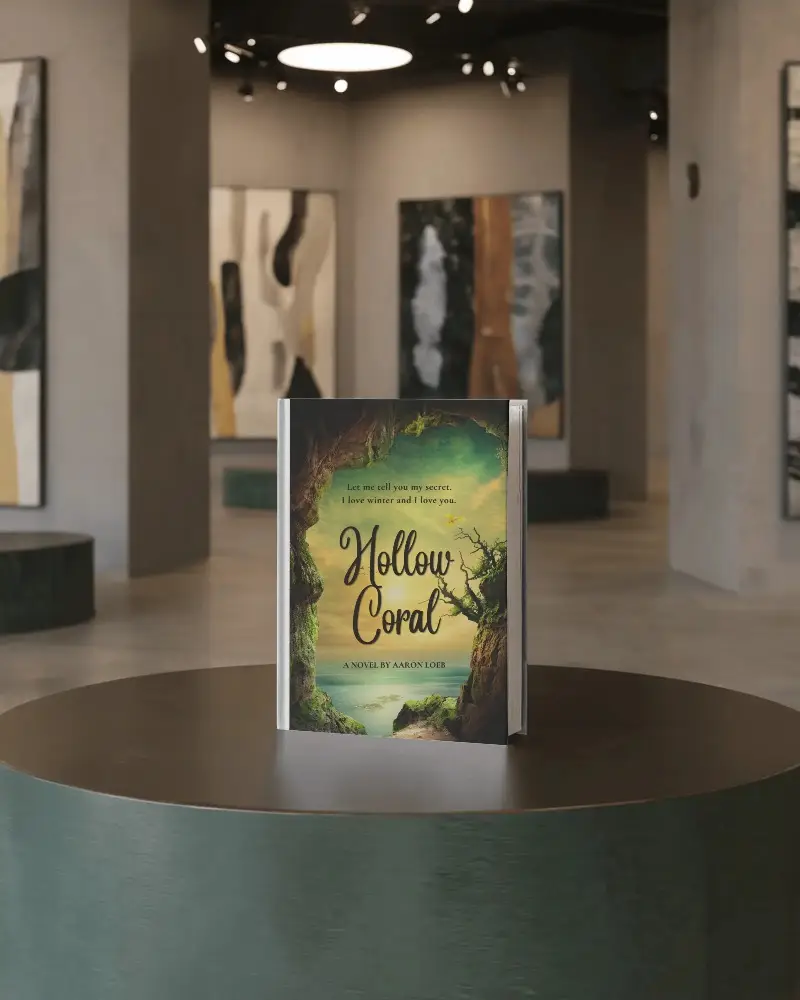
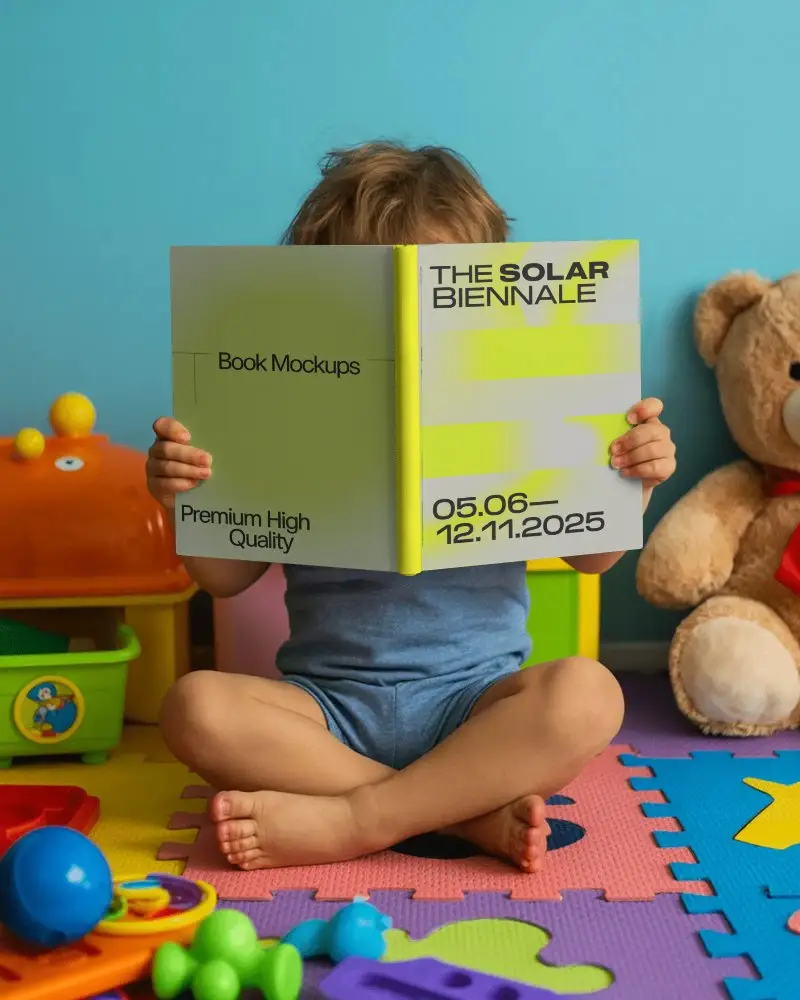
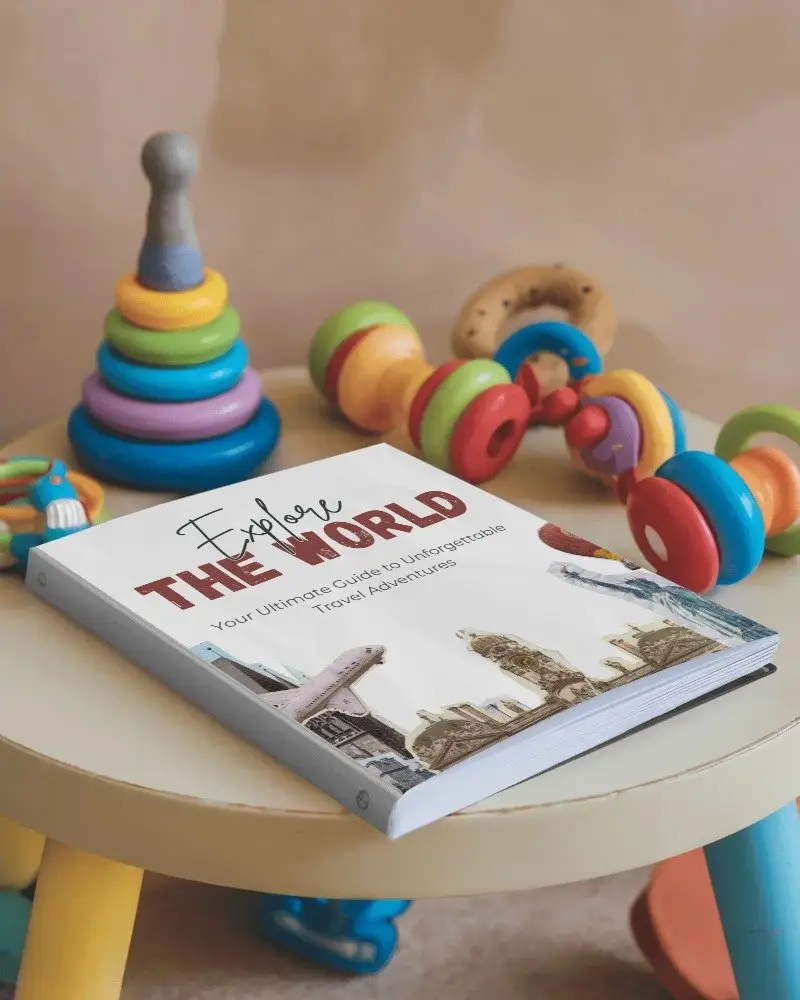
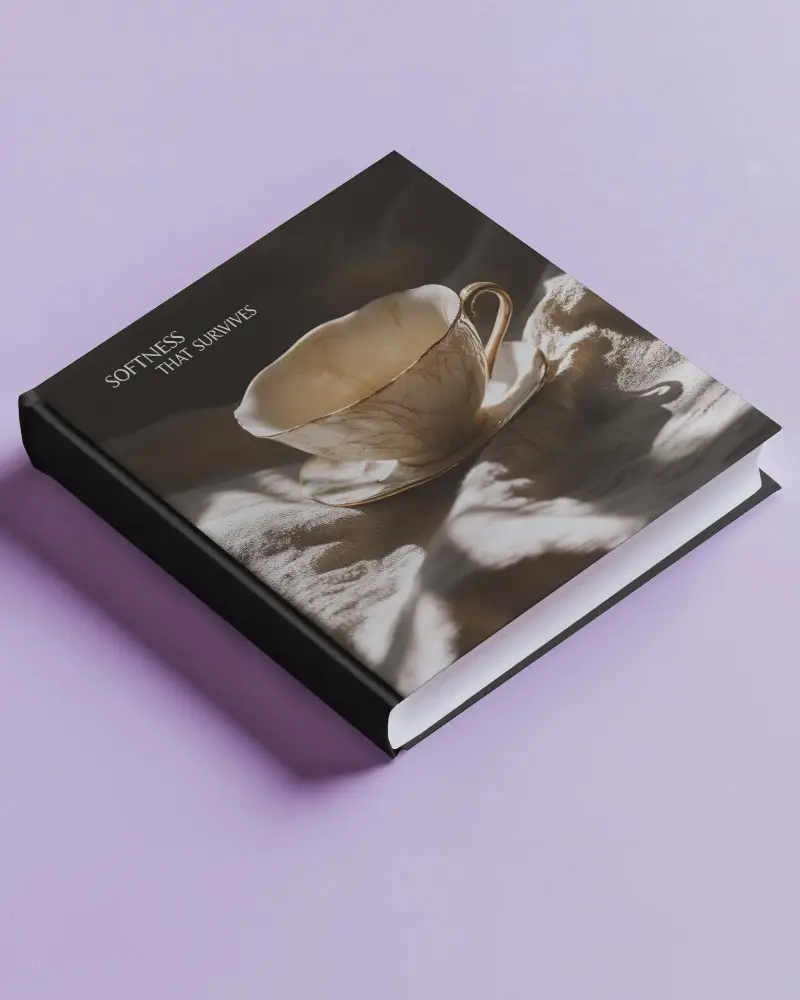
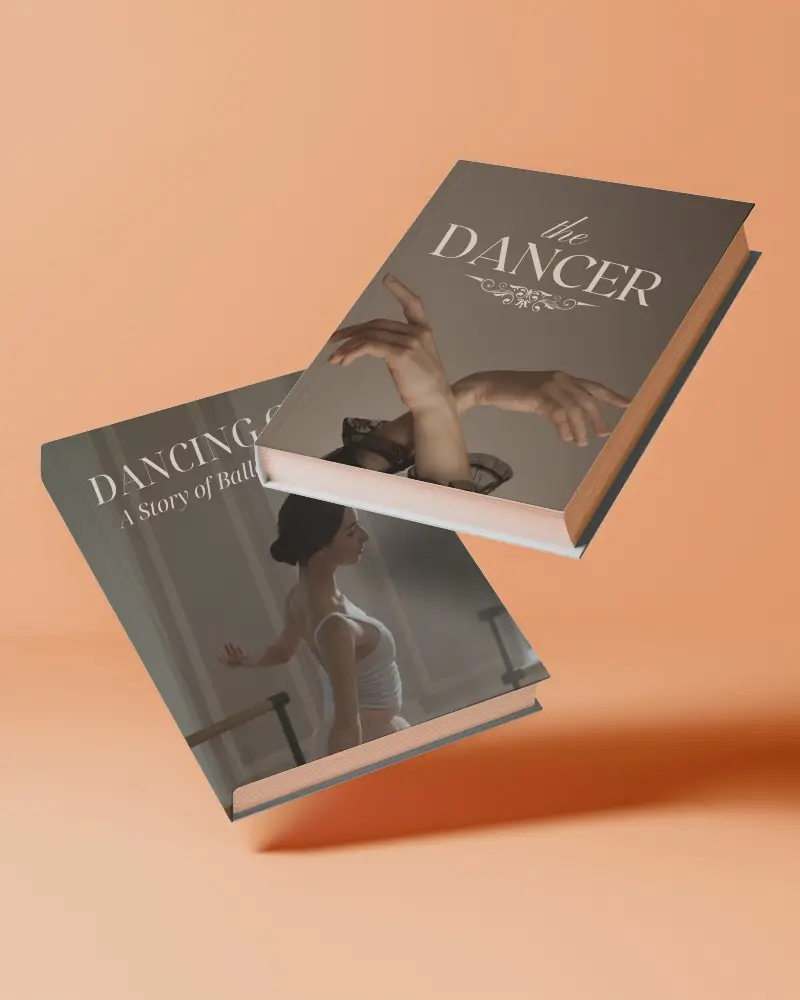
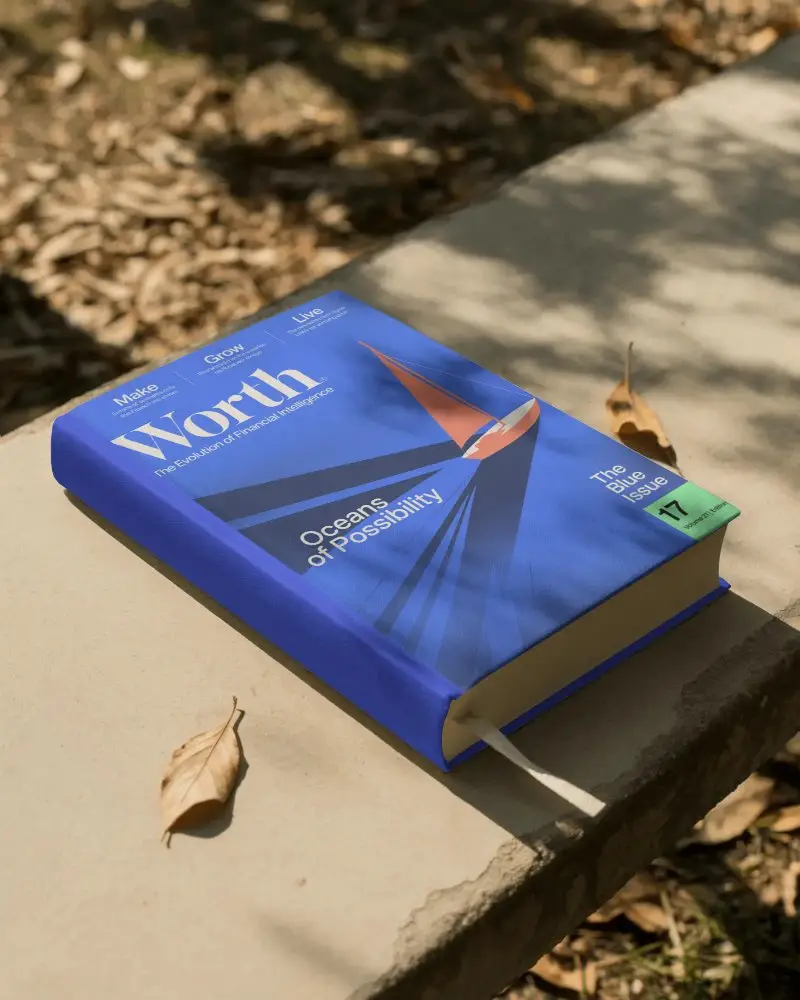
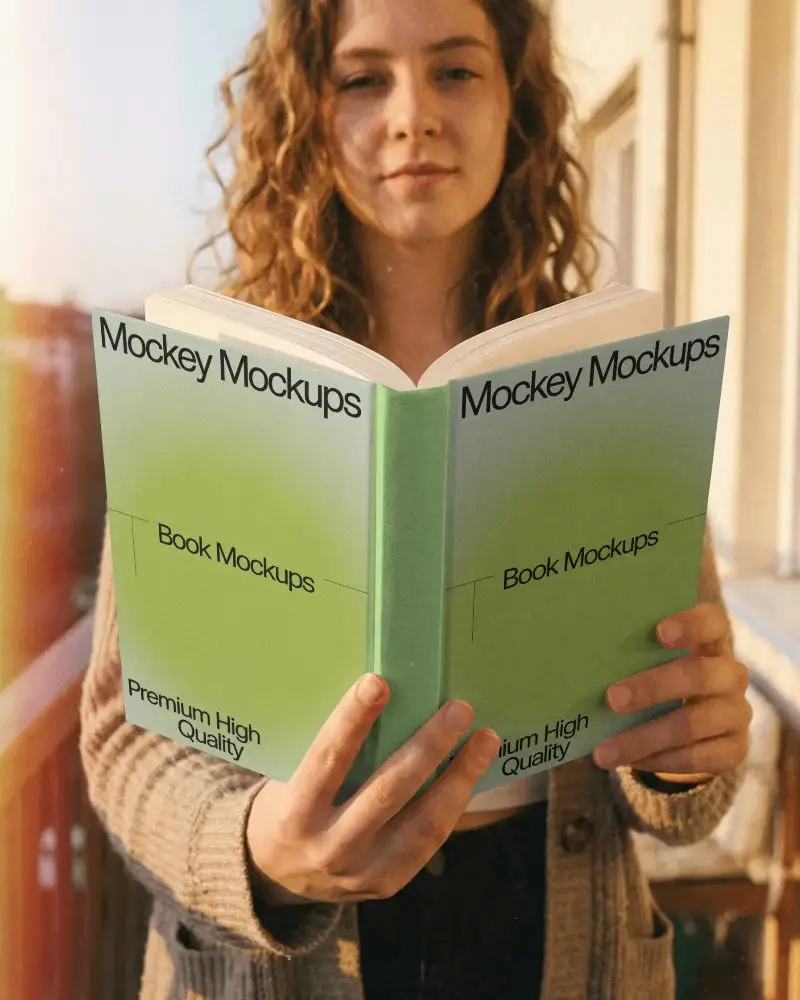
How to Create a Oversized Book Video Mockup with Mockey
To create Oversized book video mockups:
- Step 1: Select the Pricing option and purchase the CREATOR or ELITE plan.
- Step 2: Navigate to Video Mockups, then follow Print > Book > Oversized. Choose a video template and upload your design.
- Step 3: Make any required customizations and click Generate Video to produce and save the Oversized book video mockup.


FAQs on Oversized T Shirt Video Mockups
What makes a Oversized book video mockup effective for branding?
A well-made Oversized book video mockup uses smooth rendered motion and realistic detail to build trust. It makes the brand feel premium even before the book is printed.
Who can benefit from using Oversized book video mockups?
Oversized book video mockups help authors, publishers, designers, marketers, and educators present their books professionally. Covers, inner pages, catalogs, comics, and journals feel more engaging in motion.
Can I customize animation styles in a Oversized book video mockup?
When creating a Oversized book video mockup in Mockey AI, the animation style is fixed. You can upload your design and make visual adjustments, and the final MP4 will download exactly as shown in the preview.
Are Oversized book video mockups suitable for social media promotions?
All Oversized book video mockup templates from Mockey AI are suitable for social media promotions. Their eye-catching motion helps create a strong first impression on viewers.
What formats can I export my Oversized book video mockup?
Using Mockey AI, you can export your Oversized book video mockups in MP4 format, ready for use across websites, ads, and social platforms.
