cosmetic
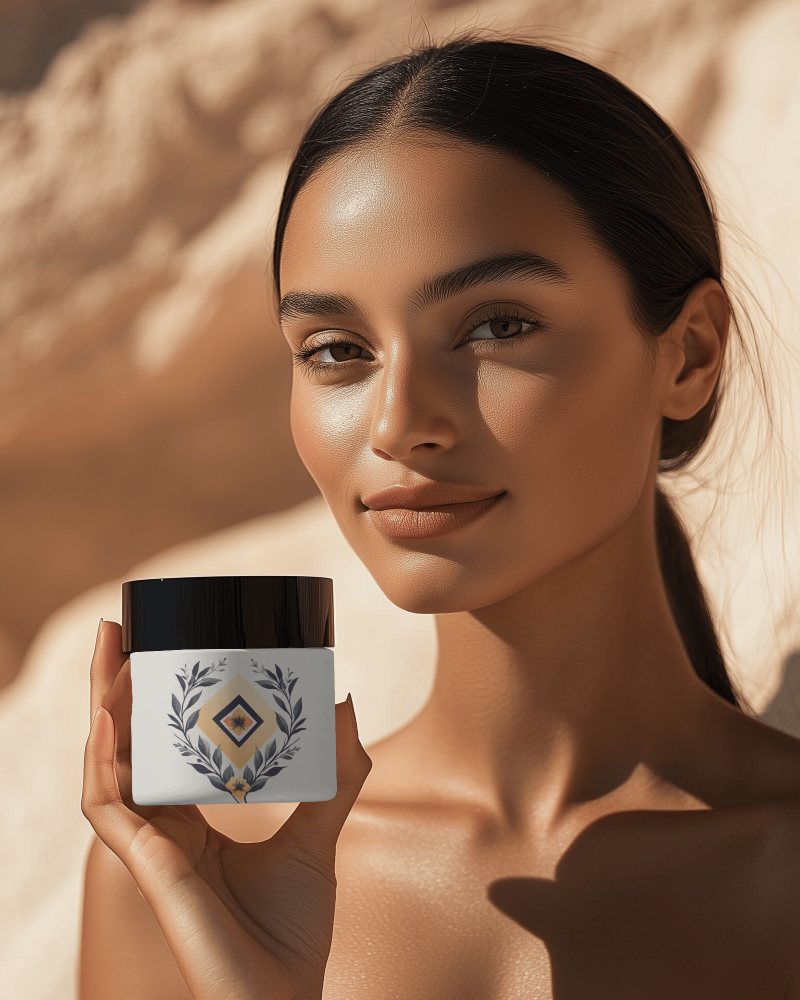
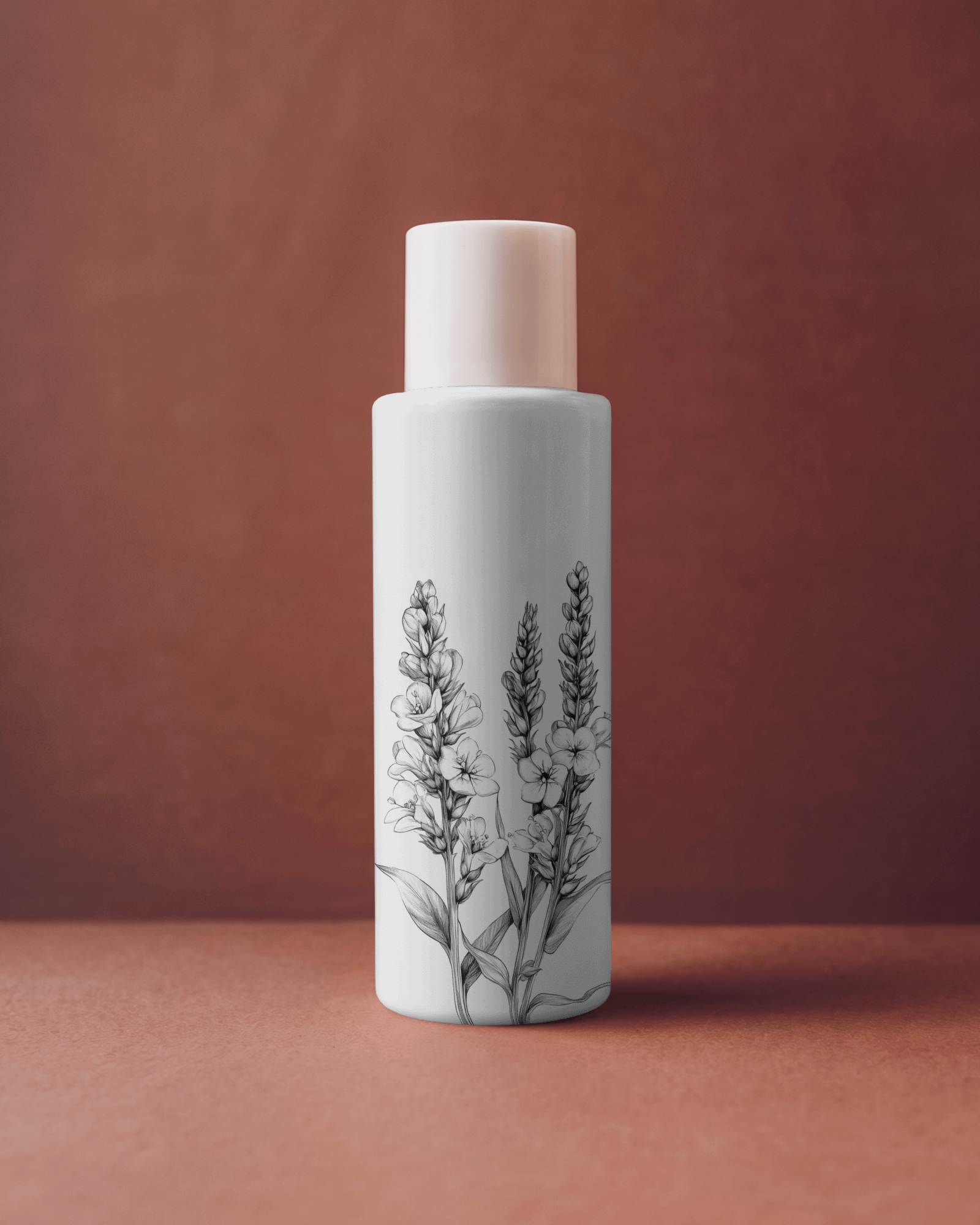
Cosmetic Video Mockup | Stunning & Realistic Beauty Showcase
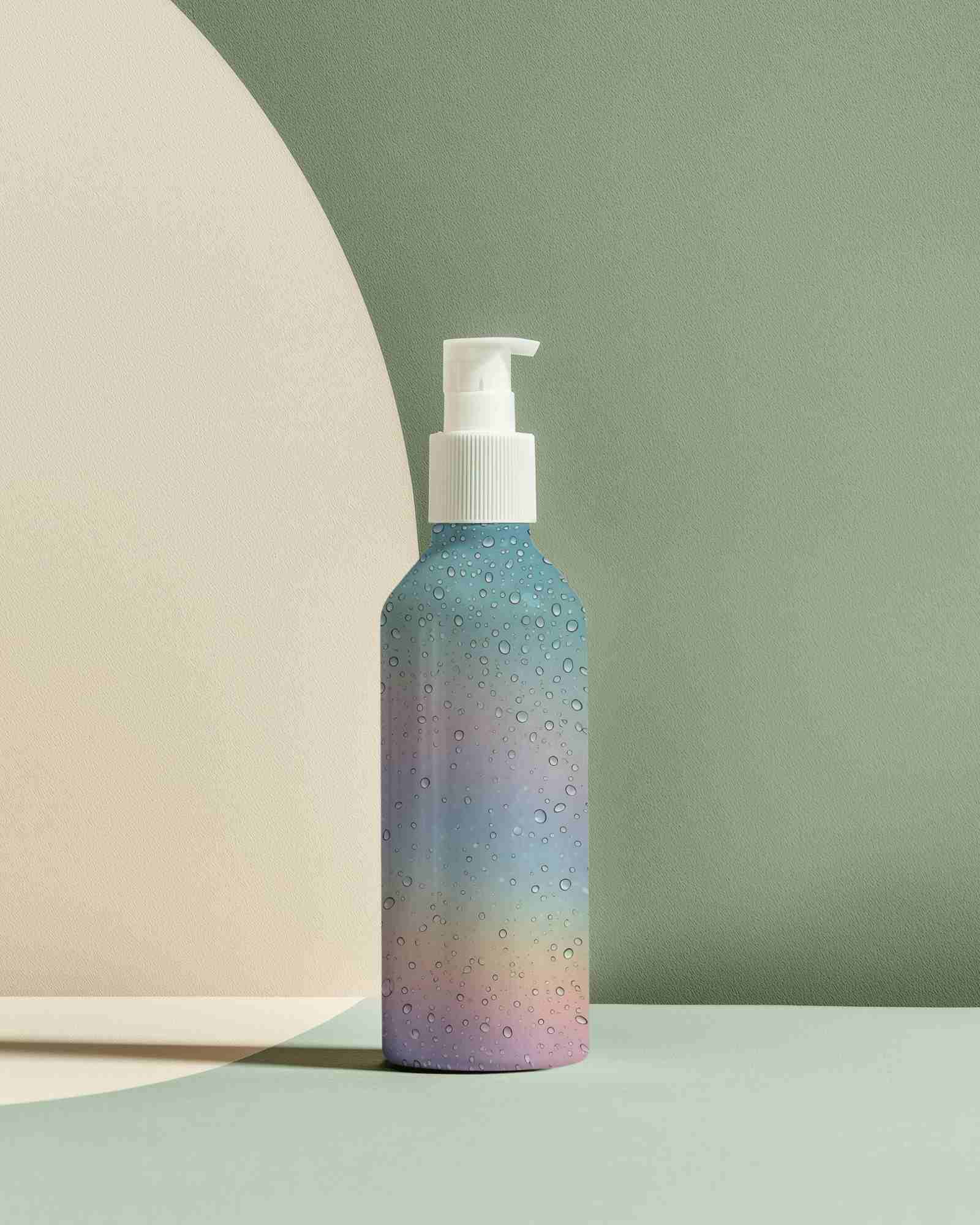
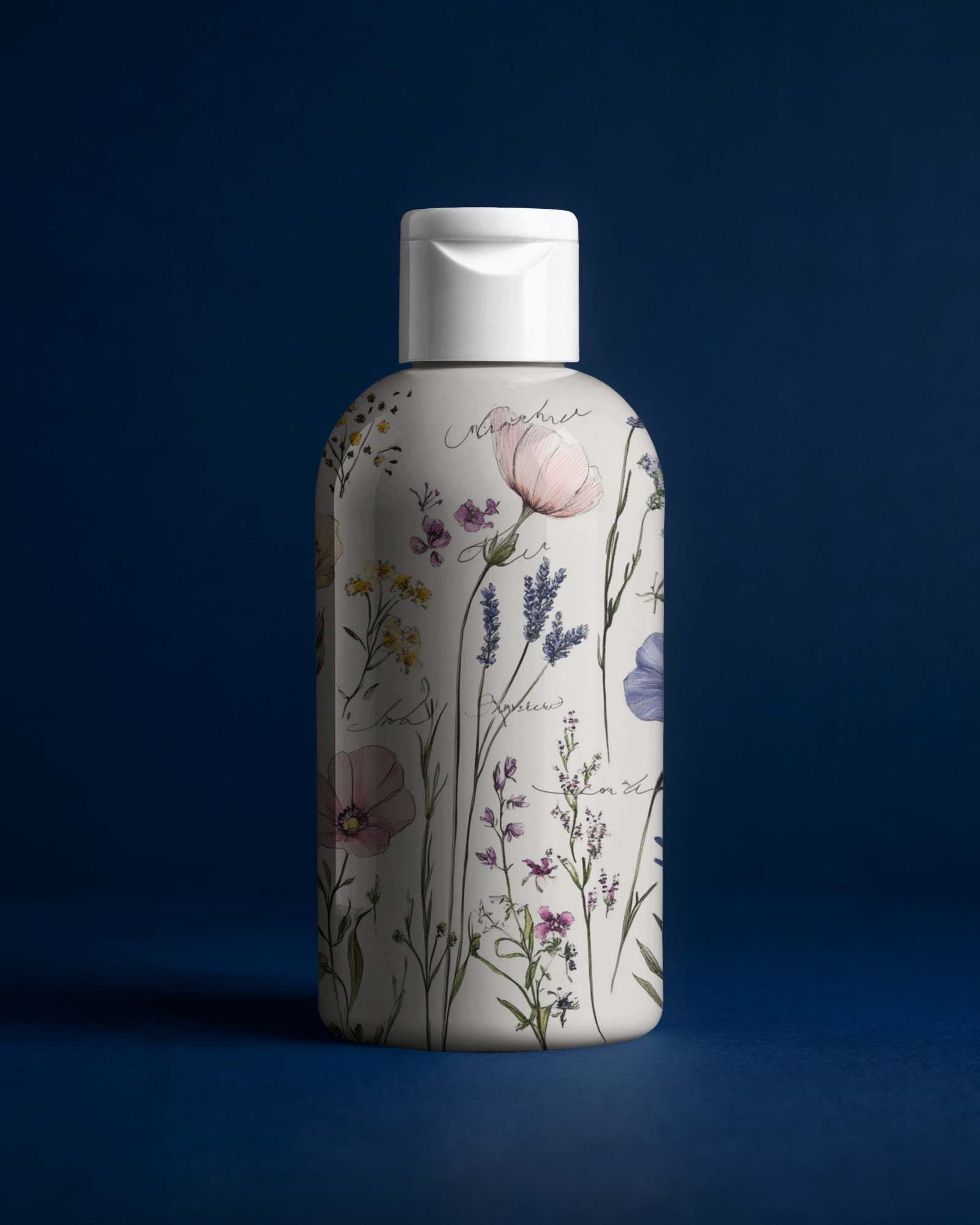
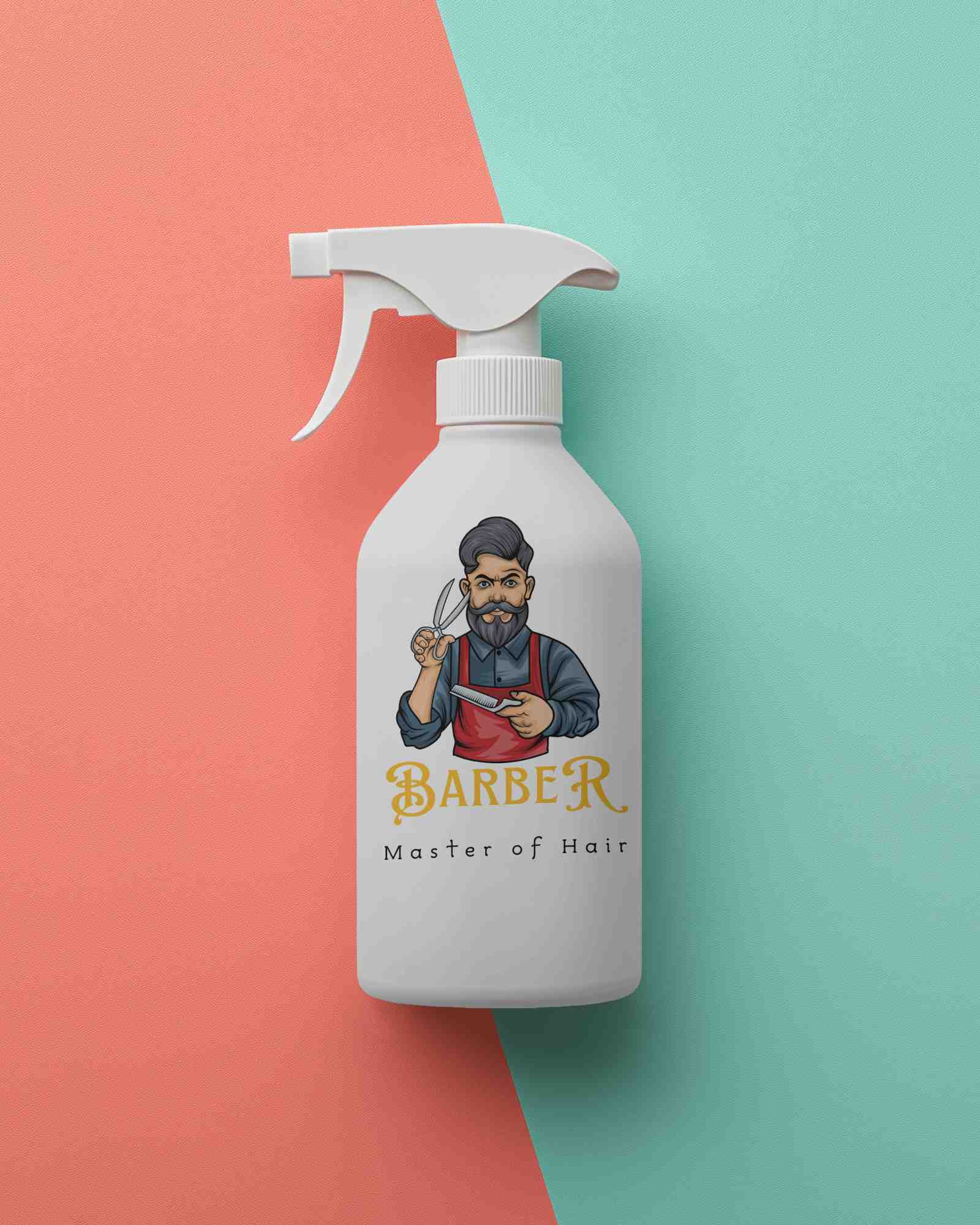
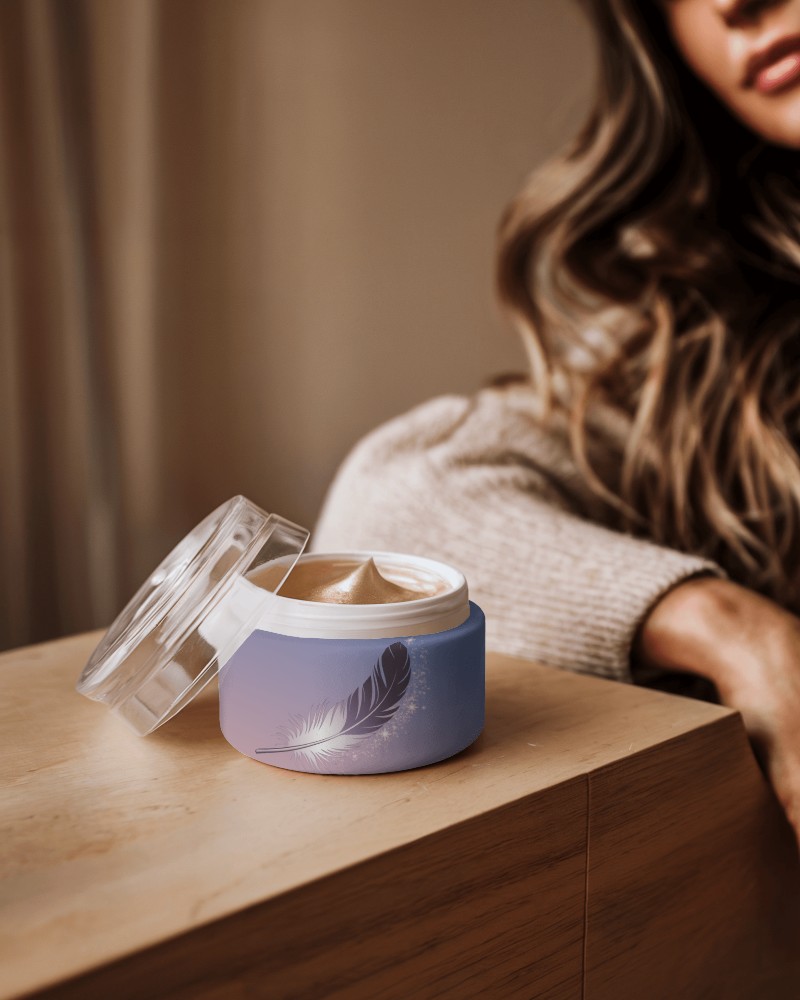
Bring your cosmetic brand to life with the Mockey Cosmetic Video Mockup. Designed to beautifully display your makeup products in vibrant detail, this easy-to-edit video template helps you create stunning presentations that captivate your audience.
How to Create a Cosmetic Video Mockup in Mockey AI
To create cosmetic video mockups:
- Step 1: Log in to Mockey AI. Navigate to 'Video Mockups' and select 'Packaging > Cosmetic'.
- Step 2: Choose a template of your choice, click 'Upload Design', and customize your cosmetic product design.
- Step 3: Click 'Generate Video' to download your cosmetic video mockup in MP4 format.


FAQs on cosmetic Video Mockups
Is Mockey’s cosmetic video mockup easy to edit?
Yes! Mockey AI’s cosmetic video mockups are simple to use, even for beginners. You can edit directly in your browser—no software download required.
Does Mockey’s cosmetic video mockup support different cosmetic products?
Absolutely. The templates can be customized for jars, bottles, tubes, sprays, and more, making realistic video mockups for cosmetics, skincare, and even toothpaste tubes.
Can I customize colors and text in this cosmetic video mockup?
You can adjust colors and upload your design, but adding custom text is not supported in the cosmetic video mockup editor.
