Stud Earring Video Mockups for Social Media, Ads, and Stores
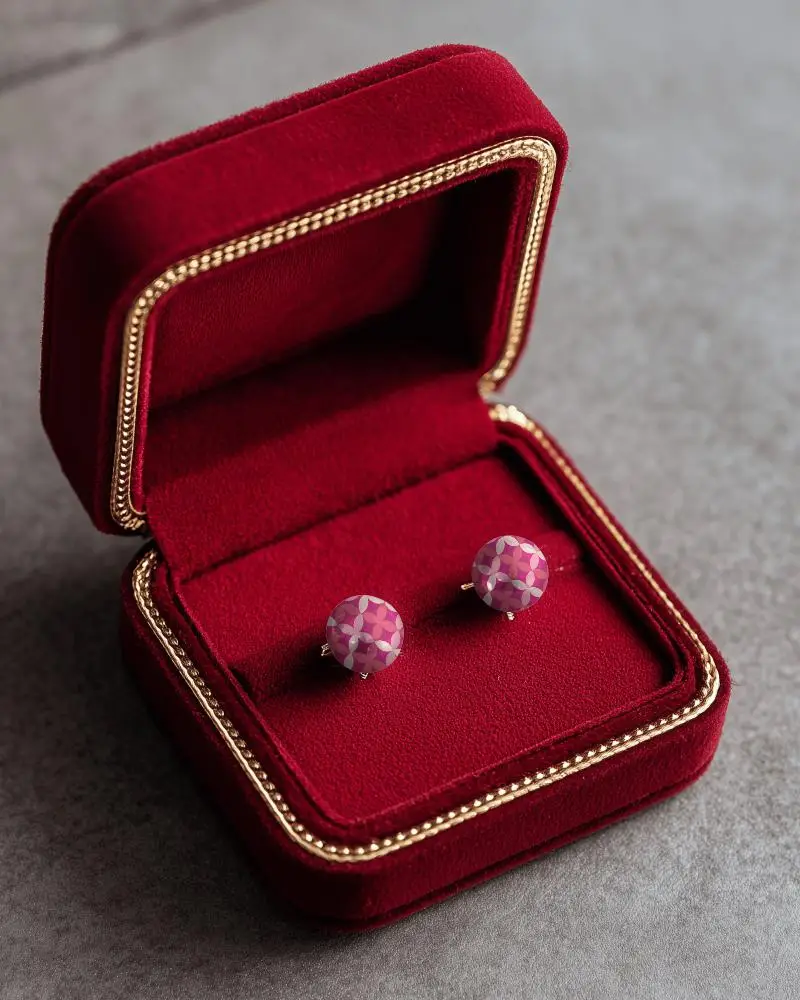
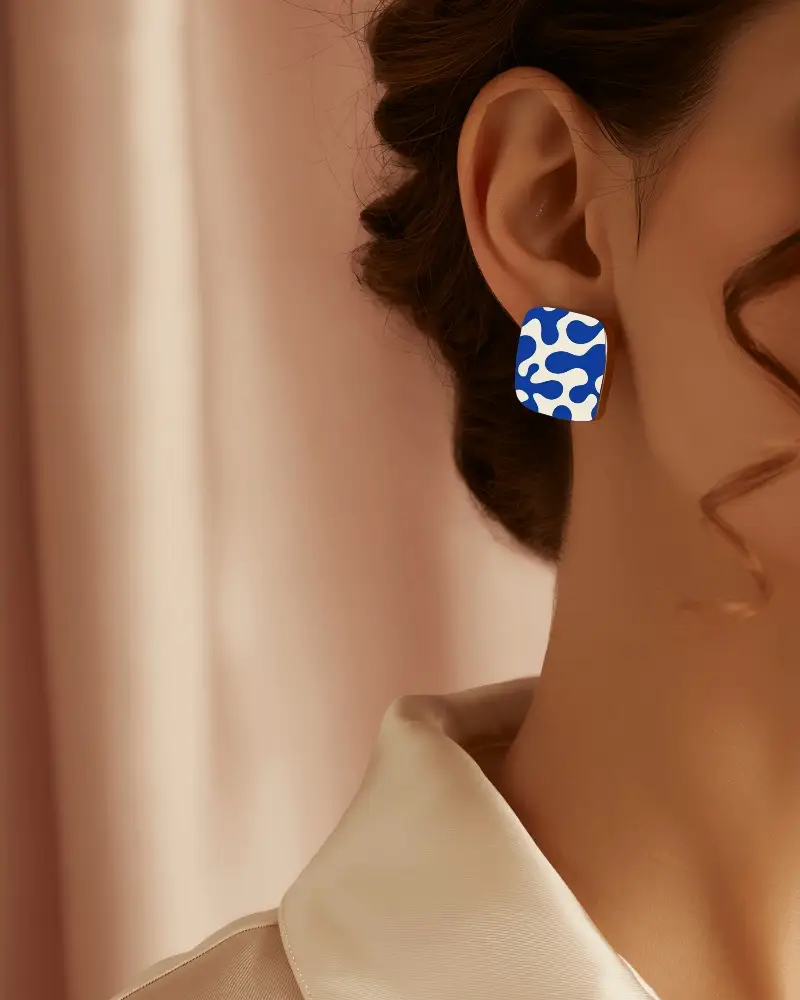
With Mockey’s Stud earring video mockups, your designs shine in motion. Show every sparkle and detail with realistic lighting, smooth movement, and easy customization. Perfect for luxury, casual, or statement pieces, ready to share on social media, eCommerce stores, or ads.
How to Create an Stud Earring Video Mockup in Mockey AI
To create Stud earring video mockups:
- Step 1: Register now. Look up 'Video Mockup' after subscribing to our MAX plan.
- Step 2: Follow the path 'Jewelry > Earring'. Feel free to add any artwork you desire.
- Step 3: Customize the template. Click on 'Generate Video' to export the Stud earring video mockup.


FAQs on Stud Earring Video Mockups
What is an Stud earring video mockup?
Stud Earring video mockups can provide a realistic image of the appearance of earring designs. It plays like a short video, often with a model or in a stylish setup. A pricey photo shoot is not necessary.
Are Mockey’s Stud earring video mockups good for online stores?
Mockey’s Stud earring video mockups are seen as reliable for online stores. The tool is easy to use and offers high-quality visuals. Quickly and efficiently create professional product displays with real-time updates.
Is there a free plan for Stud earring video mockups?
Mockey AI doesn’t offer a free plan for Stud earring video mockups. The MAX plan, which costs $19 a month, is a paid option.
