Create Engaging Mug Video Mockups Online – with Mockey AI
Create amazing video mug mockups with Mockey AI to showcase your designs in motion and boost your product appeal and sales conveniently.
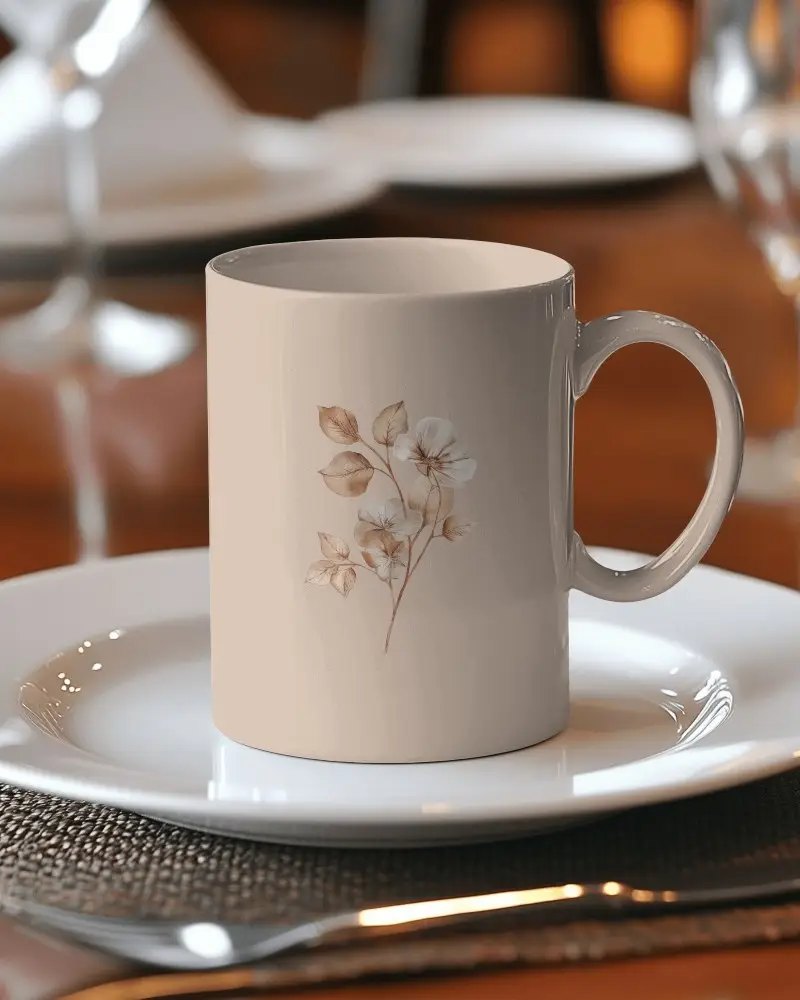

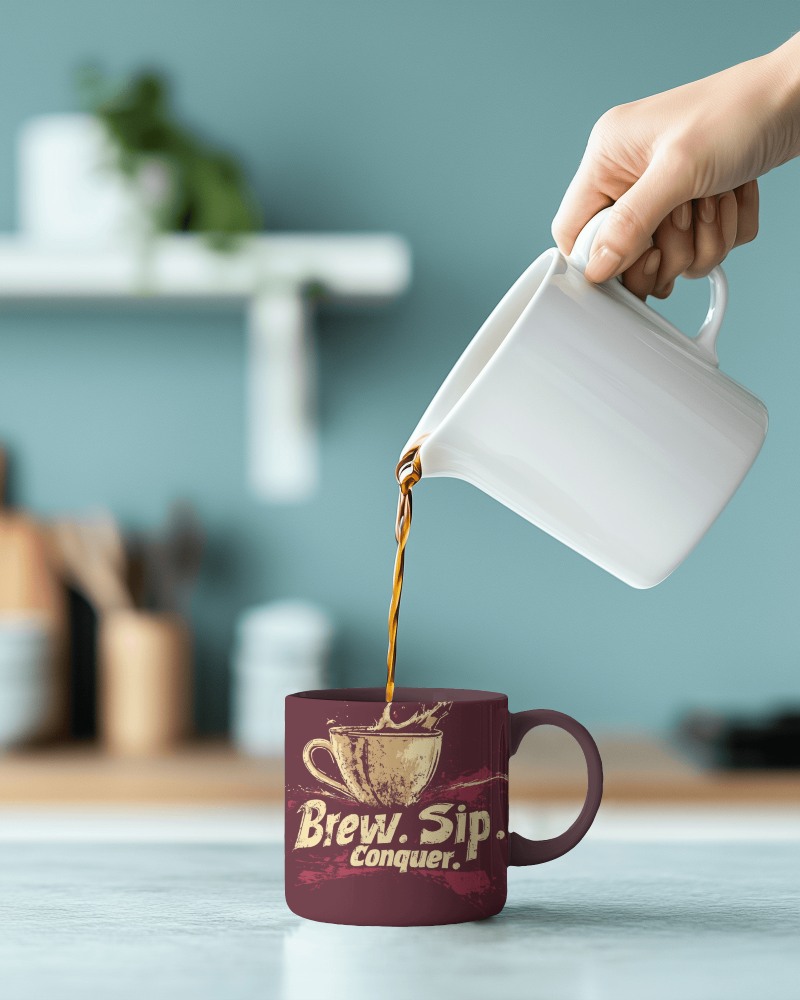



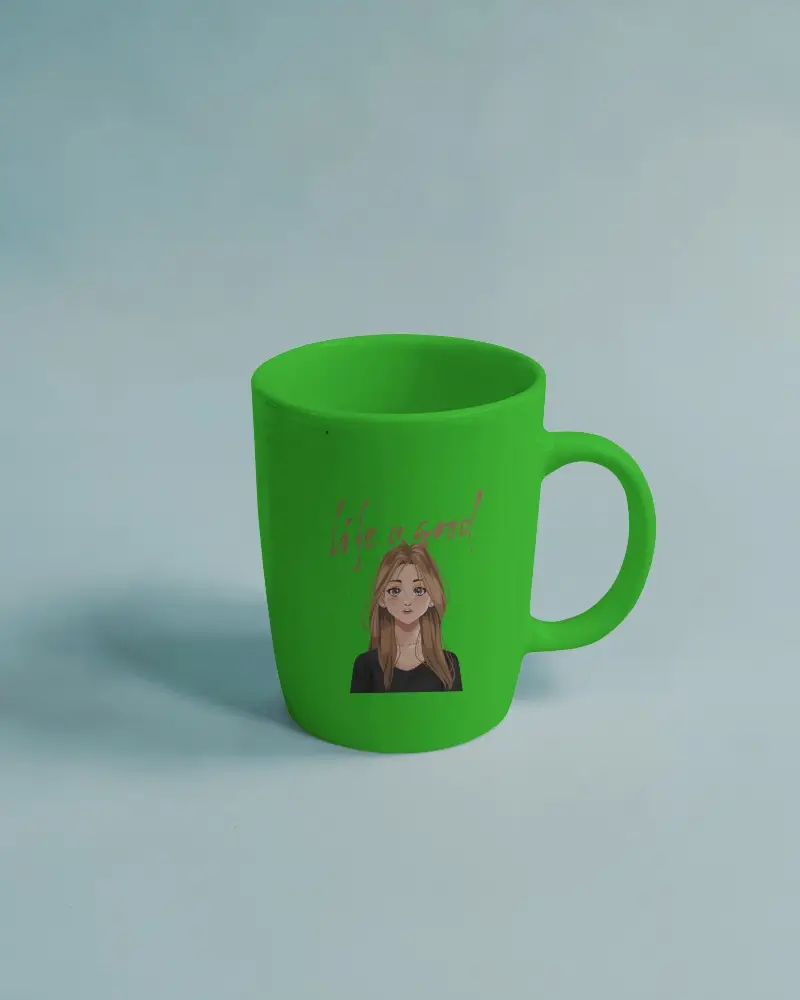
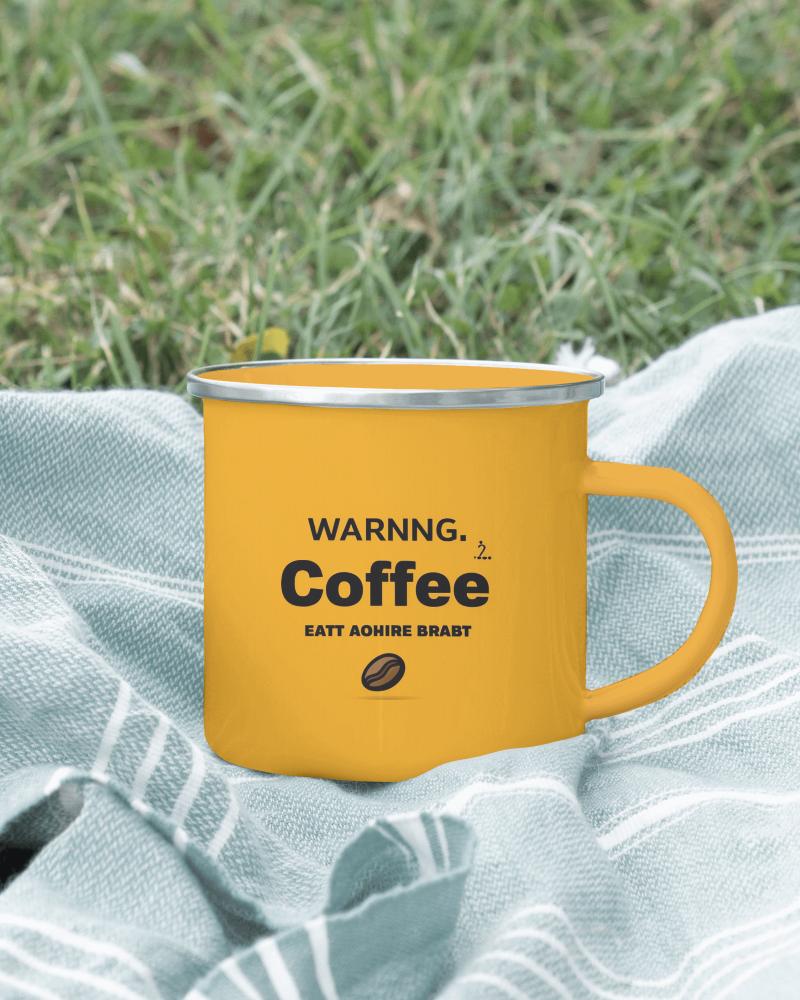
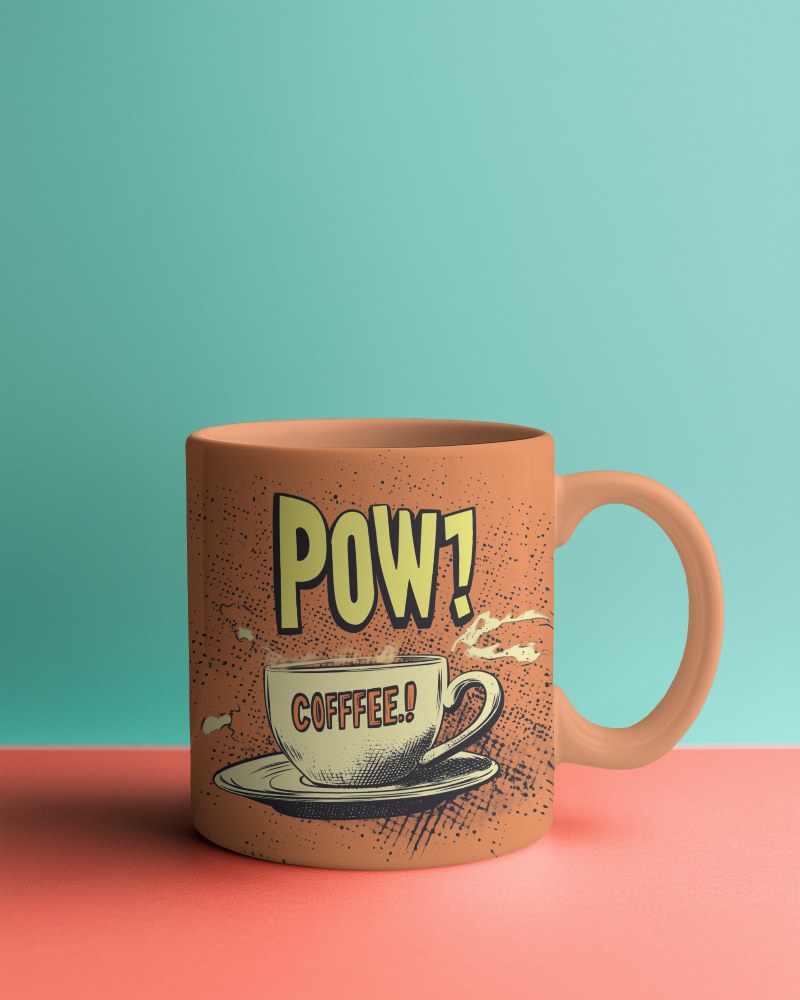
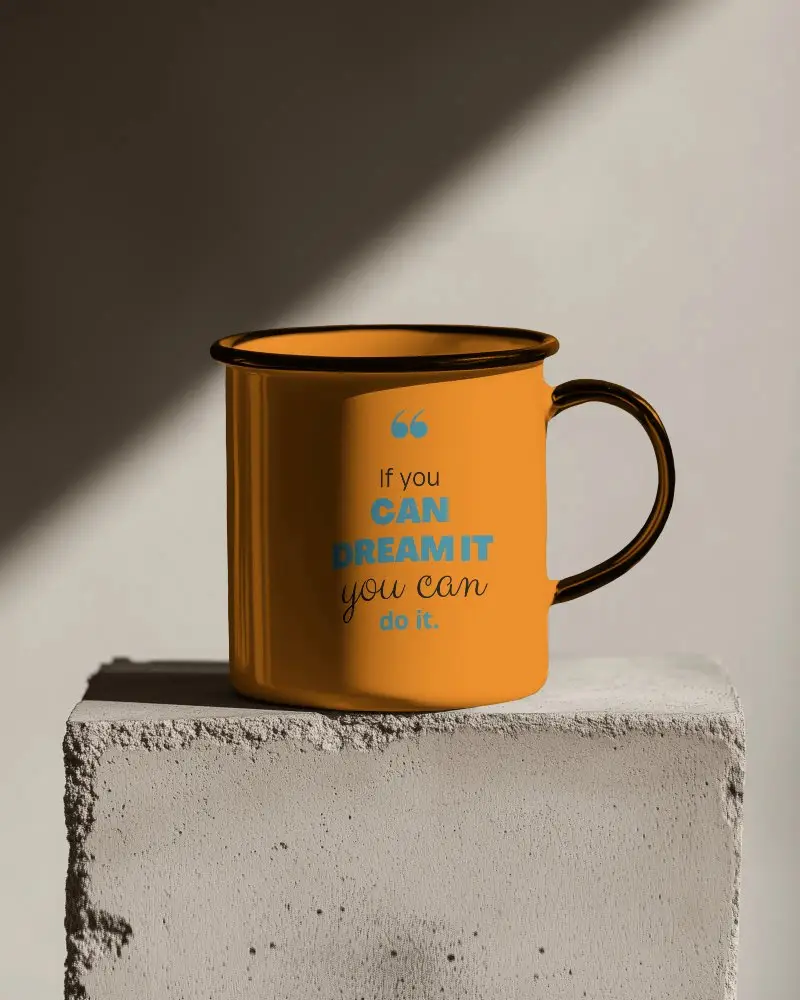
How to Create a Mug Video Mockup with Mockey AI
To create mug video mockups:
- Step 1: Sign up and opt for the MAX plan.
- Step 2: Look for 'Mug' under 'Home & Living' in the 'Video Mockups' section.
- Step 3: Choose a template and attach a design by clicking 'Upload Design'.
- Step 4: Personalize it, then tap 'Generate Video'. Save the mug video mockup.


FAQs on mug Video Mockups
Why should you use a video mug mockup for your product showcase?
A video mug mockup lets you see your design in action. Viewers can see it from all sides and in different settings, making it easier for them to imagine using it. Unlike static photos, it grabs more attention and engagement.
What are the best AI tools to generate video mug mockups?
Mockey AI is one of the best tools for generating high-quality mug video mockups. It offers great output and affordable pricing plans, plus the option to upload multiple designs on the template.
What are the main uses of mug video mockups in marketing?
Mug video mockups are great for marketing as they show your design in a real-world context, such as being held or used. They help people visualize the product and save time by eliminating the need for actual prototypes or printing real mugs.
What is the best Canva alternative to create video mockups?
If you're looking for a Canva alternative for video mockups, Mockey AI is a fantastic option. While not free, it provides a higher quality of output and more customization options compared to Canva and most other video mockup generators.
