Premium Metal Mug Video Mockup – Make Your Designs Move with Mockey
Transform static mug artwork into engaging visuals using Mockey’s Metal mug video mockup. With crisp textures, natural lighting, and smooth animation, your design looks polished and eye-catching. Ideal for POD sellers, creators, and brands.
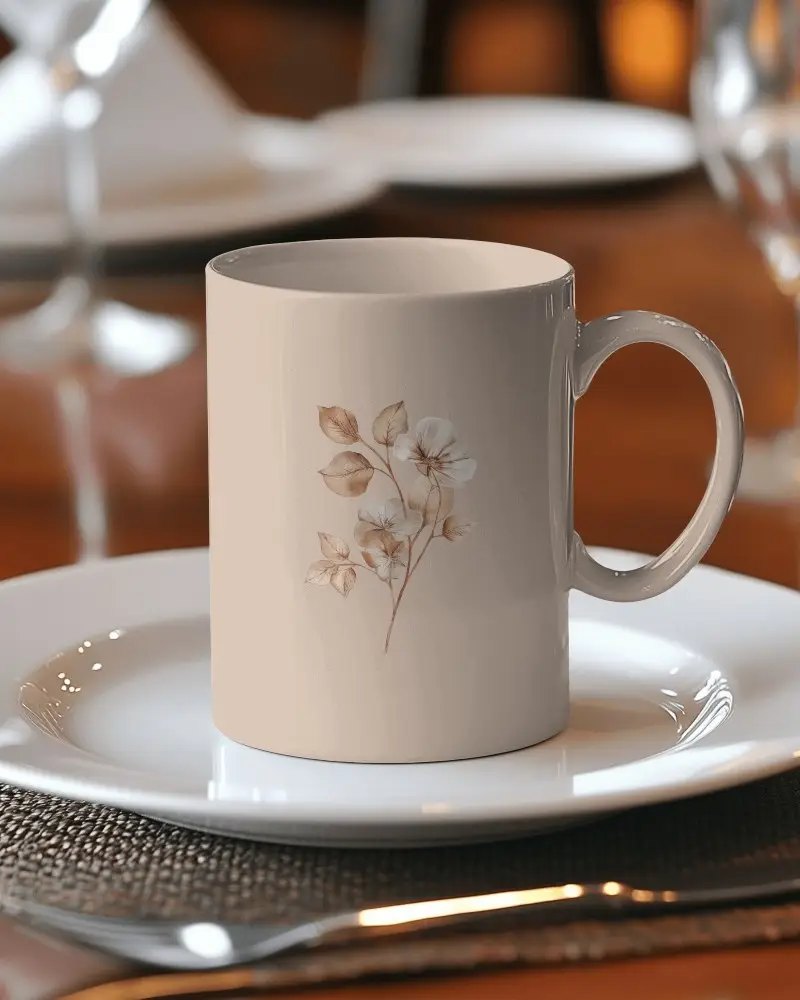





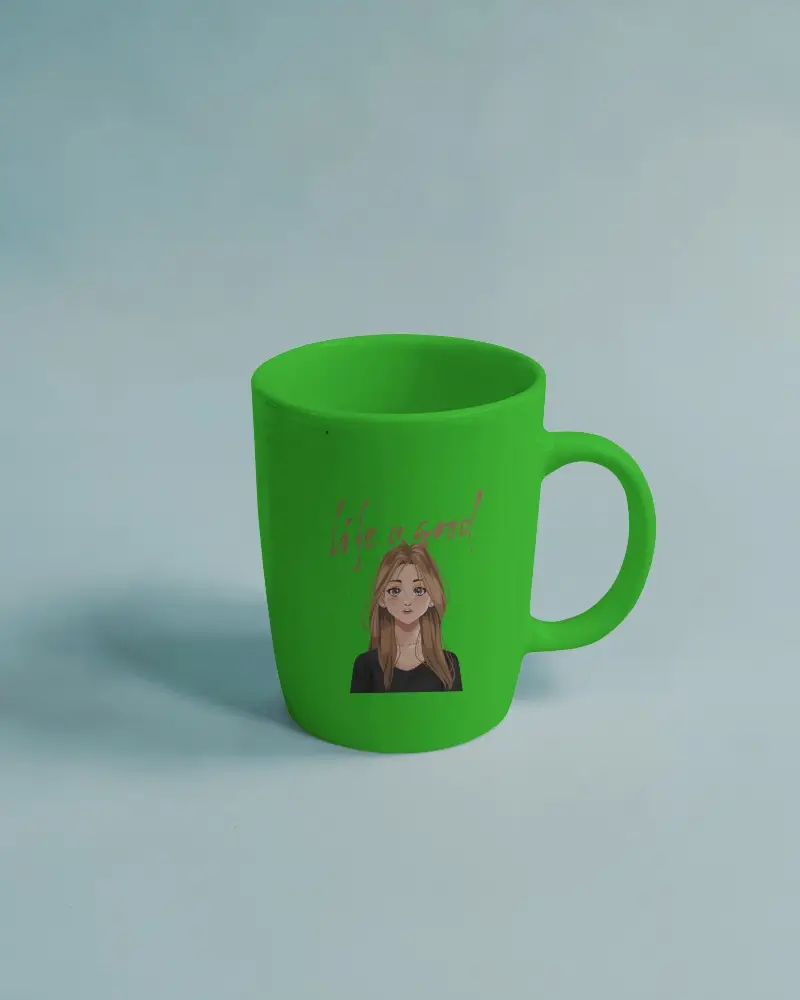

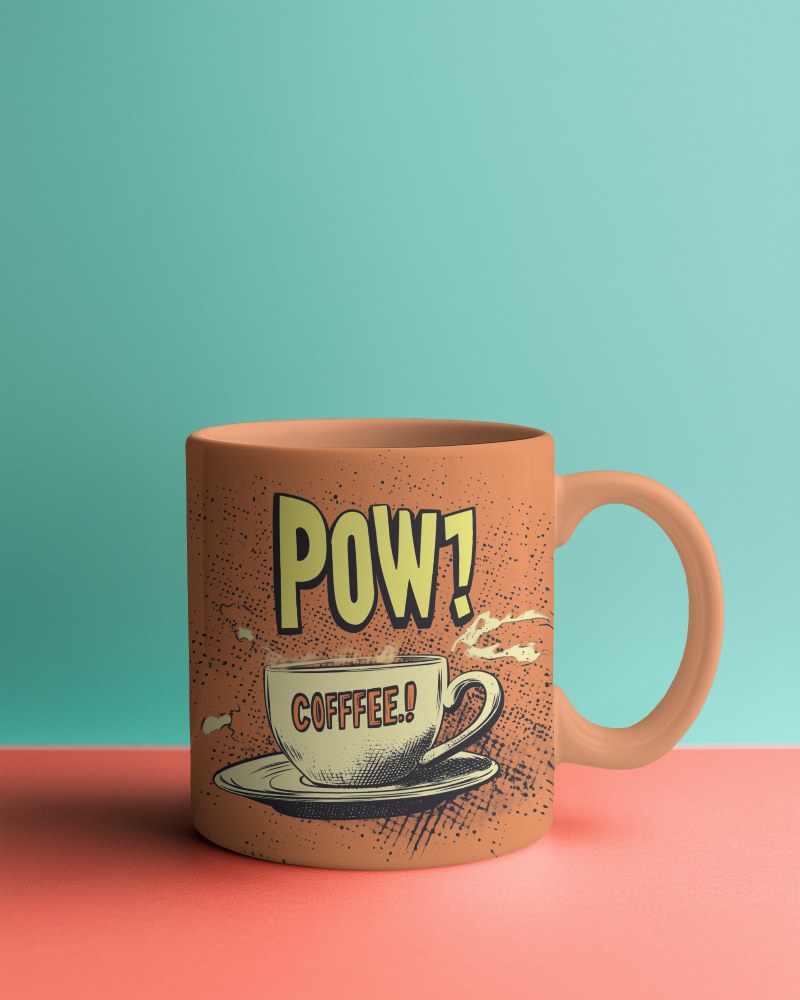
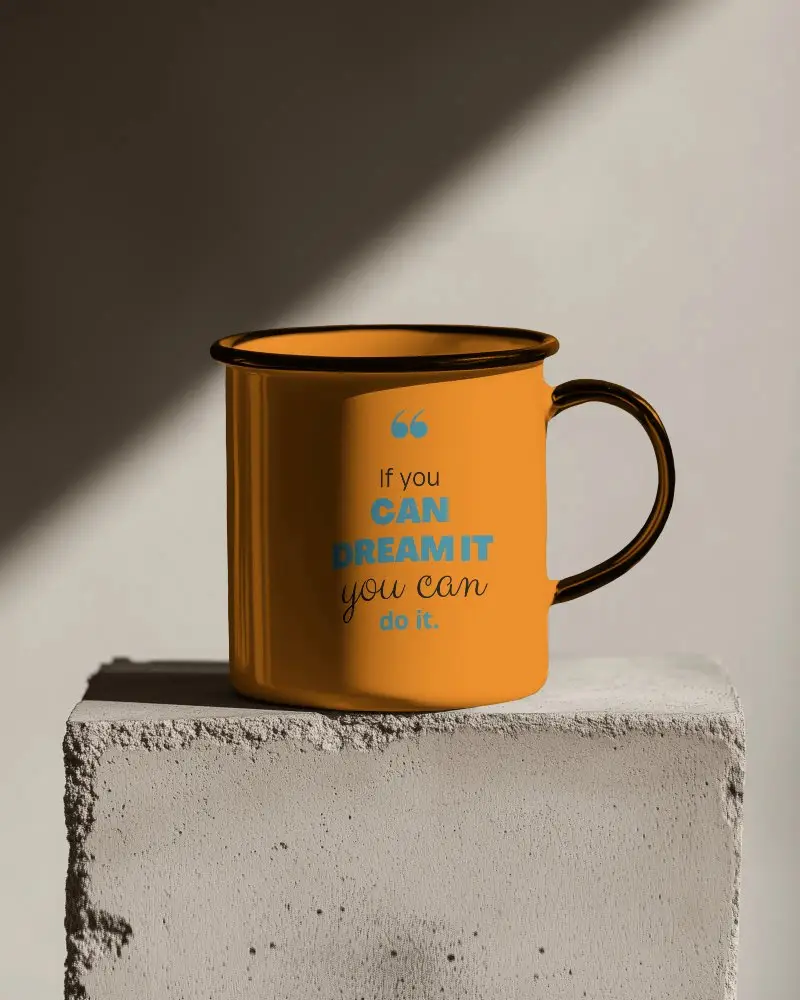
How to Create a Metal Mug Video Mockup
To create a Metal mug video mockup:
- Step 1: Choose the CREATOR or ELITE plan from the Pricing page and open Video Mockups. Navigate to Home & Living and select Mug.
- Step 2: Pick a video template and upload your artwork using the Upload Design button.
- Step 3: Customize the mockup and click Generate Video to save the Metal mug video mockup.


FAQs on Metal Mug Video Mockups
What makes Mockey’s Metal mug video mockup different from regular mug mockups?
Mockey AI’s Metal mug video mockups stand out because of realistic video animation, affordable plans, and high-quality output. Many tools offer only static mockups, while Mockey provides smooth video previews.
Can I use this Metal mug video mockup for branded marketing campaigns?
Yes, Metal mug video mockups are suitable for branded marketing campaigns, social media ads, and promotional content. The templates are optimized for professional use.
Do I need design experience to use this Metal mug video mockup?
No design experience is required. Mockey AI’s editor is beginner-friendly, allowing anyone to create Metal mug video mockups easily.
Does the Metal mug video mockup support high-resolution artwork?
Yes, Metal mug video mockups support high-resolution artwork. You can upload detailed designs and get a smooth, high-quality video output.
