Back Tank Top Video Mockups - Mockey AI
Mockey AI offers free customizable Back tank top video mockups with realistic movement, perfect for showcasing your apparel designs. Create and download in minutes!
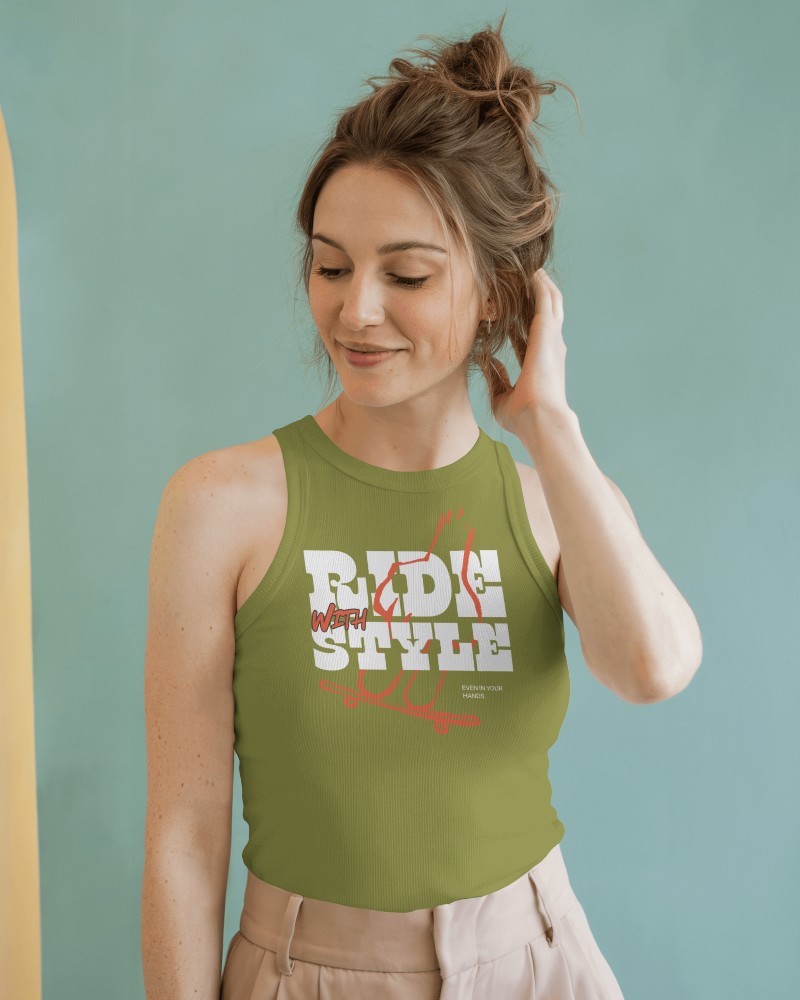
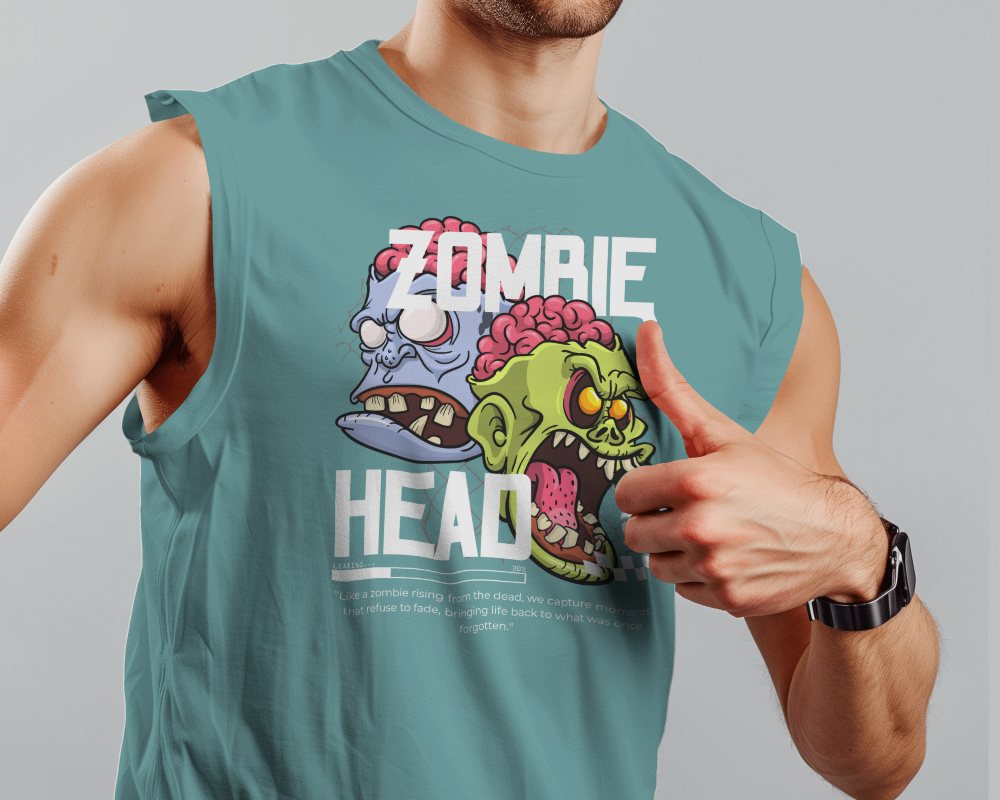
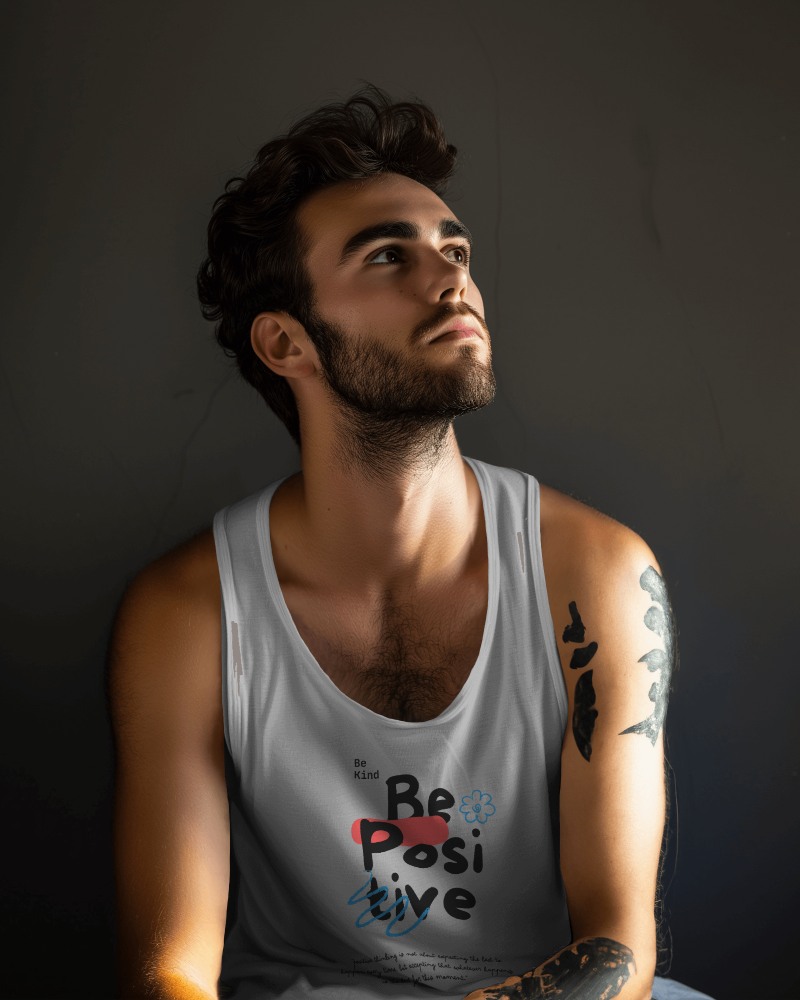
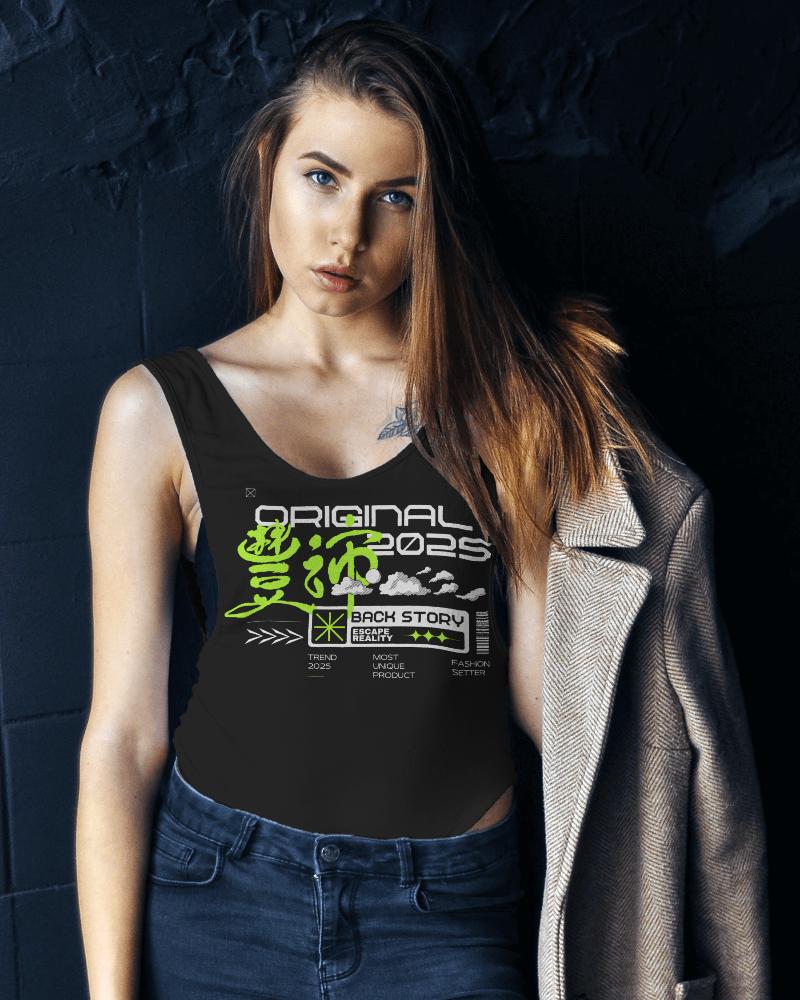
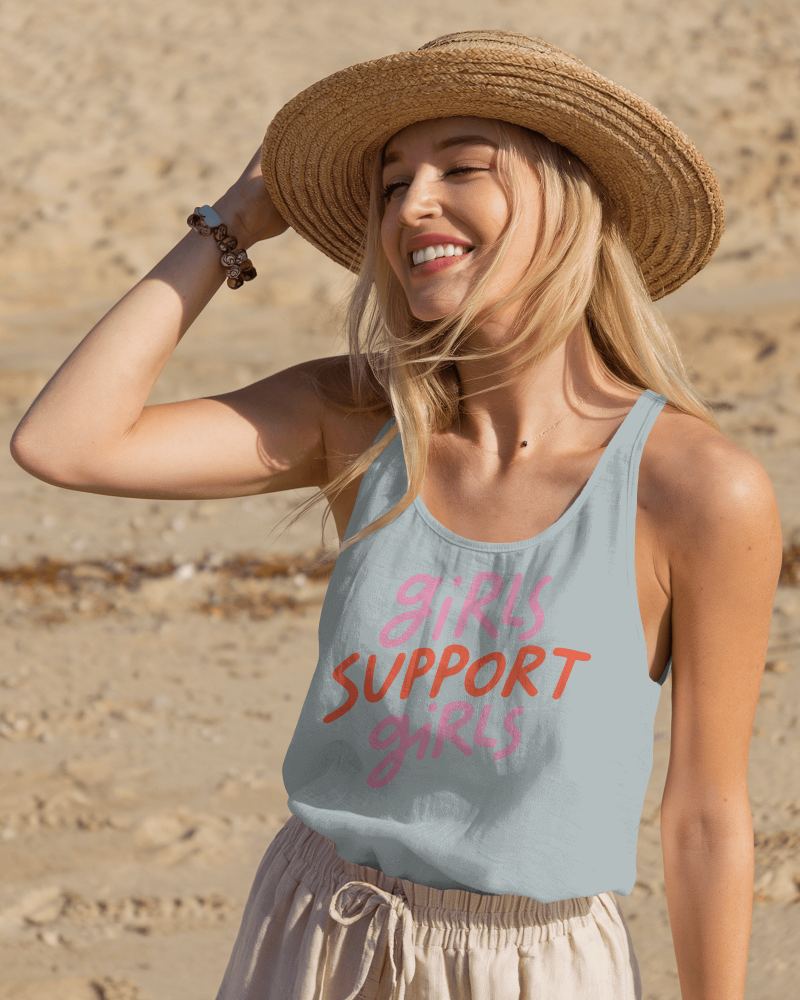
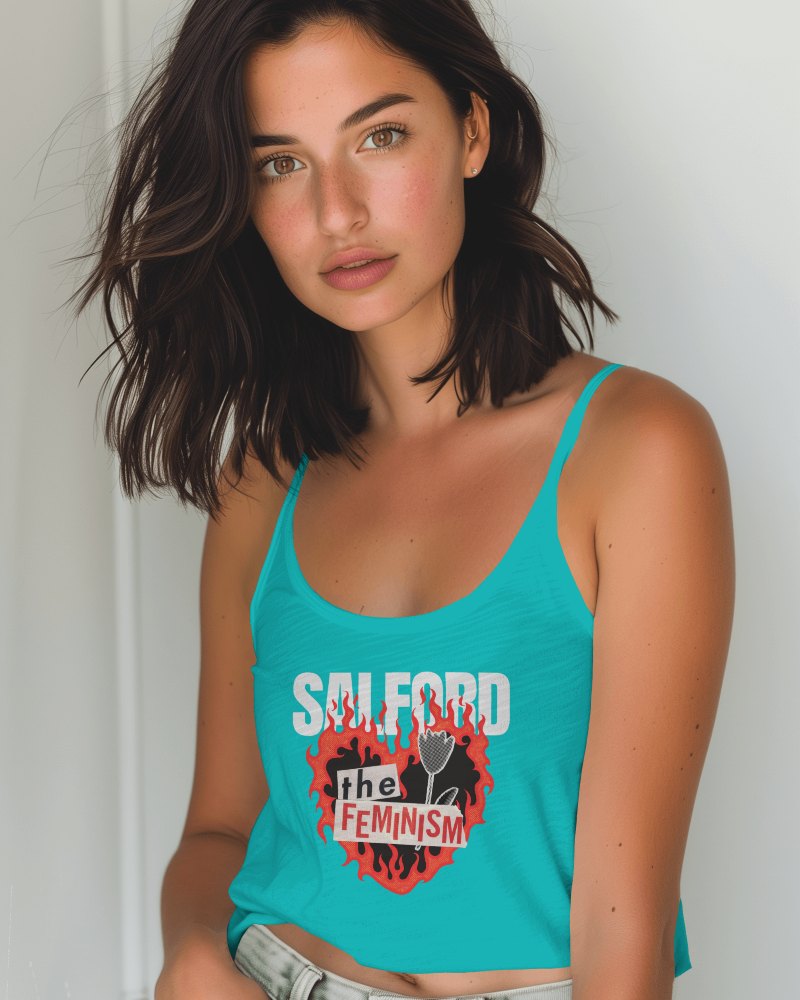
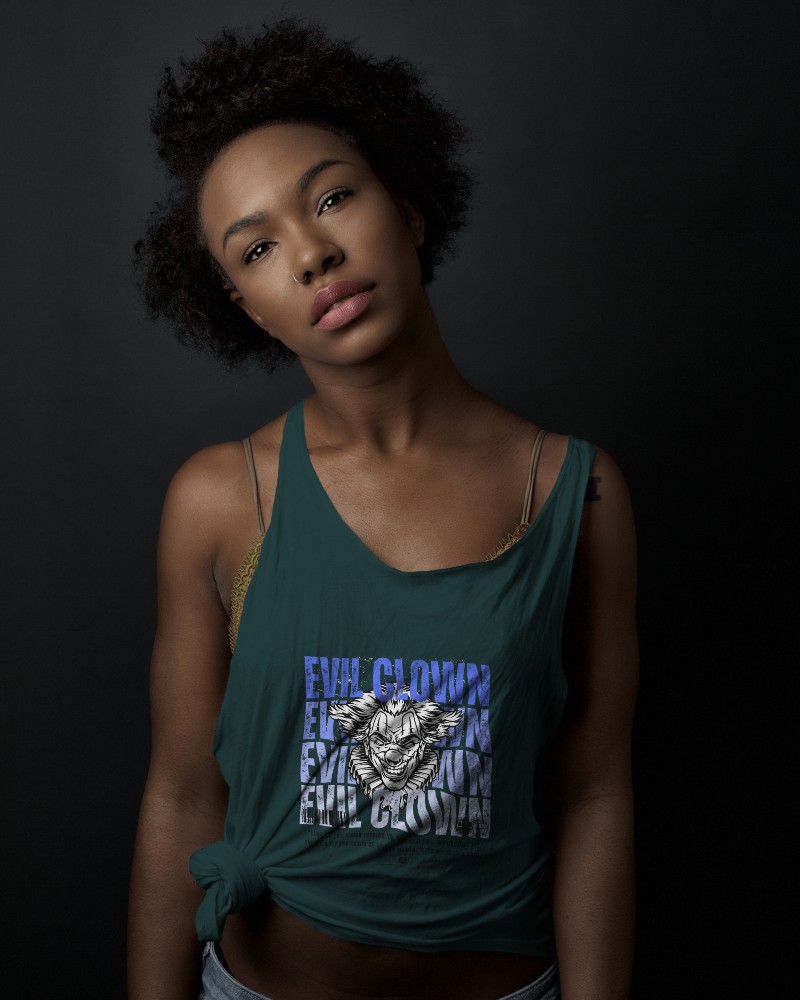
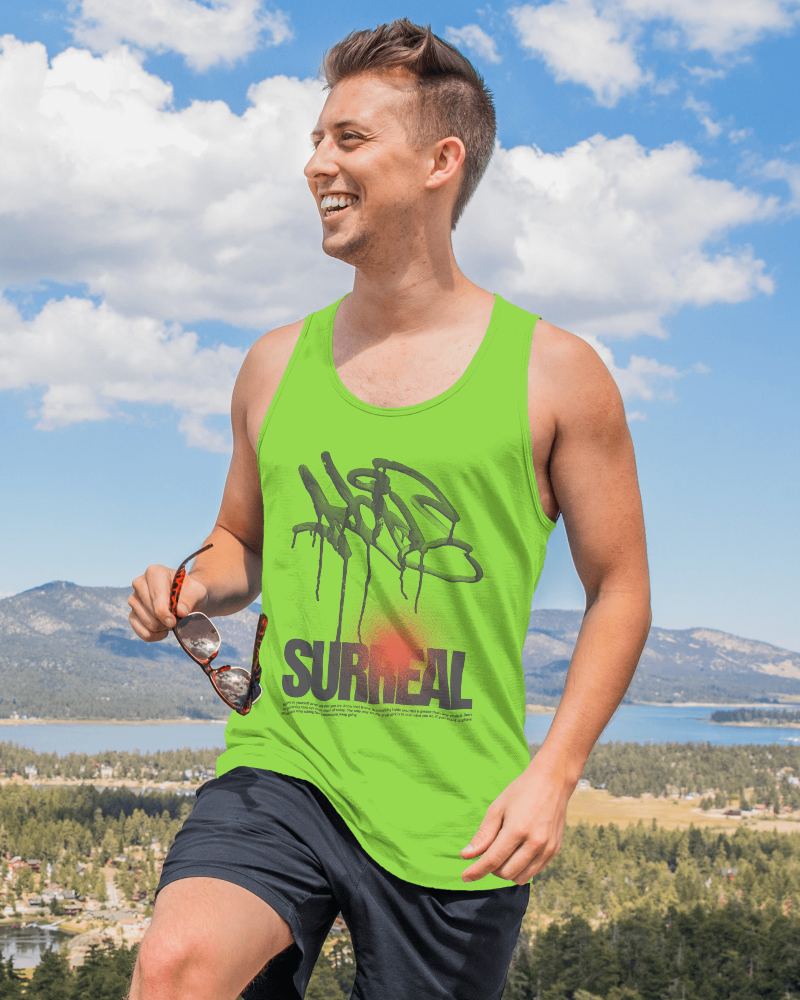
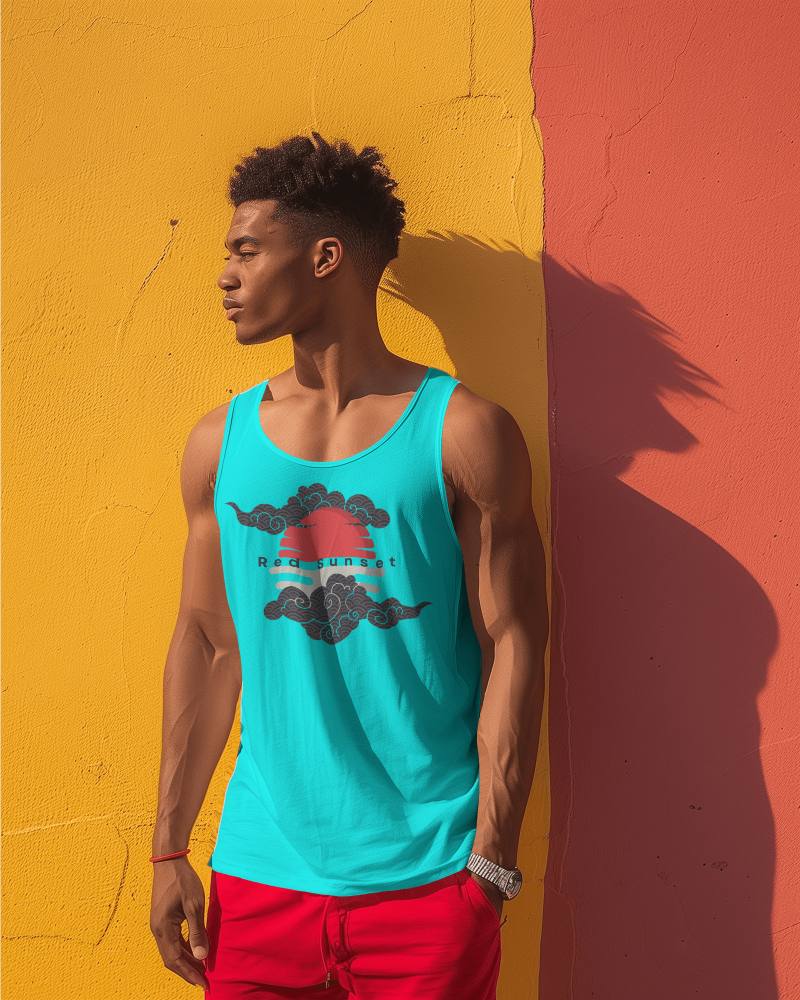
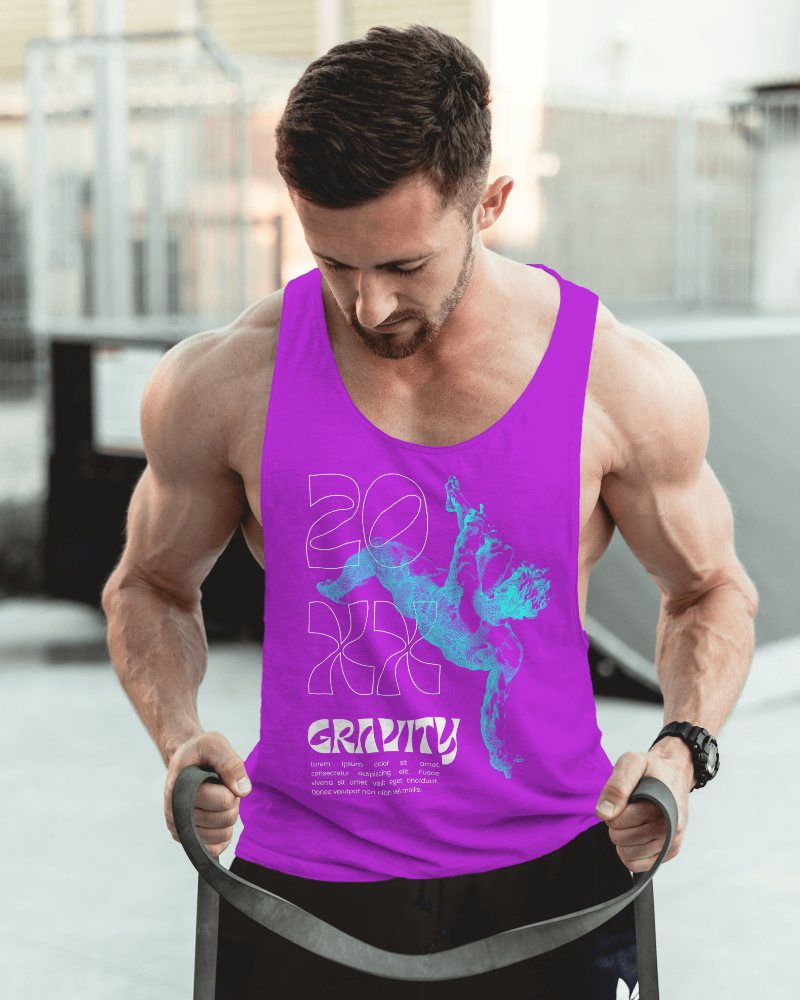
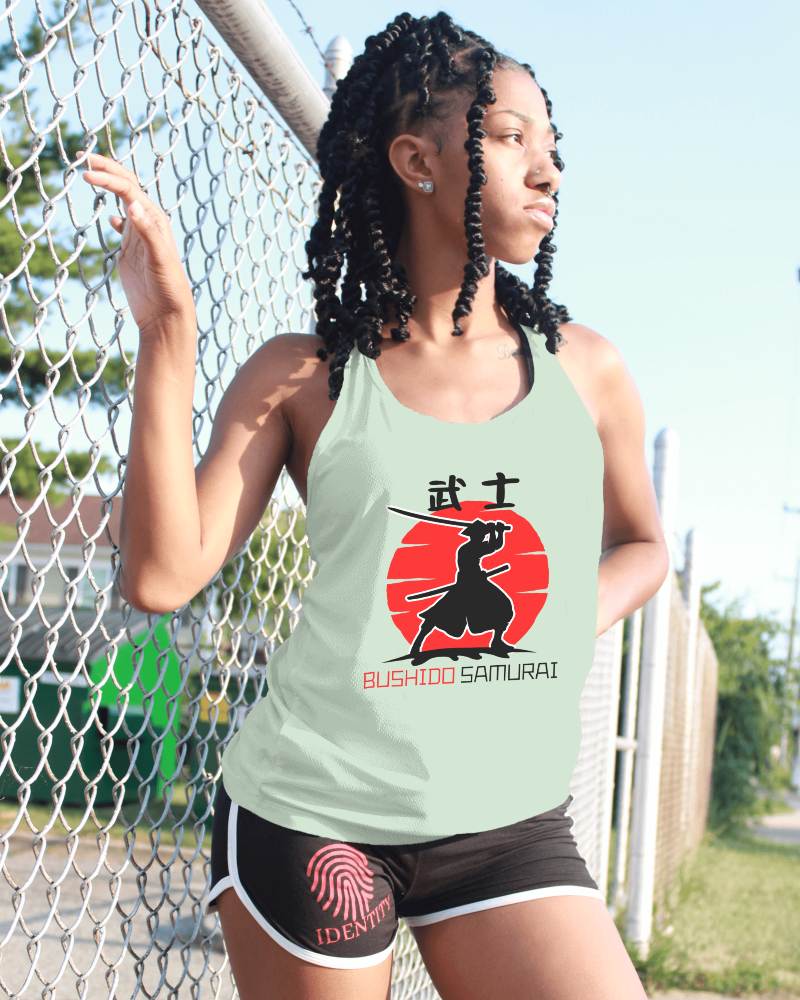
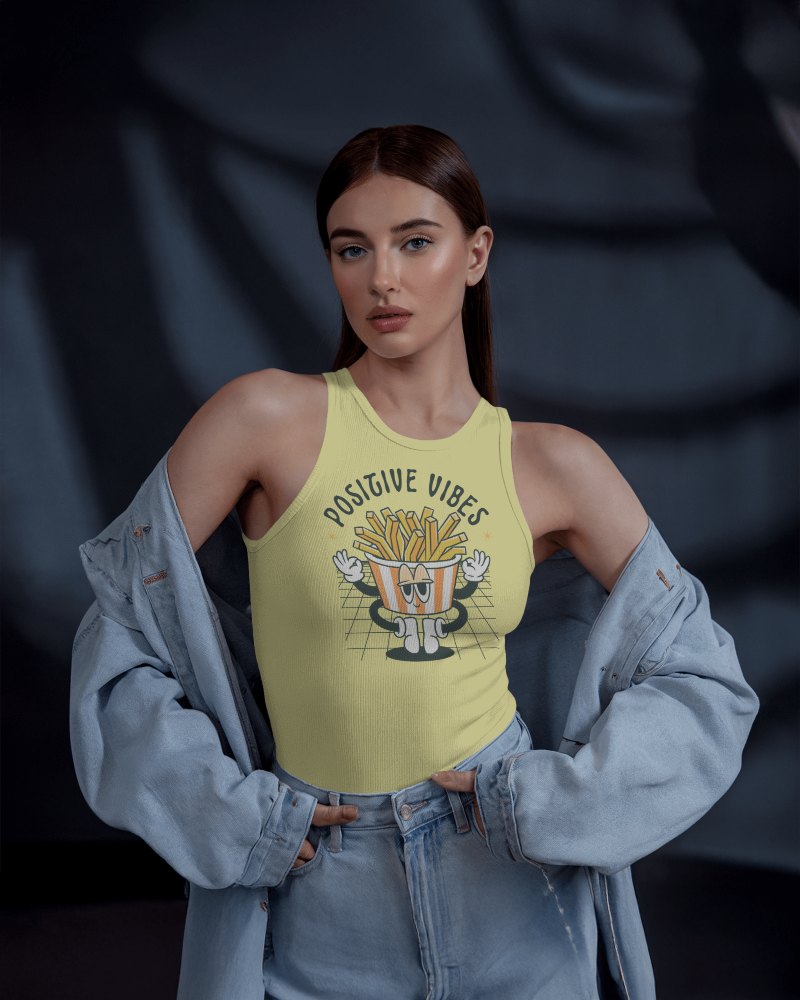
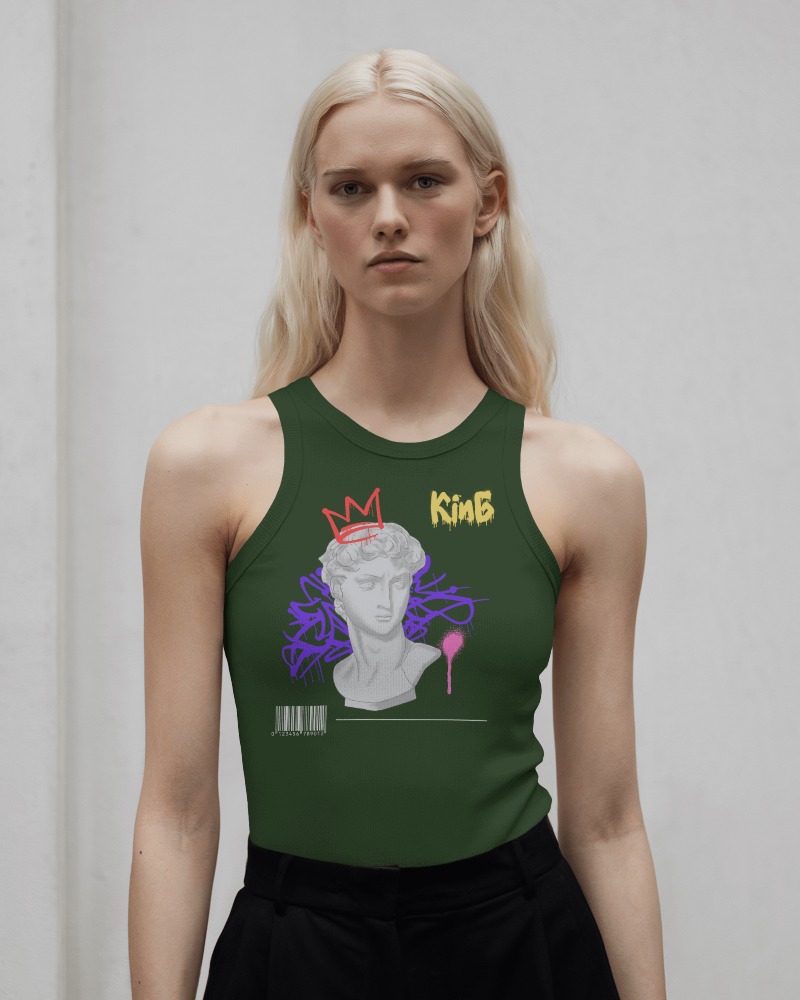
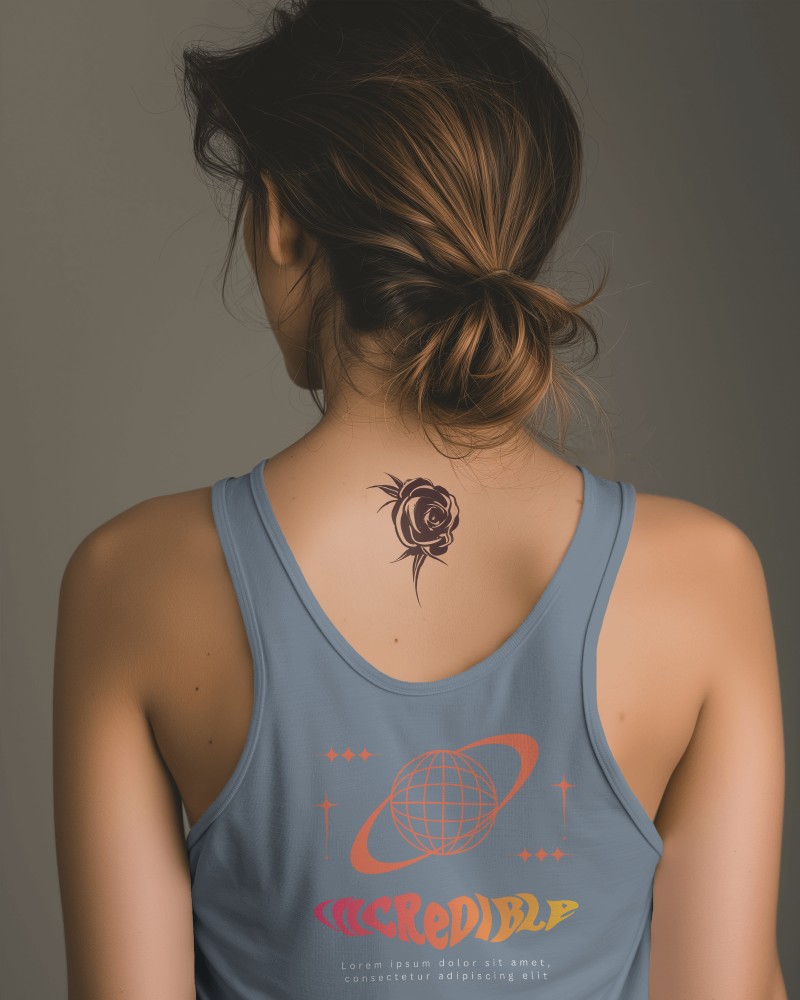
How to Create a Back Tank Top Video Mockup with Mockey AI
To create Back tank top video mockups:
- Step 1: After registering, select Pricing and switch to MAX.
- Step 2: Locate and click 'Video Mockups'. Go to the Apparel Category.
- Step 3: Add a design after choosing Back tank top. To generate a video, personalize it and select 'Generate Video.'


FAQs on Back Tank Top Video Mockups
What is a Back tank top video mockup?
A Back tank top video mockup is a short animated preview, usually in MP4 format, that displays your design on a realistic Back tank top. It helps brands showcase movement, fabric texture, and fit in a more engaging way compared to static images.
Can I use a Back tank top video mockup for commercial purposes?
Yes, Back tank top video mockups can be used for business and marketing purposes. They are ideal for eCommerce product pages, social media ads, print-on-demand stores, and promotional campaigns to present your custom designs professionally.
Why should I use a Back tank top video mockup instead of an image mockup?
A Back tank top video mockup increases engagement by showing your design in motion, creating a more realistic and premium presentation. Videos perform better on platforms like Instagram, TikTok, and online ads, helping boost click-through rates and conversions.
