hoodie
Free Hoodie Video Mockups
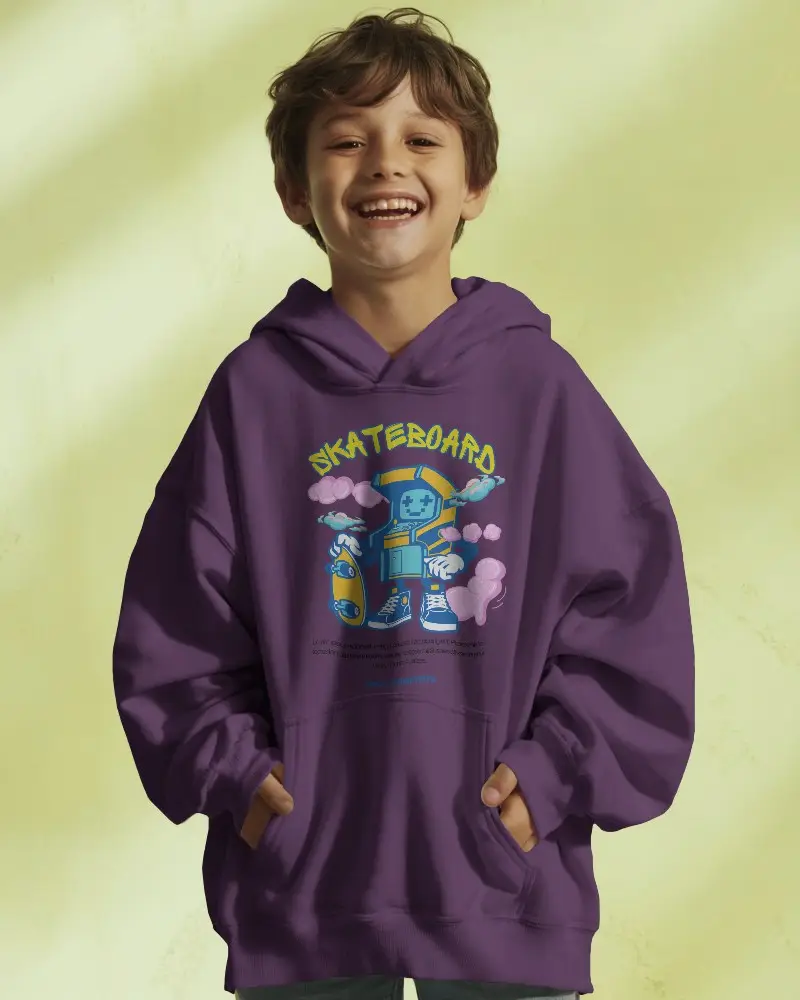
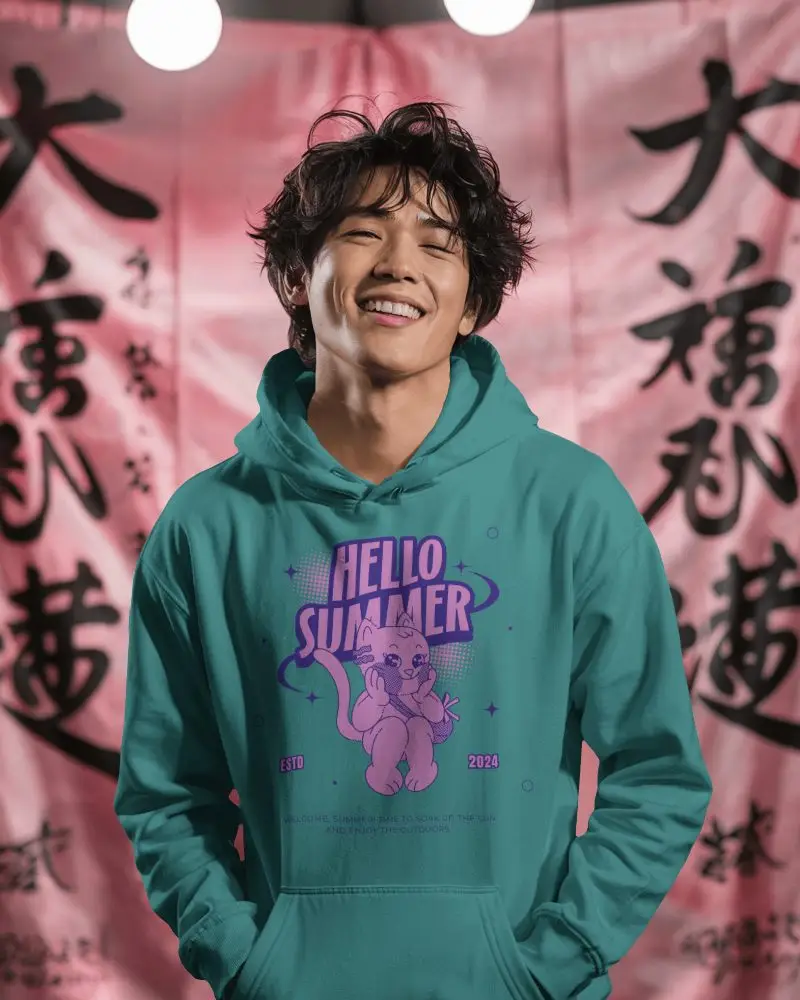
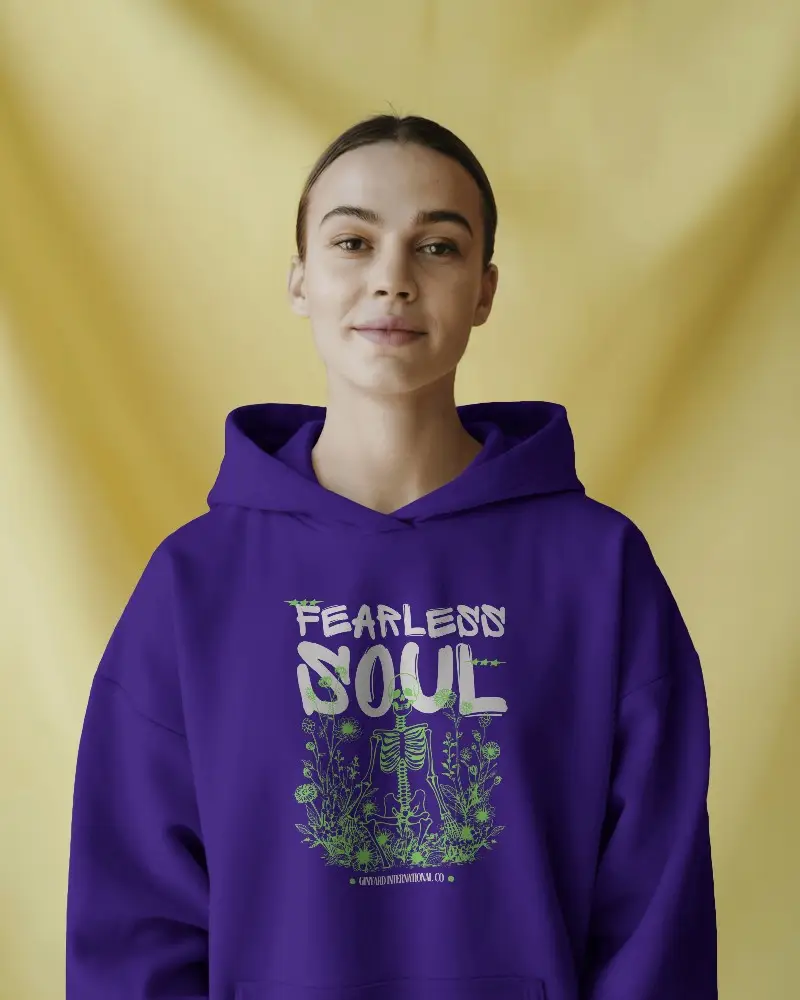
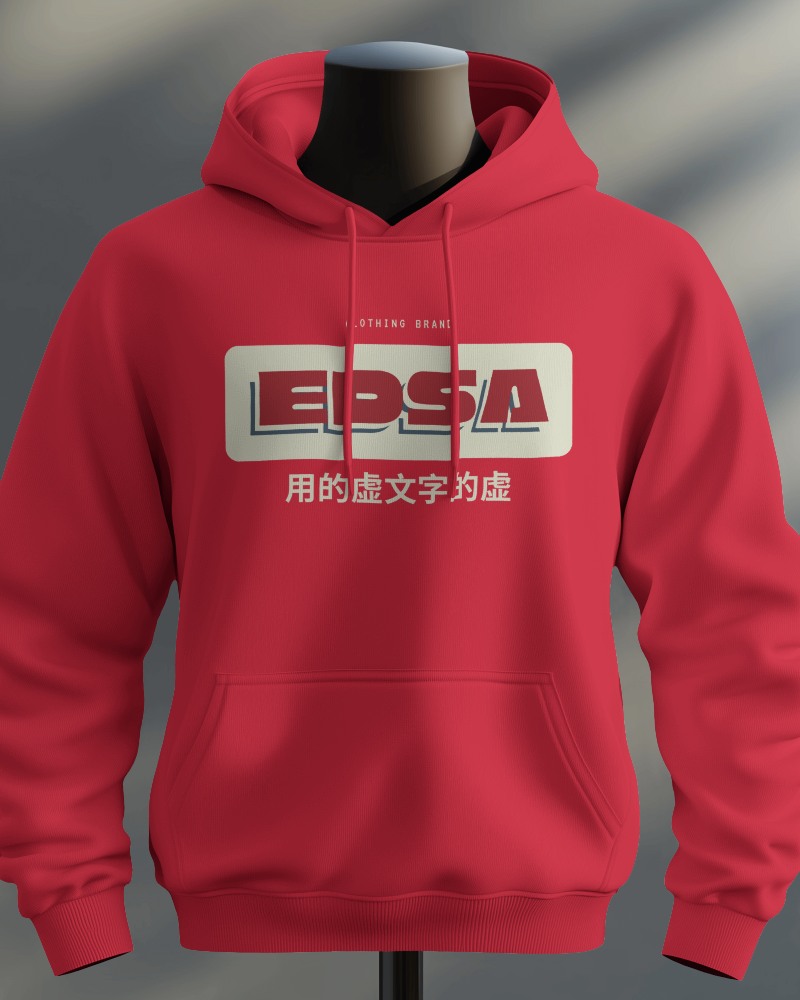
Mockey AI offers free customizable hoodie video mockups with realistic movement, perfect for showcasing your apparel designs. Create and download in minutes!
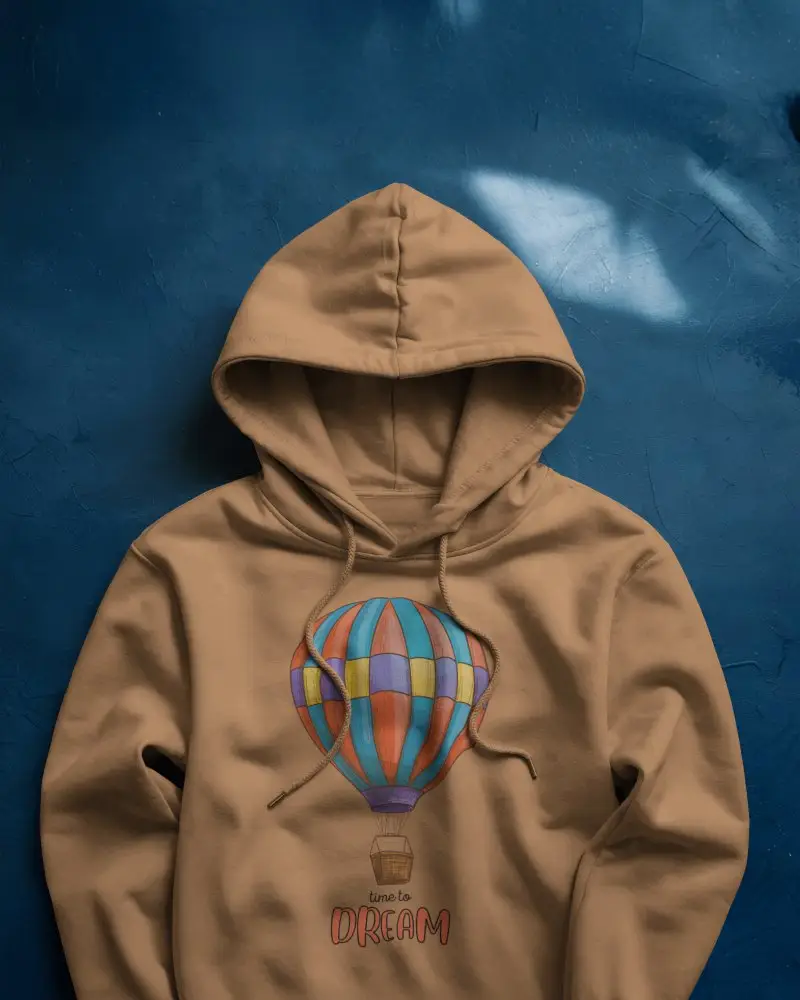
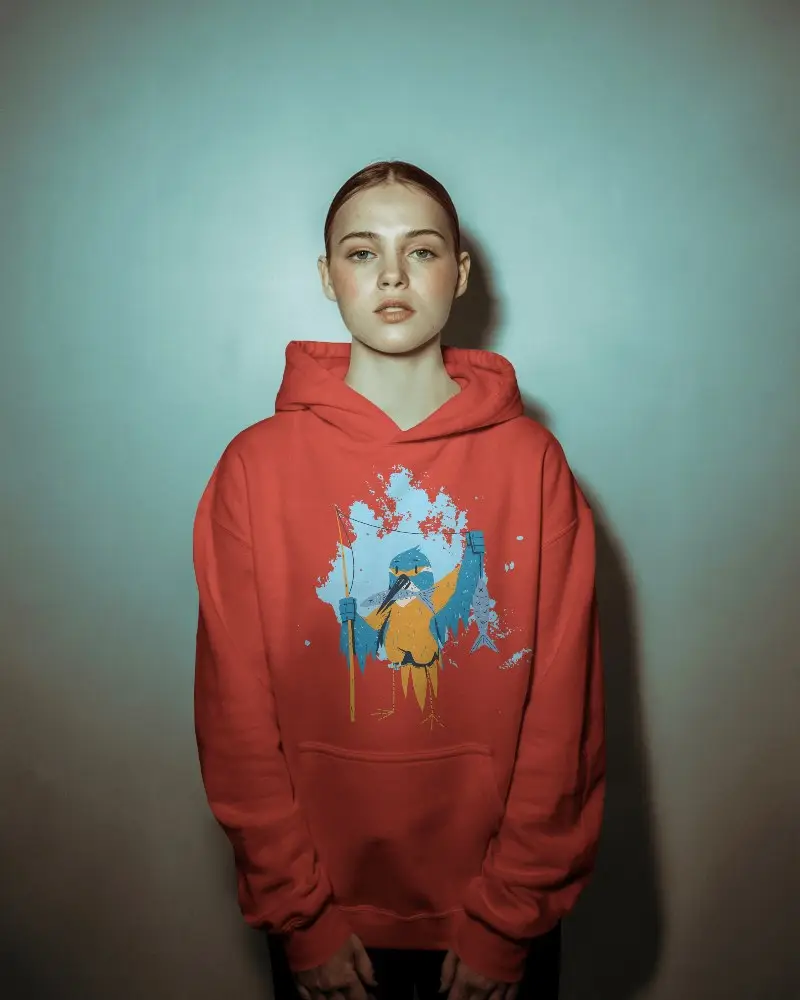
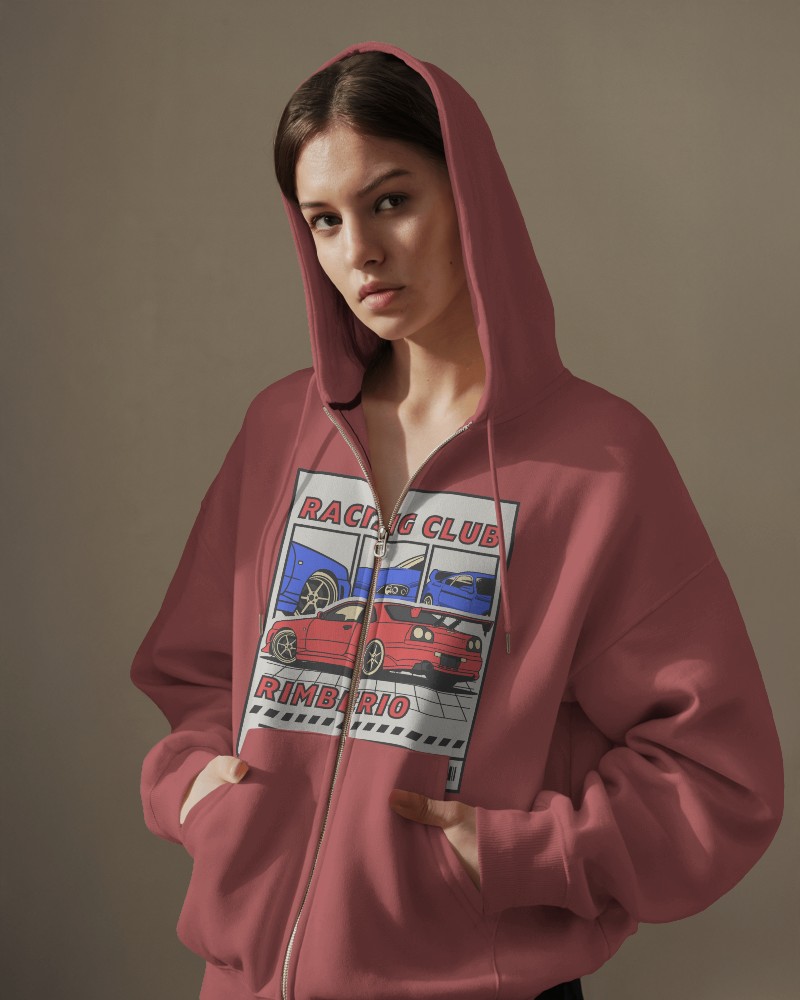
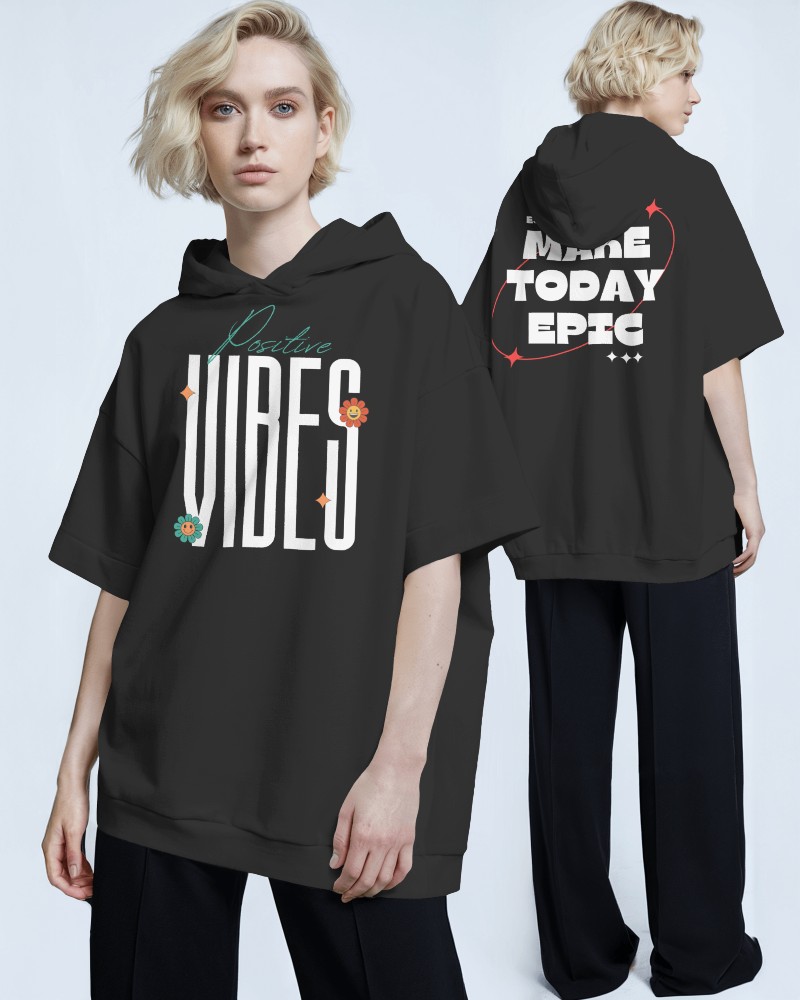
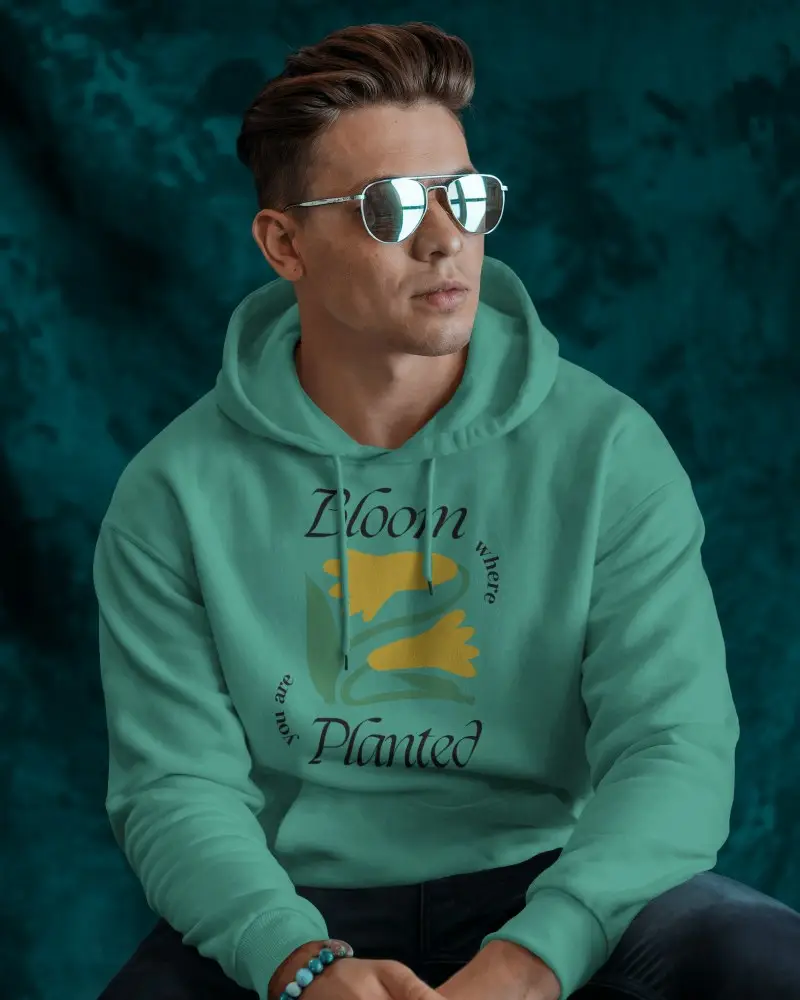
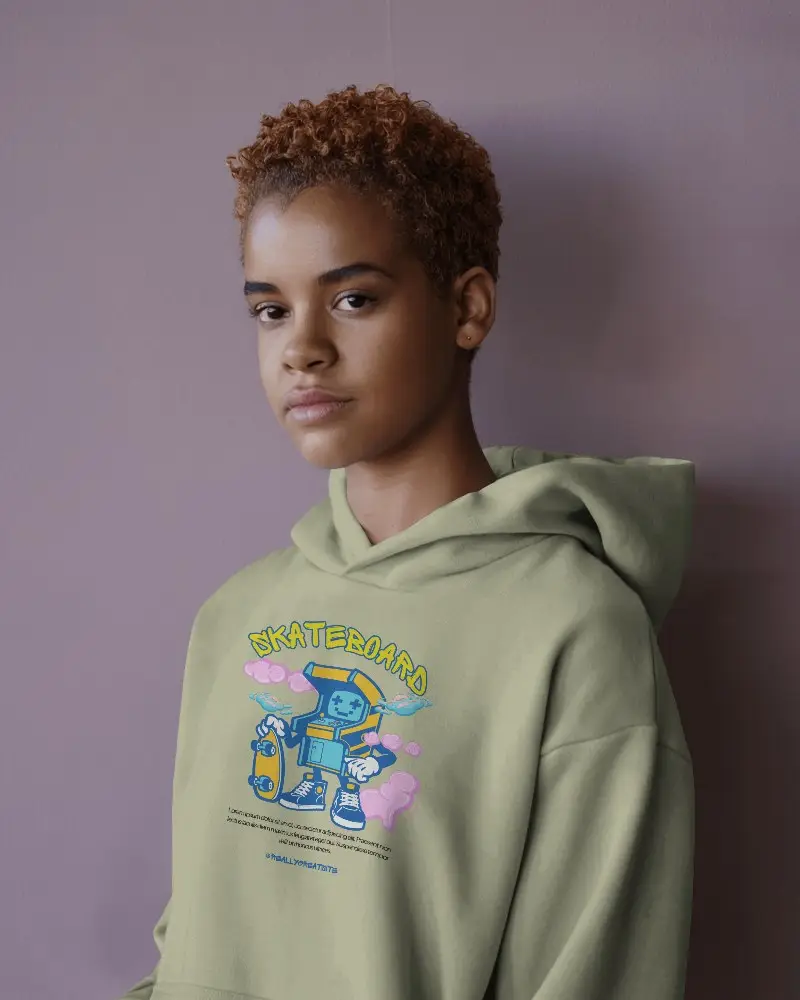
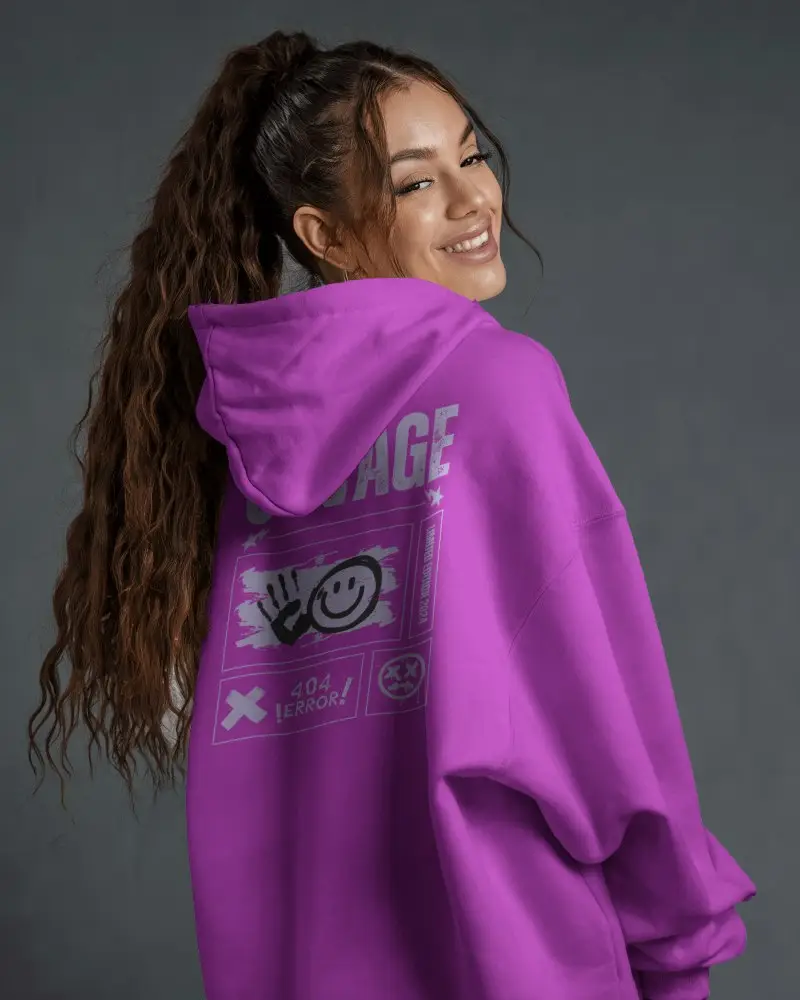
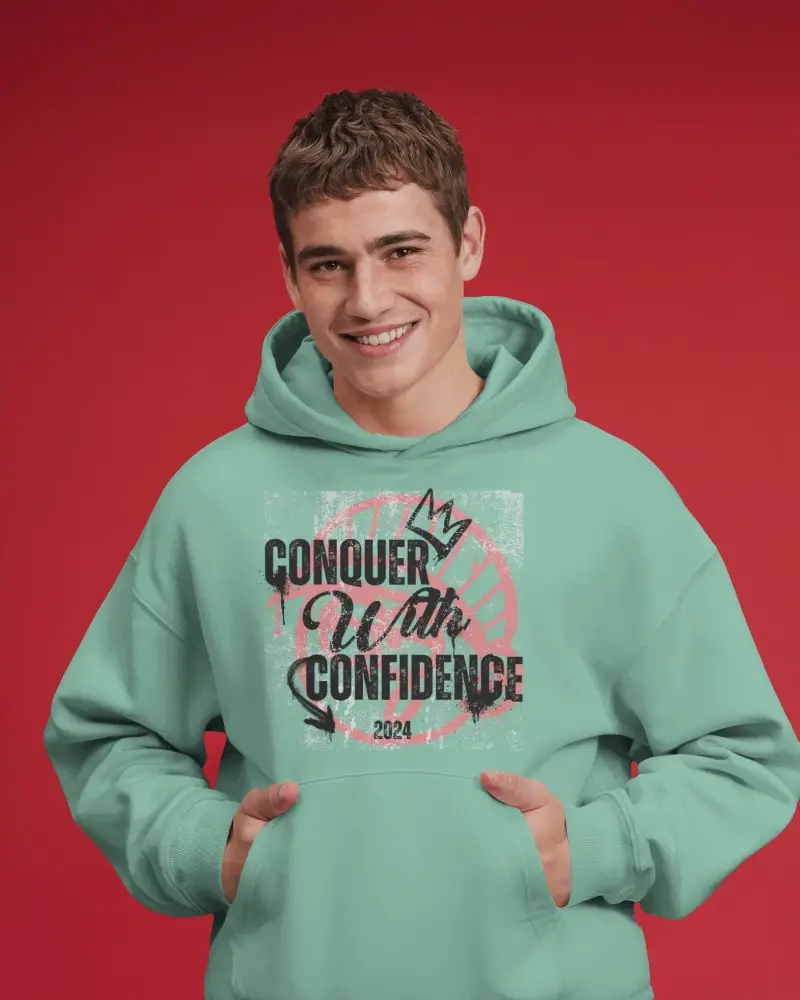
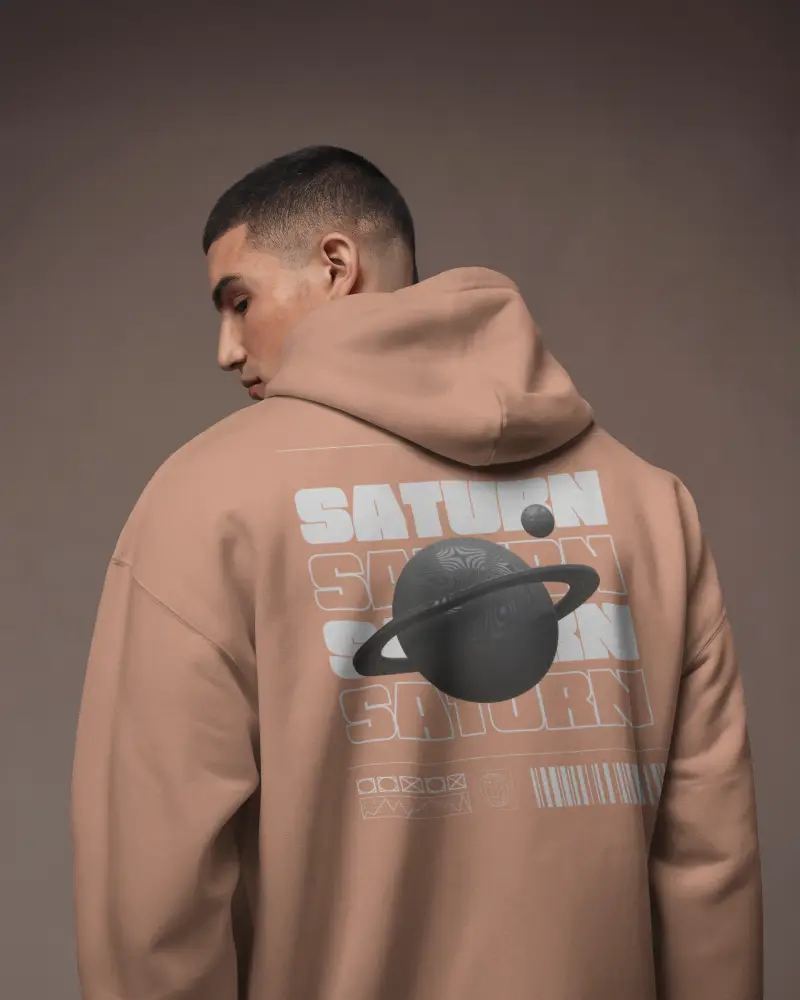
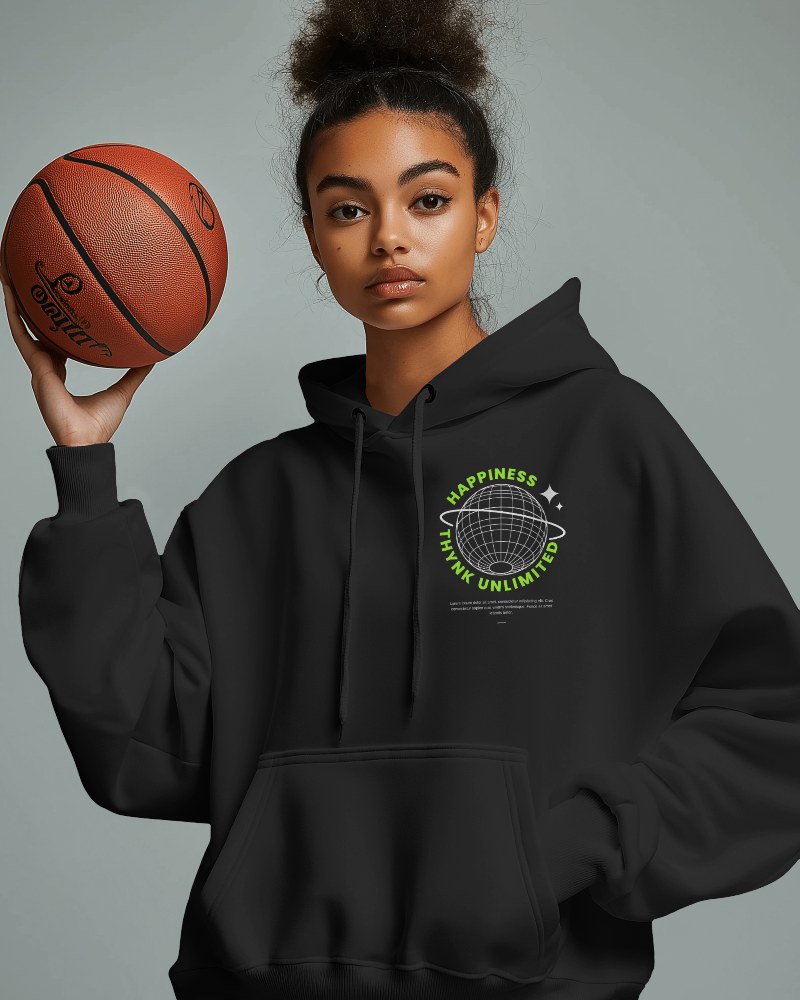
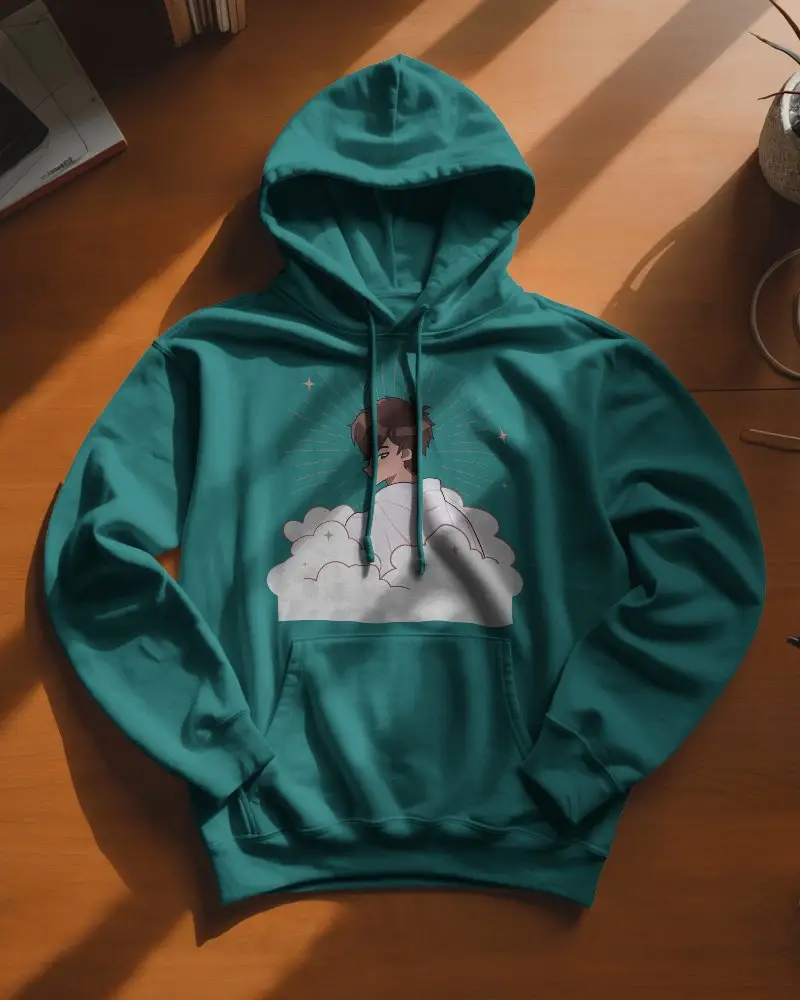
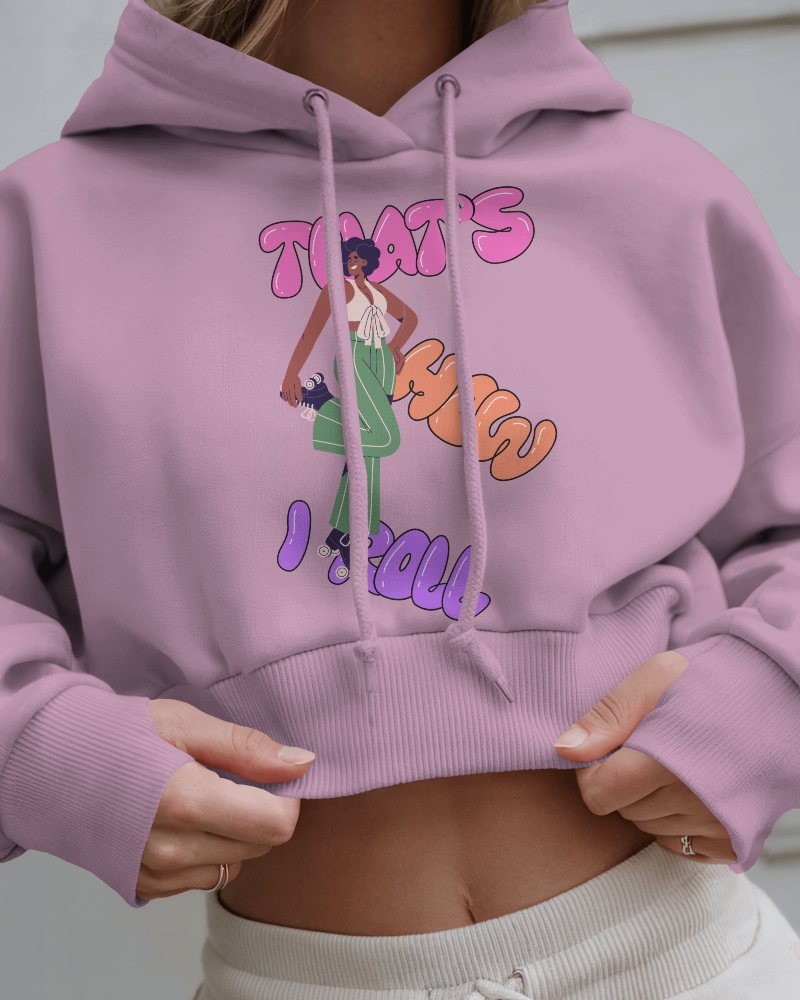
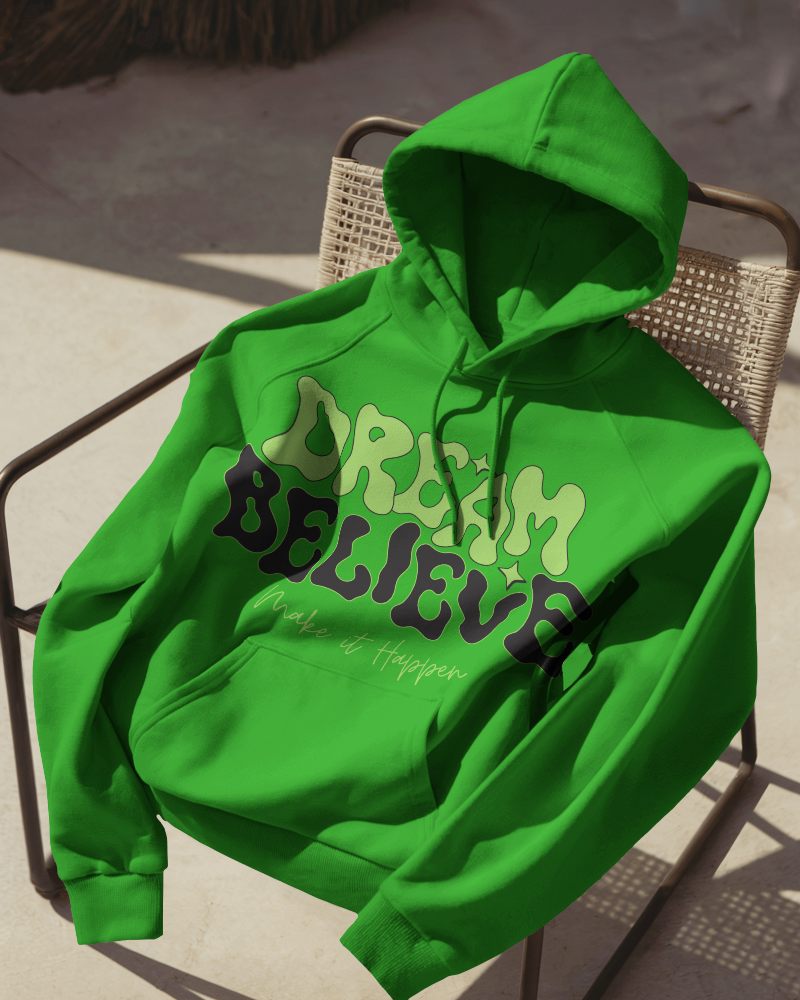
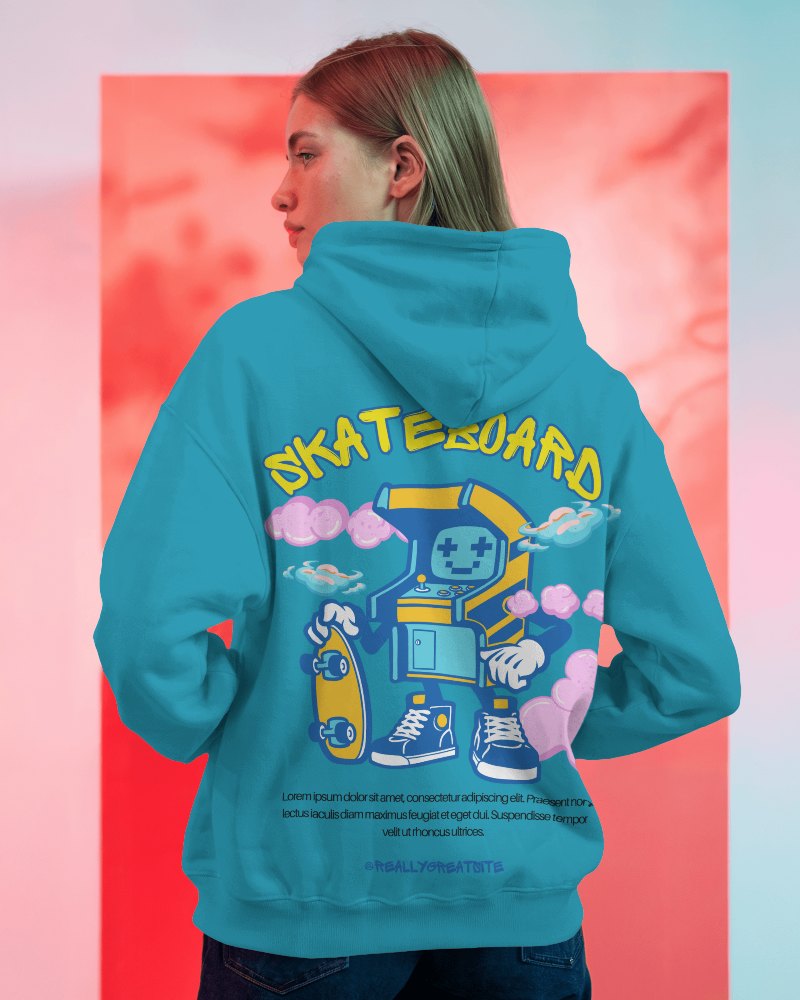
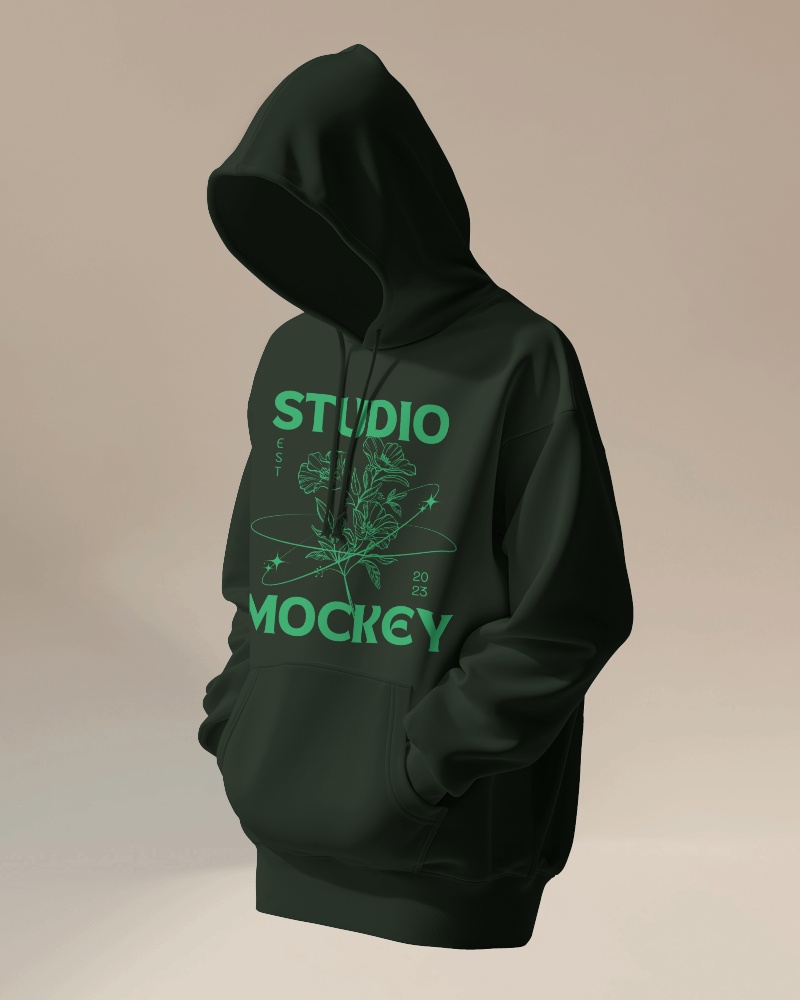
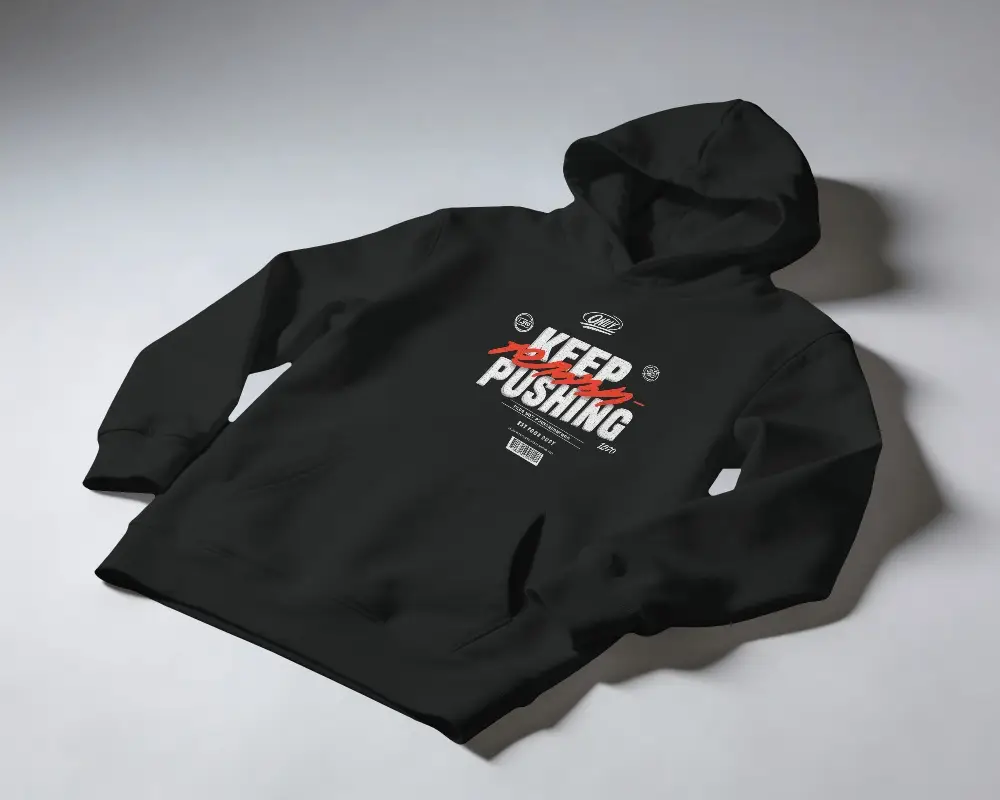
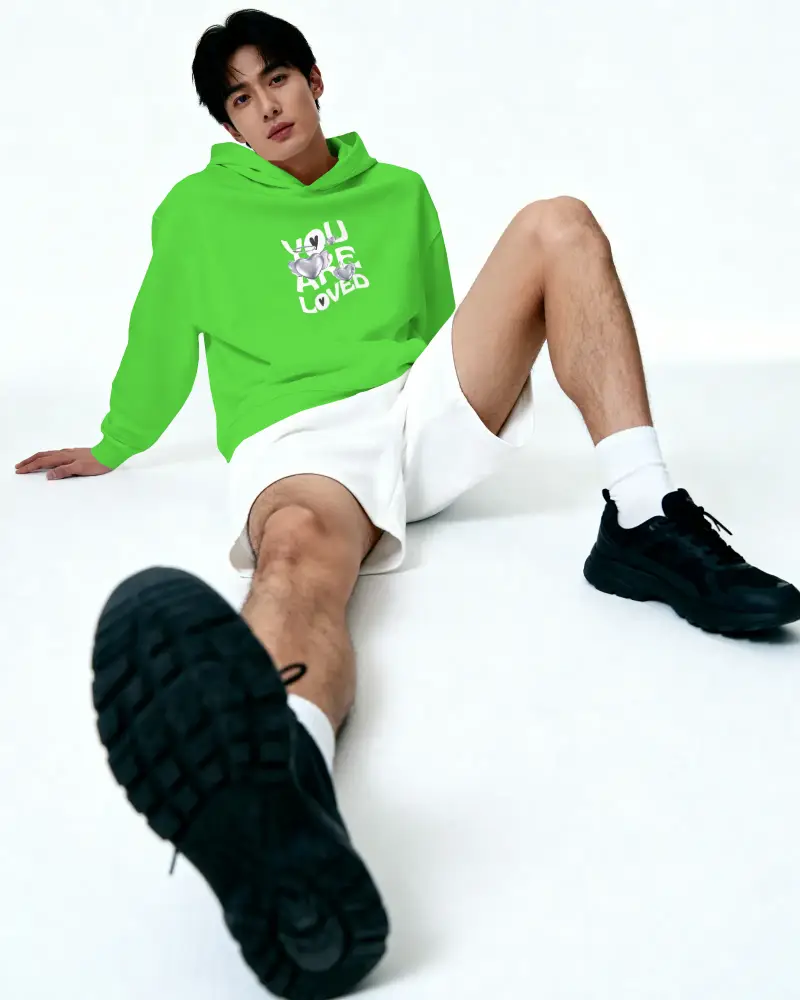
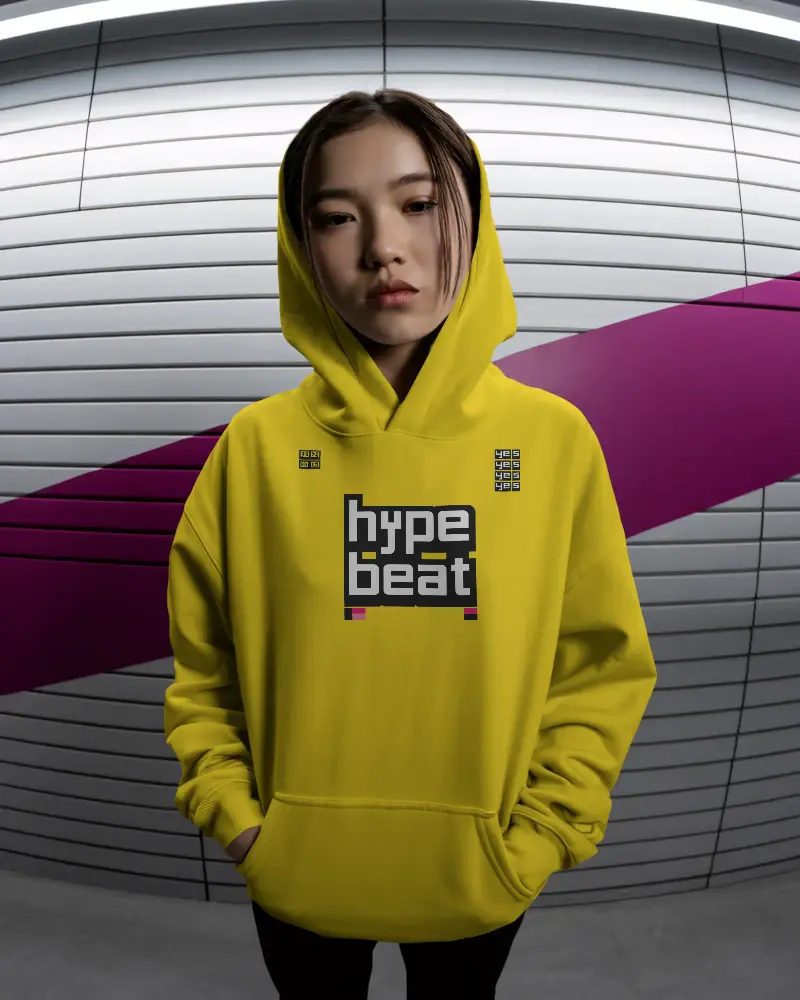
How to Create a Hoodie Video Mockup with Mockey AI
To create hoodie video mockups:
- Step 1: After registering, select Pricing and switch to MAX.
- Step 2: Locate and click 'Video Mockups'. Go to the Apparel Category.
- Step 3: Add a design after choosing Hoodie. To generate a video, personalize it and select 'Generate Video.'


FAQs on hoodie Video Mockups
Is it possible to use the hoodie video mockup for my business?
A hoodie video mockup can be used for business purposes. Show your designs clearly. Add them to your website or ads. Trusted mockup tools like Mockey AI let you use custom designs or your brand logo.
What file format is the hoodie video mockup available in?
The hoodie video mockup is available in MP4 format on Mockey AI. It will be a 5-second video.
Do I need any design skills to use hoodie video mockups?
No design experience? No problem. Generate professional hoodie video mockups quickly using Mockey AI. Their ready-made templates let you upload a design, make simple customizations, and create results in minutes.
