Free Cap Video Mockups
Create a free Cap video mockup instantly with Mockey AI. Customize cap designs in high quality without design skills. Easy online mockup generator.
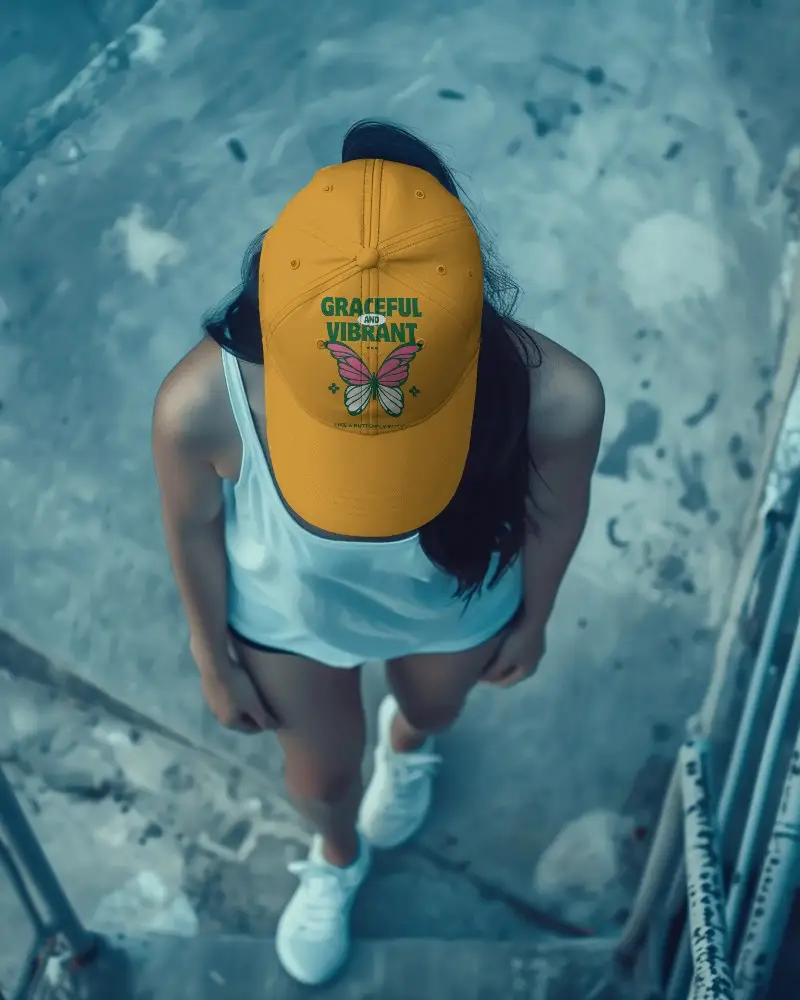
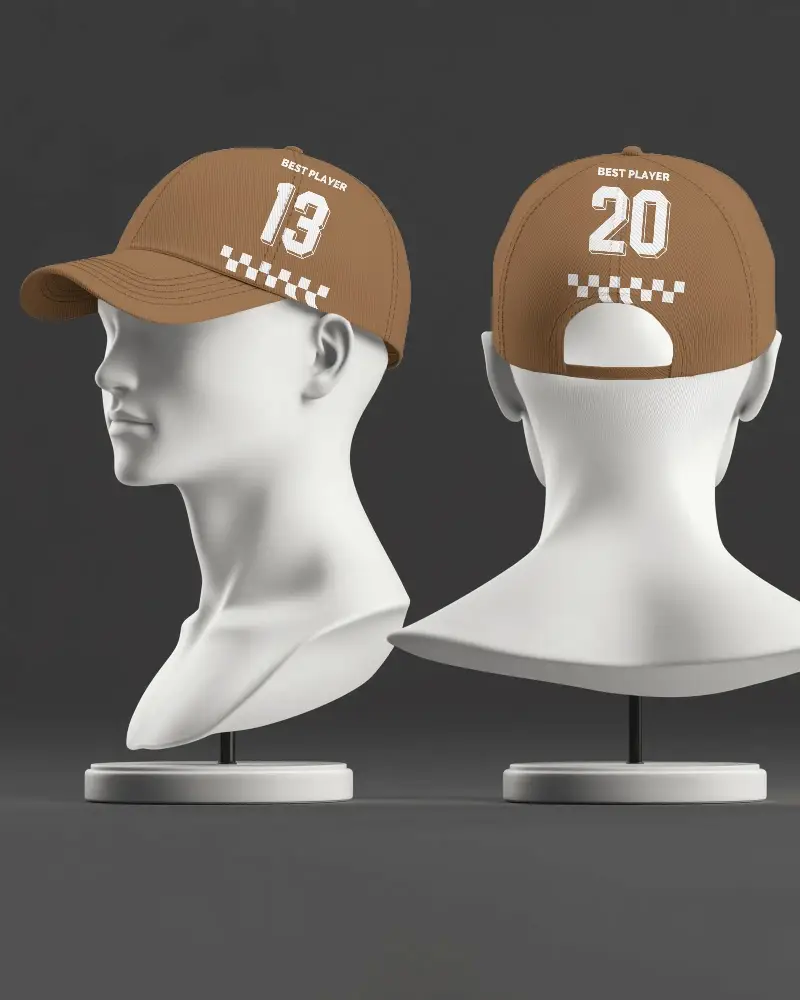
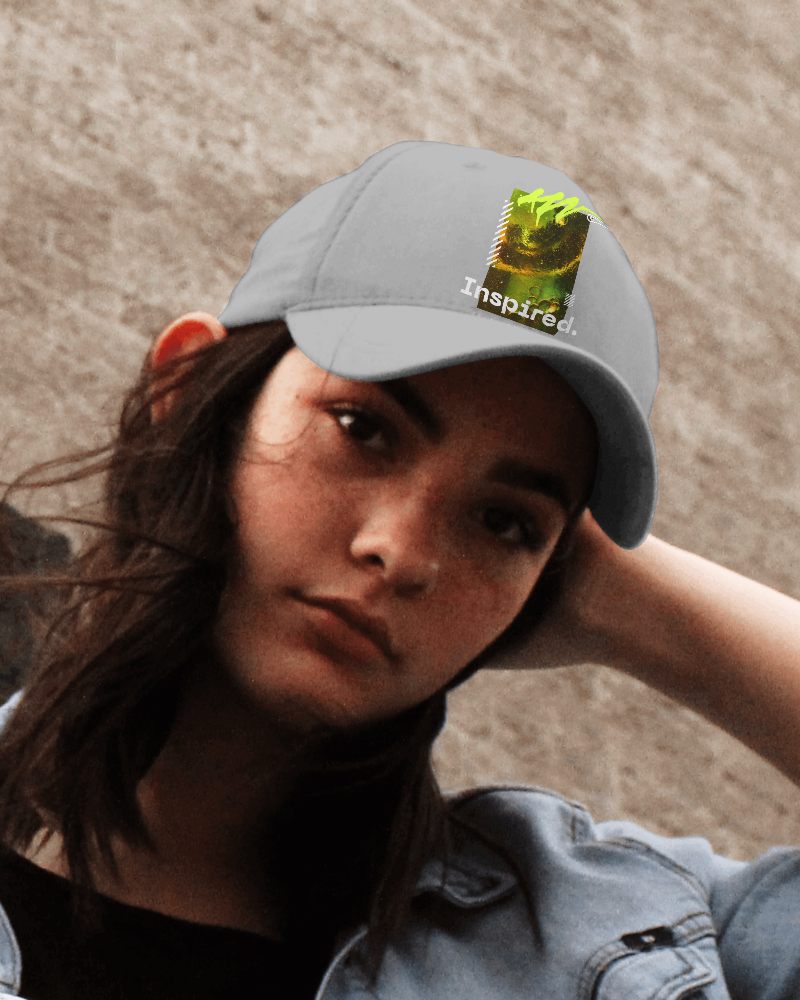

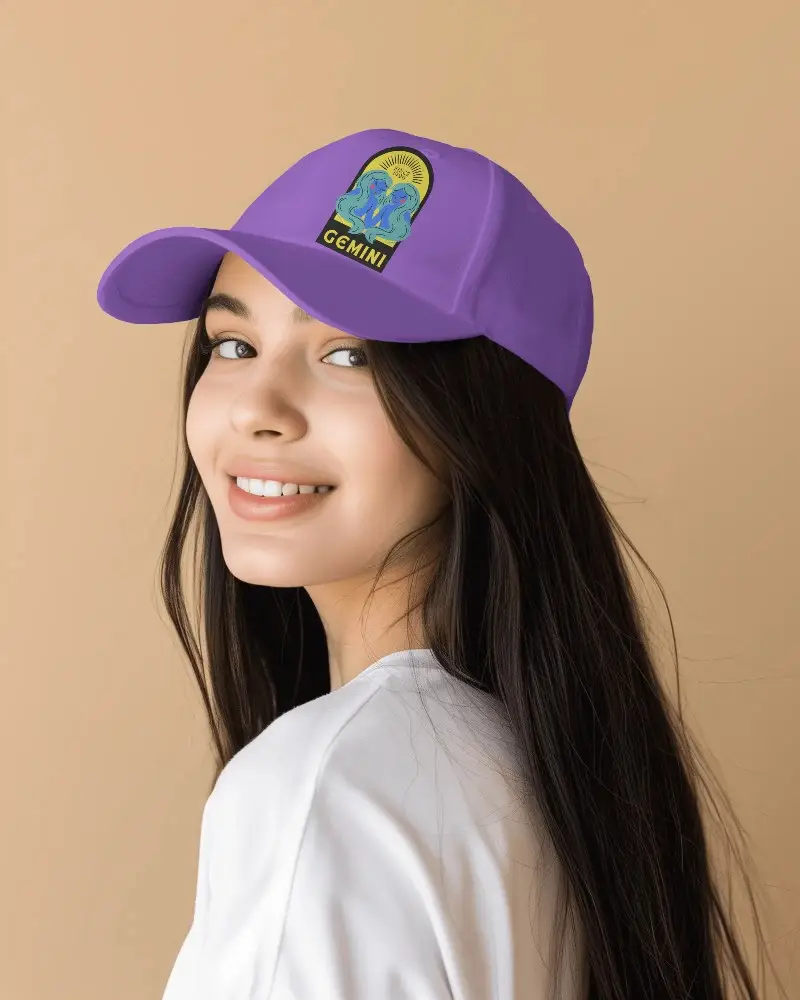

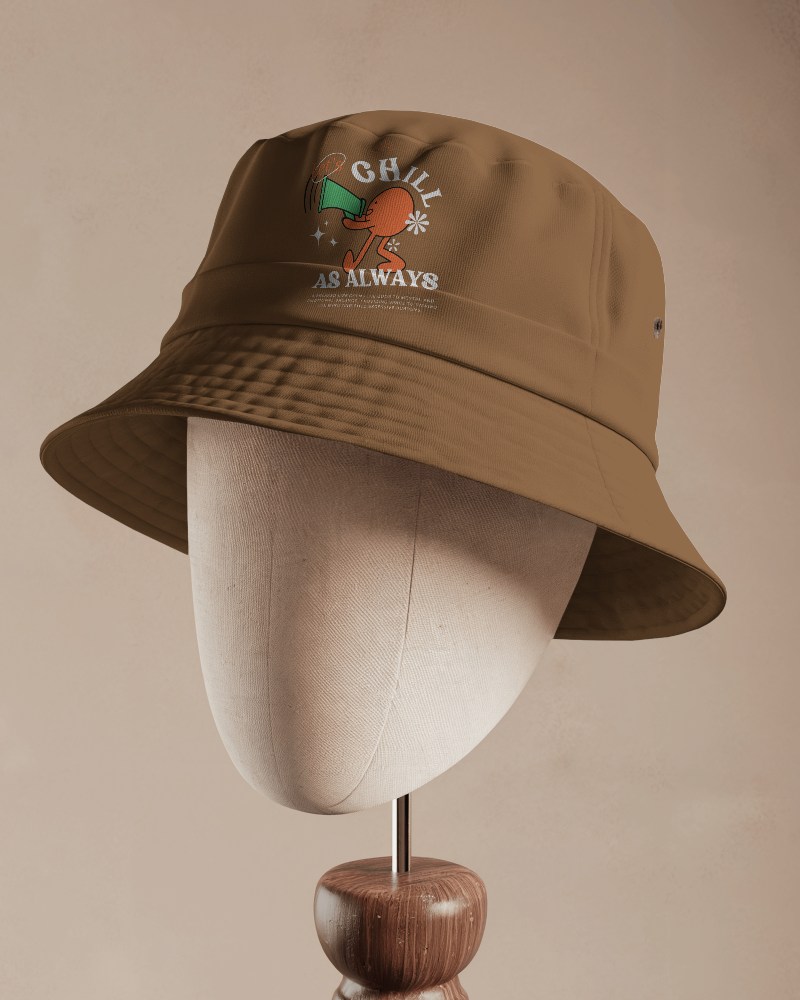



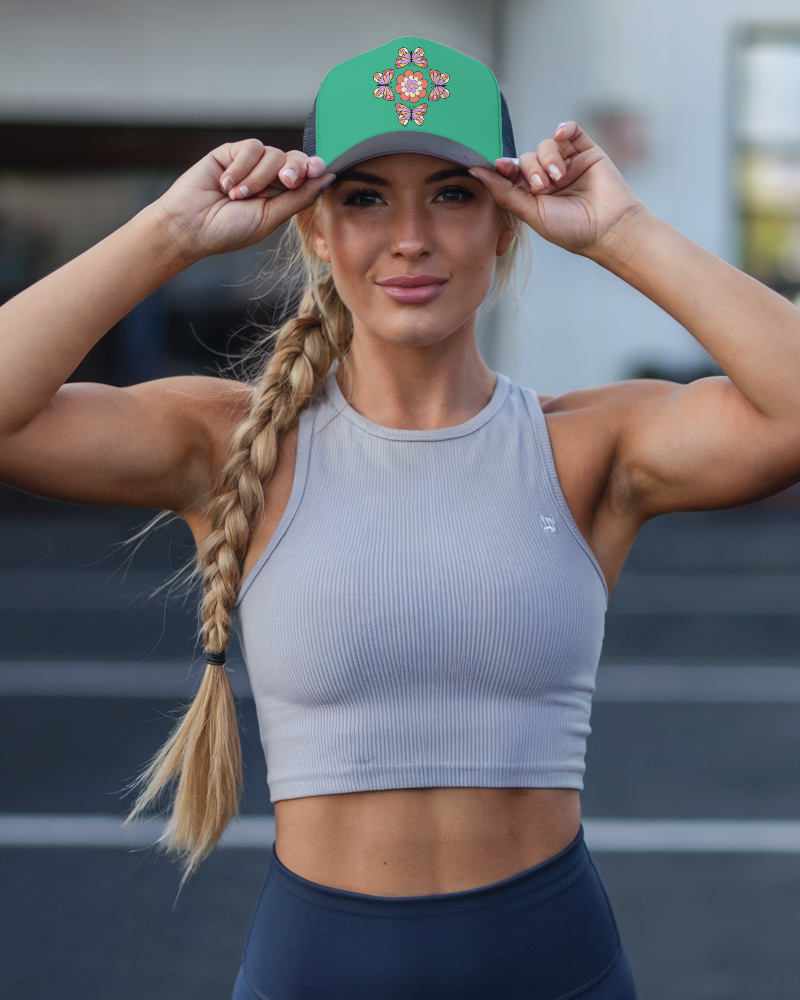
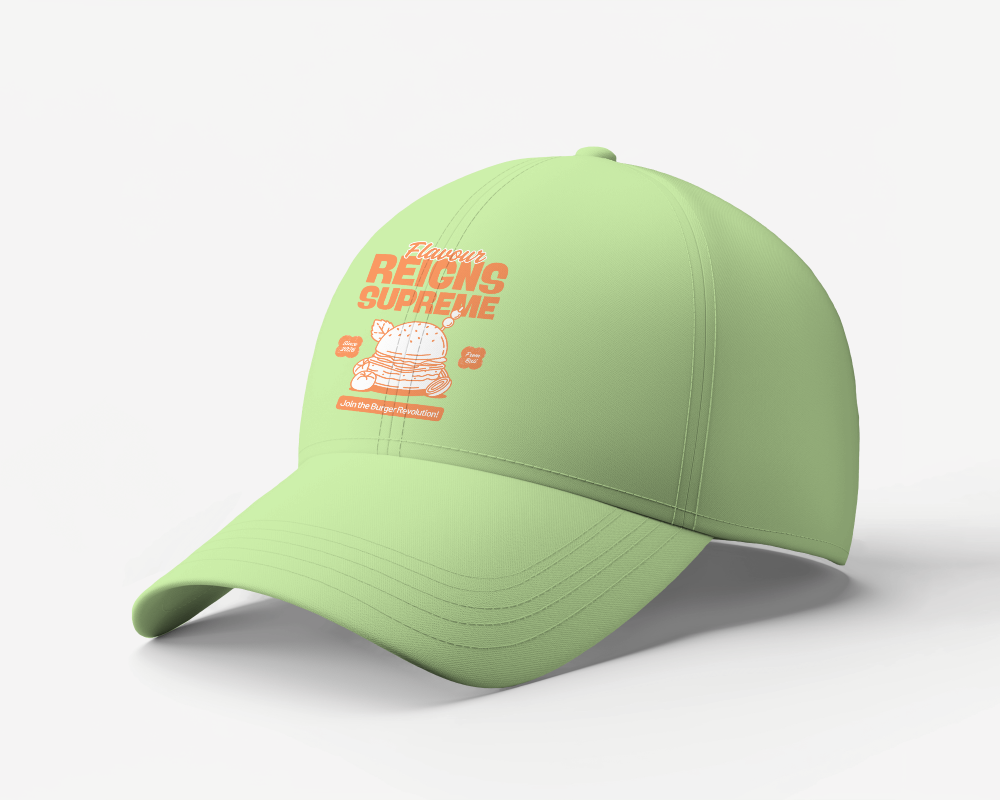
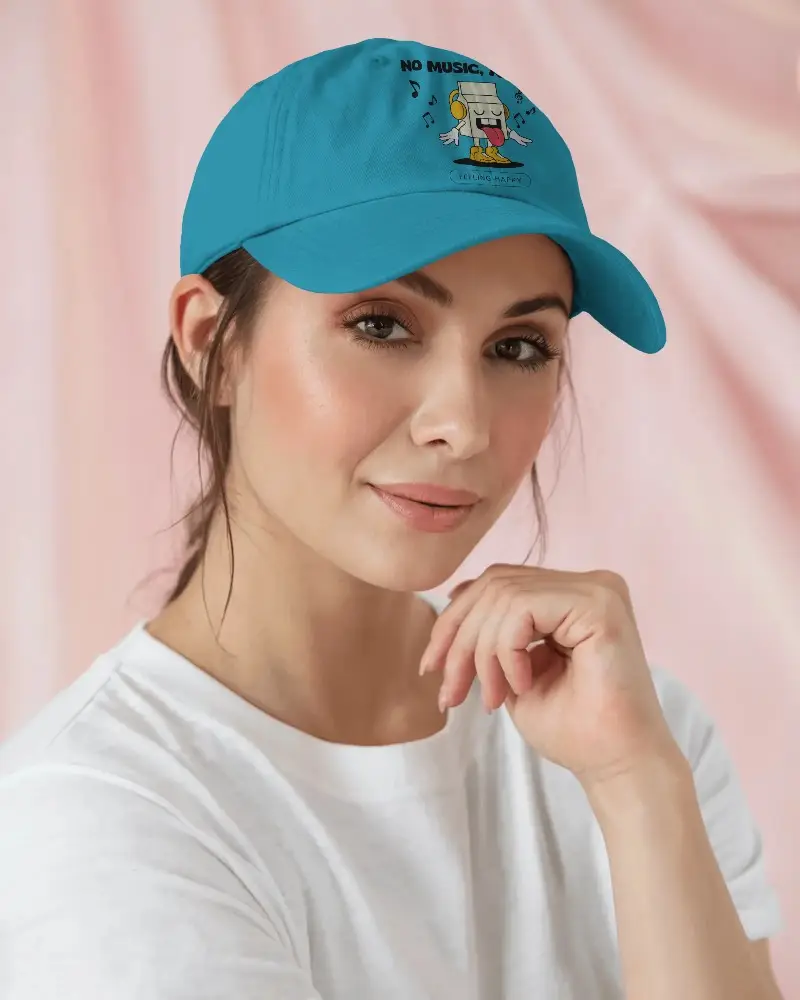
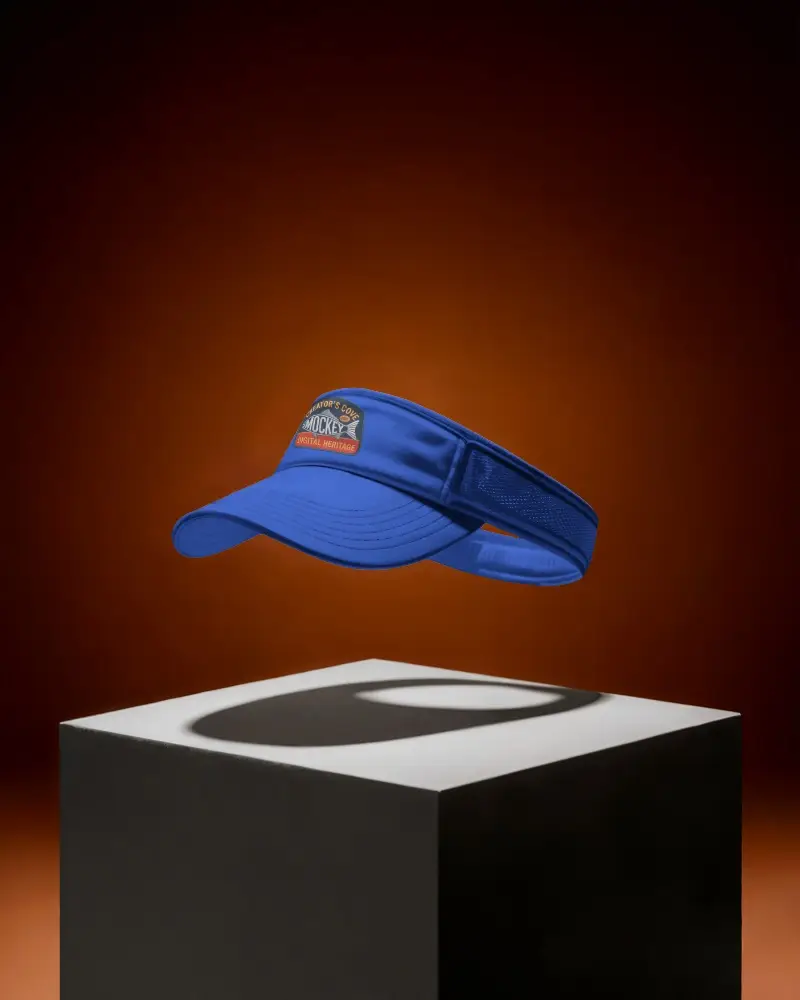

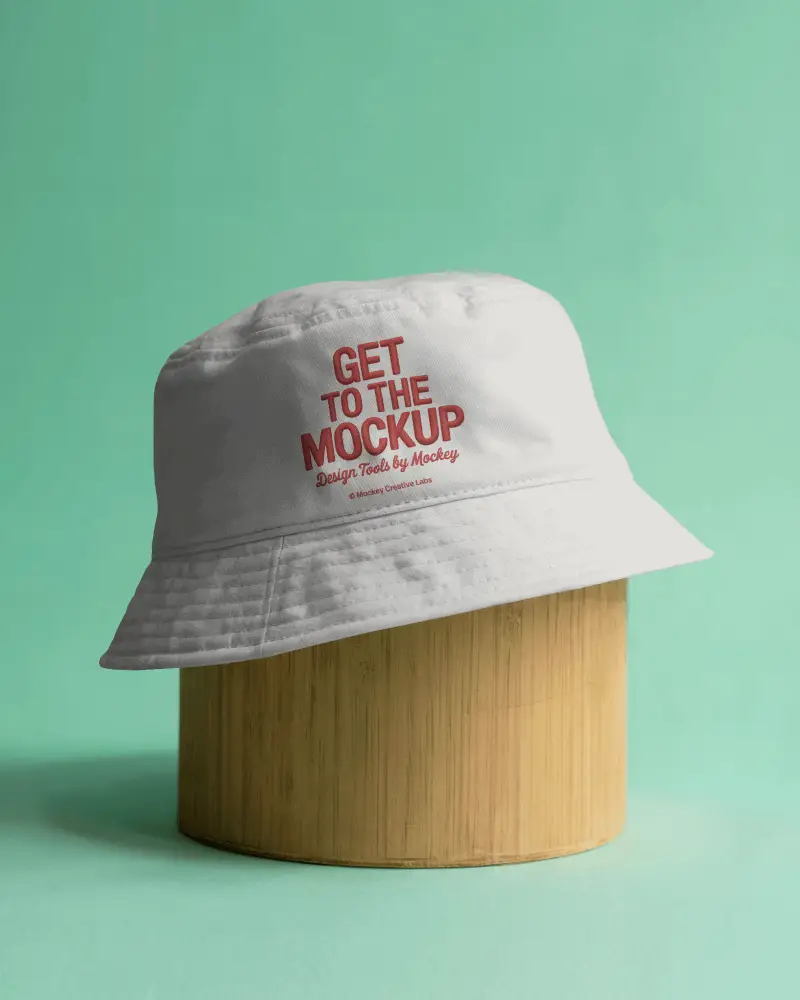
How to Create a Cap Video Mockup with Mockey AI
To create cap video mockups:
- Step 1: Sign up first. Head to Video Mockups and consider 'Accessories > Cap'.
- Step 2: Click 'Upload Design' once you pick any template, and easily edit it.
- Step 3: Tap 'Generate Video' to quickly export the Cap video mockup.


FAQs on cap Video Mockups
Can I use Cap video mockups for print-on-demand services?
Cap video mockups can be used for print-on-demand. They are effective for online stores and advertisements. Tools like Mockey AI make it easy. No need for heavy software. Show your caps in a real-looking video.
What file formats are supported for Cap video mockups?
As far as Mockey AI is concerned, the cap video mockup will only be downloaded to your PC in one format, MP4, when you press the Generate Video button.
Can I test multiple Cap designs with video mockups?
You can add multiple designs to the cap video mockup template you selected. Just click the + button to preview more than one design in the video.
Can I use Cap video mockups in YouTube content or promos?
You can add Cap video mockups to your YouTube videos or promos. However, confirm that you have the appropriate authorization or license. If not, you could face copyright trouble.
