Bucket Cap Video Mockup for Realistic Cap Presentations
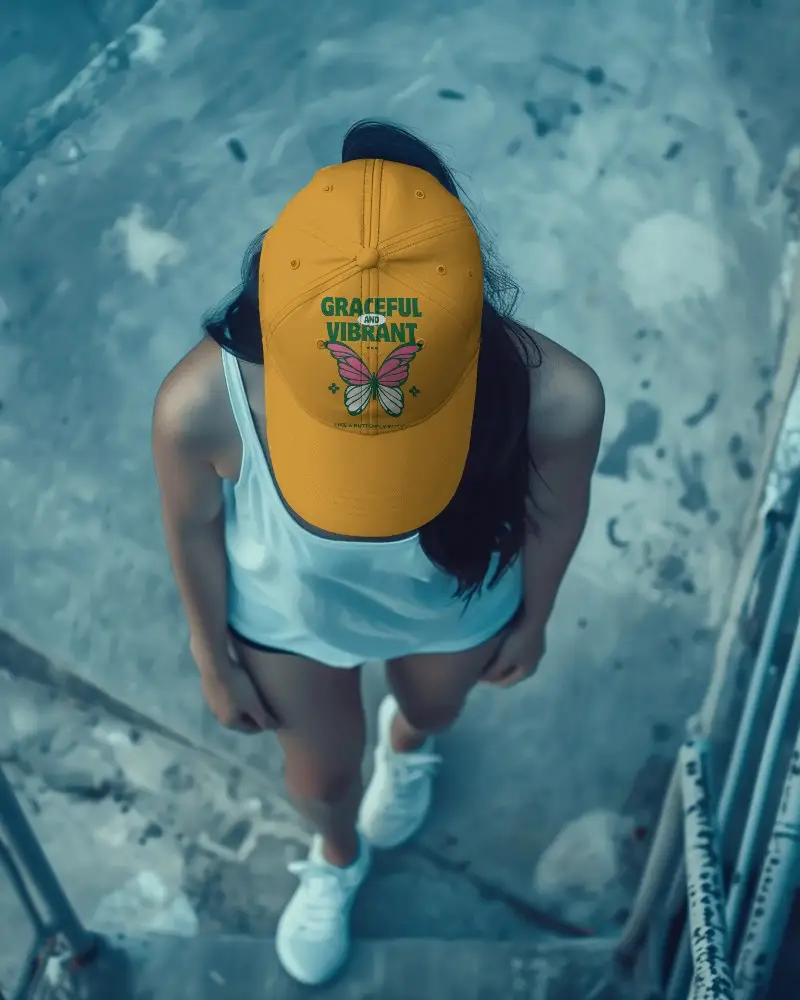
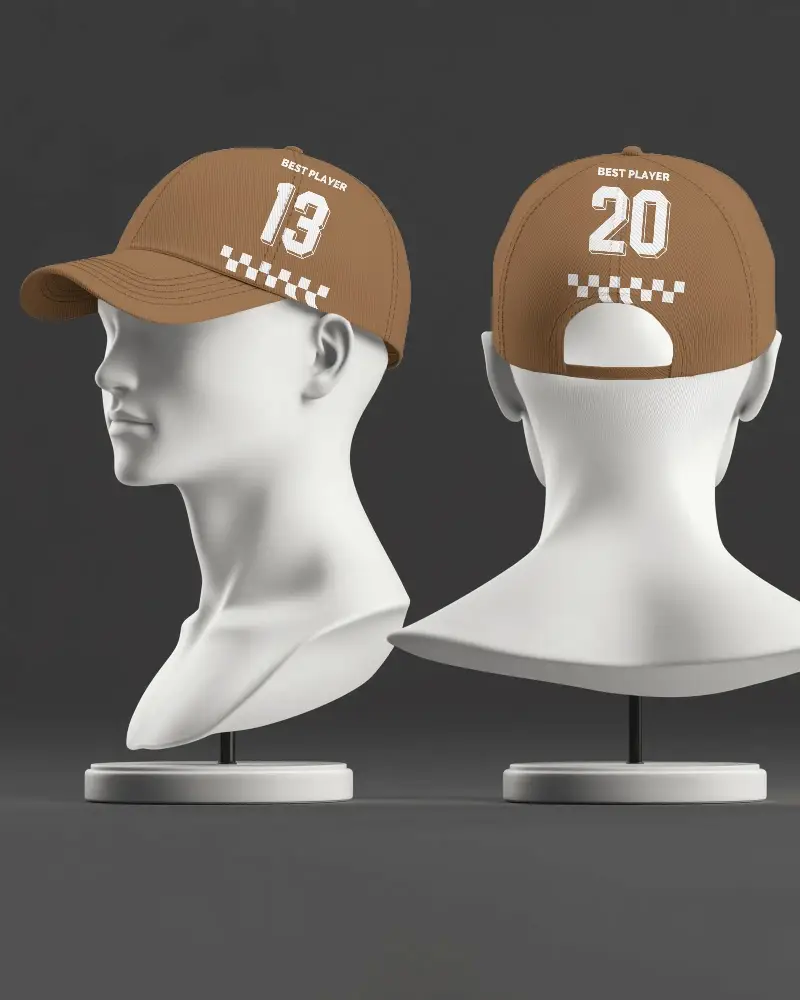
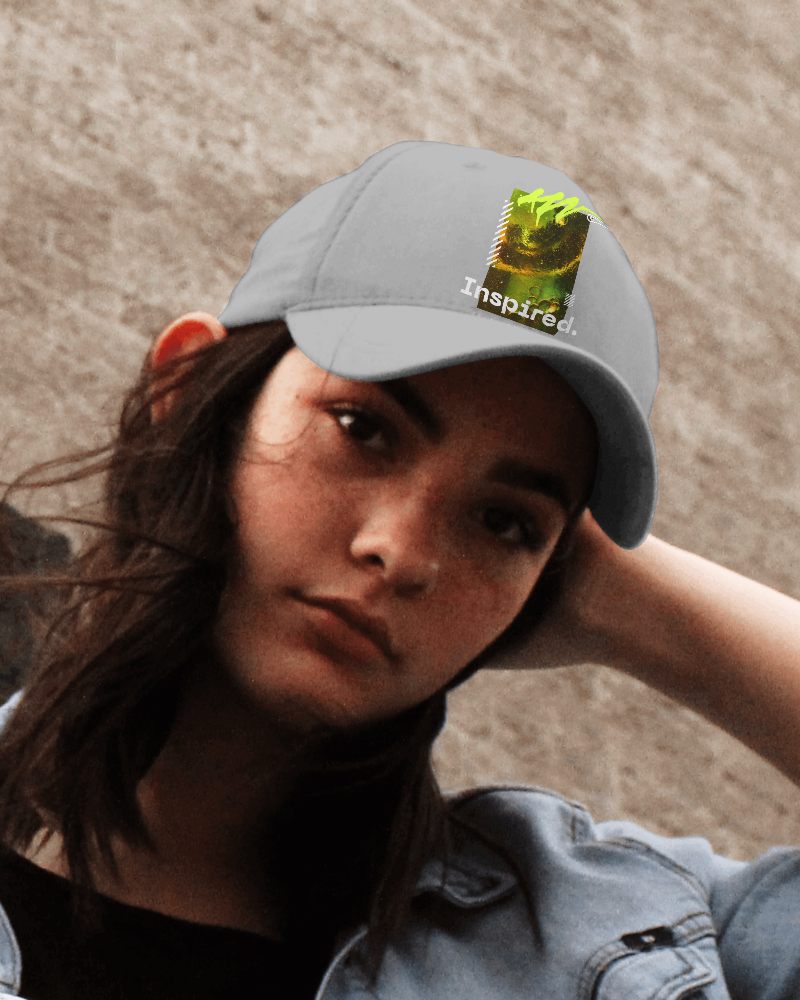
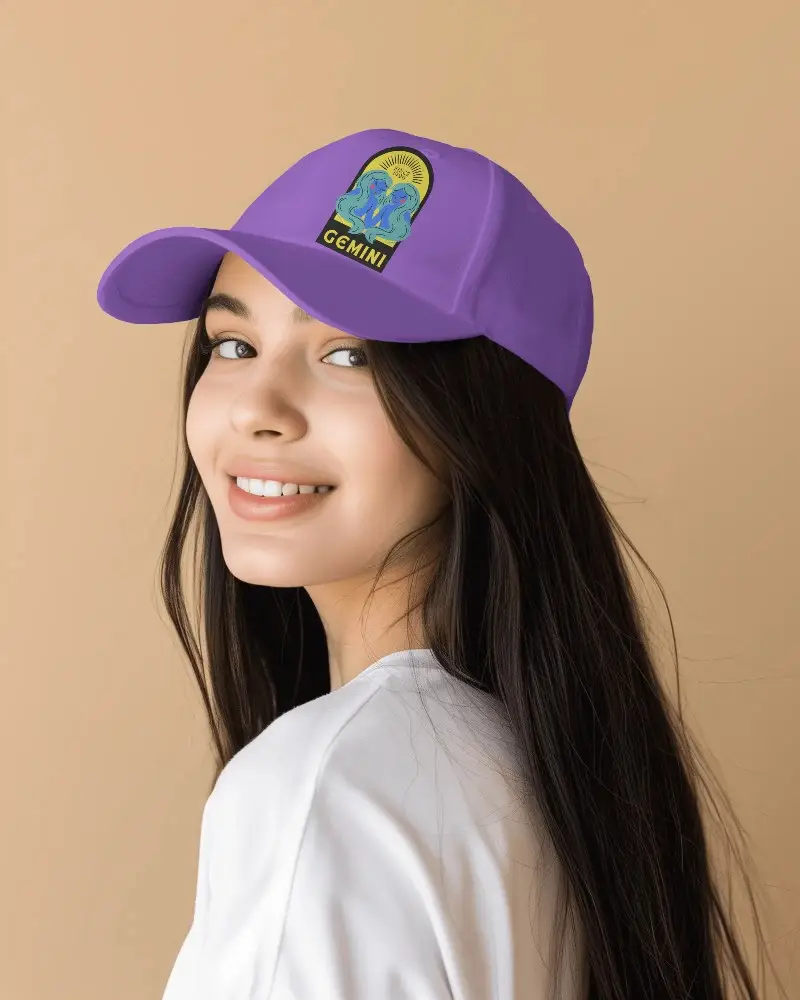
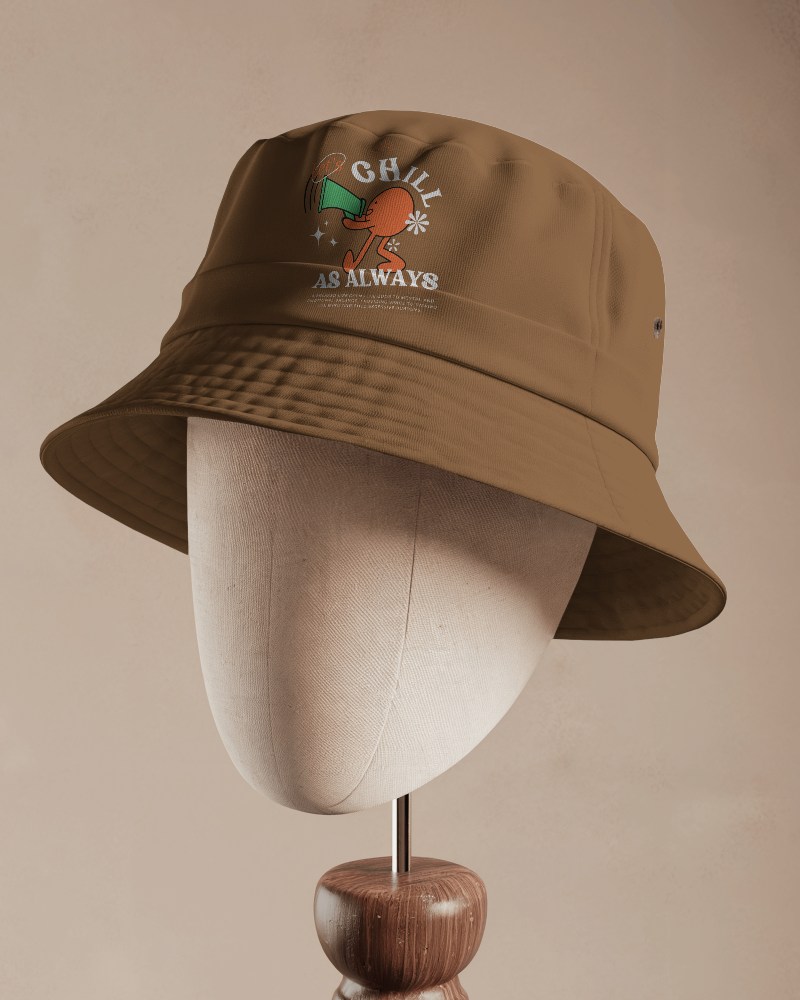
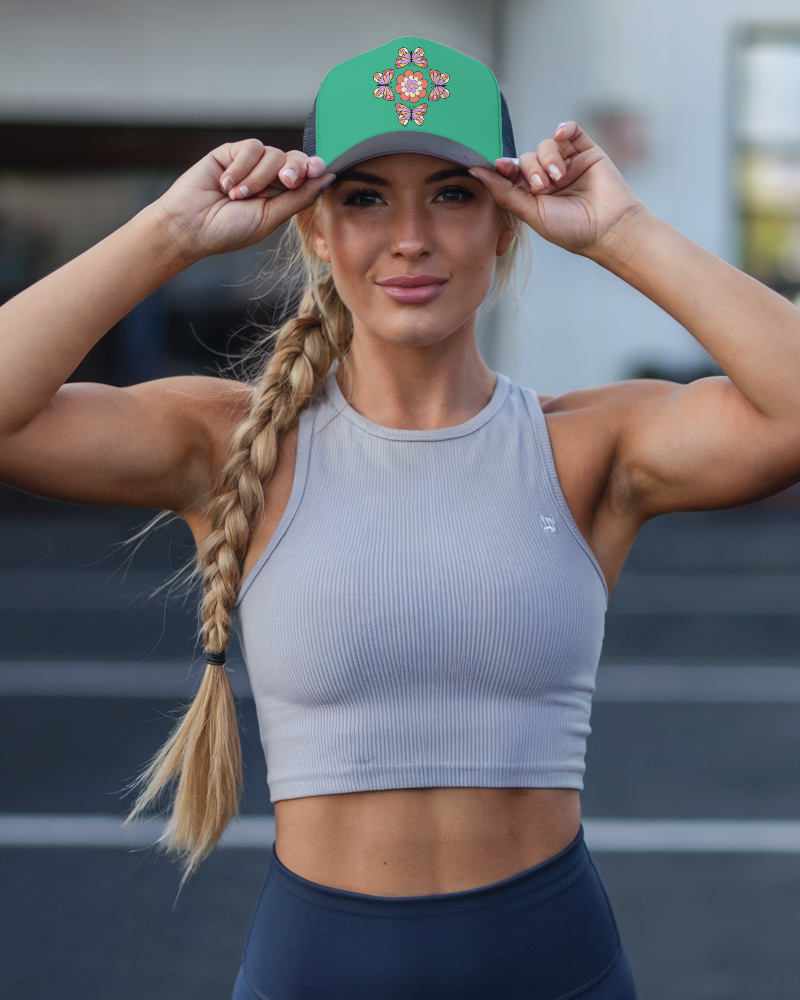
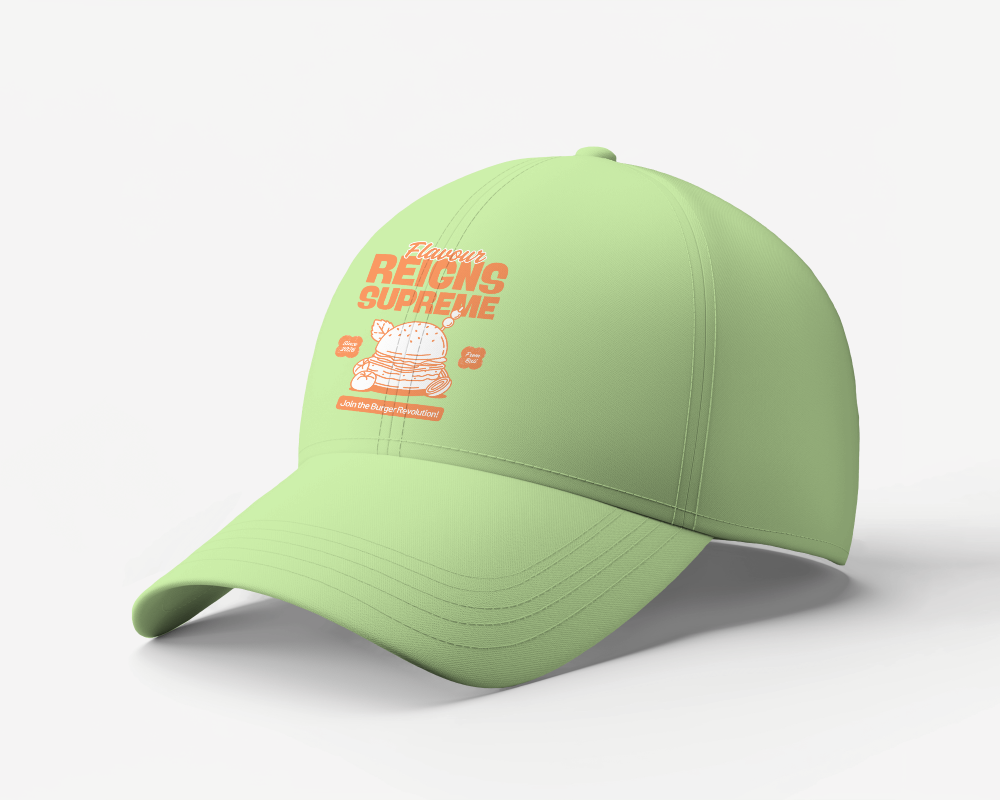
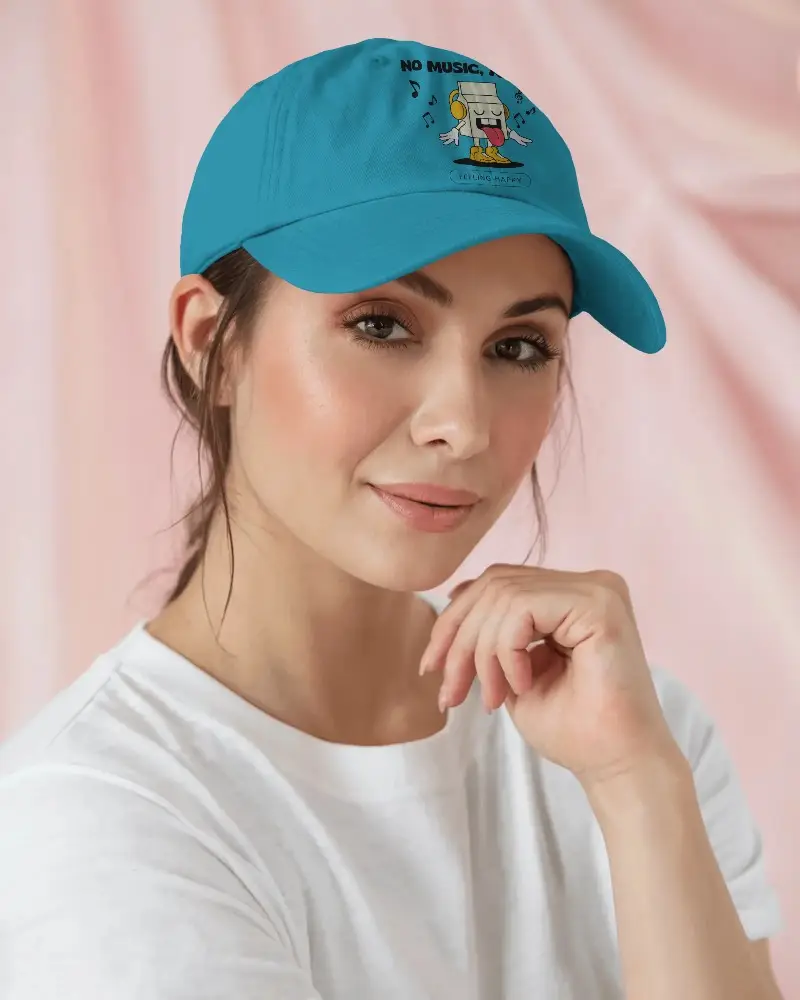
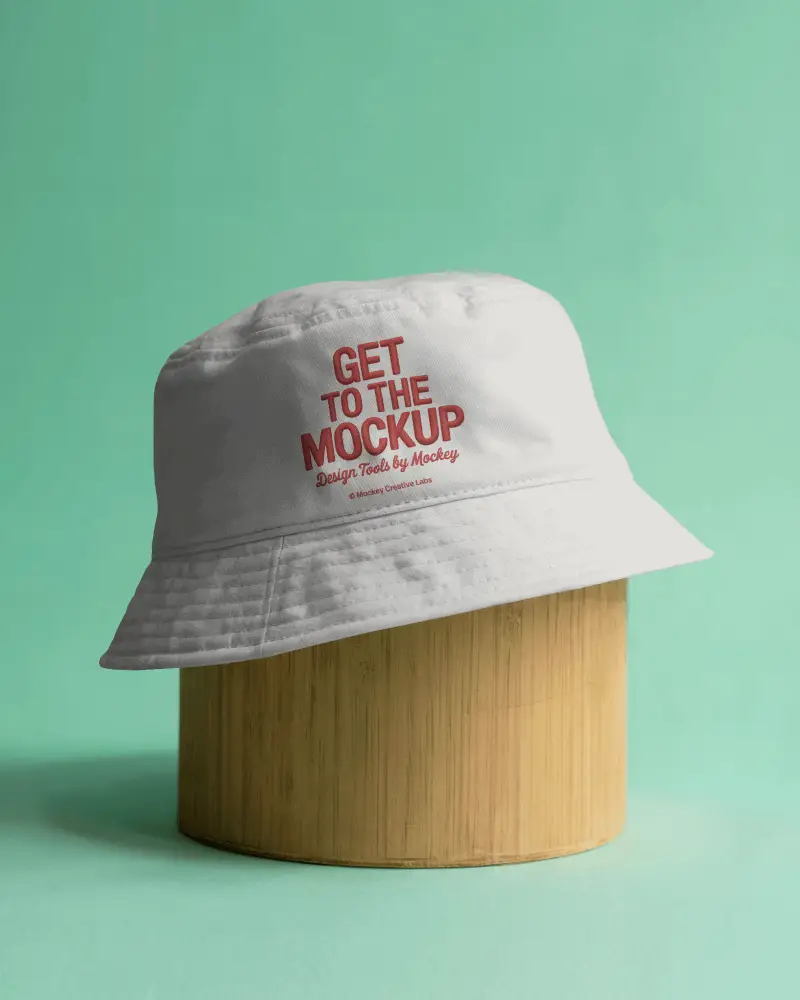
Experience a smooth and realistic way to present your cap designs with this Bucket cap video mockup. Designed for apparel brands, merch creators, and designers, this mockup lets you display embroidery, logos, and artwork in a dynamic video format for eCommerce listings, social media, or client presentations.






How to Create a Bucket Cap Video Mockup
To create a Bucket cap video mockup:
- Step 1: Sign up, open Video Mockups, and go to Accessories > Cap.
- Step 2: Choose a template, click Upload Design, and customize it easily.
- Step 3: Click Generate Video to export and save the Bucket cap video mockup.


FAQs on Bucket Hat Video Mockups
What is a Bucket cap video mockup?
A Bucket cap video mockup is a video template of a cap where you can display your design in motion. It helps you present a static logo or artwork in a realistic video style using a video mockup generator.
Does the Bucket cap video mockup support full-color designs?
Yes. You can upload full-color designs and also change the cap color to any shade while customizing your Bucket cap video mockup using the editor tools.
Is the Bucket cap video mockup watermark-free after export?
Yes. Your exported Bucket cap video mockup will be watermark-free when you use a CREATOR or ELITE plan.
Is this Bucket cap video mockup suitable for print-on-demand sellers?
Yes. Bucket cap video mockups work great for POD sellers because motion previews improve product presentation and can help increase conversion rates.
