Fitted Cap Video Mockup for Realistic Cap Presentations
Experience a smooth and realistic way to present your cap designs with this Fitted cap video mockup. Designed for apparel brands, merch creators, and designers, this mockup lets you display embroidery, logos, and artwork in a dynamic video format for eCommerce listings, social media, or client presentations.
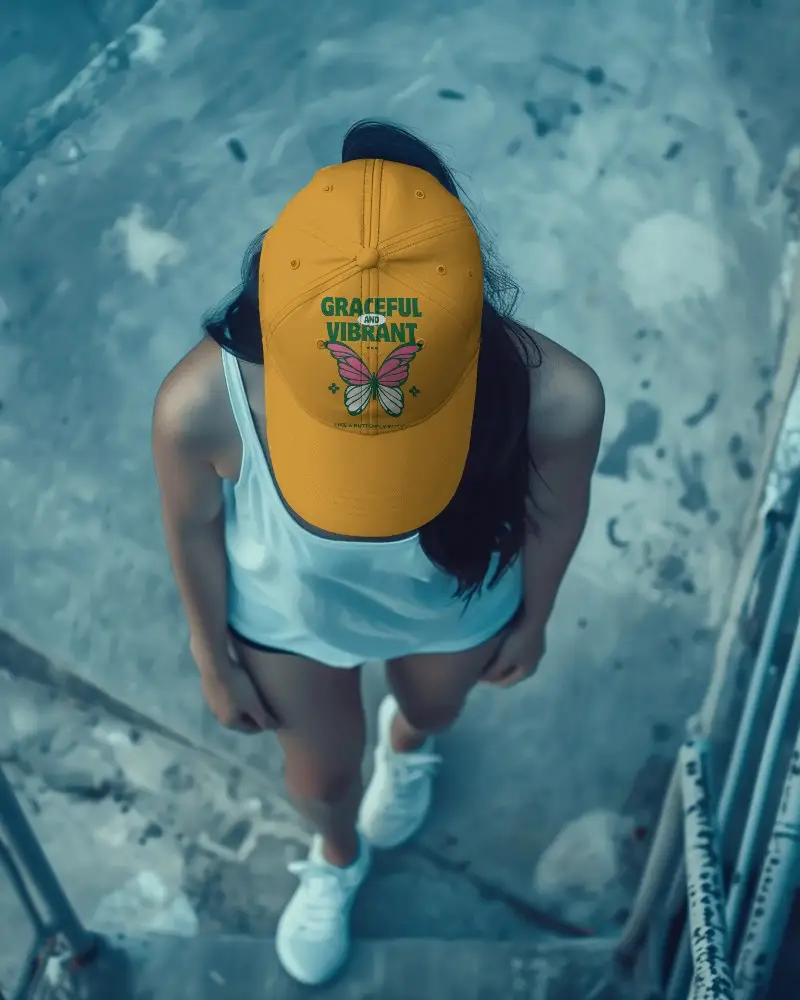
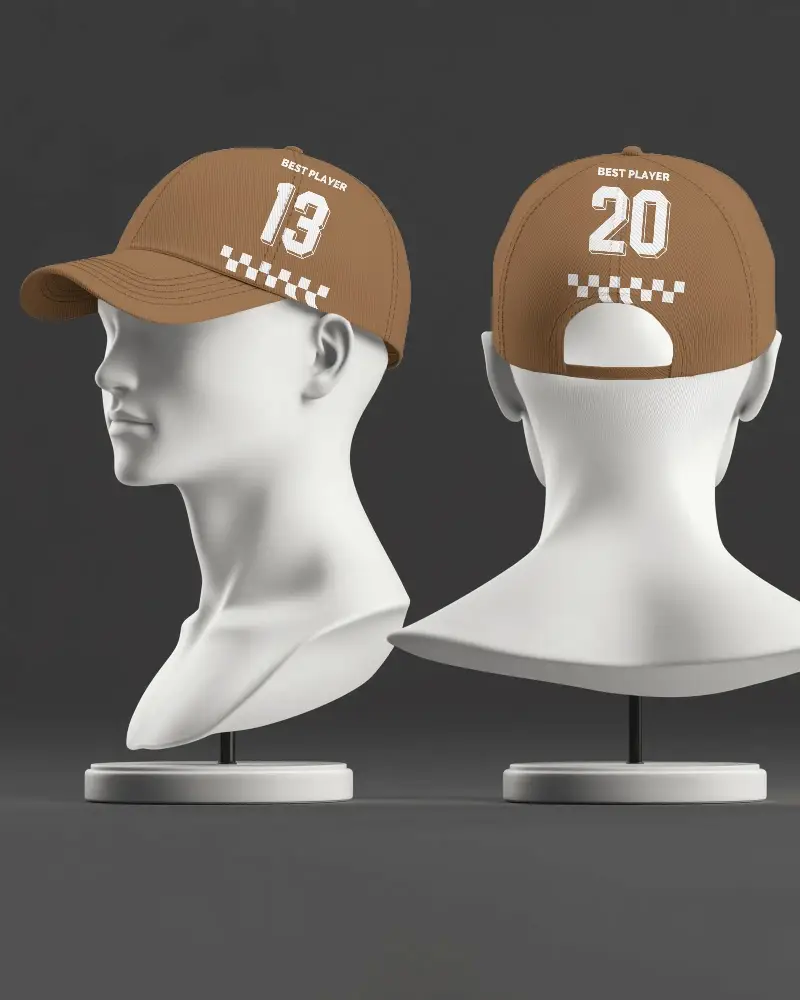
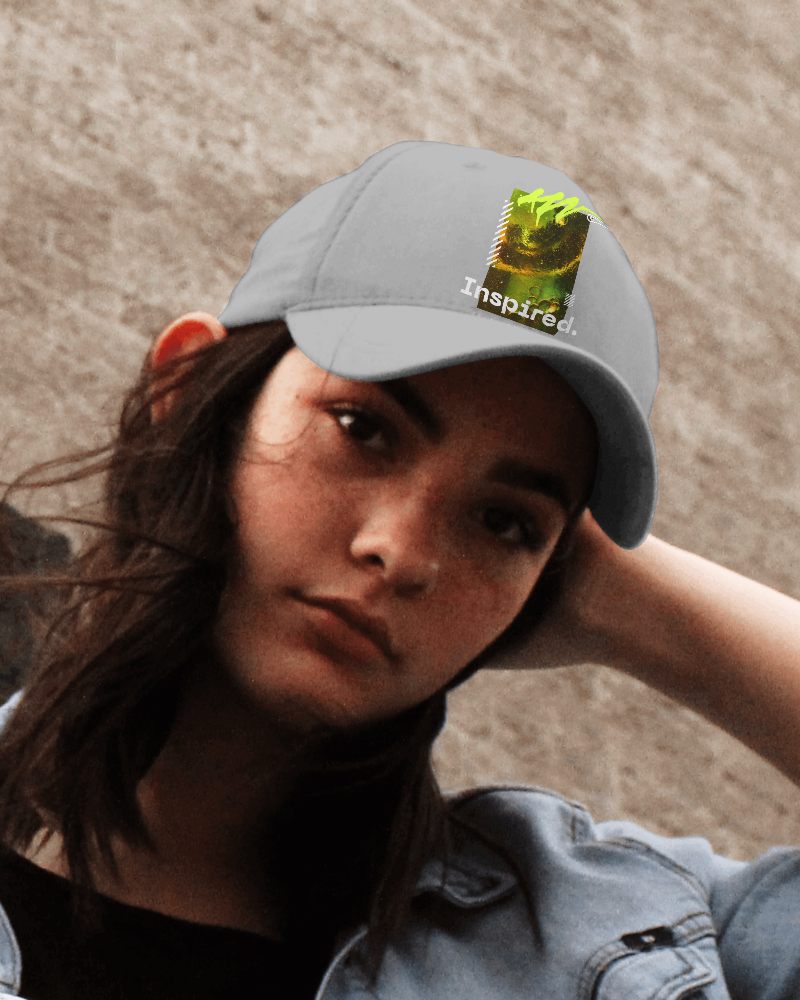

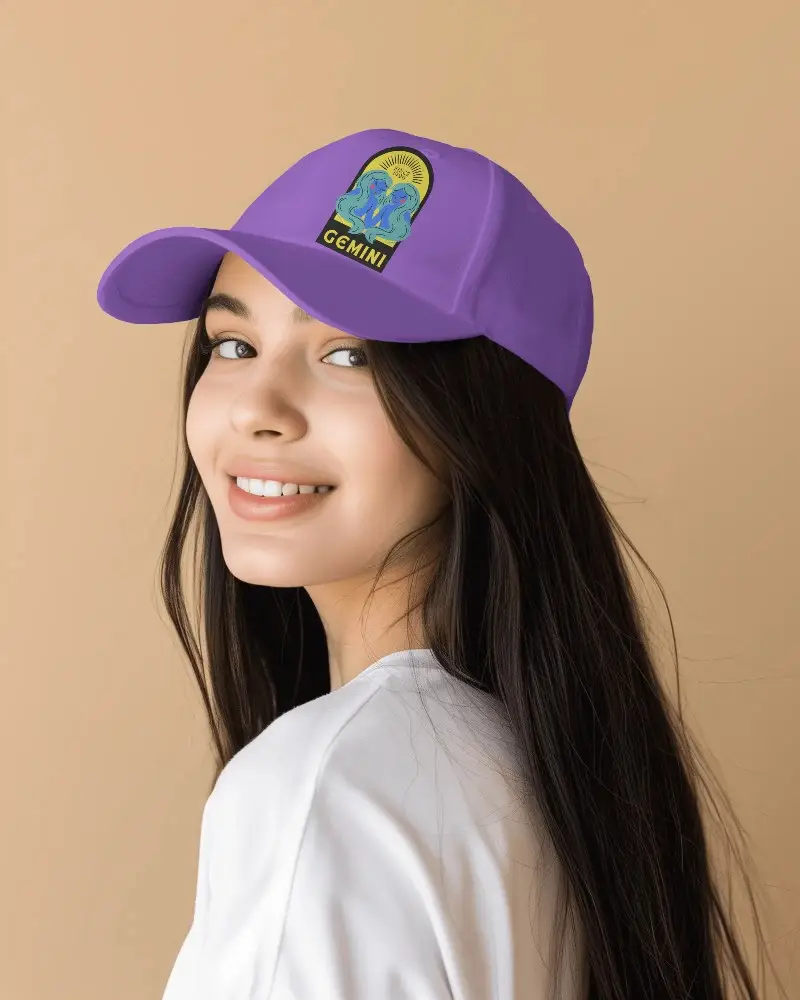
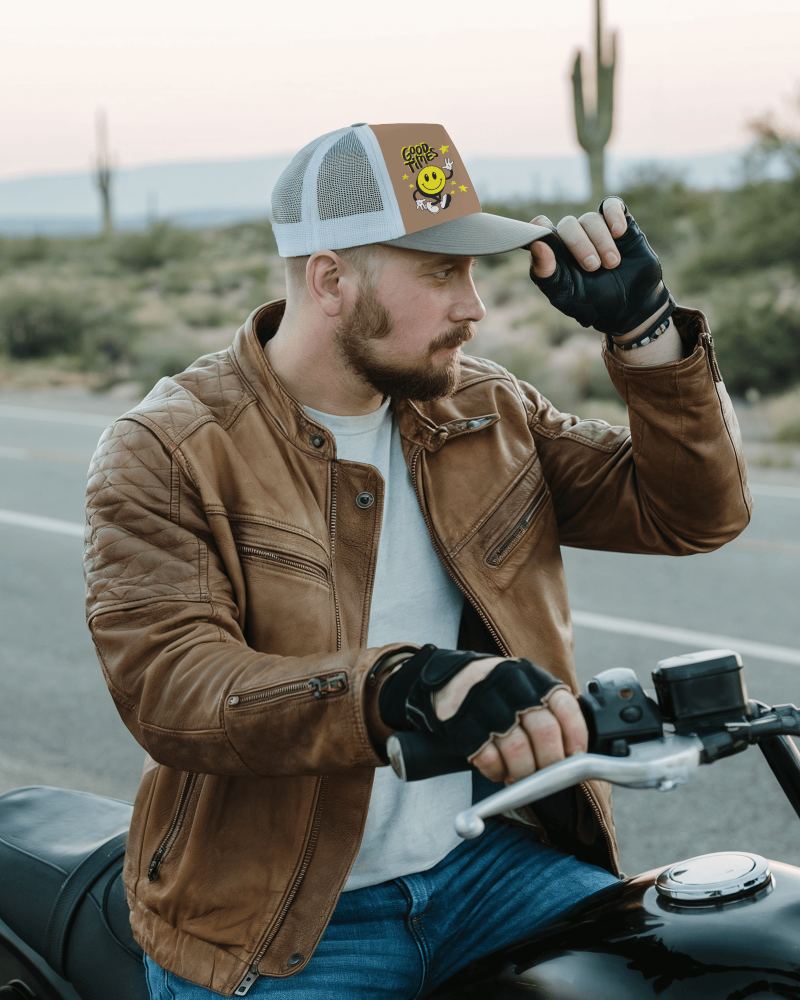
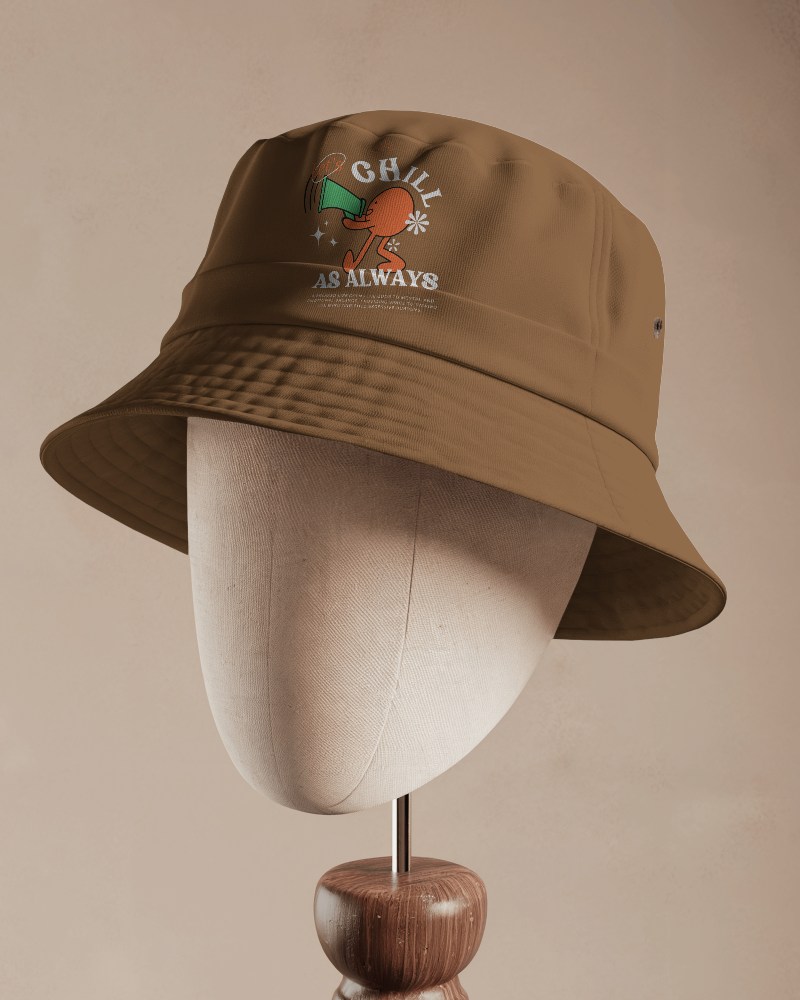
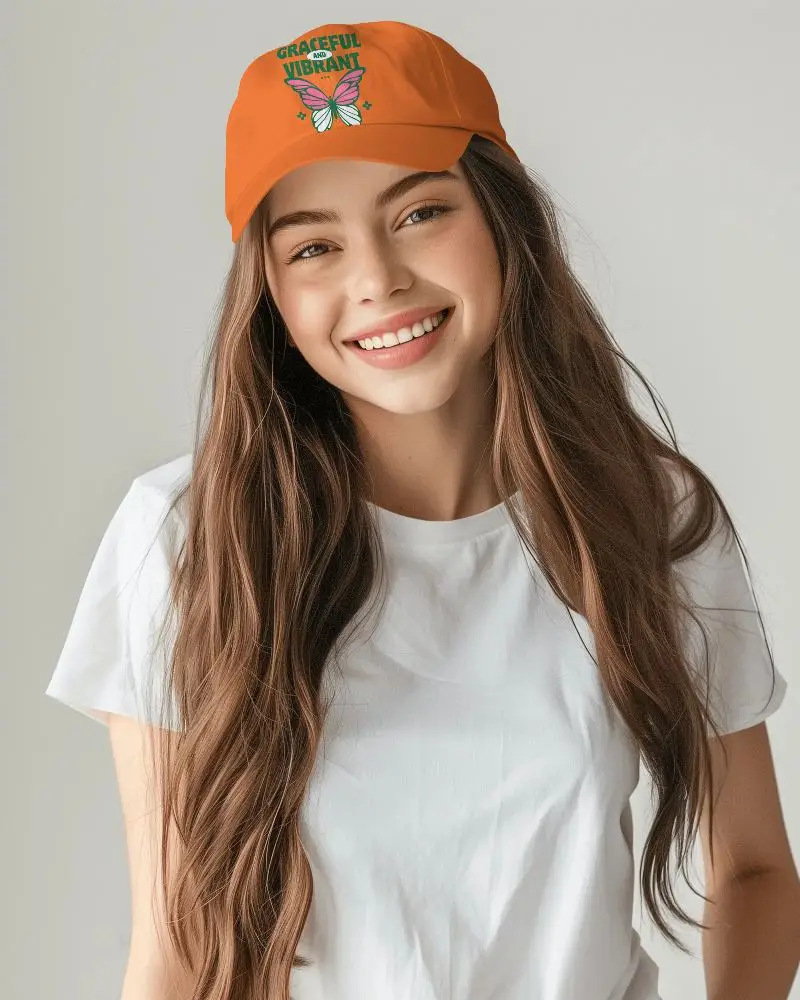


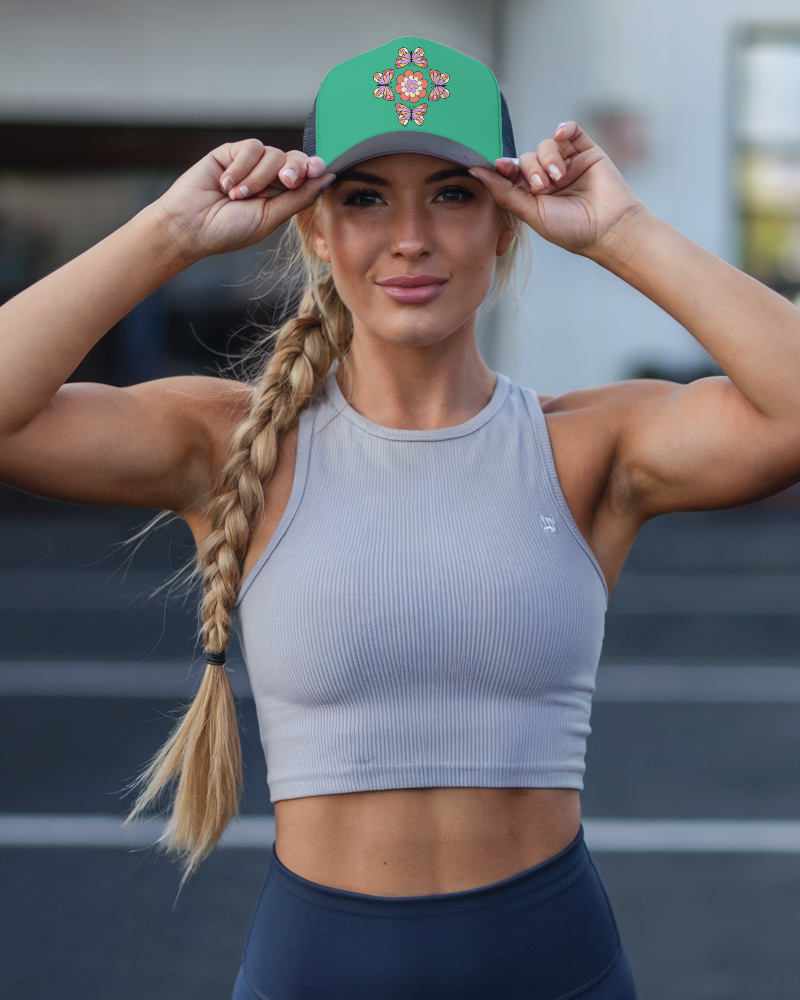
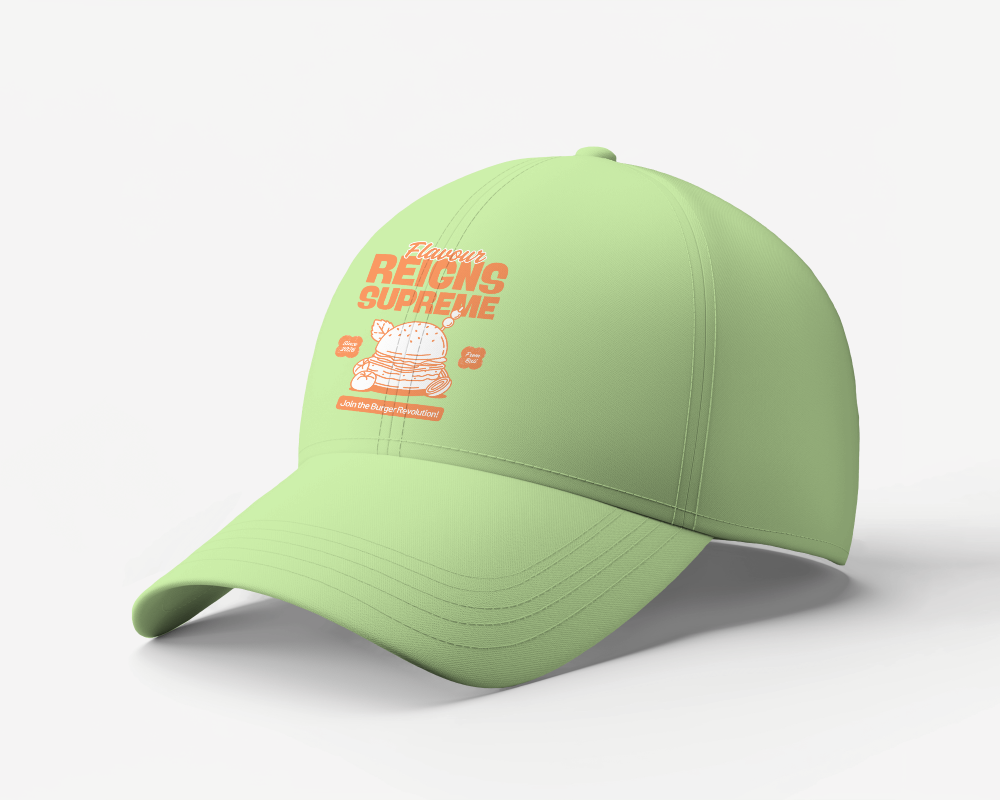
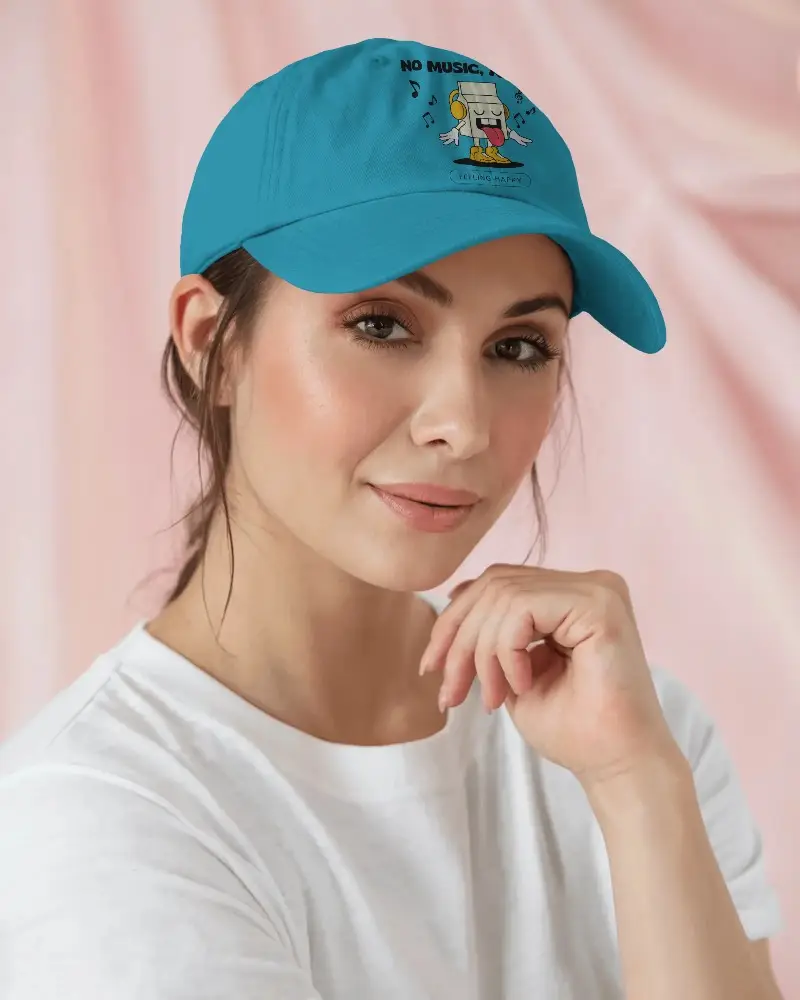
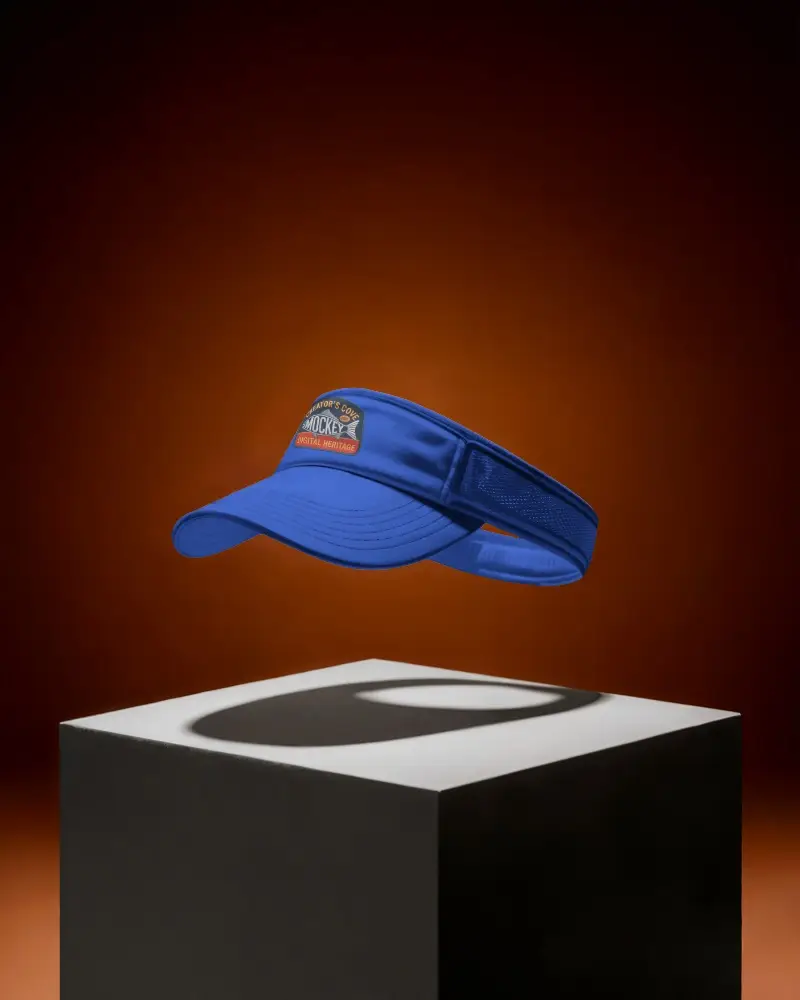

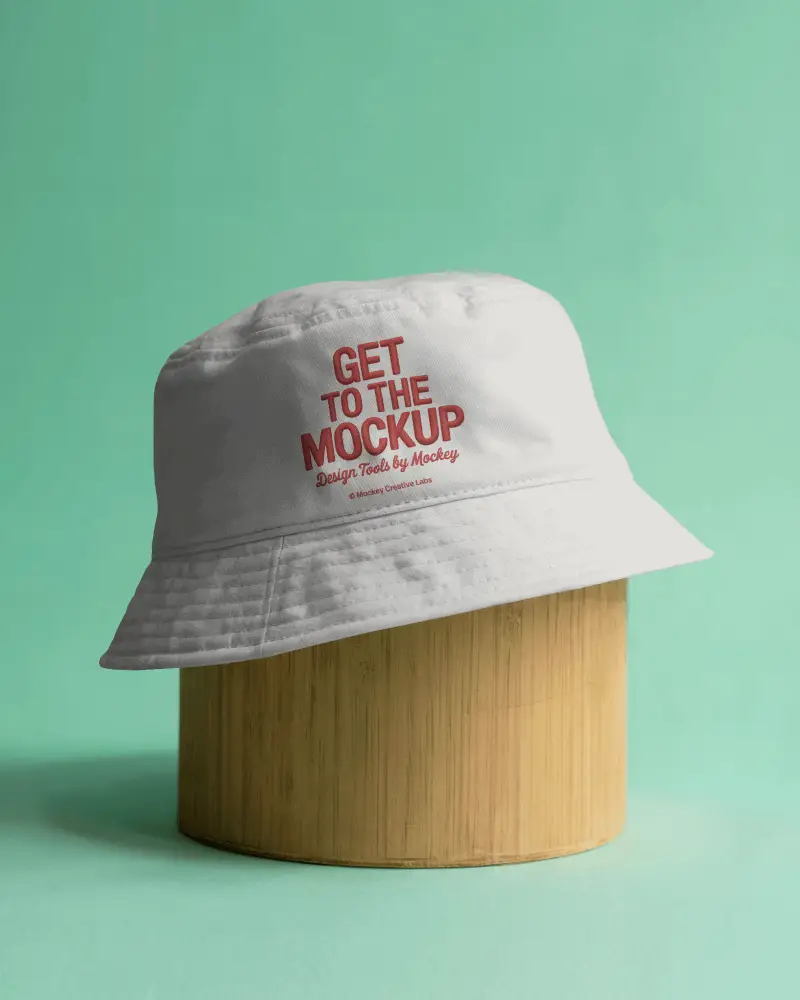
How to Create a Fitted Cap Video Mockup
To create a Fitted cap video mockup:
- Step 1: Sign up, open Video Mockups, and go to Accessories > Cap.
- Step 2: Choose a template, click Upload Design, and customize it easily.
- Step 3: Click Generate Video to export and save the Fitted cap video mockup.


FAQs on Fitted Cap Video Mockups
What is a Fitted cap video mockup?
A Fitted cap video mockup is a video template of a cap where you can display your design in motion. It helps you present a static logo or artwork in a realistic video style using a video mockup generator.
Does the Fitted cap video mockup support full-color designs?
Yes. You can upload full-color designs and also change the cap color to any shade while customizing your Fitted cap video mockup using the editor tools.
Is the Fitted cap video mockup watermark-free after export?
Yes. Your exported Fitted cap video mockup will be watermark-free when you use a CREATOR or ELITE plan.
Is this Fitted cap video mockup suitable for print-on-demand sellers?
Yes. Fitted cap video mockups work great for POD sellers because motion previews improve product presentation and can help increase conversion rates.
