Free Wide Billboard Mockup for Eye-Catching Outdoor Ads
Free wide billboard mockup on Mockey. High resolution, fully customizable, and 100% watermark-free mockups. Download now for stunning outdoor ads.
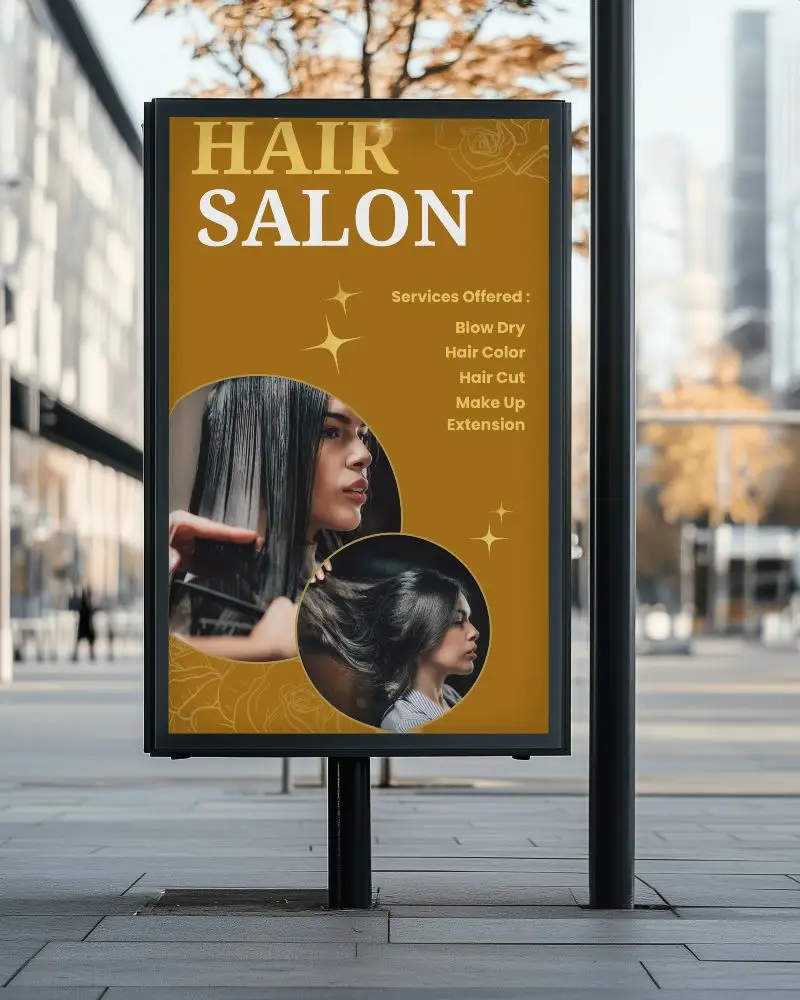

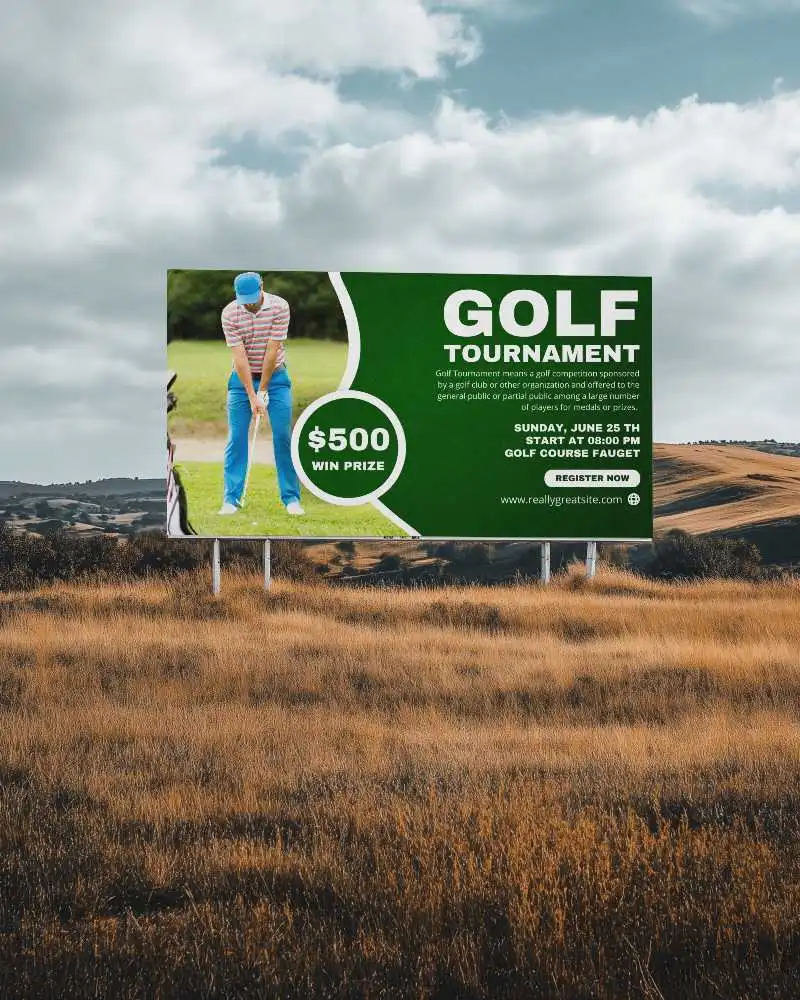
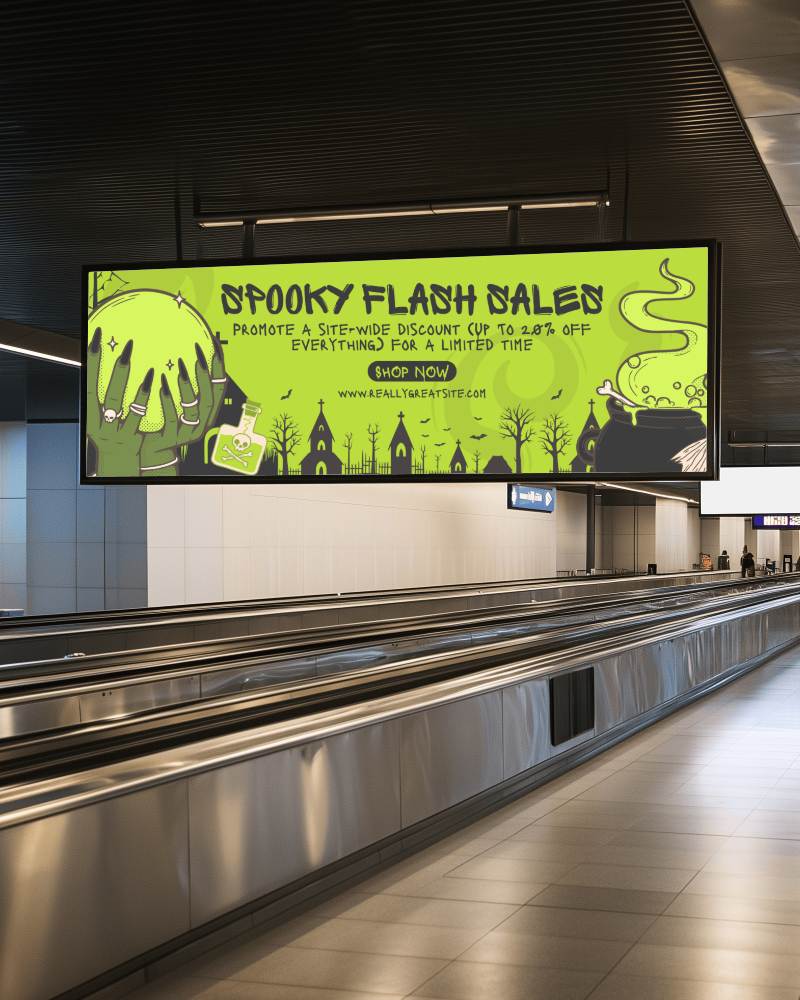
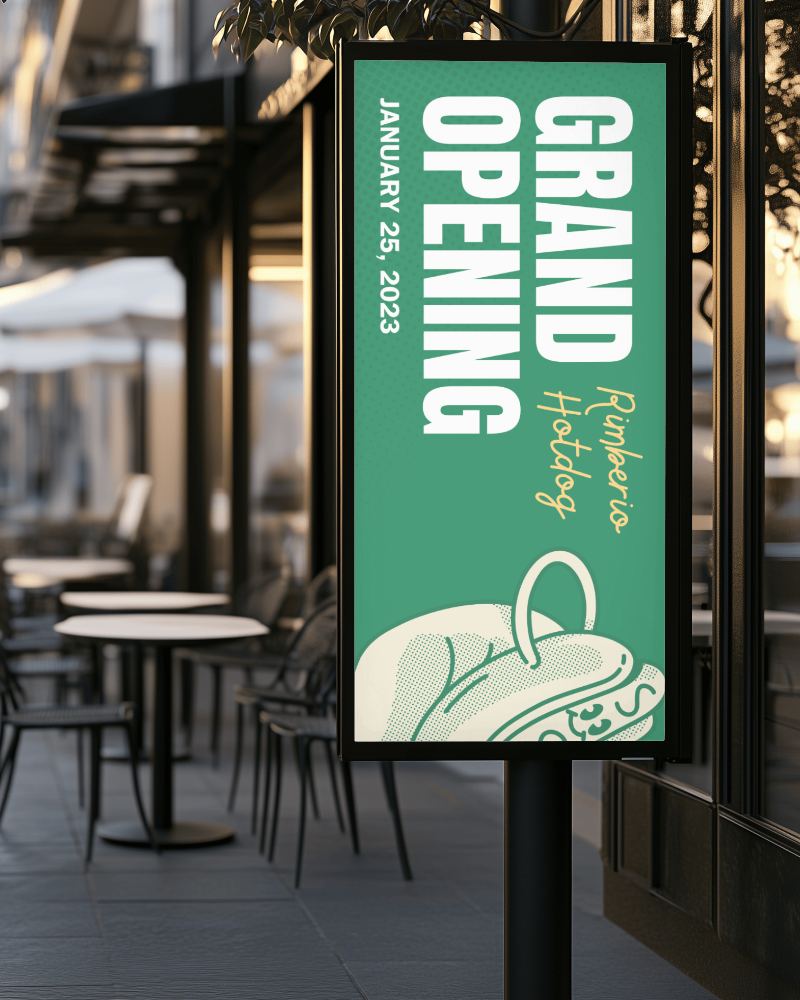
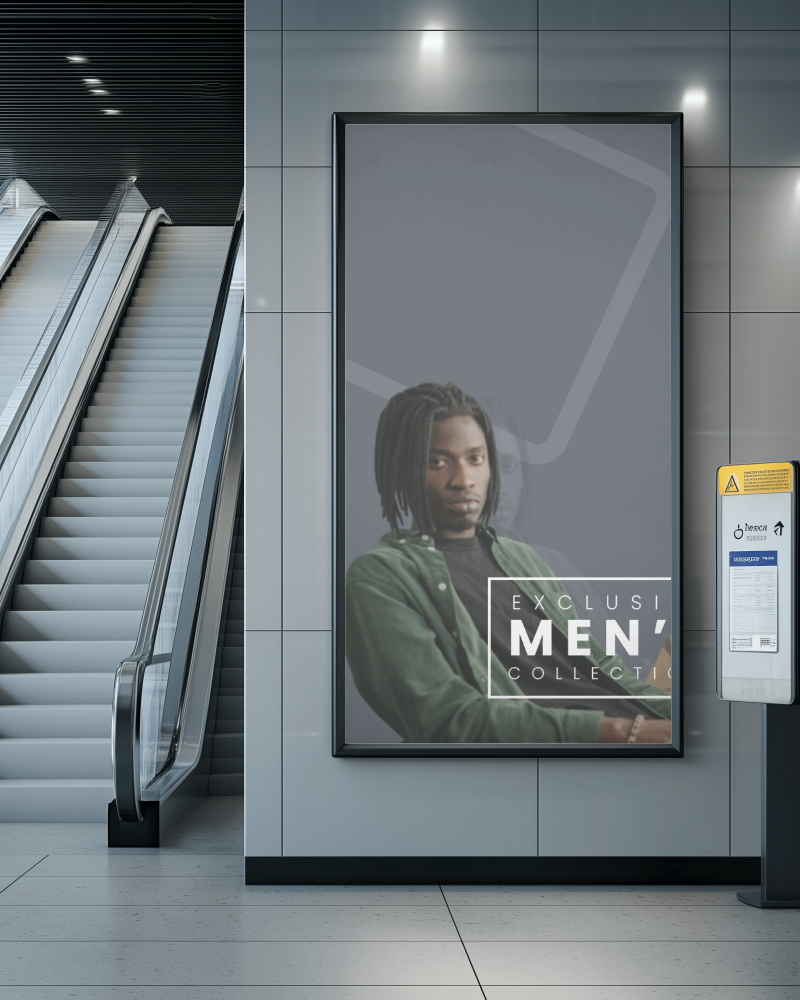
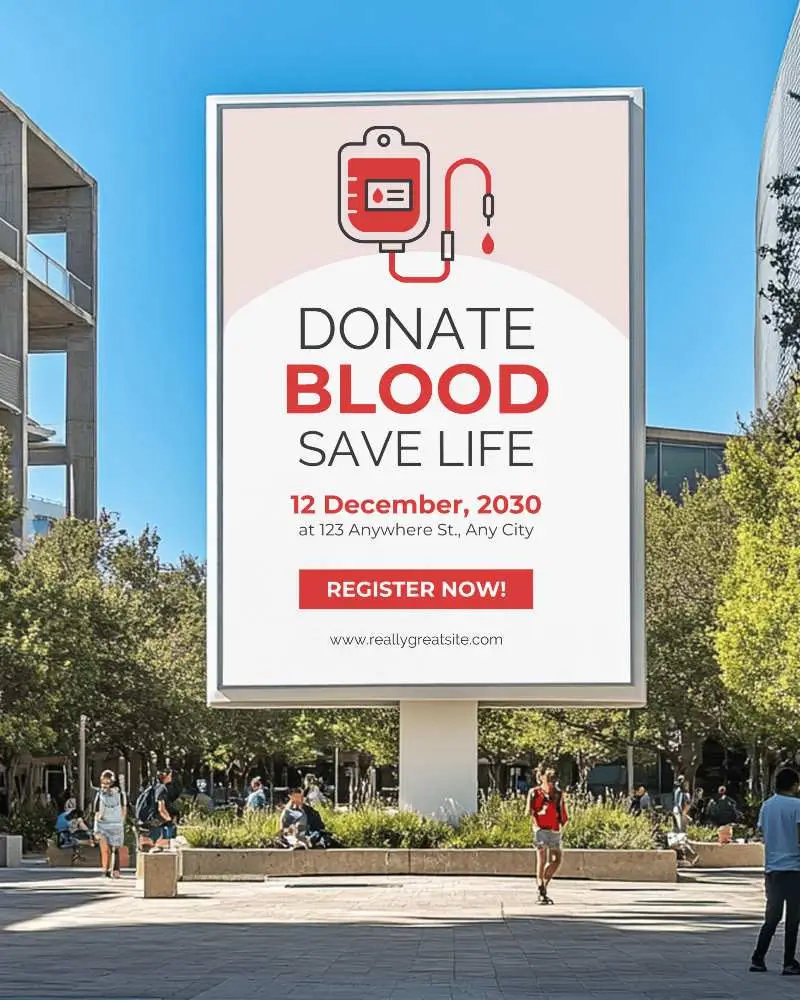
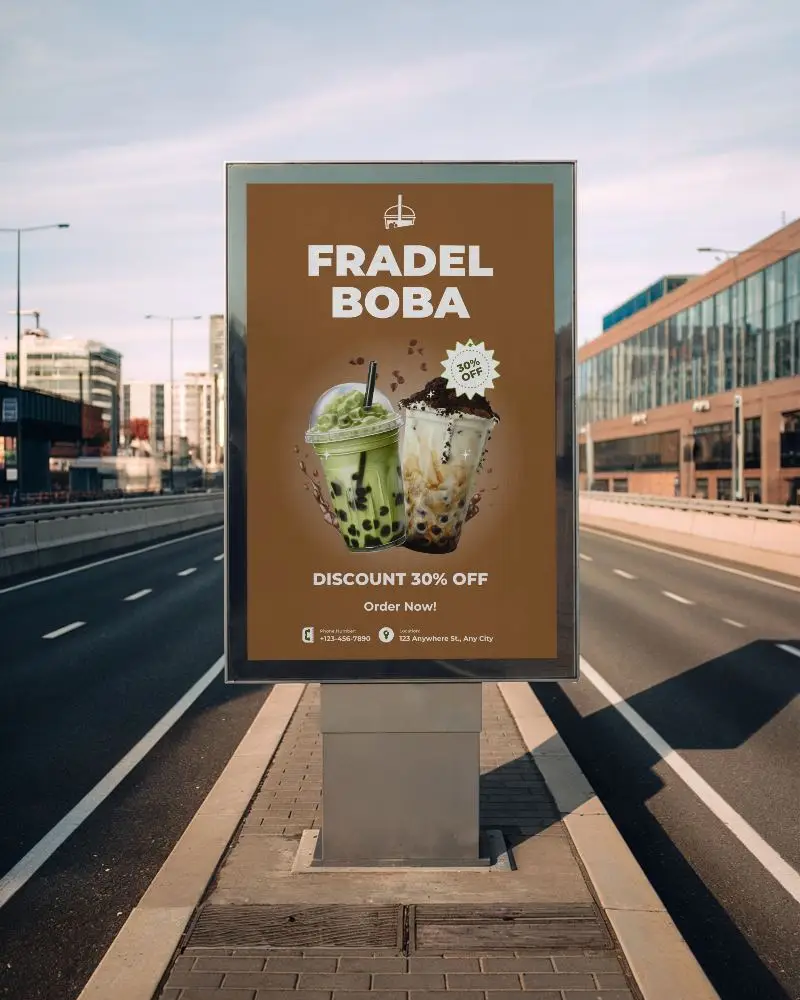
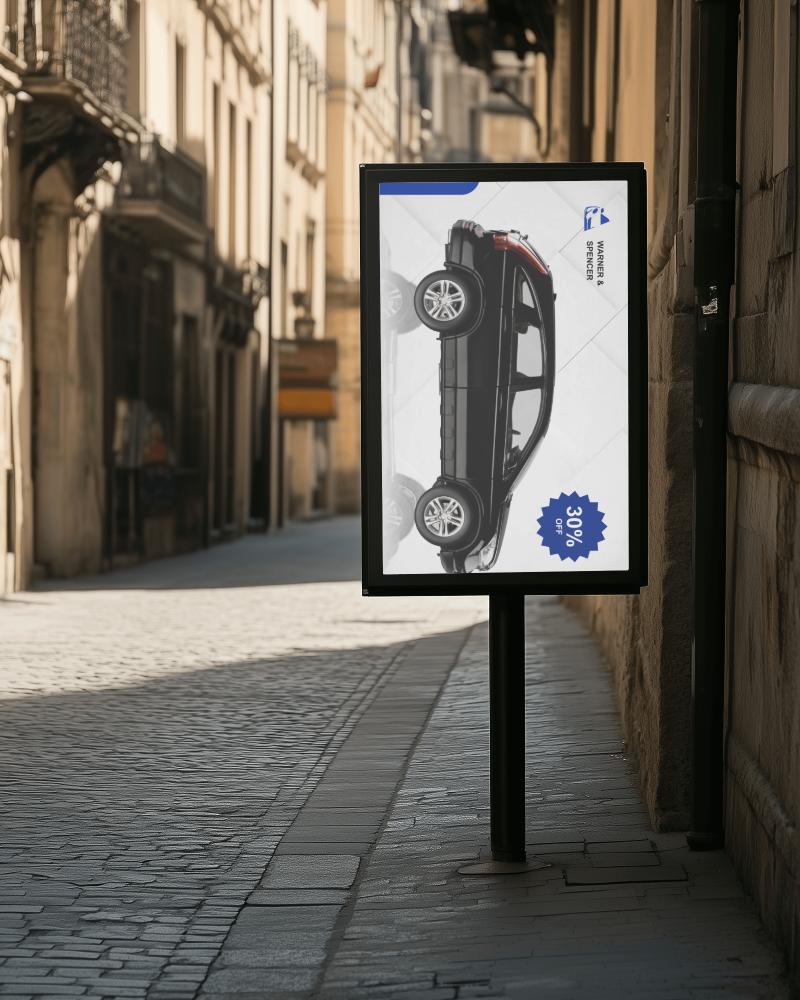
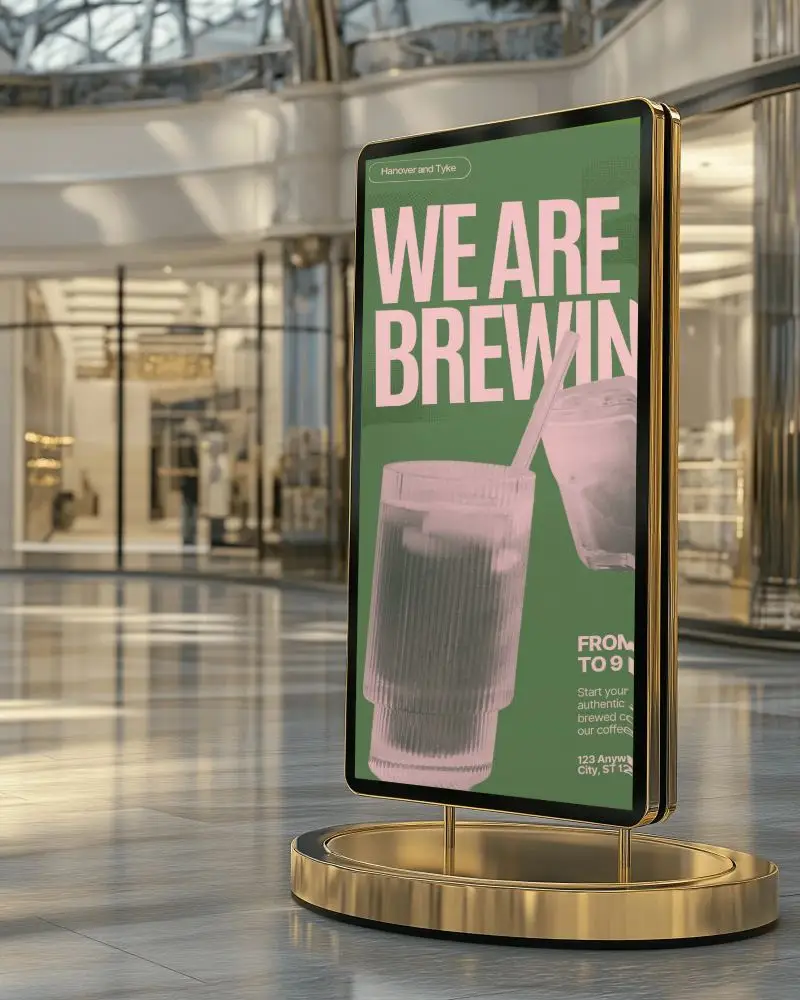
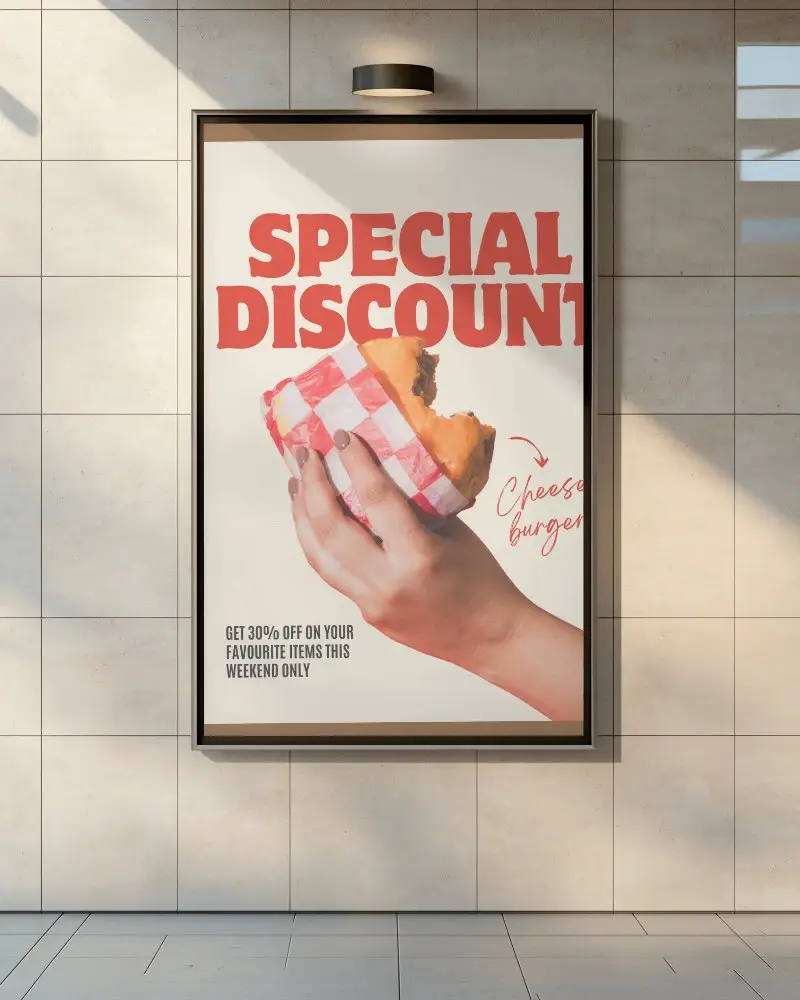
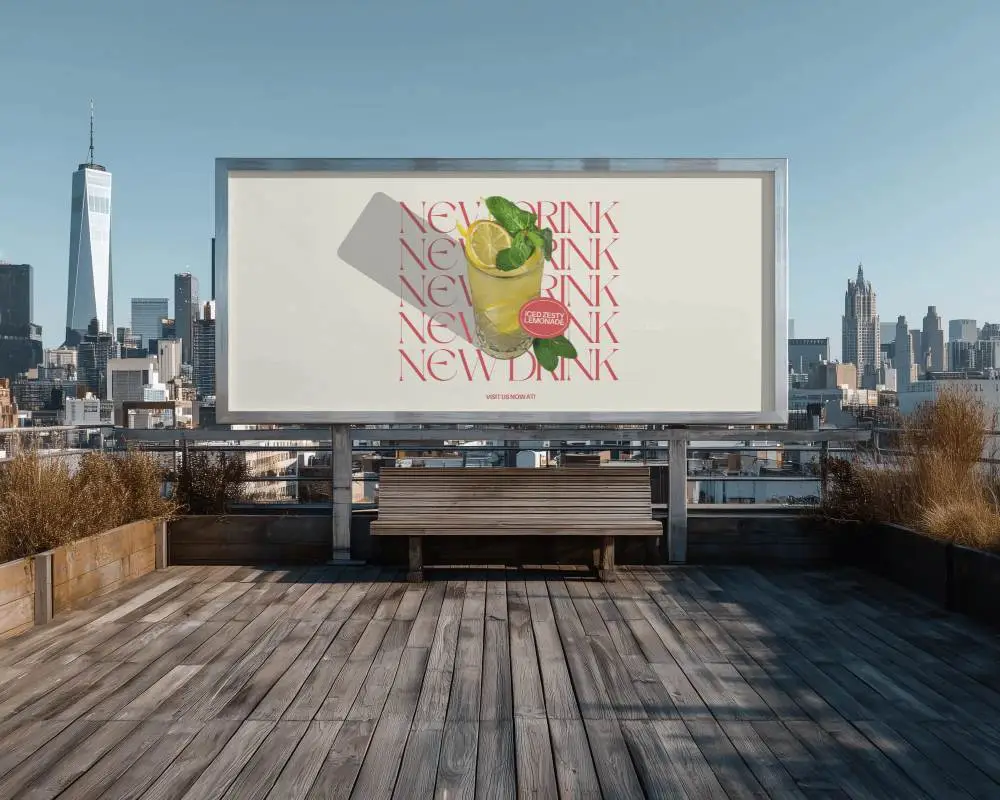
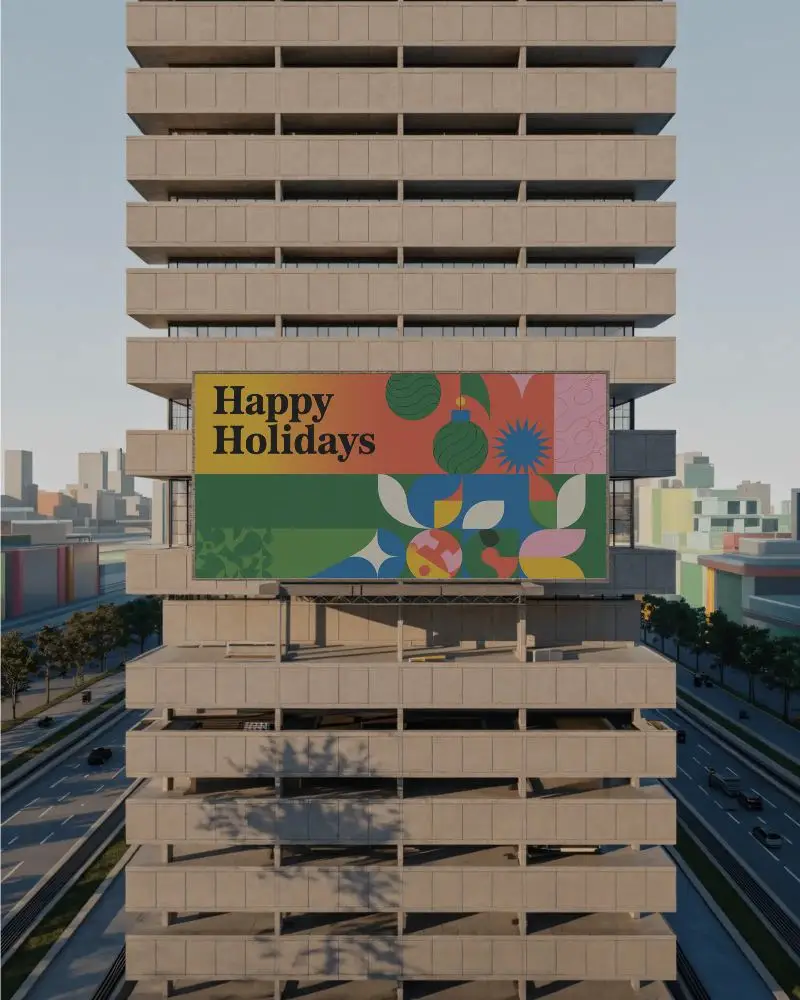


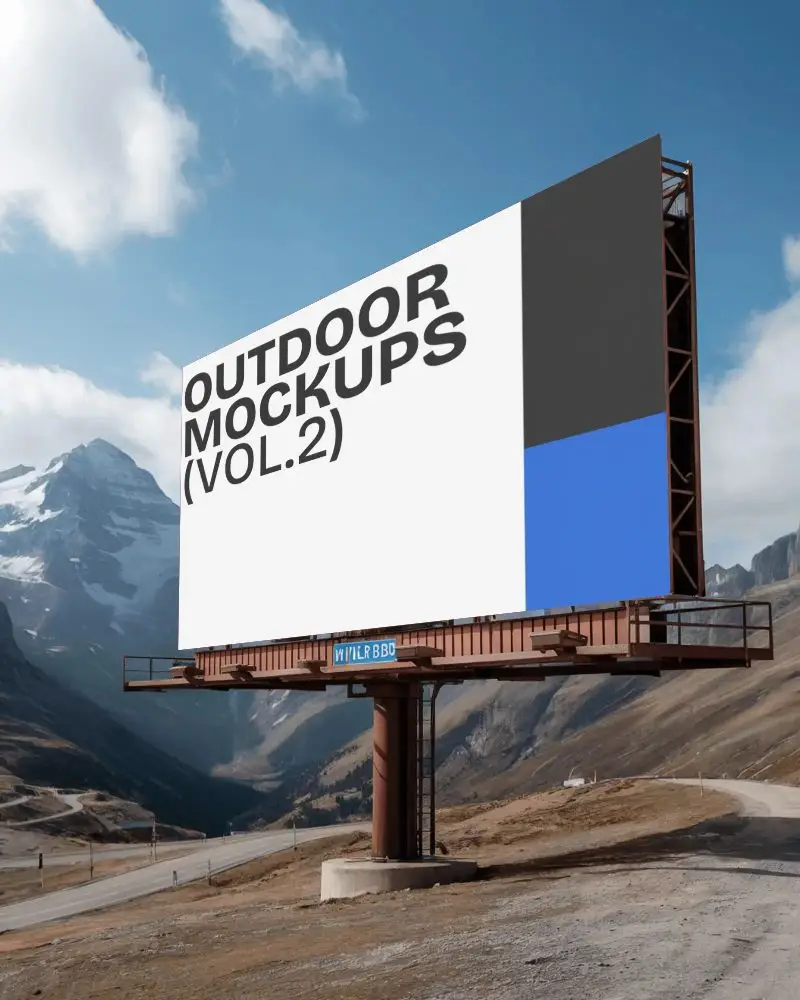

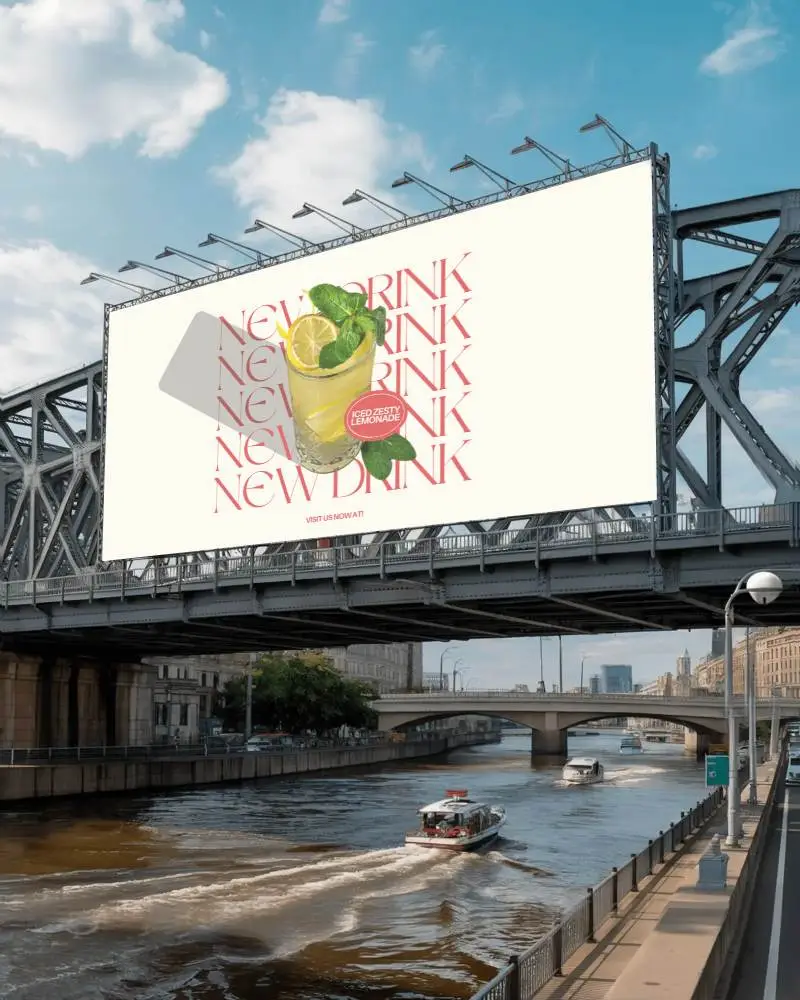
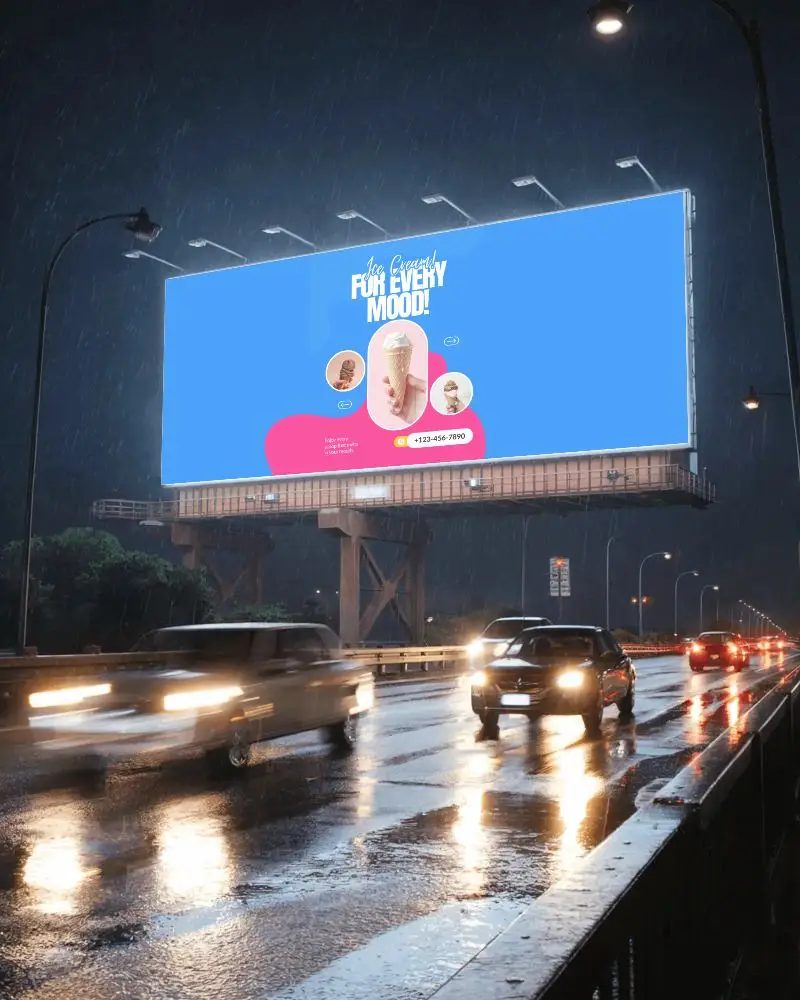
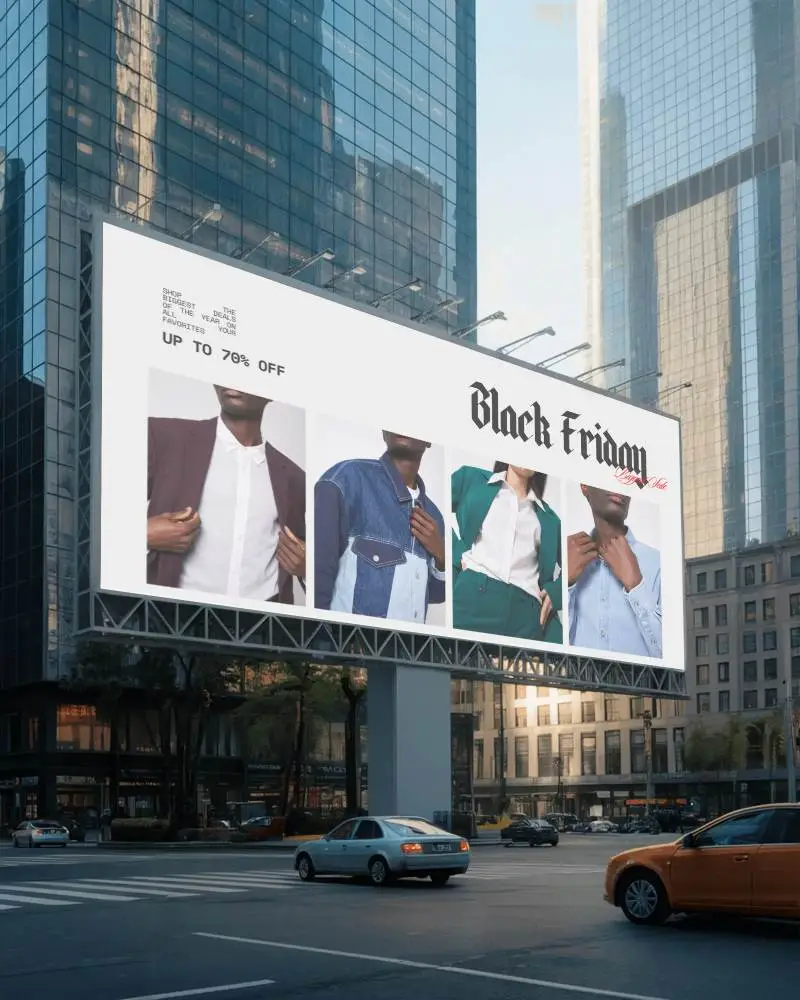
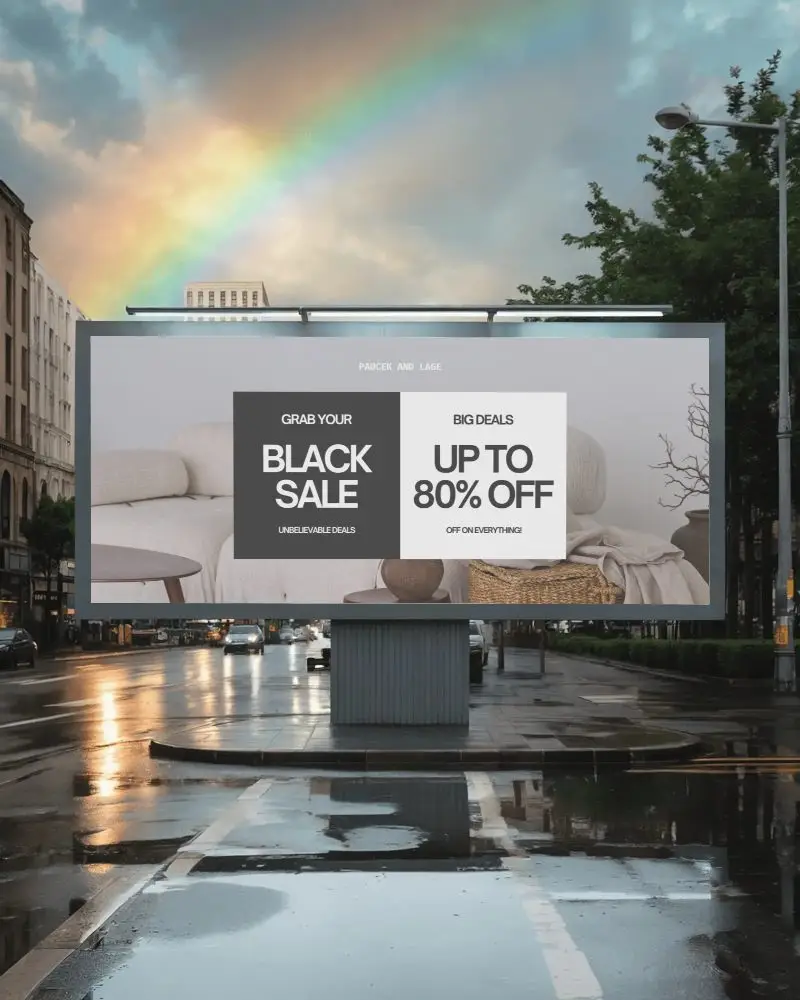
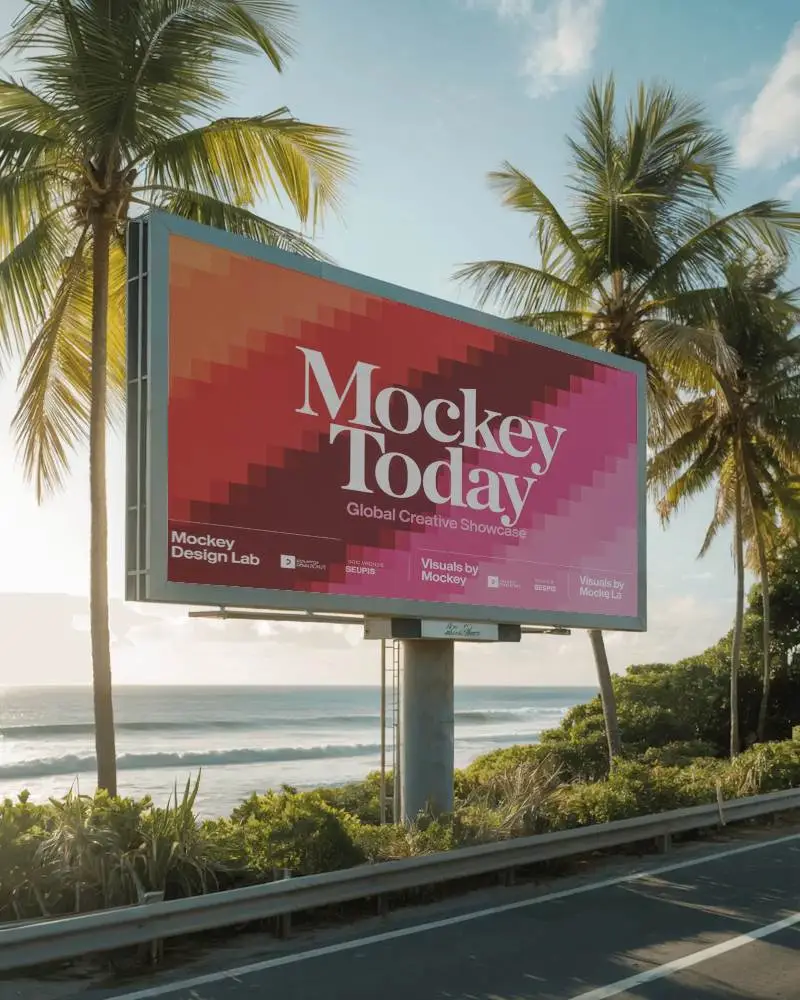
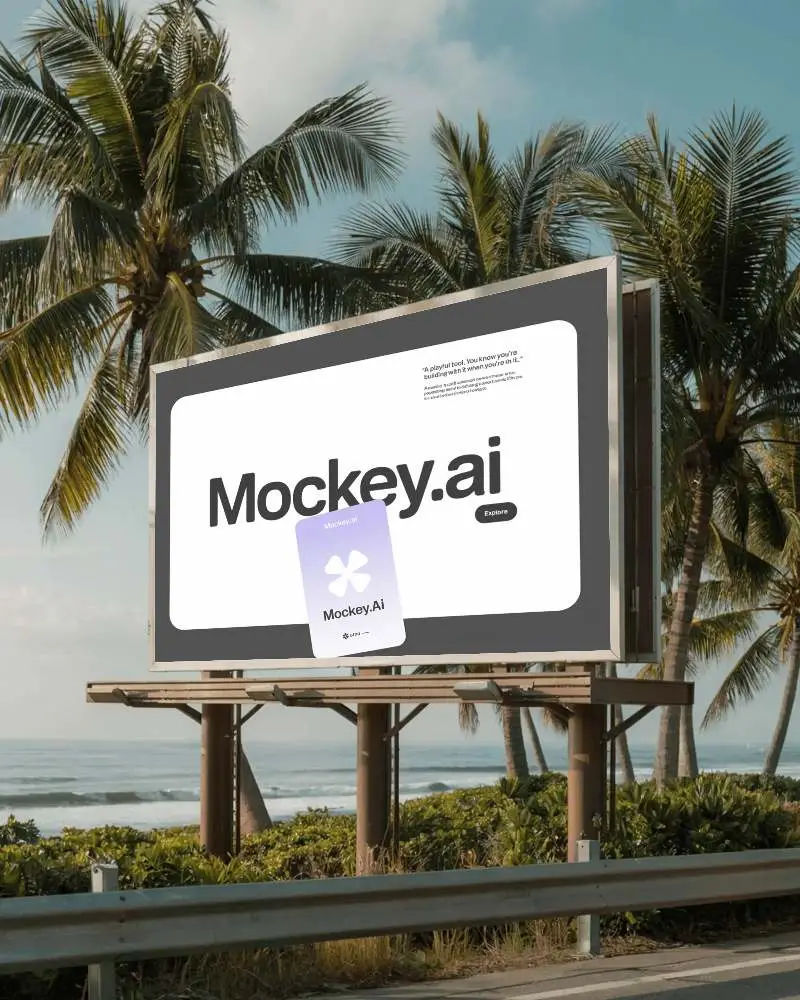
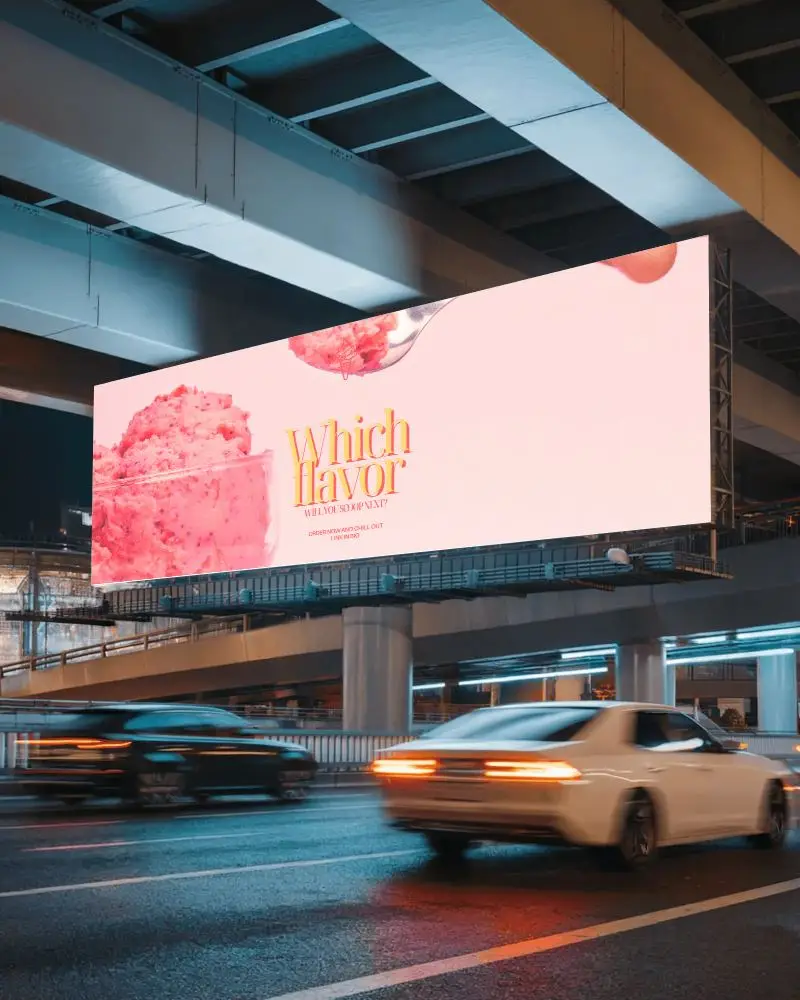
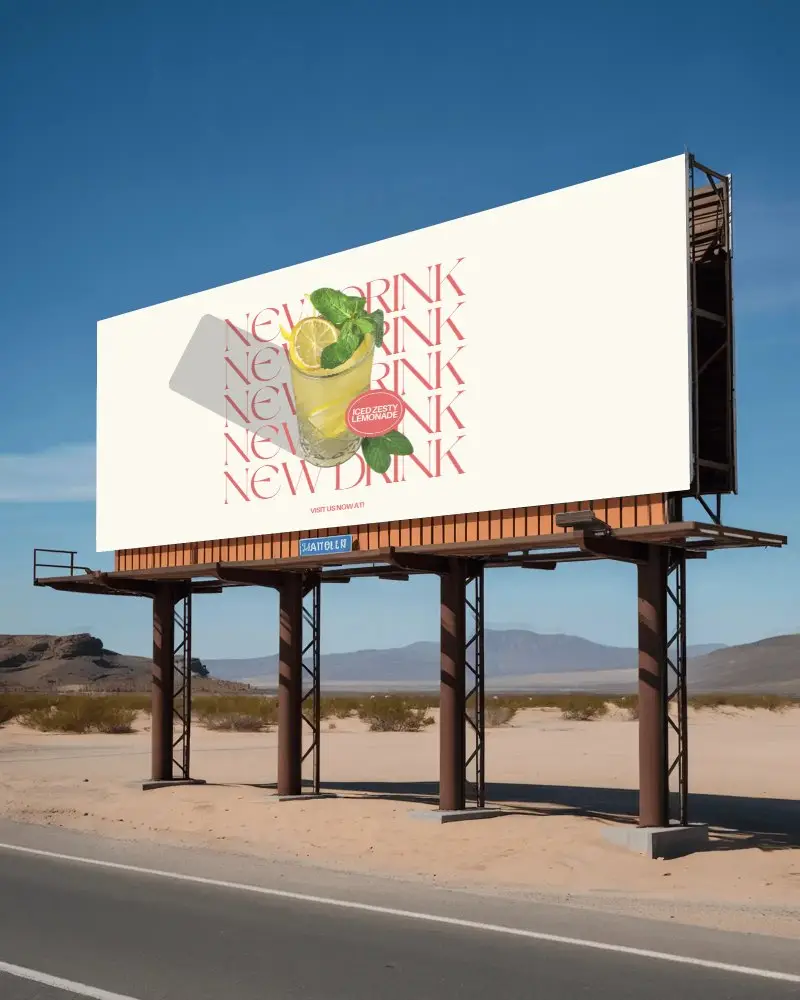
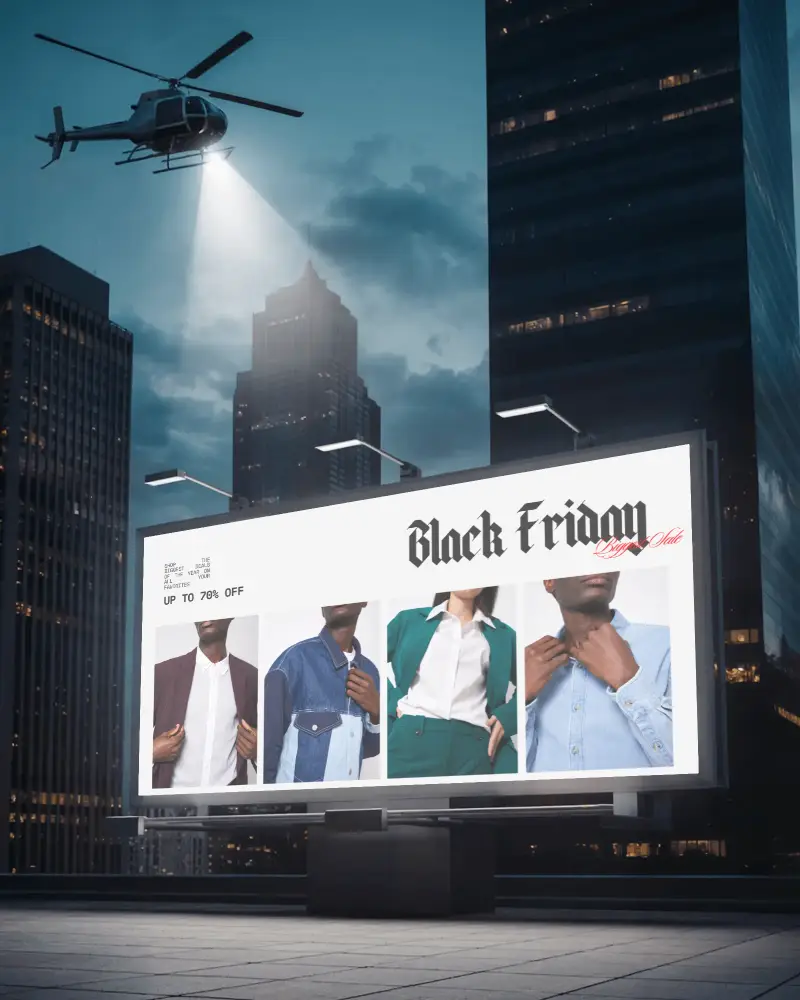
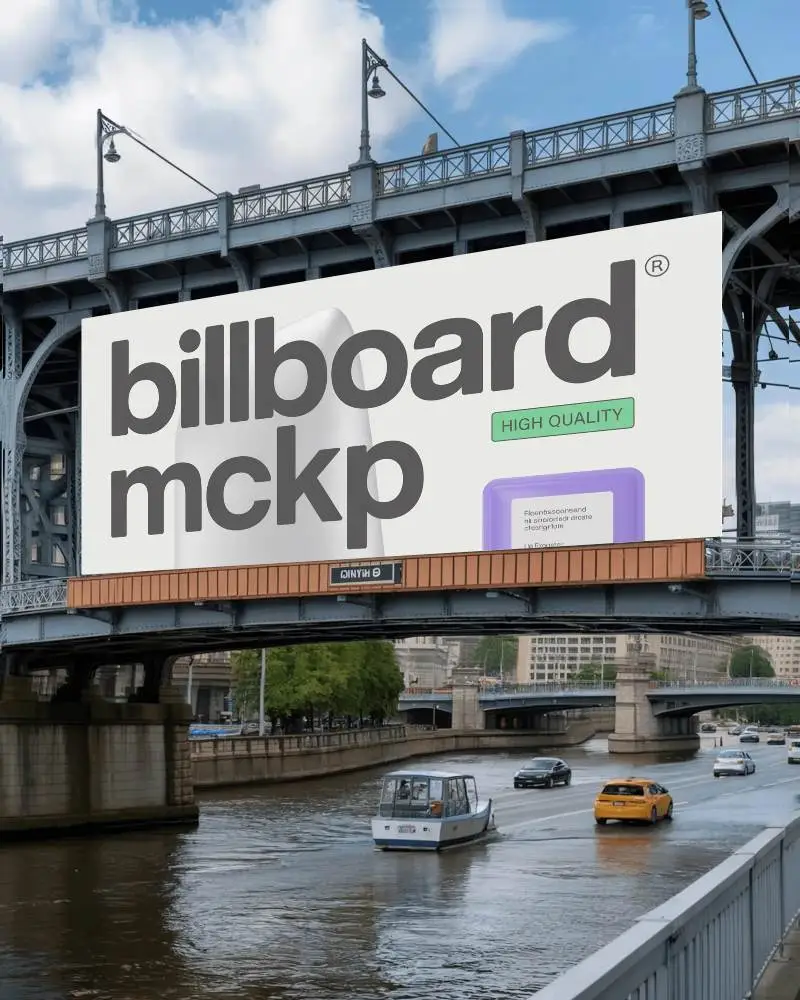
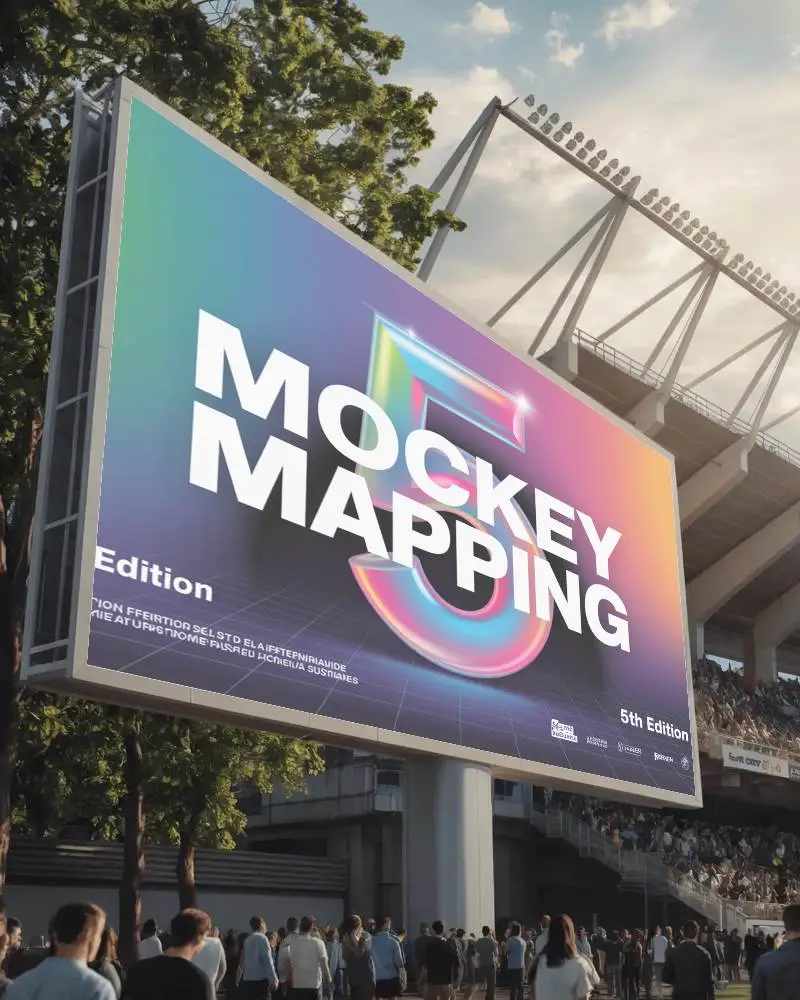
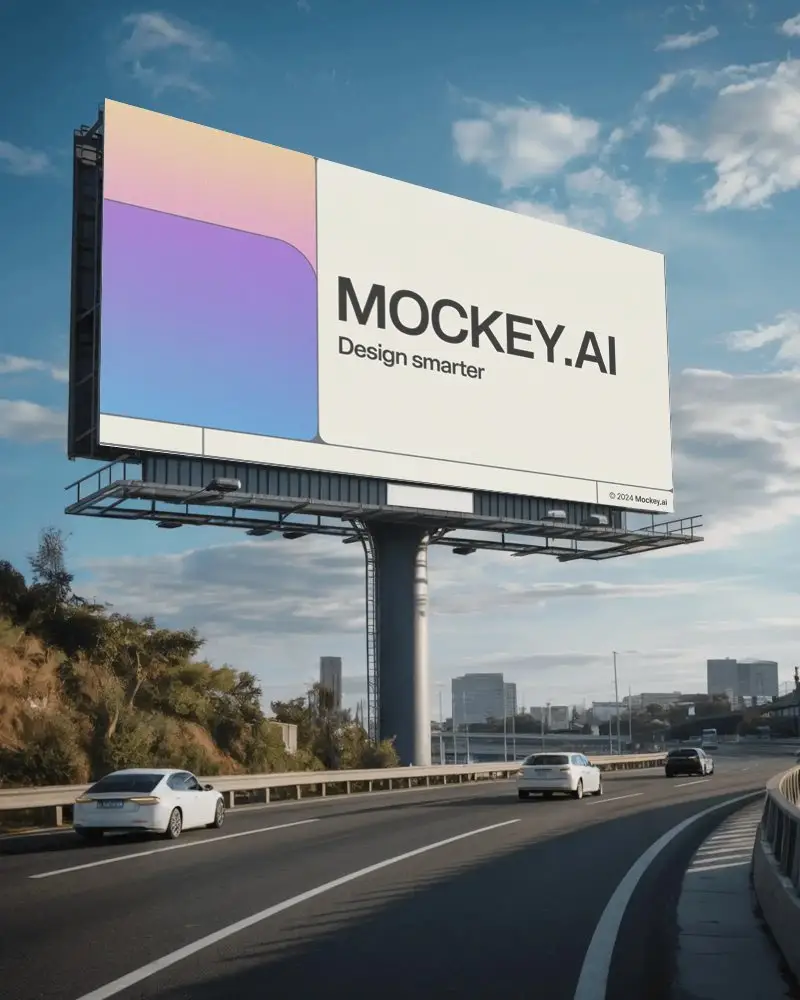
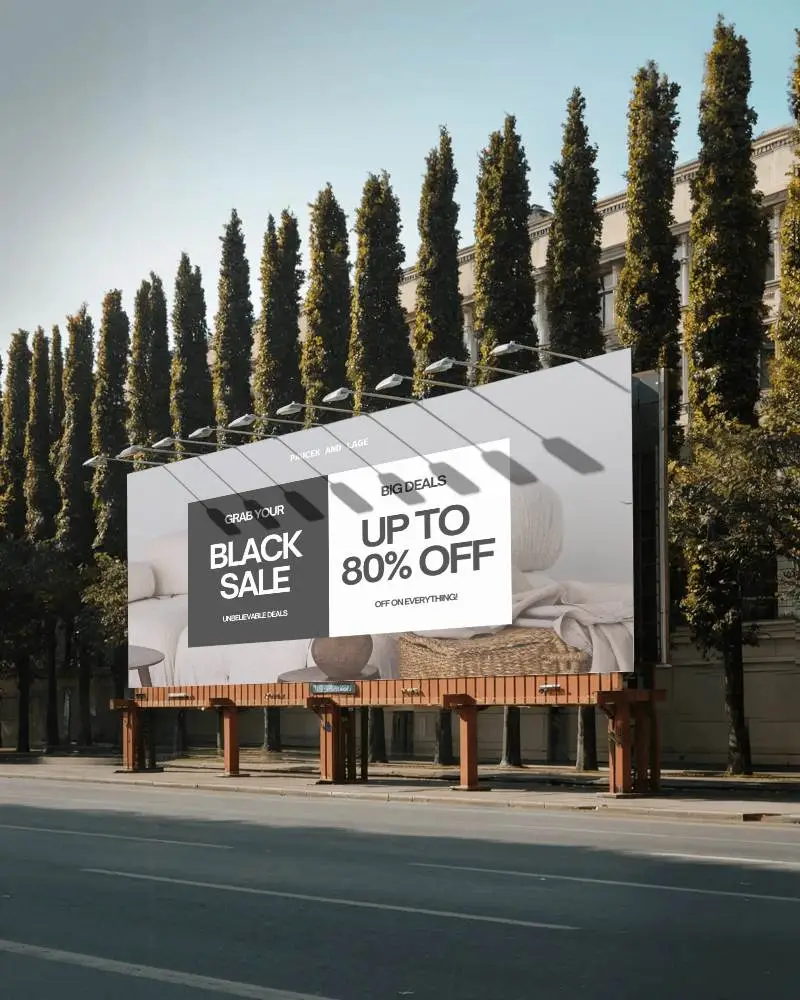
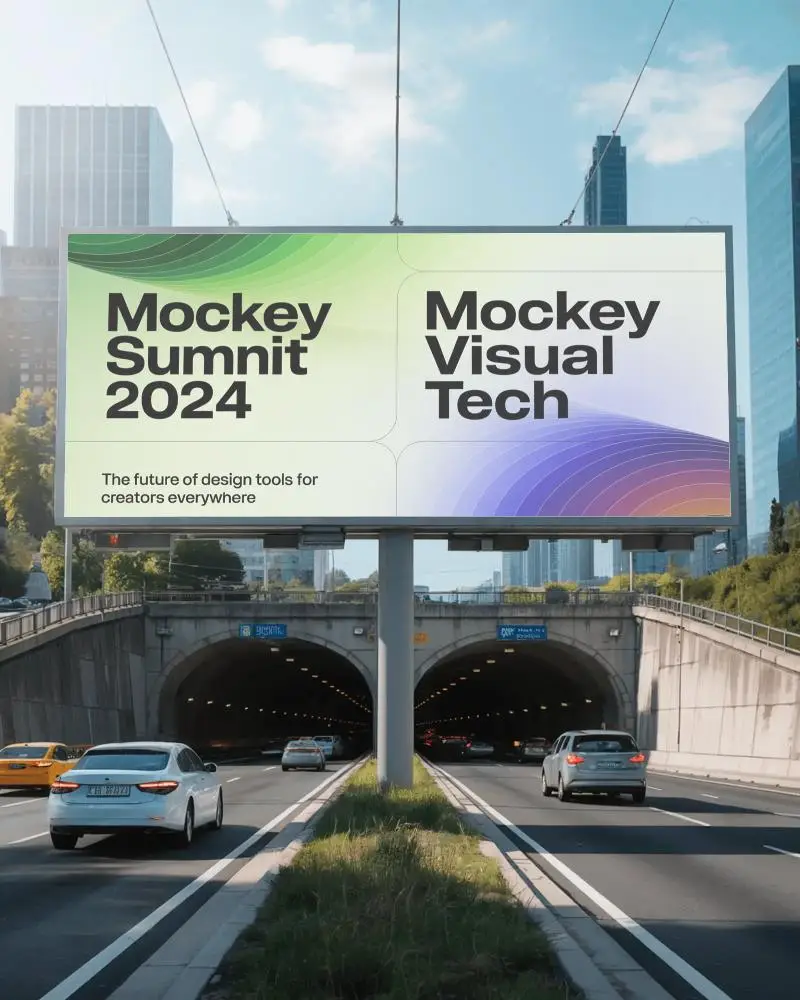
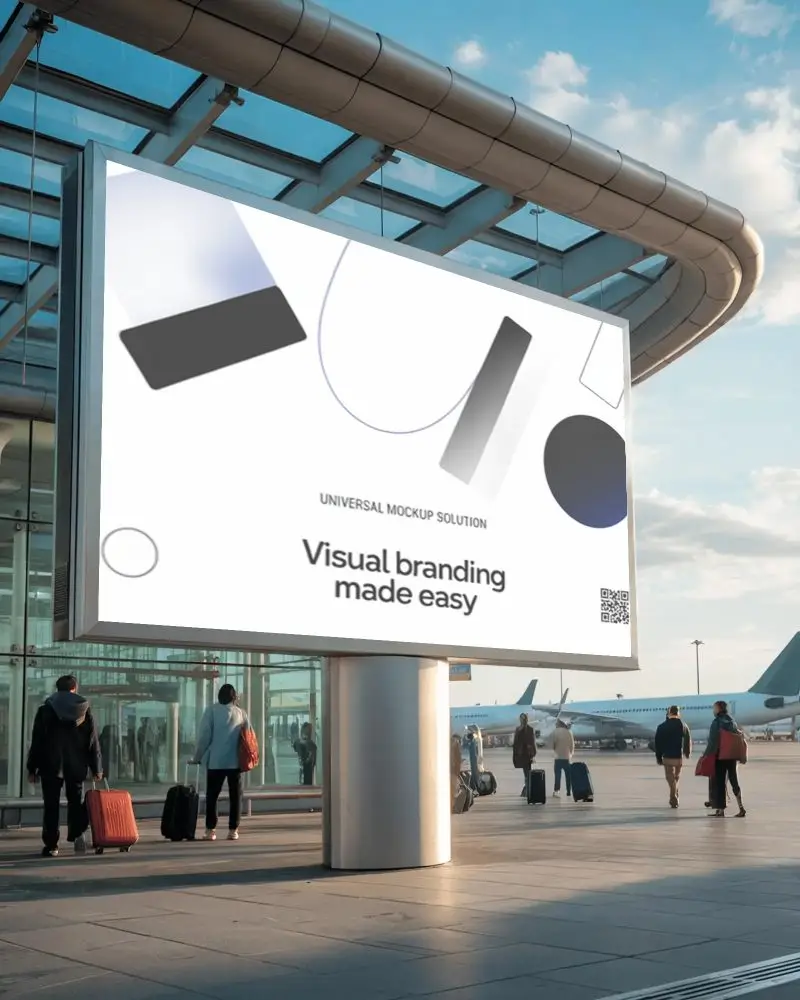
How to Create Wide Billboard Mockup with Mockey
To create a wide billboard mockup in Mockey AI:
- Step 1: Navigate to Mockups > Print > Billboard > Wide and choose a template from the library.
- Step 2: On the following page, you'll find the option to upload your design and adjust the template's colors in the Edit section. If you upgrade to the Creator Plan, you can also access AI tools.
- Step 3: Finally, click the Download button to save your Wide Billboard mockup in either PNG or JPEG format, available in various sizes.


FAQs on Wide Billboard Mockups
What is a Wide Billboard Mockup?
A digital template for designing and displaying ads on huge outdoor billboards is called a wide billboard mockup.
Why create a Wide Billboard mockup?
Creating a wide billboard mockup helps test their designs, get feedback, and create better ads for cities, highways, or presentations.
Why Use Mockey’s Wide Billboard Mockup?
Mockey AI’s wide billboard mockup helps easy to edit, change backgrounds and colors, looks professional, grabs attention, and is free to use.
Is this Wide Billboard Mockup Free?
Yes, you can get free wide billboard mockups in Mockey AI. Pick a template, insert your design, and use them for free.
How long does it take to create a wide billboard mockup on Mockey?
Making a wide billboard mockup on Mockey is easy! Log in, choose 'Billboard,' pick a template, upload your design, adjust it, and download. It takes about 2-5 minutes!
Can I use Mockey’s wide billboard mockups for commercial purposes?
You can use Mockey AI’s billboard mockups for business, but follow their rules. Check Mockey AI’s website for details on what’s allowed.
What file formats are available for downloading free wide billboard mockups on Mockey?
You can get wide billboard mockups from Mockey AI as pictures (JPEG/PNG). They are clear and sharp, up to 1600 × 2000 pixels.
