greeting-card
Vertical Greeting Card Mockup Free to Download
Customize your vertical greeting card mockup with your own design! Just upload your image, pick a color, and create a stunning Greeting Card Mockup effortlessly. Try it now!
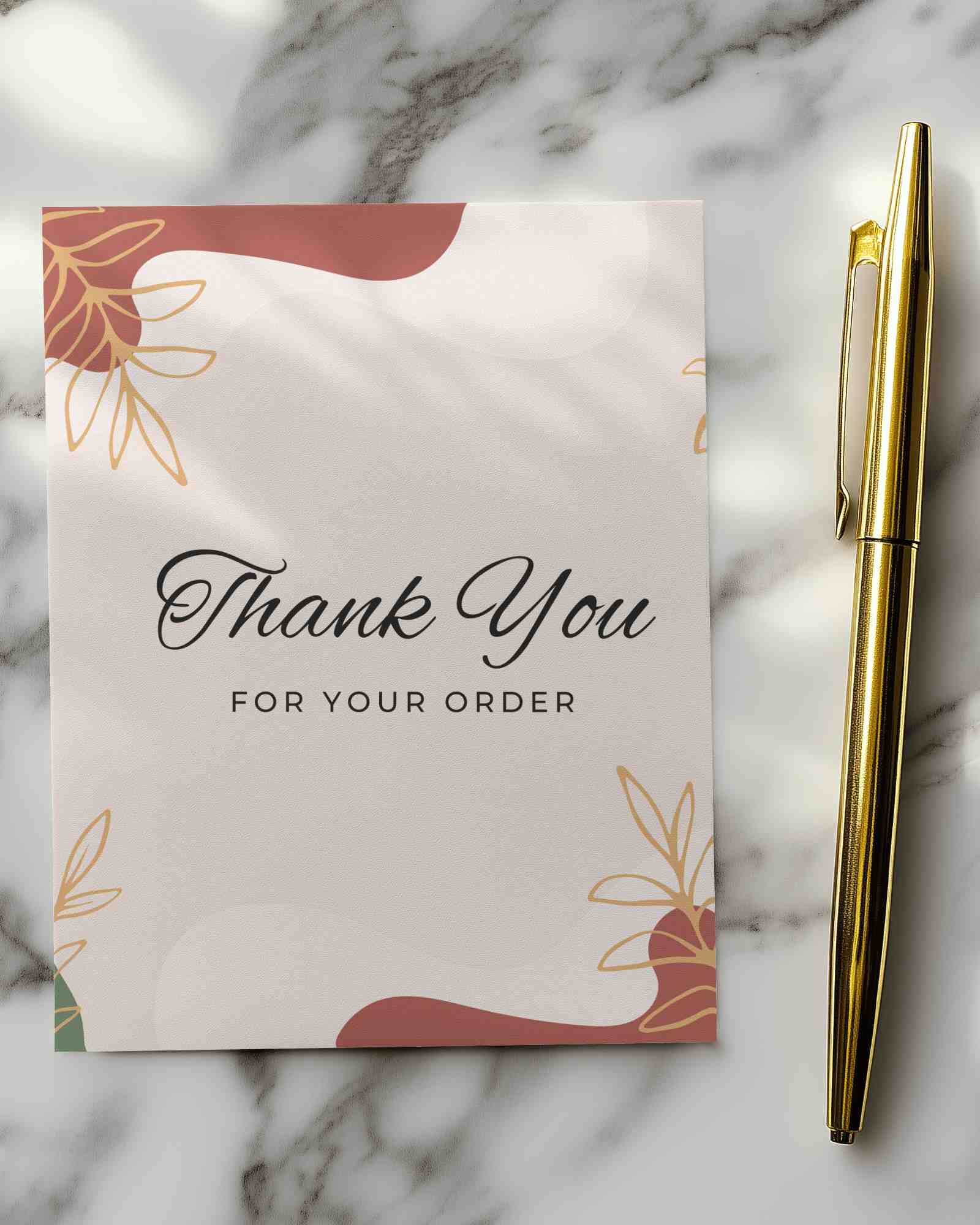
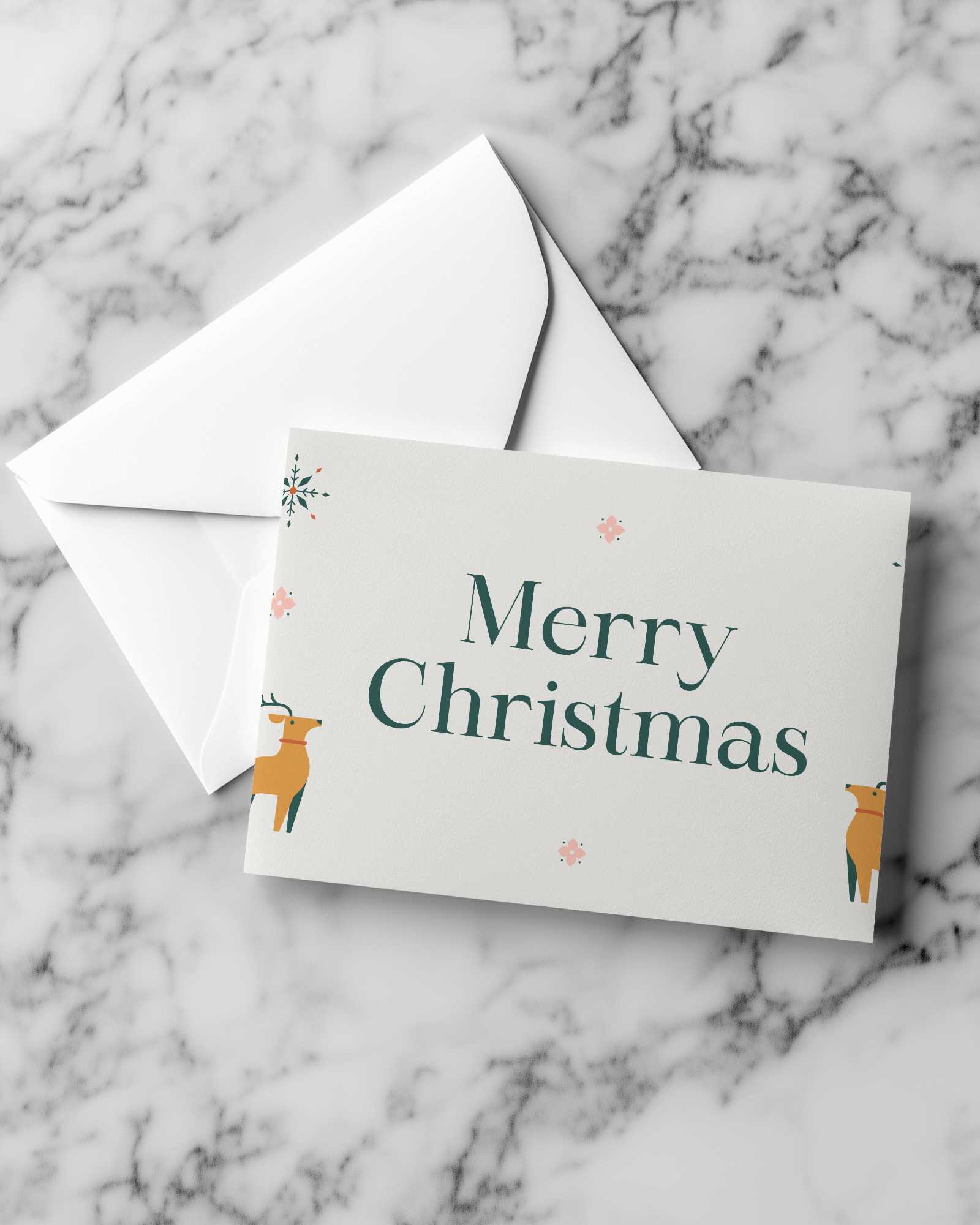
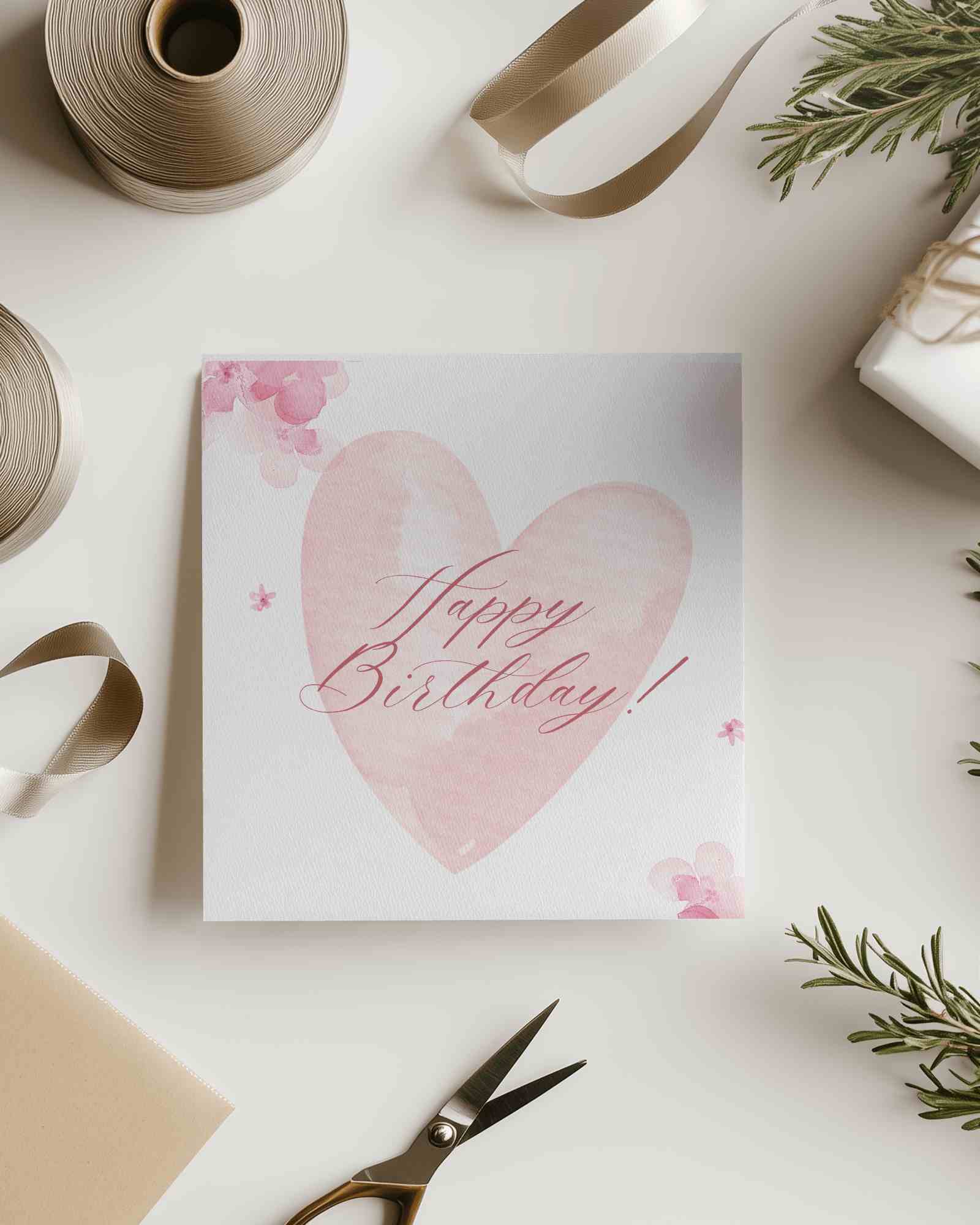

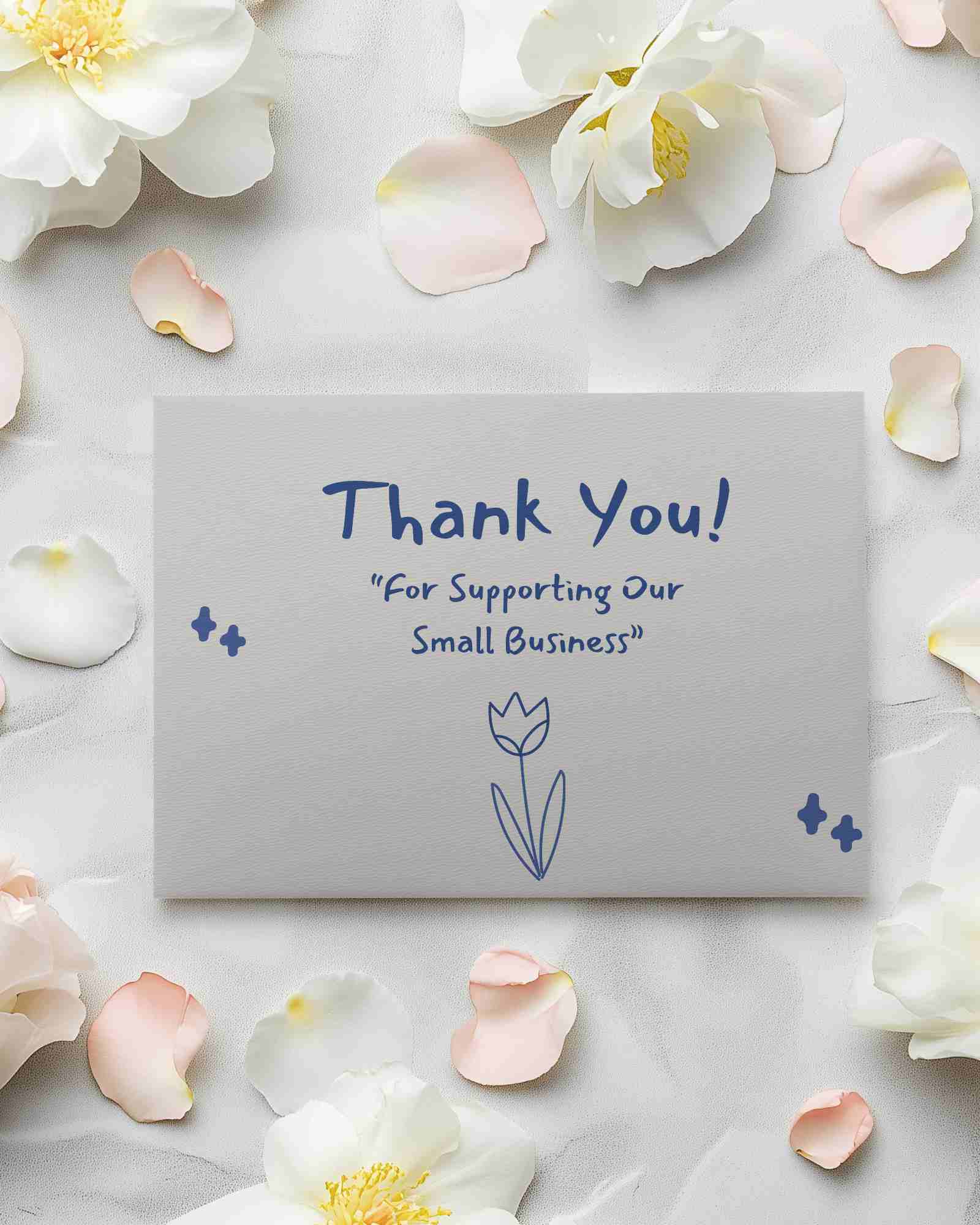
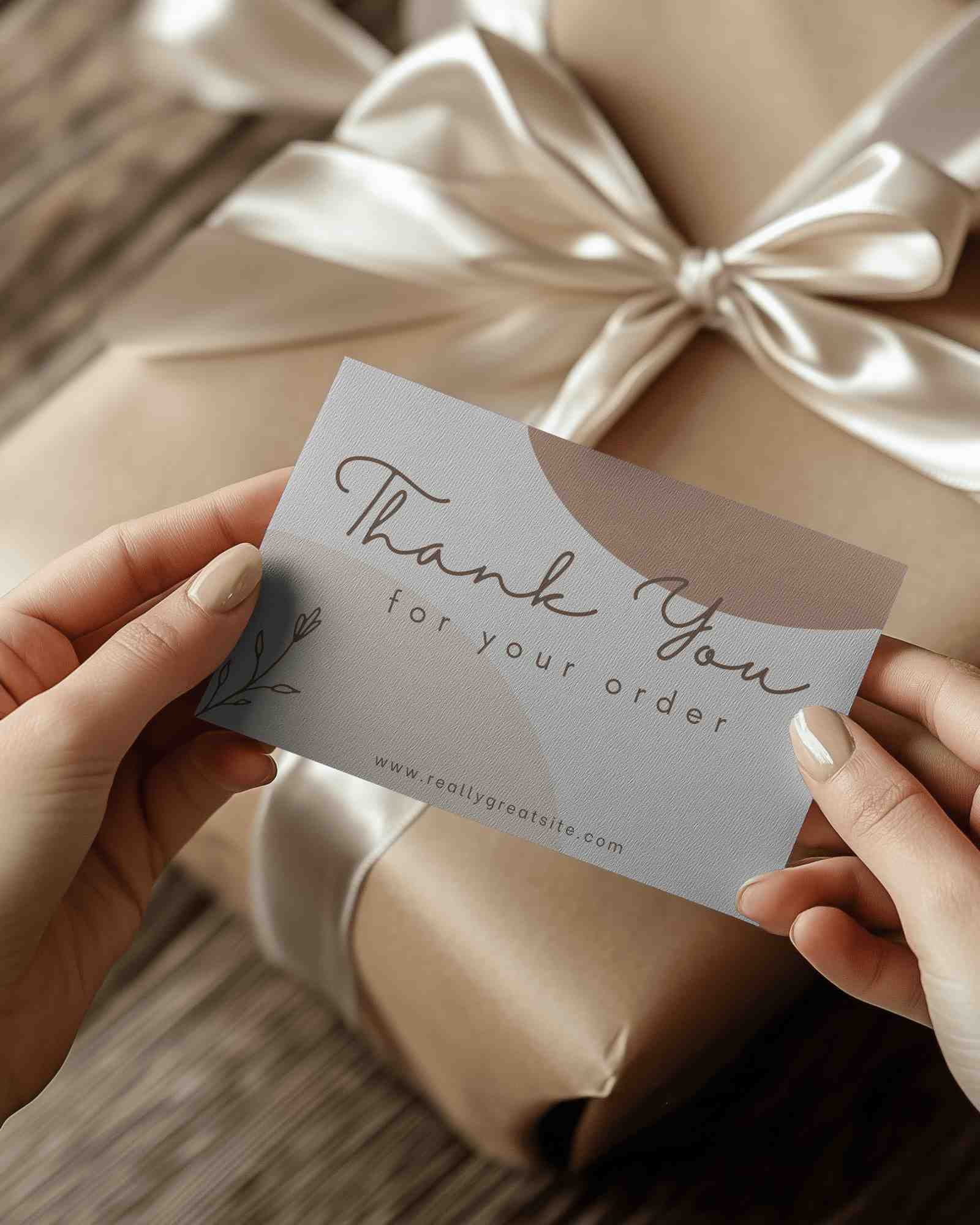
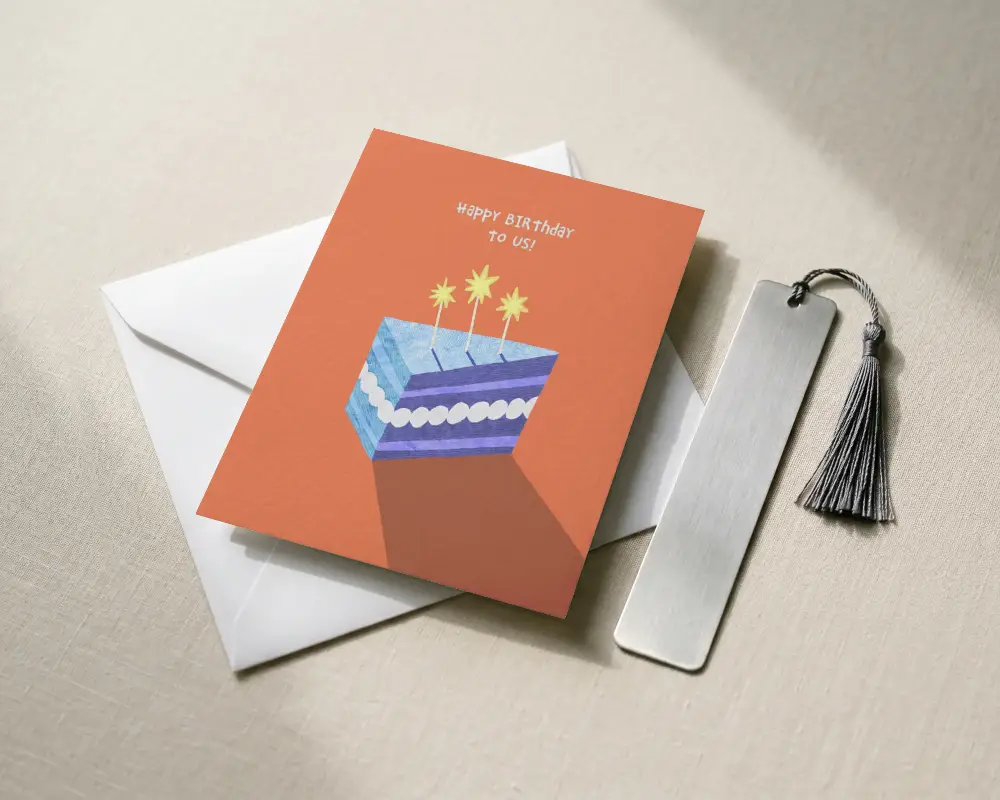
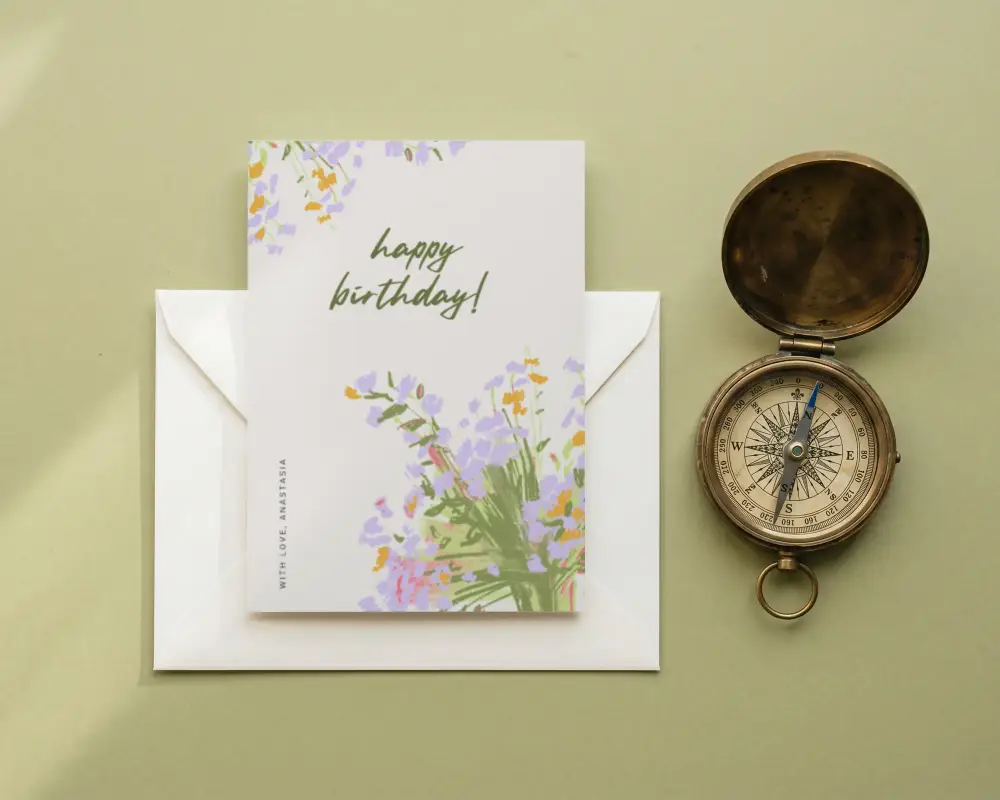
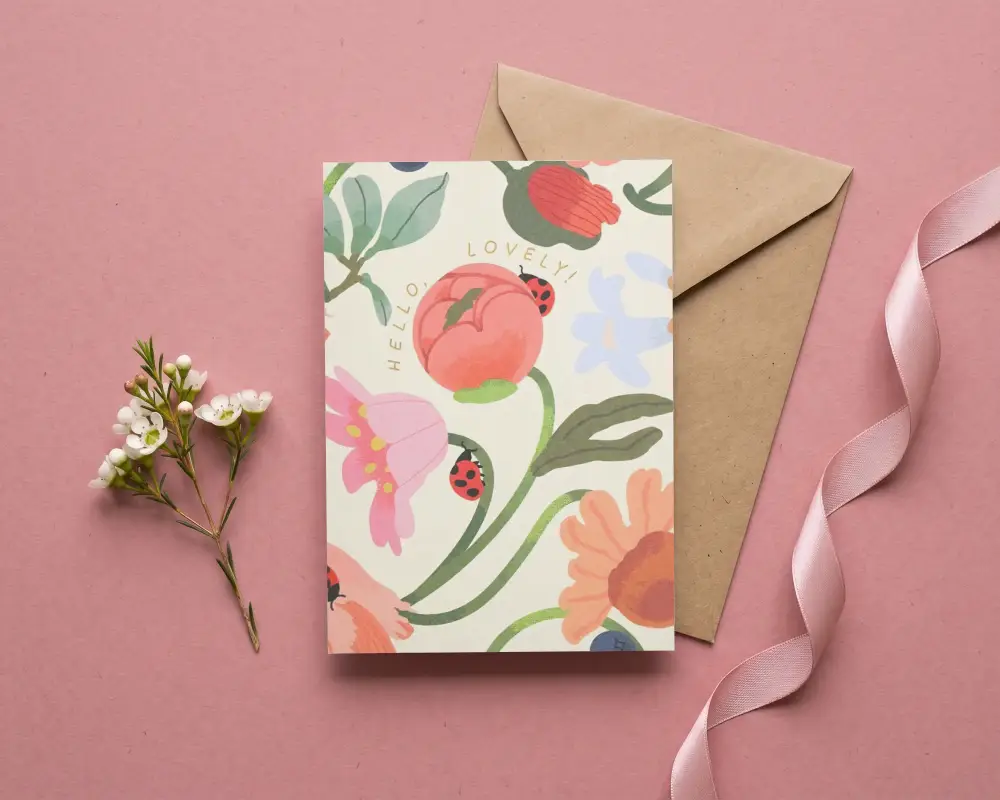

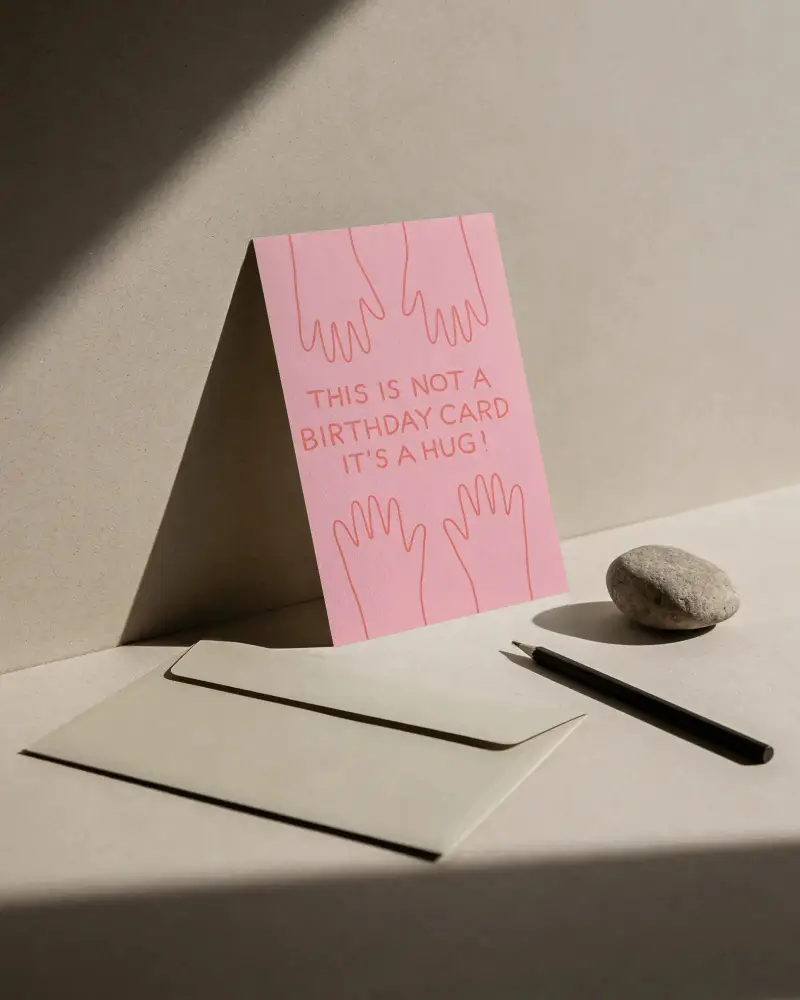
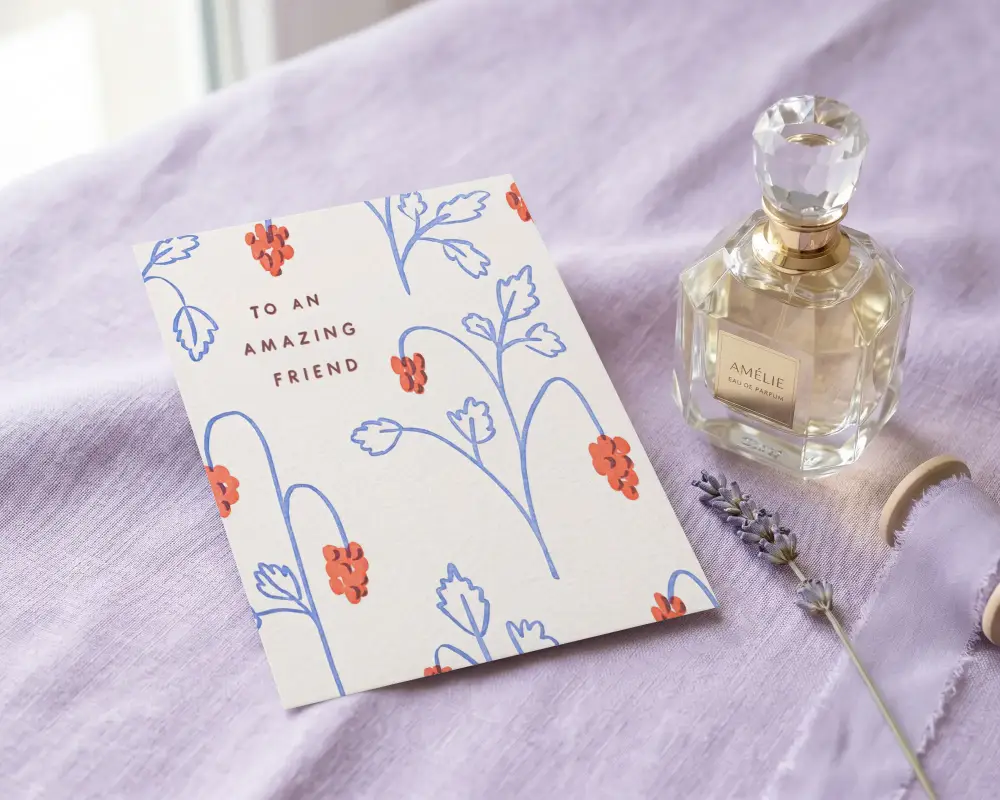
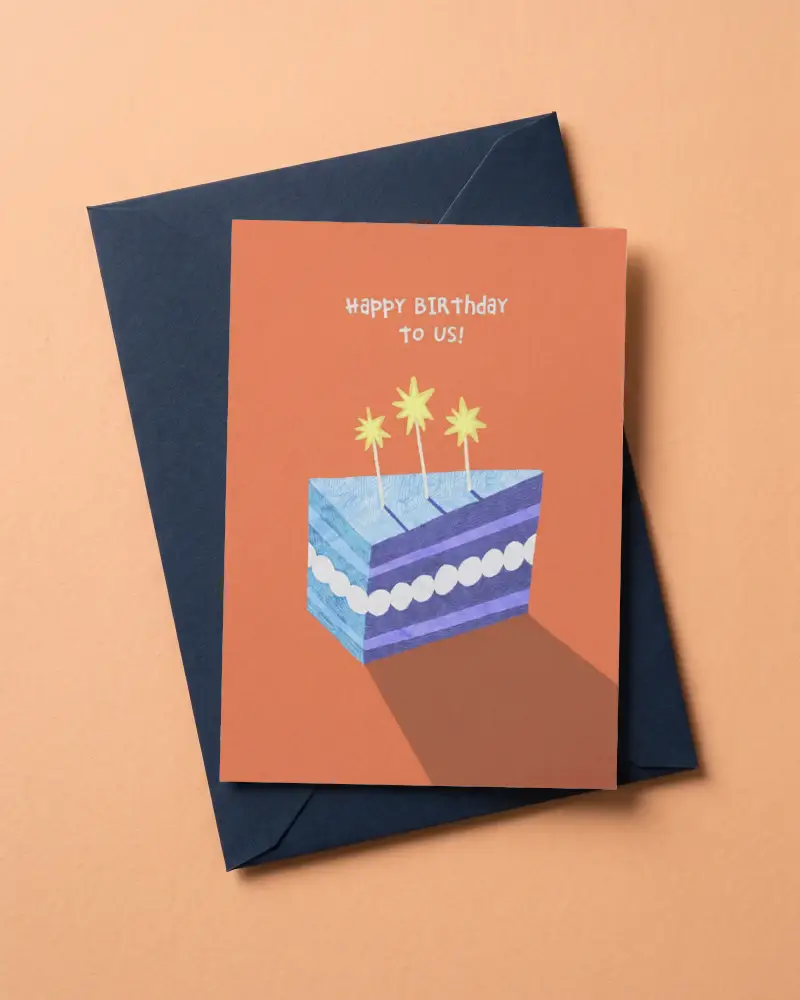
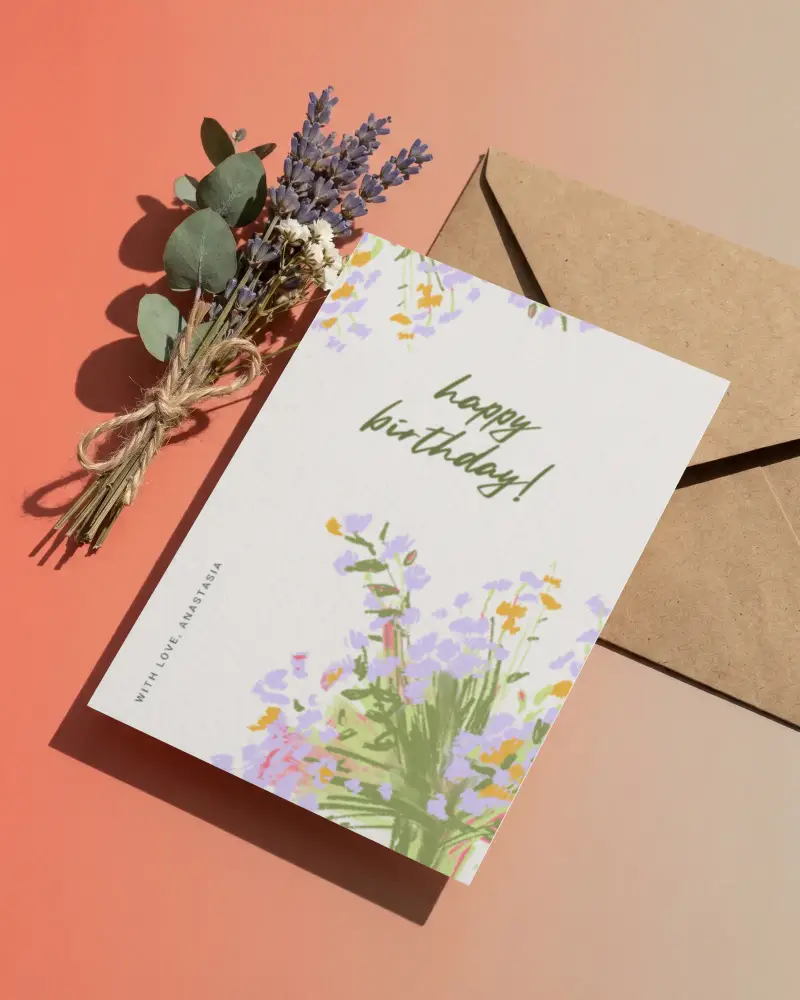
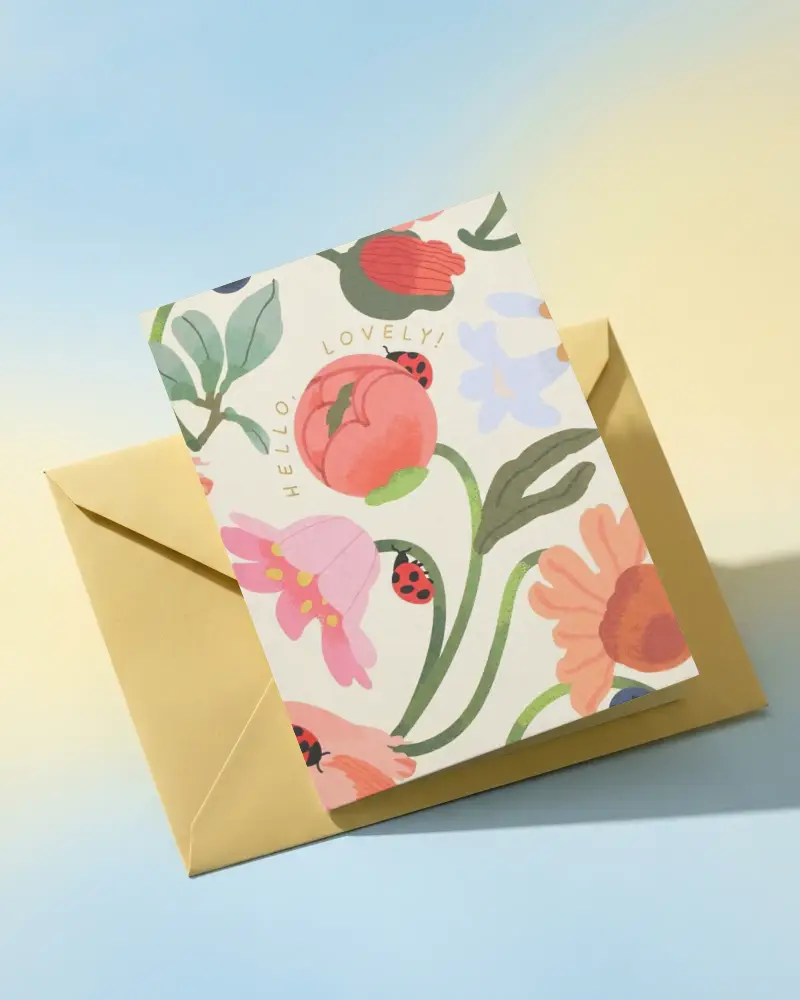
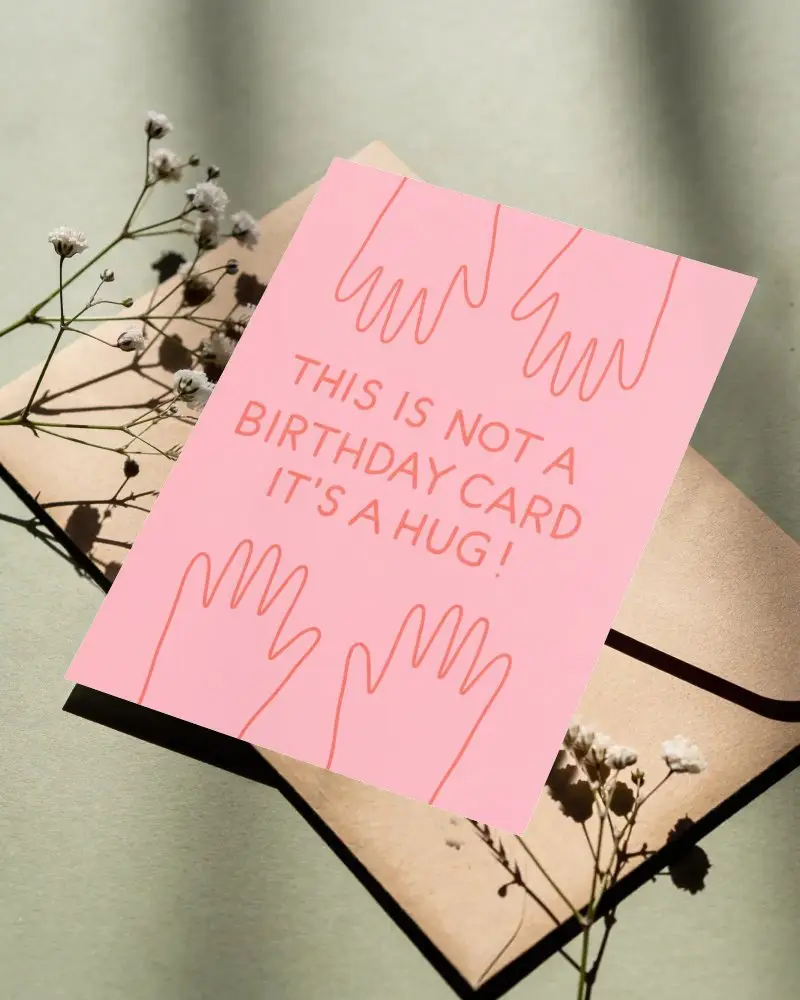
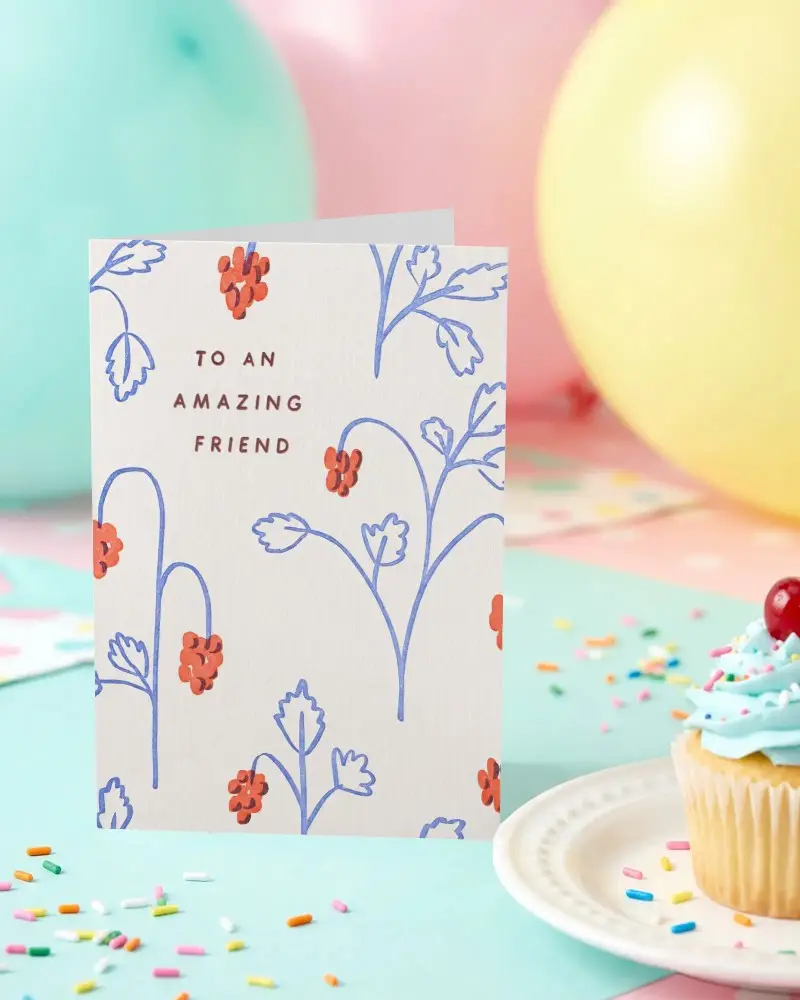
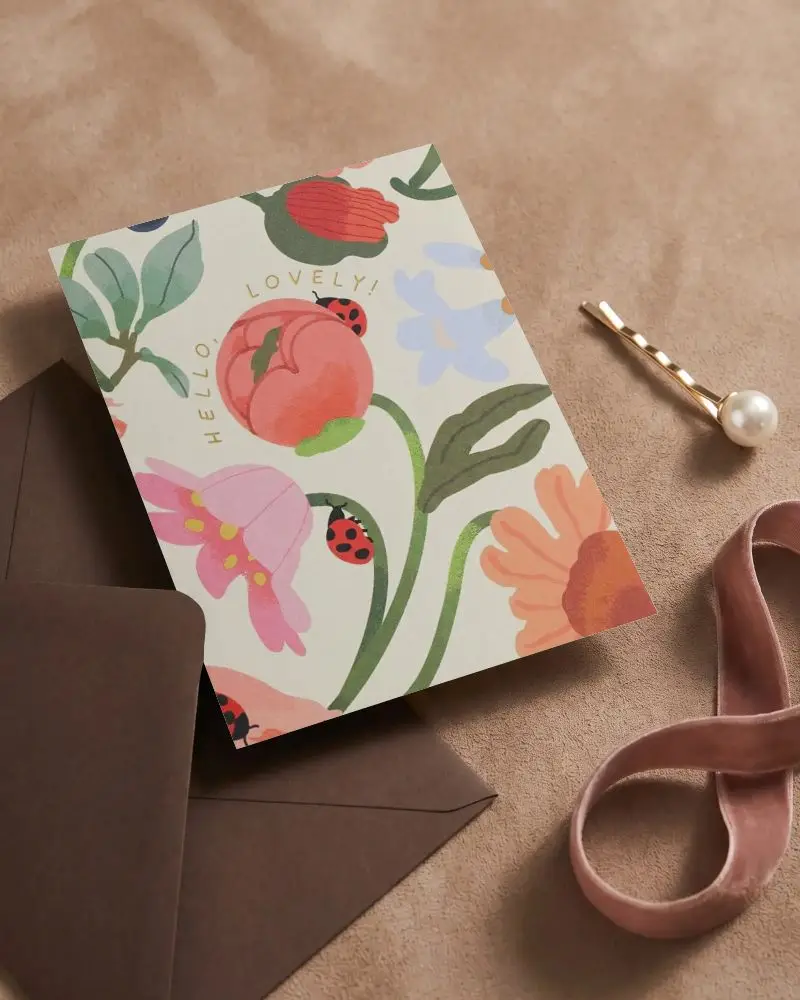
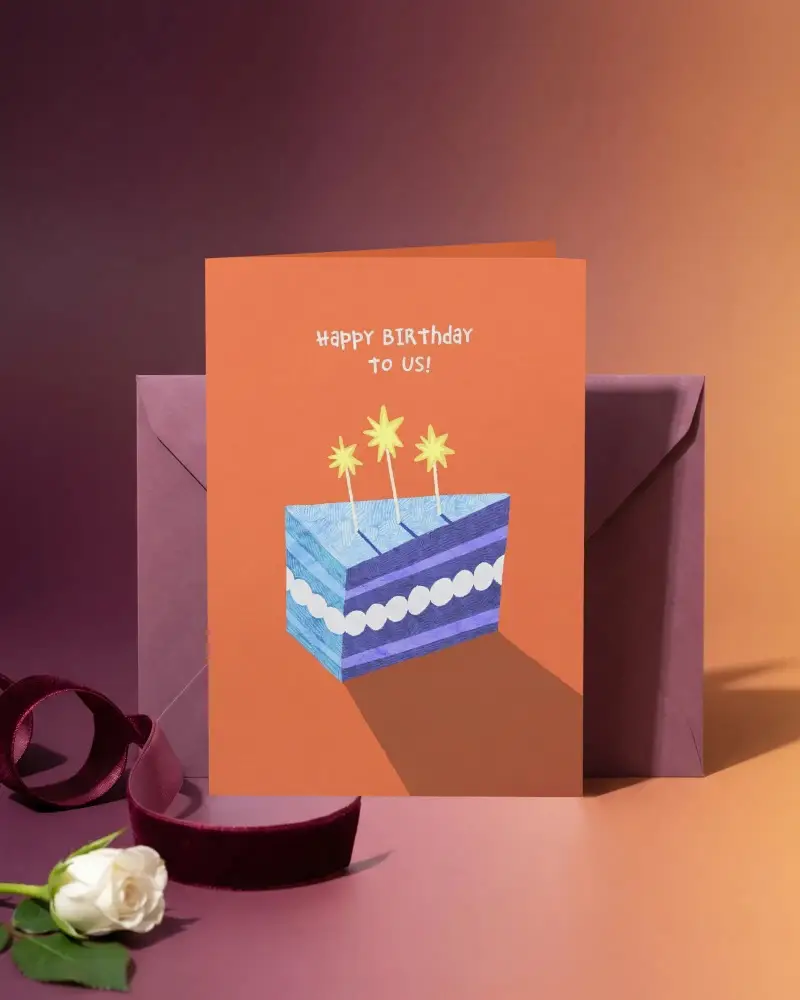
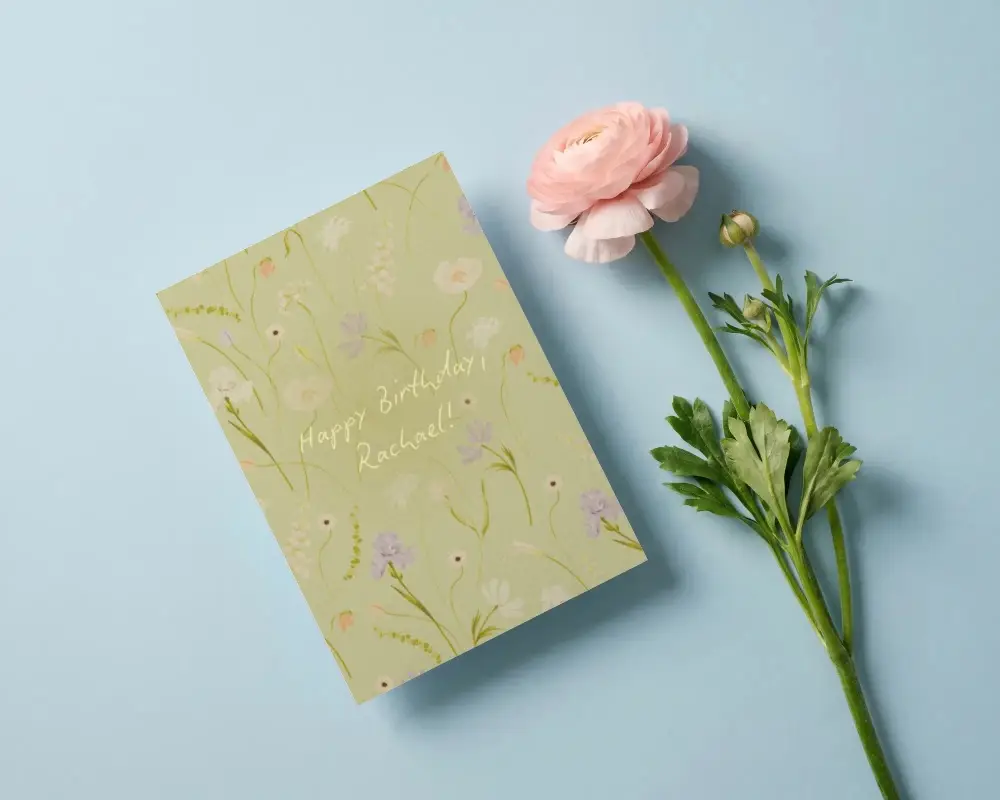
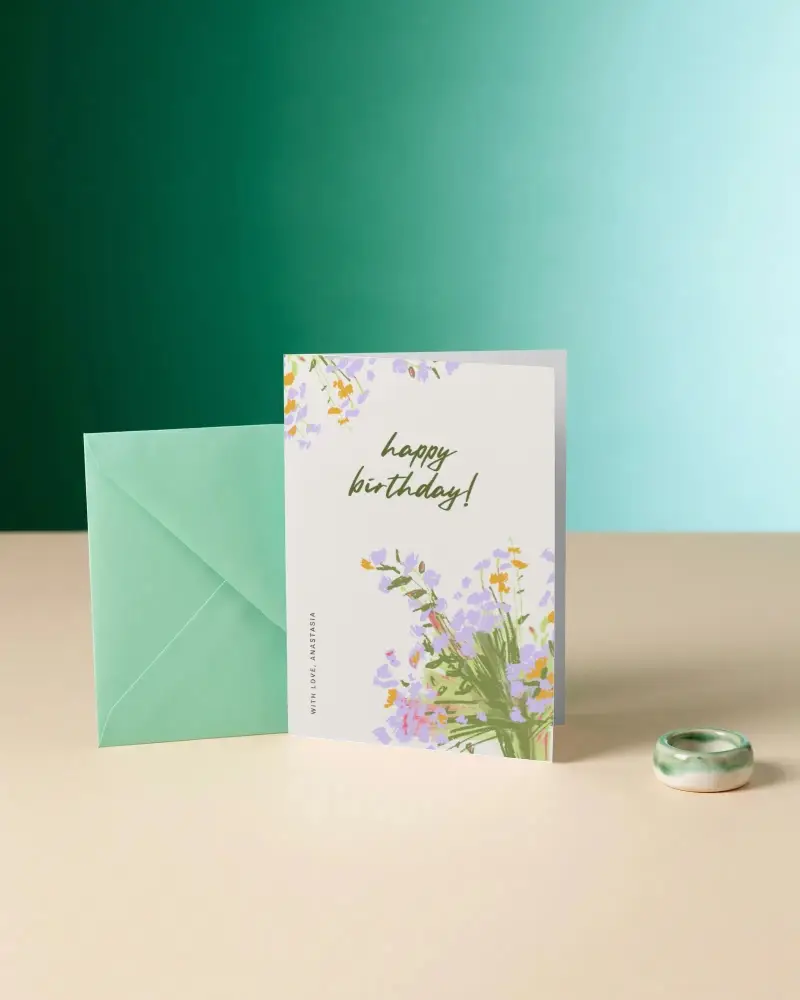
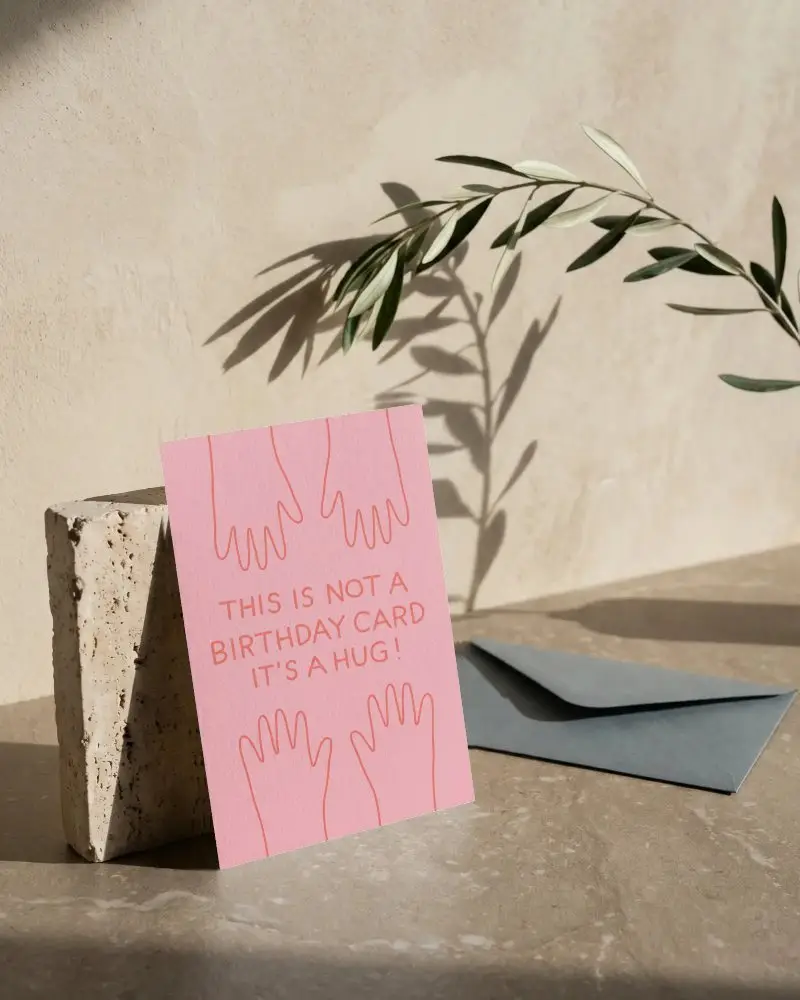
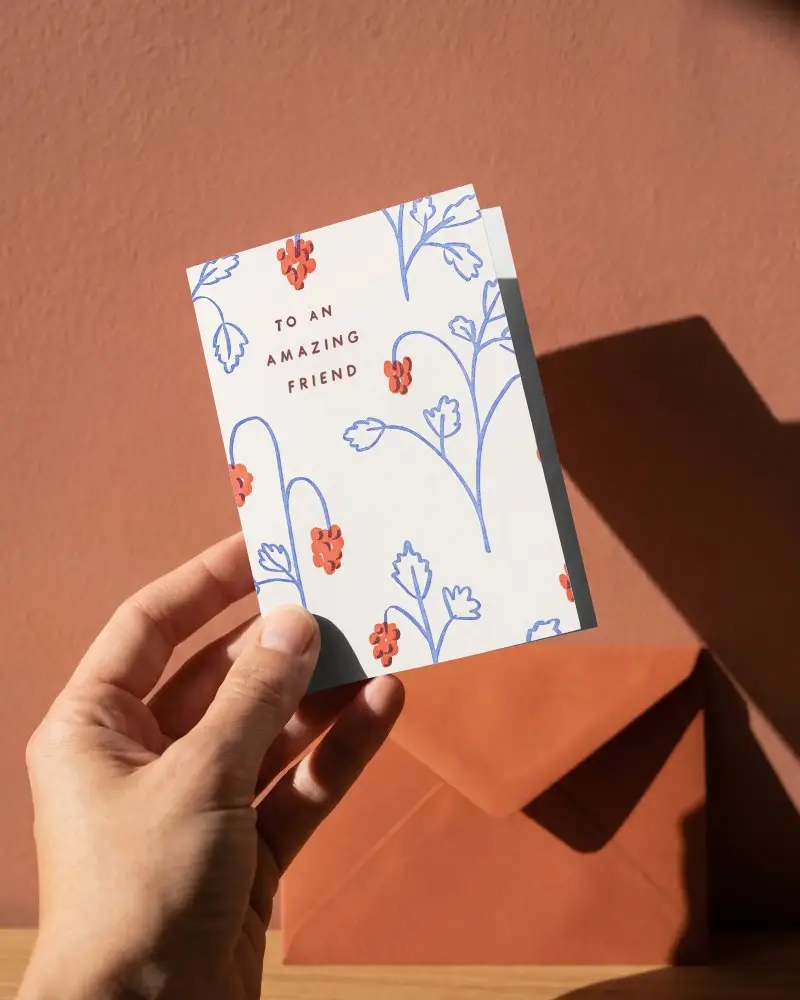
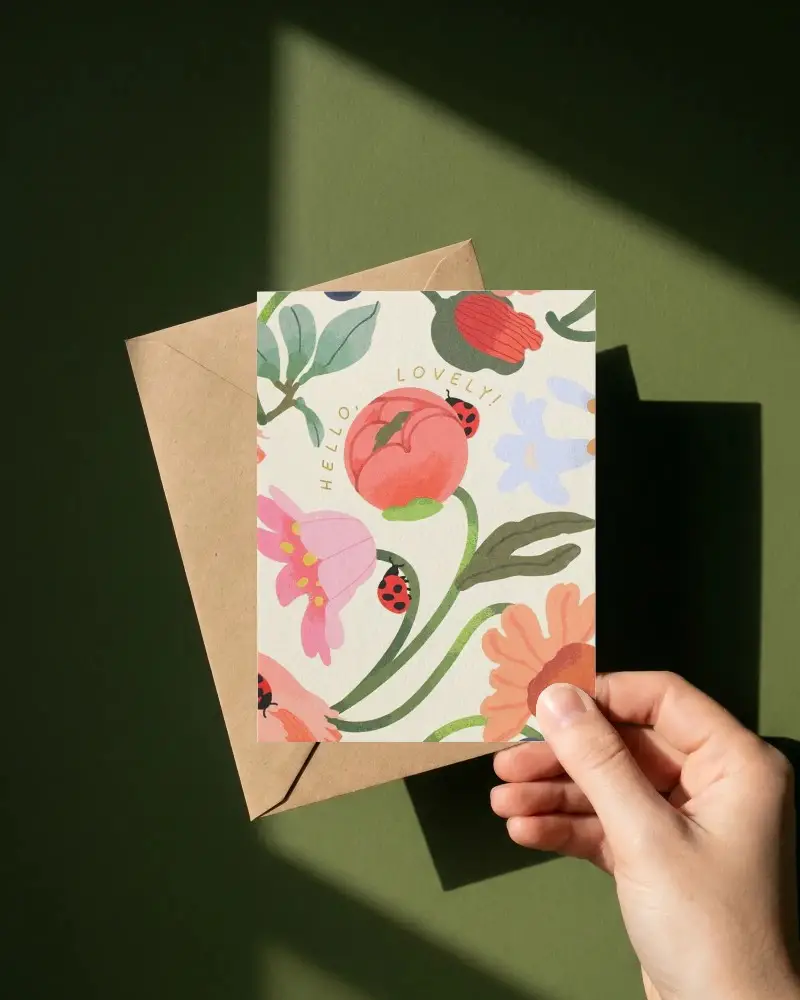
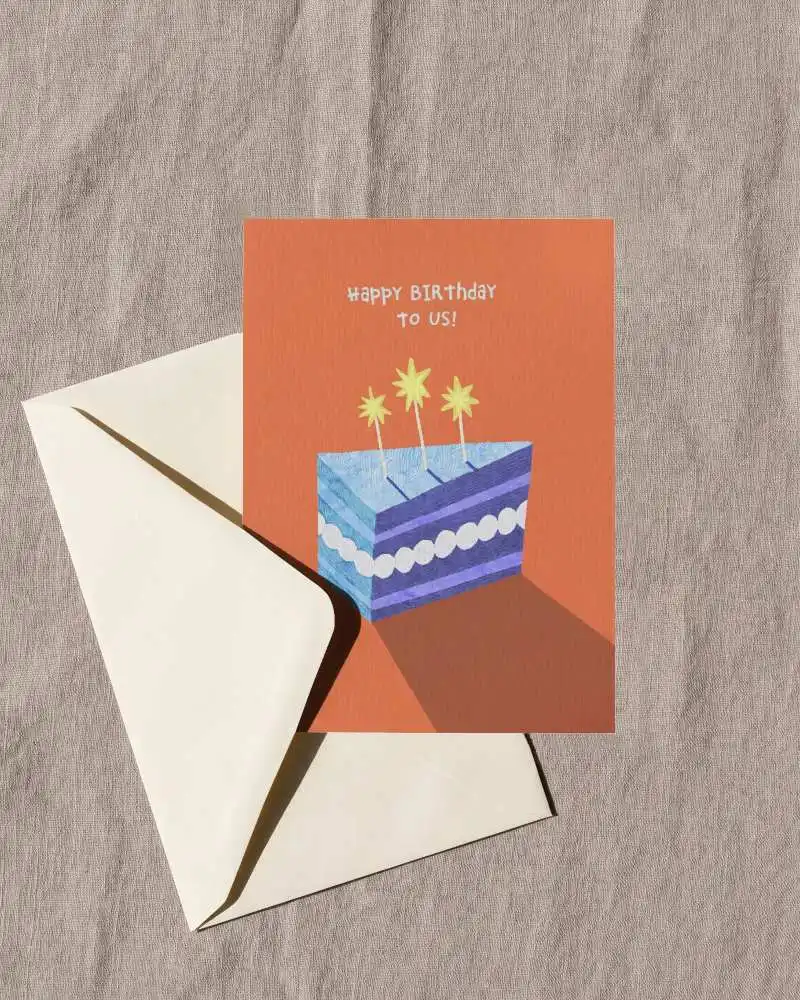
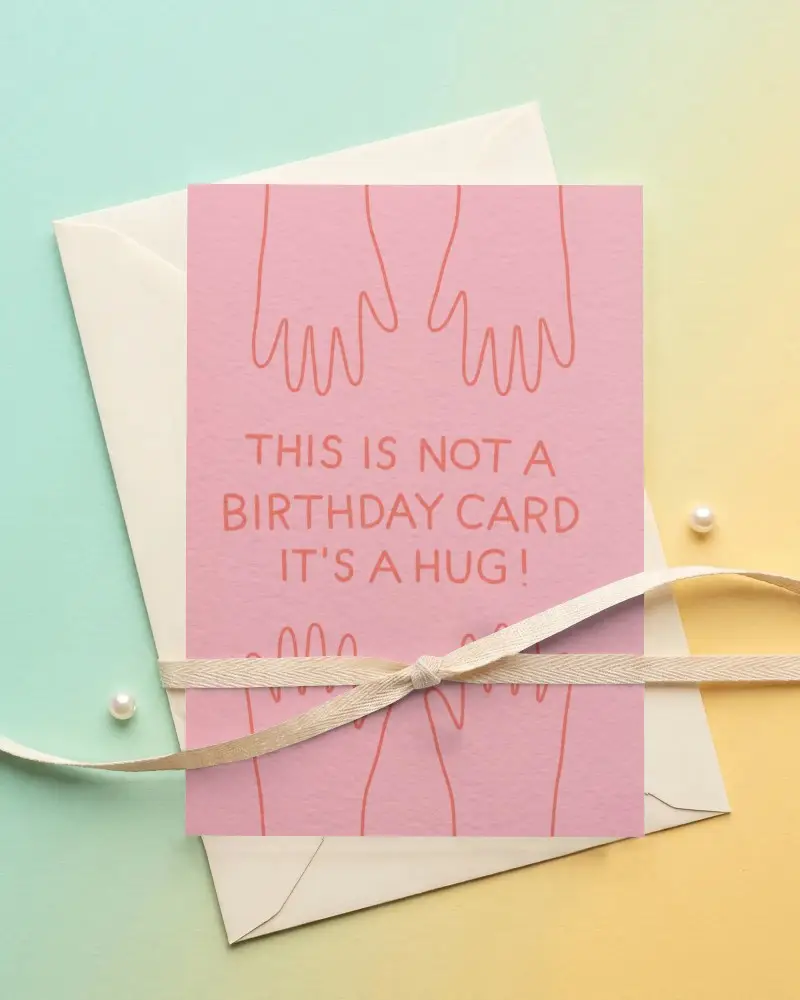
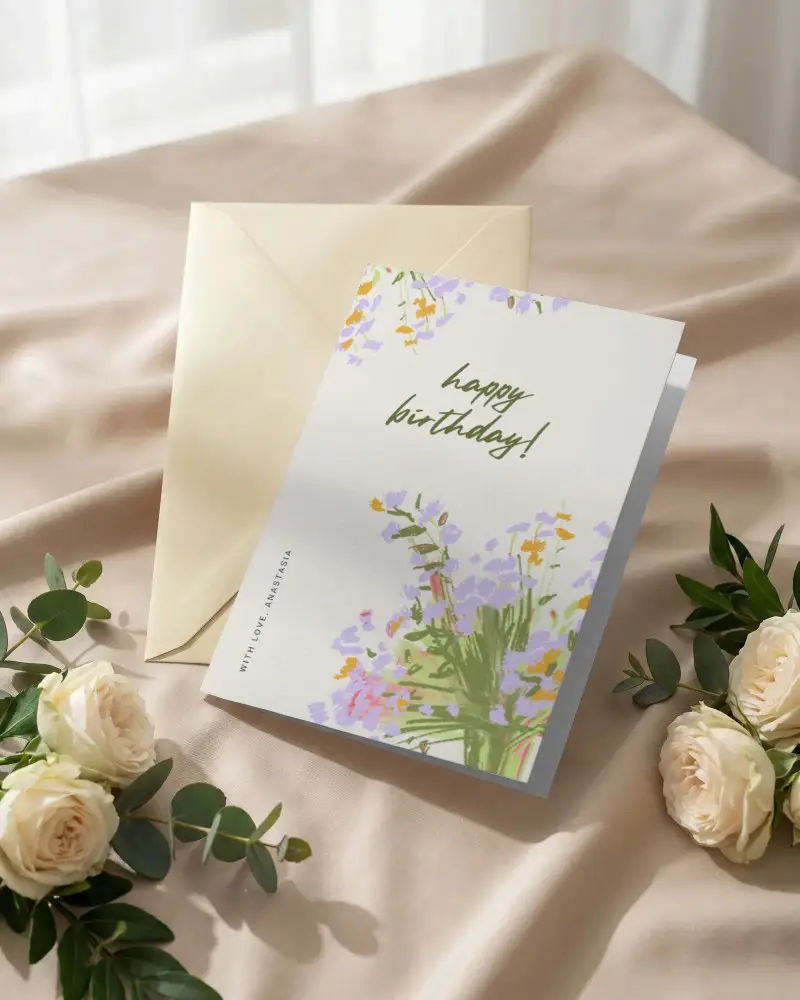
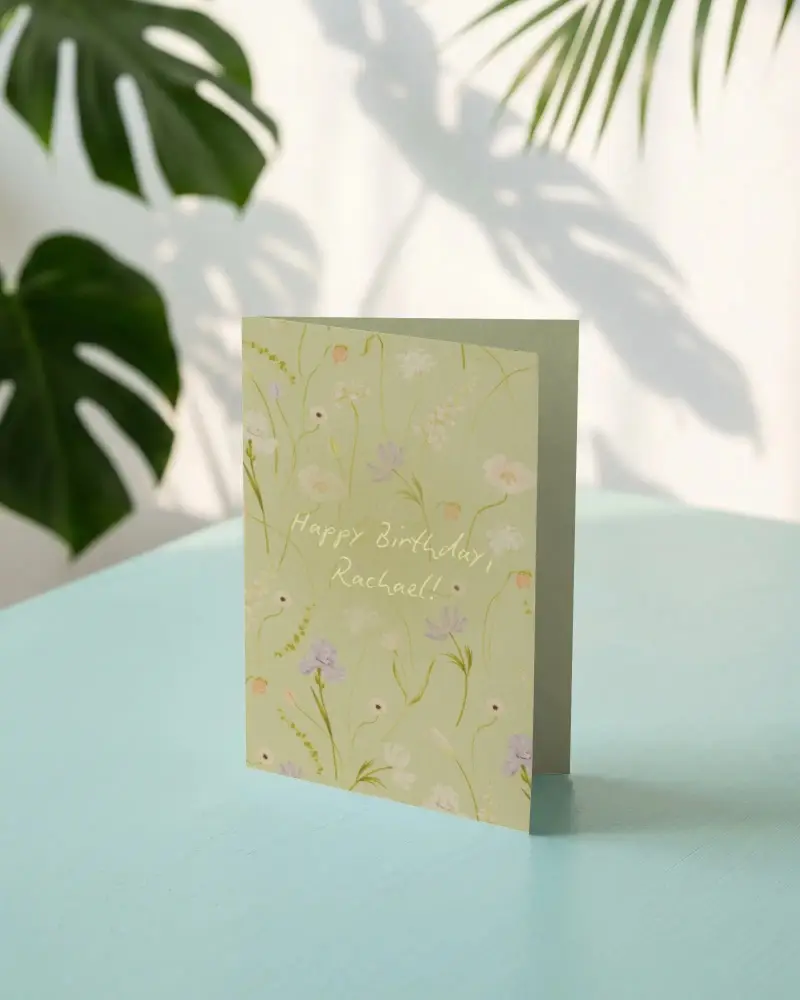
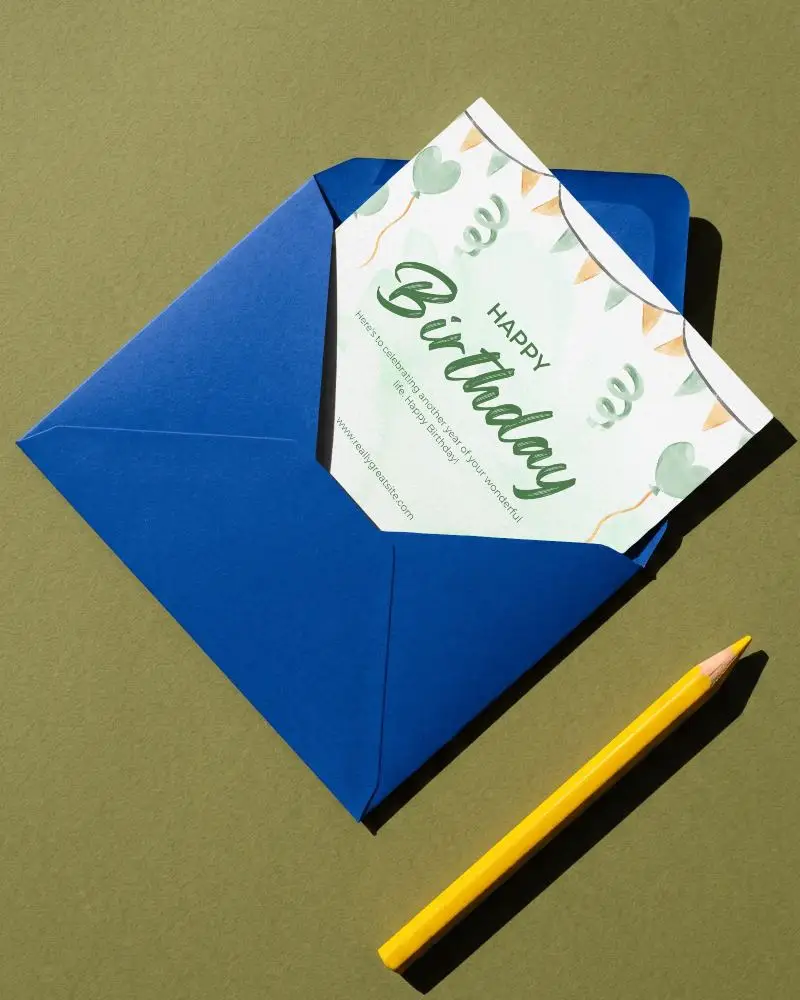
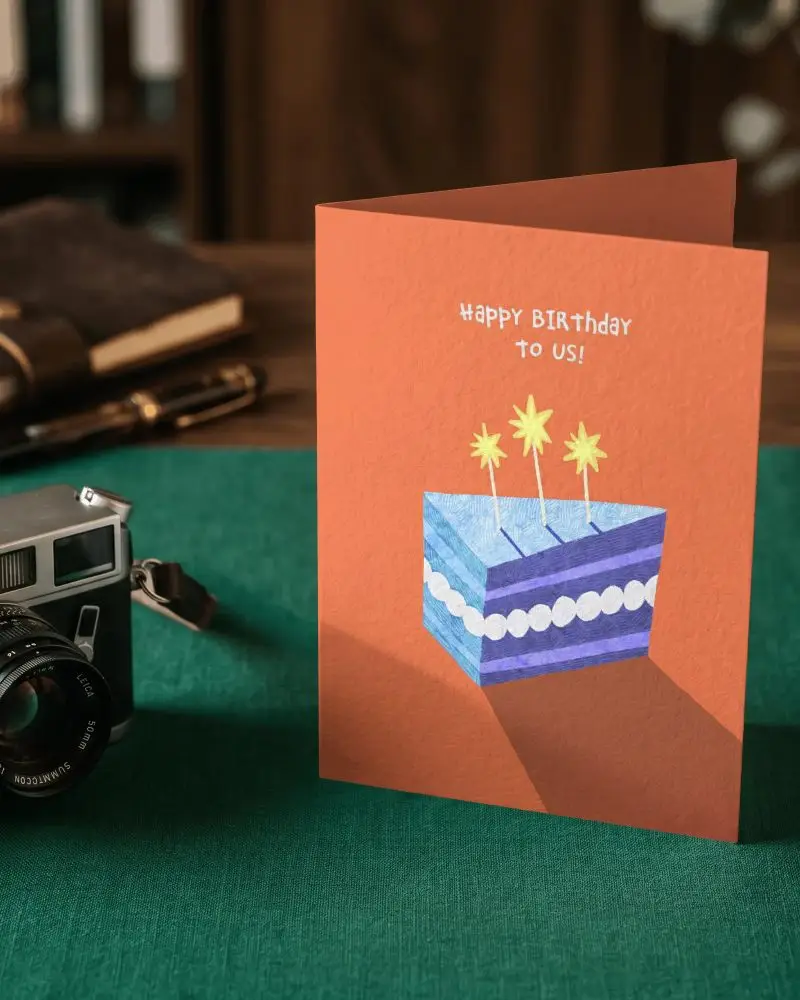
How to Create Vertical Greeting Card Mockup with Mockey
To create a vertical greeting card mockup in Mockey AI:
- Step 1: Navigate to Mockups > Print > Greeting Card > Vertical and choose a template from the library.
- Step 2: On the following page, you'll find the option to upload your design and adjust the template's colors in the Edit section. If you upgrade to the Creator Plan, you can also access AI tools.
- Step 3: Finally, click the Download button to save your Vertical Greeting Card mockup in either PNG or JPEG format, available in various sizes.


FAQs on Vertical Greeting Card Mockups
What is a Vertical Greeting Card Mockup?
A vertical greeting card mockup is a digital template that shows how a greeting card will look in an upright position.
Why create a Vertical Greeting Card Mockup?
Before printing, a vertical greeting card mockup ensures a polished design and clear communication by helping to imagine the finished product.
Why Use Mockey’s Vertical Greeting Card Mockup?
Use Mockey's vertical greeting card mockup to improve client previews and visual appeal with simple, editable designs that don't require complex knowledge.
Is this Vertical Greeting Card Mockup Free?
Yes, Mockey AI offers a lot of free vertical greeting card mockups to customize.
