Free Square Greeting Card Mockups – High-Quality & Watermark Free
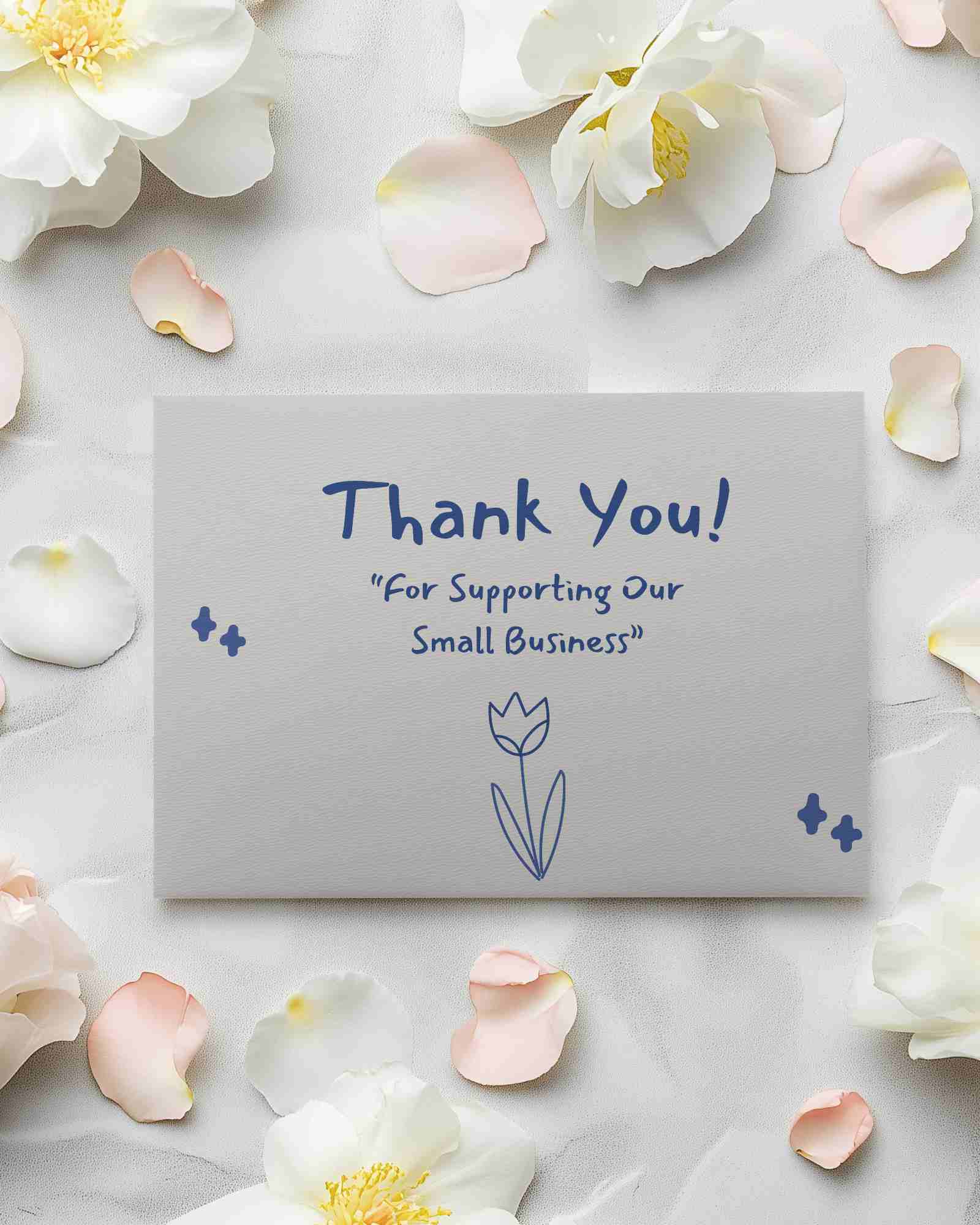
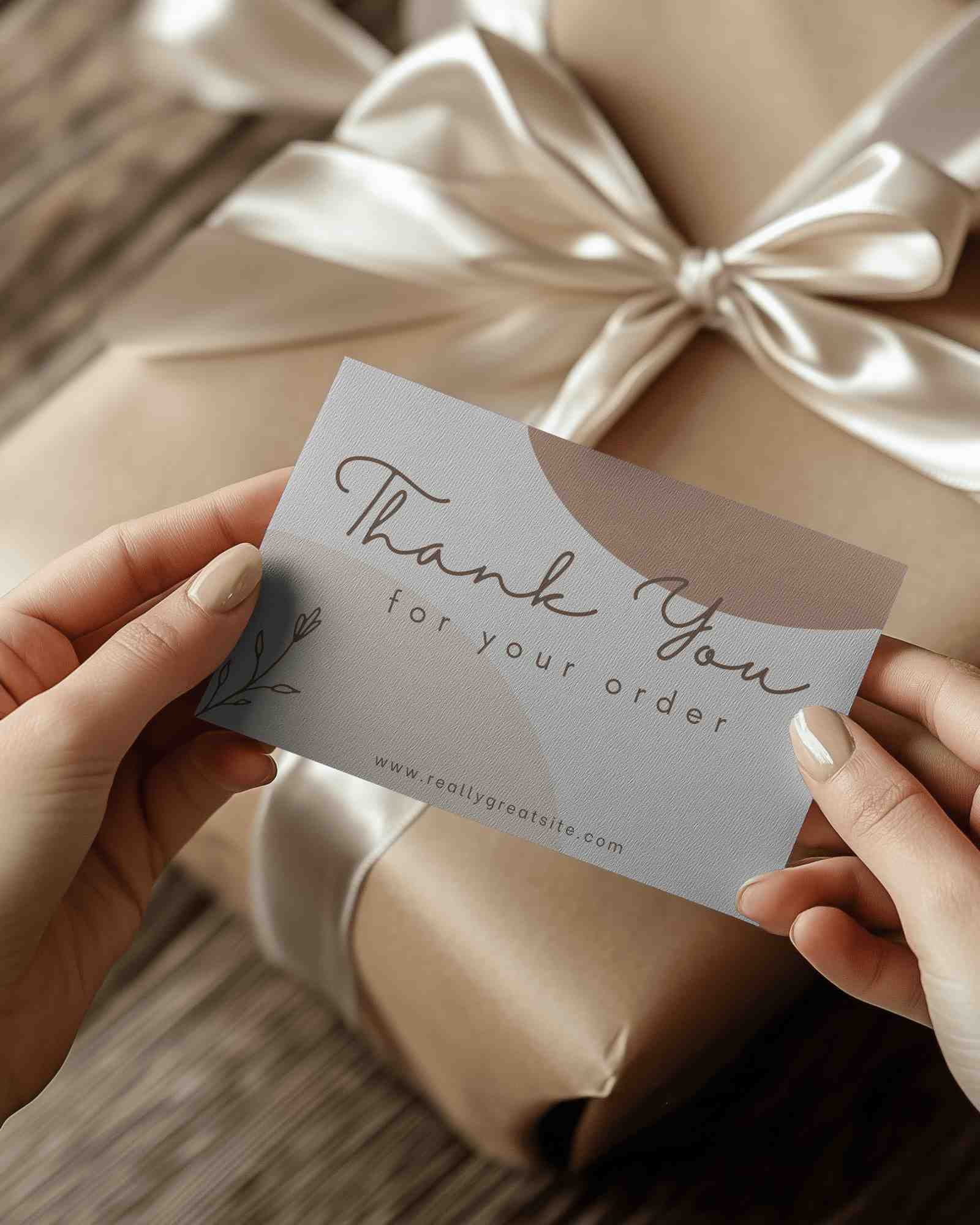
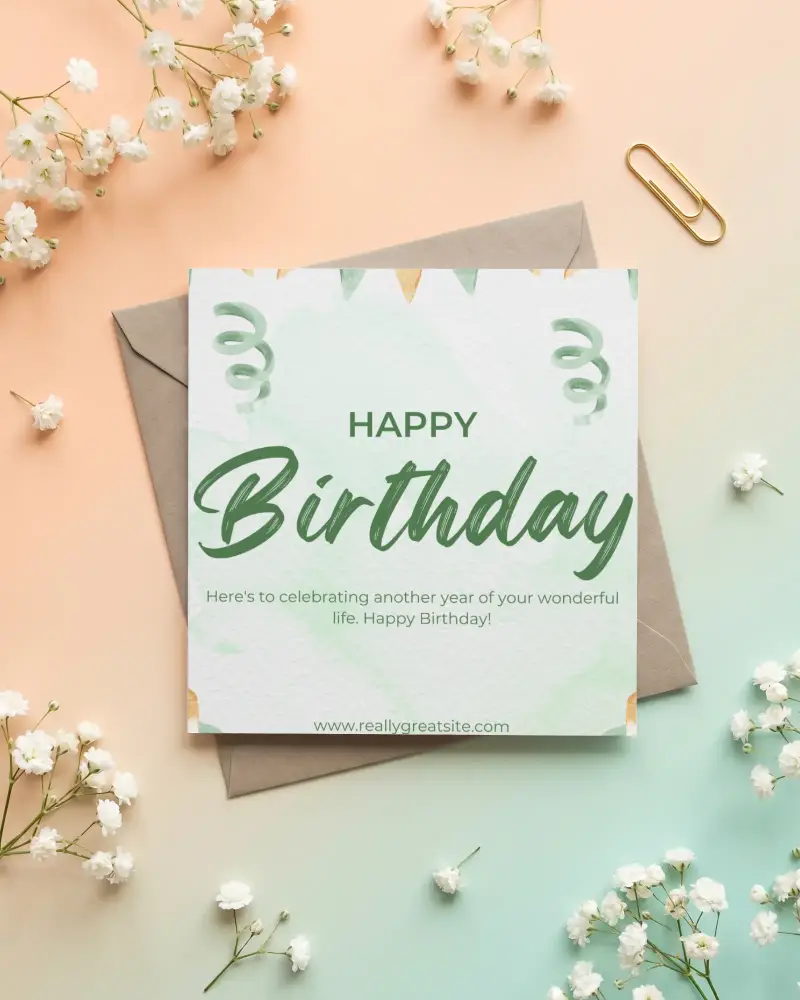
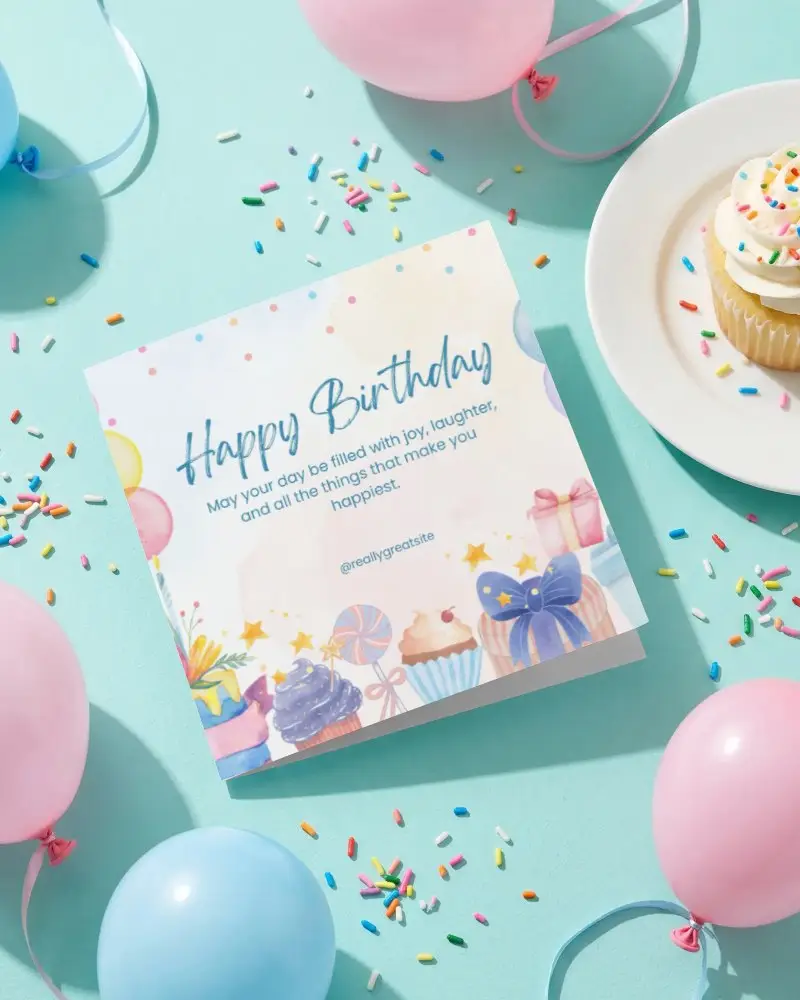
Need a square greeting card mockup? Download free, high-quality greeting card mockups for stunning design presentations. Easy, realistic, and 100% free!
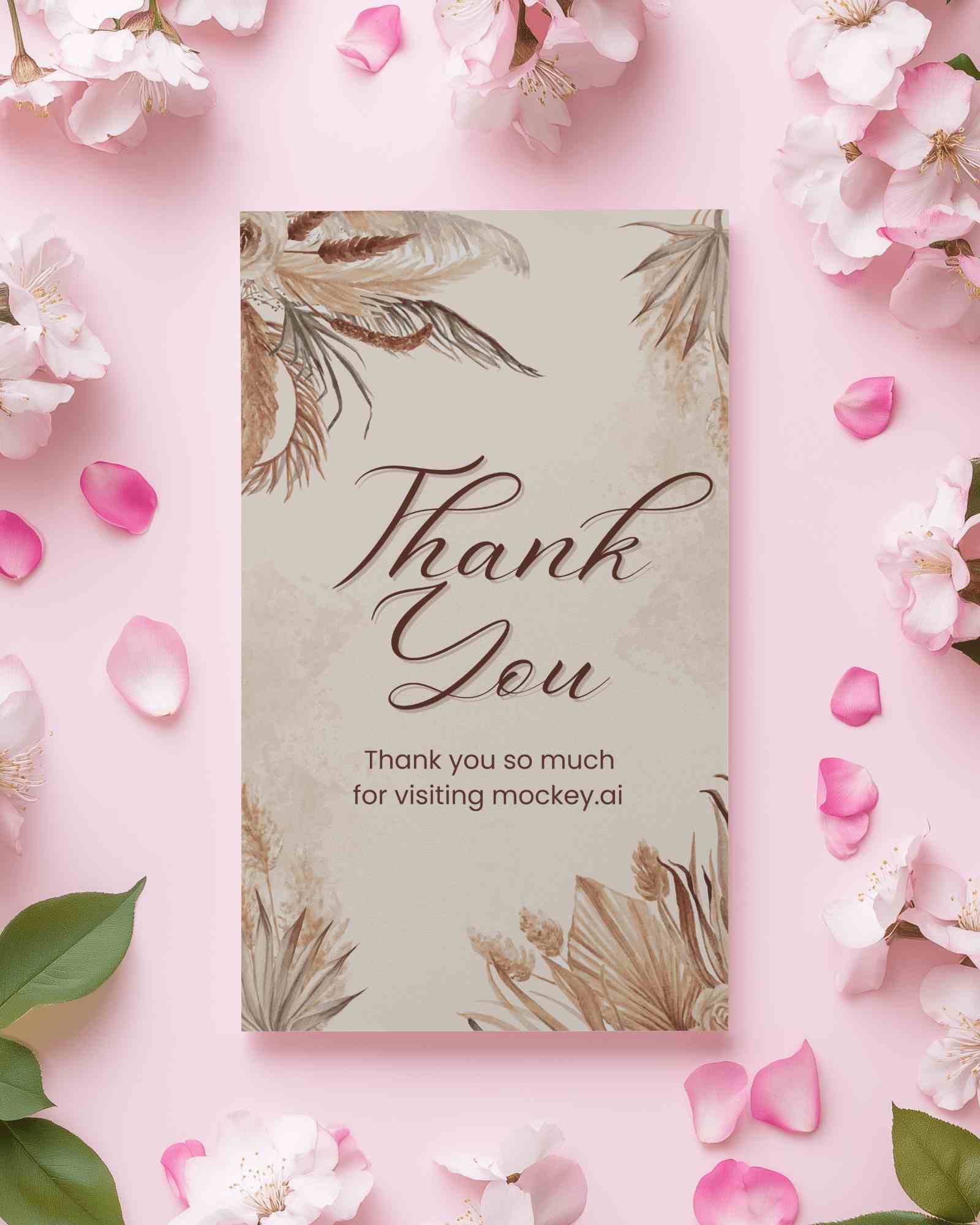
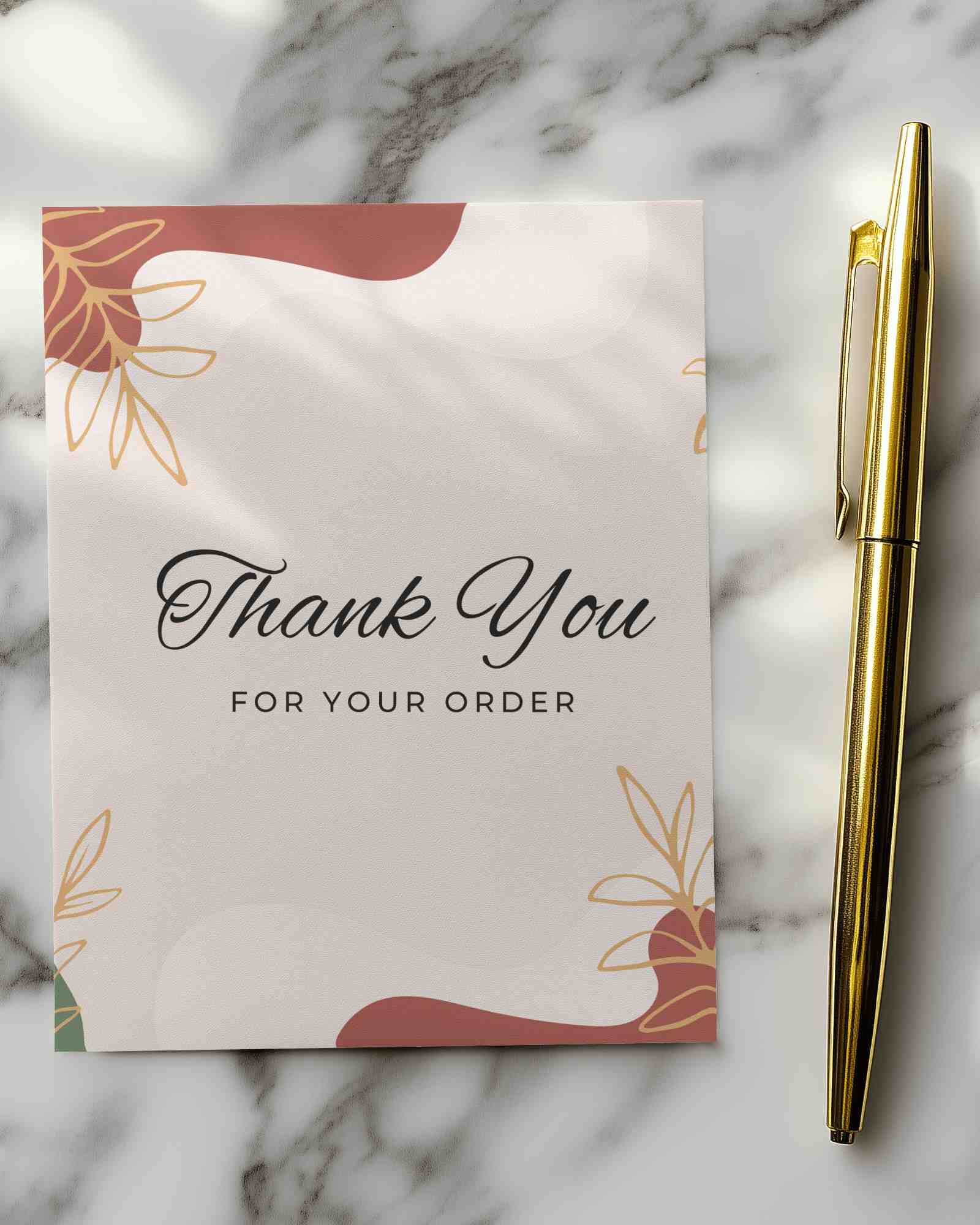
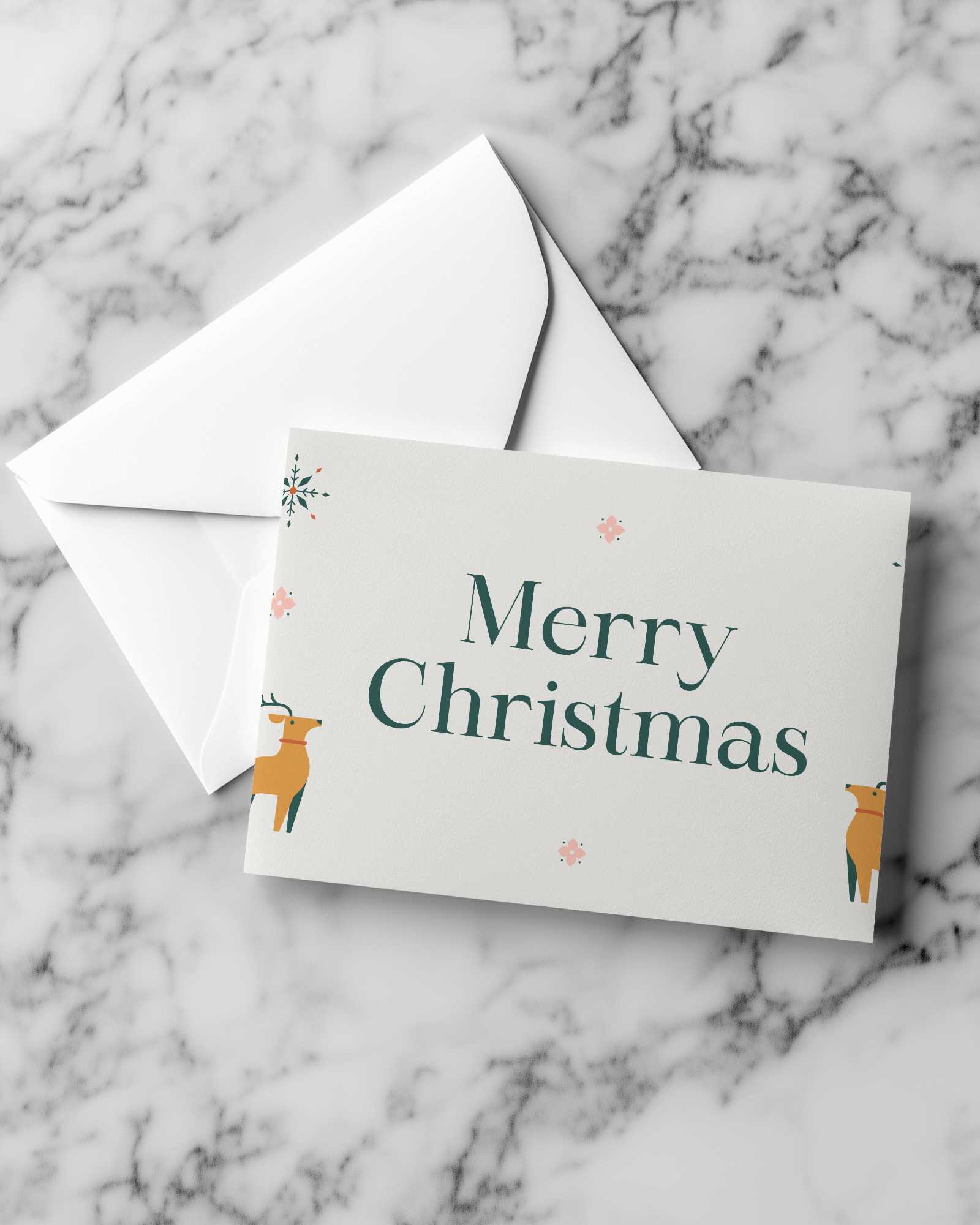
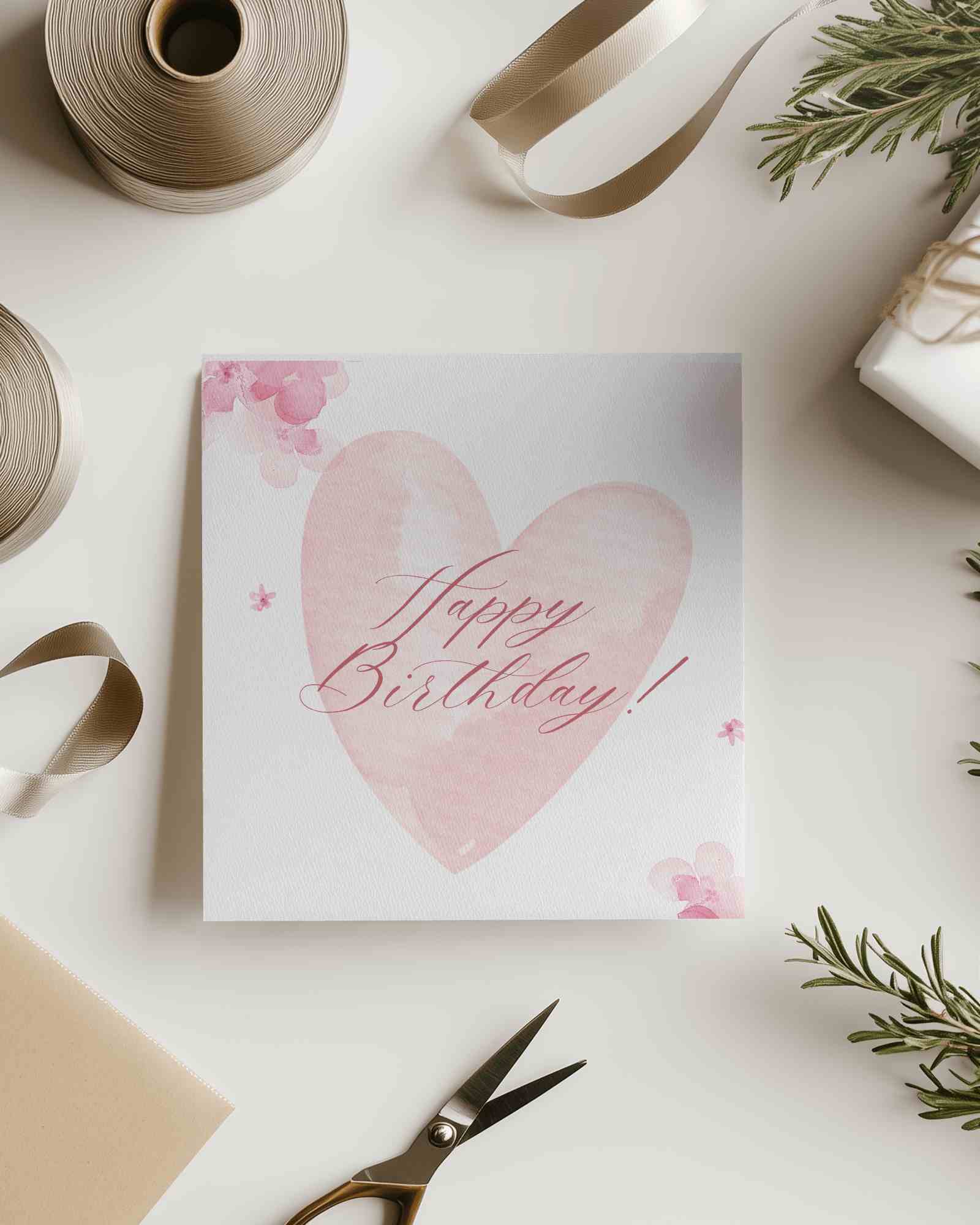

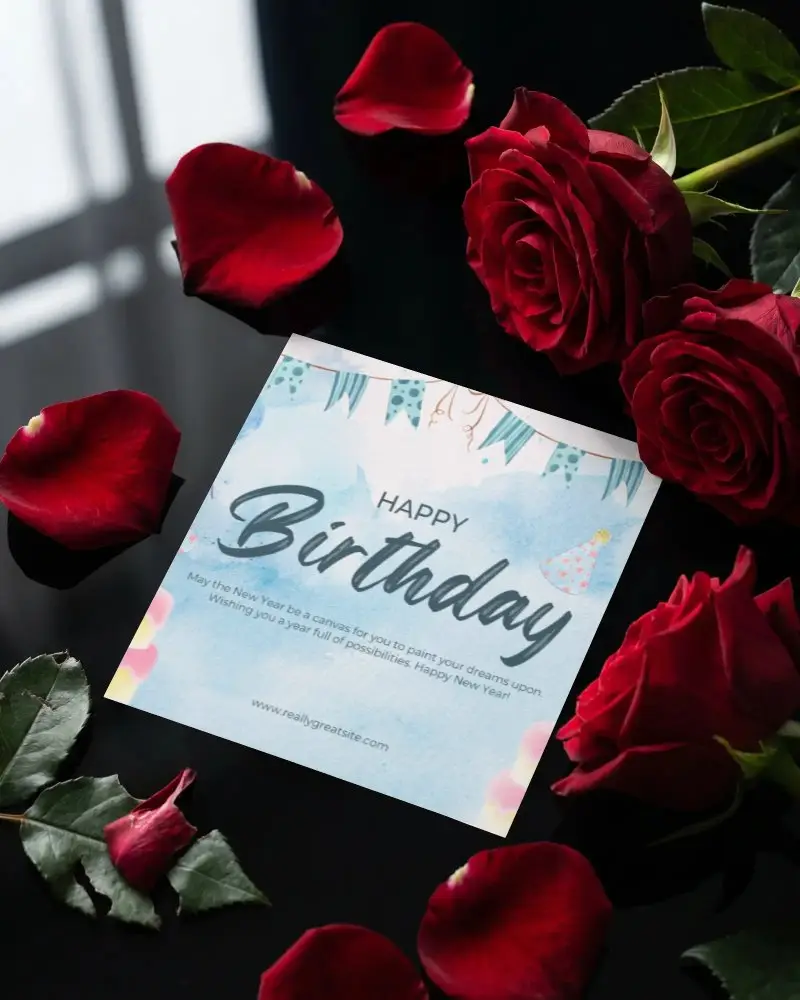
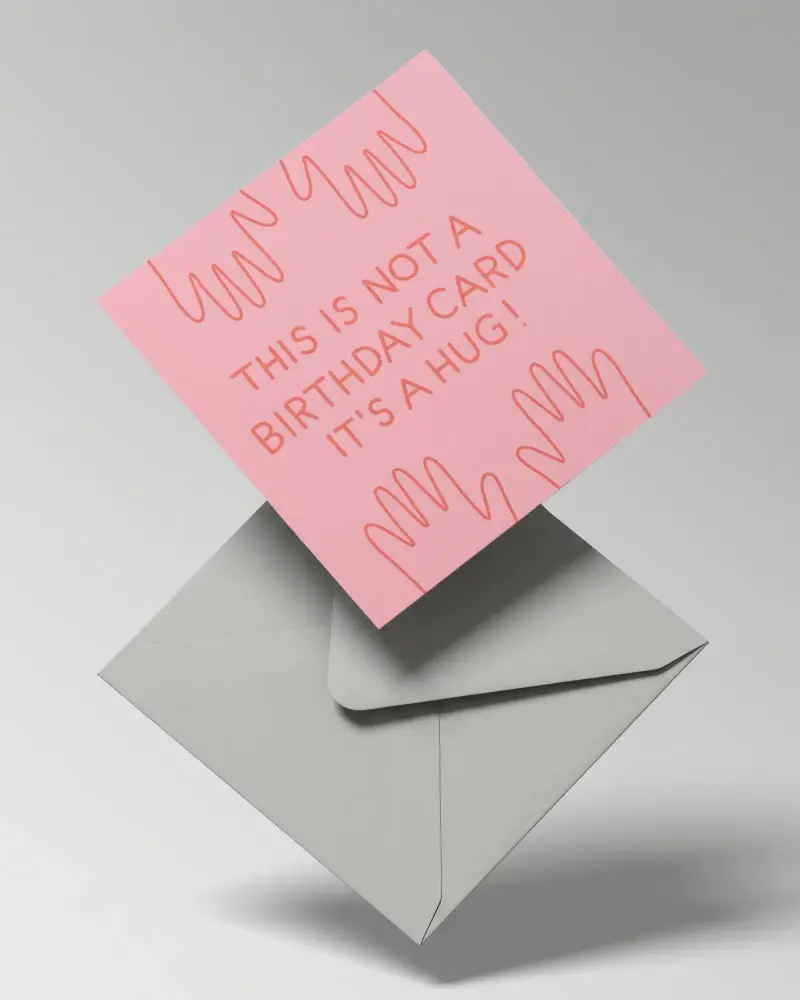
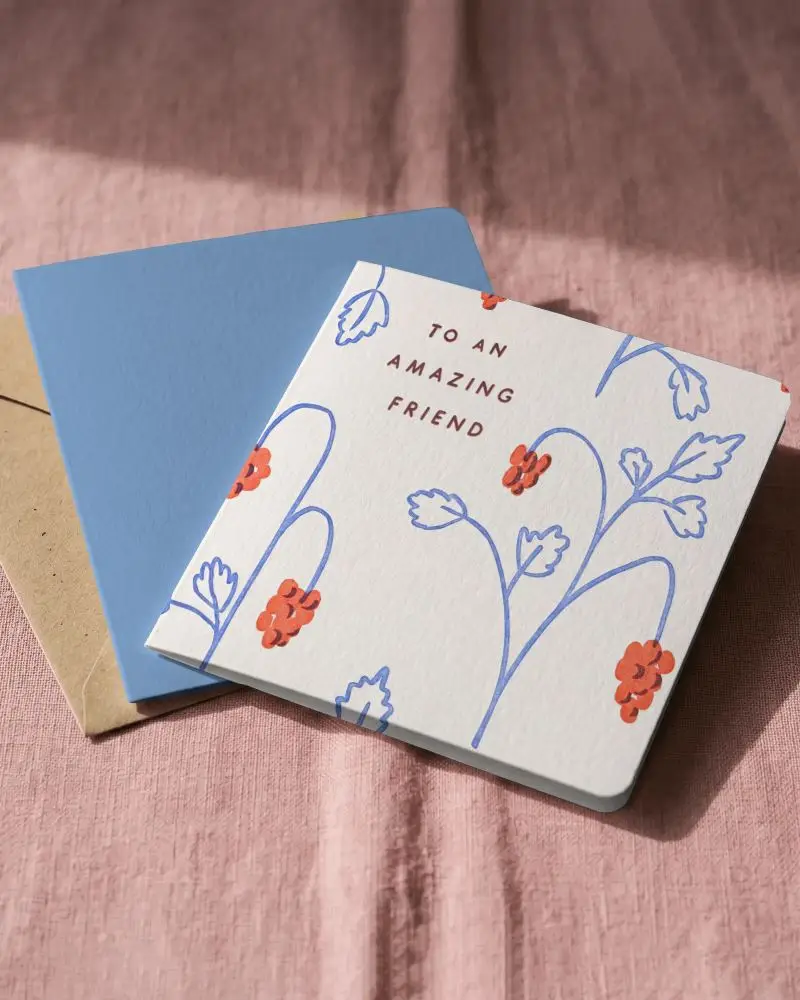
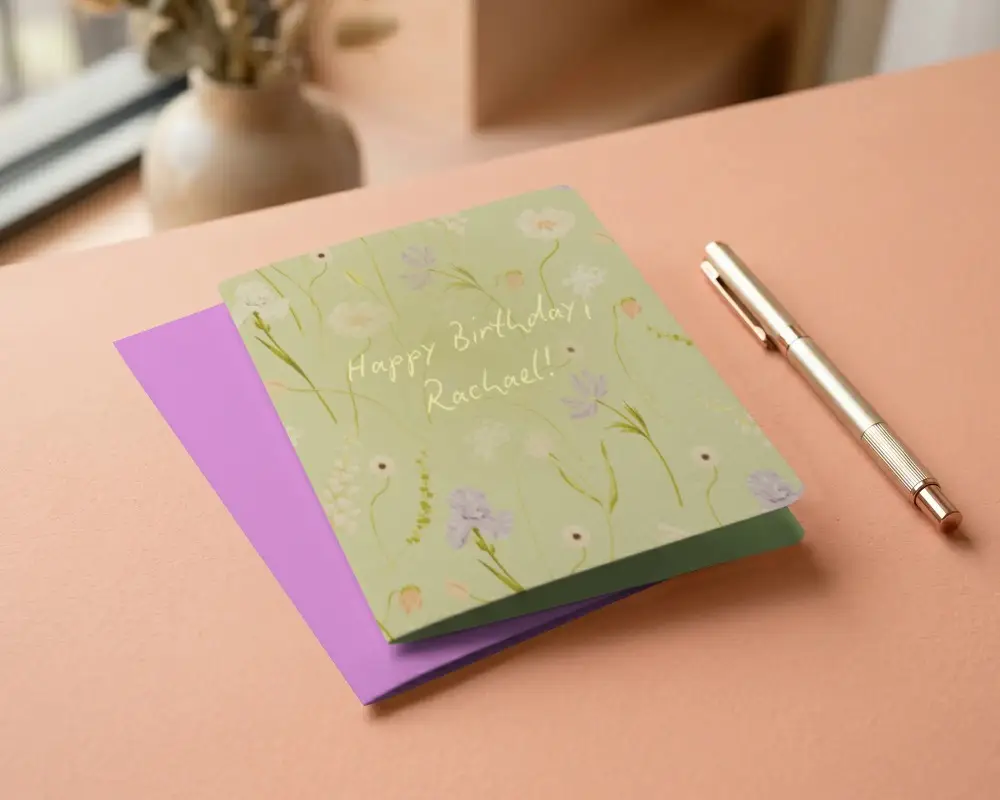
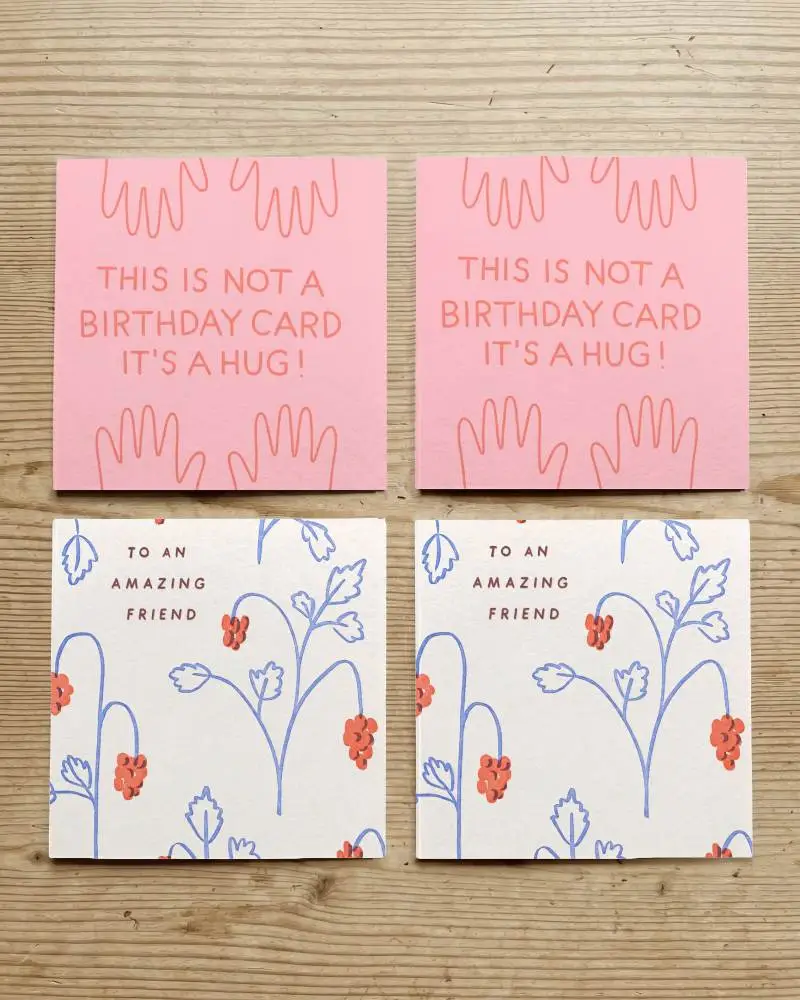
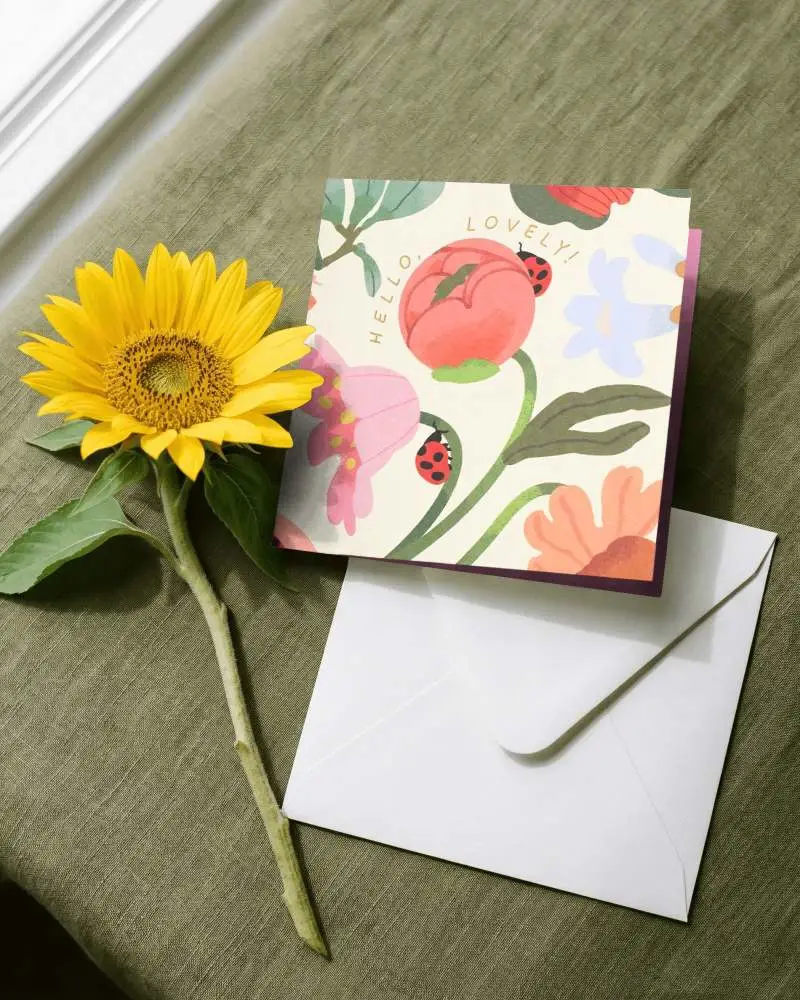
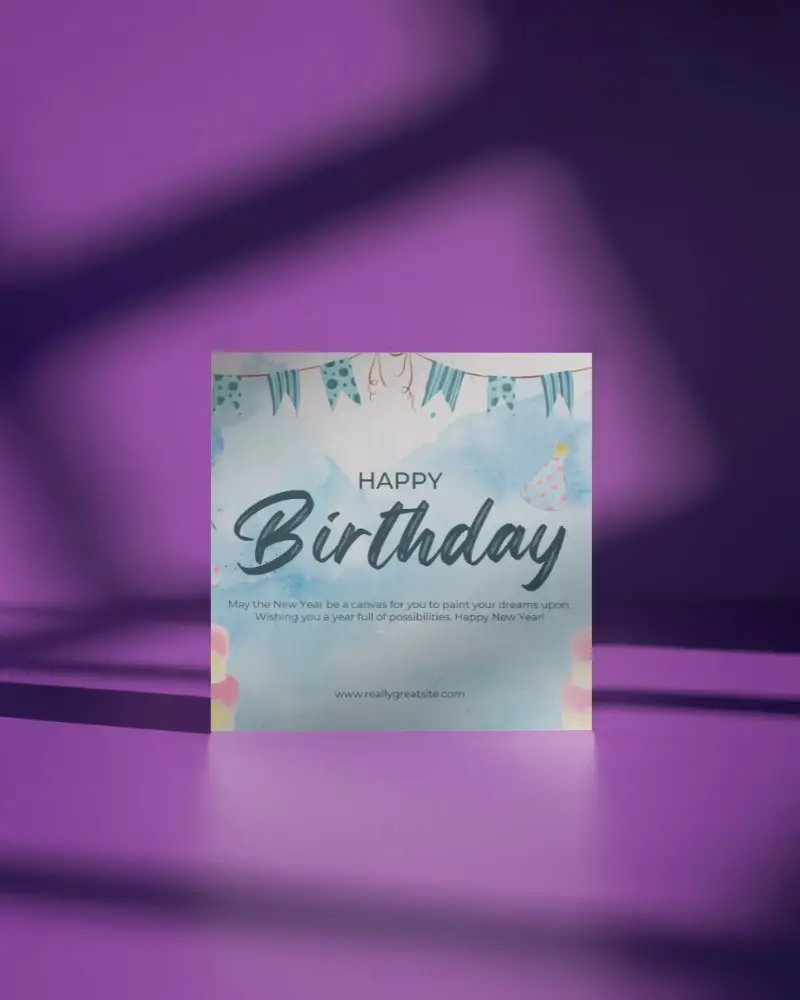
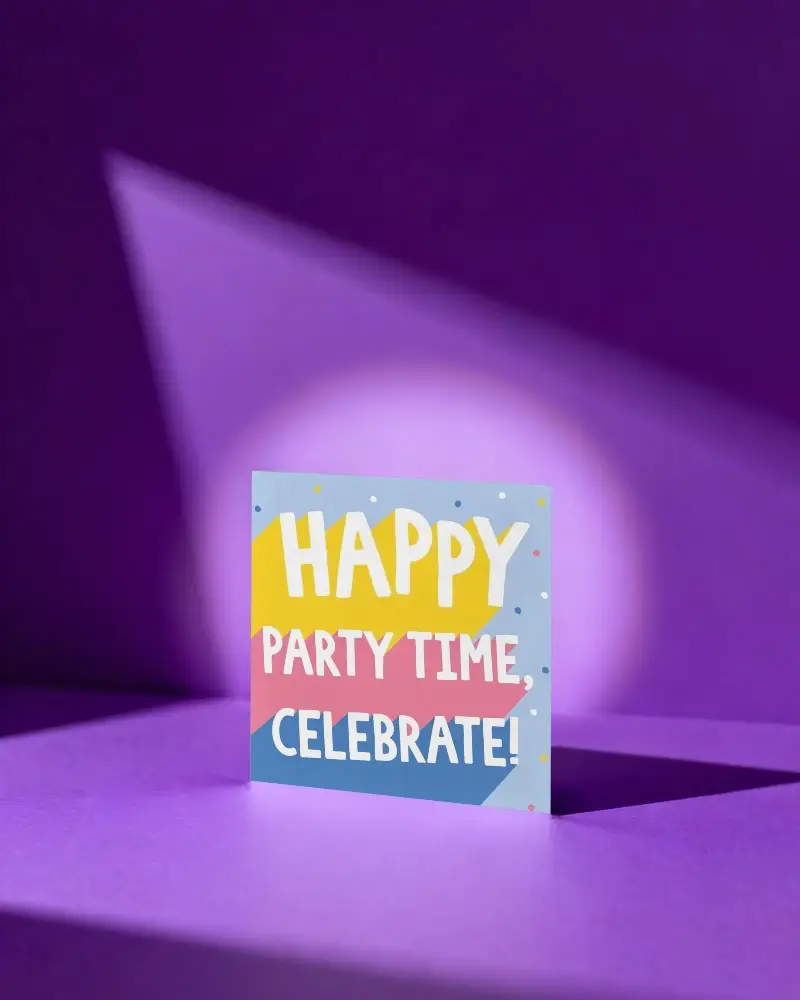
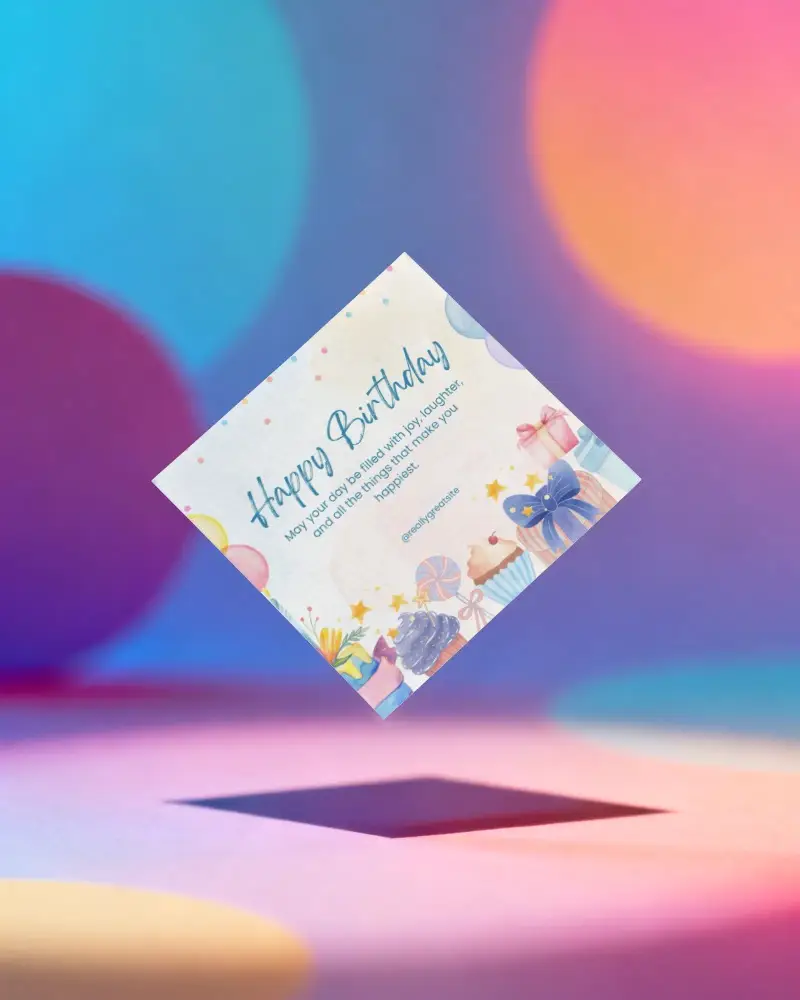
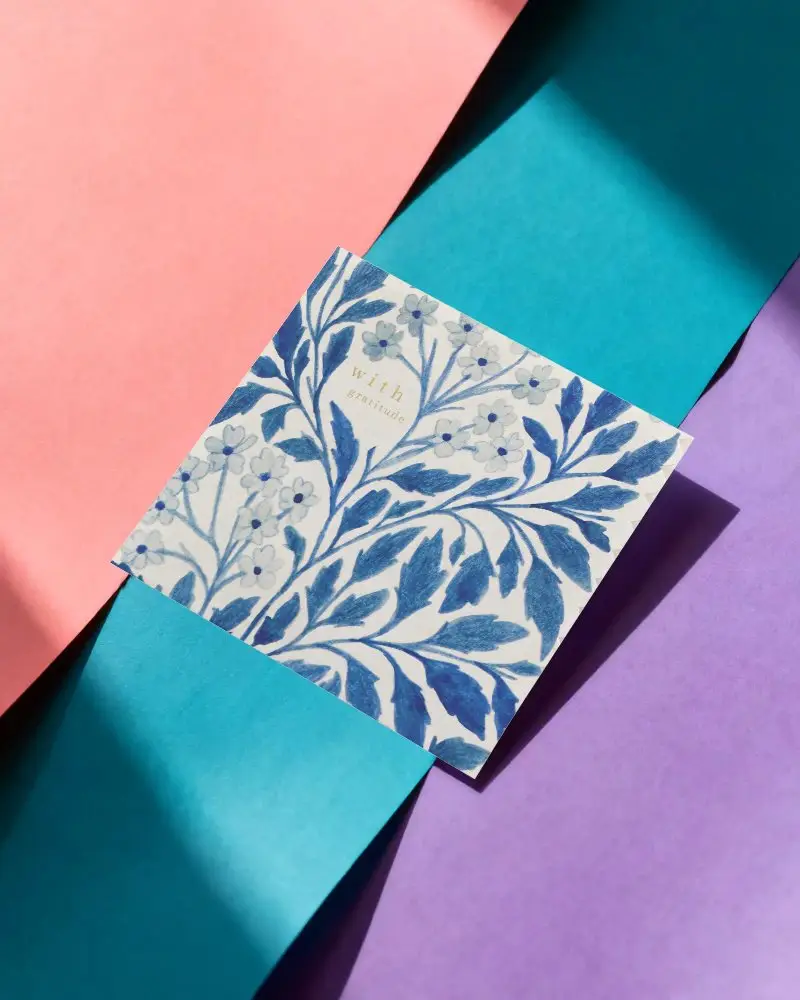
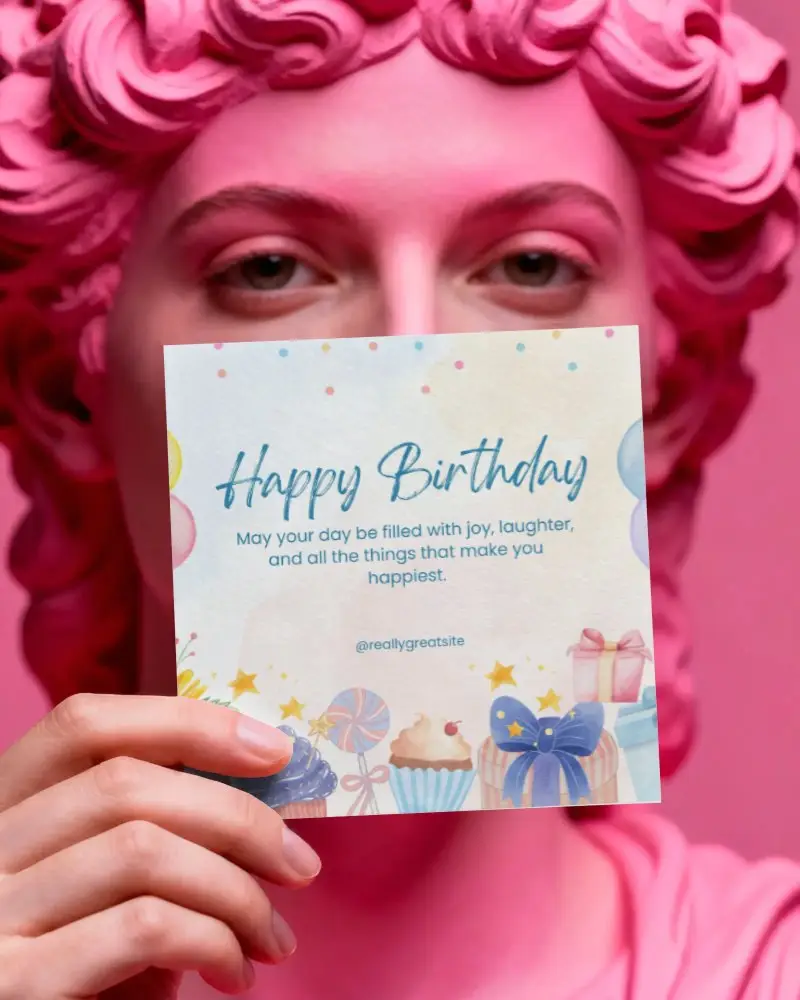
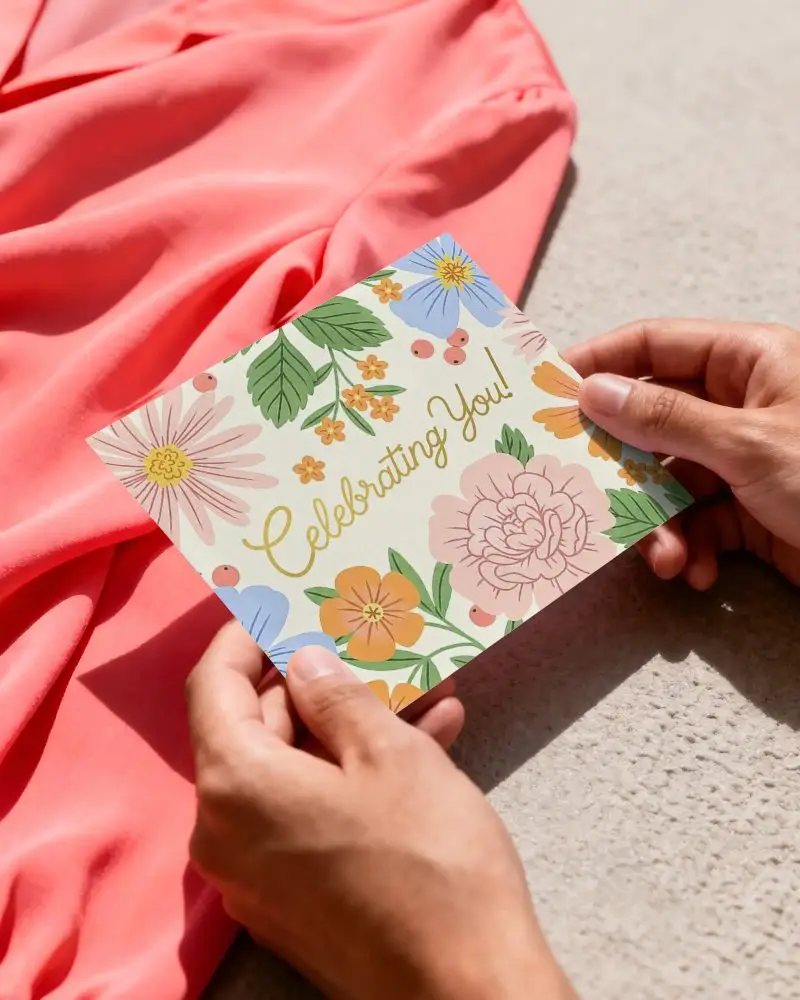
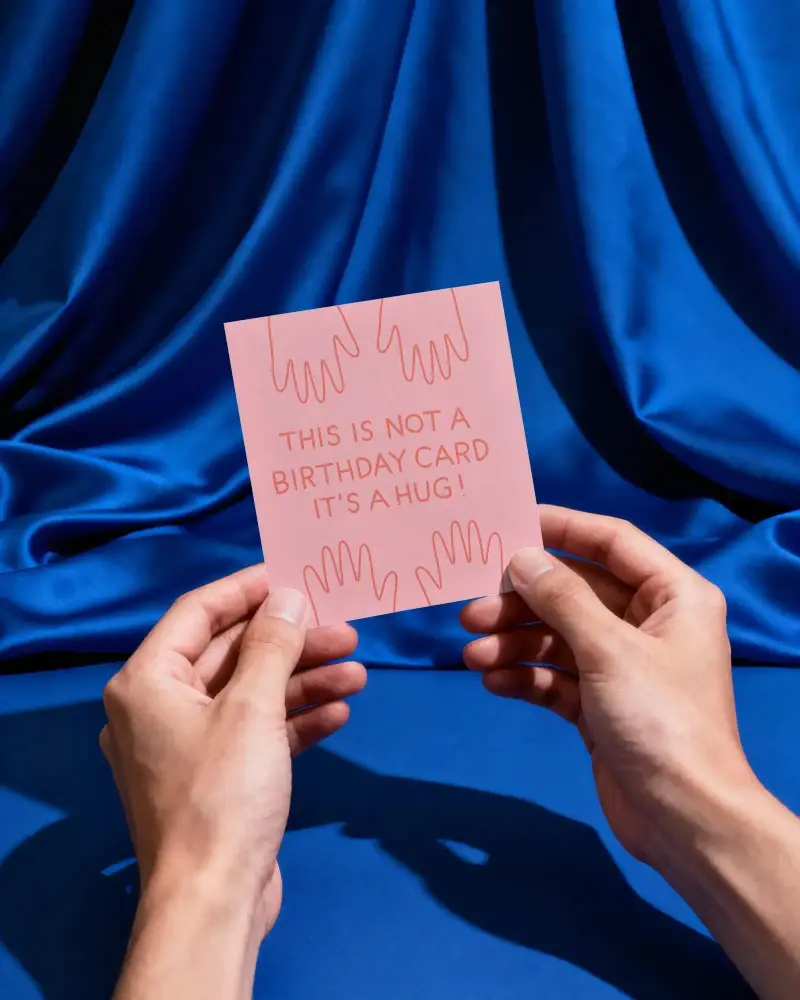

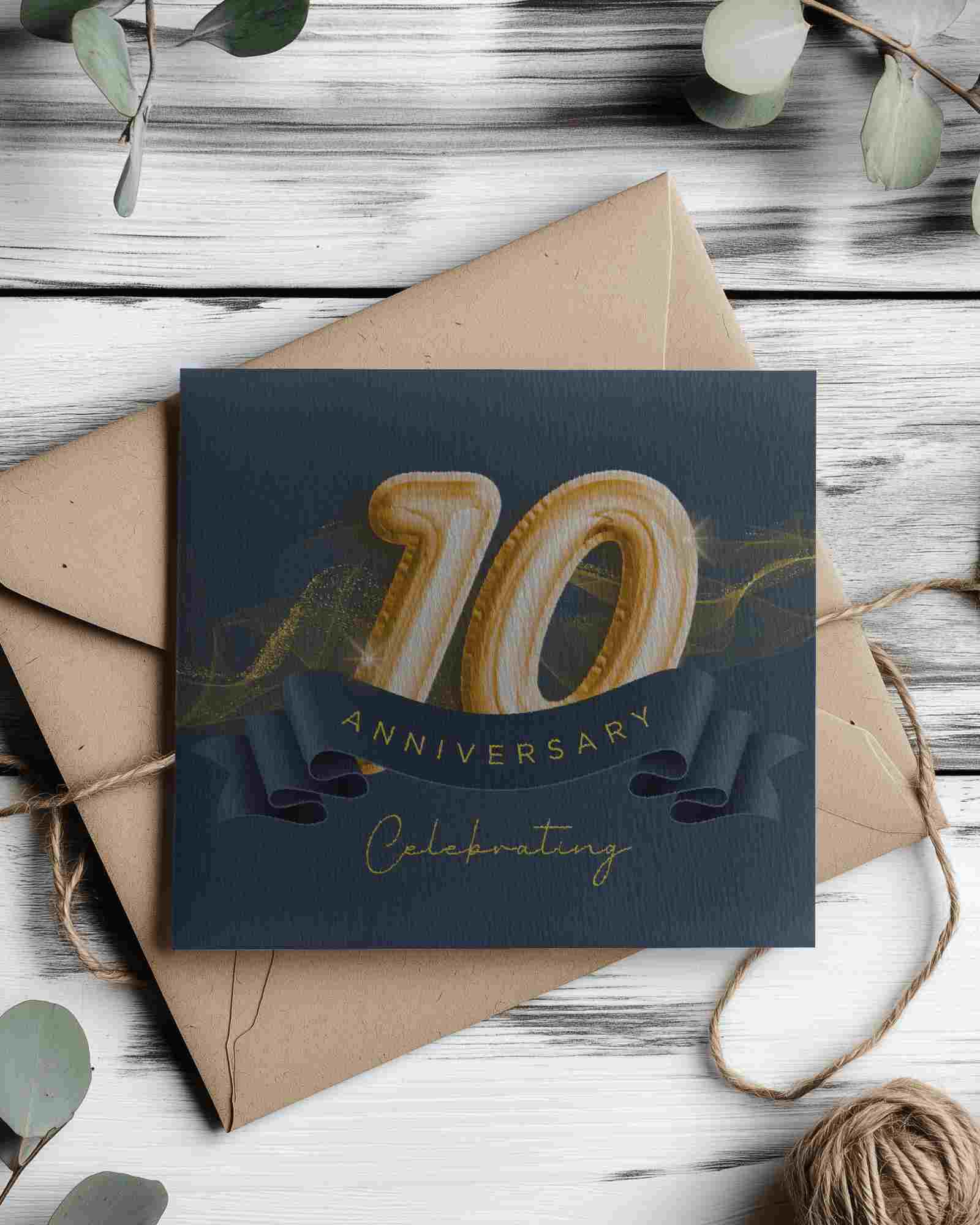
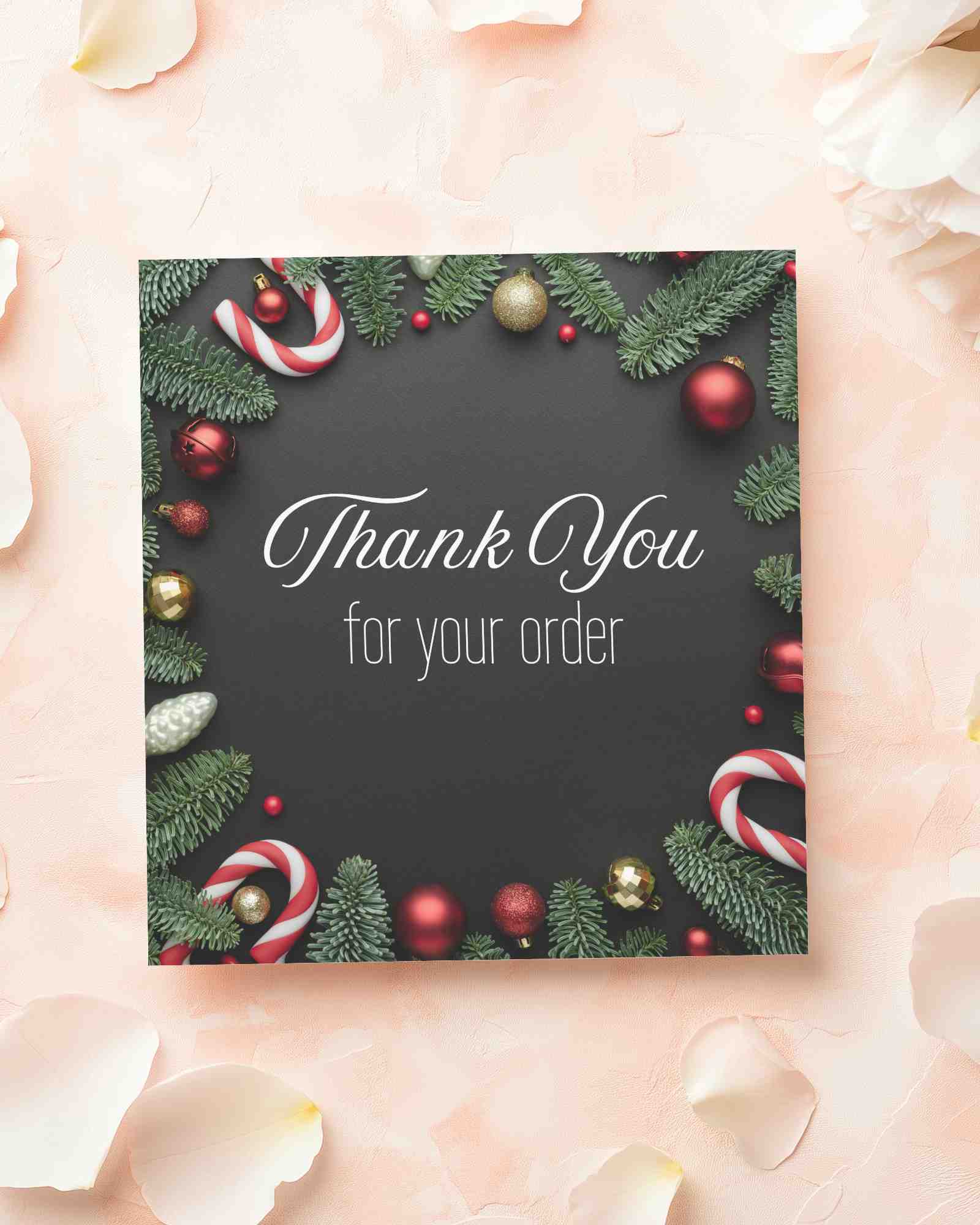
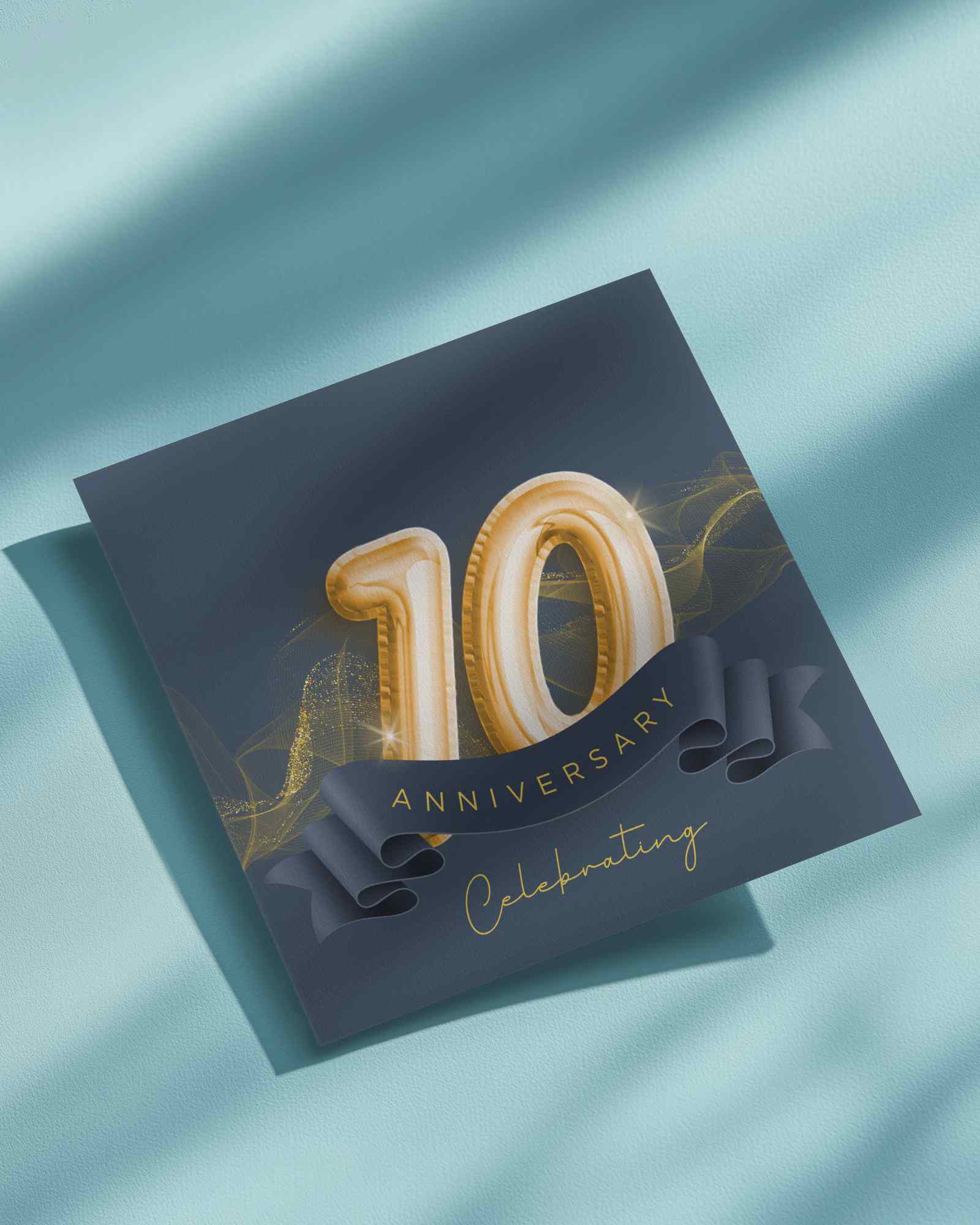
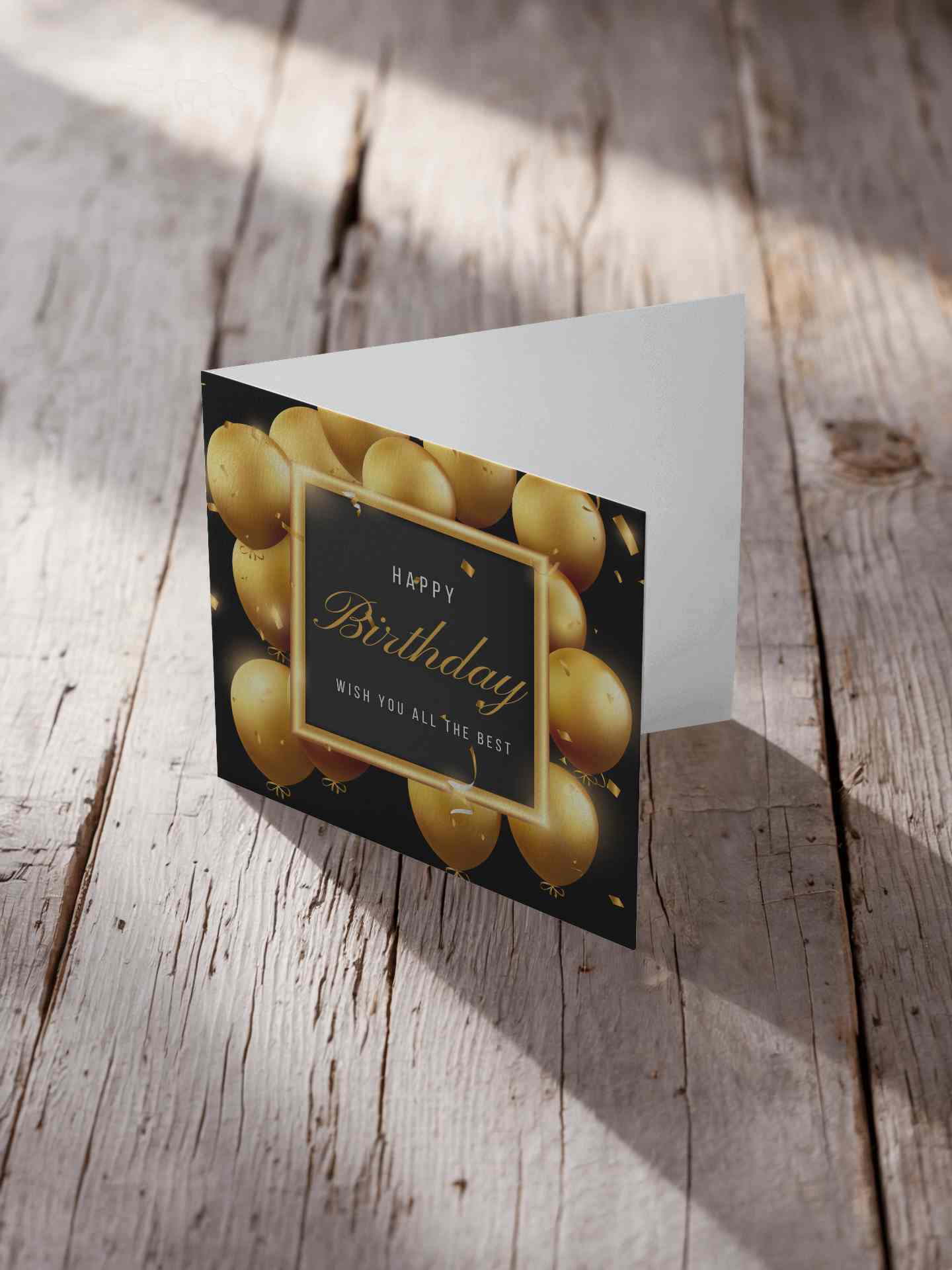
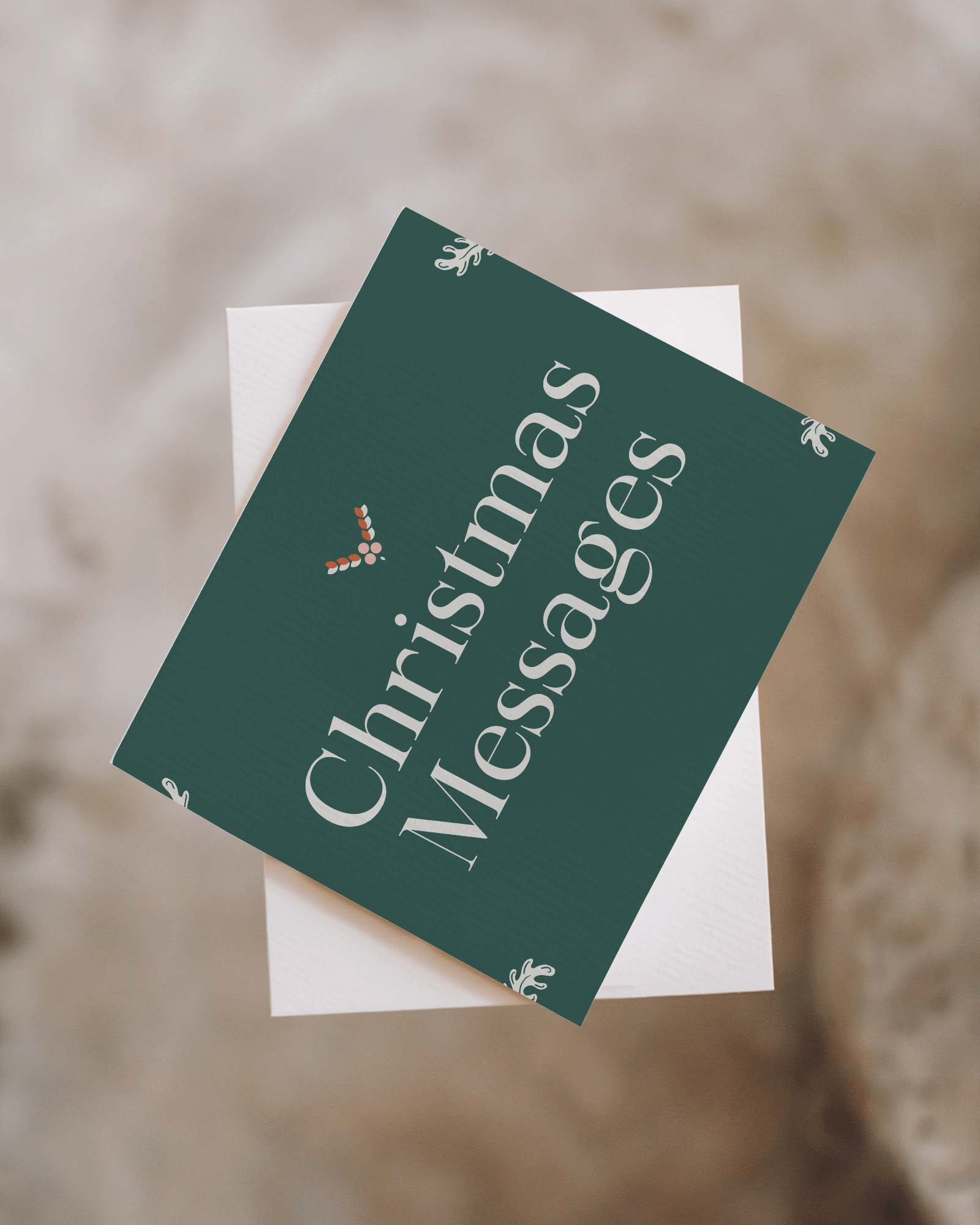
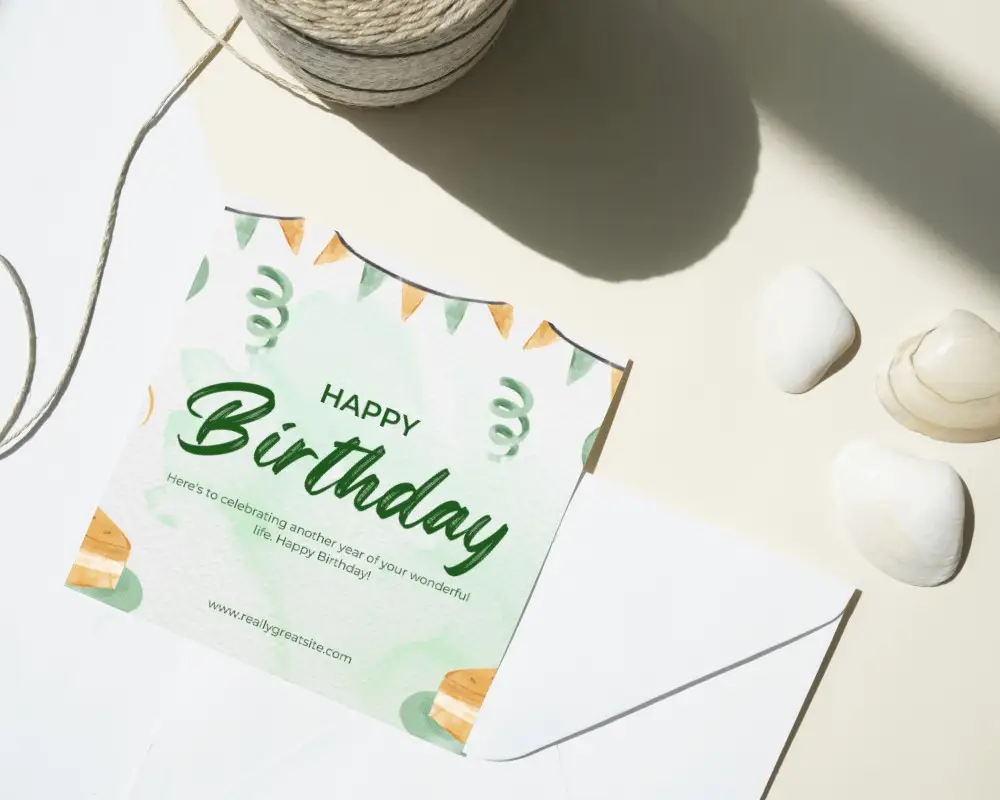
How to Create Square Greeting Card Mockup with Mockey
To create a square greeting card mockup in Mockey AI:
- Step 1: Navigate to Mockups > Print > Greeting Card > Square and choose a template from the library.
- Step 2: On the following page, you'll find the option to upload your design and adjust the template's colors in the Edit section. If you upgrade to the Creator Plan, you can also access AI tools.
- Step 3: Finally, click the Download button to save your Square Greeting Card mockup in either PNG or JPEG format, available in various sizes.


FAQs on Square Greeting Card Mockups
What is a Square Greeting Card Mockup?
A square greeting card mockup is a digital picture that shows how a square greeting card will look before production.
Why create a Square Greeting Card Mockup?
Square greeting card mockups show how a design will look so everyone communicates it easily. This helps people agree on the design and make sure it's going the right way.
Why Use Mockey’s Square Greeting Card Mockup?
Mockey AI square greeting card mockup is free to use for business. It has high-quality templates and easy editing options to add your own content.
Is this Square Greeting Card Mockup Free?
Yes, you can use the square greeting card mockup from Mockey AI for business. It gives free customization tools and PNG files that people can use to make or sell products.
What file formats are available for square greeting card mockups?
If you use Mockey AI mockup generator, Square greeting card mockups come in different file formats such as PNG or JPEG.
How do I download a free square greeting card mockup?
Tap the download button to get your square greeting card mockups in various sizes and formats.
Can I use Mockey’s greeting card mockups for commercial projects?
Yes, you can use Mockey AI’s square greeting card mockups for business, but follow their rules.
Why should I use Mockey instead of Photoshop for mockups?
Mockey AI can replace Photoshop for editing mockups because it makes it super easy to change backgrounds, colors, and use AI tools, plus it's much cheaper than Photoshop.
