Free Folded Greeting Card Mockup – Design & Download with Mockey
Design custom folded greeting card mockups free with Mockey. Easy-to-use interface, unlimited downloads, and no watermark. Create and download mockups in minutes.
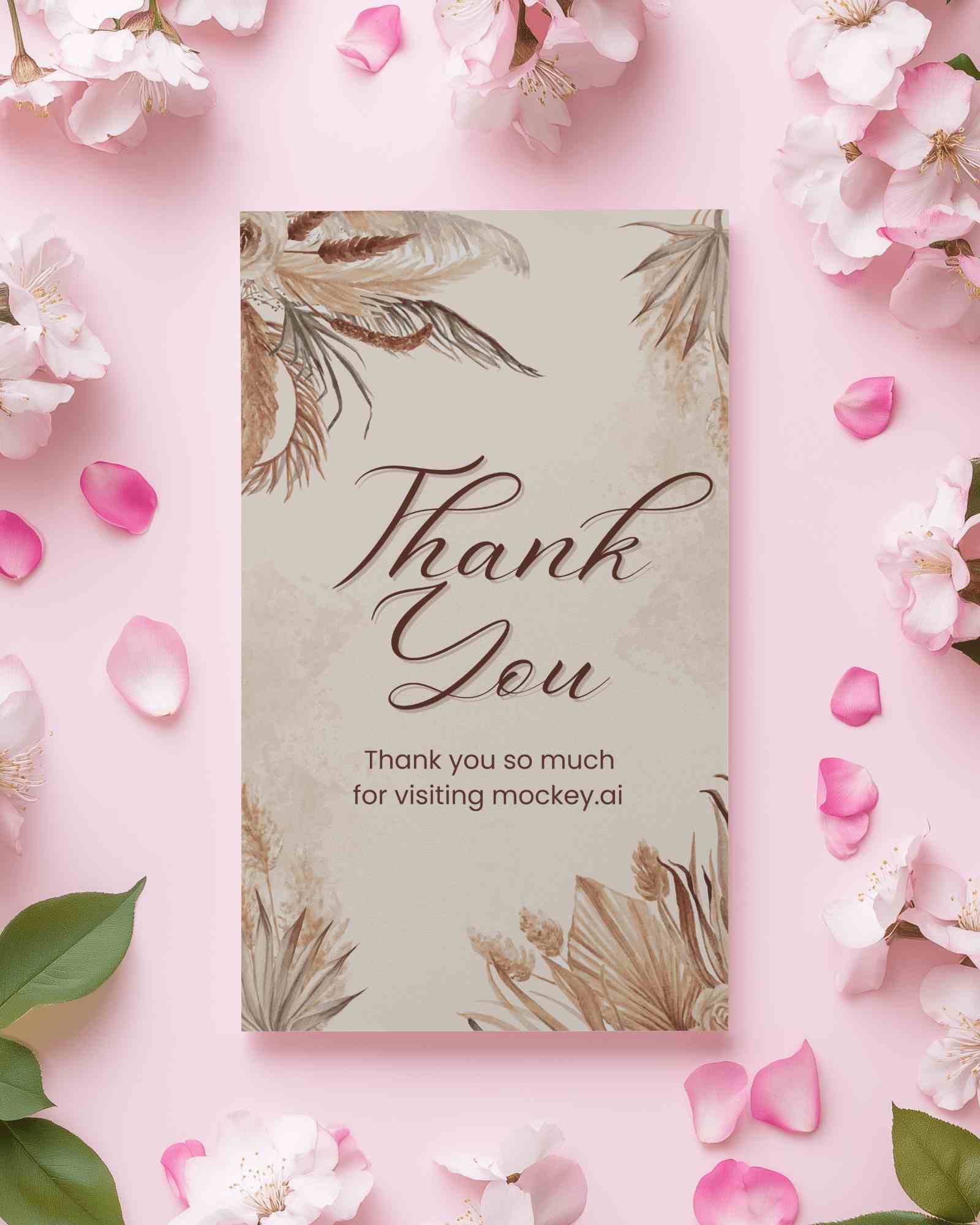
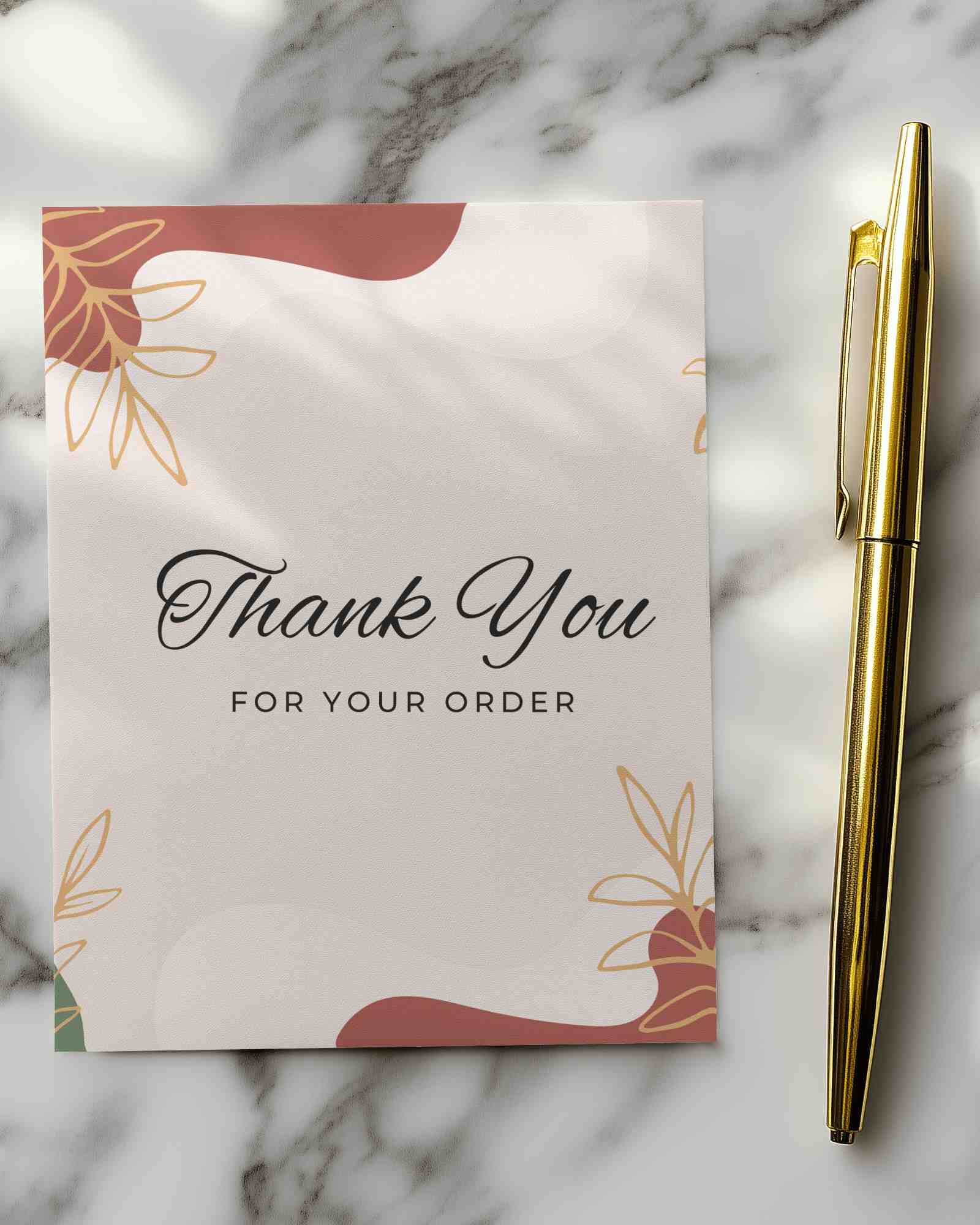
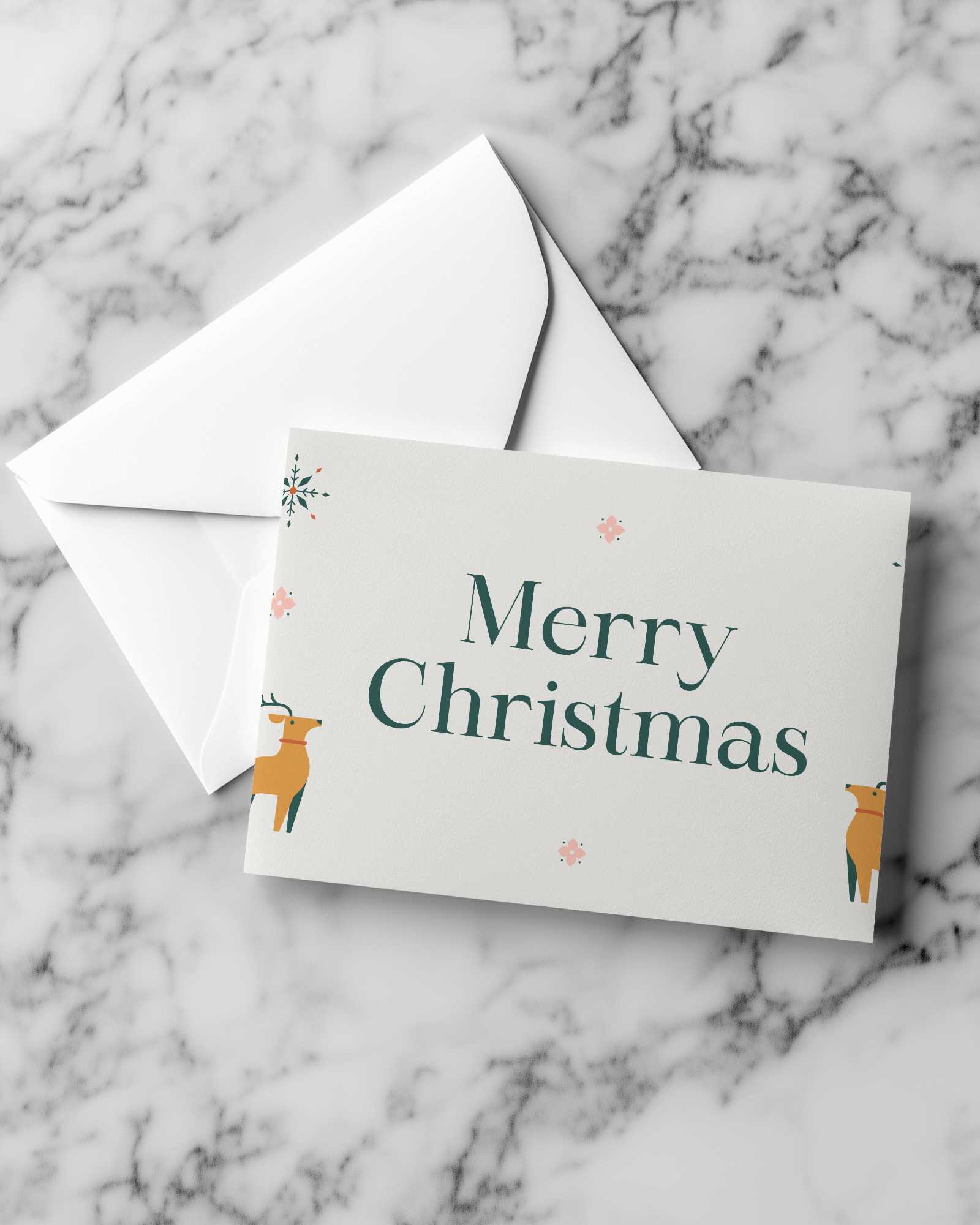
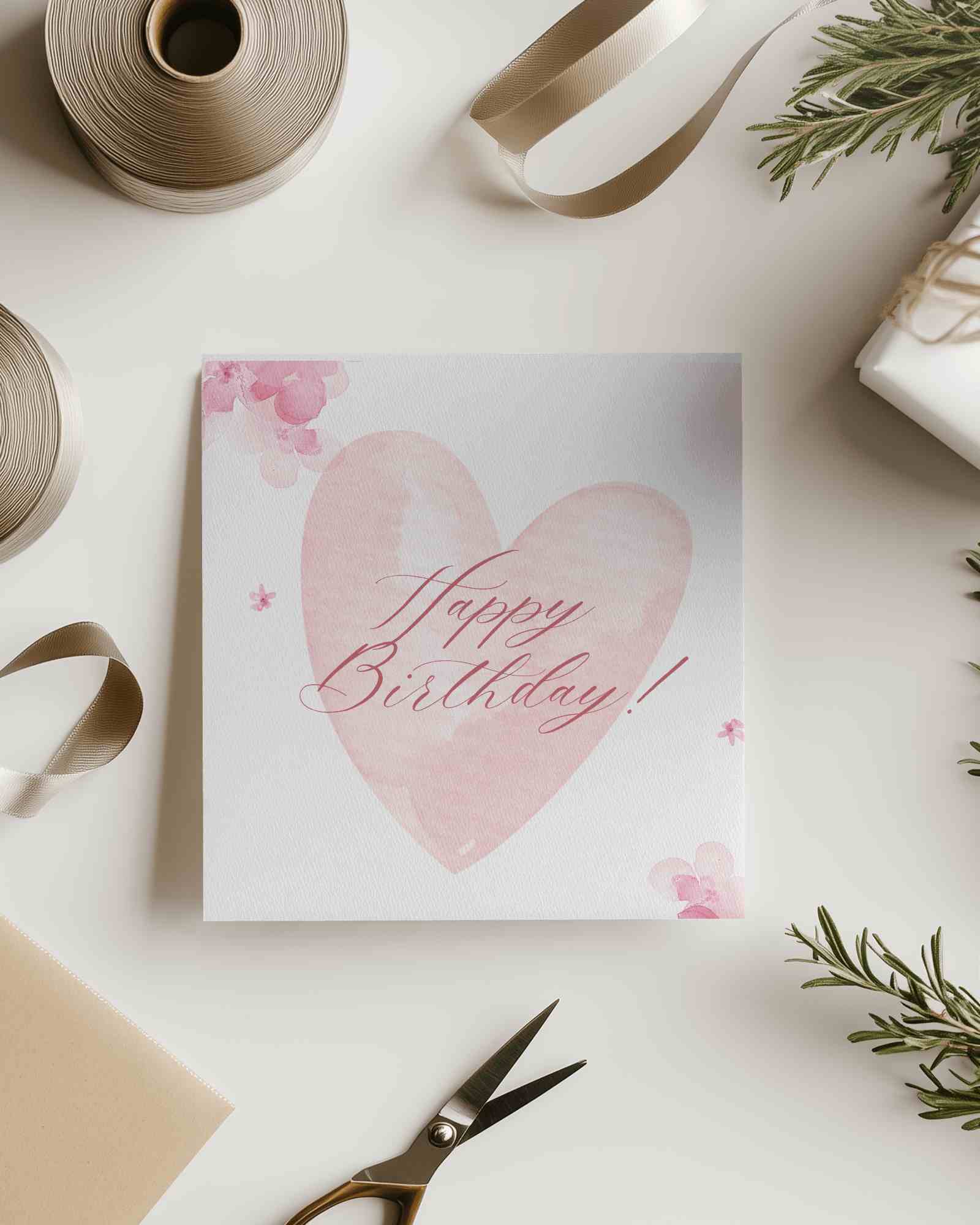
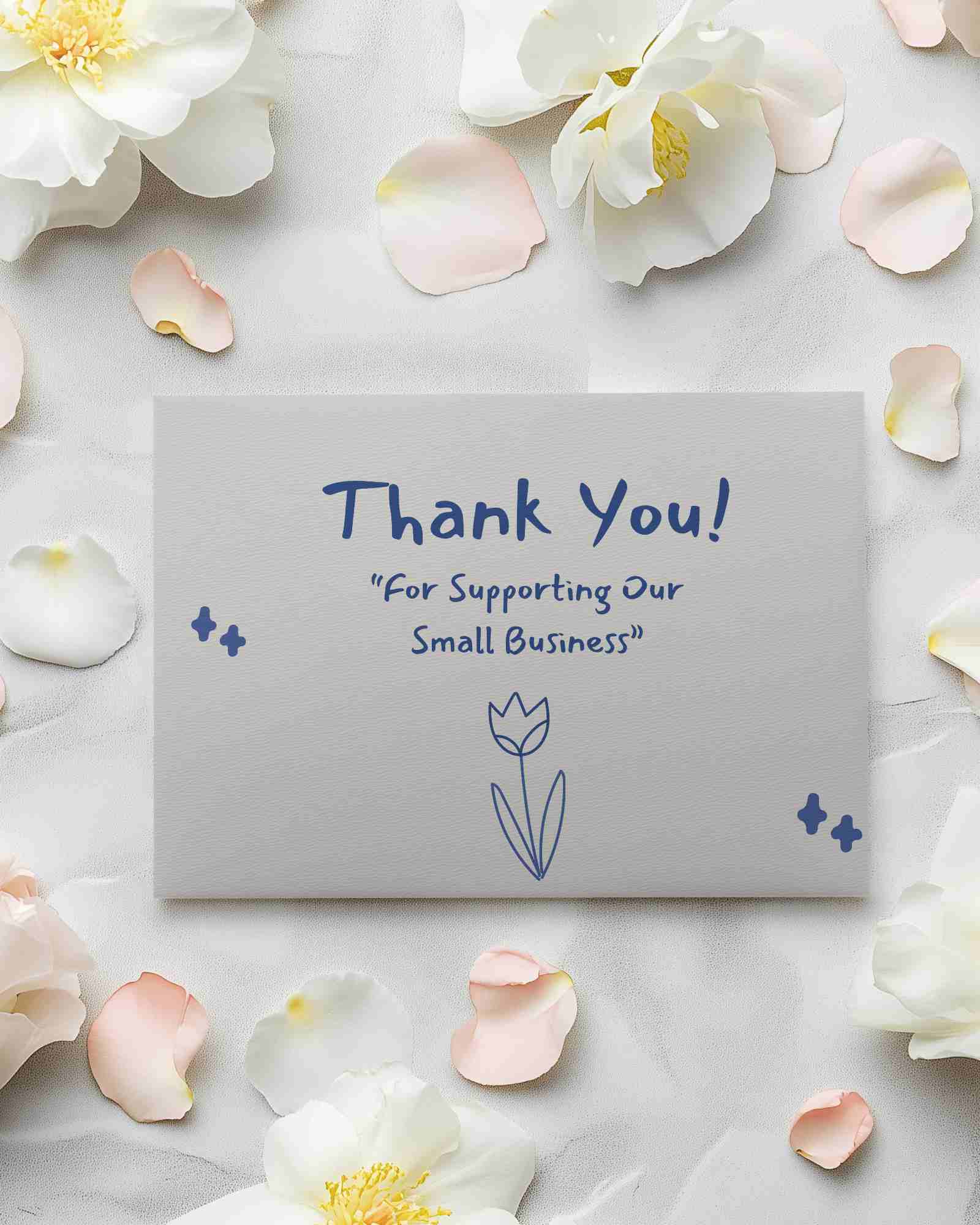
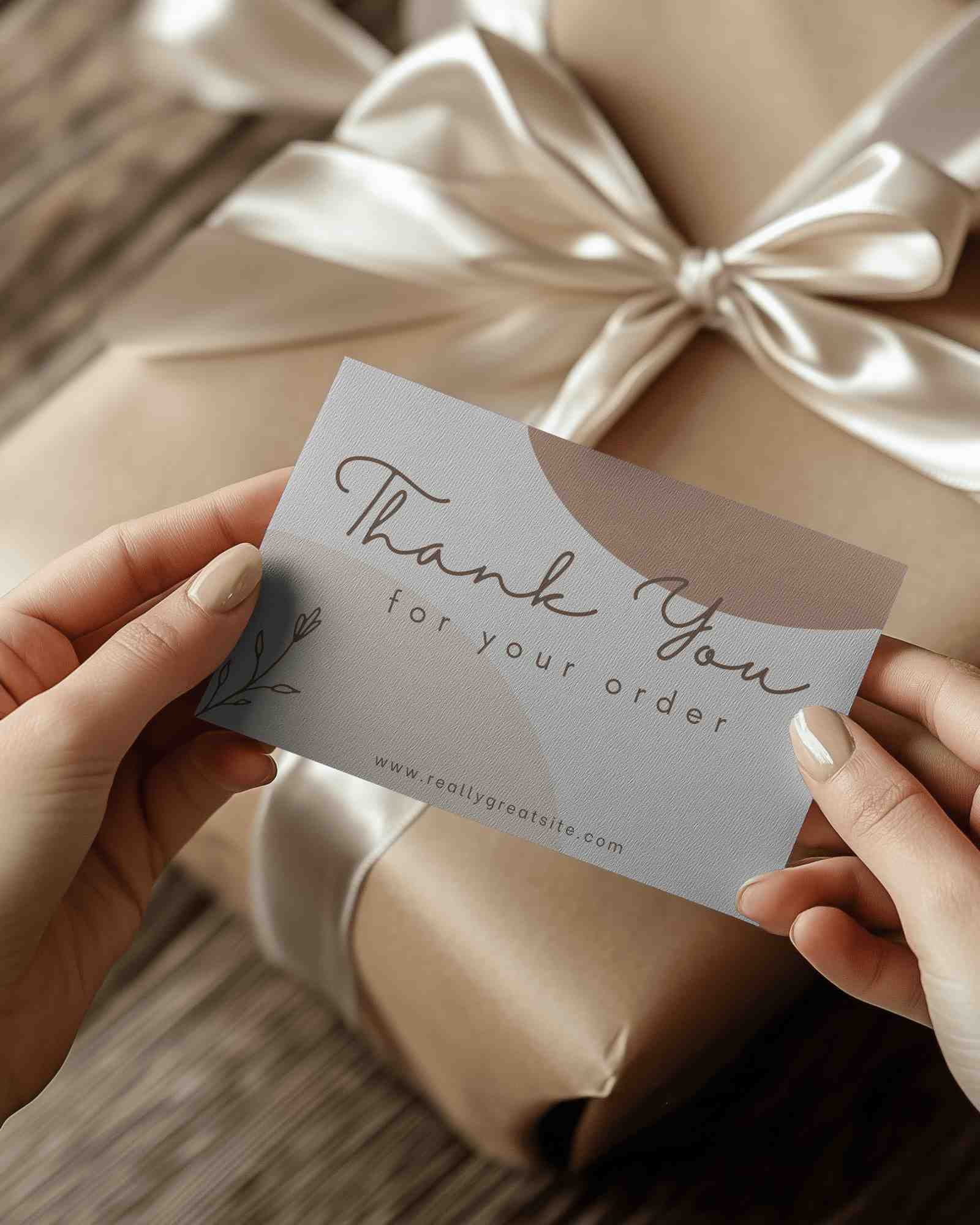
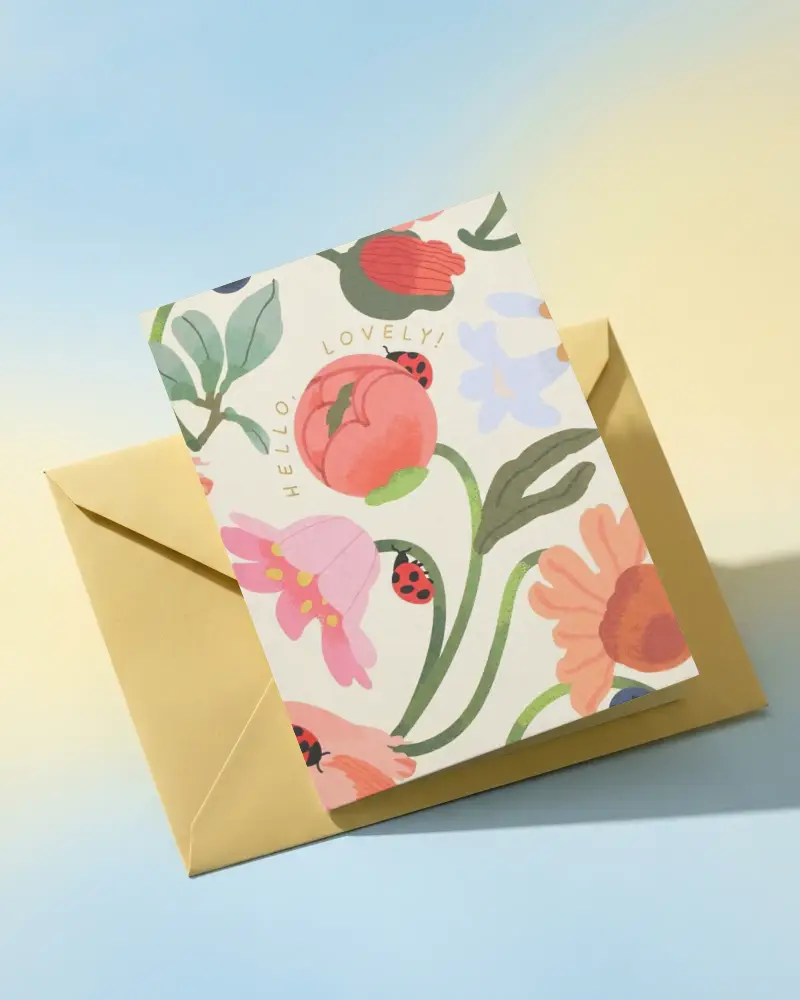
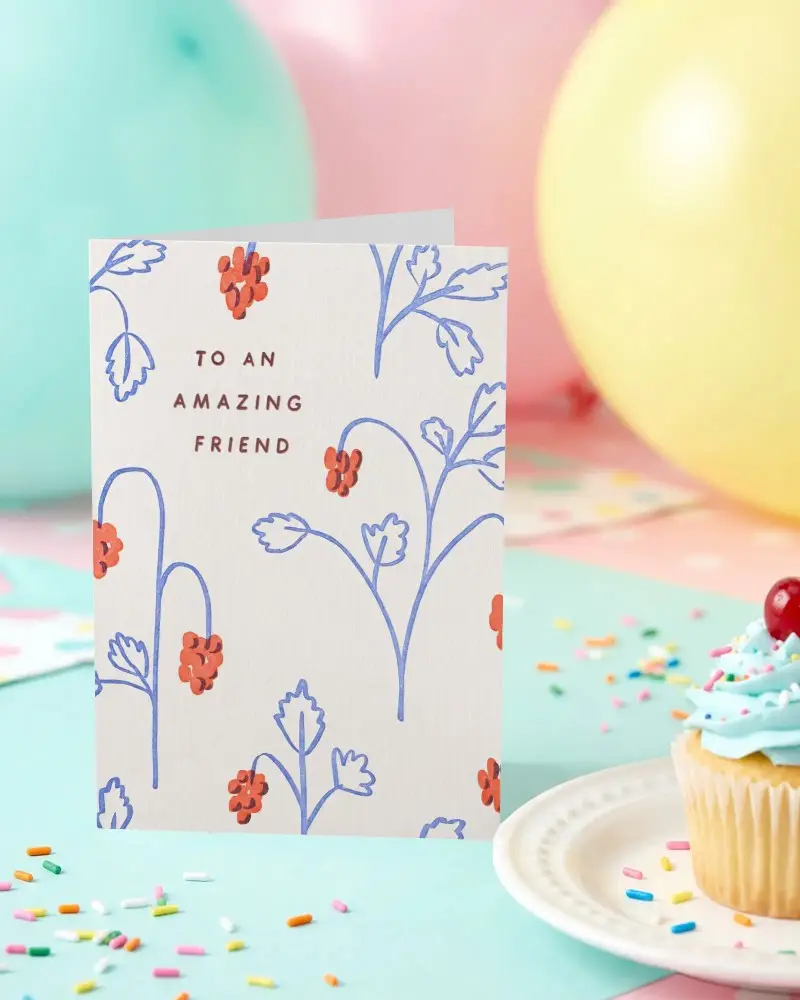
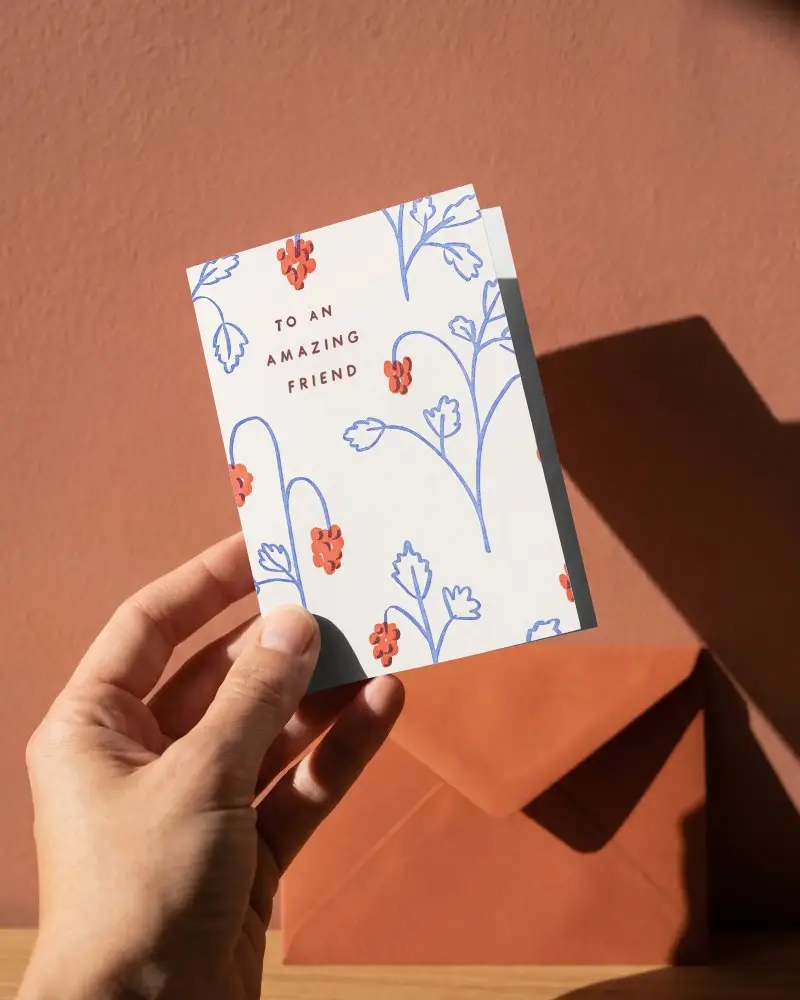
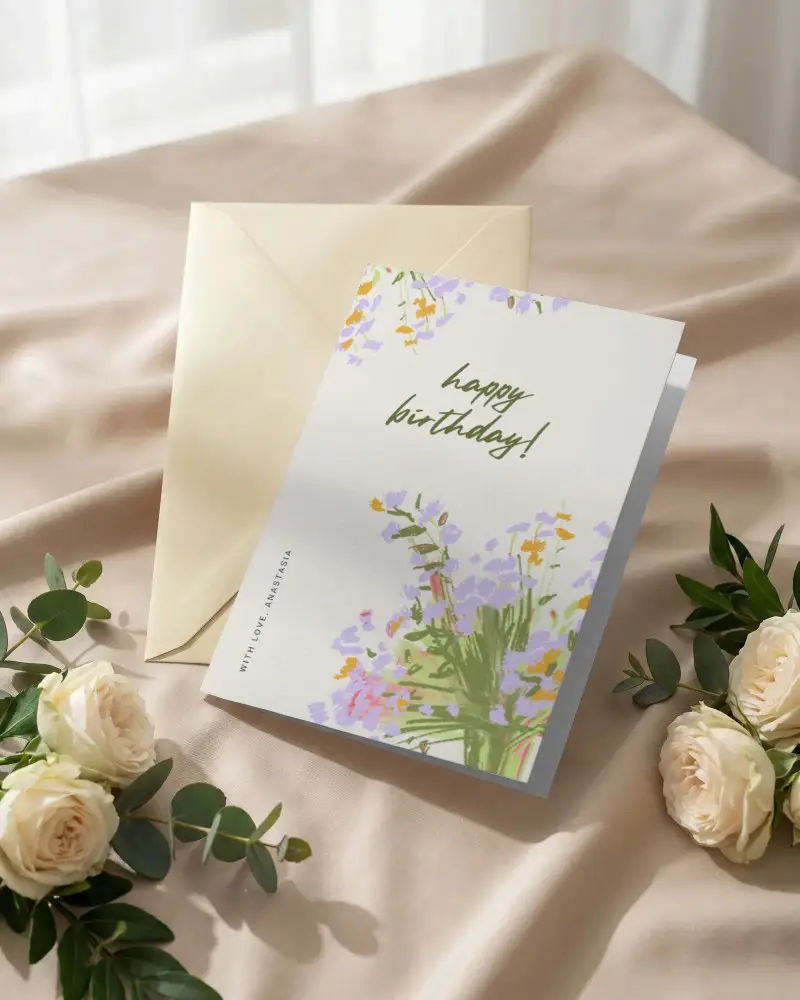
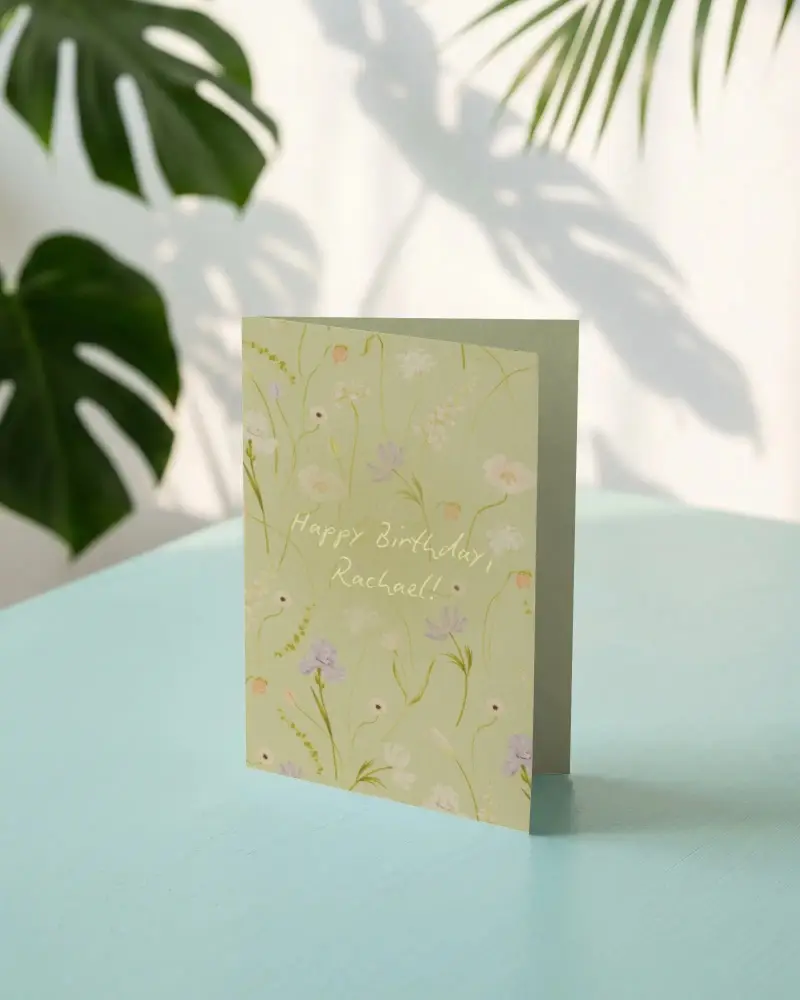
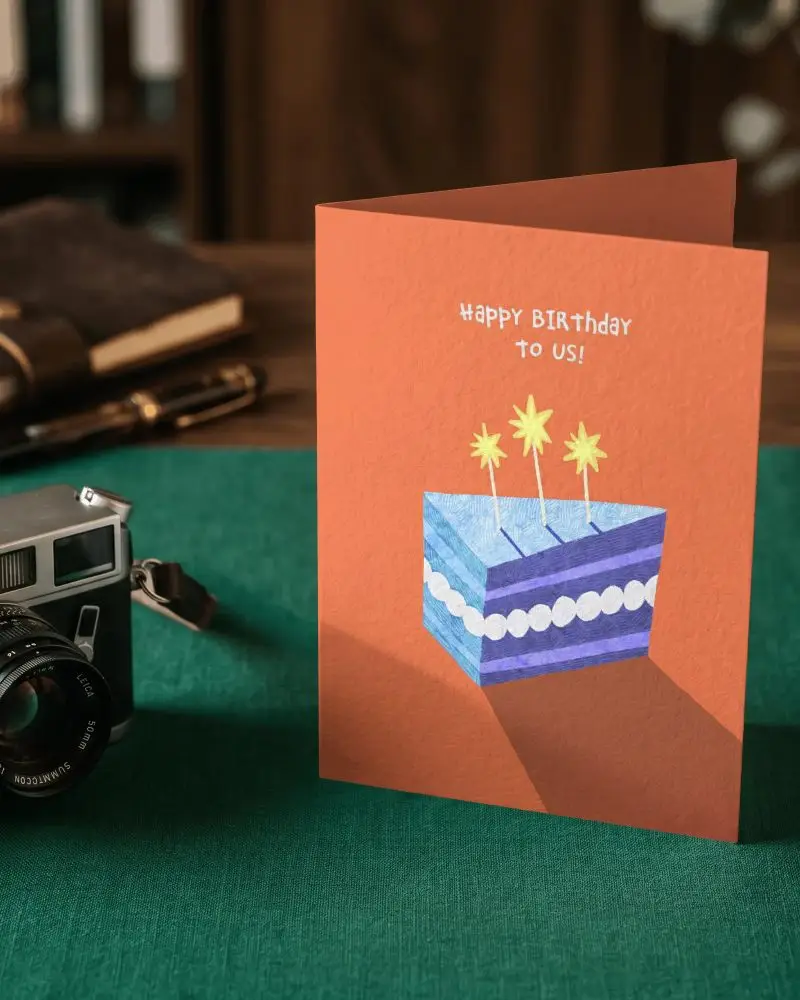
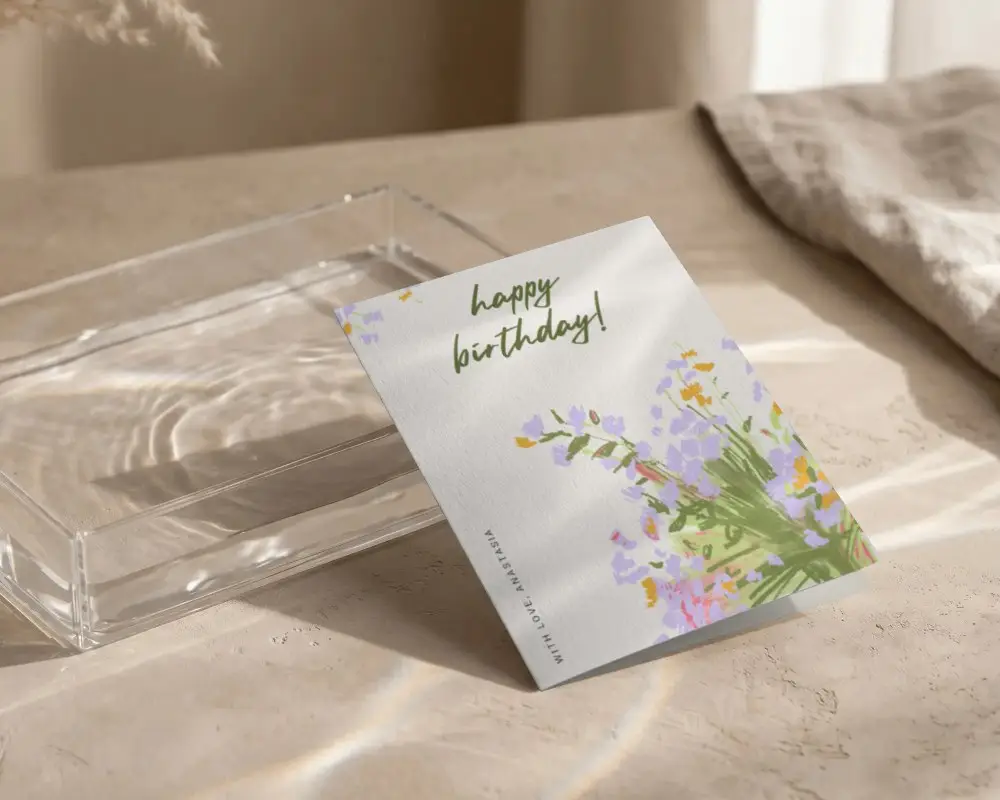
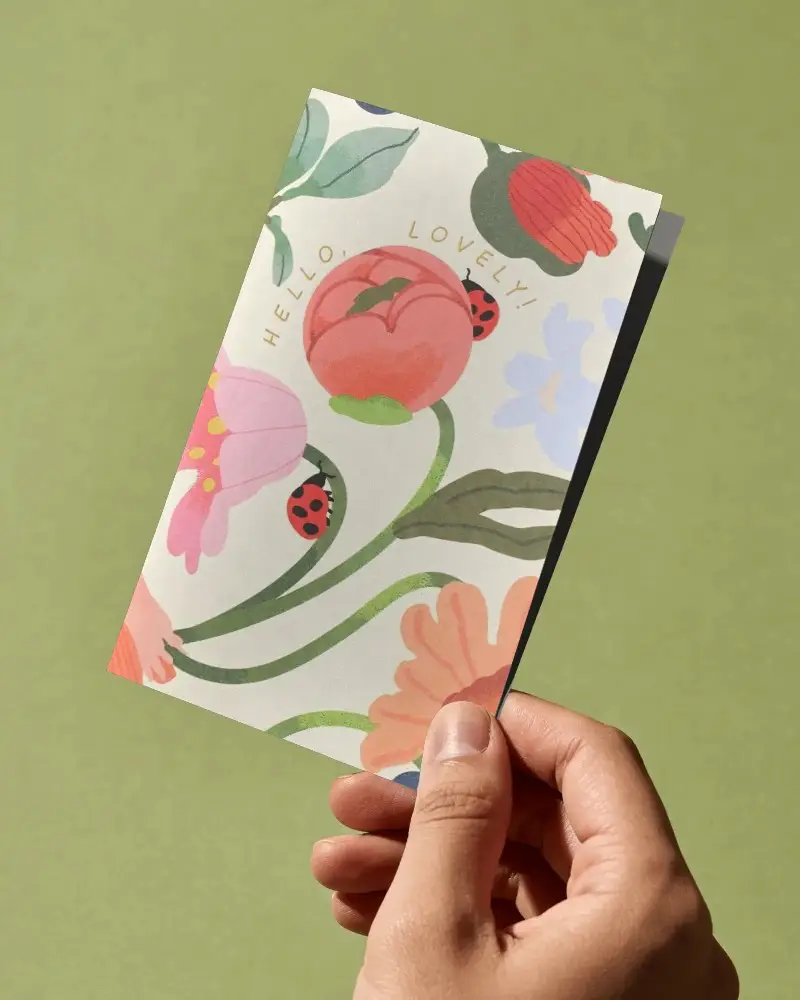
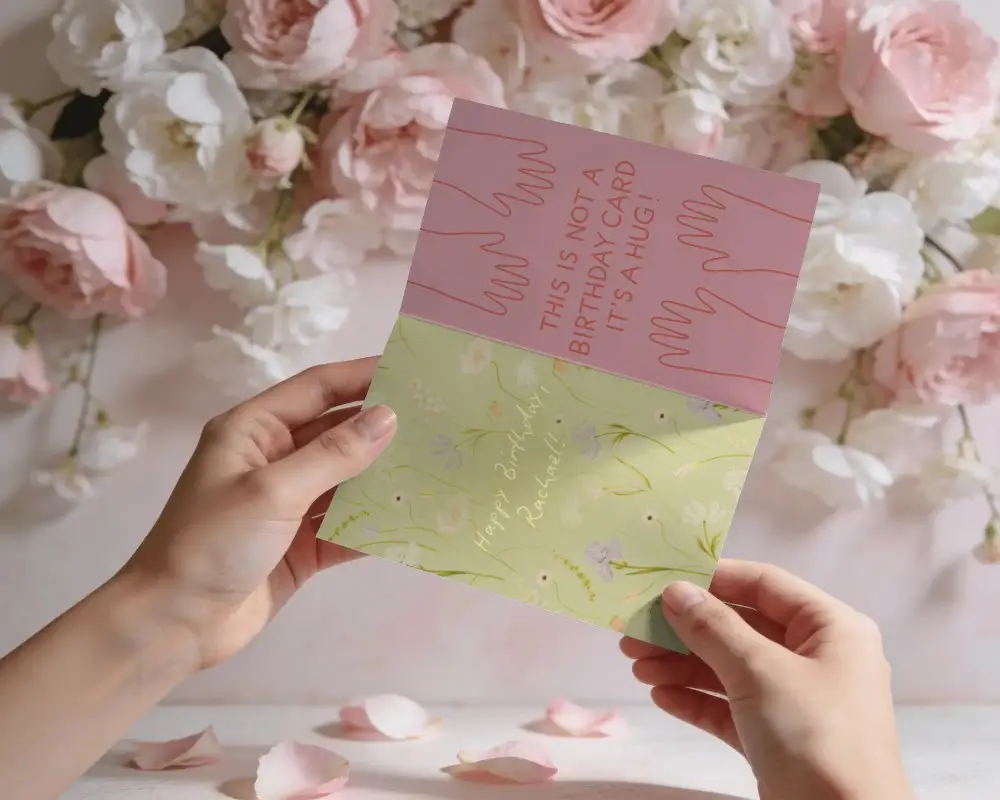
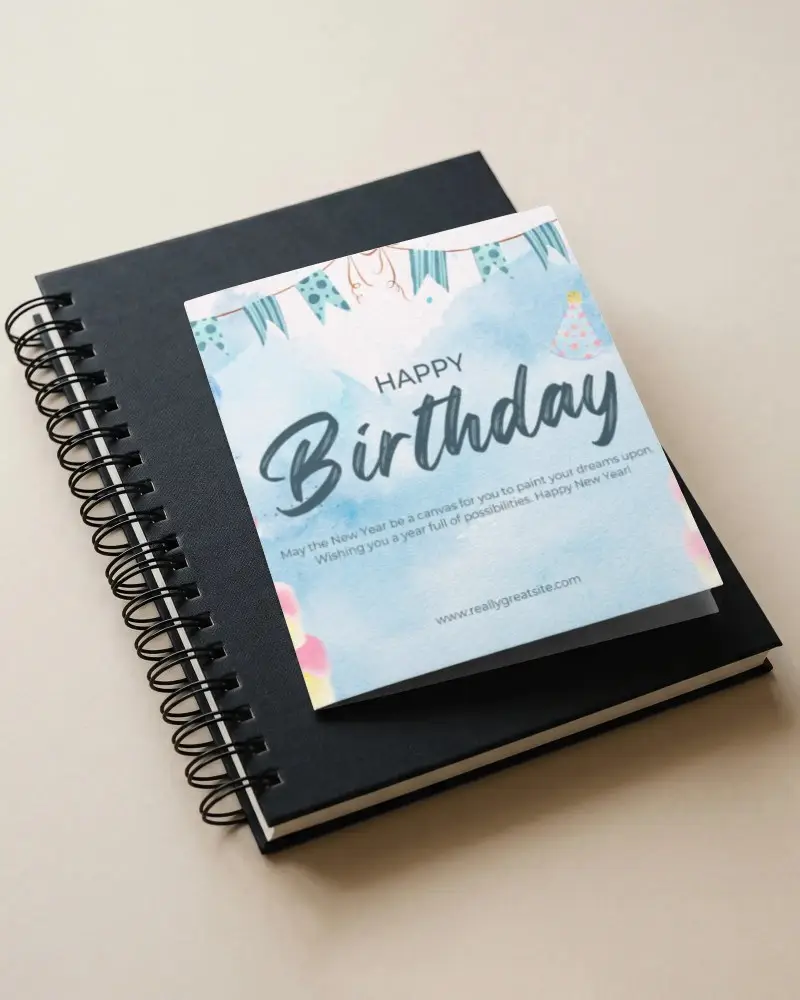
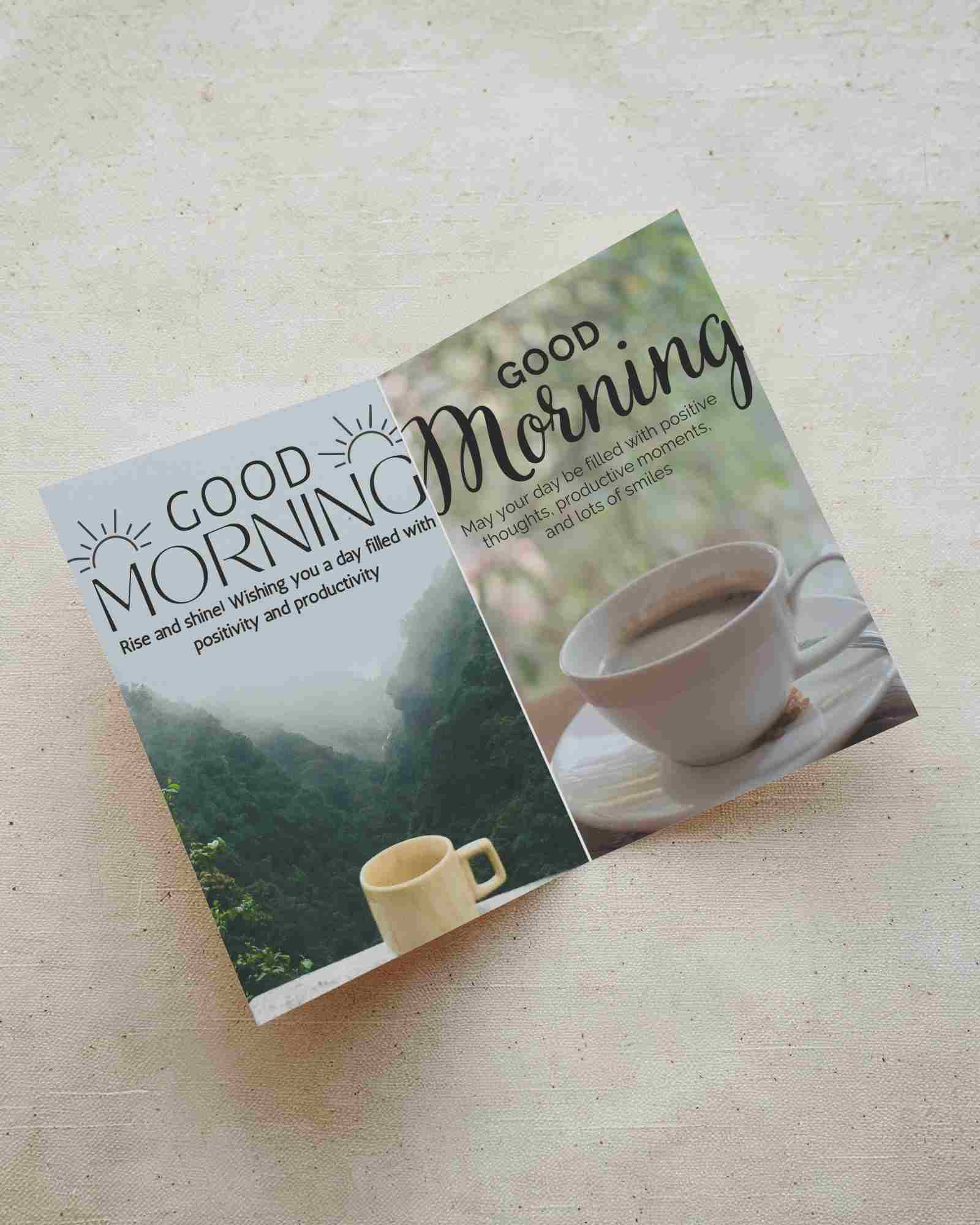
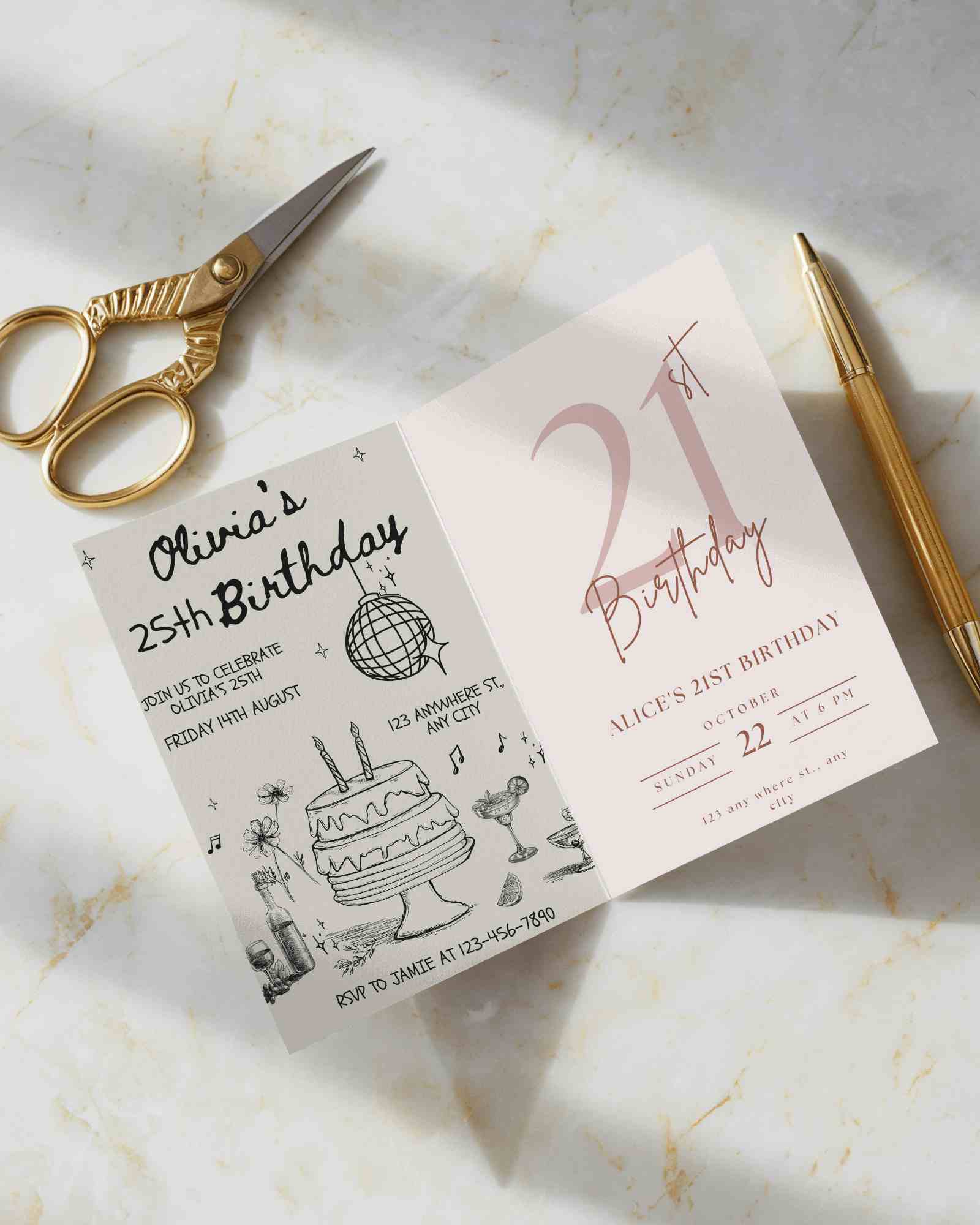
How to Create Folded Greeting Card Mockup with Mockey
To create a folded greeting card mockup in Mockey AI:
- Step 1: Navigate to Mockups > Print > Greeting Card > Folded and choose a template from the library.
- Step 2: On the following page, you'll find the option to upload your design and adjust the template's colors in the Edit section. If you upgrade to the Creator Plan, you can also access AI tools.
- Step 3: Finally, click the Download button to save your Folded Greeting Card mockup in either PNG or JPEG format, available in various sizes.


FAQs on Folded Greeting Card Mockups
What is a Folded Greeting Card Mockup?
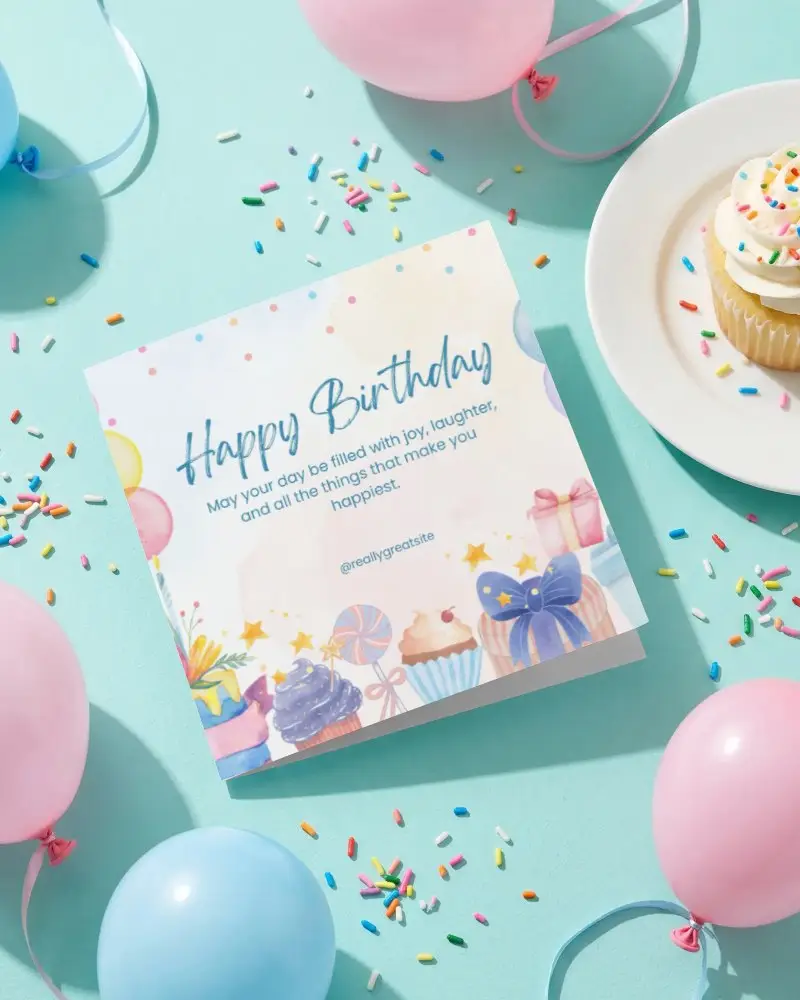
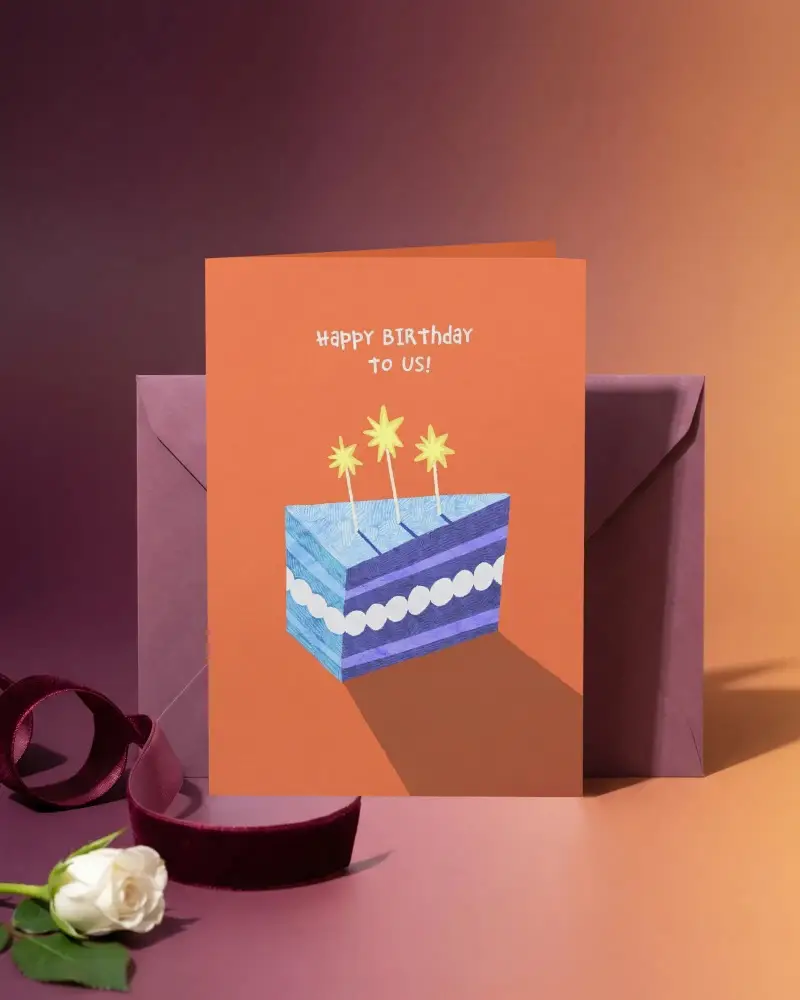
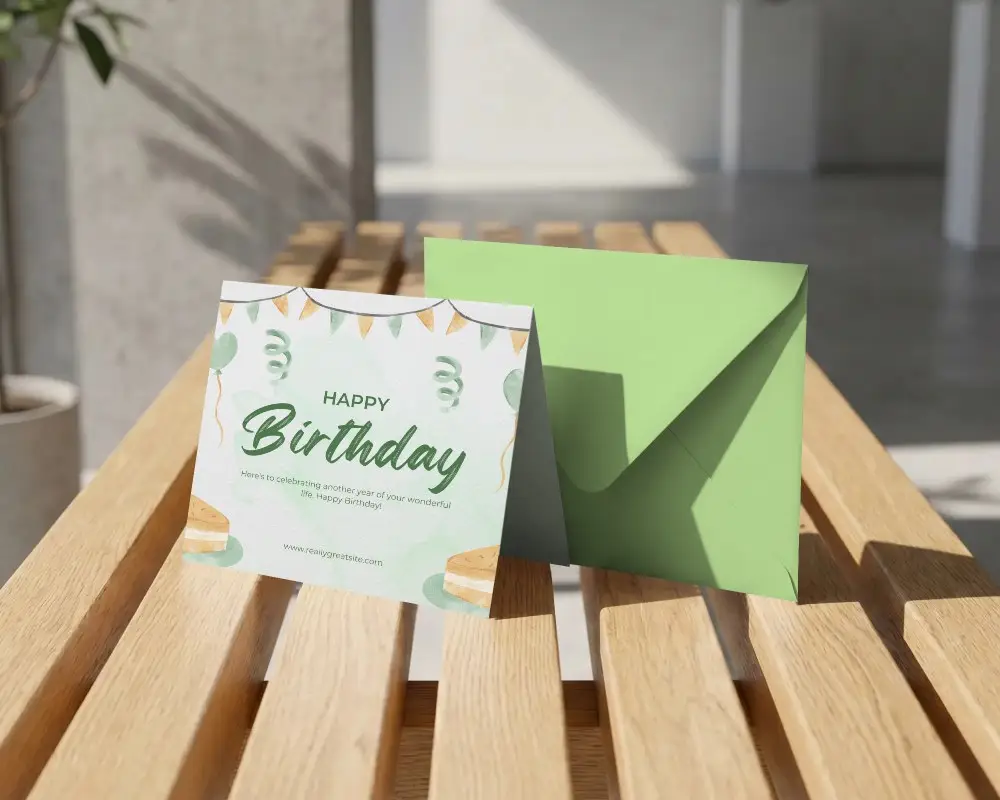
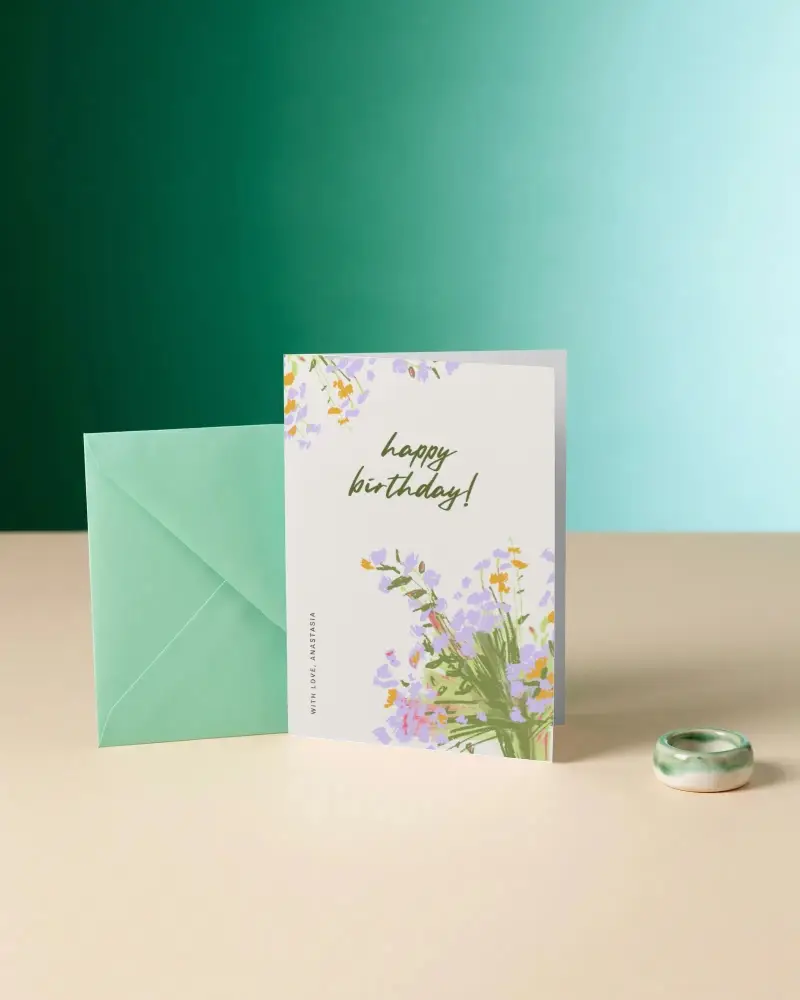
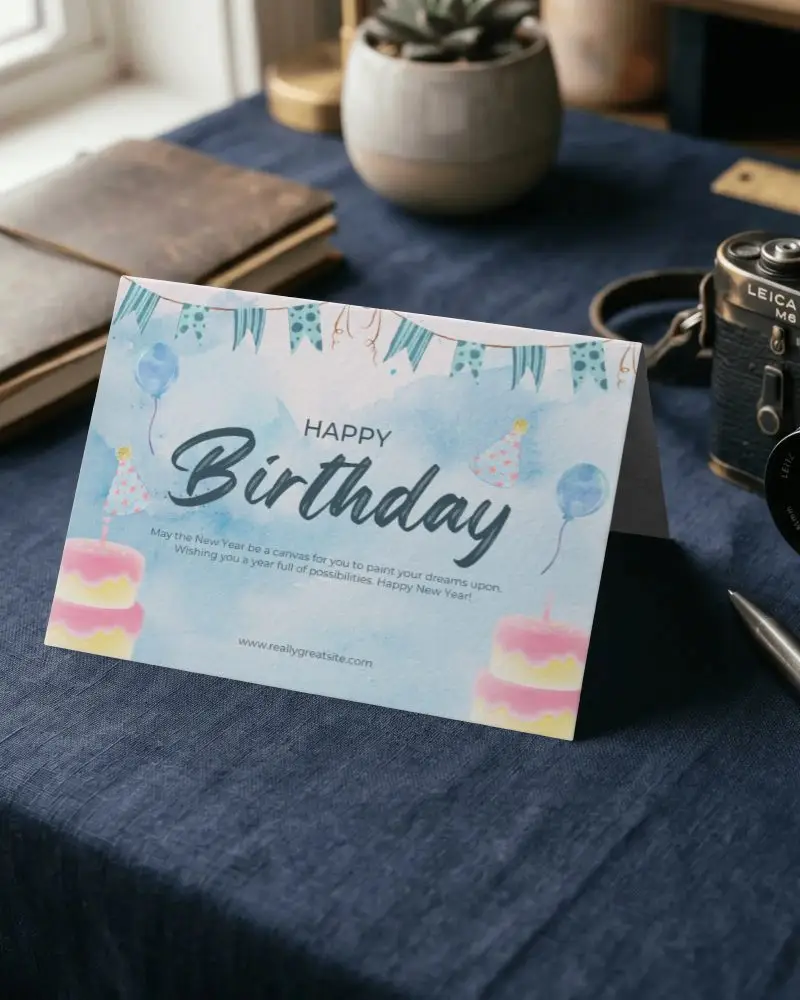
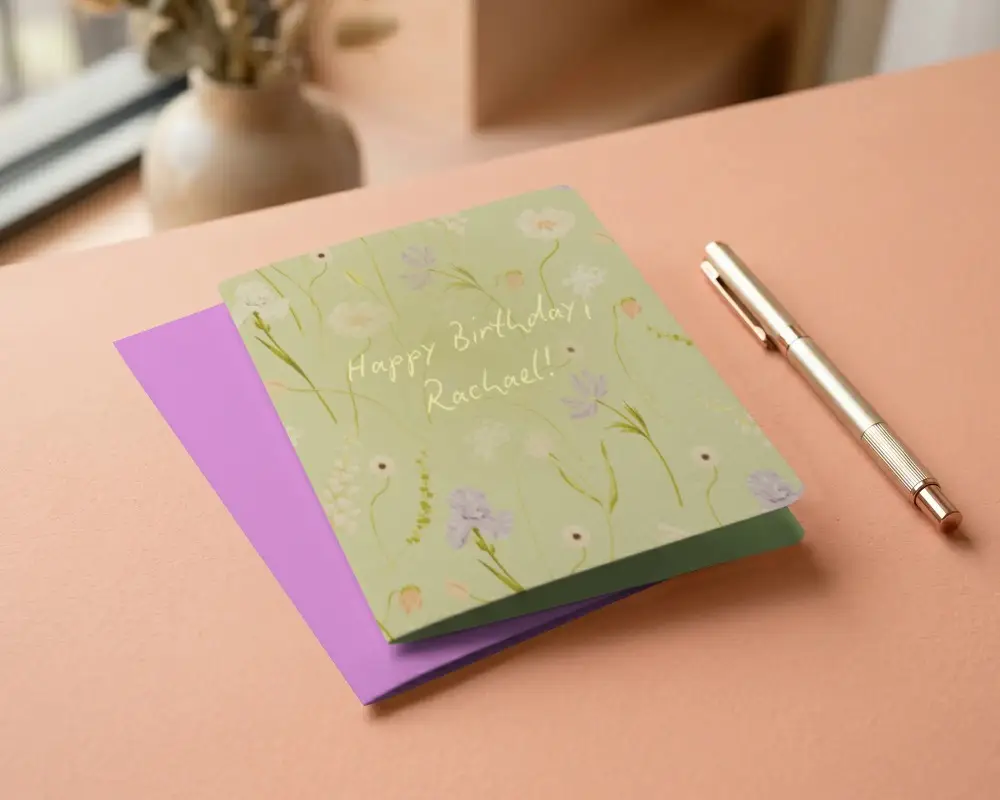
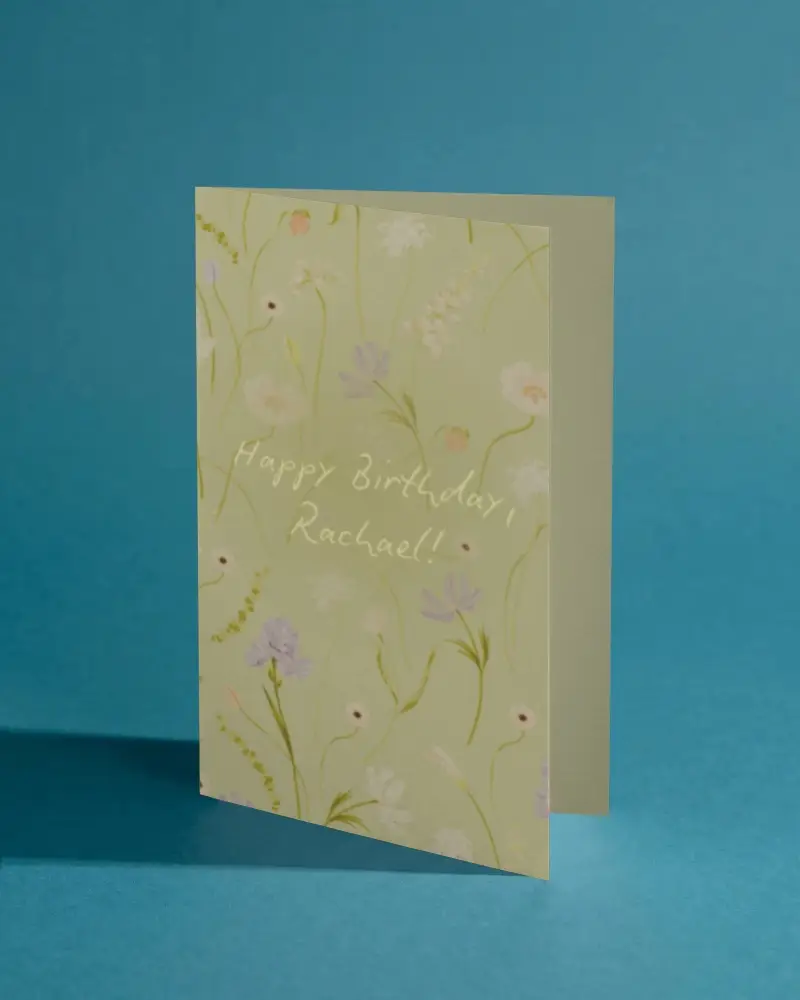
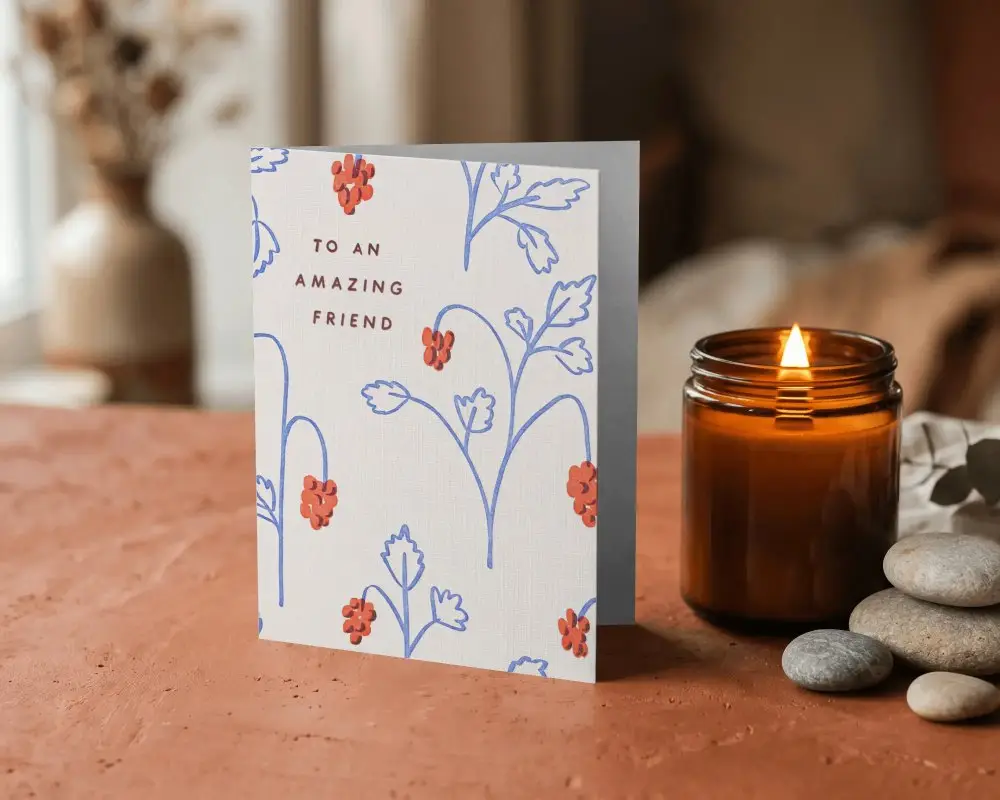
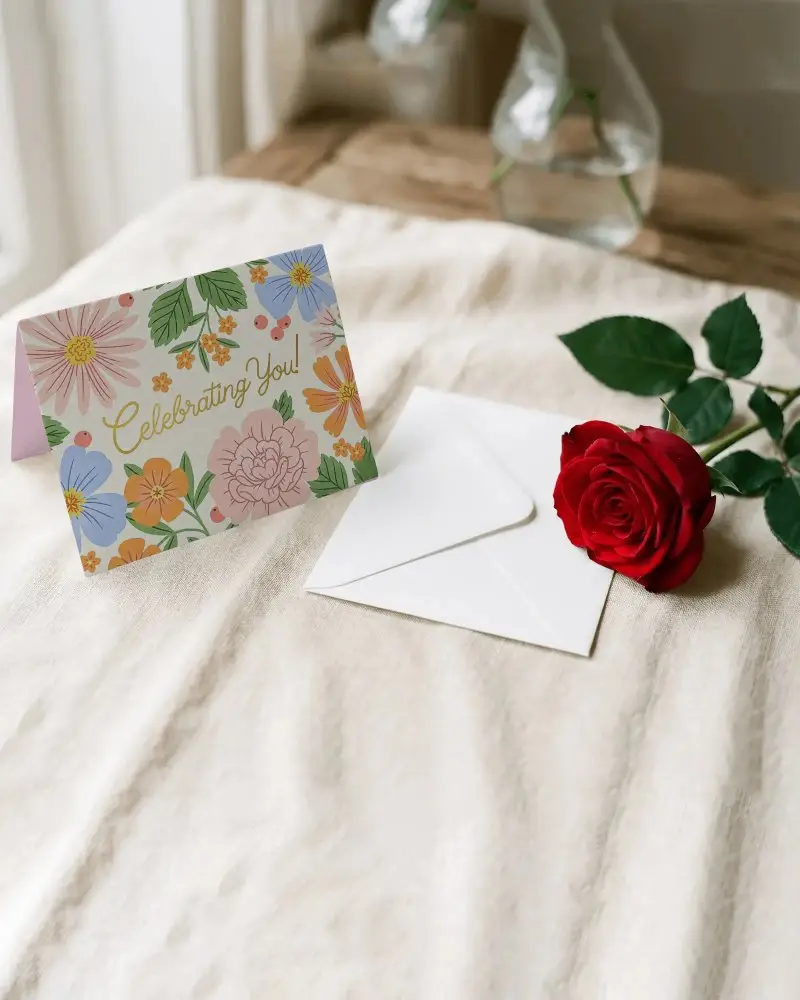
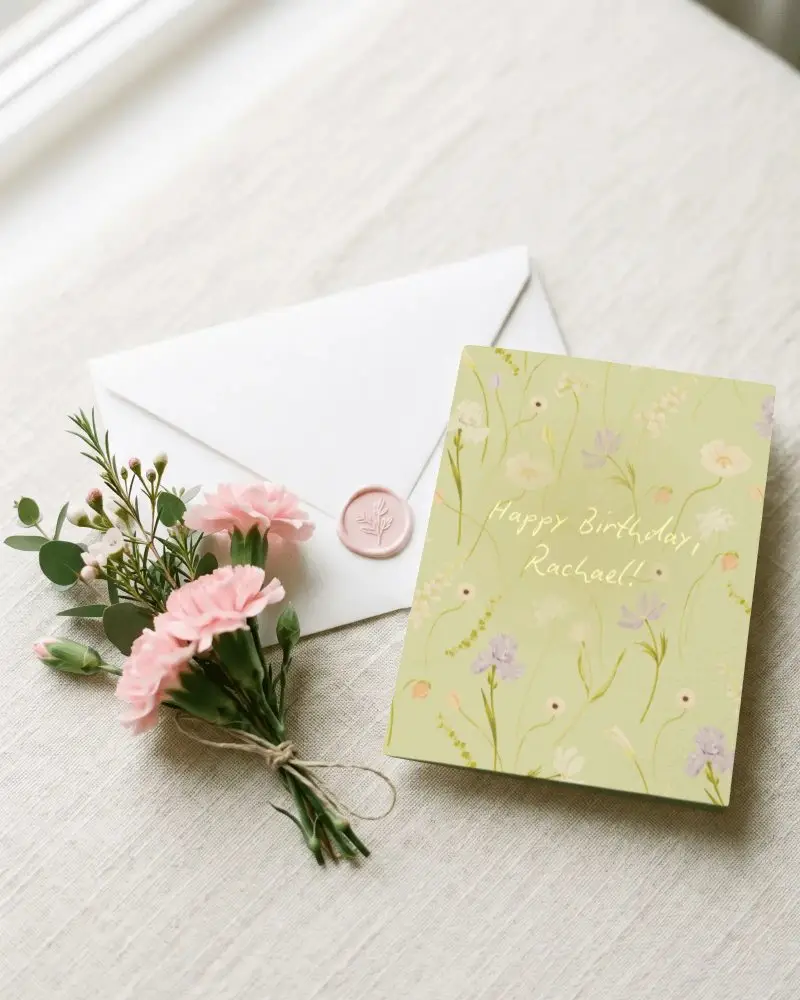
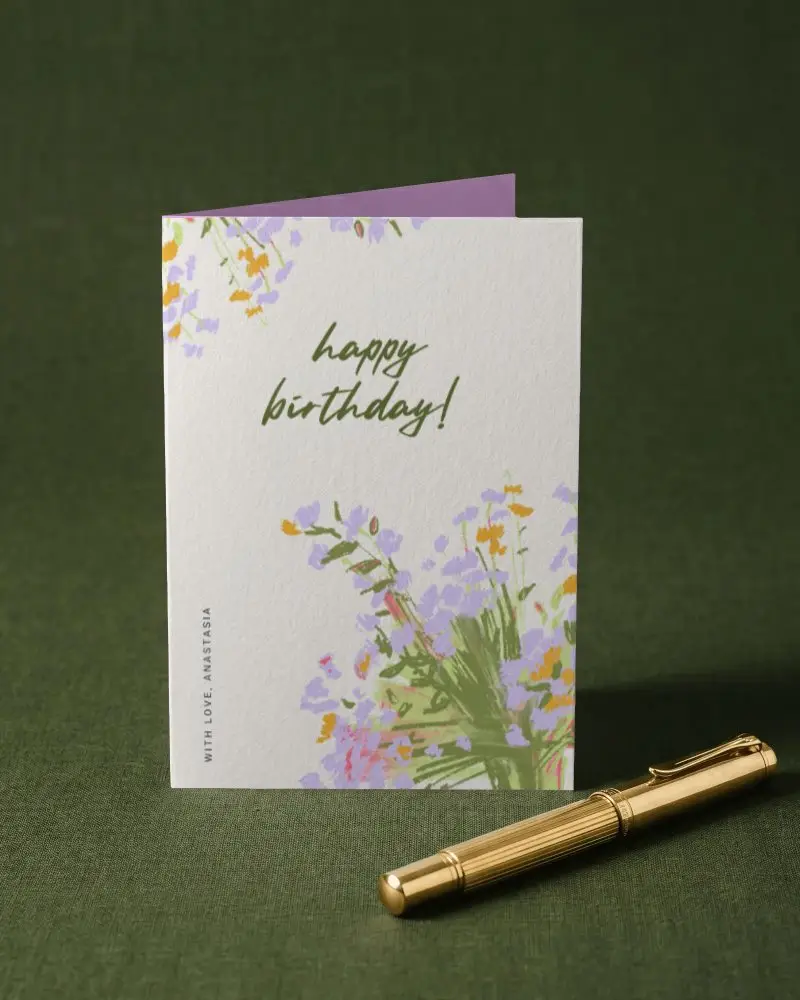
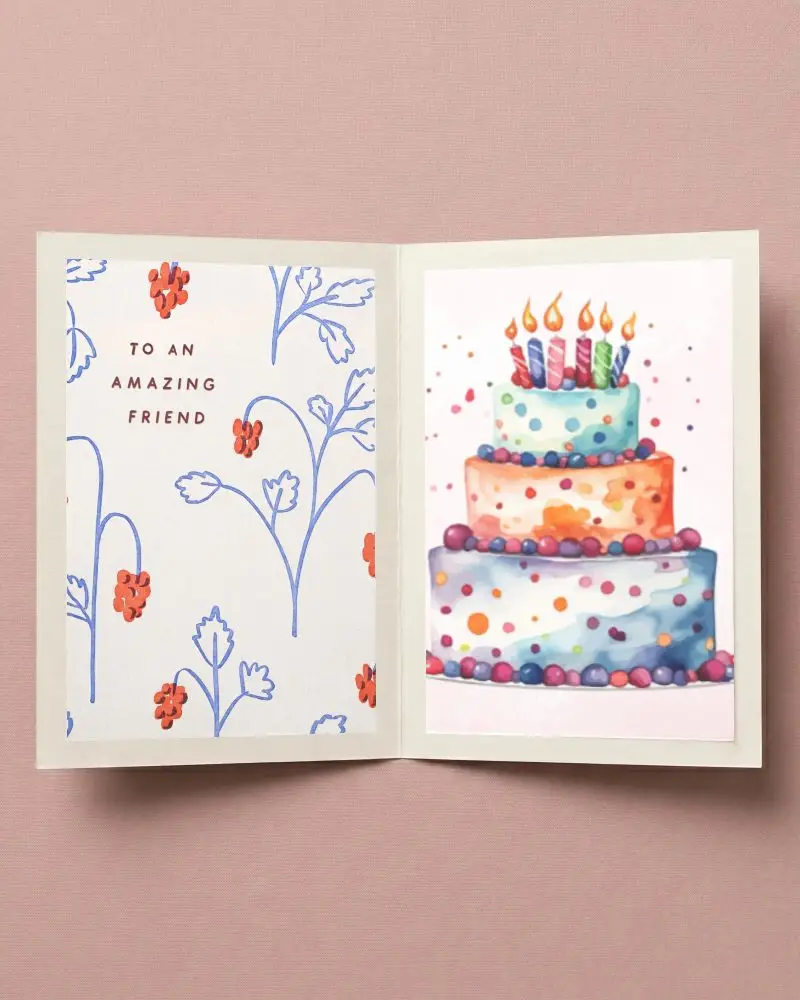
A folded greeting card mockup is a digital picture that shows how a greeting card looks when folded before being made.
Why create a Folded Greeting Card Mockup?
Making a folded greeting card mockup helps save money and time, improves marketing, and lets designers try different colors and styles easily.
Why Use Mockey’s Folded Greeting Card Mockup?
Using a folded greeting card mockup from Mockey AI makes your design look real. It’s easy to customize, saves time, helps with marketing, and anyone can use it without design skills.
Is this Folded Greeting Card Mockup Free?
Yes, Mockey AI provides free folded greeting card mockups. You can customize and download them without payment.
What file format does Mockey provide for folded greeting card mockups?
Mockey AI lets you download images in PNG or JPEG and even create video animations with its AI Anime feature.
How long does it take to create a folded greeting card mockup on Mockey?
Making a folded greeting card mockup on Mockey AI is easy and fast. You upload your design, change it if needed, and download it in minutes.
Does Mockey offer 3D folded greeting card mockups?
The folded greeting card mockups on Mockey AI look like 3D, but they are not real 3D. You cannot turn them to see from different angles, only the view given.
