A5 Greeting Card Mockup Free to Download
Create professional A5 greeting card mockups for free with Mockey. Customize every detail, download high-quality greeting card designs, and showcase your brand with ease.


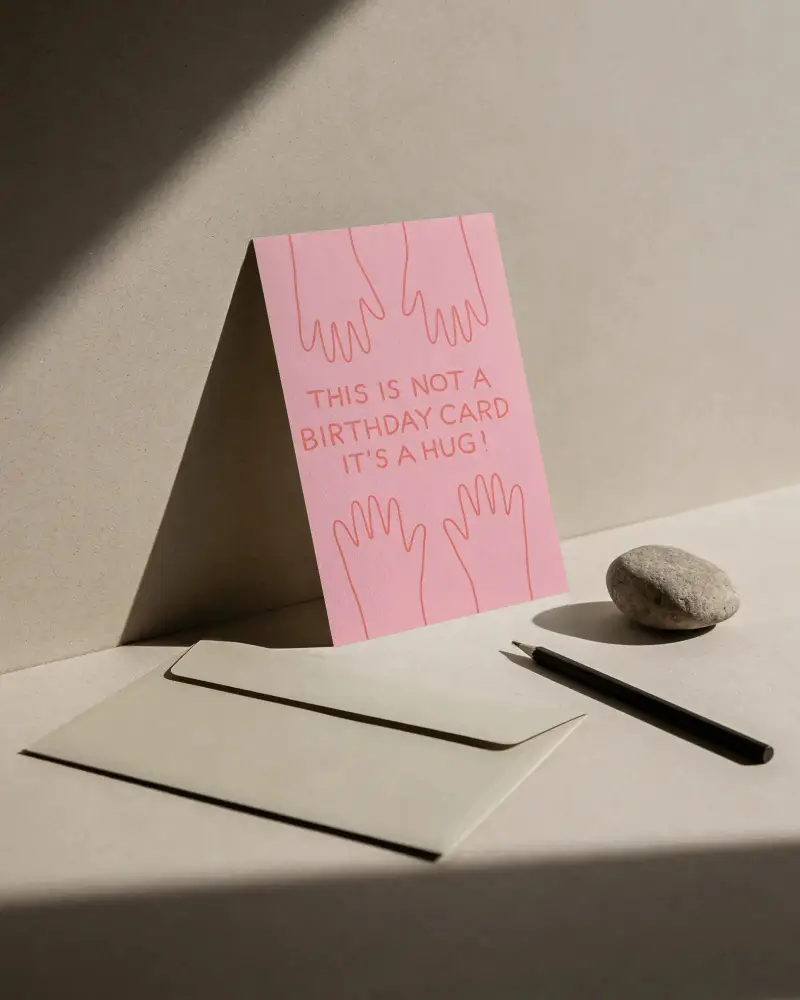
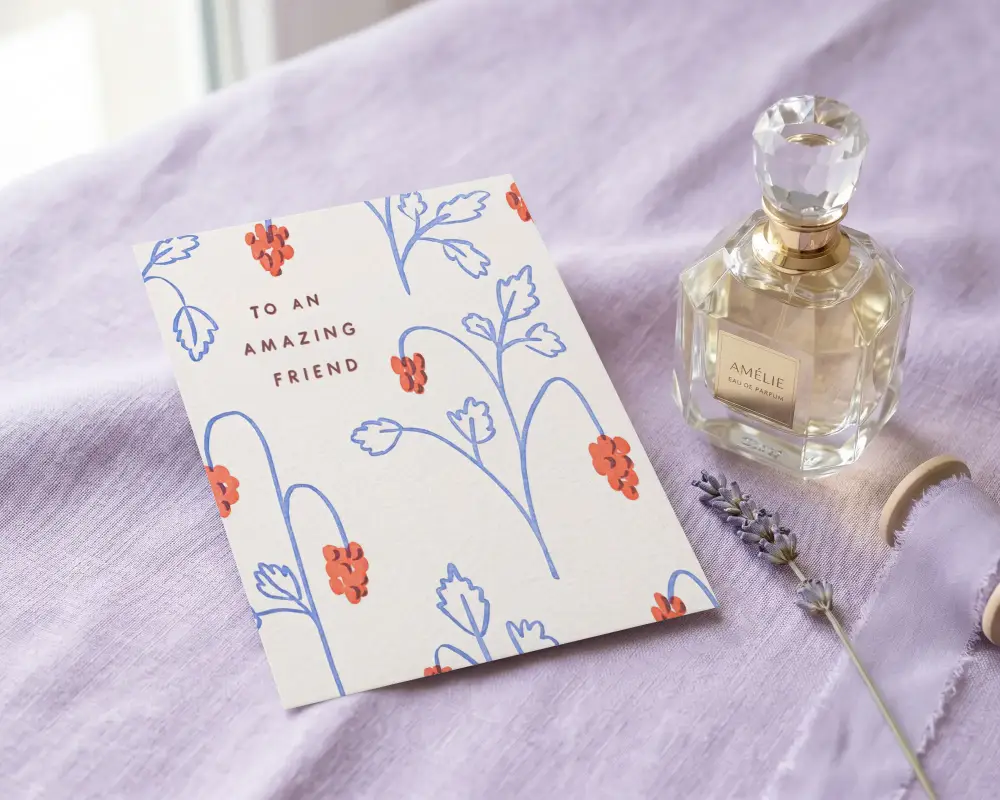
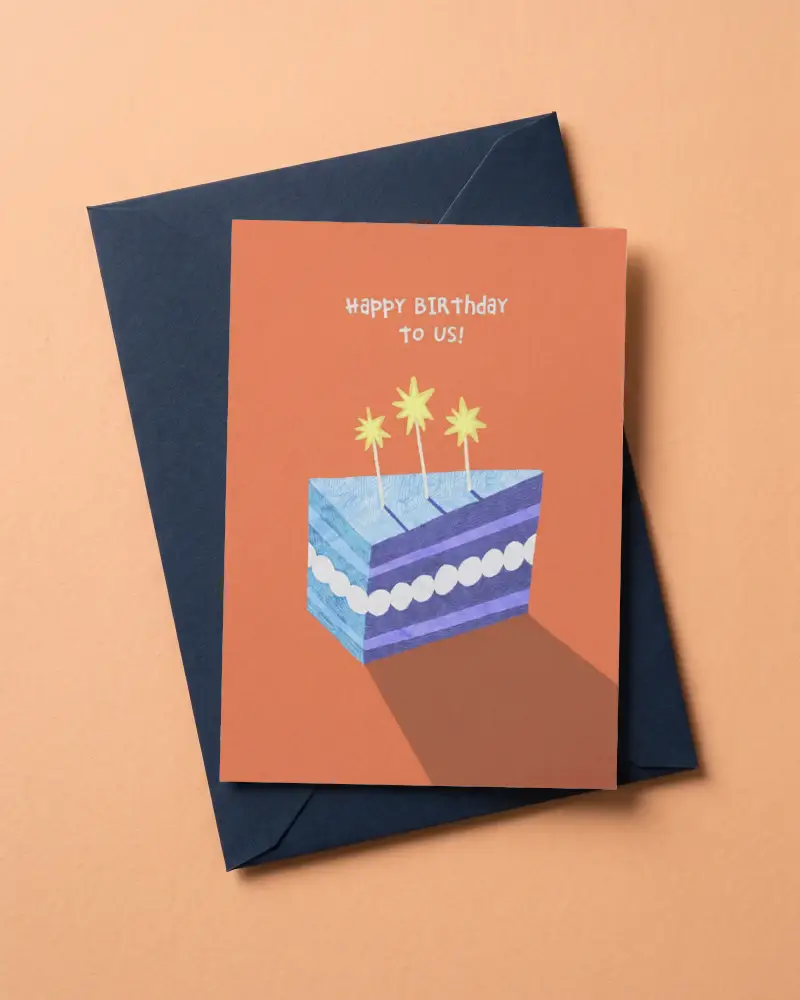
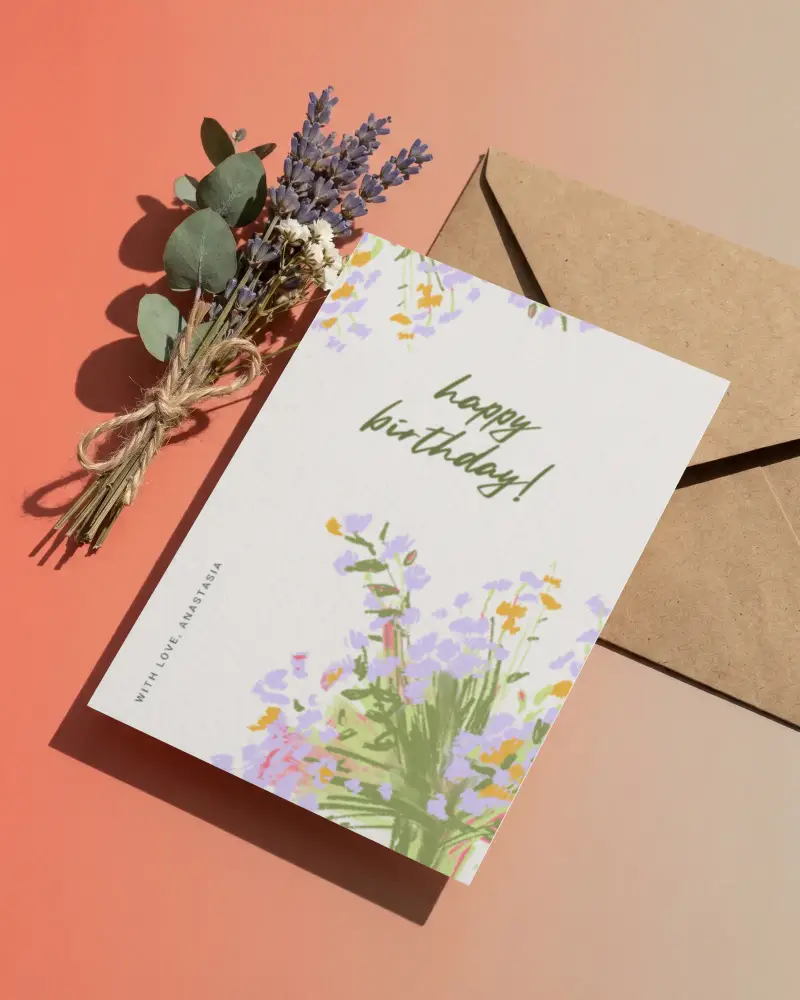
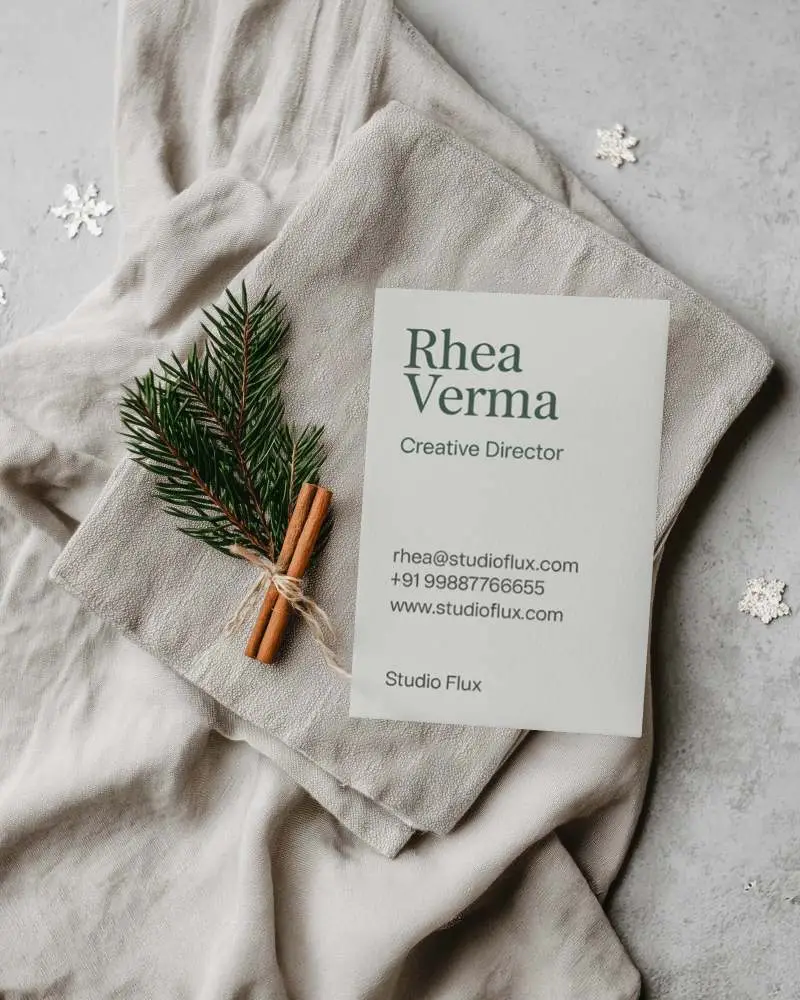
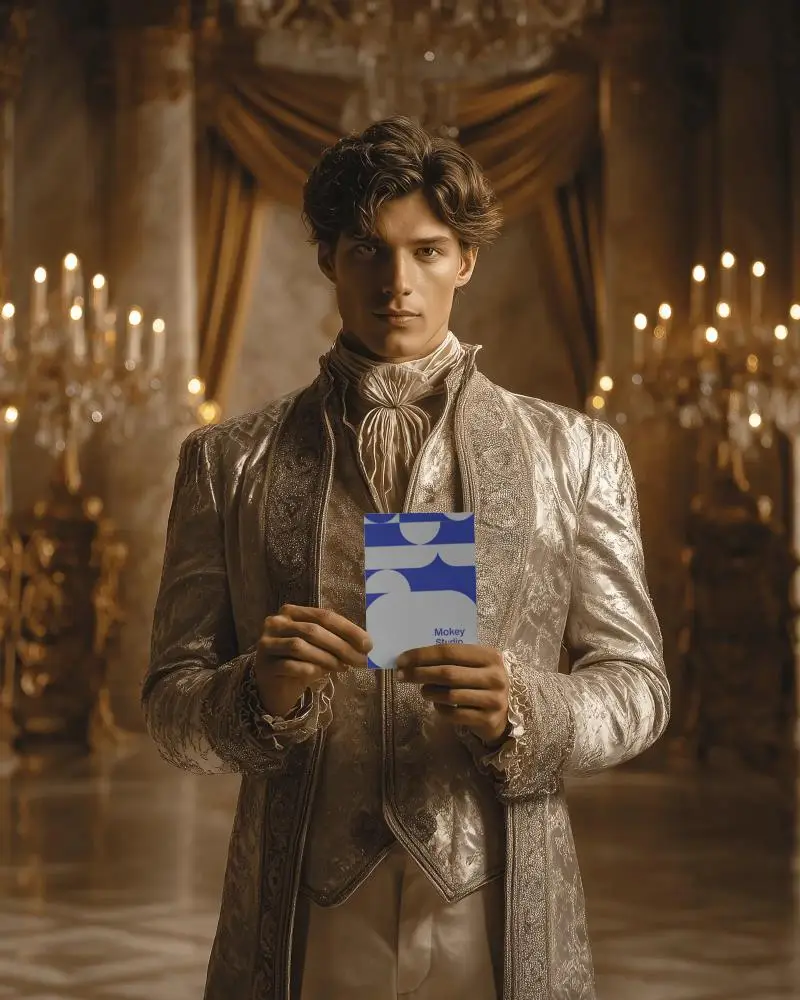
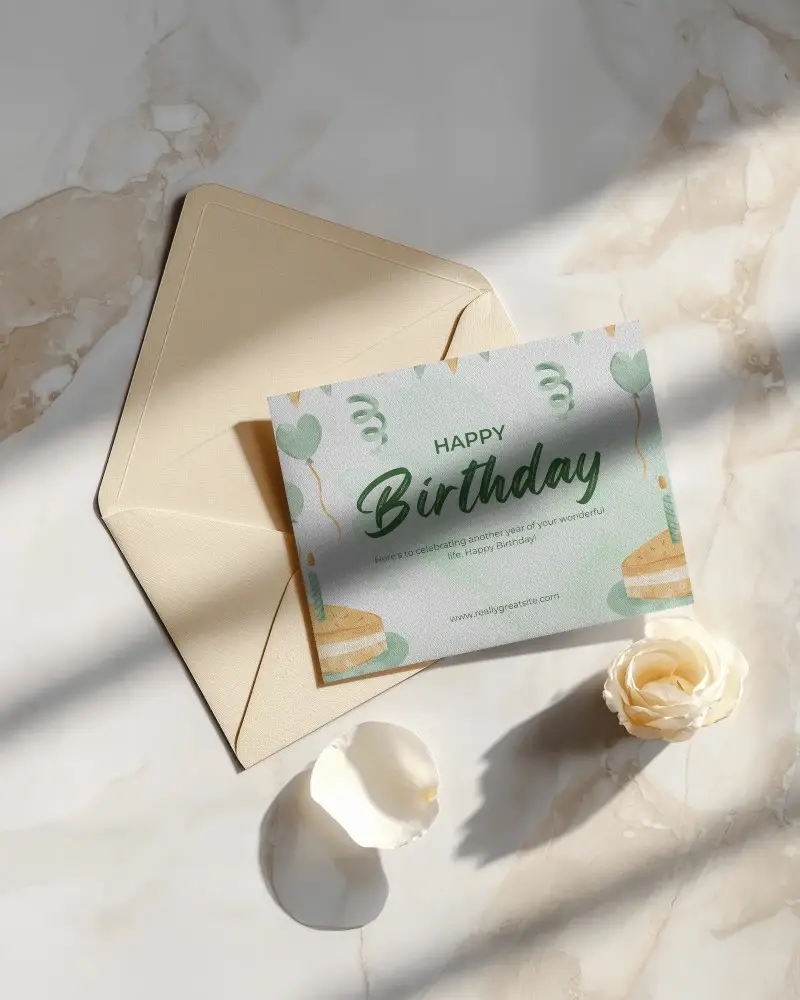
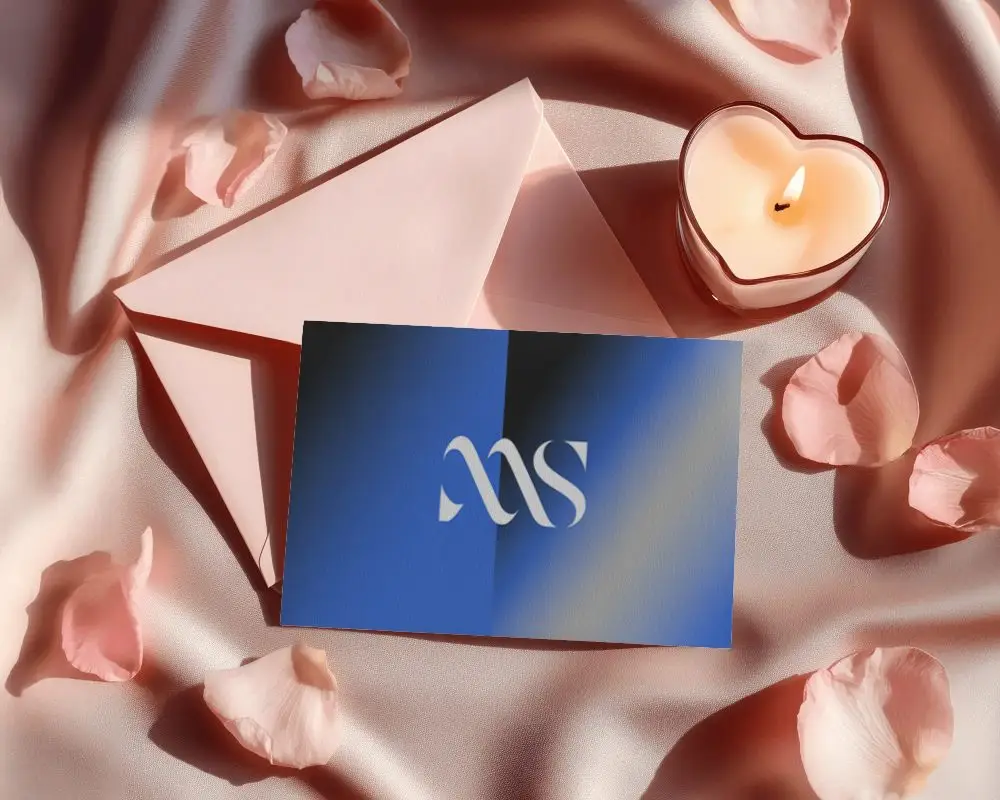
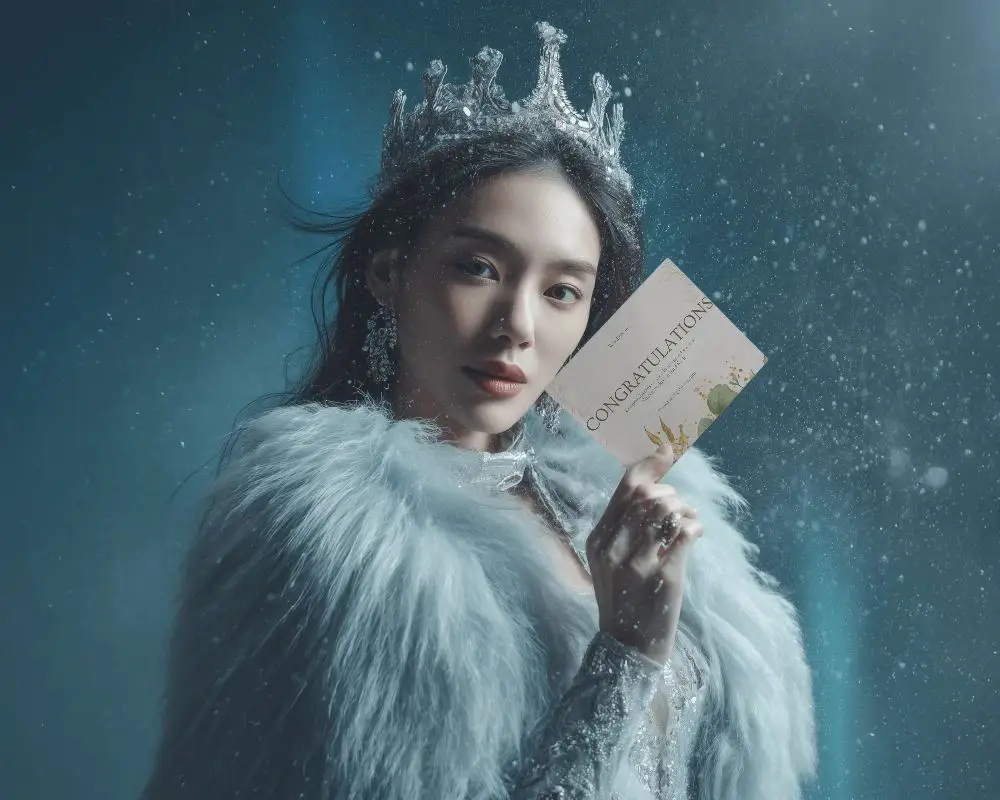
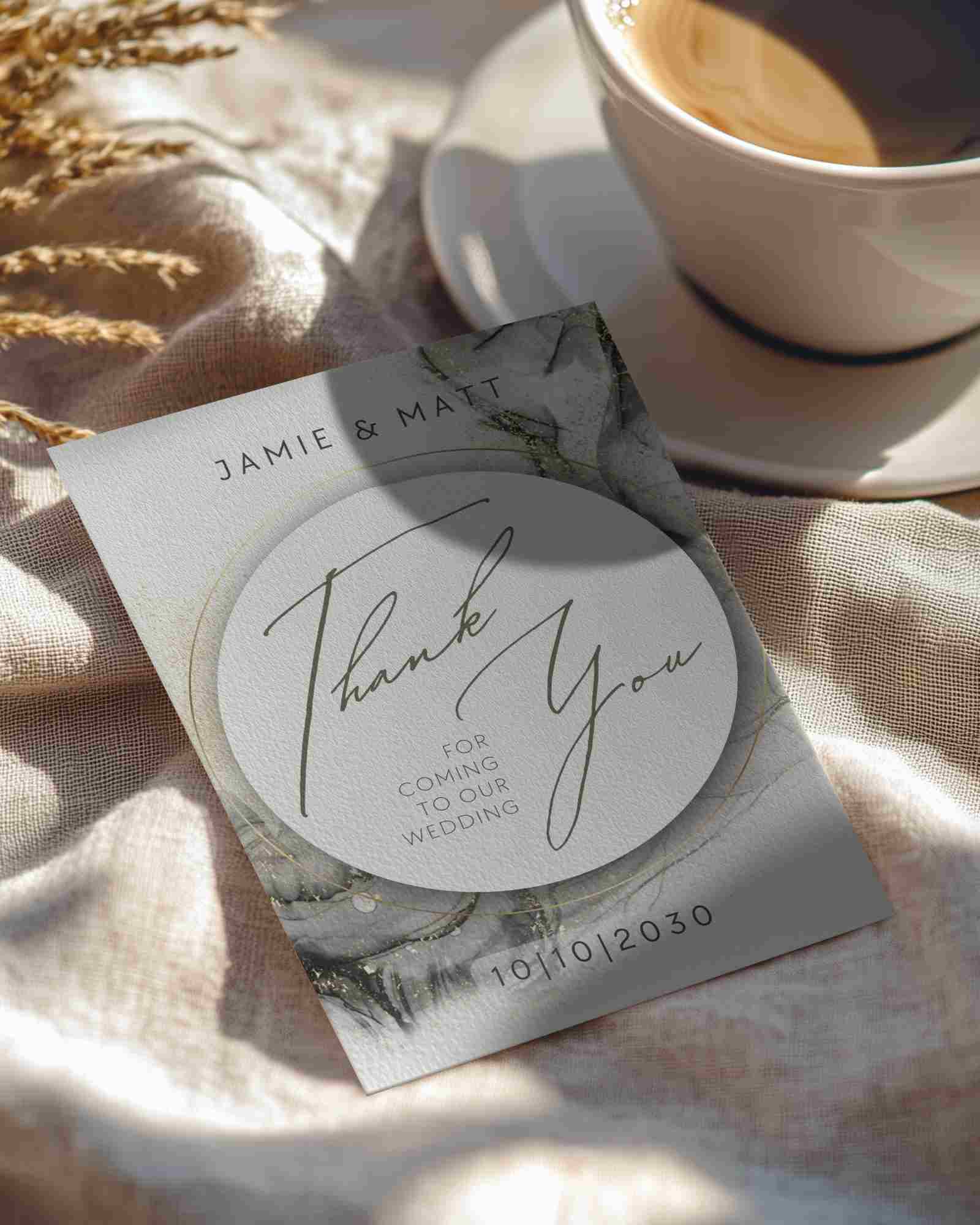

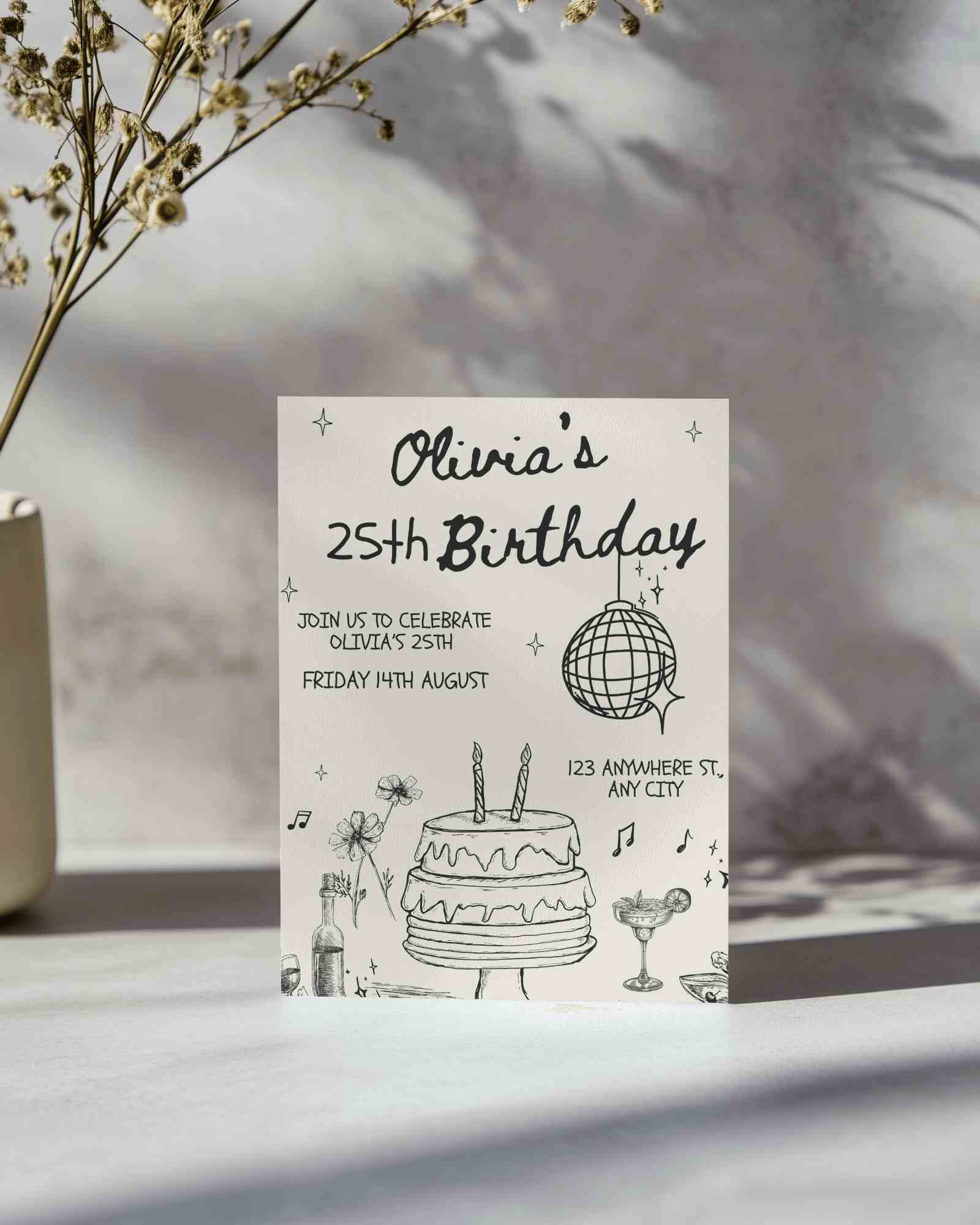
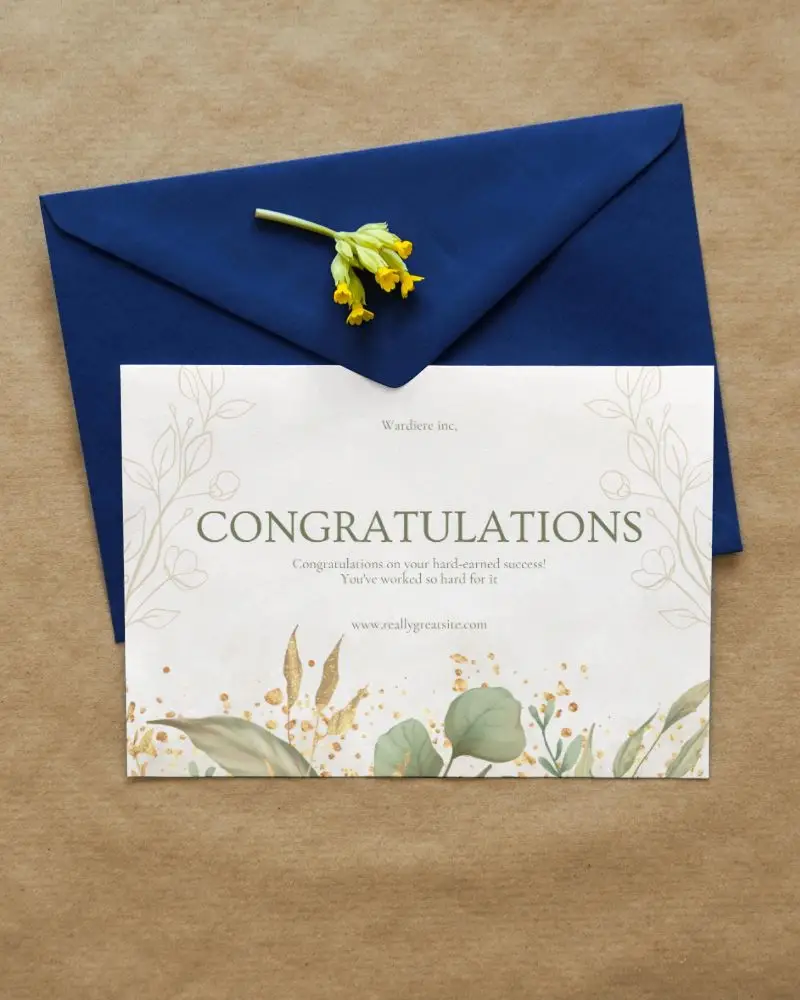
How to Create an A5 Greeting Card Mockup with Mockey
To create an A5 greeting card mockup in Mockey AI:
- Step 1: Navigate to Mockups > Print > Greeting Card > A5 and choose a template from the library.
- Step 2: On the following page, you'll find the option to upload your design and adjust the template's colors in the Edit section. If you upgrade to the Creator Plan, you can also access AI tools.
- Step 3: Finally, click the Download button to save your A5 Greeting Card mockup in either PNG or JPEG format, available in various sizes.


FAQs on A5 Greeting Card Mockups
What is an A5 Greeting Card Mockup?
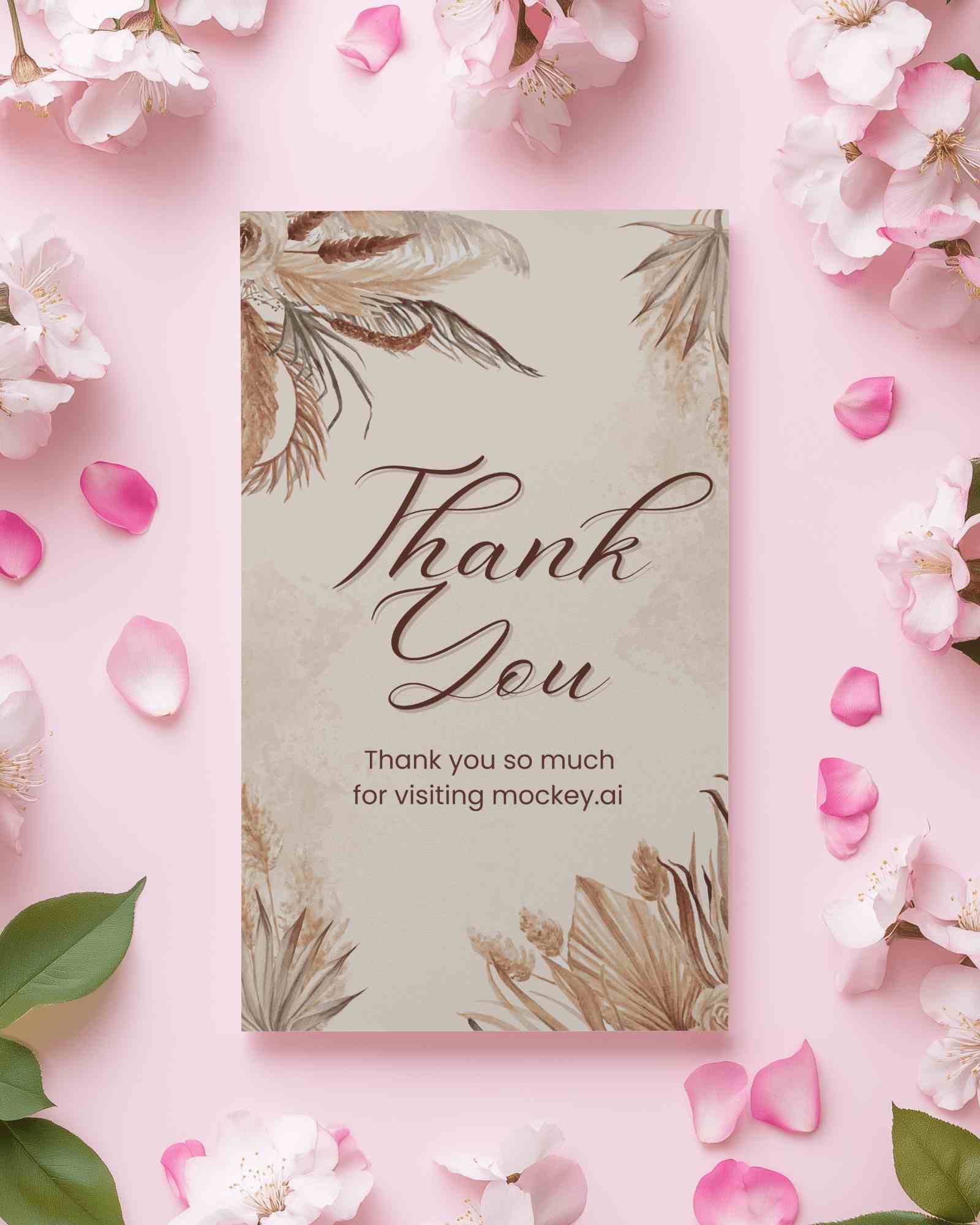
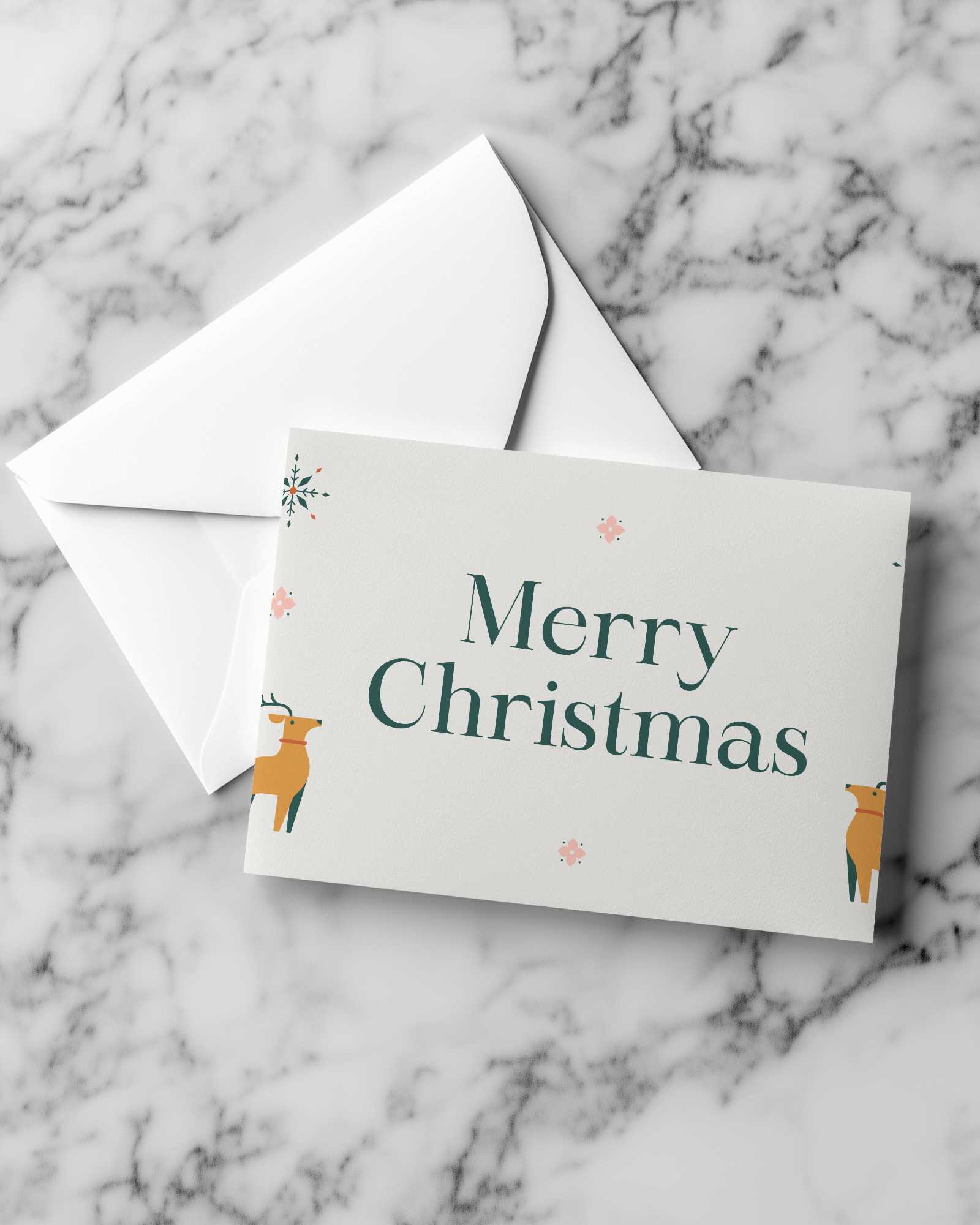
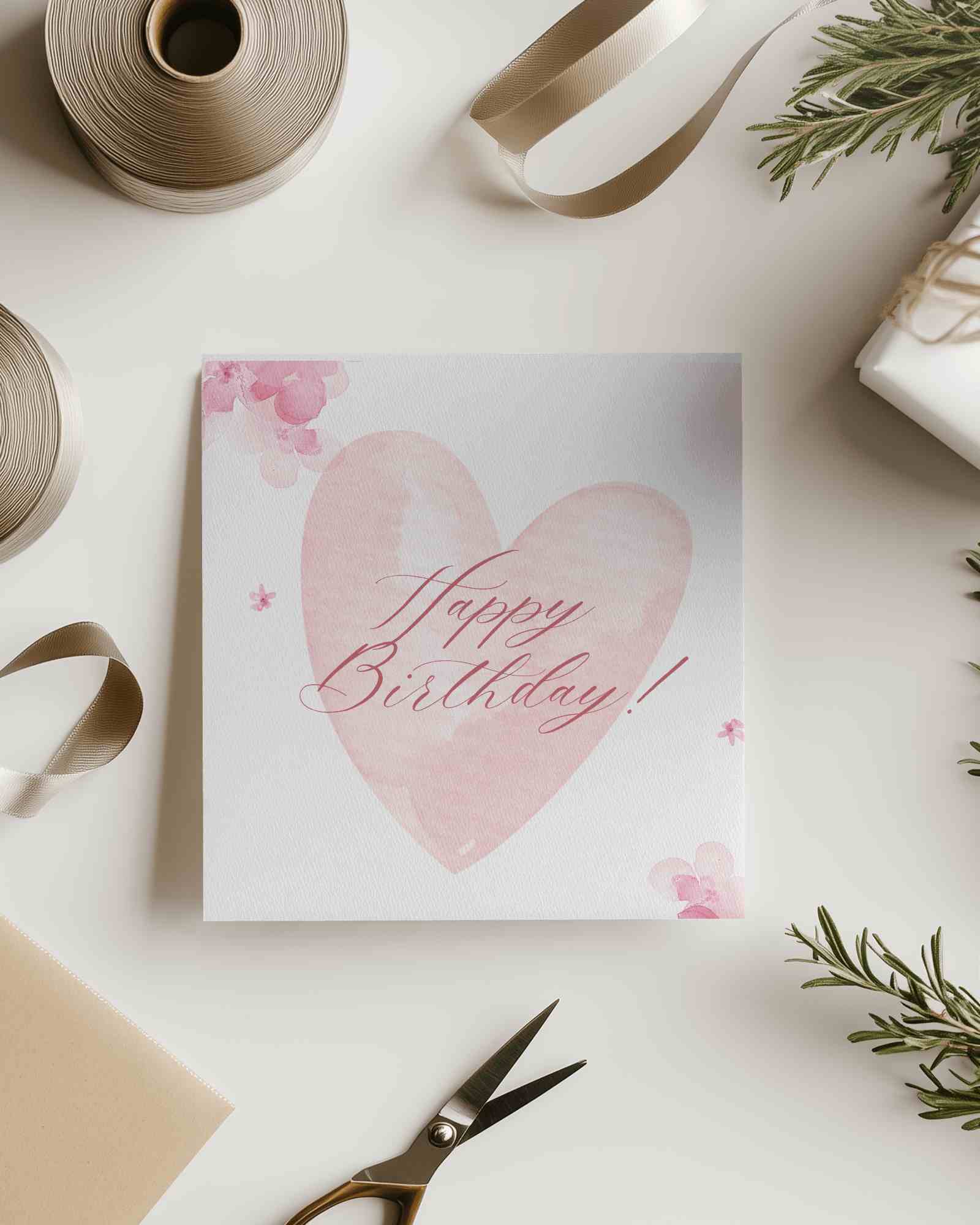
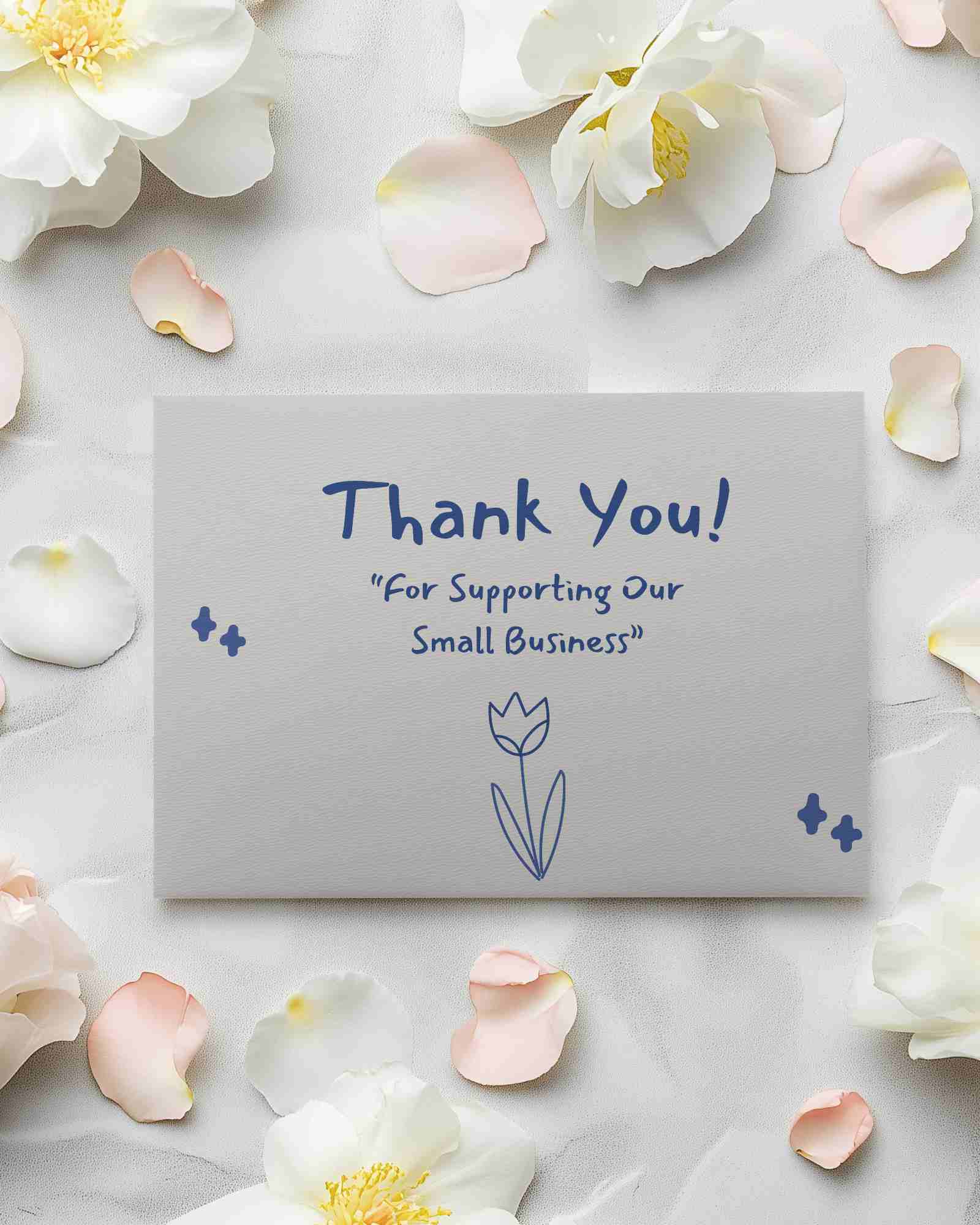
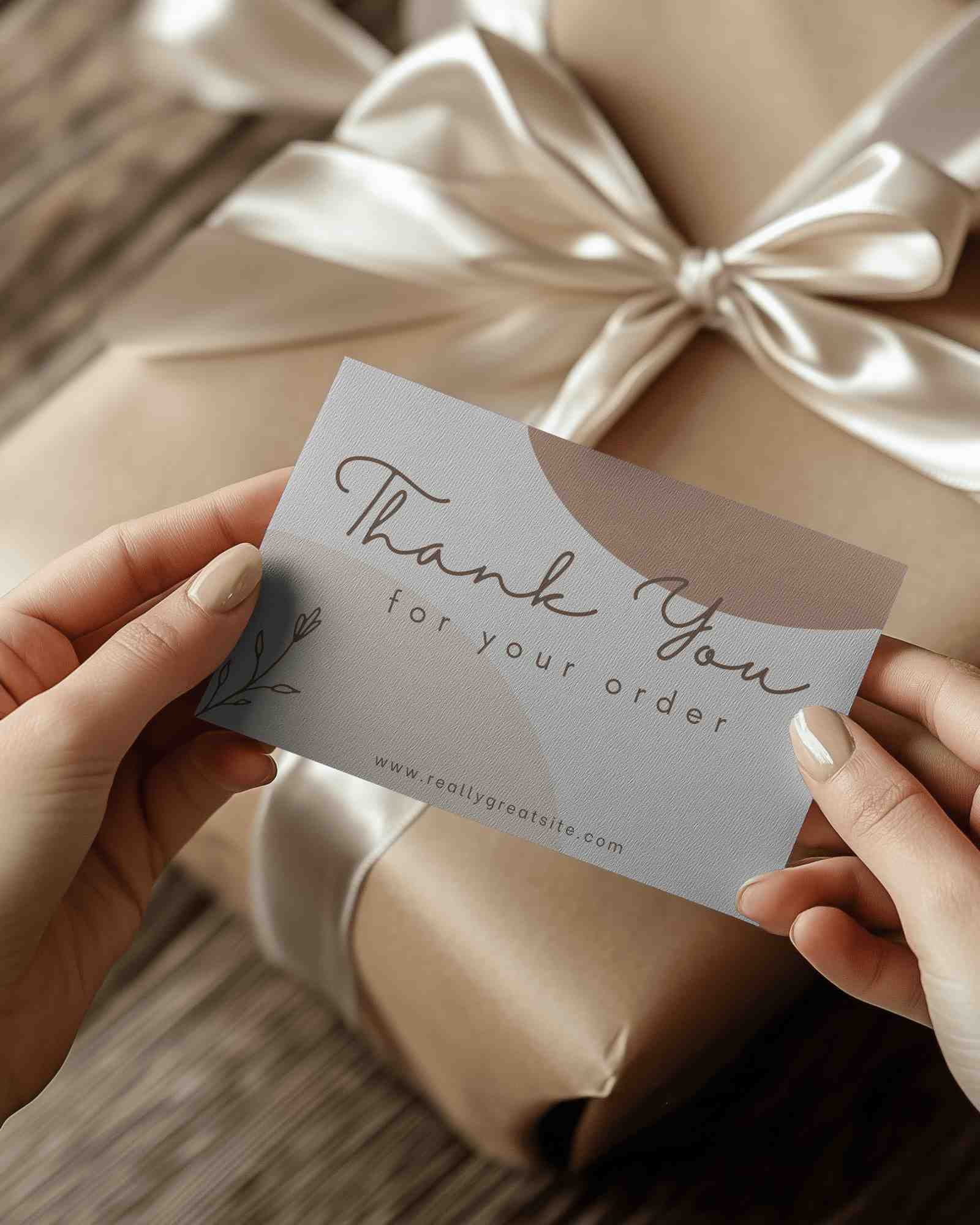
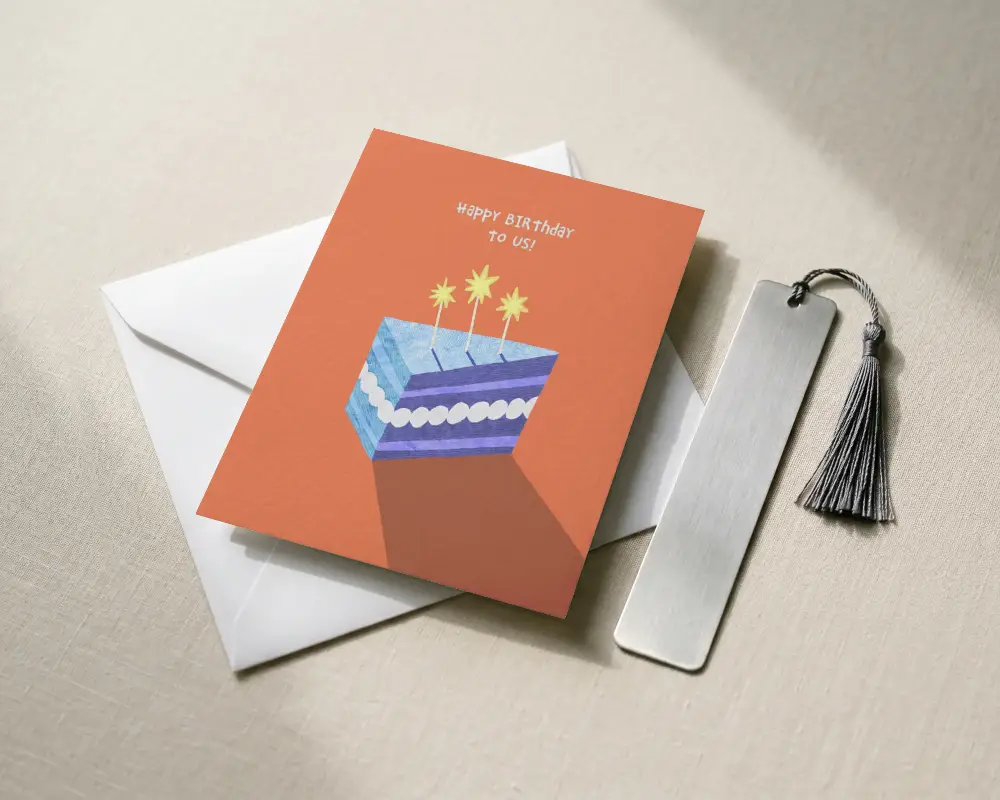
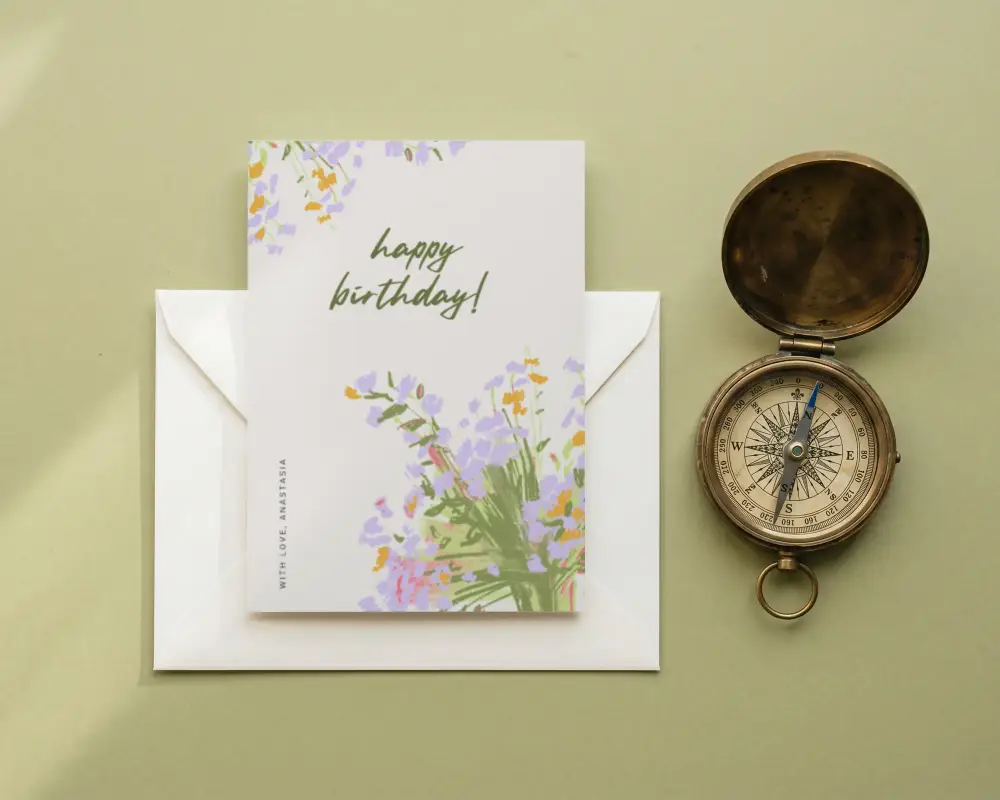
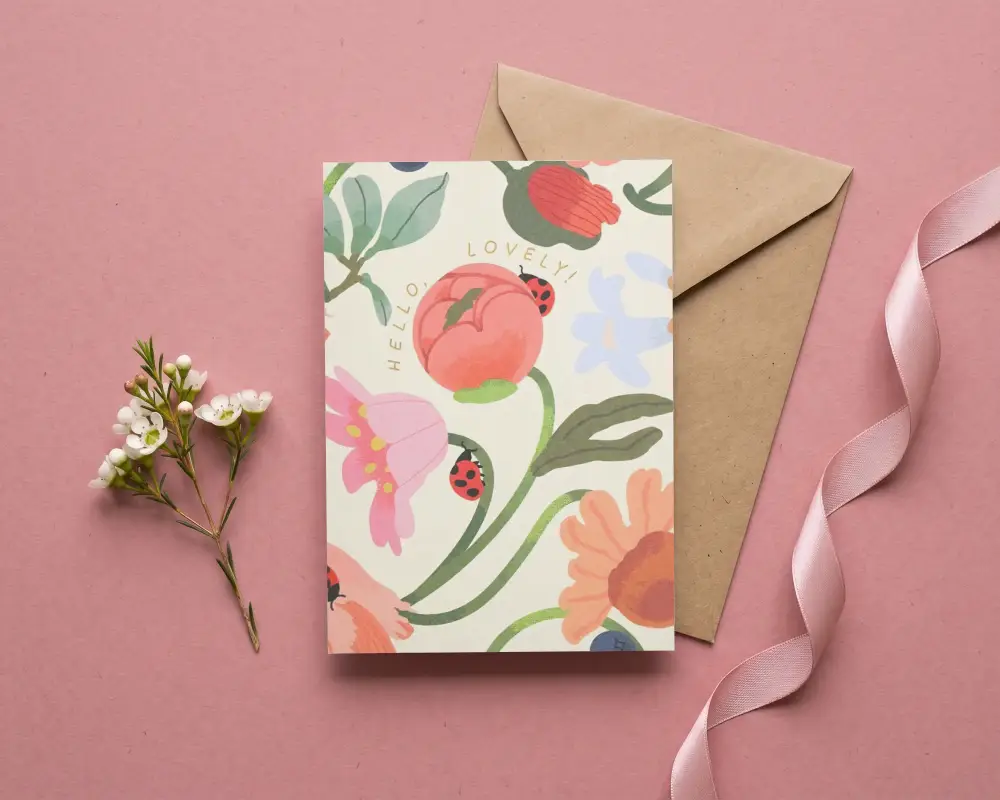
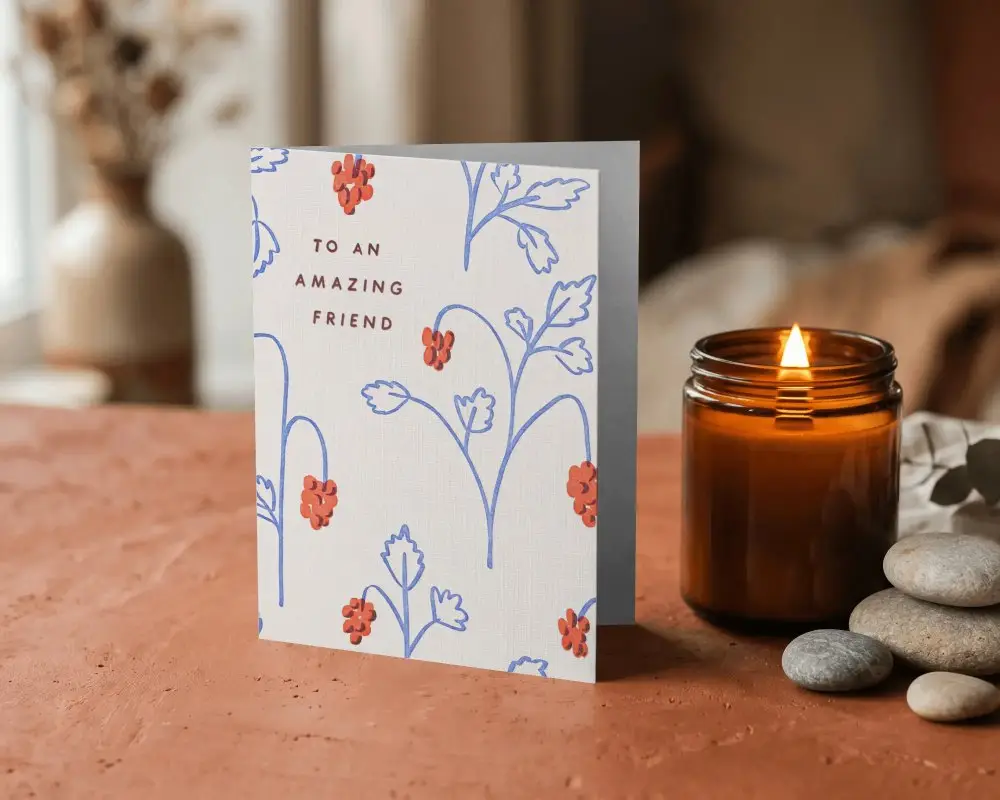
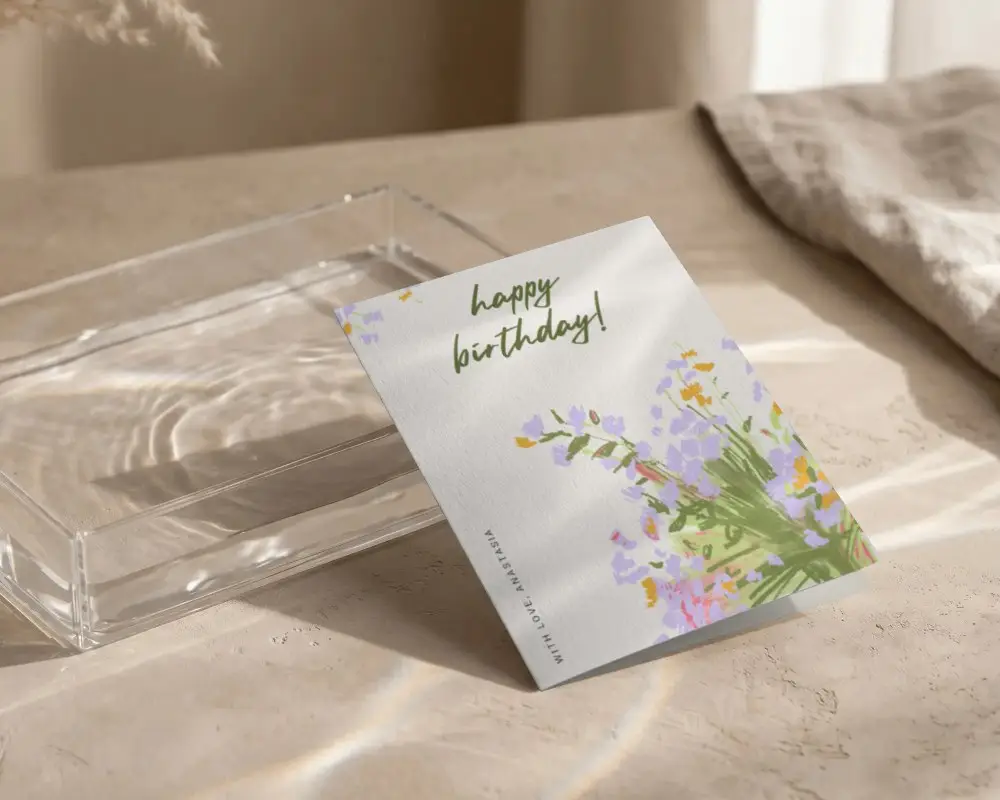
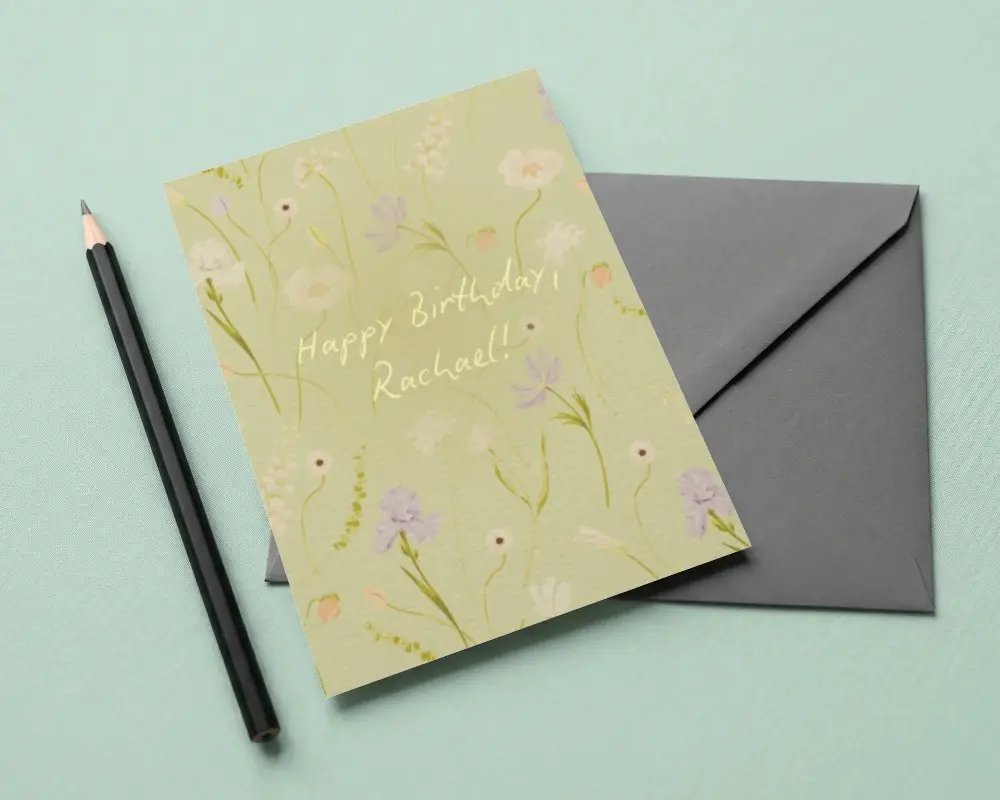
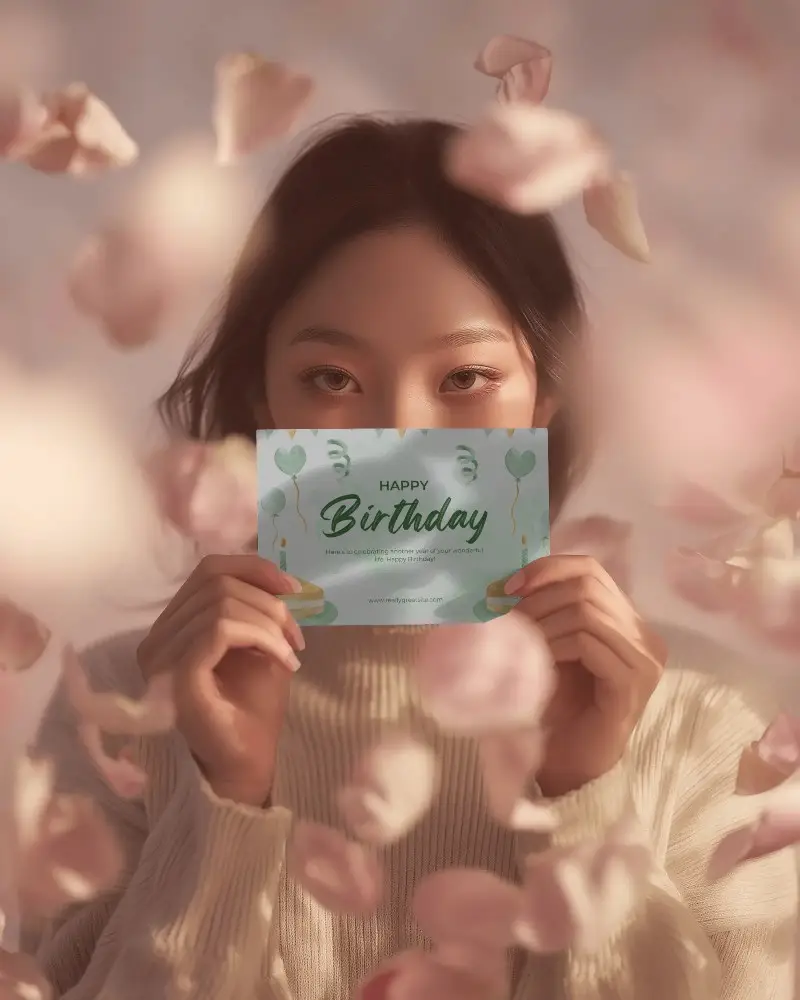
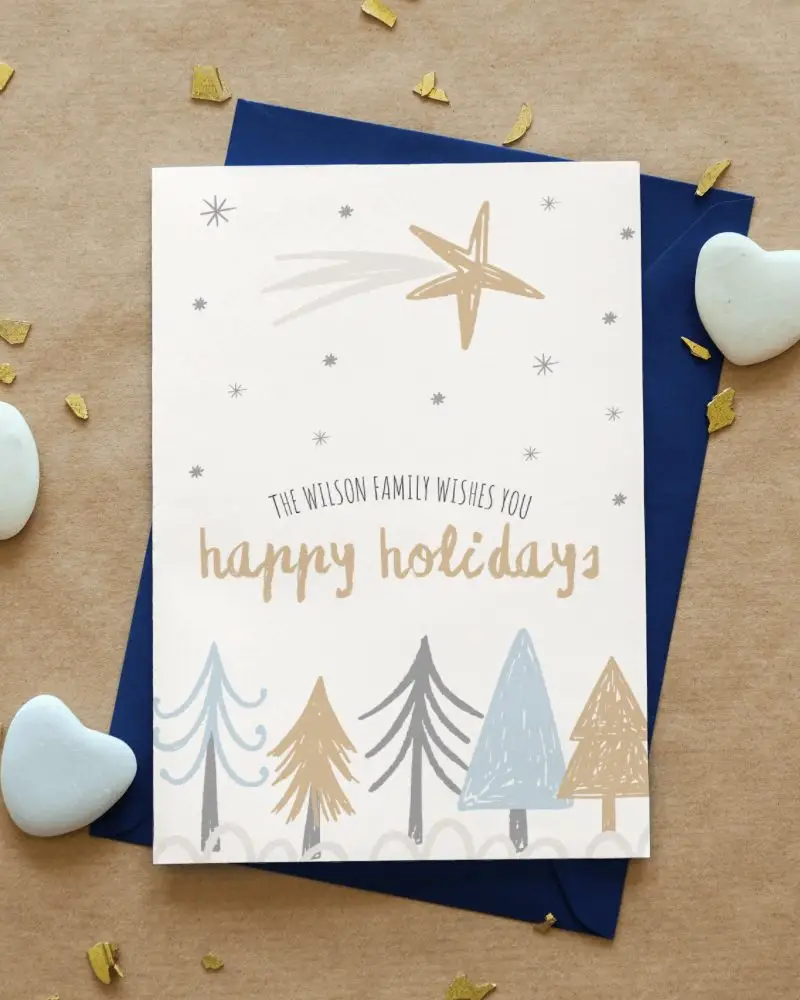
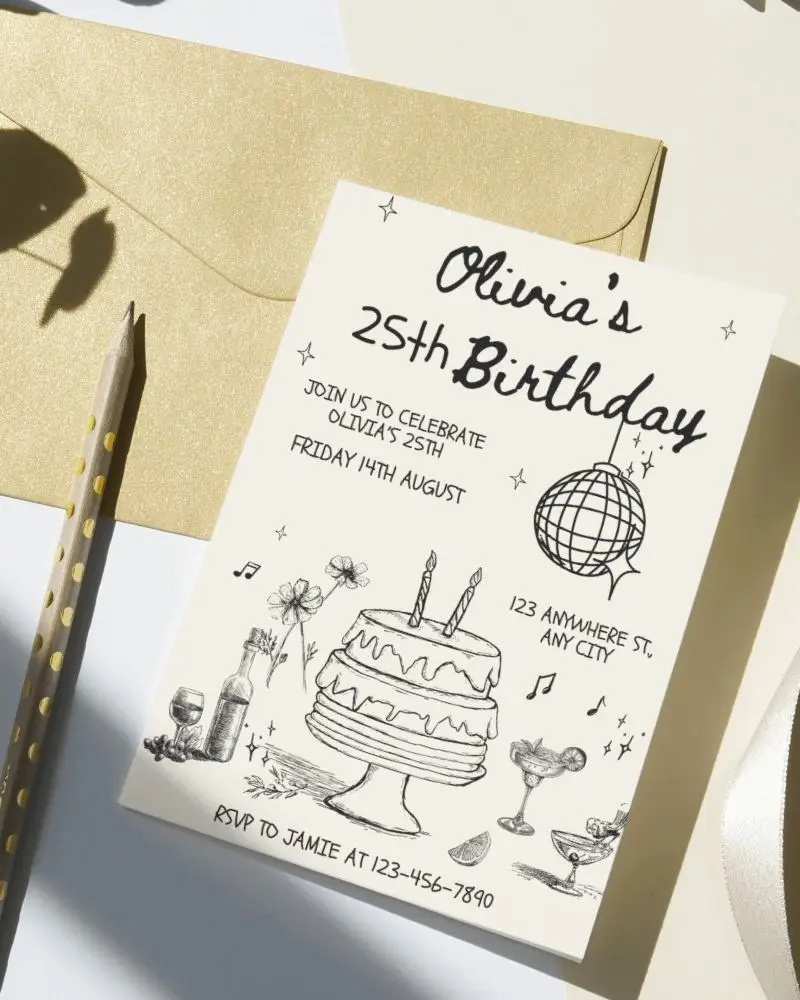
An A5 Greeting Card Mockup is a digital picture that helps people see how their card design will look in A5 size format before printing. Use a mockup generator to preview and download A5 cards for birthdays and holidays.
Why create an A5 Greeting Card Mockup?
An A5 greeting card mockup helps designers see how their card will look, test changes easily, show it to clients, use it for marketing, and create invitations or postcards without high costs.
Why Use Mockey’s A5 Greeting Card Mockup?
Mockey AI’s A5 Greeting Card Mockup is easy to use and saves time and money. You can change colors and add a custom background.
Is this A5 Greeting Card Mockup Free?
Yes, Mockey AI has free A5 greeting card mockups. They are high quality, can be used for business, and come in many styles.
Why should I use Mockey for A5 greeting card mockups instead of other tools?
Mockey AI is easy to use, even if you don’t know design. It has ready-made templates, is cheaper than hiring a designer, and includes free templates.
Can I add text and logos to my A5 greeting card mockup on Mockey?
You can add texts or a logo in Mockey AI, but they must be in an image file format like PNG or JPEG.
How many free A5 greeting card mockups can I create with Mockey?
With Mockey AI's free plan, you can edit A5 greeting card mockups and download them three times daily in 400x500 pixels. There won’t be any watermark on your downloads.
Do I need design experience to create an A5 greeting card mockup on Mockey?
You don’t need to be a designer to make an A5 greeting card mockup on Mockey AI. Just pick a template, add your image, customize colors and background, then download your design.
