Create Stanley Tumbler mockup with Instant Design Preview
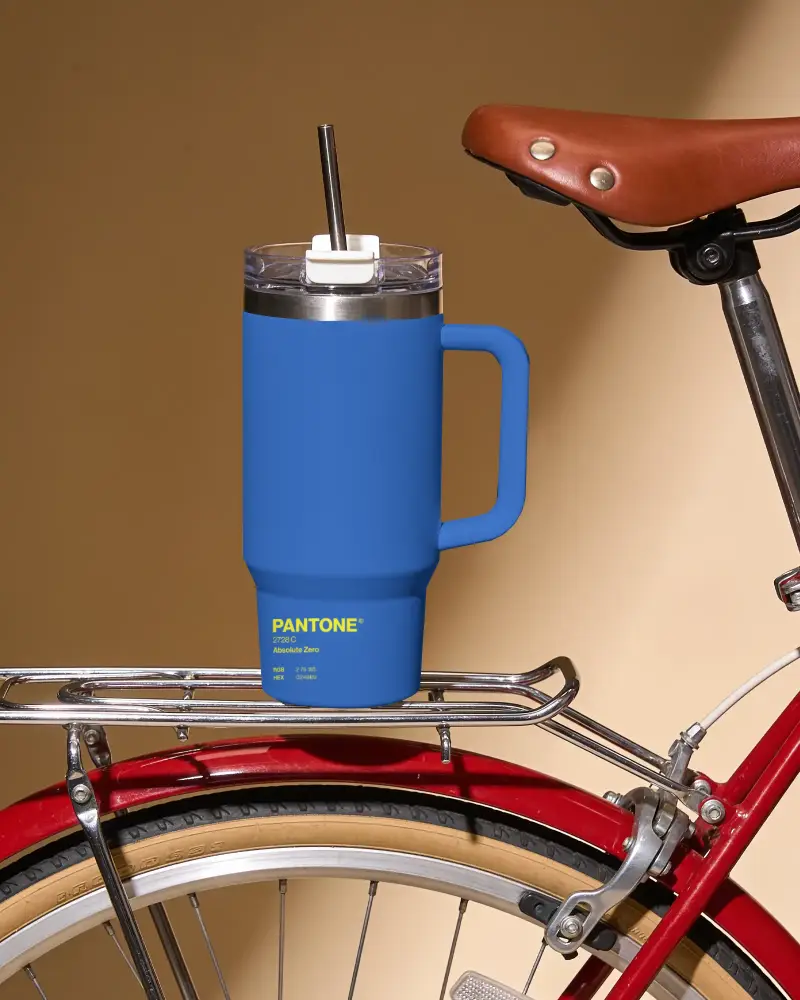
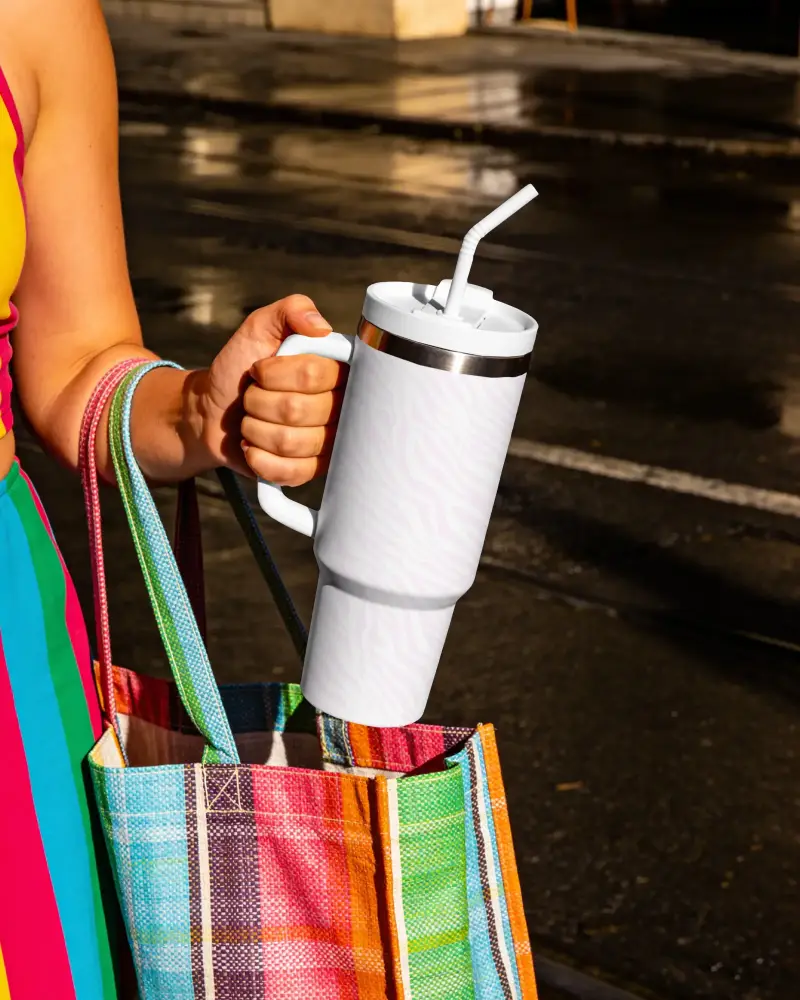
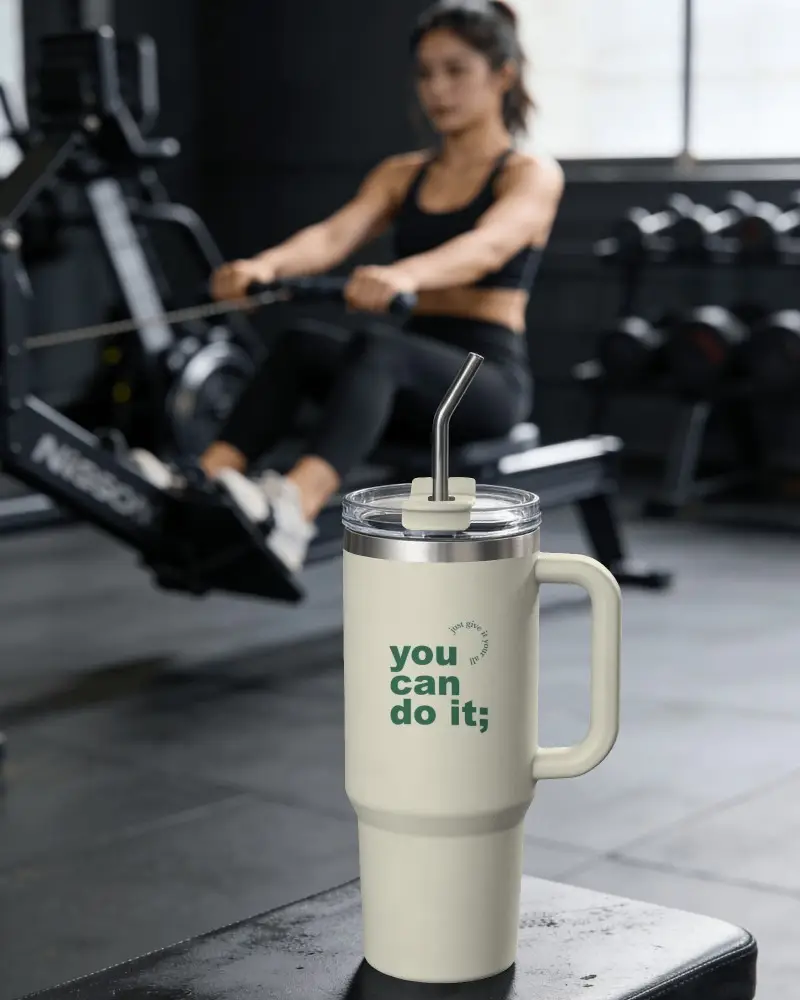
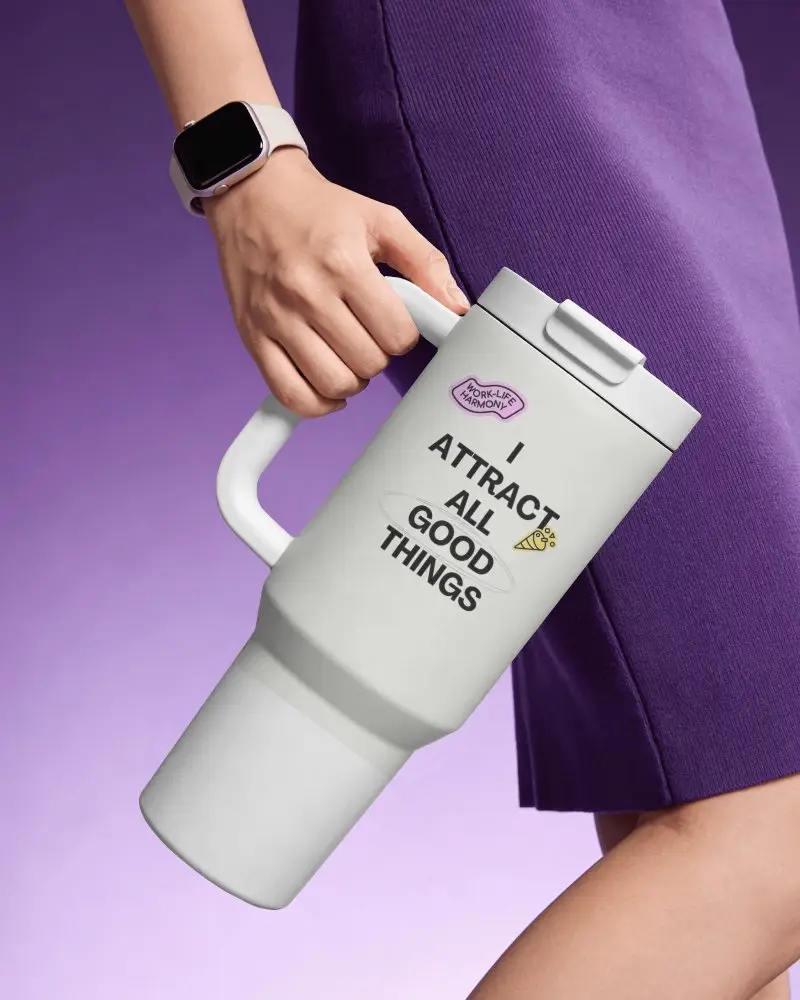
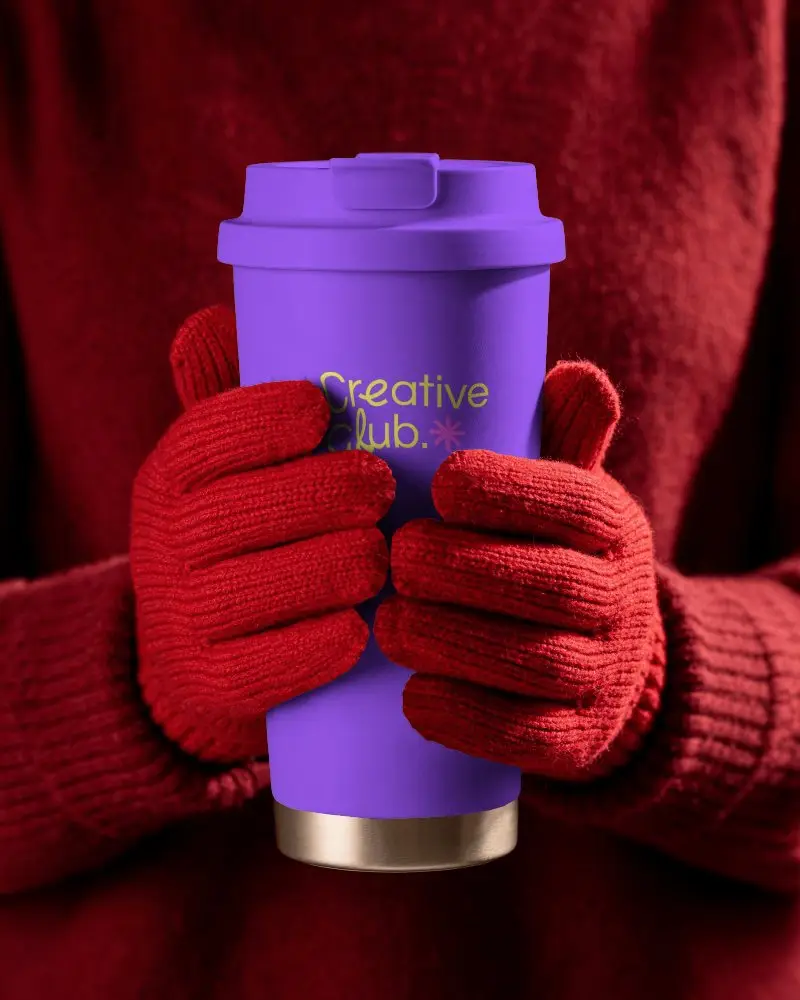
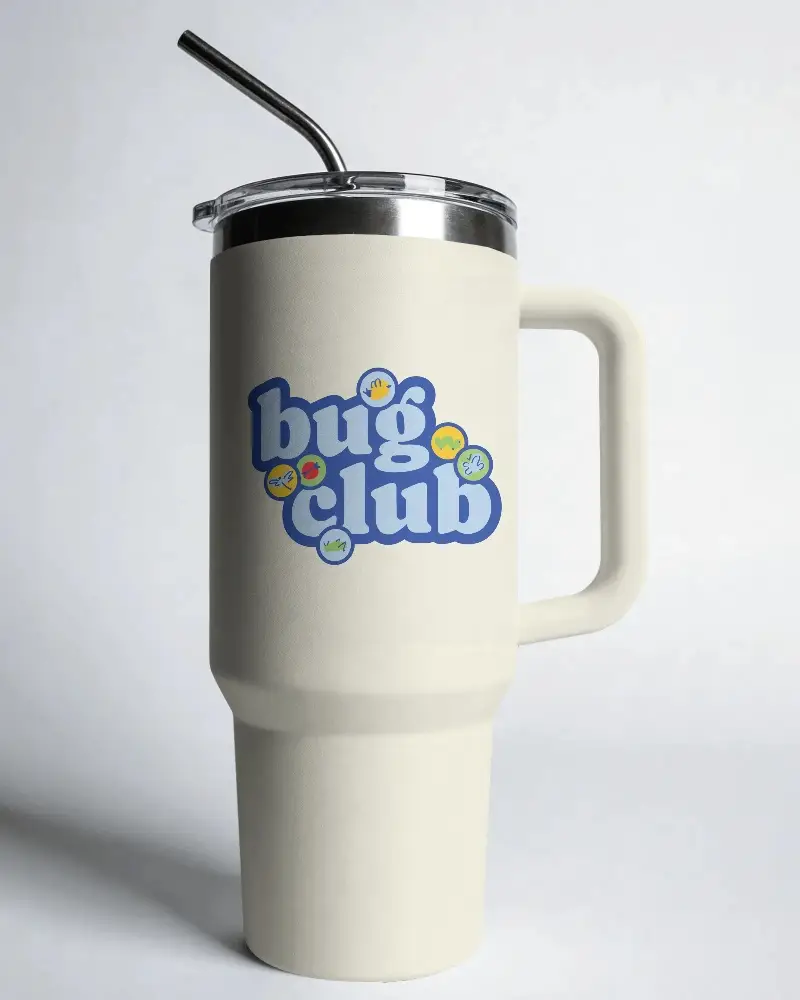
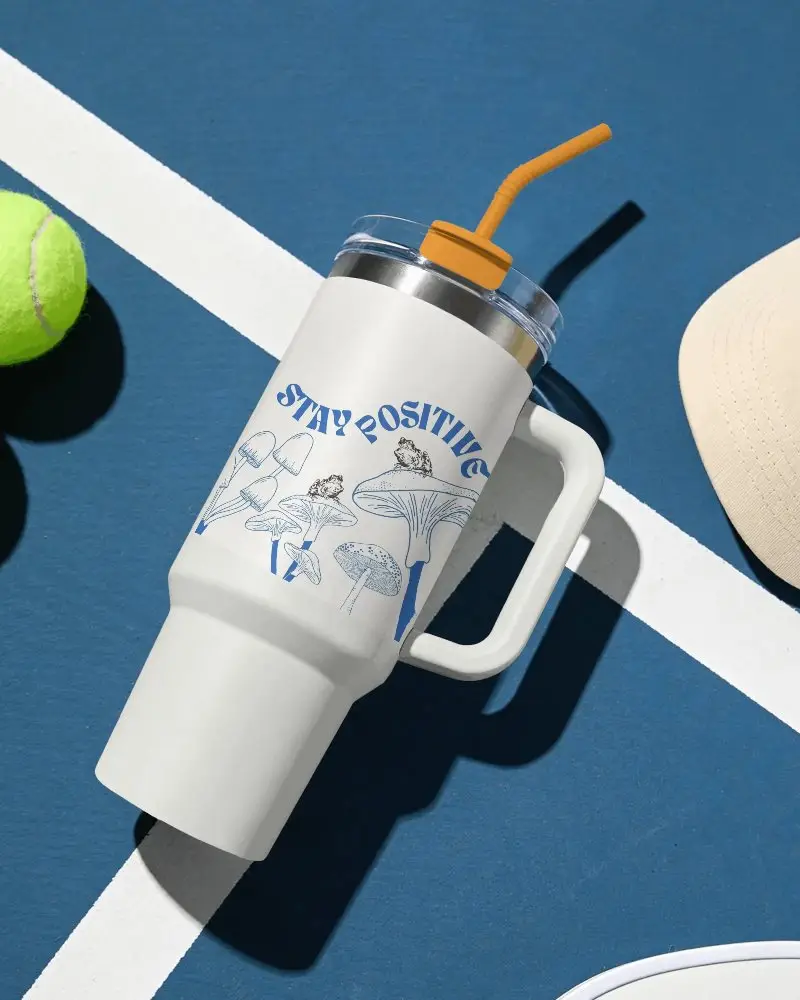
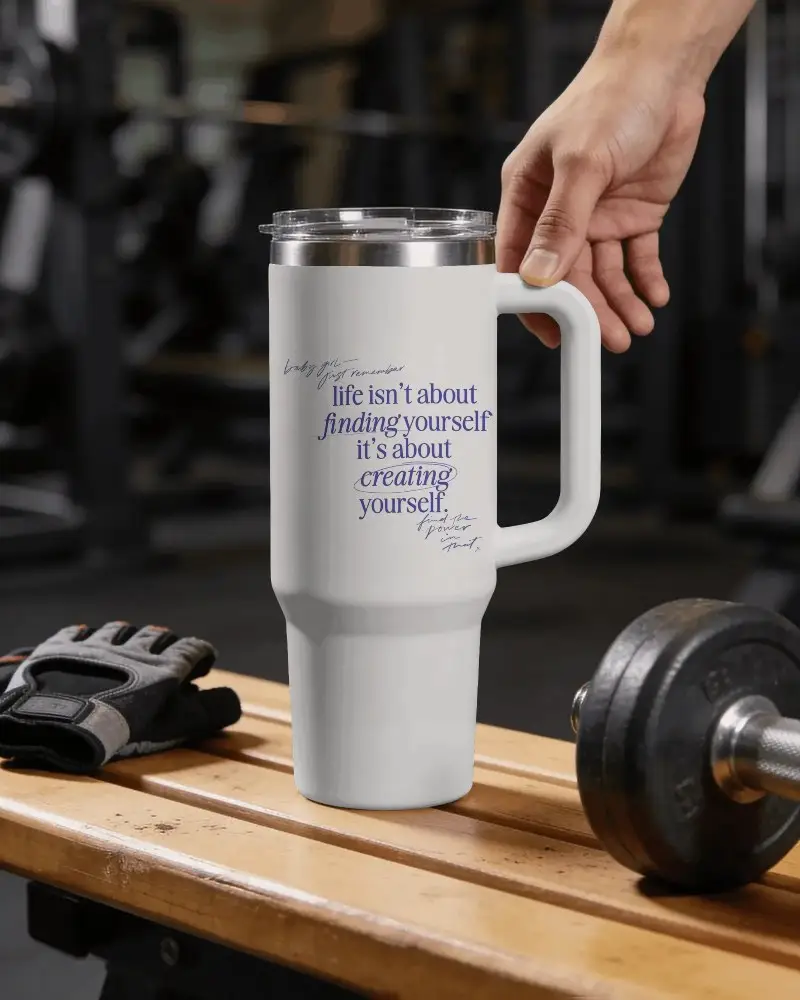
A great product presentation starts with great visuals. These free Stanley Tumbler mockup help designers, brands, and print-on-demand sellers showcase their artwork in realistic settings. Upload your design, experiment with different tumbler styles, and create professional product images that highlight every detail of your work.
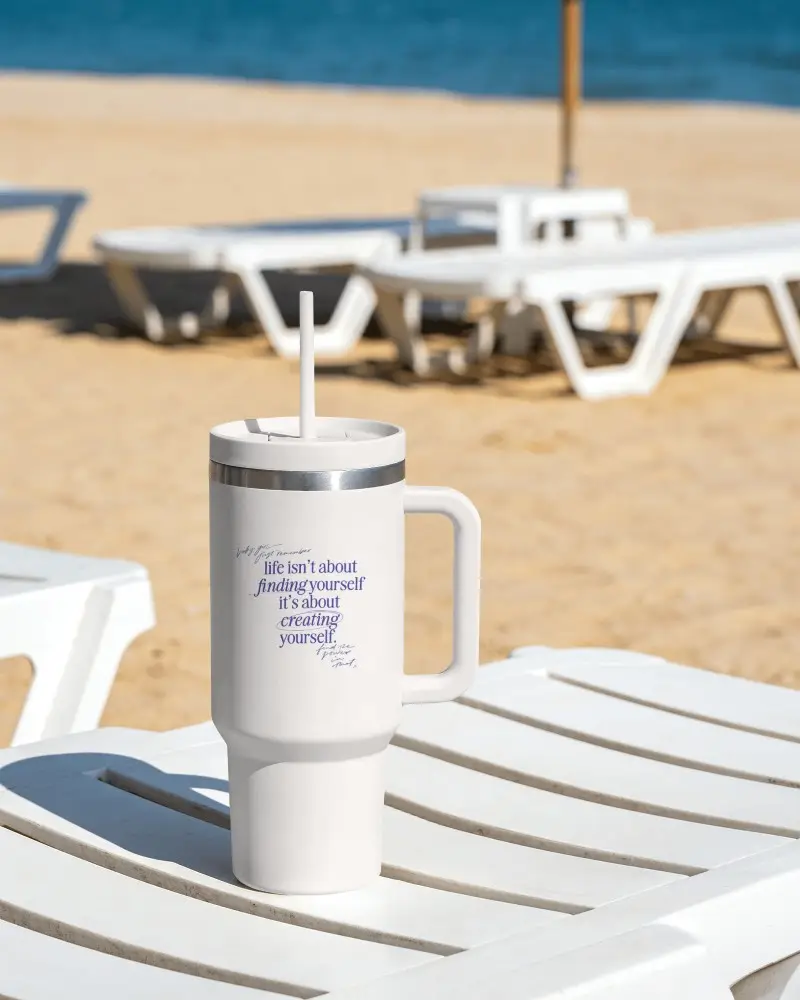

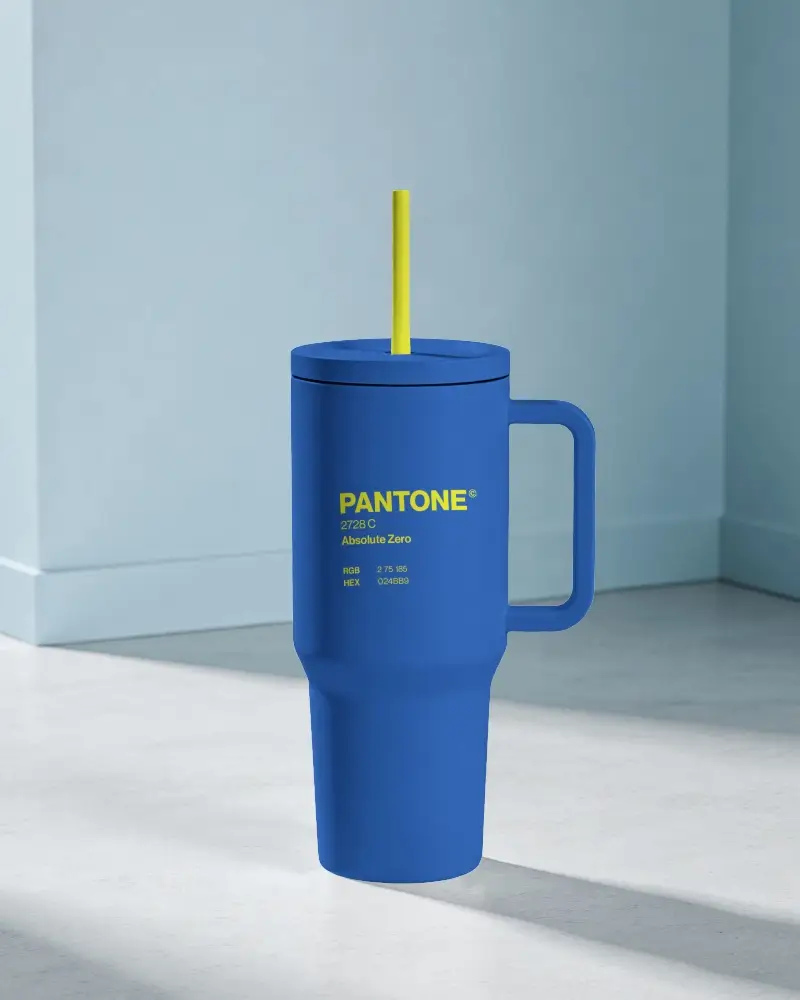
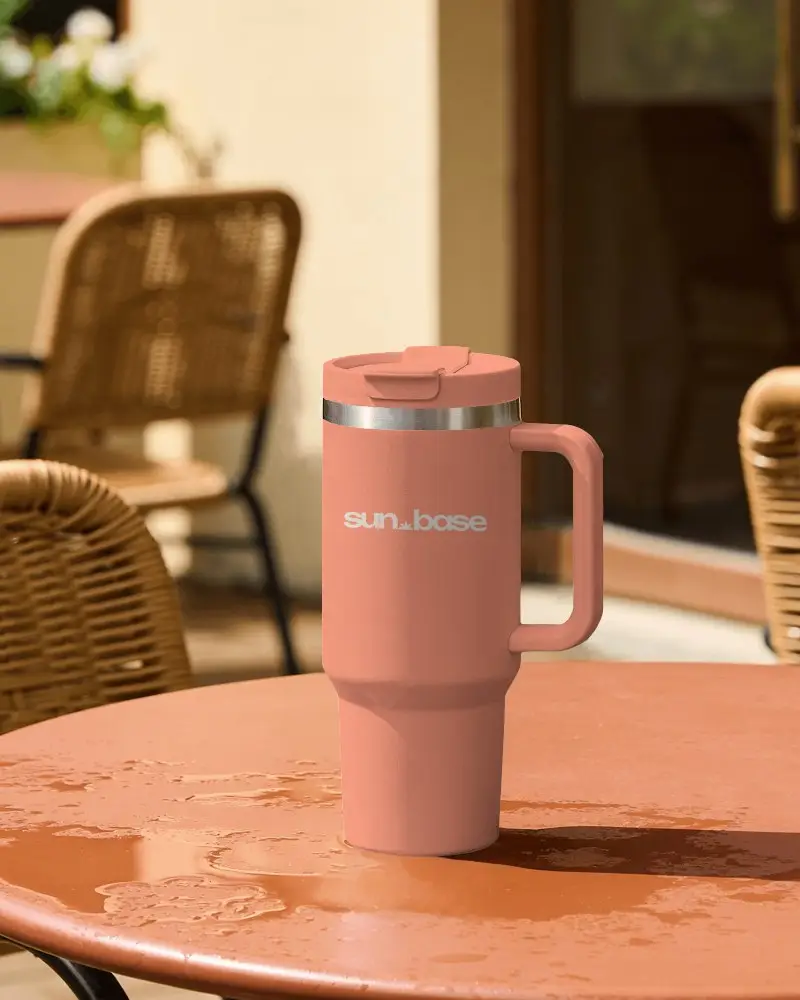
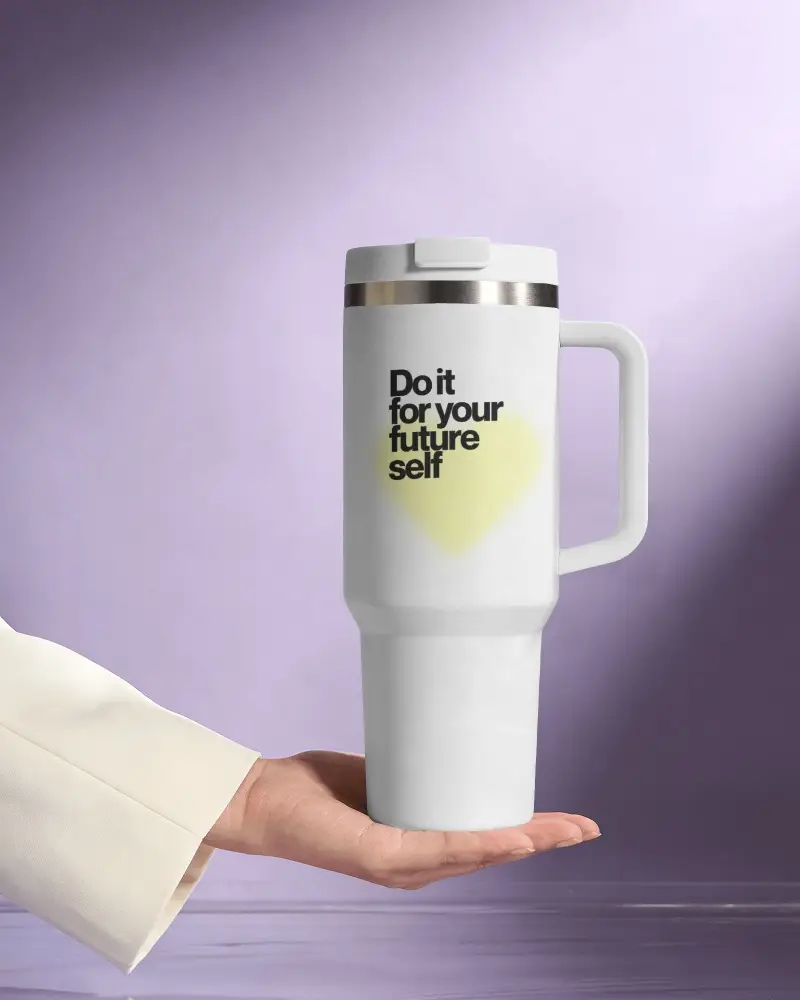
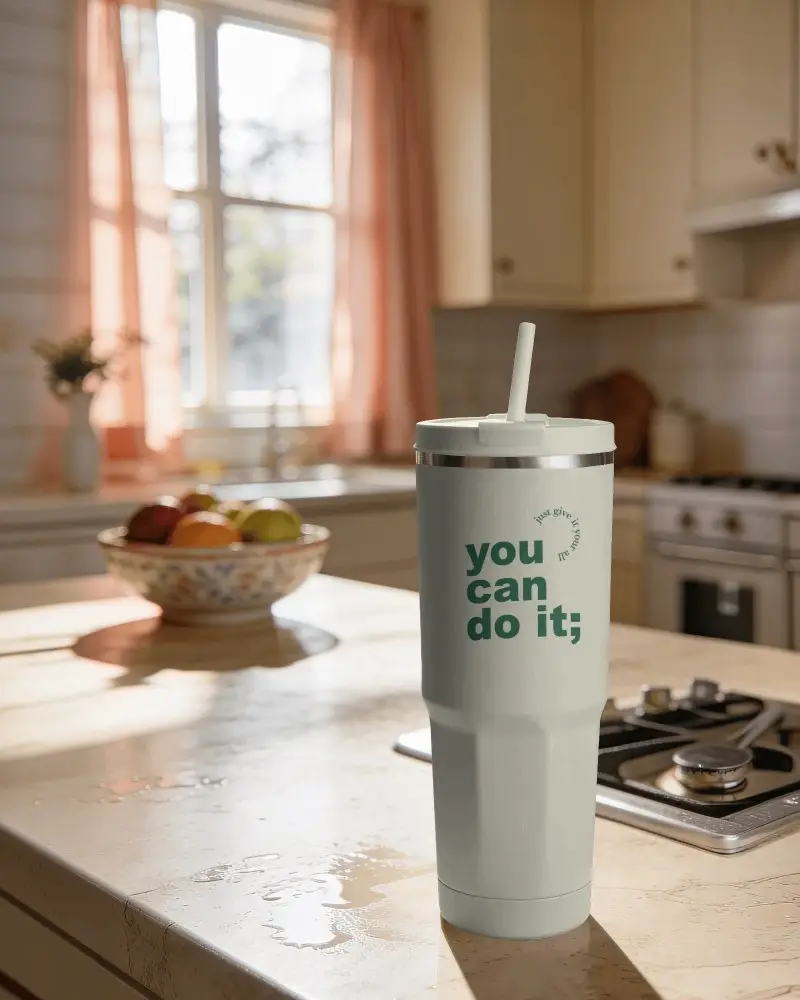
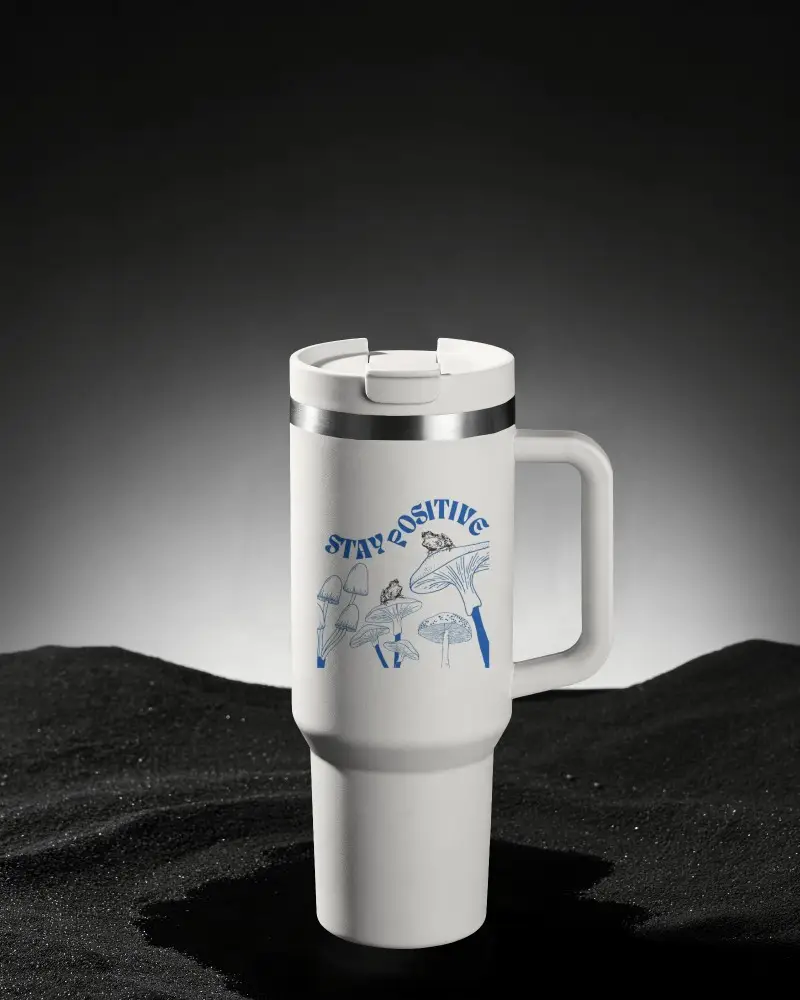
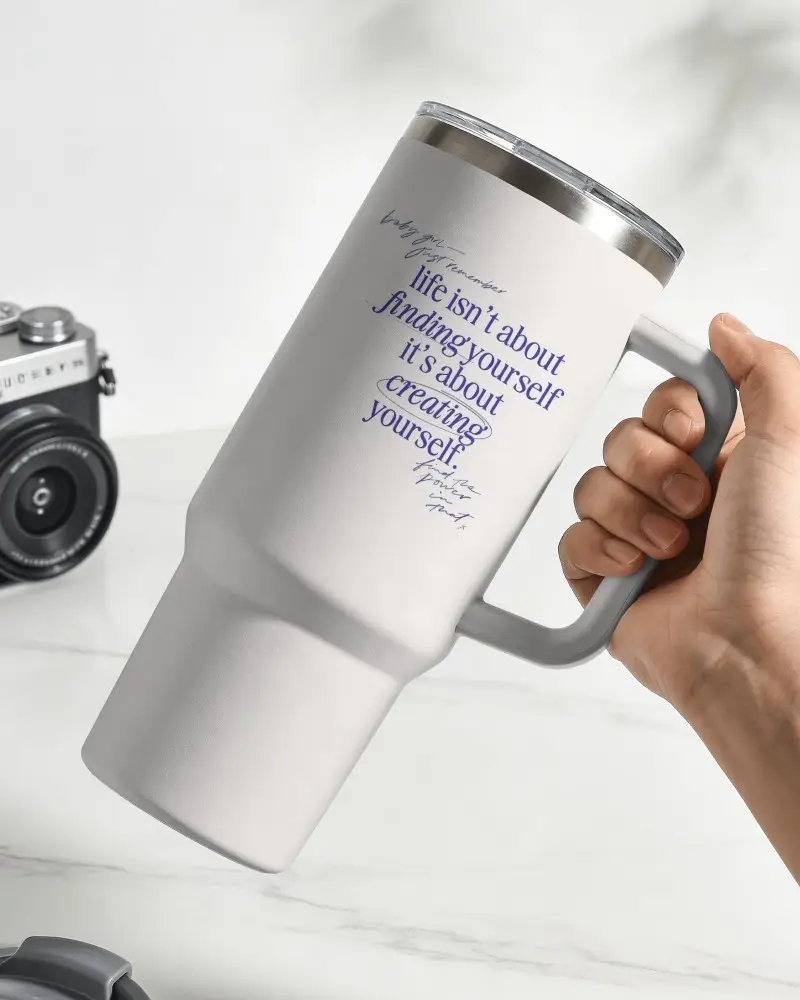
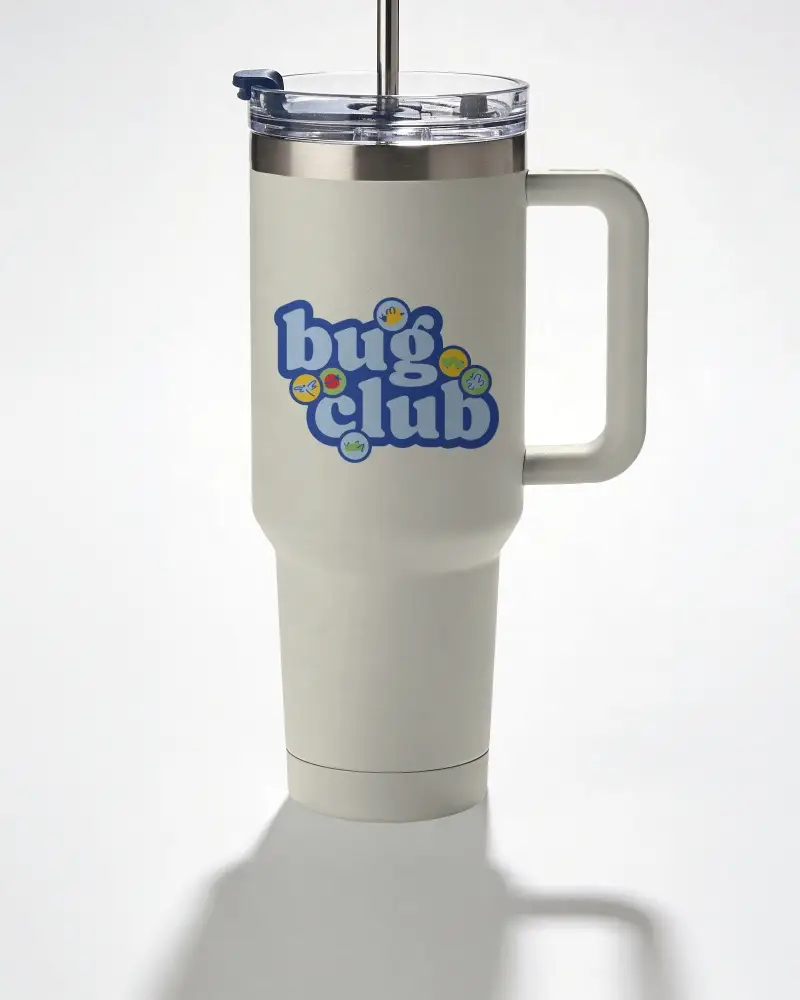

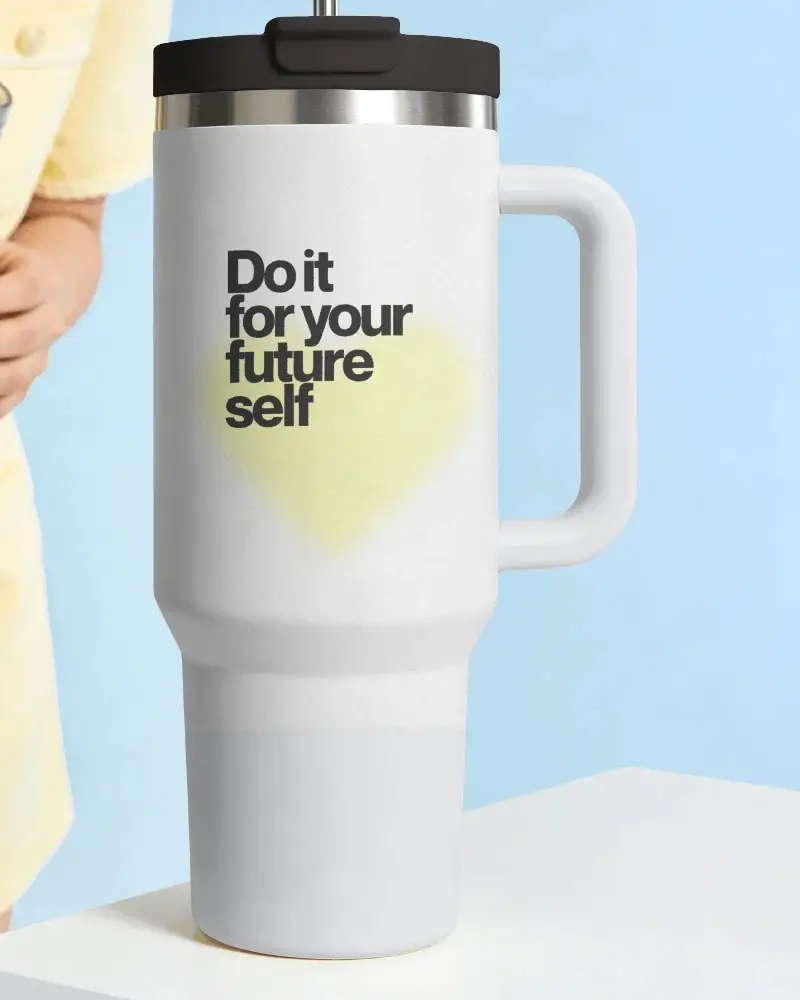

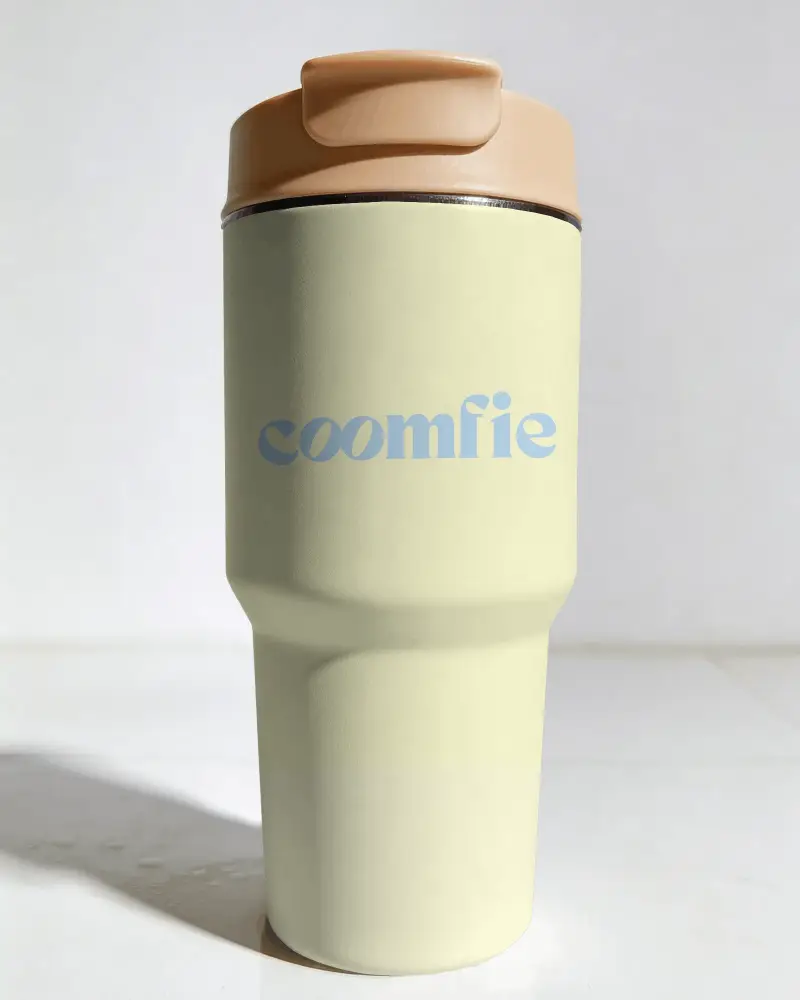
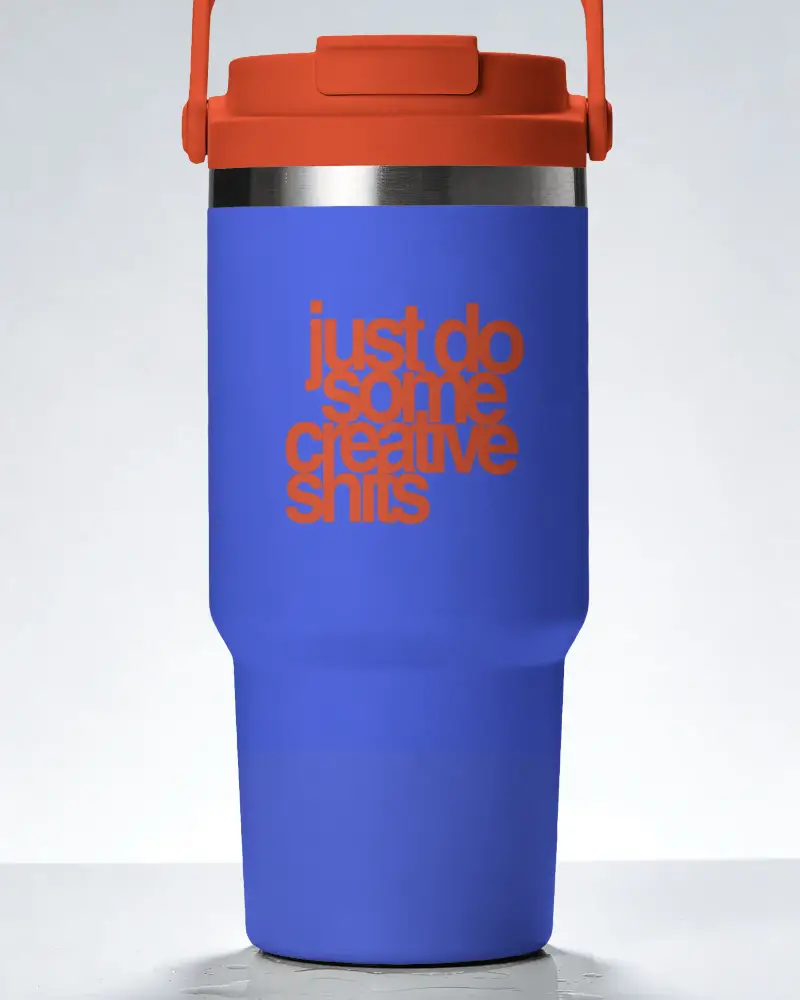
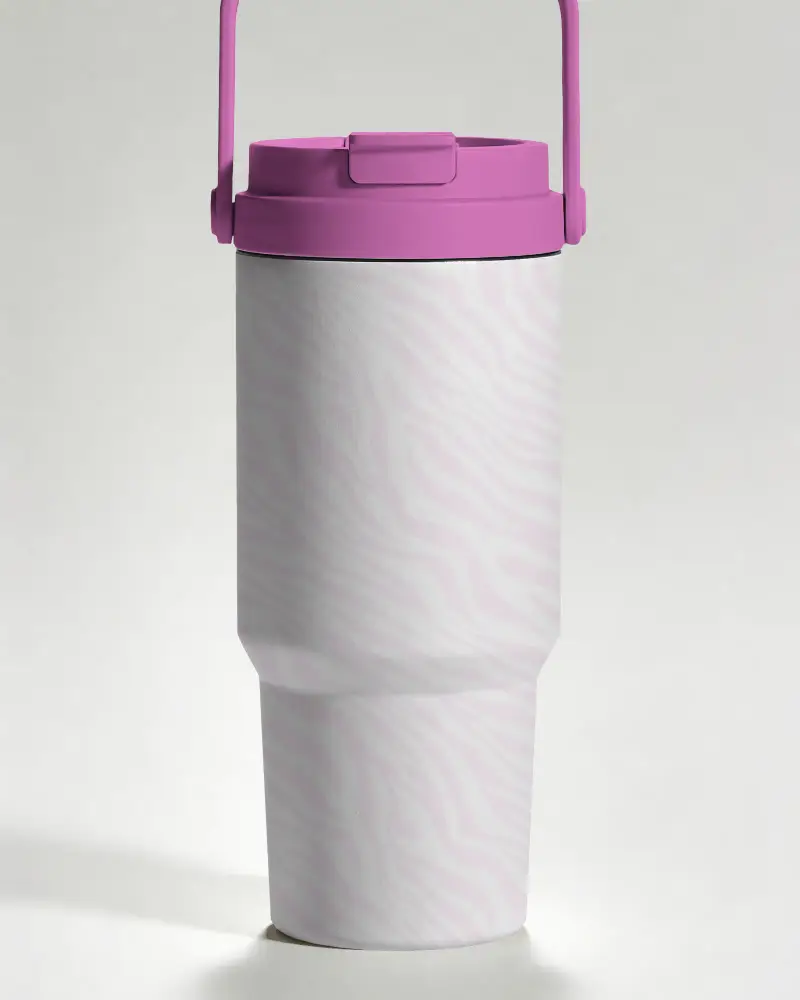
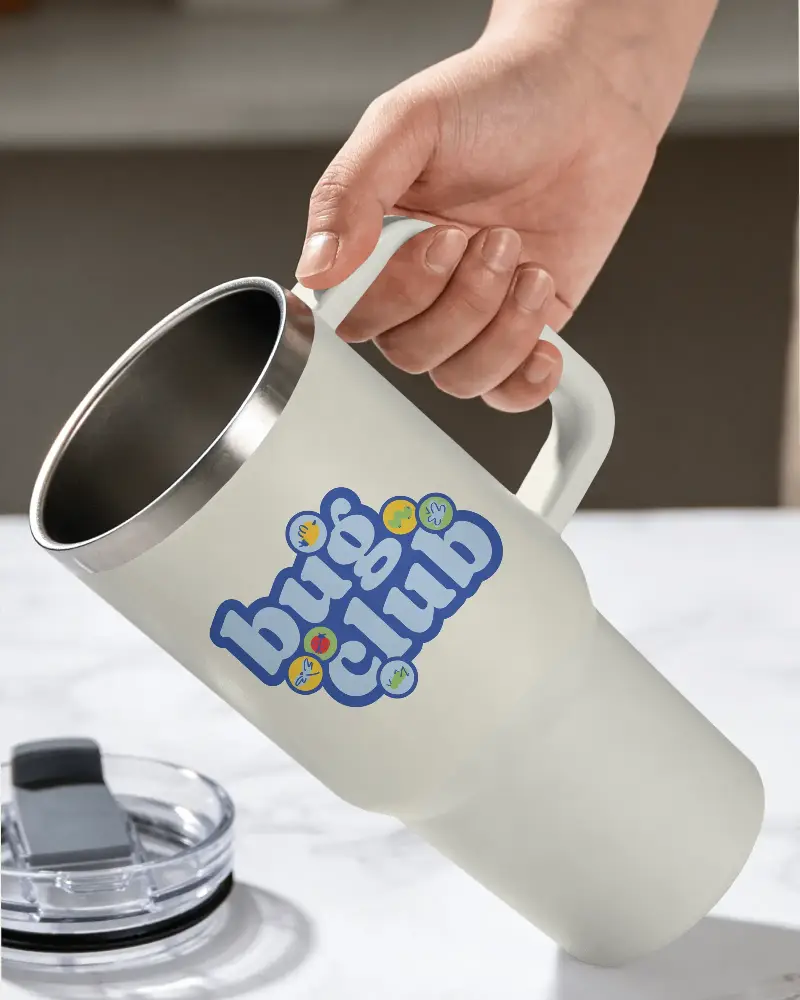
How to Make a Stanley Tumbler mockup with Mockey
To make a Stanley Tumbler mockup:
- Step 1: Select a Stanley Tumbler mockup , such as glass, skinny, or acrylic, from the collection.
- Step 2: Upload your design on the tumbler. Edit the color, warp the design, etc.
- Step 3: Download as PNG for a high-quality file.


FAQs on Stanley Tumbler Mockups
What is a Stanley Tumbler mockup?
A Stanley Tumbler mockup is a digital template that lets you place your logo or custom design on a tumbler. No need for a physical sample. You can also change the tumbler's color.
Can I use these Stanley Tumbler mockup for my online store?
A paid plan is required to use Mockey's Stanley Tumbler mockup for your online store. Free users cannot use the mockups commercially.
Can I preview logos, artwork, or text designs on a Stanley Tumbler mockup?
You can preview your logo or text design on a Stanley Tumbler mockup in both ways. With AI Preview, you can upload your design and see it on all templates. Also, preview your design while customizing the mockup.
Are the downloaded Stanley Tumbler mockup watermark-free?
After downloading the Stanley Tumbler mockup, there will be no watermark on it, whether you are using a paid plan or a free plan.
