Skinny Tumbler Mockup for Custom Cup Designs
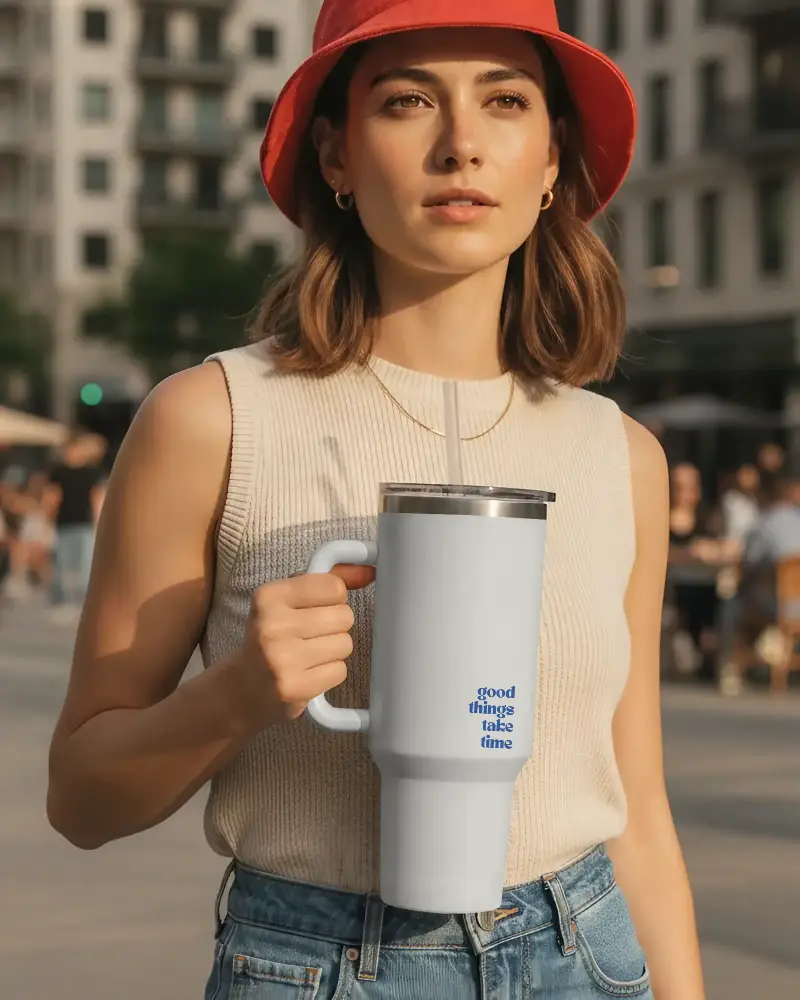
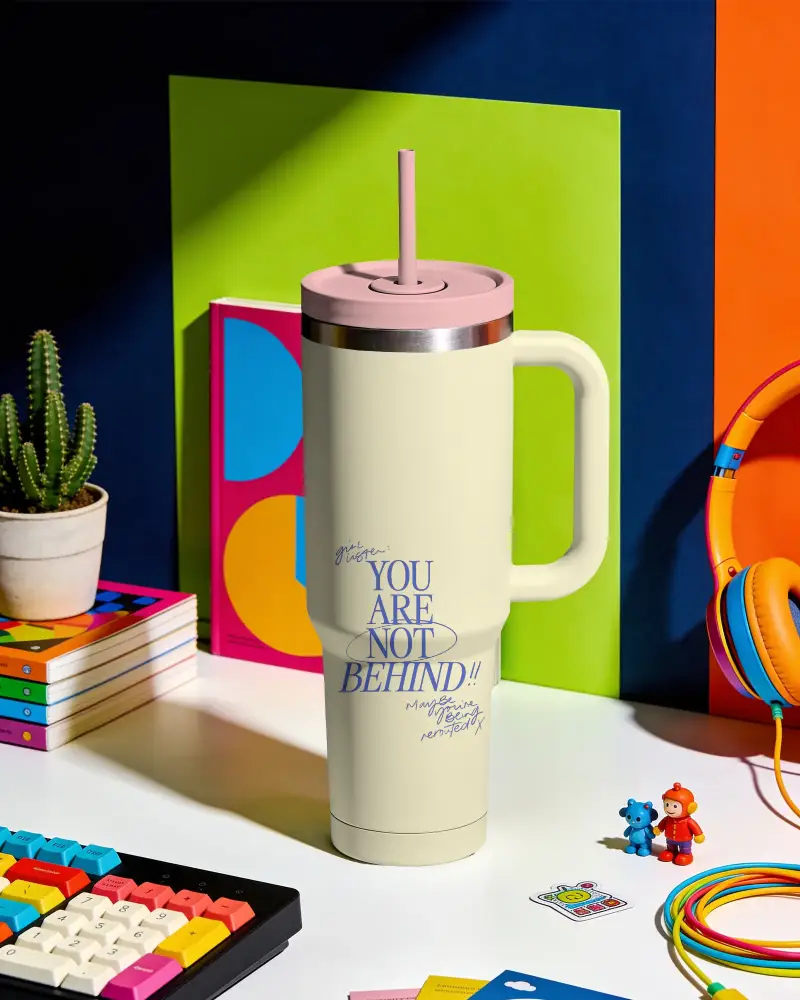
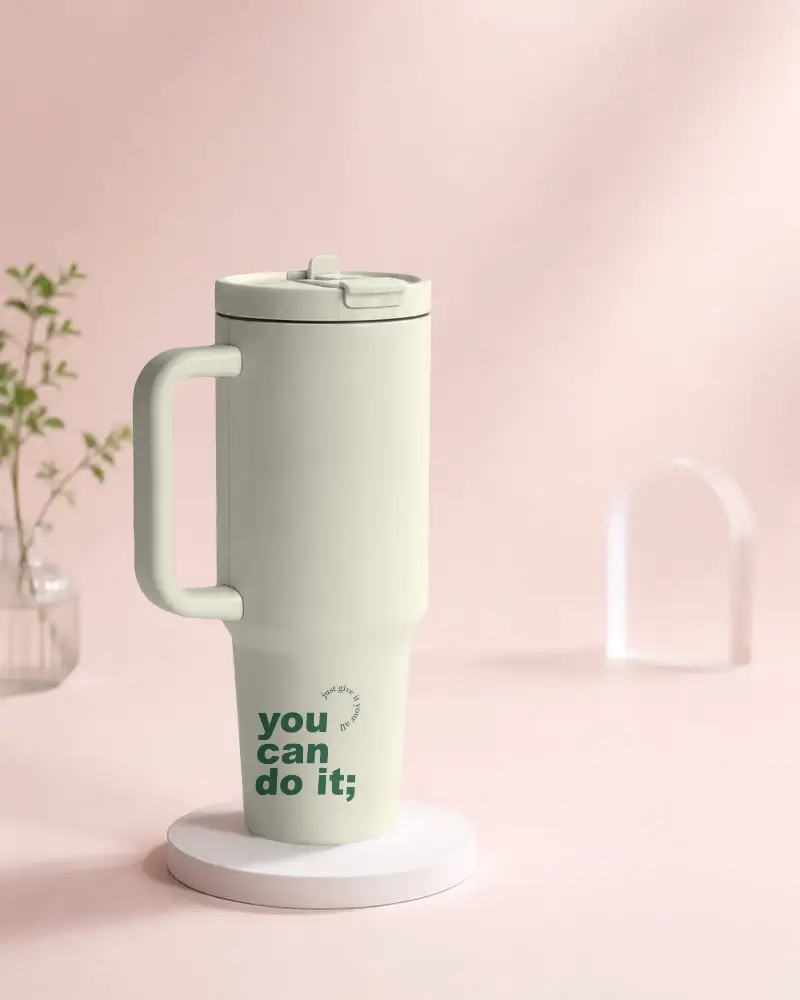
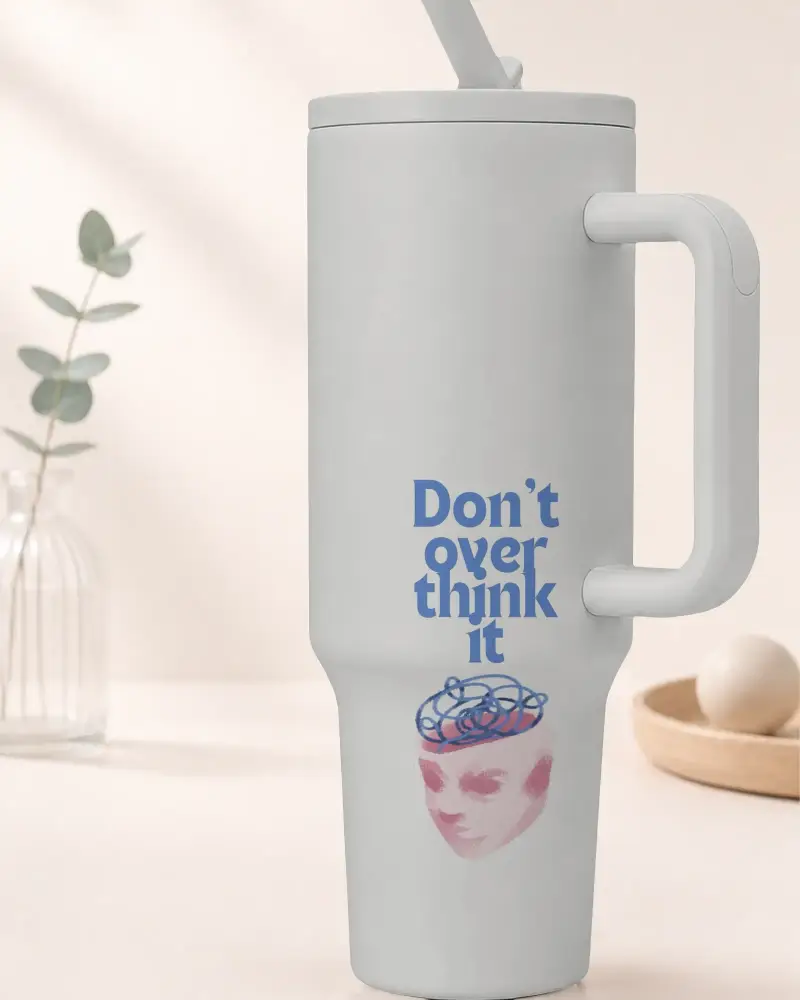
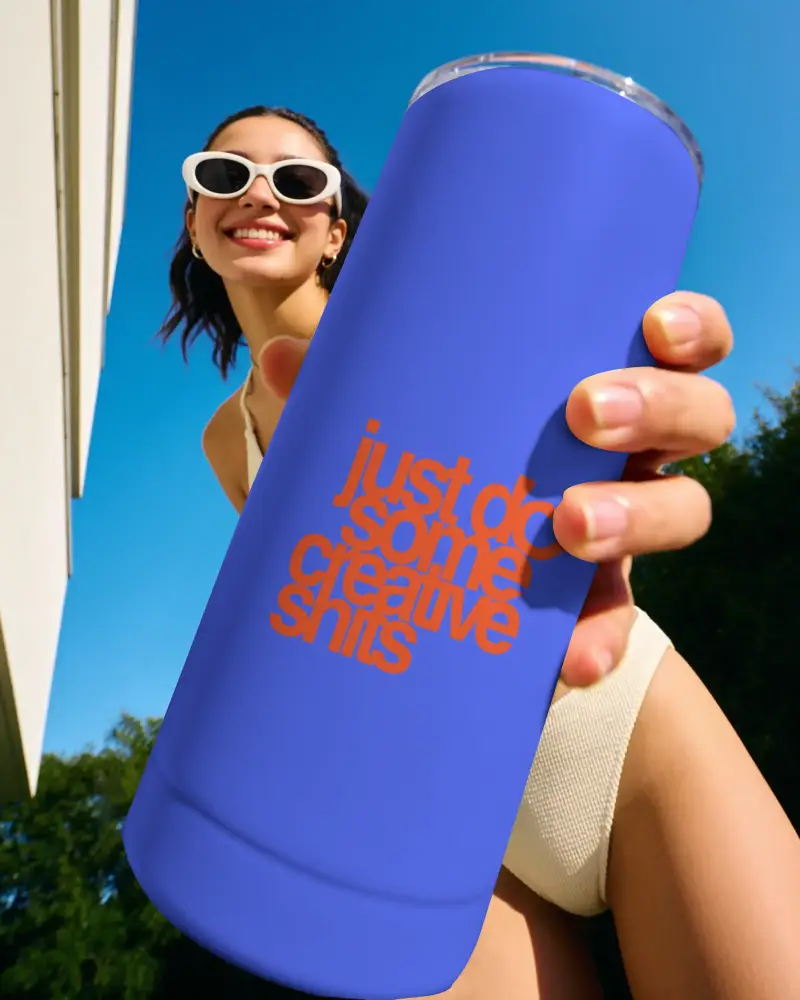
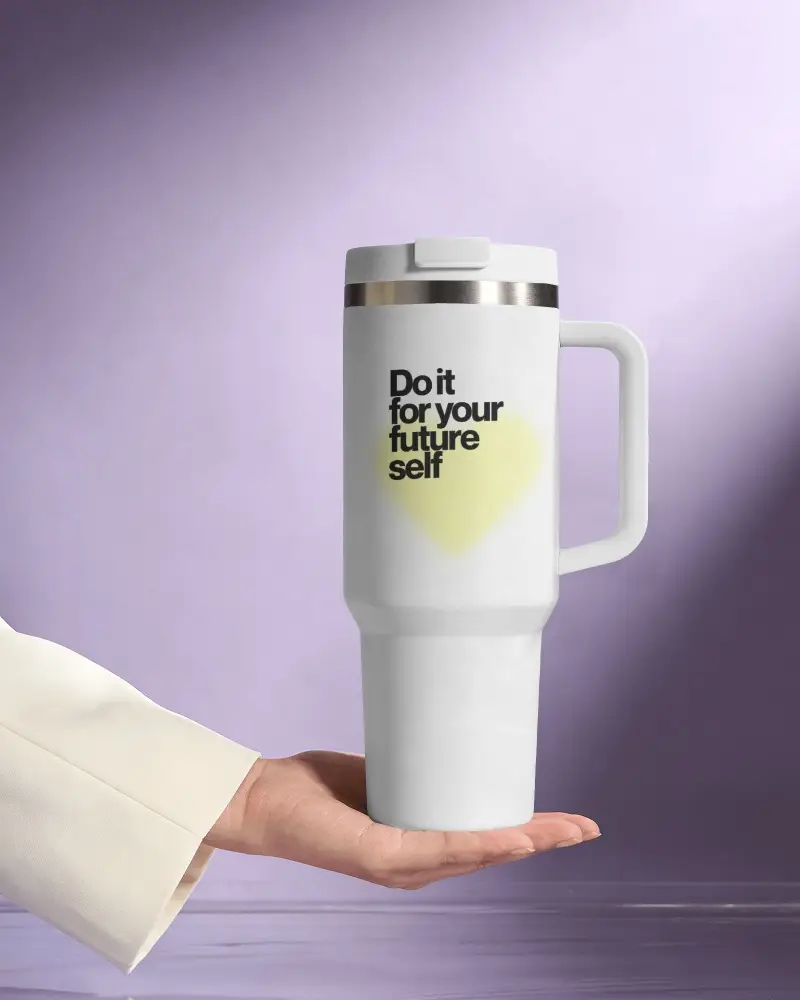
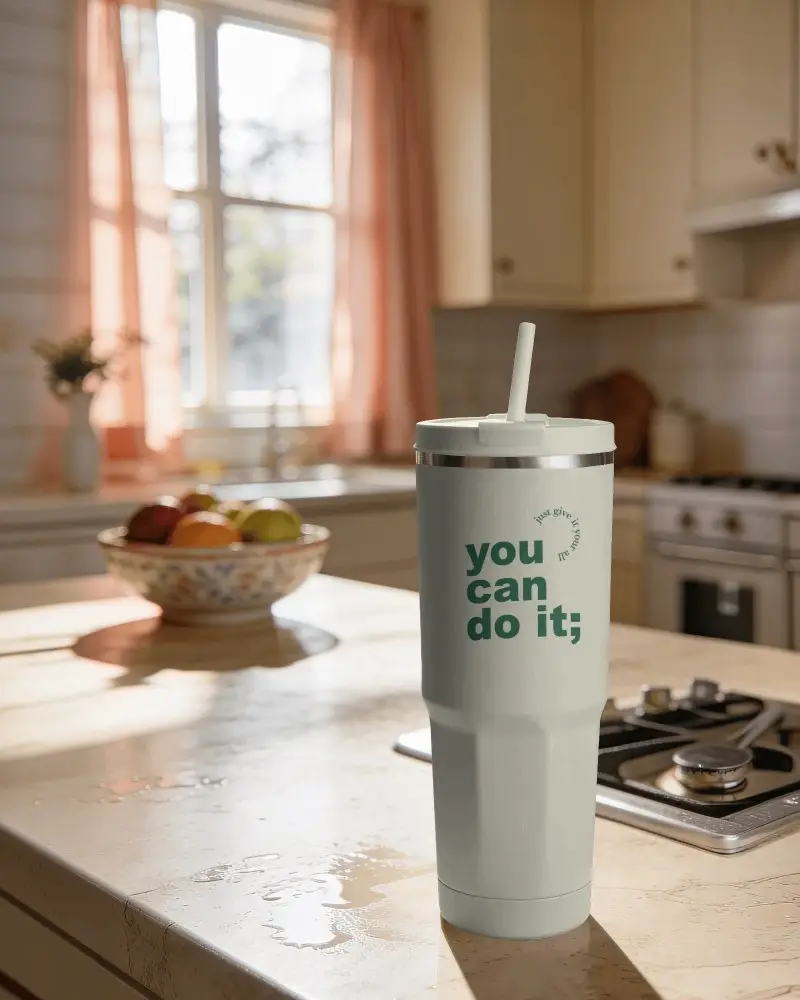
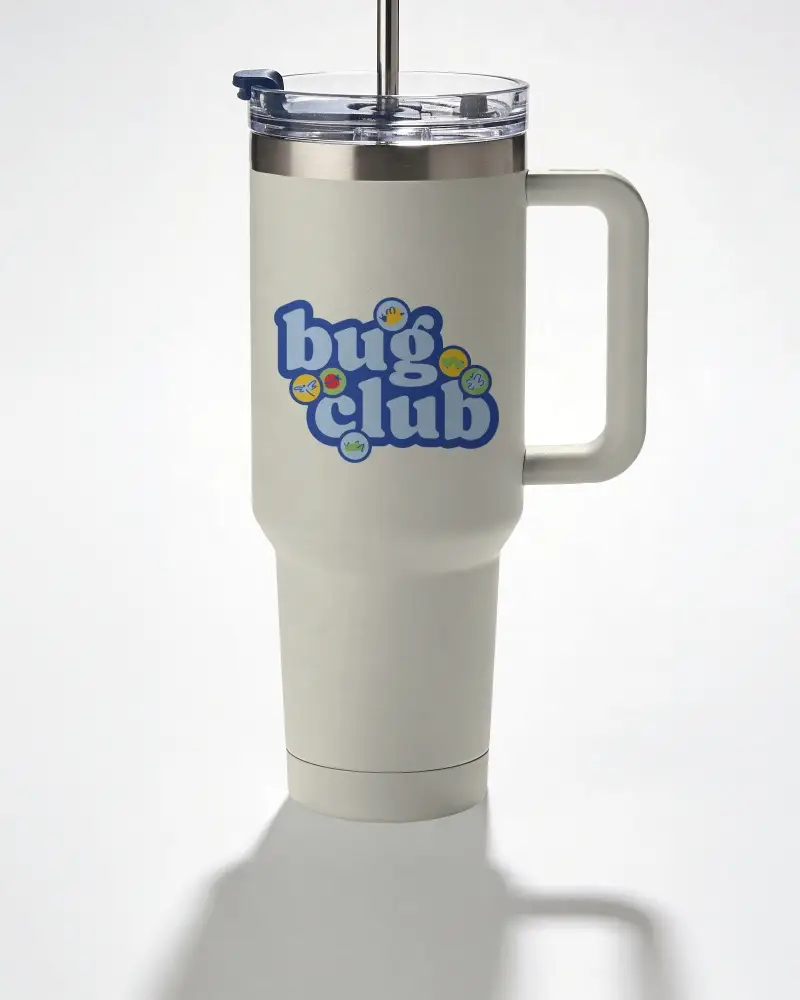
Need a quick way to showcase your tumbler design? This skinny tumbler mockup collection lets you display logos, patterns, quotes, and full-wrap artwork on popular tumbler styles. Create professional product photos without printing samples or setting up a photoshoot.
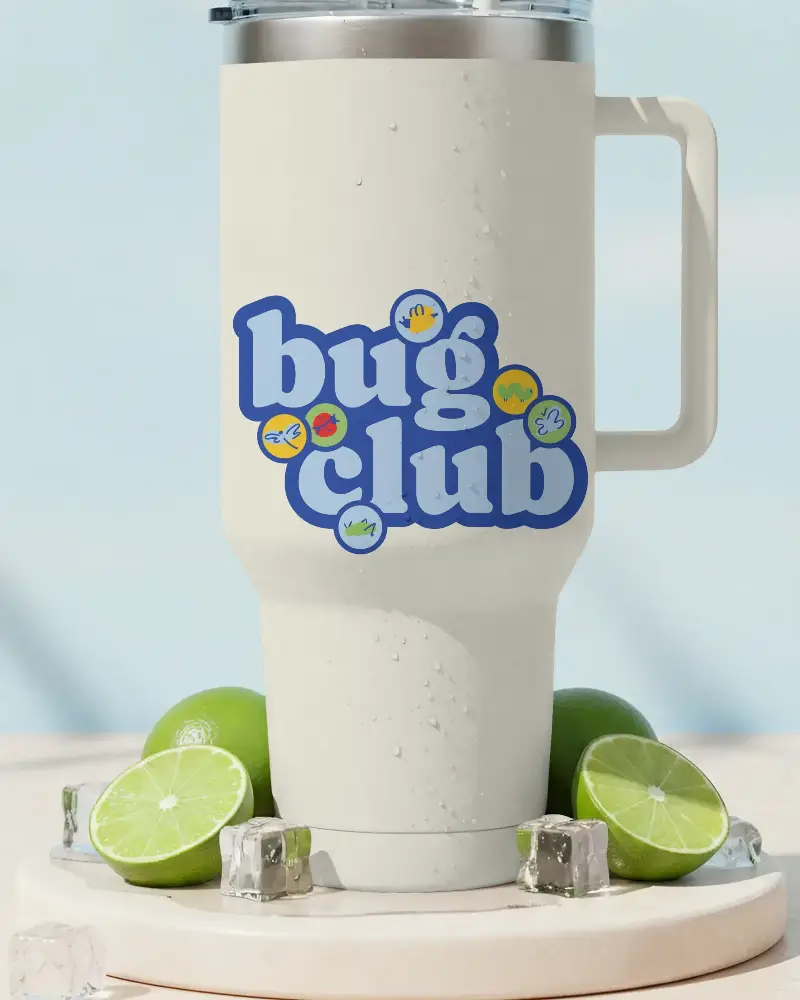
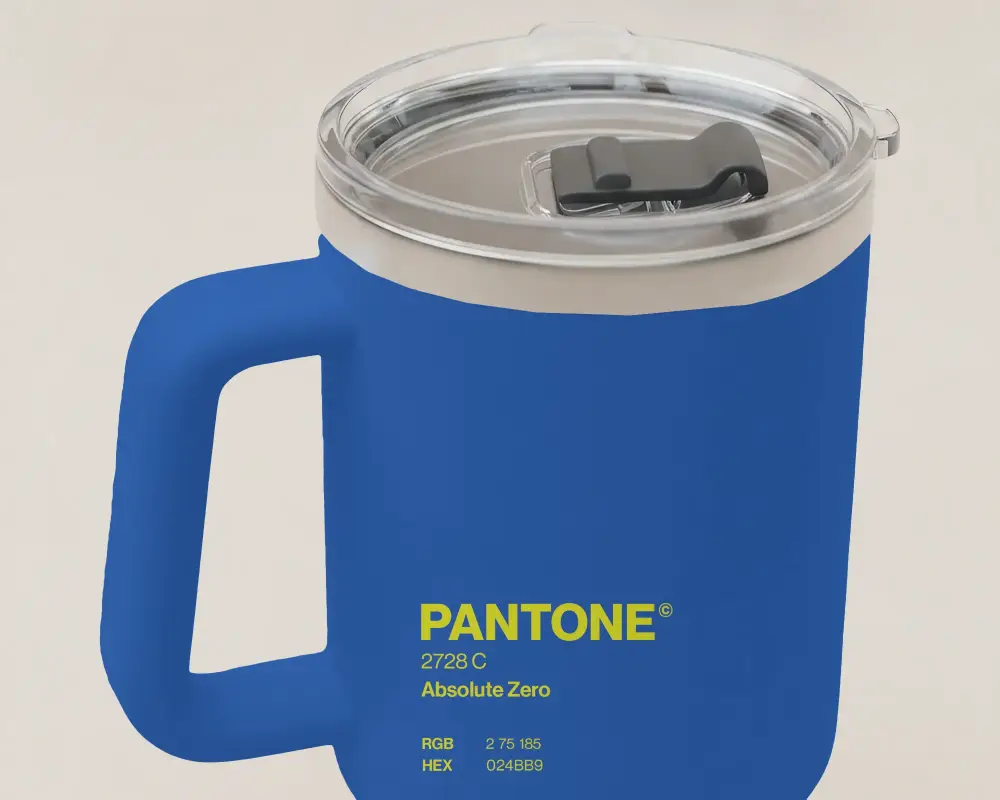
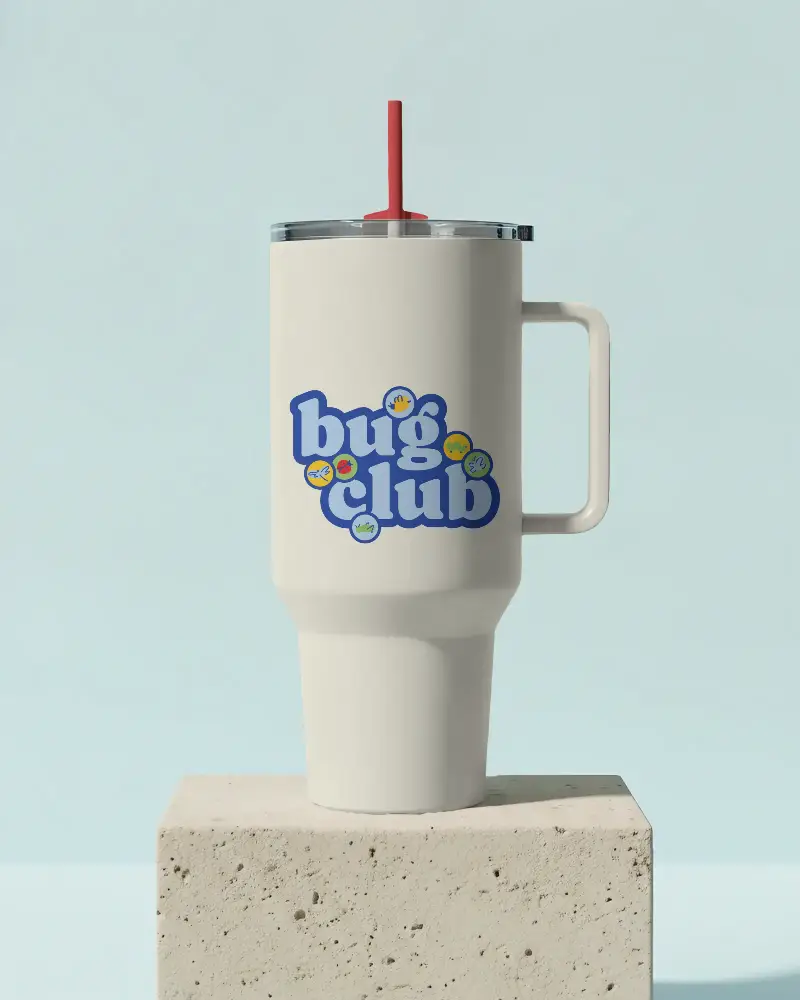
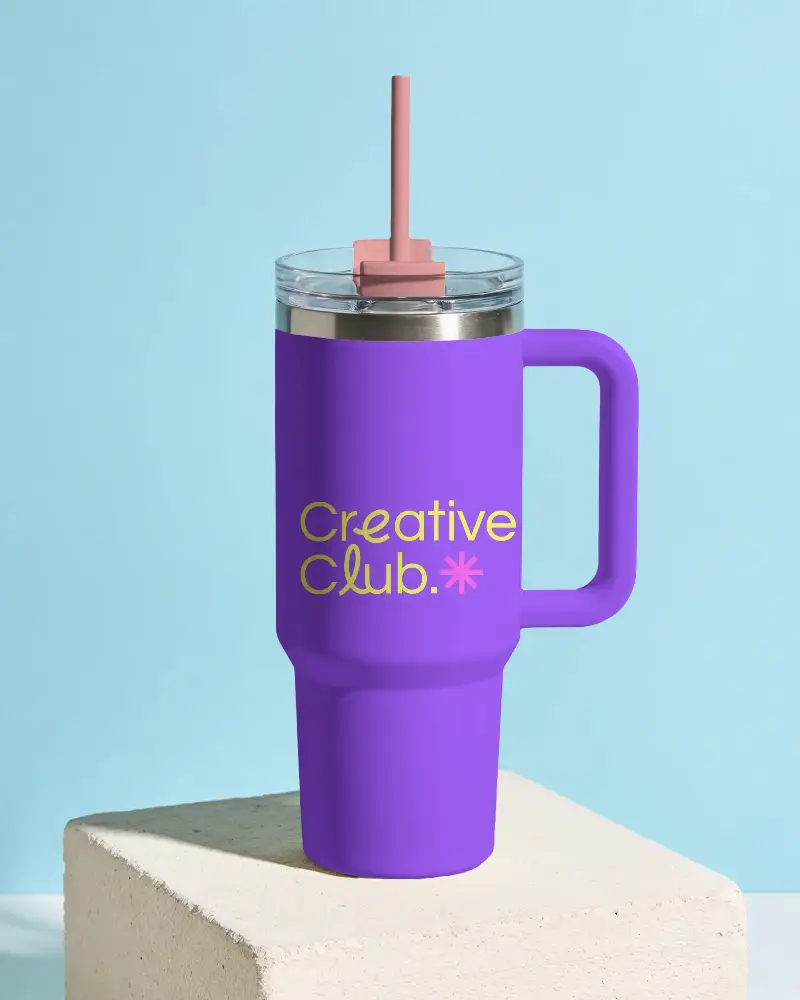
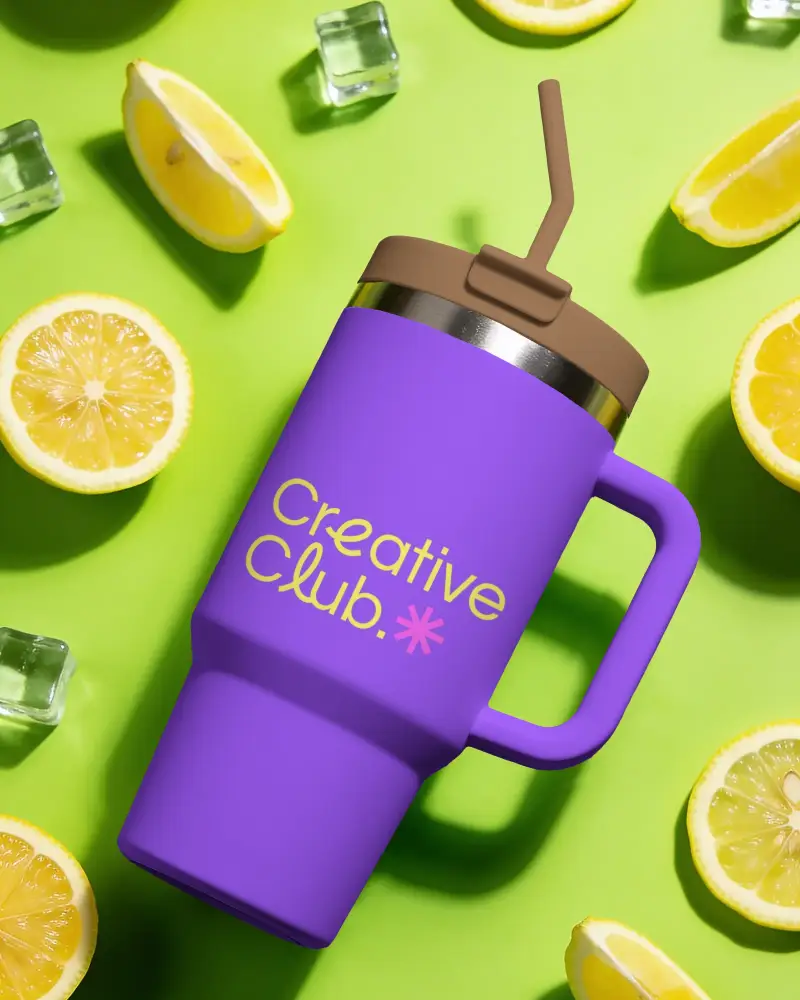
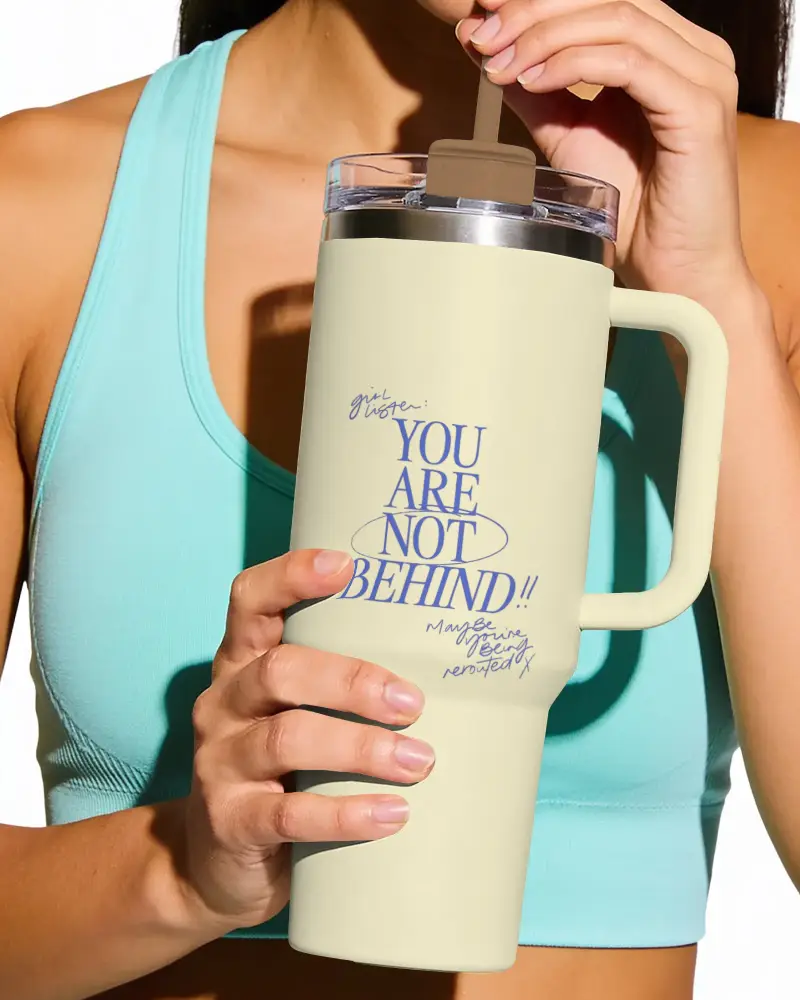
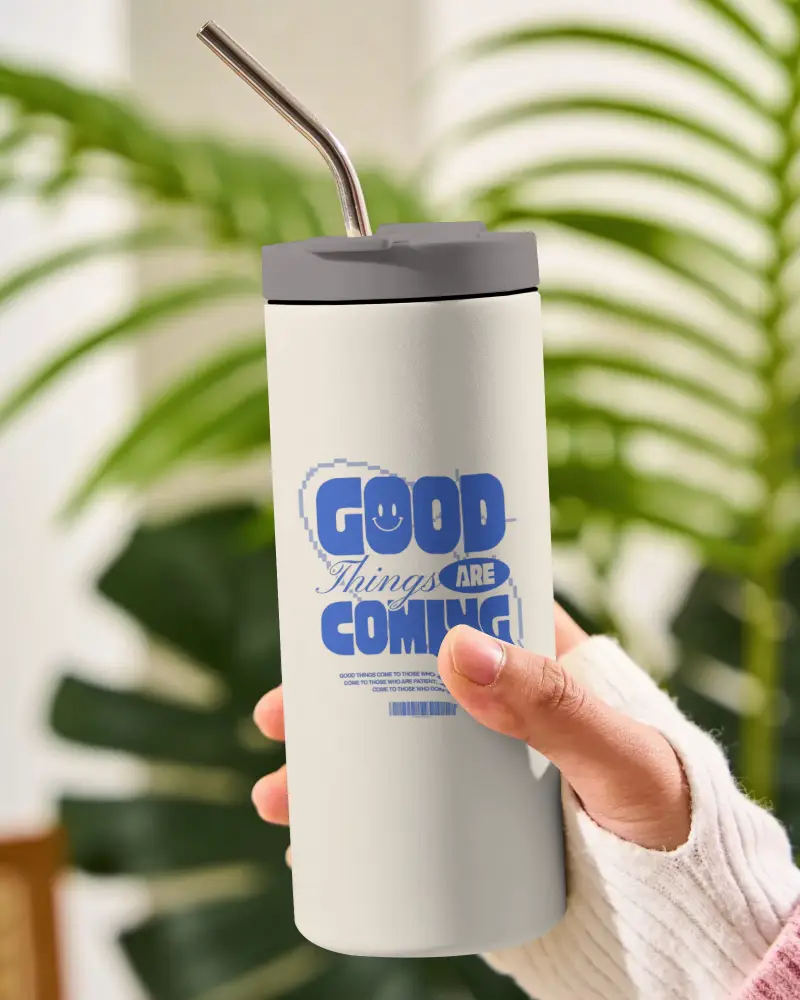
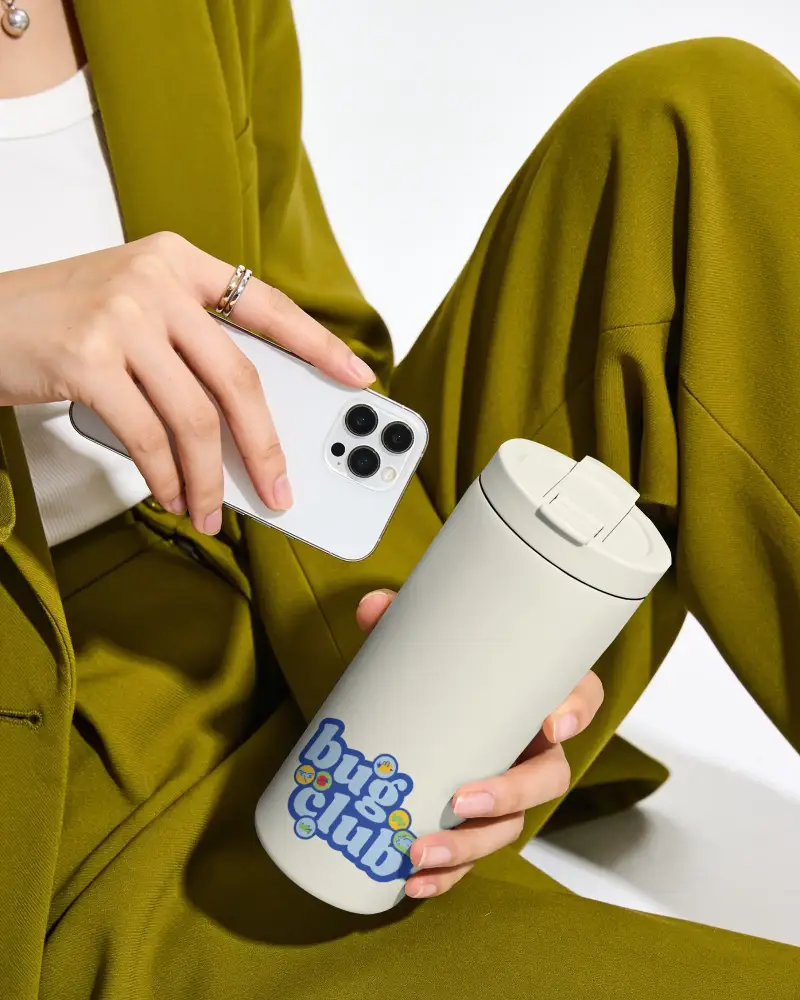
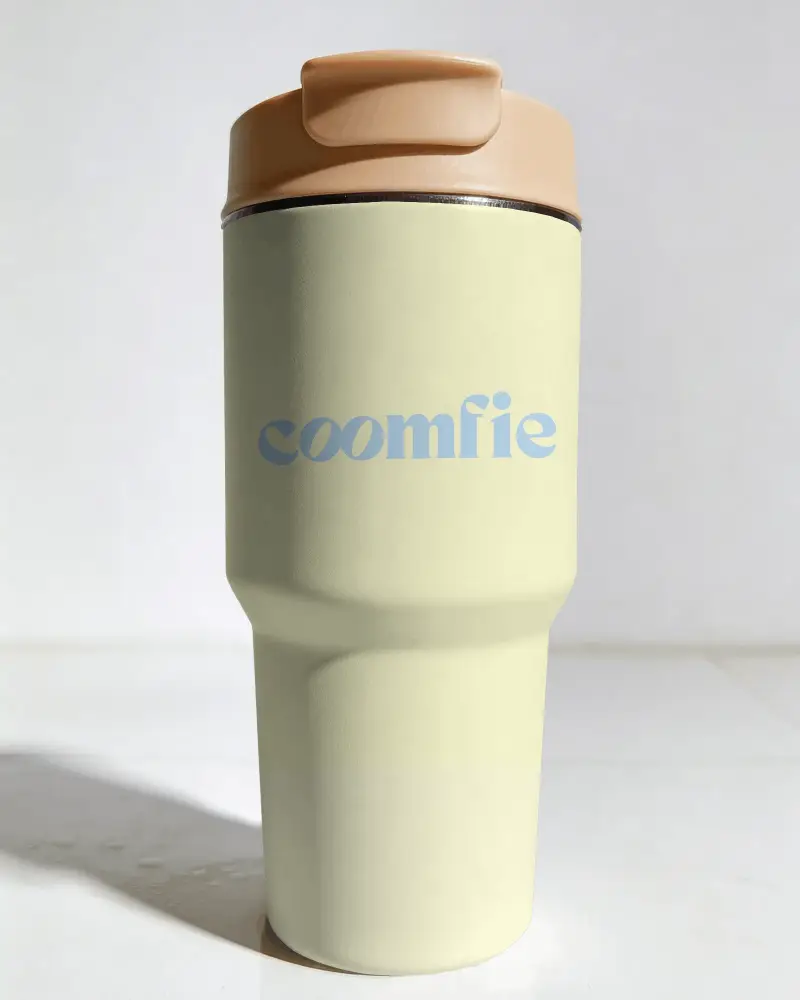
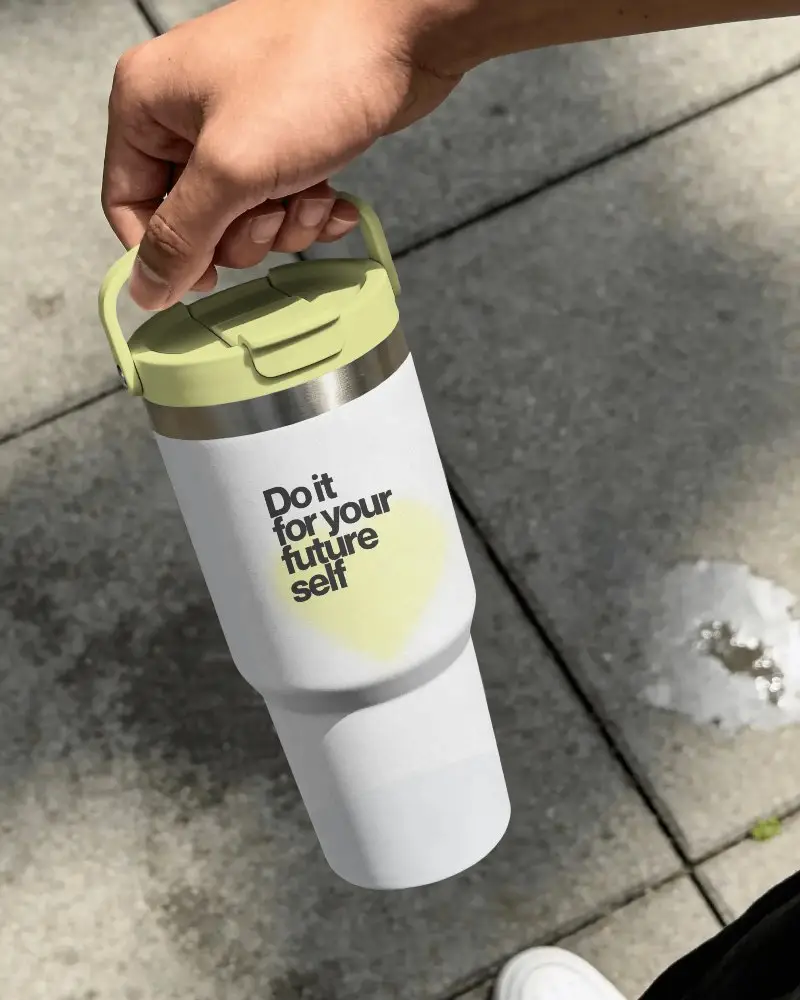
How to Make a Skinny Tumbler Mockup with Mockey
To make a skinny tumbler mockup:
- Step 1: Select a skinny tumbler mockup from Mockey's library.
- Step 2: Add your logo and change the skinny tumbler color, apply warping, and more.
- Step 3: Download the mockup as PNG or JPG in high definition.


FAQs on Skinny Tumbler Mockups
What is a skinny tumbler mockup used for?
A skinny tumbler mockup lets you see whether a design actually works on a tumbler before spending money on samples. It's especially useful when you're testing multiple designs and don't want to order five different tumblers just to pick one.
Do I need Photoshop to create a skinny tumbler mockup?
Not unless you enjoy working with PSD files. Most people just use a browser-based mockup generator now because it's faster. Upload the design, check how it looks, make a few adjustments if needed, and move on.
Can I download the skinny tumbler mockup after customizing it?
Yes. Once everything looks right, you can download the skinny tumbler mockup and use it wherever you need it. Some sellers even save a few different versions because a design can look completely different depending on the tumbler color or background.
