Free Valentines Mockups ( Couples , Poster , Greeting Cards and more )
Looking to design for love season Try Valentines Day mockups on Mockey AI to display your creative ideas on gifts packaging and apparel with a soft romantic and professional look.
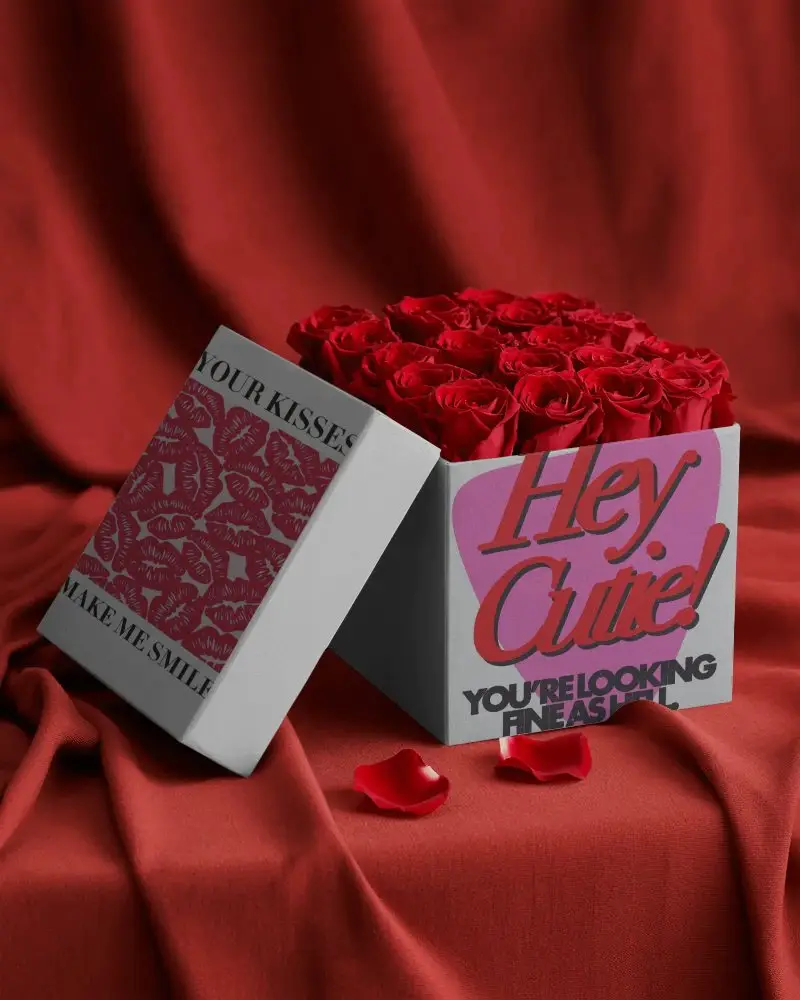
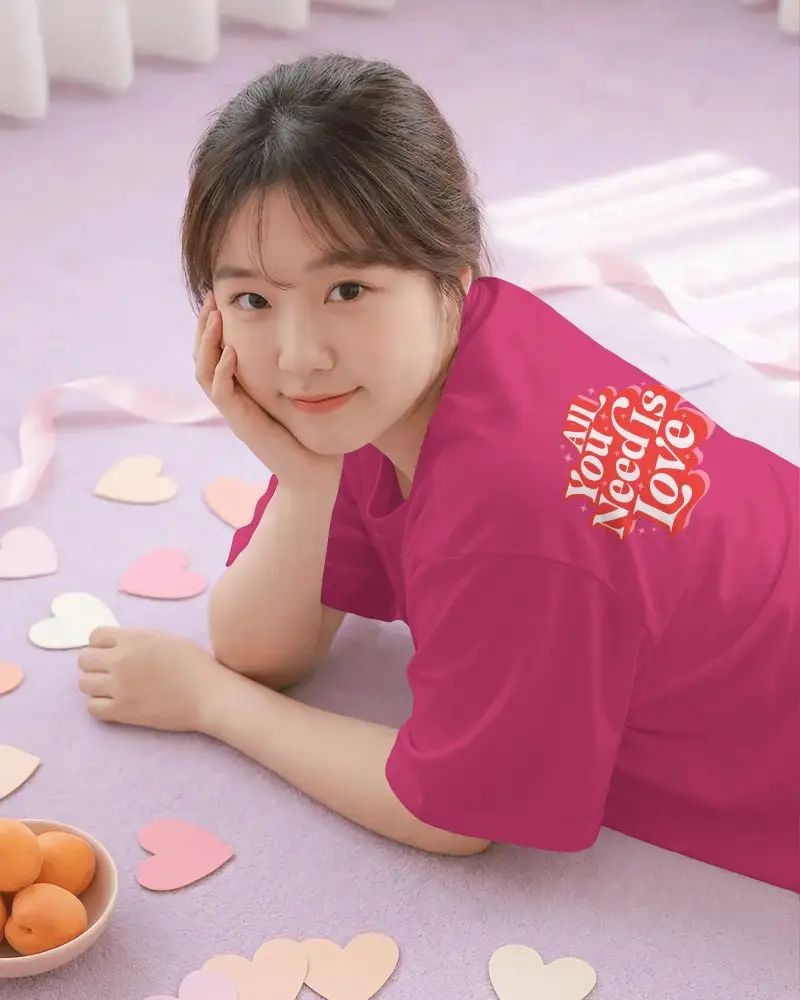
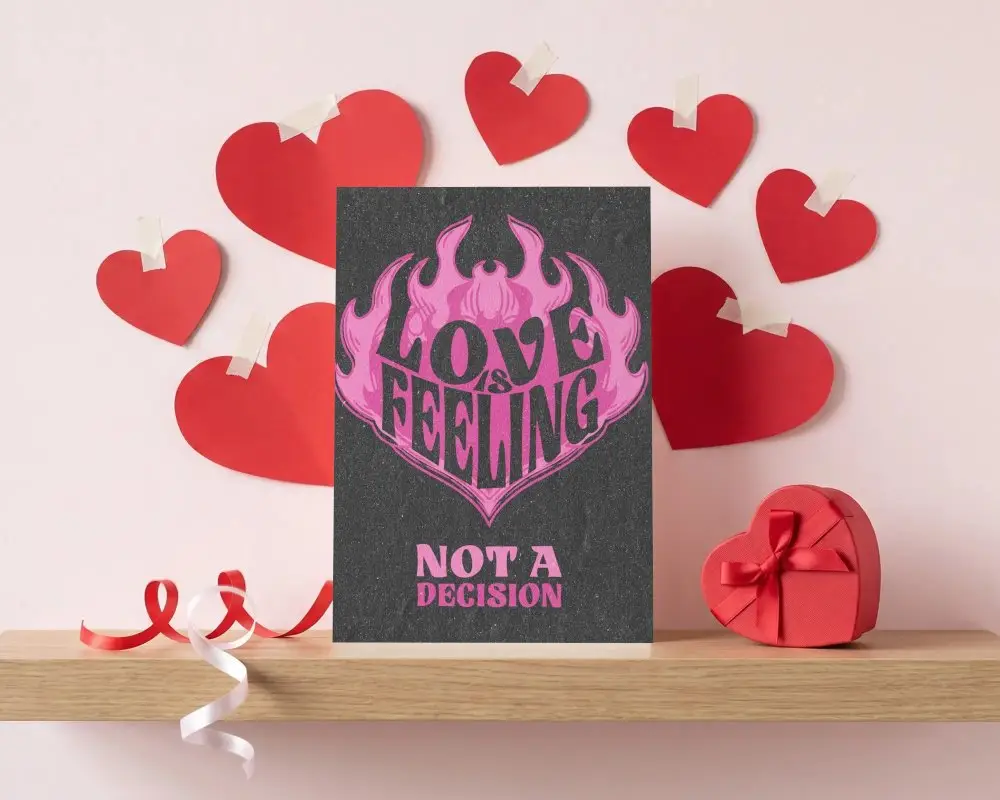
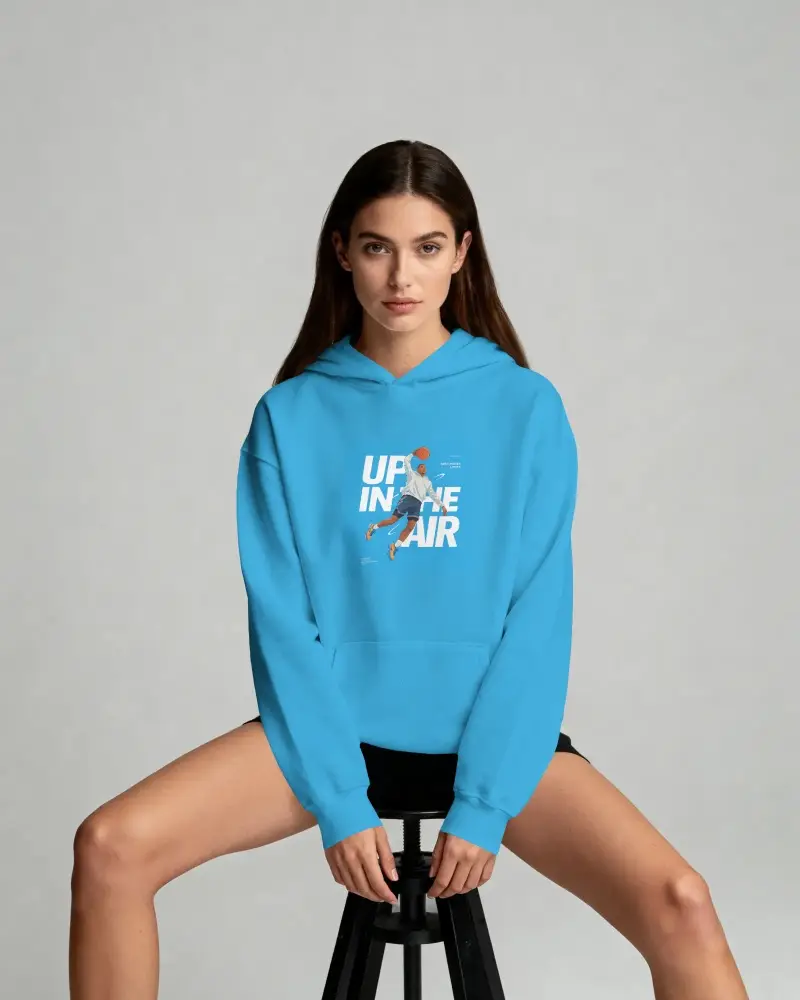
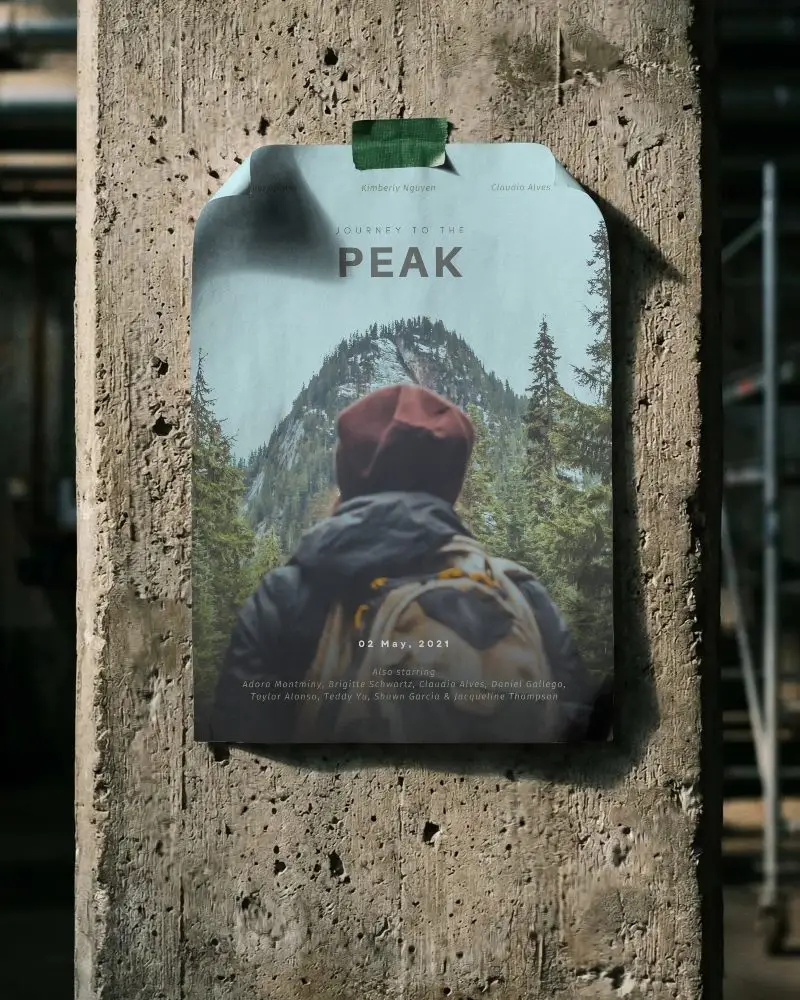
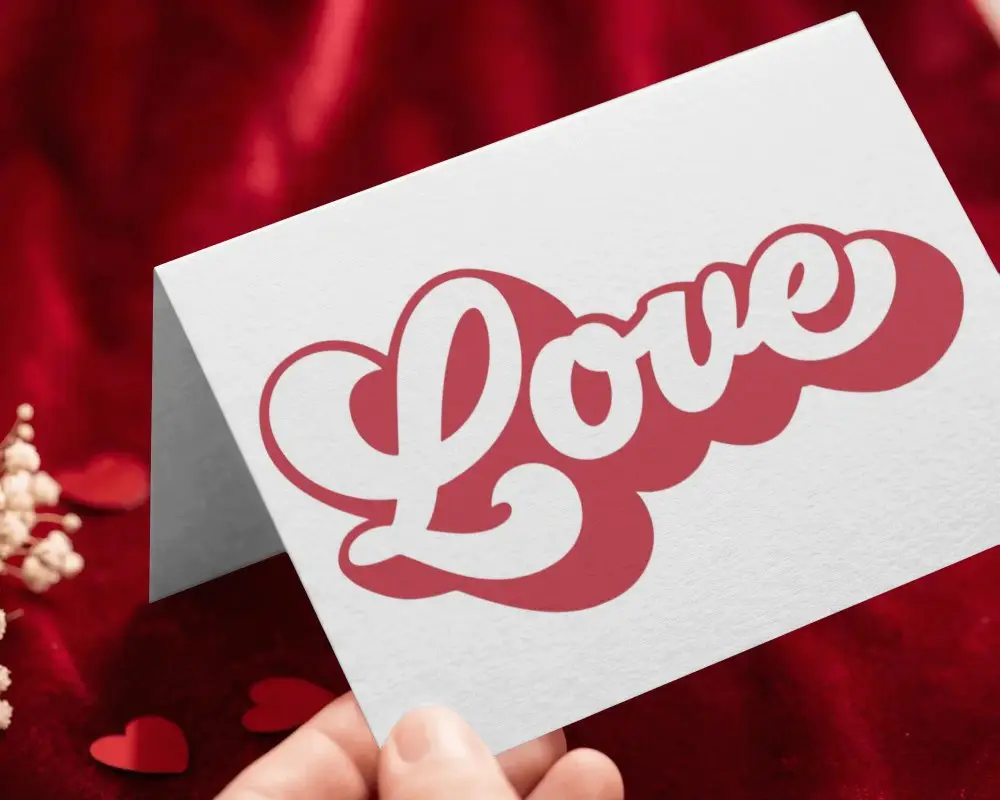
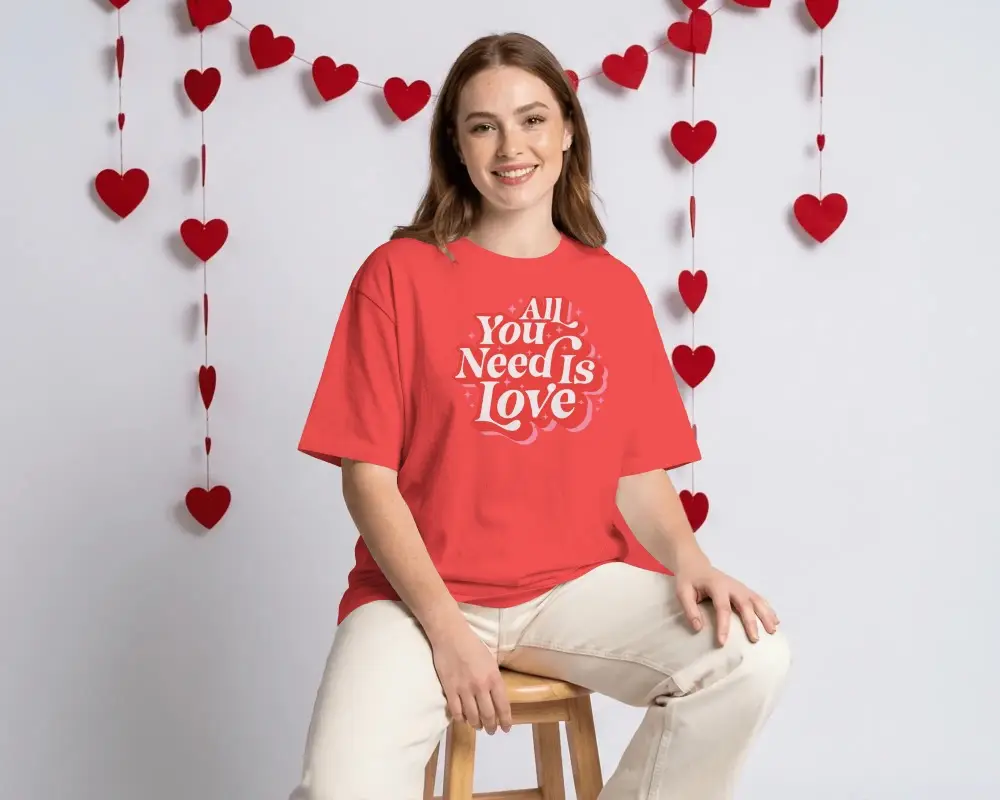
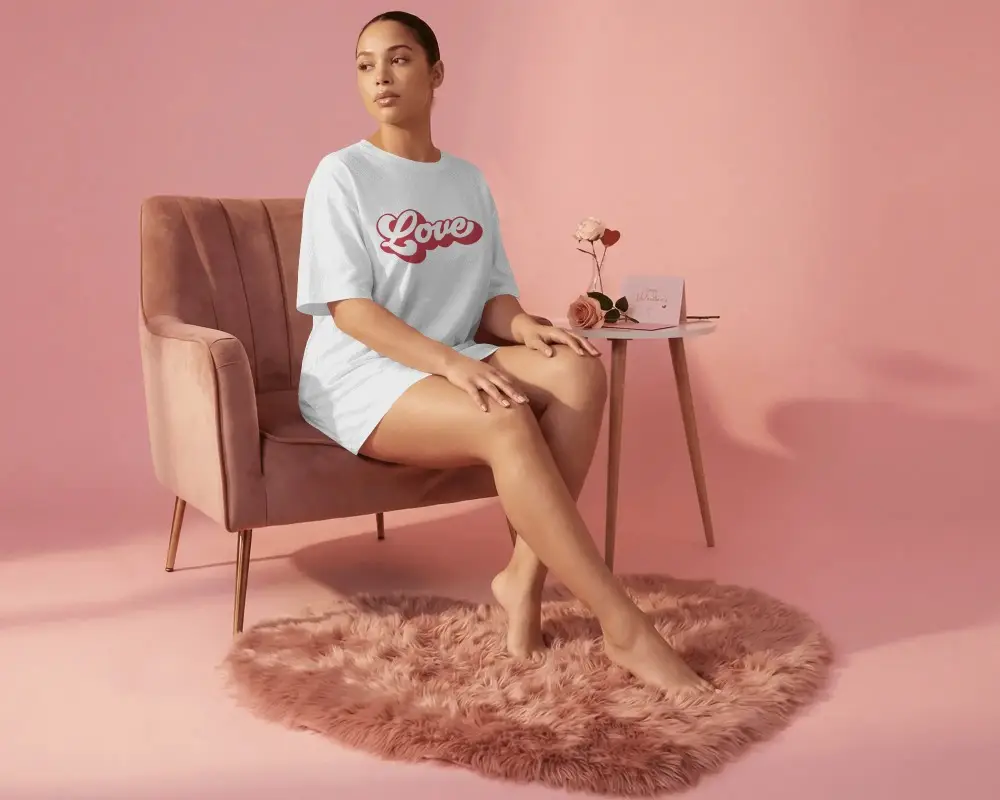
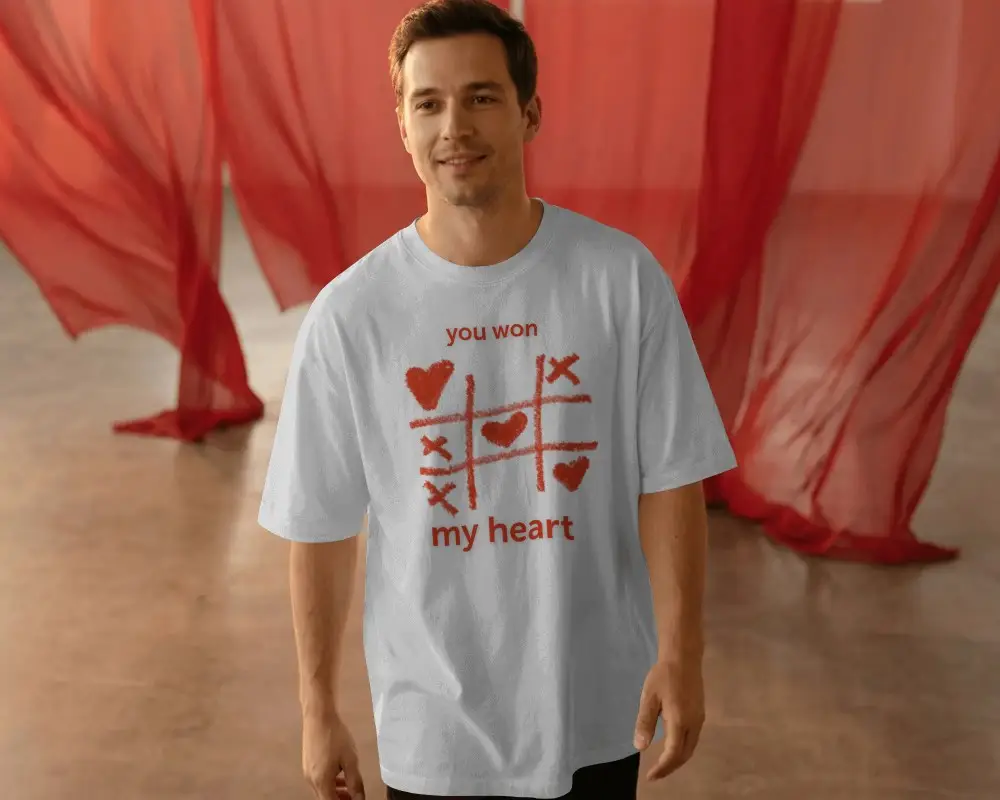
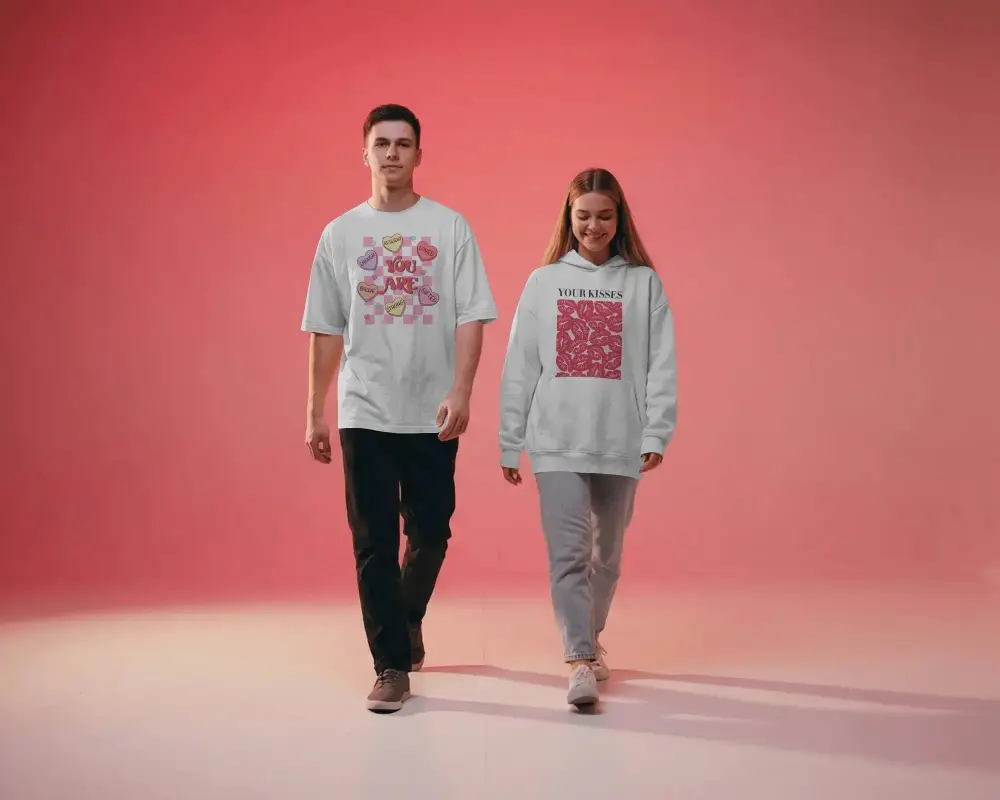
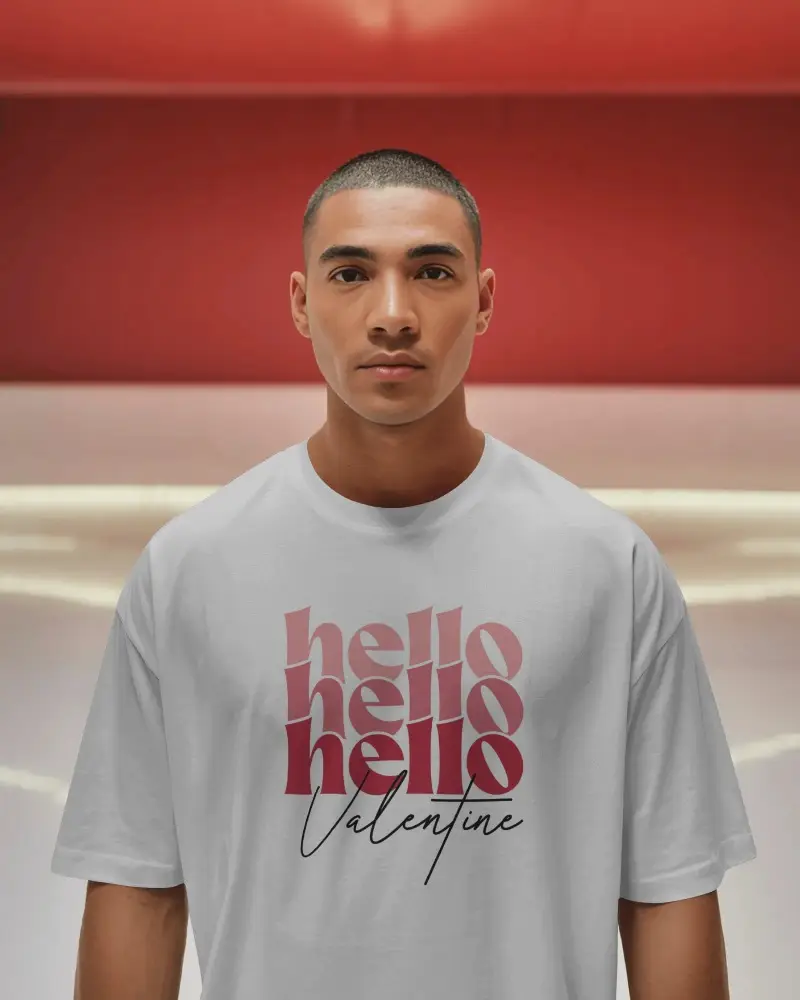
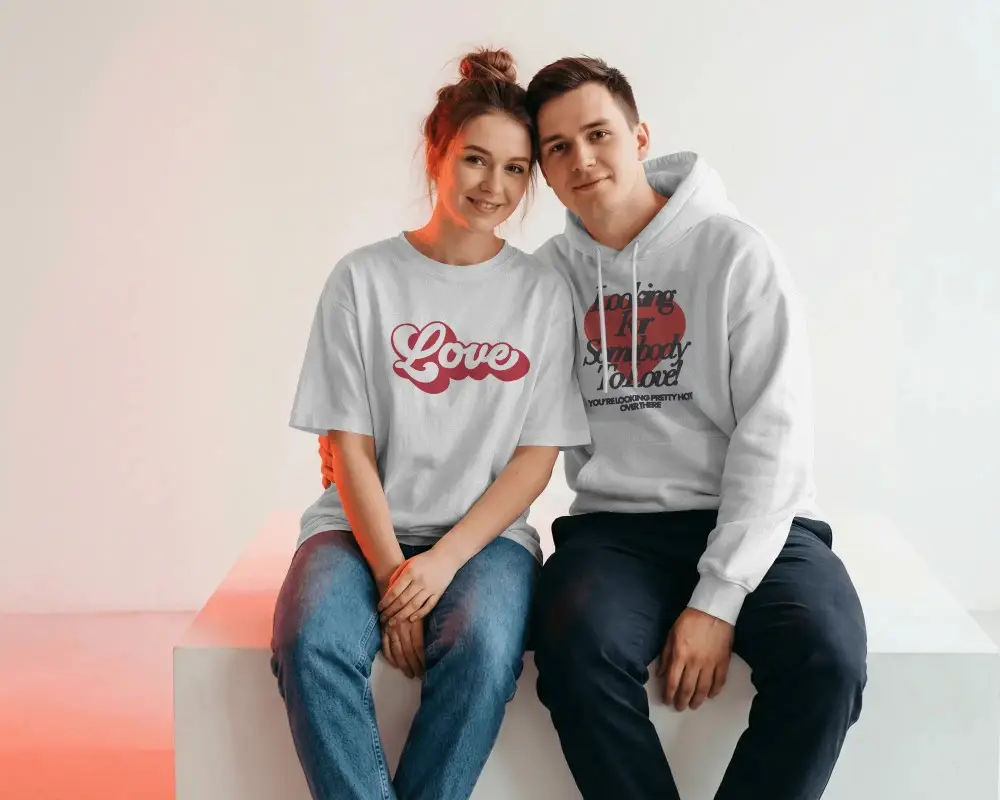
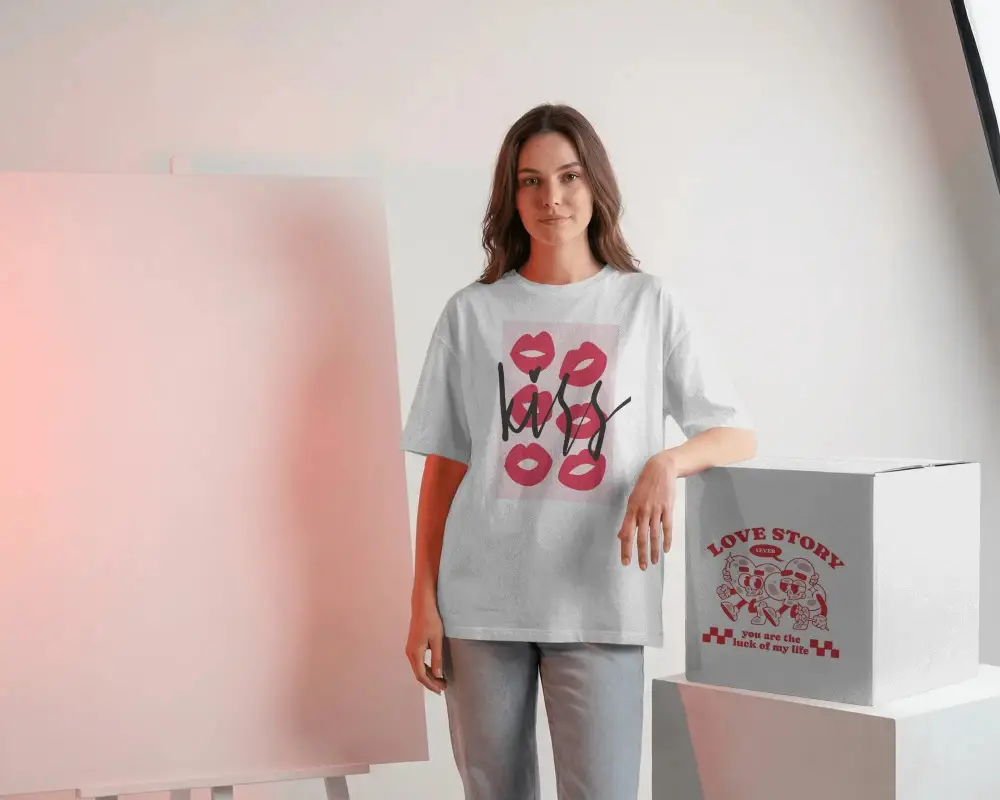
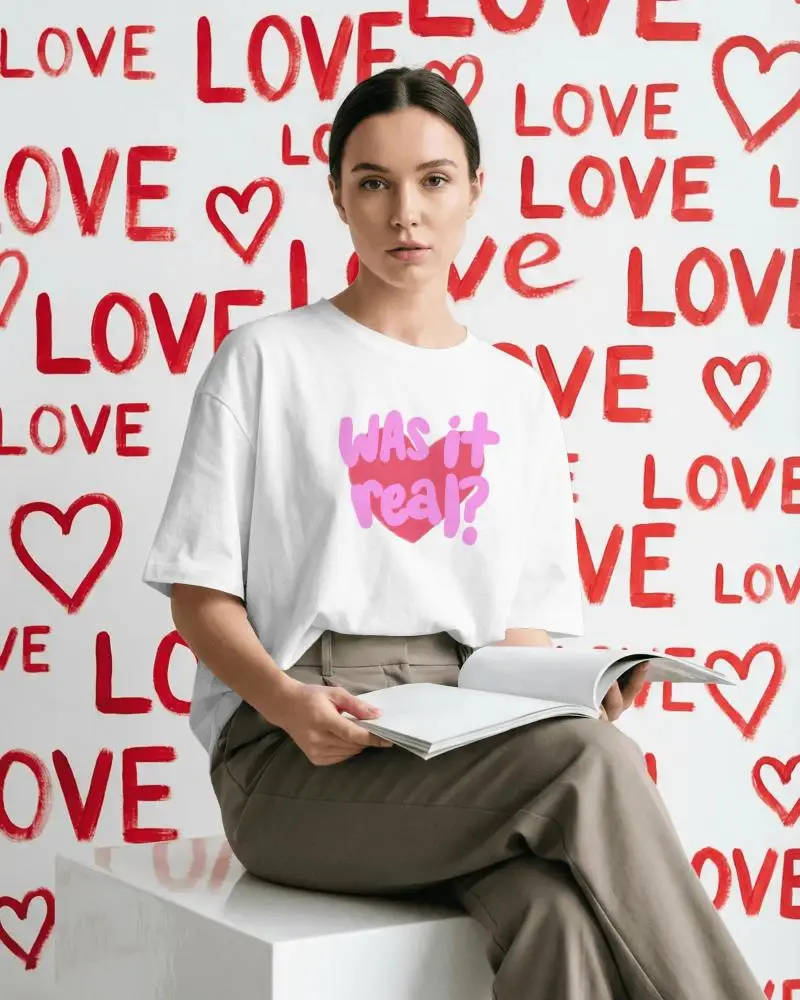
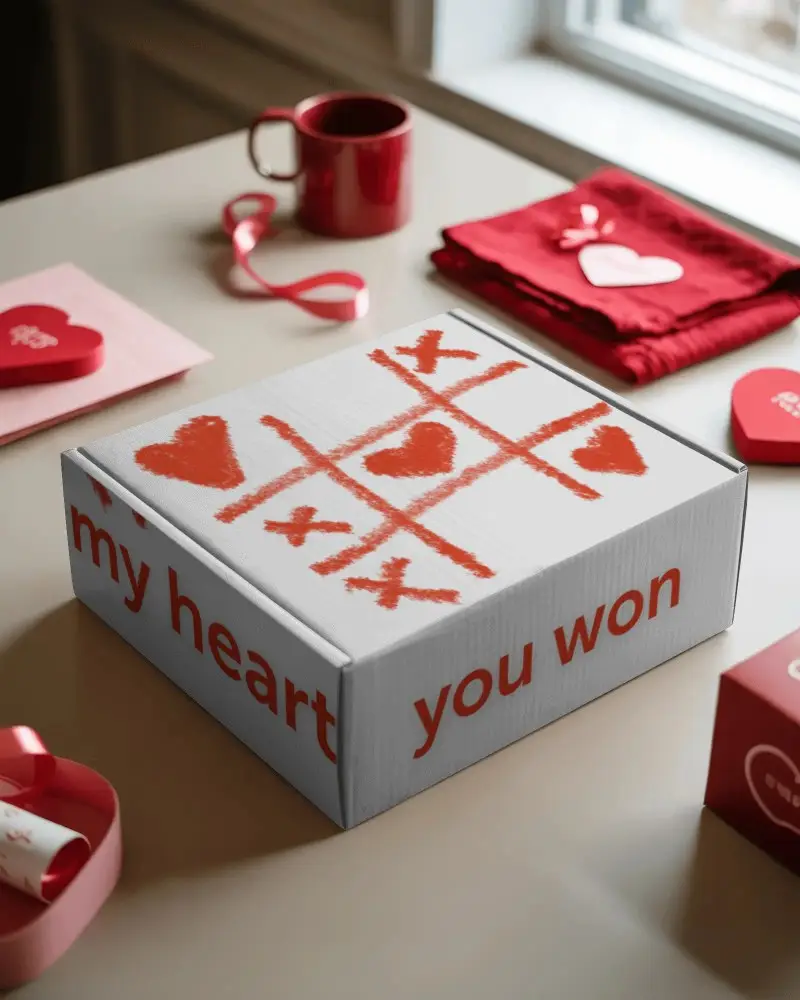
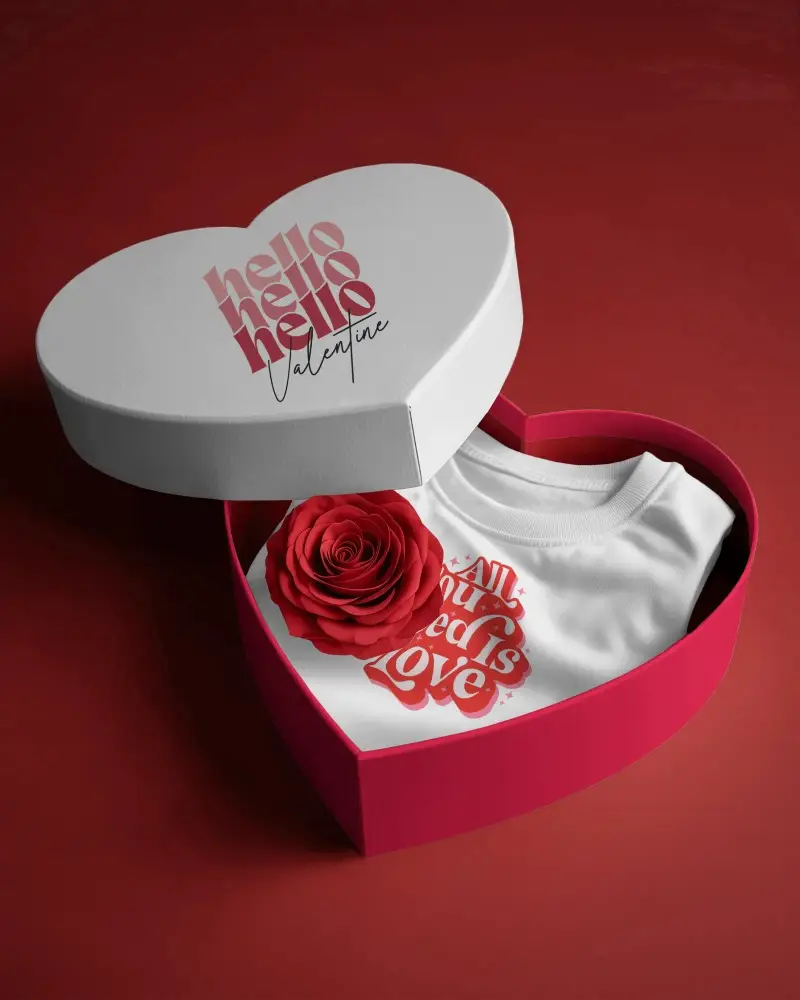
How to Create a Valentines Day Mockup
To create a valentines day mockup:
- Step 1: Go to Mockups > Seasonal > Valentine Choose any product from the tag bar.
- Step 2: Pick a template where you wish to add your design. Edit it by adjusting colors, using warping, and applying AI tools.
- Step 3: Click Download, select the format and size, and save the Valentine’s Day mockup as a PNG file.


FAQs on valentine Mockups
What is a Valentines Day mockup?
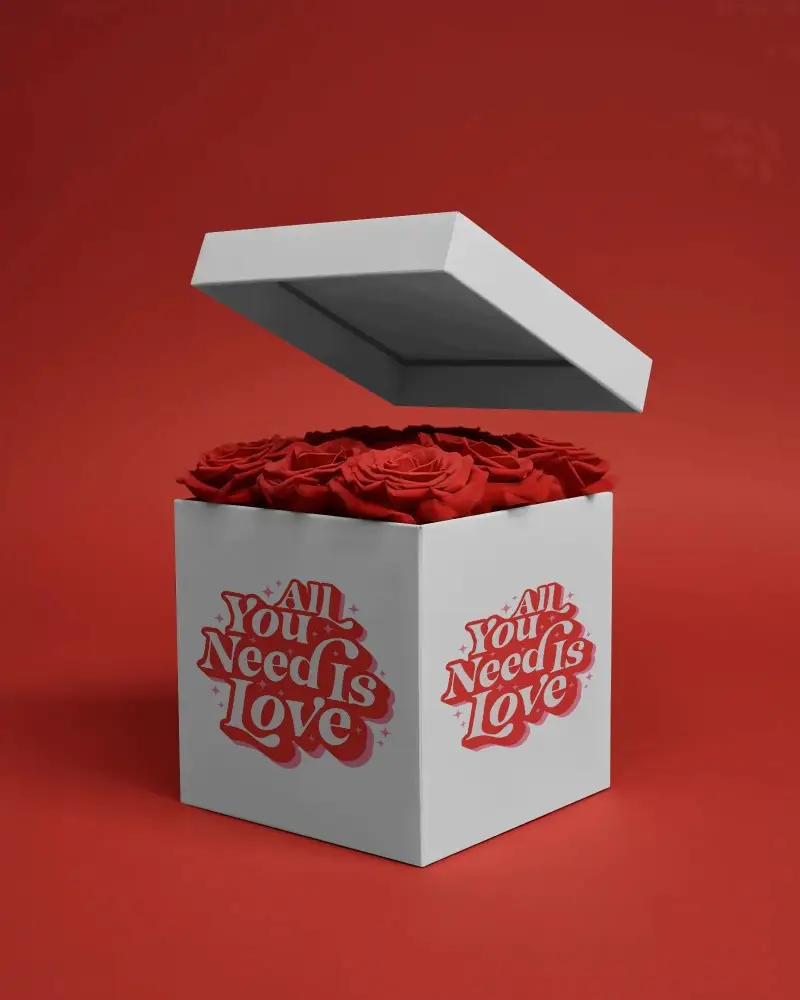
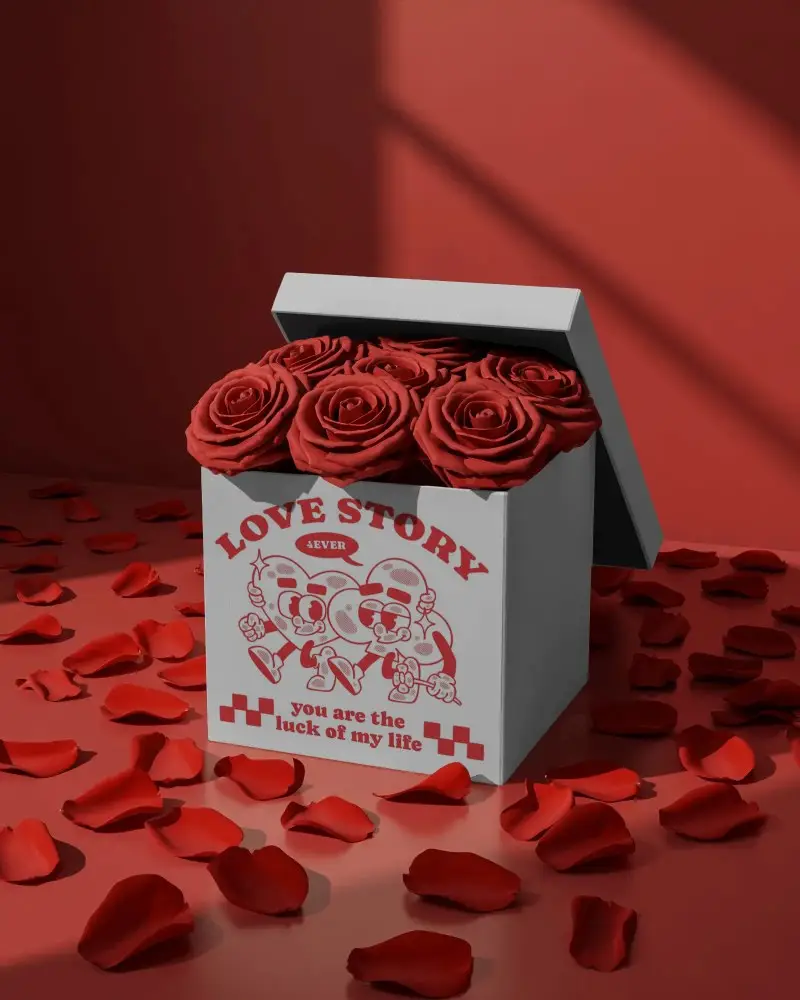
A Valentines Day mockup is a ready-made visual preview that shows how your design looks in a Valentine-inspired scene, like love notes, t-shirts, gift boxes, or cards.
What types of Valentines Day mockups are available on Mockey AI?
On Mockey AI, Valentine’s Day mockups cover the most-used seasonal formats, including greeting cards and Valentine love notes mockups for message or quote designs, Valentine-themed t-shirt mockups for limited-time drops, gift box packaging for festive product launches, and posters, mugs, and Valentine cushion mockups for home decor.
Can I use a Valentines Day mockup for social media promotions?
Yes. You can use a Valentines Day mockup for Instagram posts, Reels, Stories, ads, and Website banners. Mockups help you move fast during a short seasonal window.
Are there animated Valentines Day mockups or video formats available?
You can convert a Valentine’s Day mockup into an animated version on Mockey AI using a prompt, and it is delivered as an MP4 file.
