Valentines Day Card Mockups for Romantic Greeting Designs
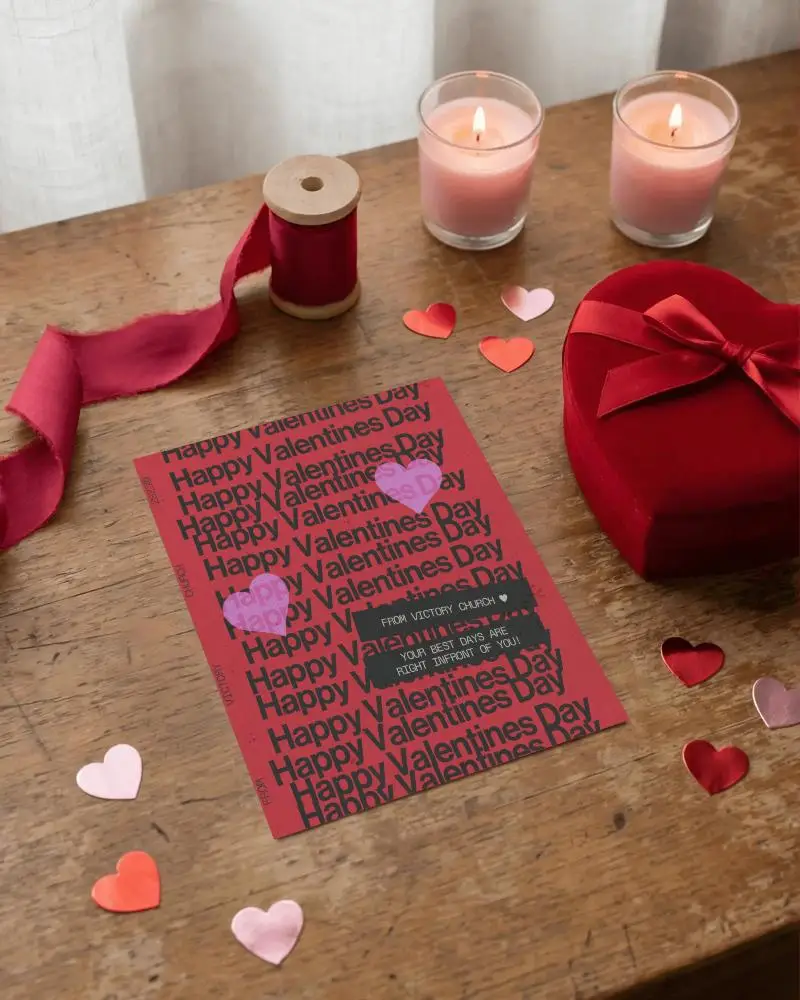
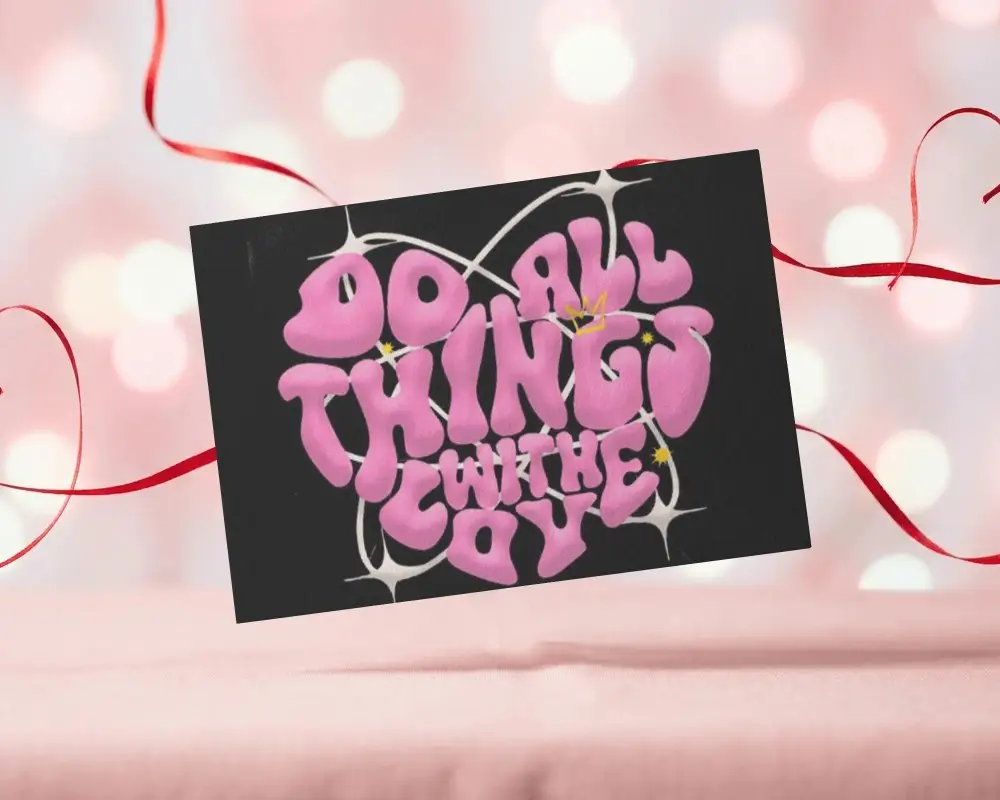
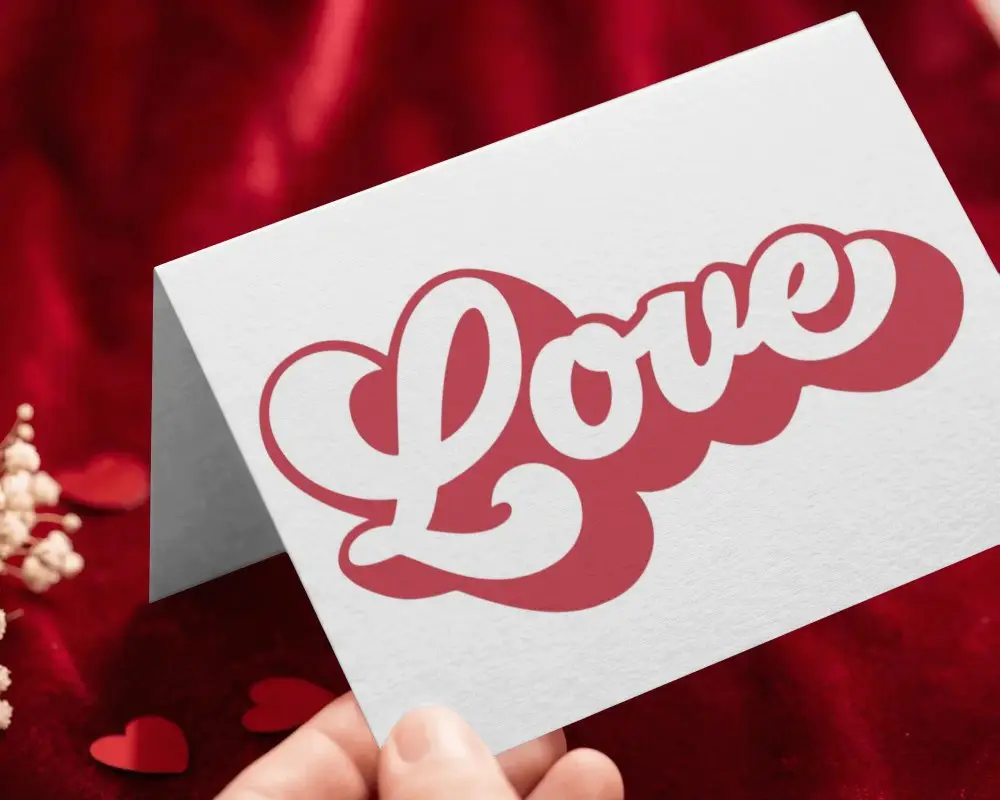
Display your Valentines Day card designs using Valentines Day card mockups. In just a few clicks you can create beautiful card visuals to promote your brand greeting cards or love themed designs with Mockey AI
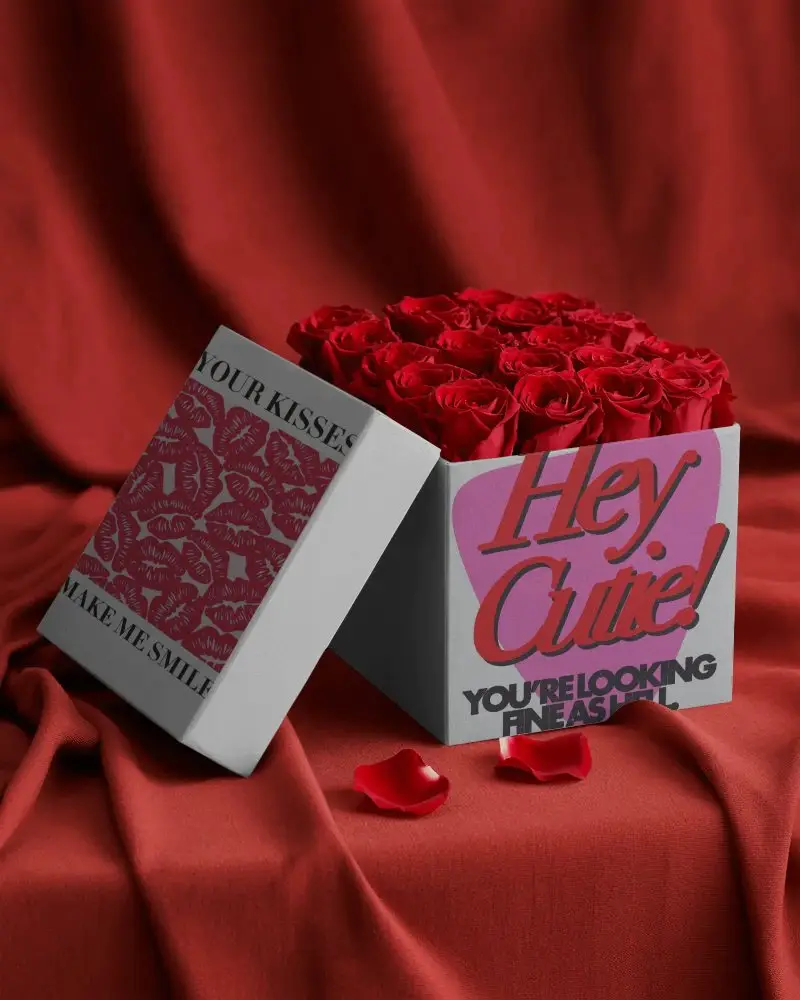
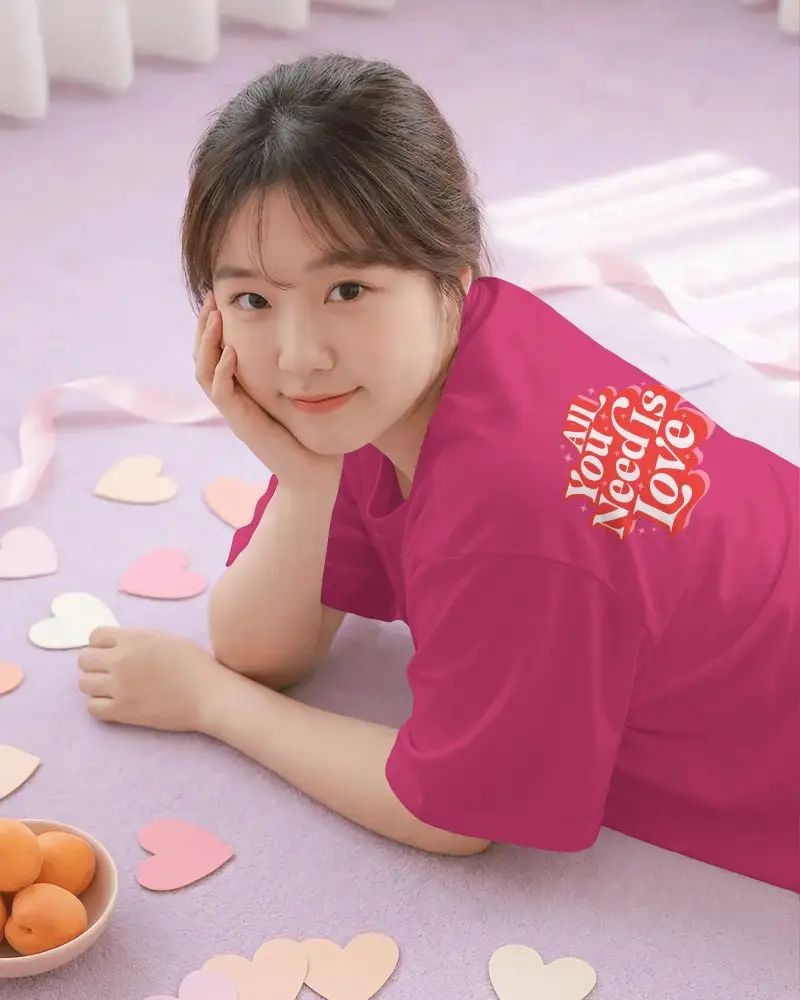

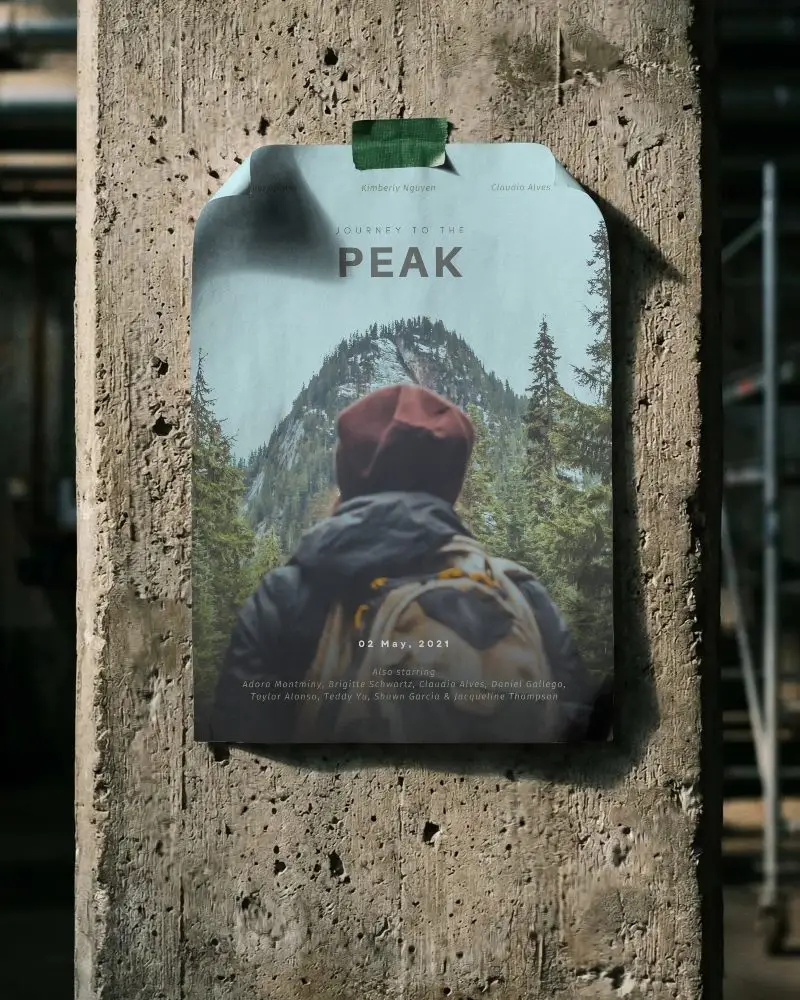
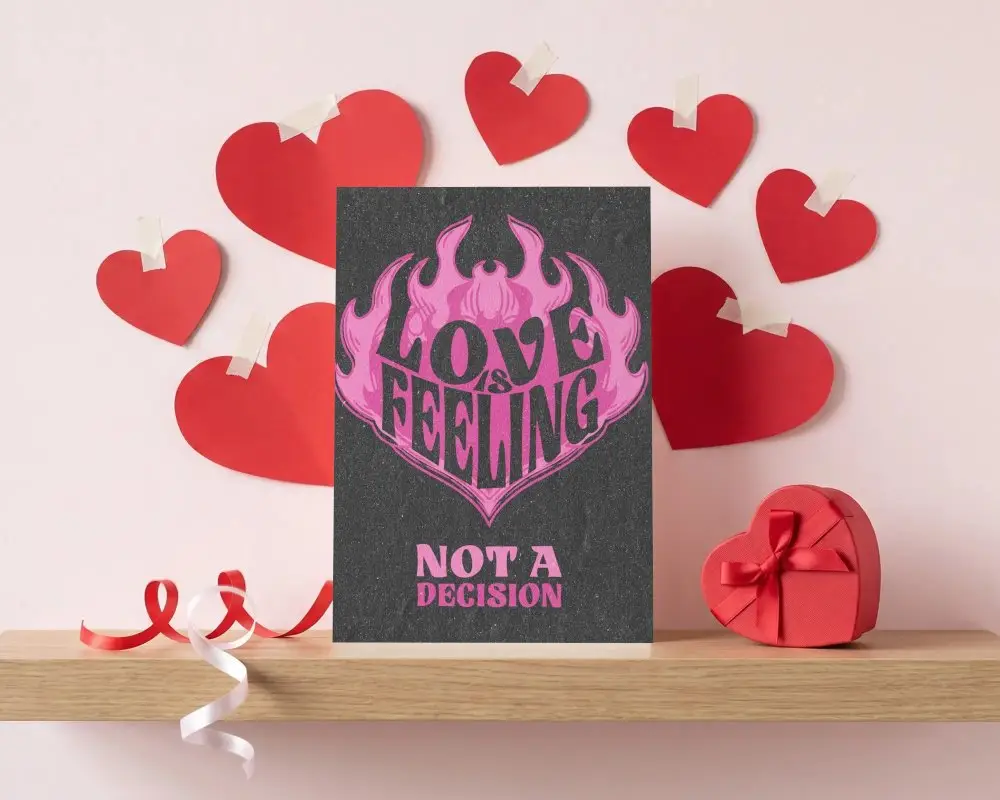

How to Create a Valentines Day Card Mockup
To create a valentines {tag} mockup:
- Step 1: Follow Seasonal > Valentines Day in the Mockups and pick the Card from the tag bar.
- Step 2: Choose a template, add your design, and tweak colors, warping, or AI tools as needed.
- Step 3: Save the valentines day card mockup as a PNG by clicking the Download button.


FAQs on Valentine Card Mockups
What is a Valentines Day card mockup?
Valentines Day card mockups show the card design realistically before it is printed. The mockup places it on a desk or a flat lay, and sometimes with props like flowers or hearts.
Who should use Valentine's Day card mockups?
Designers, Etsy sellers, Small businesses, and anyone sharing Valentine’s designs on social media should use Valentine’s Day card mockups.
Where can I use Valentine's Day card mockups?
Use valentine day mockups for Etsy and online shop listings, Instagram and Facebook posts, Email campaigns, client previews and approvals, and print-ready presentations.
Do Valentines Day card mockups include envelope options?
Mockey.ai’s Valentines Day card mockups come with envelope options. These usually match the card’s theme and often carry a romantic touch. In most cases, you can customize the envelope along with the card, which helps the final design look complete and well thought out.
