500+ High-Quality Free Magazine Mockup Templates
Finding the right magazine mockup shouldn’t be a struggle. With Mockey, you’ll get free magazine mockups that highlight every detail of your design. Upload your artwork, customize, and download high-quality PNG or JPEG files with no watermark. Start designing now!
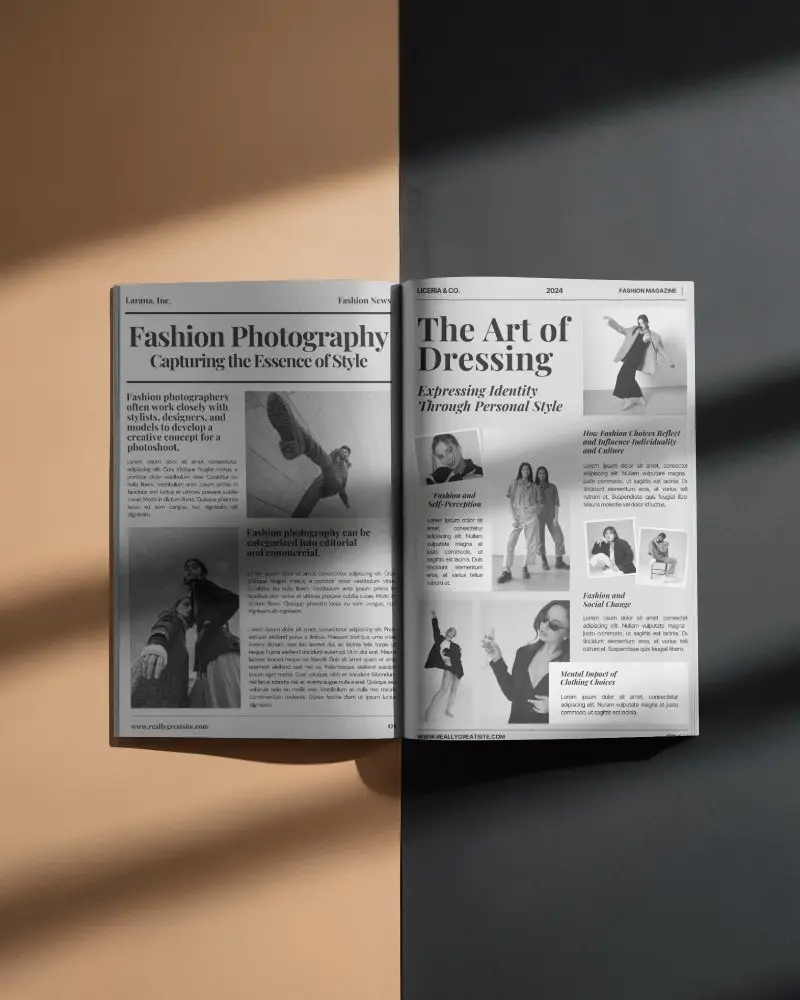
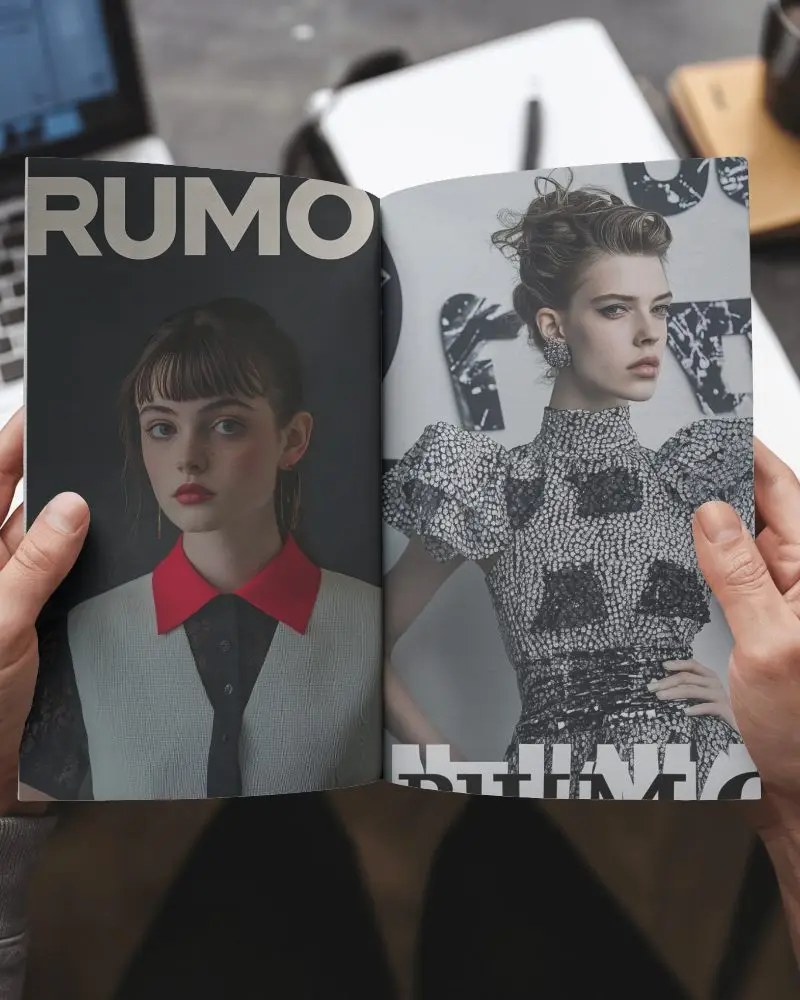
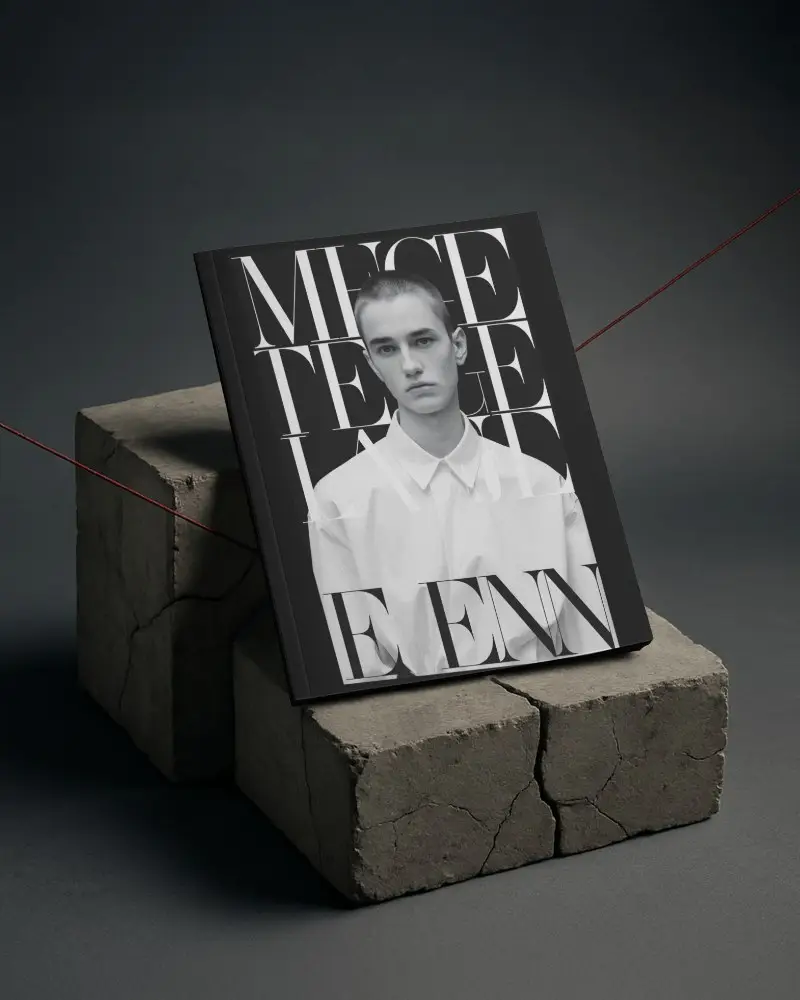
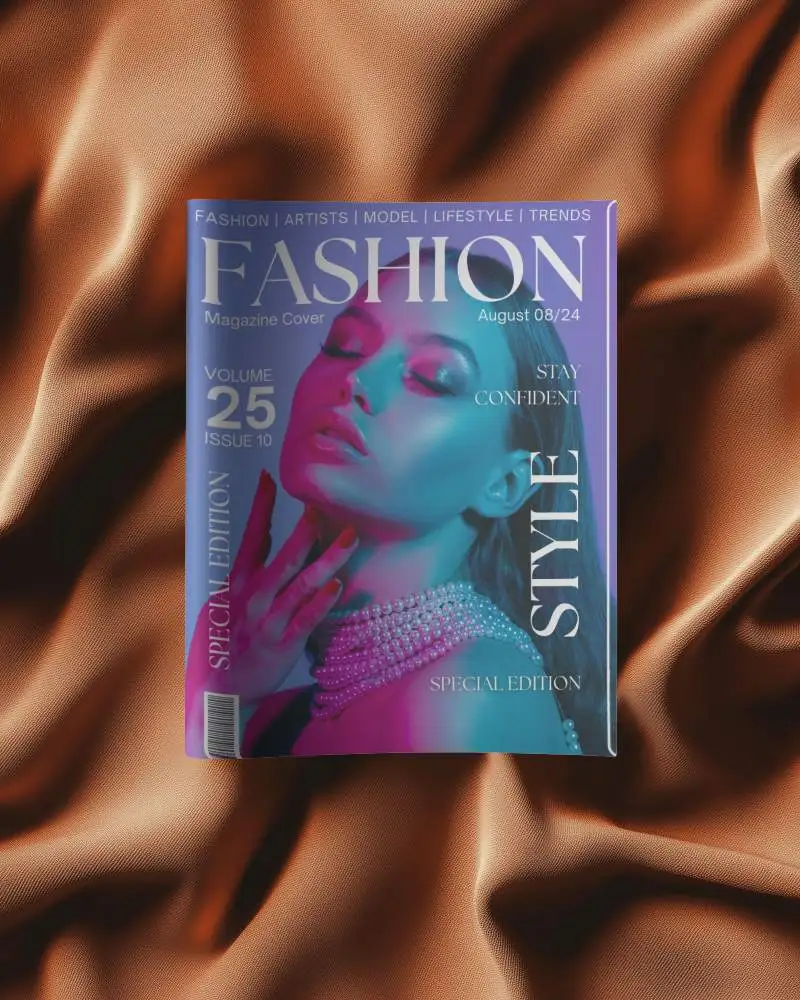
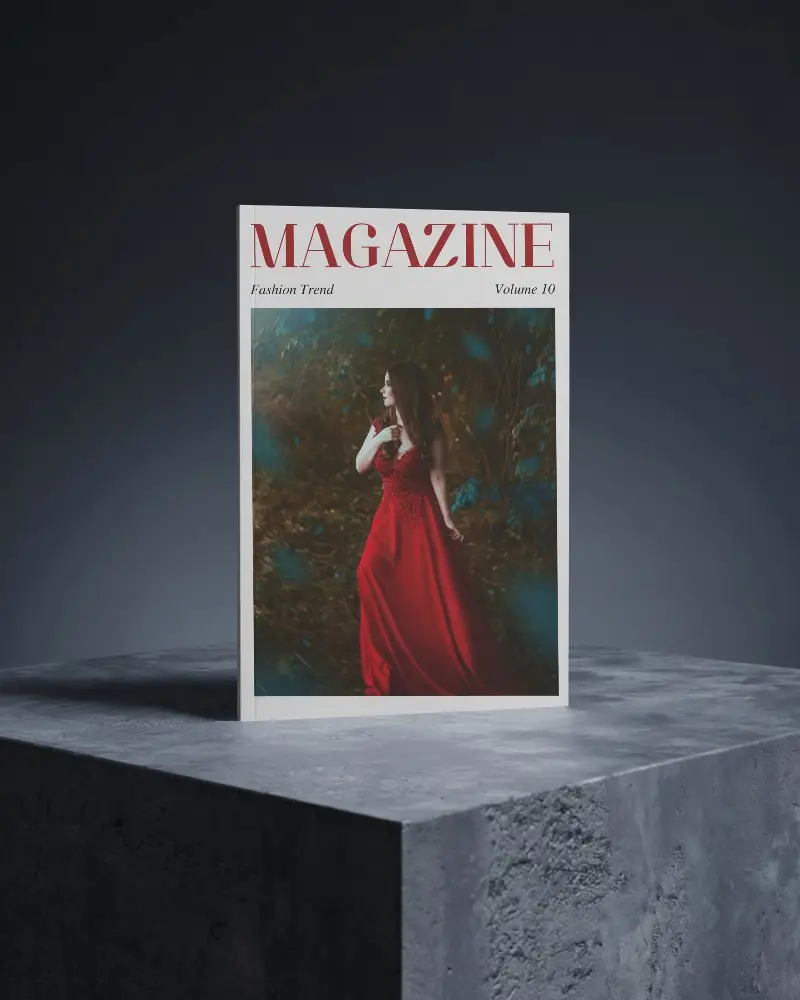
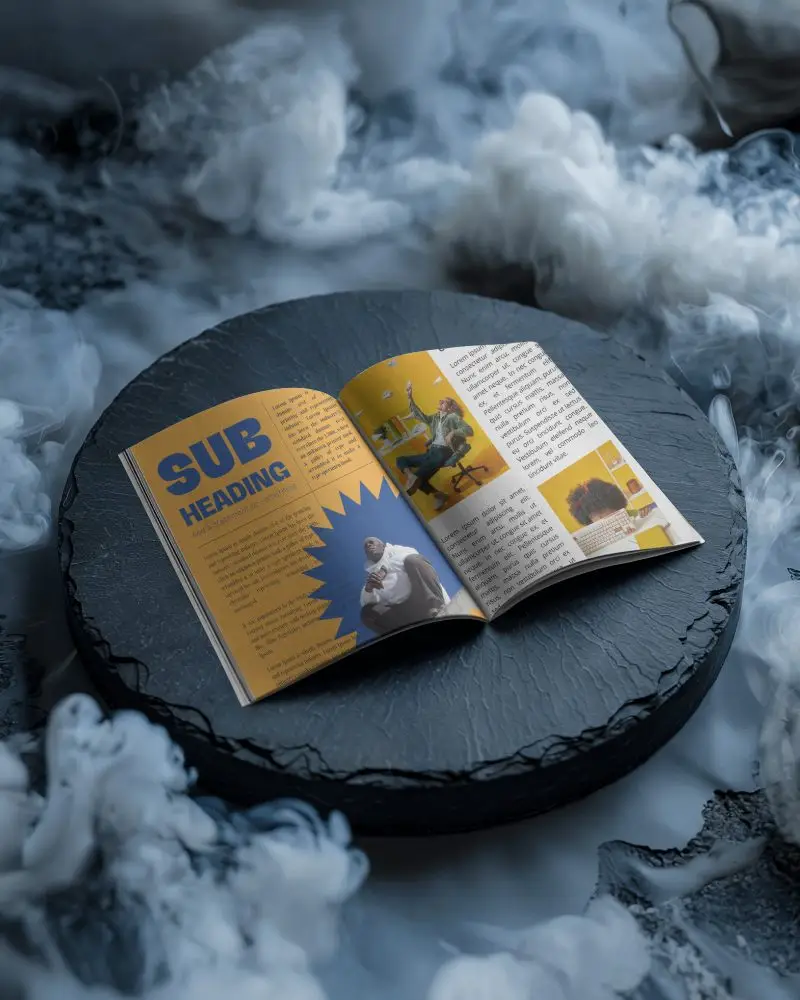
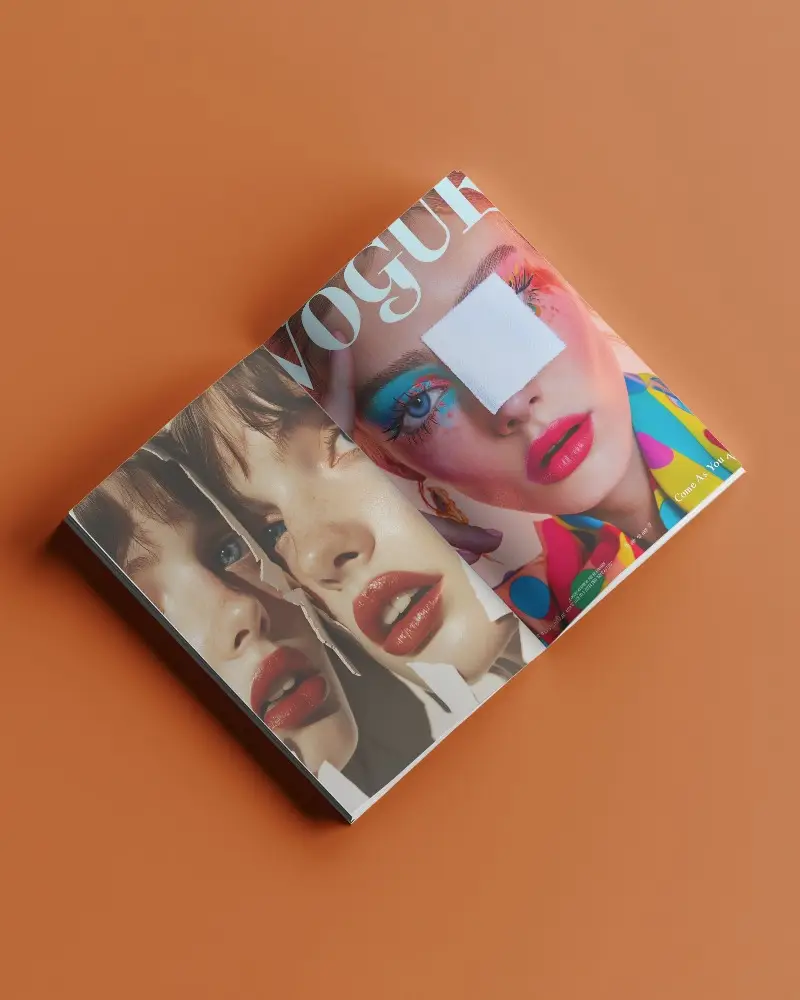
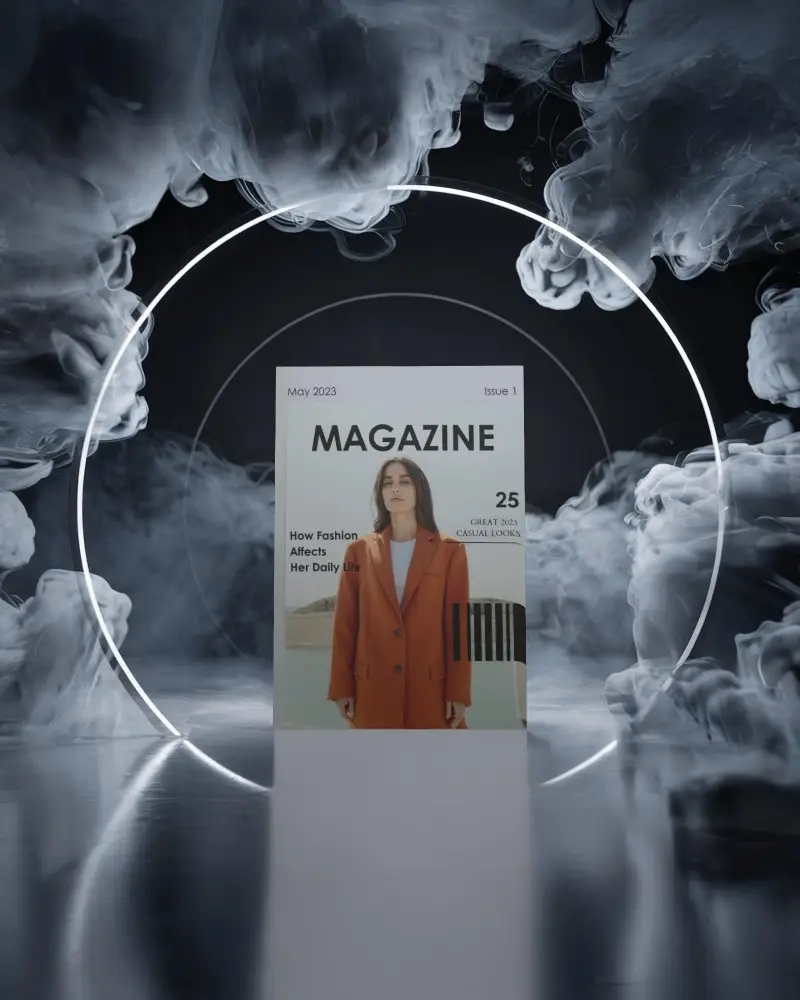
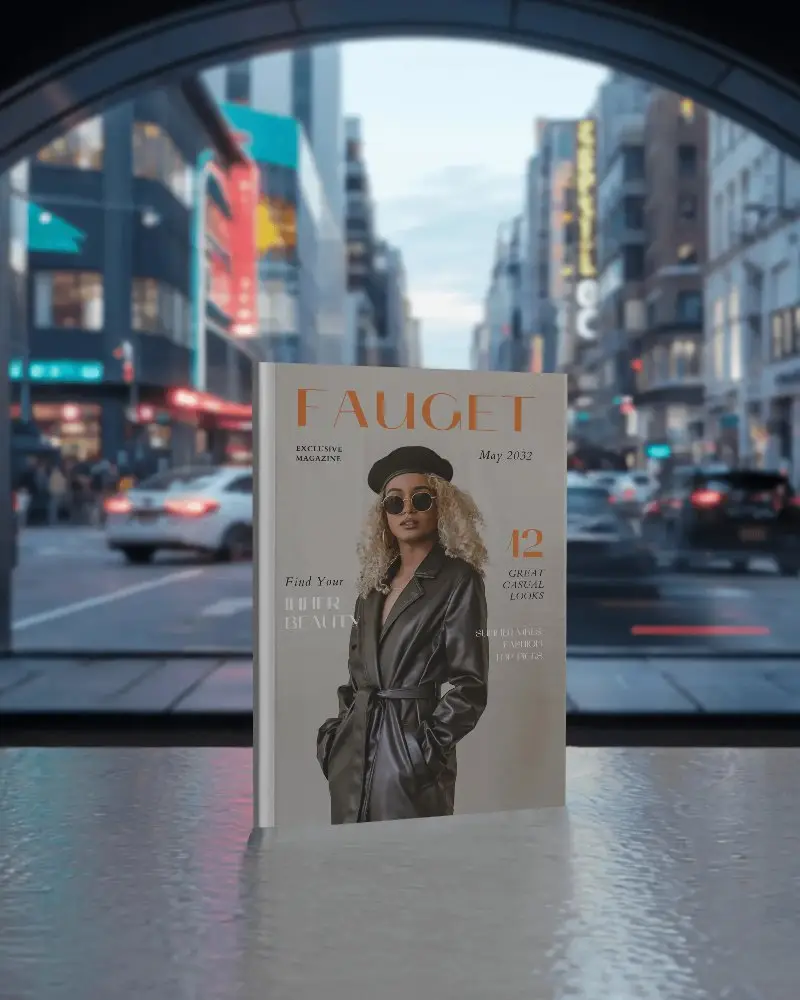
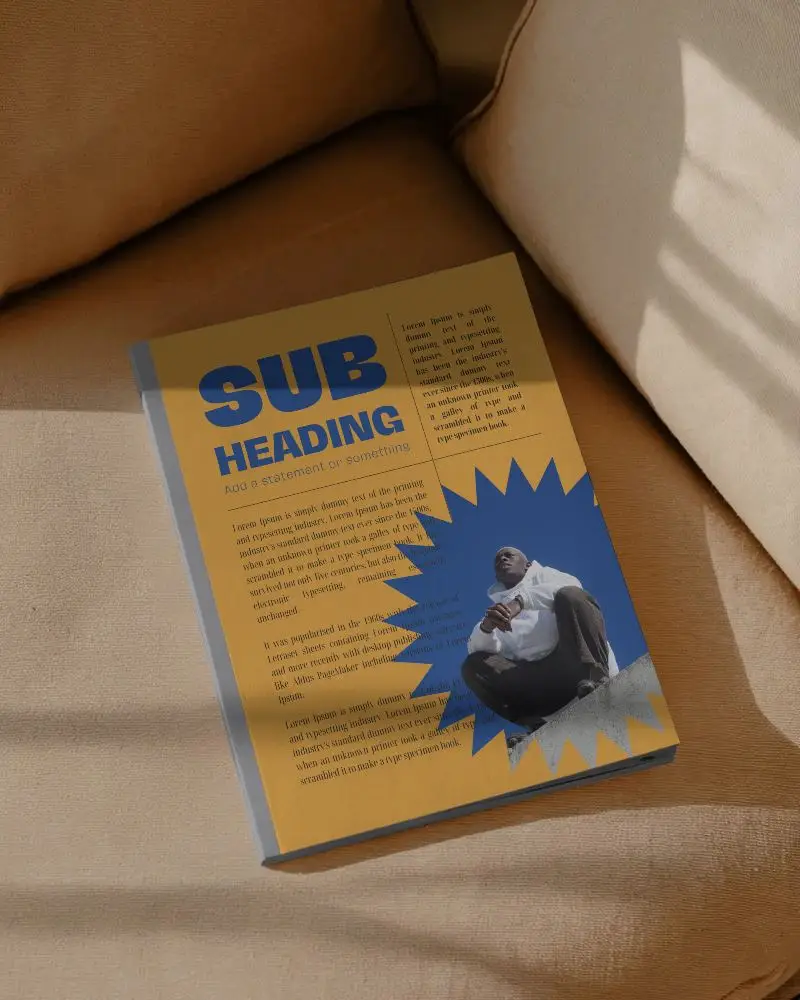
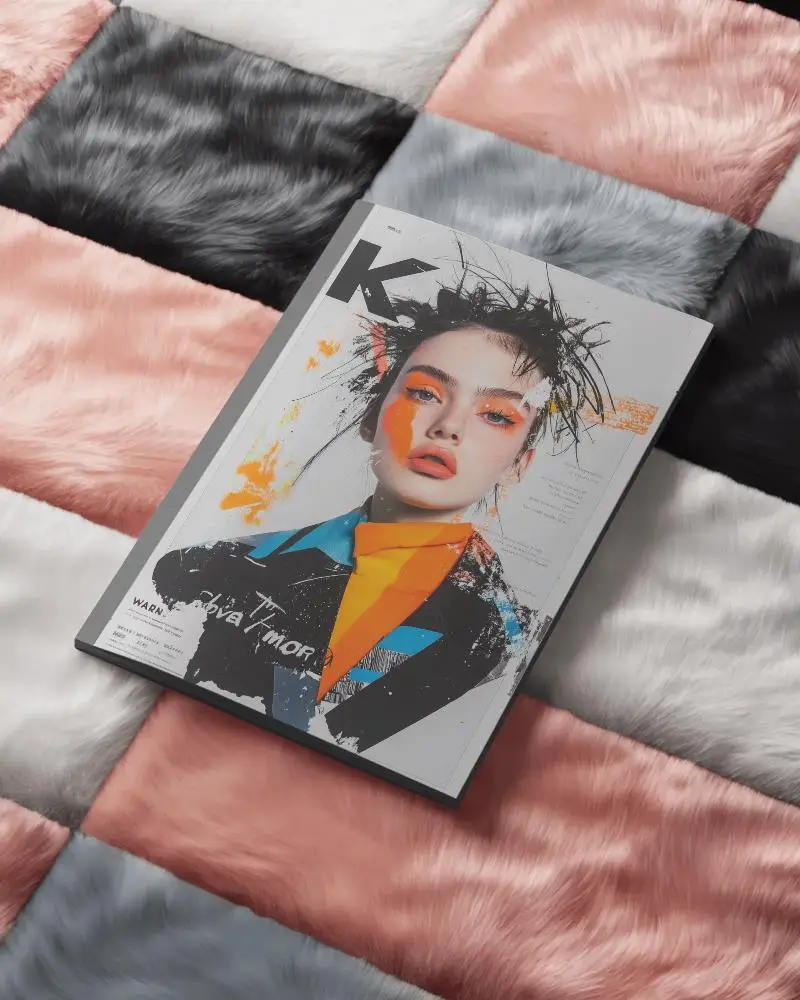
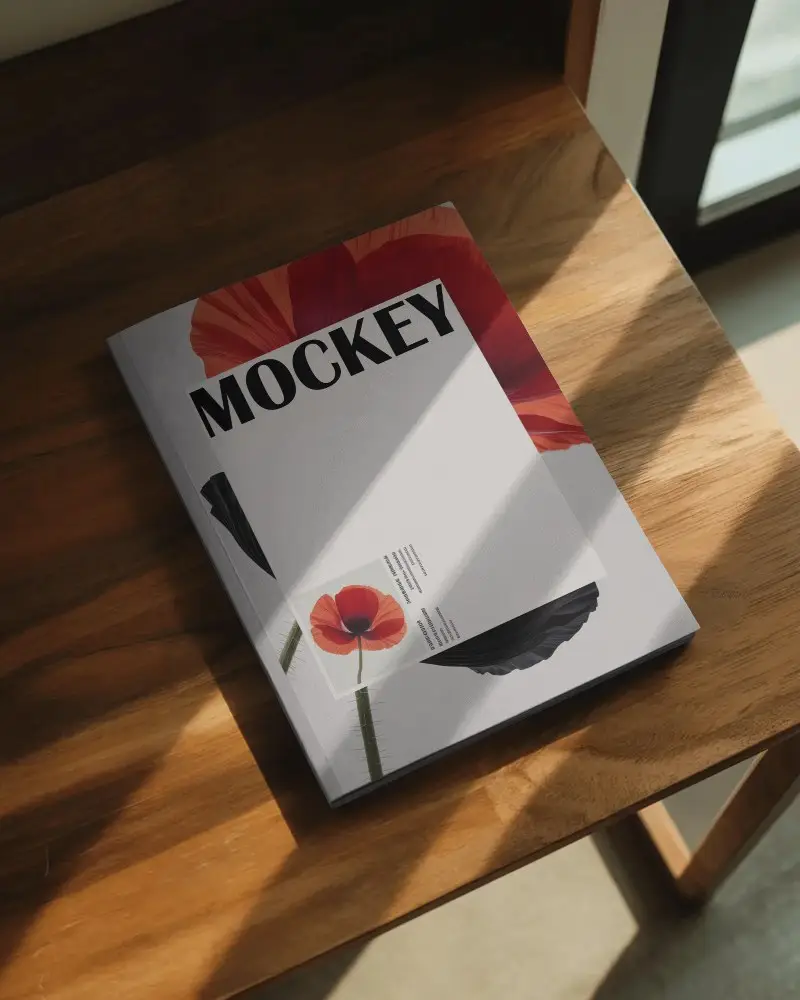
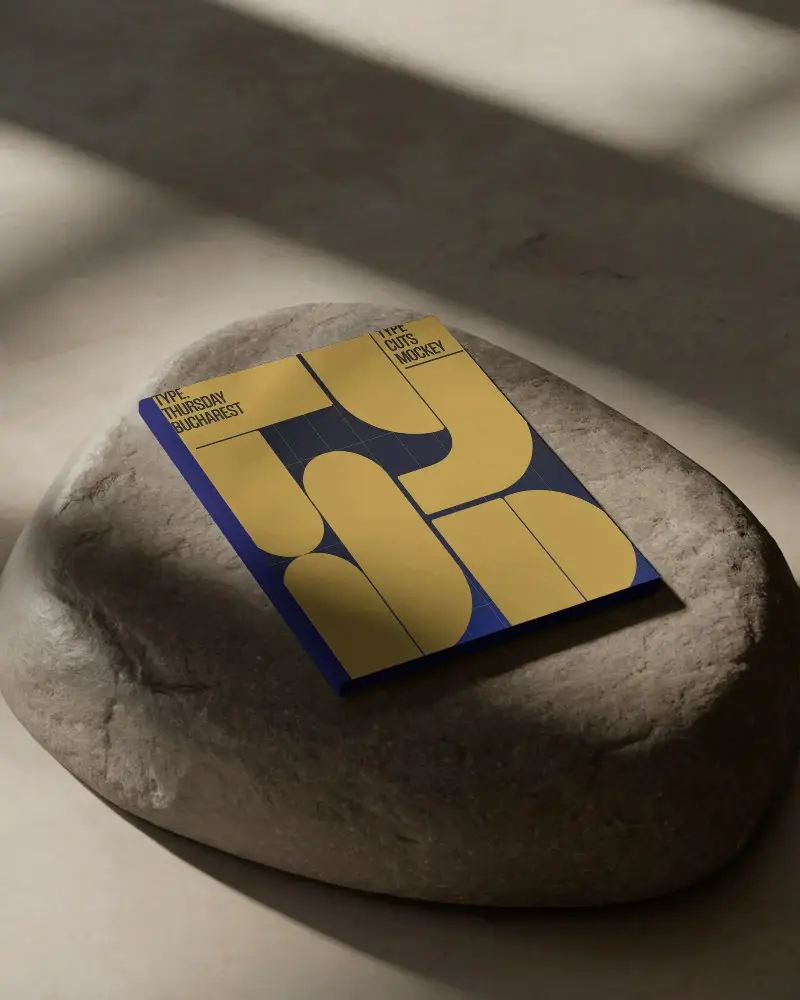
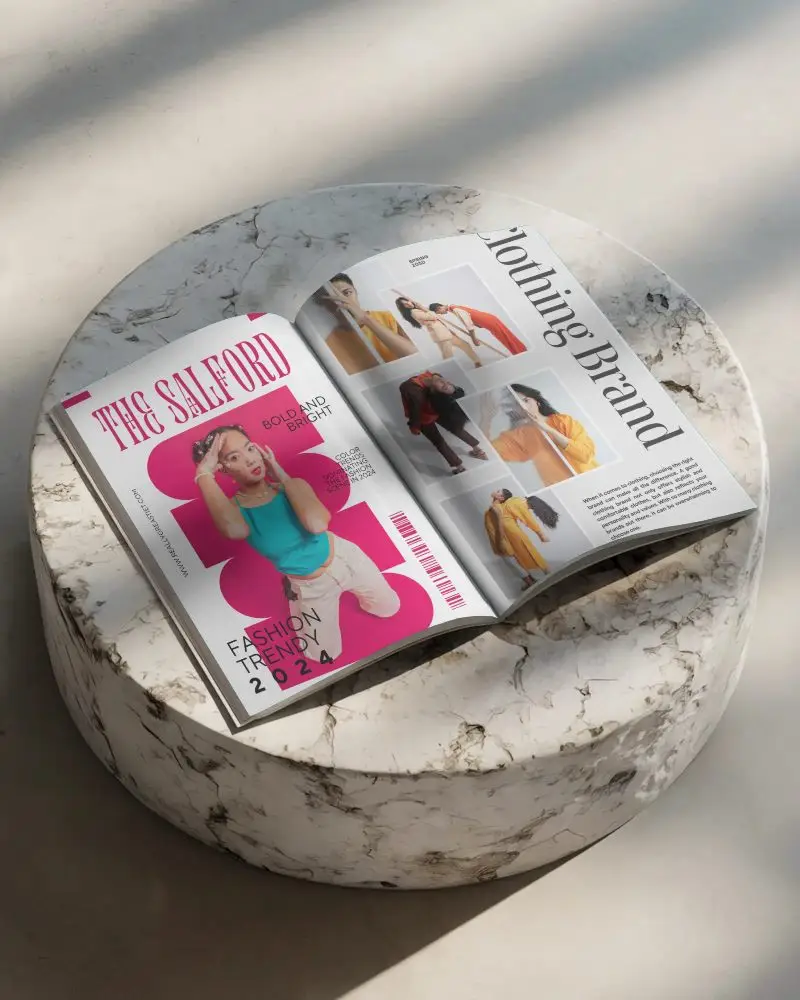
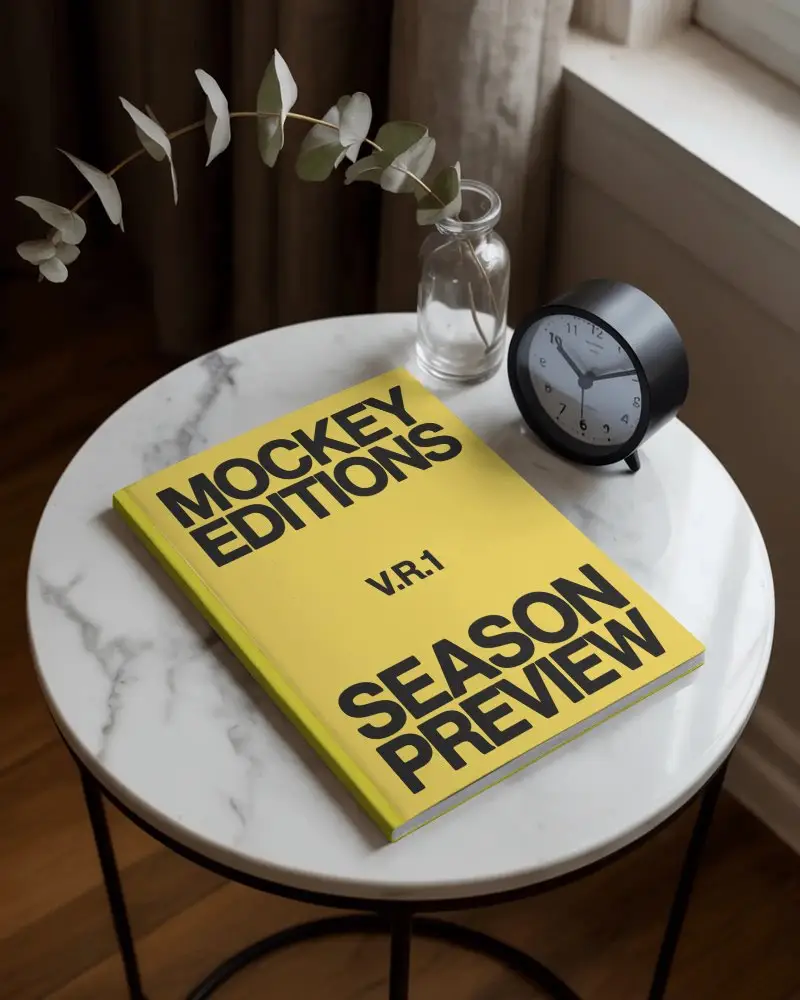
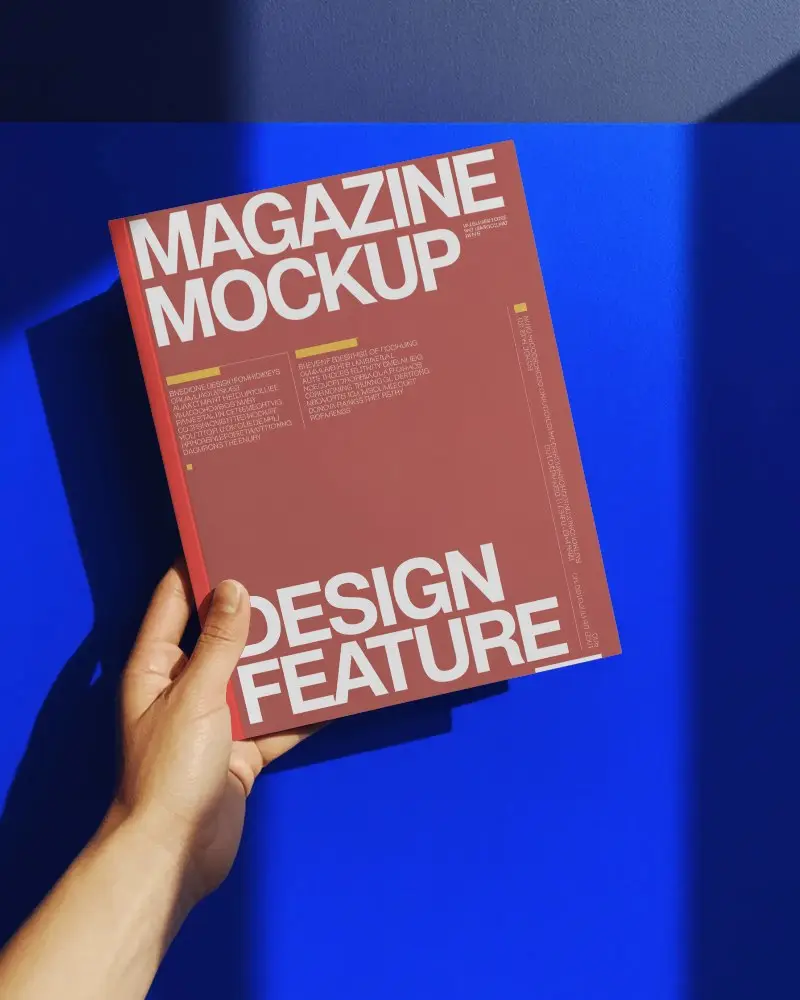
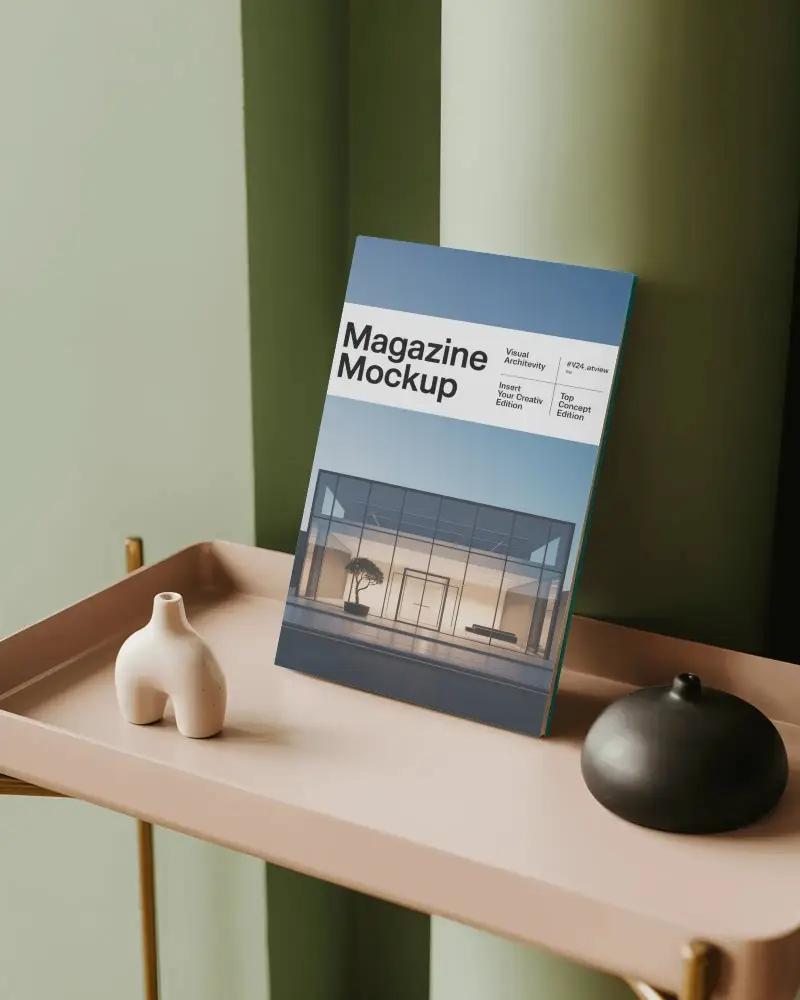
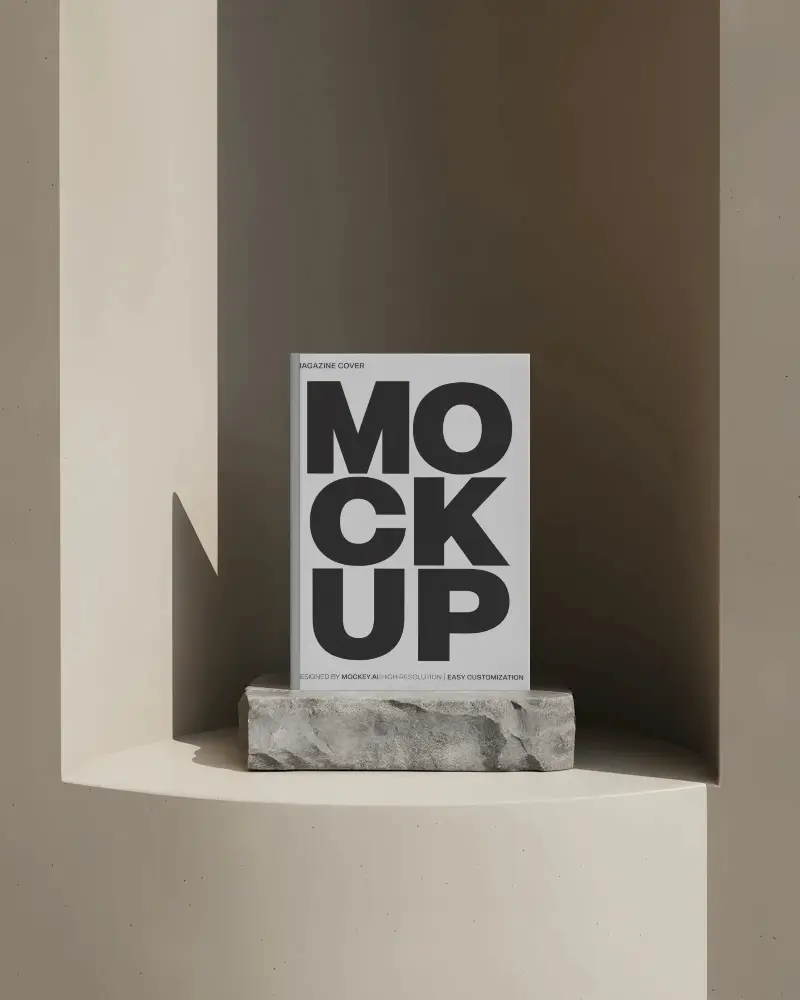
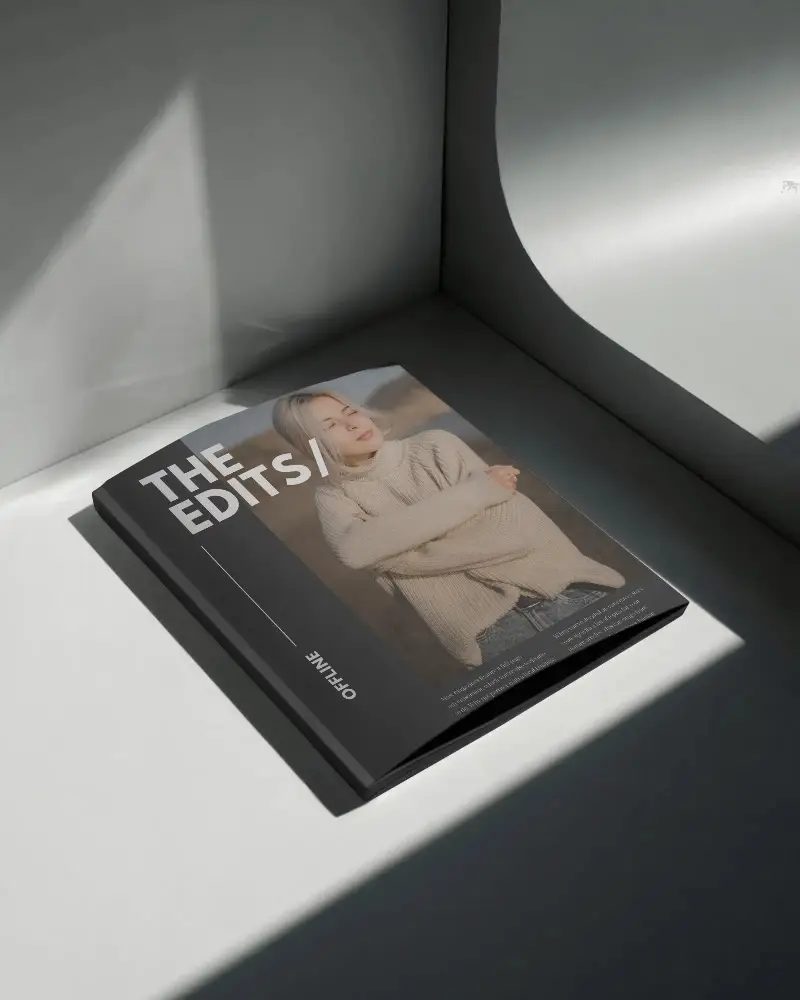
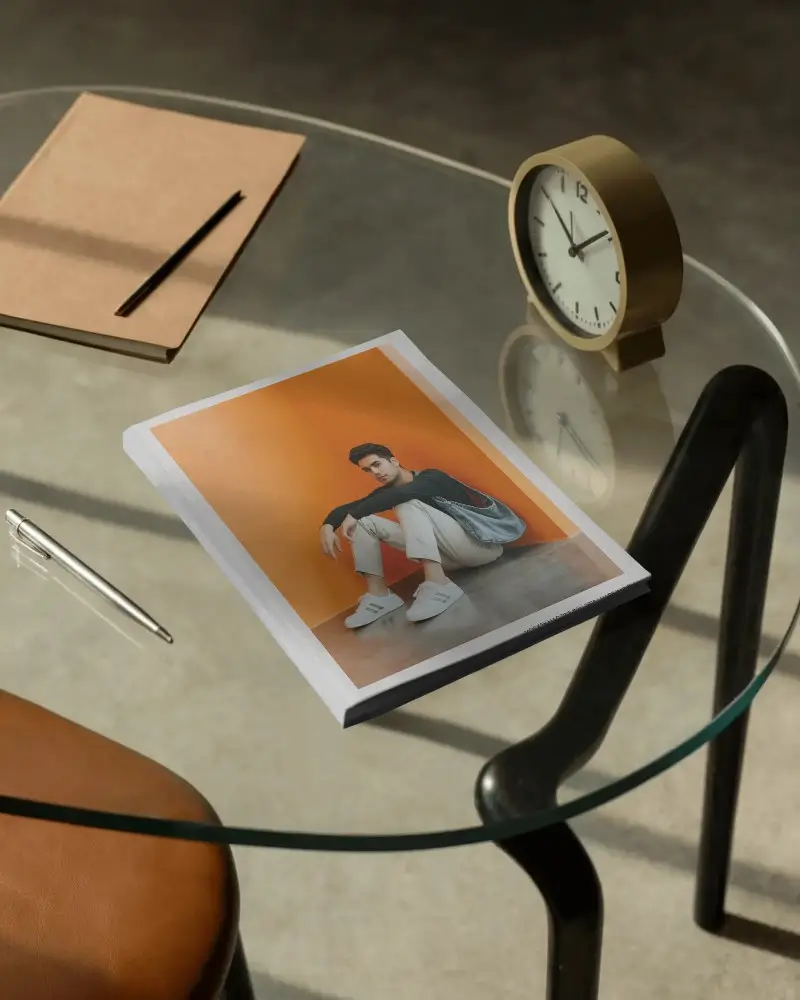
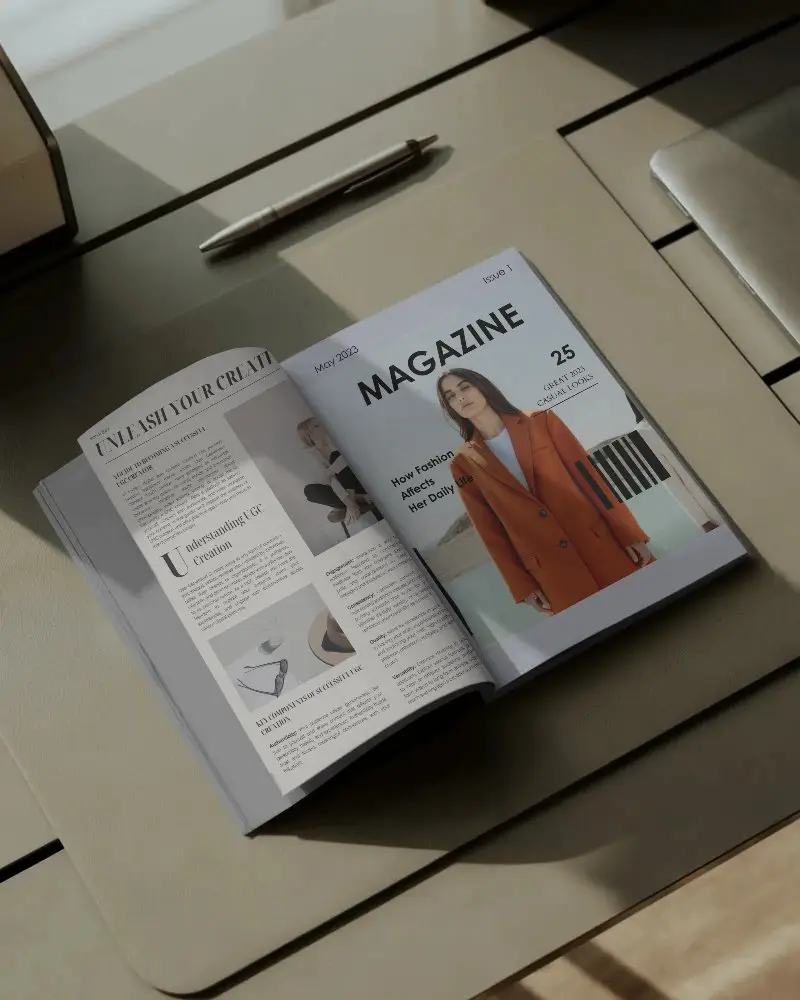
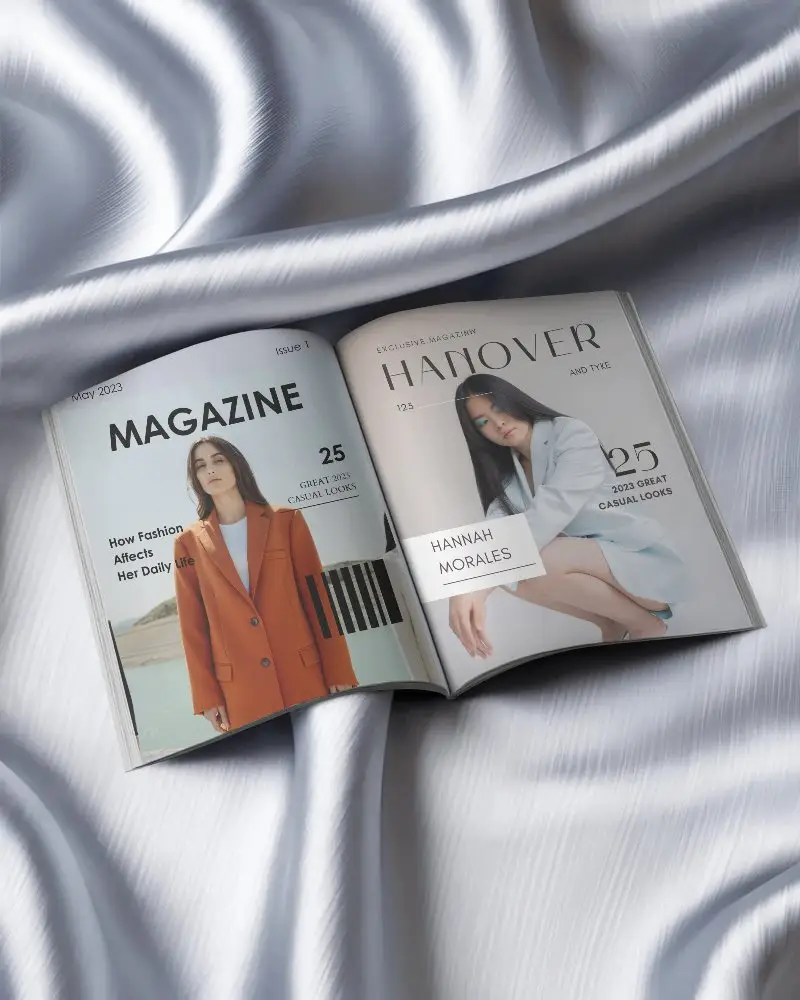
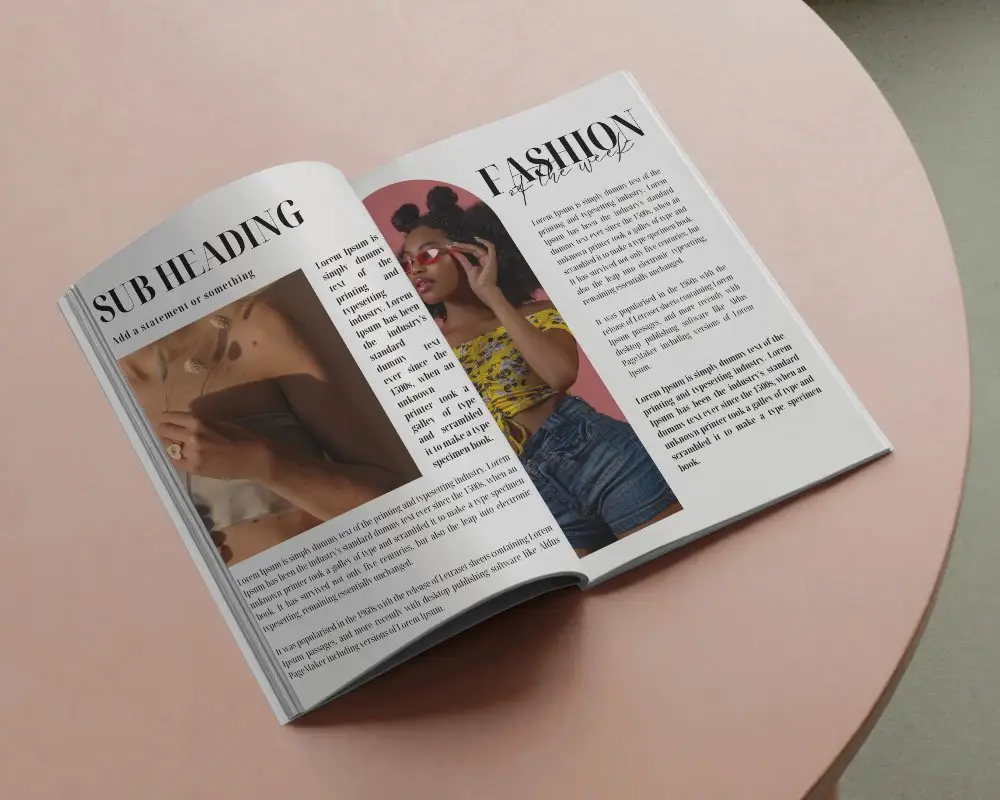
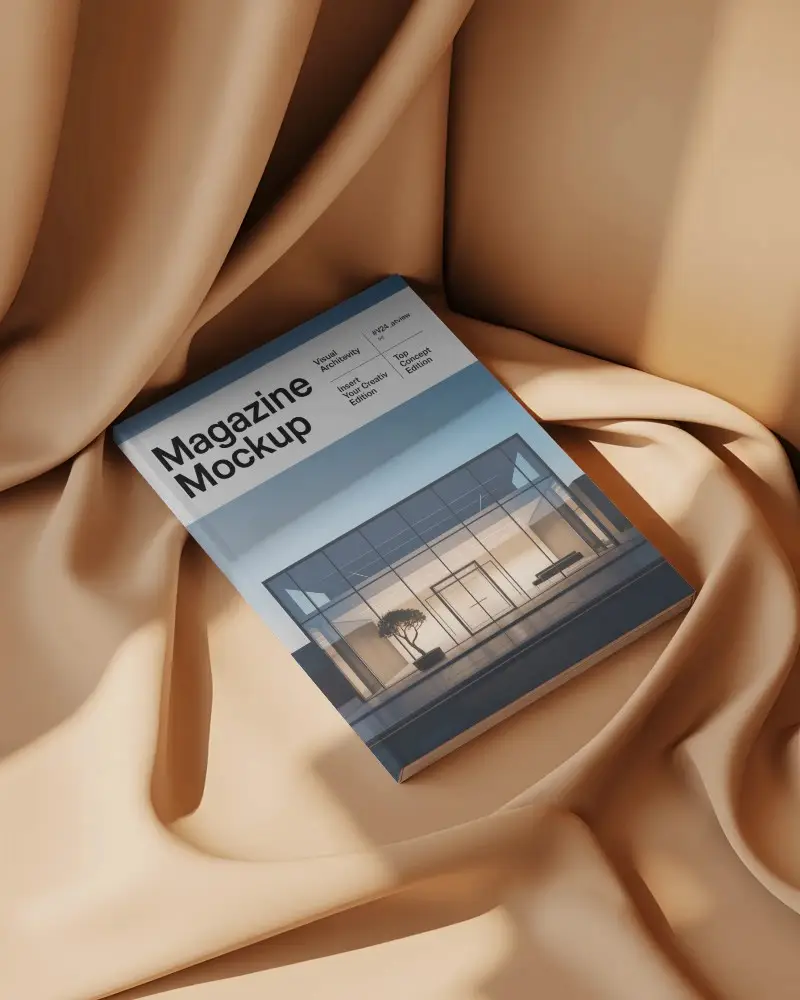
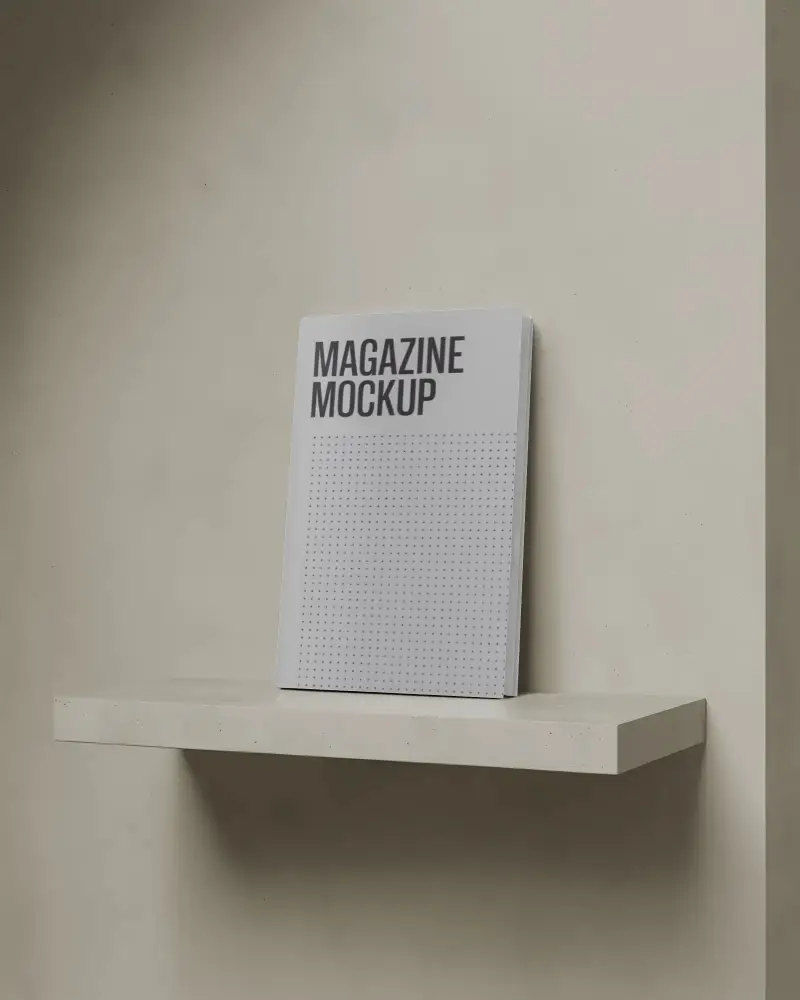
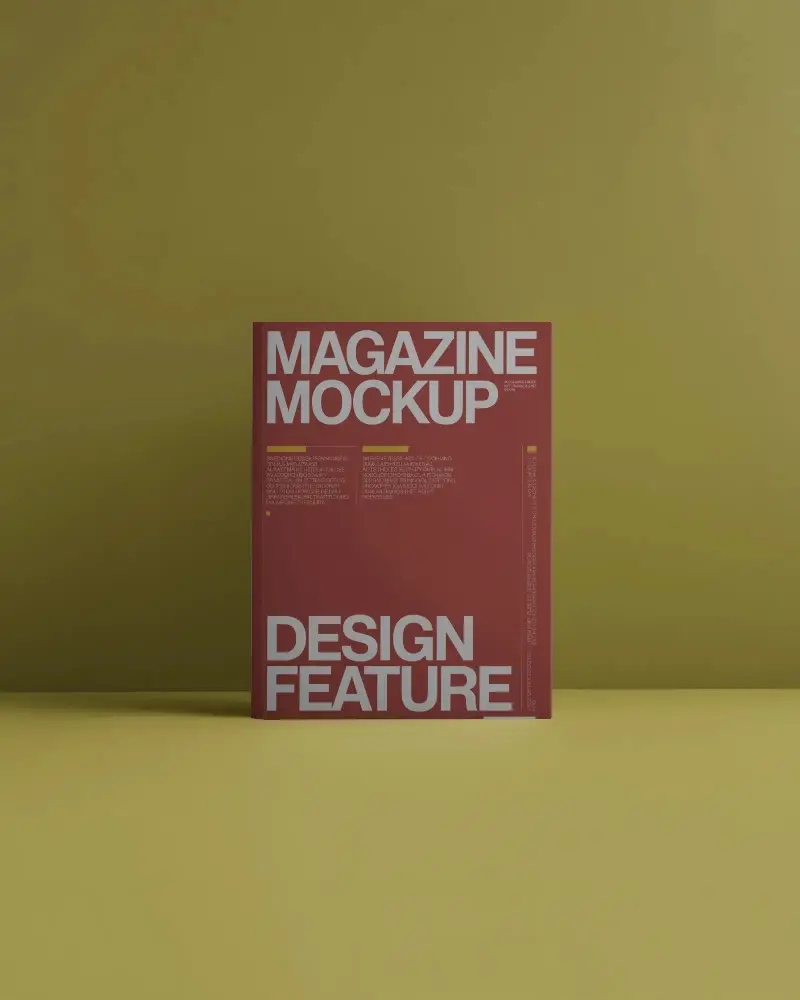
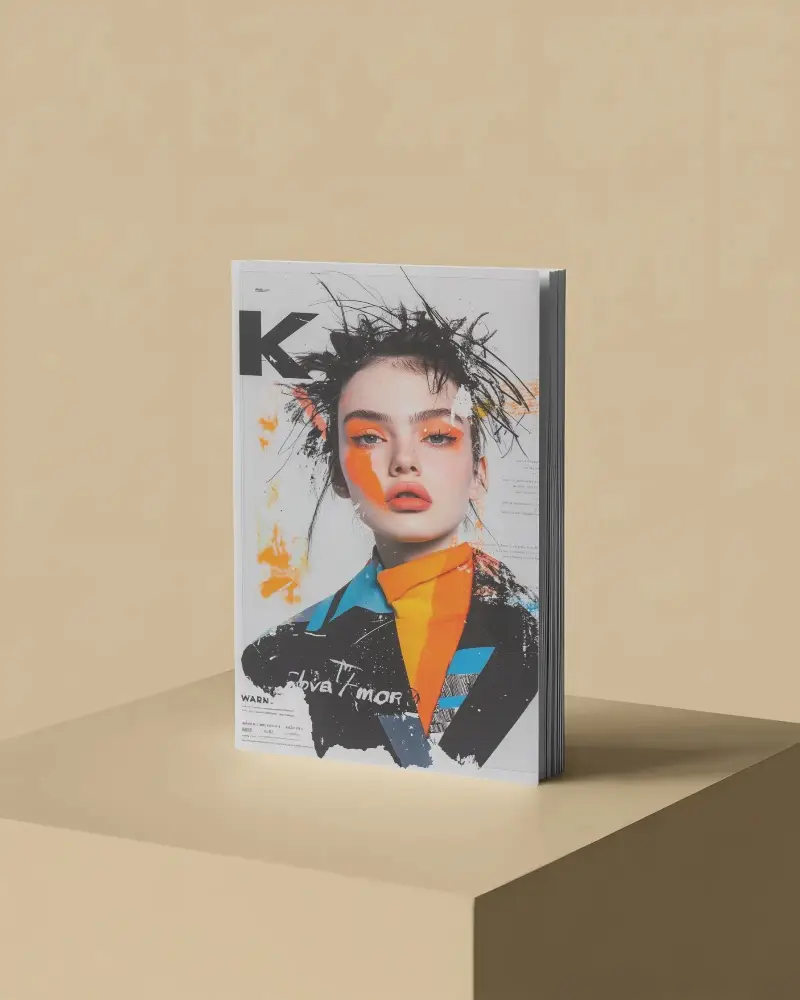
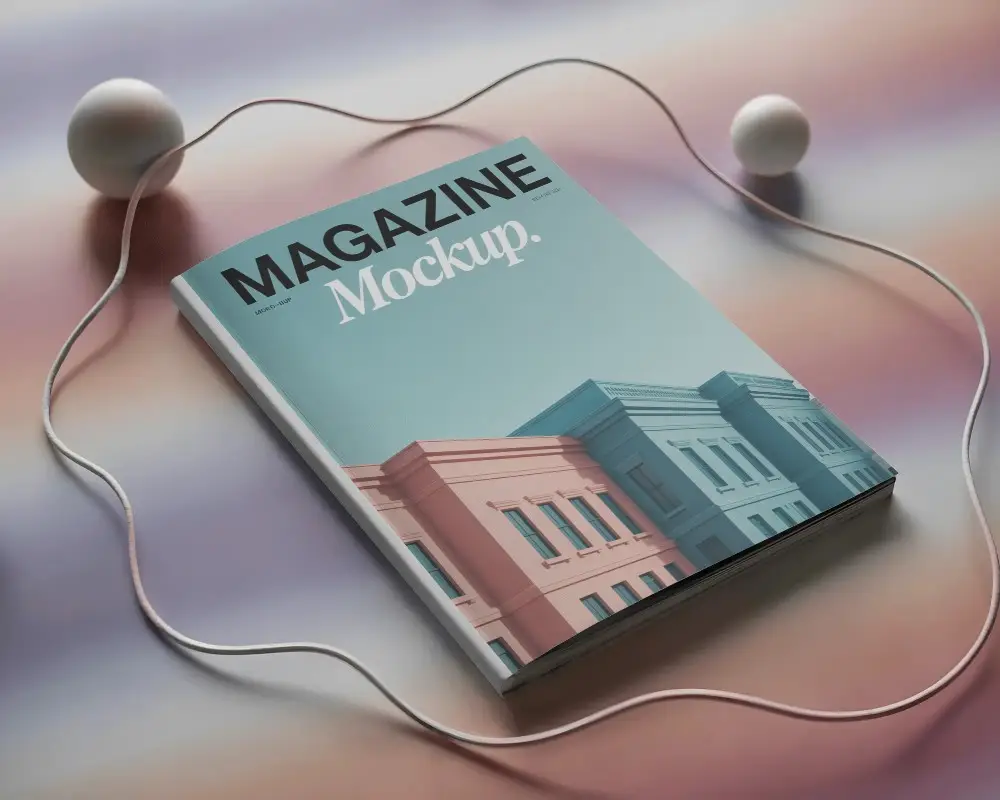
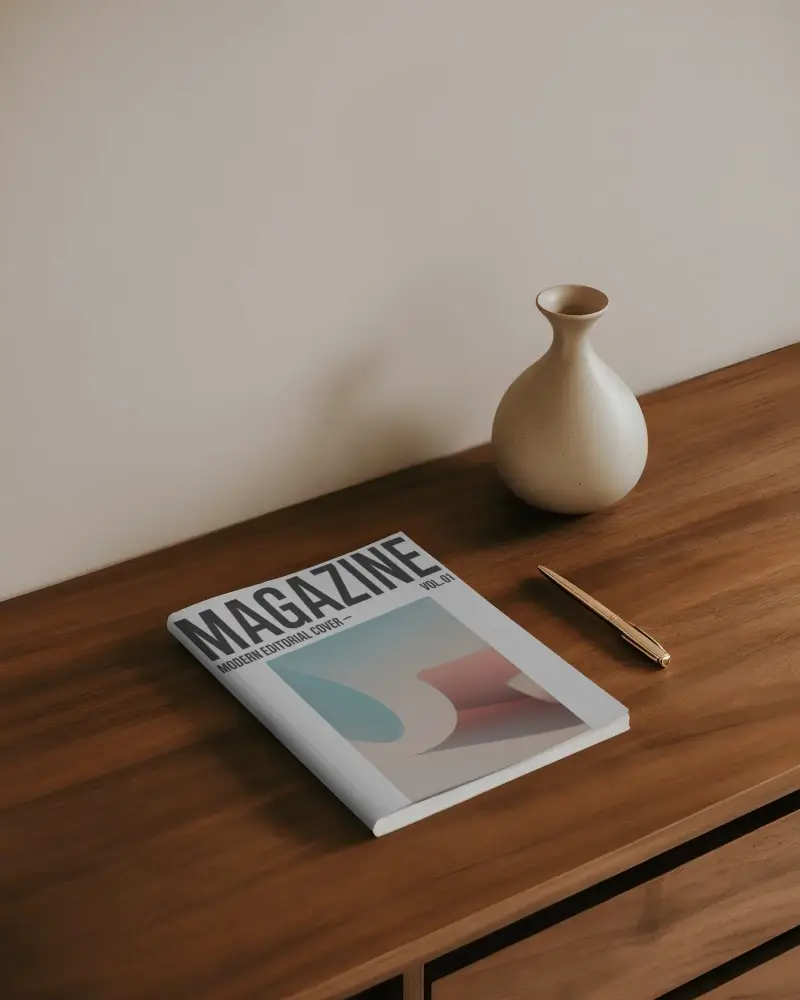
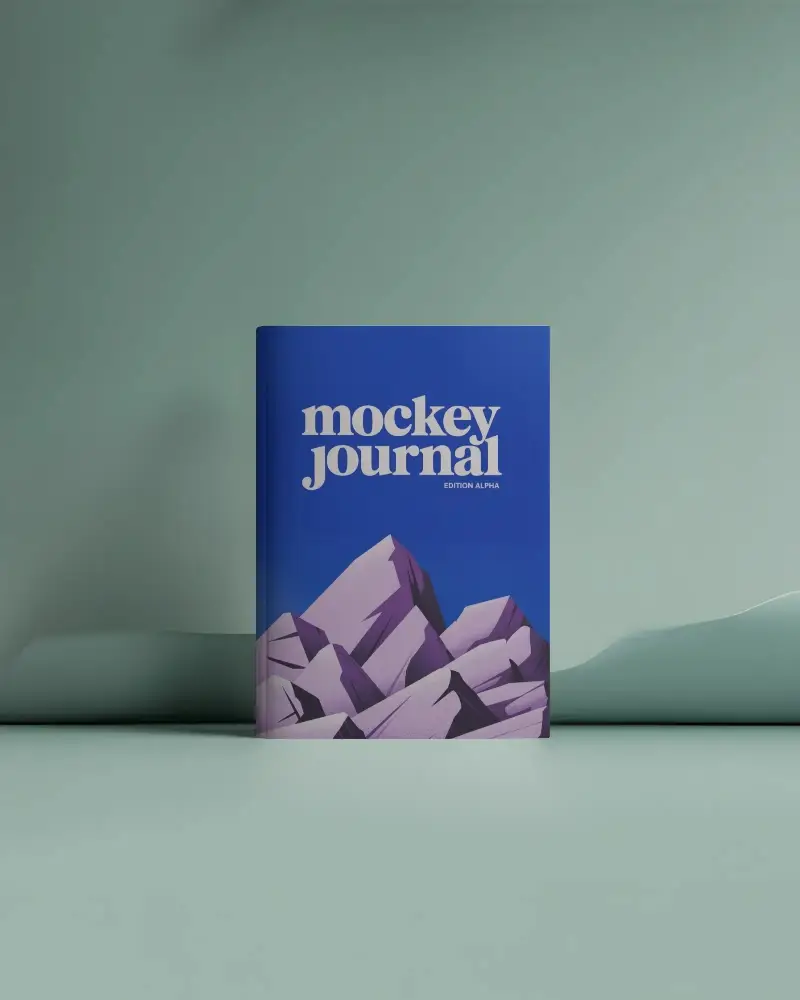
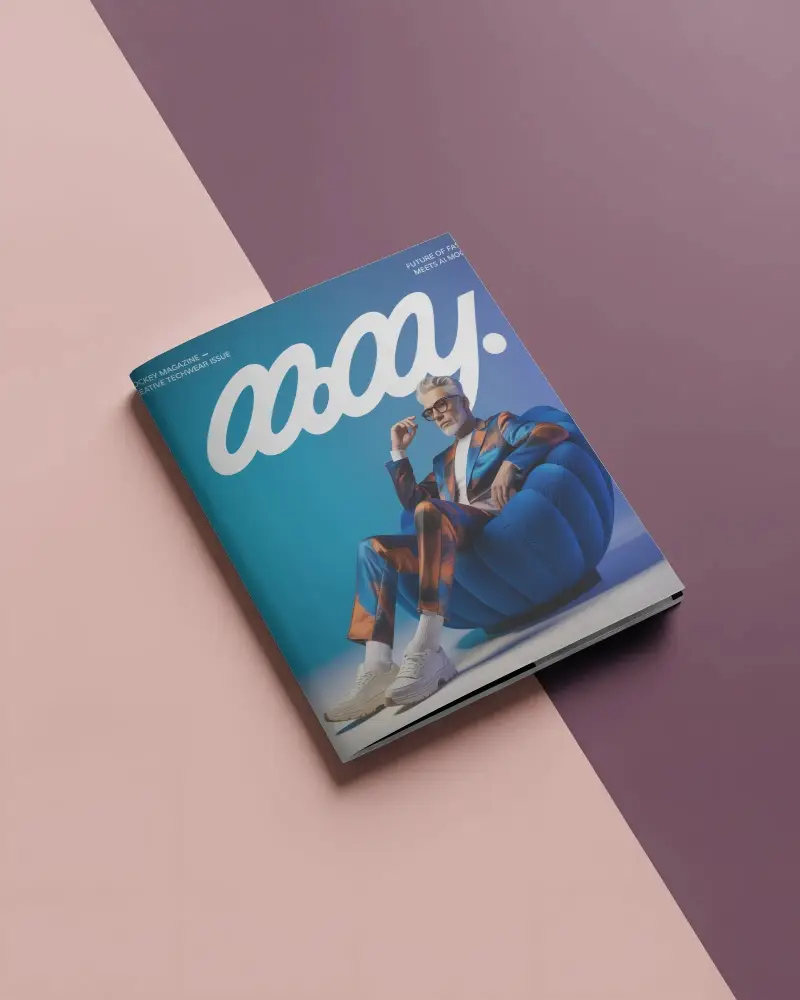
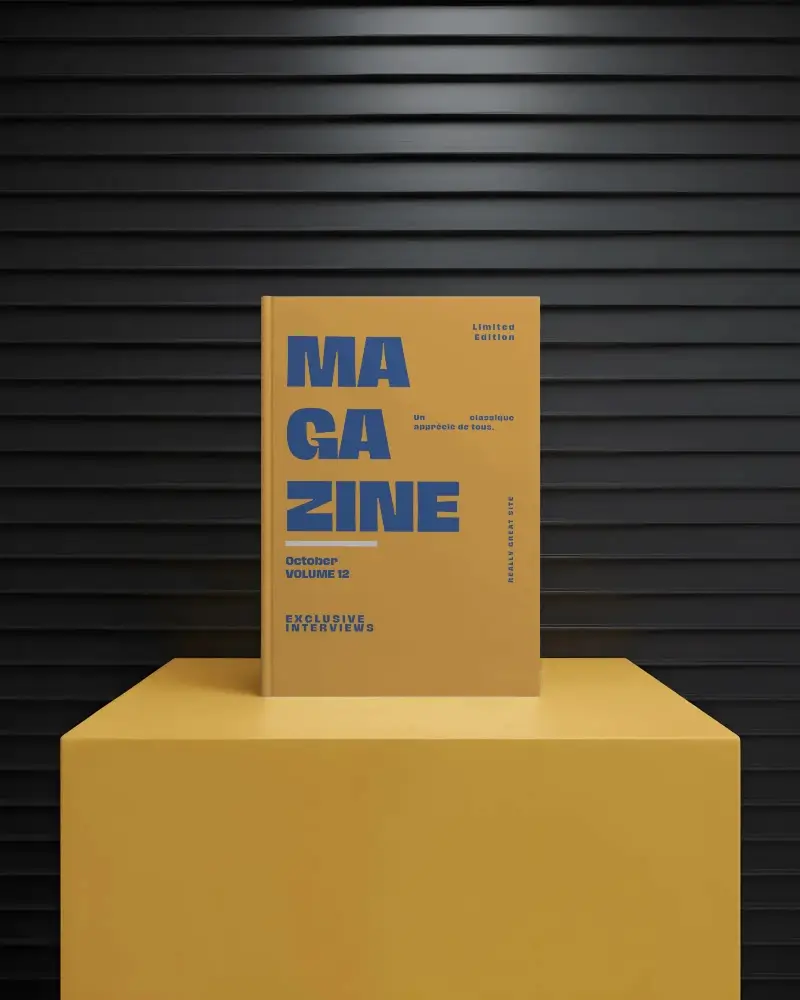
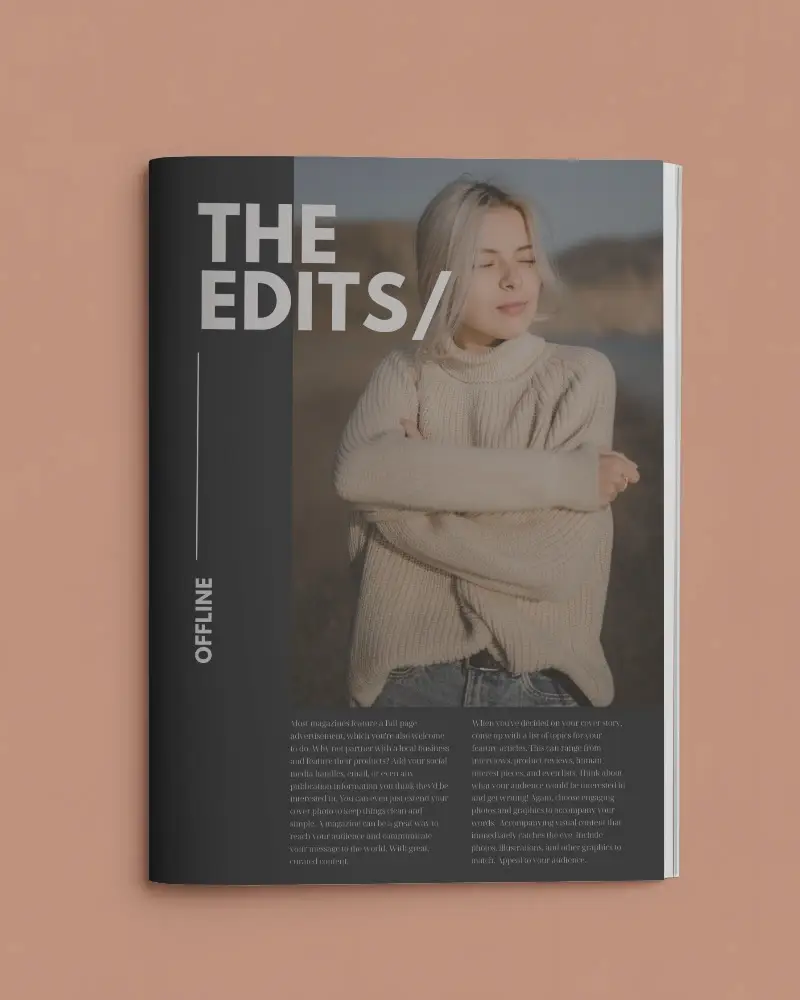
How to Make Magazine Mockup with Mockey
Follow the steps to create Magazine Mockups in Mockey AI
- Step 1: Click Mockups, then look for the magazine category in the print section
- Step 2: Then click Upload Design and pick your magazine template
- Step 3: Customize and export it by hitting the Download button for free without any watermark.


FAQs on magazine Mockups
How to create a magazine mockup ?
To create a magazine mockup, first select the print category by navigating to Mockups > Print > Magazine on the homepage. Then, choose a template and on the next page click Add Design to upload your image and customize the mockup. Once ready, download your magazine mockup for free with no watermark in various sizes up to 1600 x 2000 pixels.
What is a magazine mockup?
A magazine mockup is a sample version of a magazine that looks like the real thing. It helps designers and editors test out how the magazine will look, including its layout and content. By creating a mockup, they can gather ideas and make changes to improve the magazine before it gets printed. This process ensures that everything looks good and is in the right place.
Do any free apps do magazine mockups ?
There are free apps available for creating magazine mockups! One great option is Mockey.ai, which has many customizable magazine mockup templates. With this app, you can easily make and download high-quality magazine cover mockups without spending any money.
Does Mockey provide magazine cover mockup templates?
Mockey offers over 500 magazine cover templates you can customize. These include portrait, landscape, and square designs. You can download them in high resolution without any watermarks.
How do I download free magazine mockups online from Mockey?
To download free magazine mockups from Mockey, visit their website, go to the Mockups section, and select Magazine under Print. Pick a template, upload your design, make any changes you want, and click Download to save your high-quality mockup without a watermark.
Why choose Mockey for magazine mockup designs?
Mockey is great for making magazine mockups because it's easy to use, has over 500 templates you can change, and creates high-quality images.
What file formats do Mockey’s magazine mockups support?
Mockey.ai works with popular file types like JPG and PNG for magazine mockups.
Are Mockey’s magazine mockups available in high resolution?
Yes, Mockey's magazine mockups are high-quality. You can download your designs in different sizes, up to 1600 x 2000 pixels.
