Free Greeting Card Mockup Templates
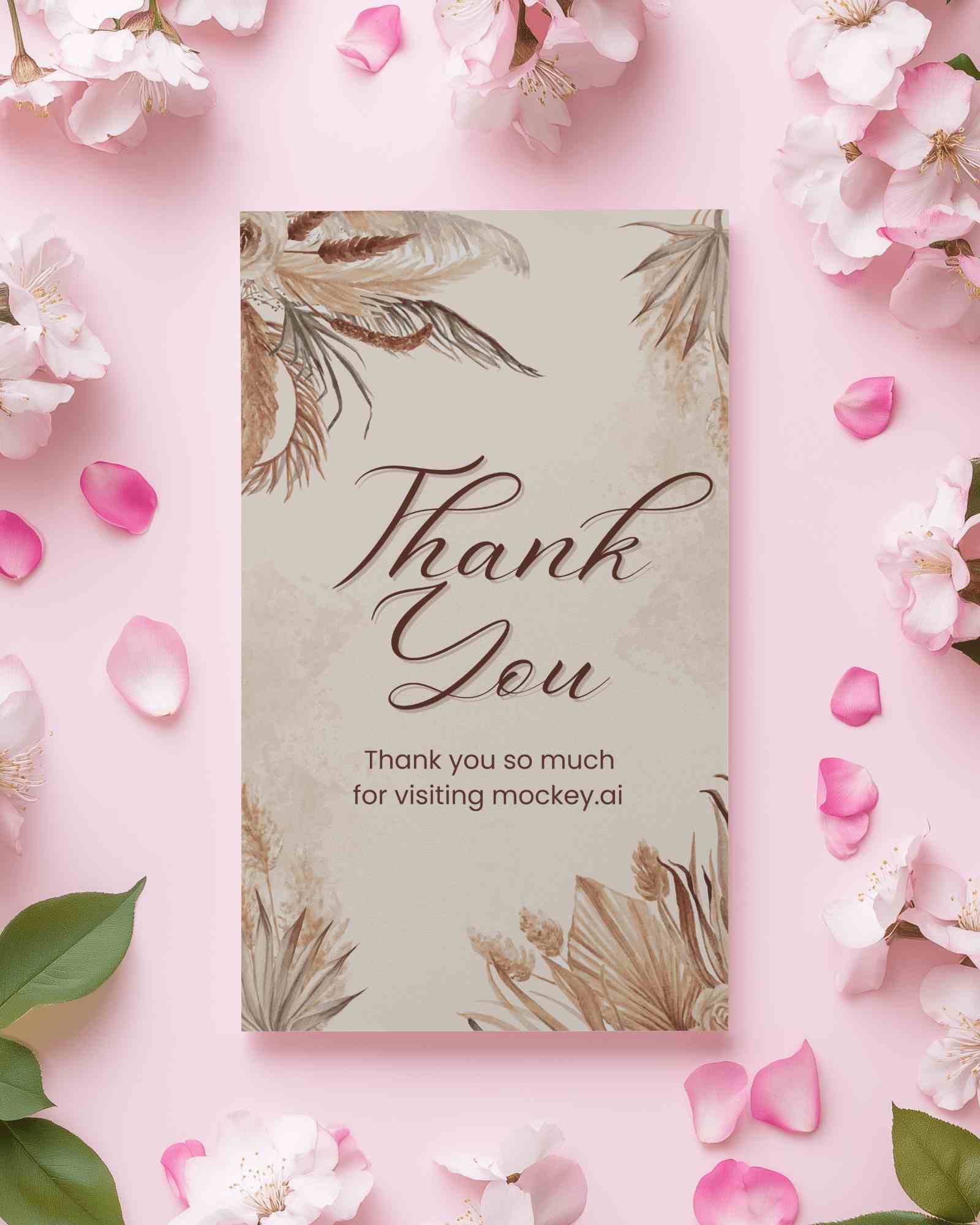
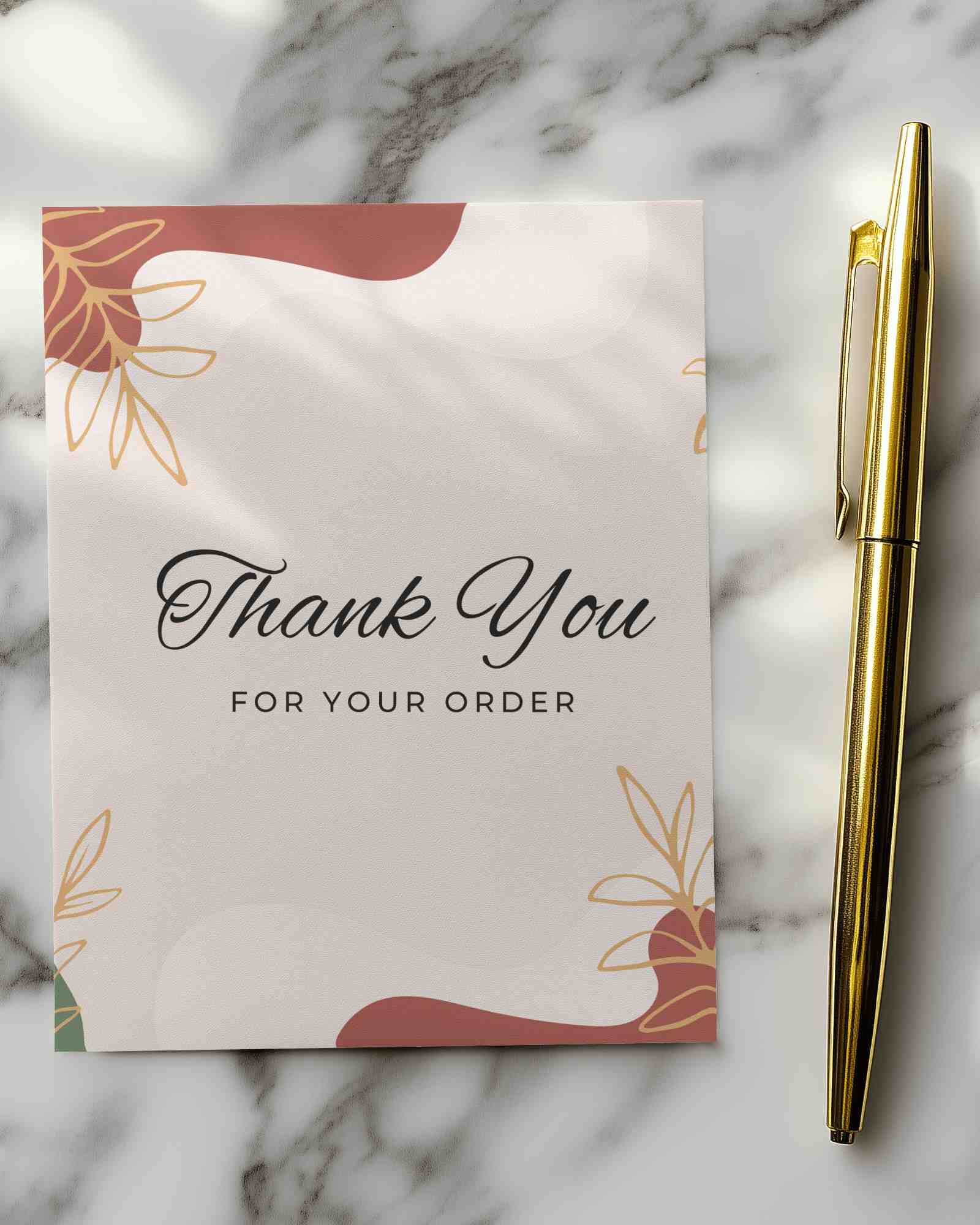
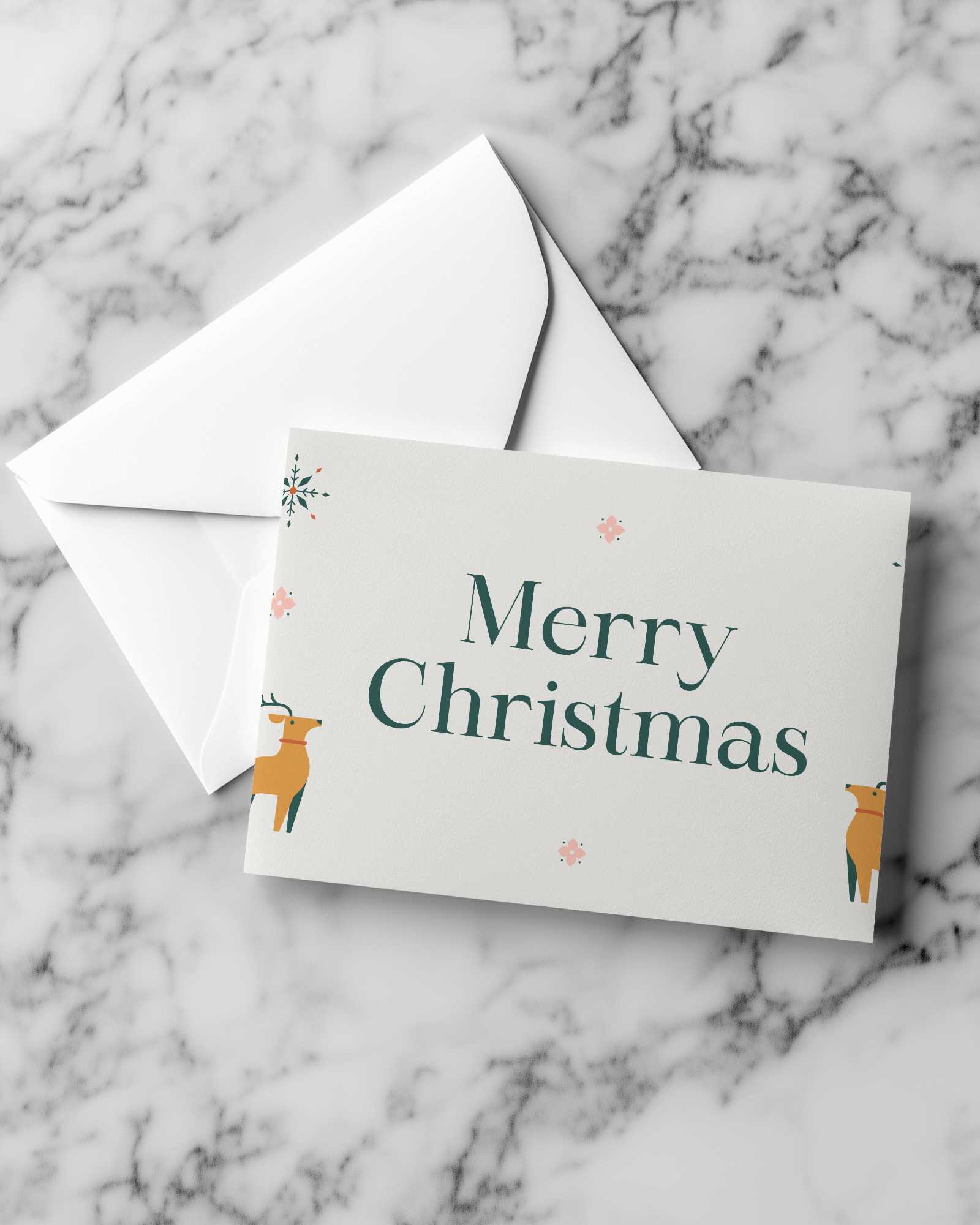
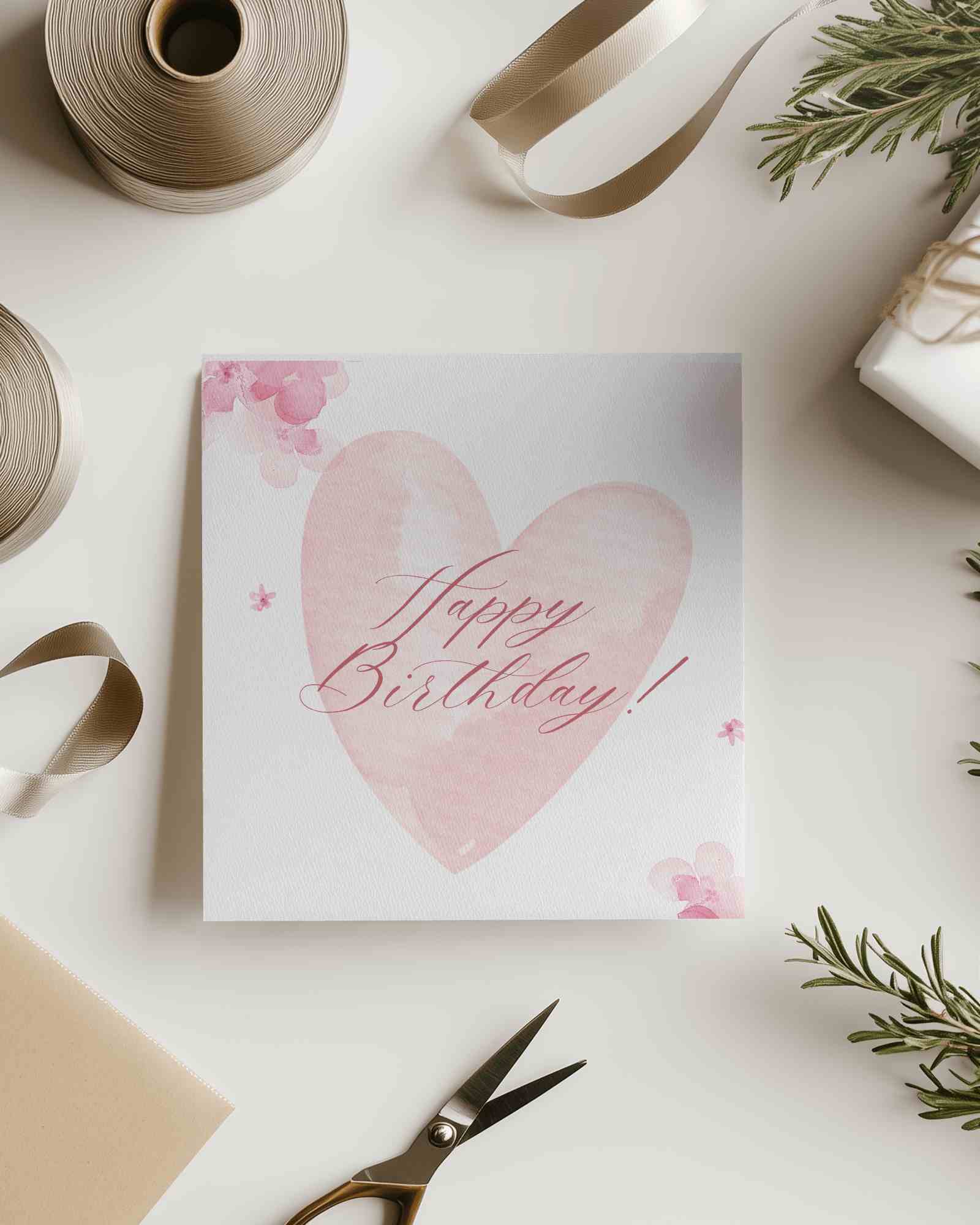
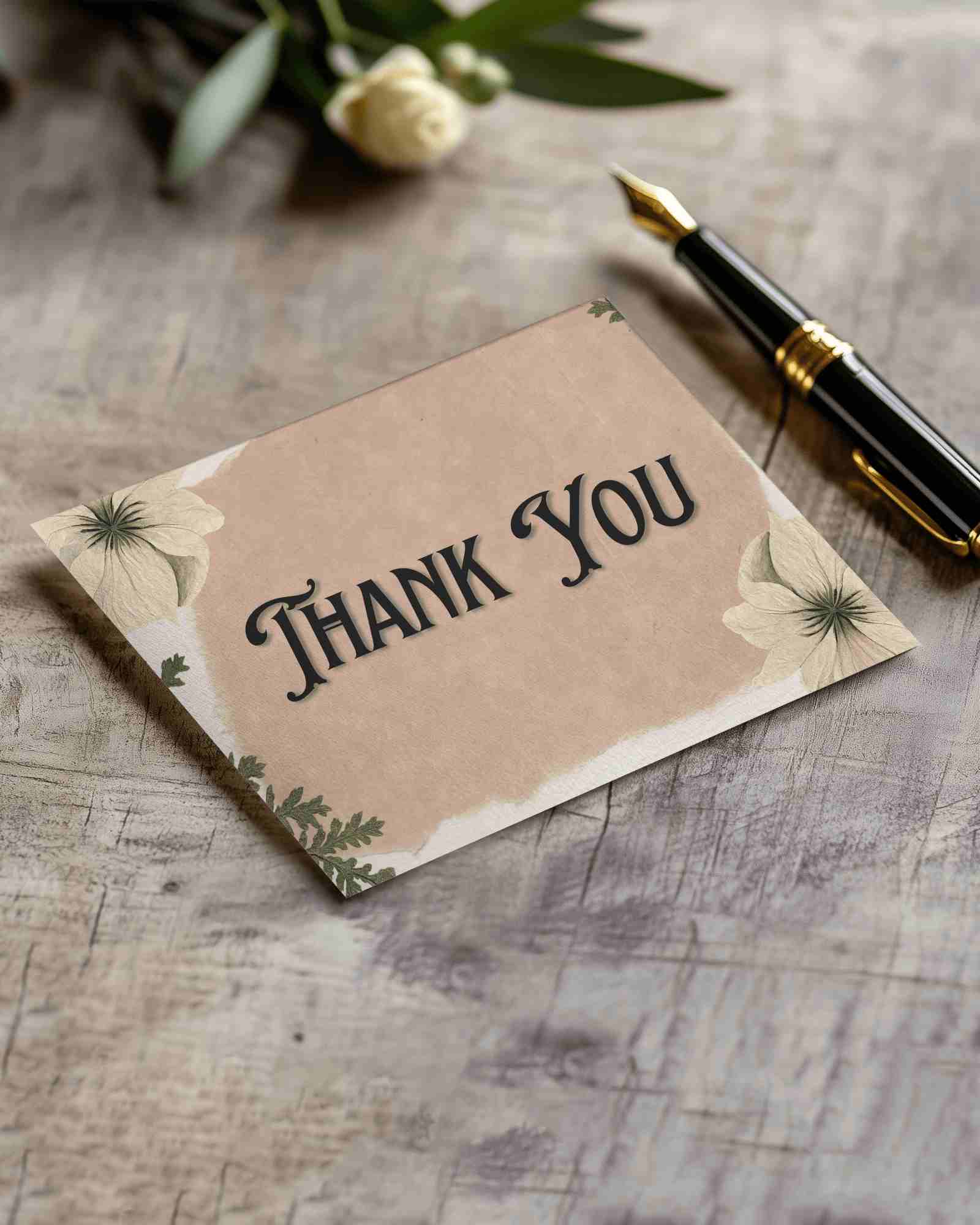
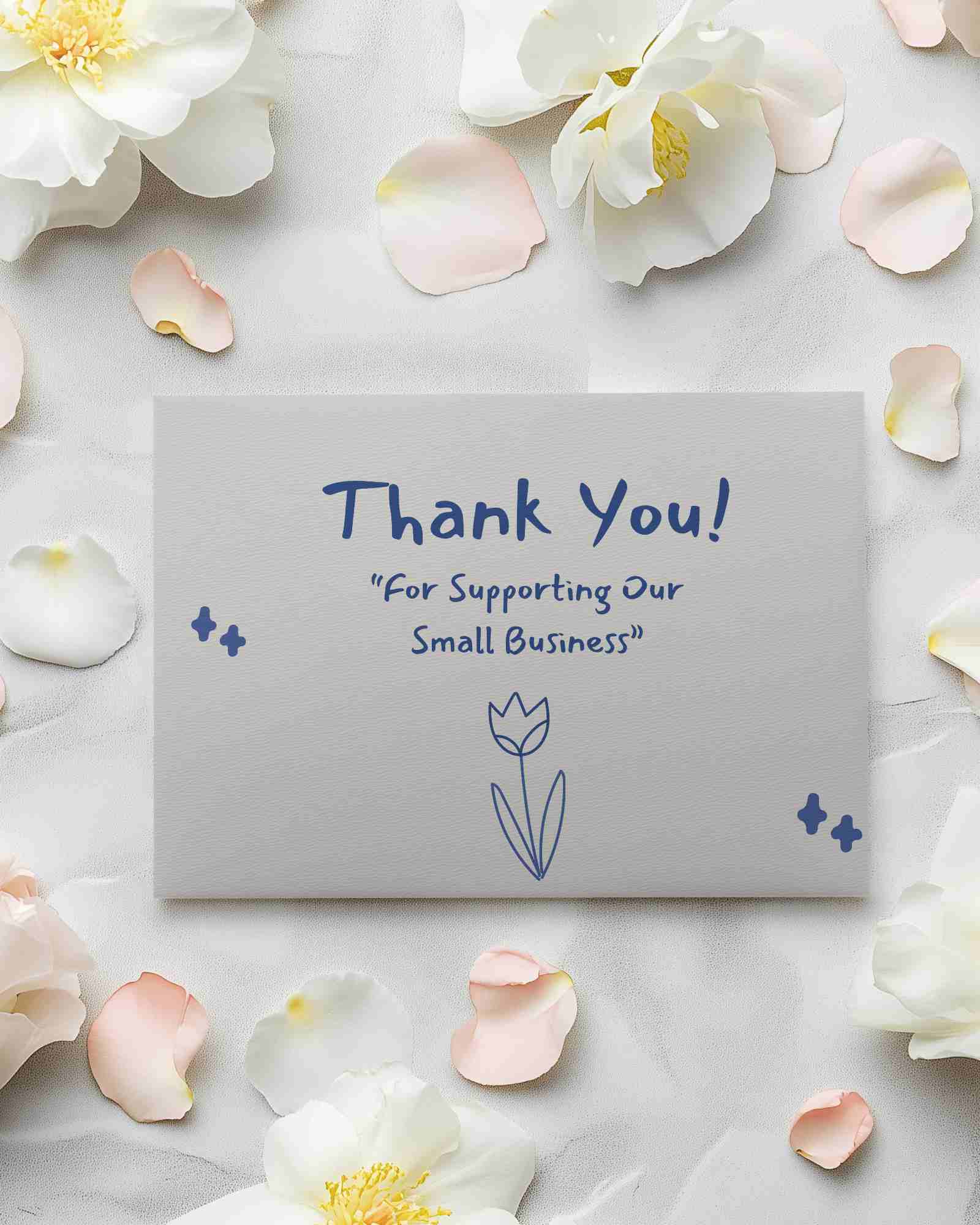
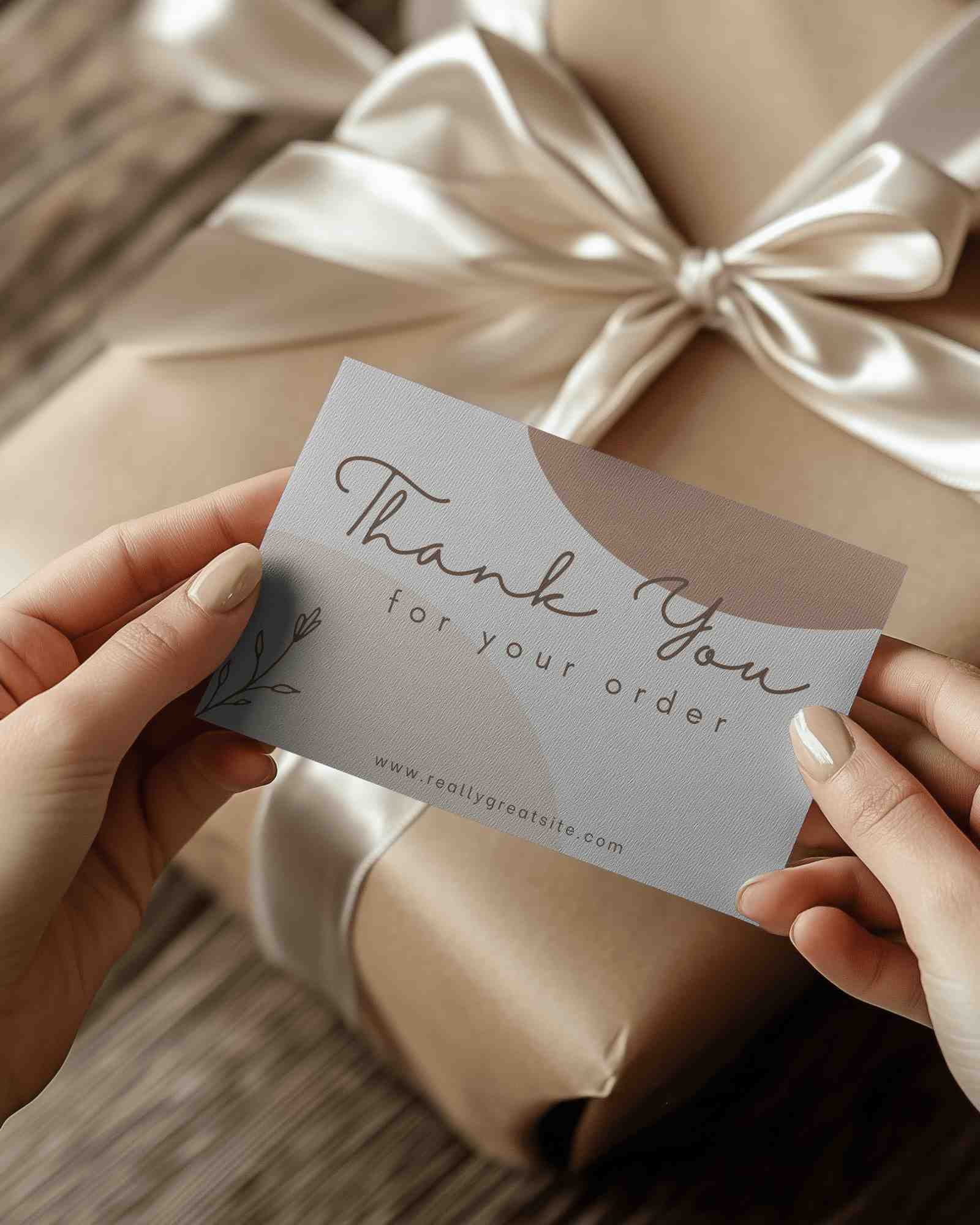
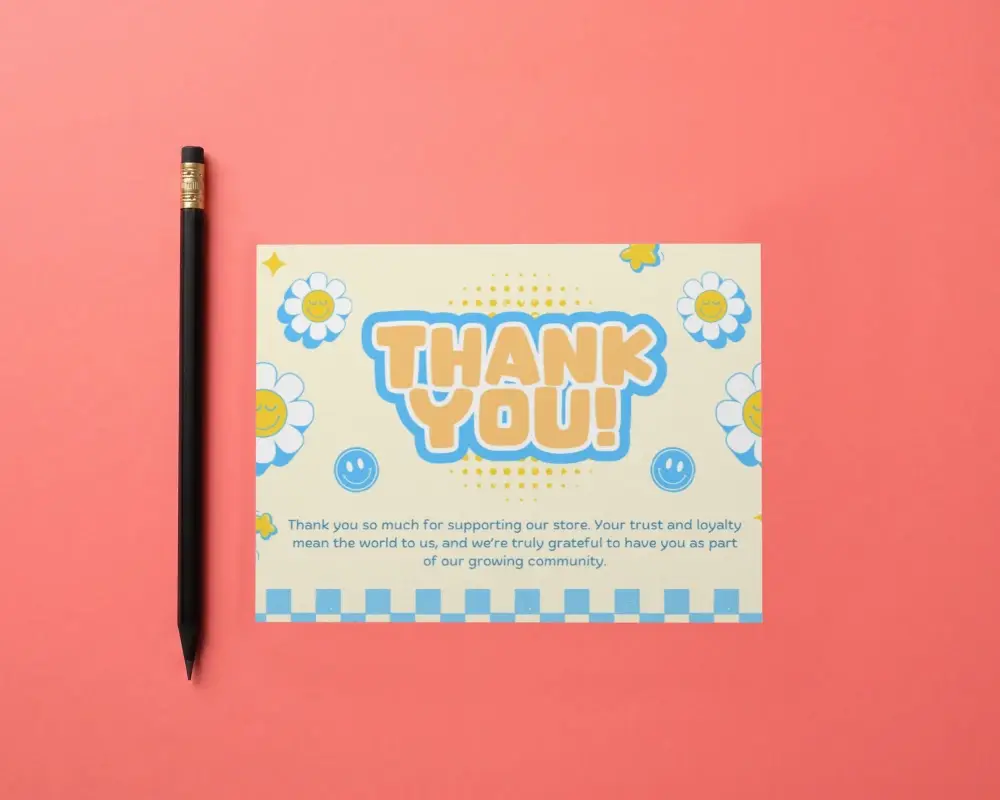
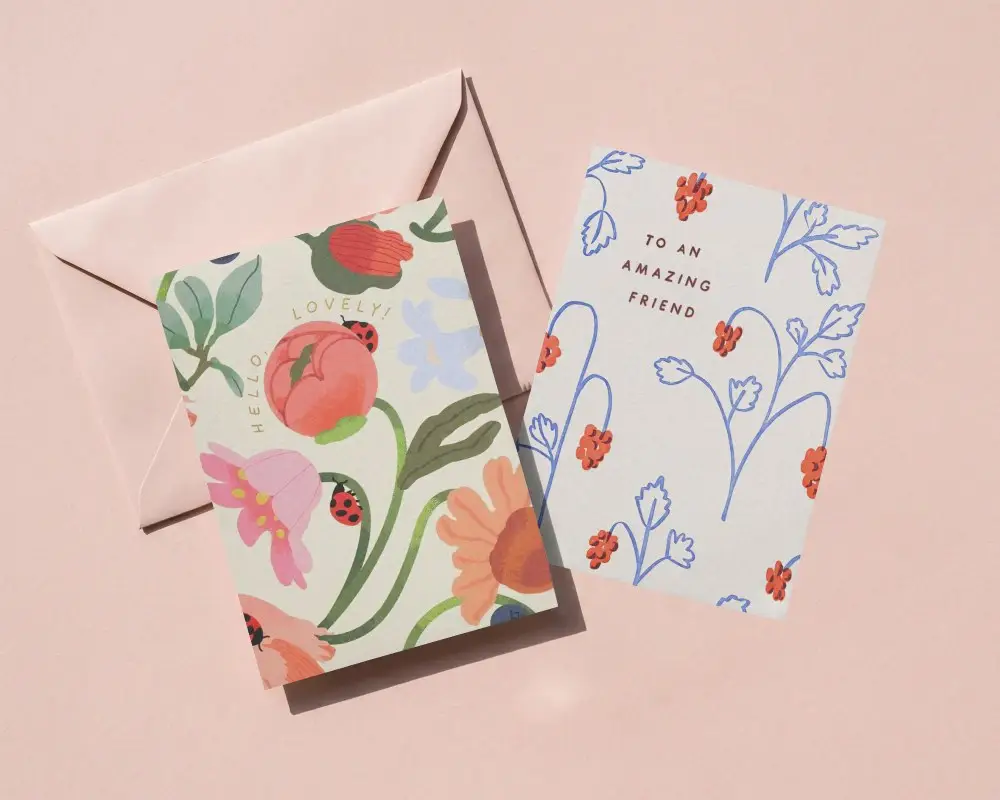
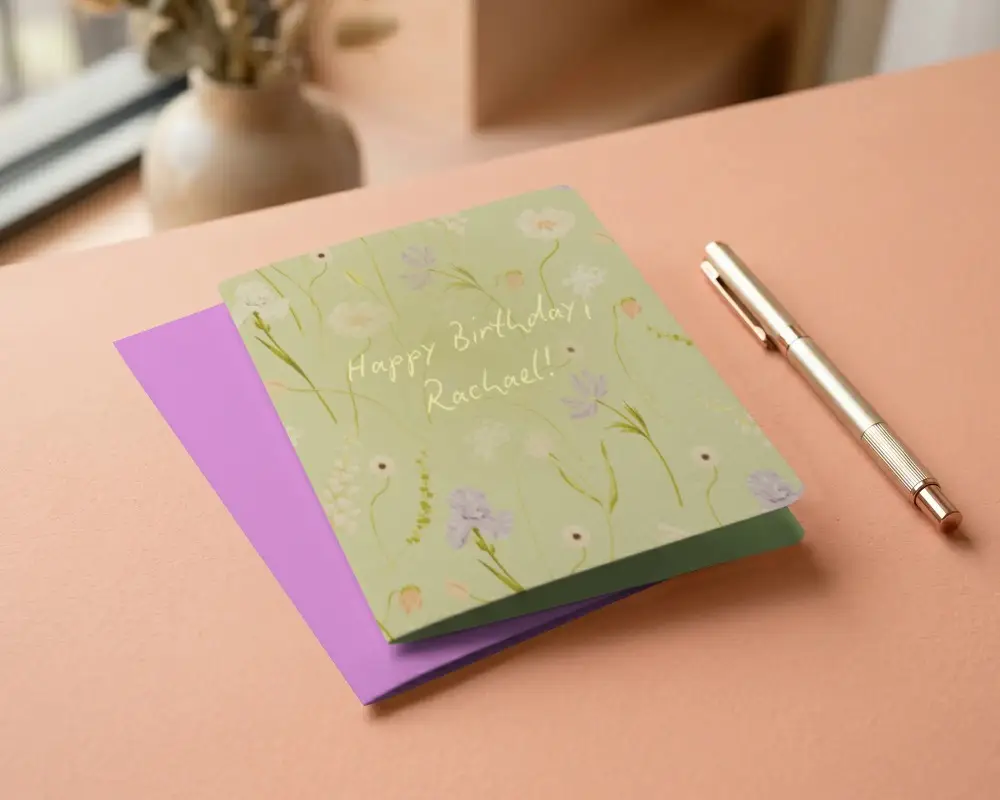
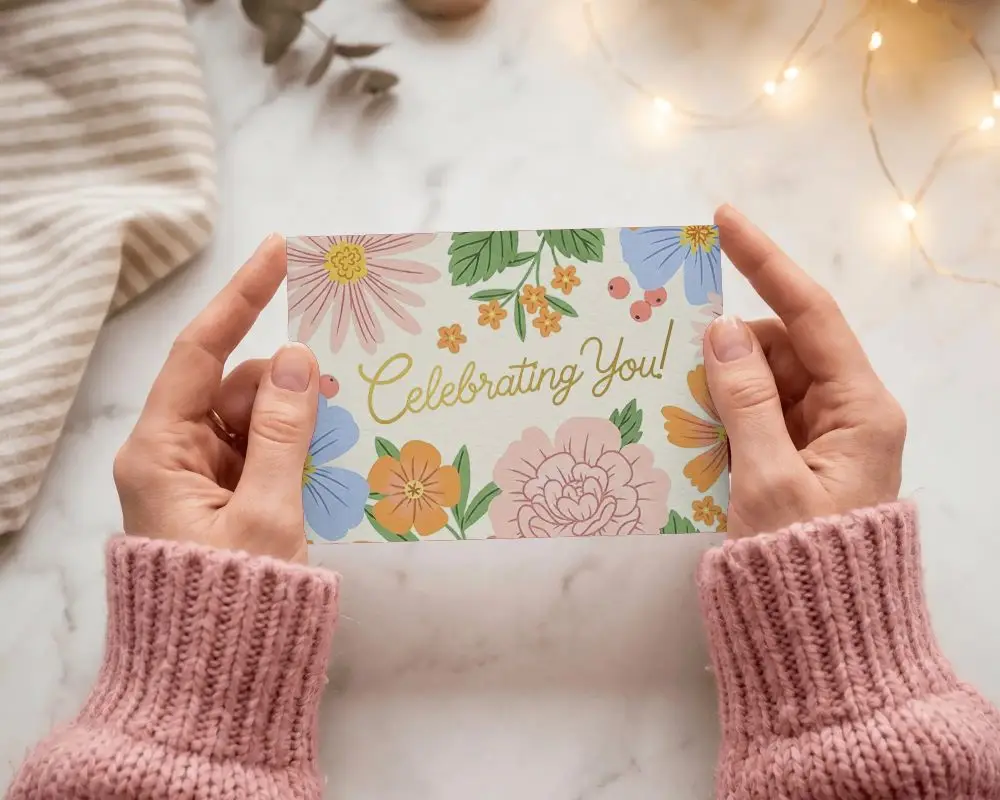
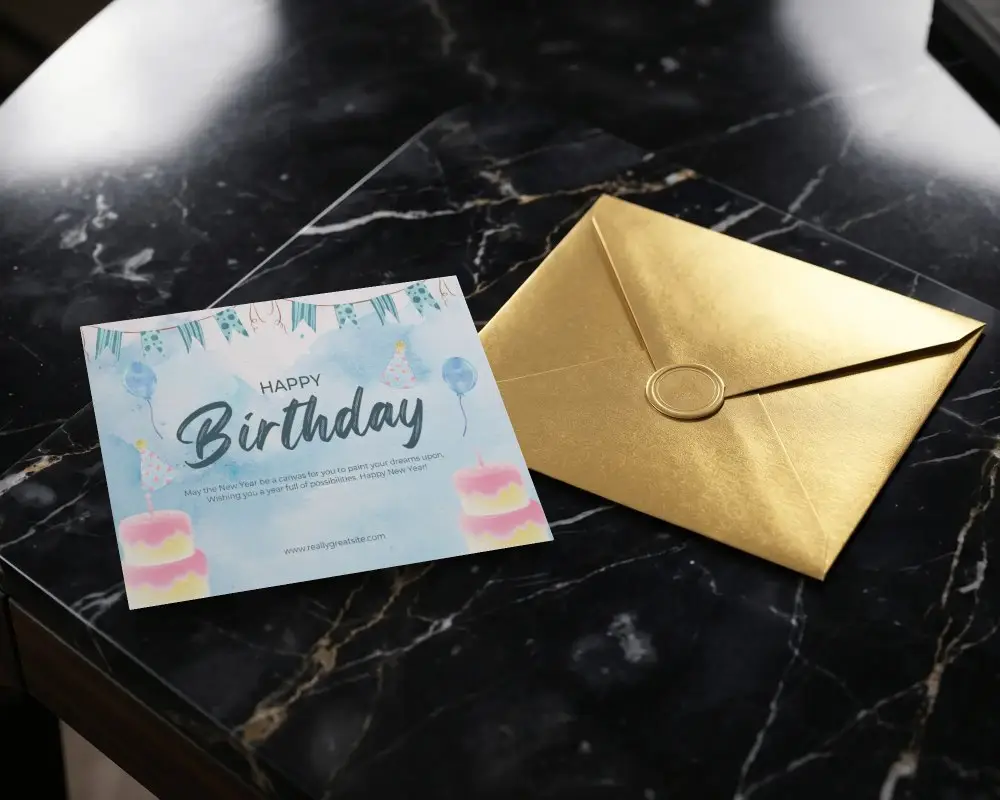
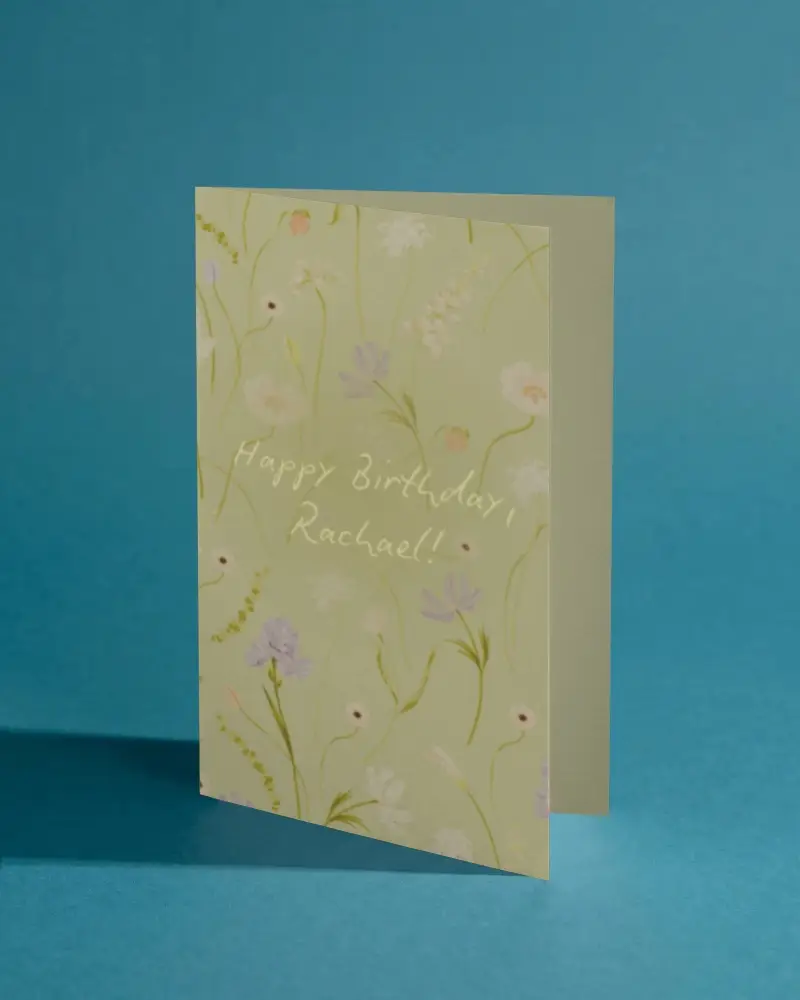
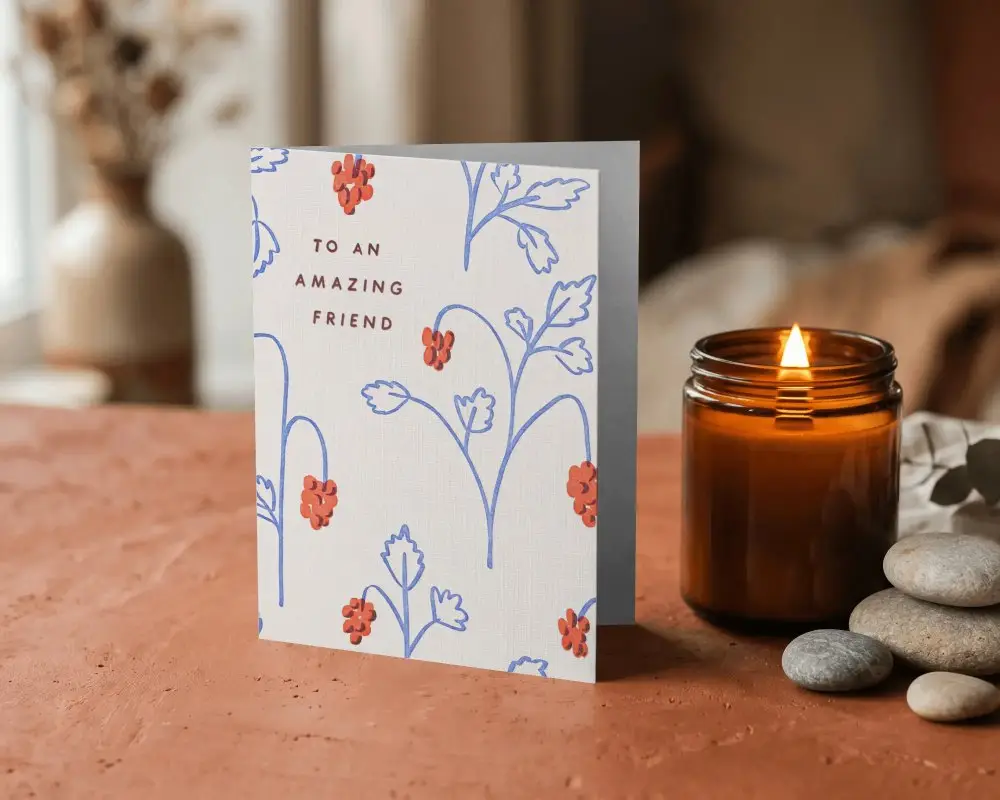
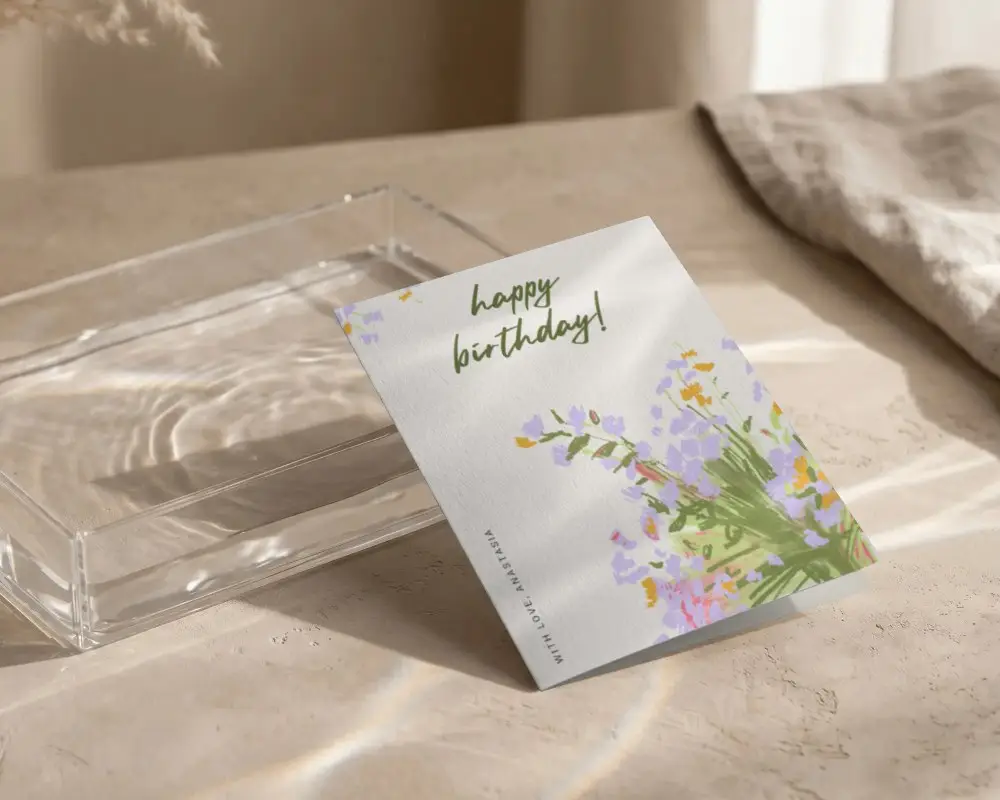
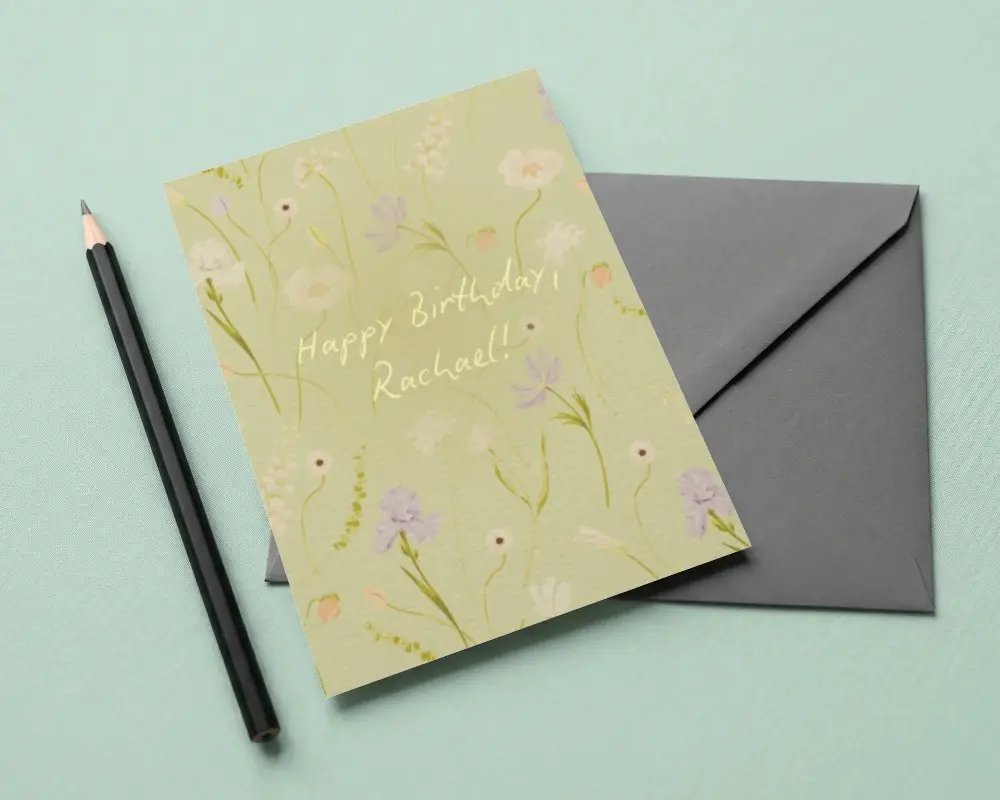
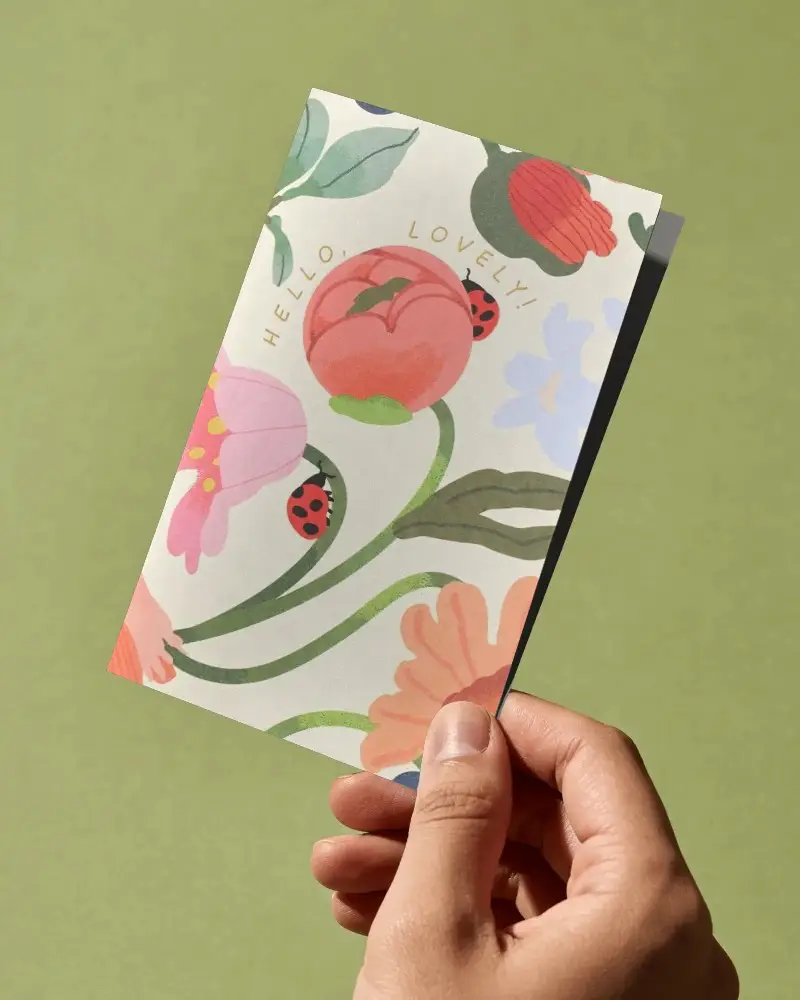
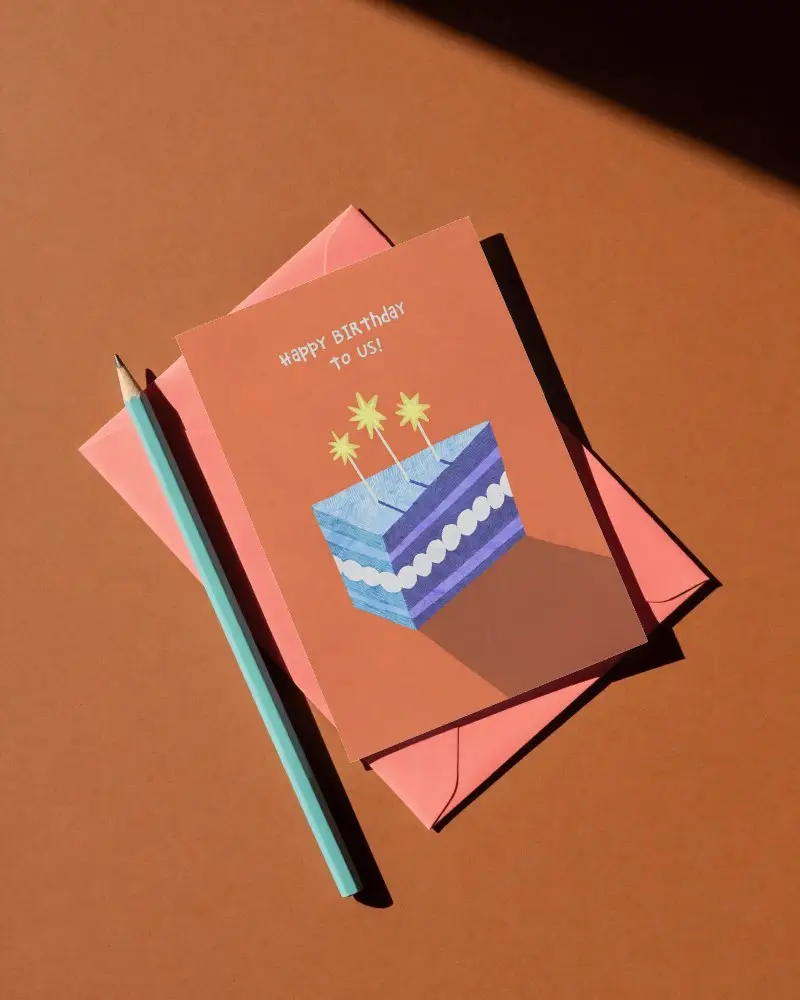
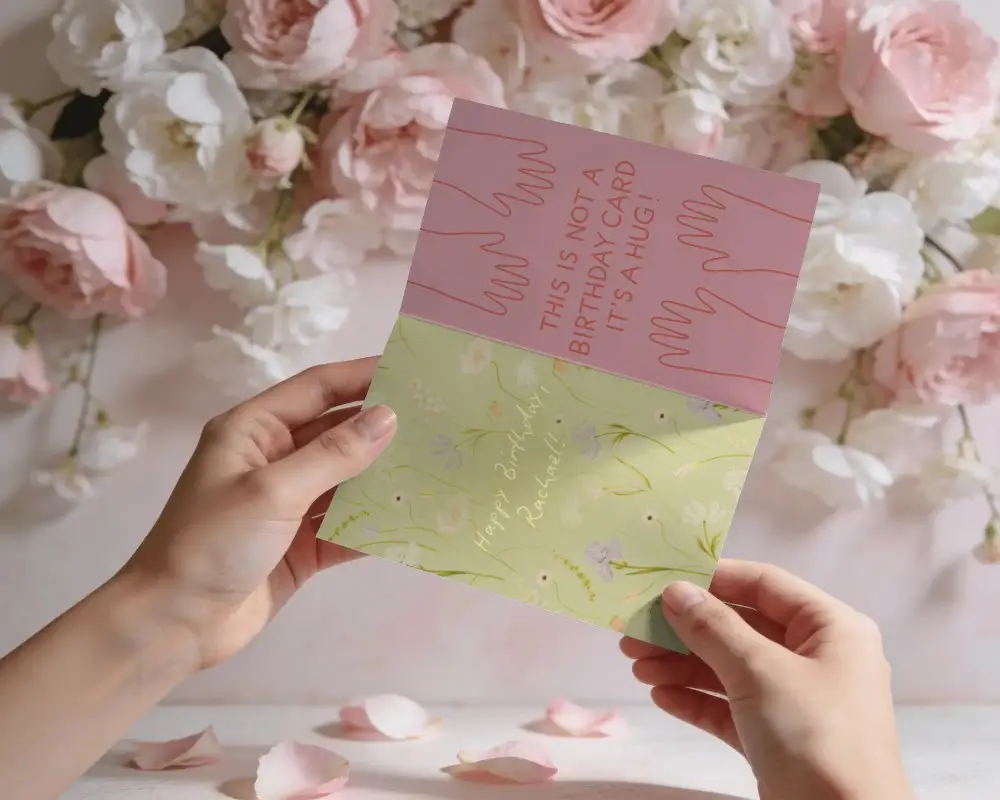
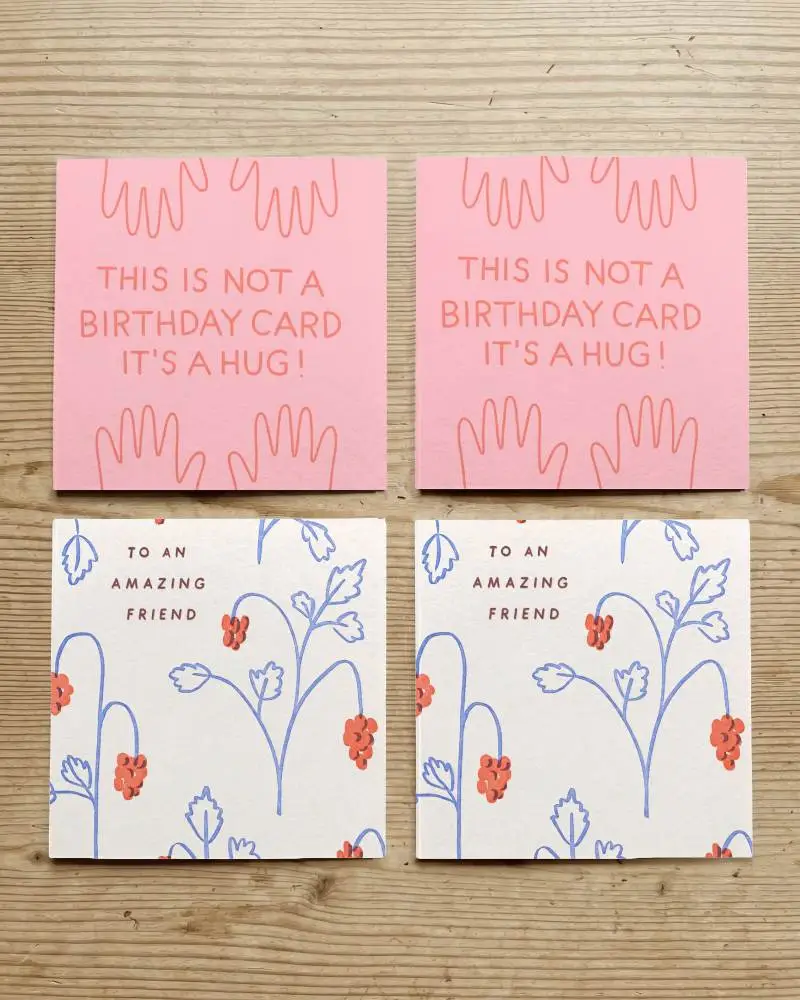
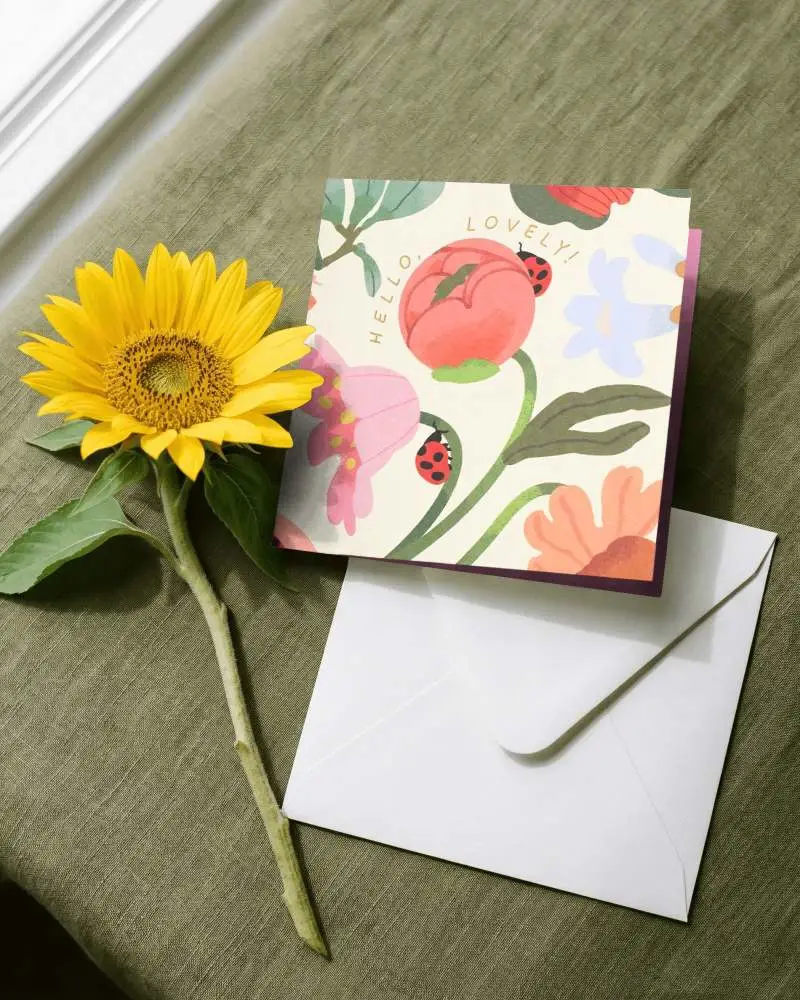
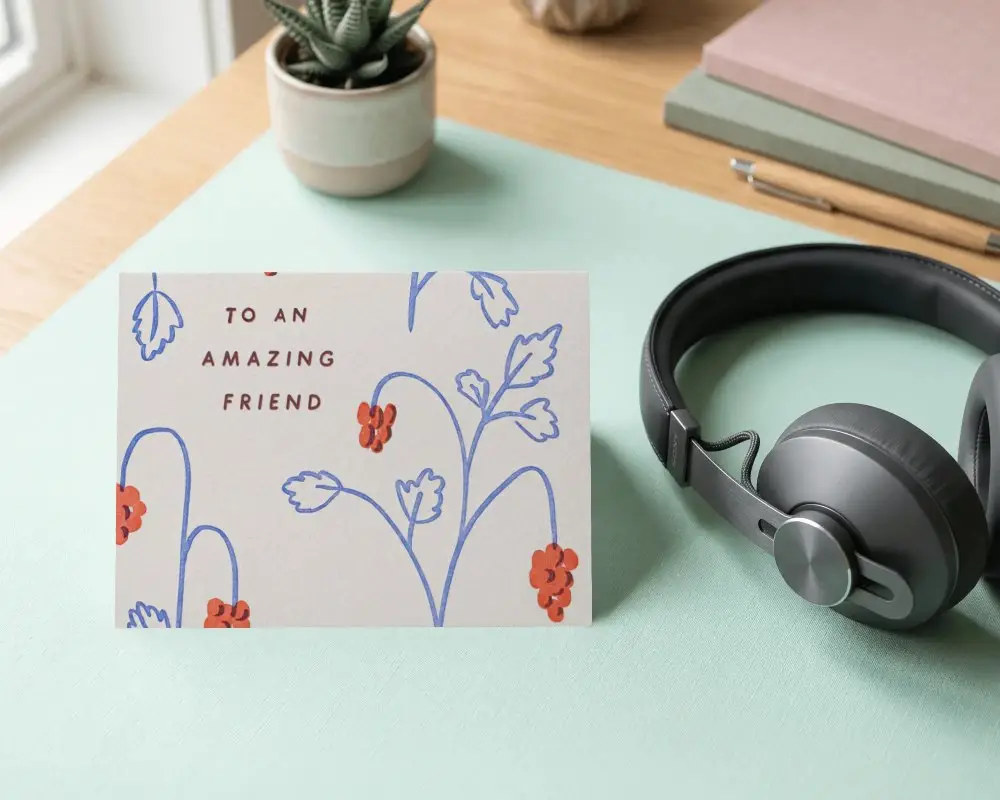
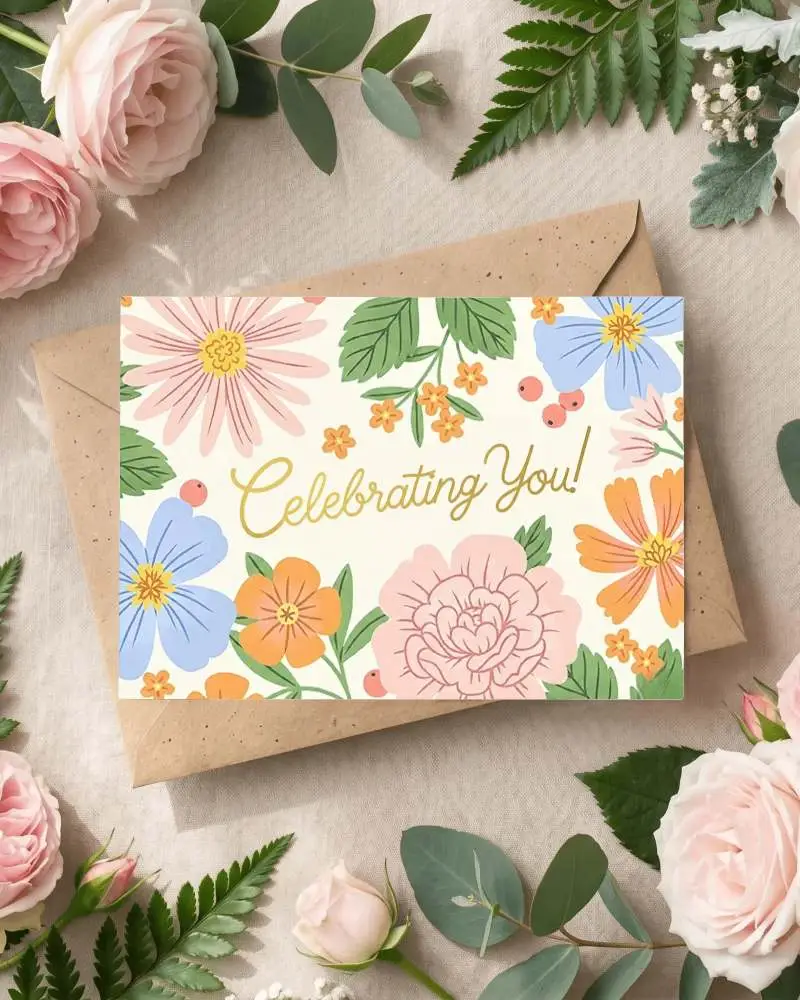
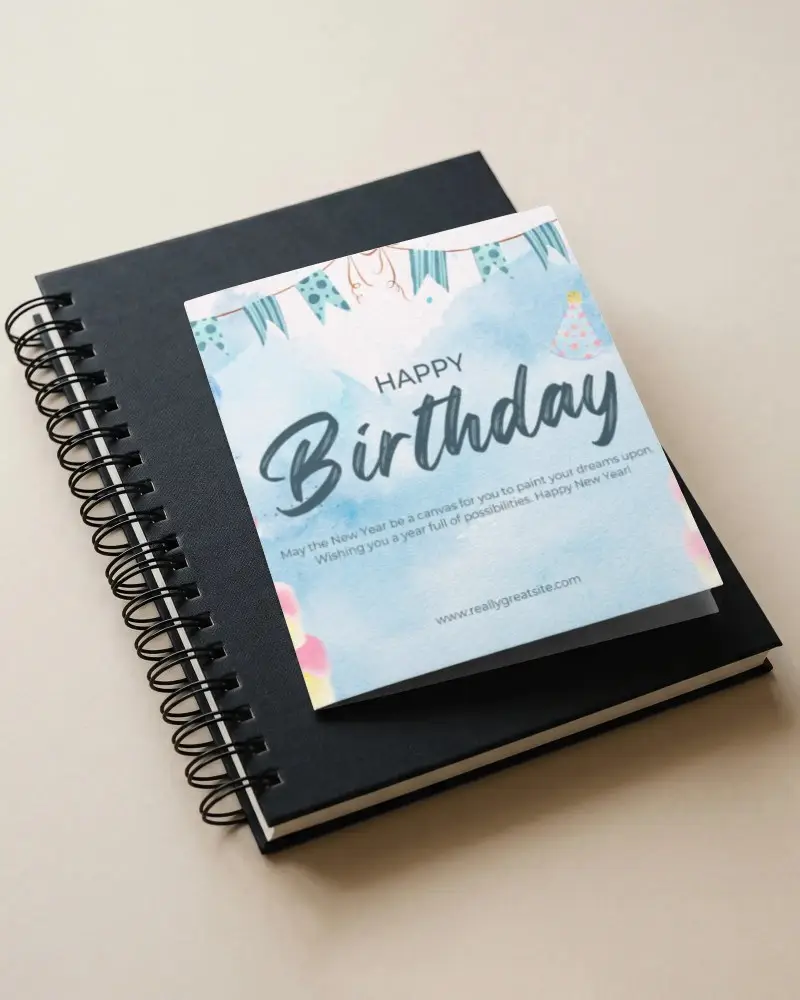
If you sell greeting cards online or want to test a new design before printing, a flat design doesn't show customers how the finished card will look. Mockey AI's free greeting card mockups let you place your artwork on realistic greeting card scenes, so you can show the cover, folded card, or card in a styled setting. Choose a template, upload your design, and create a ready-to-use greeting card mockup.
_compressed.png)
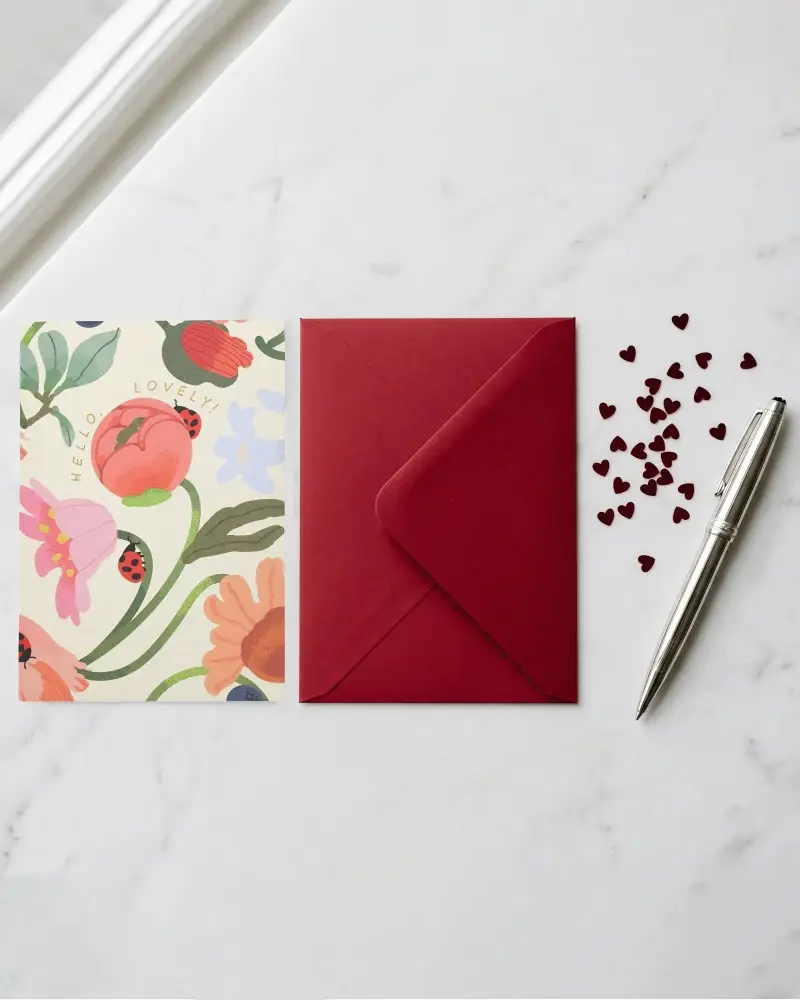
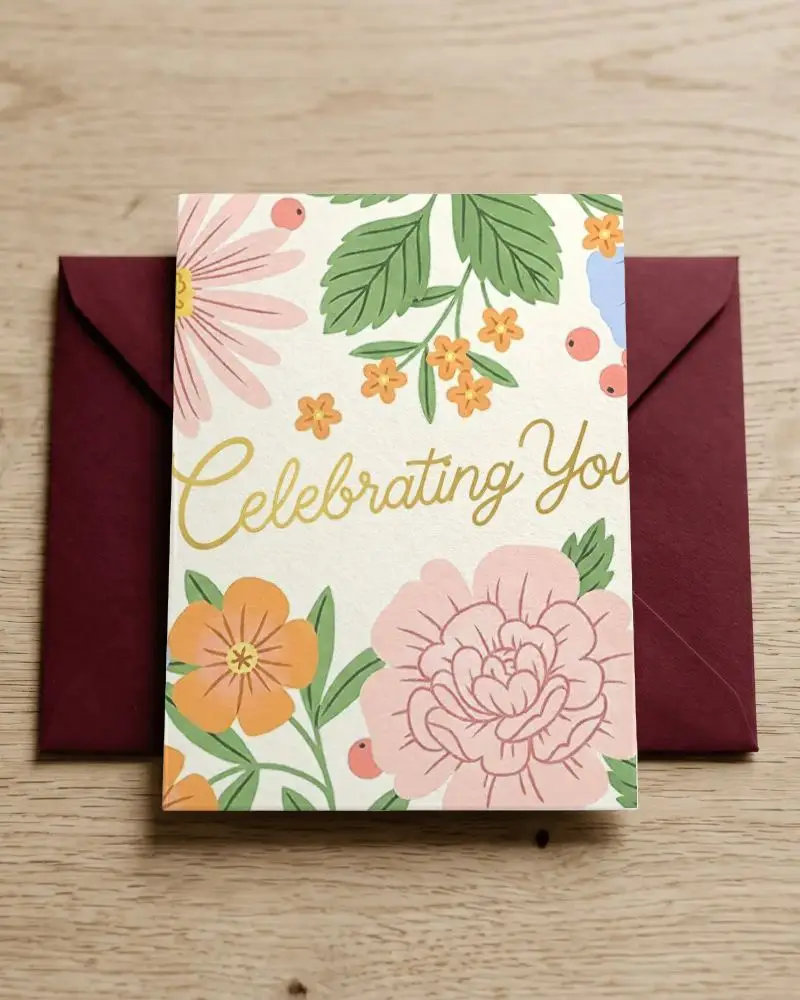
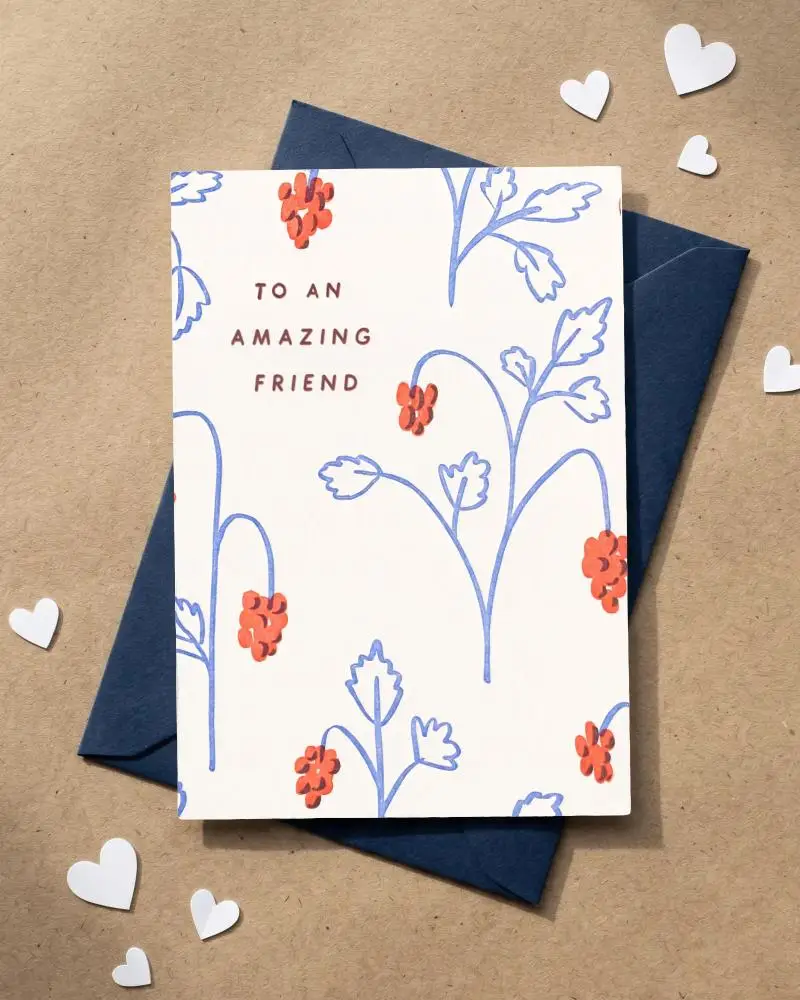
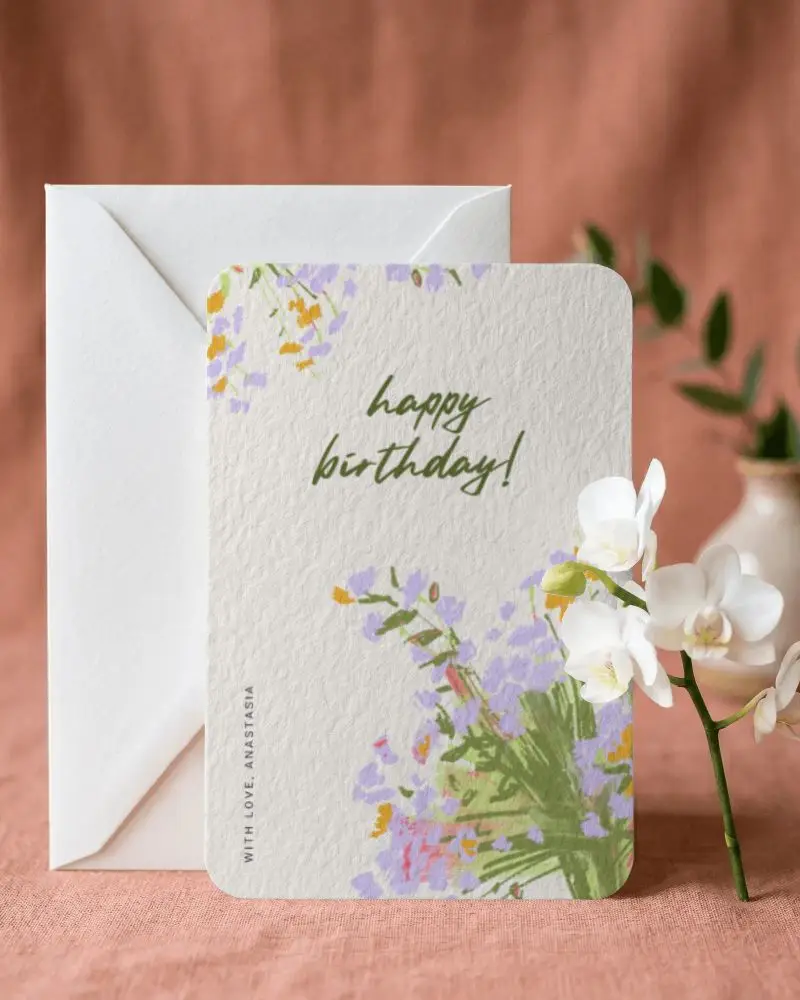
_compressed.png)
_compressed.png)
How to Customize Greeting Card Mockups in Mockey AI
To customize the greeting card mockup:
- Step 1: Pick a card style, folded or flat, with or without an envelope.
- Step 2: Upload your design and adjust it to sit correctly on the card.
- Step 3: Change the card and envelope color if needed.
- Step 4: Use warping and Place Anywhere to correct positioning.
- Step 5: Use Multi Shot, Photoshoot, or Animate AI tool.
- Step 6: Download the greeting card mockup.


FAQs on greeting-card Mockups
What is a greeting card mockup?
Greeting card mockups show how your design will look as a finished card, sitting next to an envelope or being held. It's a quick way to preview or showcase the card before you ever print a physical copy.
Why create a greeting card mockup?
Before printing, you can see how your design looks folded, textured, and matched with an envelope. You'll catch alignment or color issues early. The listings on Etsy or Shopify look better, and clients say yes more quickly.
Why use Mockey's greeting card mockup?
Mockey's greeting card mockups are free to start. You've got 5x7, A6, folded, square, and landscape cards to choose from. Also, customize it with warping, generate multiple views, or even turn it into a short animated video clip.
Is this greeting card mockup free?
Greeting card mockups are free, and there's no watermark on the download either. Just keep in mind the free plan is personal use only. You'll need the Starter plan for commercial use.
What types of greeting card mockups are available?
You get 5x7 and A5 sizes, vertical or landscape layouts, folded or square formats, and even invitation-style cards. So whether you need a birthday card or a formal invite, there's a template to start from.
Can I use greeting card mockups for Etsy listings?
Greeting card mockups are best for Etsy listings. Make sure to match your finished card so buyers aren't misled.
What is the difference between a greeting card mockup and an invitation mockup?
A greeting card mockup shows a folded, bi-fold layout, displayed open or paired with an envelope. An invitation mockup is flat, designed like a postcard or single sheet of cardstock.
