Free Book Mockup Templates for Authors and Designers
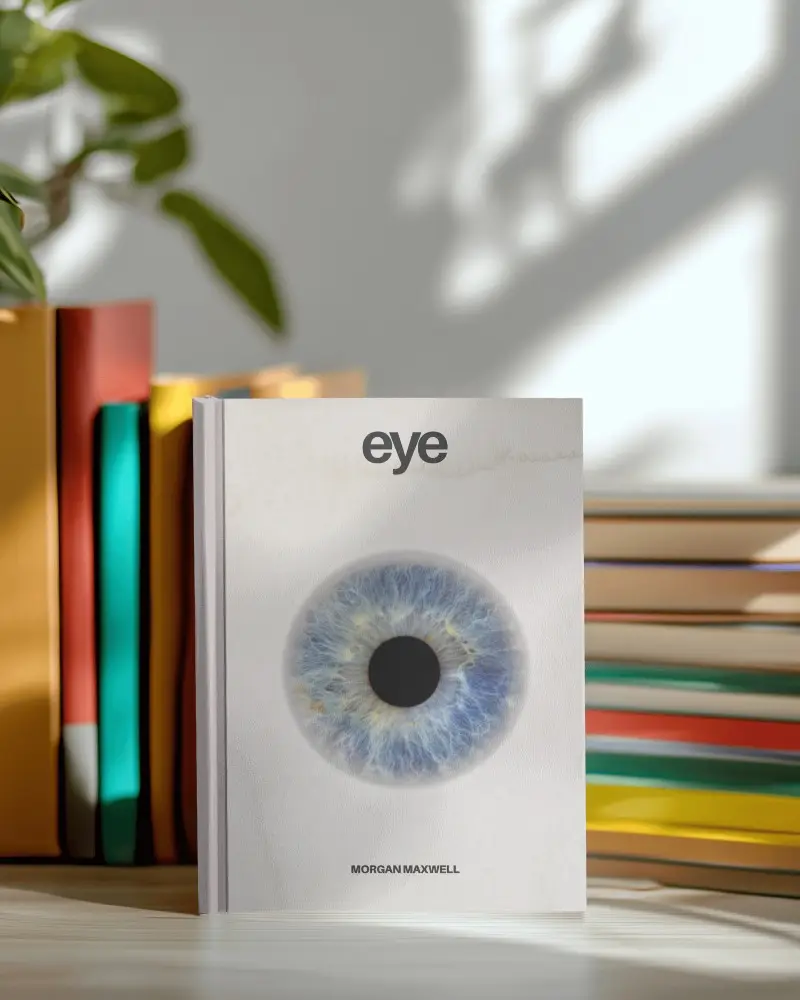
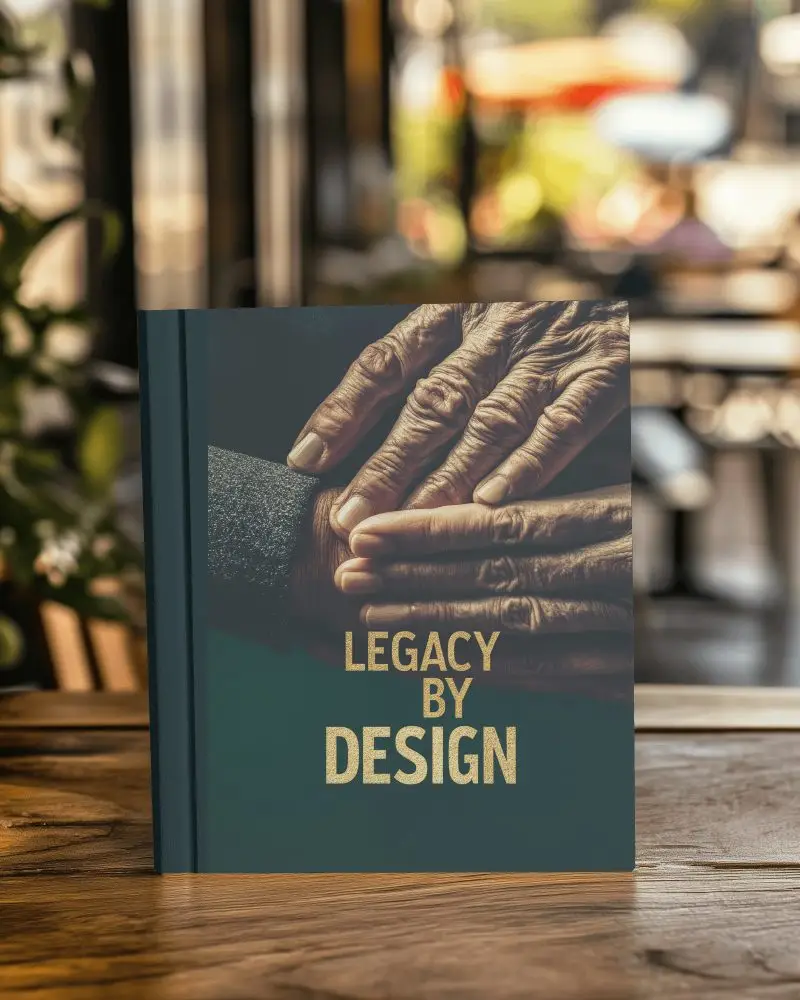
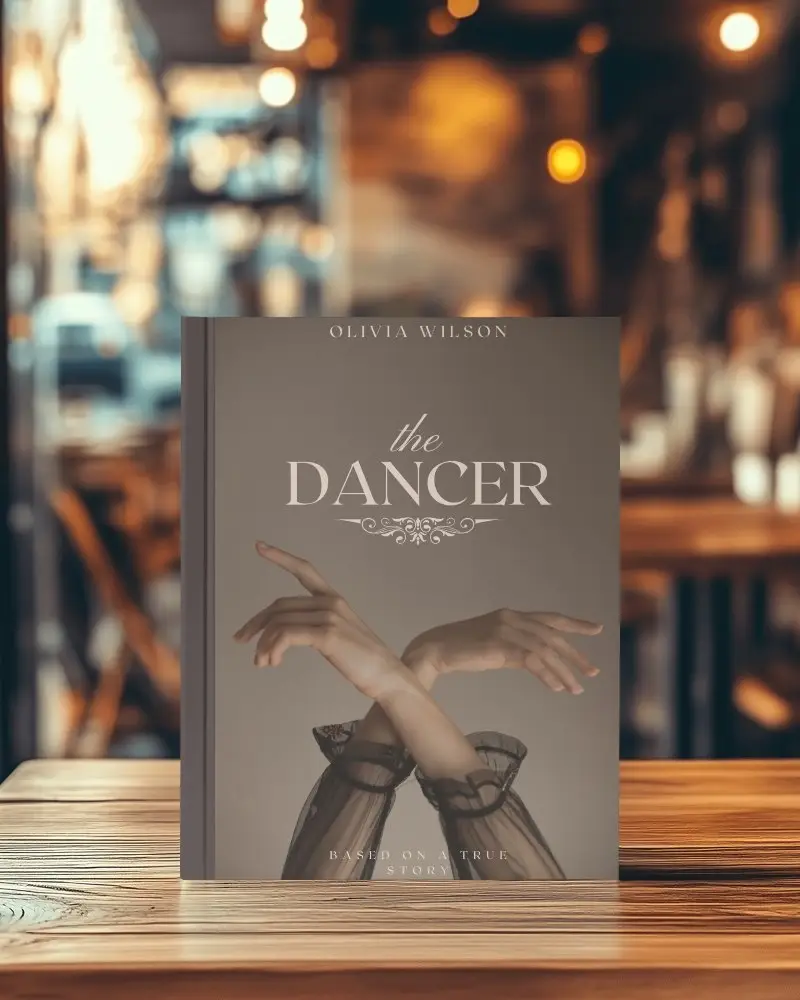
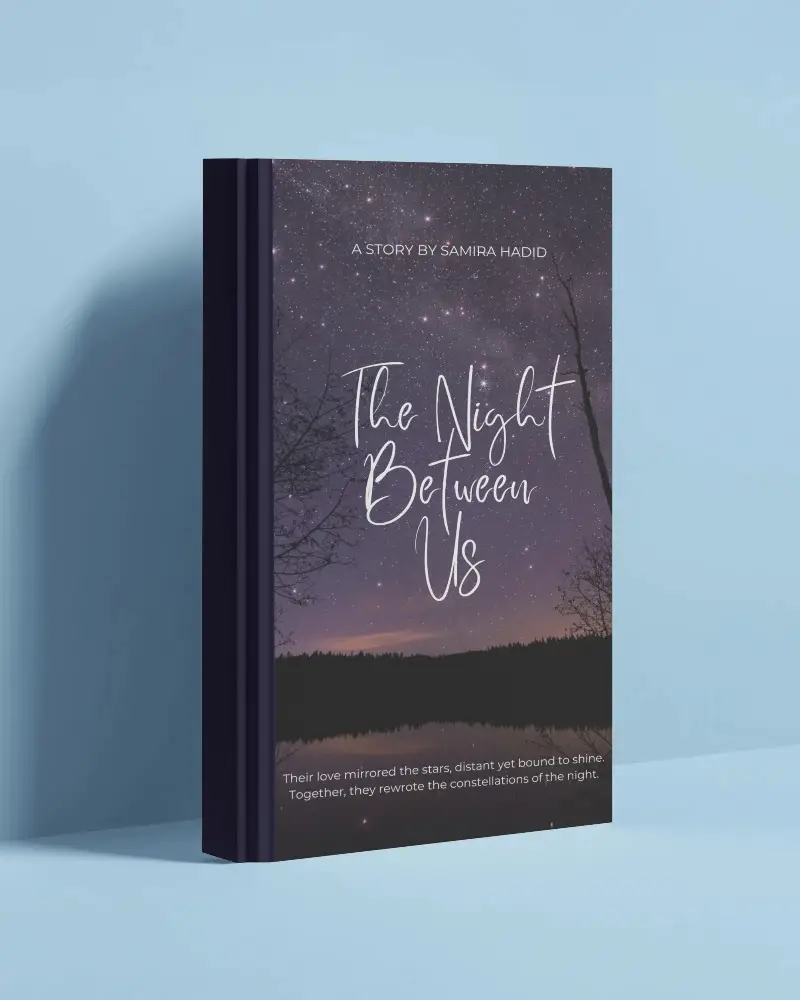
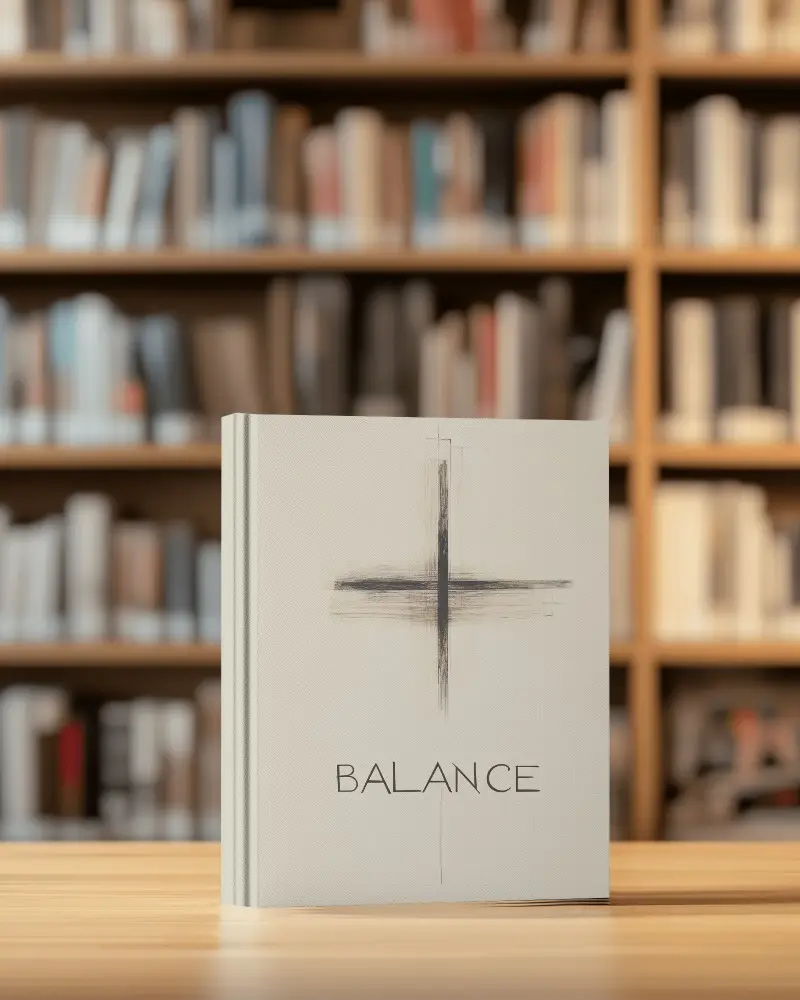
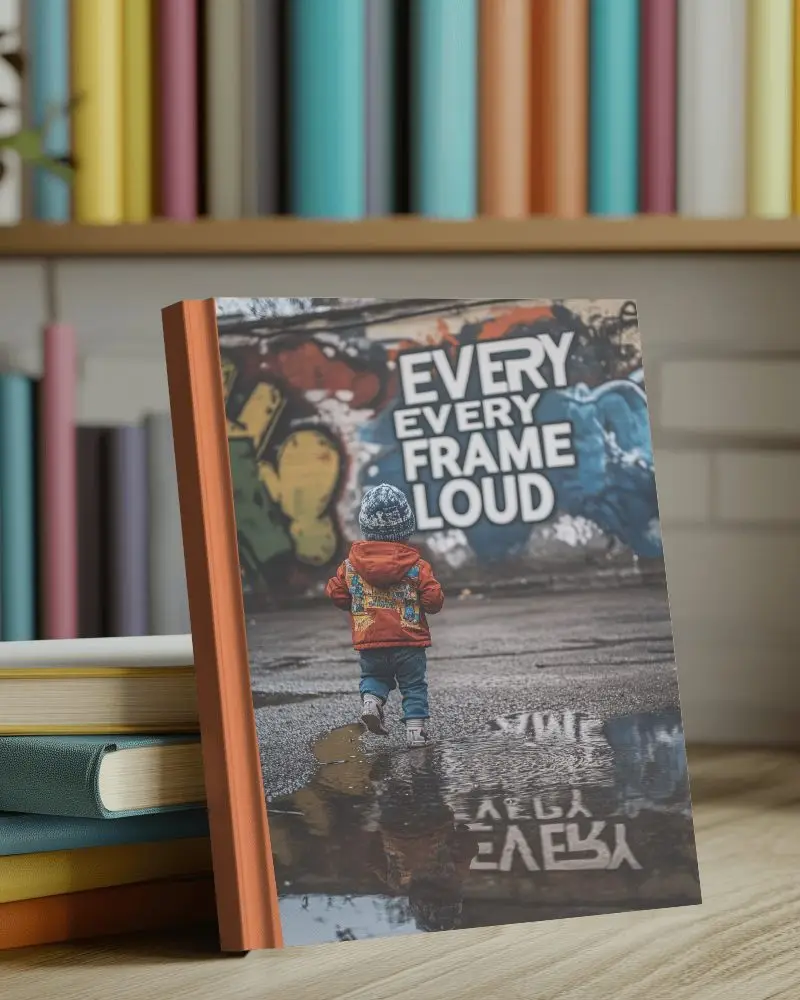
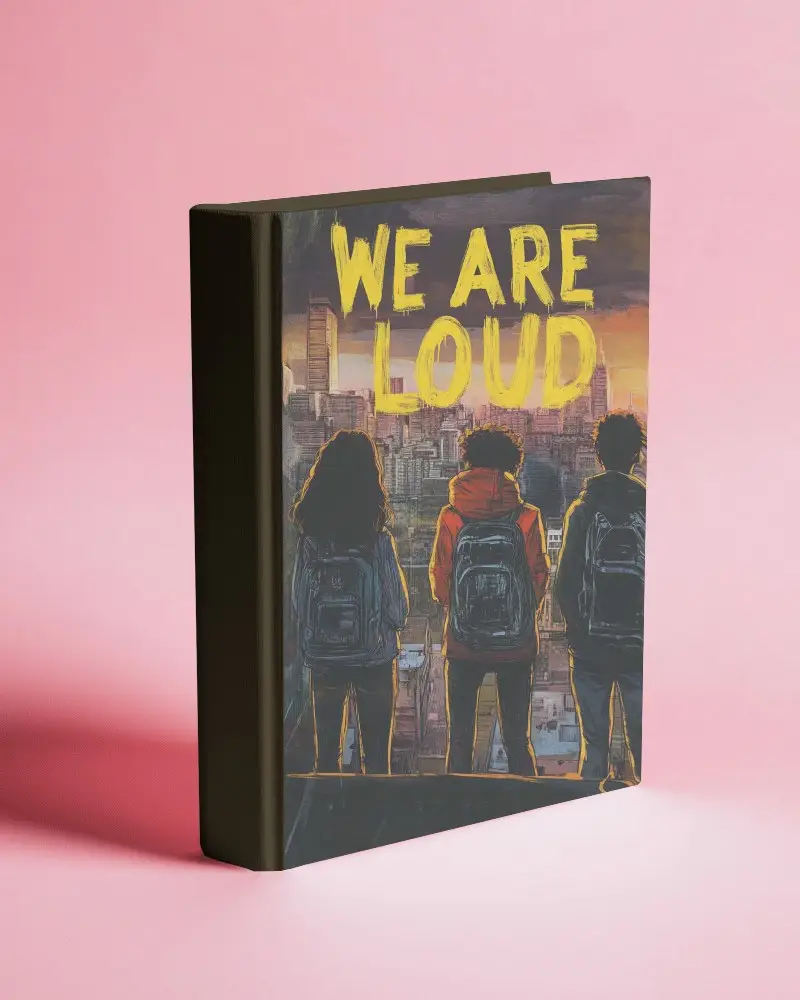
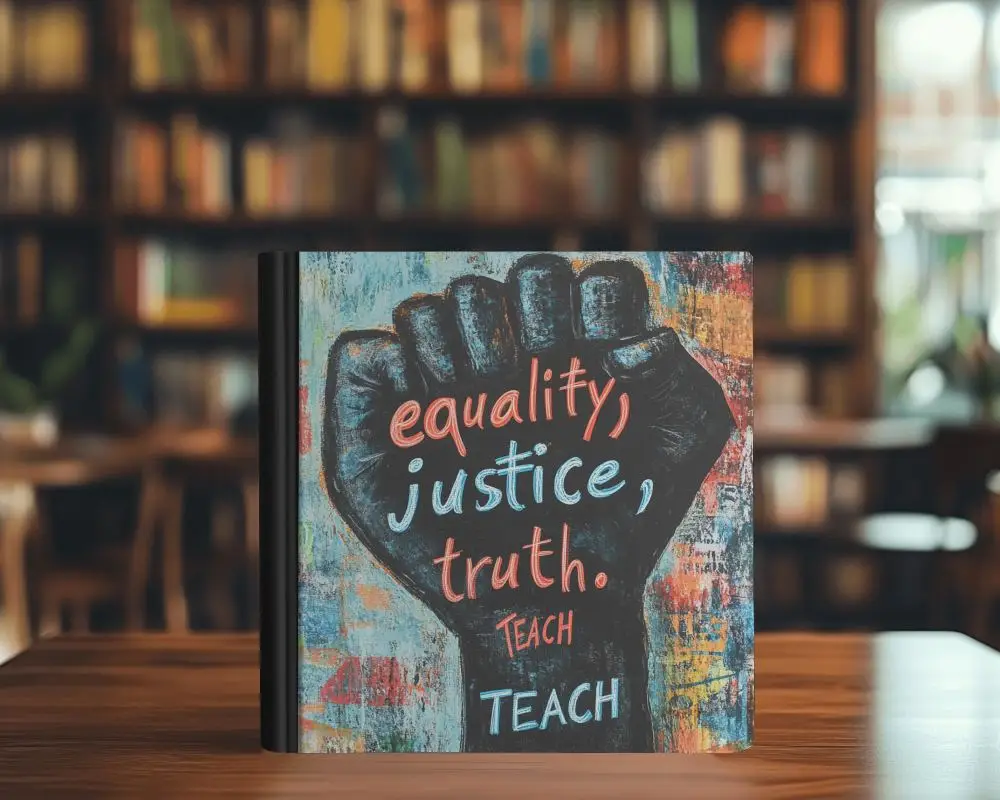
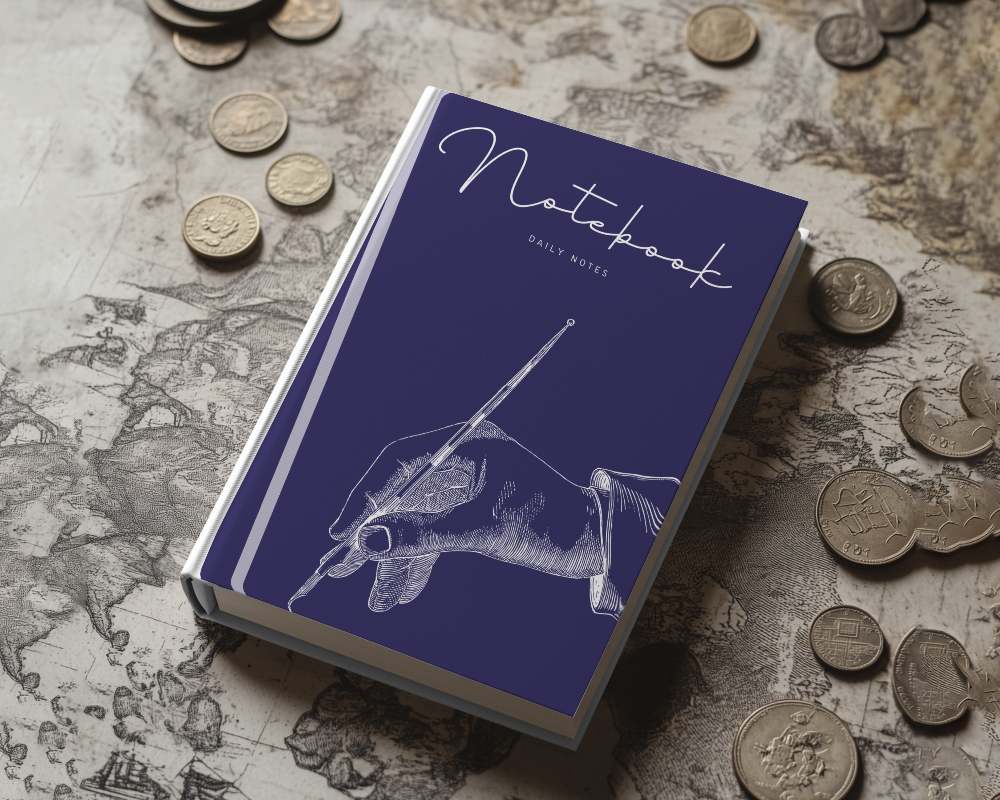
Whether you're an author preparing your Amazon listing, a designer pitching a cover concept, or a publisher building a catalog, a flat cover image rarely does the job, but a proper book mockup does. Mockey AI gives you 1000+ free book mockup templates covering paperback, hardcover, softcover, A4, square, open, and floating styles. Pick a template, upload your cover, adjust the background, and download a clean PNG or JPG in seconds.
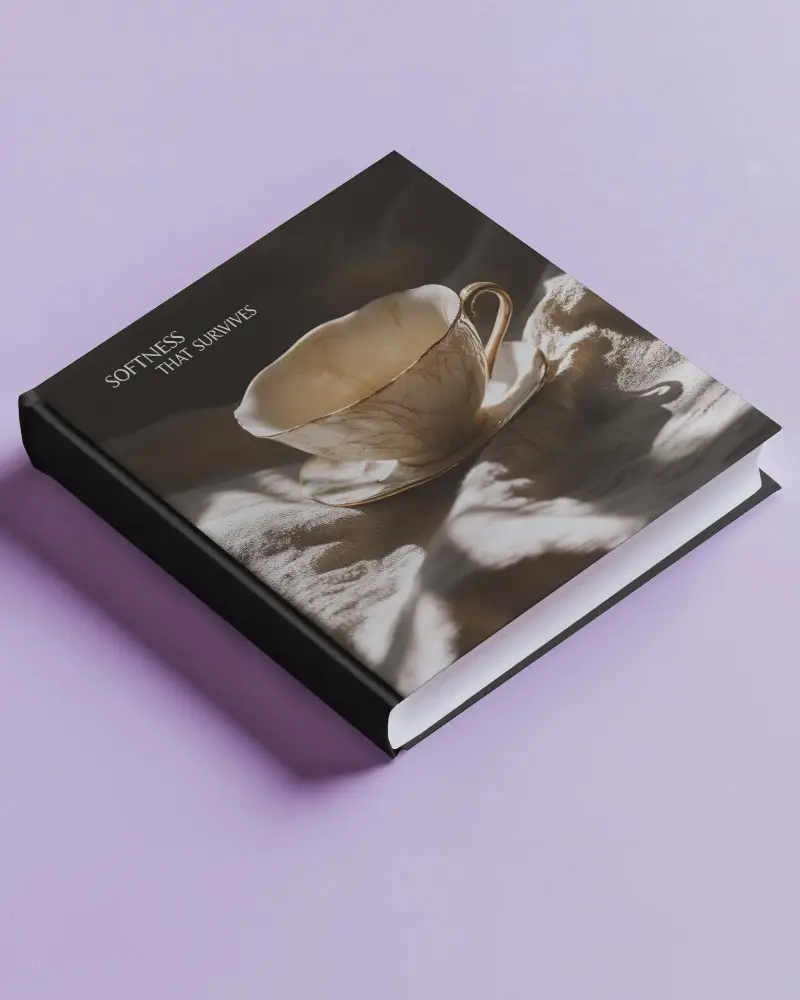
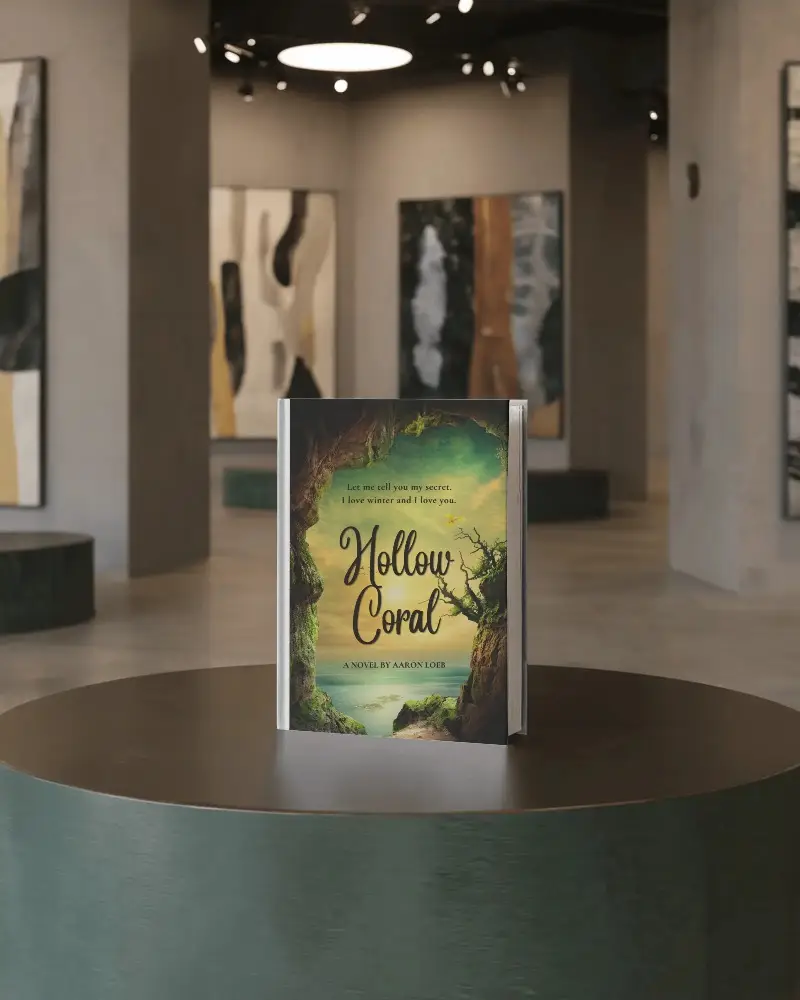
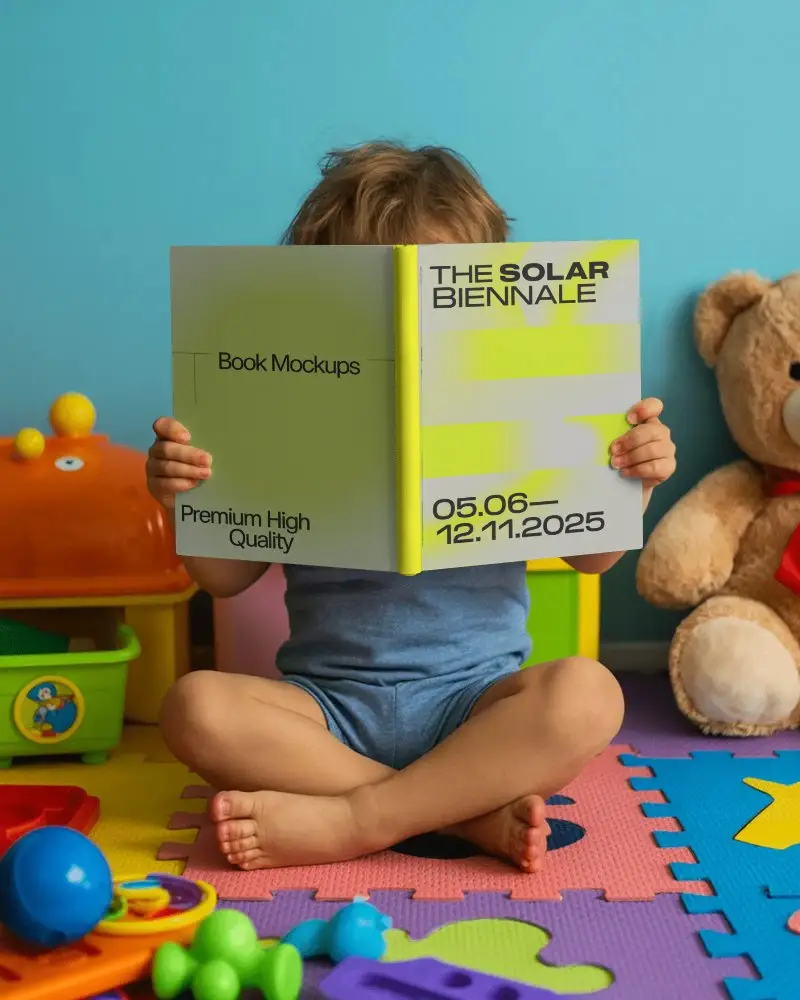
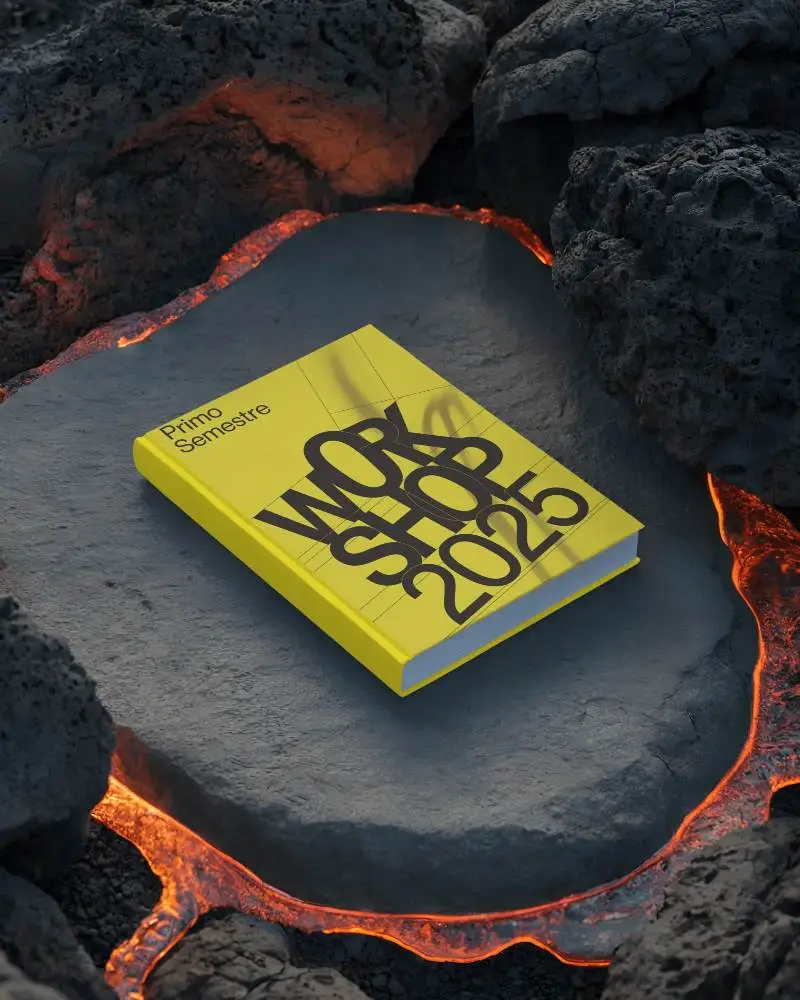
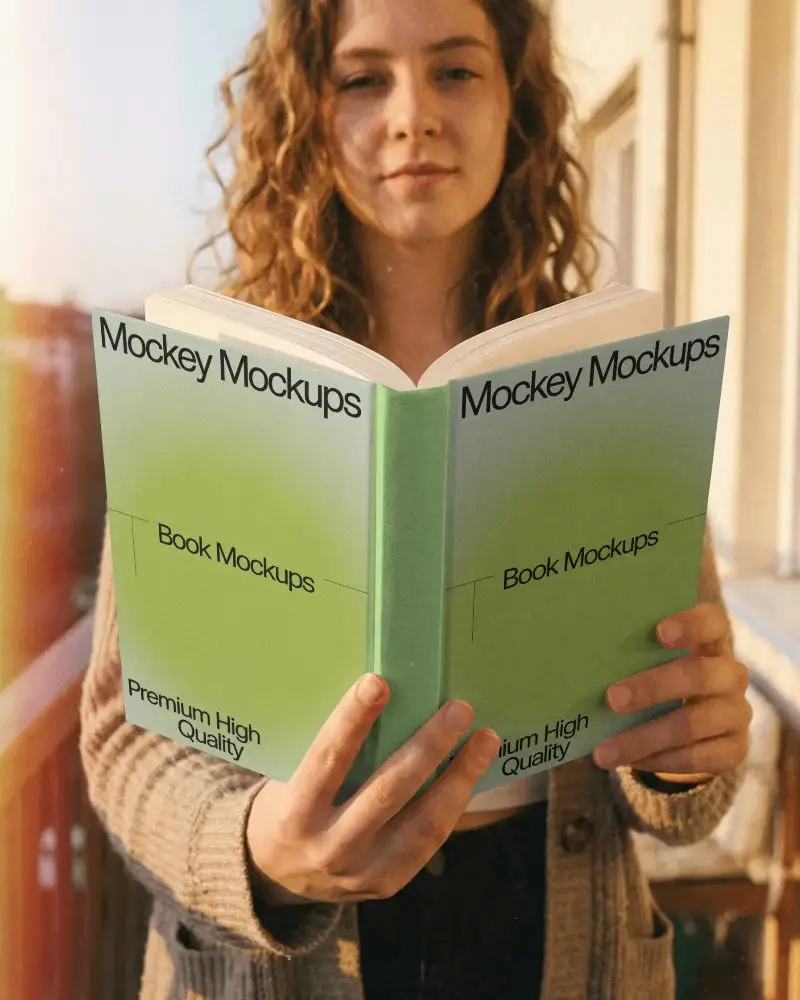
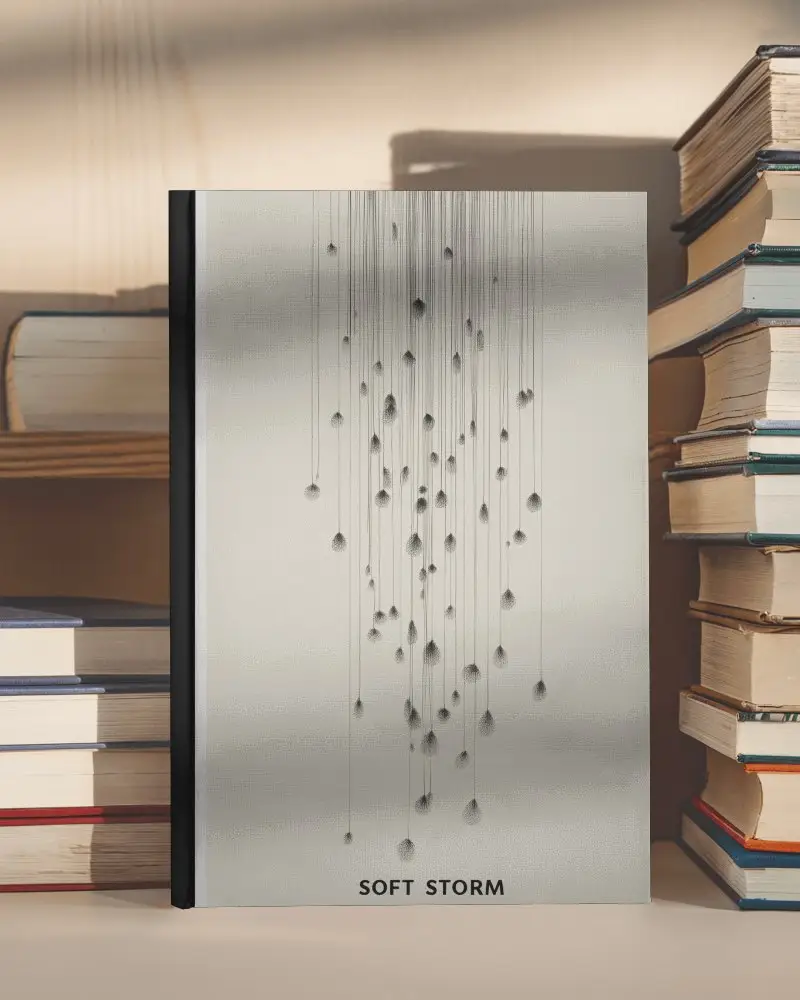
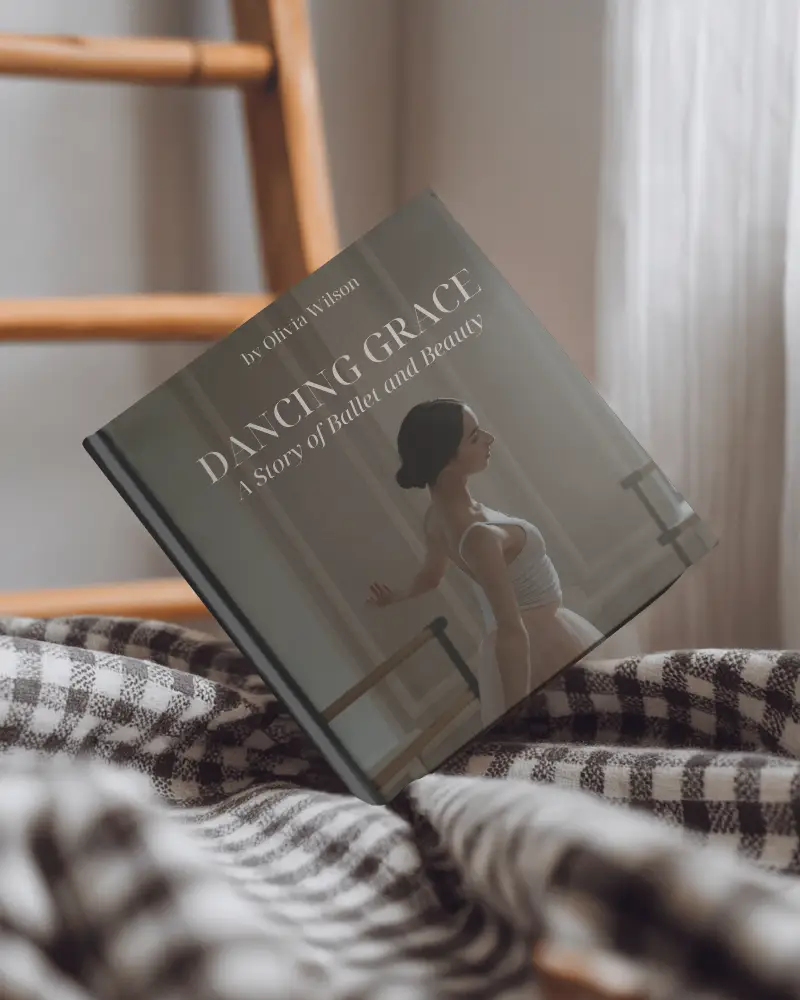
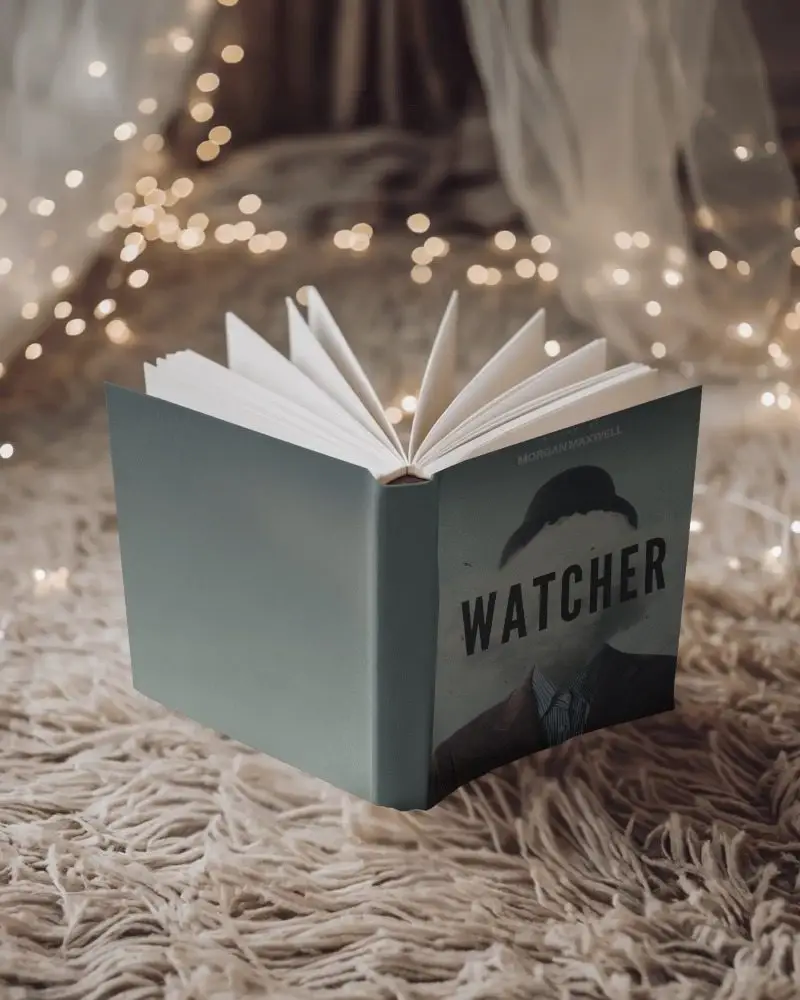
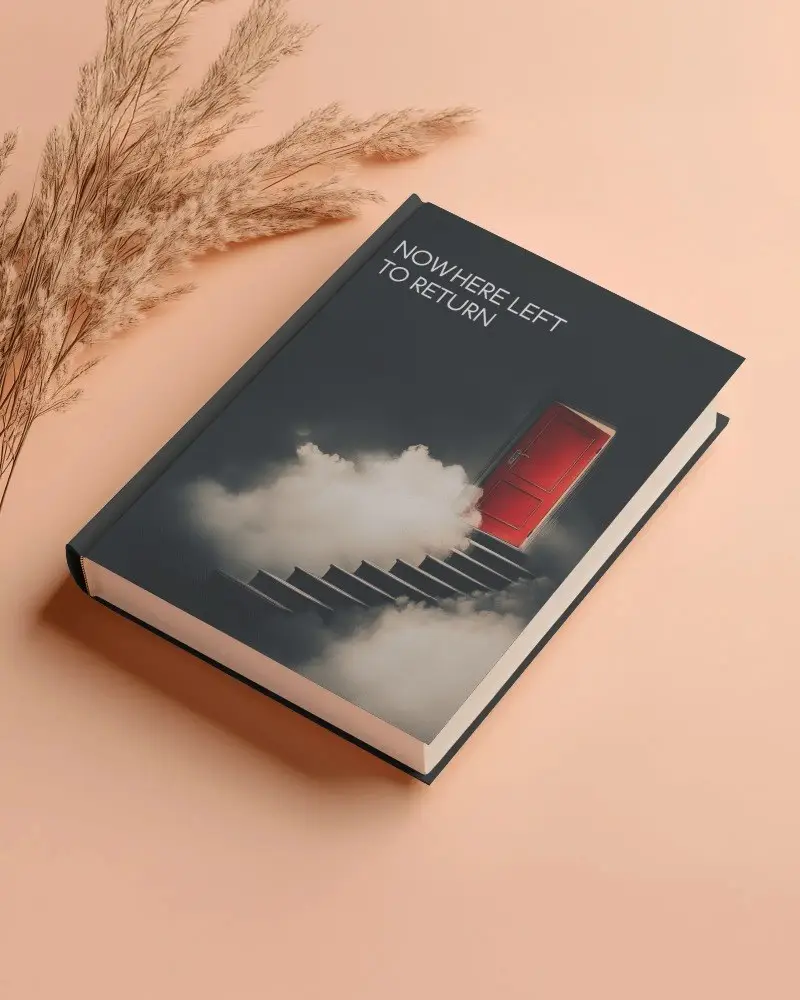
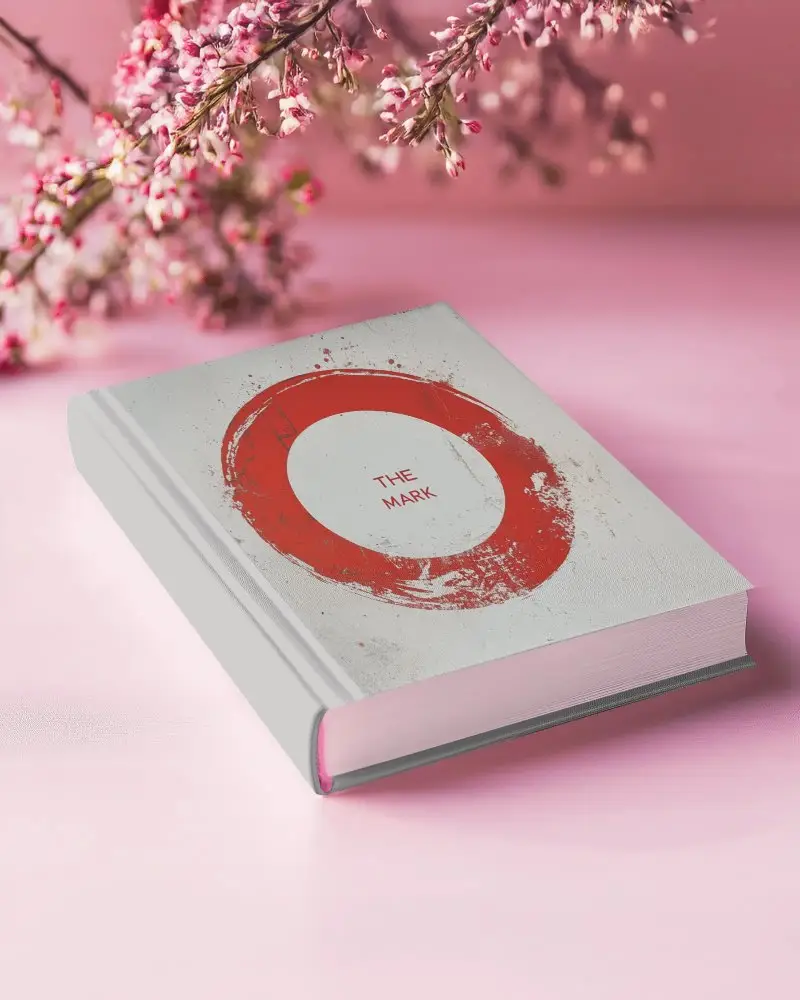
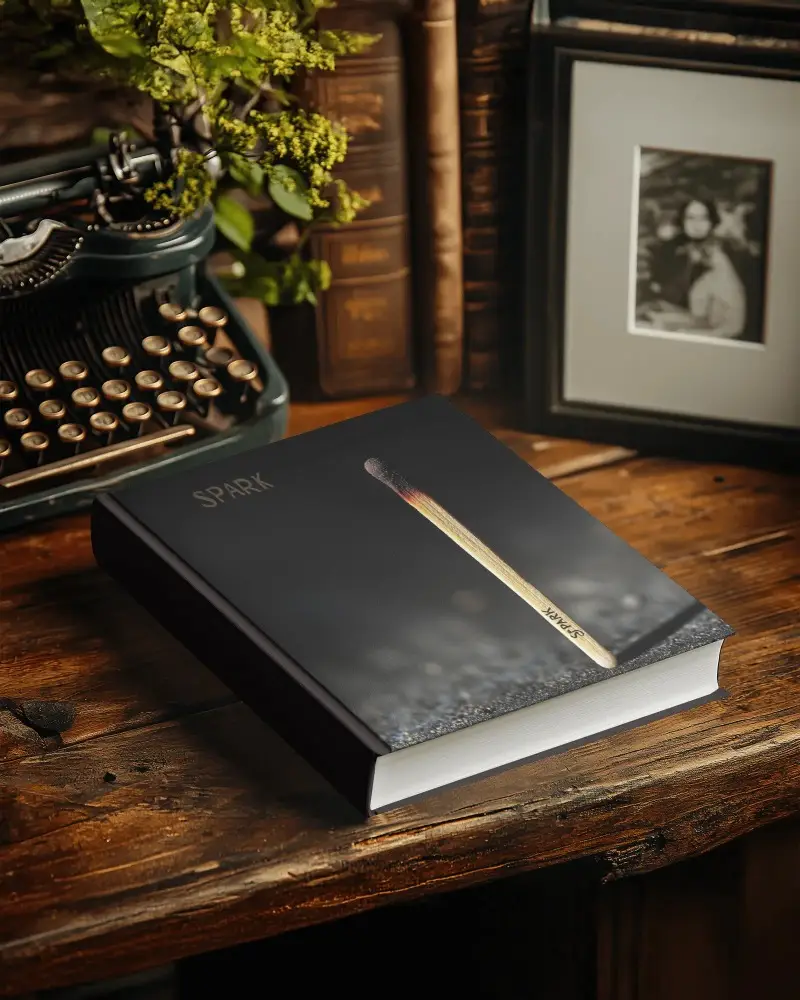
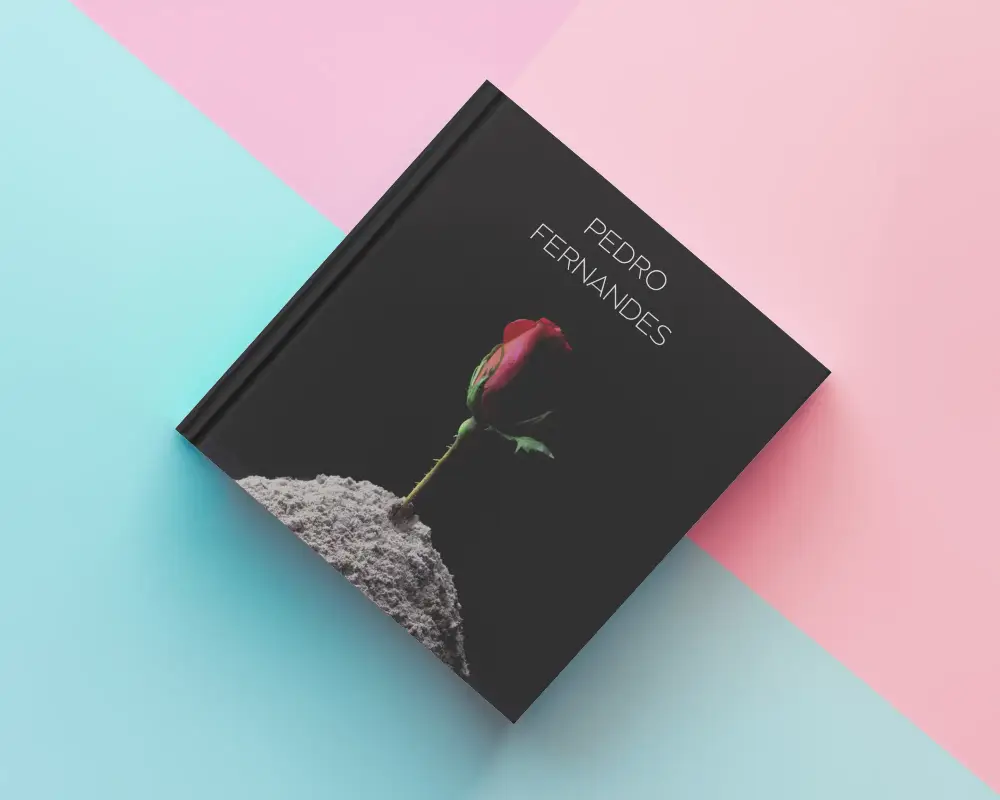
.jpg)
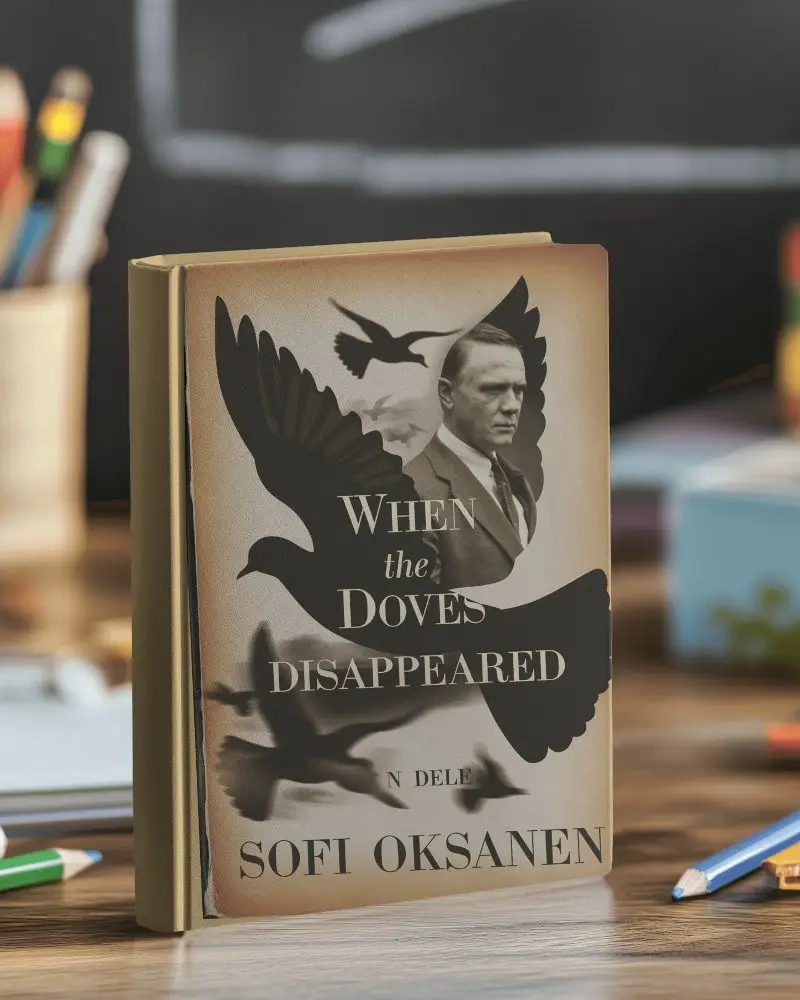
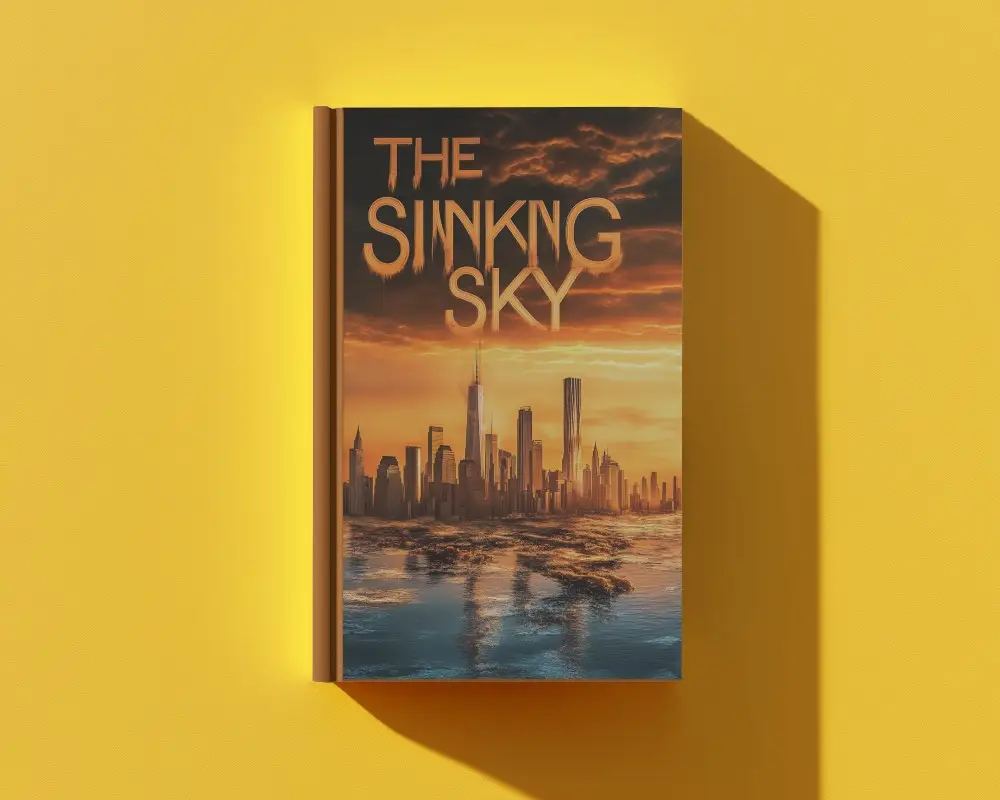
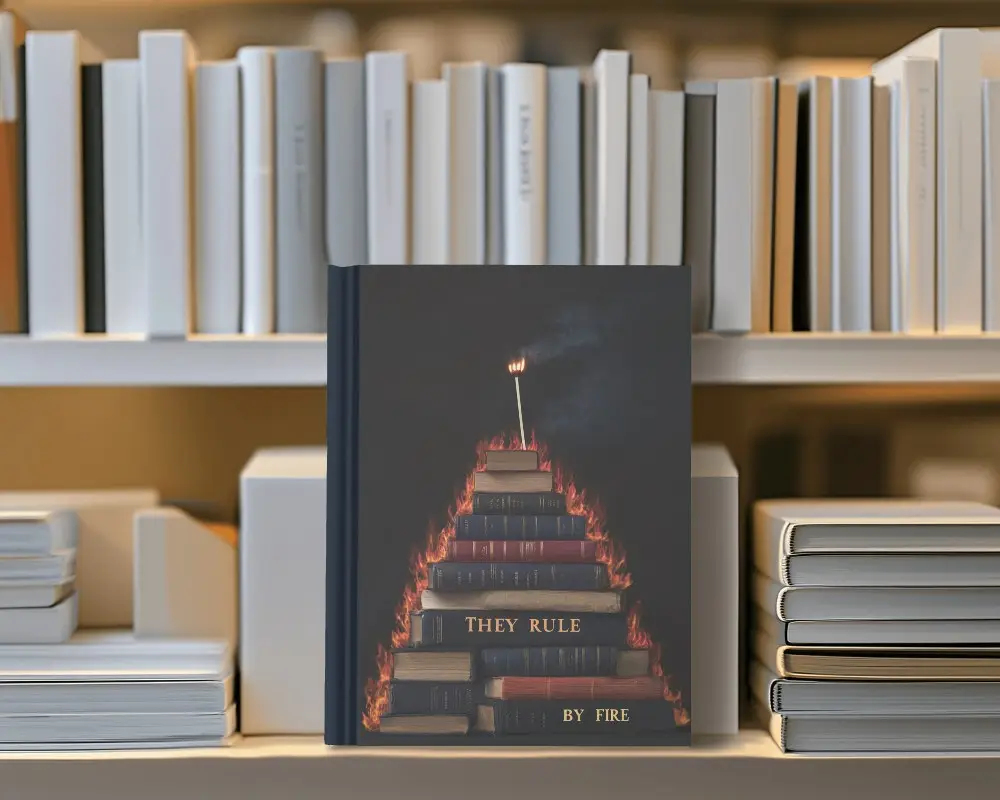
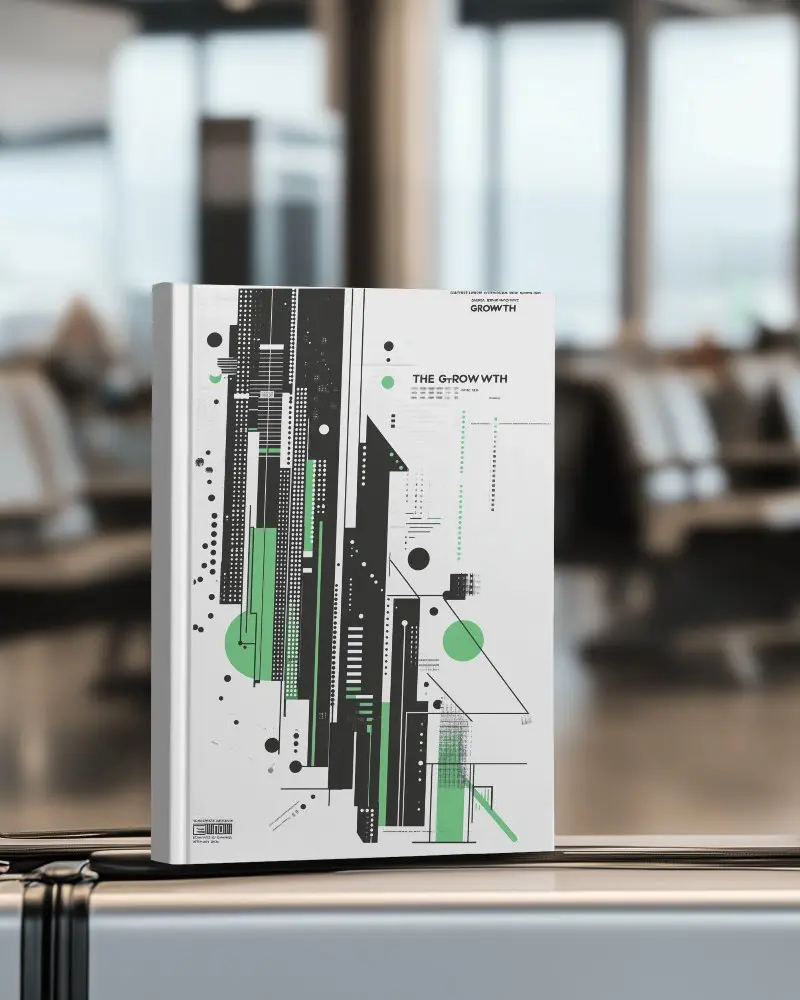
How to Create a Book Mockup in Mockey AI
Follow the steps to create book mockups:
- Step 1: Choose a book style like hardcover, softcover, or open book.
- Step 2: Pick a template and add your design.
- Step 3: Crop and adjust it to fit using Fit, Fill, Rotate, or Align.
- Step 4: Personalize further with color, Multi Shot, or Animate.
- Step 5: Download as PNG, JPG, or Mp4 if you want for animation.


FAQs on book Mockups
What is a book mockup?
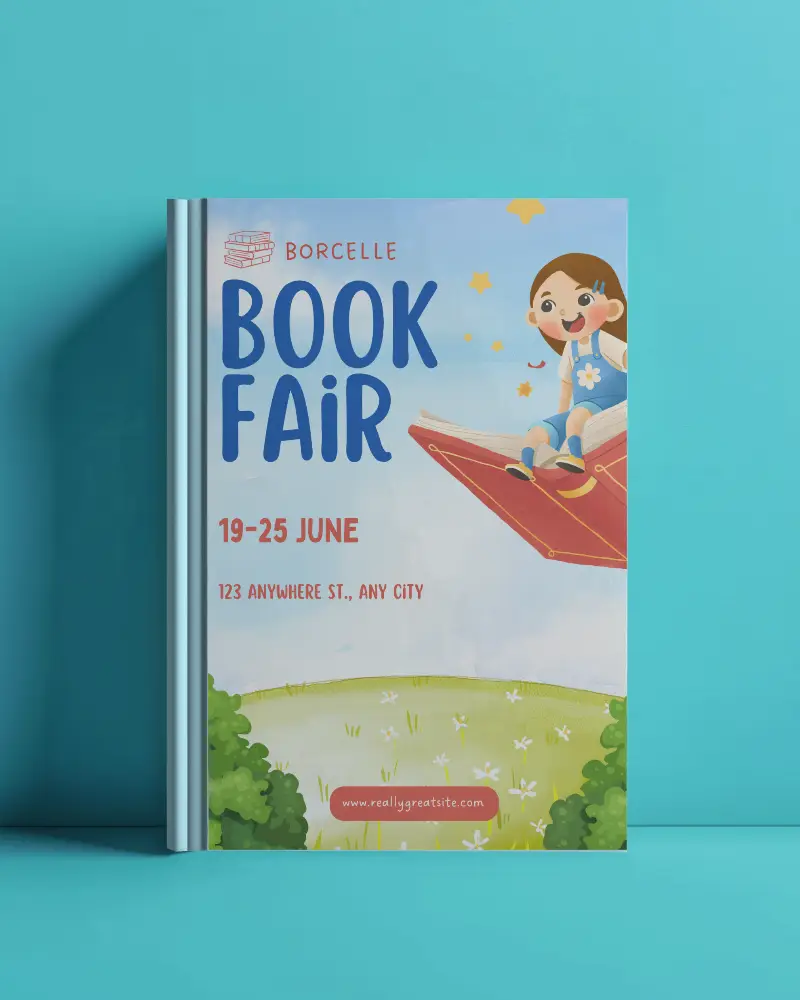
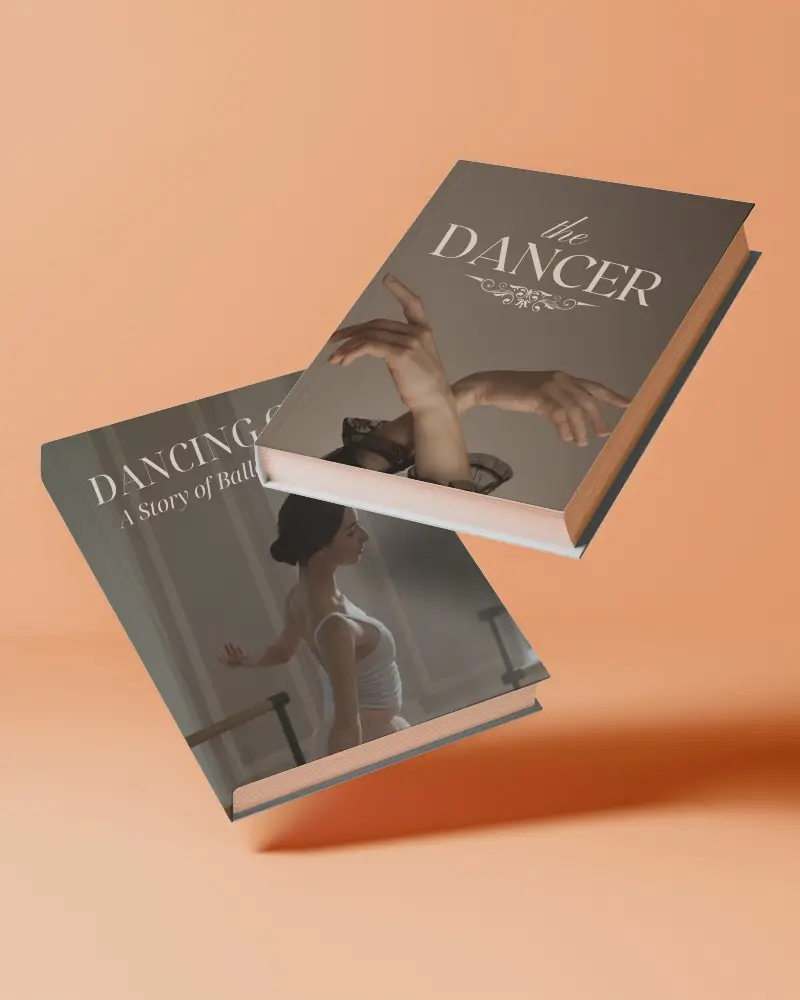
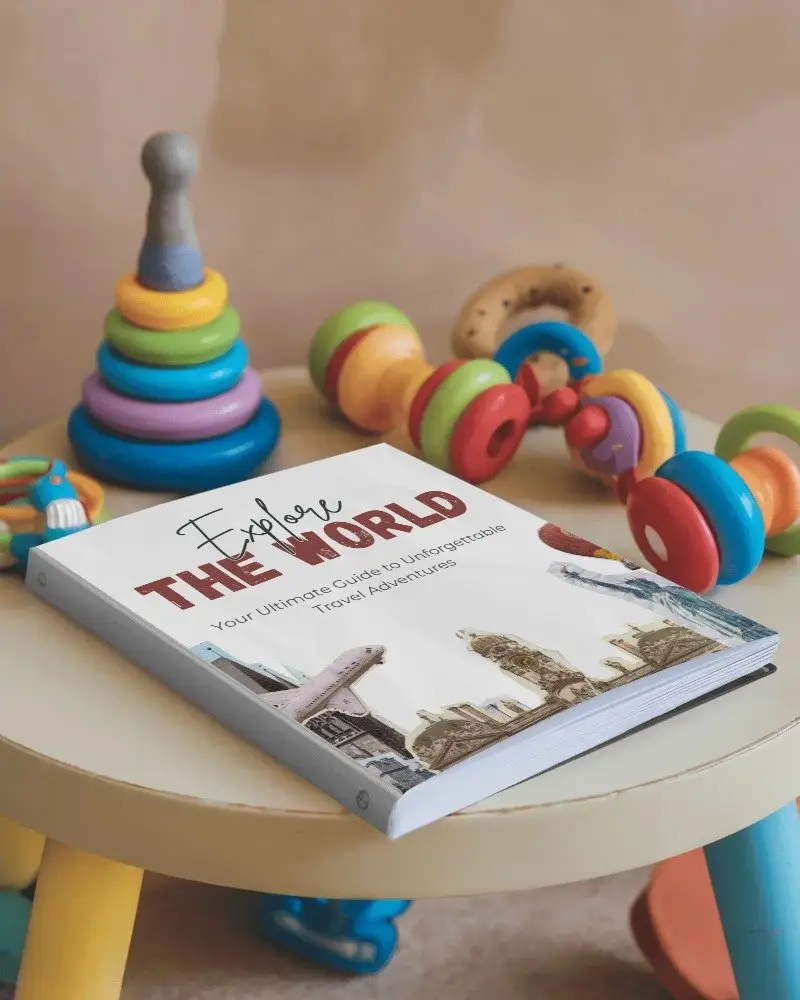
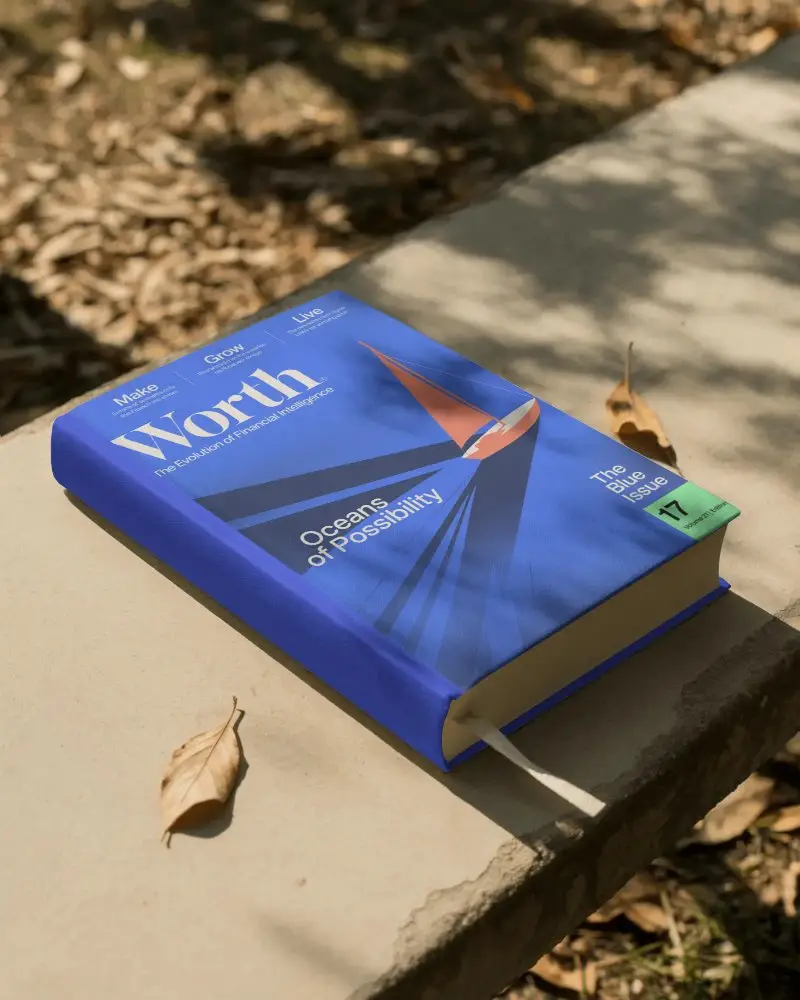
A book mockup is a realistic preview of your book cover placed on a paperback, hardcover, stack, or flat lay. People use it to see how the book will look in real life before printing or selling.
Why create a Book cover mockup?
Flat cover images don’t sell much. Book cover mockups are created for Amazon, Etsy, and personal websites. They also help with pitching to clients, sharing designs on social media, and testing how a cover will look before printing.
Why do authors and designers use Mockey book mockups?
Mockey AI's book mockups come in a range of styles like hardcover, paperback, softcover, open, square, and more. The editor lets you fit, fill, rotate, or recolor the design until it sits right, and Multi-shot generates several angles at once for an Amazon listing.
Where can I find free book mockup templates?
Mockey AI offers free book mockup templates with an online editor to upload your design and no watermark on basic exports.
Are Mockey’s book cover mockups customizable?
Yes. On Mockey.ai’s free plan, you can upload your own cover, change the background, adjust positioning and scale, and switch between mockup styles. You’re not locked into a single static template.
Which file formats are available on Mockey.ai?
Mockey.ai provides book mockups in PNG and JPEG formats. Free users can download JPG files, while PRO users can download higher-quality PNG files.
Can I preview my book mockup design before downloading it on Mockey?
Yes, you can preview your book mockup design instantly on Mockey before downloading it. This allows you to make any changes or improvements you want.
what type of book mockup should I choose?
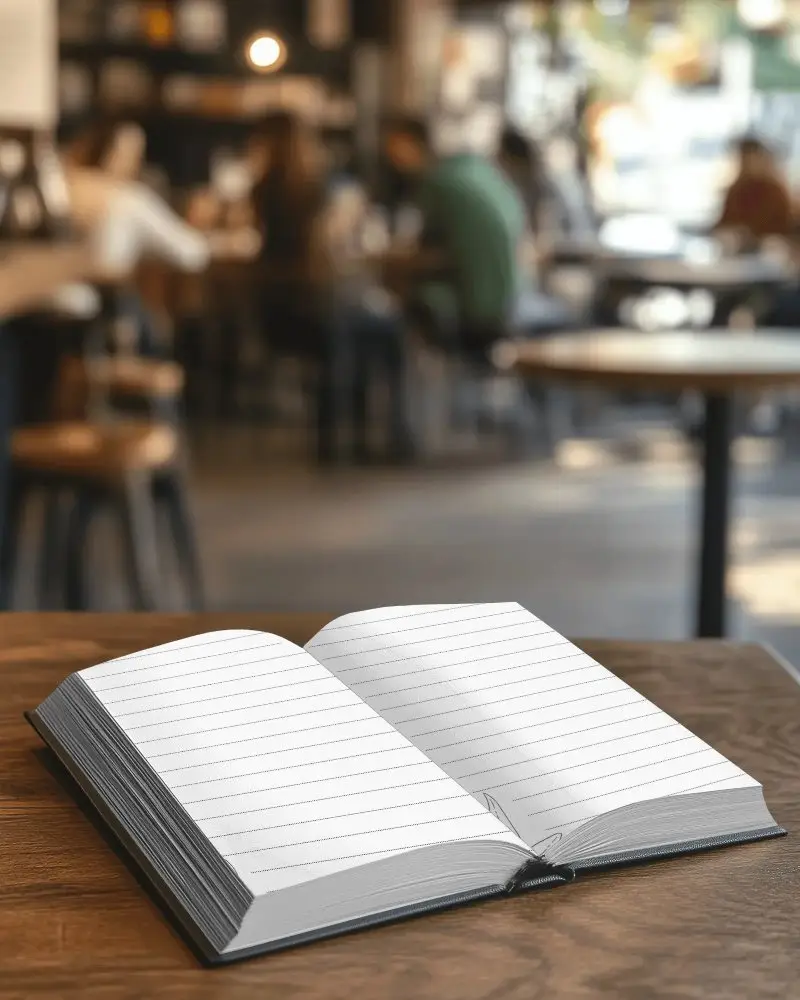
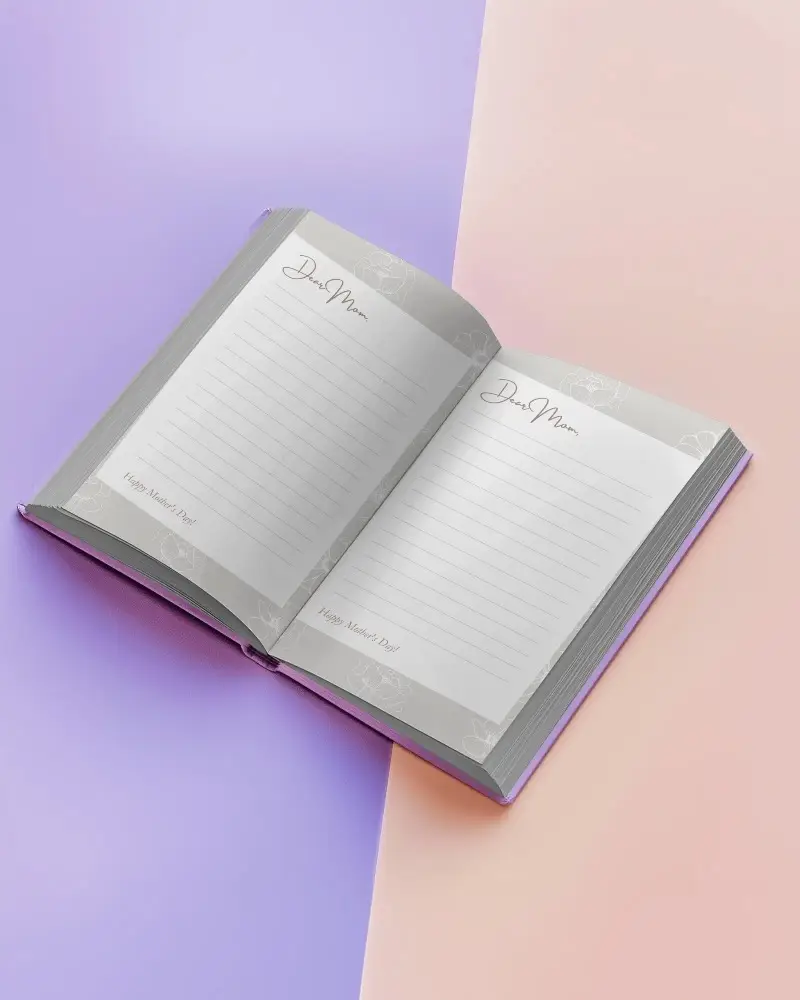
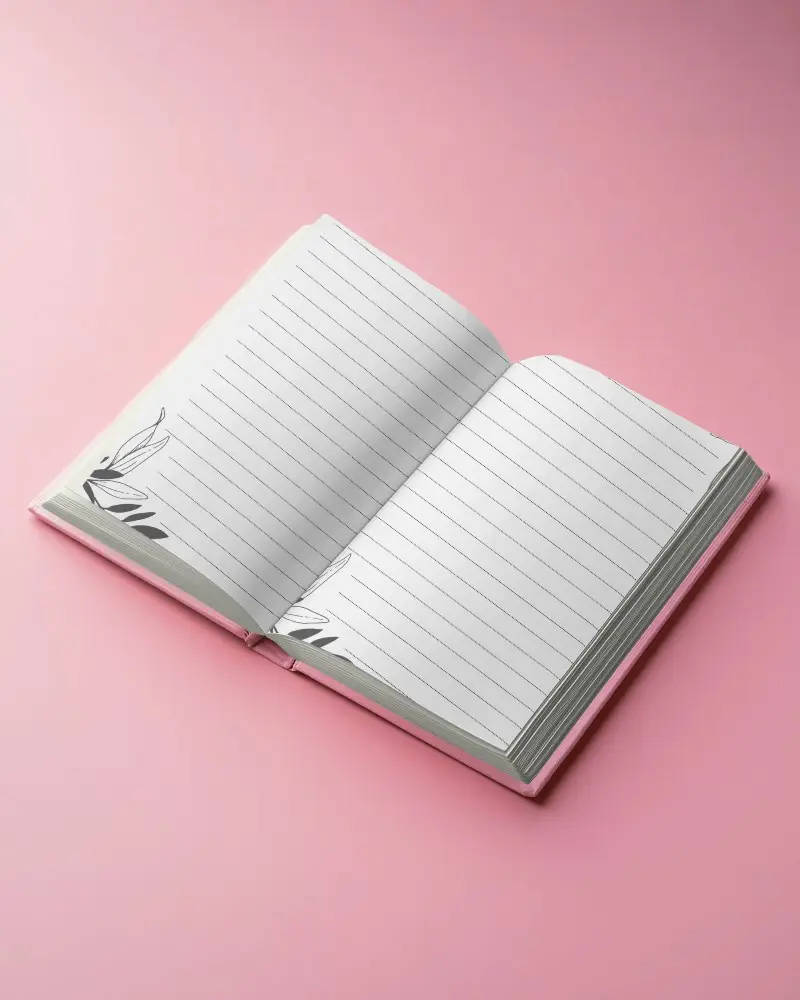
The right book mockup depends on the book itself. Hardcover or paperback for a realistic retail look, open-book for showing off interior pages, and square or A4 for photo books, planners, or workbooks.
What is the best book mockup for Amazon KDP?
The best book mockup for Amazon KDP is a straight-on hardcover or paperback shot on a white background, since that matches Amazon's listing requirements. Angled or styled scenes work better for Instagram or a website.
Are book mockups useful for ebook creators?
Book mockups are useful for ebook creators. They give a digital-only release a physical presence, something readers can picture holding, which a flat cover image alone can't do.
