Pendant Necklace Mockup Free Download
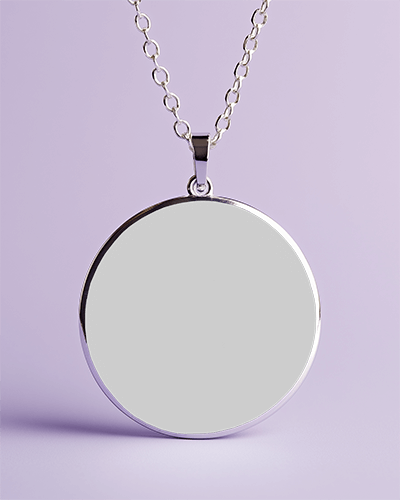
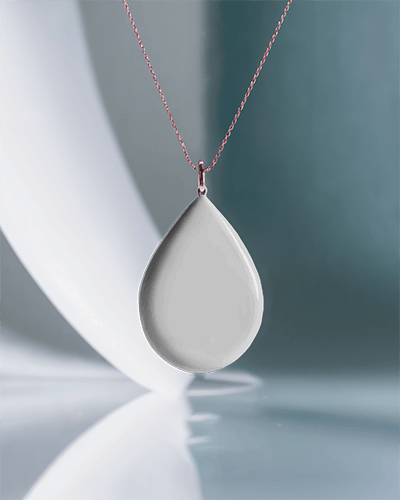
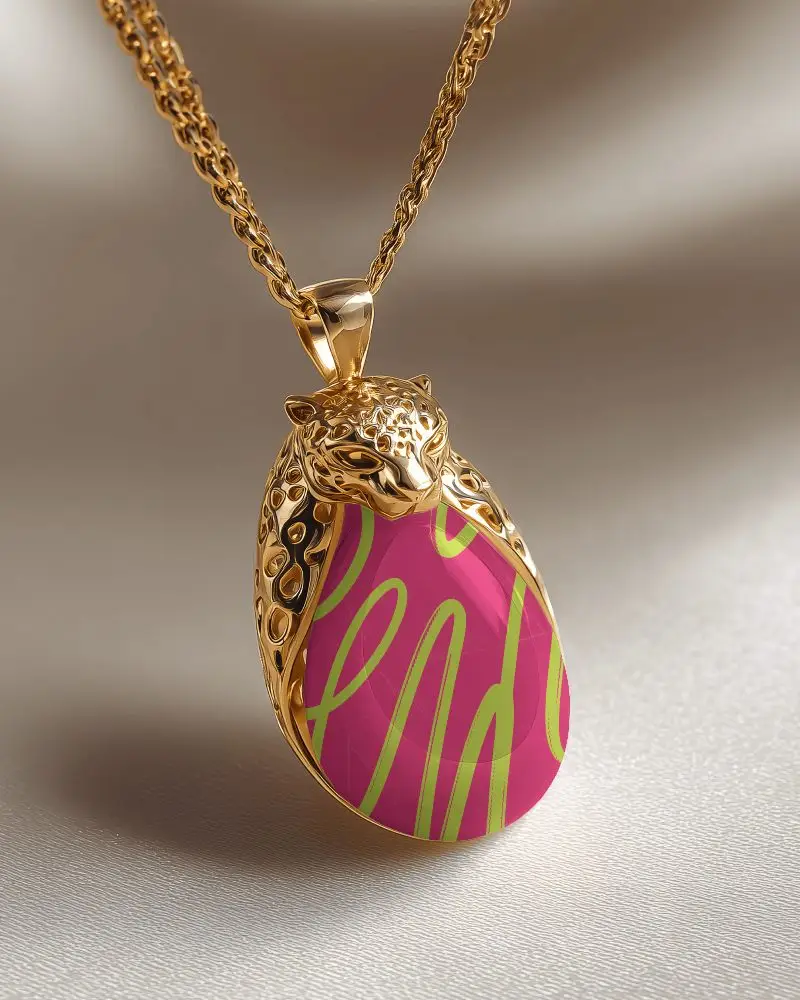
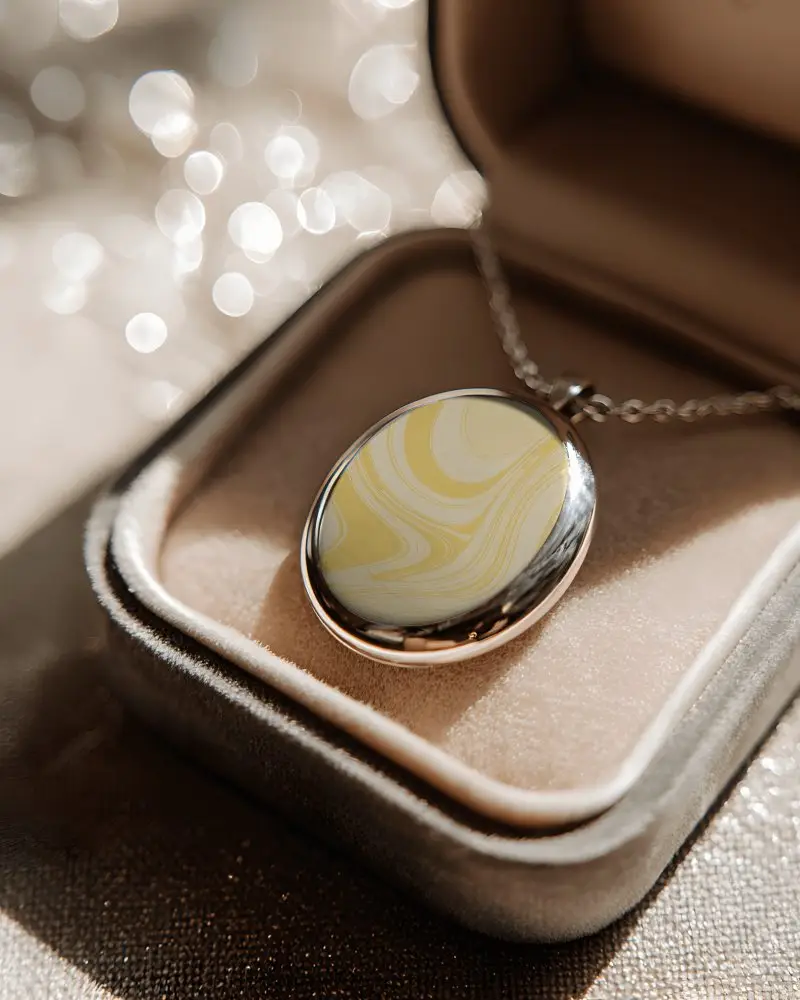
Mockey makes it easy to create a pendant necklace mockup for free! Generate professional, high-quality jewelry mockups in just a few clicks. Start now!
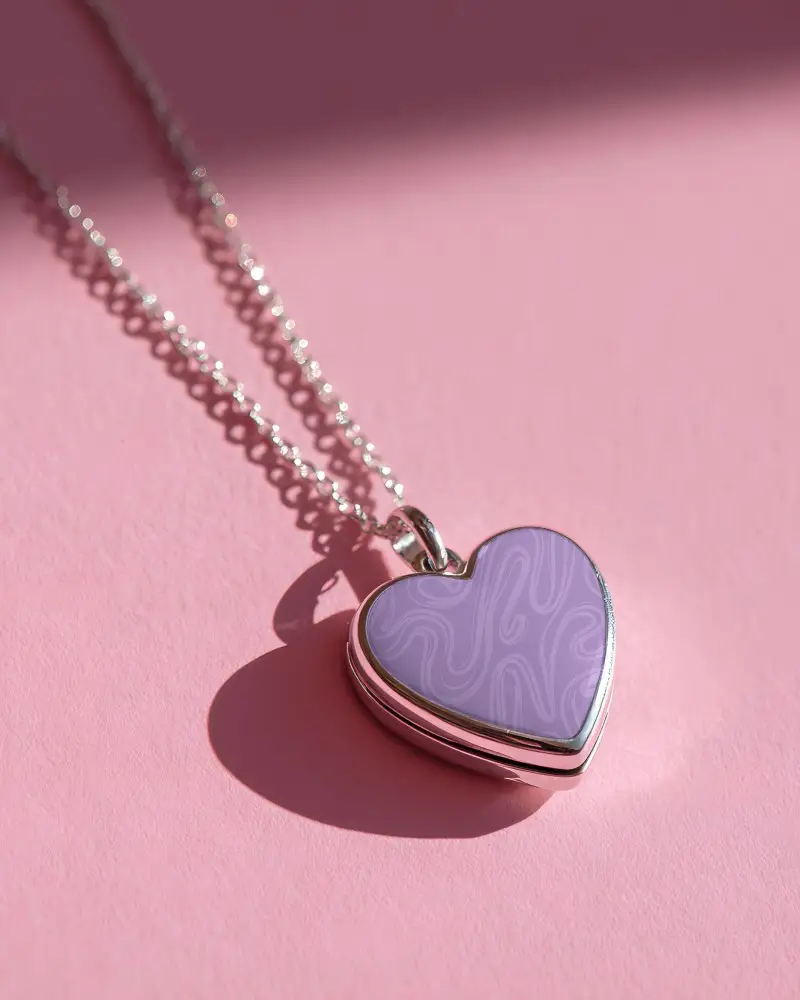
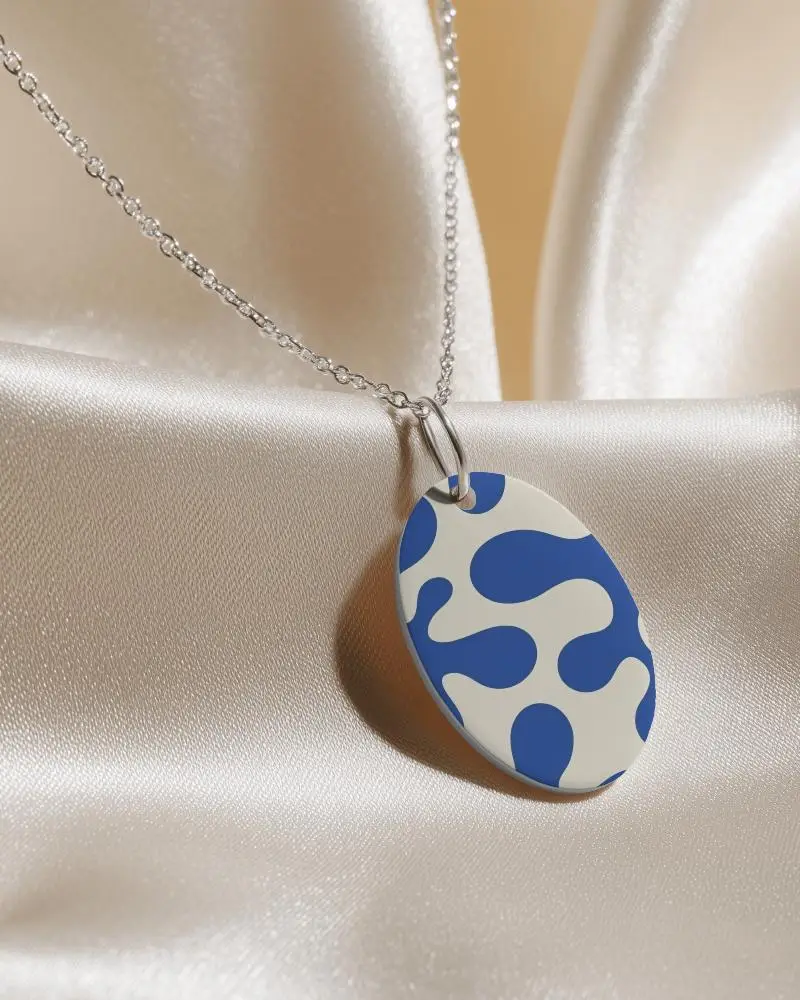
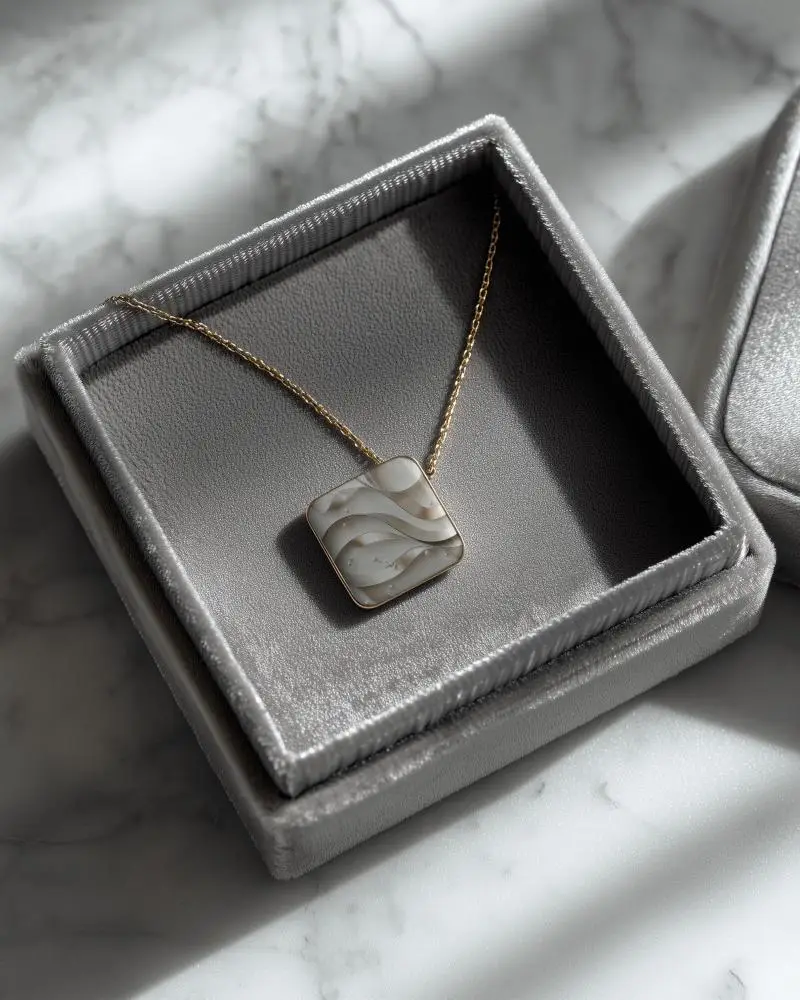
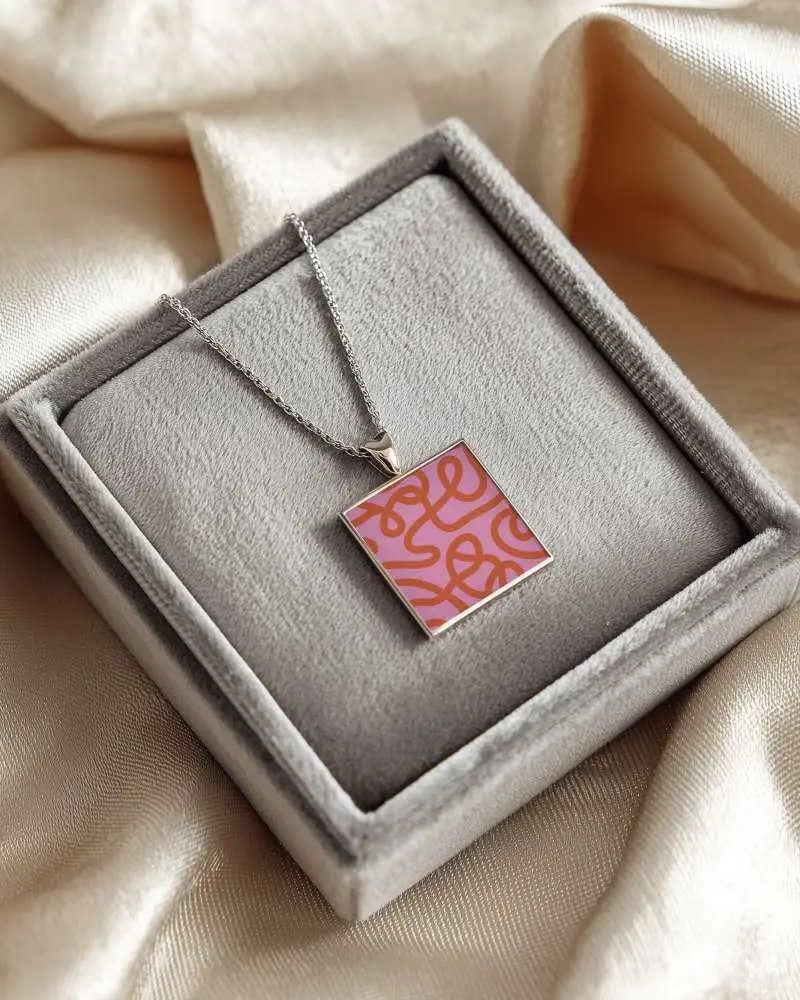
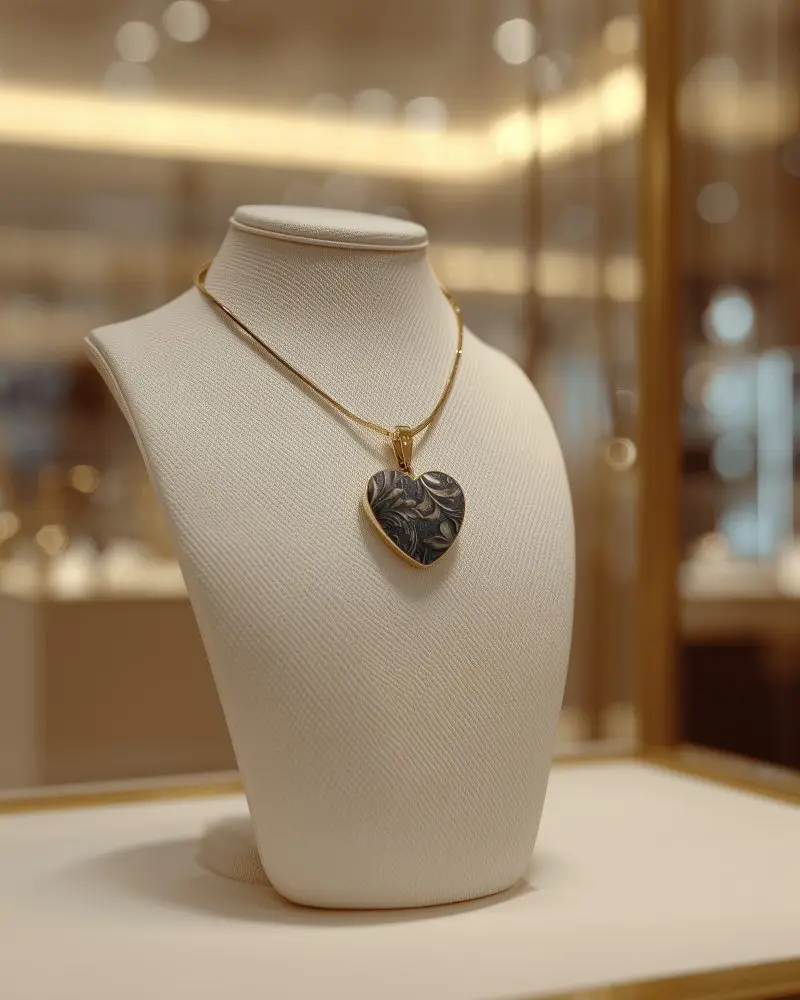
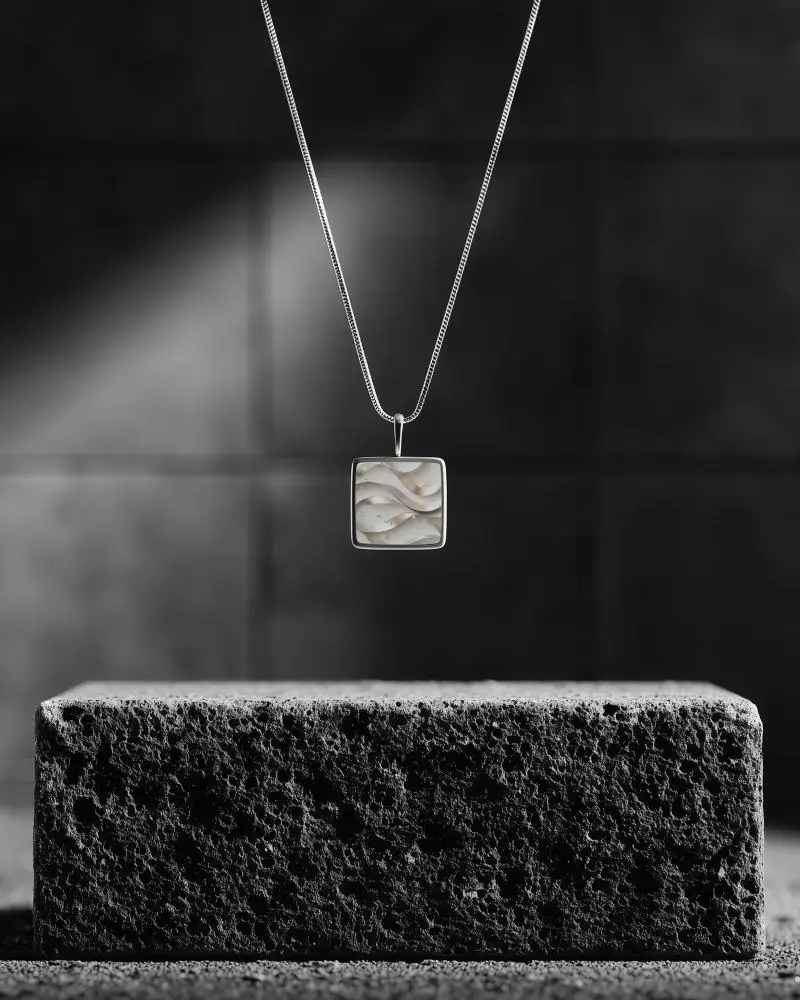
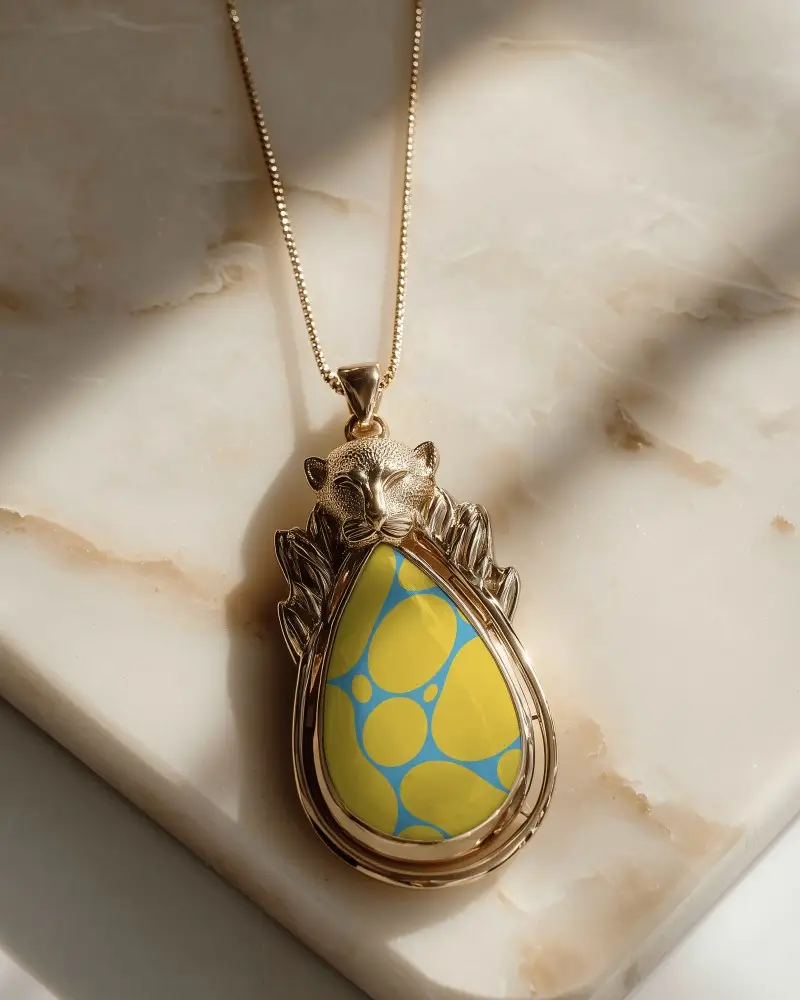
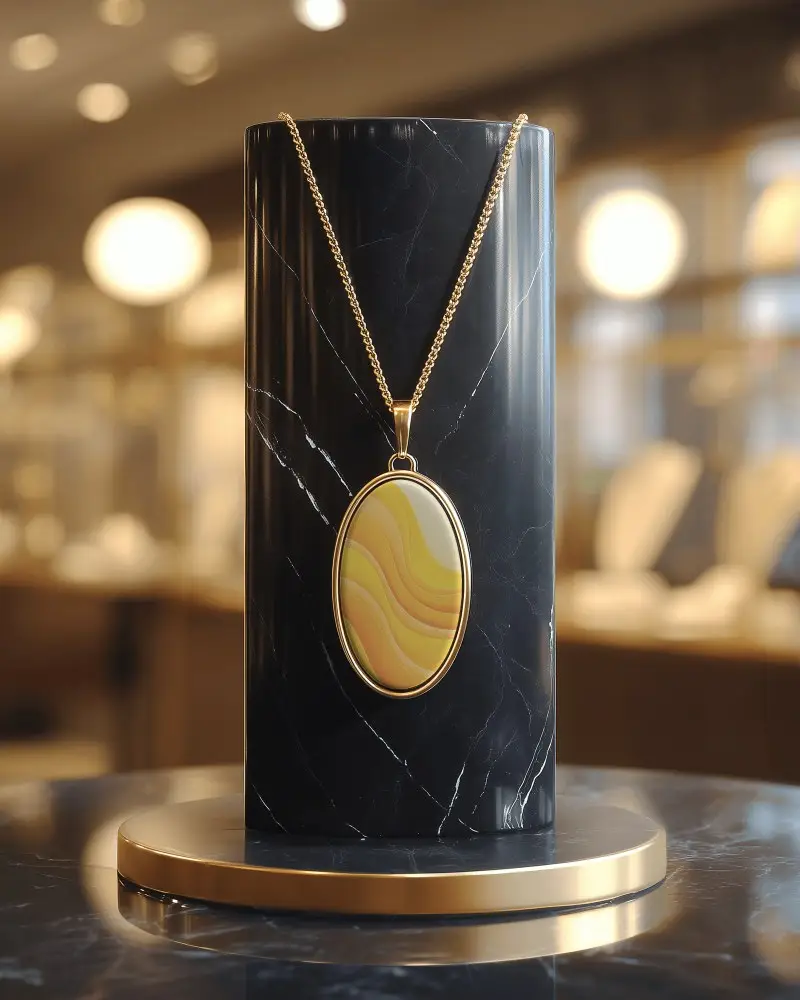
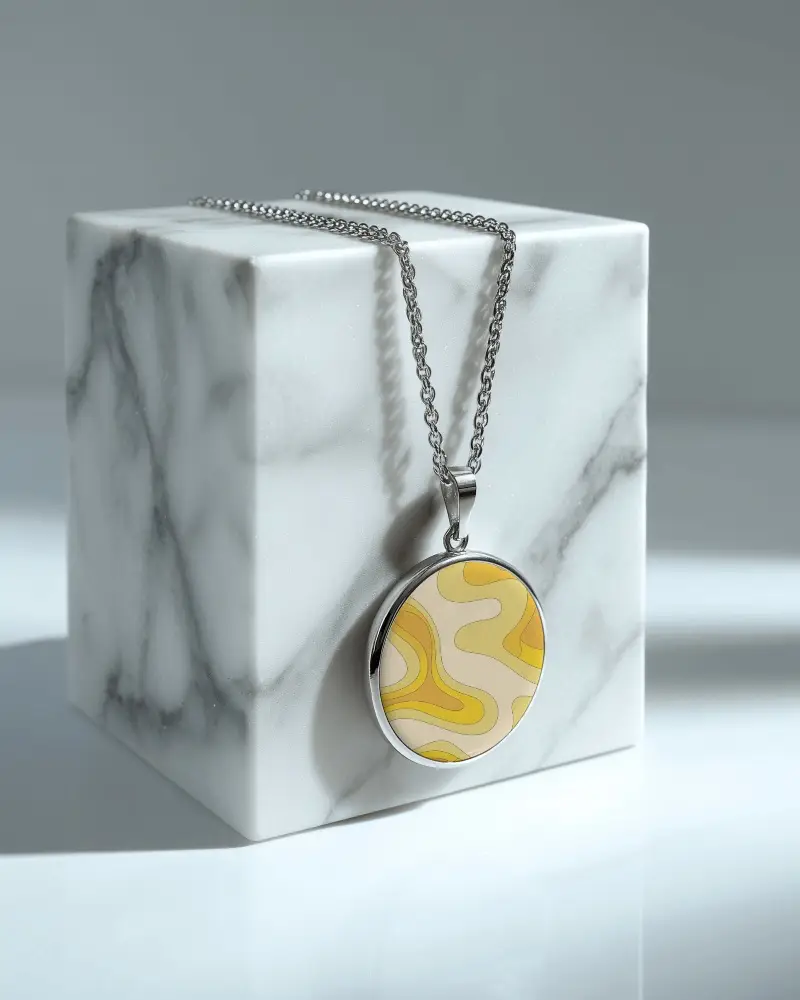
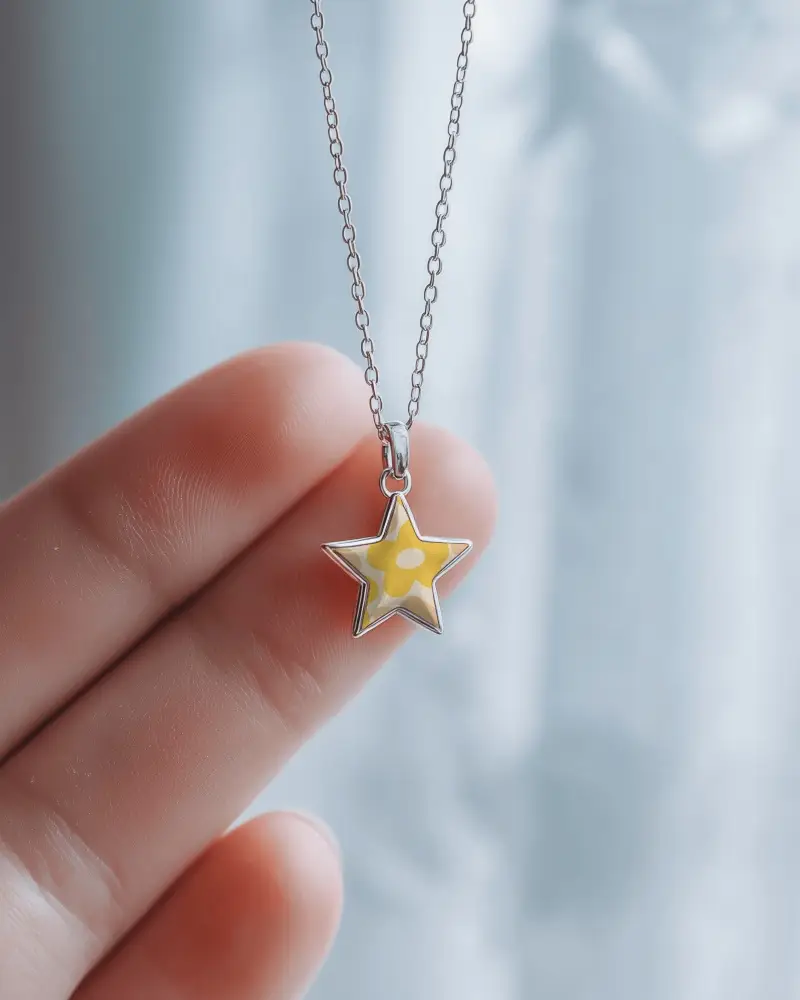
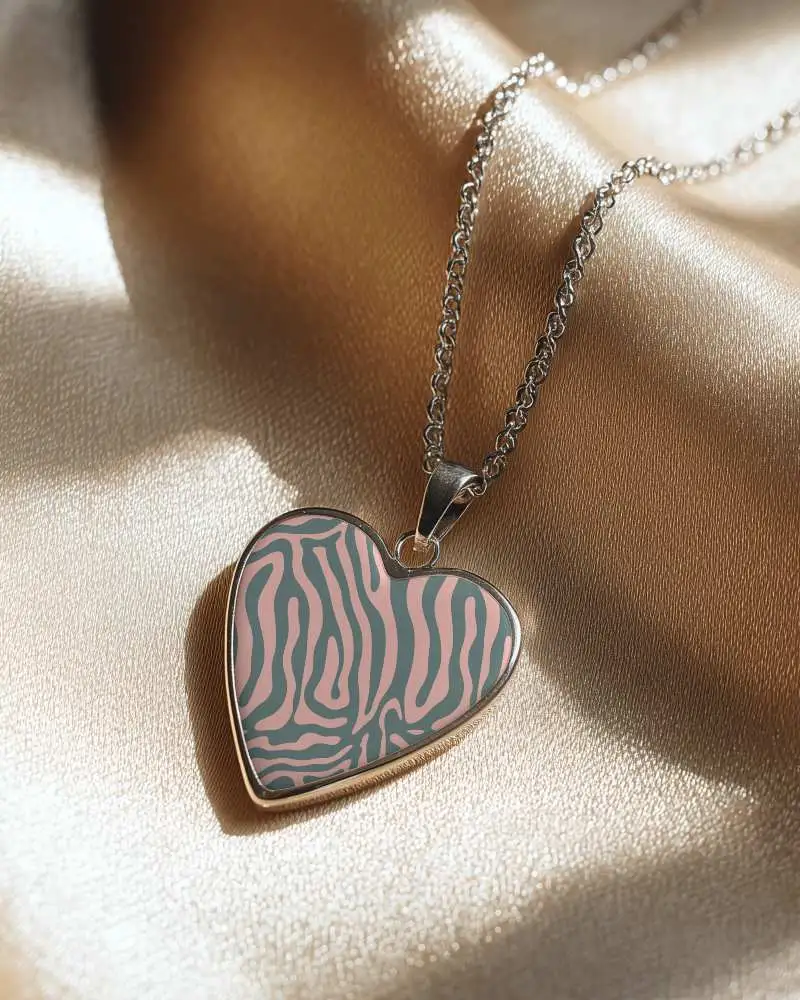
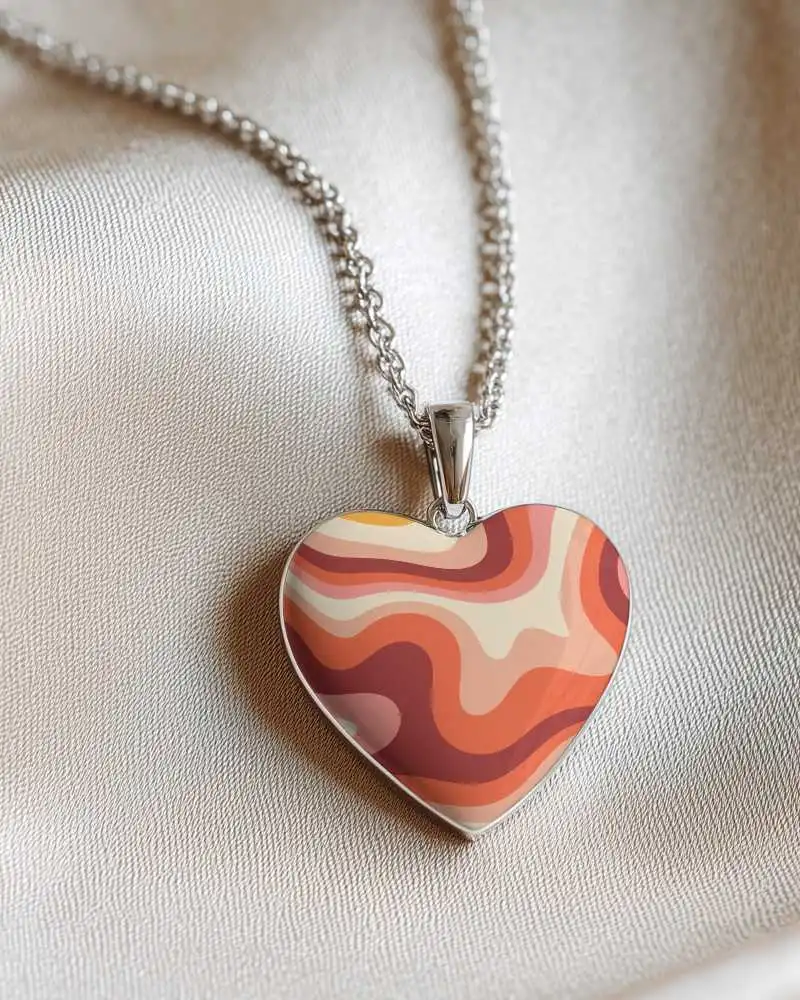
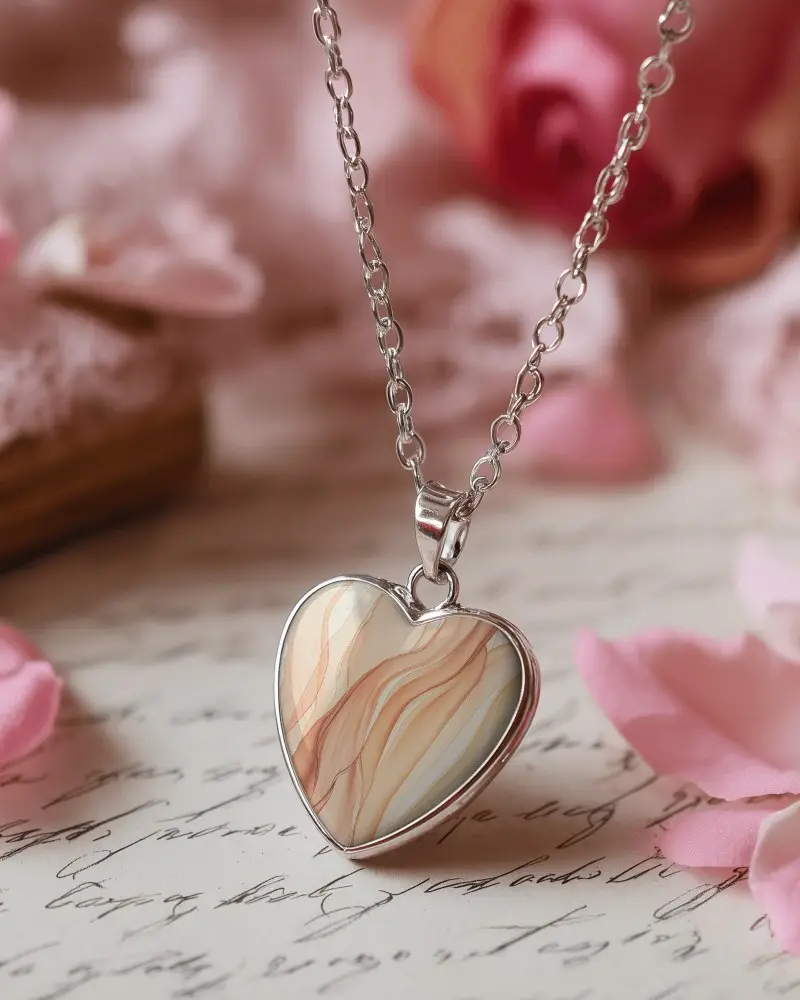
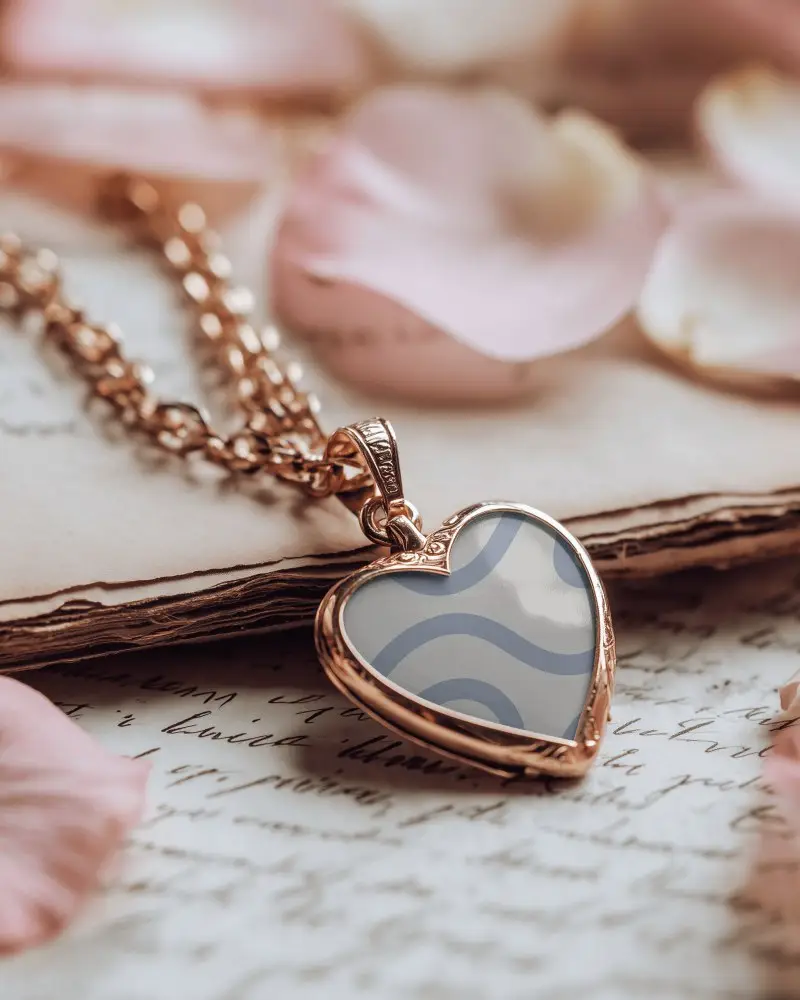
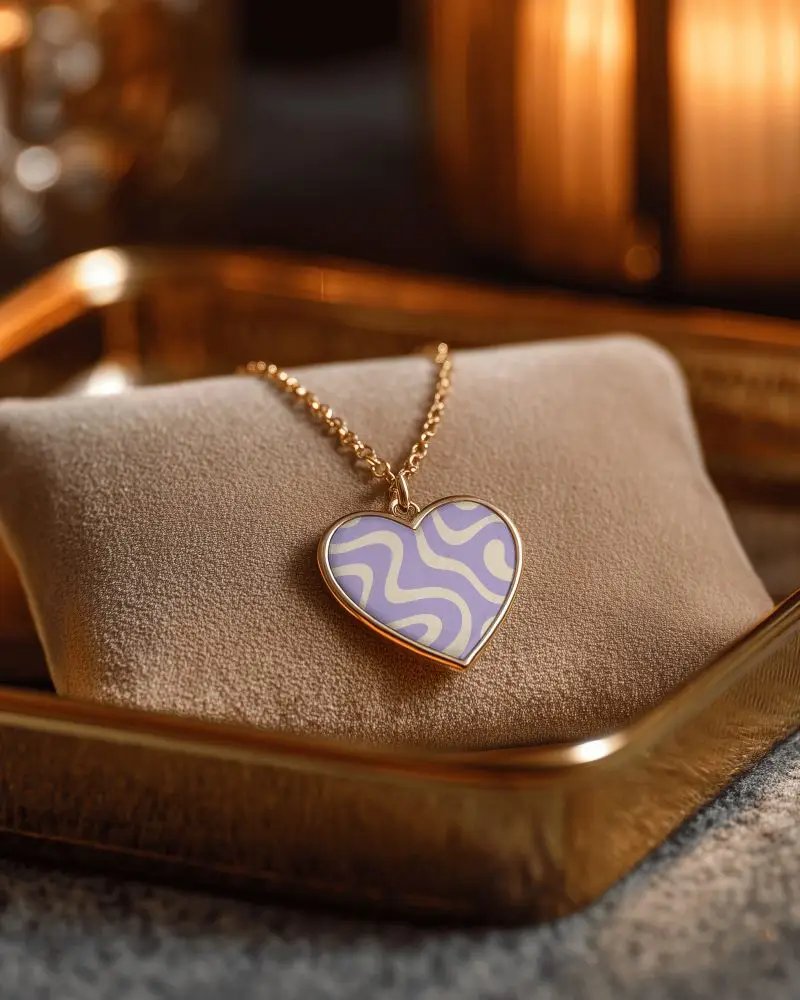
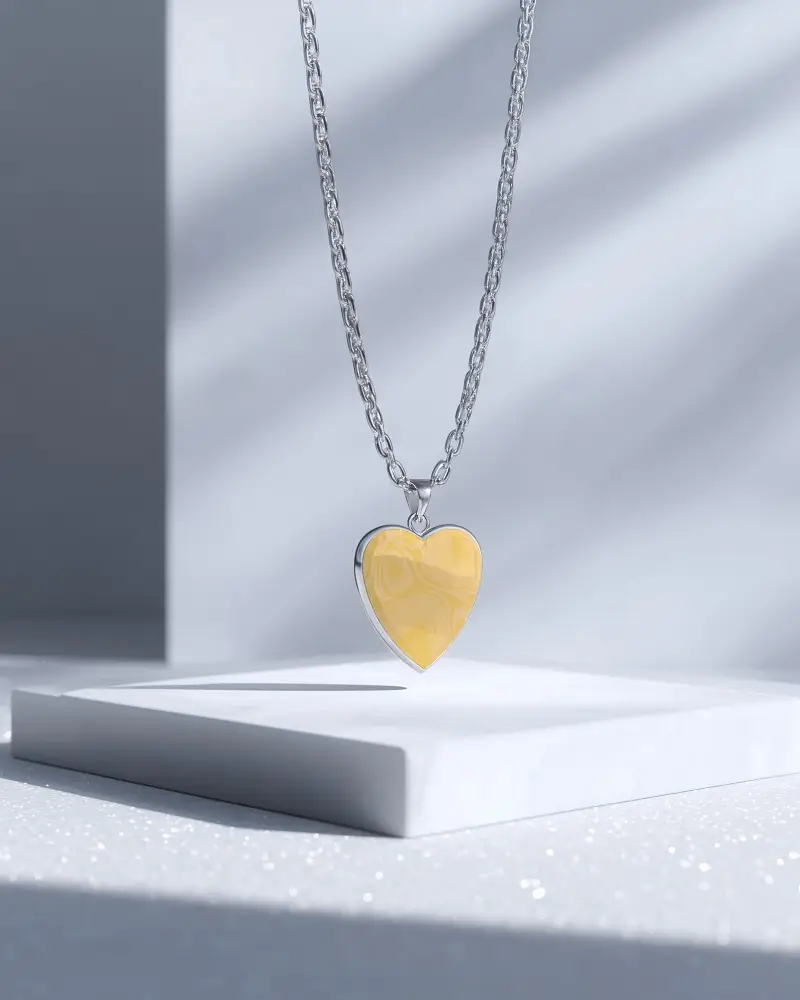
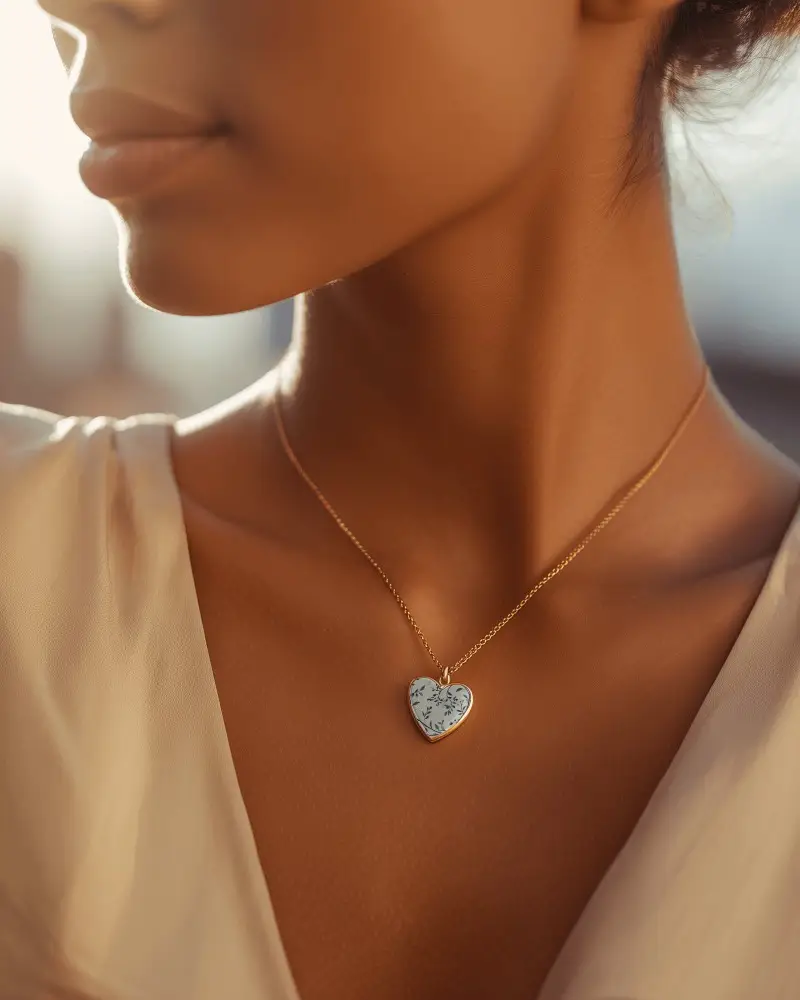
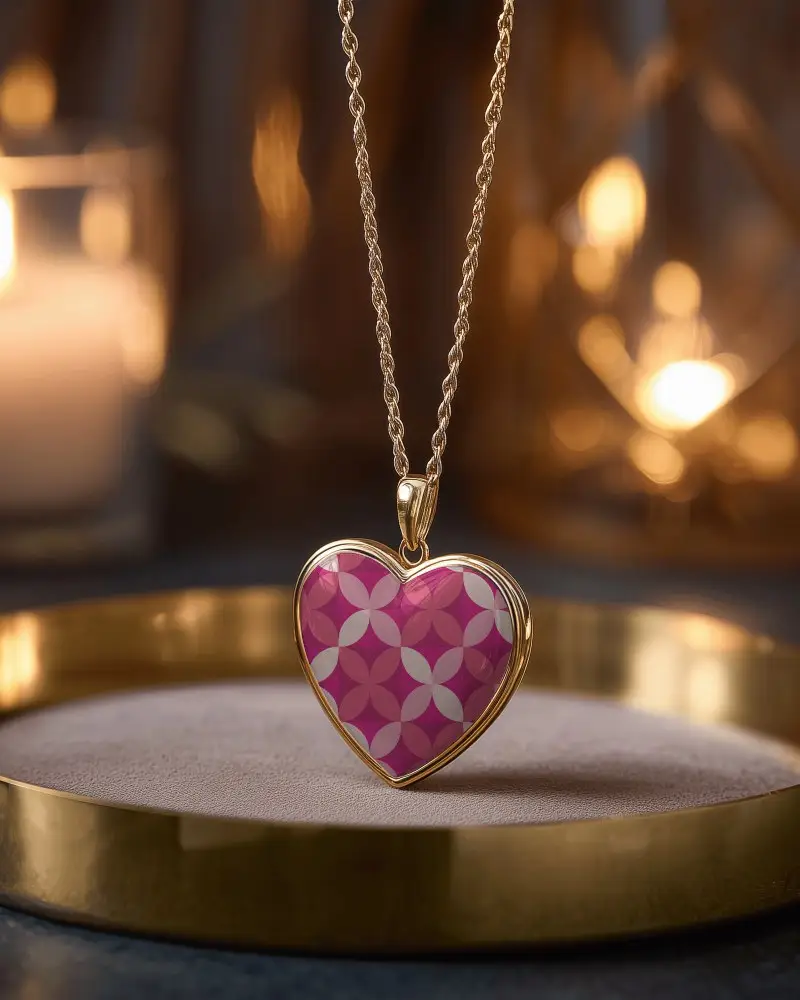
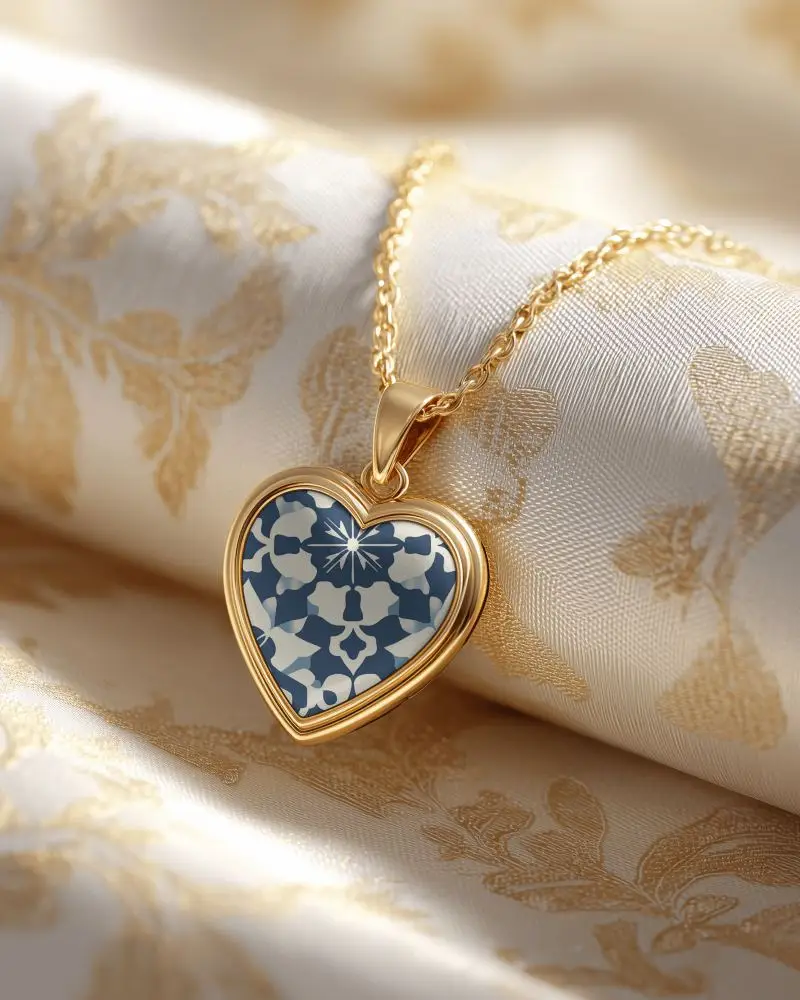
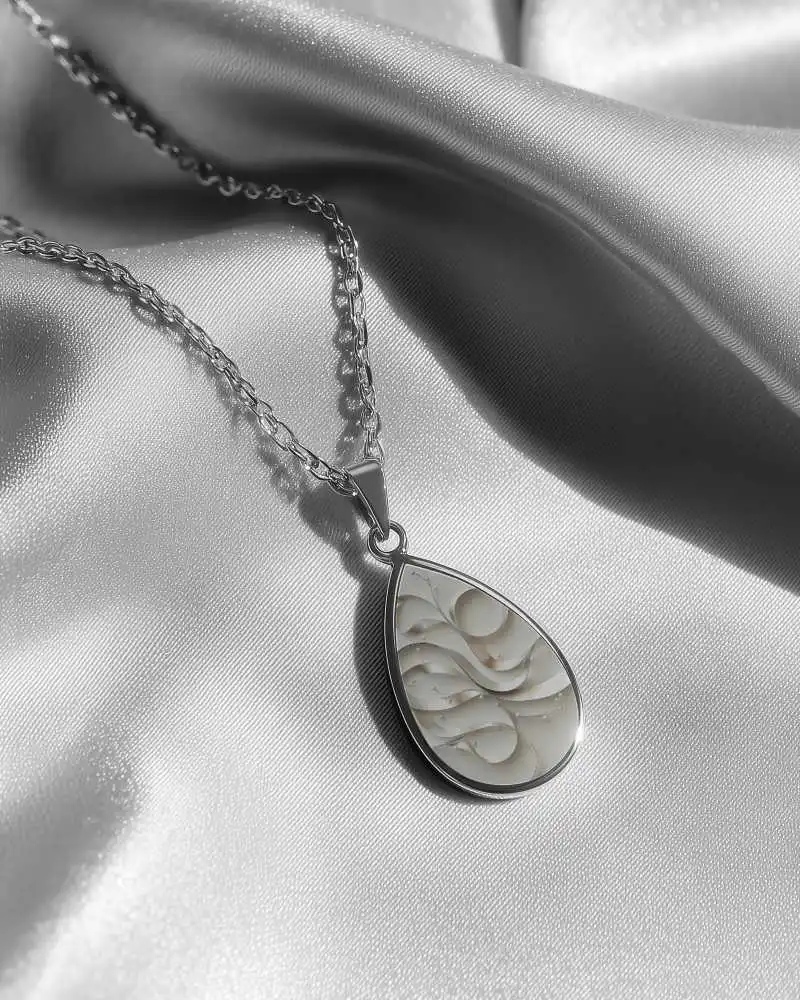

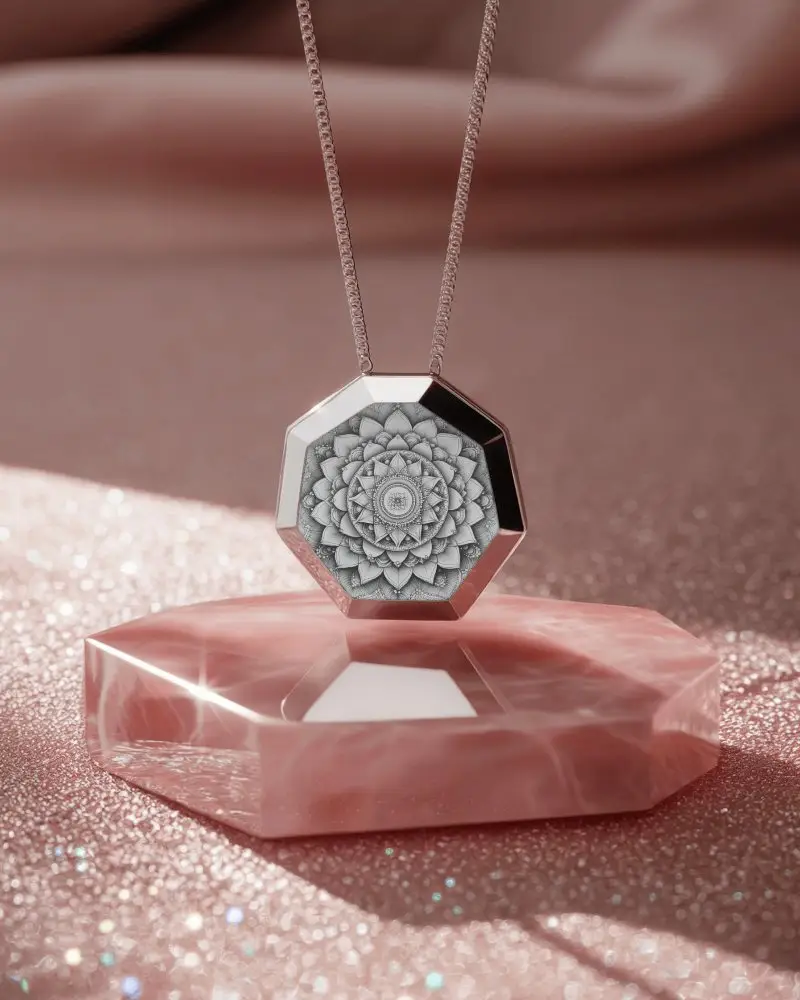
How to Create a Pendant Necklace Mockup with Mockey AI
To create pendant necklace mockups:
- Step 1: Go to Mockey AI and set up your account. Then, click on 'Upload Design.'
- Step 2: Find the 'Jewelry' category and select 'Necklace.' Select a pendant tag to access a template, and personalize the colors or with the options provided.
- Step 3: Hit 'Download' to export the pendant necklace mockup.


FAQs on Pendant Necklace Mockups
What is a Pendant Necklace mockup?
A pendant necklace mockup is a picture or file that shows how a pendant necklace will look when made and worn, helping sellers show it without making the real one first.
Why create a Pendant Necklace mockup?
Creating a pendant necklace mockup lets you change designs easily, make your product look professional, and share it online without making a real one.
Why Use Mockey’s Pendant Necklace Mockup?
Mockey's pendant necklace mockup lets you add your design in a real and professional way, with easy tools to change sizes, colors, and looks, plus lots of templates to choose from.
Is this Pendant Necklace mockup Free?
Mockey AI gives free pendant necklace mockups you can download and use, even for business. You usually need to give credit, but check the download page for any rules.
