Choker Necklace Mockup Free Download
Design professional choker necklace mockups for free with Mockey! Upload your design and get stunning, realistic results instantly. Start now!
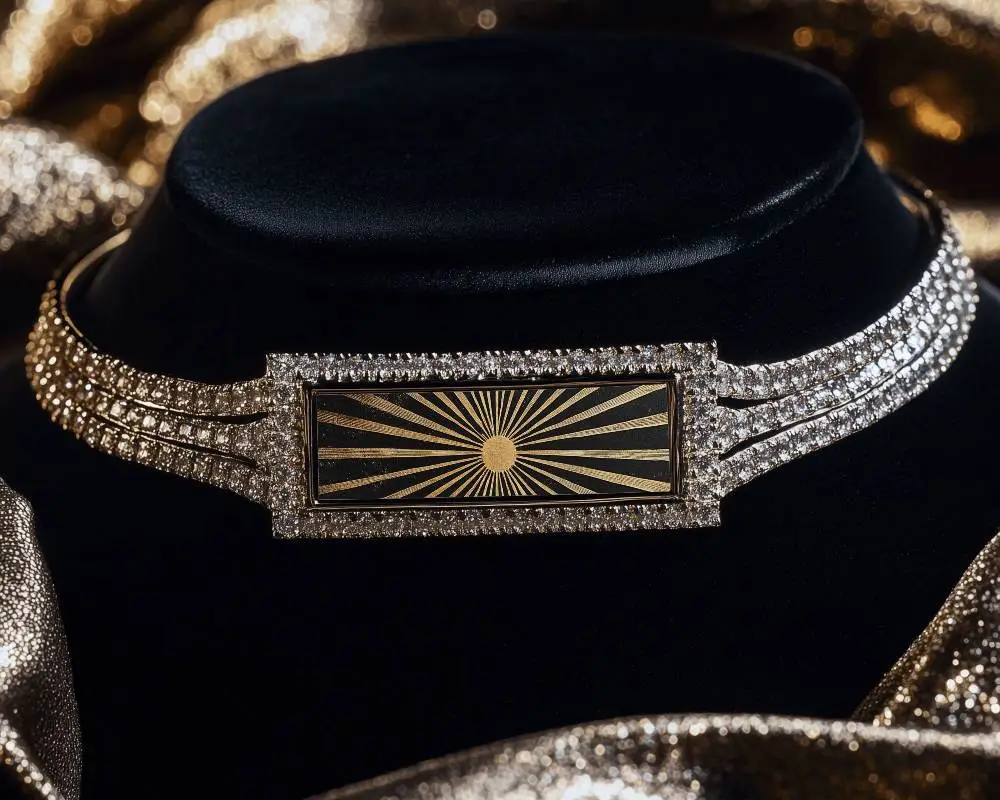
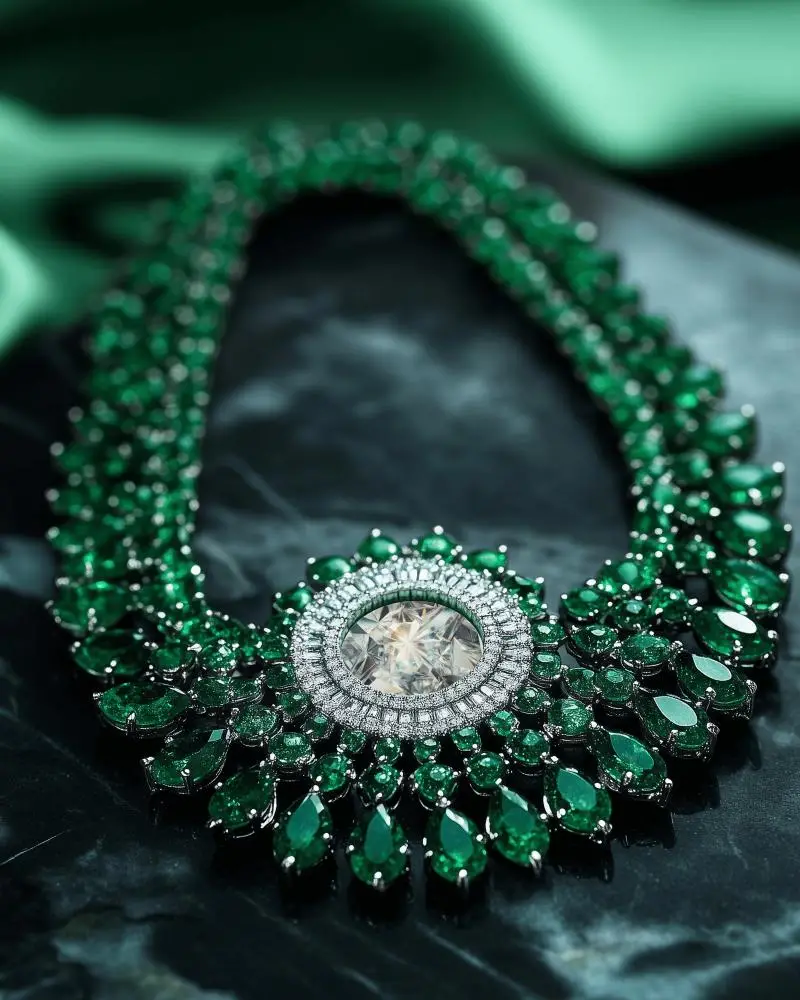
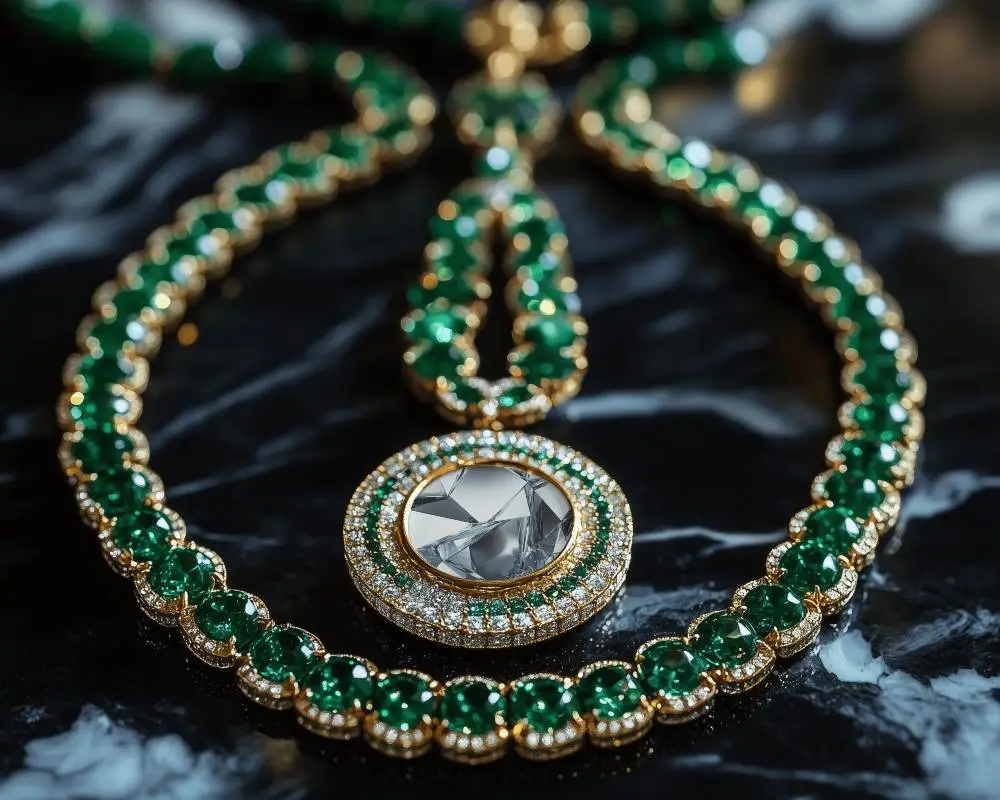
How to Create a Choker Necklace Mockup with Mockey AI
To create choker necklace mockups:
- Step 1: Navigate to Mockey AI and create an account. Afterwards, select the option 'Upload Design.'
- Step 2: Explore the 'Jewelry' section and click on 'Necklace.' Pick a choker tag to choose a template, and adjust the colors or use the available settings.
- Step 3: Hit 'Download' to save the choker necklace mockup.


FAQs on Choker Necklace Mockups
What is a Choker Necklace mockup?
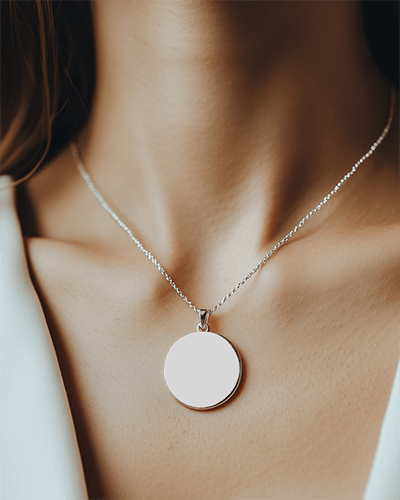
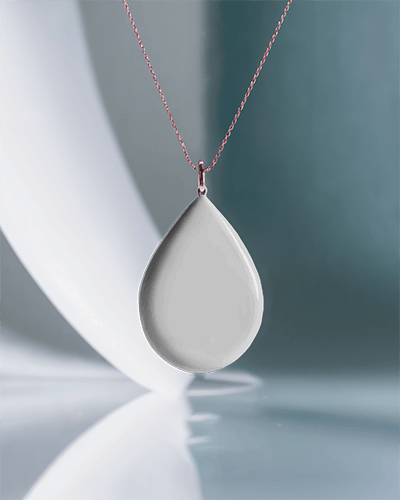
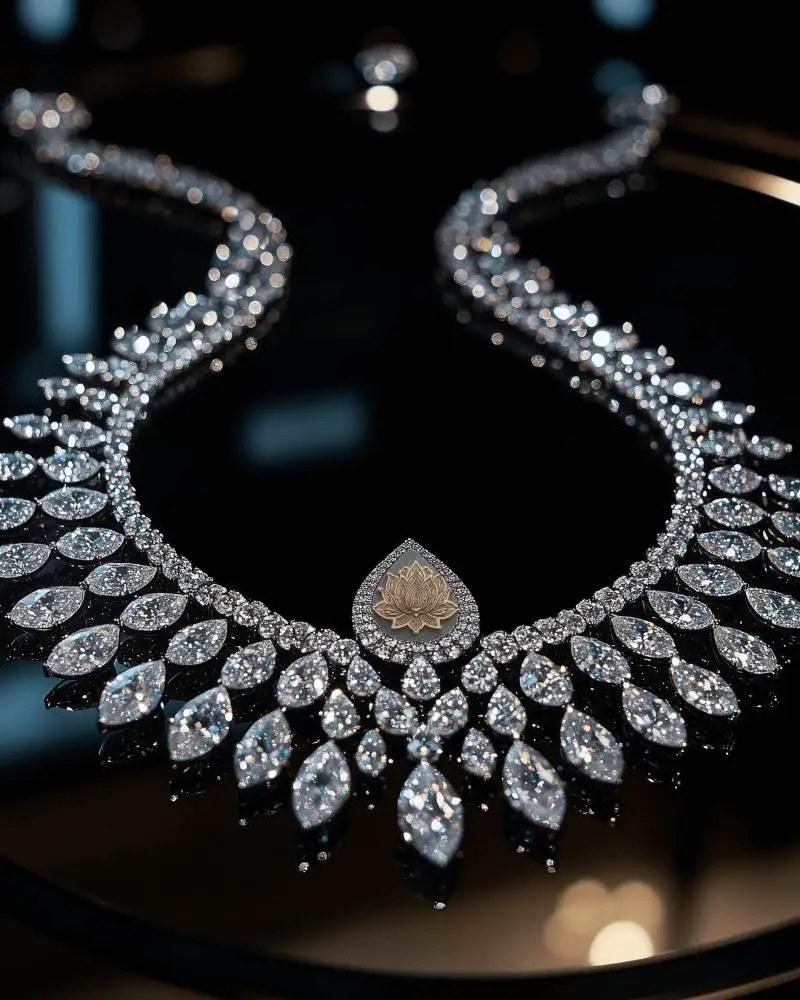
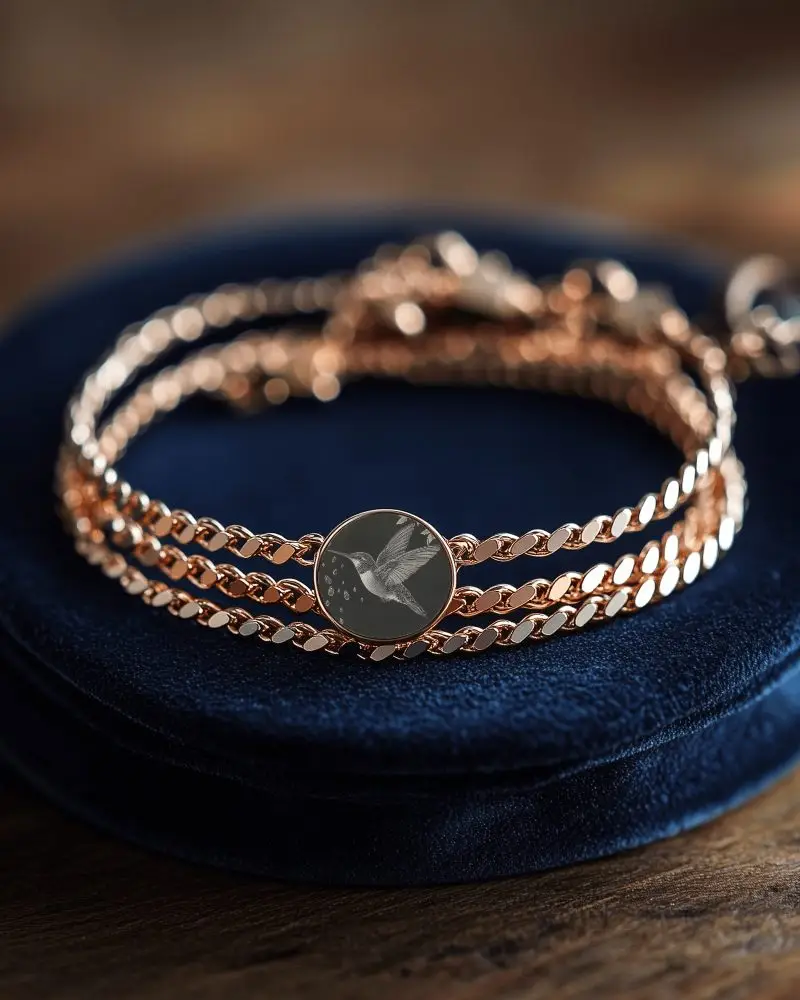
A choker necklace mockup is a picture that shows what a choker will look like when worn. It helps designers test ideas, show designs, and sell the necklace without making it first.
Why create a Choker Necklace mockup?
A choker necklace mockup saves your hard-earned money by not needing real samples, and helps sell it better with cool pictures and brand details.
Why Use Mockey’s Choker Necklace Mockup?
Mockey’s choker necklace mockup can be customized for free without Photoshop. It’s easy to use, gives free downloads, and saves time with fast, high-quality results.
Is this Choker Necklace mockup Free?
Mockey AI has choker necklace mockups, some are free, and others require payment. You can find free ones by using the 'Free' option when exploring templates.
