Free Luxury Perfume Bottle Mockup Templates
DTC fragrance and beauty brands use Mockey AI's luxury perfume bottle mockup templates to prepare for their next premium fragrance launch. Choose from round, square, spray, or pocket perfume bottles, upload the design image, change the bottle color, and download without planning a photoshoot.
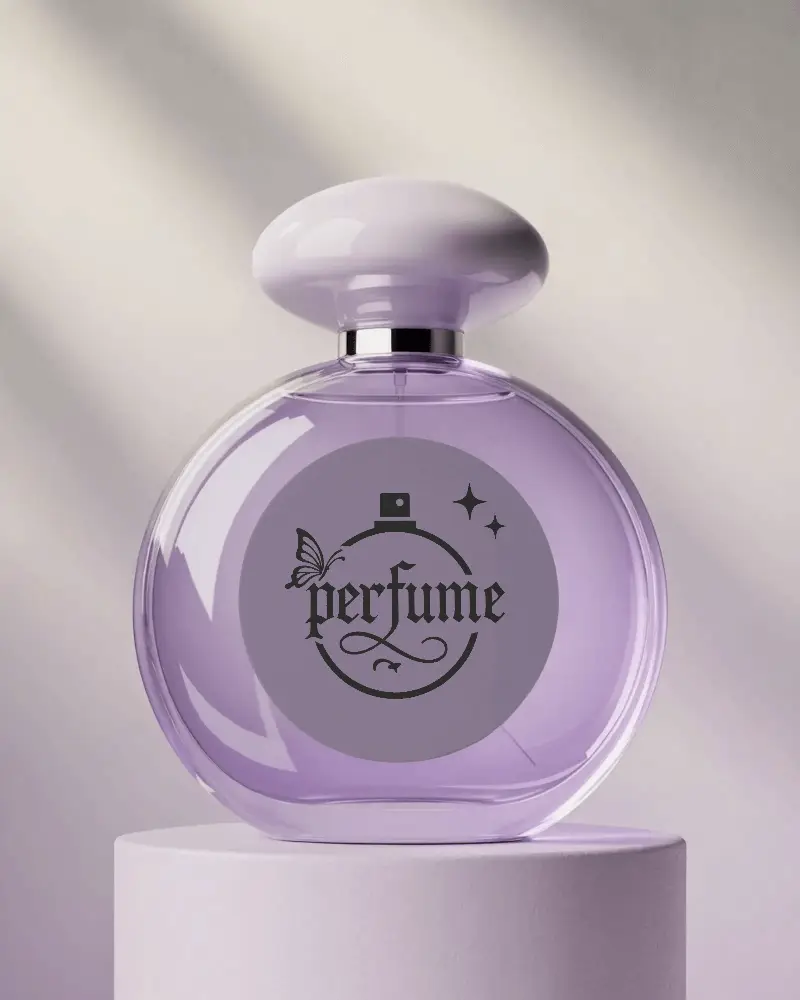
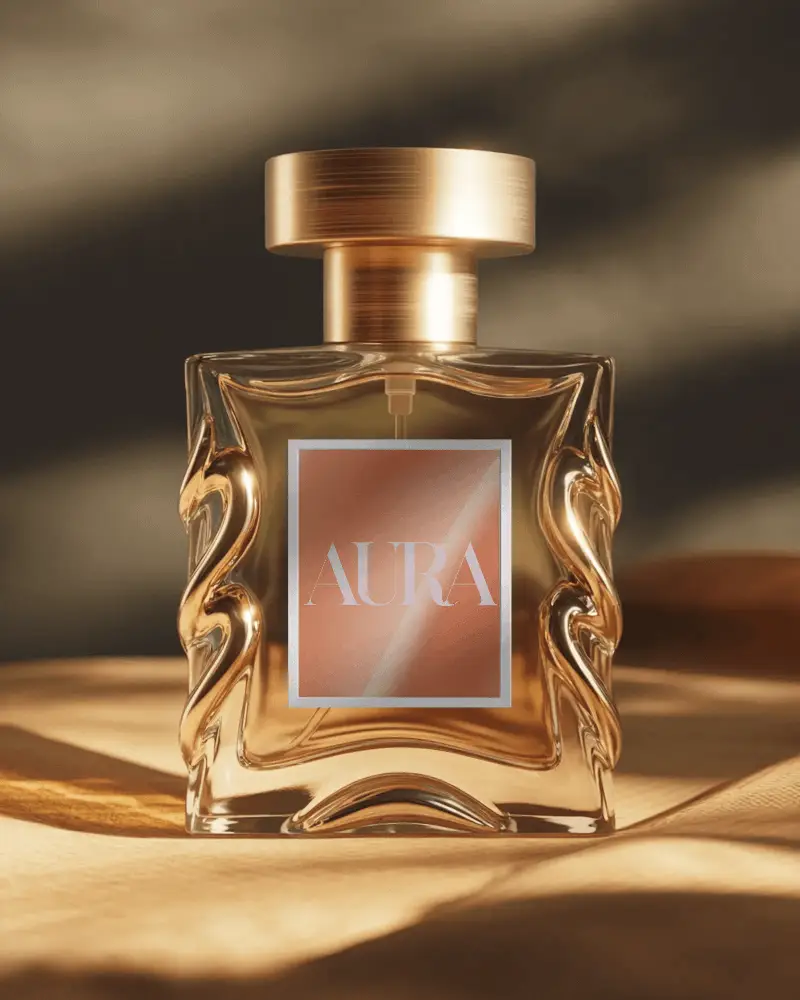
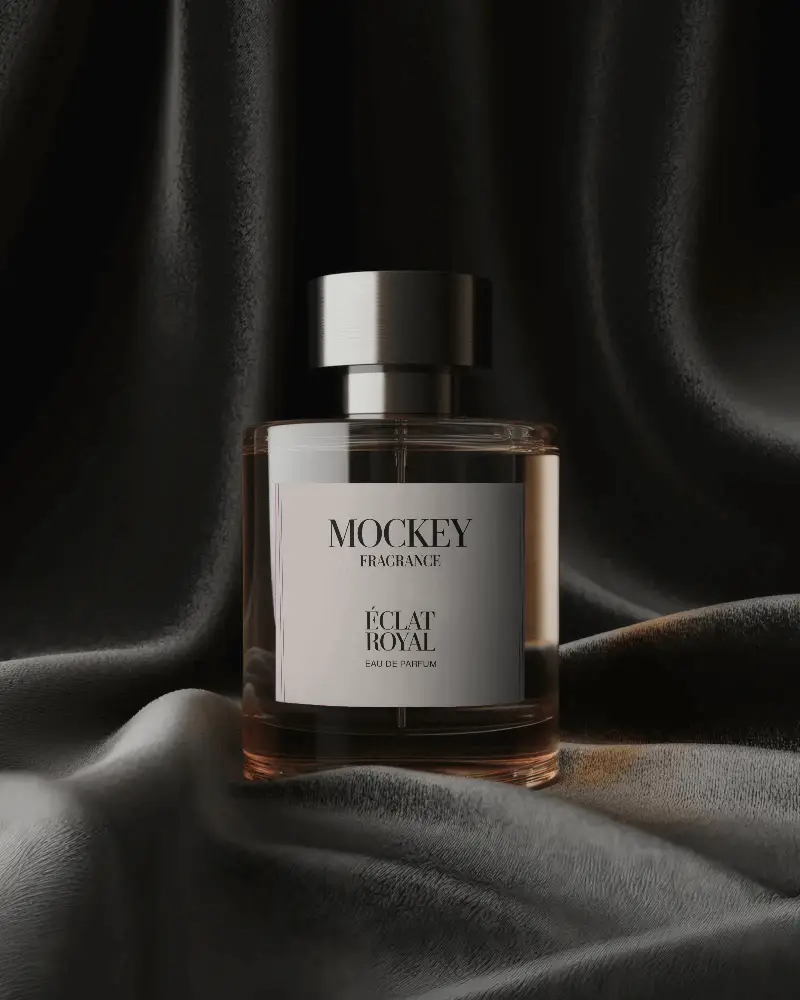
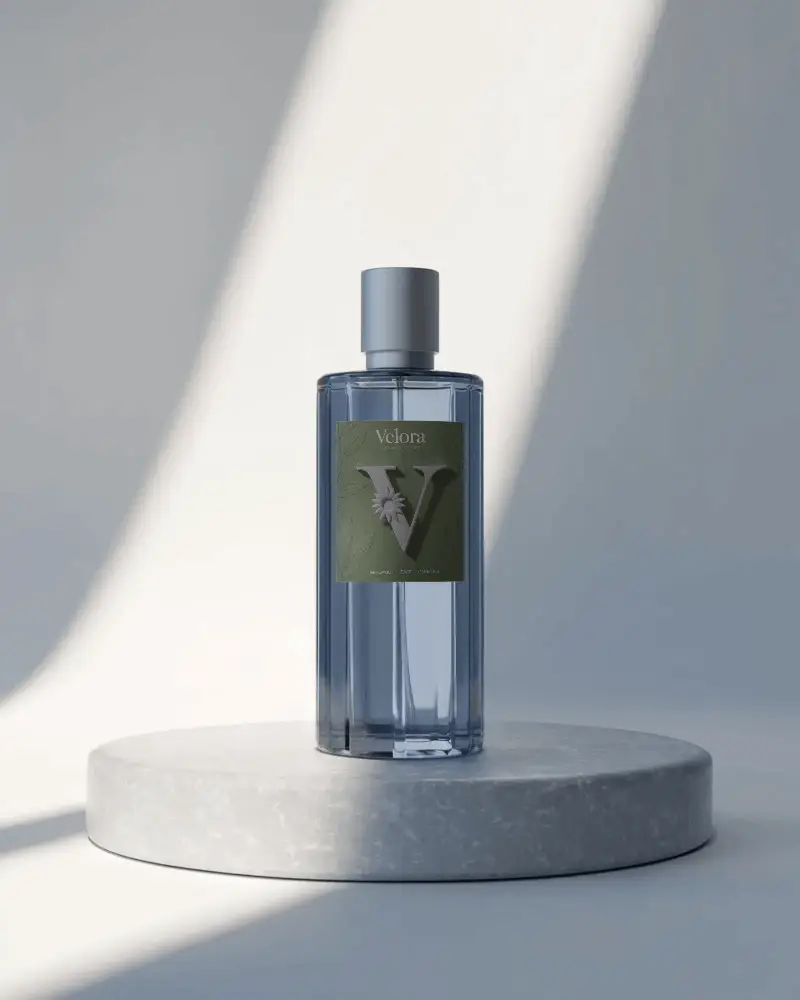
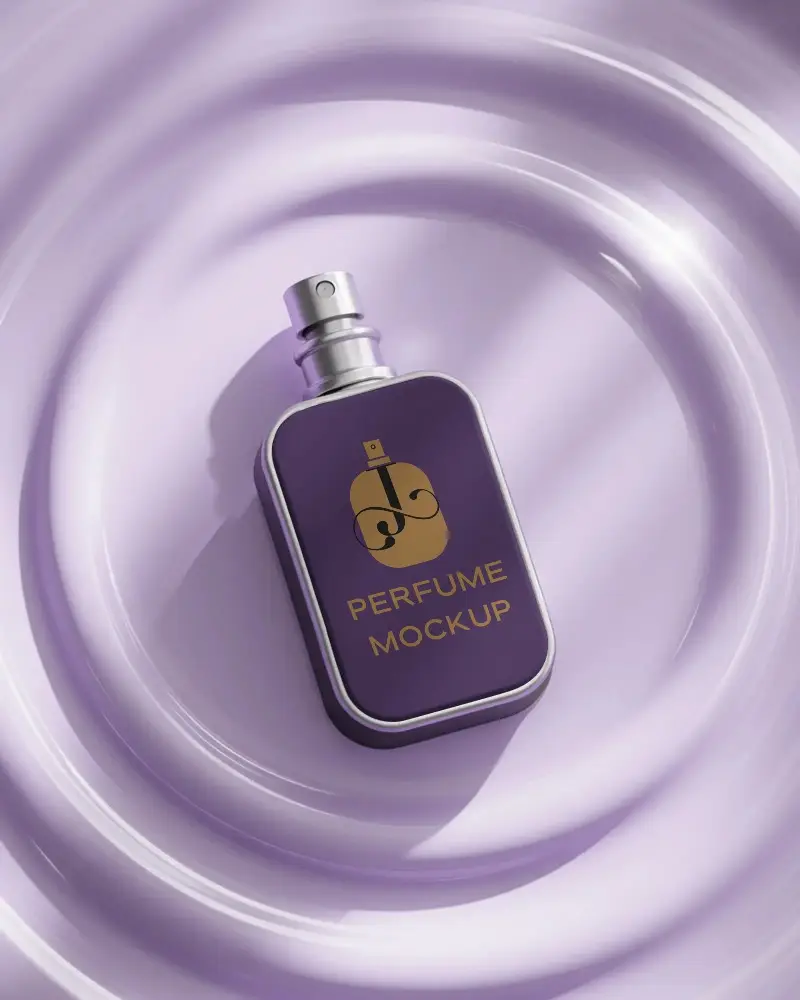
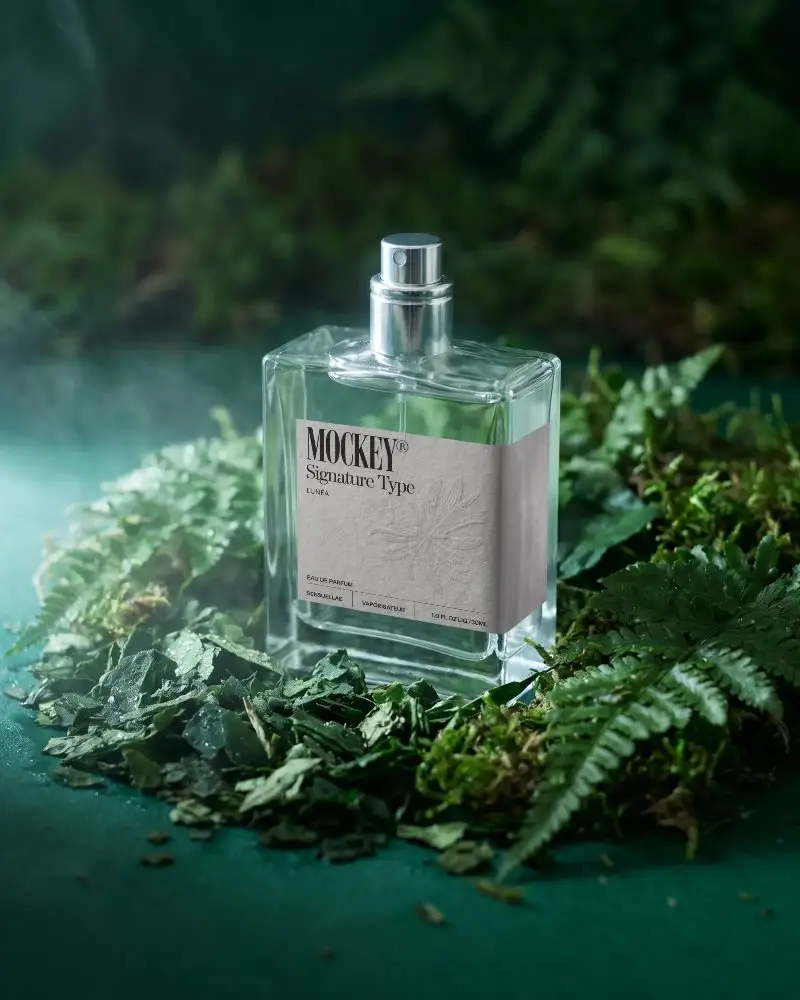
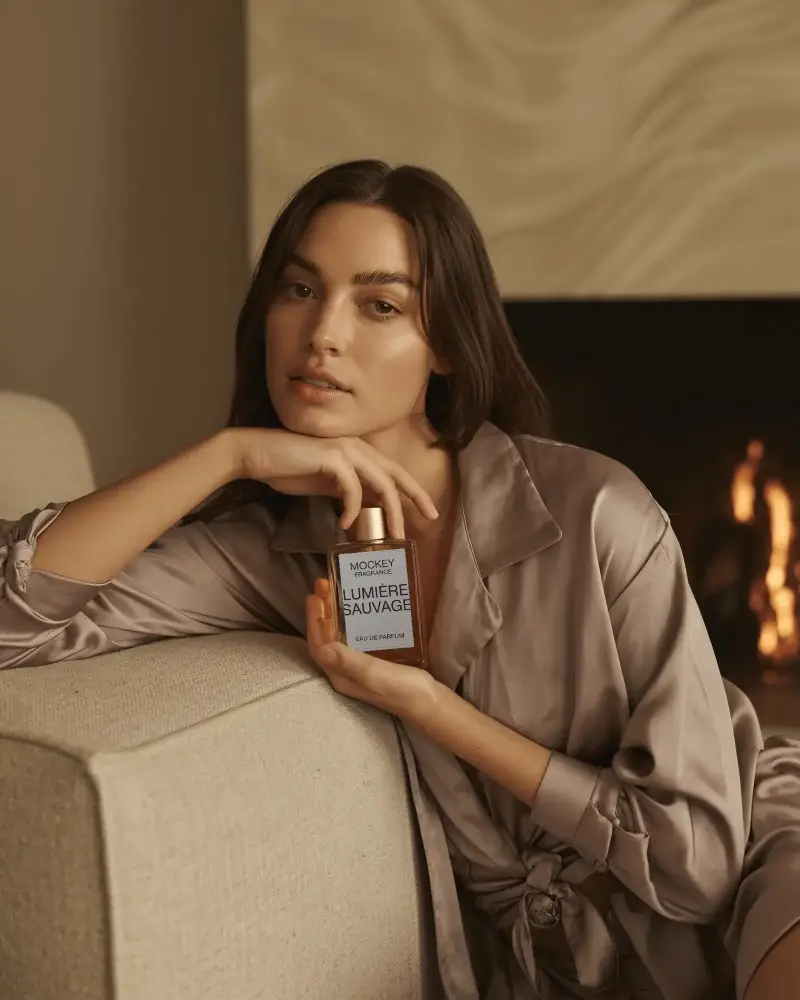
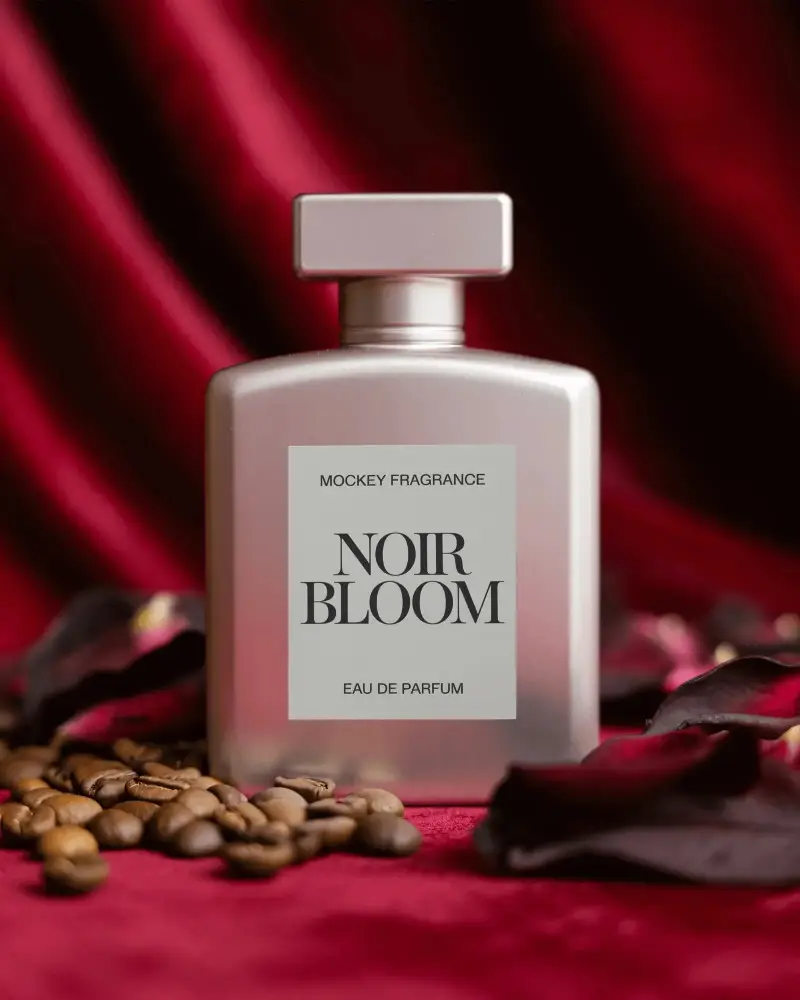
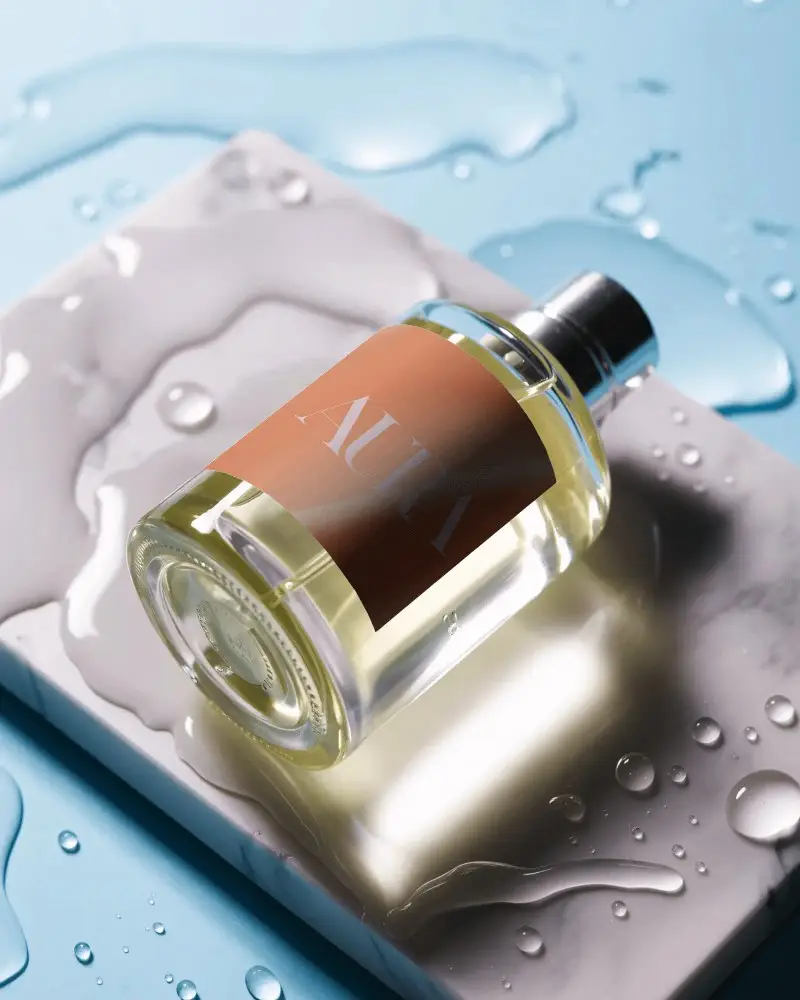
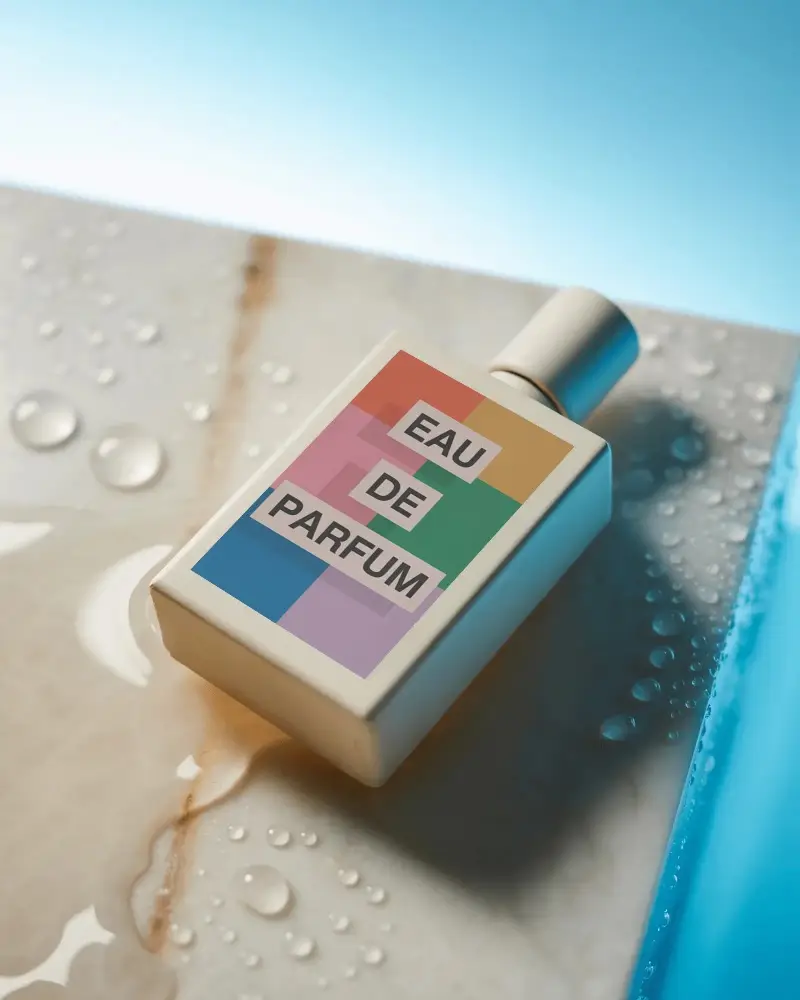
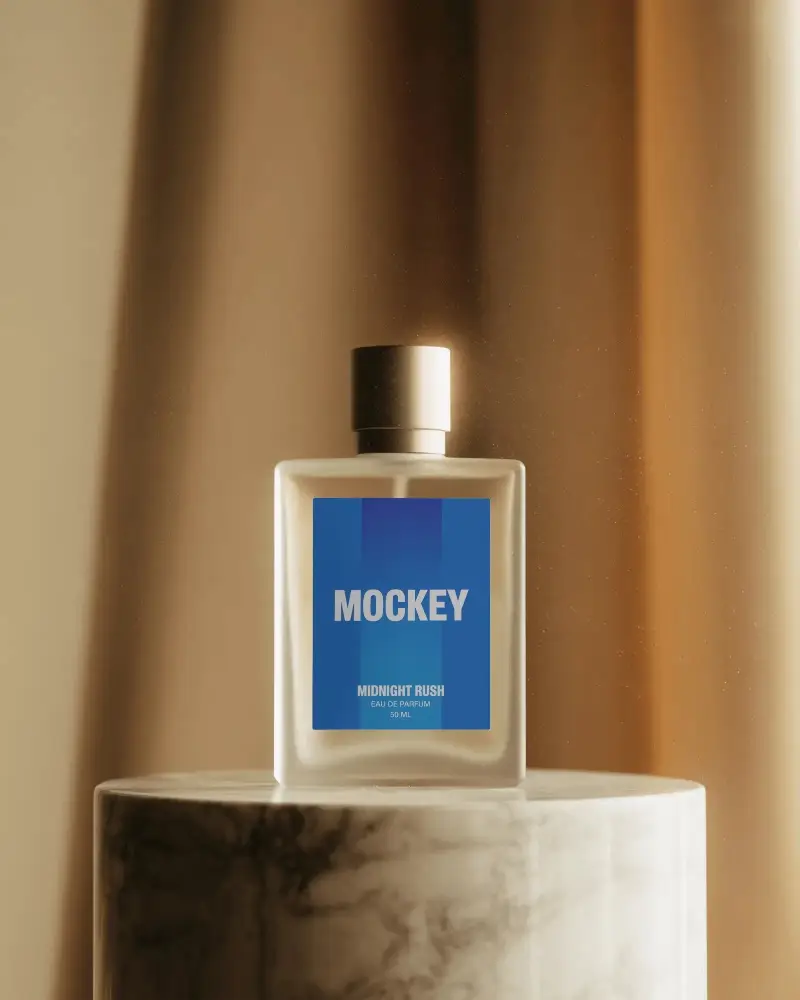
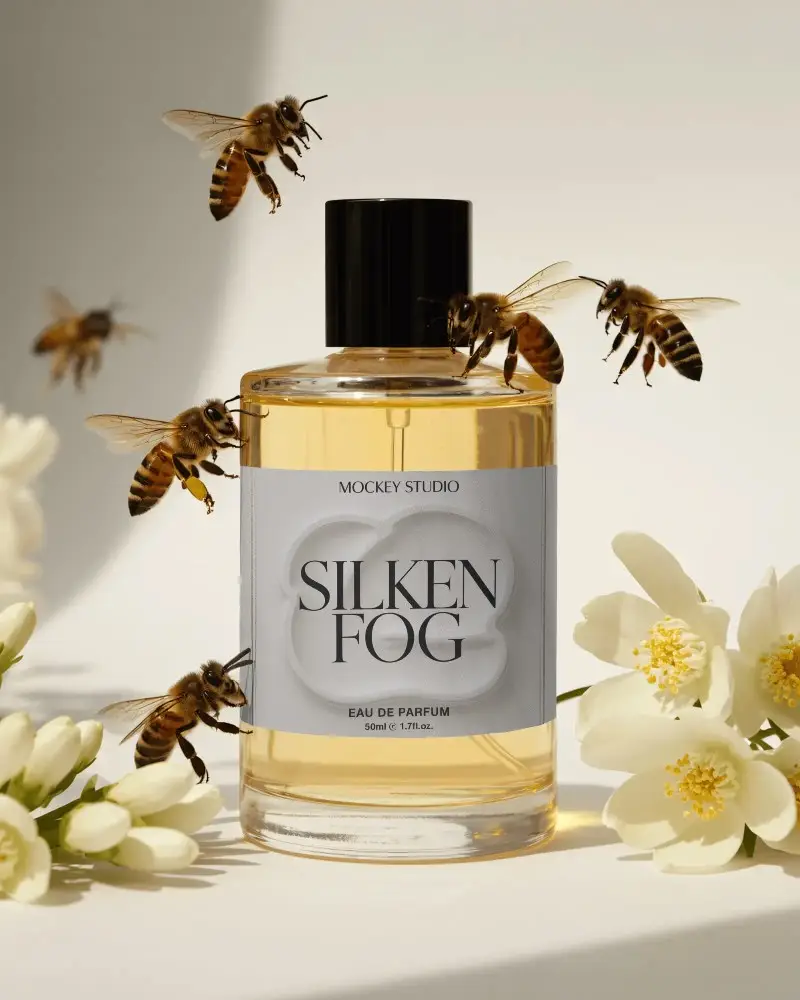
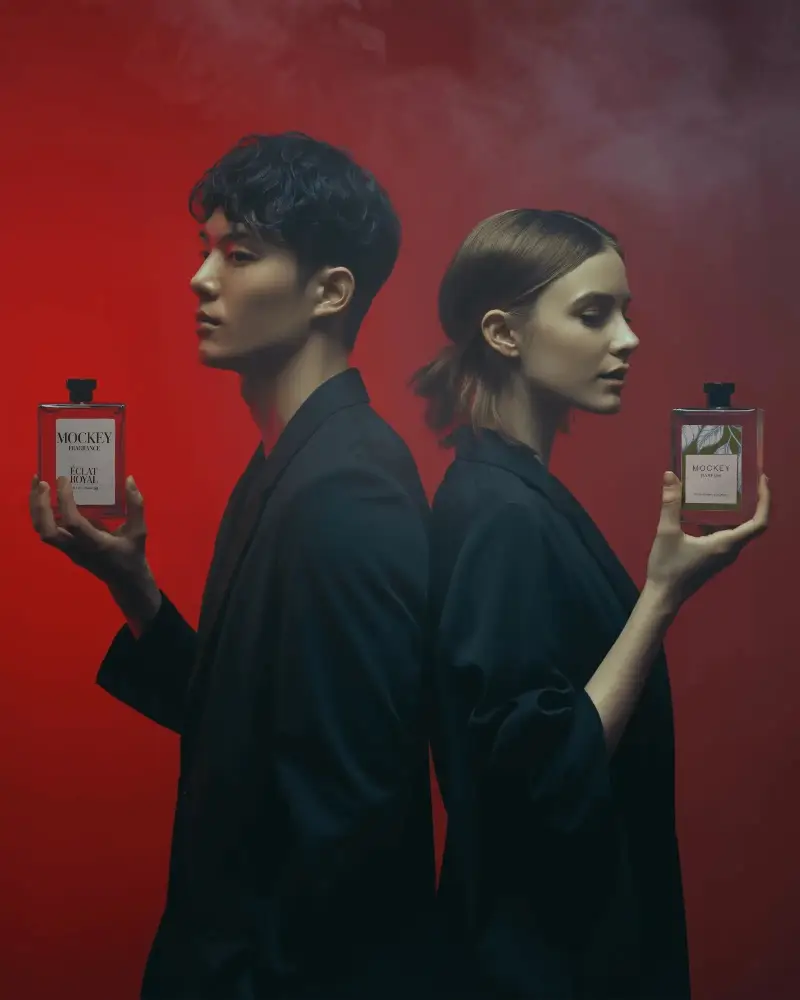
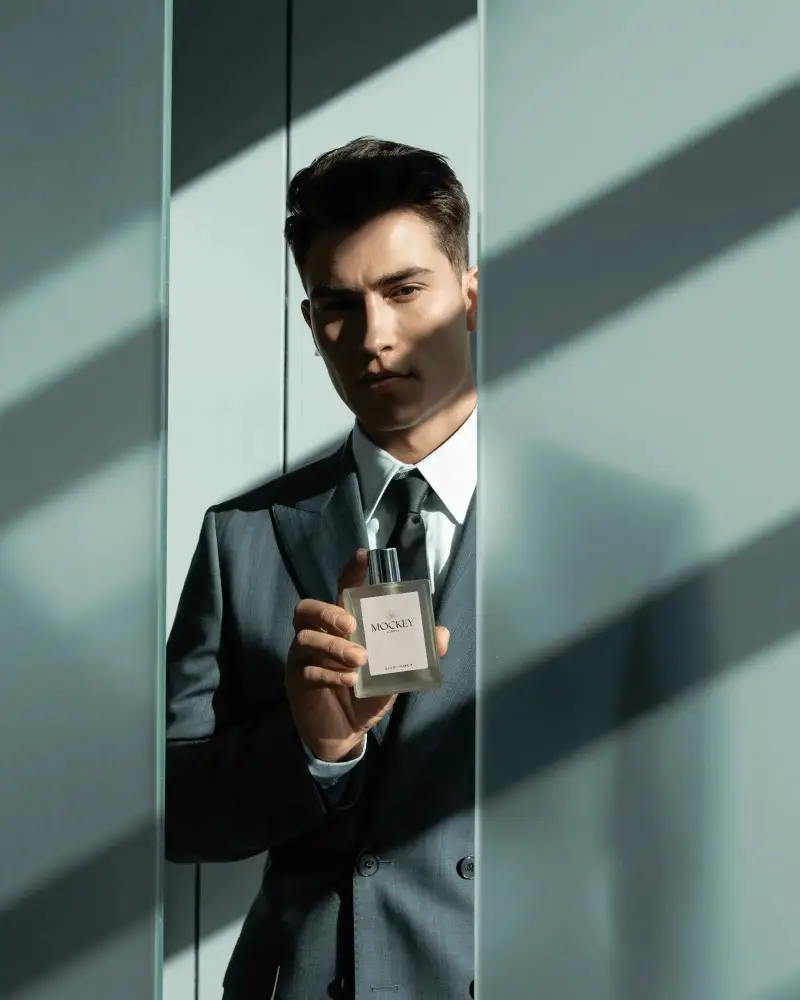
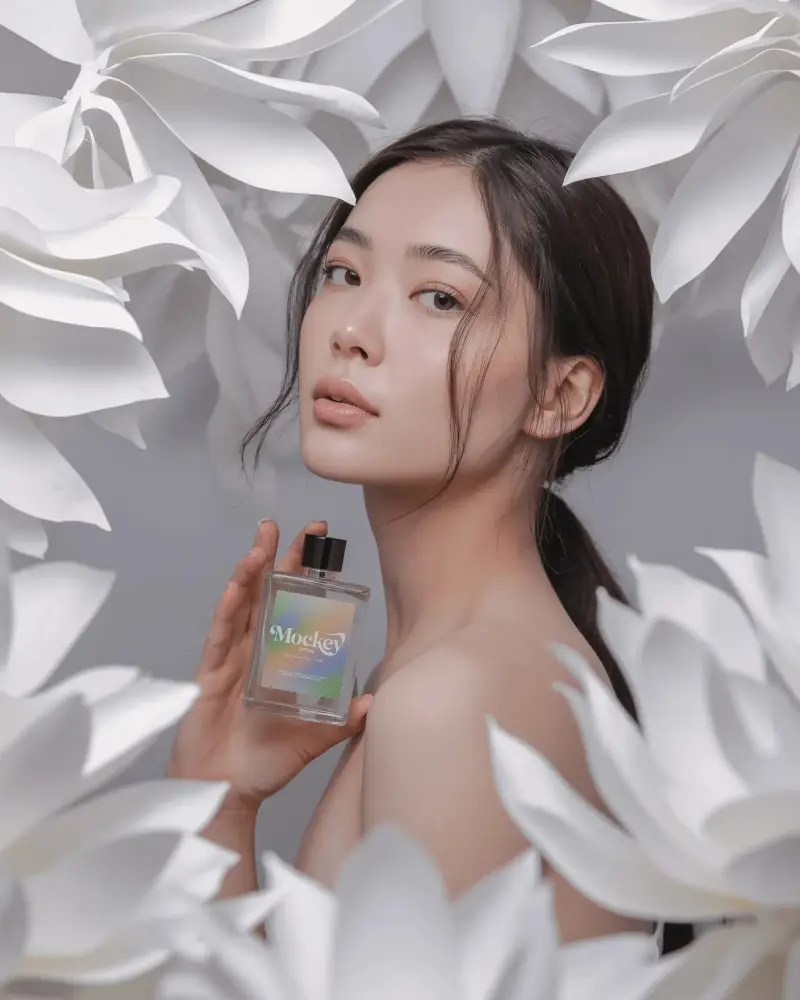
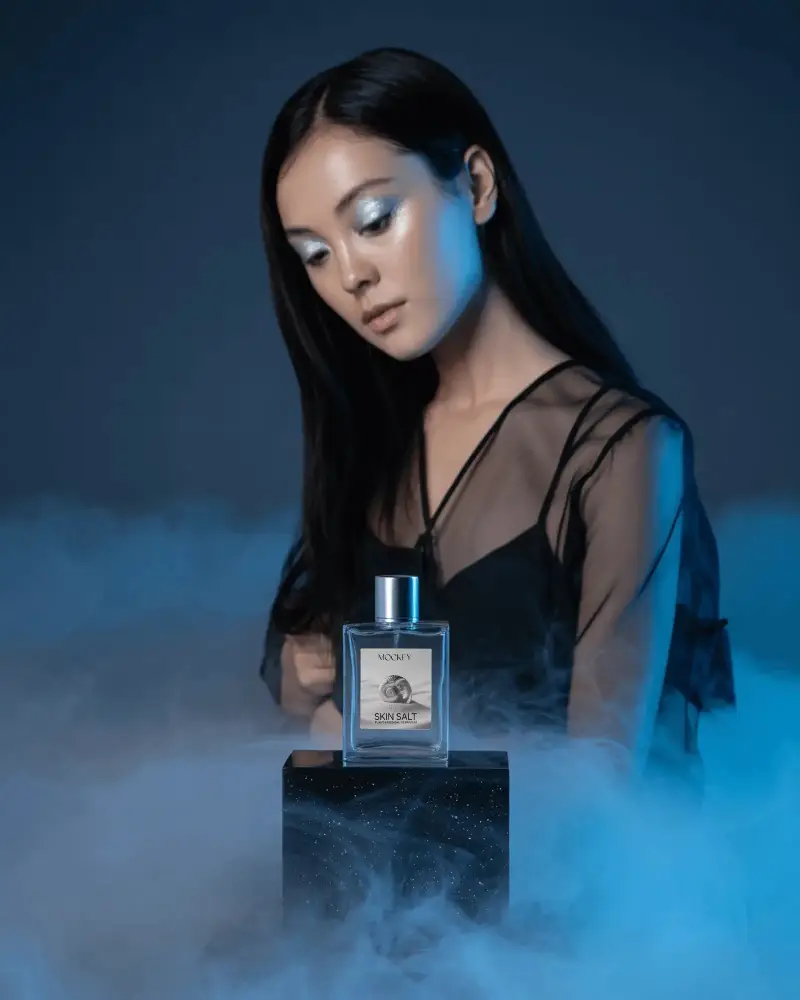
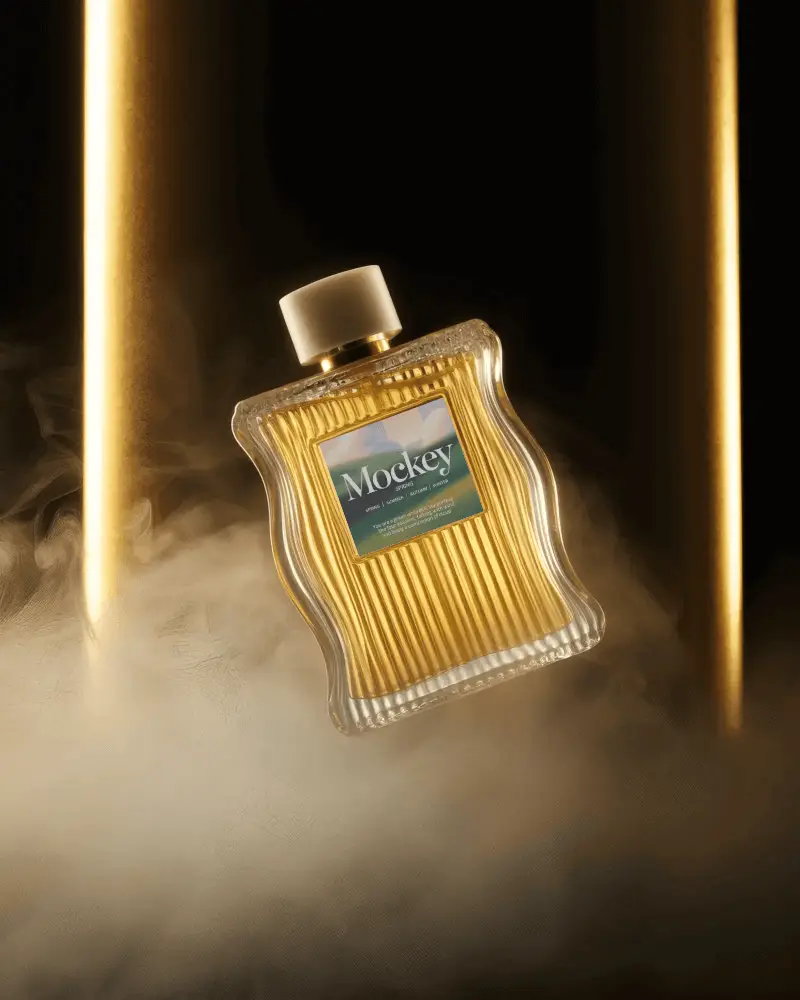
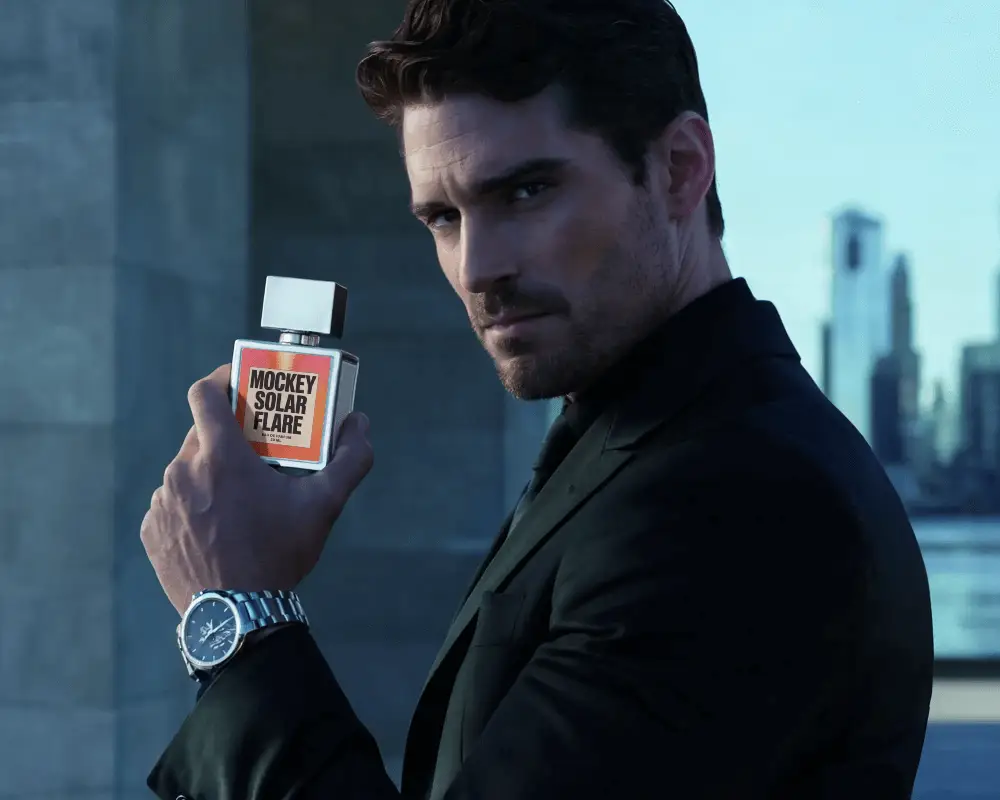
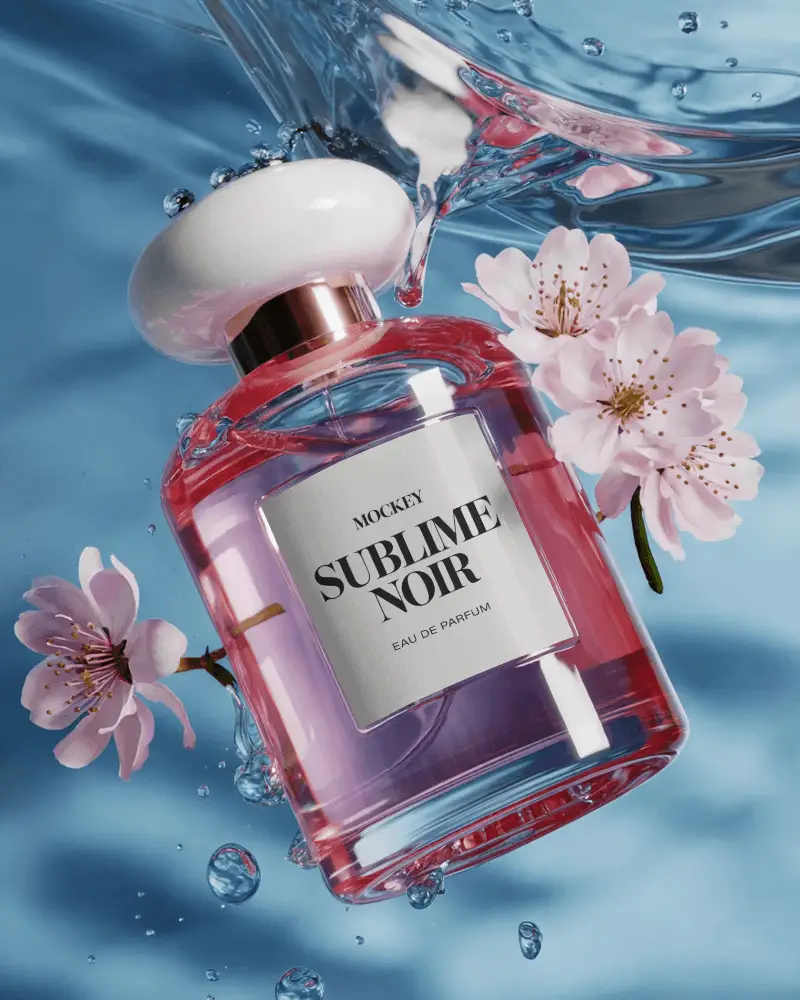
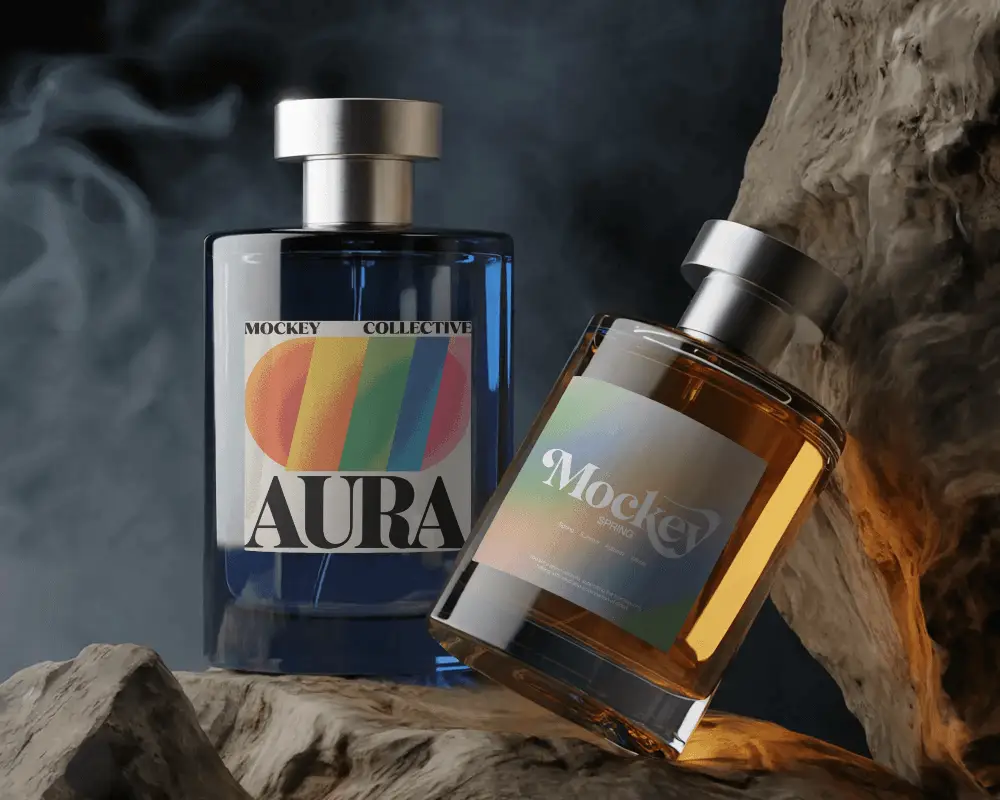
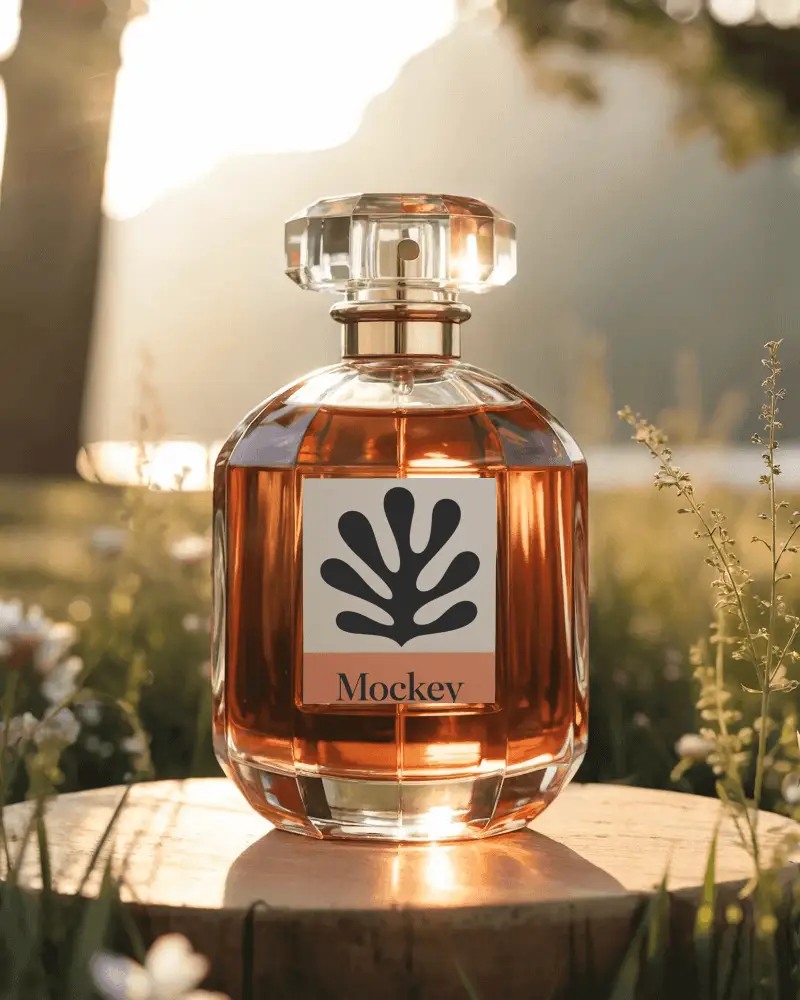
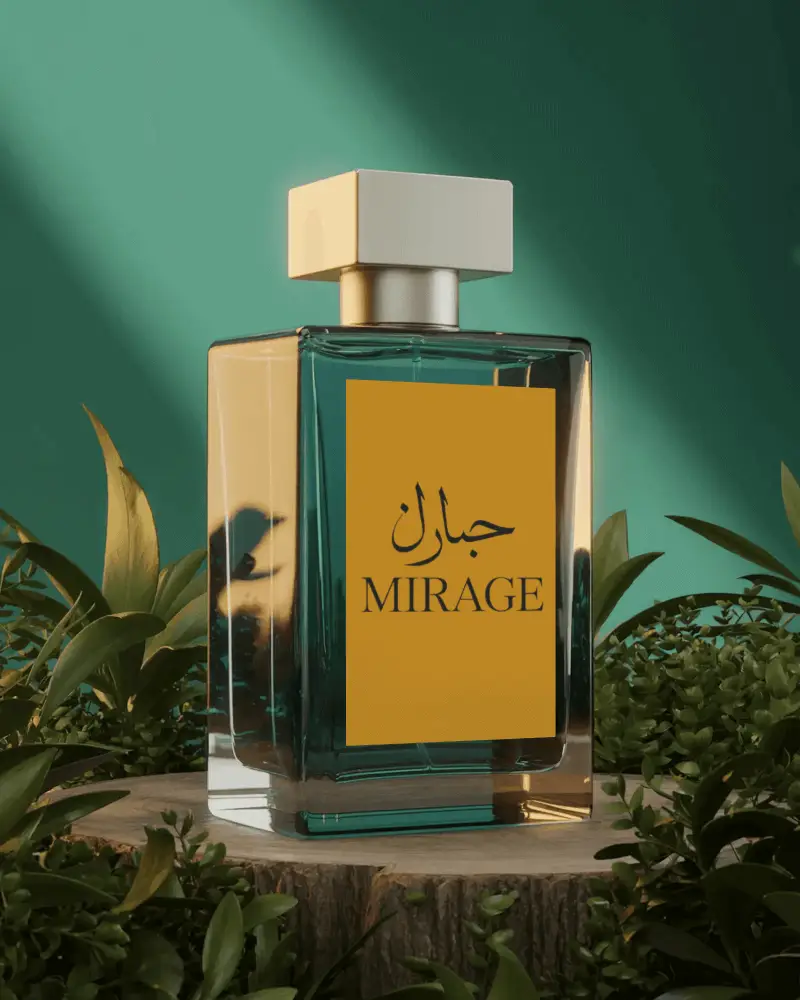
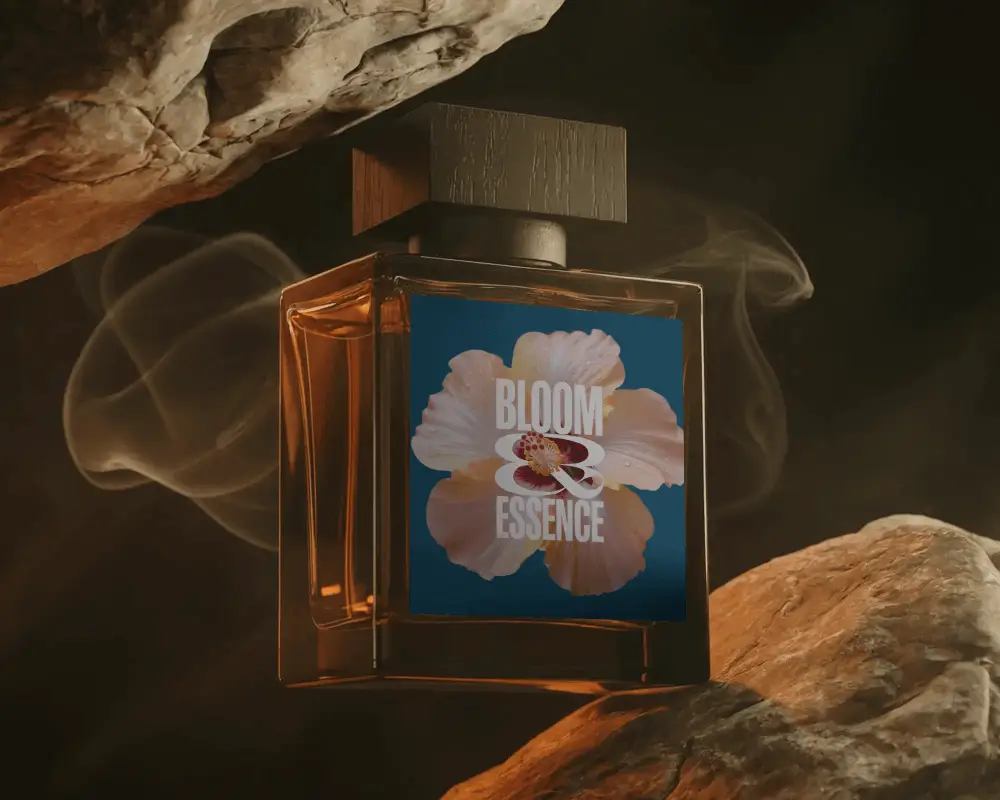
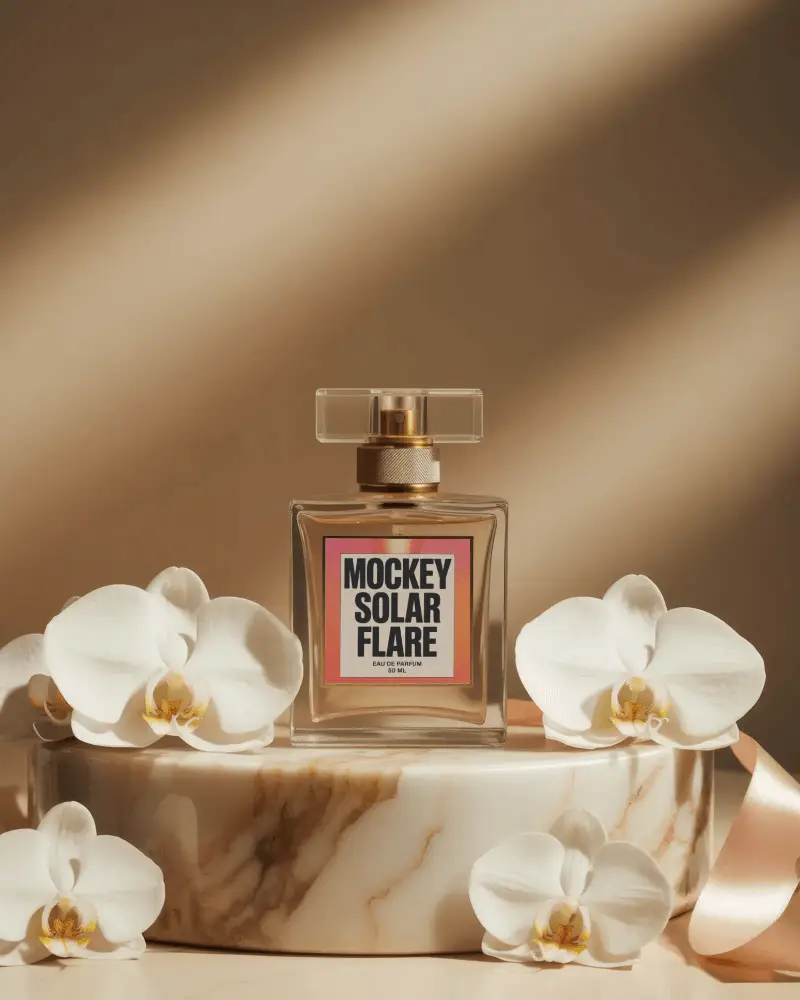
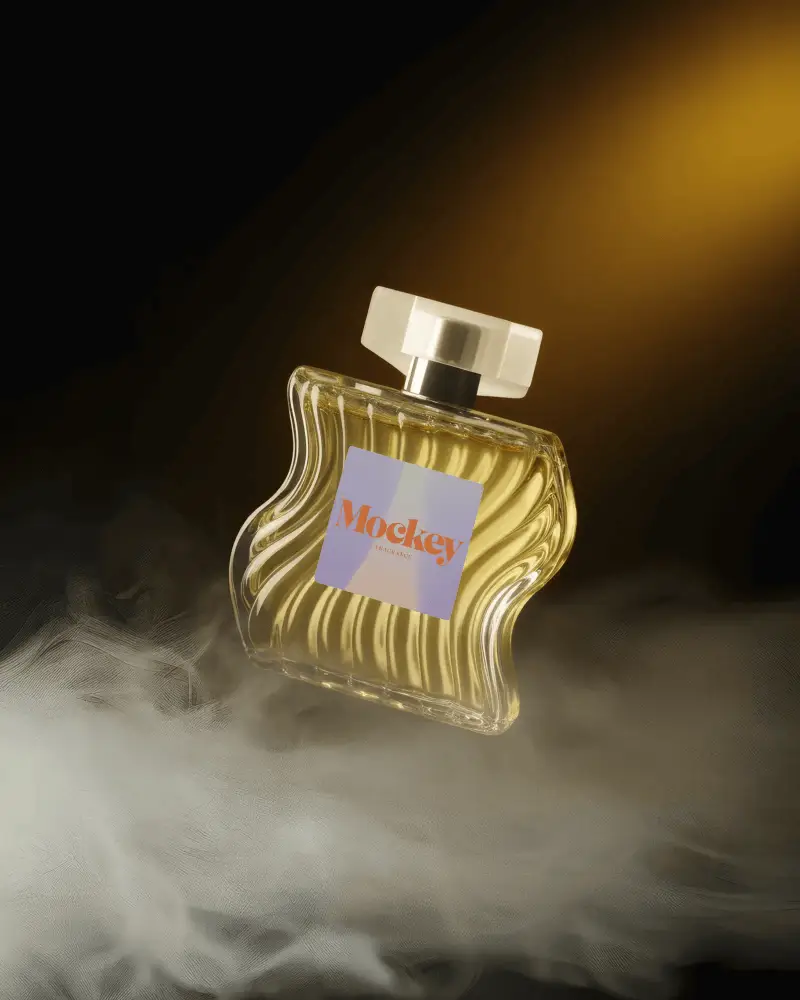
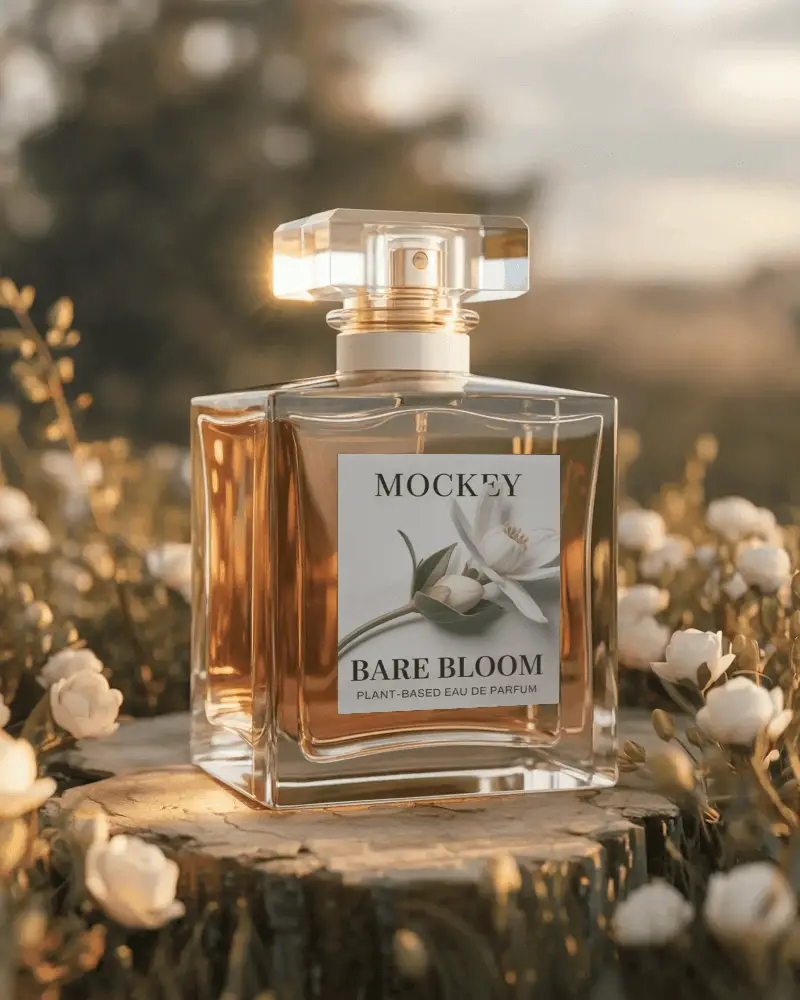
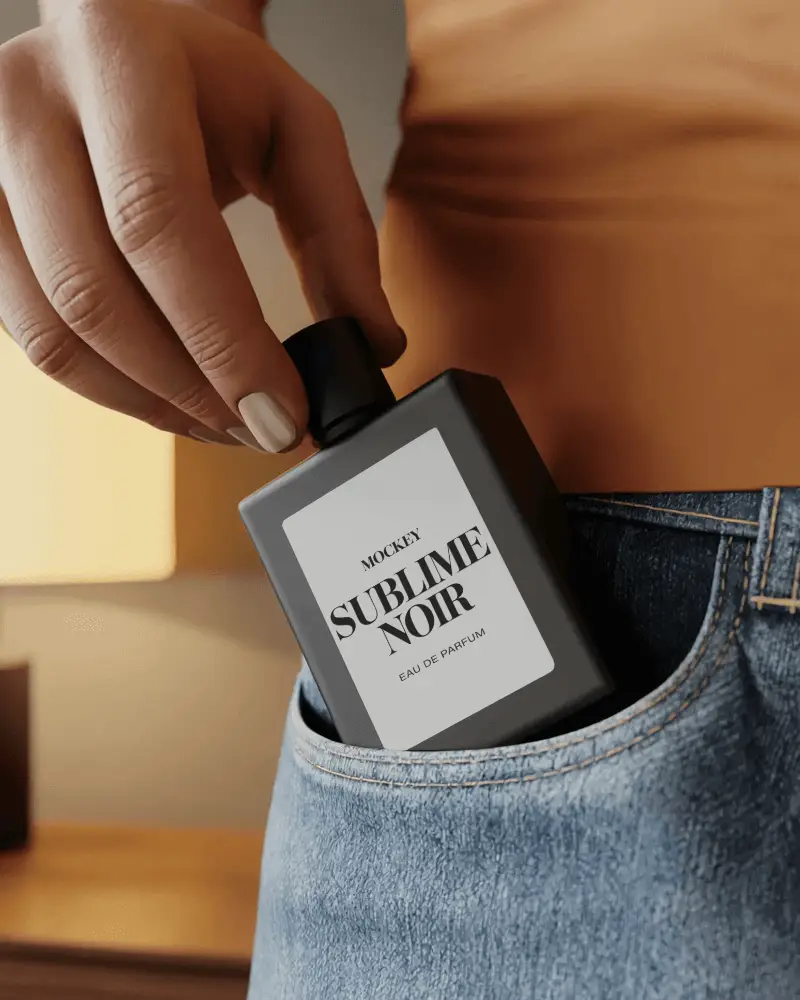
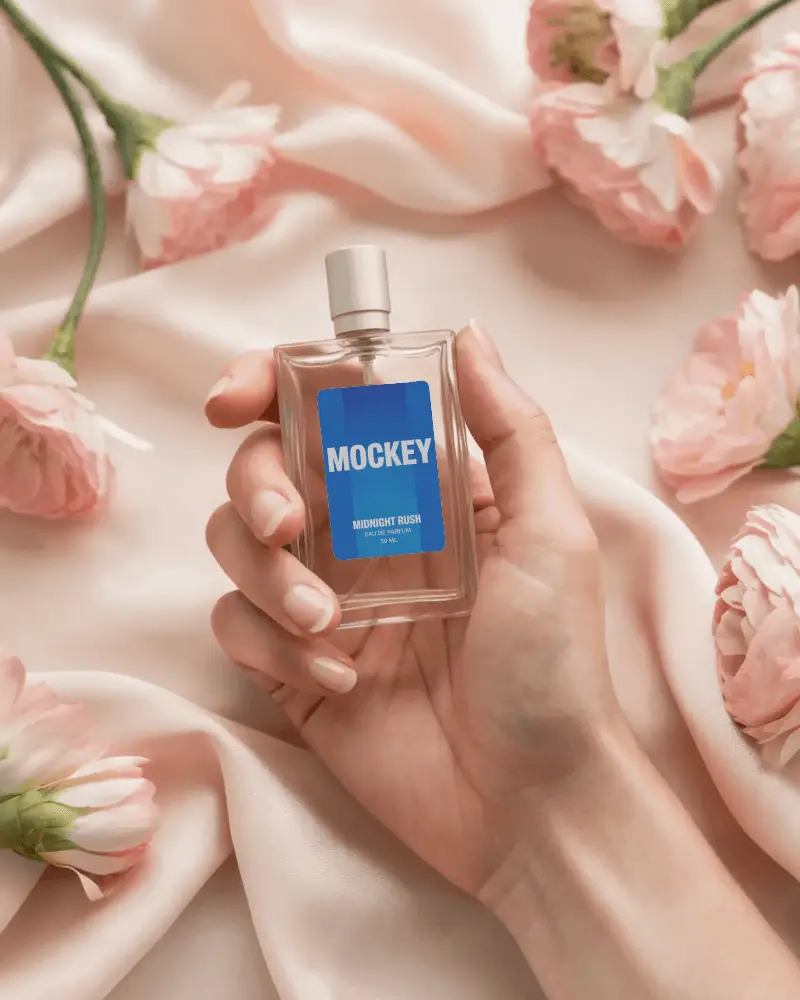
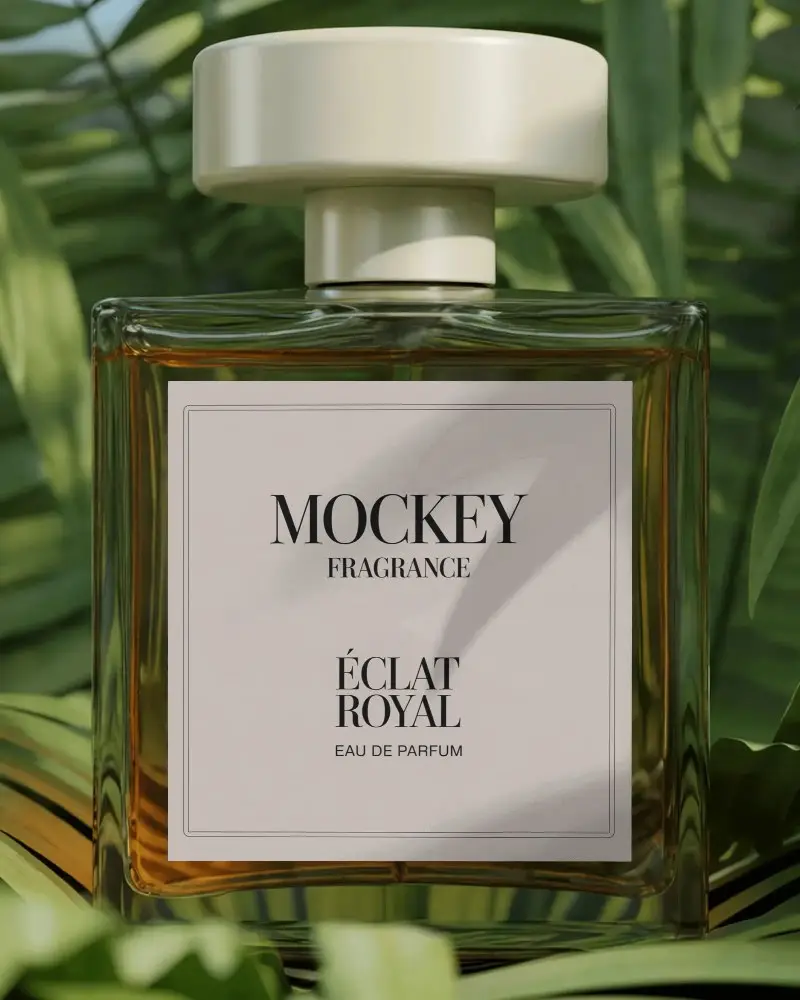
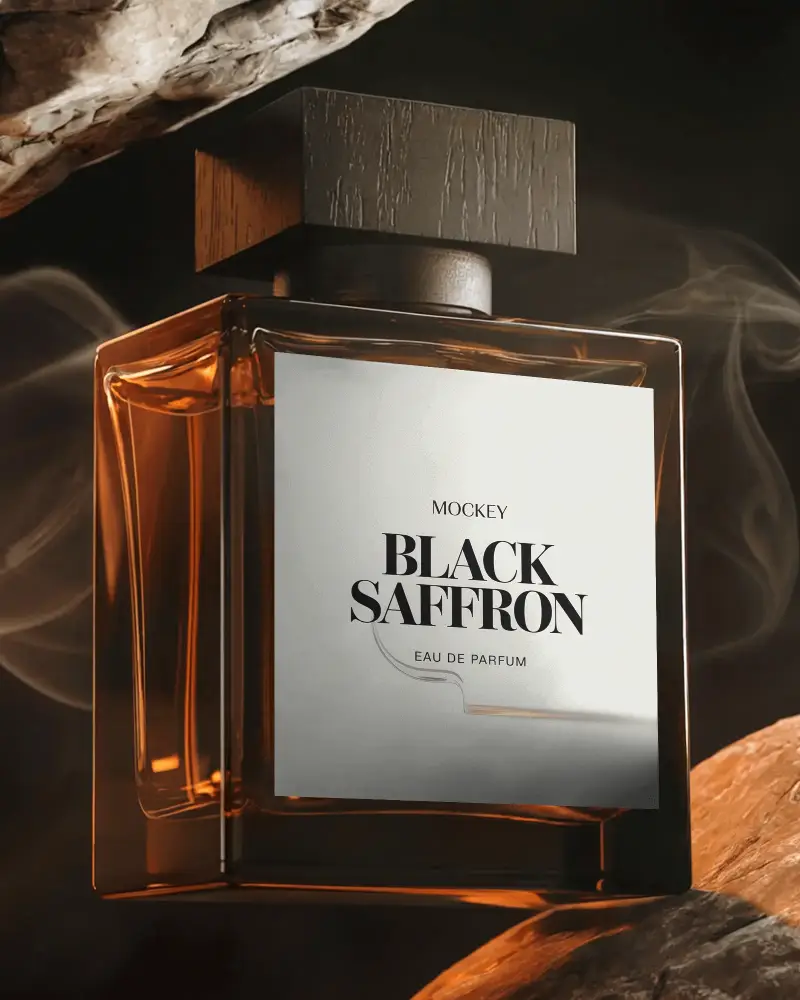
How to Create a Perfume Mockup with Mockey AI
To customize a perfume mockup:
- Step 1: Choose from round, square, spray, or pocket perfume.
- Step 2: Drop in your label design and adjust it on the bottle.
- Step 3: Swap the color to match your brand palette.
- Step 4: Adjust the fit with warping, create multiple angles, or turn to animation.
- Step 5: Pick your format and size, then download the perfume mockup.


FAQs on perfume Mockups
How can I use perfume bottle mockups for my brand?
Perfume bottle mockups help you show your floral or vintage pattern design for your brand. Add your design to look real using a packaging mockup generator. Use ready-made templates. Test ideas. Make ads.
Are Mockey’s perfume mockups free to use?
Use free perfume mockups in Mockey AI with its free plan. Use all the design tools without spending any money. However, you receive a JPEG file with a 400 by 500 pixel size.
Do I need design experience to use Mockey's perfume mockups?
You don’t need any experience. It’s not like Adobe Photoshop. Anyone can use it. You don’t need to learn design. Even a 15-year-old can use Mockey AI with ease.
What types of perfume bottle mockups are available on Mockey.ai?
You’ll find many types of perfume bottle mockups. There are both vintage and modern styles. You’ll see spray bottles and roll-ons too. Some come with glass bottles. A few highlight luxury branding scenes.
What makes a perfume mockup look realistic?
For a realistic perfume mockup, correct light bending through the glass, reflections along the curves and cap, a label that wraps the bottle's real shape, and grounded shadows where it meets the surface matter.
