Free Pocket Perfume Mockups
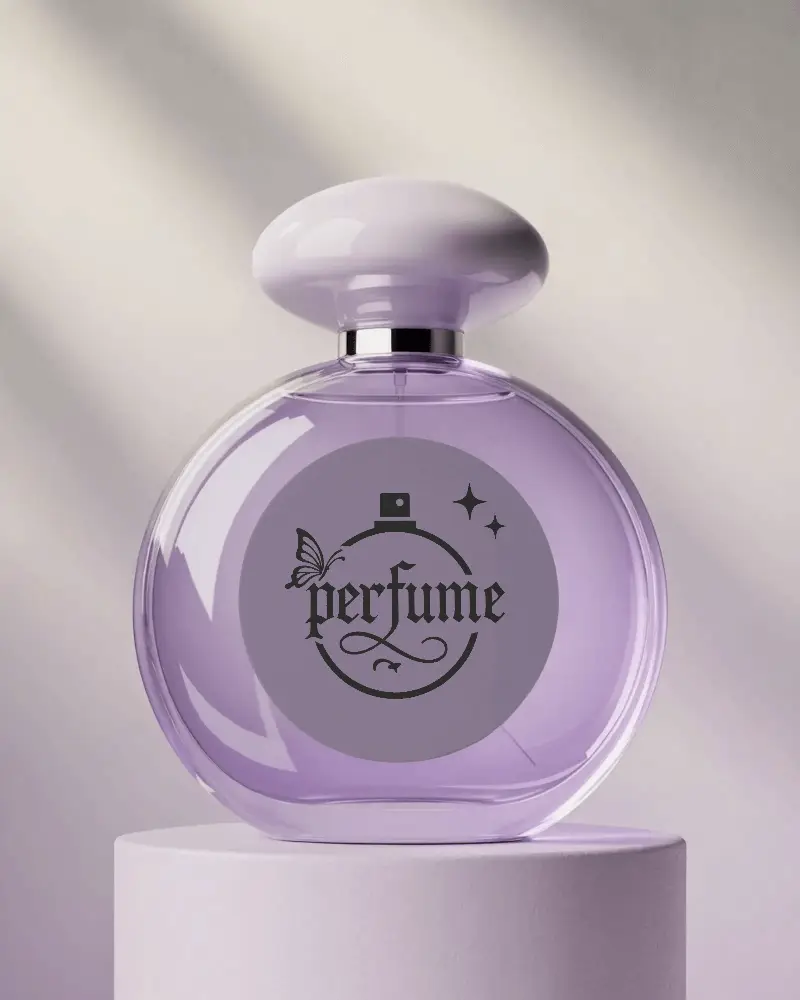
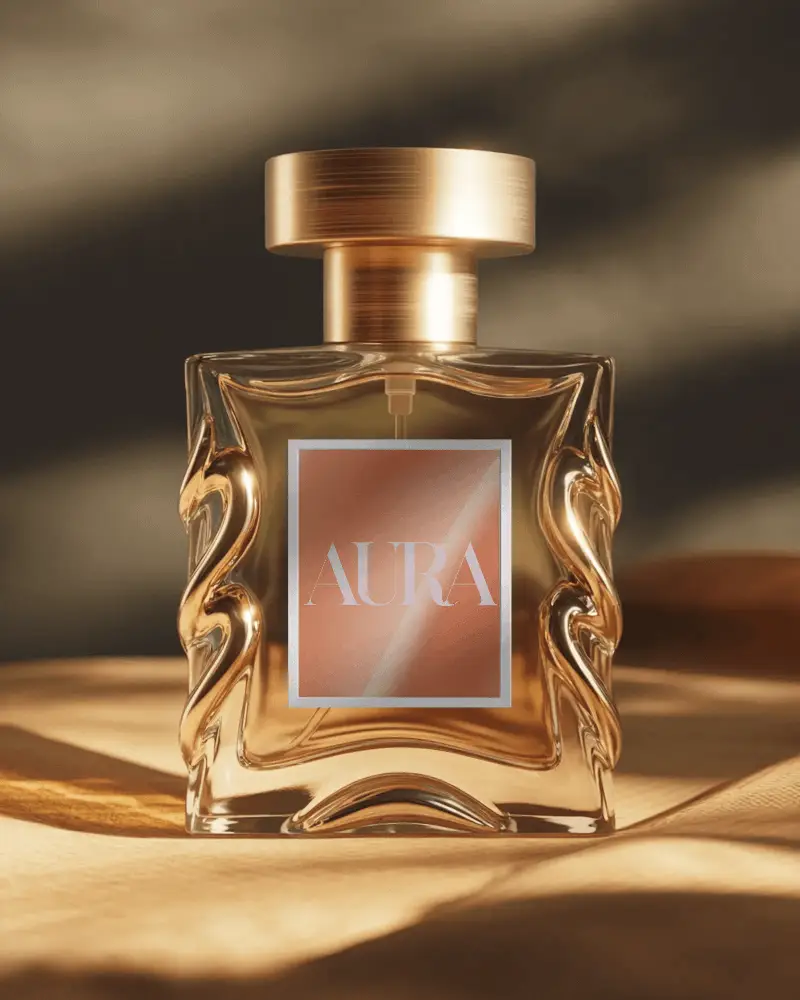
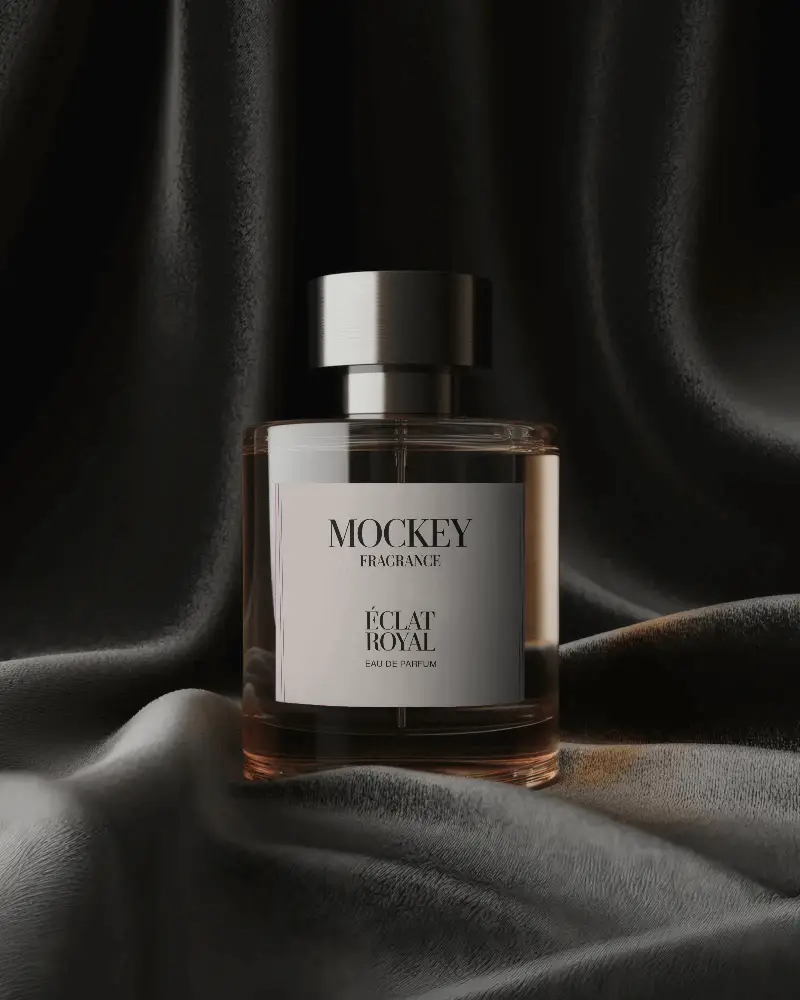
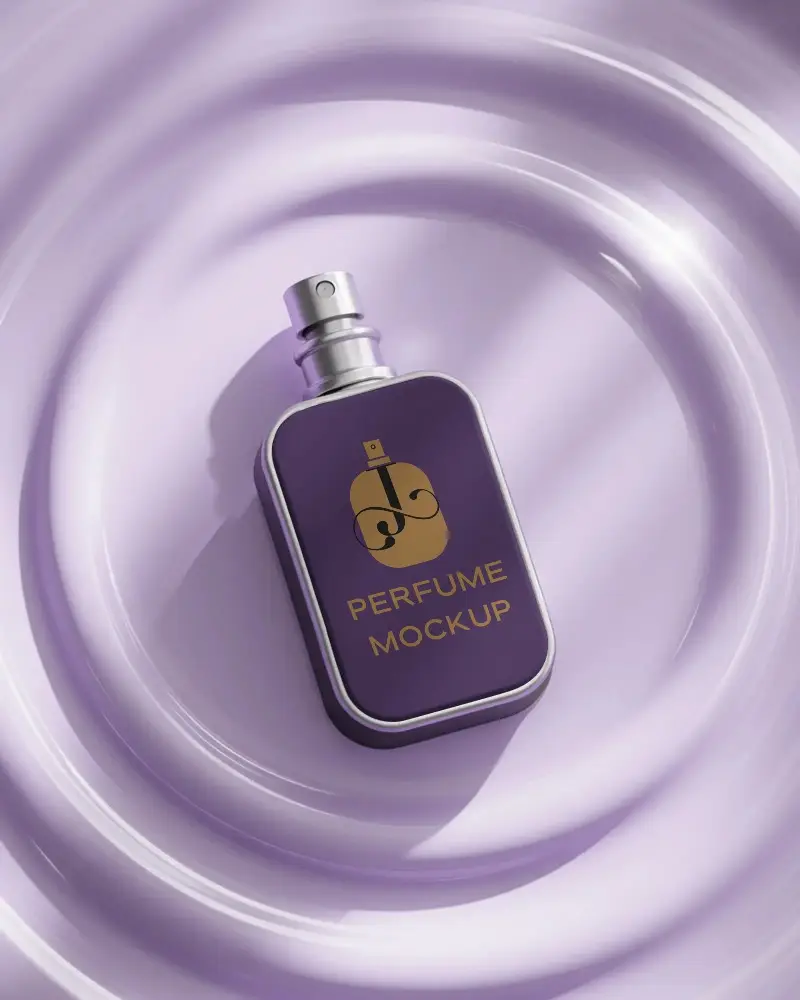
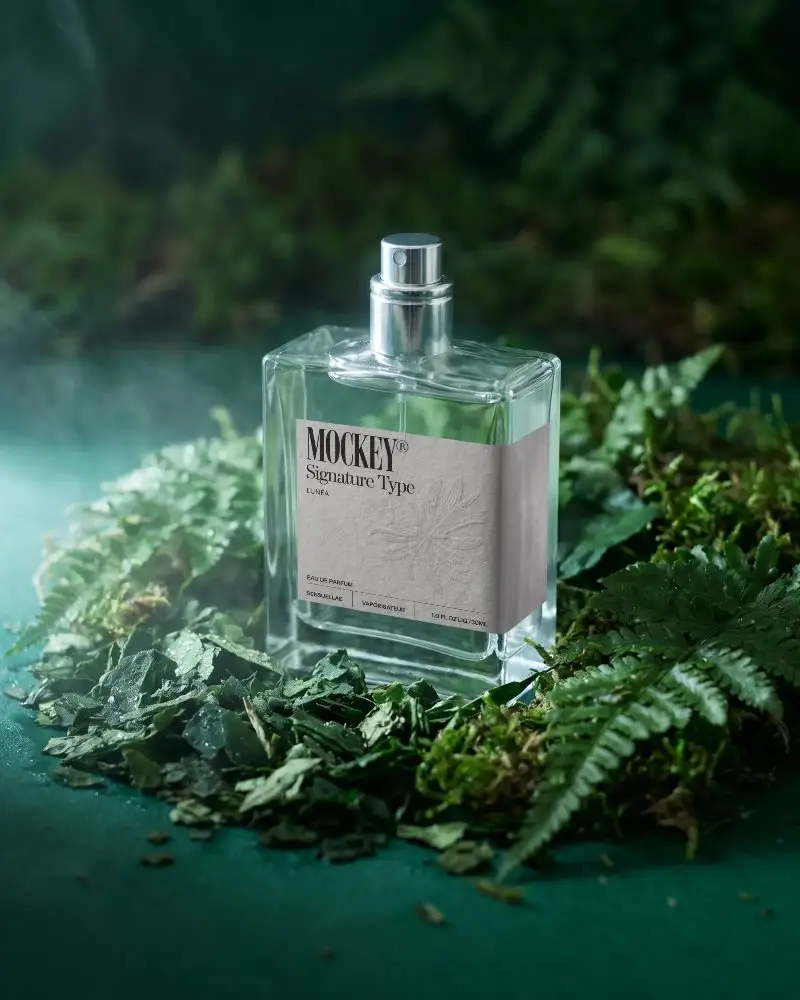
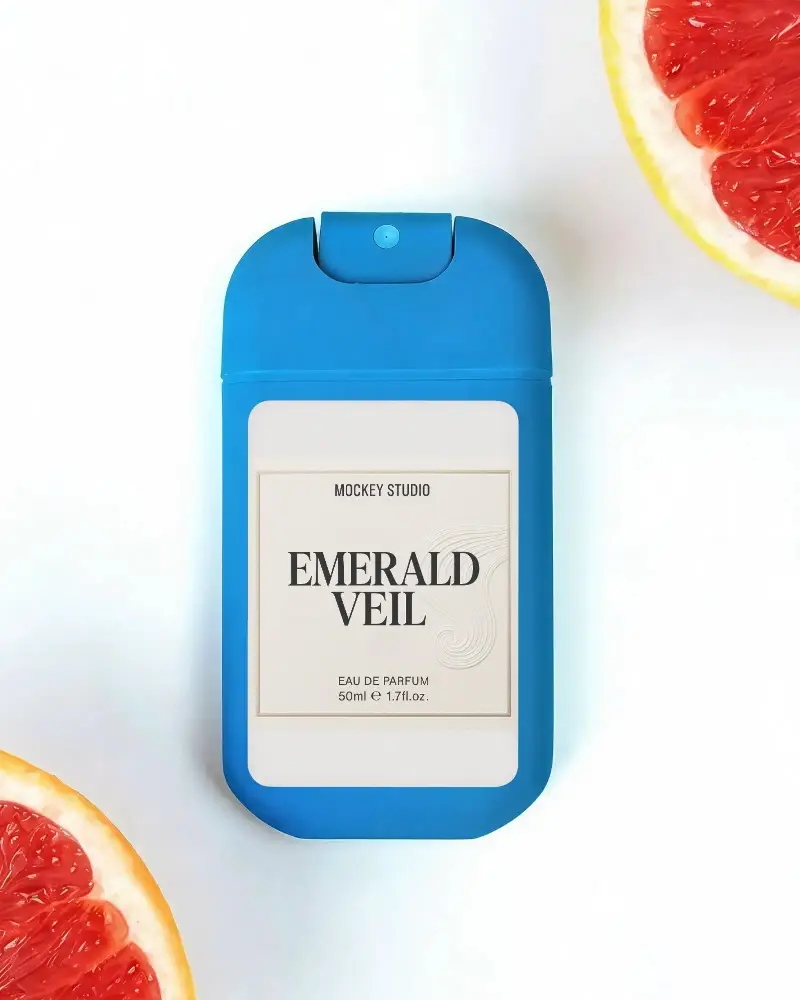
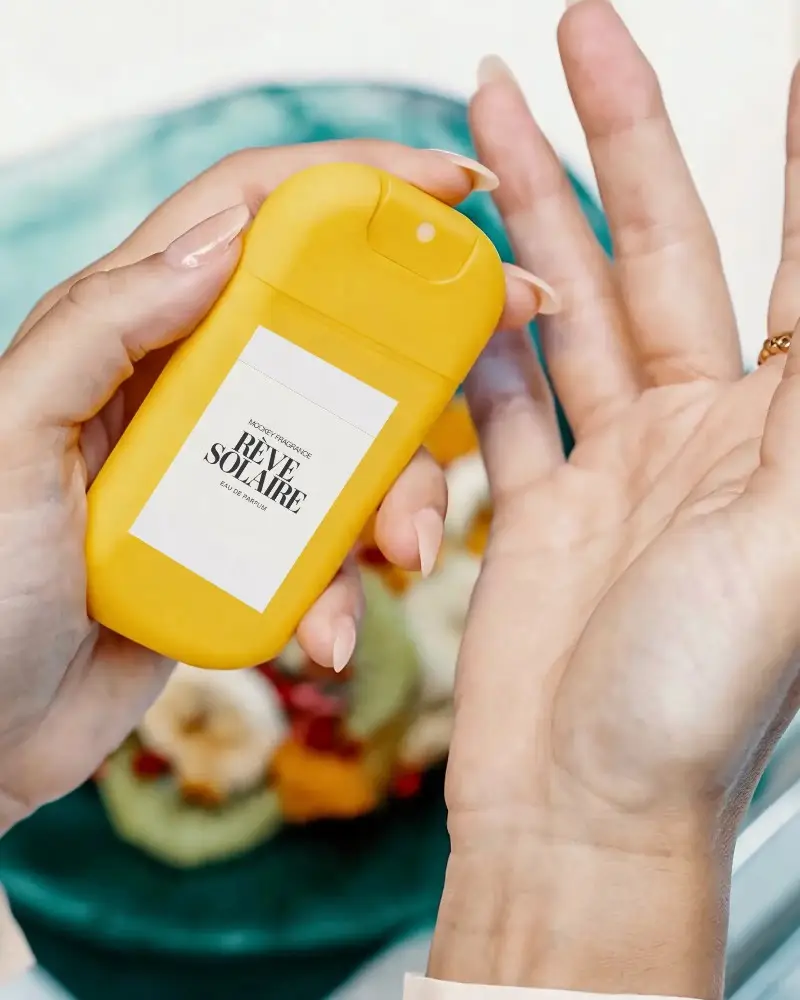
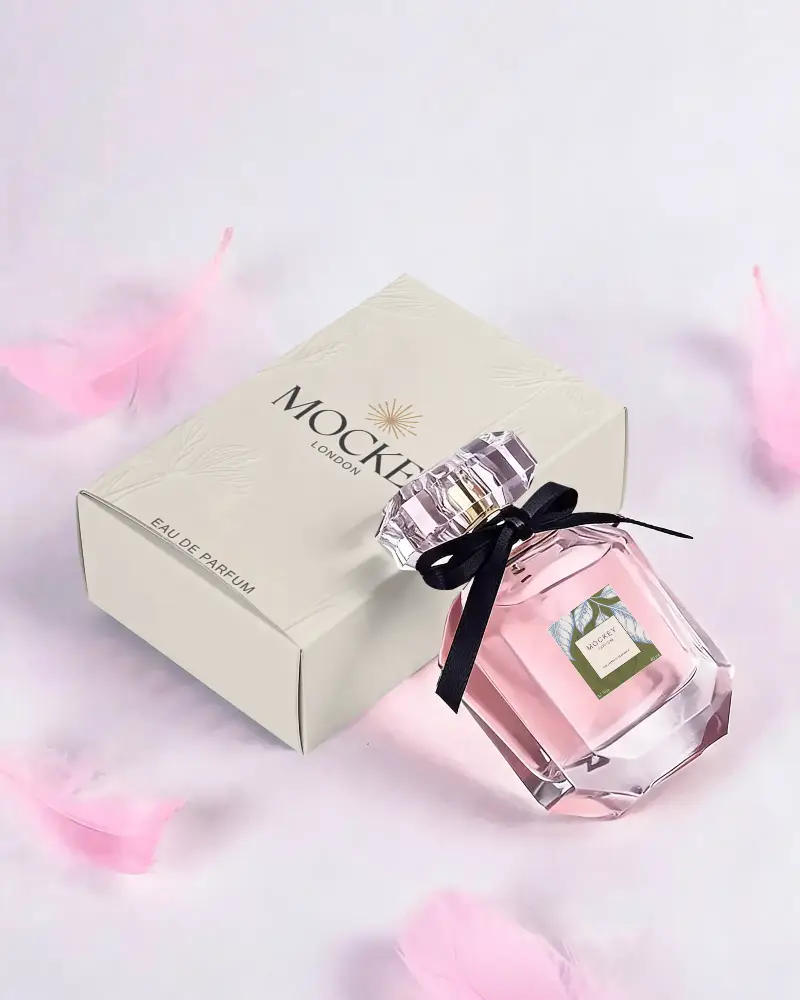
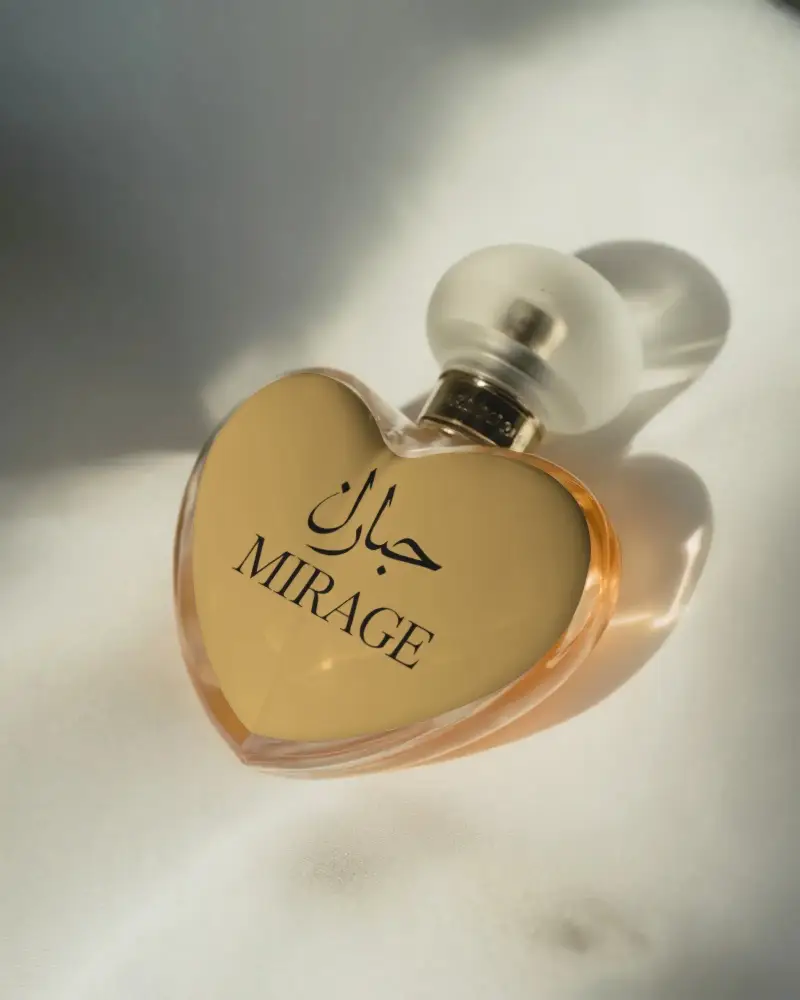
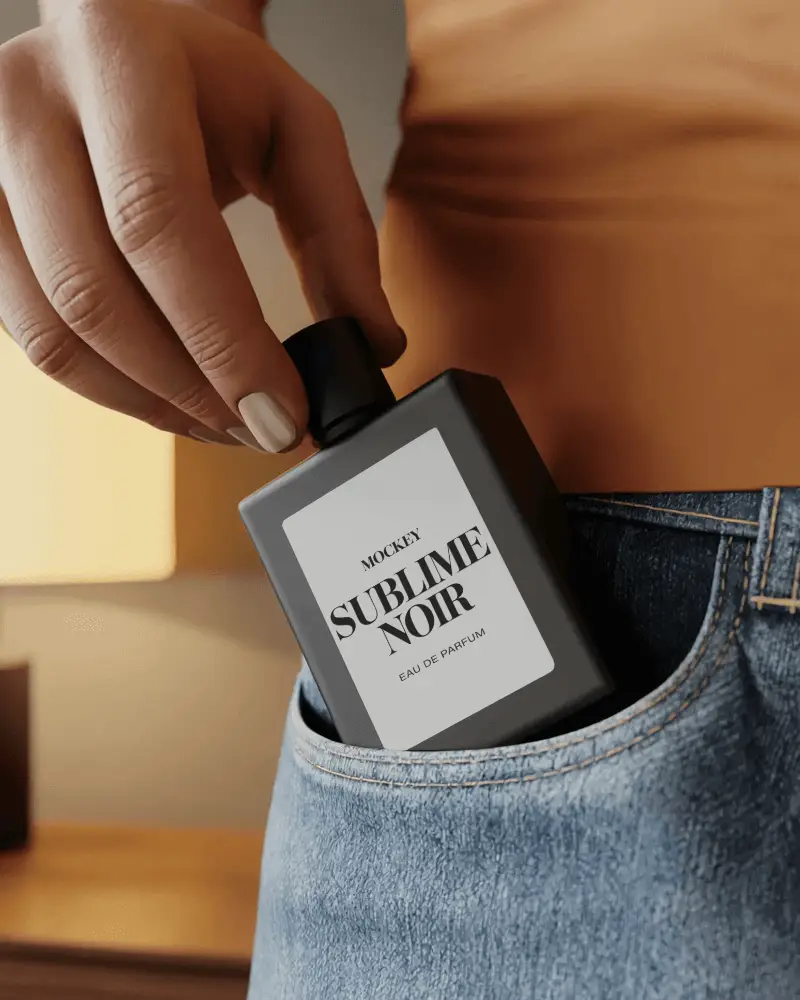
Use pocket perfume mockups to showcase your fragrance design easily! No complex software needed, just upload your design and watch it come to life on Mockey AI.
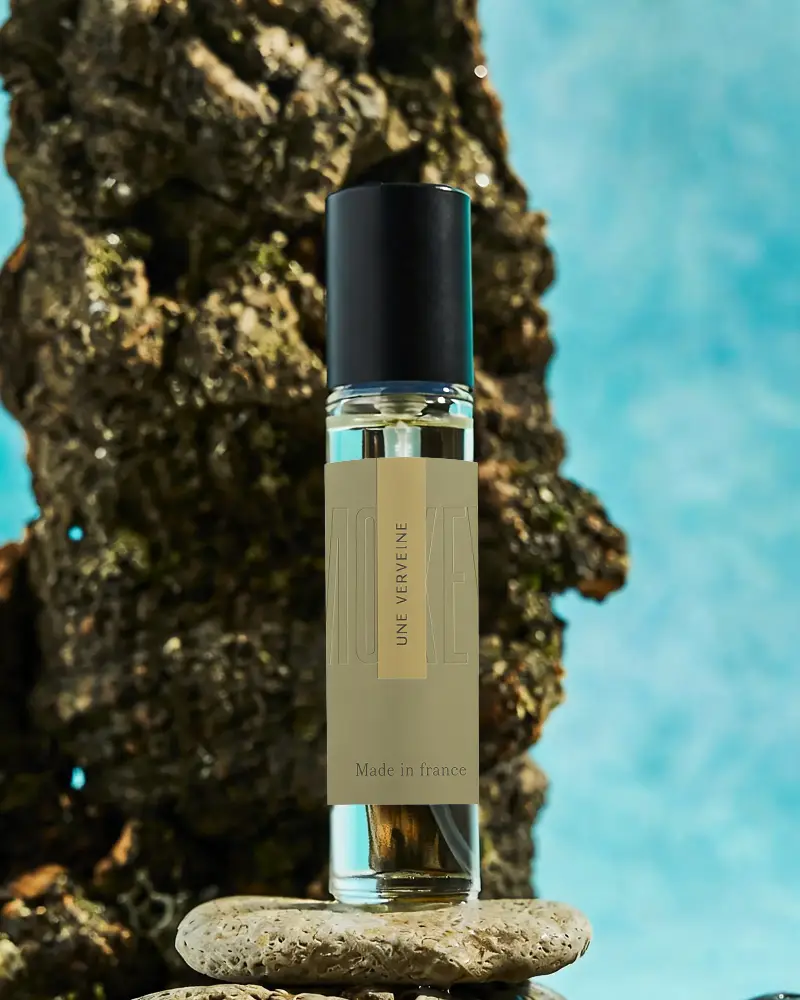
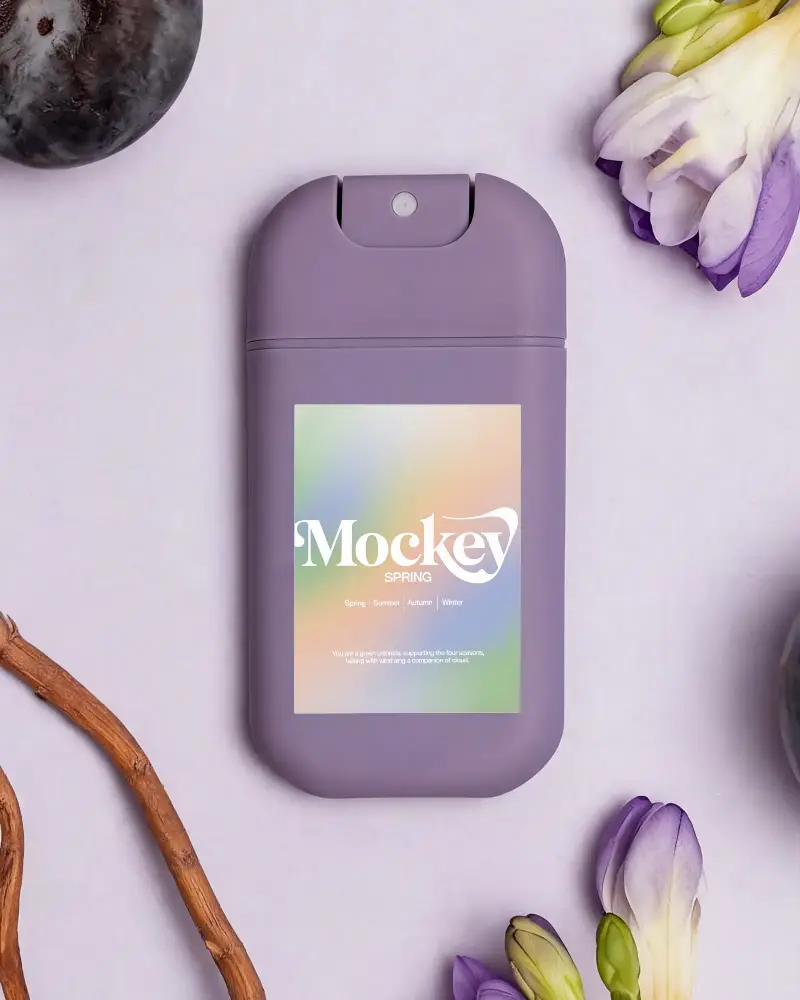
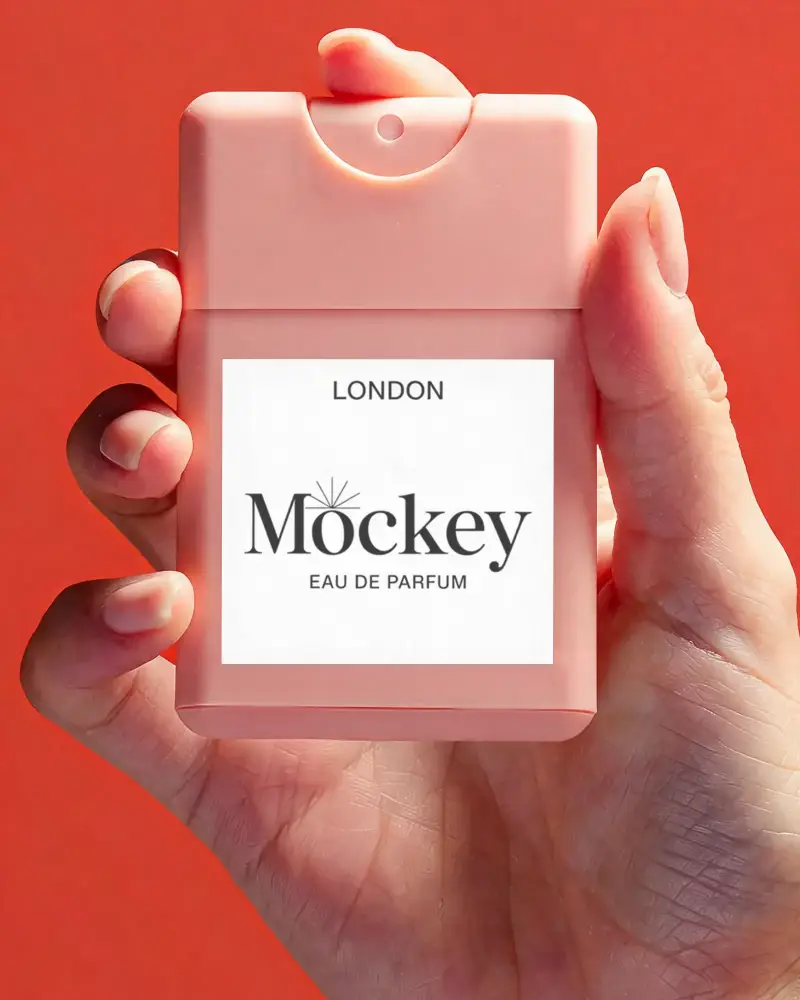
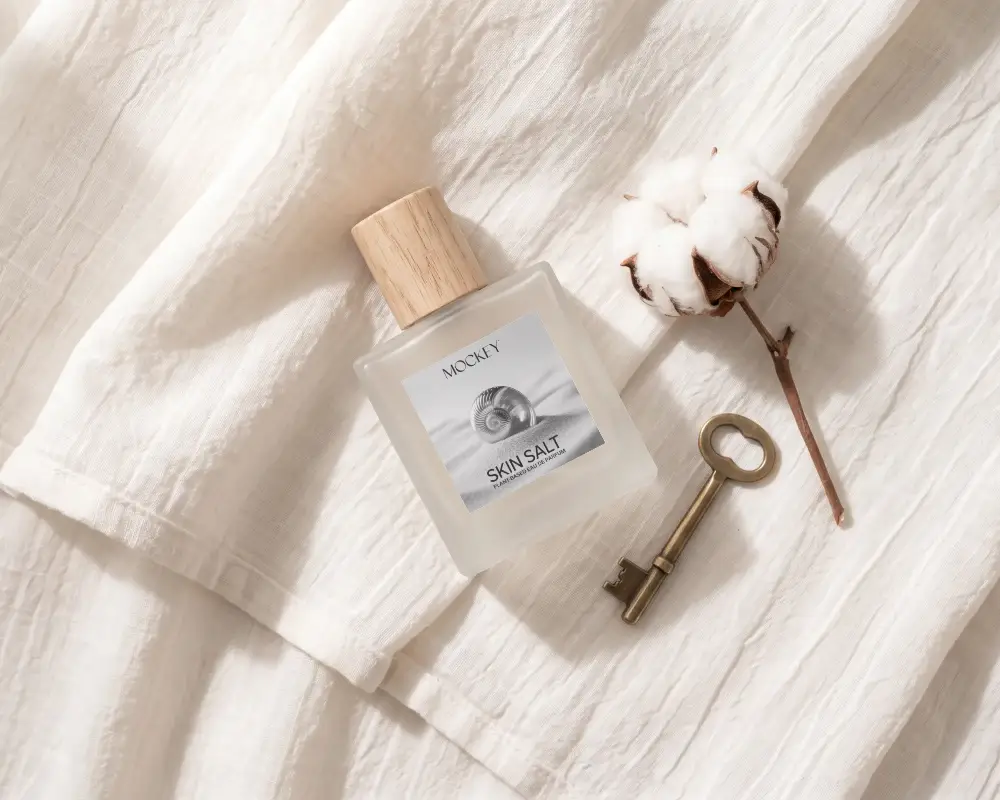
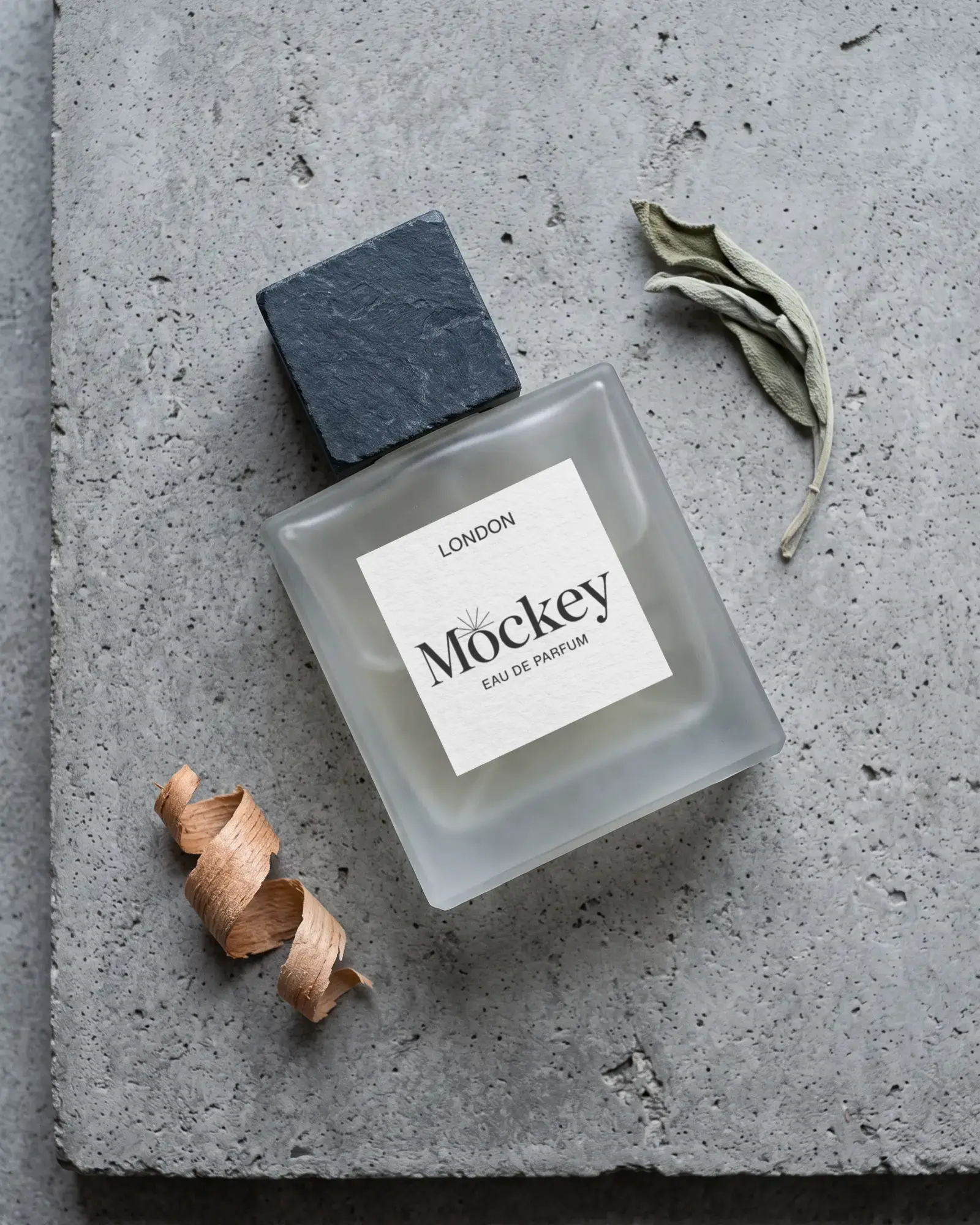
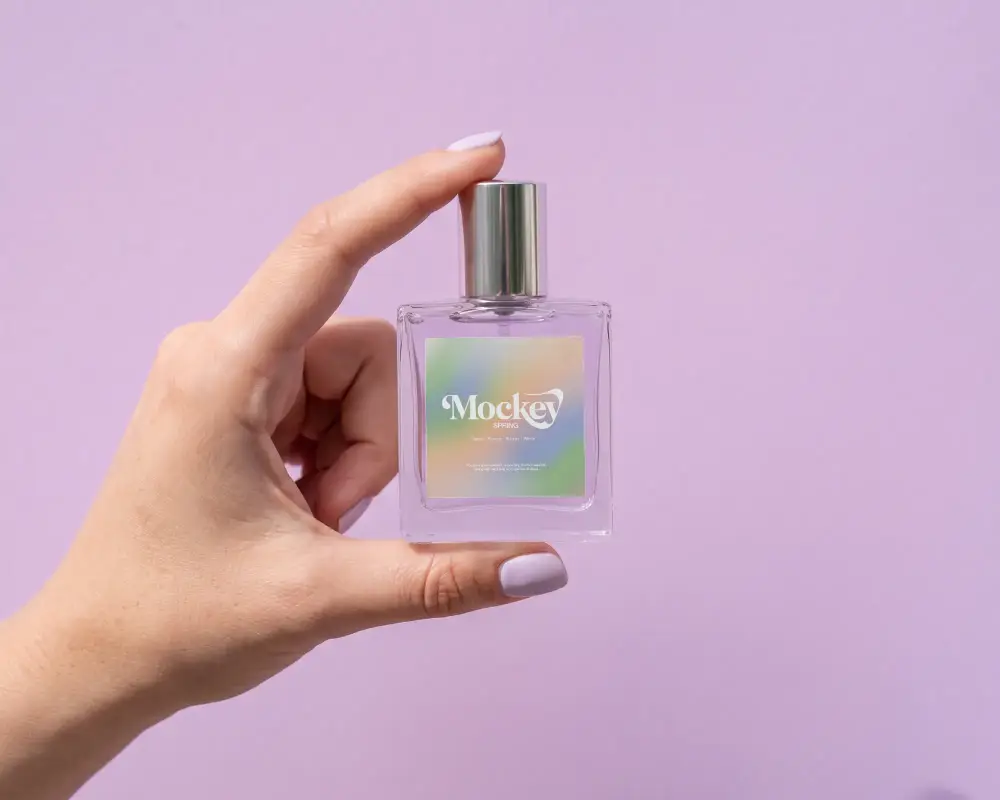
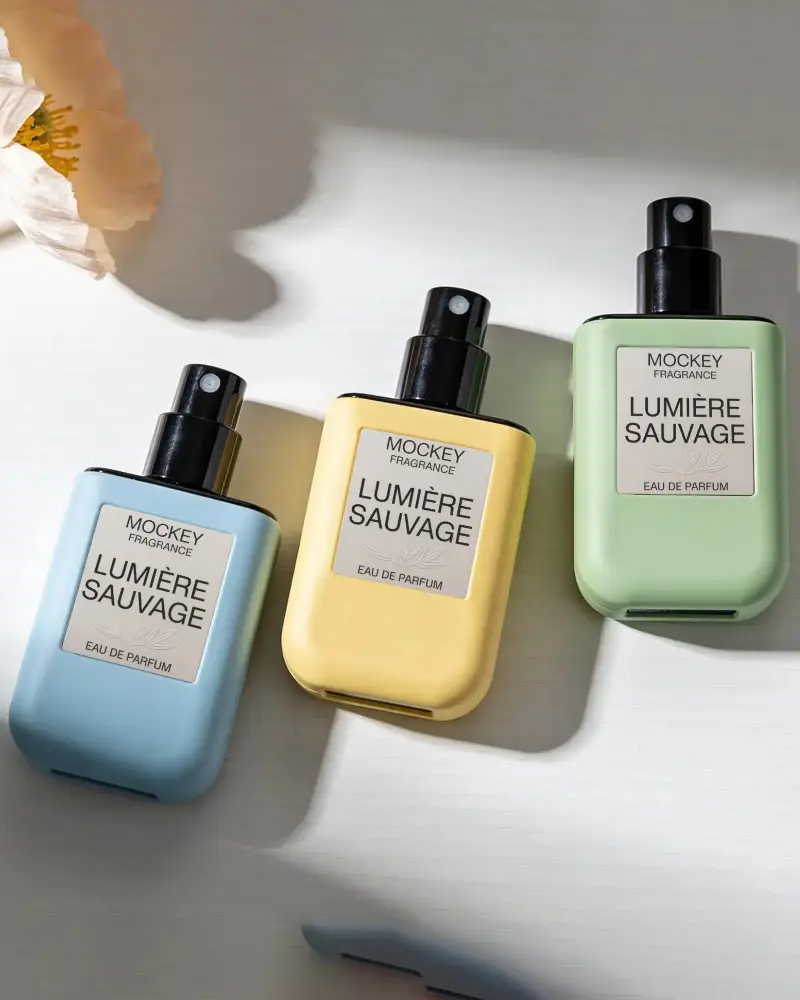
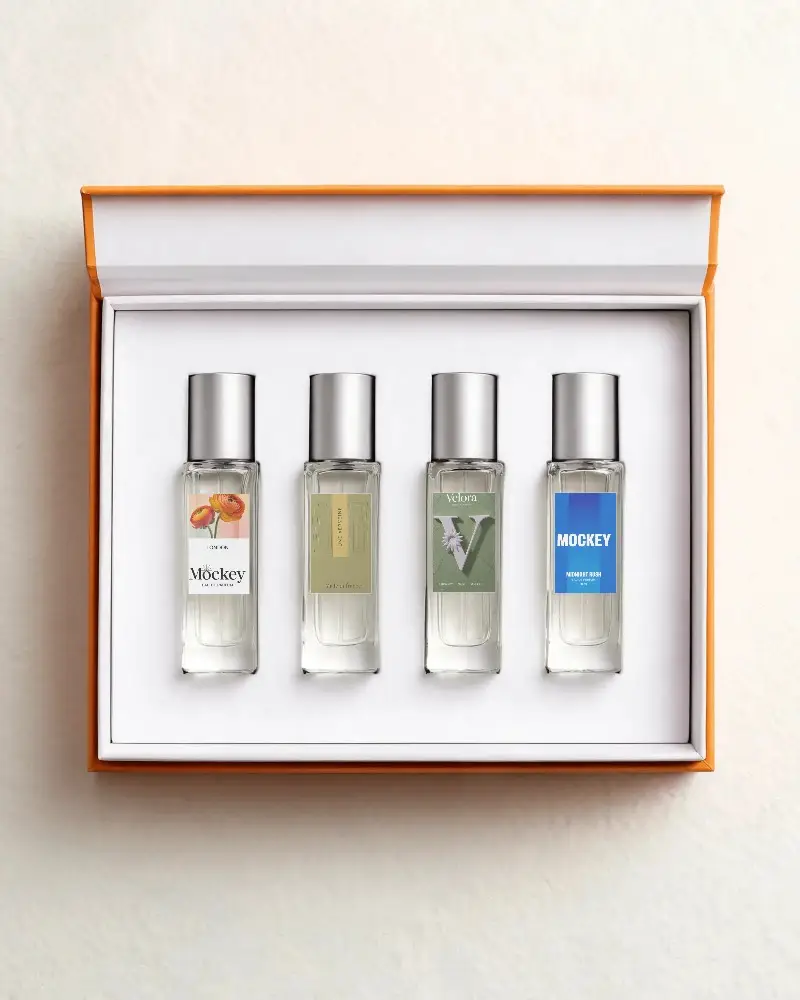
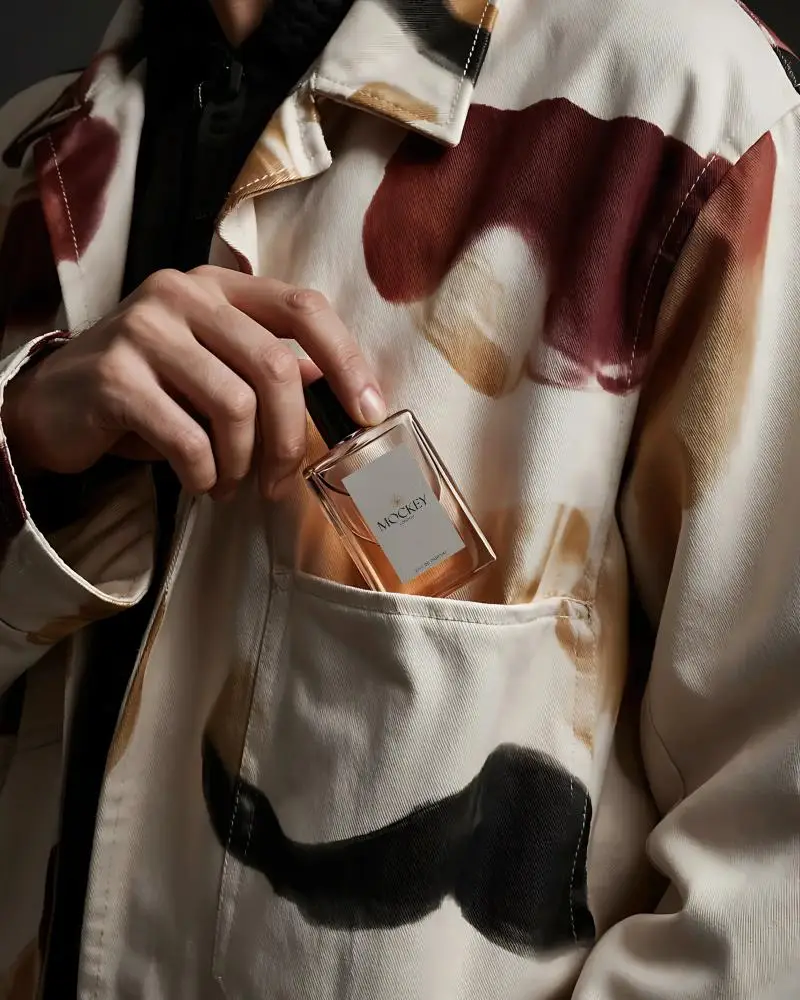
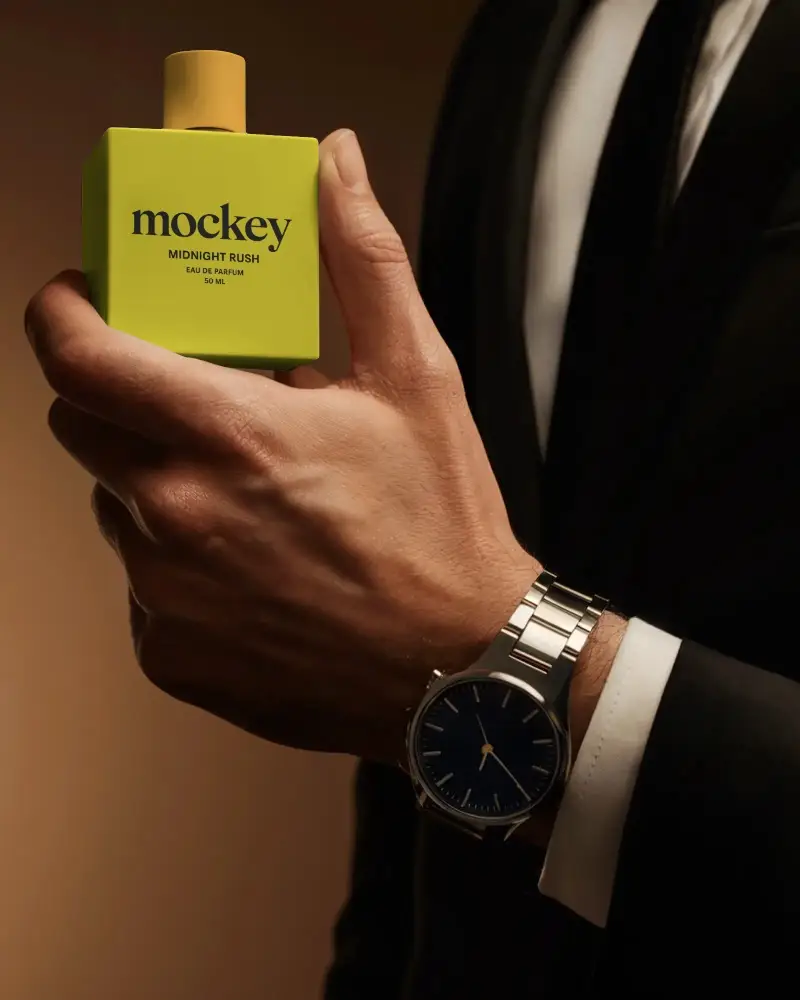
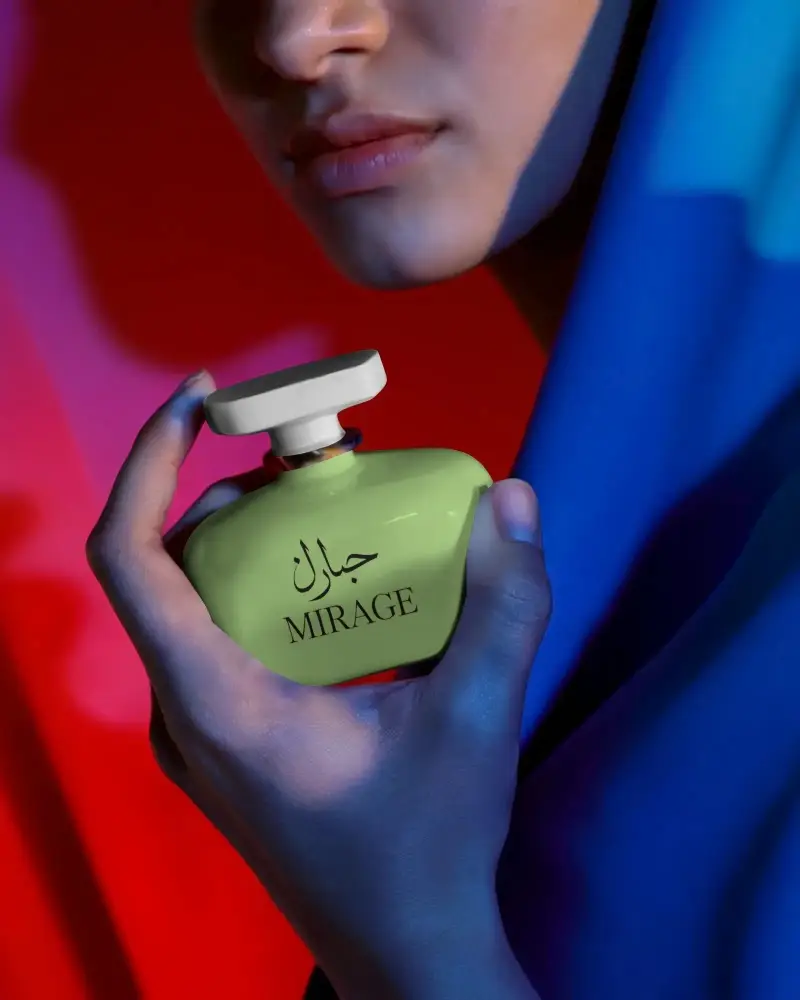
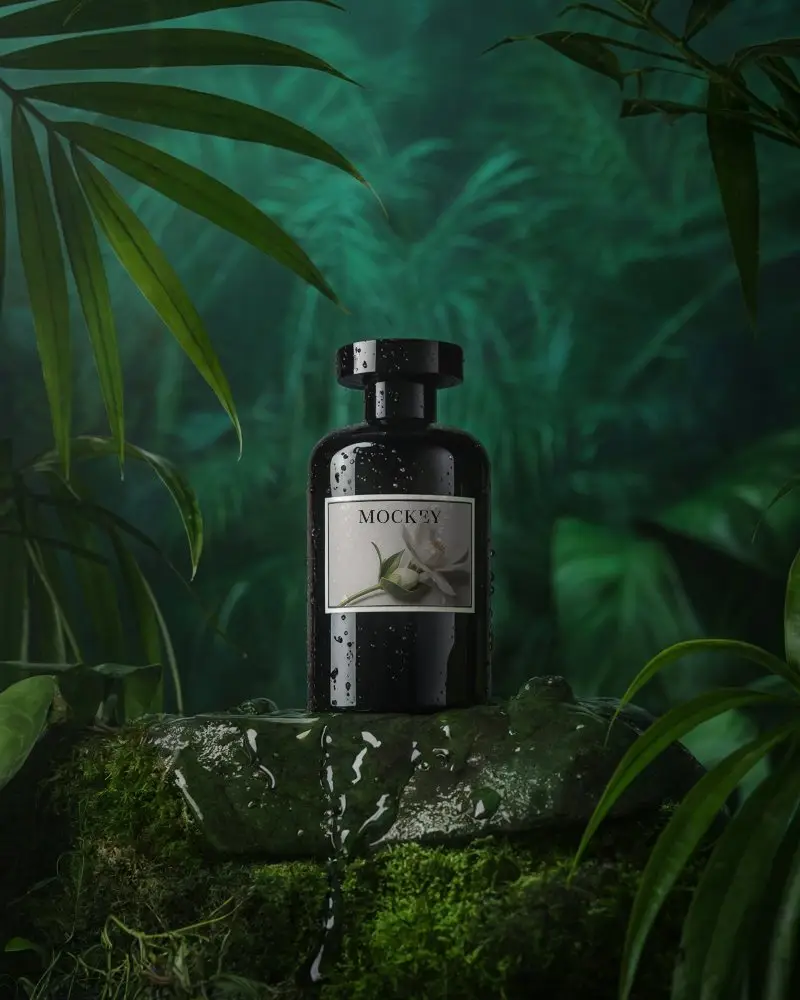
How to Create a Pocket Perfume Bottle Mockup with Mockey
To create a pocket perfume bottle mockup:
- Step 1: Follow 'Mockups > Packaging > Perfume'. Choose the 'Pocket' tag.
- Step 2: After adding your design, make modifications using various editing tools.
- Step 3: Click 'Download' to save the mockup of the pocket perfume bottle.


FAQs on Pocket Perfume Mockups
Are pocket perfume mockups easy to edit?
Edit pocket perfume mockups with Mockey AI easily. Change colors or tweak the design. Add a background if you like. Use AI tools to get the best look.
How can I use pocket perfume mockups?
Use pocket perfume mockups to add your label or logo using a tool like Mockey AI. It clearly shows the final look. You can make ads, post on social media, or pitch to clients. No need to make real perfume samples.
Can I use pocket perfume mockups for marketing?
Use pocket perfume mockups for marketing. Good mockups give a real feel of your product. Mockey AI has the best and most unique pocket perfume templates that are best for marketing use.
