Free Packaging Mockup Templates
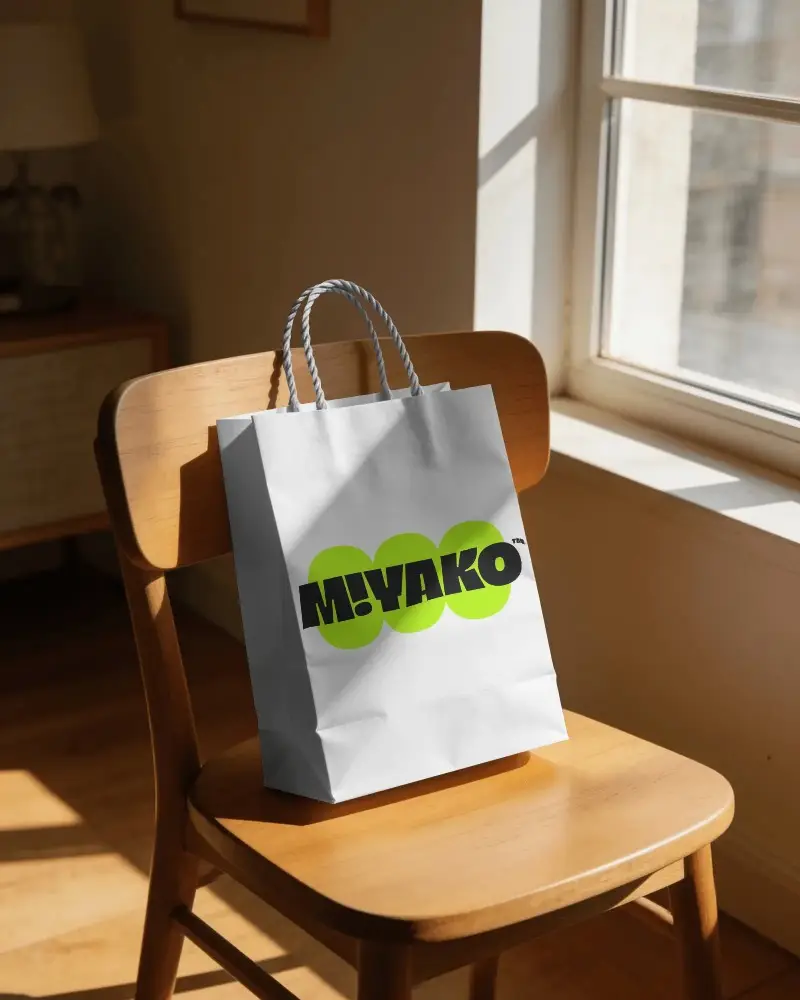
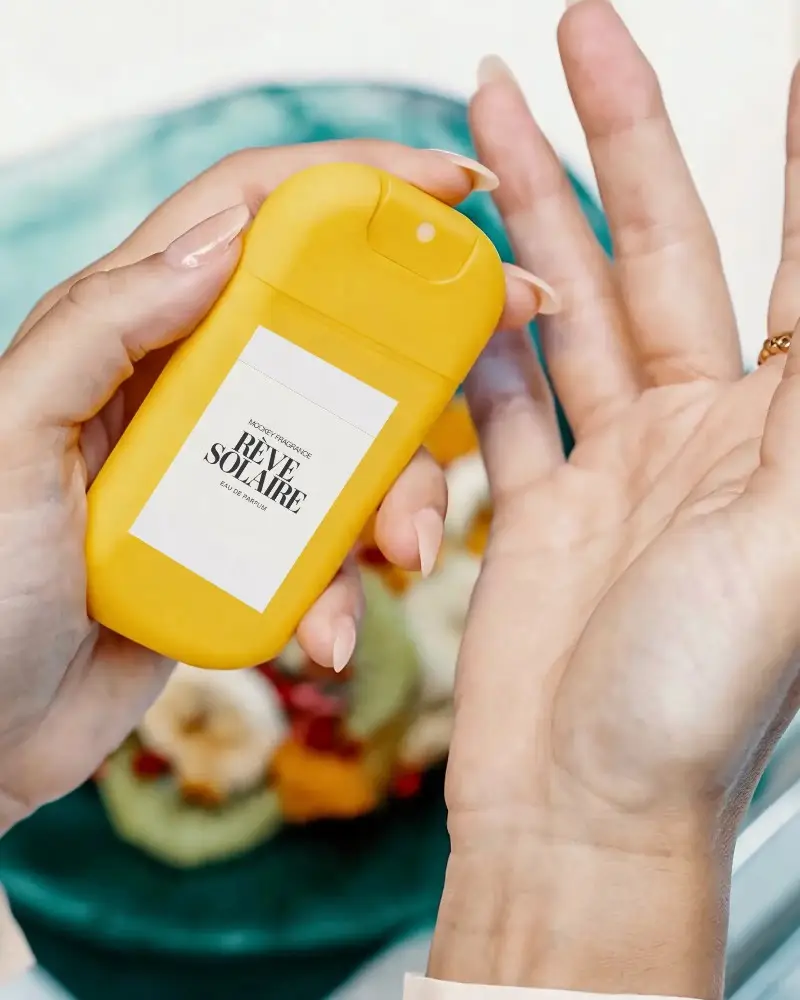
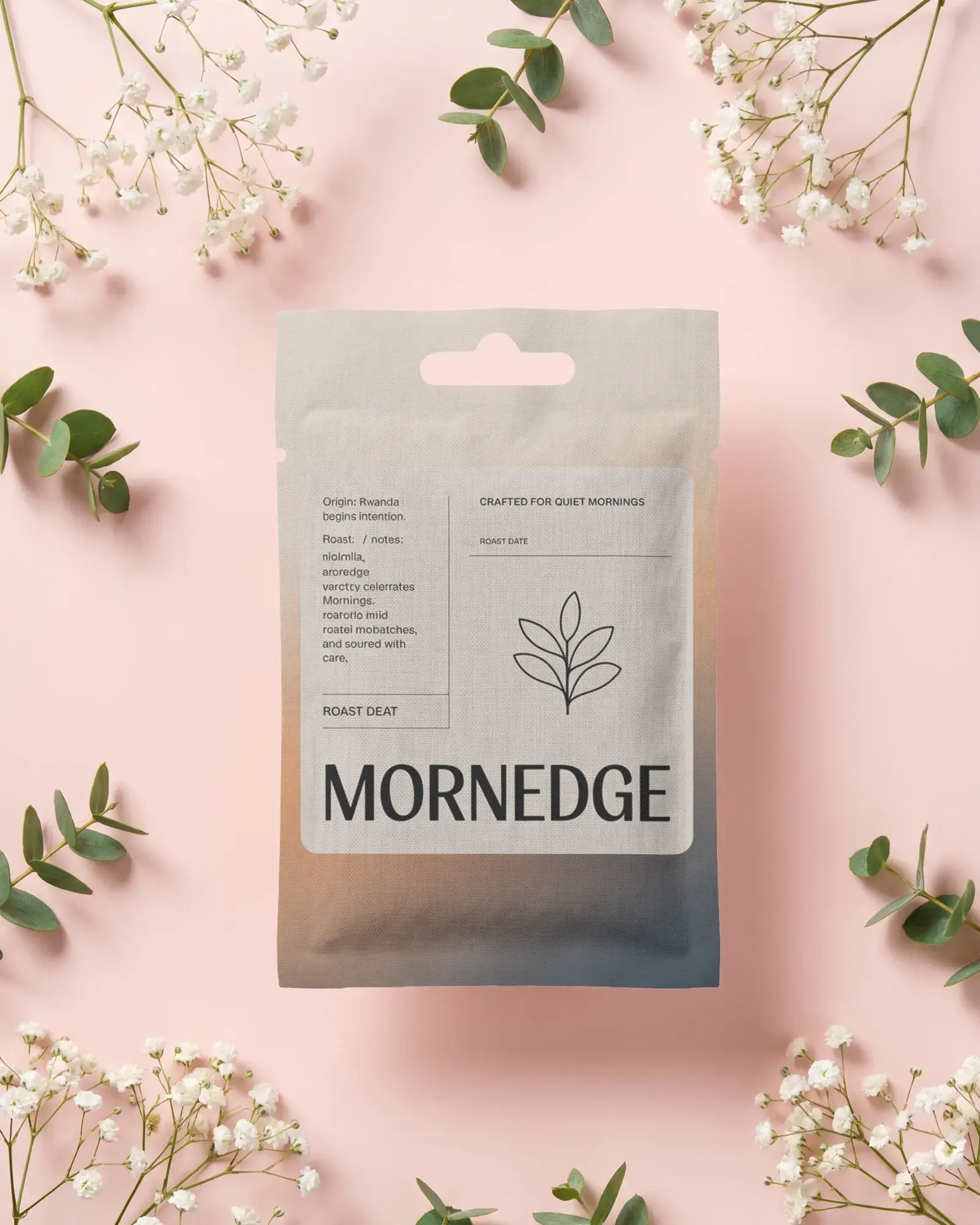
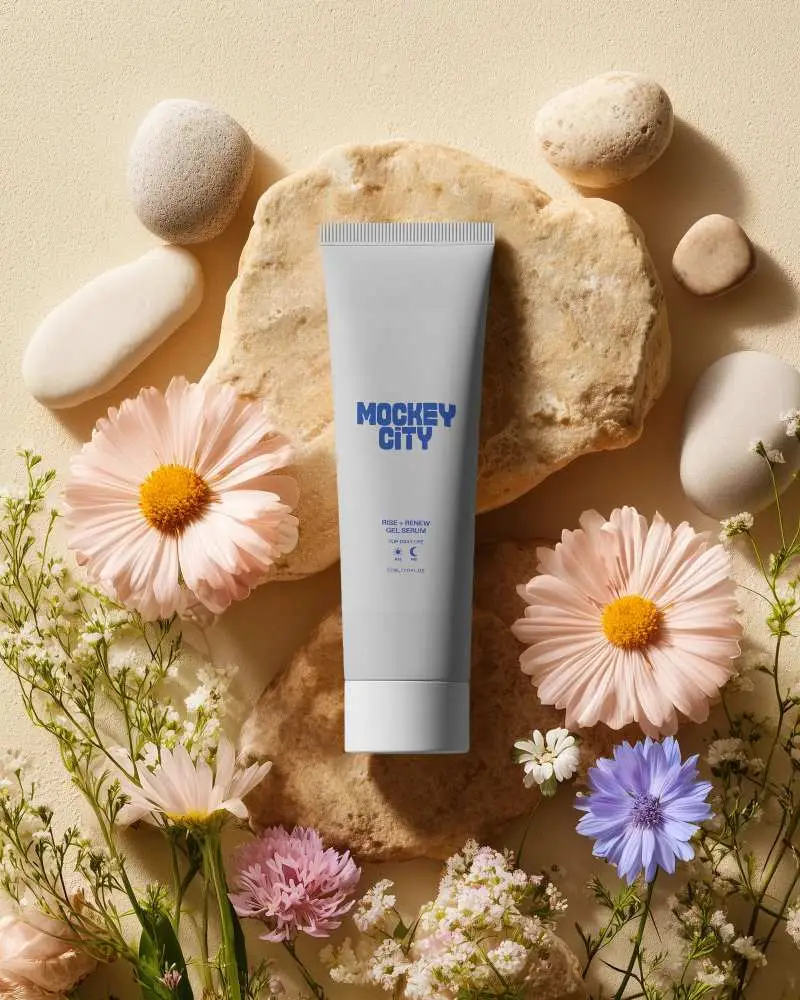
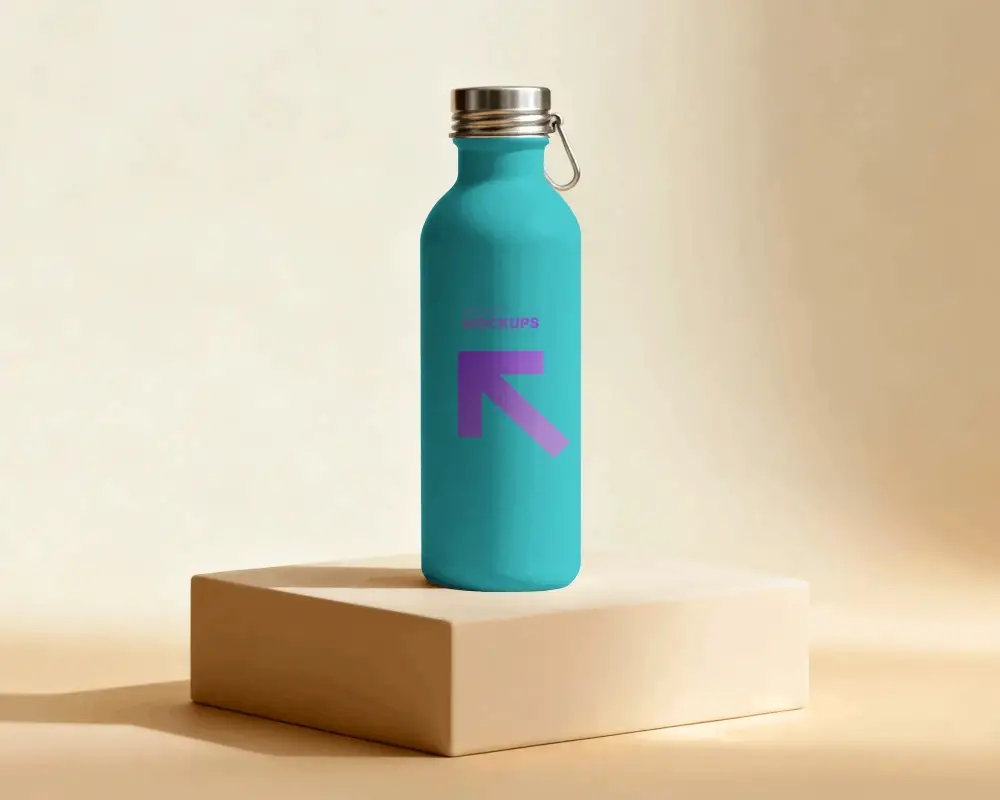
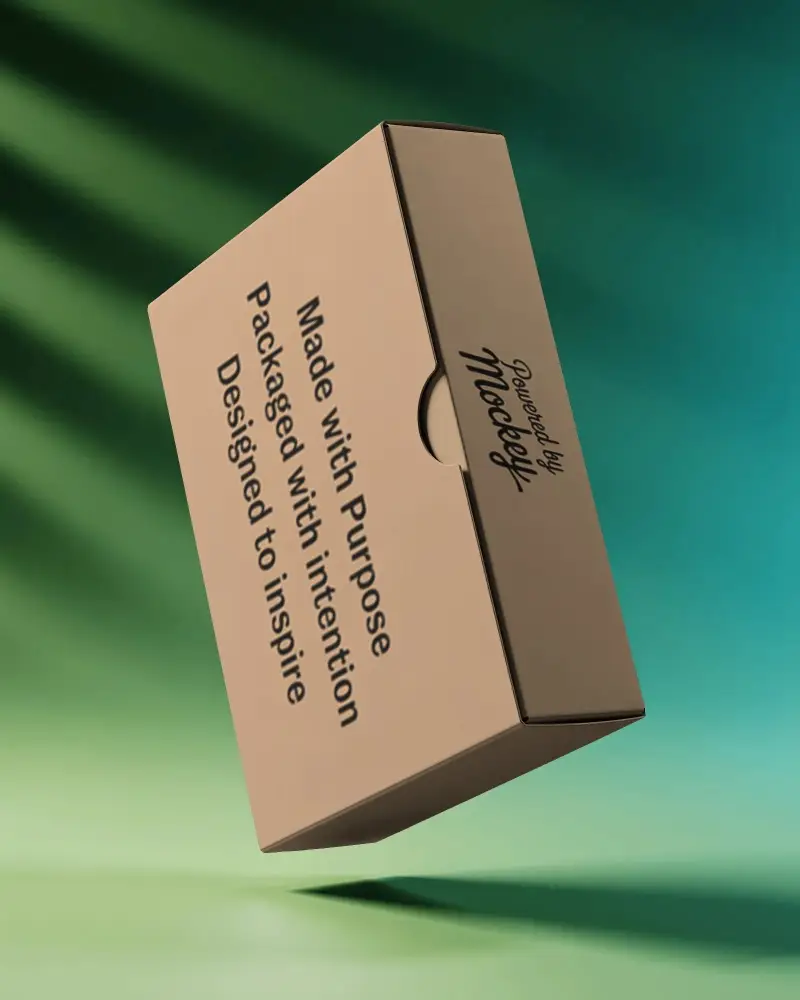
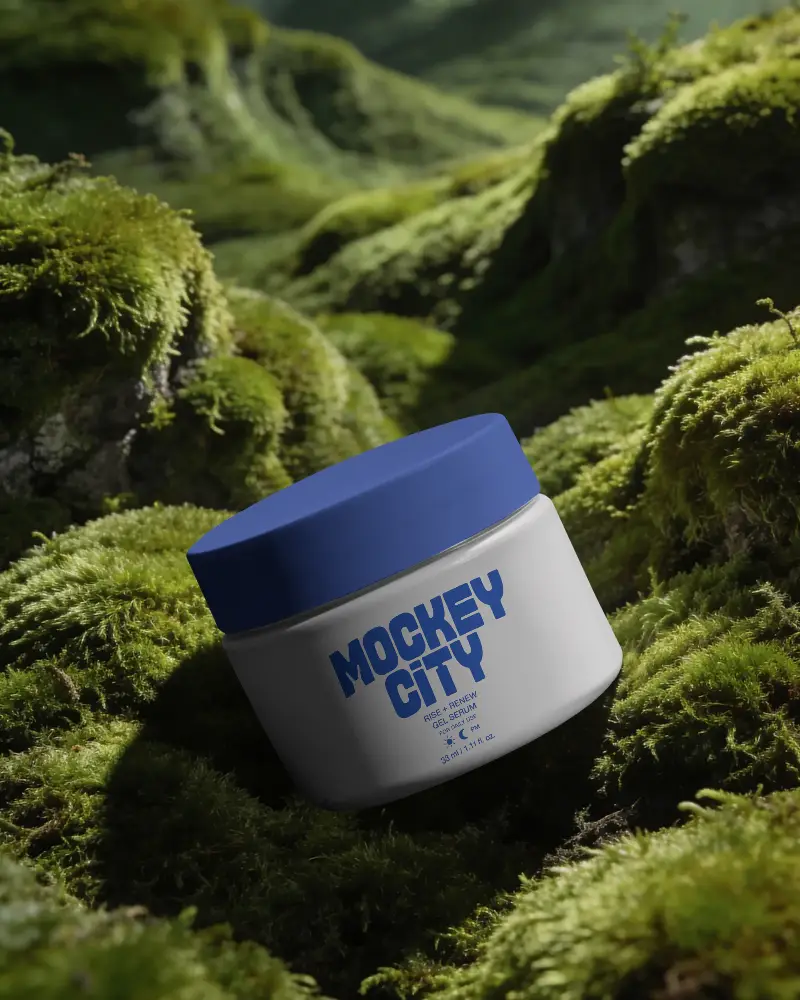
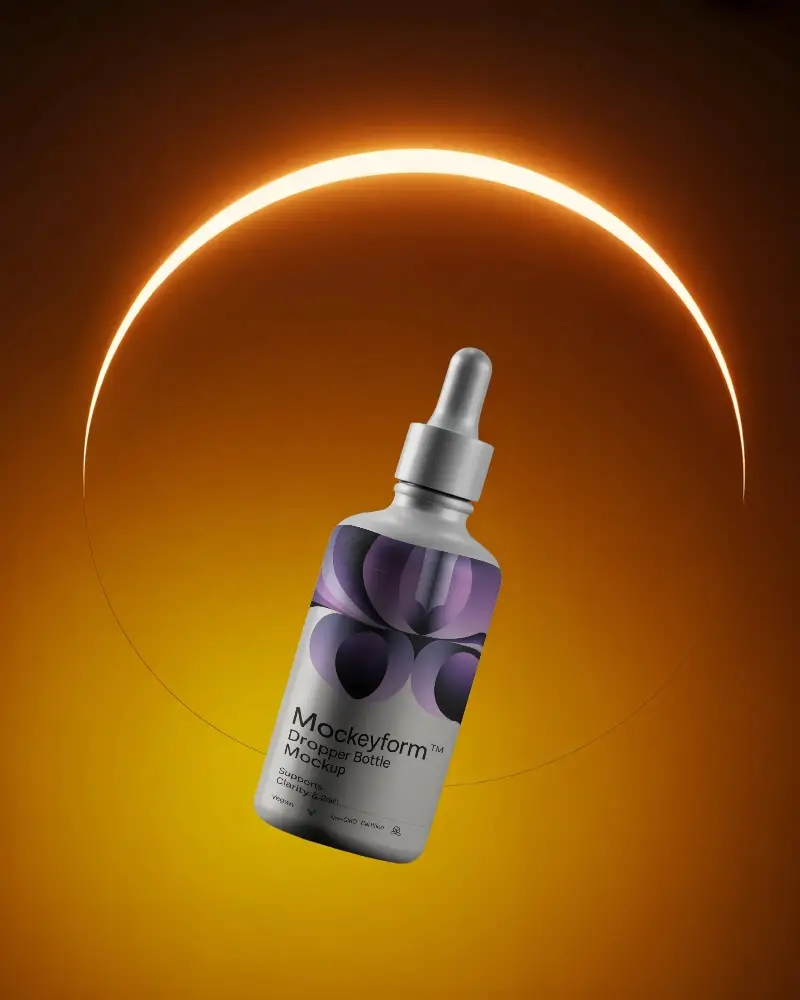
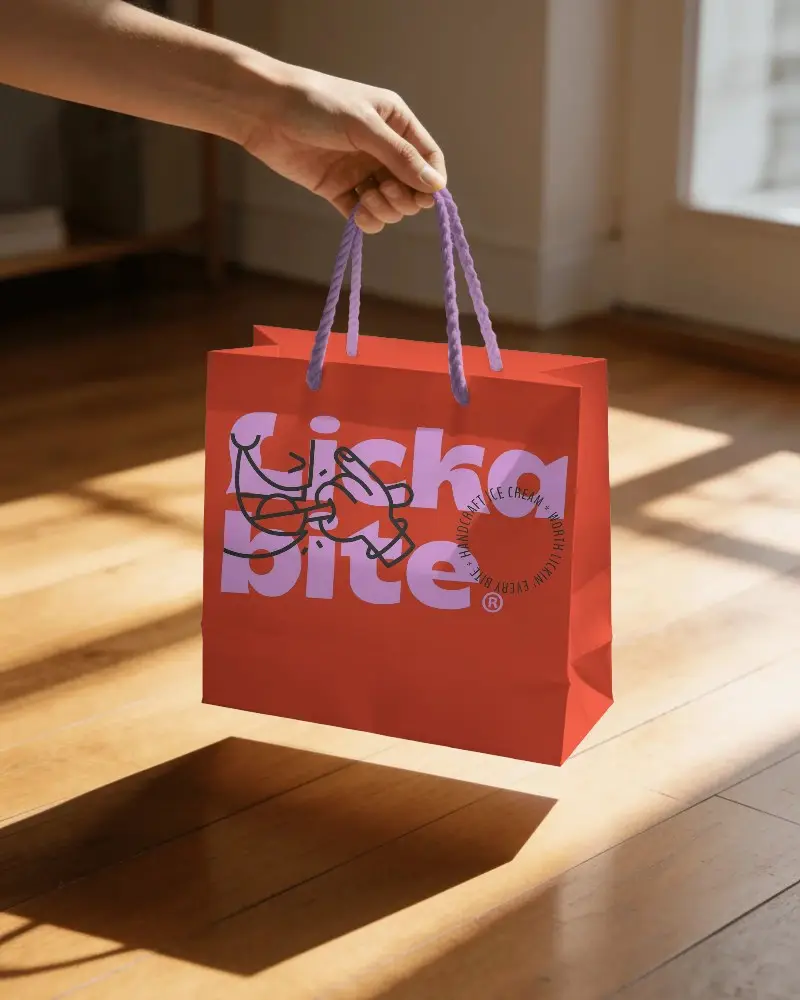
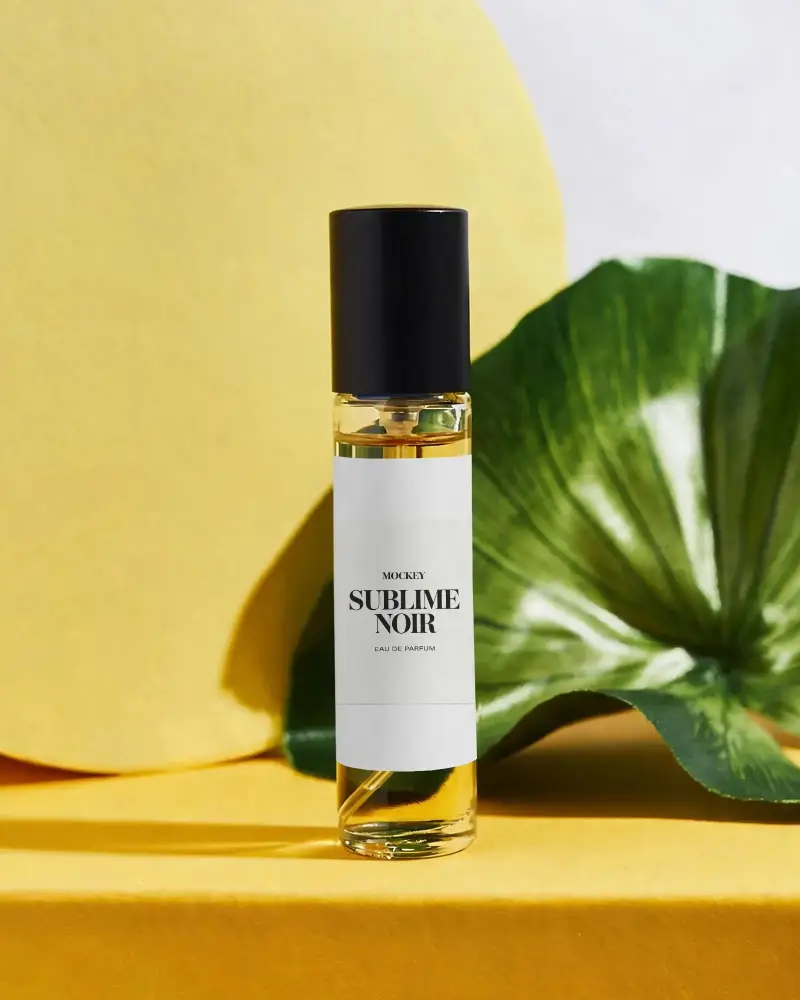
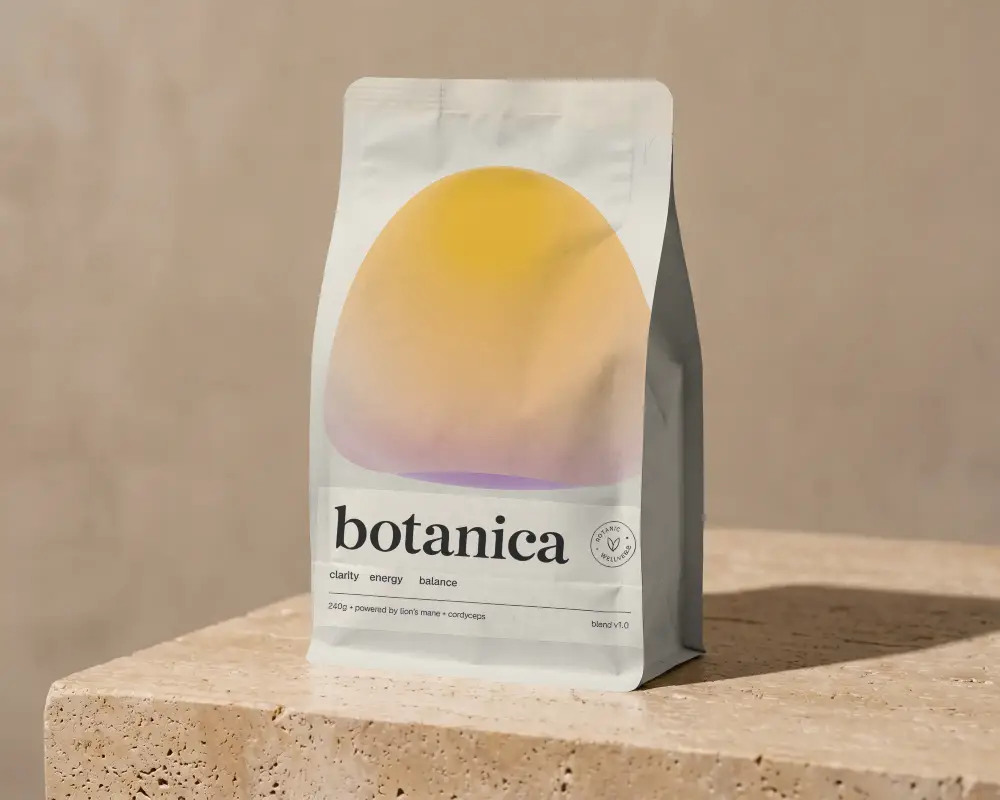
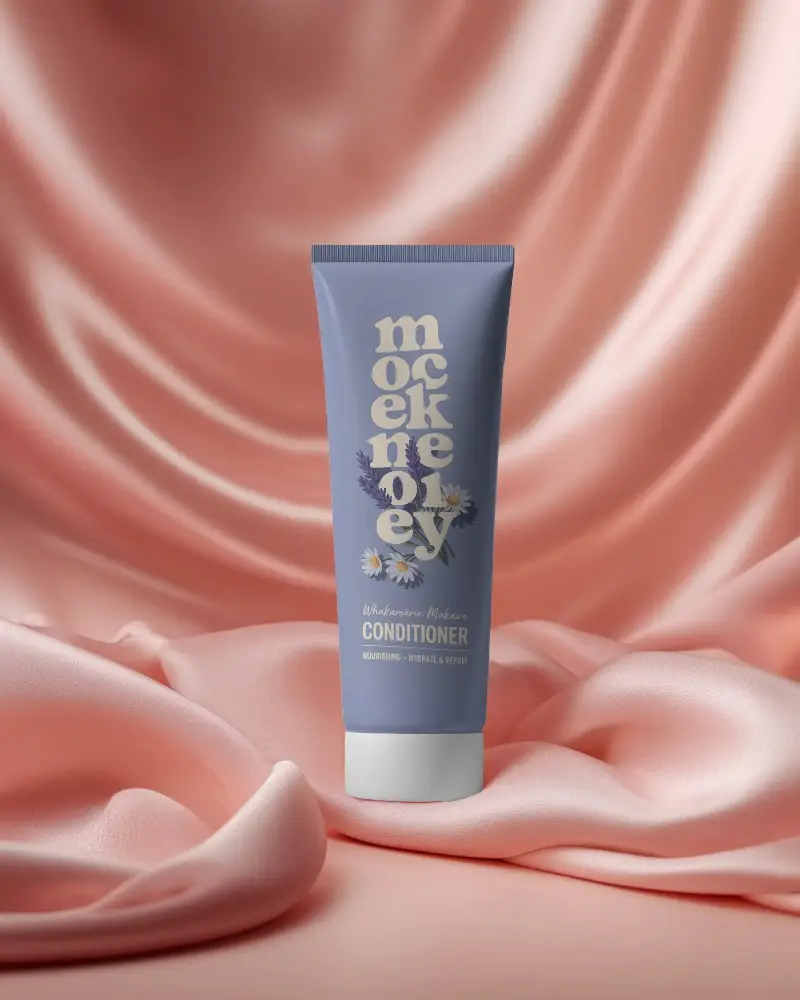
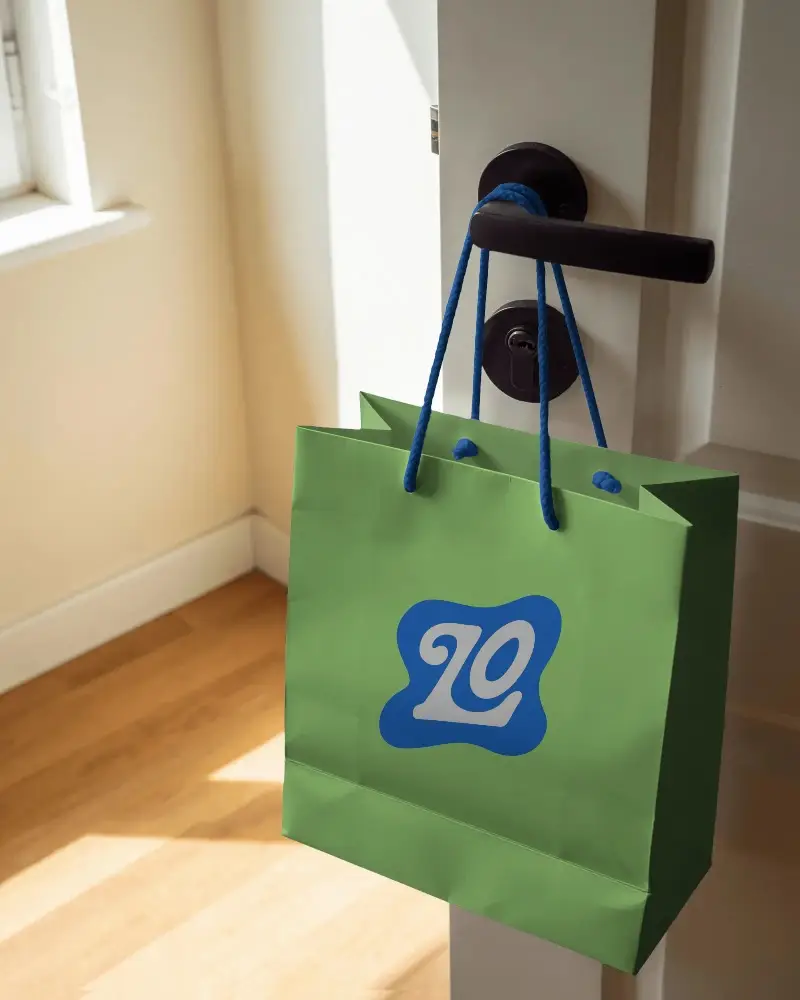
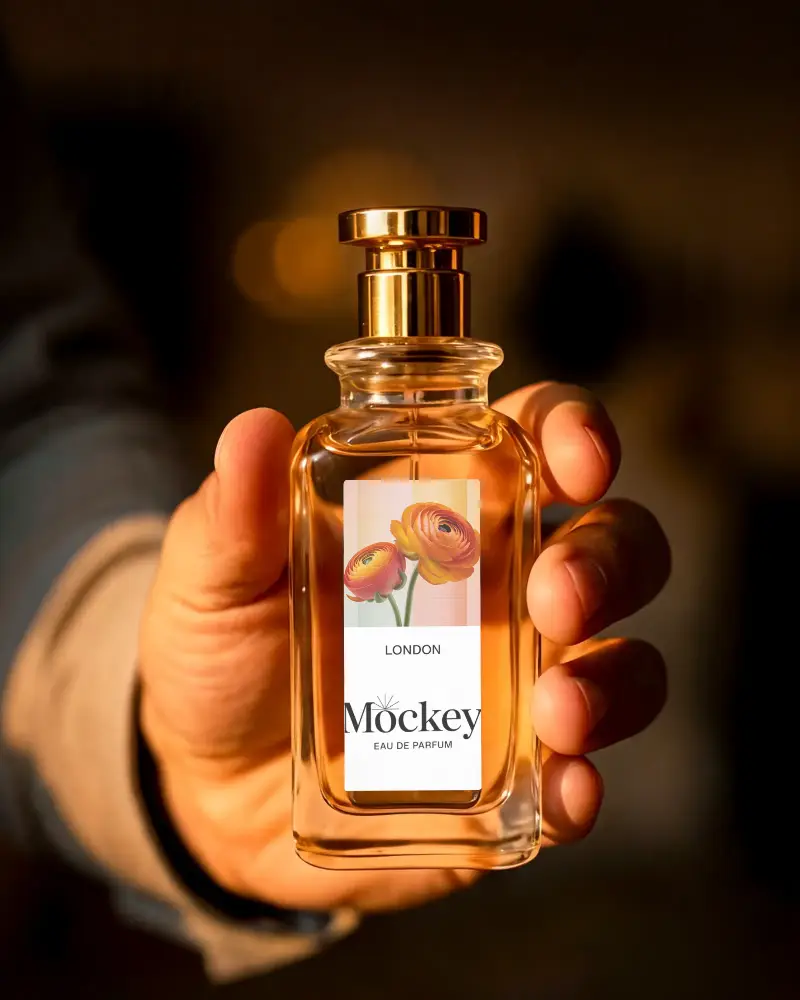
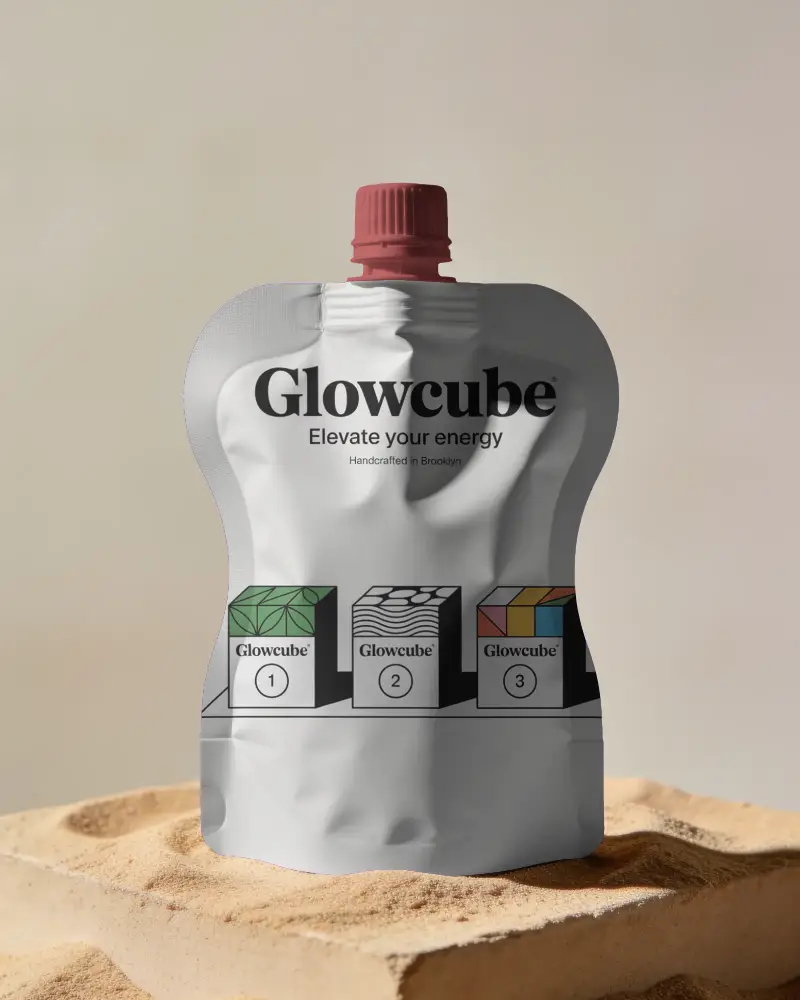
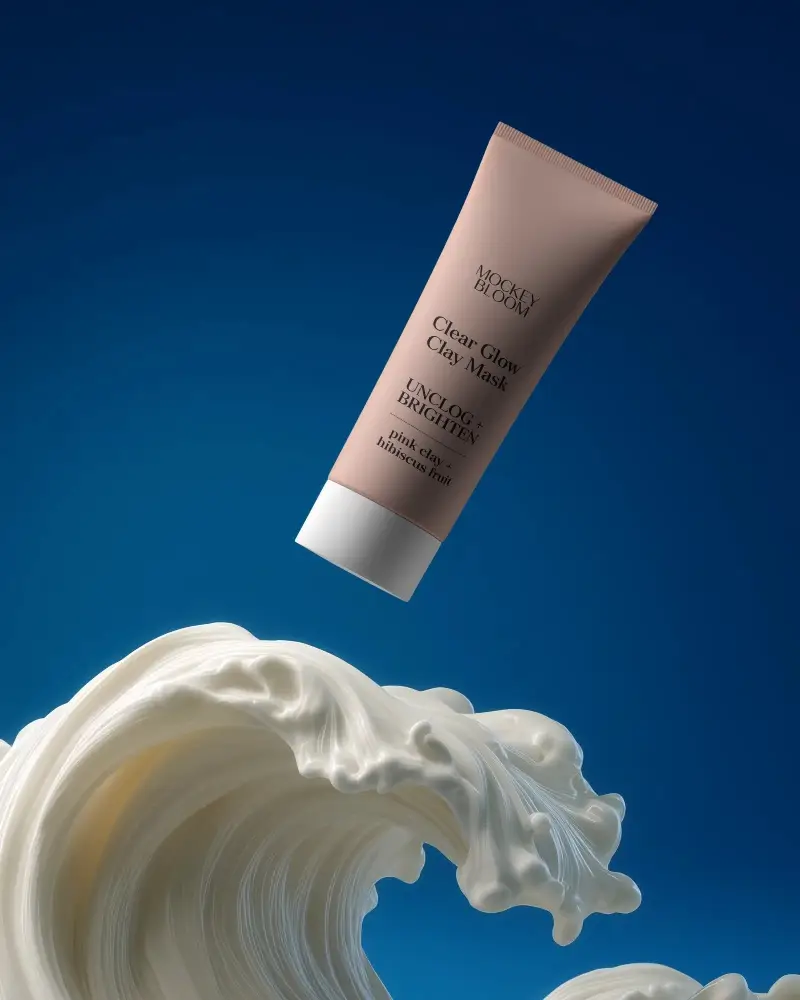
Whether you're shipping your own packaging, selling on Etsy, or running a POD shop, the photo is doing half the work of the sale. Mockey AI gives you free packaging mockup templates for boxes, bottles, pouches, tubes, and cosmetics, so you can show off your design without touching Photoshop. Pick a template below, upload your artwork, and download a listing-ready image in seconds.
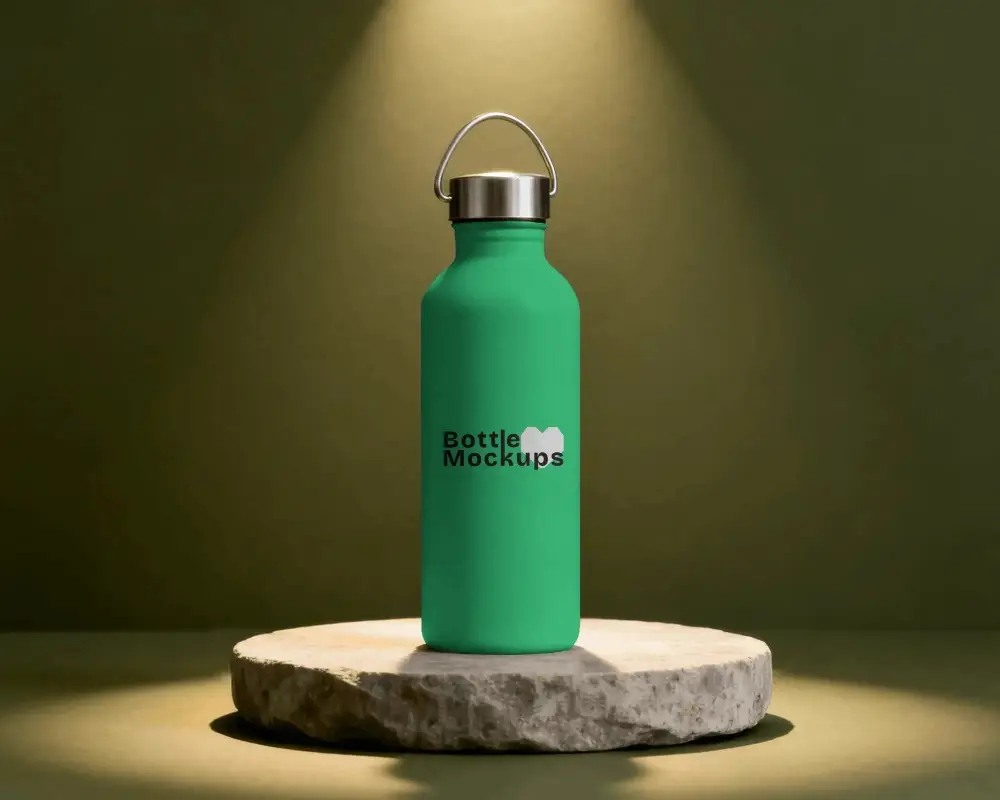
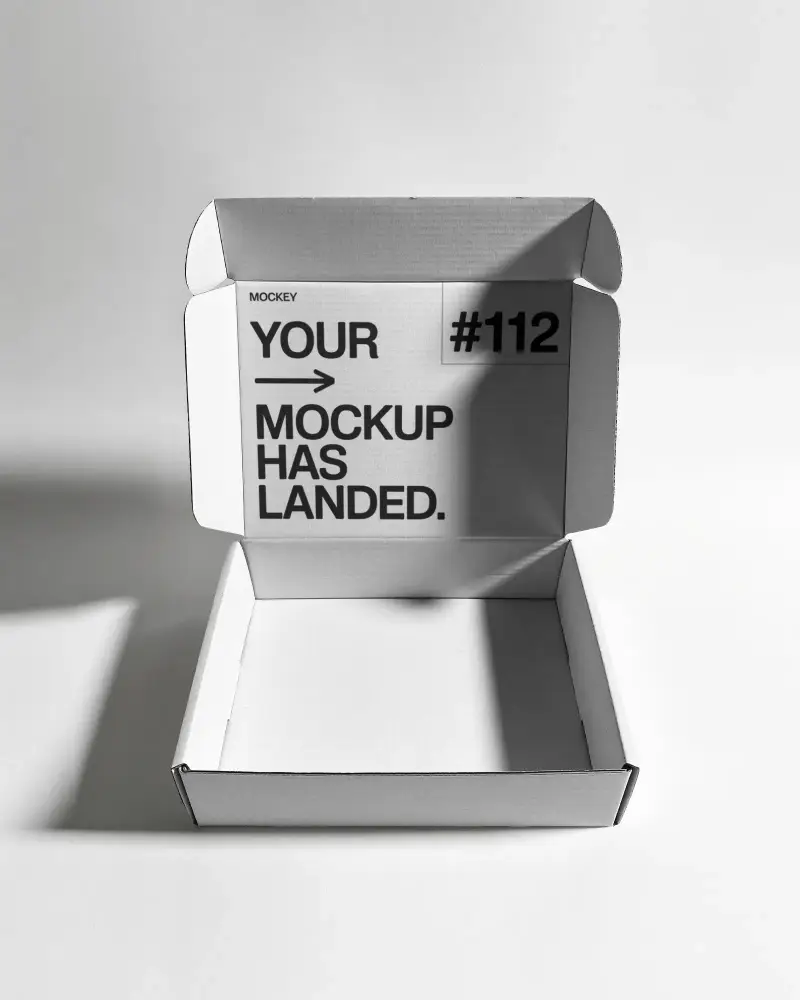
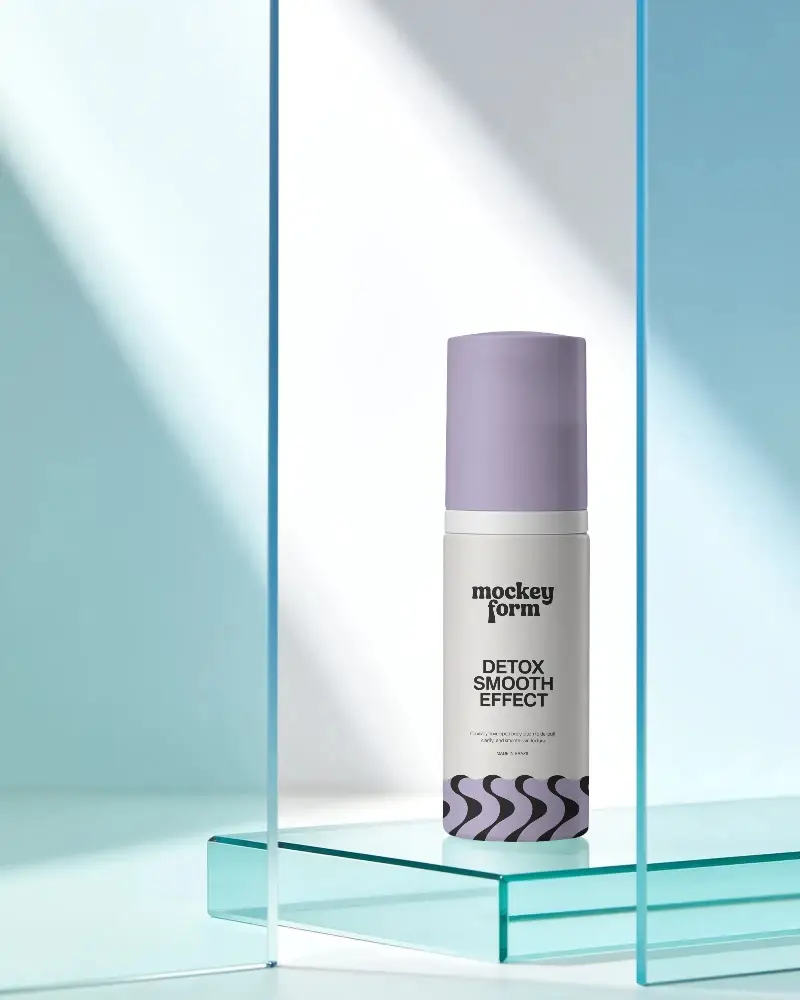
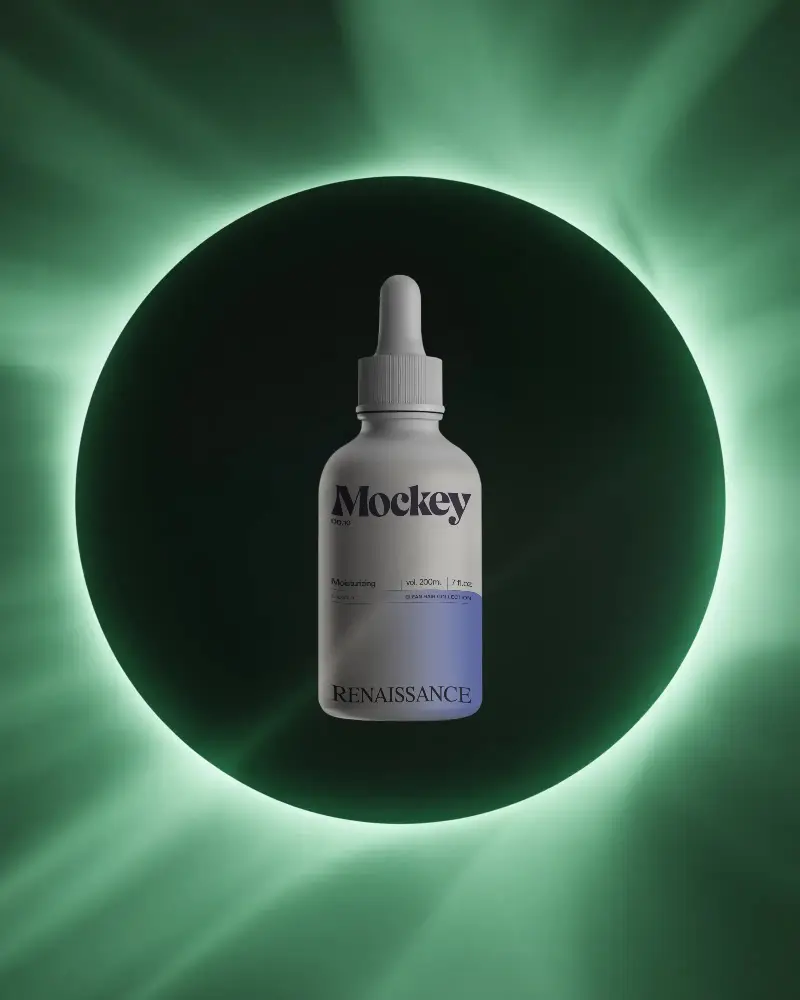
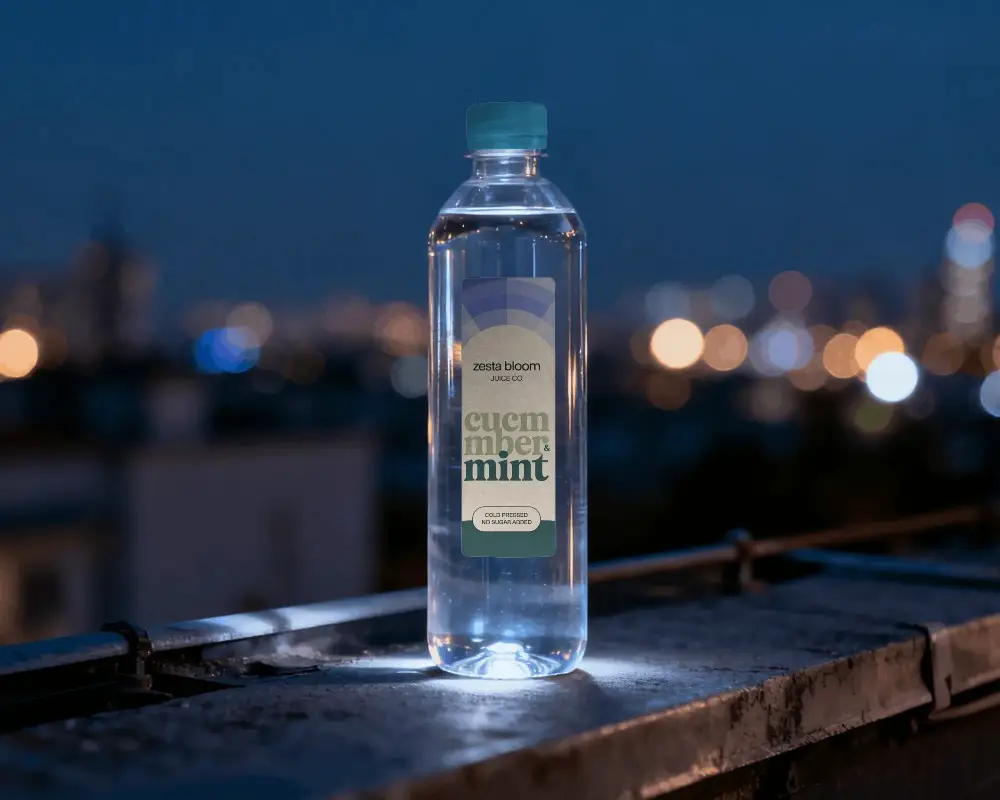
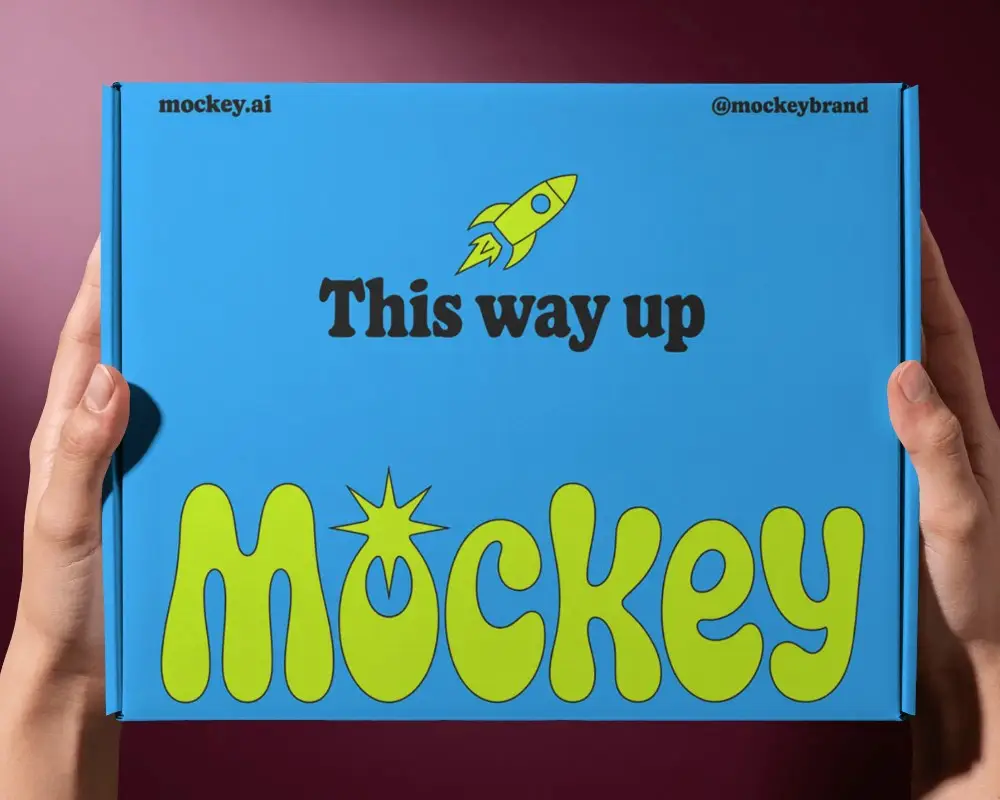
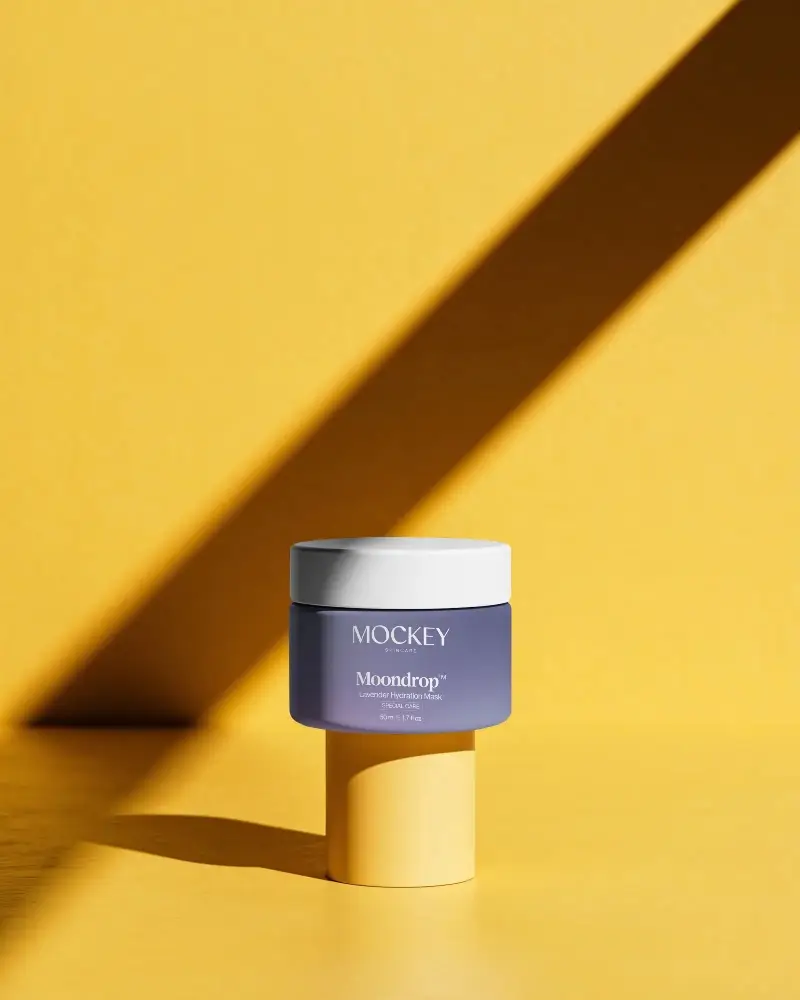
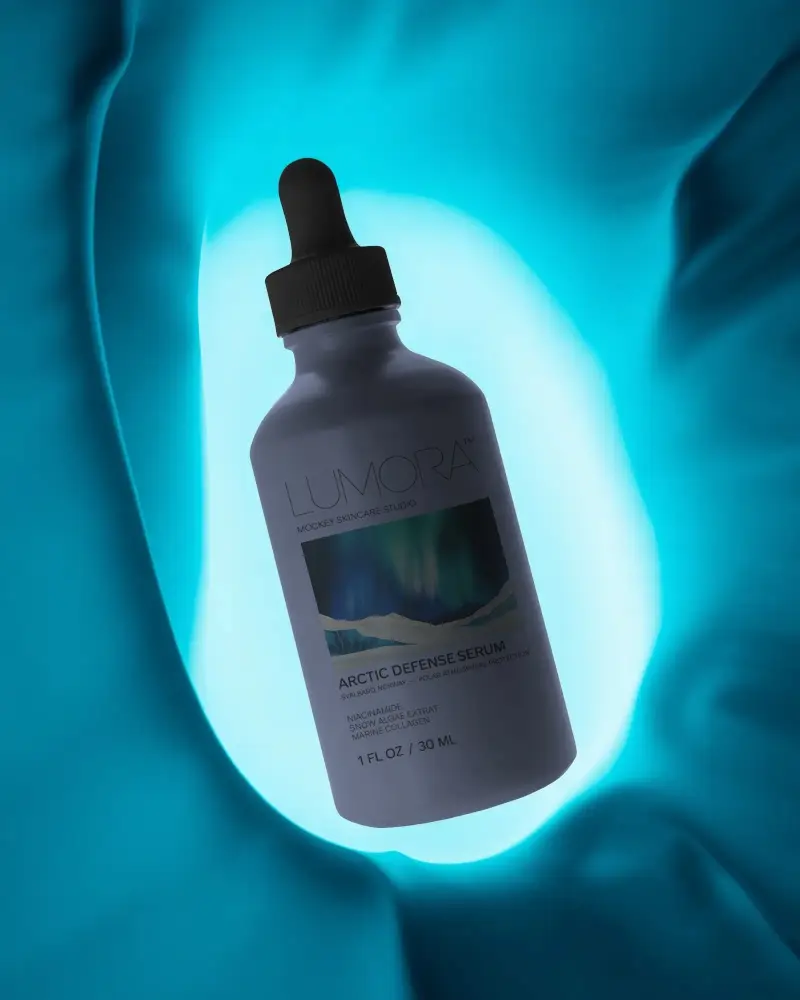
How to Customize Packaging Mockups with Mockey AI?
To customize packaging mockups:
- Step 1: Choose from box, bottle, dropper bottle, pouch, tube, cosmetic, perfume, or paper bag
- Step 2: Upload your design.
- Step 3: Change the color using the hex code or the extract color.
- Step 4: Position your design using warping and Place Anywhere.
- Step 5: Explore AI tools like Multi Shot, Photoshoot, and Animate.
- Step 6: Choose PNG or JPG and pick your size, then download.


FAQs on Mockups
What is a Packaging Mockup?
A packaging mockup is a visual preview of your packaging design before it’s printed or manufactured. You place your artwork on a digital template instead of producing a physical box or bag.
Why create a Packaging Mockup?
A physical sample can take days or weeks and costs money. A mockup lets you test colors, layouts, and branding instantly. Many designers create mockups first, get feedback, and only move to a real prototype once the design is finalized.
Why Use Mockey’s Packaging Mockup?
PSD mockups require Photoshop, which can be time-consuming and is not suitable for beginners. You can use Mockey to create a packaging mockup in seconds by simply uploading your design and choosing a template.
Is this Packaging Mockup Free?
Many packaging mockups on Mockey are free to generate. You can create mockups online without downloading PSD files, although some templates or features require credits or a subscription.
Why are packaging mockups important?
Packaging mockups help save money by letting you improve designs before making the final product. They also make it easier for everyone involved to understand the design and spot mistakes early.
What types of packaging mockups are available?
The types of packaging mockups in Mockey AI include box packaging, tubes, dropper bottles, cosmetics, pouches, perfumes, and more. For example, when designing carton packaging, use a Box Mockup, or for flexible packaging, a pouch mockup is a good option.
Do I need design skills to create a packaging mockup?
No, you don’t need to be a design expert to make a packaging mockup. Mockey AI has ready-made templates and AI tools that let you customize easily.
What file formats do packaging mockups support?
Mockey.ai lets you download packaging mockups as JPG or PNG images. You can also use the AI Anime tool to get a video version of your mockup.
