Premium Packaging PSD Mockup Templates to Download
Download premium packaging PSD mockups for cans, tins, paper bags, and more. Drop your label or brand design into editable Smart Object layers, make your changes, and export a high-resolution packaging mockup ready for your commercial projects.
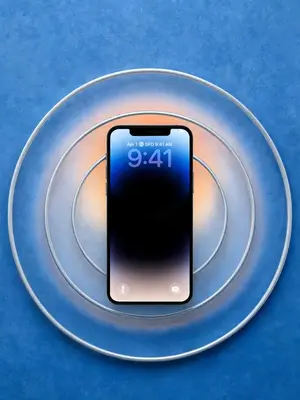

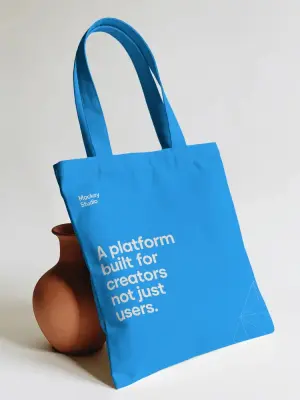

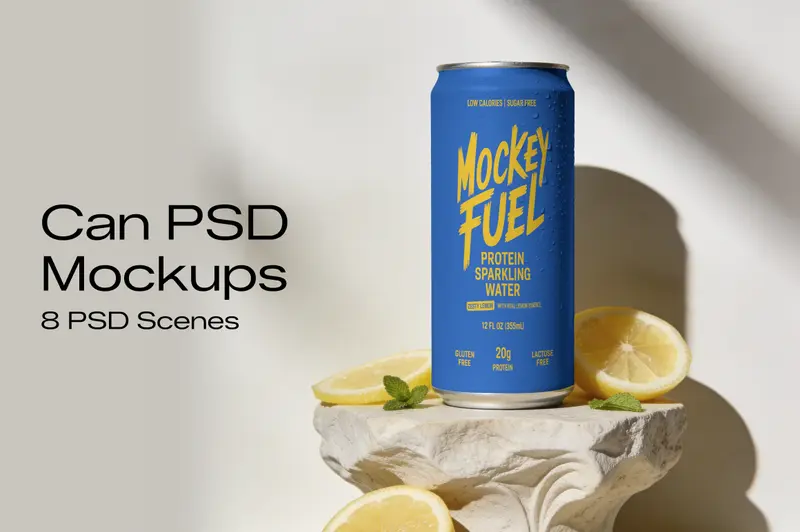
Premium Can Mockup PSD Bundle
Showcase your can packaging and branding designs with this Can Mockup PSD Bundle, featuring 8 scenes with different views and compositions. The collection gives you multiple ways to present can labels, logos, product artwork, and packaging concepts. Each PSD includes editable layers, Smart Objects, natural lighting, shadows, and surface details for a clean presentation. Replace the existing artwork with your own design in Photoshop and use the finished mockups for product pages, presentations, portfolios, or branding projects.
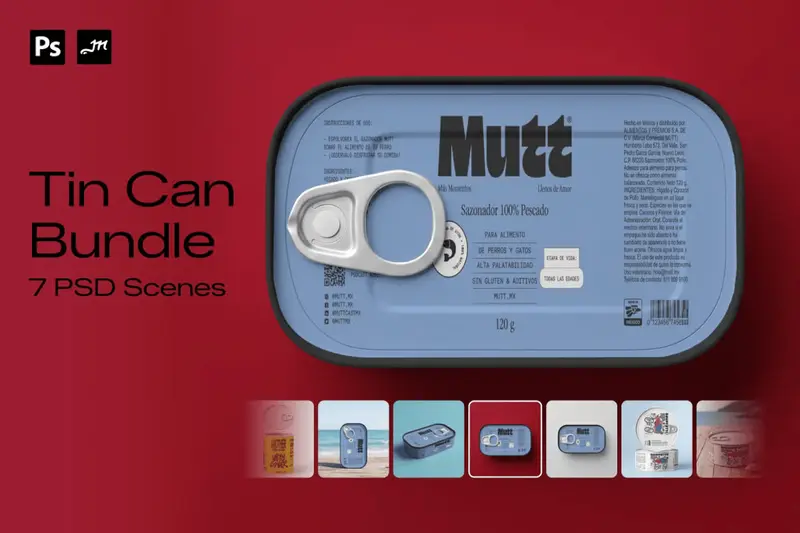
Tin Can Mockup Bundle
Showcase your packaging designs with this 7-scene Tin Can Mockup Bundle, featuring a versatile collection of rectangular and round metal tin packaging mockups. The bundle includes 4 rectangular tins, 2 short round tins, and 1 large round tin, giving you a variety of packaging formats for presenting different product designs. With realistic metal textures, natural lighting, shadows, and detailed surfaces, these mockups are ideal for creating professional packaging presentations for brands, products, and client projects. Simply place your artwork using the included Smart Objects and create realistic tin packaging presentations in seconds.
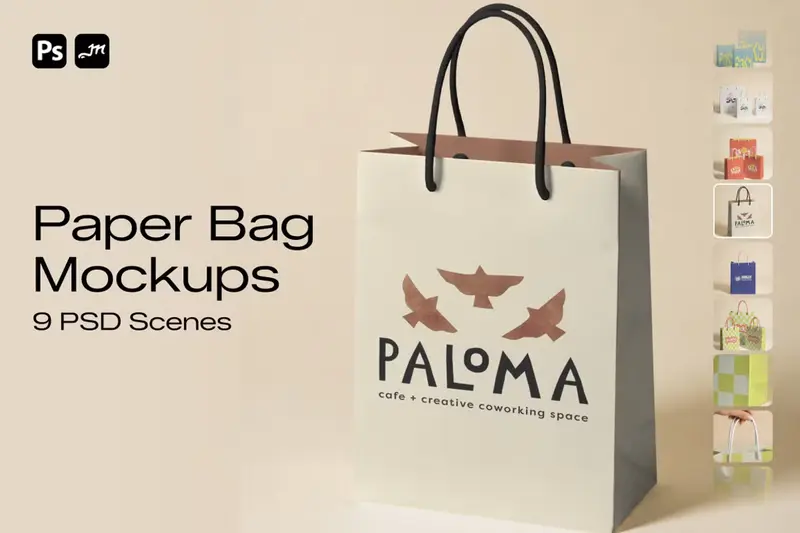
Paper Bag Mockup Bundle
Showcase your packaging and branding designs with this 9-scene Paper Bag Mockup Bundle, featuring realistic paper shopping bag scenes in multiple sizes and perspectives. The collection includes close-up detail shots and multiple paper bag sizes, giving you plenty of options to present logos, artwork, typography, and branding designs from different angles. Each mockup is designed with realistic paper textures, folds, lighting, and shadows for a professional and natural presentation. Simply place your artwork using the included Smart Objects and create polished paper bag presentations in seconds.
How to Download Packaging PSD Mockups in Mockey AI
To download your packaging PSD mockups:
- Step 1: Choose from the can, tin, paper bag, and other packaging PSD mockup templates.
- Step 2: Open the one you like and check the scenes included in the file.
- Step 3: Download the PSD files in a zip and use them in Photoshop.


FAQs on Packaging PSD Mockups
What is a packaging PSD mockup?
A packaging PSD mockup is a layered Photoshop file where you can place a label, logo, or pattern onto product packaging like a can or a paper bag. It makes the artwork look like it’s already printed on the real pack.
Can I get can mockup PSD files?
Yes. The packaging collection includes can and tin can mockup PSD bundles, each with several scenes you can edit in Photoshop.
Can I use packaging PSD mockups for commercial projects?
Yes. Mockey AI includes a commercial license with its premium packaging PSD mockups. You can use the files for client presentations, portfolio work, and social media posts.
Can I open packaging PSD mockups without Photoshop?
These packaging PSD mockups are layered with Smart Objects, and you can open them in Photopea right in your browser.
How do I place my label design into a packaging PSD mockup?
Open the PSD and find the Smart Object in the Layers panel. Double-click its thumbnail, add your label design in the new window, then save it. Your artwork will appear on the packaging.
