Premium Home & Living PSD Mockup Templates to Download
Download premium Home & Living PSD mockups with editable Smart Object layers. Drop your design into the file, make your changes, and export a high-resolution Home & Living mockup ready for your commercial projects.

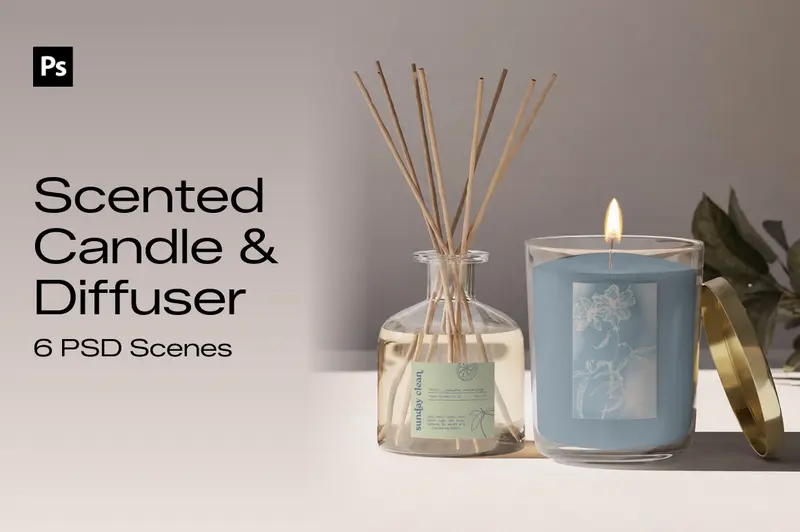
Decorative Candles PSD Mockup Bundle
Give your candle designs a distinctive presentation with this 6-scene Decorative Candles PSD Mockup Bundle. Featuring different decorative candle styles and product arrangements, this collection helps you display creative shapes, surface details, colours, and branding elements. Whether you're developing a candle collection, preparing product catalogue images, or presenting design concepts to clients, these Photoshop PSD mockups let you add your artwork through editable Smart Objects and customise each composition to suit your project.
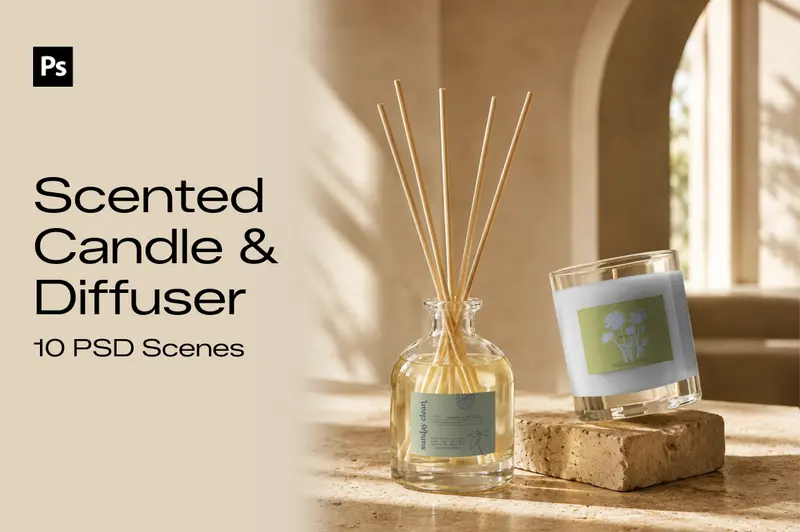
Scented Candles PSD Mockup Bundle with Diffuser
Create product presentations for your fragrance collection with this 10-scene Scented Candles PSD Mockup Bundle with Diffuser. The set combines scented candle jars and reed diffuser bottles in different arrangements, offering space to showcase label artwork, brand identities, and packaging details. Each Photoshop file includes editable Smart Objects, so you can replace the sample designs with your own artwork and prepare product images for ecommerce stores, fragrance catalogues, or brand portfolios.
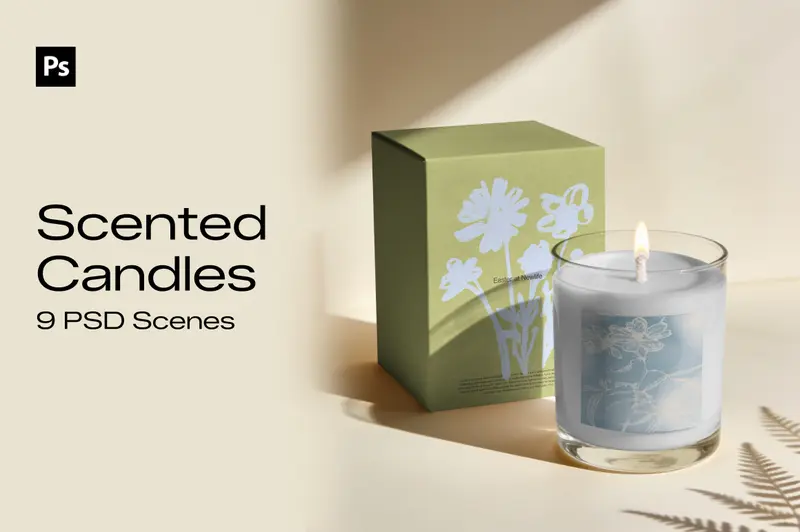
Scented Candles PSD Mockup Bundle
Showcase your scented candle designs with this 9-scene Scented Candles PSD Mockup Bundle, created for candle brands, small businesses, designers, and creative professionals. Featuring glass candle jars alongside reed diffusers, these PSD mockups offer different product arrangements for presenting candle labels, logos, artwork, and fragrance packaging designs. Add your designs using the included Smart Objects in Photoshop and create professional product presentations for online stores, branding projects, and home fragrance collections.
How to Download Home & Living PSD Mockups in Mockey AI
To download your Home & Living PSD mockups:
- Step 1: Choose from the Home & Living PSD mockup templates.
- Step 2: Open the one you like and check the scenes included in the file.
- Step 3: Download the PSD files in a zip and use them in Photoshop.
FAQs on Home & Living PSD Mockups
What is a Home & Living PSD mockup?
A Home & Living PSD mockup is a layered Photoshop file where you can place a flat design onto a Home & Living product image. It makes the artwork look like it’s already on the real product.
Can I use Home & Living PSD mockups for commercial projects?
Yes. Mockey AI includes a commercial license with its premium Home & Living PSD mockups. You can use the files for client presentations, portfolio work, and social media posts.
Can I open Home & Living PSD mockups without Photoshop?
These Home & Living PSD mockups are layered with Smart Objects, and you can open them in Photopea right in your browser.
Do Home & Living PSD mockups contain layers with Smart Objects, or flat images?
Every Home & Living mockup here comes as a Photoshop PSD with its own Smart Object. These are editable files, not flat images passed off as templates.
How do I place my design into a Home & Living PSD mockup?
Open the PSD and find the Smart Object in the Layers panel. Double-click its thumbnail, add your design in the new window, then save it. Your artwork will appear in the Home & Living mockup.
