Premium Health & Fitness PSD Mockup Templates to Download
Download premium Health & Fitness PSD mockups with editable Smart Object layers. Drop your design into the file, make your changes, and export a high-resolution Health & Fitness mockup ready for your commercial projects.

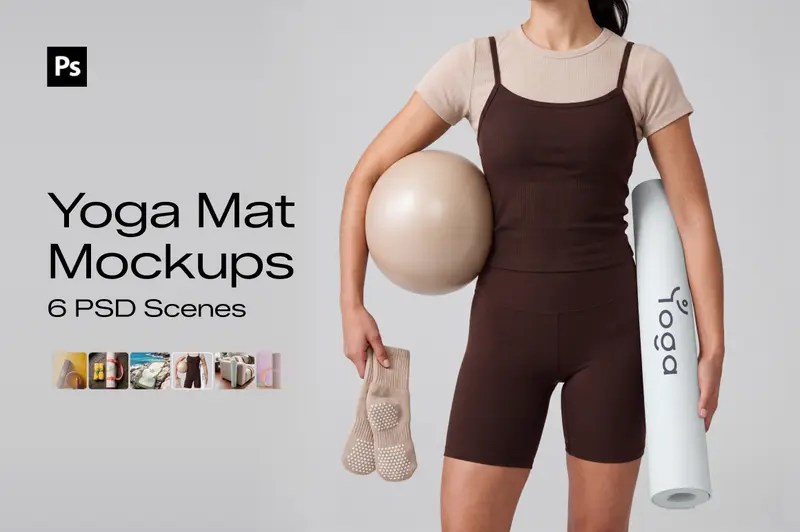
How to Download Health & Fitness PSD Mockups in Mockey AI
To download your Health & Fitness PSD mockups:
- Step 1: Choose from the Health & Fitness PSD mockup templates.
- Step 2: Open the one you like and check the scenes included in the file.
- Step 3: Download the PSD files in a zip and use them in Photoshop.


FAQs on Health & Fitness PSD Mockups
What is a Health & Fitness PSD mockup?
A Health & Fitness PSD mockup is a layered Photoshop file where you can place a flat design onto a Health & Fitness product image. It makes the artwork look like it’s already on the real product.
Can I use Health & Fitness PSD mockups for commercial projects?
Yes. Mockey AI includes a commercial license with its premium Health & Fitness PSD mockups. You can use the files for client presentations, portfolio work, and social media posts.
Can I open Health & Fitness PSD mockups without Photoshop?
These Health & Fitness PSD mockups are layered with Smart Objects, and you can open them in Photopea right in your browser.
Do Health & Fitness PSD mockups contain layers with Smart Objects, or flat images?
Every Health & Fitness mockup here comes as a Photoshop PSD with its own Smart Object. These are editable files, not flat images passed off as templates.
How do I place my design into a Health & Fitness PSD mockup?
Open the PSD and find the Smart Object in the Layers panel. Double-click its thumbnail, add your design in the new window, then save it. Your artwork will appear in the Health & Fitness mockup.
