Free Packaging Mockups to Customize Online
Create a packaging mockup online in seconds. Pick a box, bottle, pouch, tube, cosmetic or paper bag template, upload your artwork, and download a realistic PNG or JPG. You don't need Photoshop or a PSD file. Use your packaging mockups for Etsy and Shopify listings, client presentations, or a final check before you go to print.
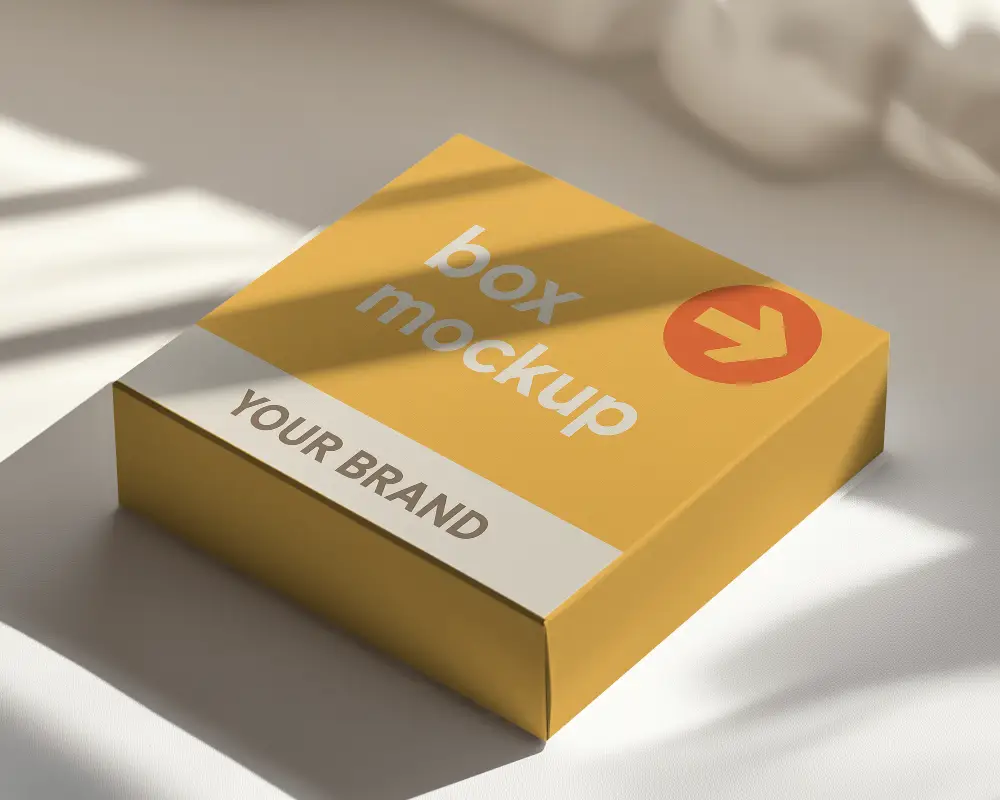

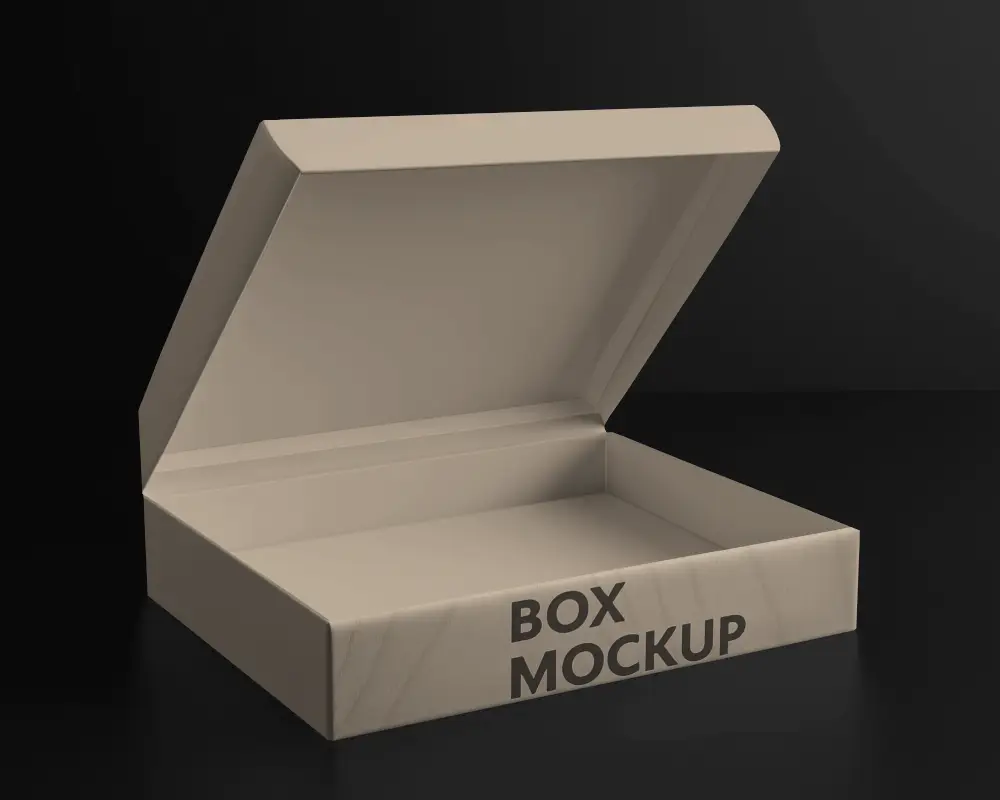
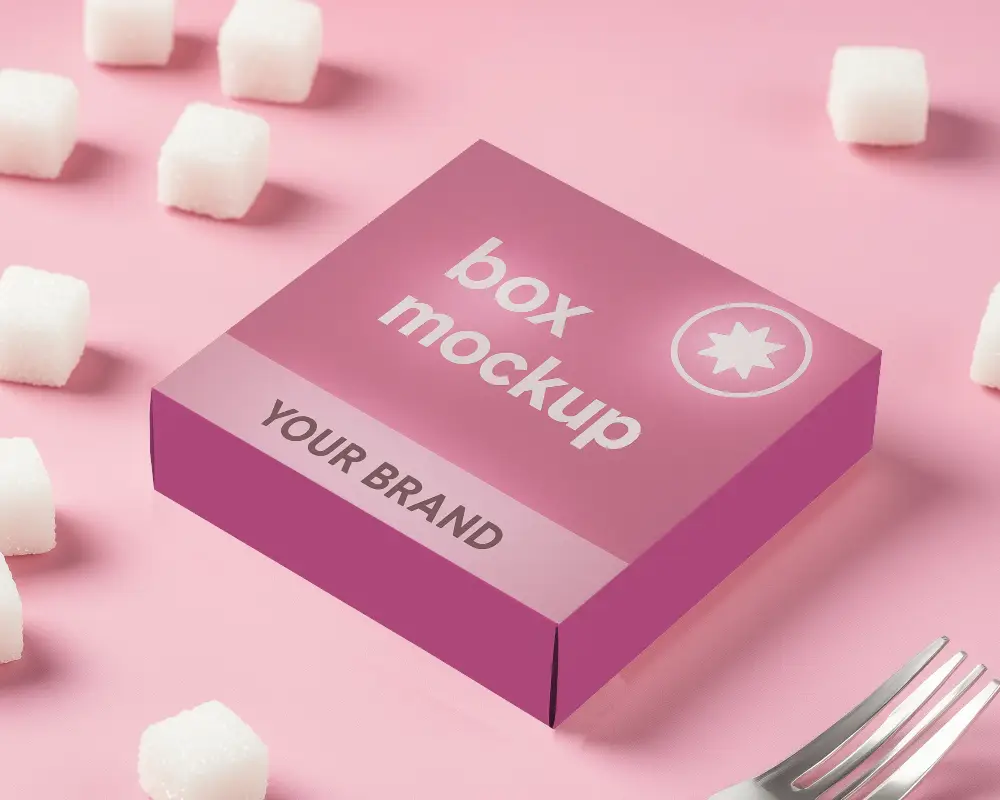
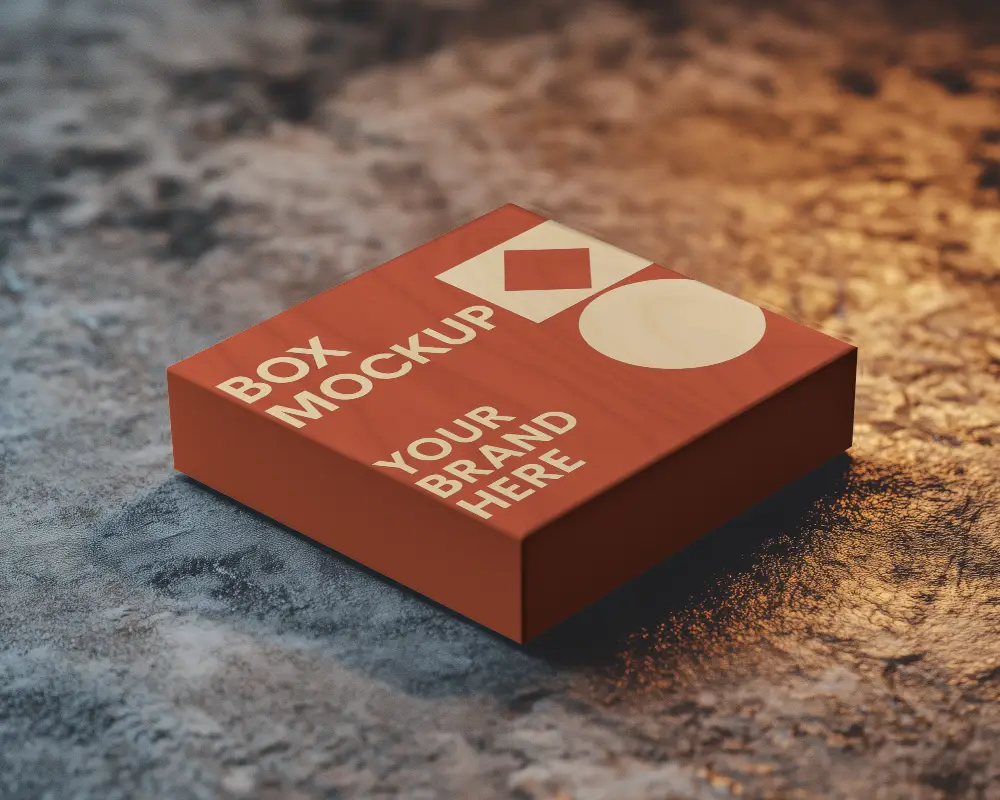
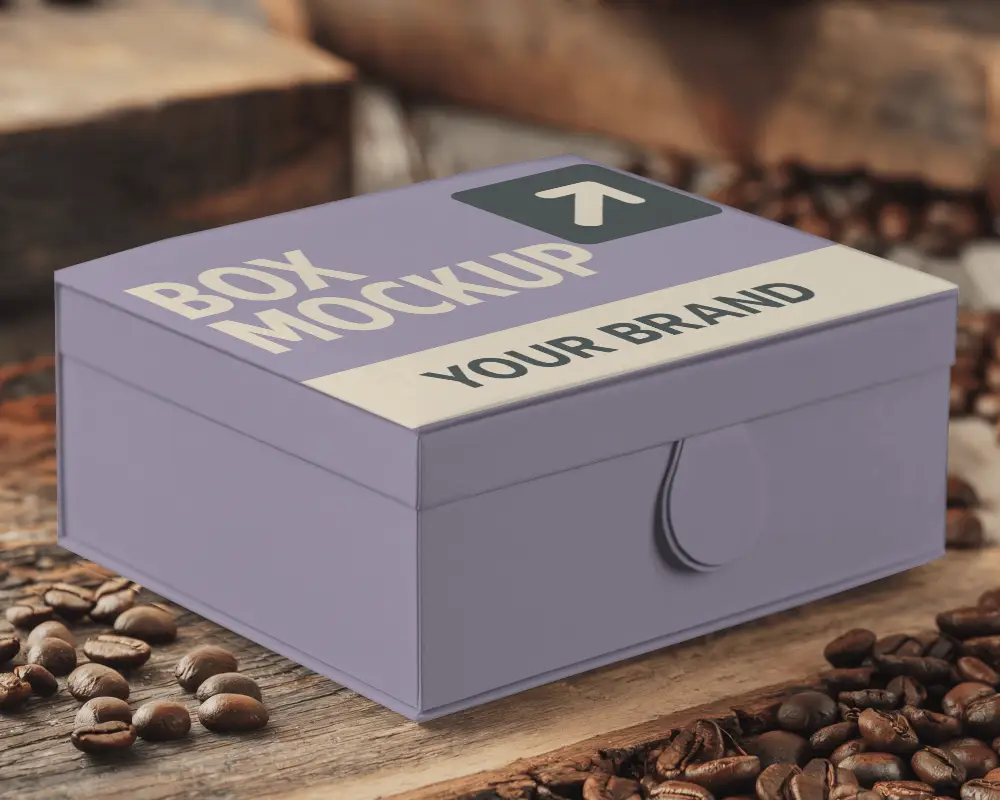
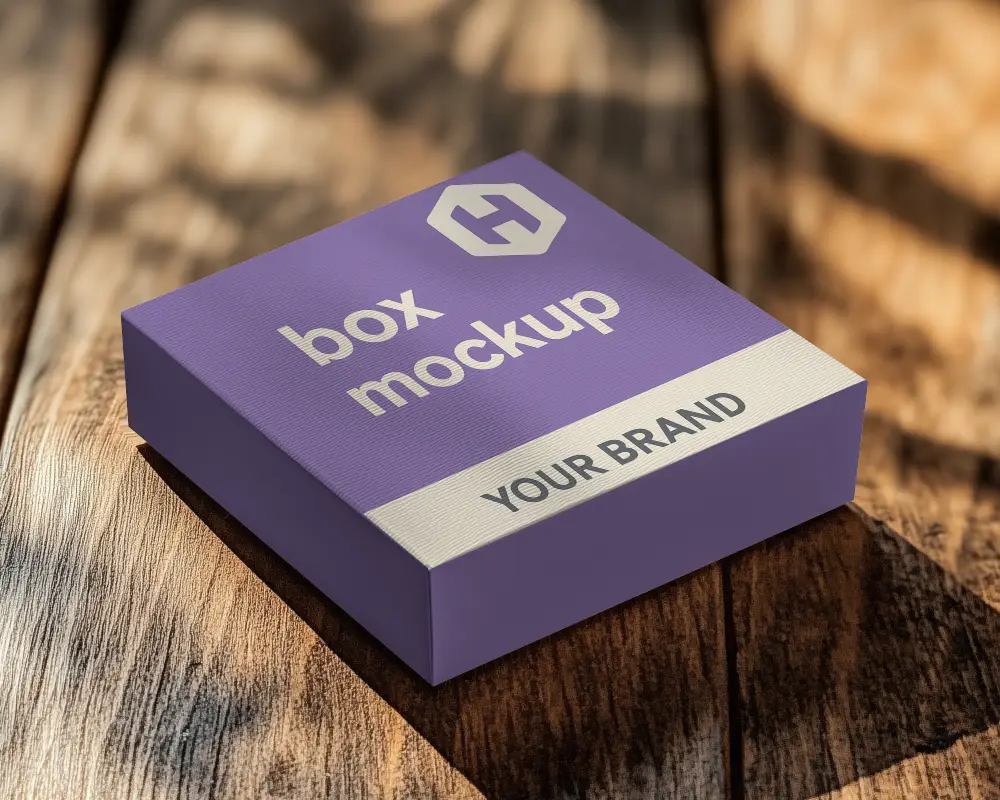
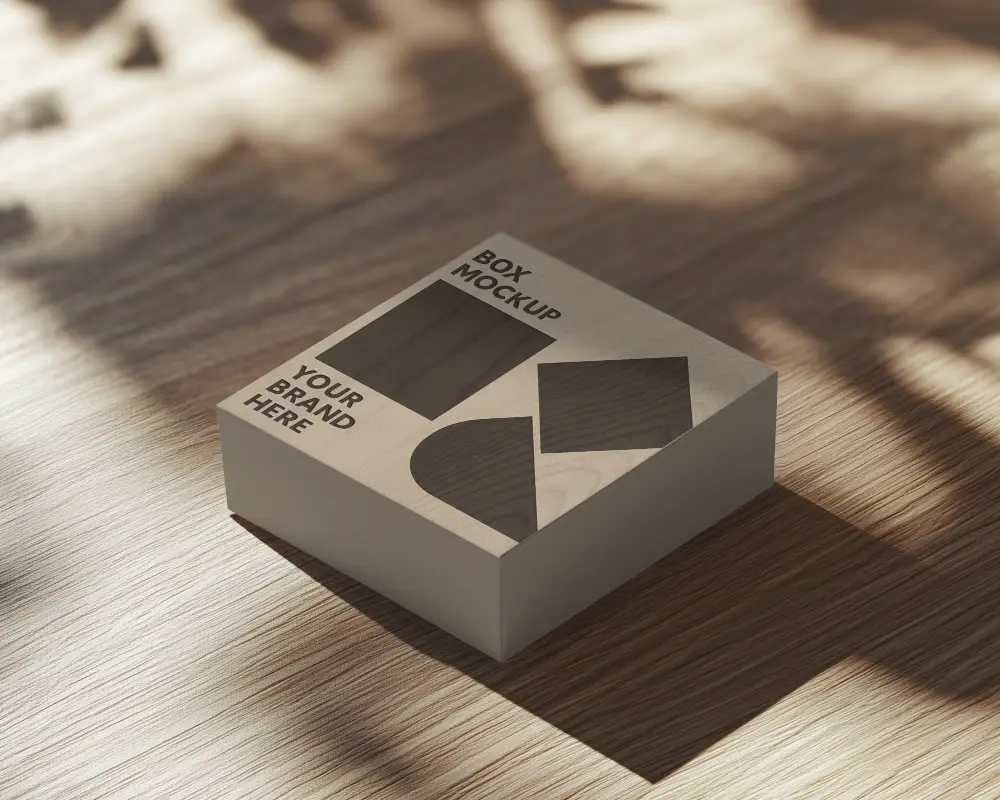
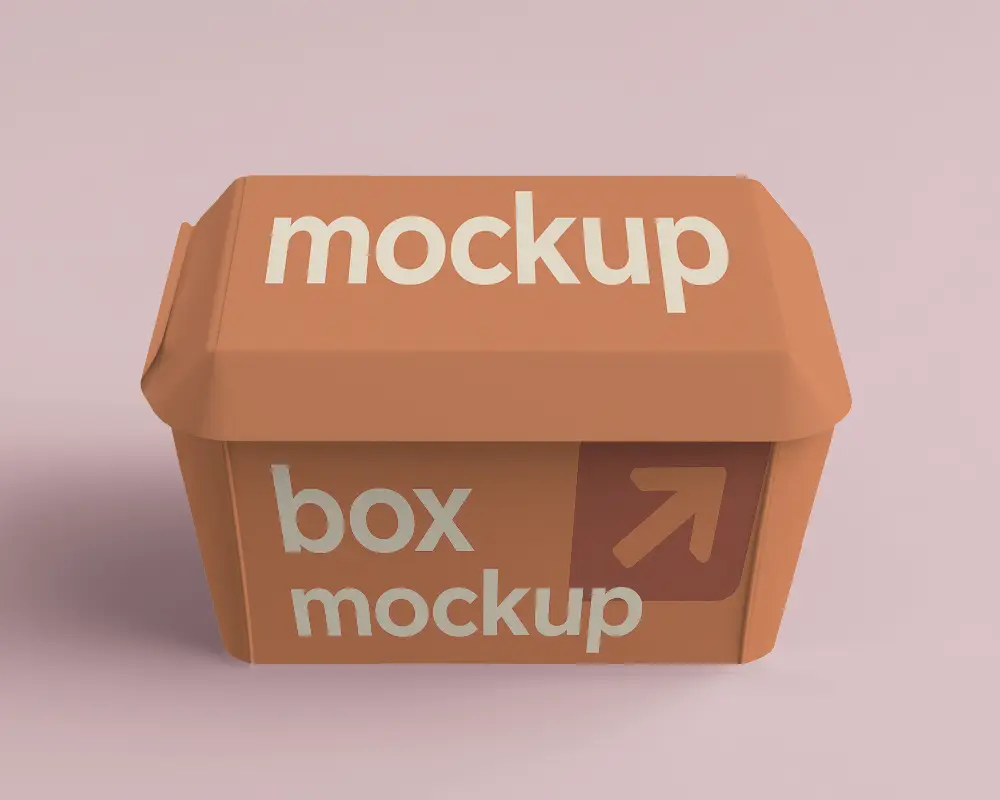
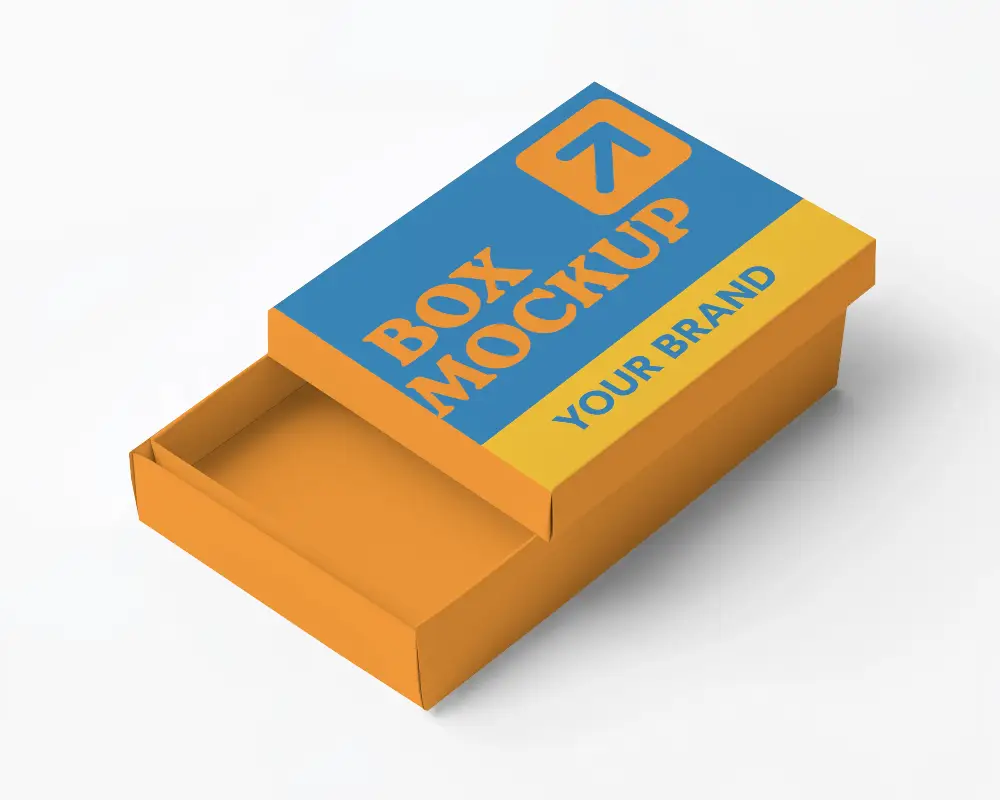
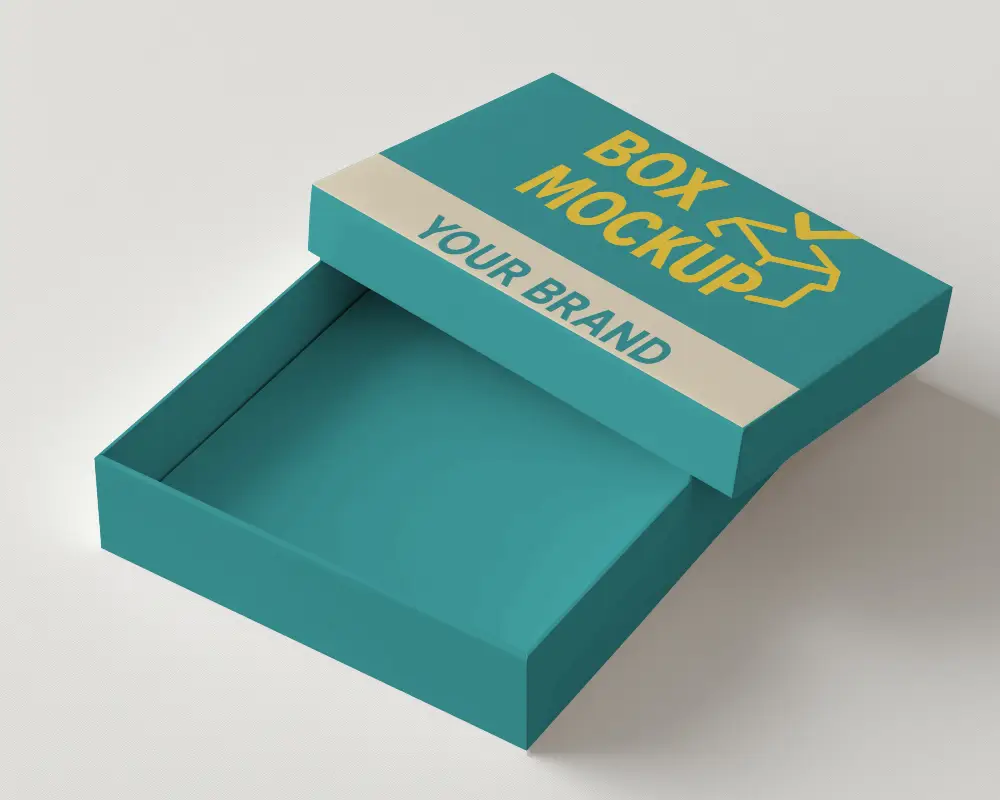
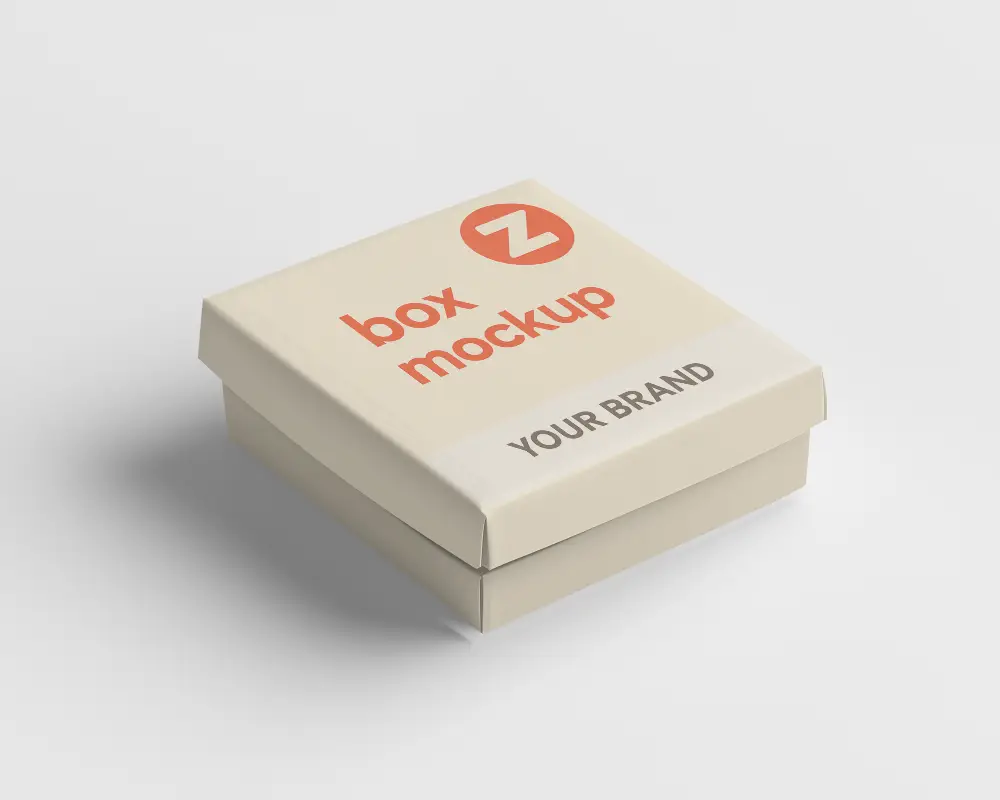
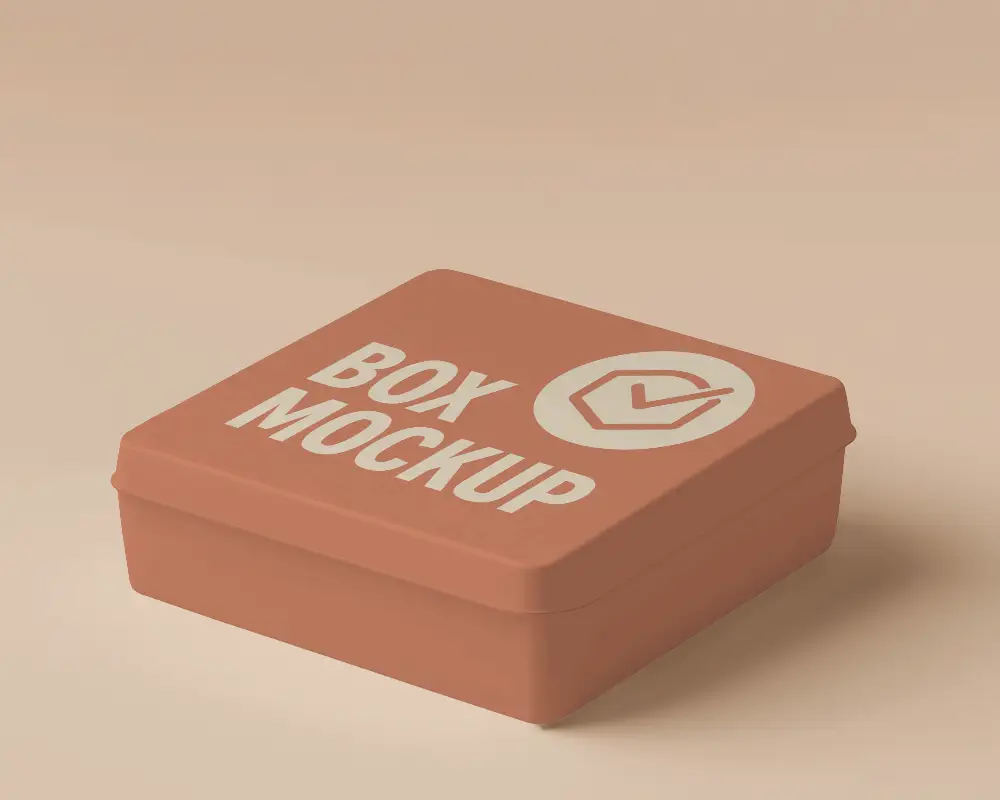
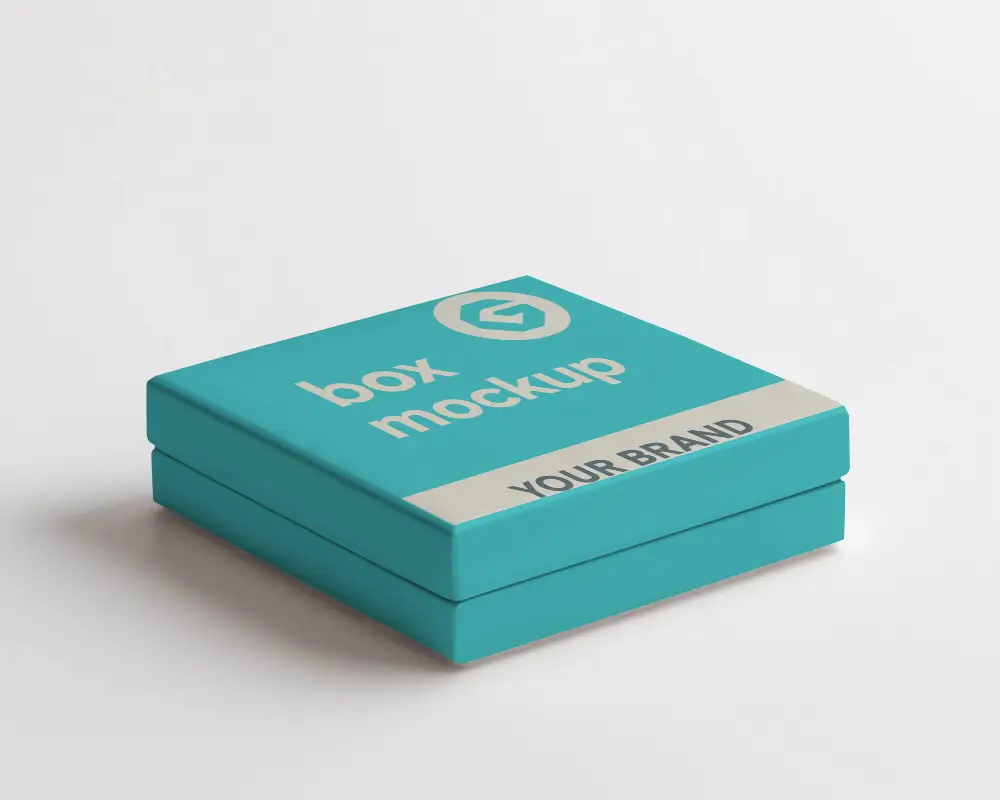


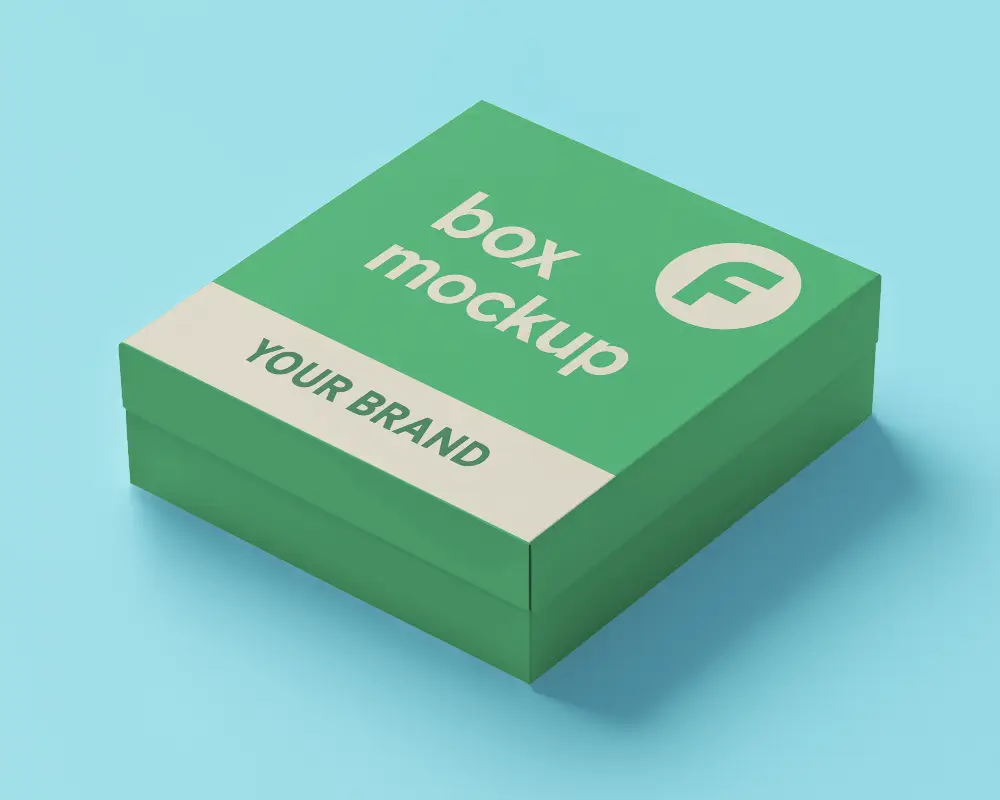


How to Make a Packaging Mockup Online
To make a packaging mockup:
- Step 1: Choose a template. Filter by box, bottle, pouch, tube, cosmetic, perfume or paper bag.
- Step 2: Upload your design. Add your label, logo or full packaging artwork.
- Step 3: Set the color. Enter a hex code or extract a color from your design.
- Step 4: Position the artwork. Use warping and Place Anywhere so it follows the shape of the pack.
- Step 5: Download it. Choose PNG or JPG and your size. You can also use Multi Shot for more angles, Photoshoot for AI scenes, or Animate for a video.
Packaging Mockup FAQs
What is a packaging mockup?
A packaging mockup is a realistic preview of your design on a box, bottle, pouch or other pack. It lets you see how the design will look before anything is printed or manufactured.
Are these packaging mockups free?
Many templates are free to use, and templates marked PRO need a paid plan or credits. You can create a mockup online without buying or downloading a PSD file.
Do I need Photoshop to make a packaging mockup?
No. You upload your design in the browser, adjust it and download the result. If you prefer to work in Photoshop, we also have packaging PSD mockups.
What is the difference between a mockup, a prototype and a dieline?
A mockup is a digital image of the finished pack. A prototype is a physical sample. A dieline is the flat template your printer uses to cut and fold the pack. Use a mockup to approve the look, then a dieline and prototype for production.
What types of packaging can I mock up?
Mockey has boxes, pouches, bottles, dropper bottles, tubes, cosmetic packs, perfume bottles and paper bags, plus product-specific templates such as coffee pouches, pizza boxes and skincare tubes.
Can I use packaging mockups on Etsy, Shopify or Amazon?
Yes. Download a mockup and add it to your product listing or ads. See our guides for Etsy, Shopify and Amazon mockups.
What file formats can I download?
You can download packaging mockups as PNG or JPG images and choose the size. Use Animate to turn a mockup into a video.
Do I need design skills?
No. Choose a template, upload your artwork and place it with the built-in tools. A logo or a finished label is enough to start.
