Free Oversized Hoodie Mockups for Your Design
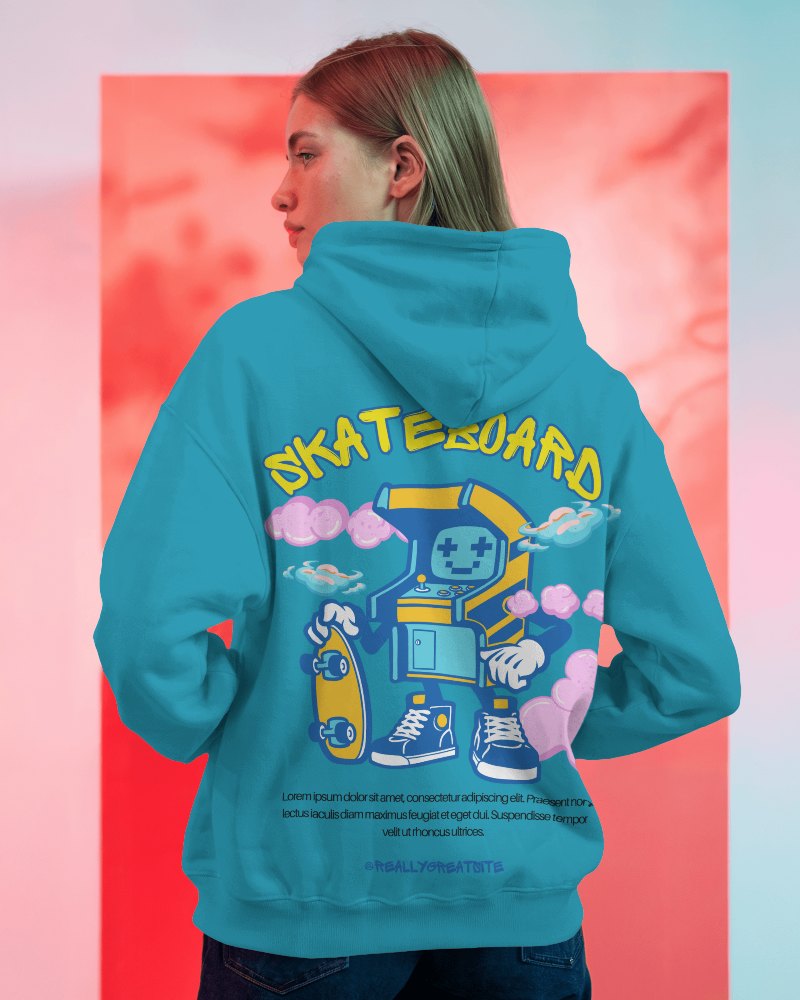
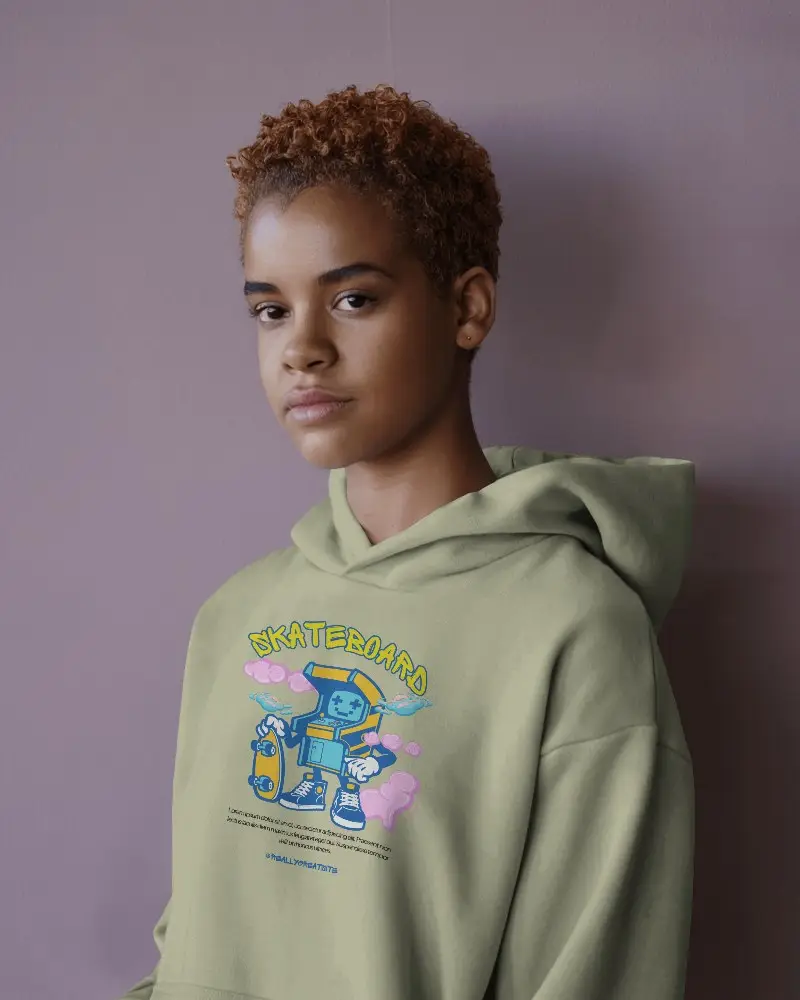
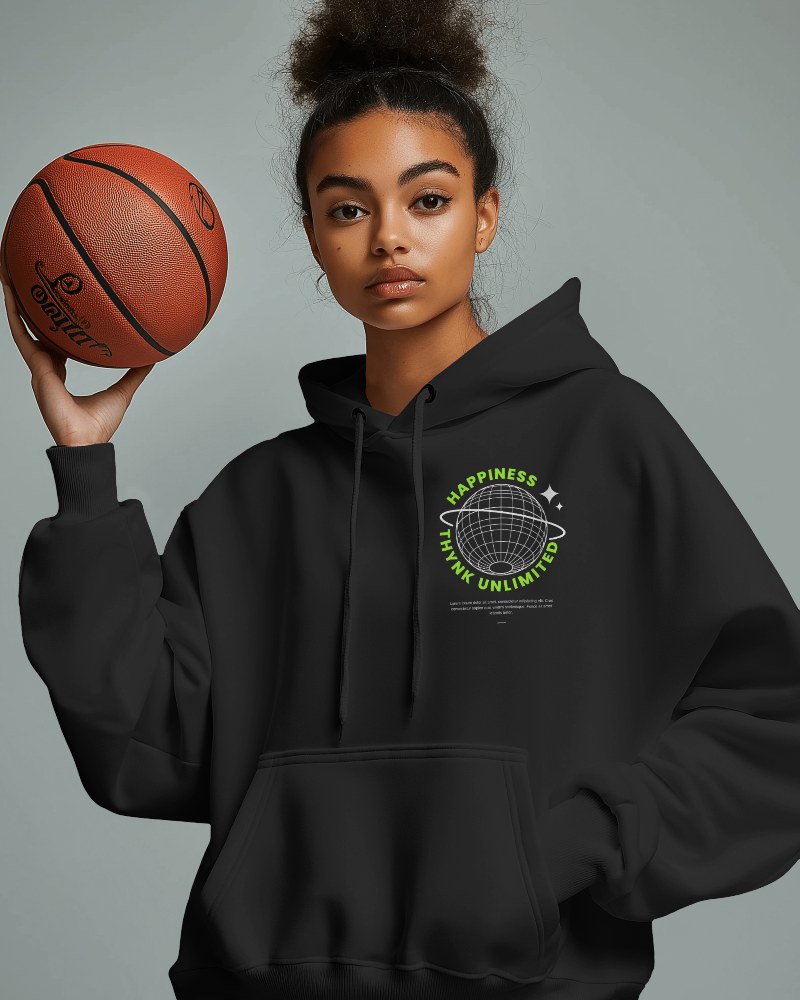
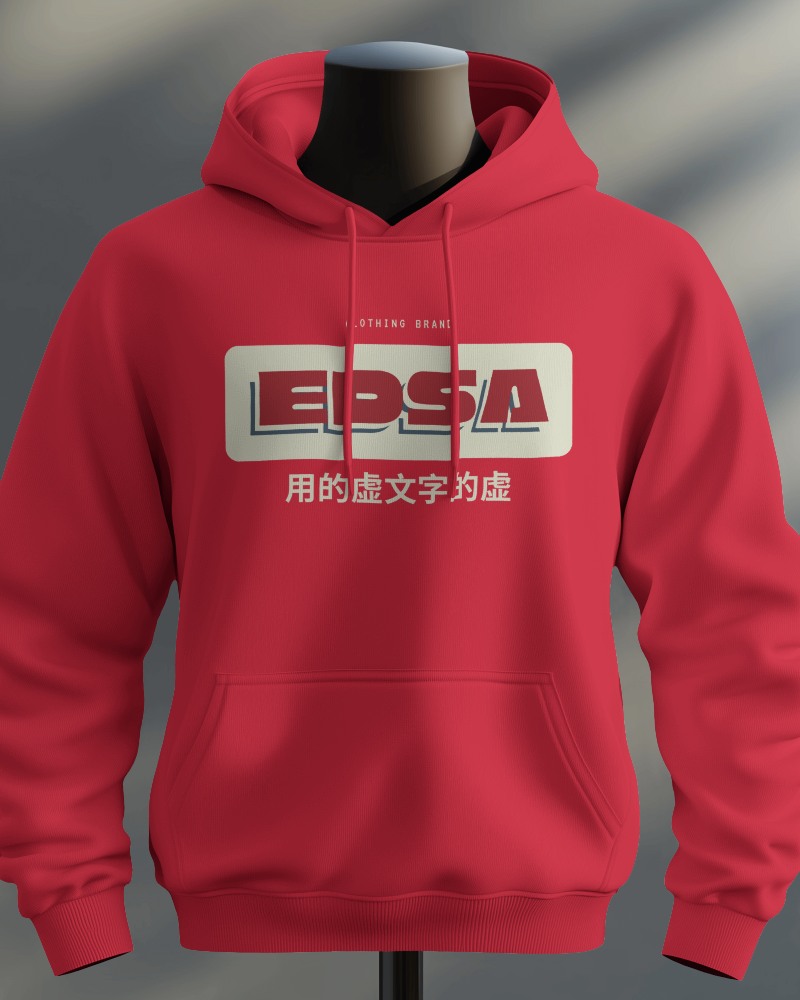
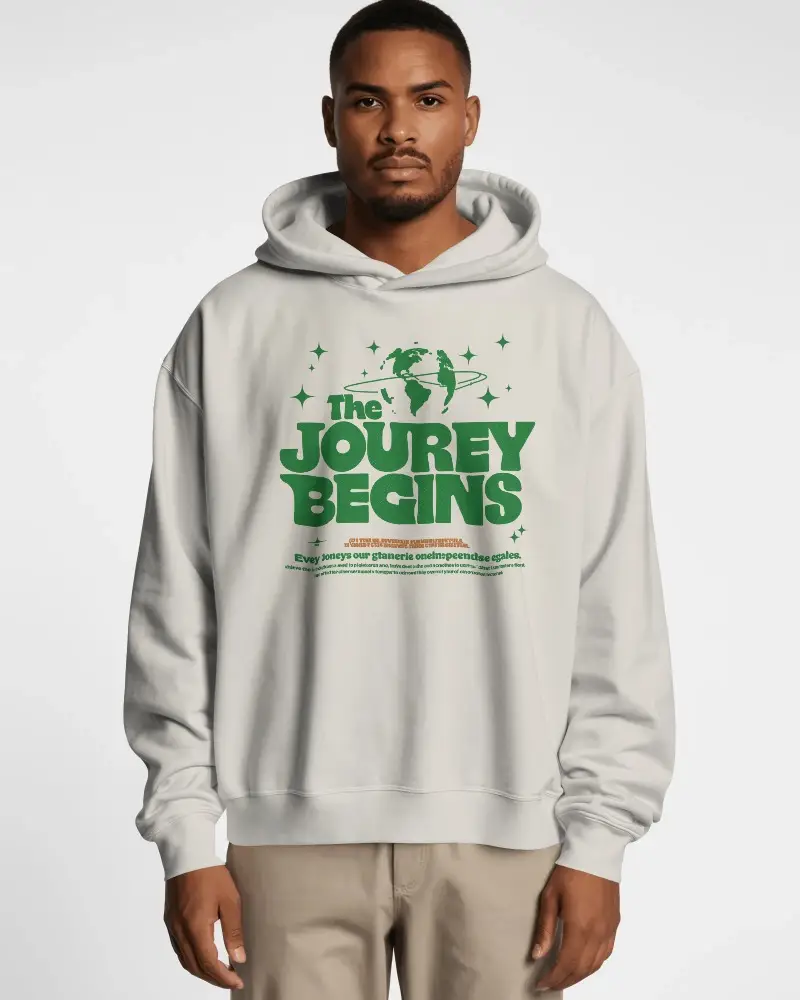
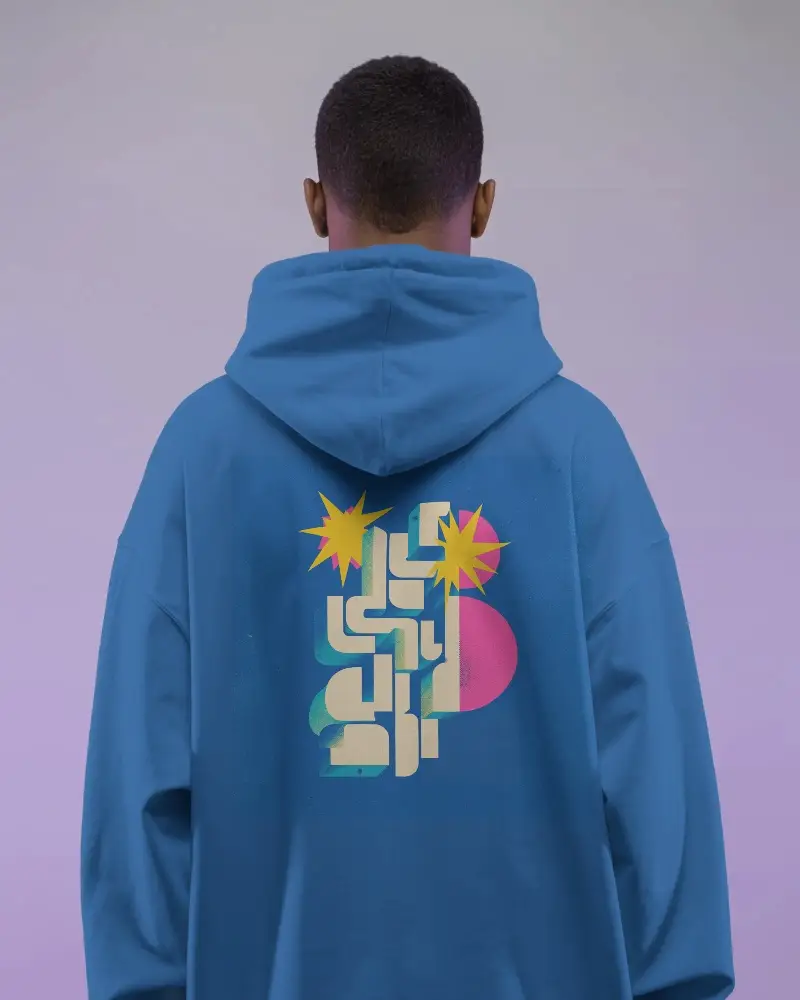
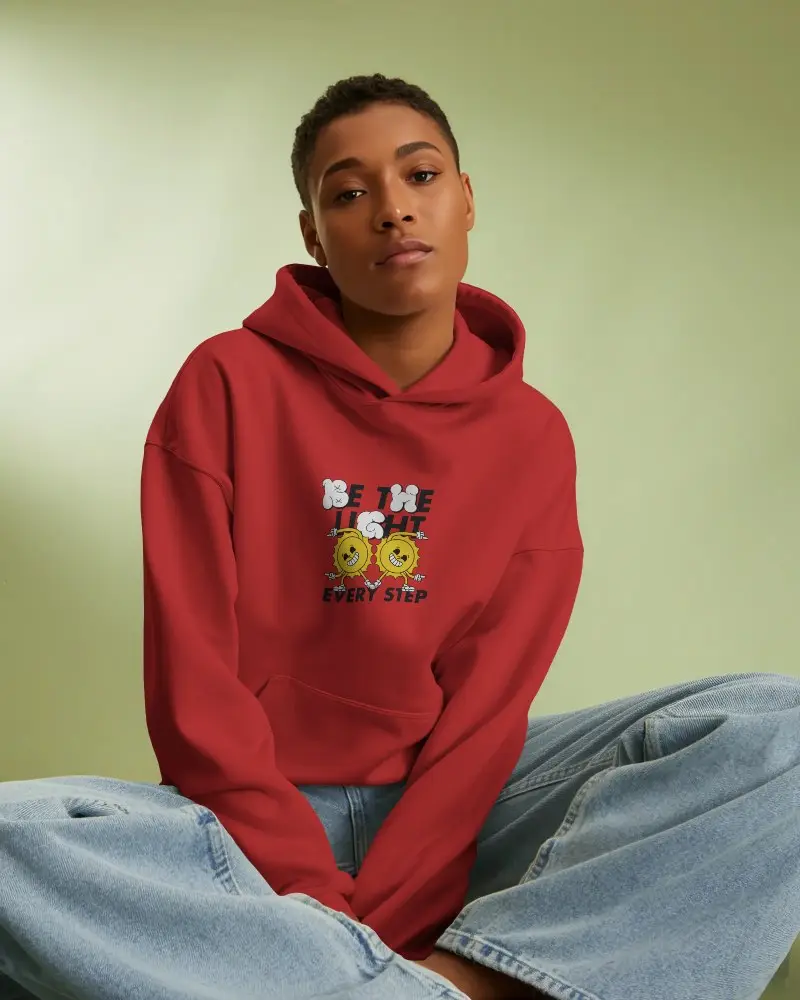
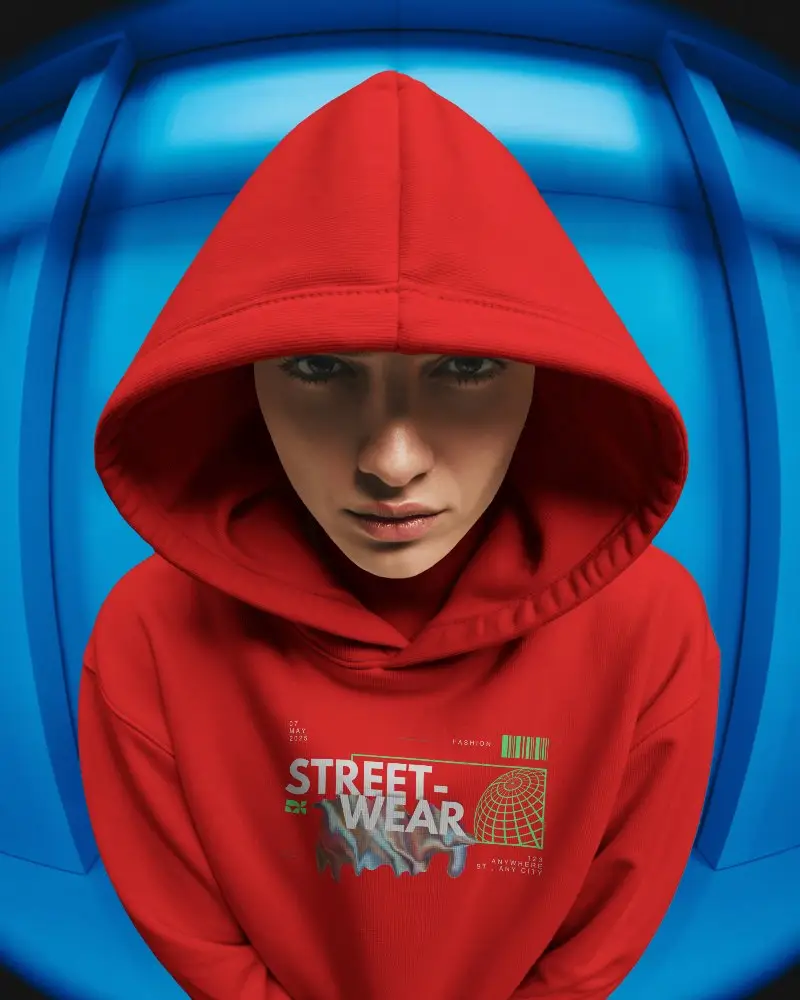
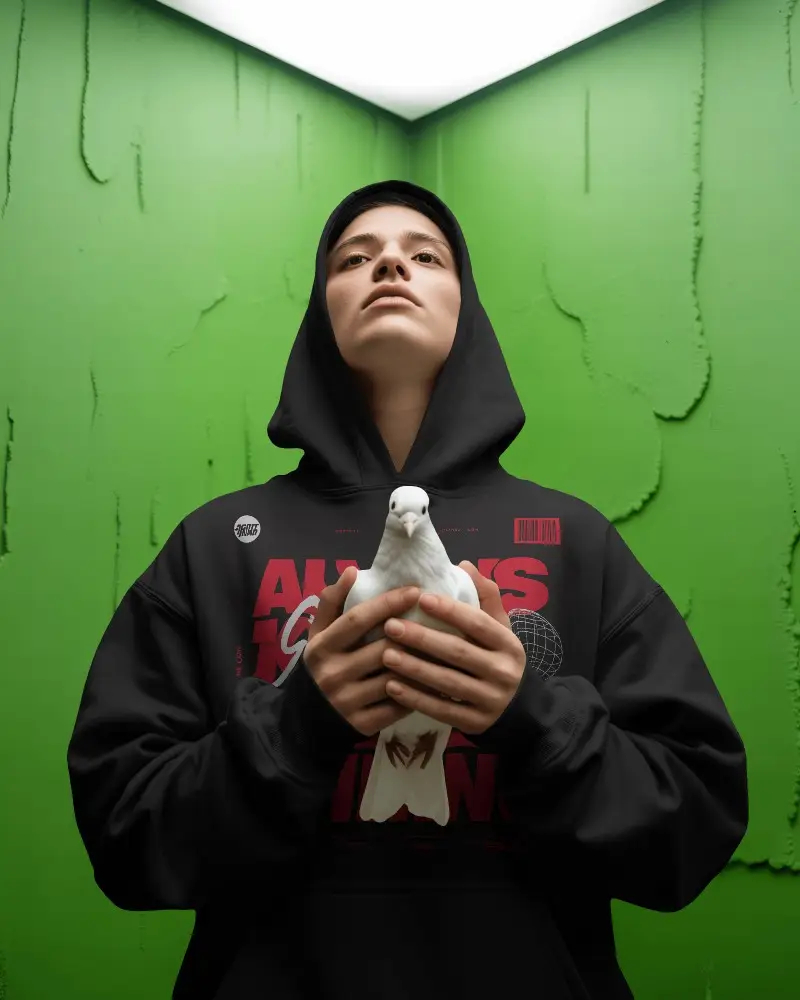
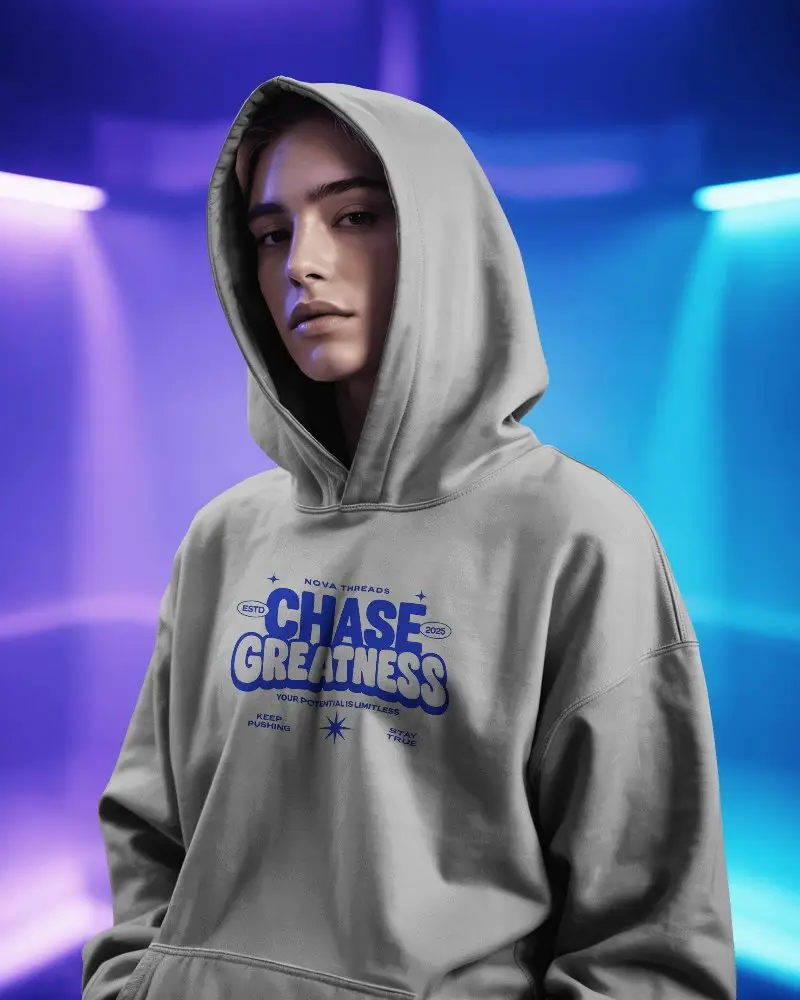
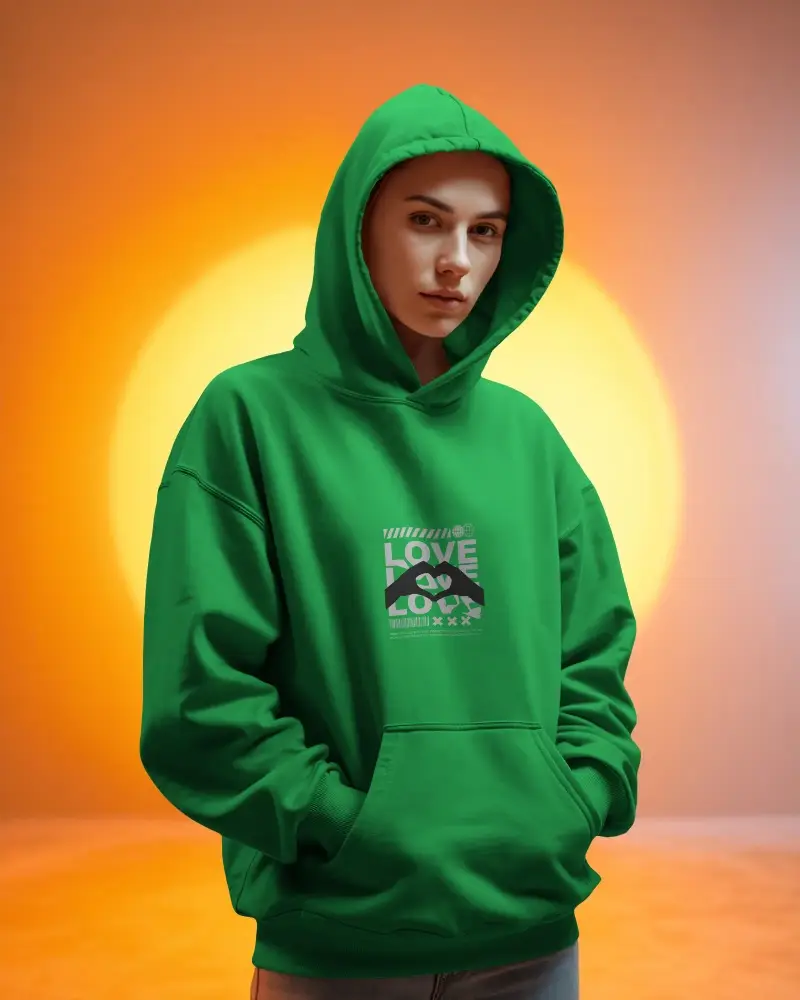
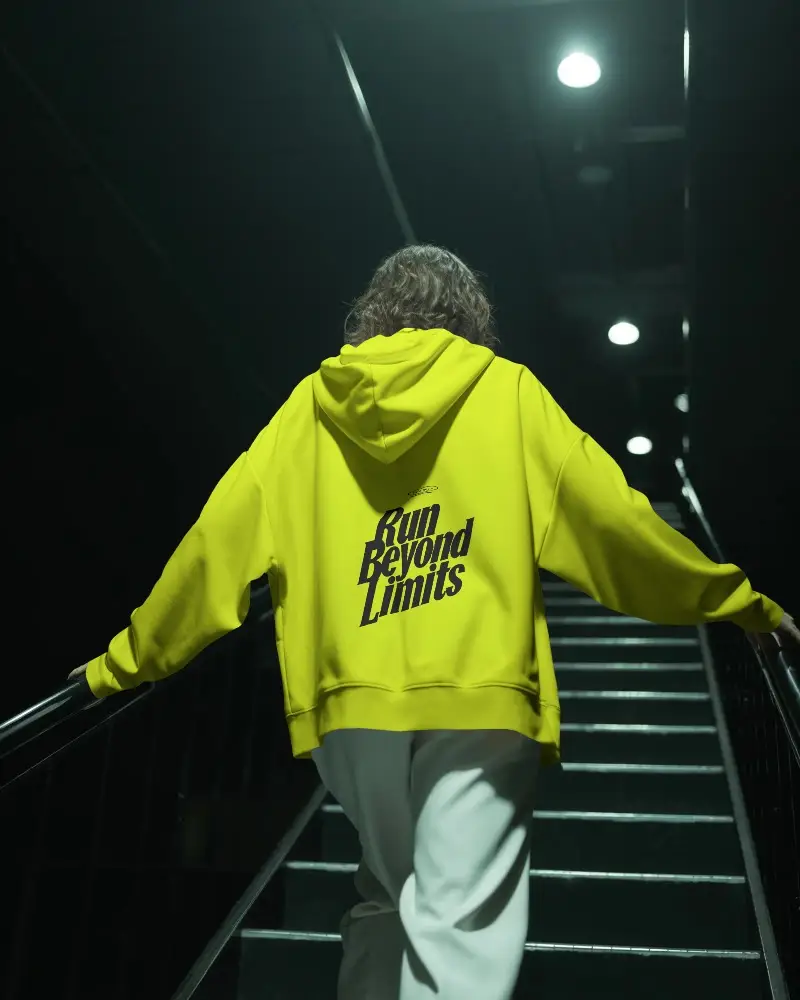
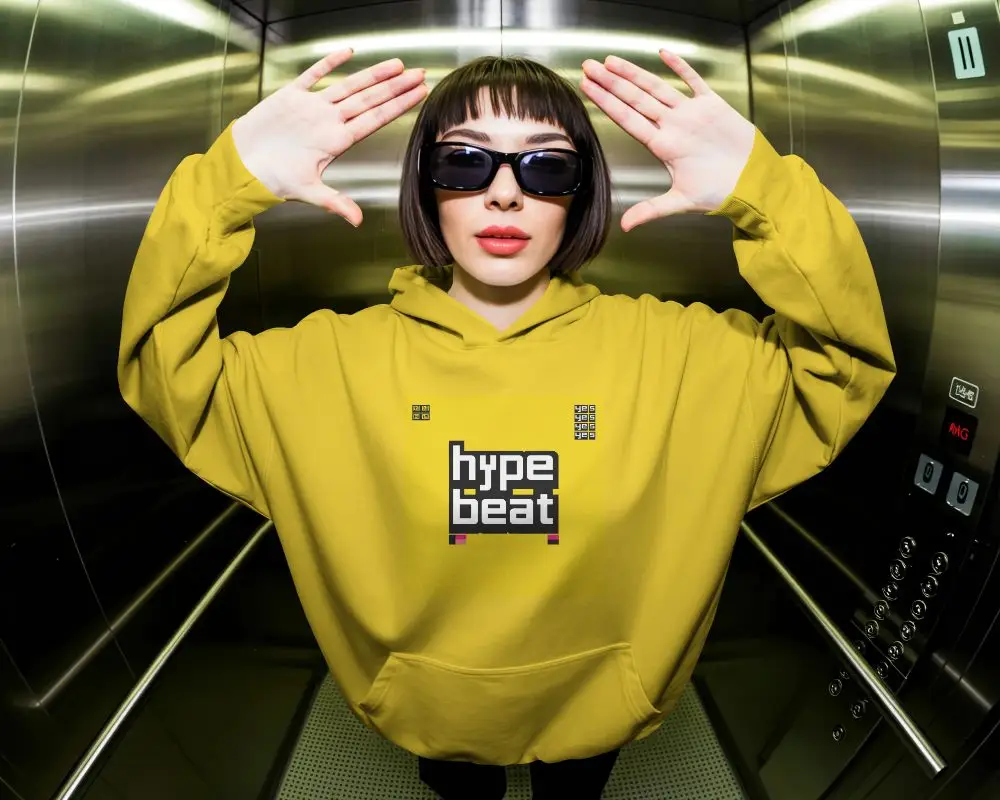
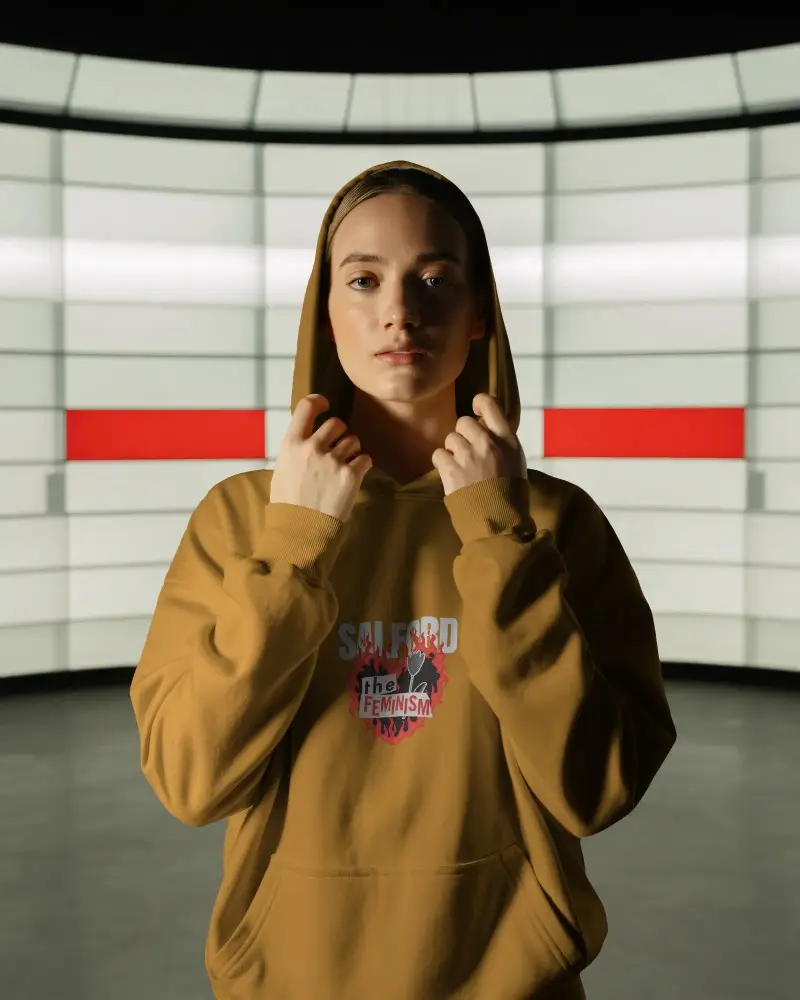
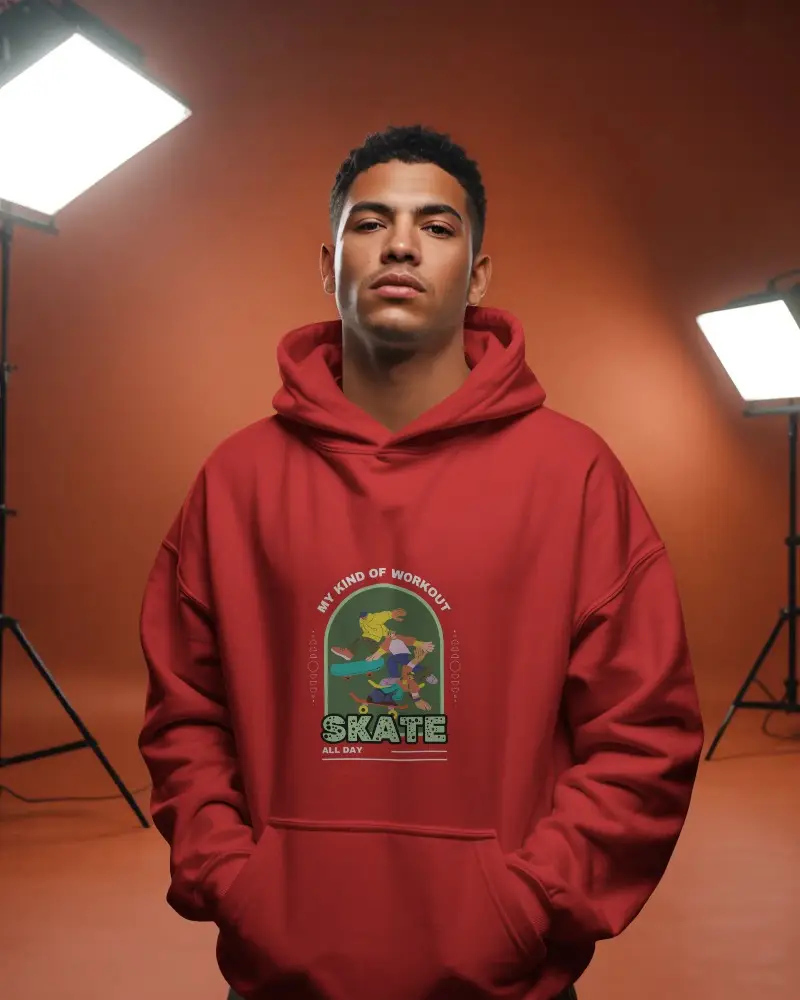
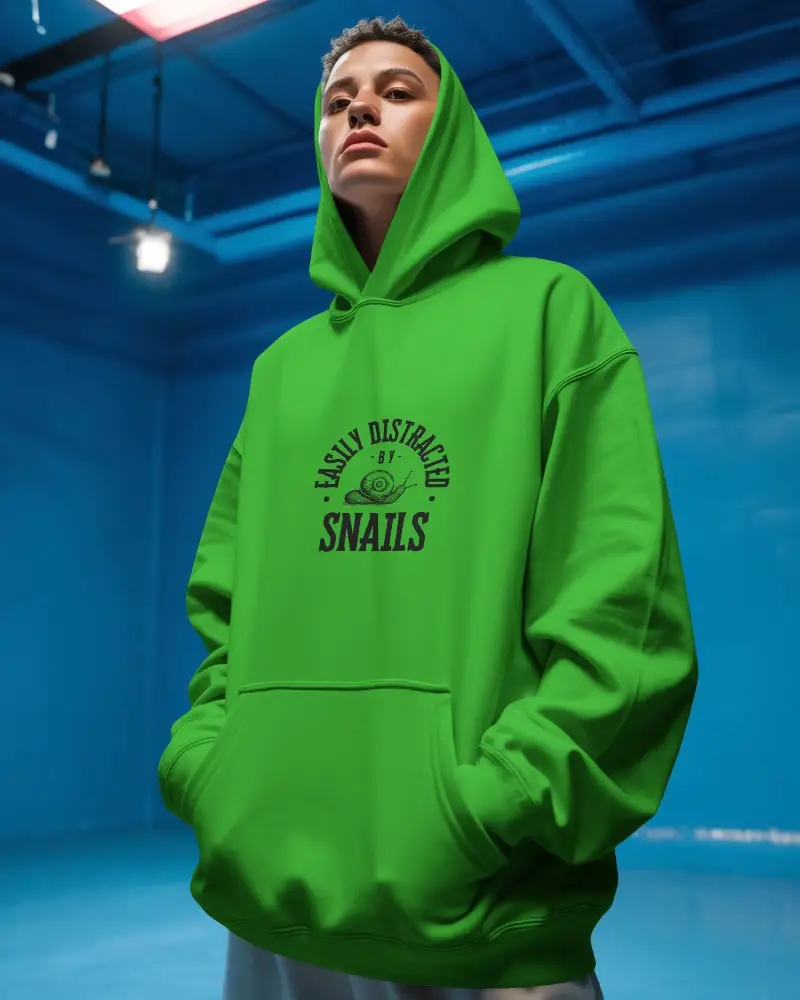
Create bold and modern brand visuals with oversized hoodie mockups. Highlight your designs in comfort and style using realistic textures, editable colors, and perfect lighting. These oversized hoodie mockups make your brand stand out beautifully across online stores and creative portfolios.
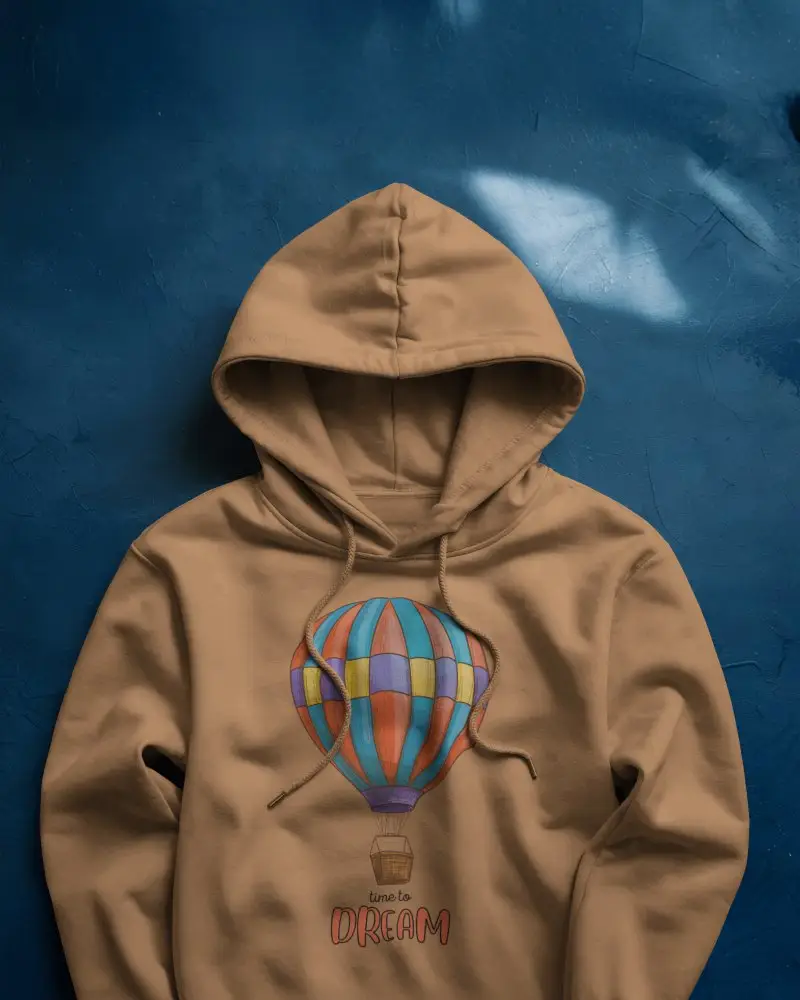
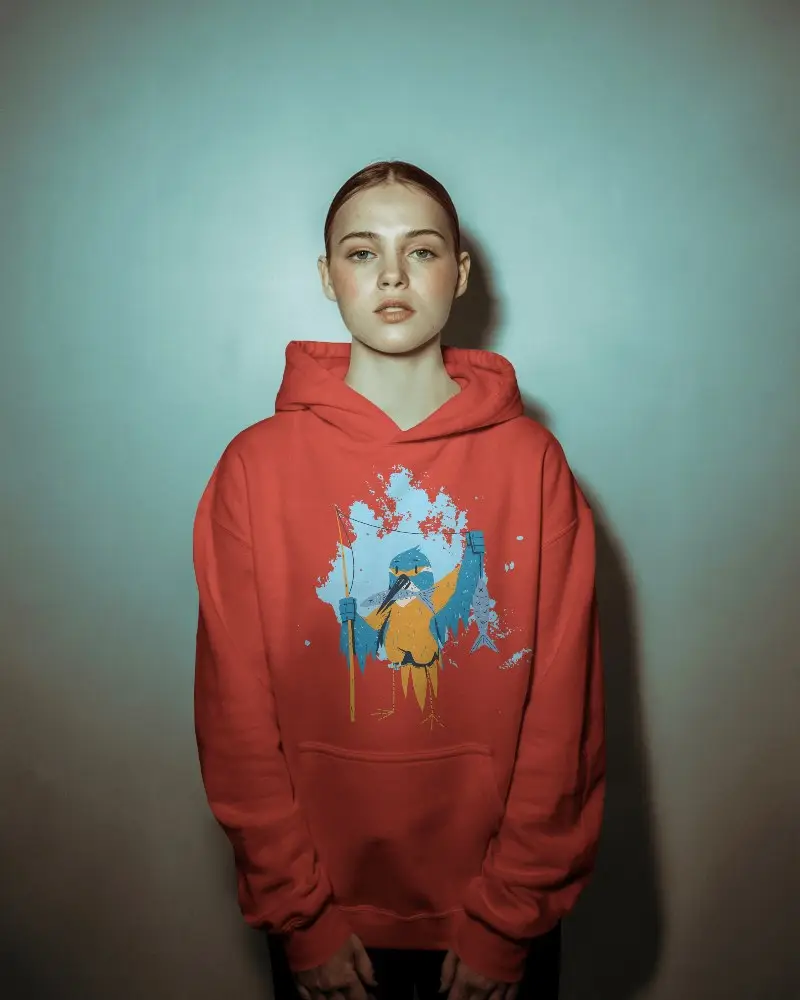
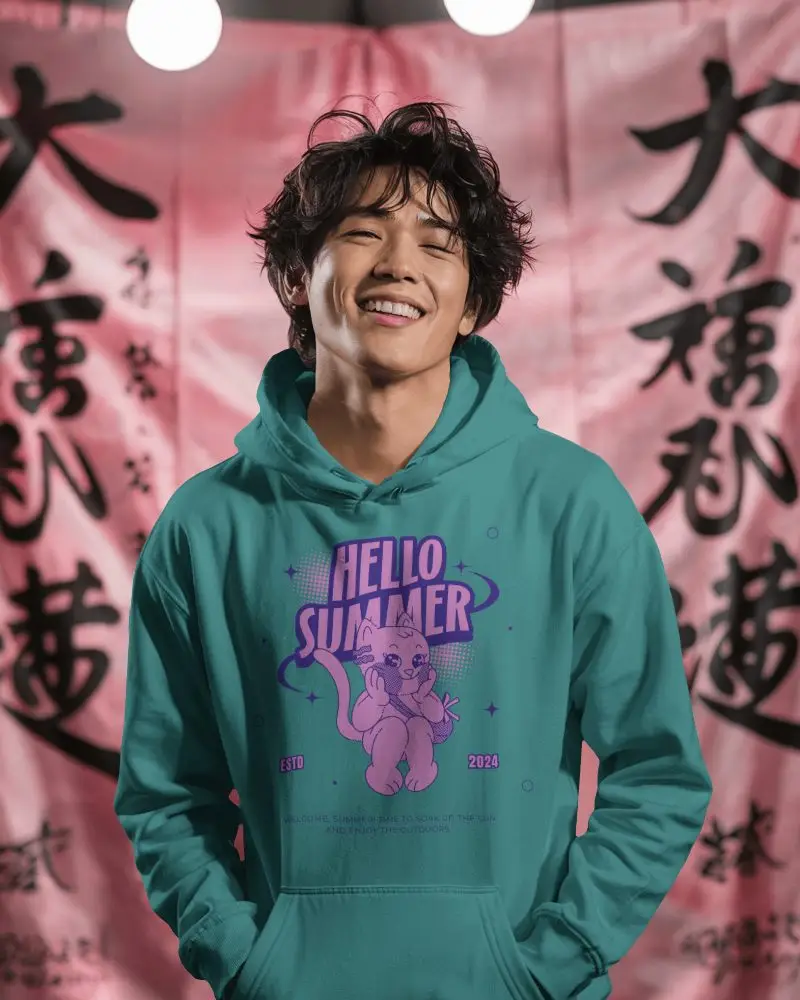
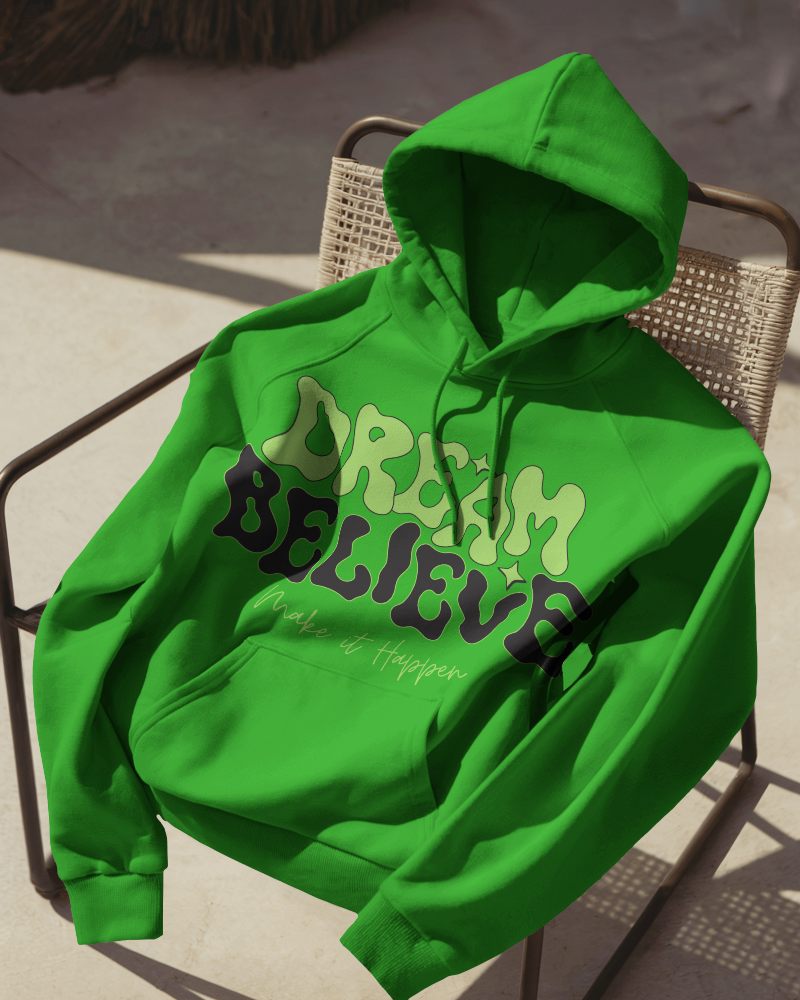
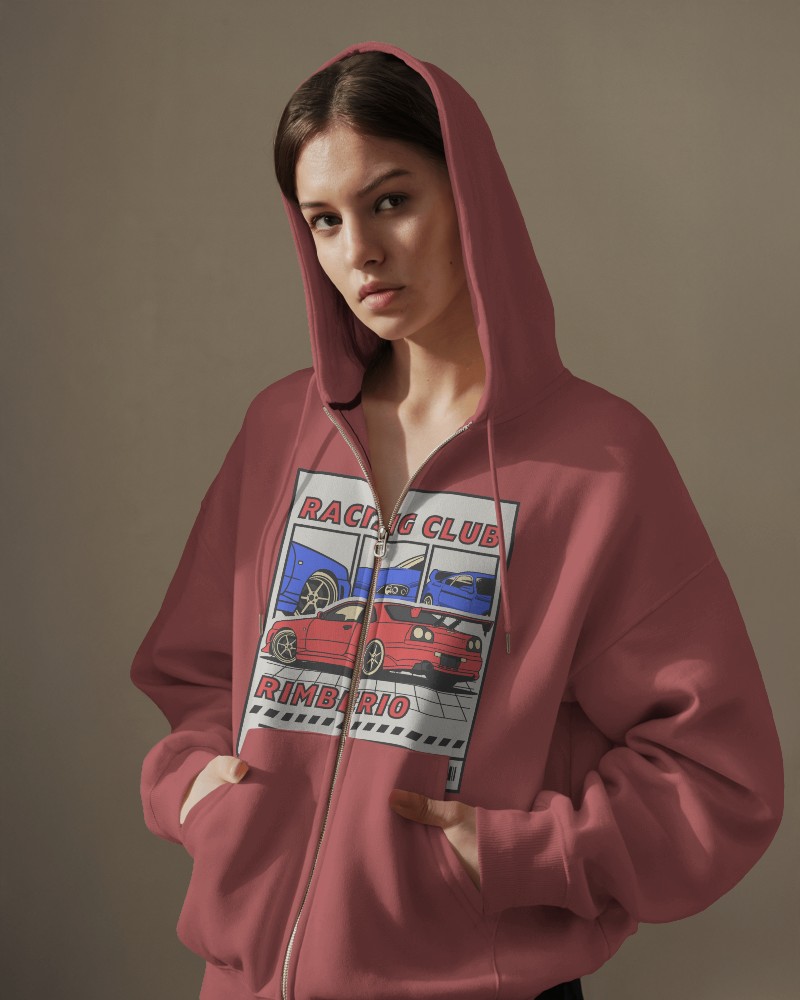
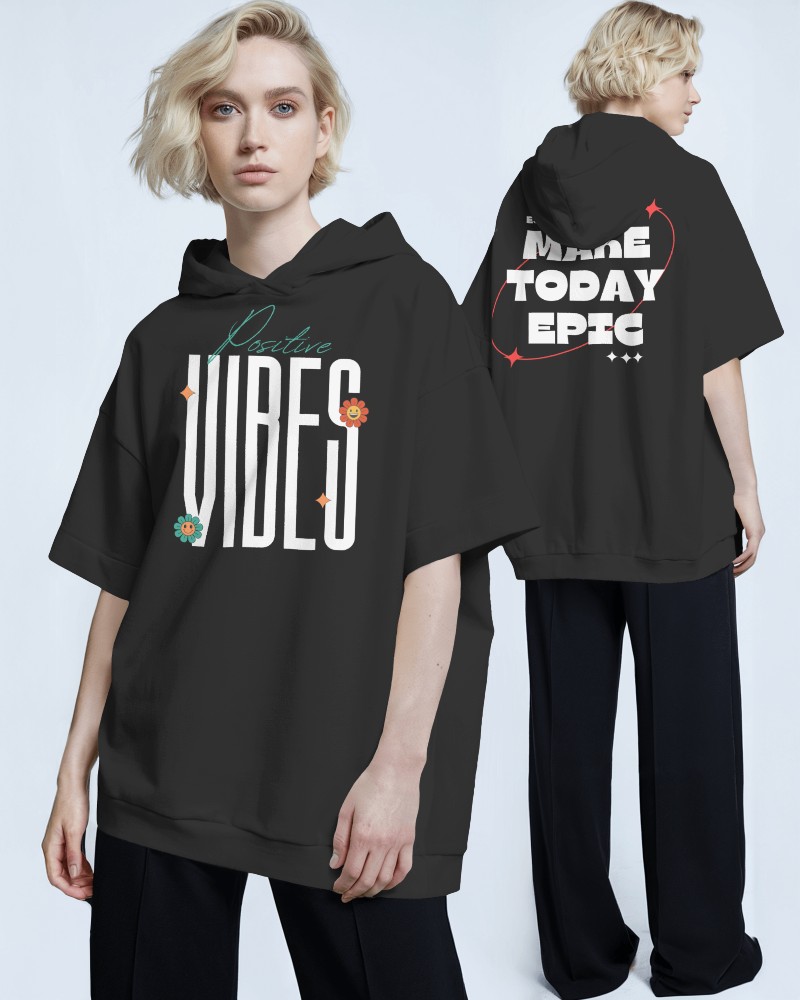
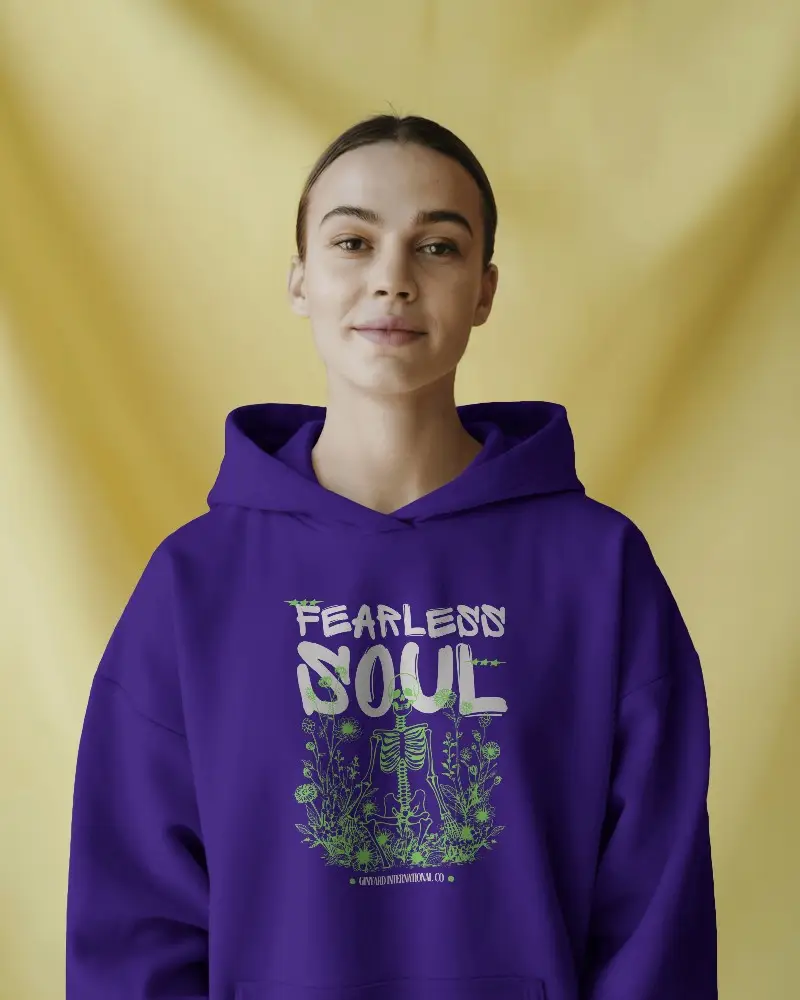
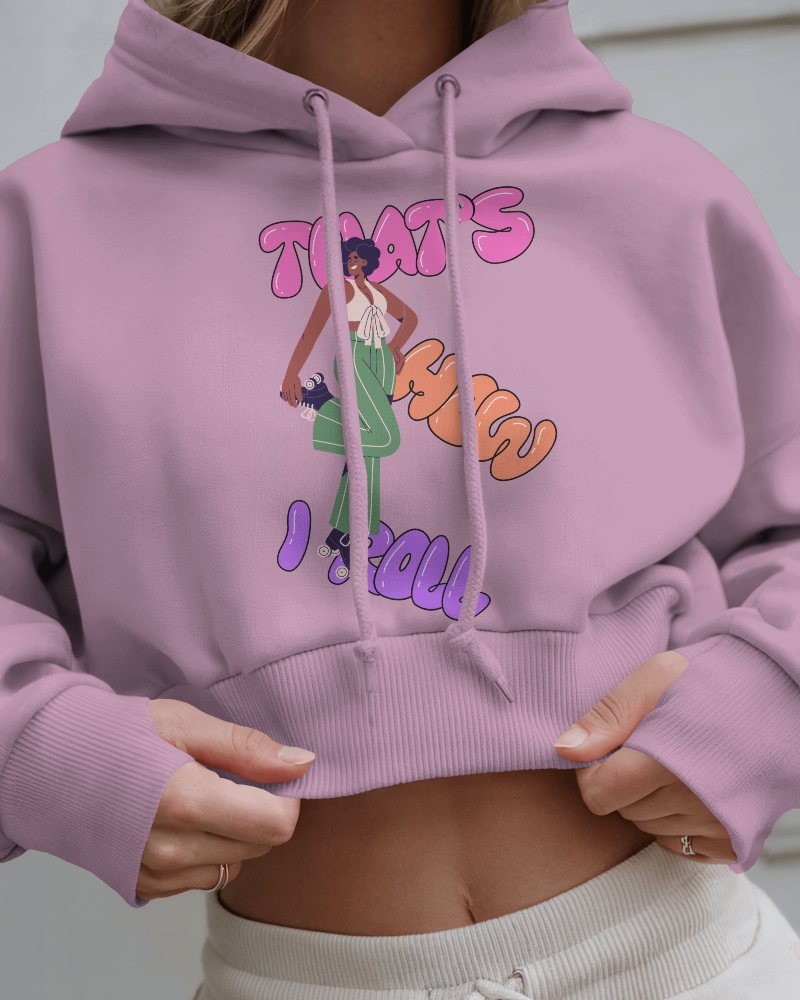
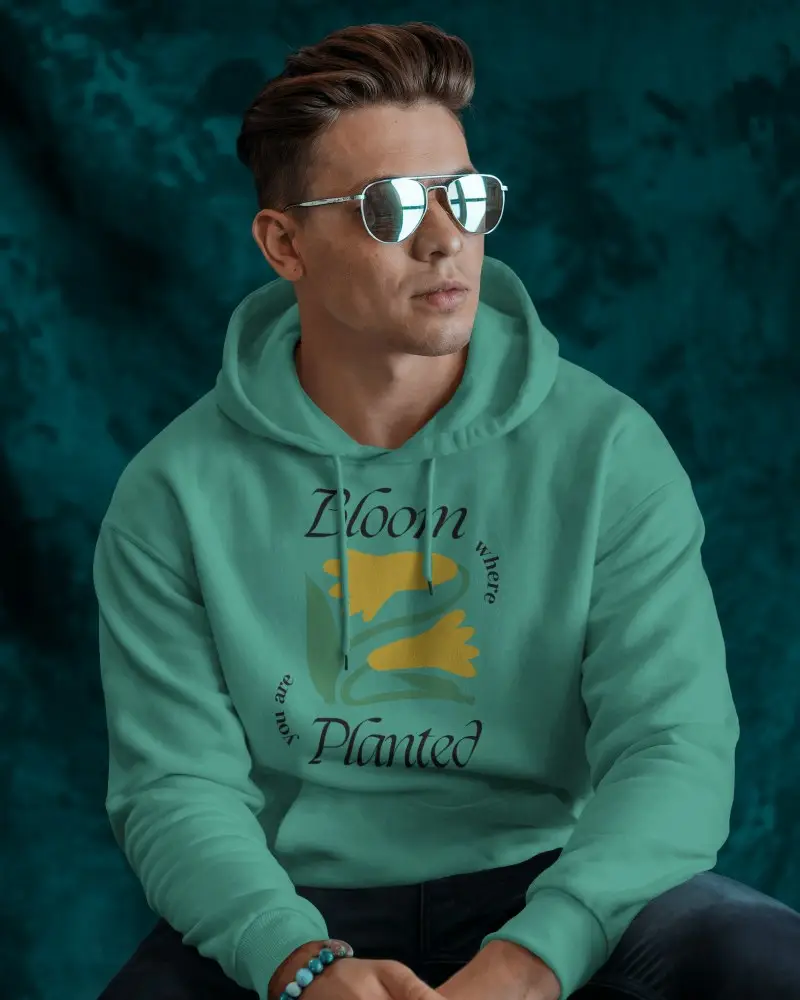
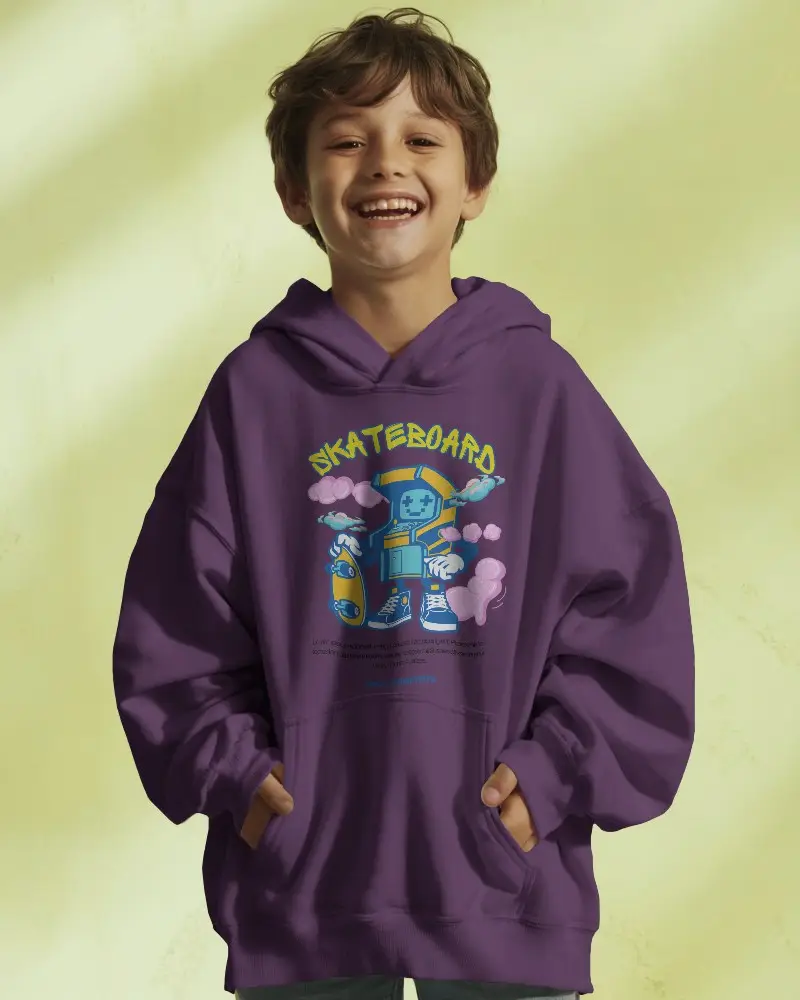
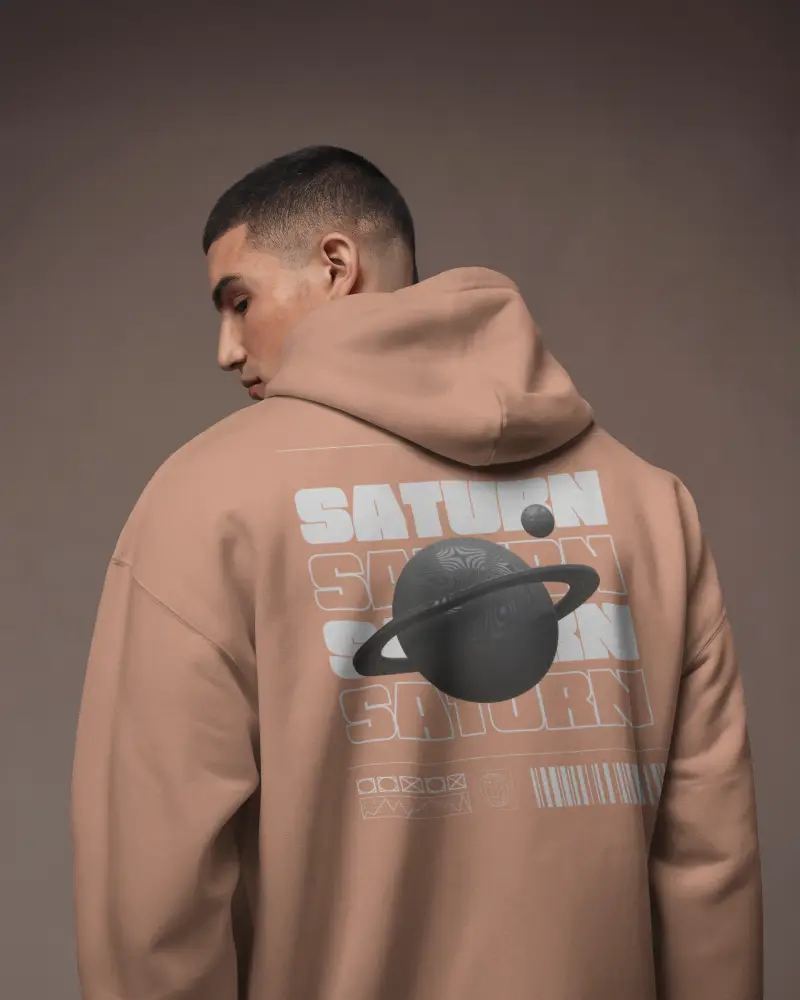
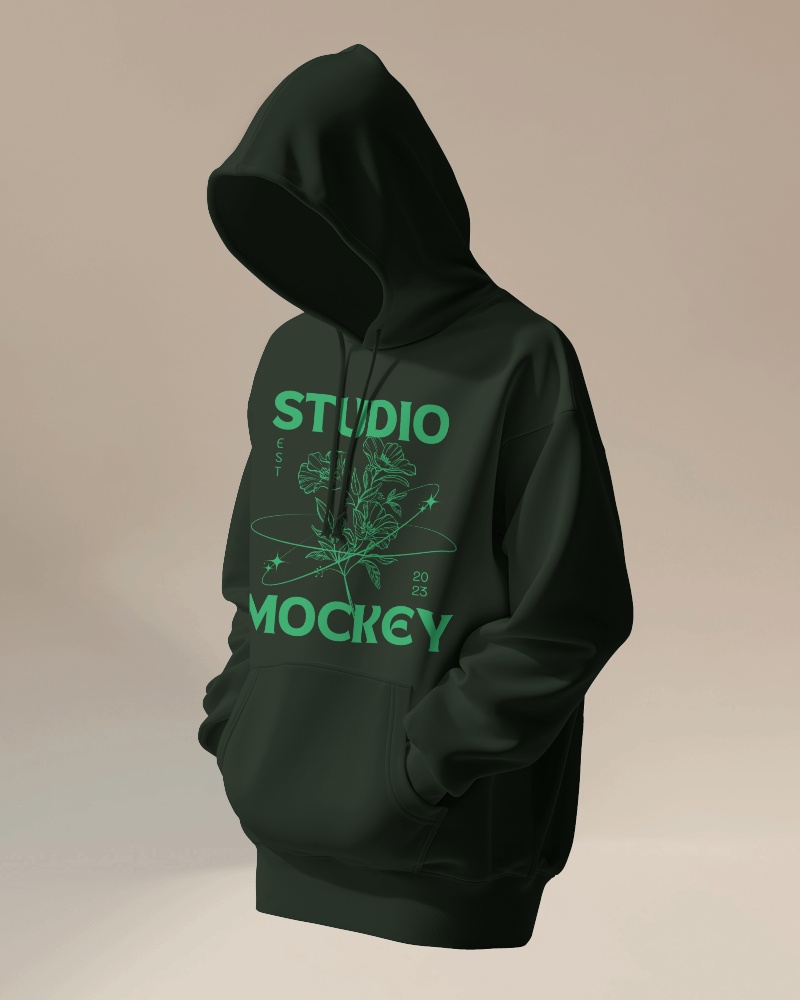
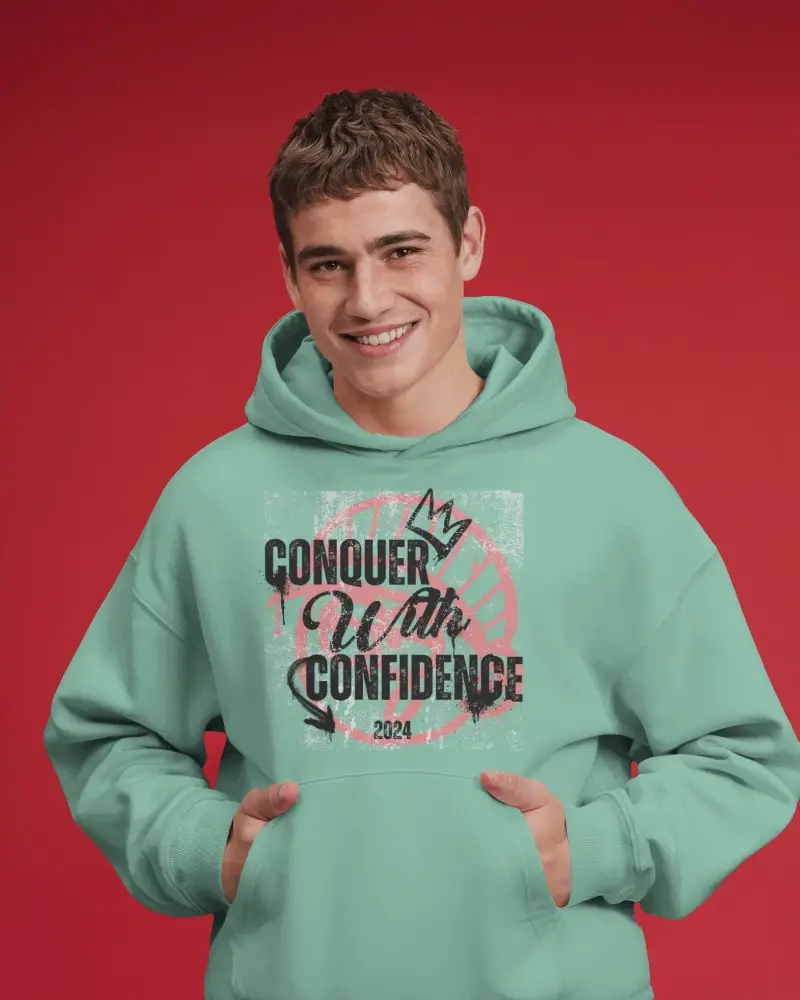
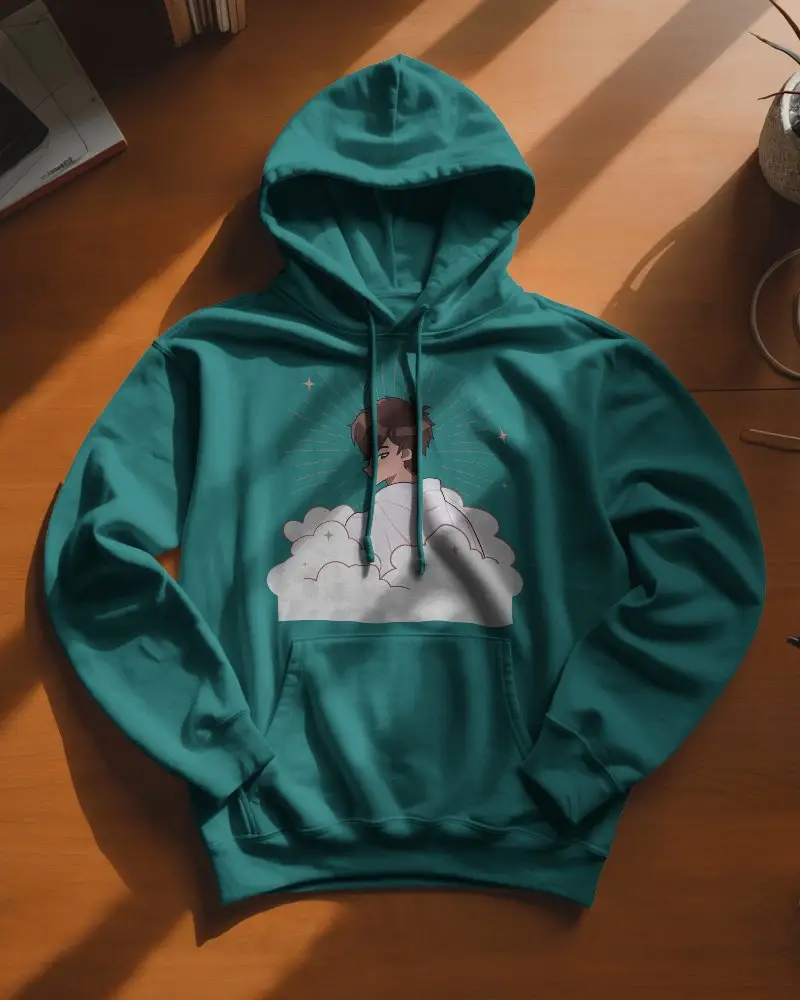
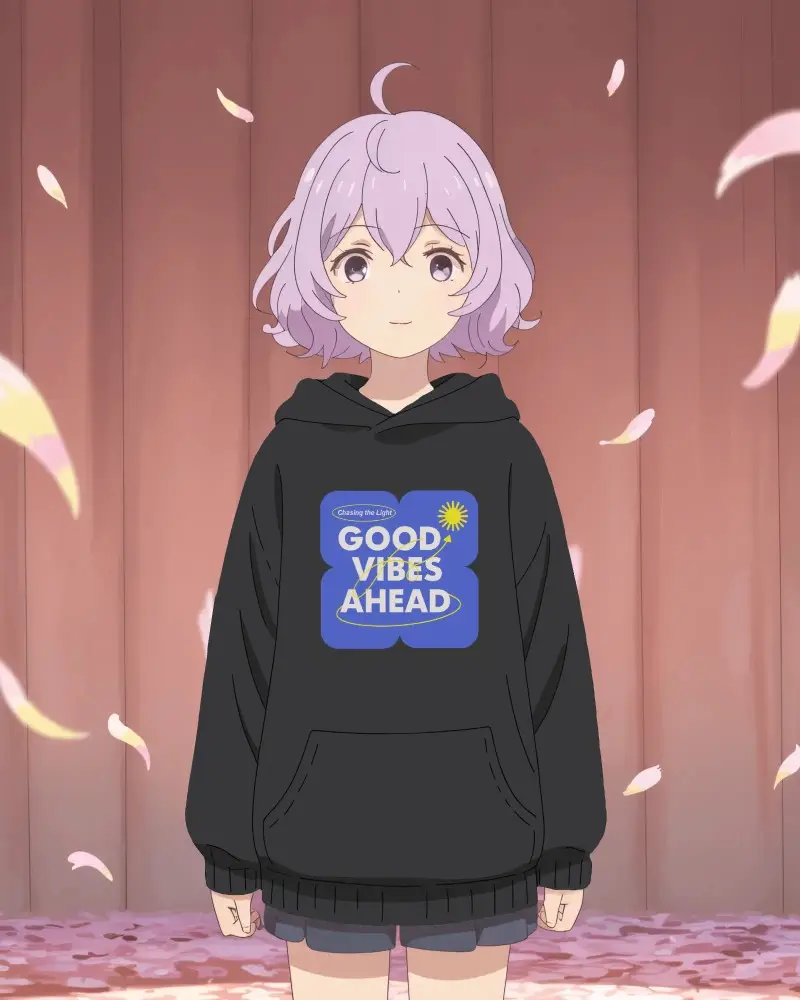
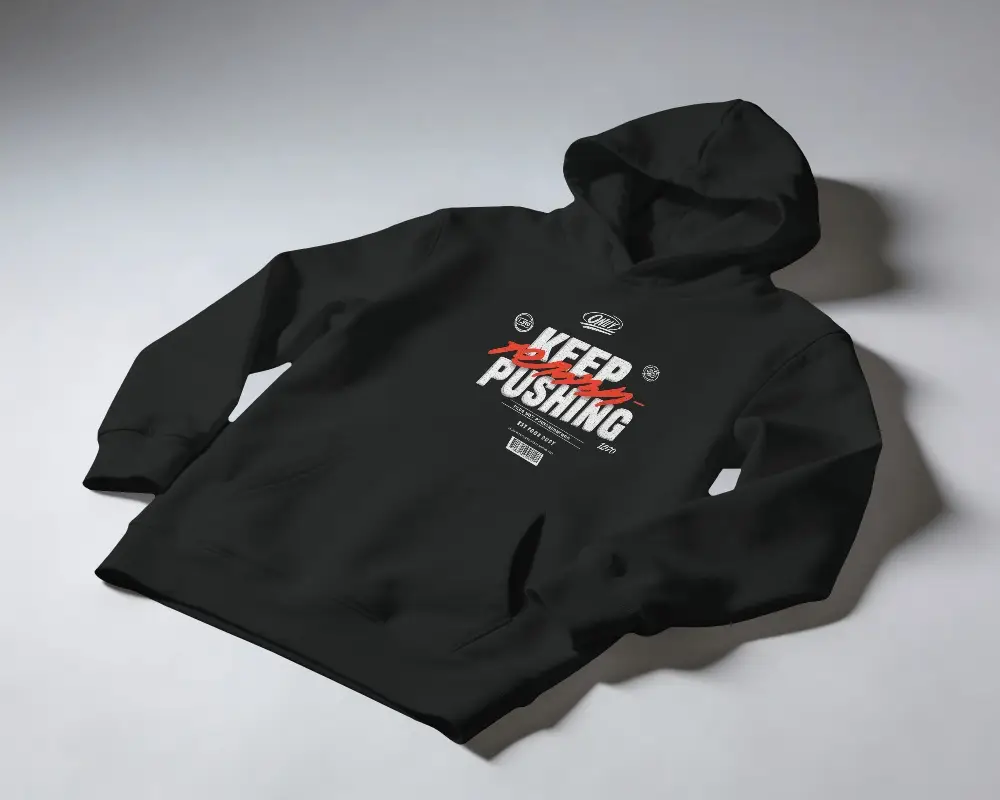
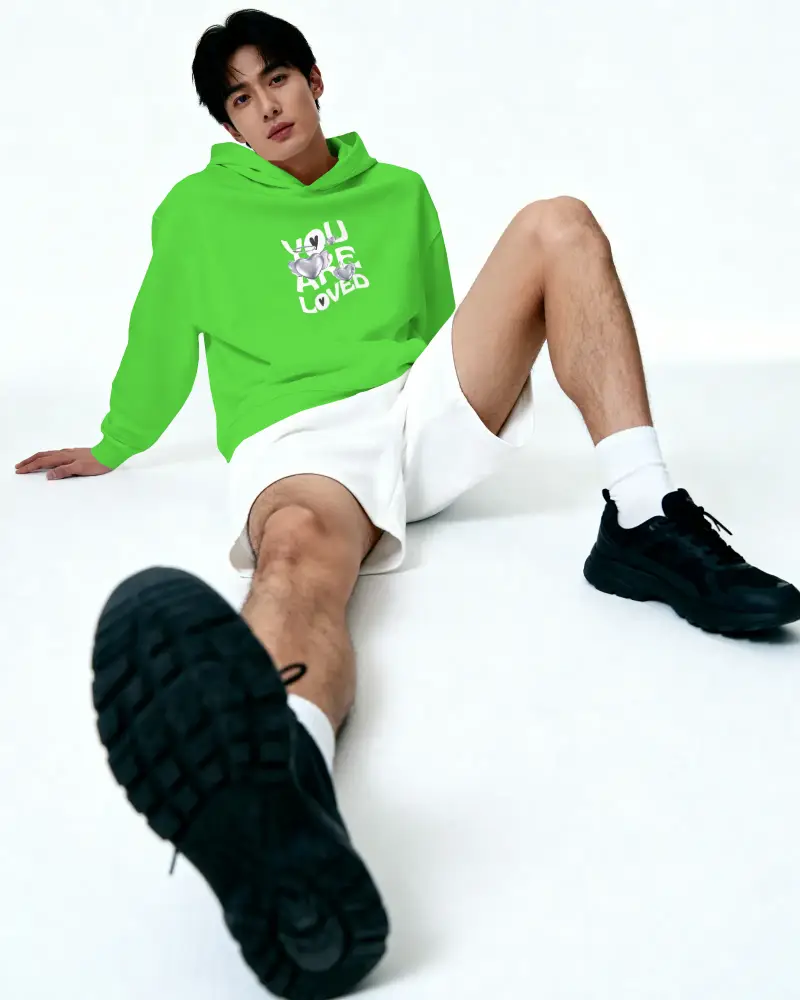
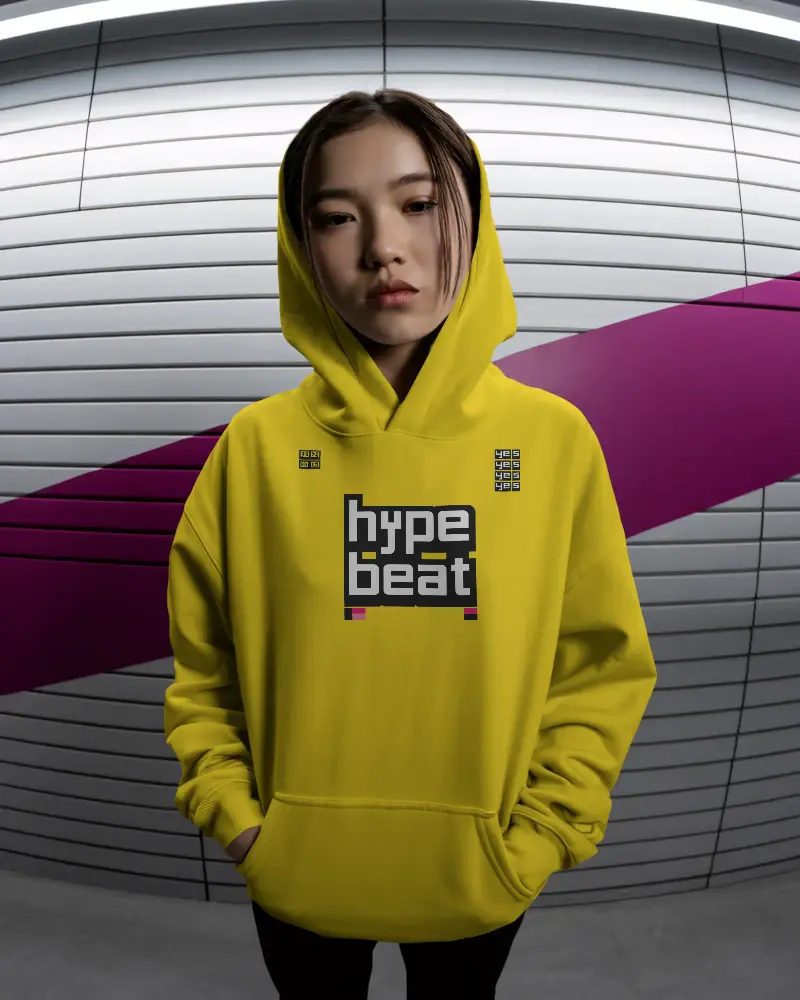
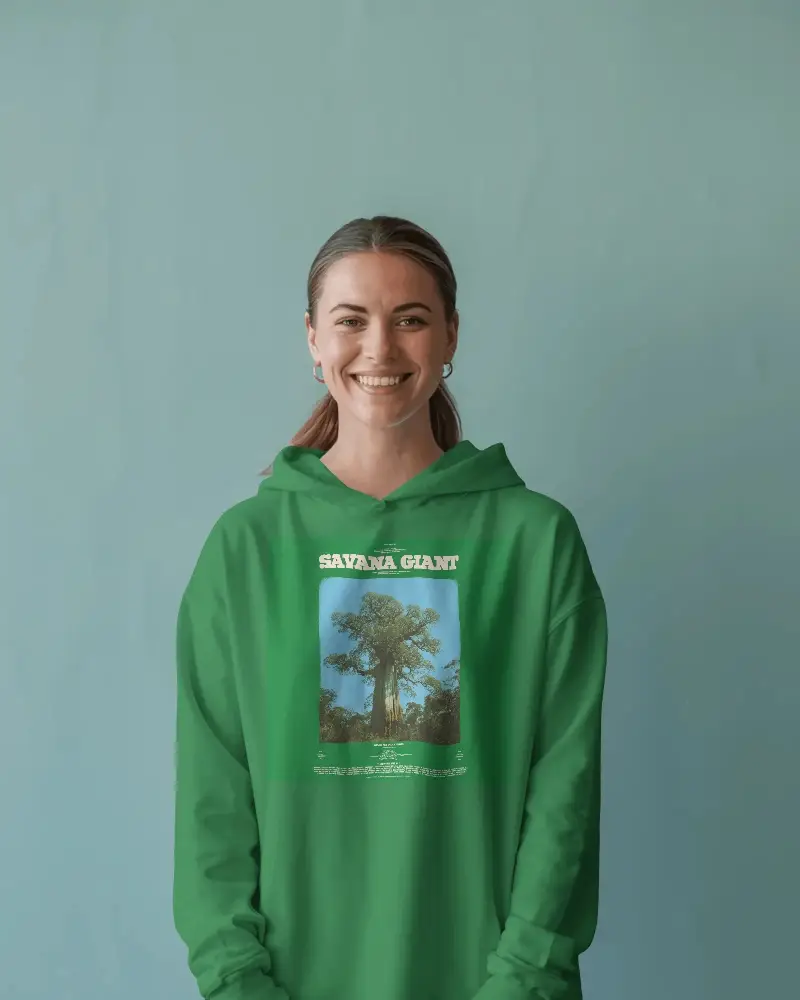
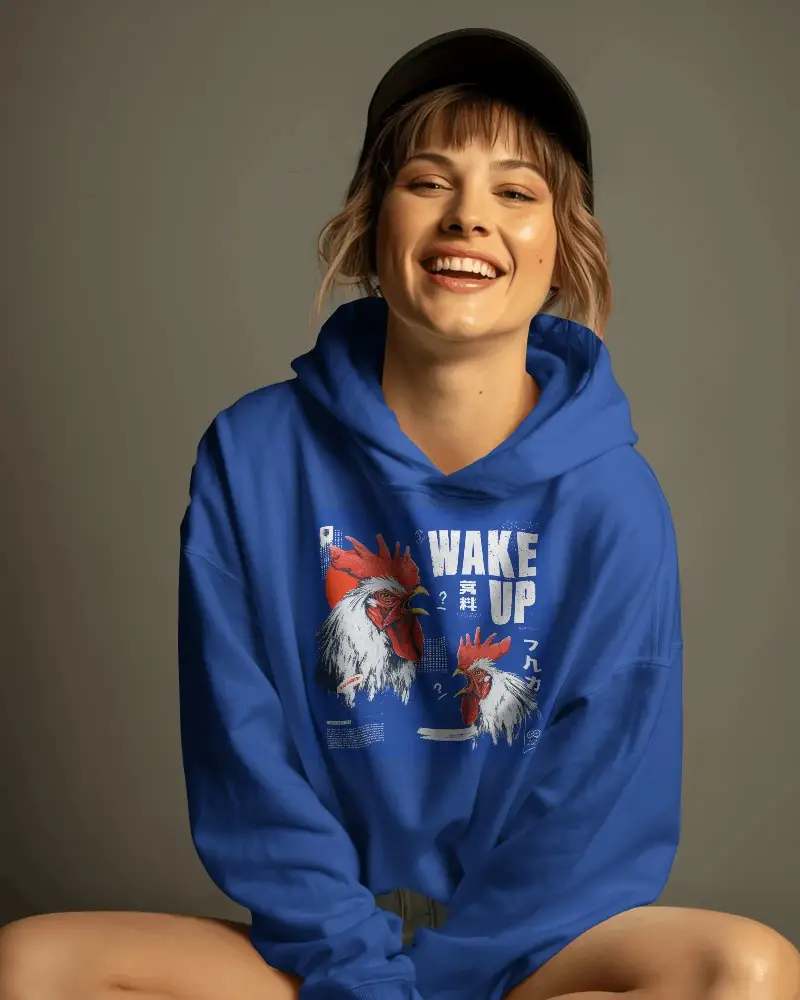
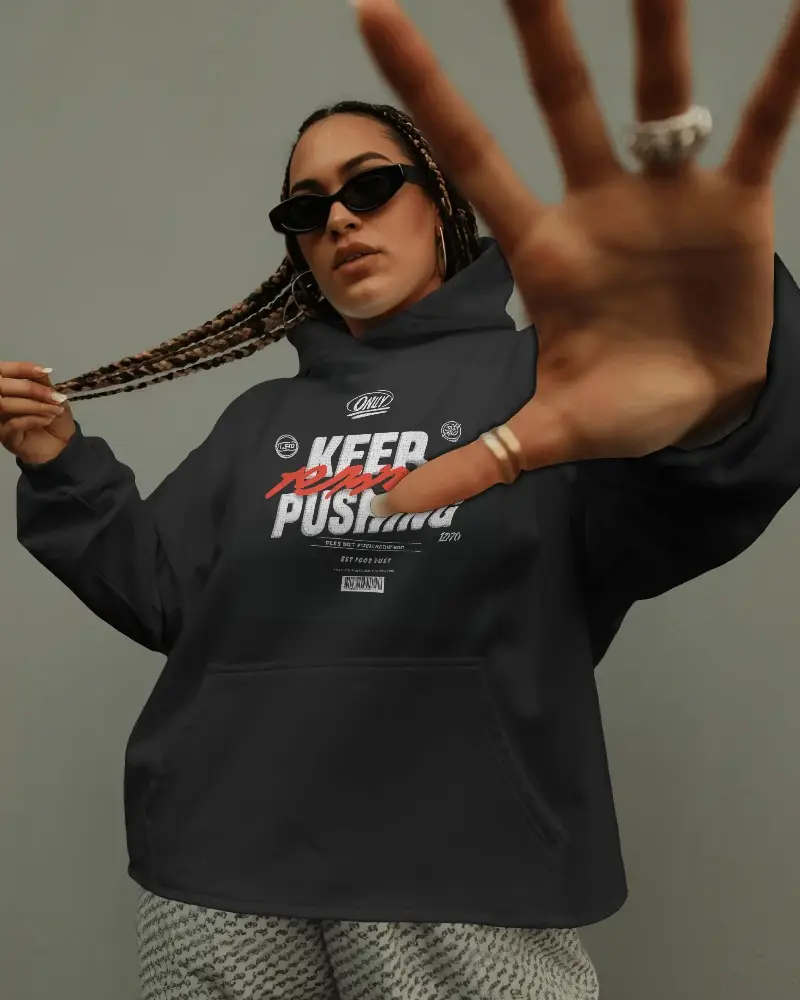
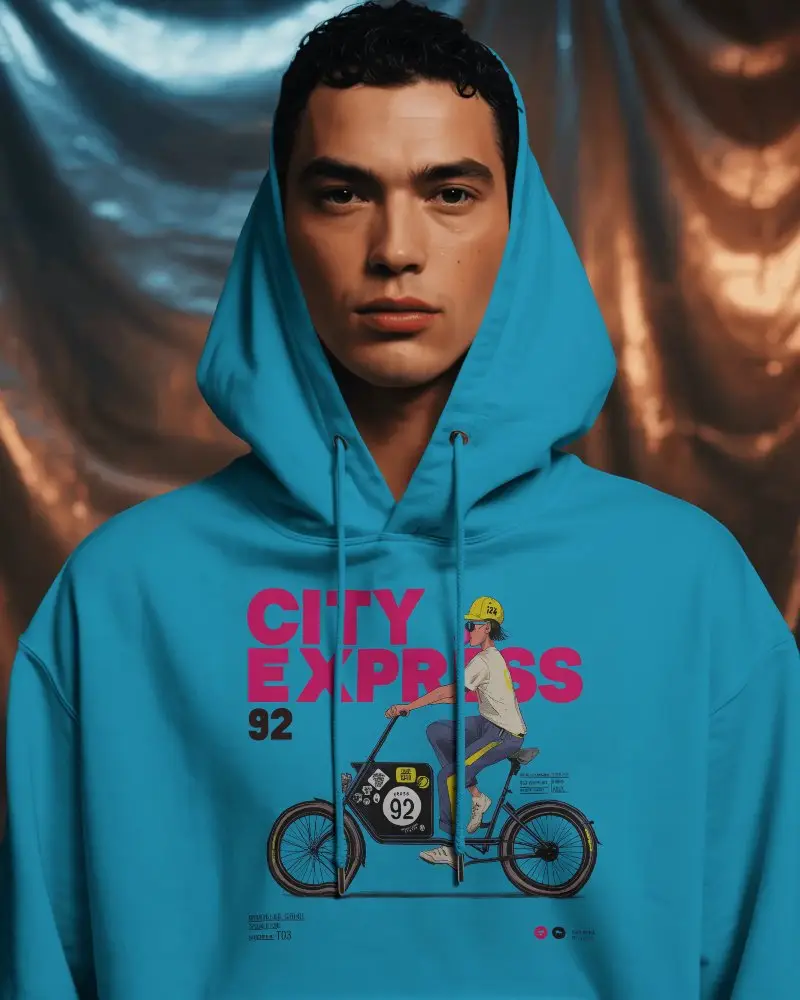
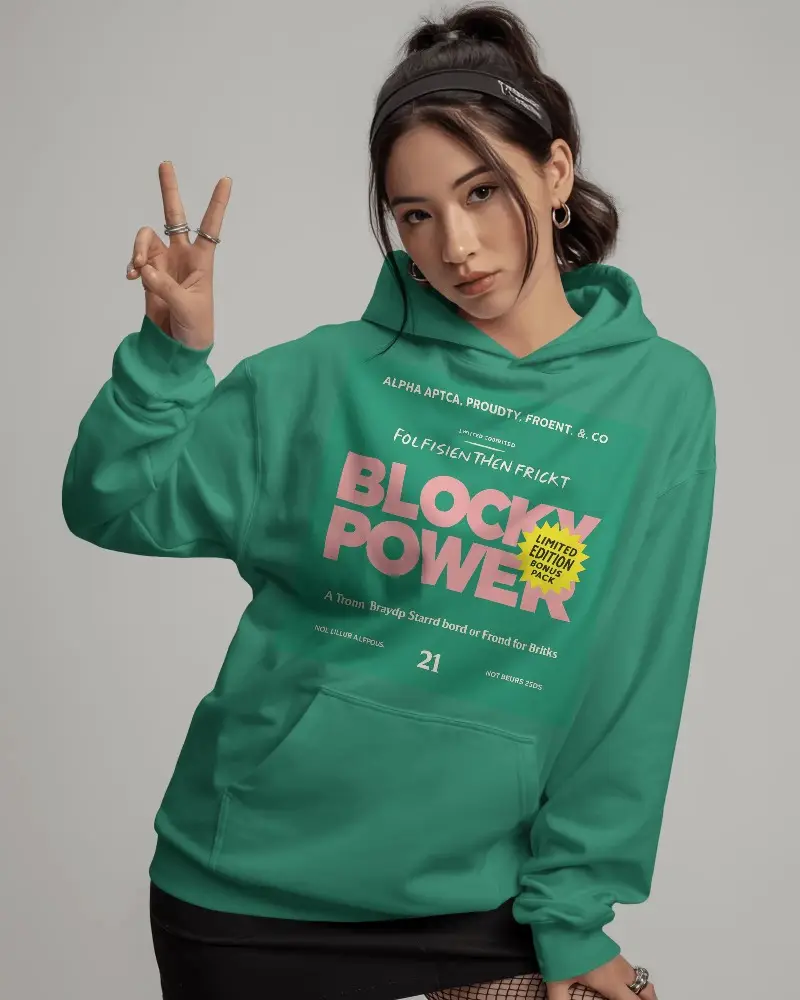
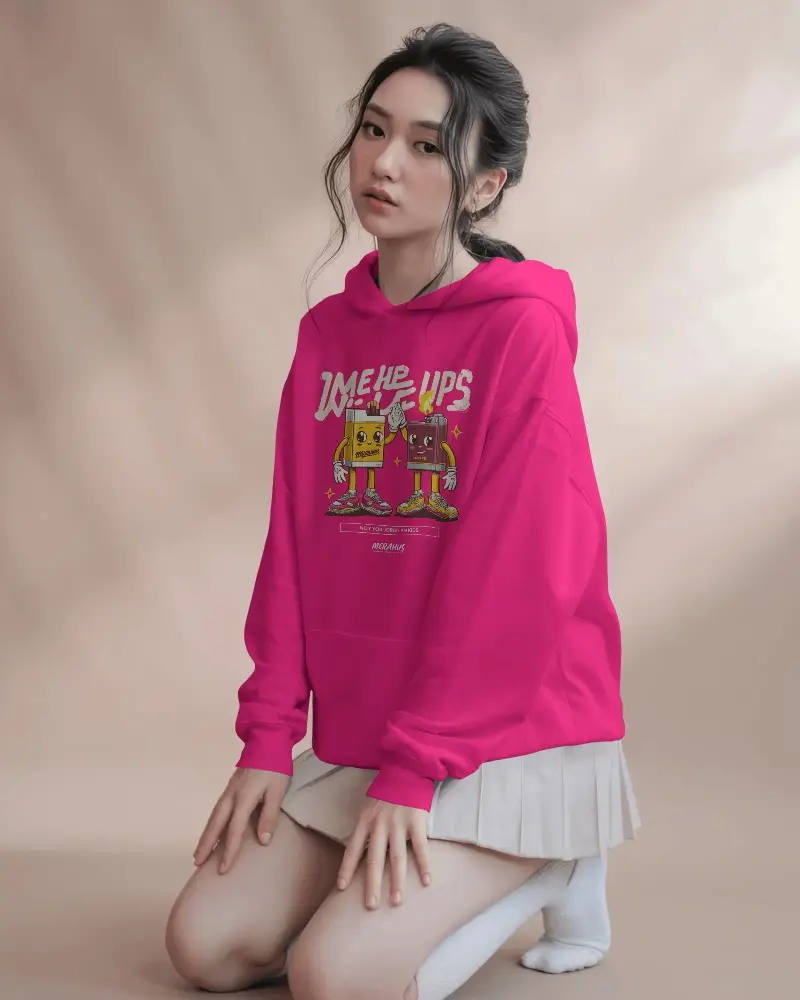
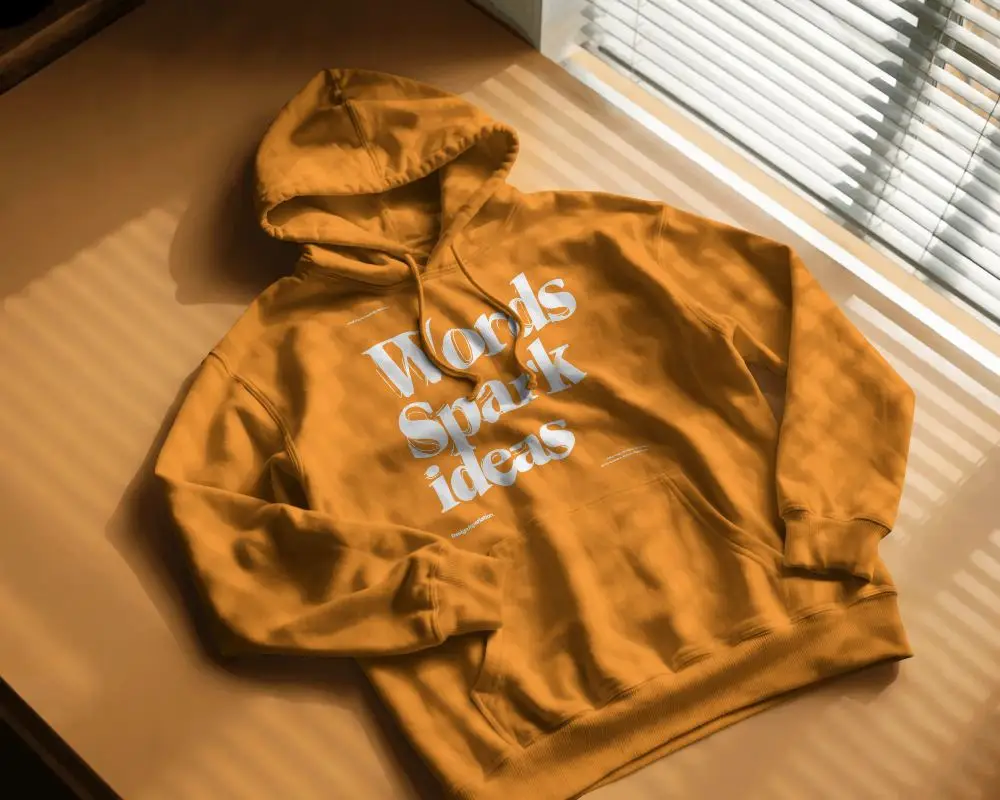
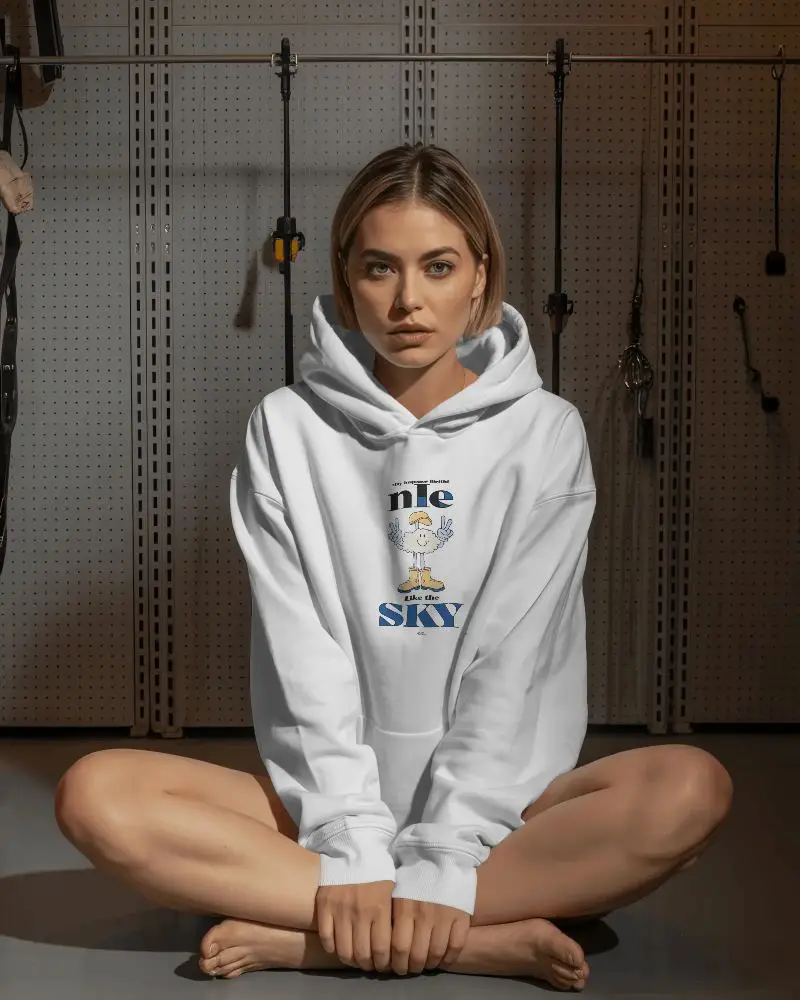
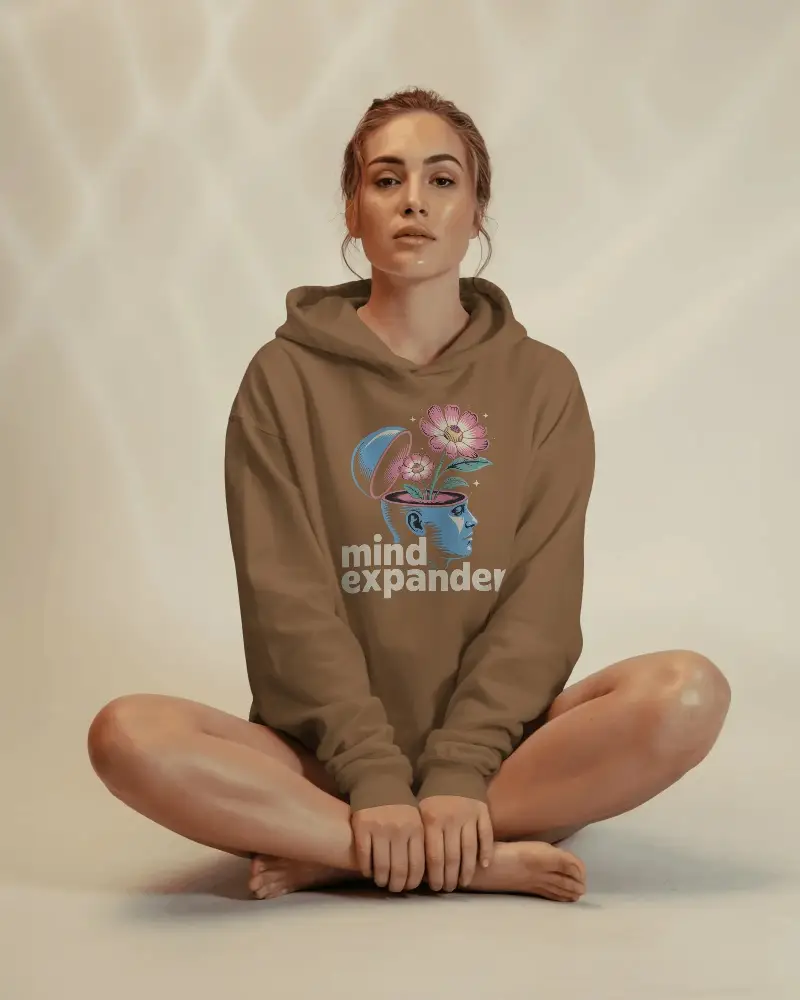
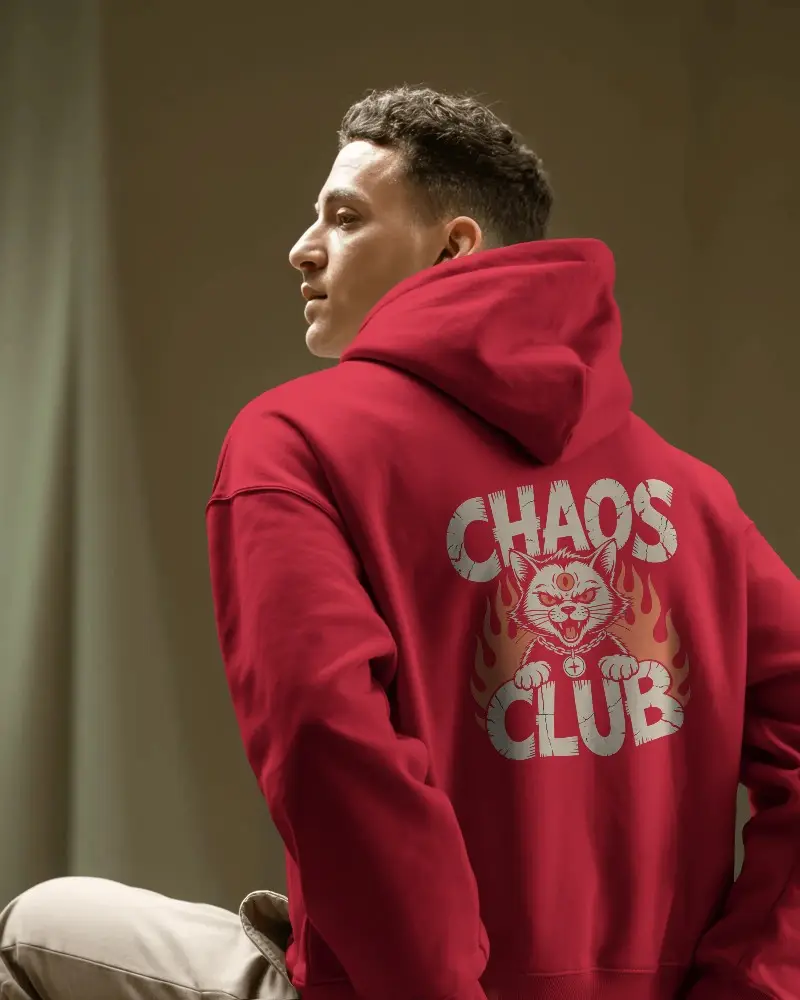
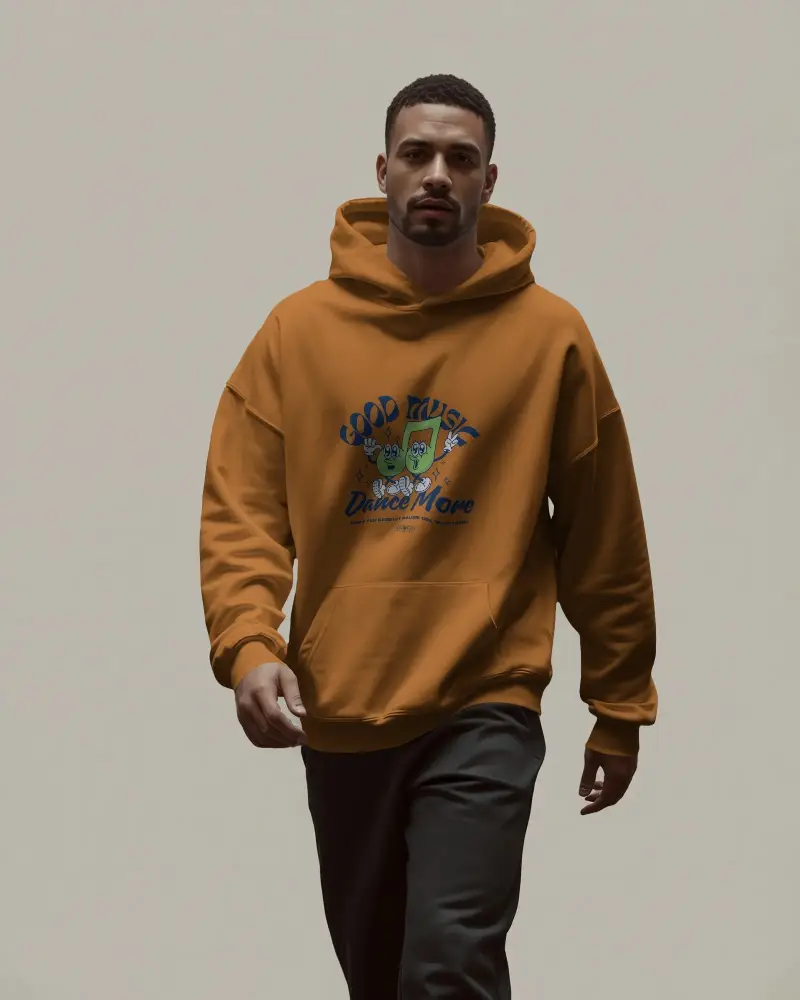
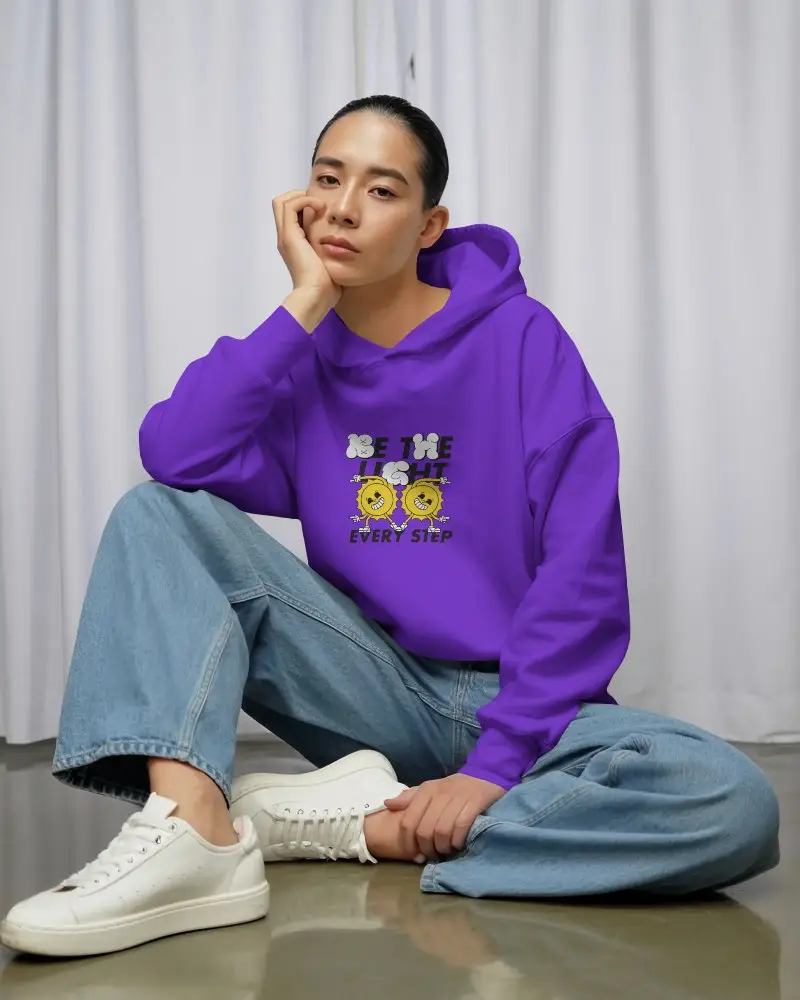
How to Create Oversized Hoodie Mockup with Mockey AI
To create an oversized hoodie mockup:
- Step 1: Sign up or log in to Mockey.ai and head to ‘Mockups’.
- Step 2: Go to ‘Apparel > Hoodie’ and select the ‘Oversized Hoodie’ tag.
- Step 3: Upload your design, adjust details, and download your oversized hoodie mockup in PNG or JPG format.


FAQs on Oversized Hoodie Mockups
Why use an oversized hoodie mockup?
An oversized hoodie mockup is useful because it lets you display your custom designs on an oversized hoodie without the hassle of a photoshoot. You can change the hoodie’s color or adjust the design as needed. It’s also the best way to present your work to clients before production.
Who can benefit from an oversized hoodie mockup?
Regardless of what part of the apparel industry you are in, everyone can benefit from oversized hoodie mockups—especially those working in the casual streetwear market, as well as designers and marketers.
Are oversized hoodie mockups available in video format, too?
On Mockey AI, you’ll find hoodie video mockups with a wide range of oversized hoodie video templates. You can add your designs to them and download the final result in MP4 format.
Does Mockey AI offer only oversized hoodie mockups?
Besides oversized hoodie mockups, Mockey also offers flatlay hoodie mockups, classic hoodie mockups, and many other styles of mockups that can help you attract clients to your business.
