Free White Hoodie Mockup Templates
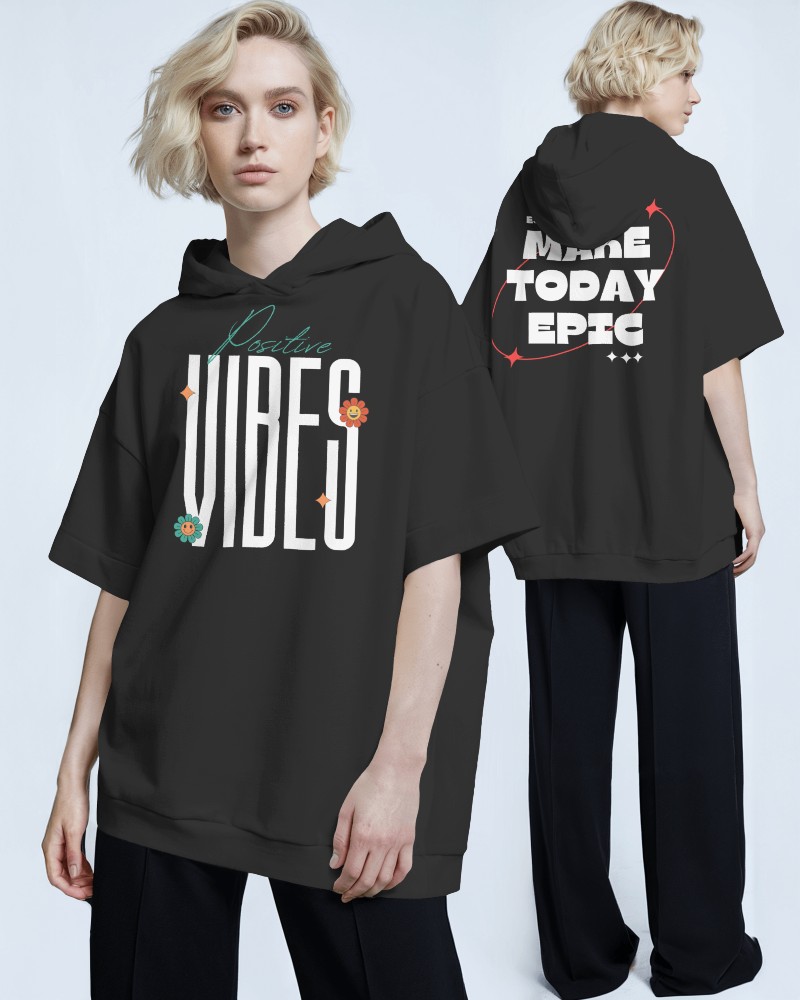
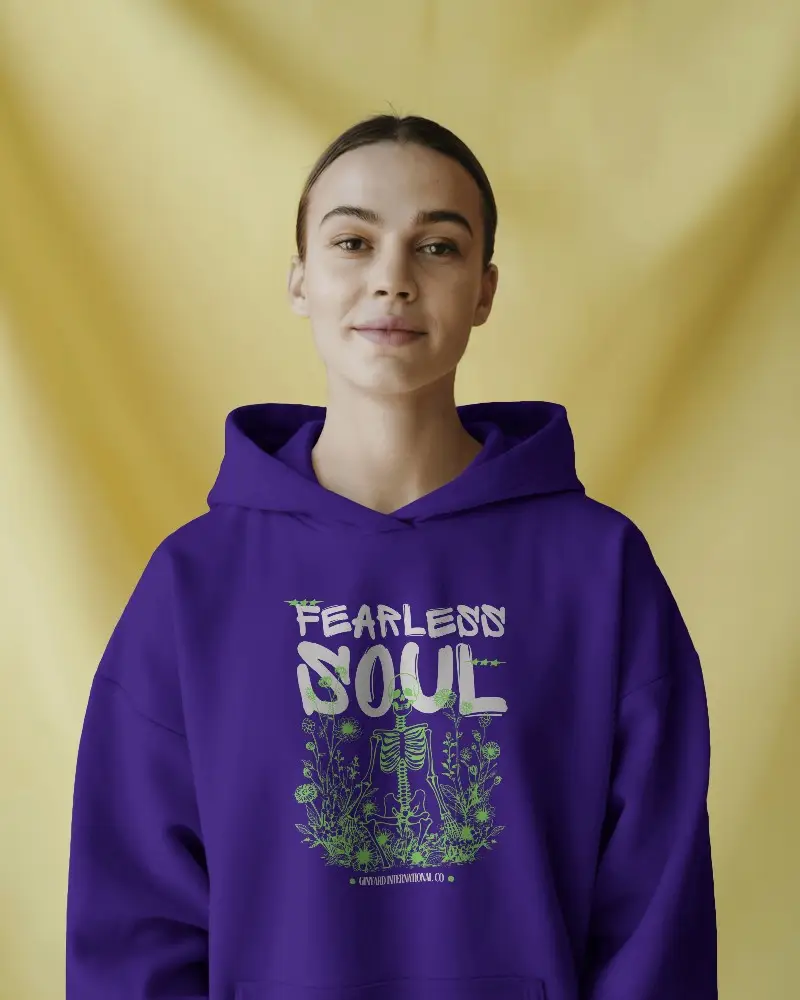
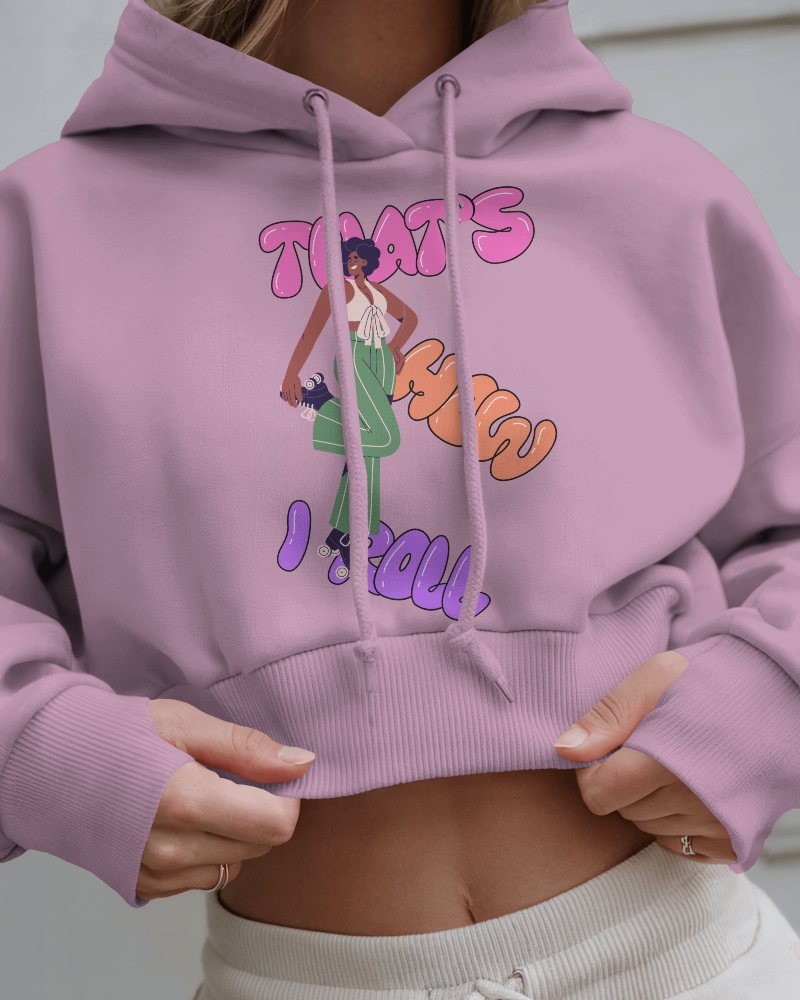
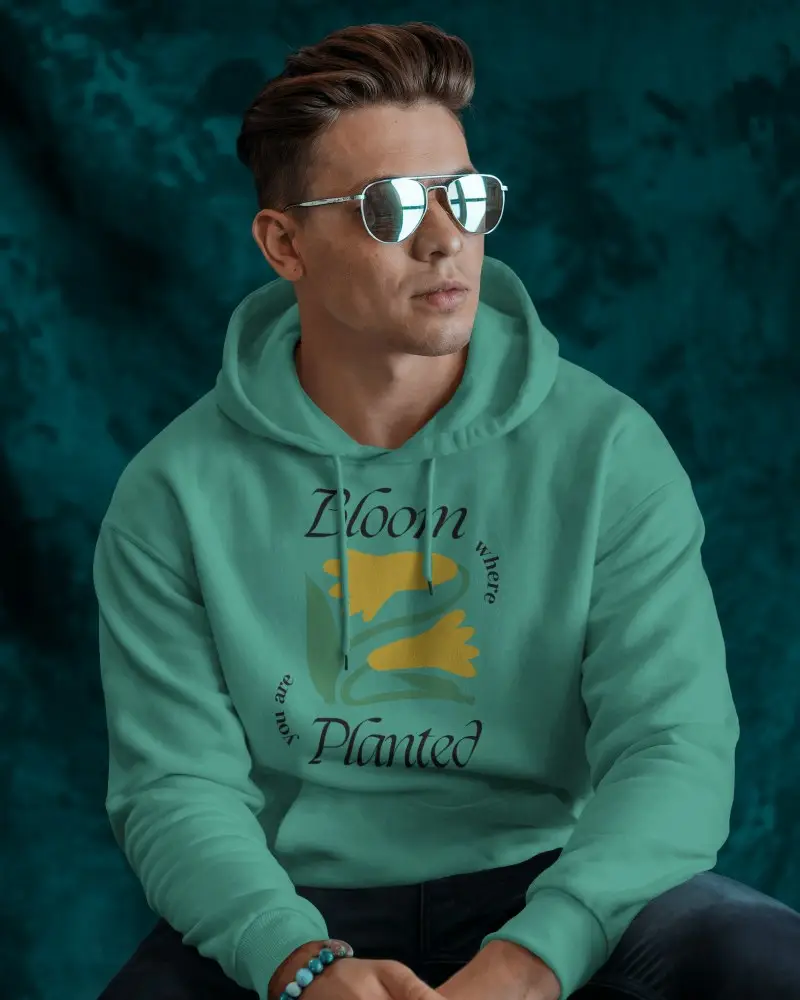
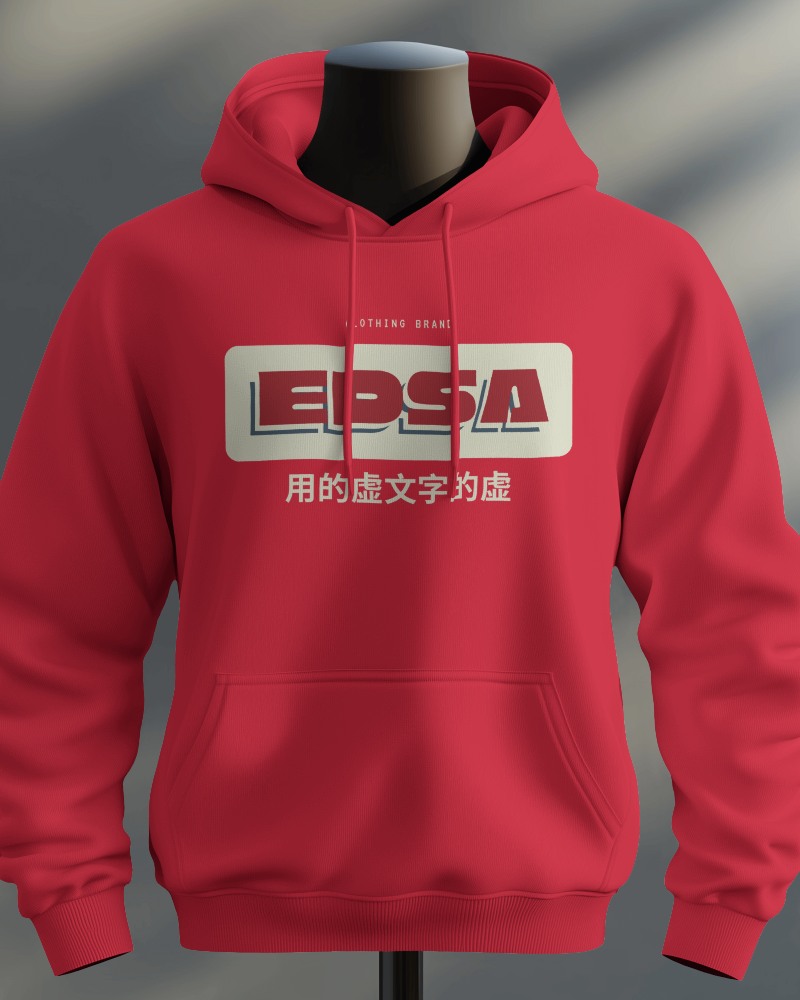
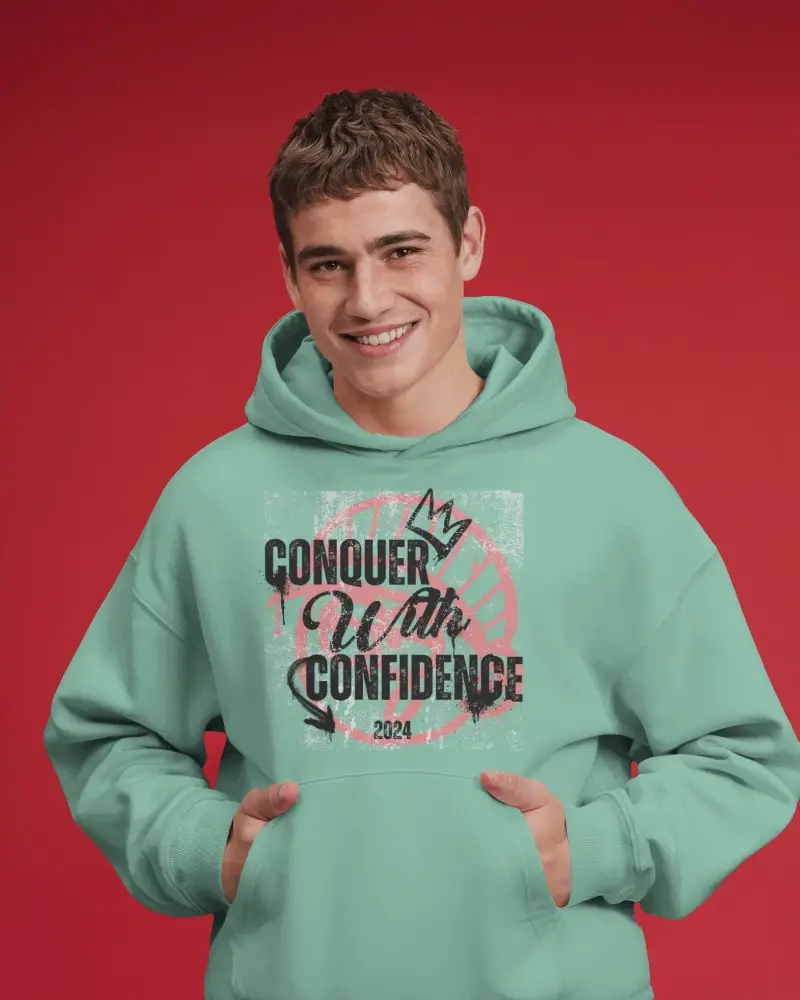
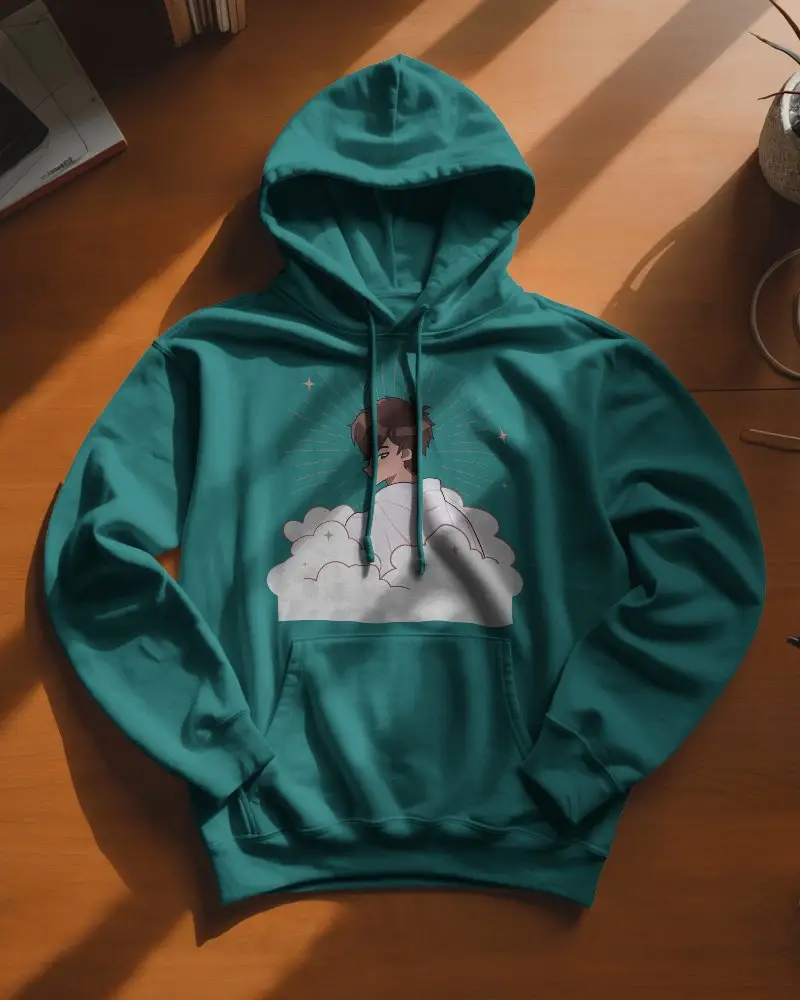
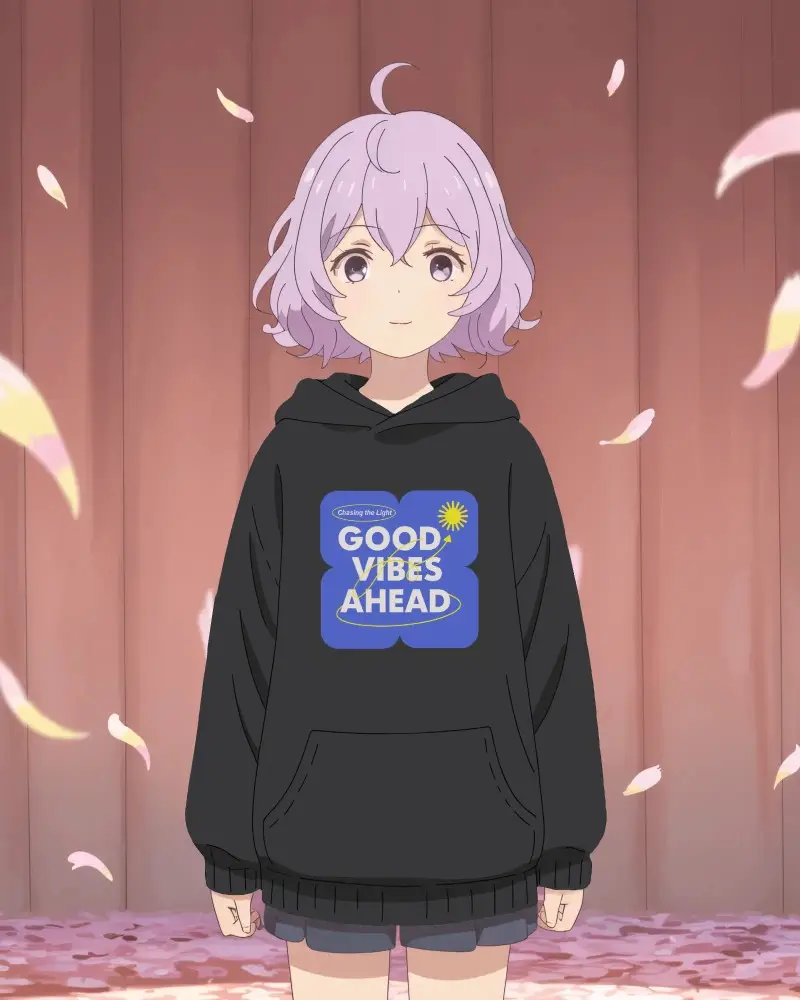
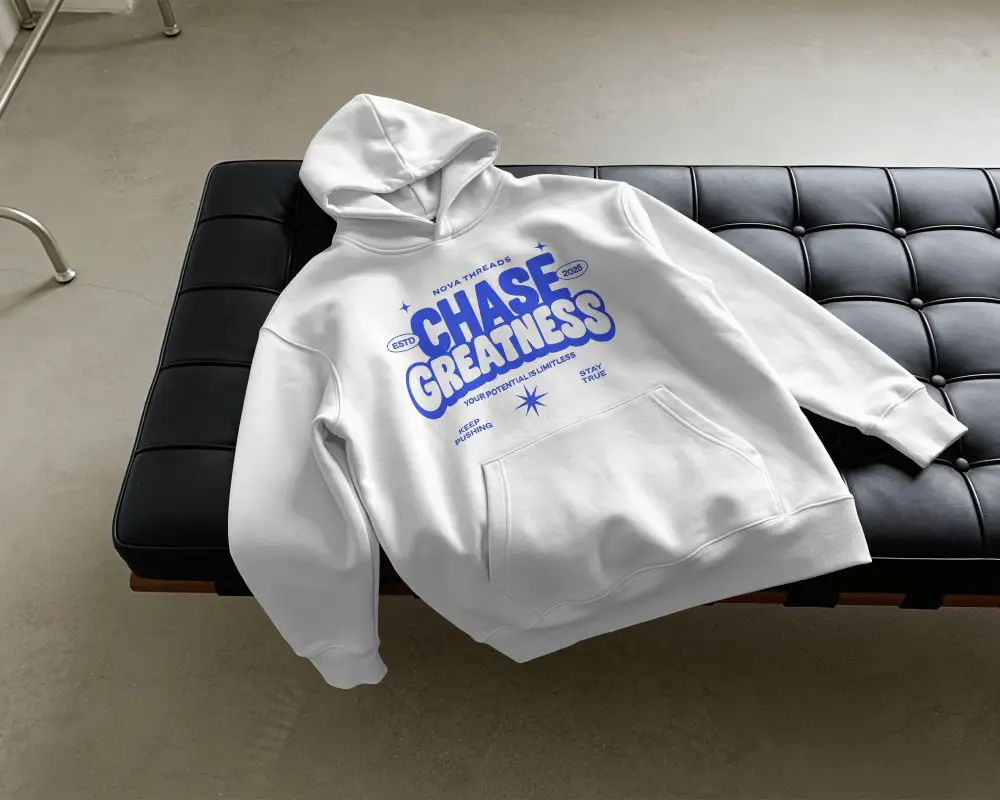
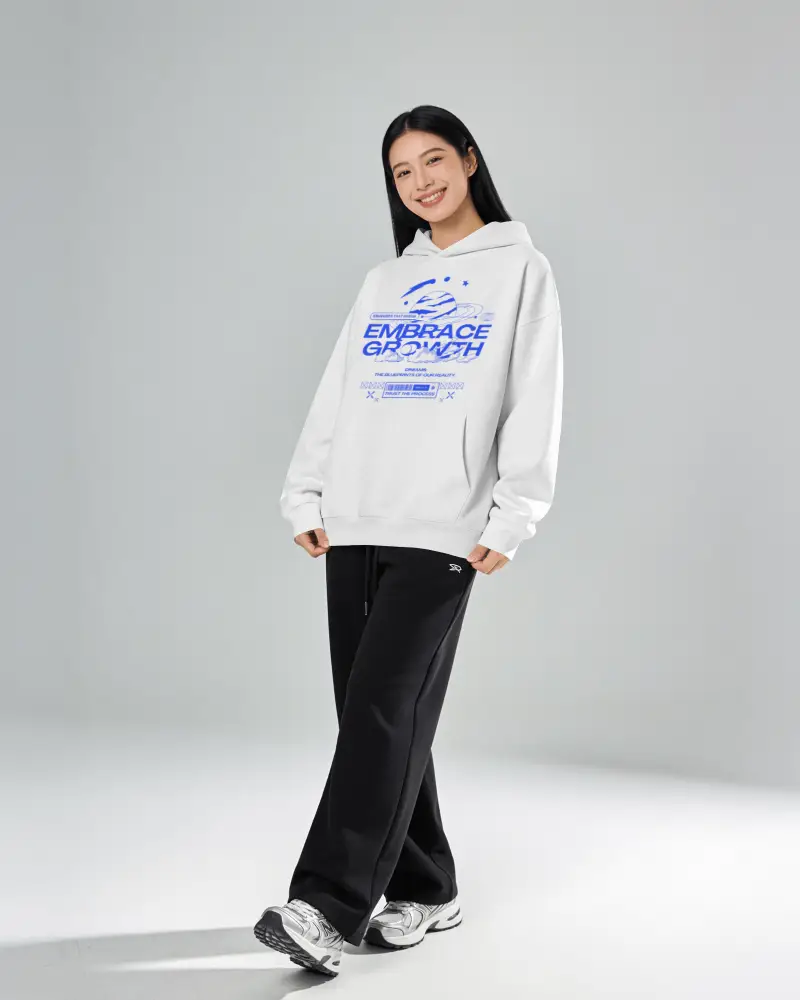
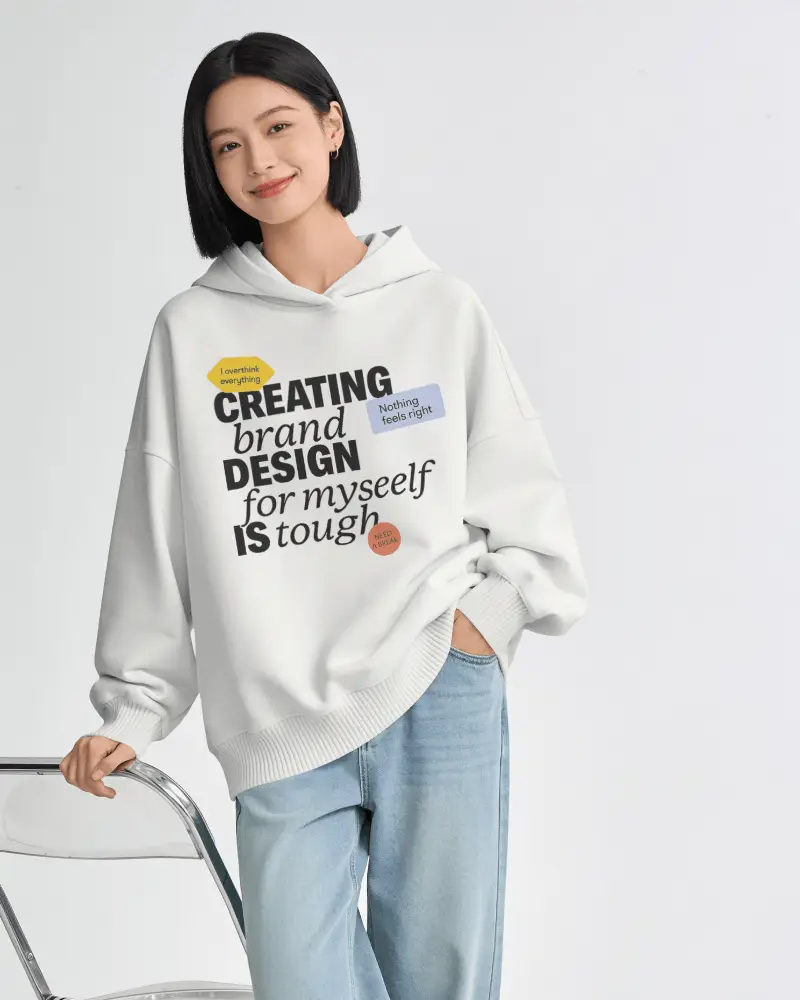
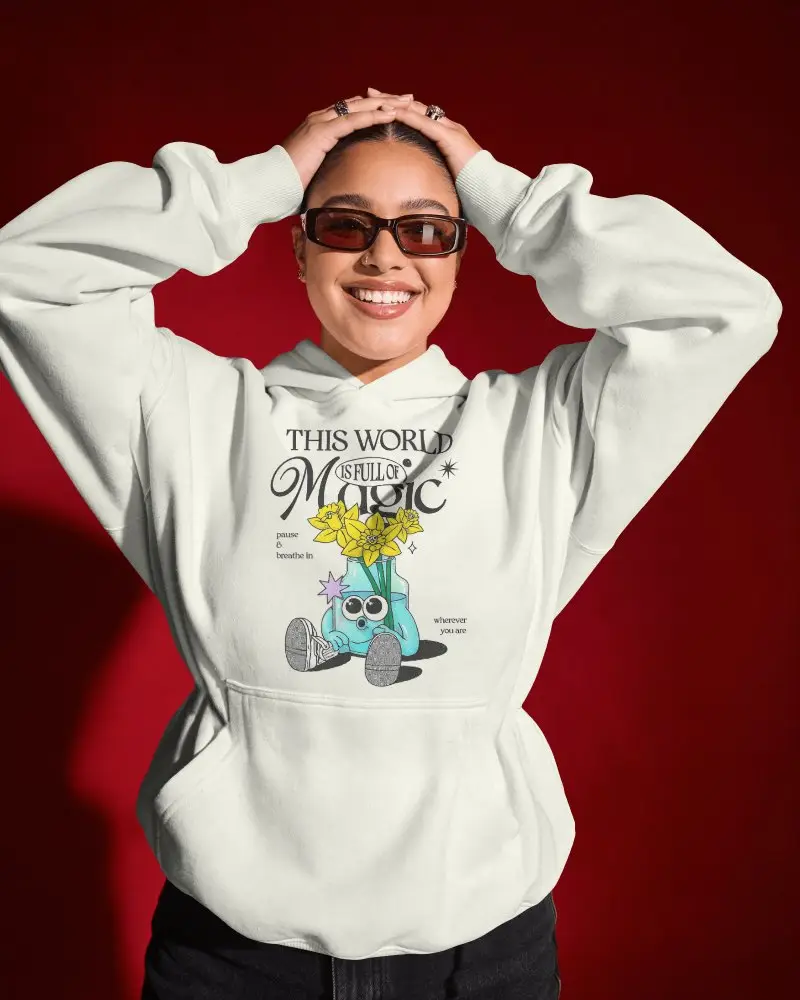
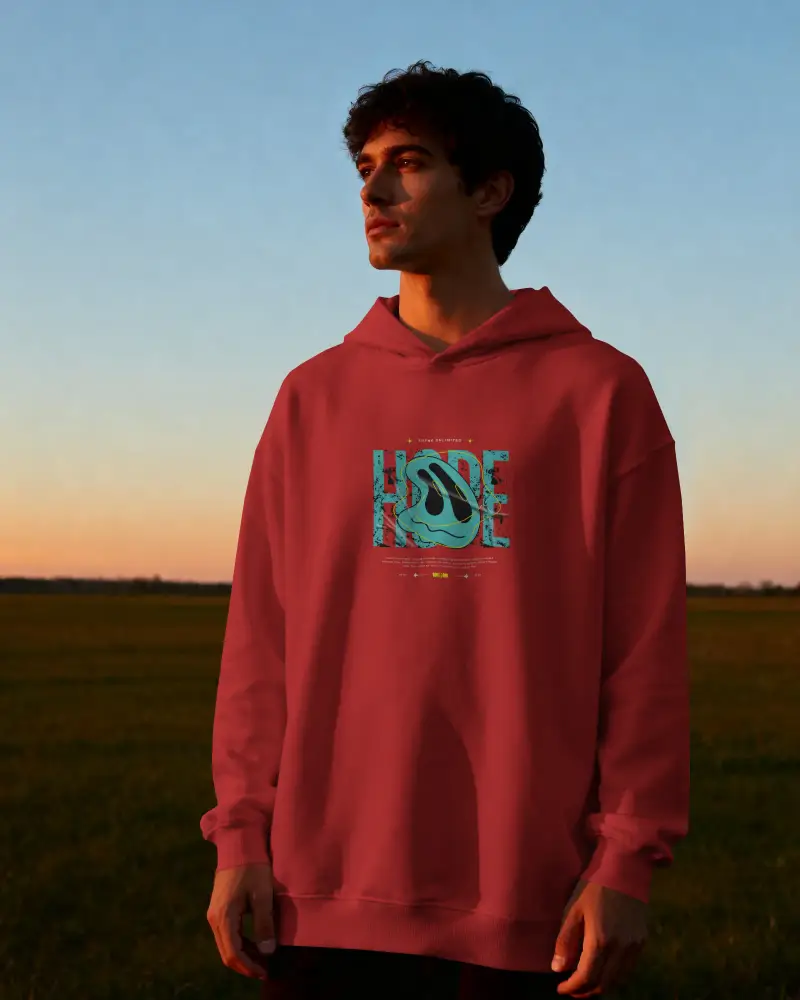
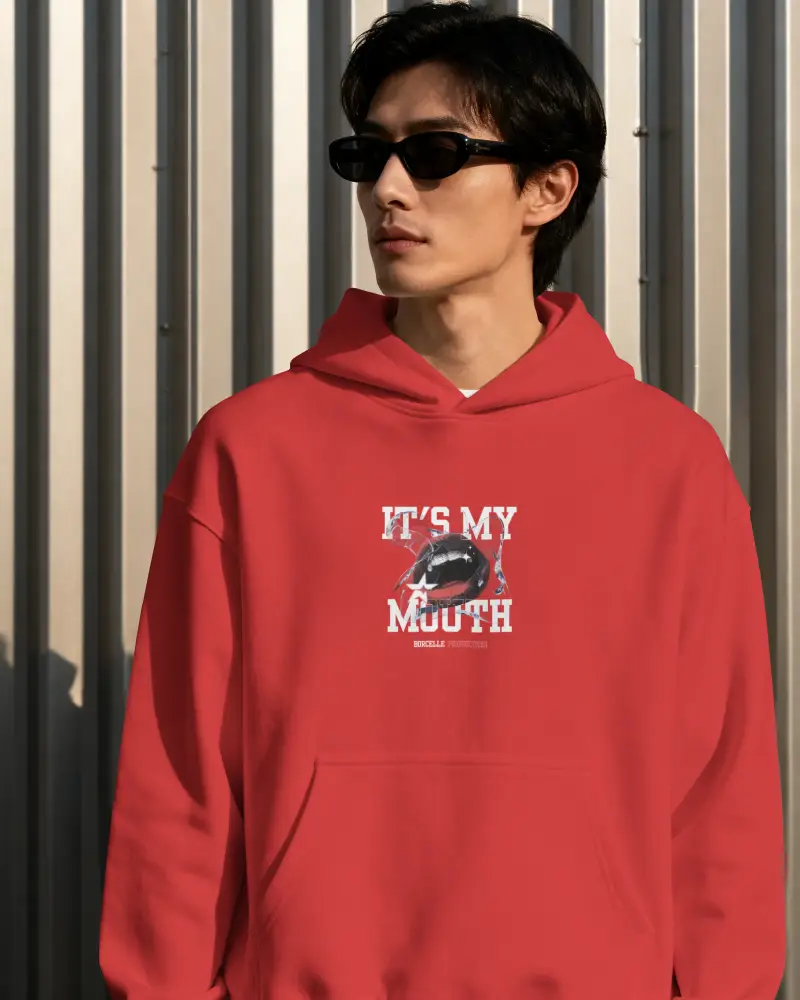
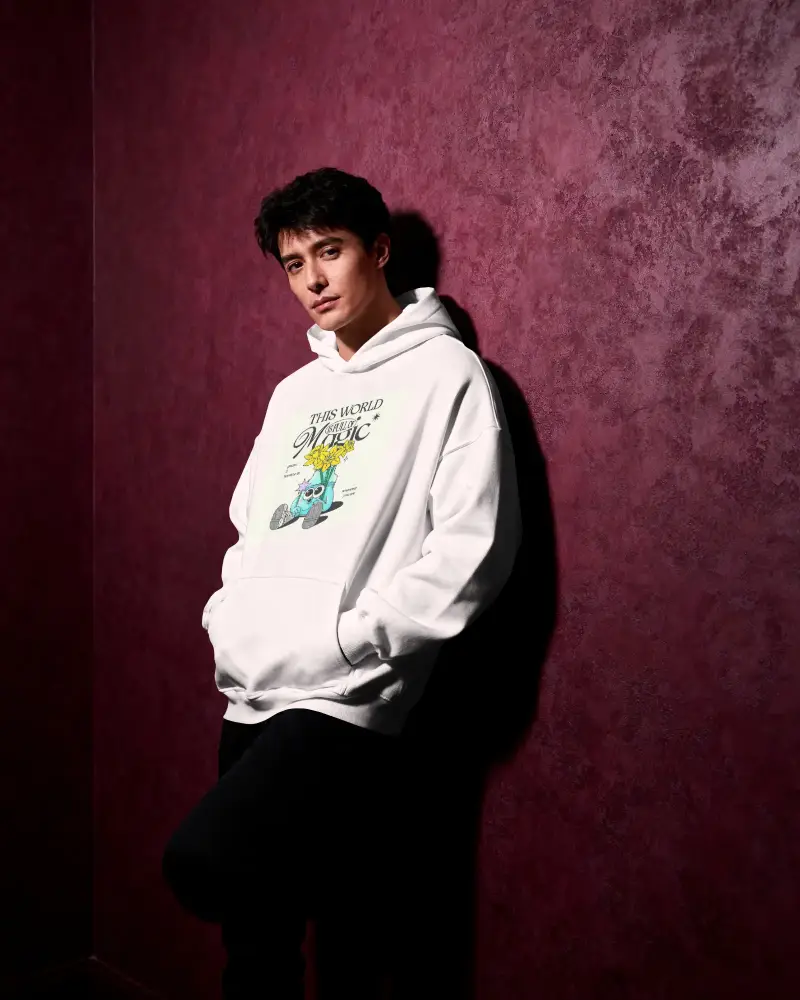
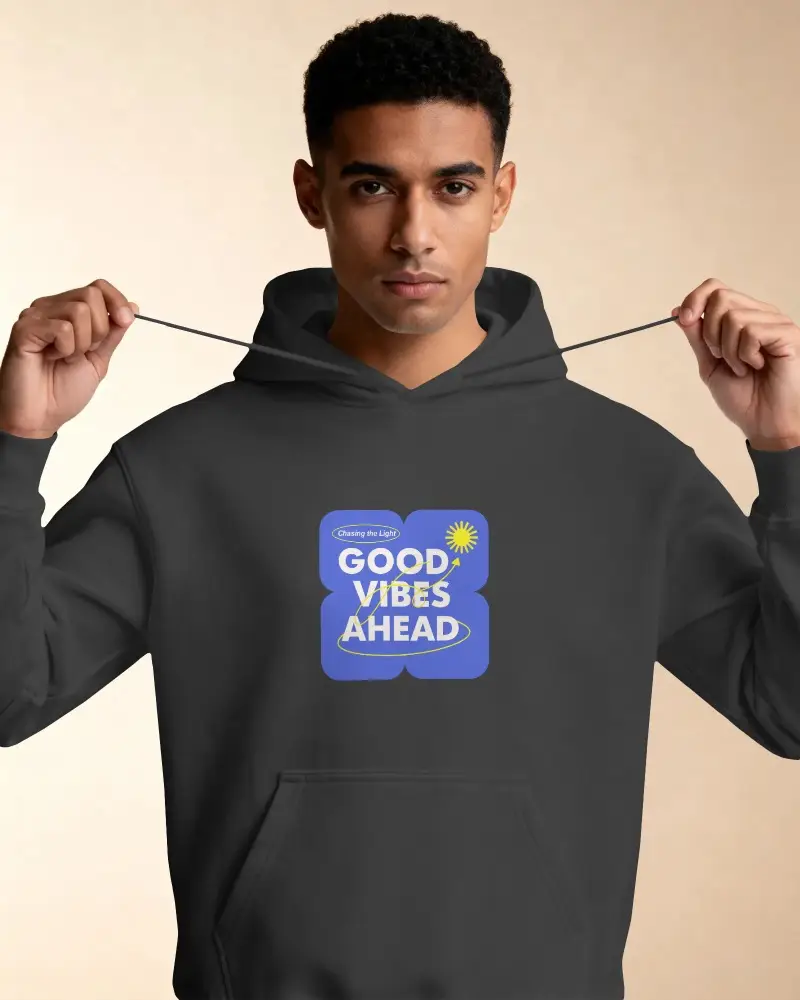
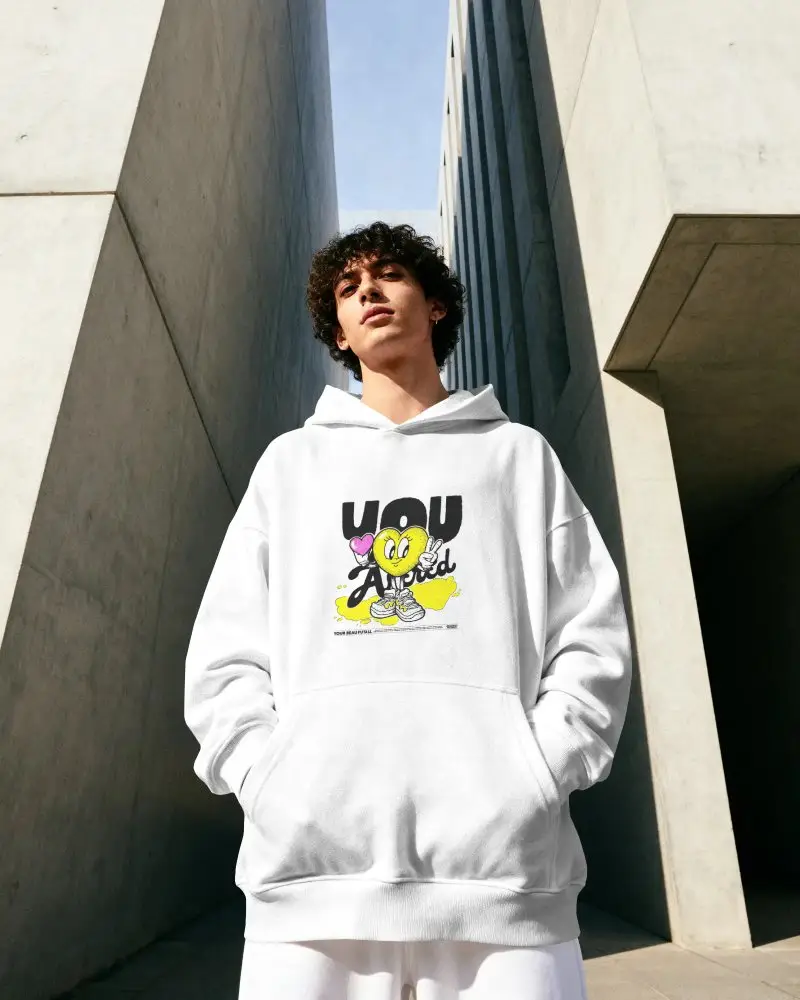
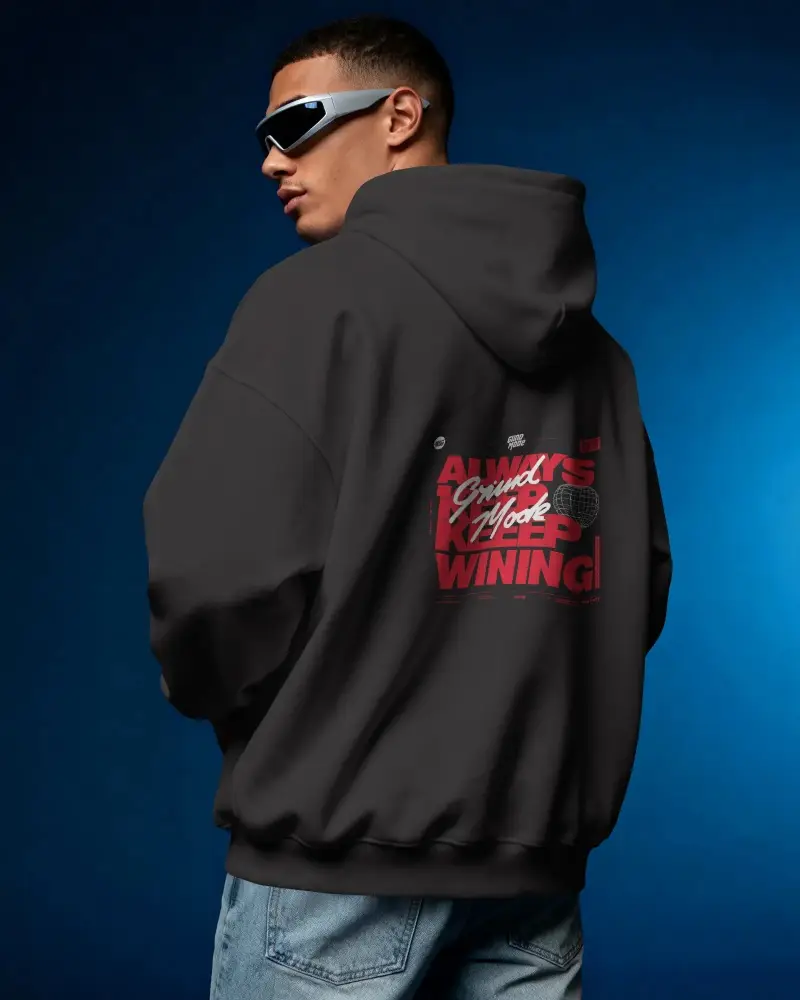
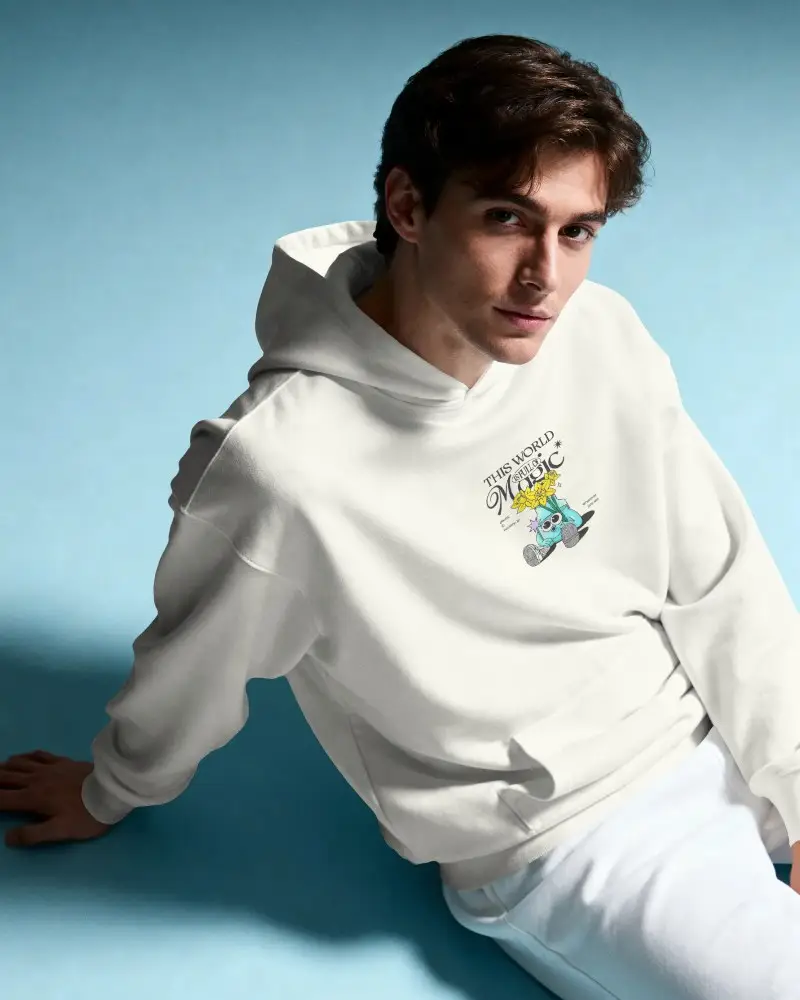
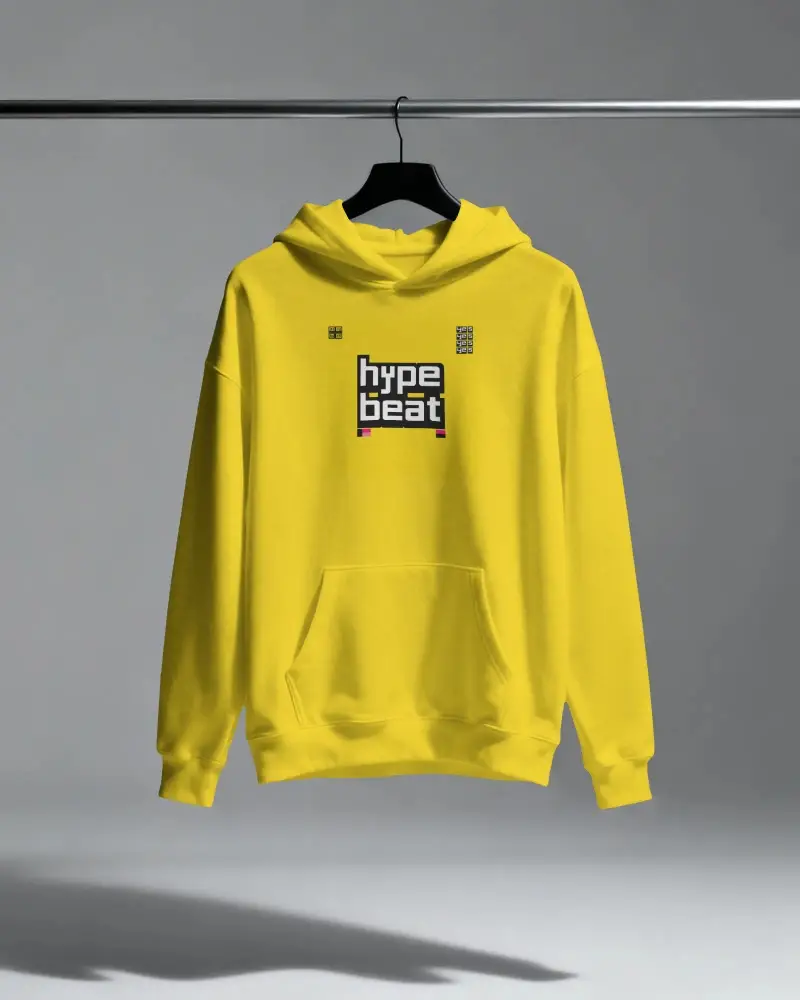
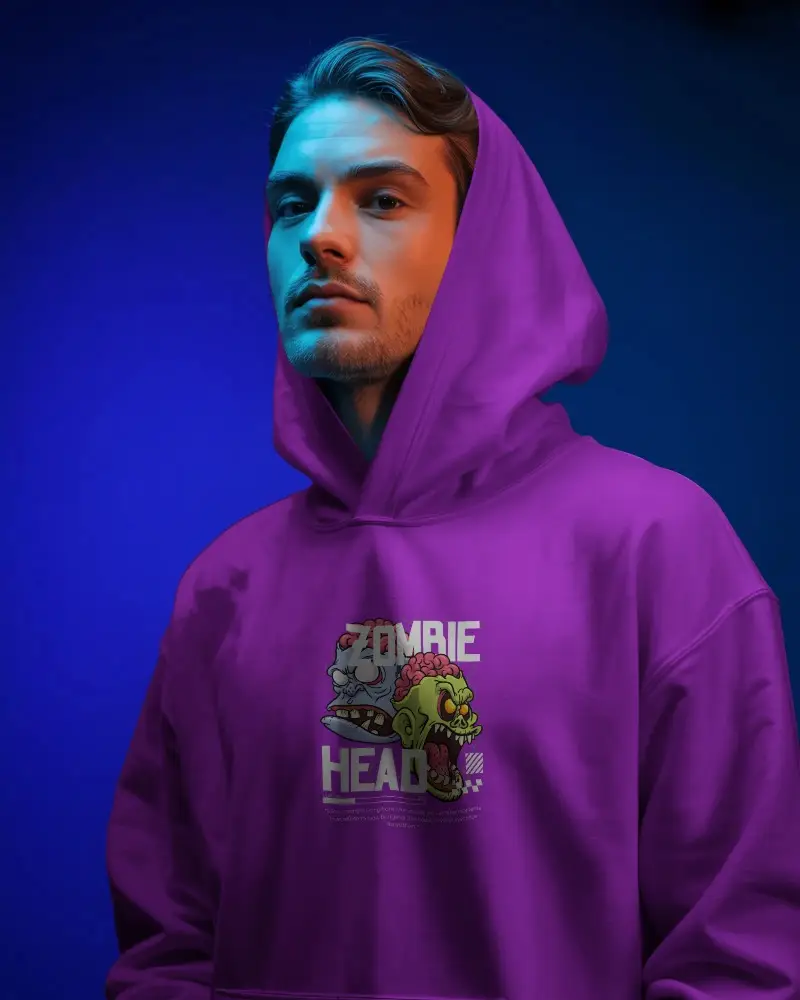
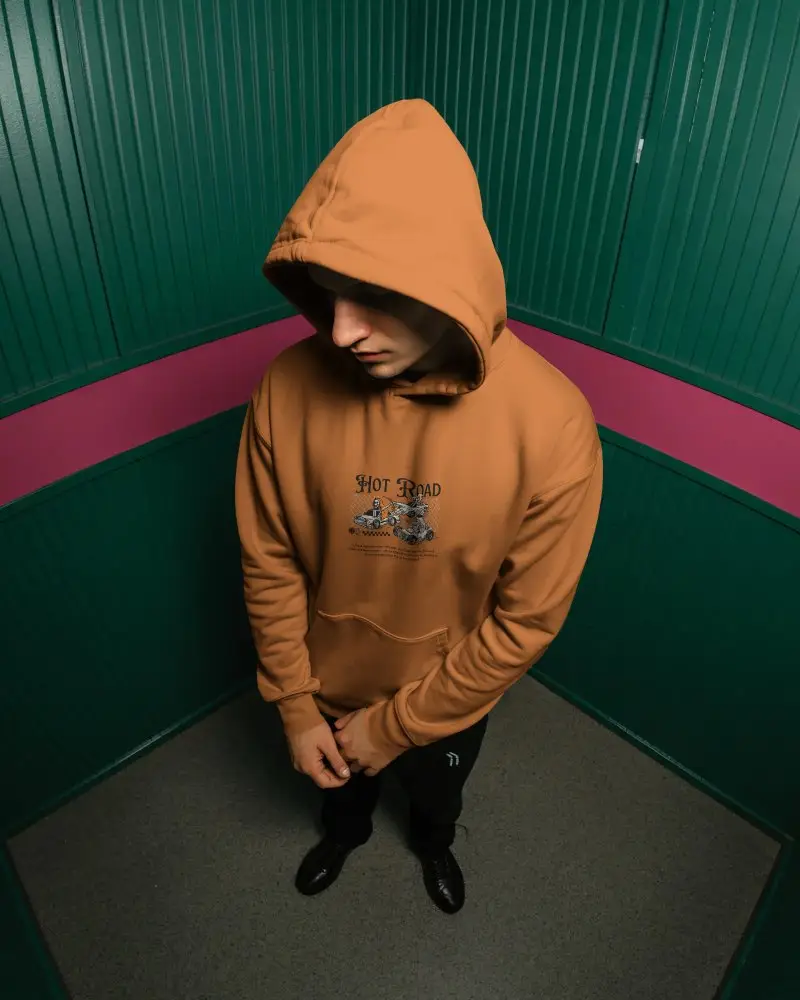
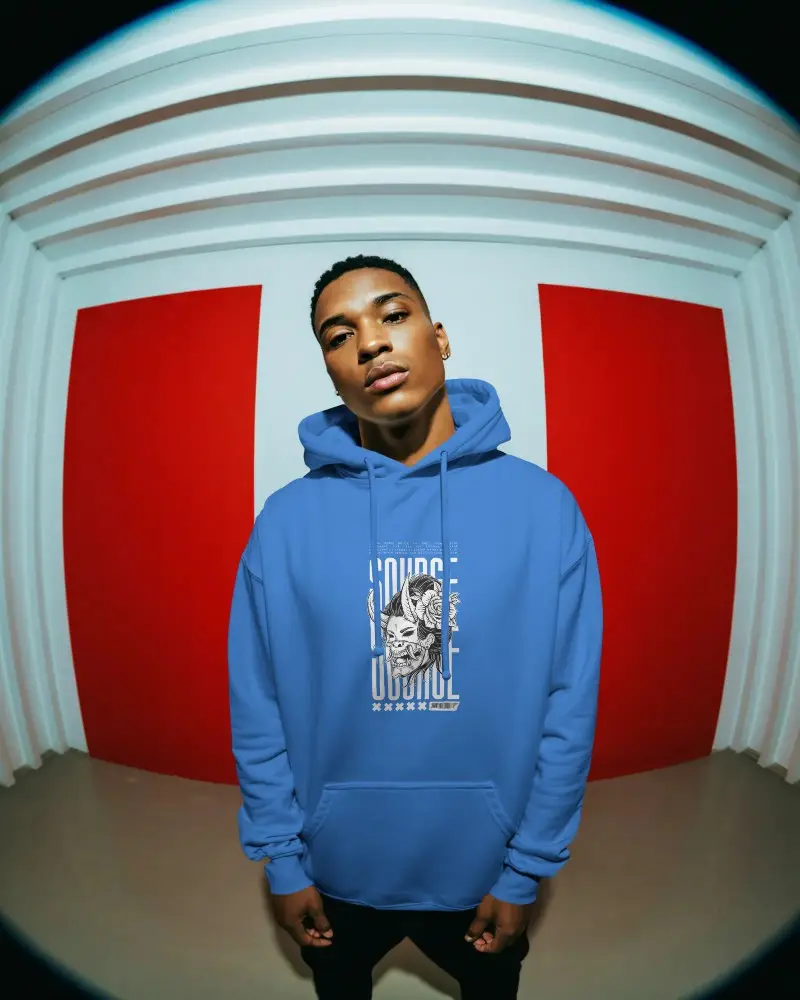
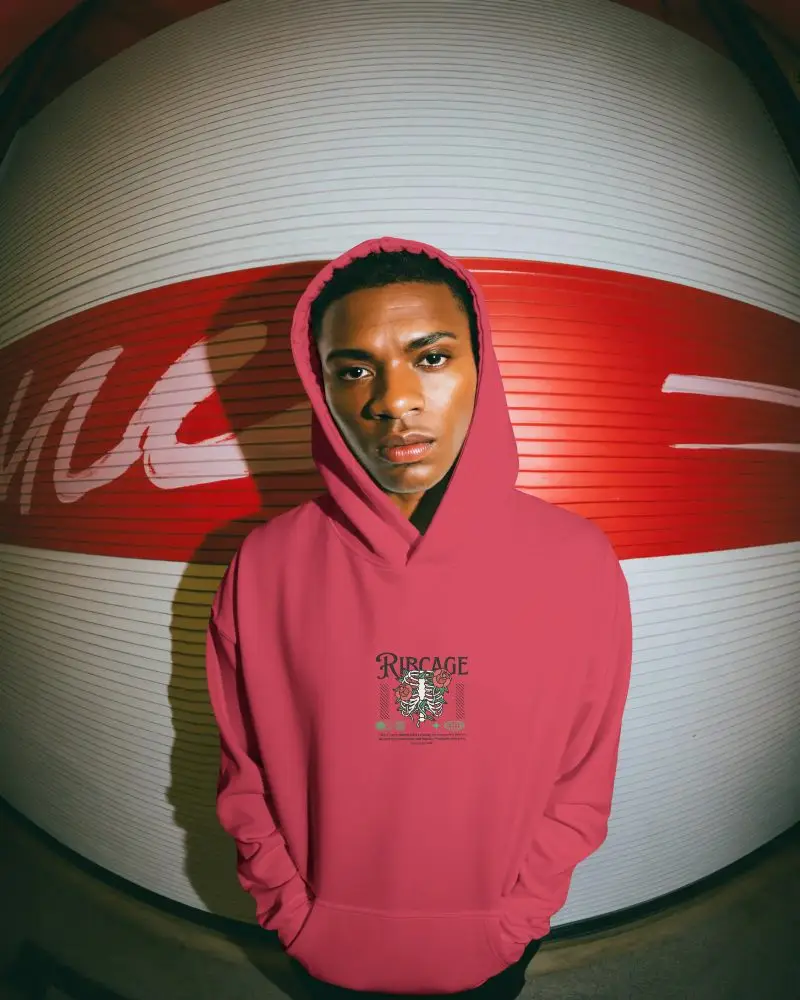
Explore trendy white hoodie mockups to showcase your designs in style. Perfect for fashion brands, designers, and creators to visualize and present their artwork realistically.
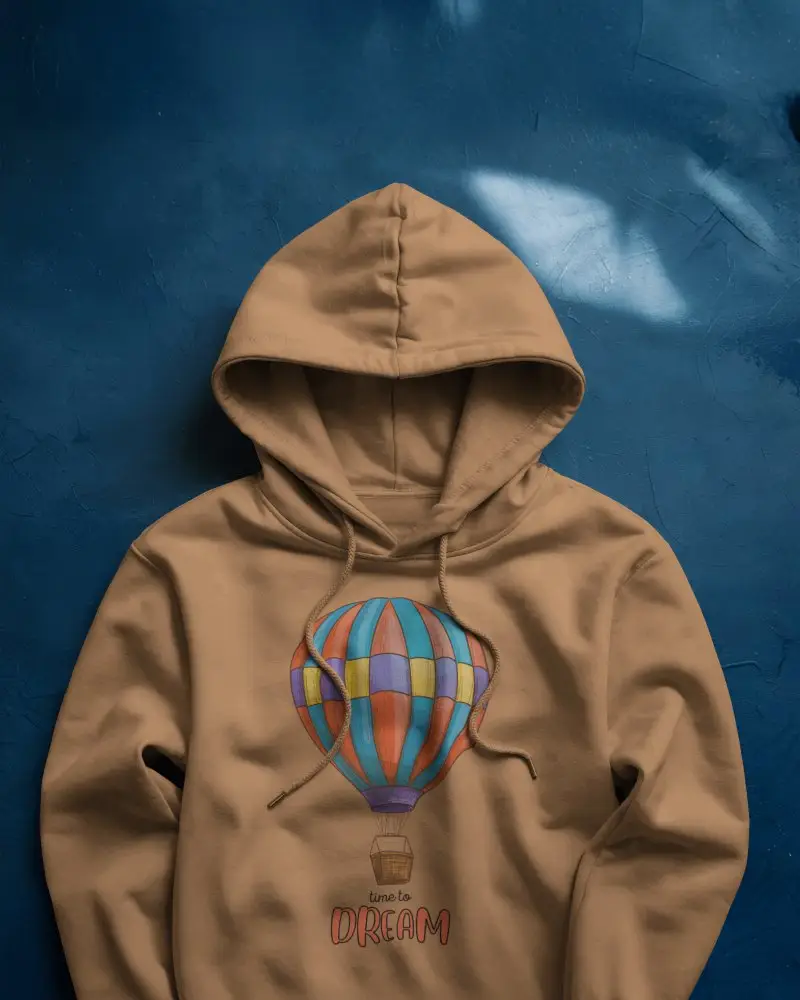
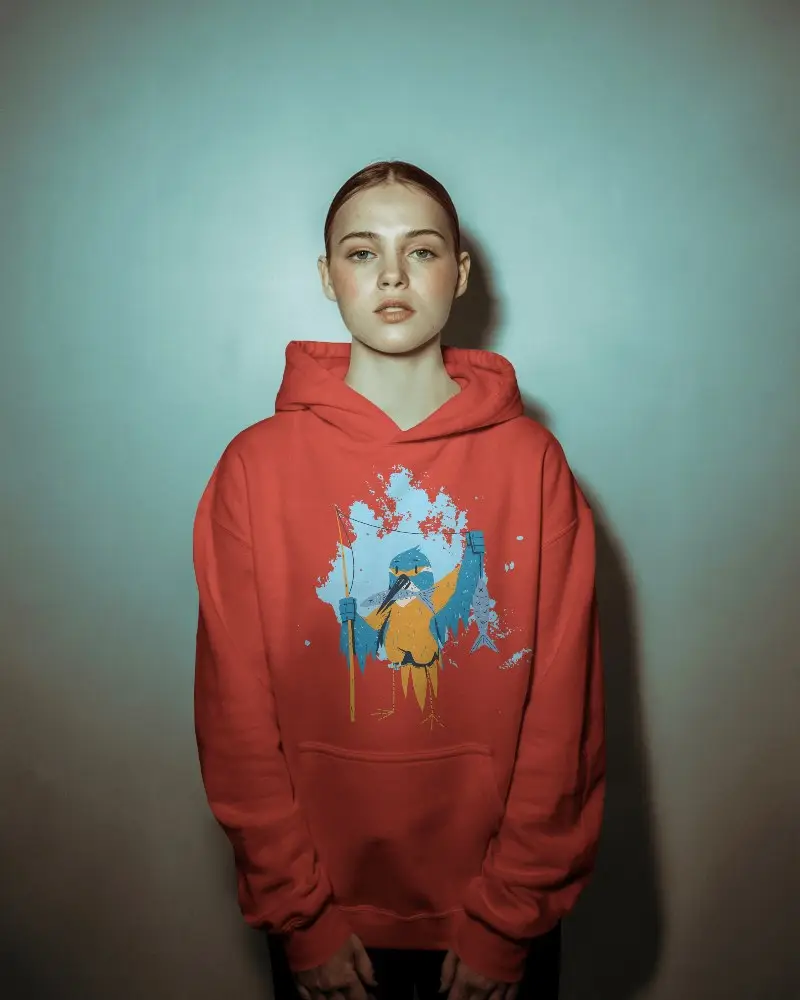
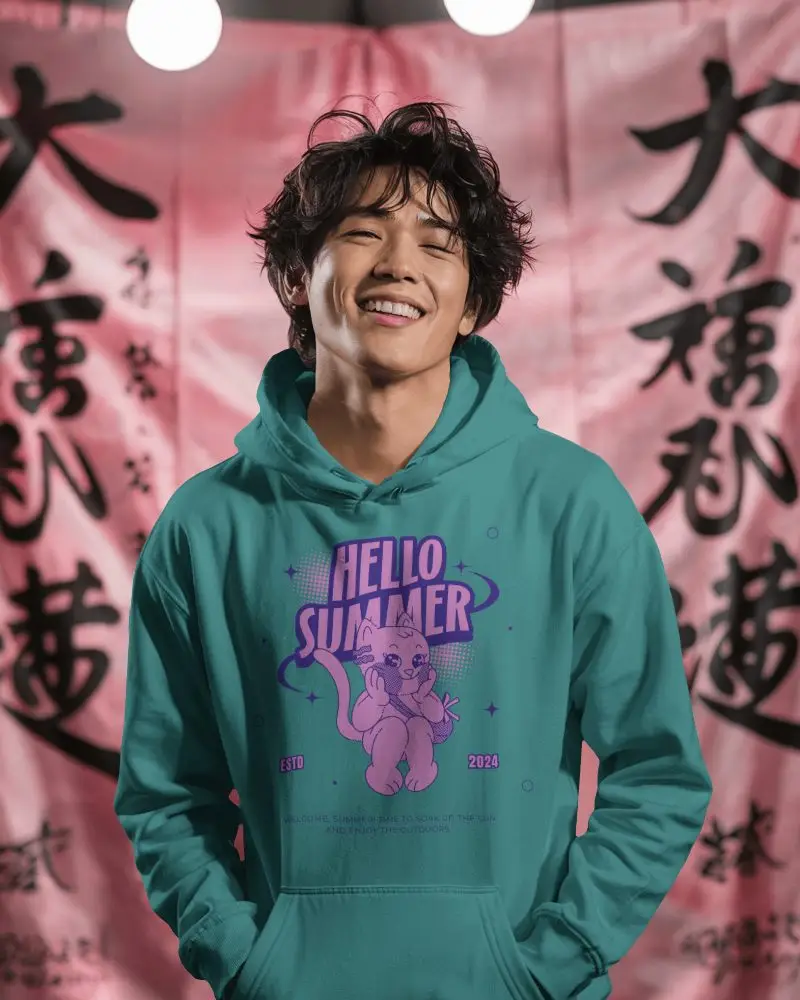
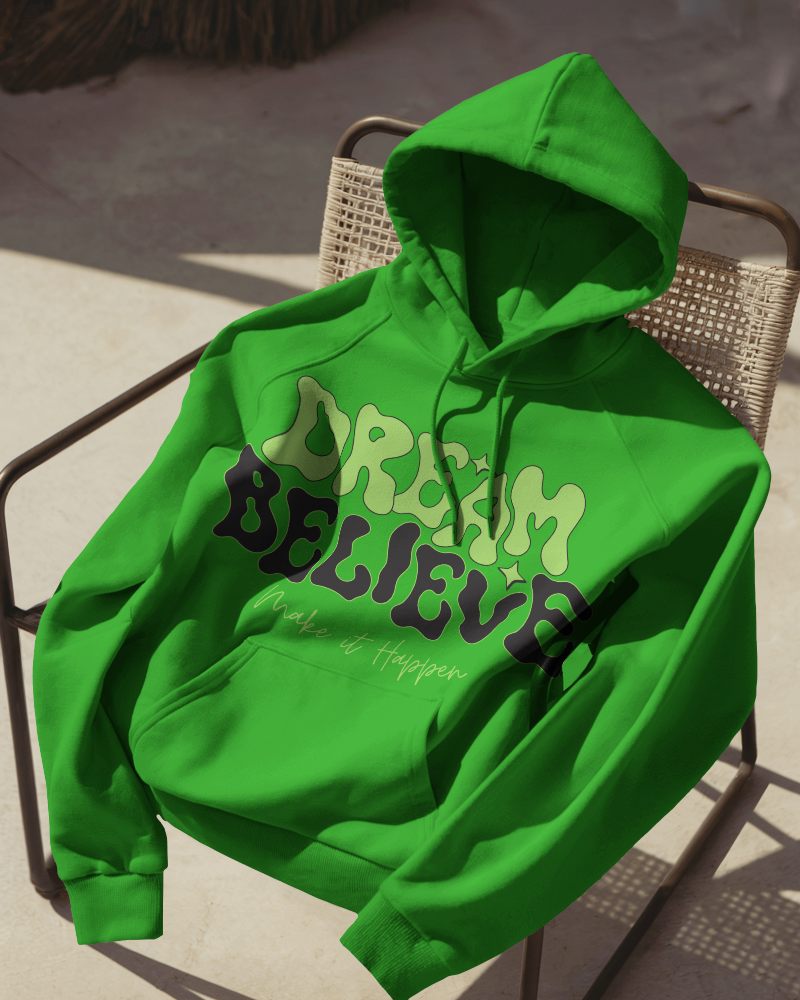
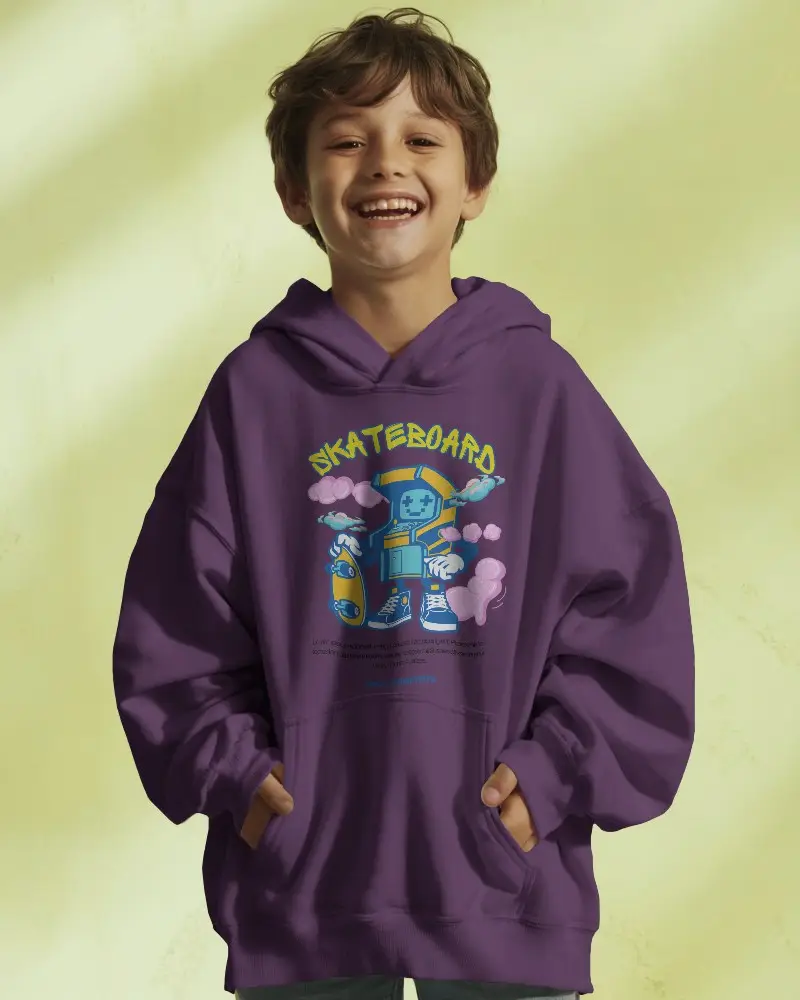
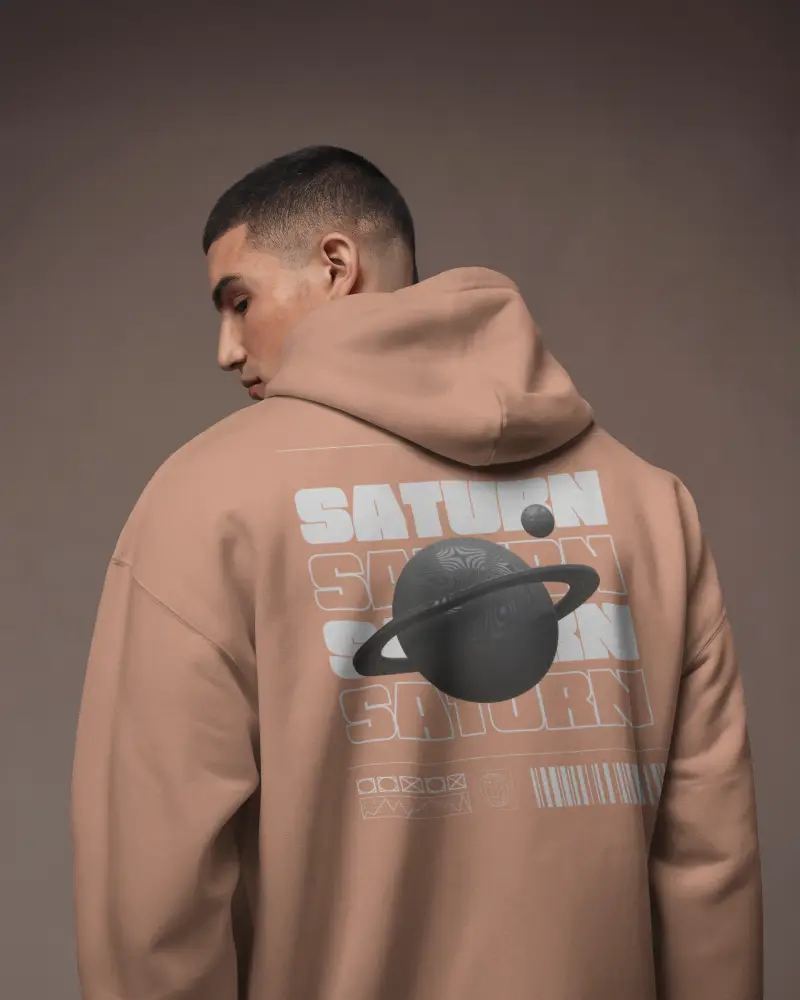
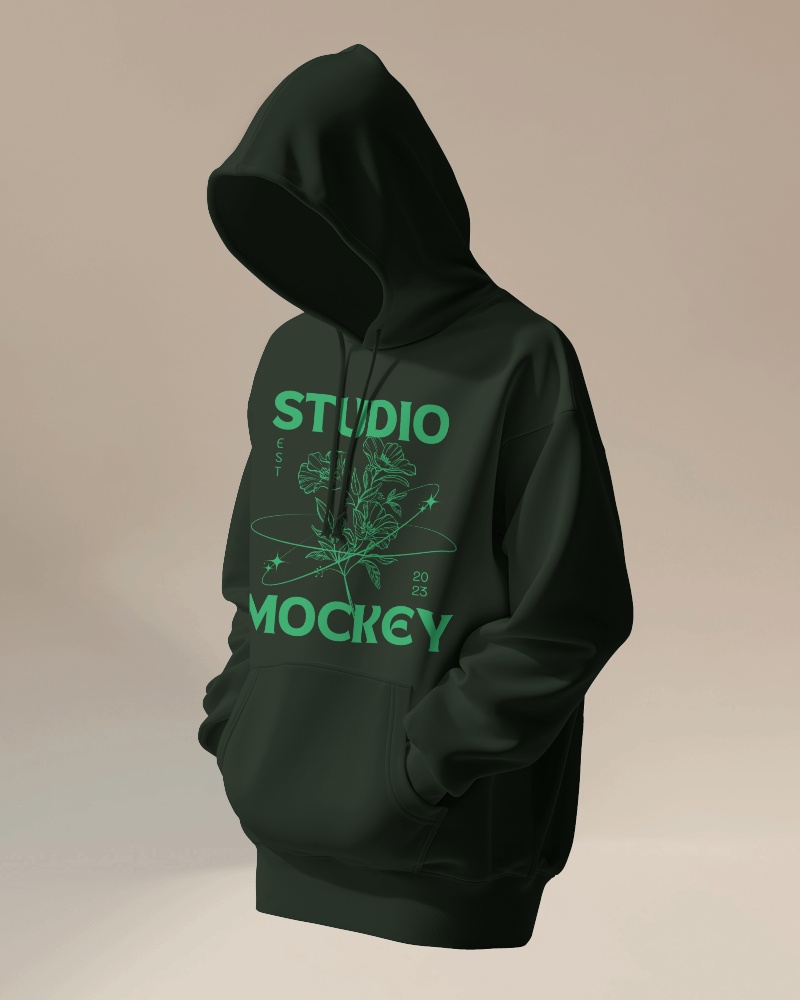
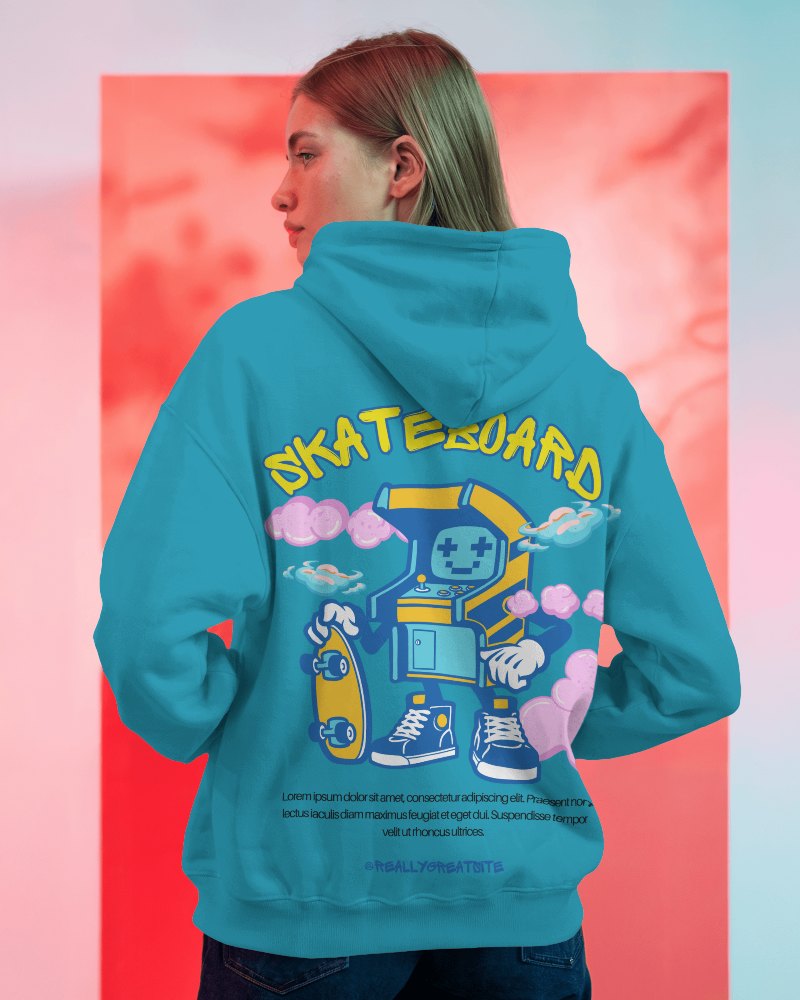
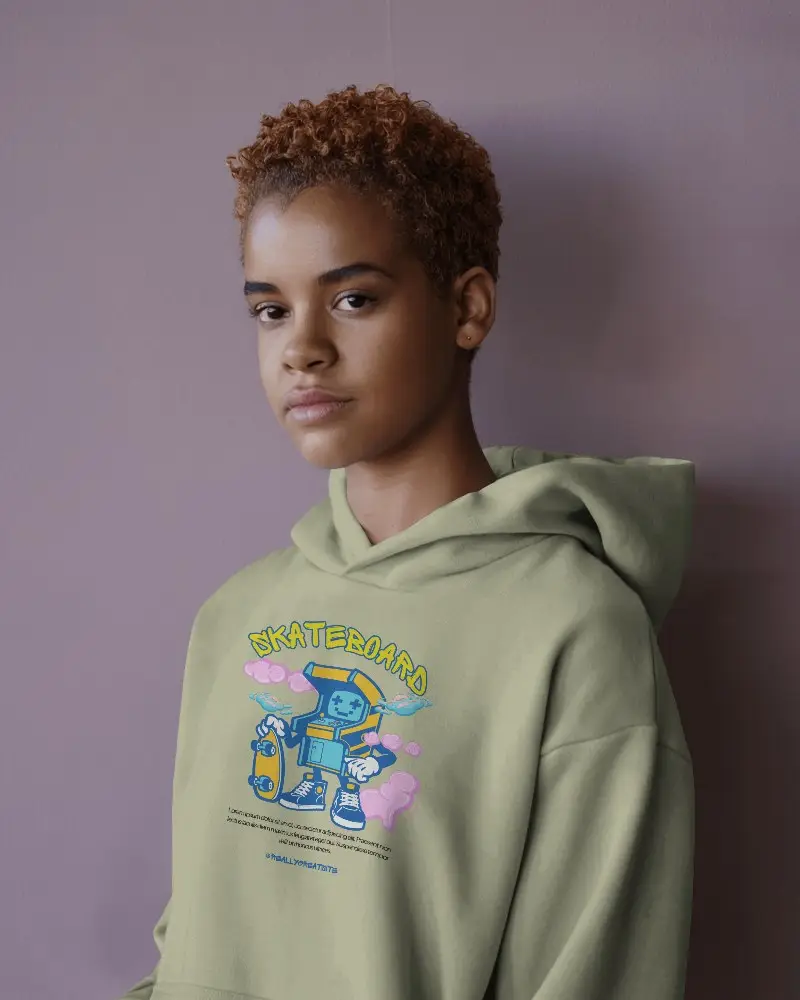
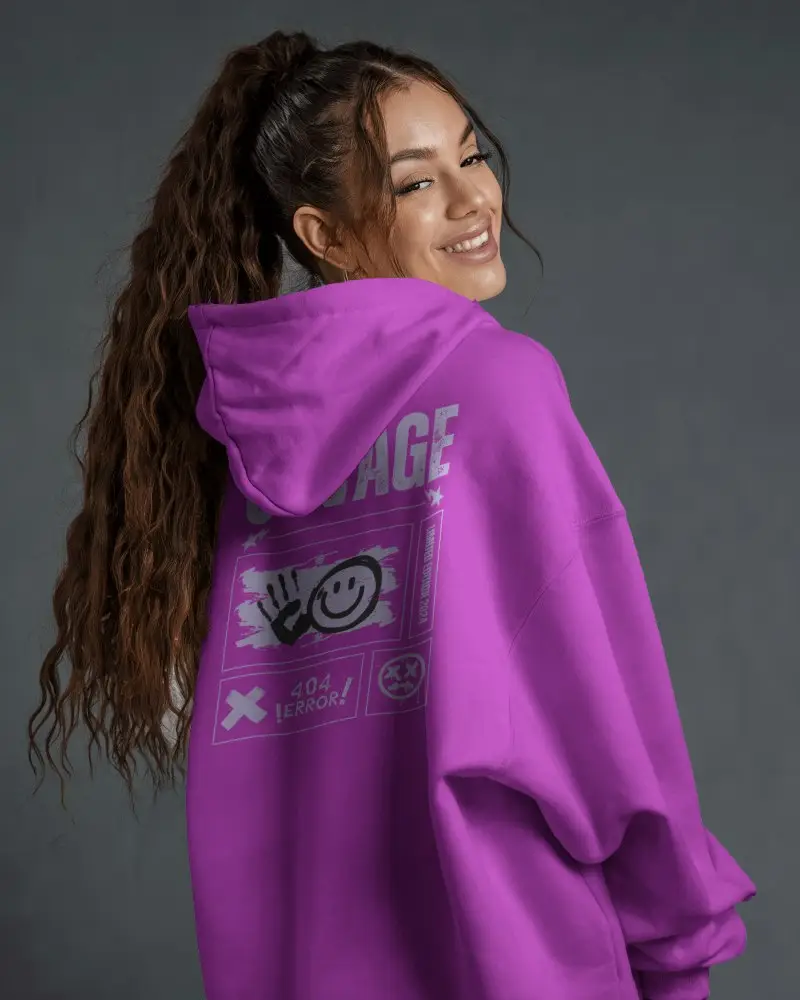
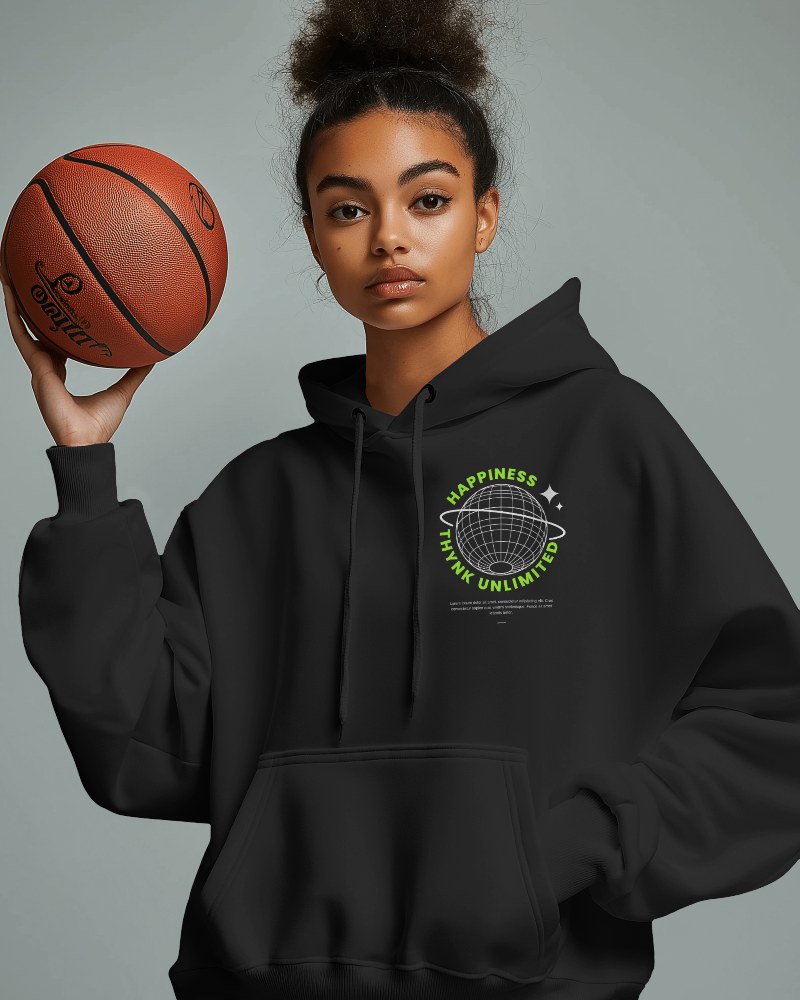
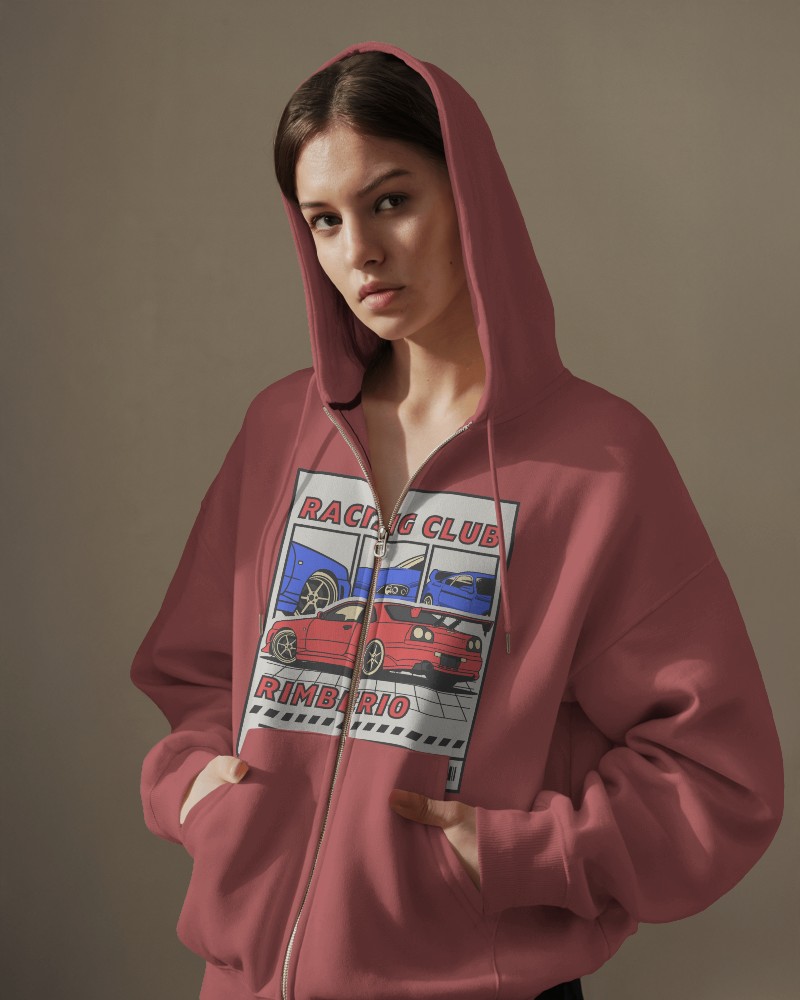
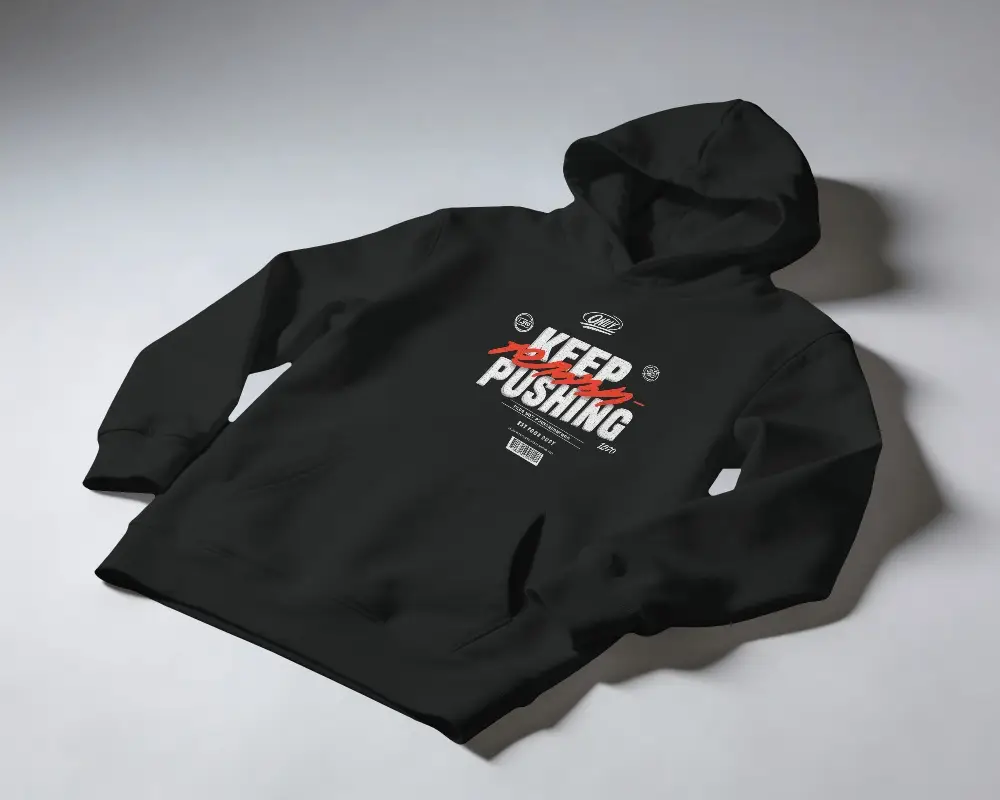
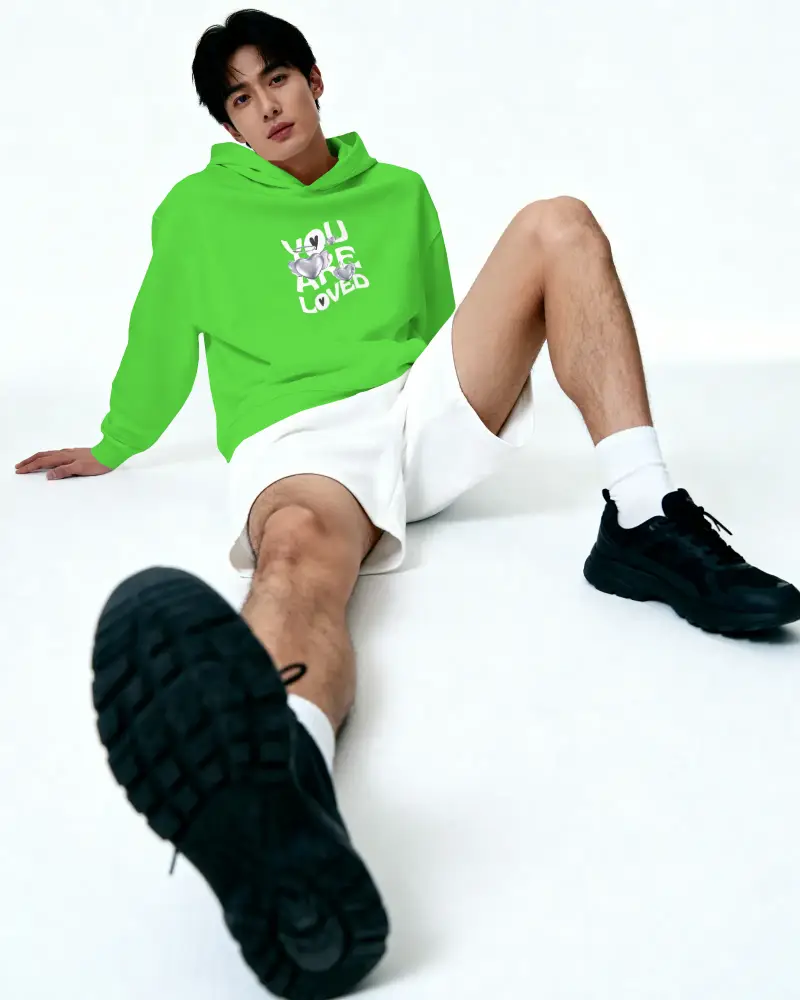
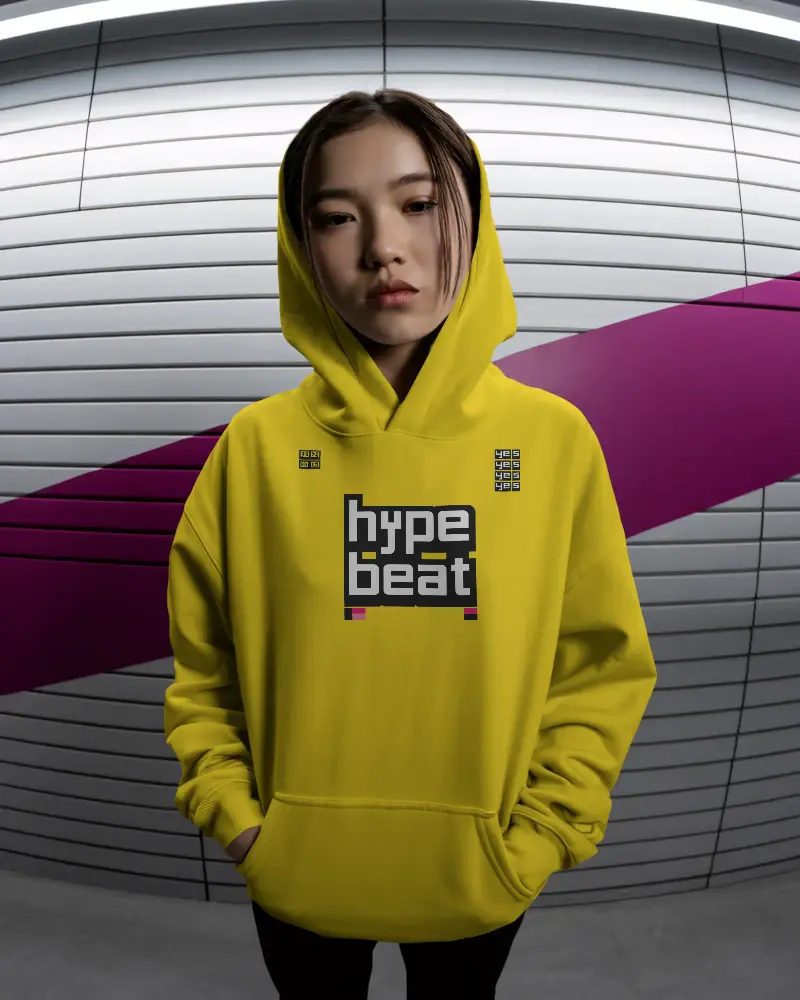

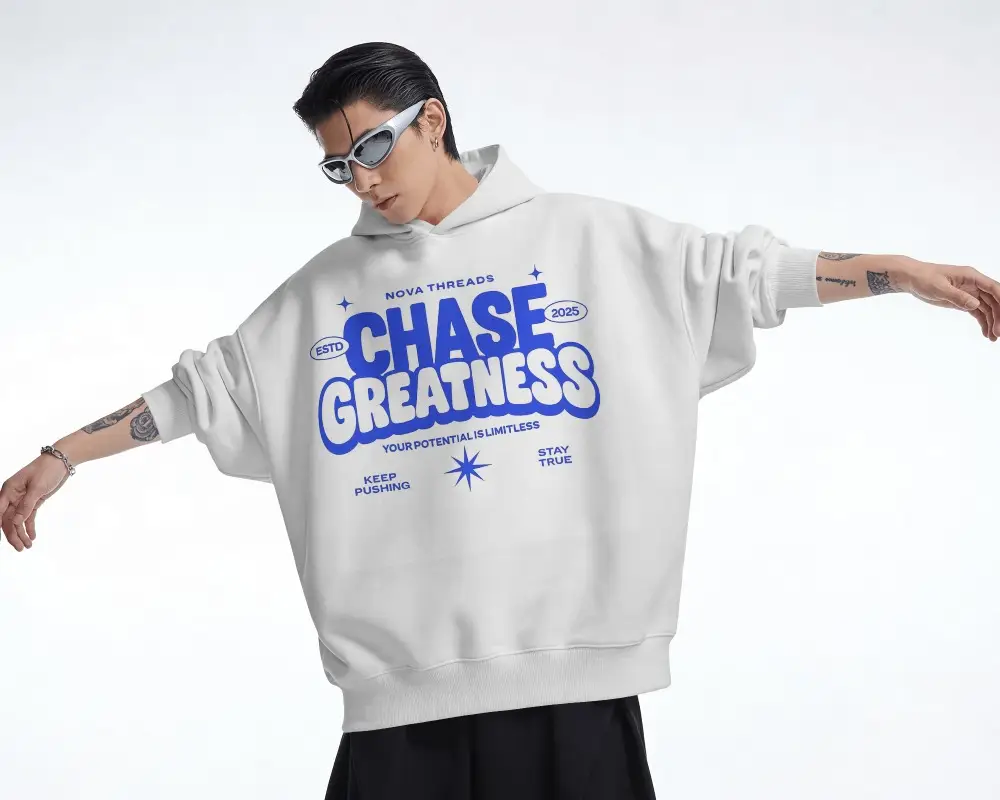

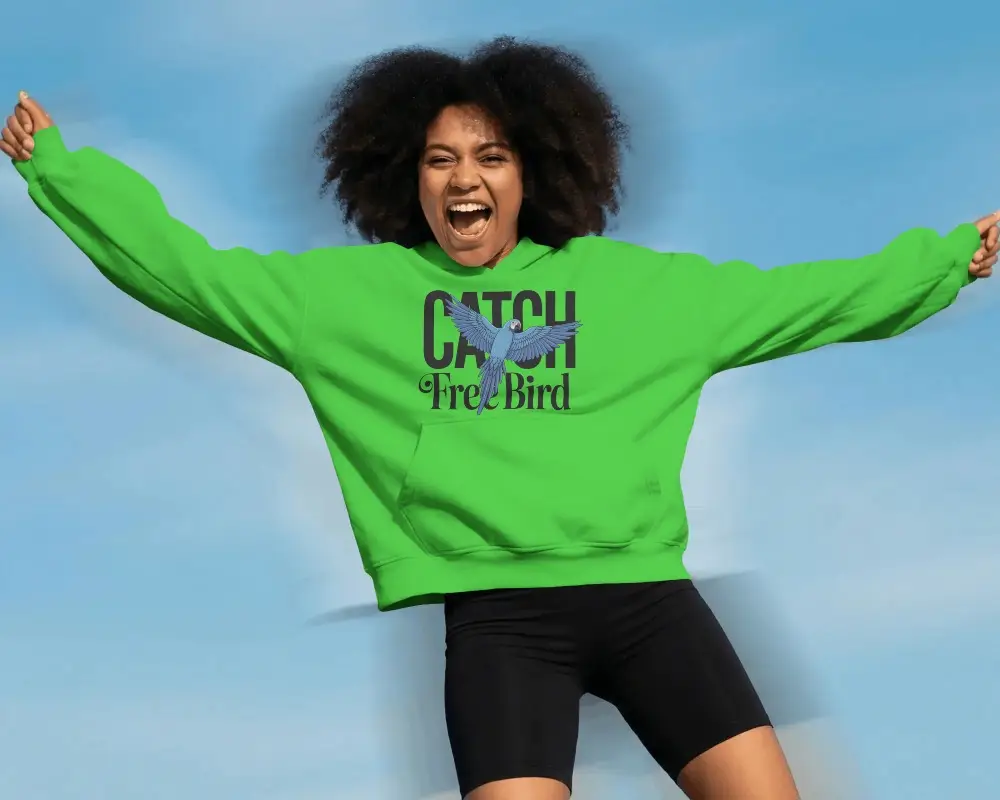
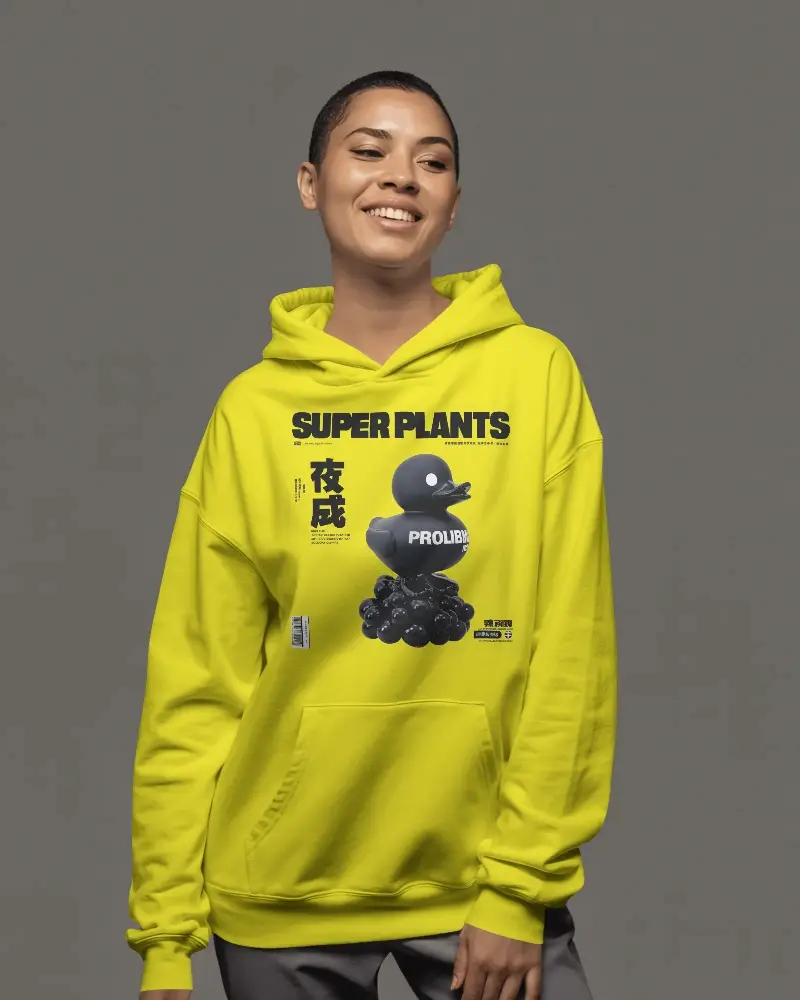
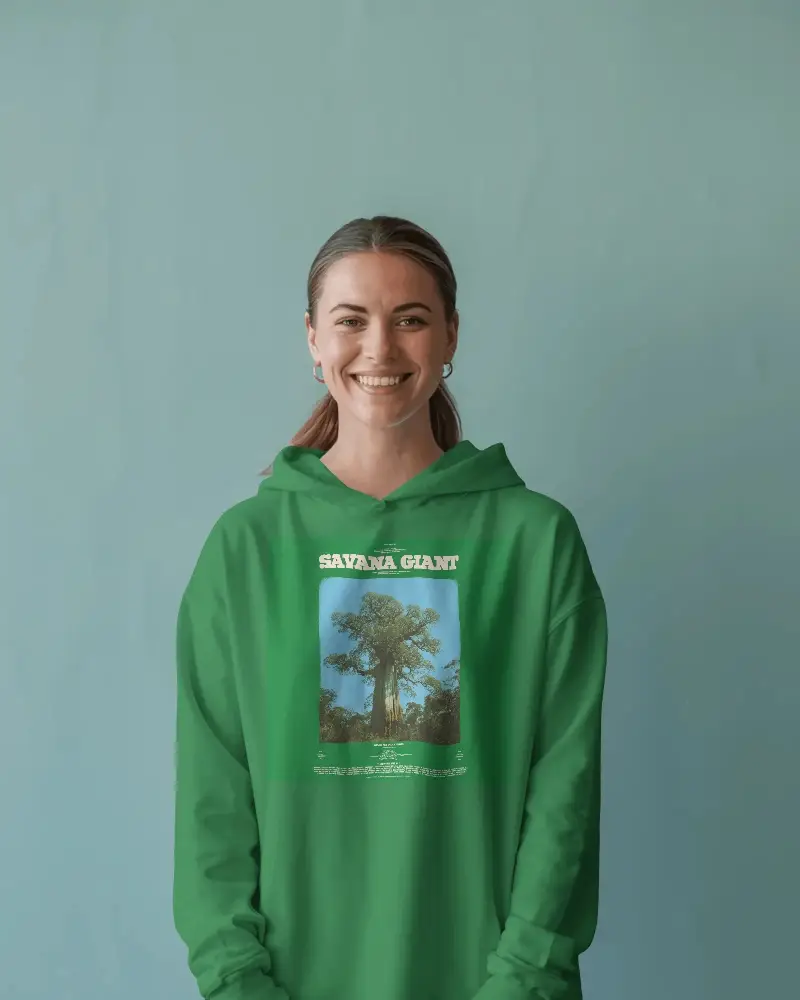
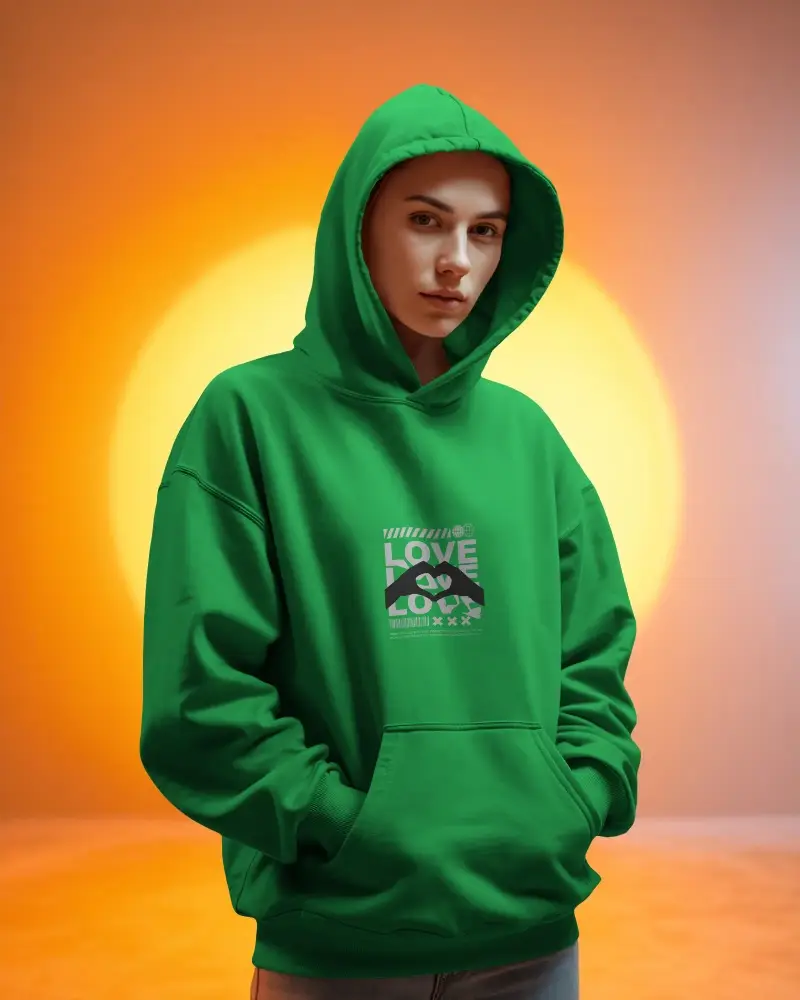
How to Create White Hoodie Mockup with Mockey AI
To create a white hoodie mockup:
- Step 1: Go to Mockey.ai and create a free account.
- Step 2: Navigate to ‘Mockups > Apparel > Hoodie’ and select the ‘White Hoodie’ tag.
- Step 3: Upload your artwork, customize colors and placement, then download your mockup in PNG or JPG format.


FAQs on White Hoodie Mockups
Why should I use a white hoodie mockup?
A white hoodie mockup is versatile and one of the most popular colors for displaying custom designs. Instead of going for a real photoshoot, you can simply download a mockup from a generator to share with clients as a preview.
Is a white hoodie mockup good for online stores?
For online stores, a white hoodie mockup is often the preferred choice—especially for brands that sell custom-printed apparel. A white mockup provides excellent visibility for your designs.
Does Mockey AI offer only white hoodie mockups?
Not just white hoodies, Mockey AI also offers unisex, front, black, classic, oversized, sport, boxy, and many more styles.
Can I create both white hoodie mockups and video mockups?
On Mockey AI, you can create both white hoodie mockups and video mockups. If you need static images, hoodie mockups work best. But if you want motion, you can place your custom design on hoodie video templates and generate hoodie video mockups in MP4 format.
Can I find hoodie mockups in different colors besides white?
Aside from white, you'll also get black, blue, purple, pink, and more. Black can be generated with the black hoodie mockup tag, and other colors can simply be selected in the editor.
