3d Hoodie Mockup Free to Download
Bring Your Mockup Designs to Life with Mockey's 3d Hoodie mockups and showcase your brand like a pro. Try it now!
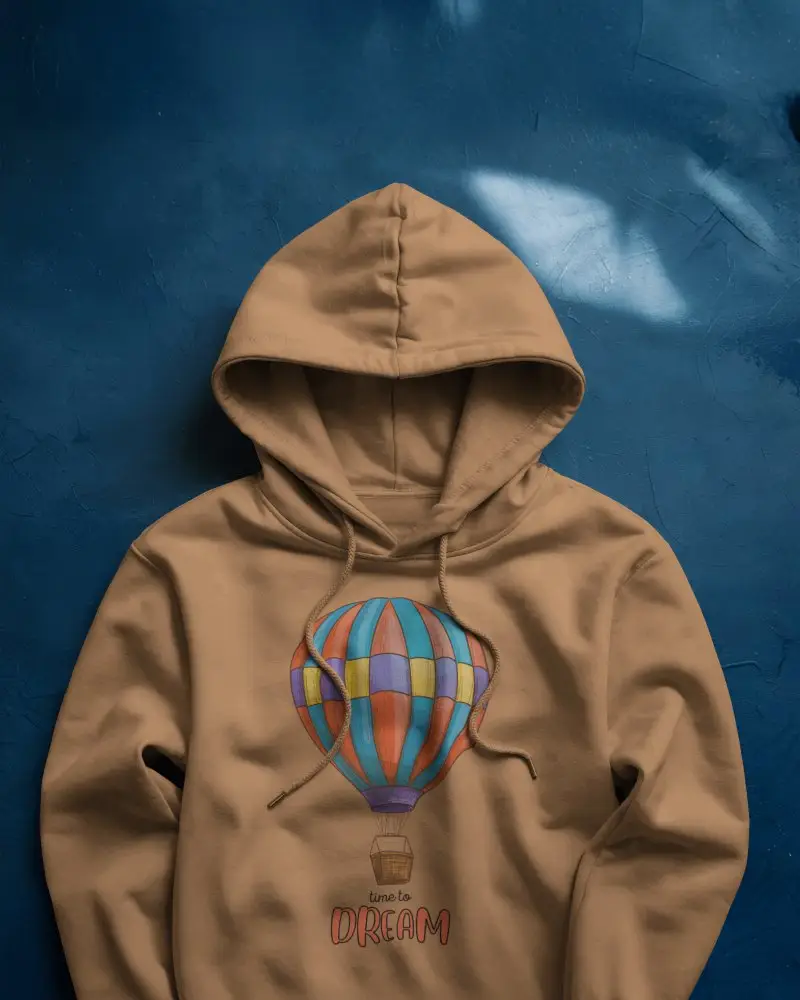
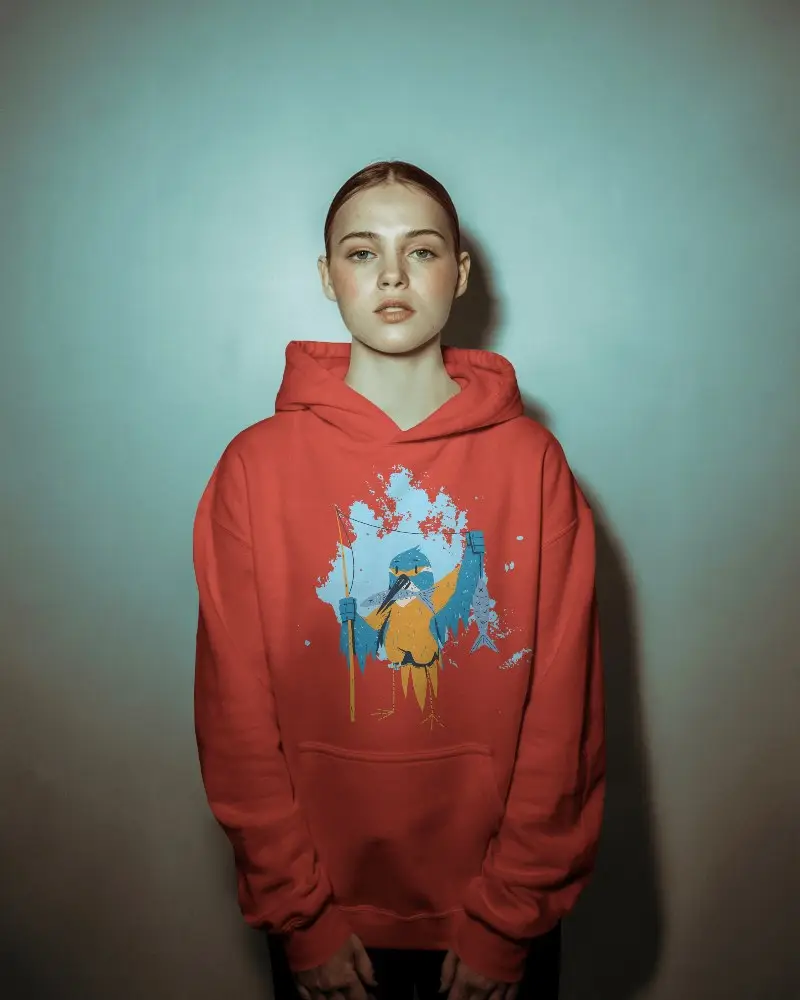

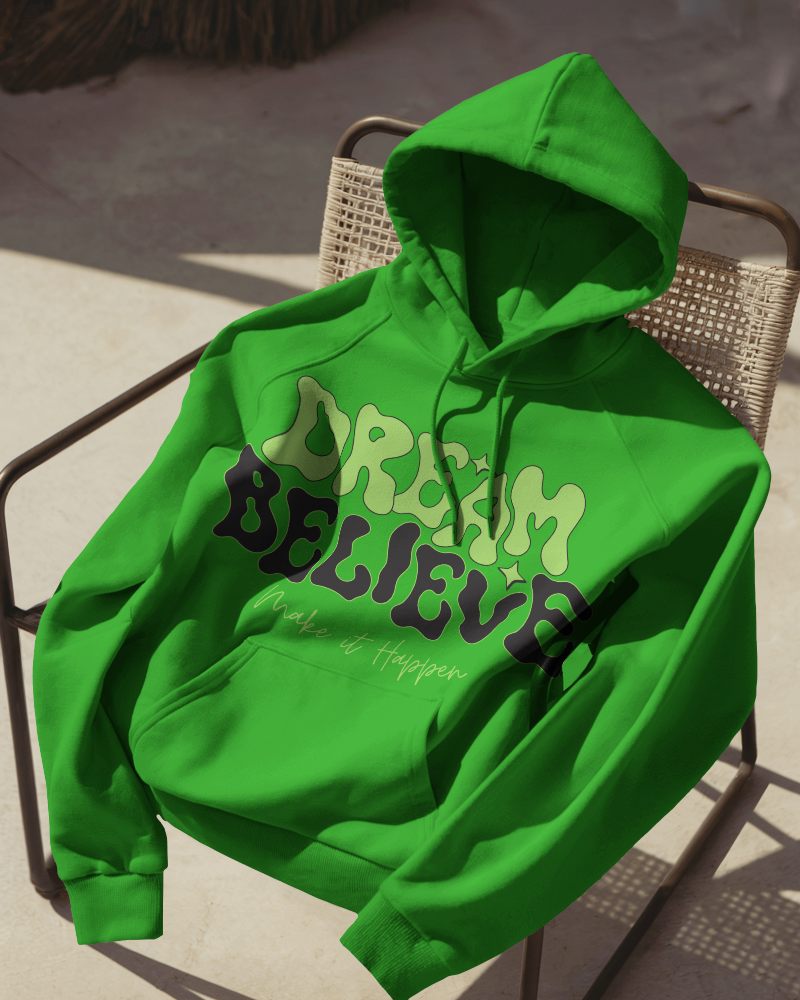
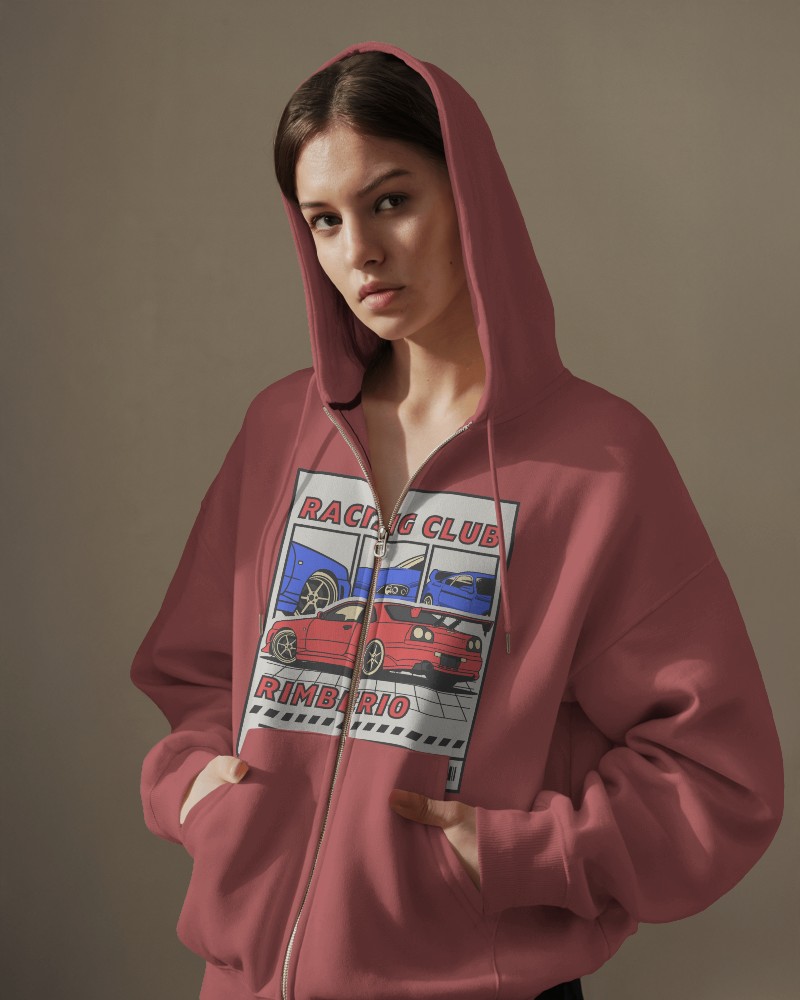
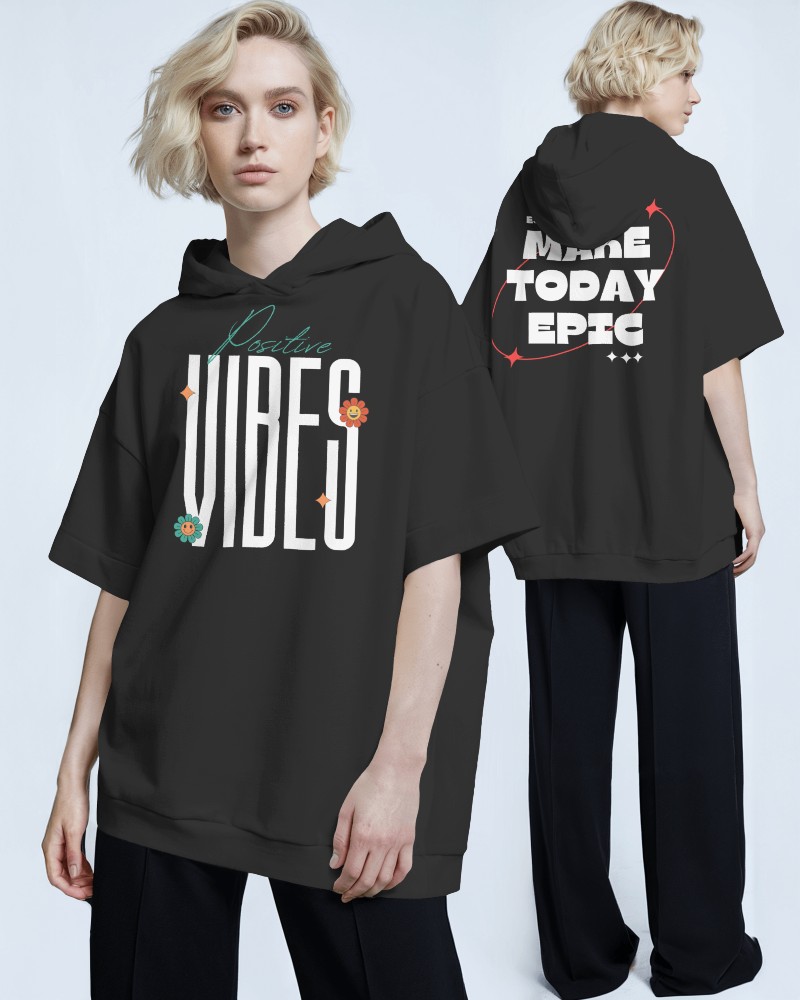

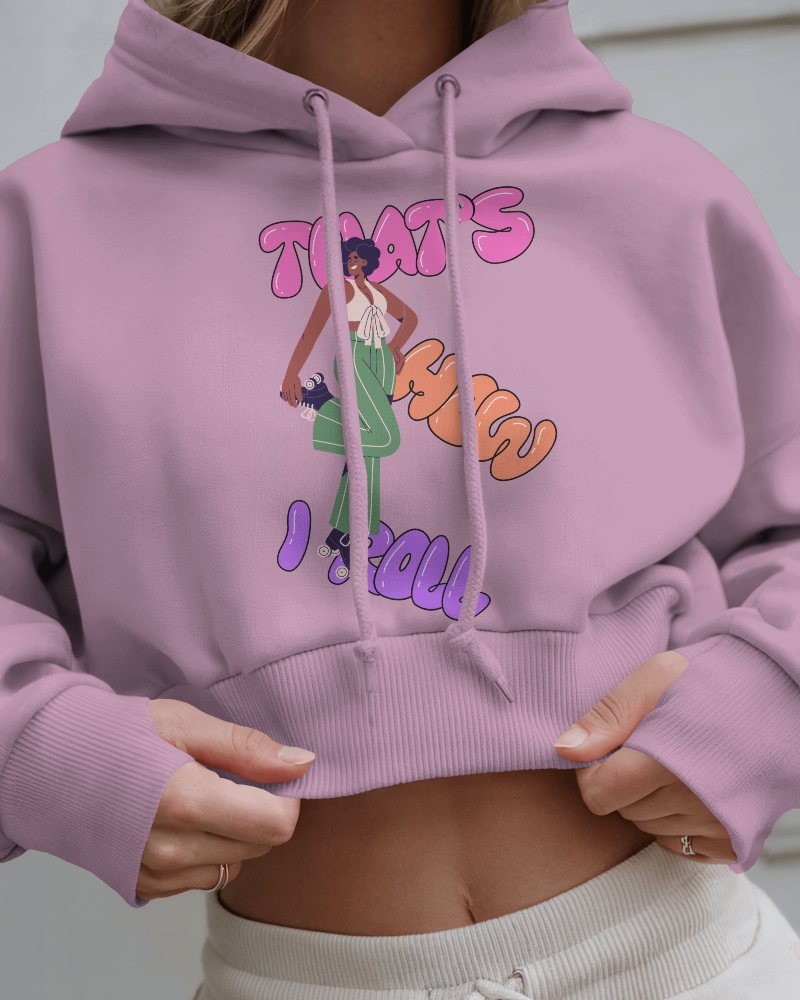

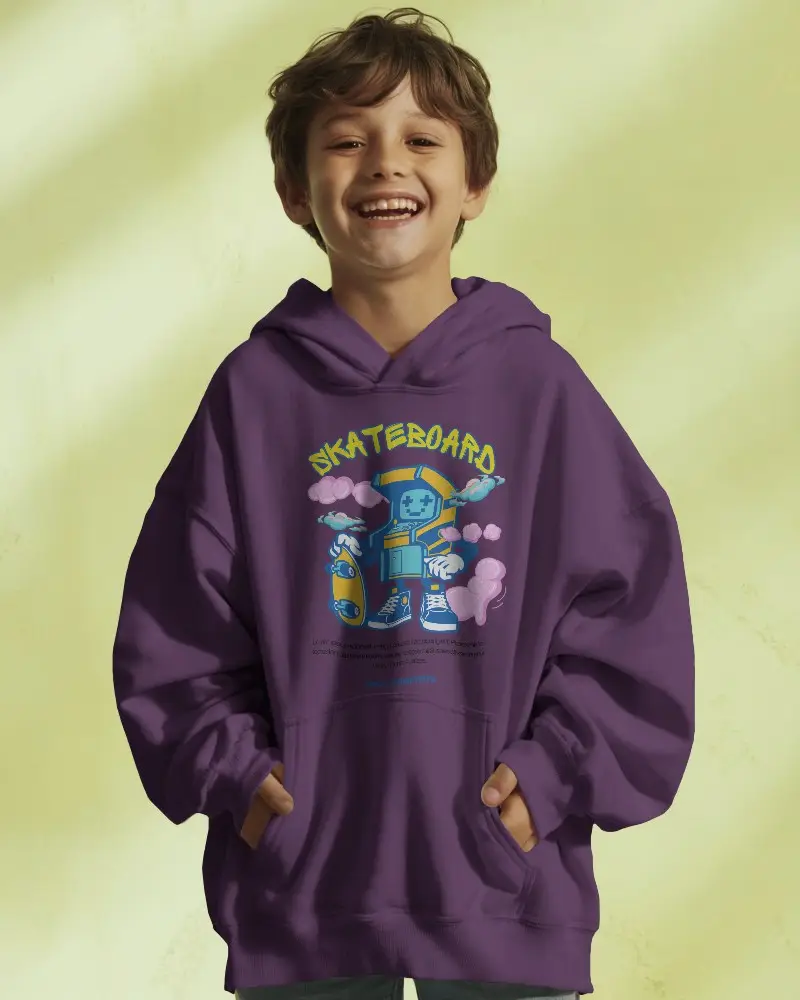
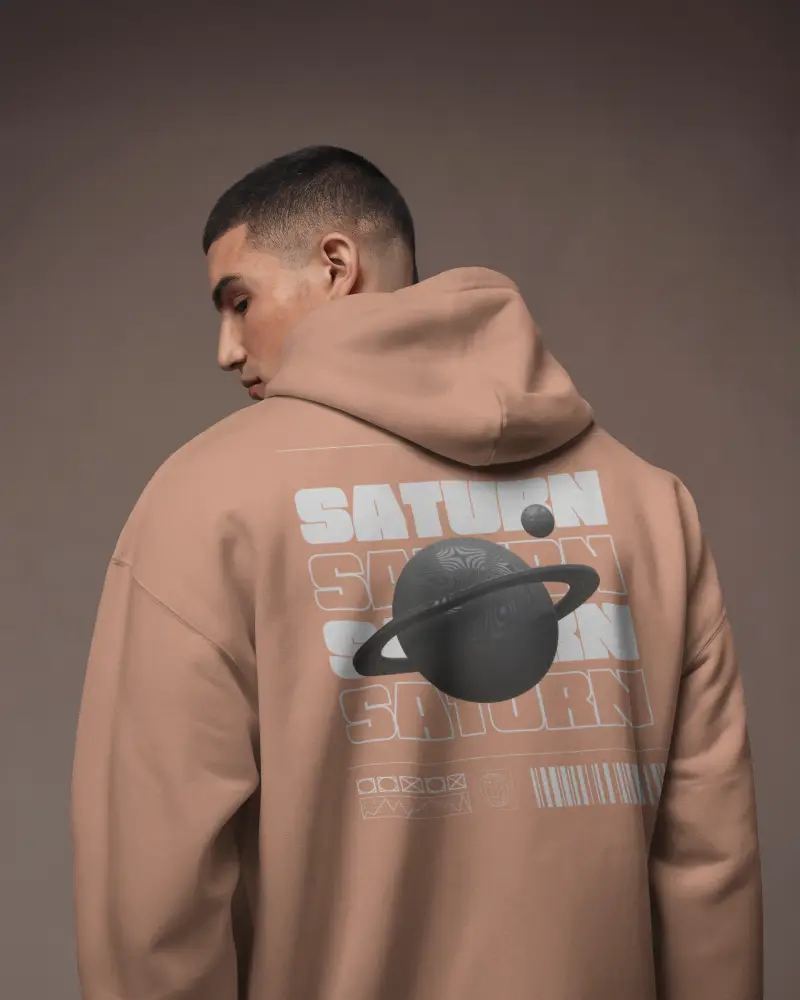
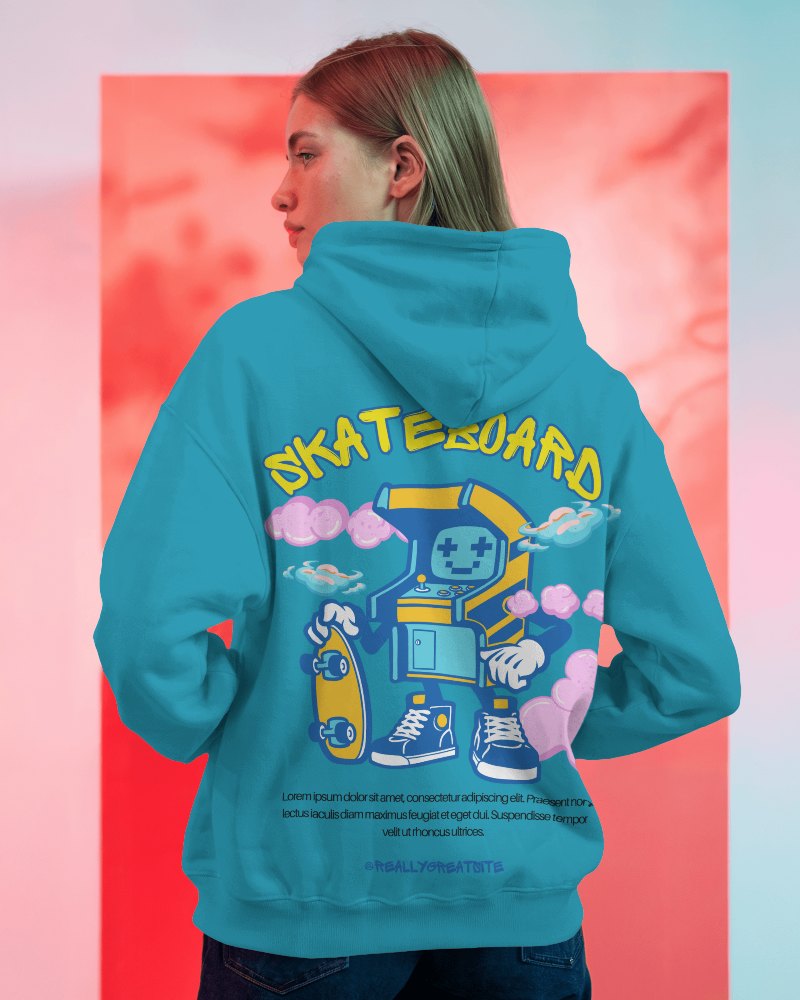
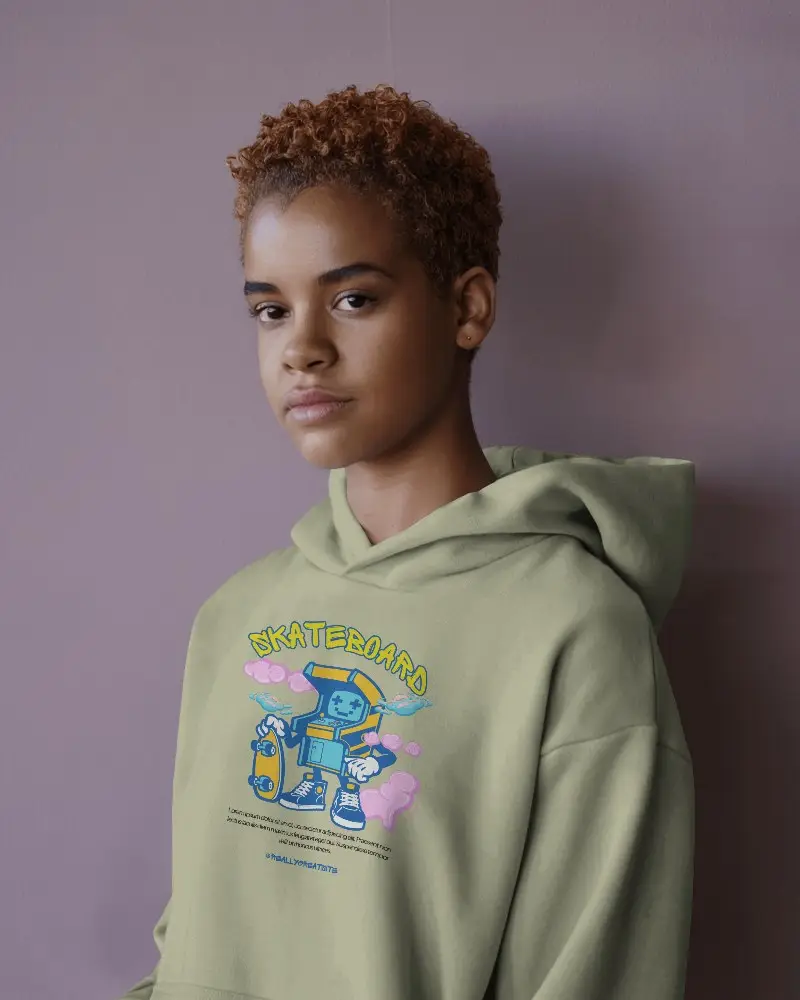
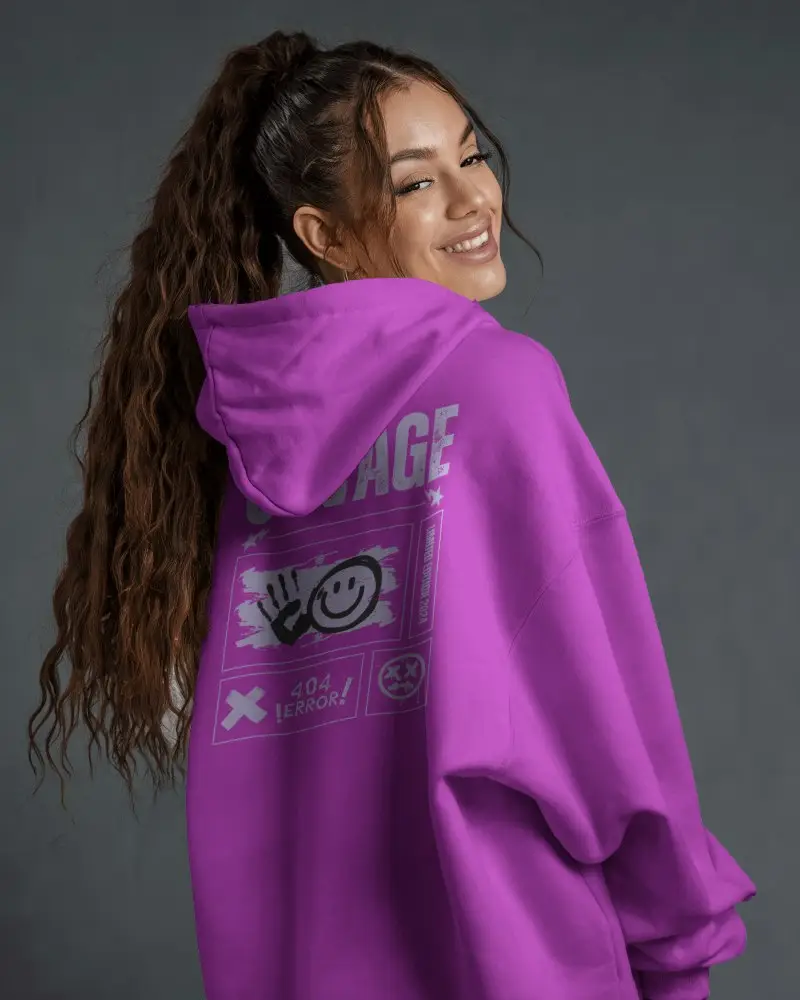
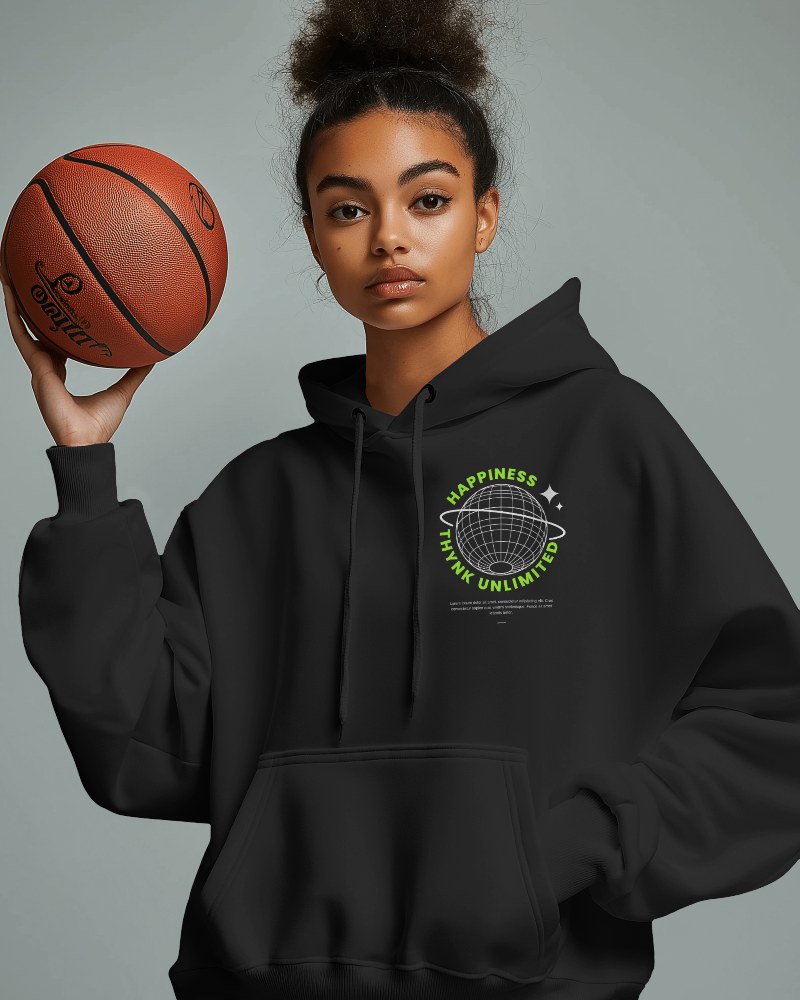
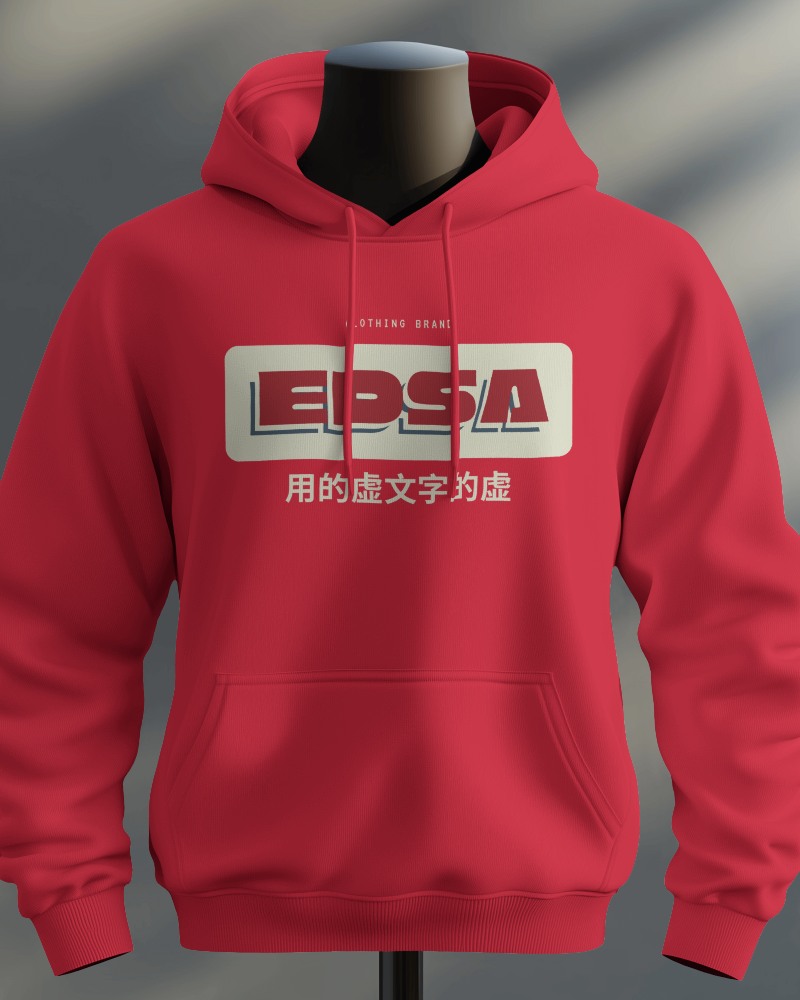
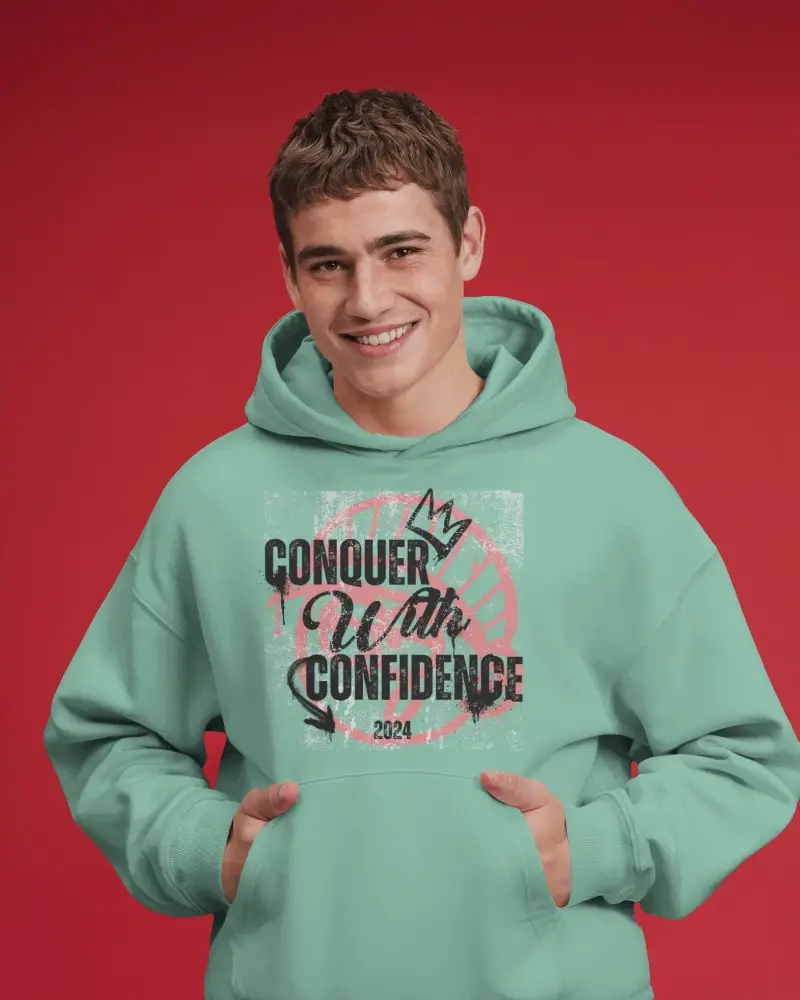
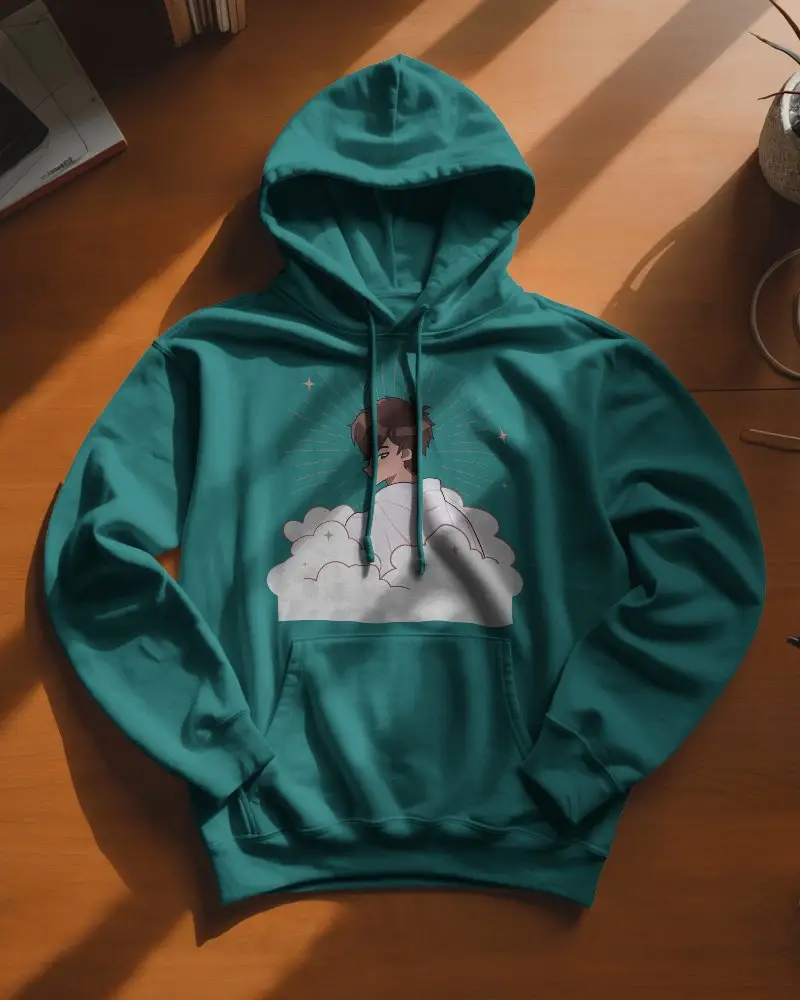
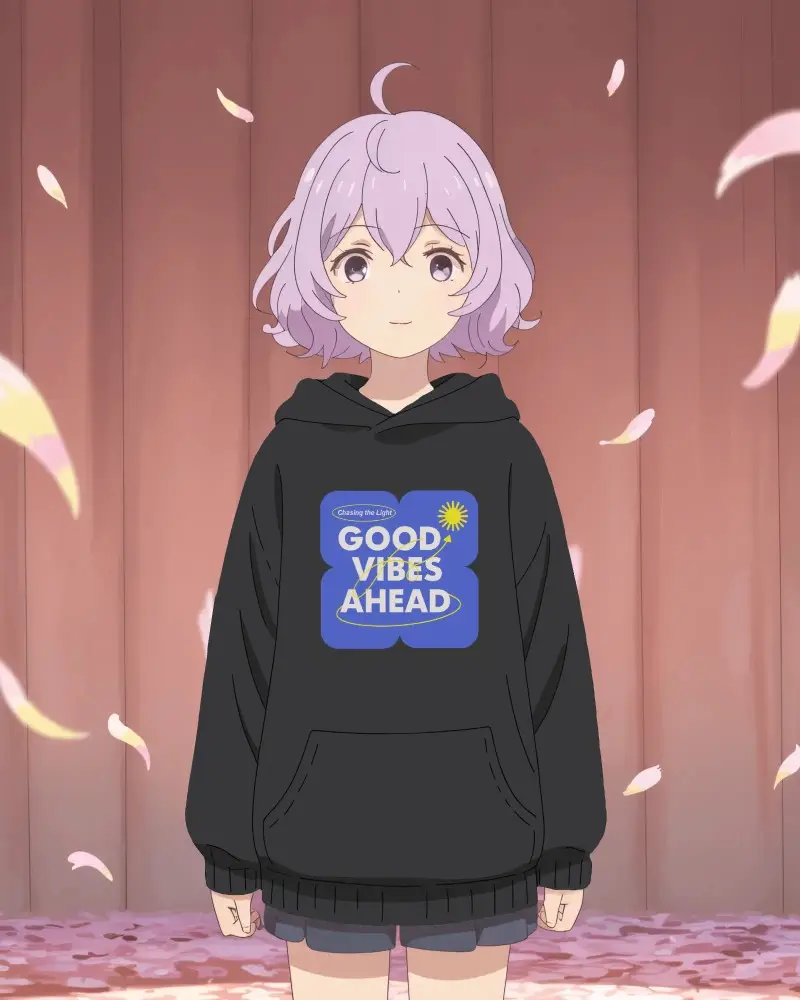
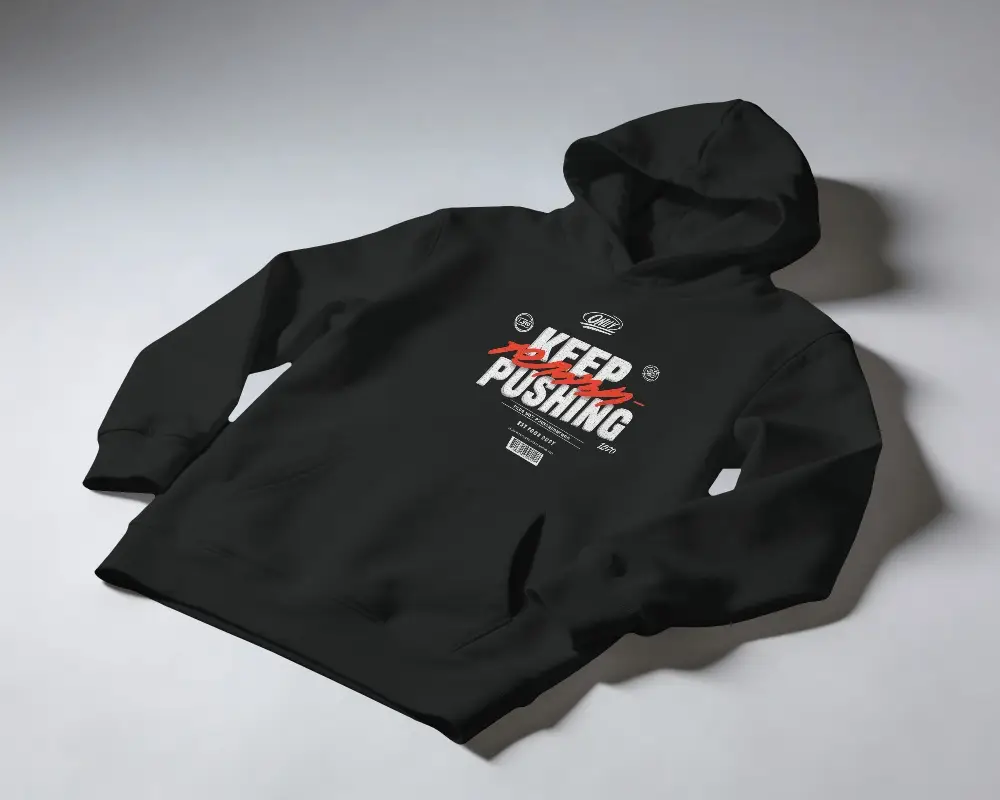

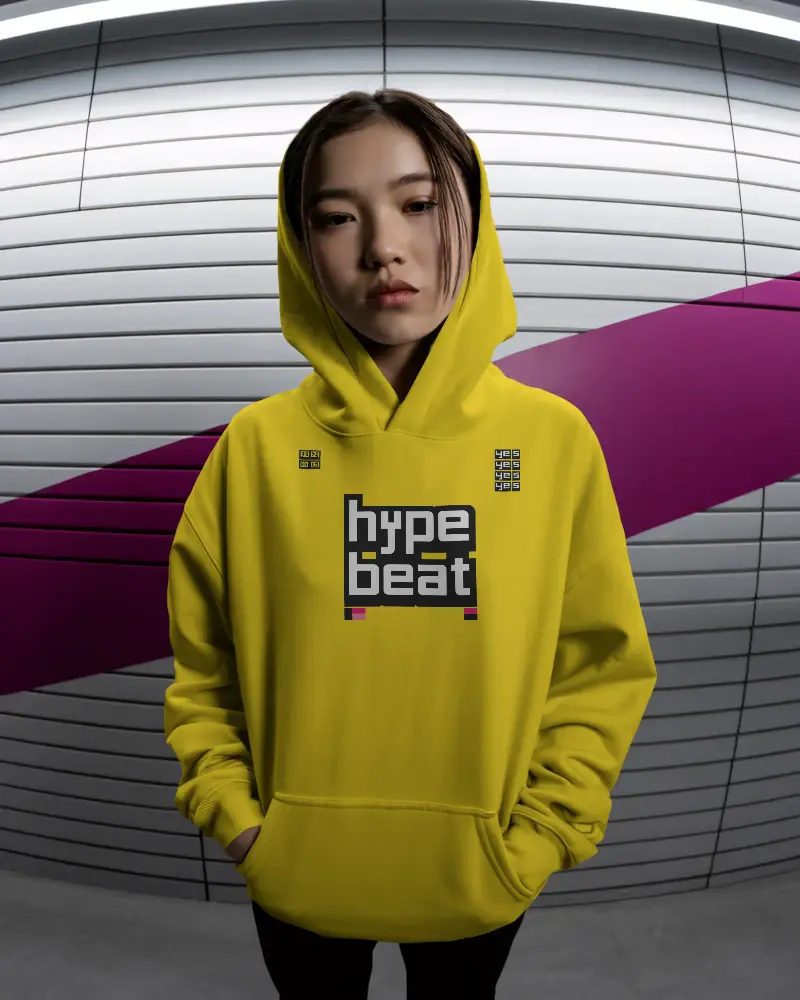
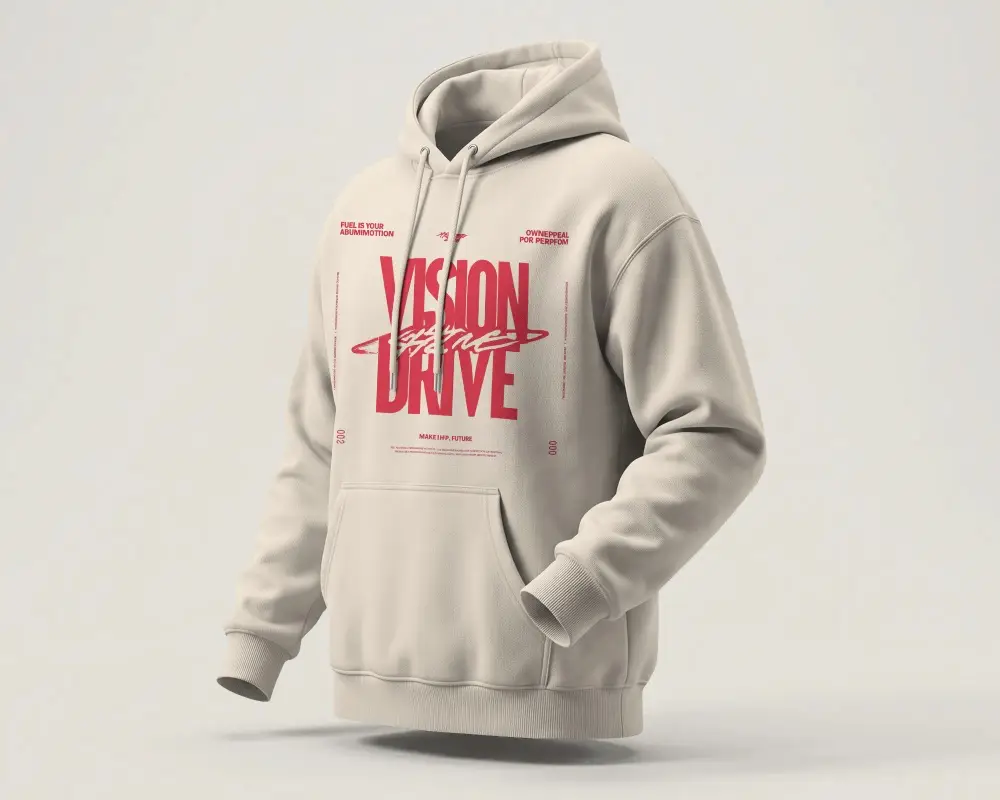
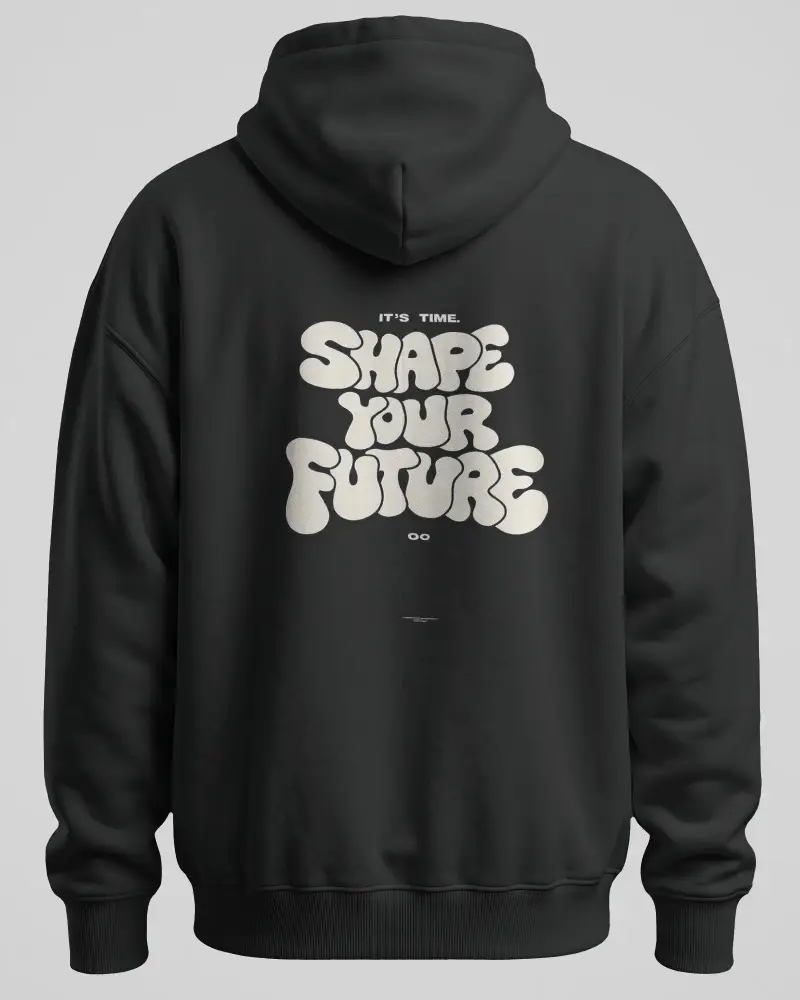
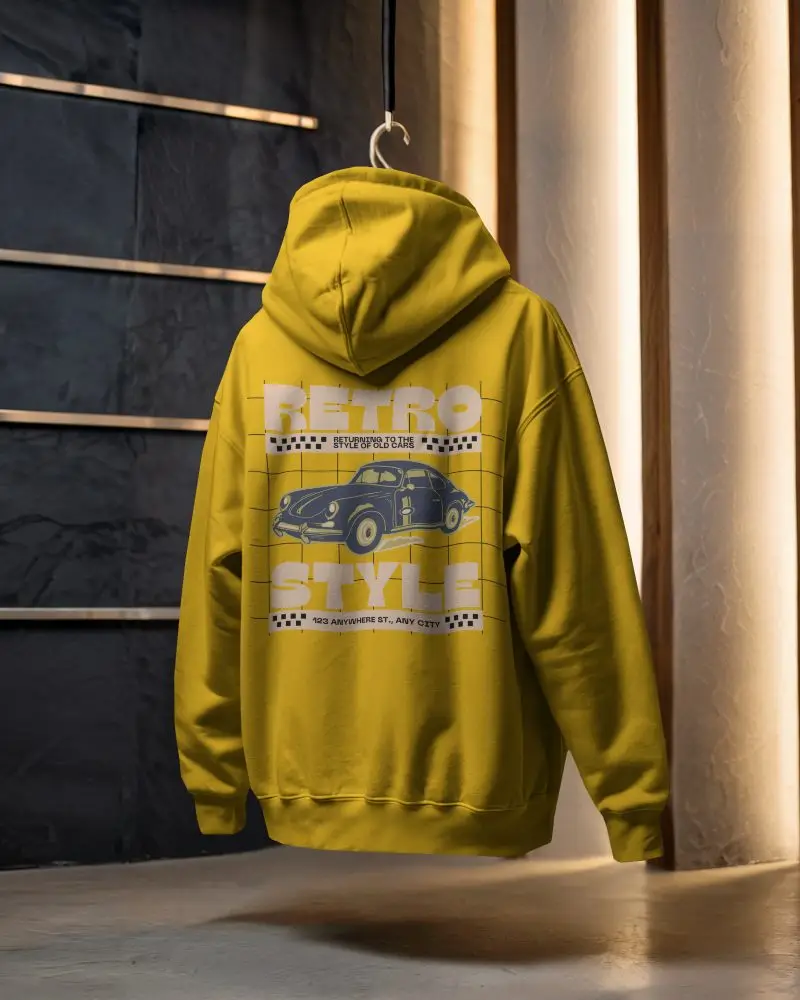
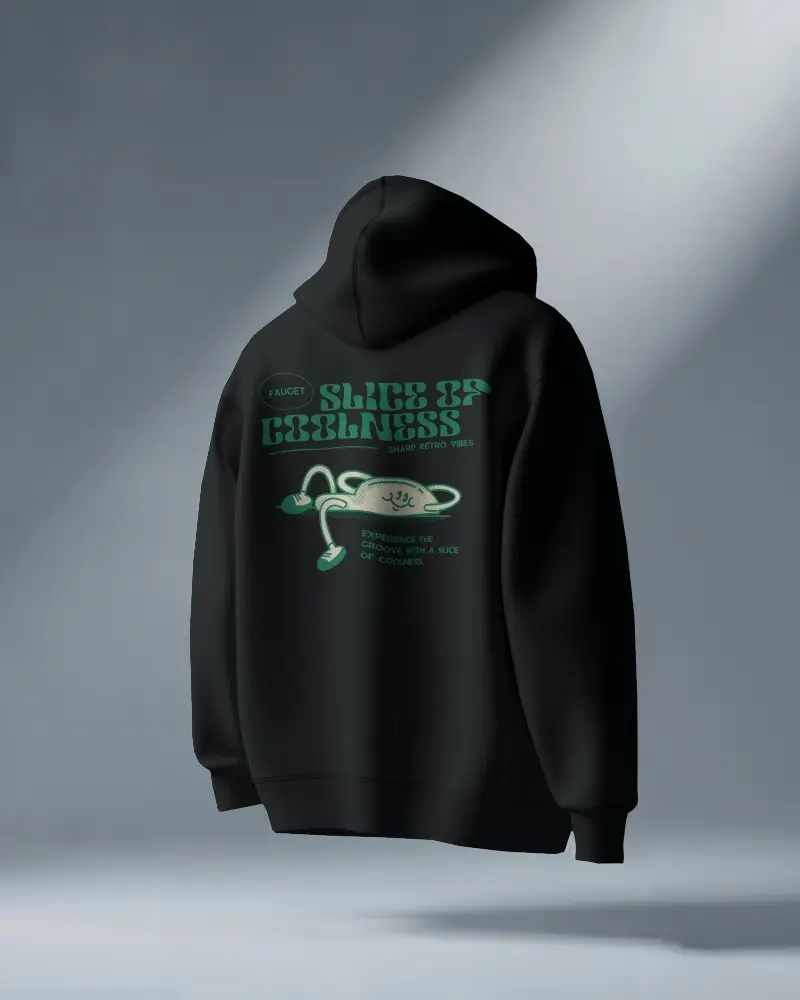
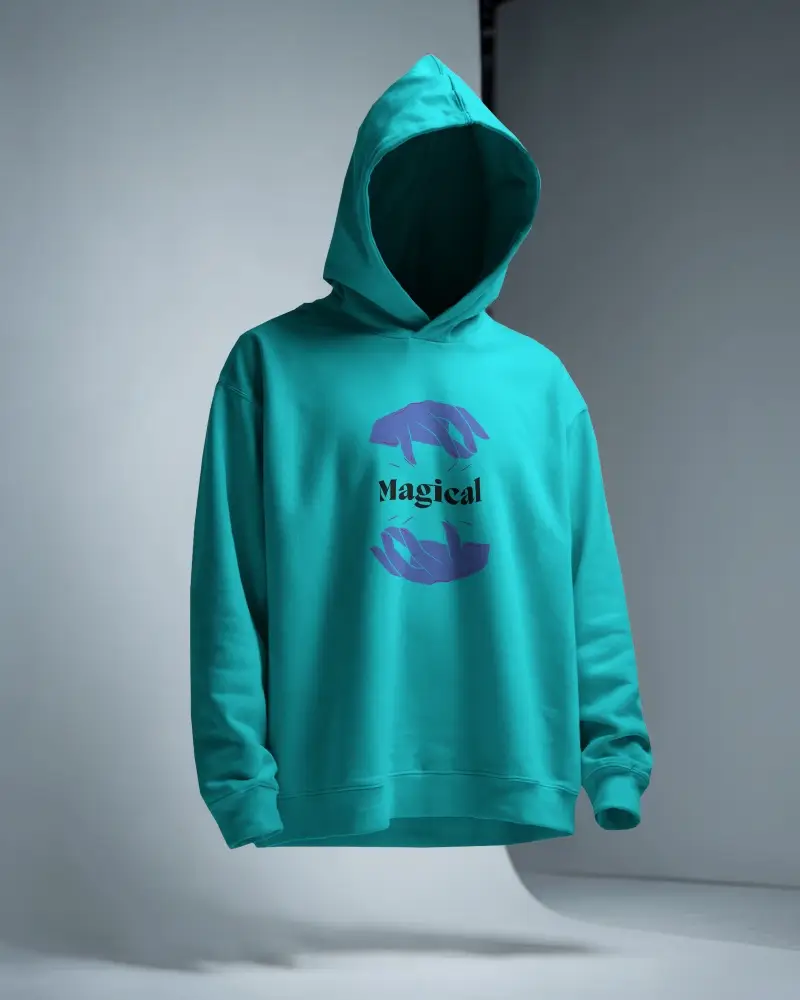
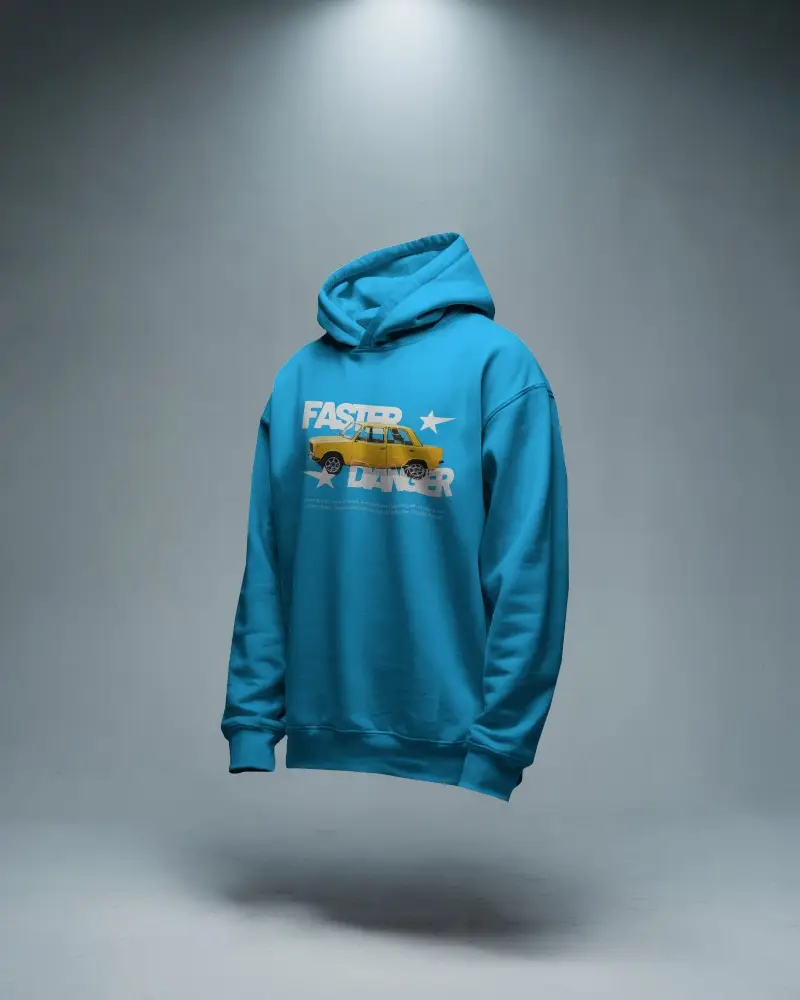
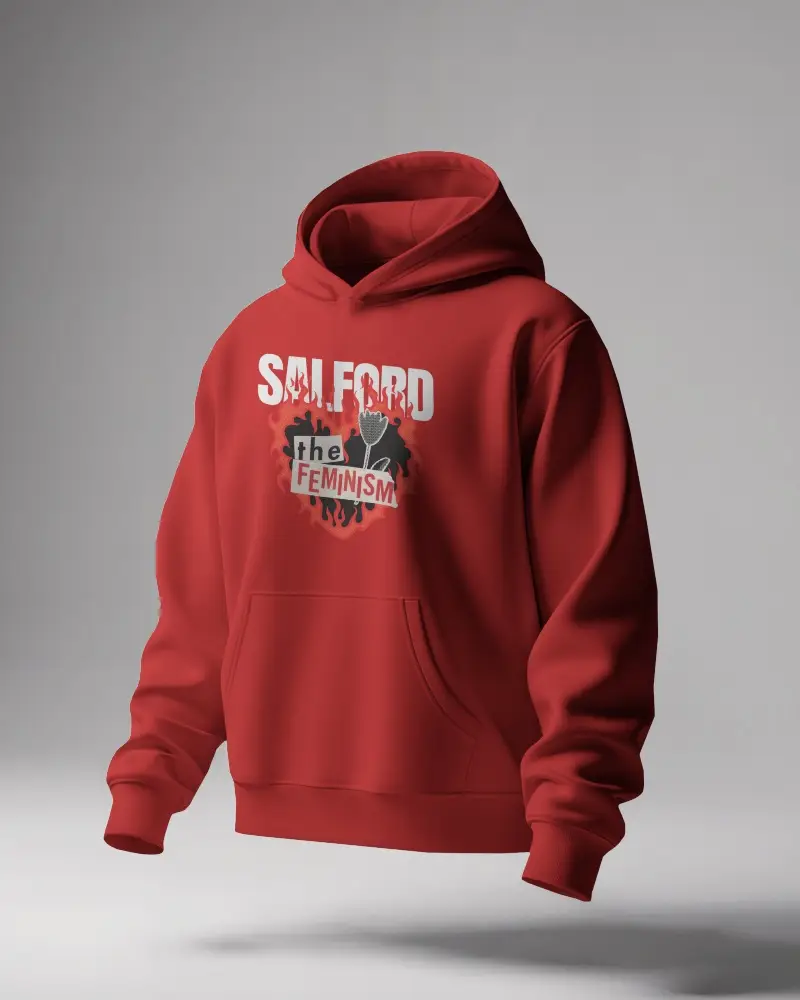
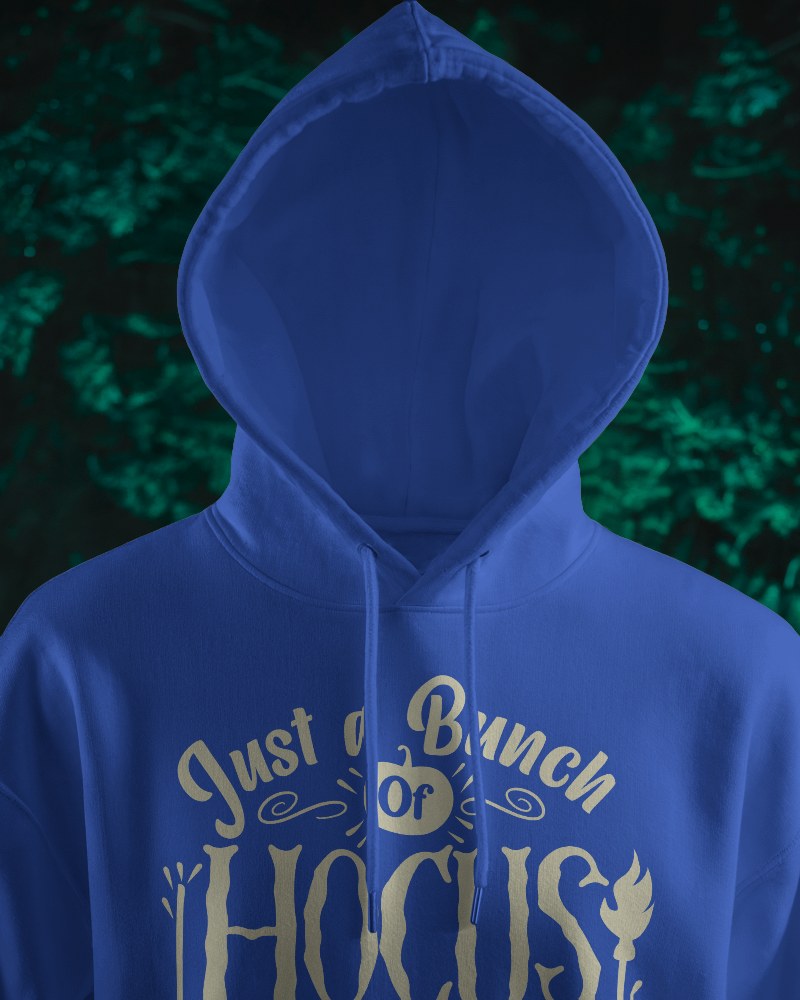
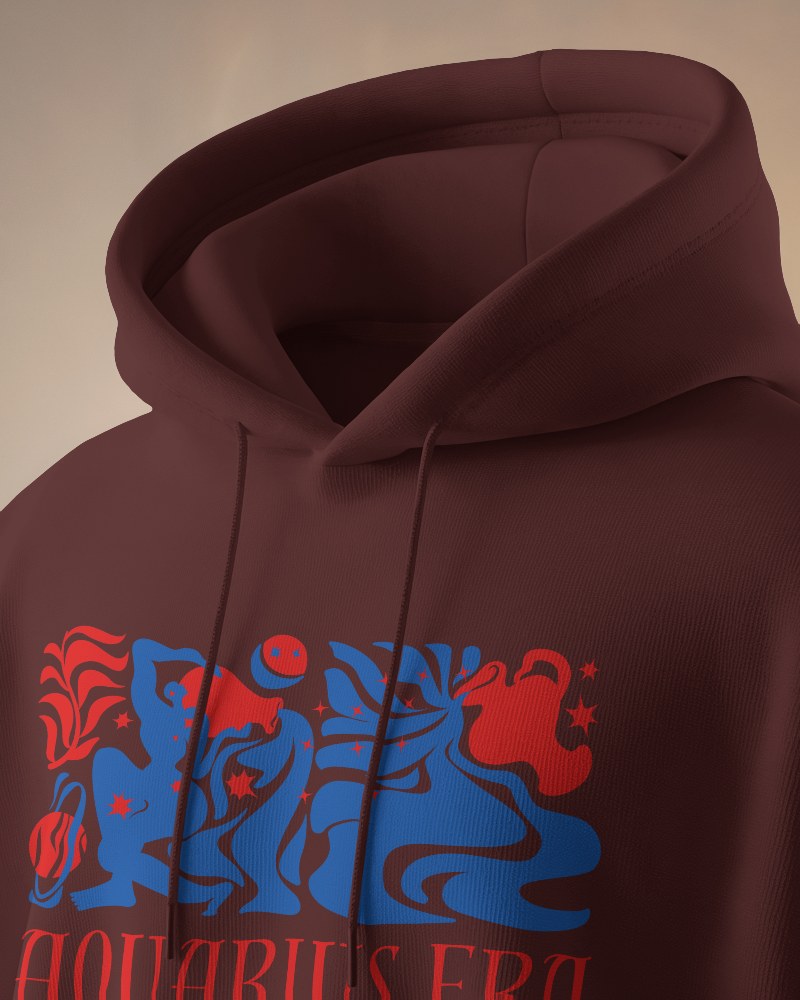
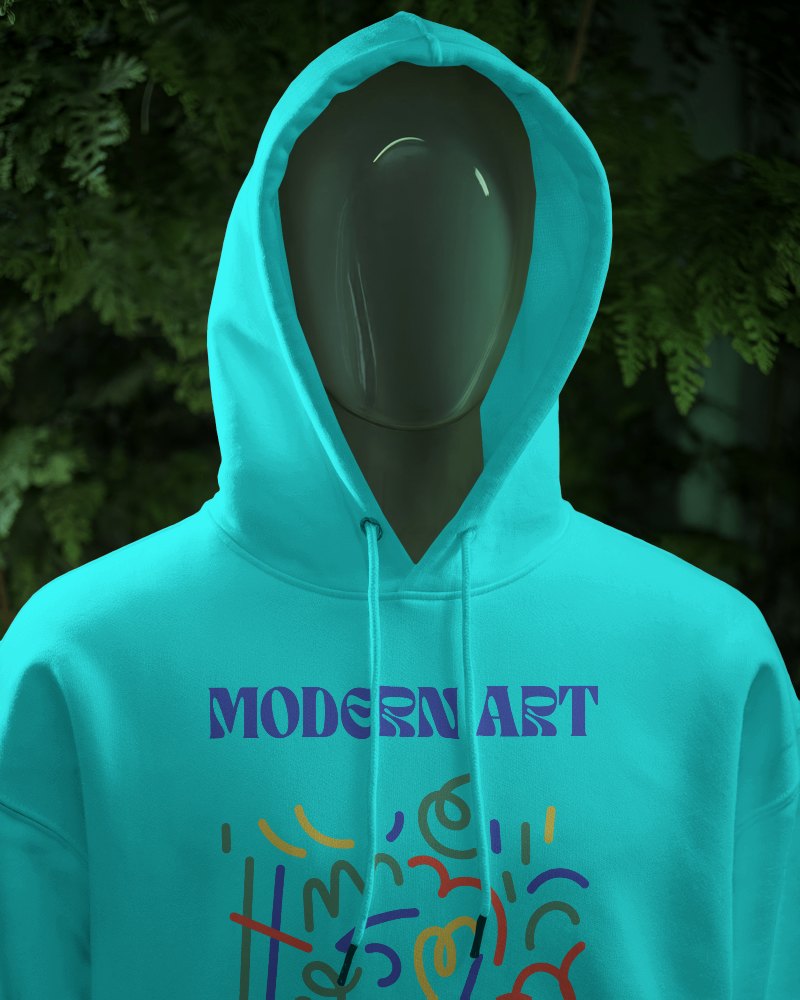
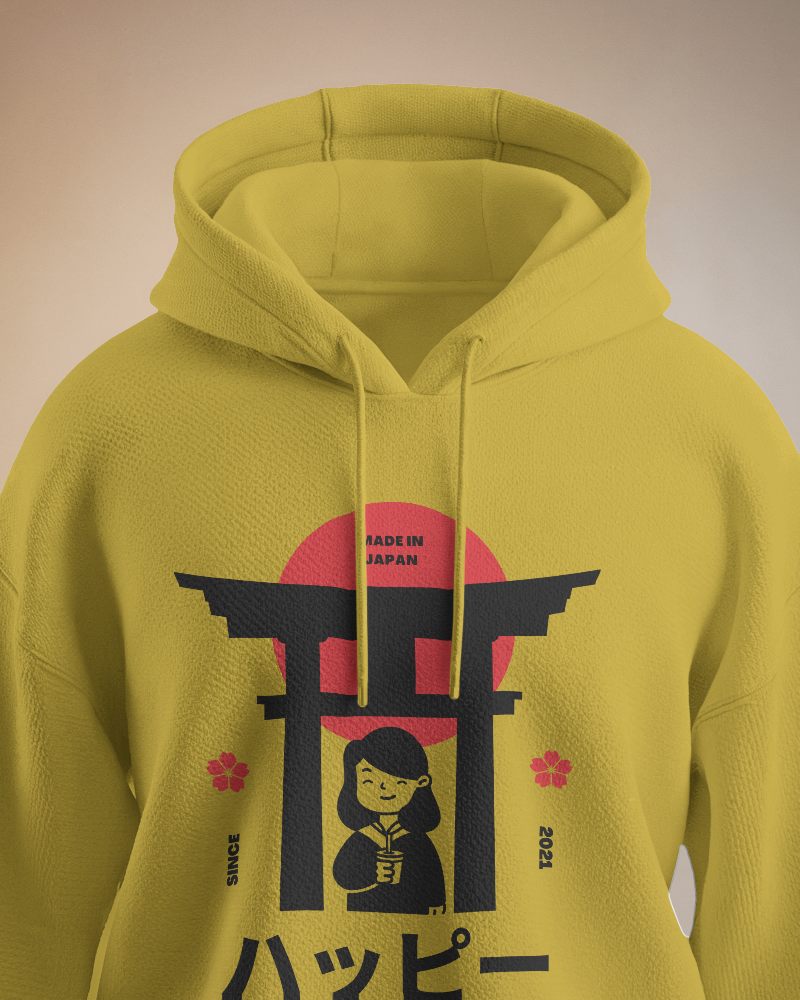
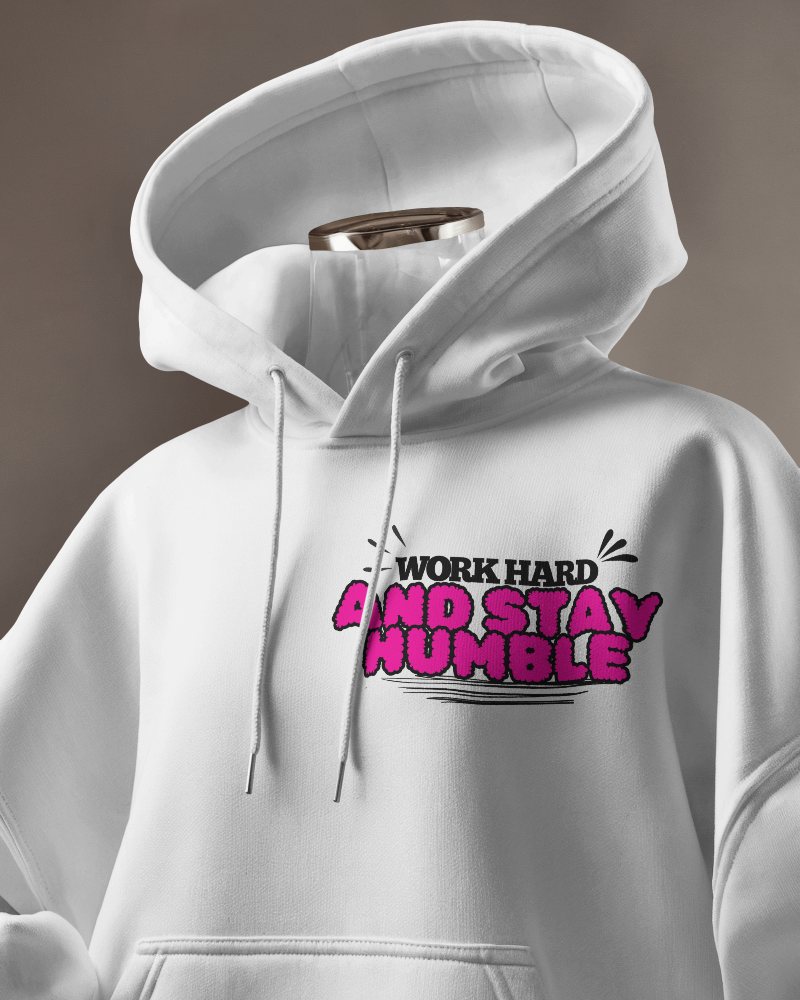
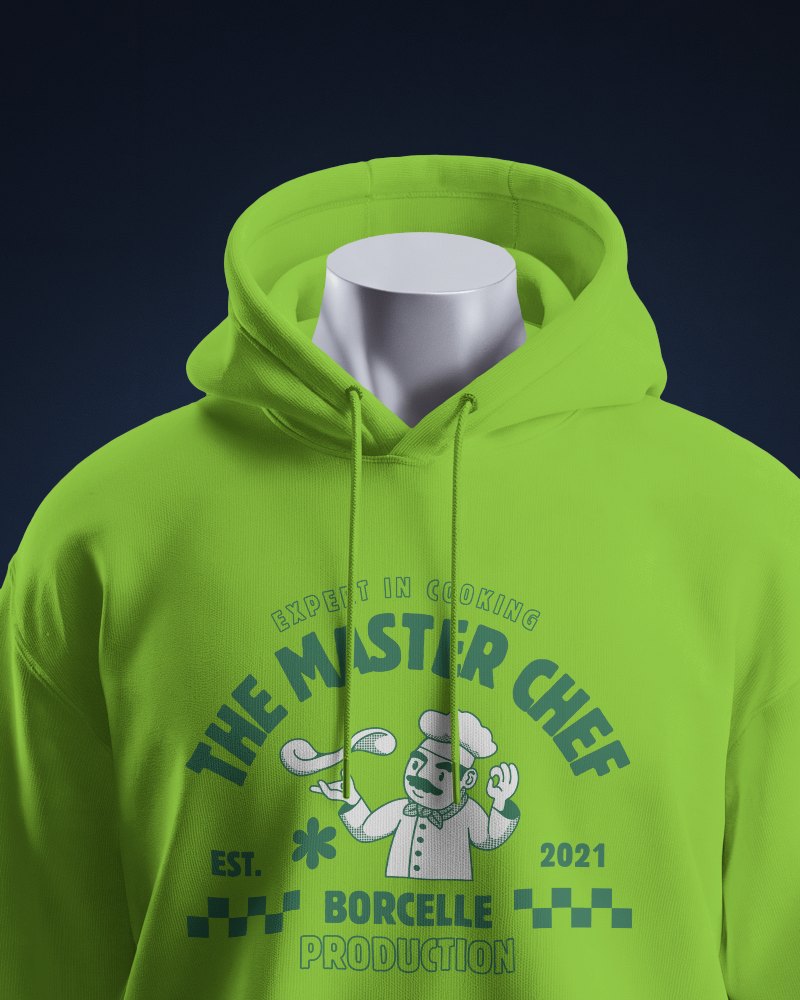
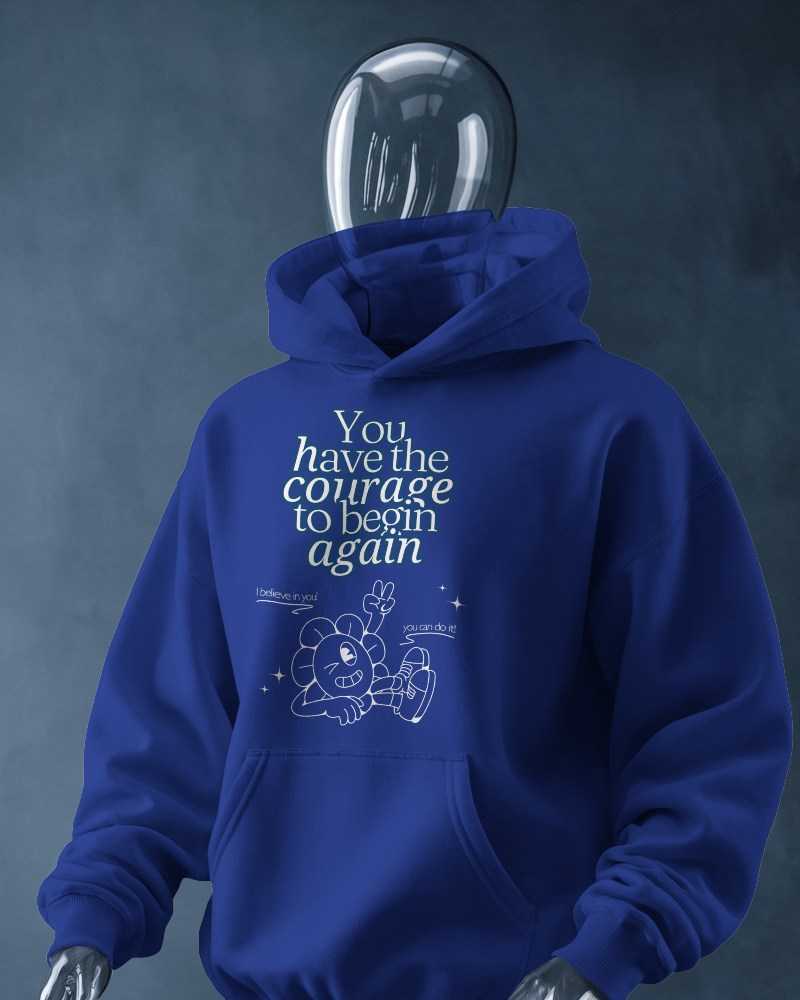
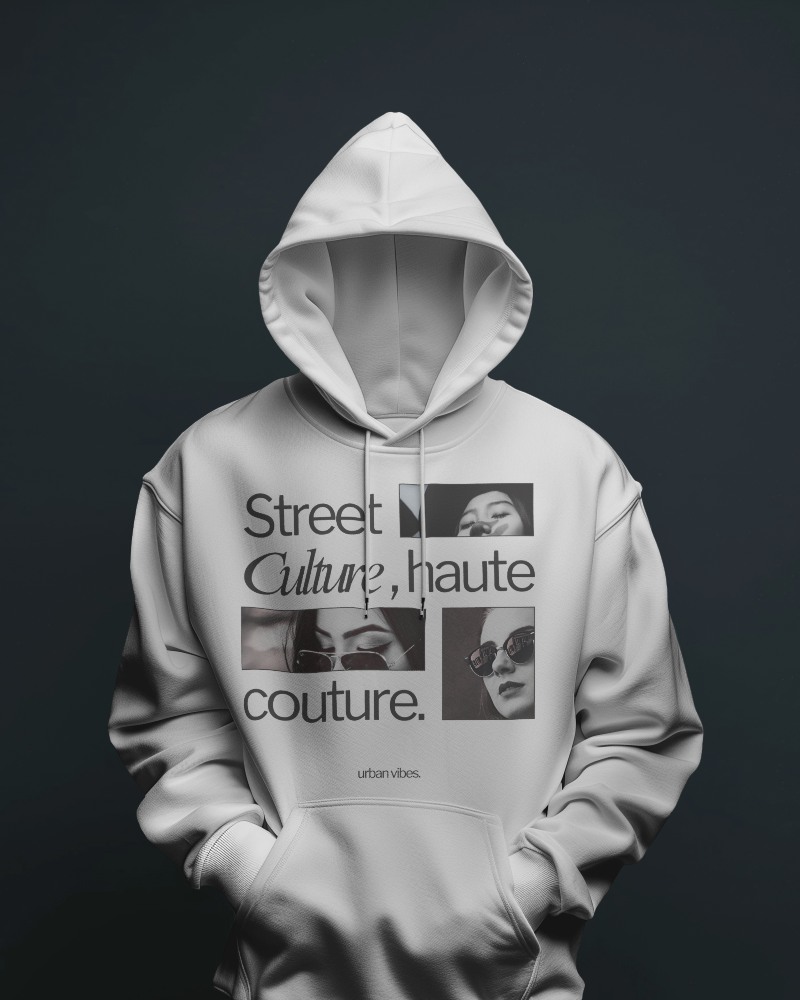
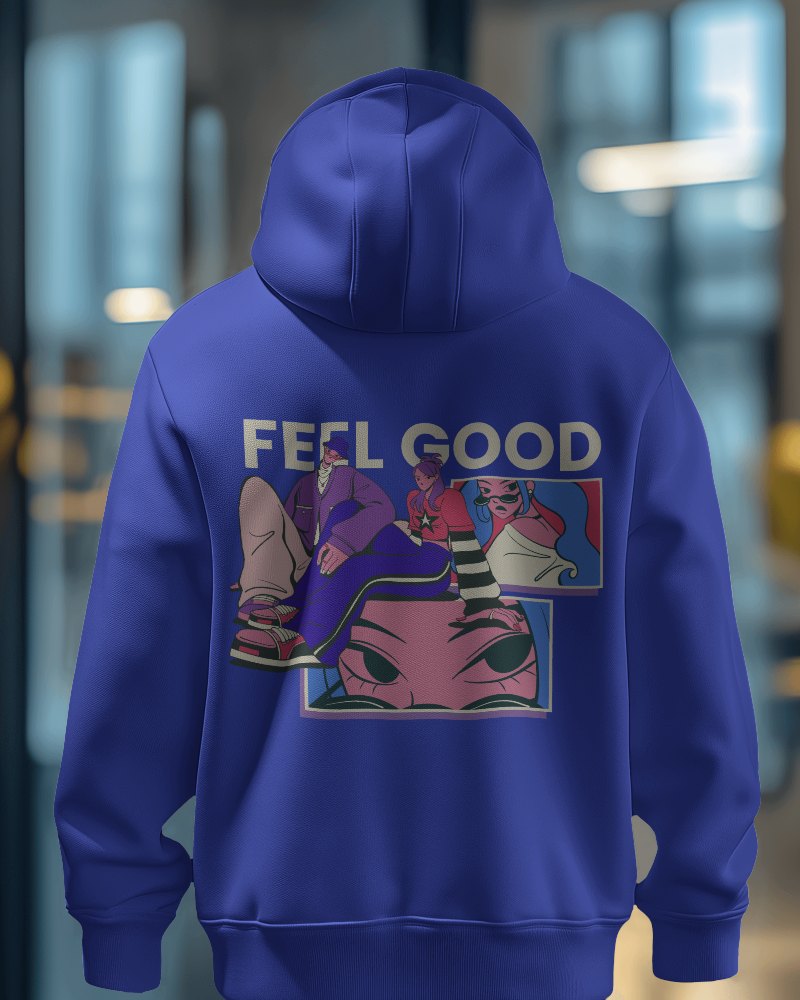
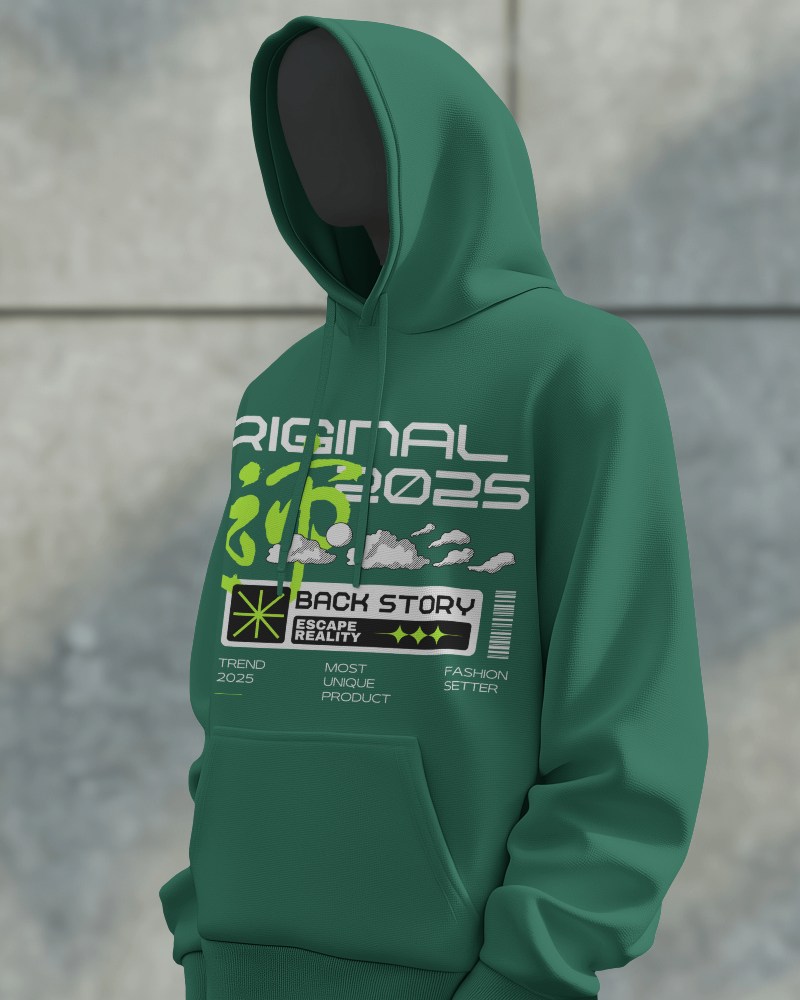
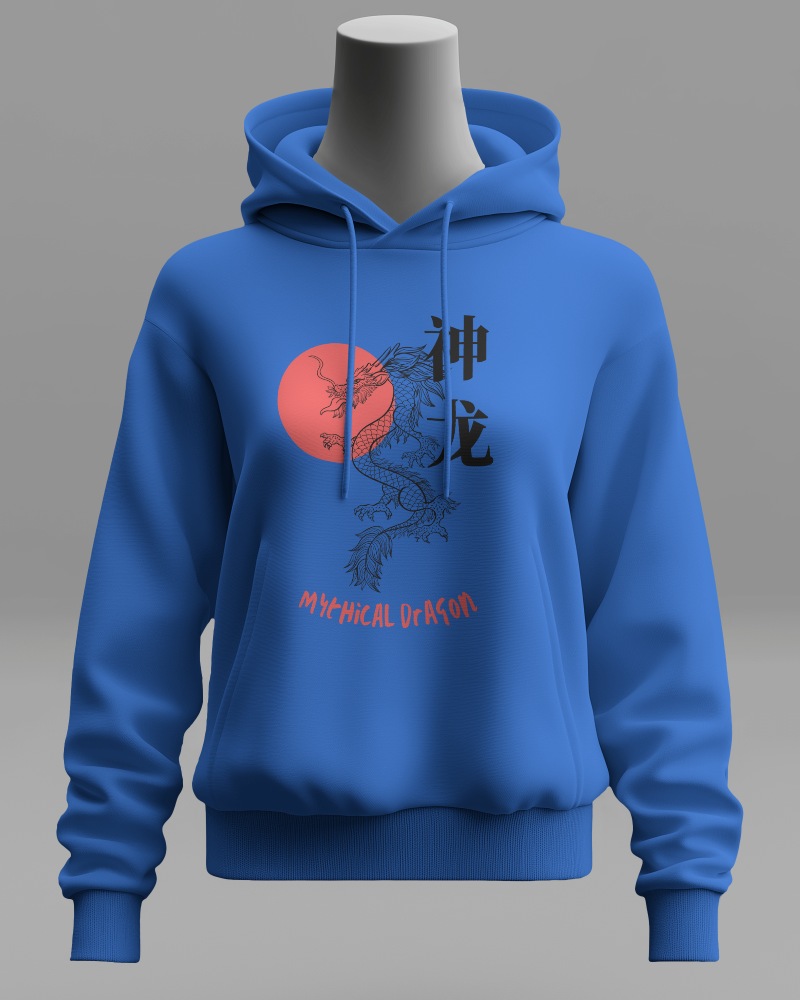
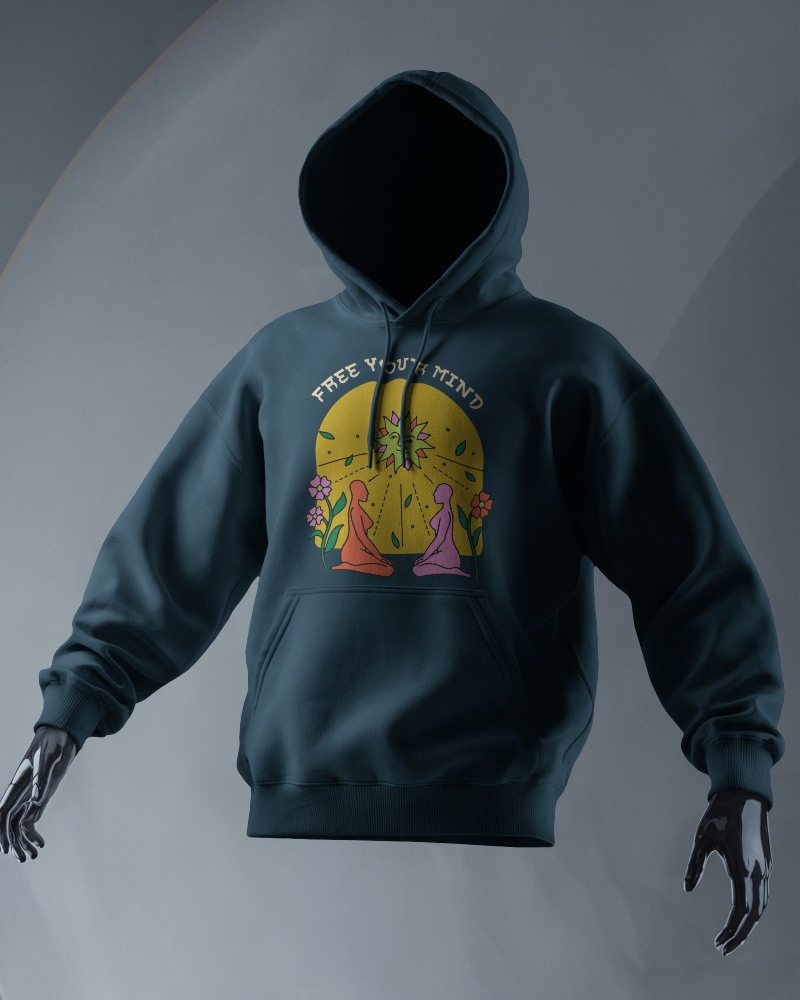
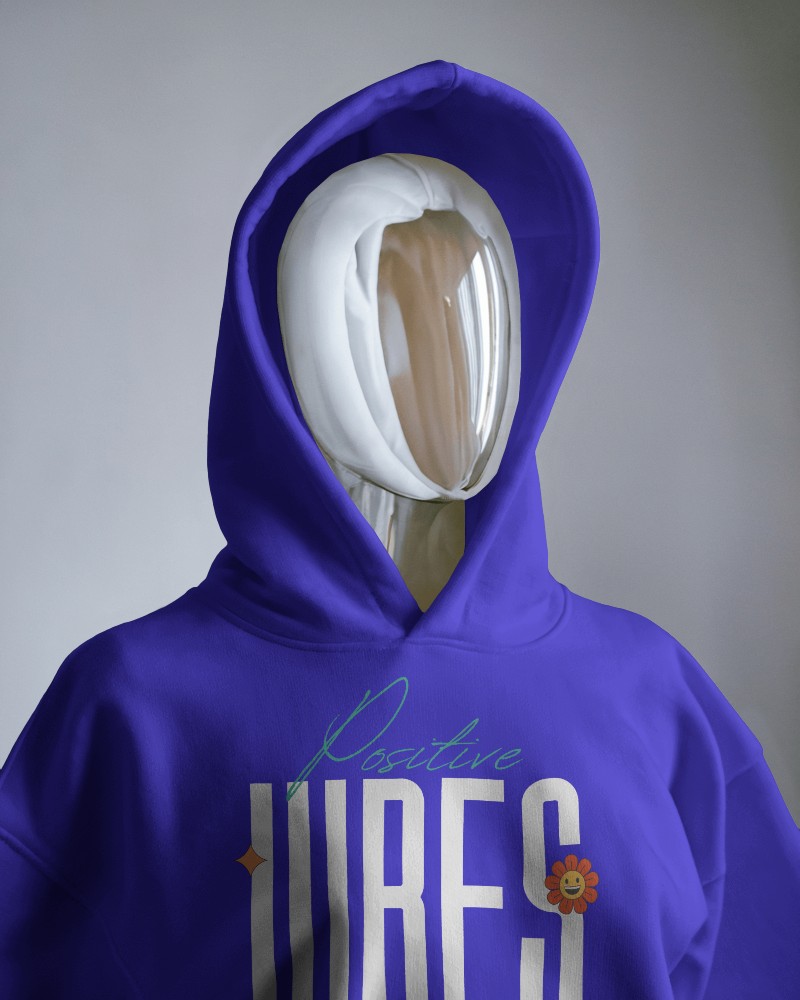
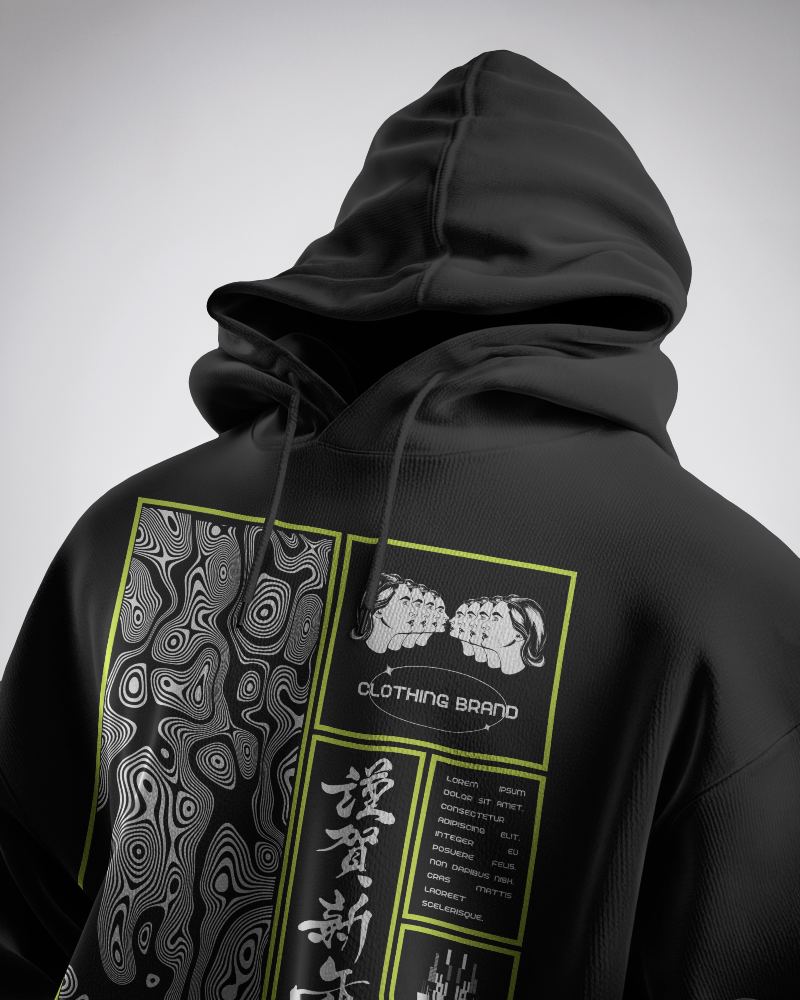
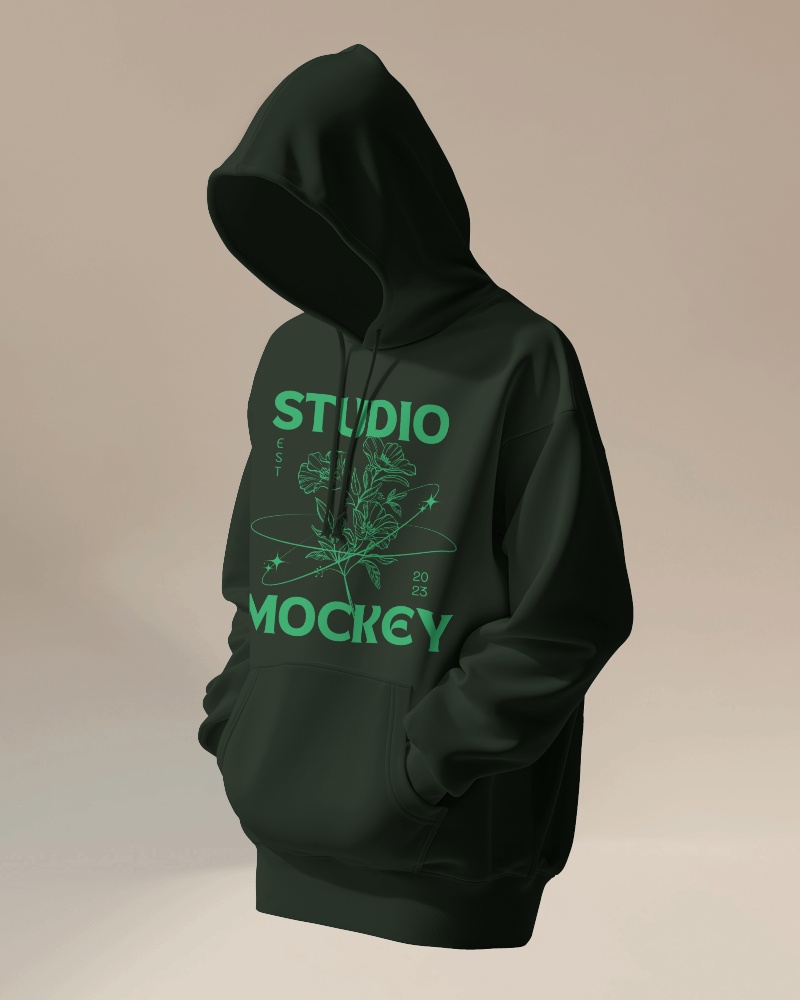
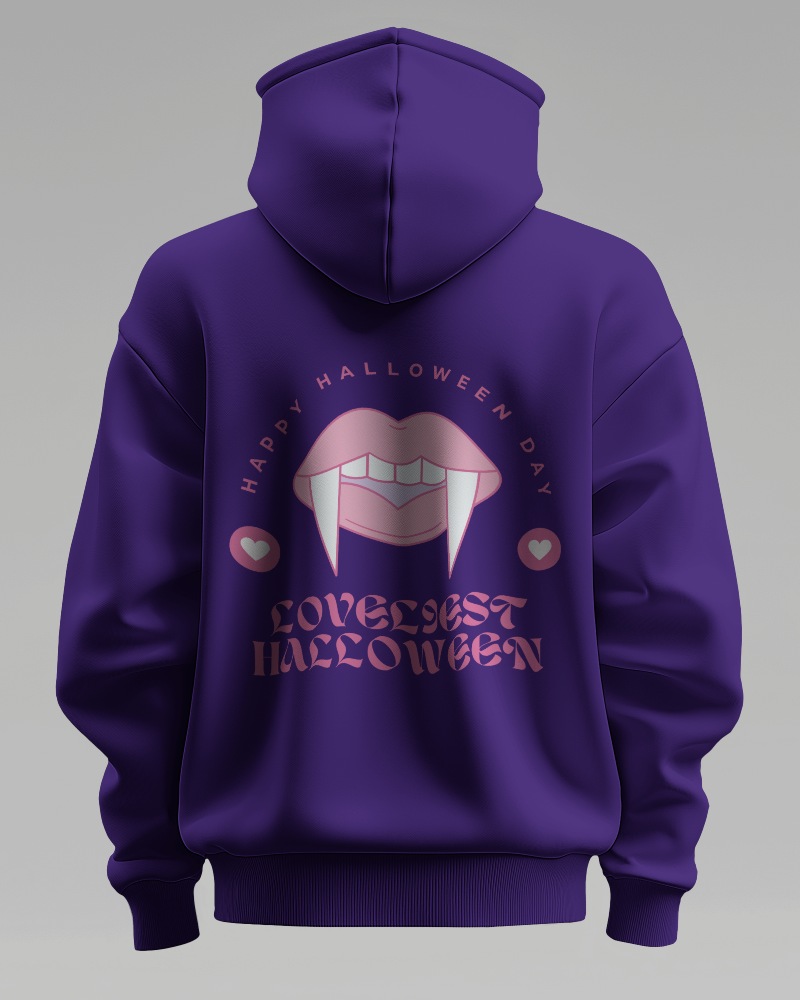
How to Create 3d Hoodie Mockup with Mockey
Follow the steps to create 3d Hoodie Mockups in Mockey AI
- Step 1: Navigate to Mockups > Apparel > Hoodie > 3d Hoodie in the menu.
- Step 2: Select your preferred template and upload your design.
- Step 3: Customize and download the high-quality 3d Hoodie mockup.


FAQs on 3d Hoodie Mockups
What is a 3d Hoodie Mockup?
A 3d Hoodie mockup is a digital version of a hoodie design. It's used to display designs or logos on a virtual hoodie, helping designers and businesses create realistic images for marketing and online sales.
Why create a 3d Hoodie mockup?
Designing a 3d Hoodie mockup helps you see your design on a real product, so you can make smart choices and show your ideas clearly to clients or manufacturers before making it.
Why Use Mockey’s 3d Hoodie Mockup?
Mockey's 3d Hoodie mockup is great because you can customize and download it for free, choose from many options to customize, and even request custom mockups.
Is this 3d Hoodie Mockup Free?
Mockey provides a free 3d Hoodie Mockup Generator with more than 1000 templates to customize. Just upload your design, select a model, adjust colors and backgrounds, and get high-quality mockups instantly, free of charge and without watermarks.
