Zip Up Hoodie Mockup Templates
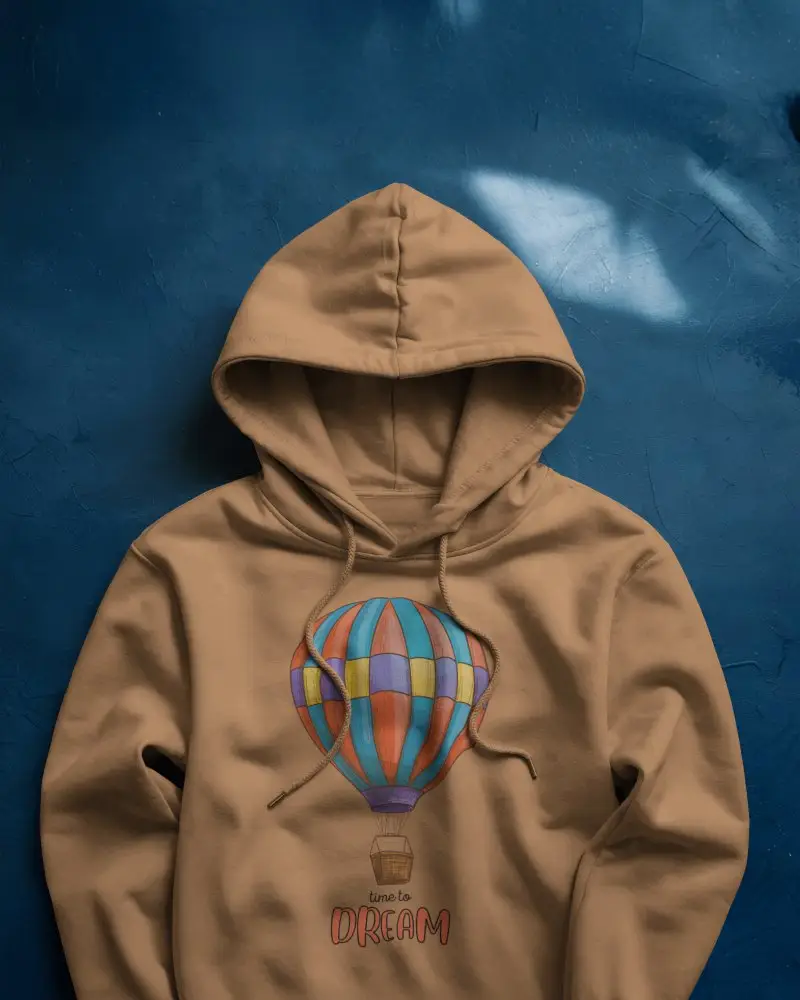
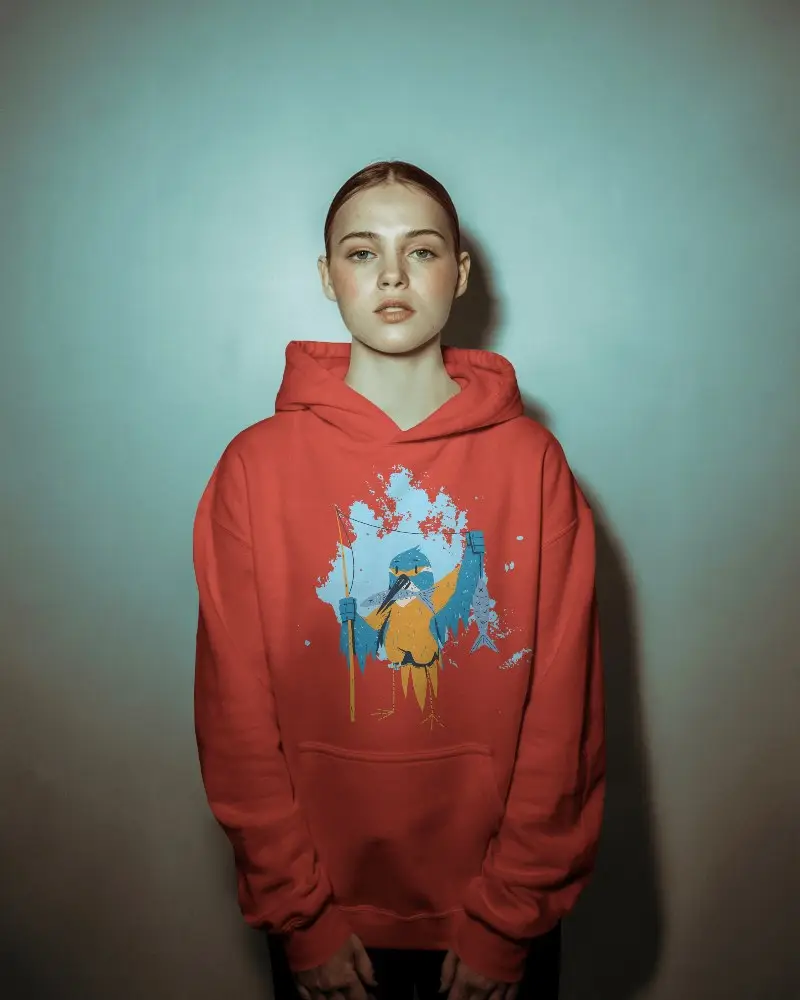
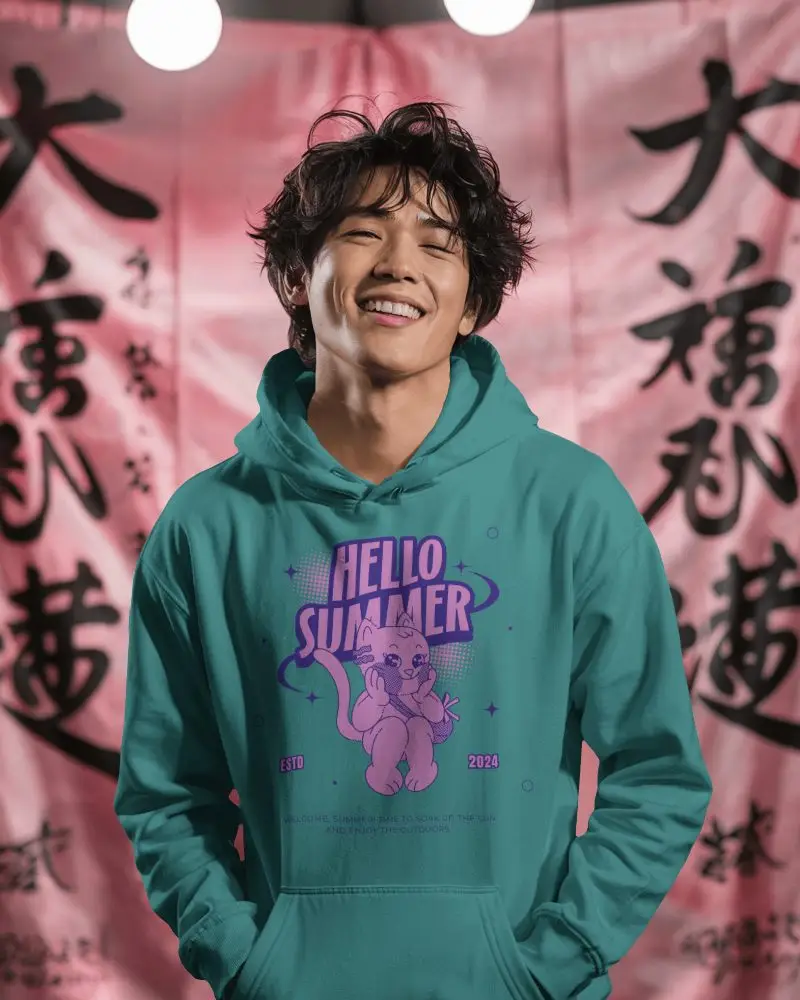
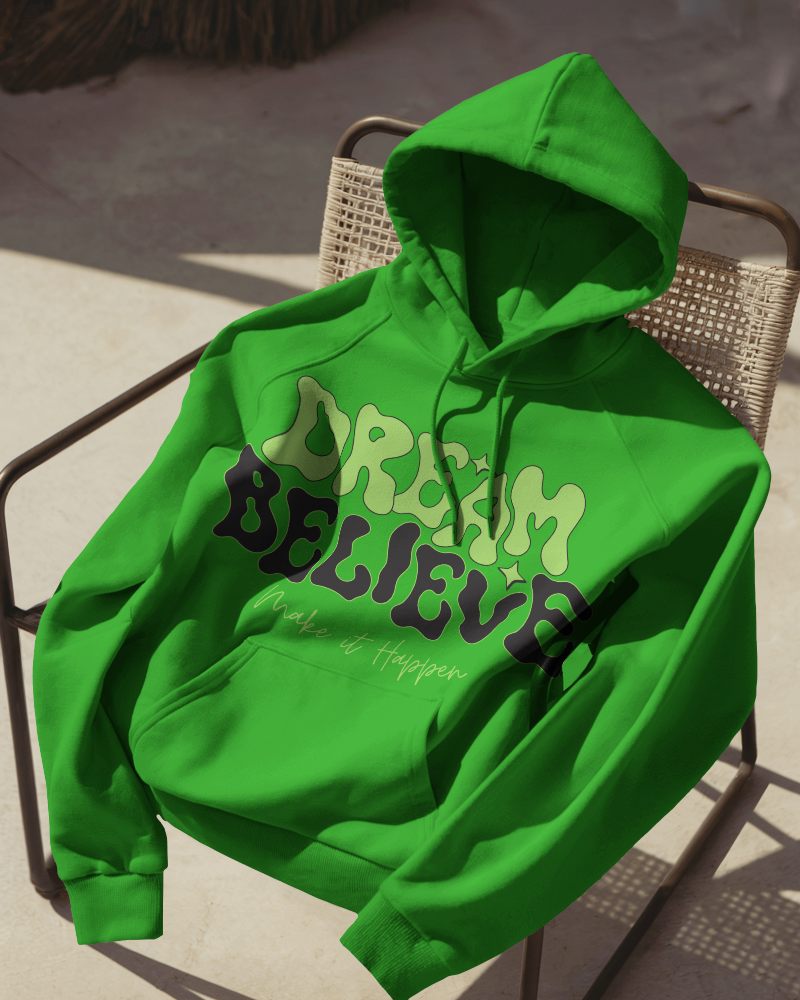
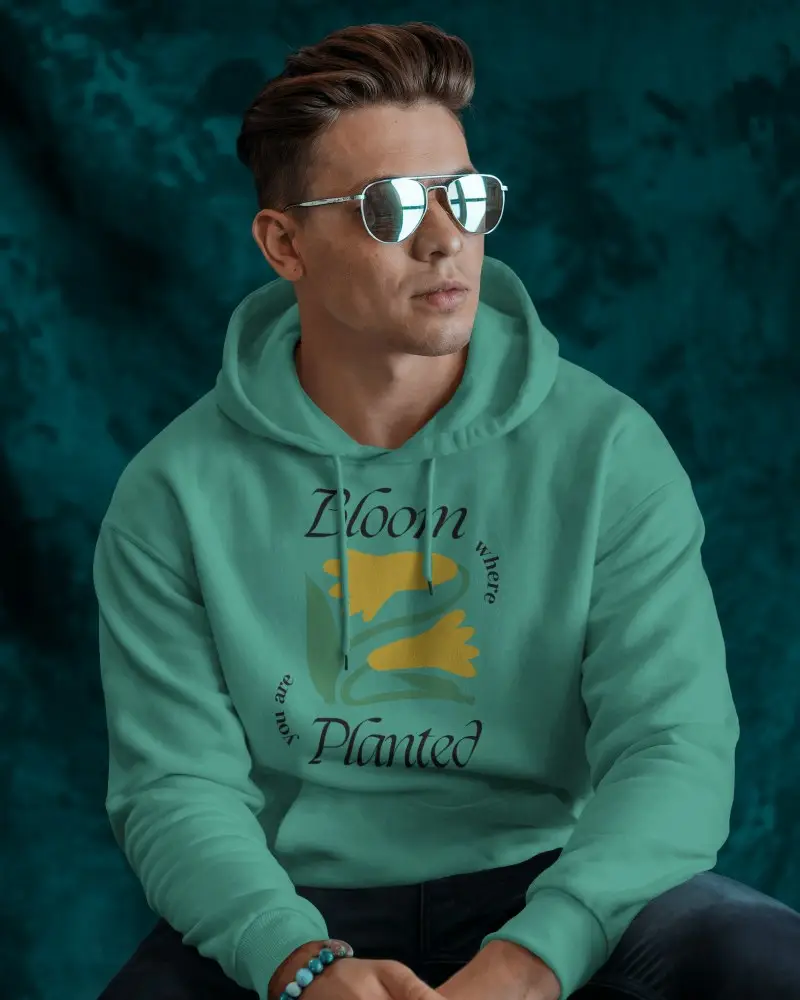
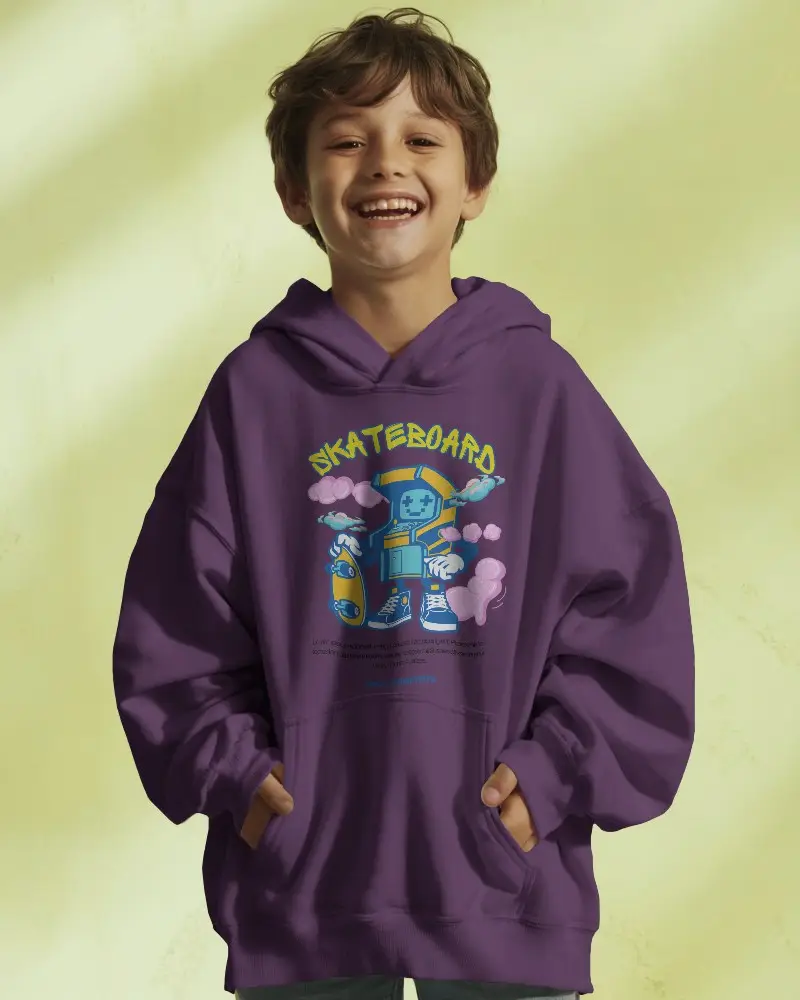
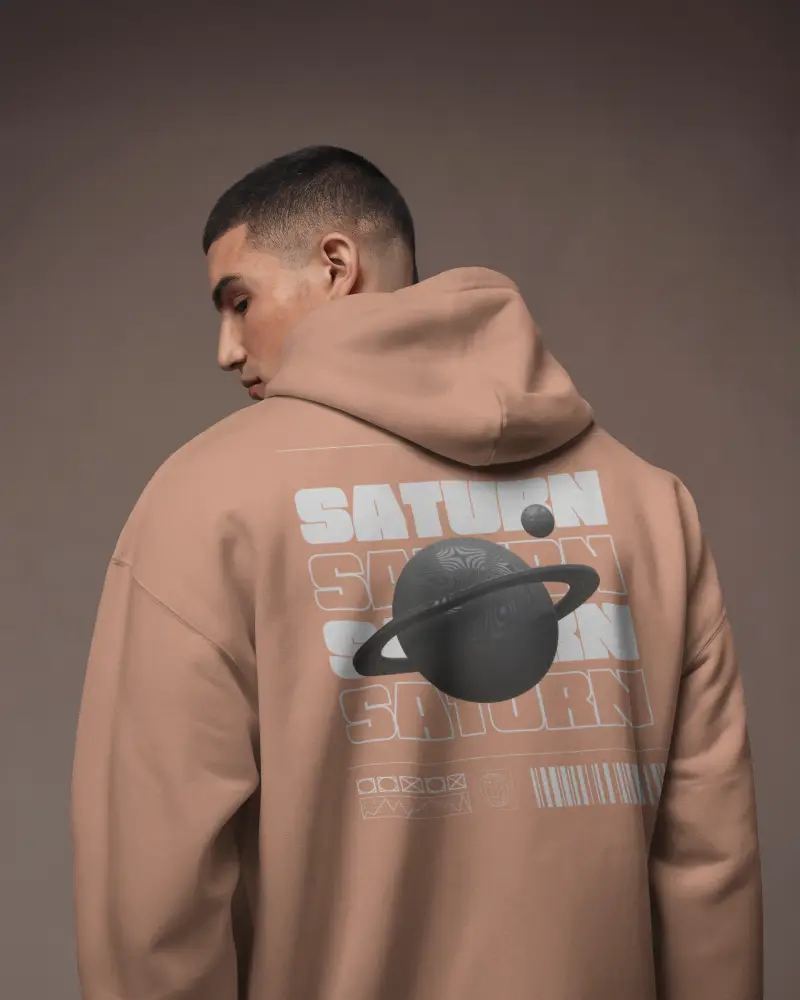
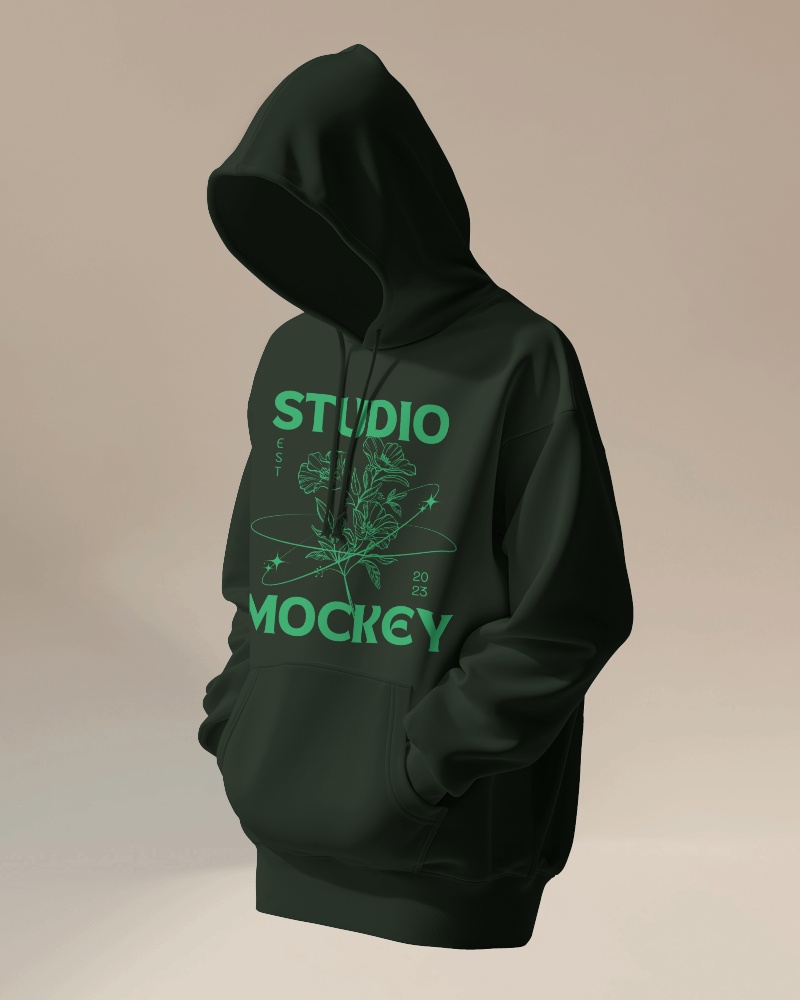
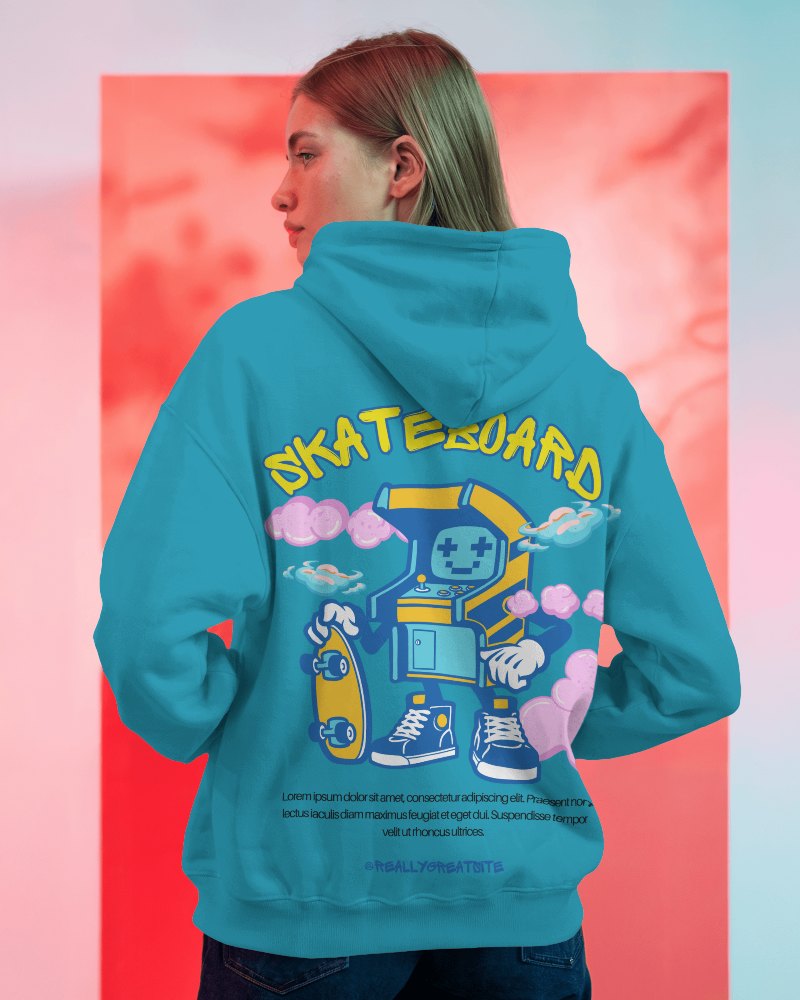
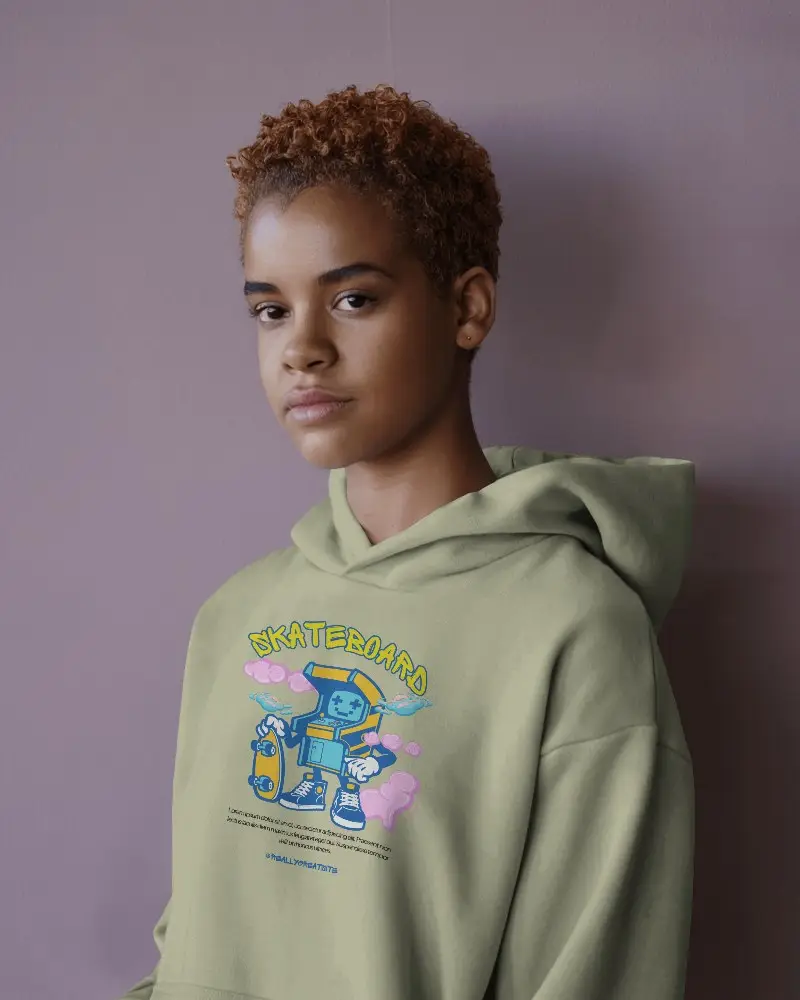
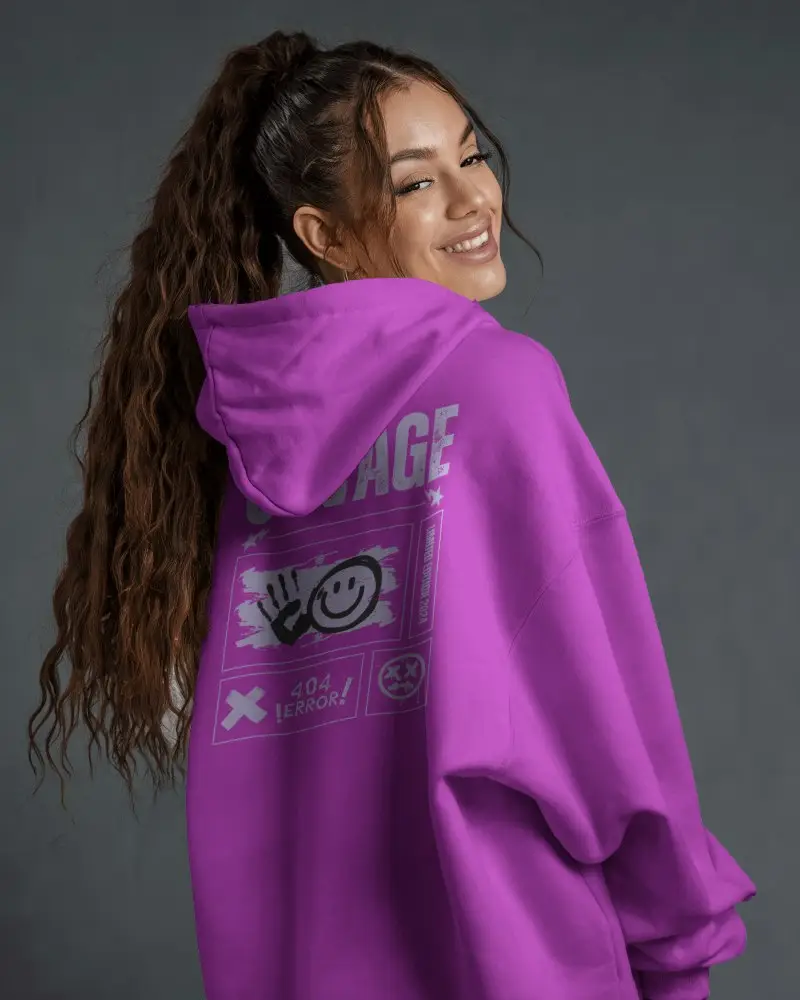
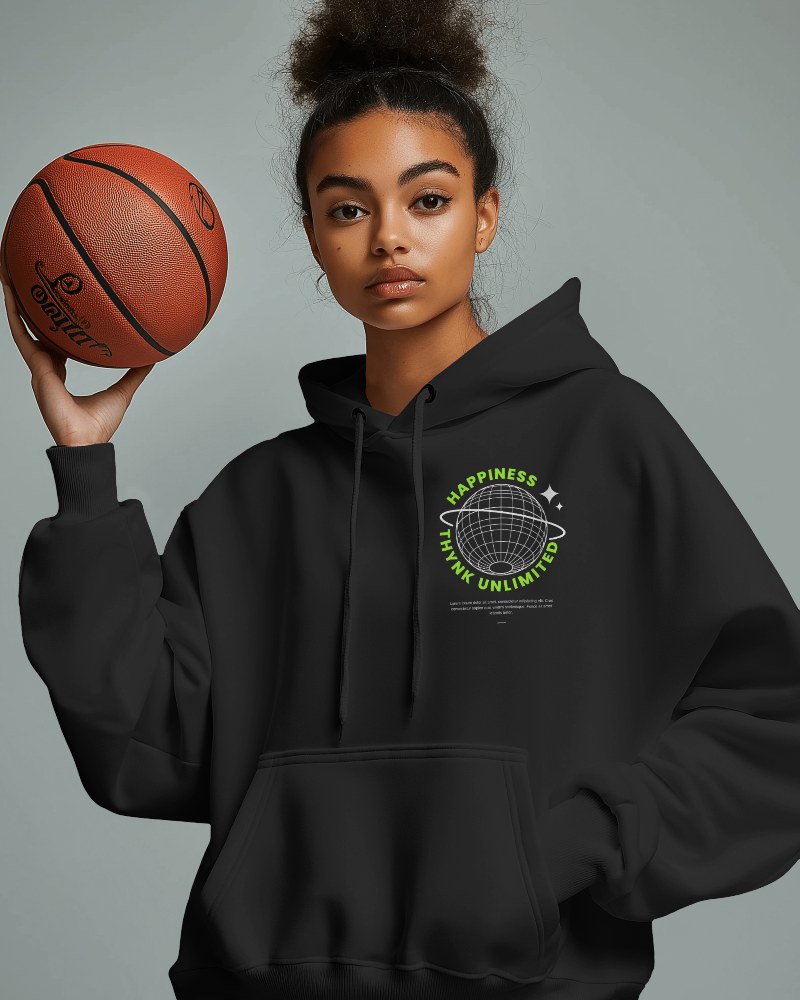
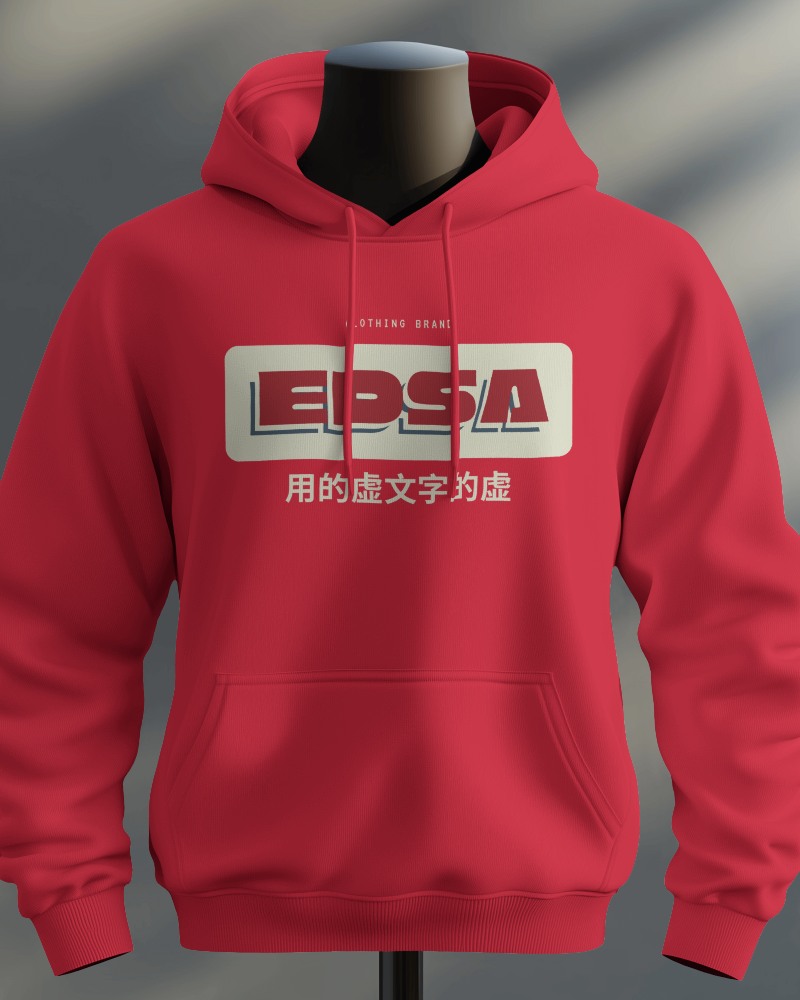
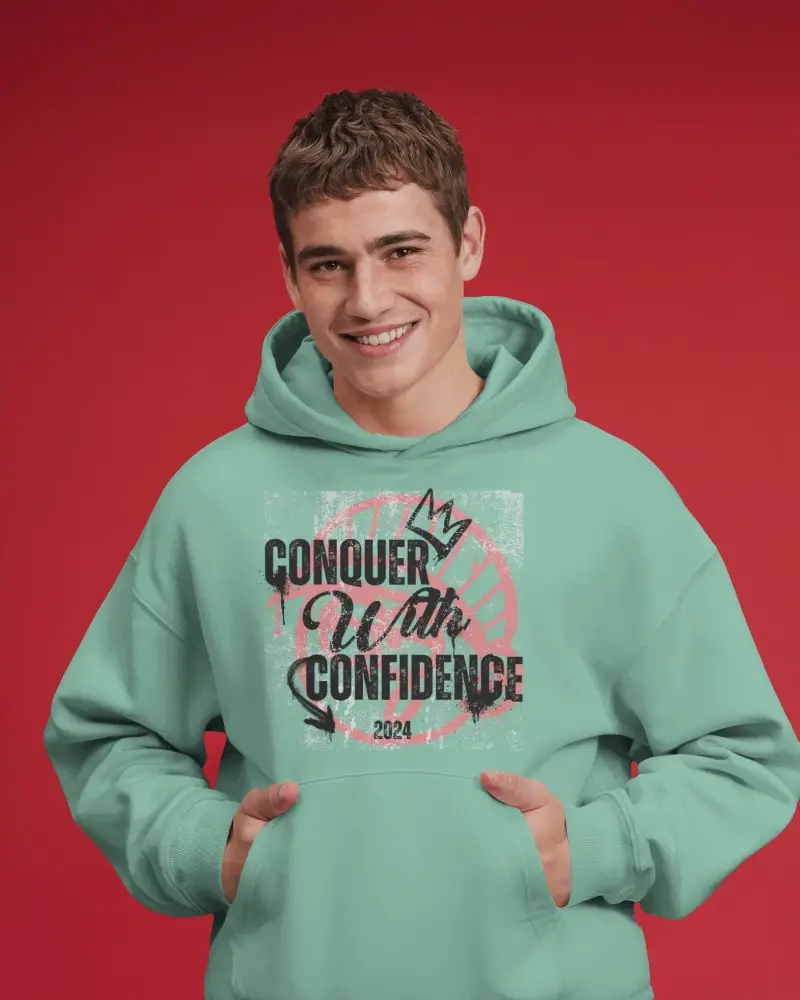
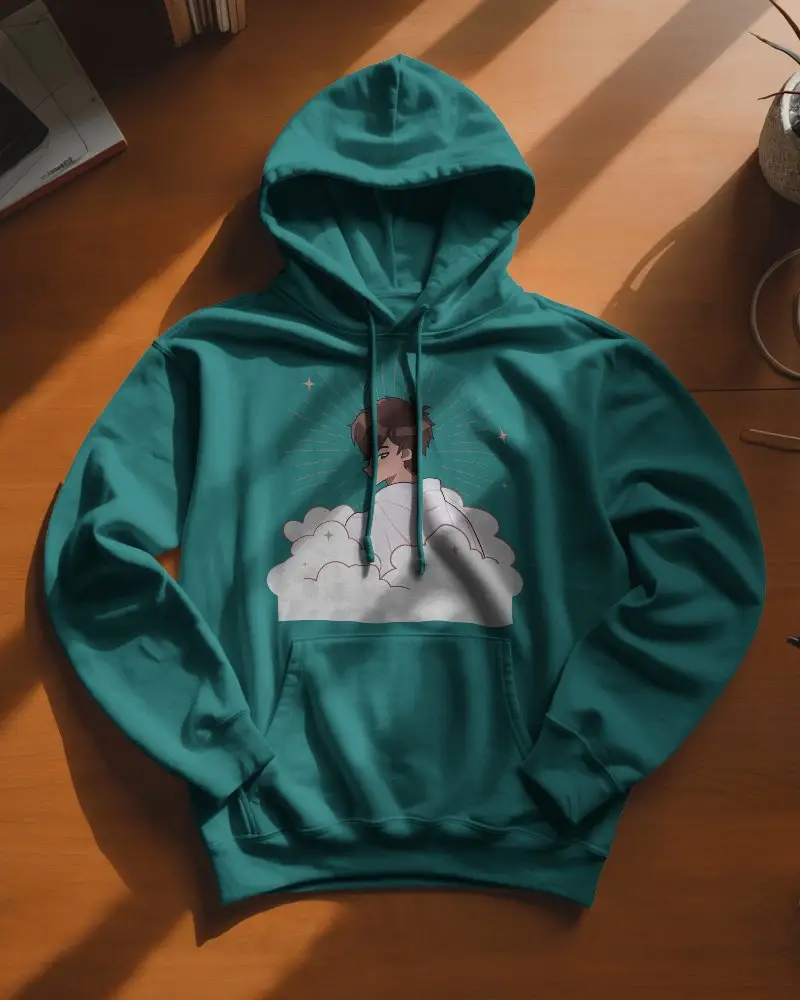
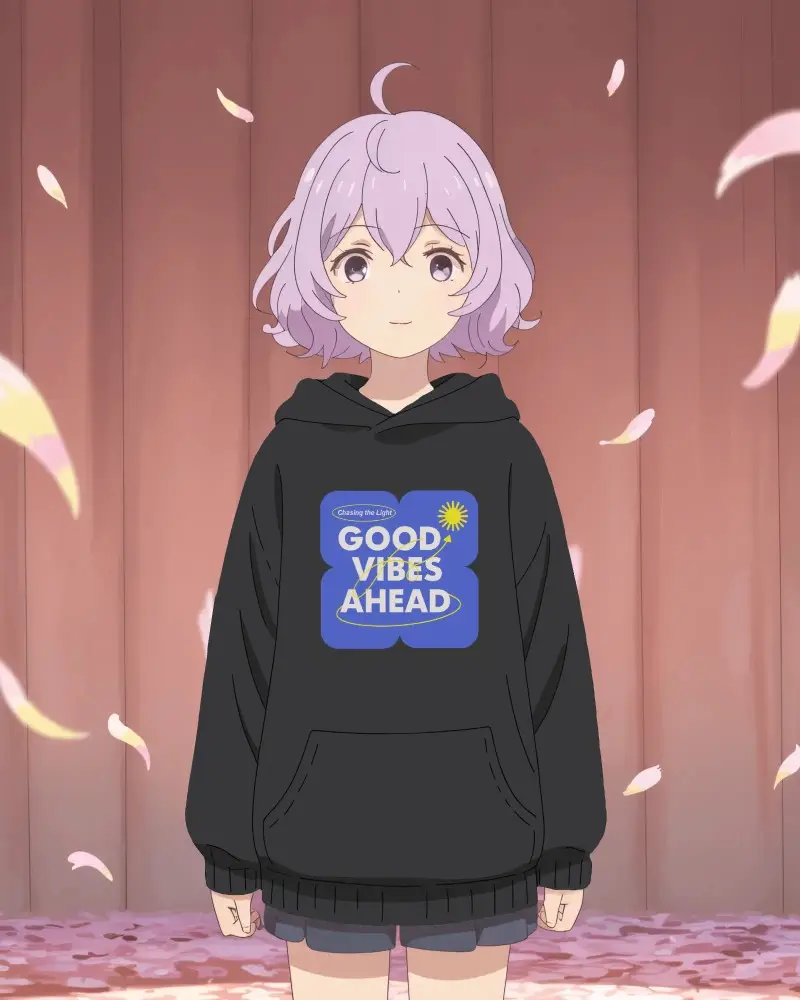
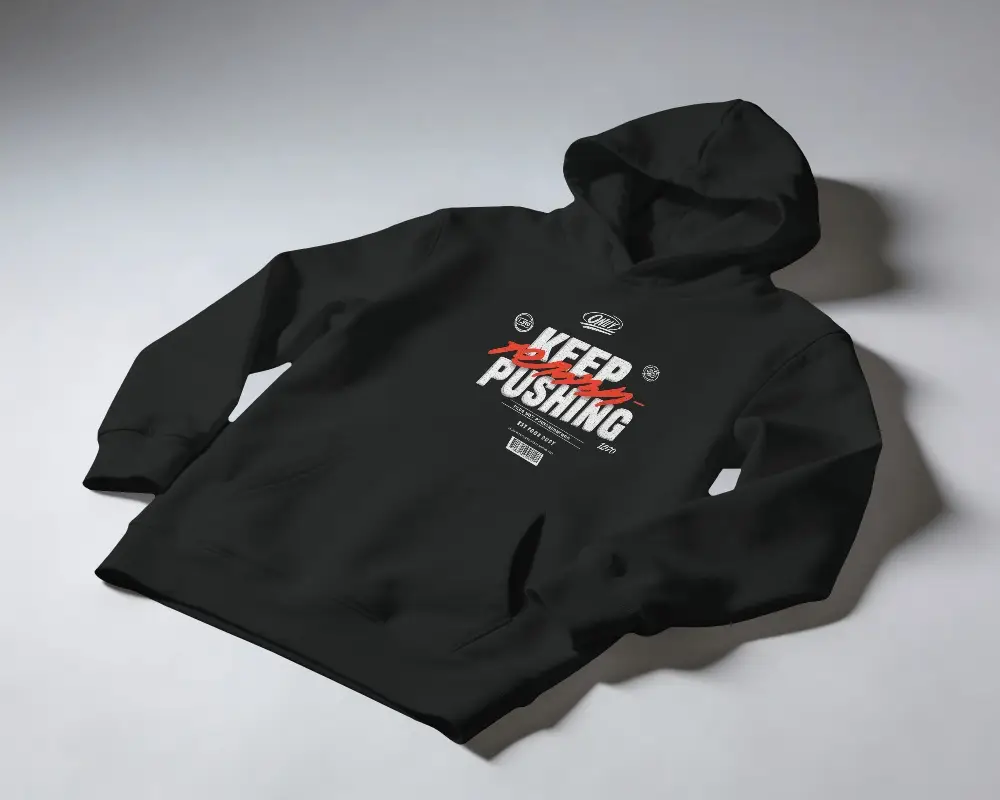
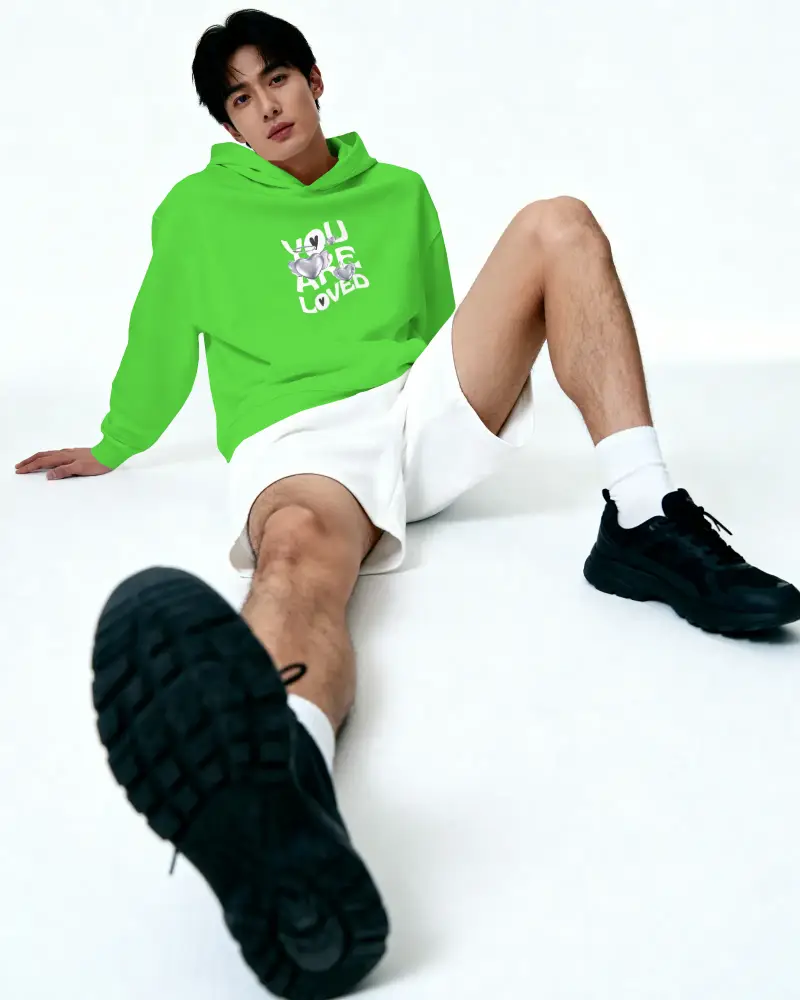
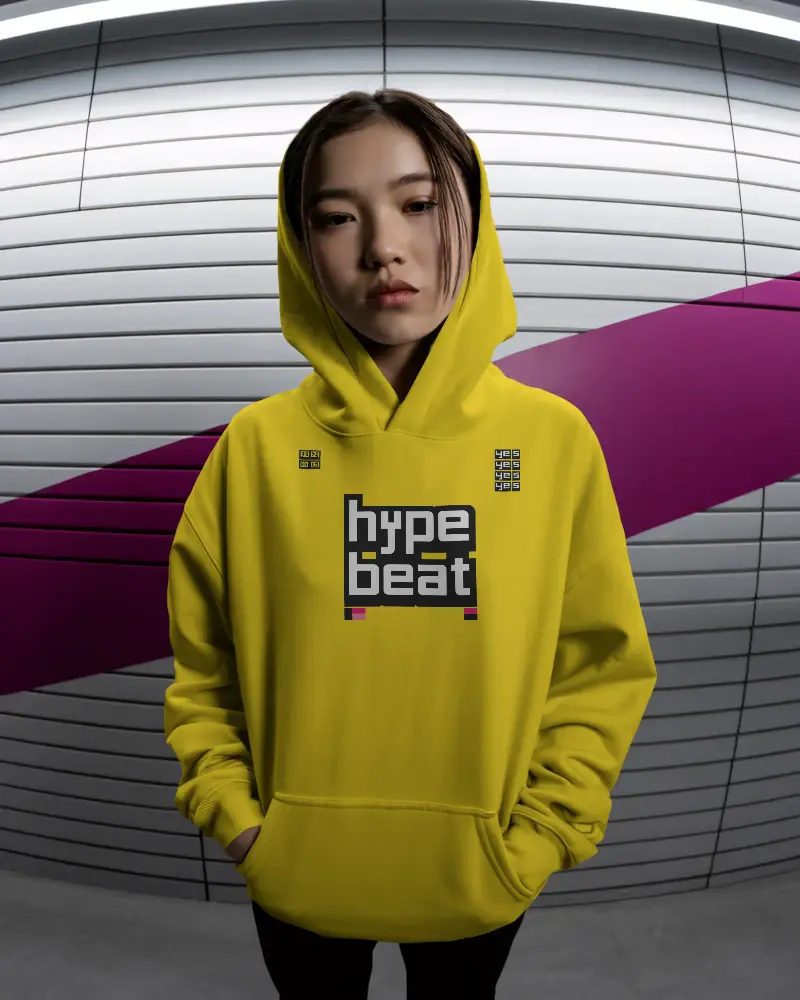
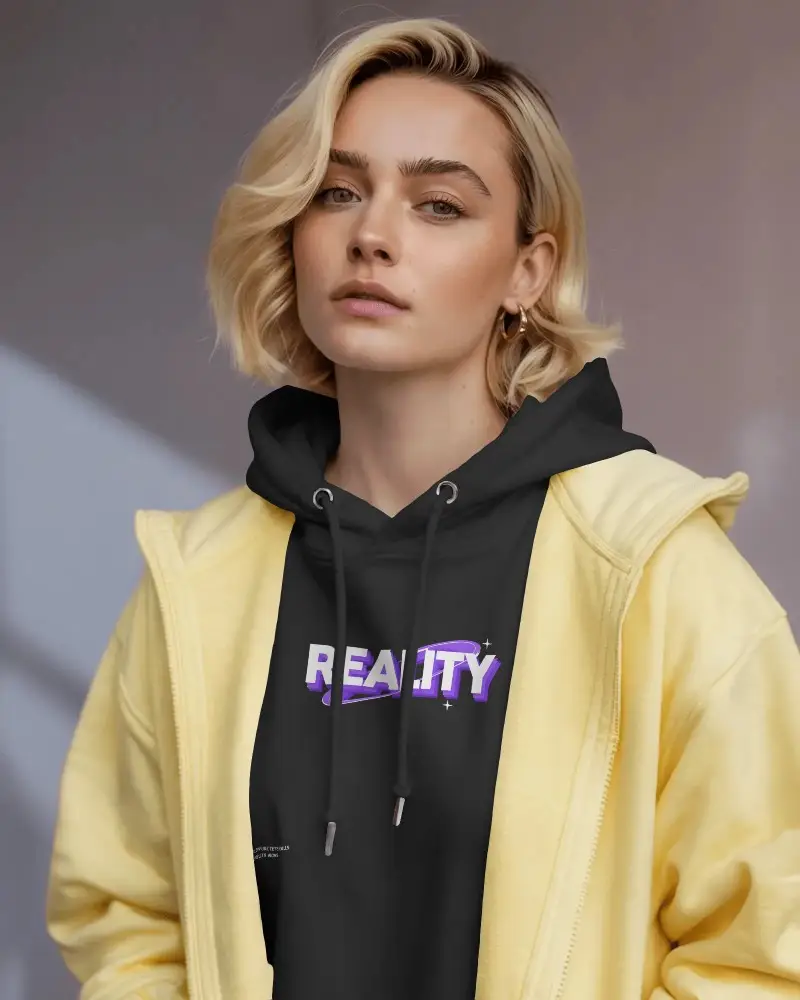
Explore realistic zip hoodie mockups to showcase your apparel designs with style. Customize colors, textures, and backgrounds easily to create professional hoodie presentations for branding, eCommerce, or social media. Perfect for designers seeking high-quality, lifelike results.
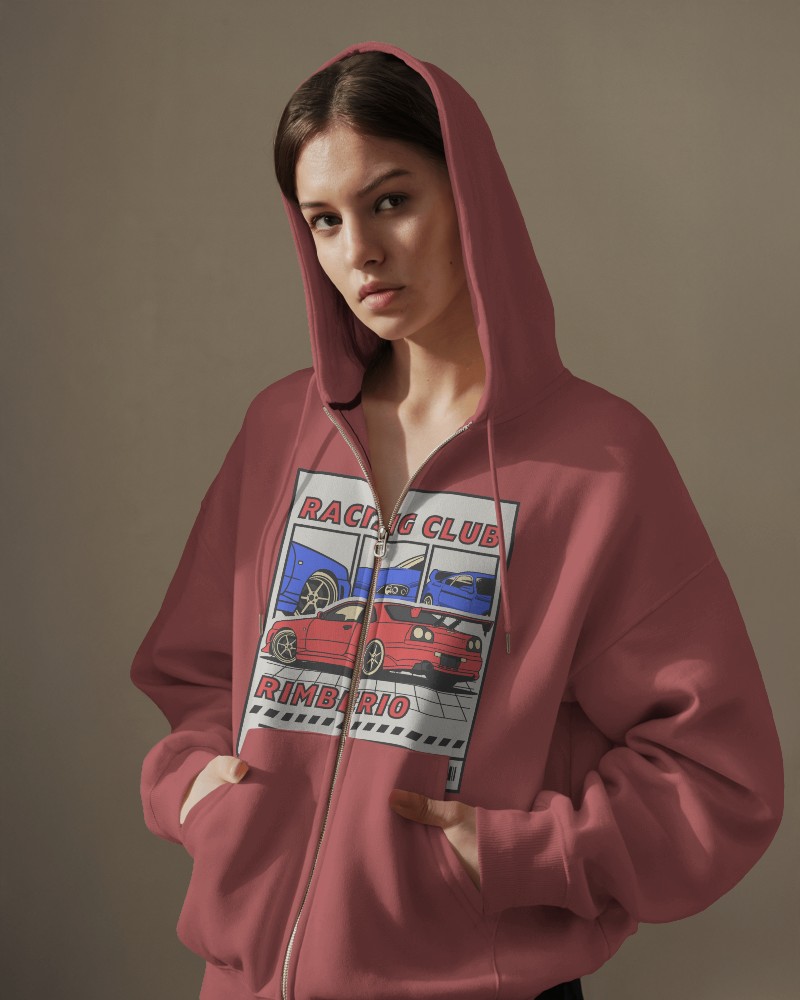
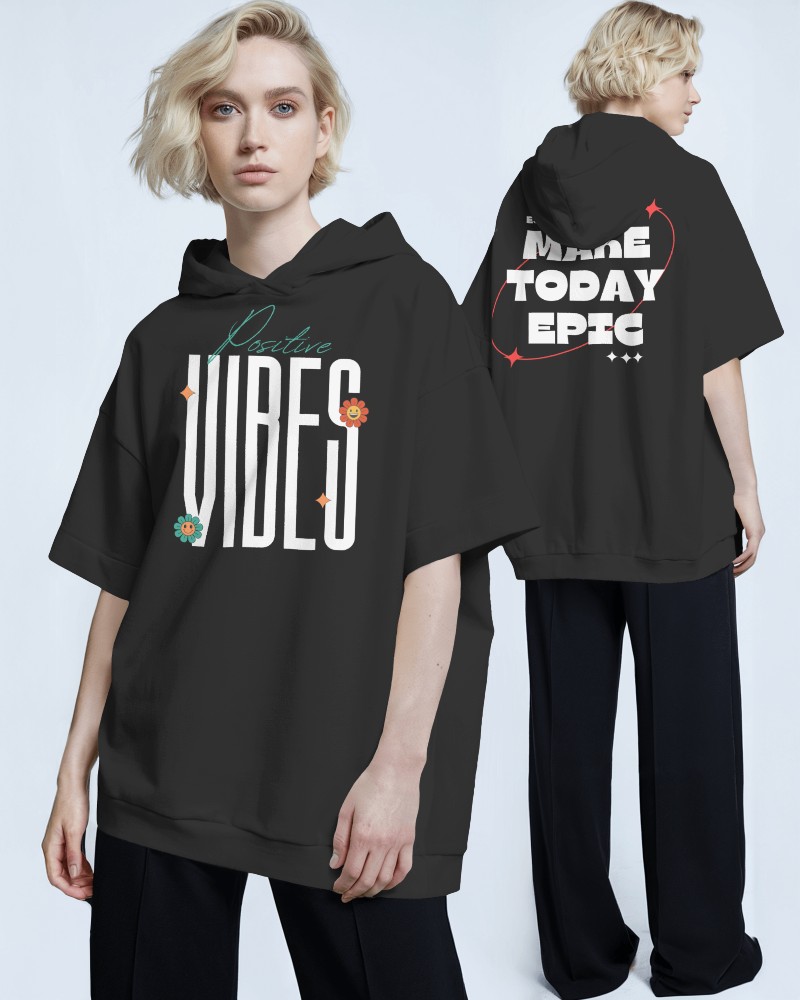
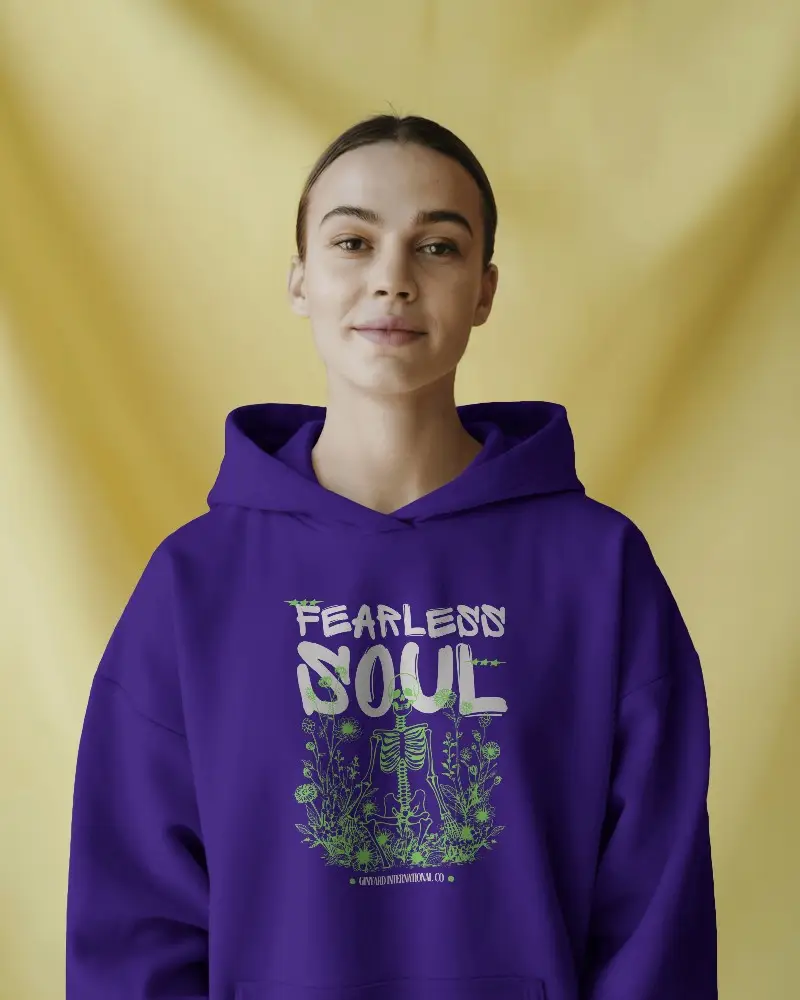
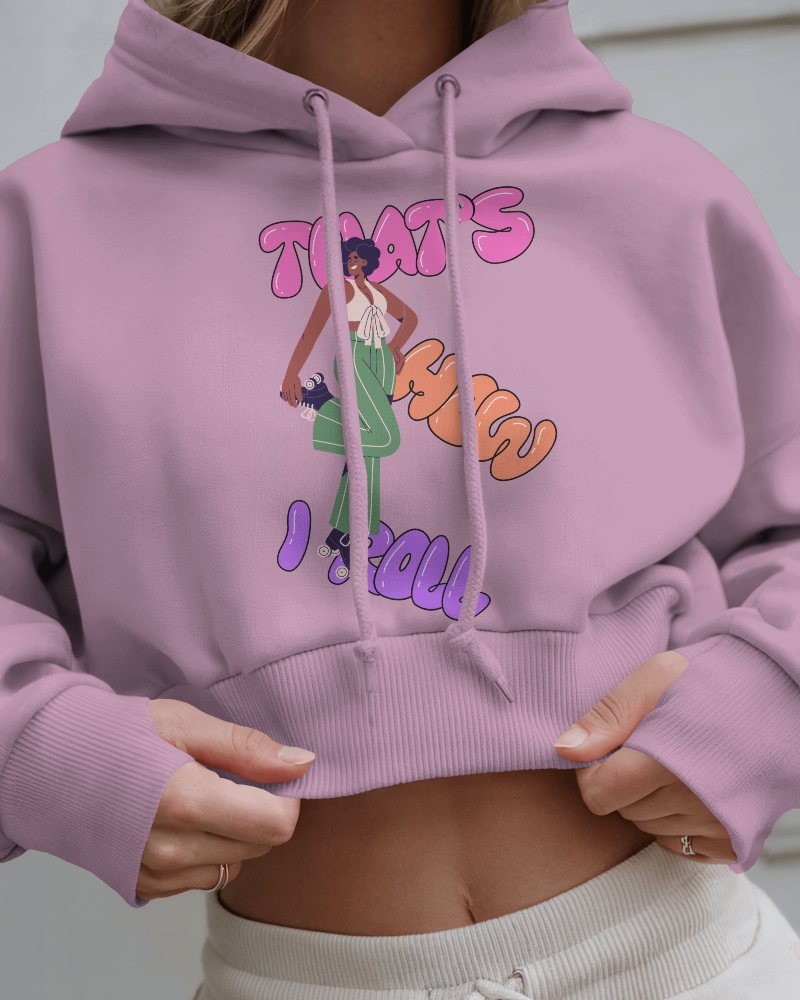

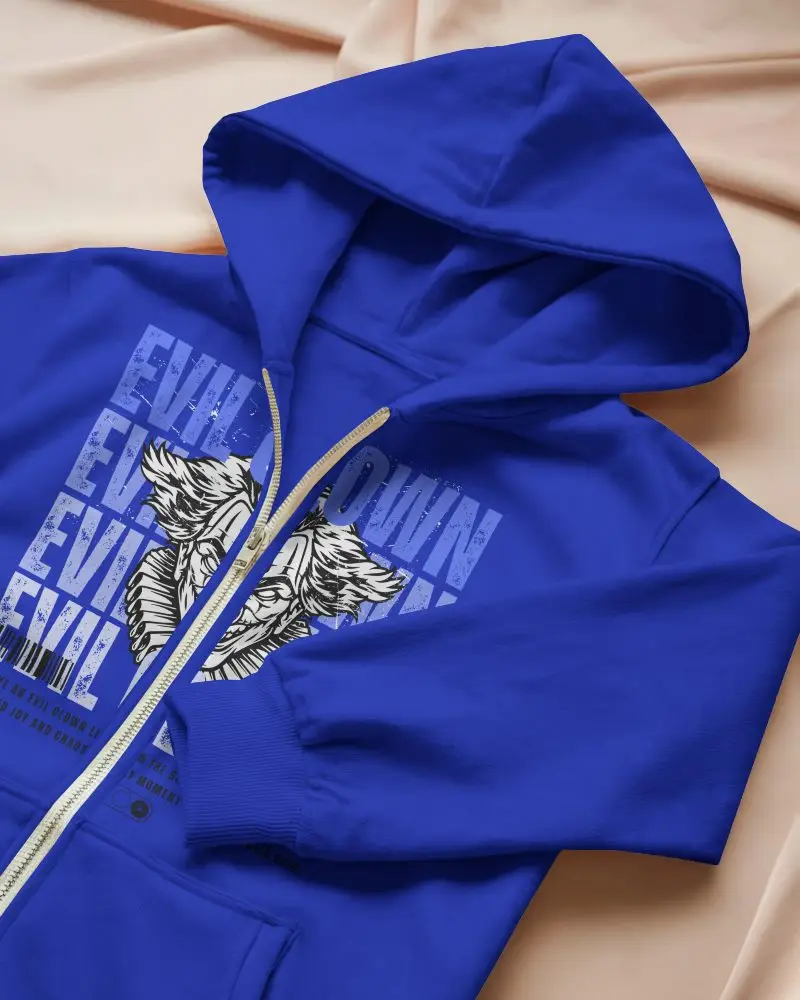
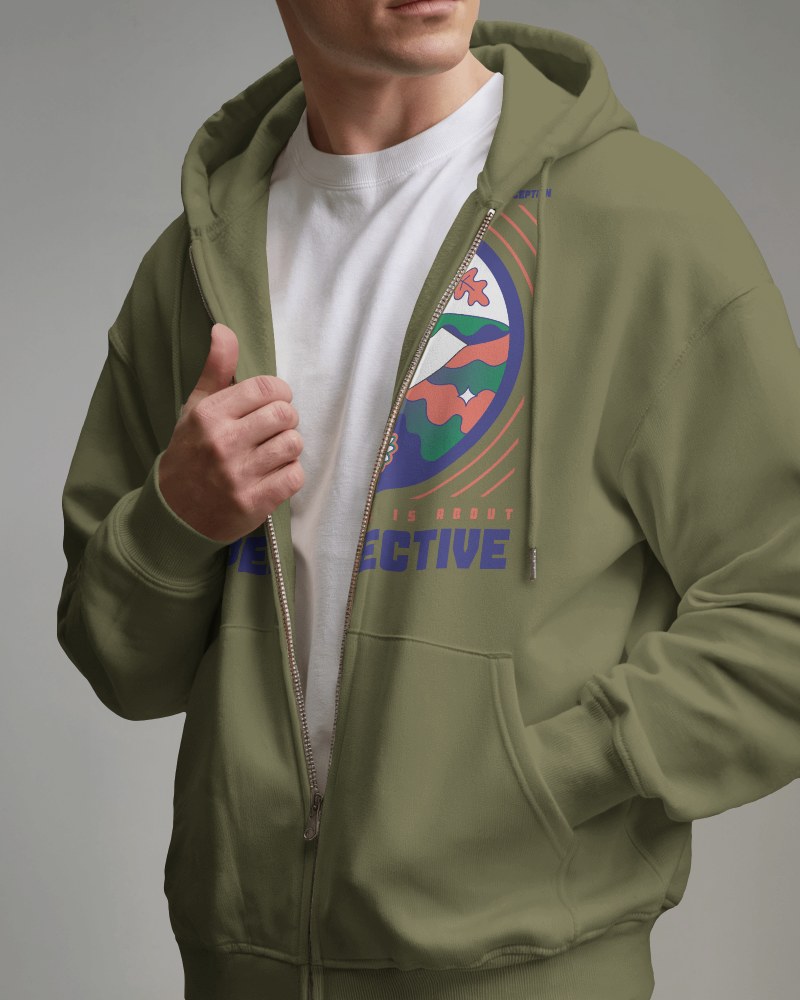
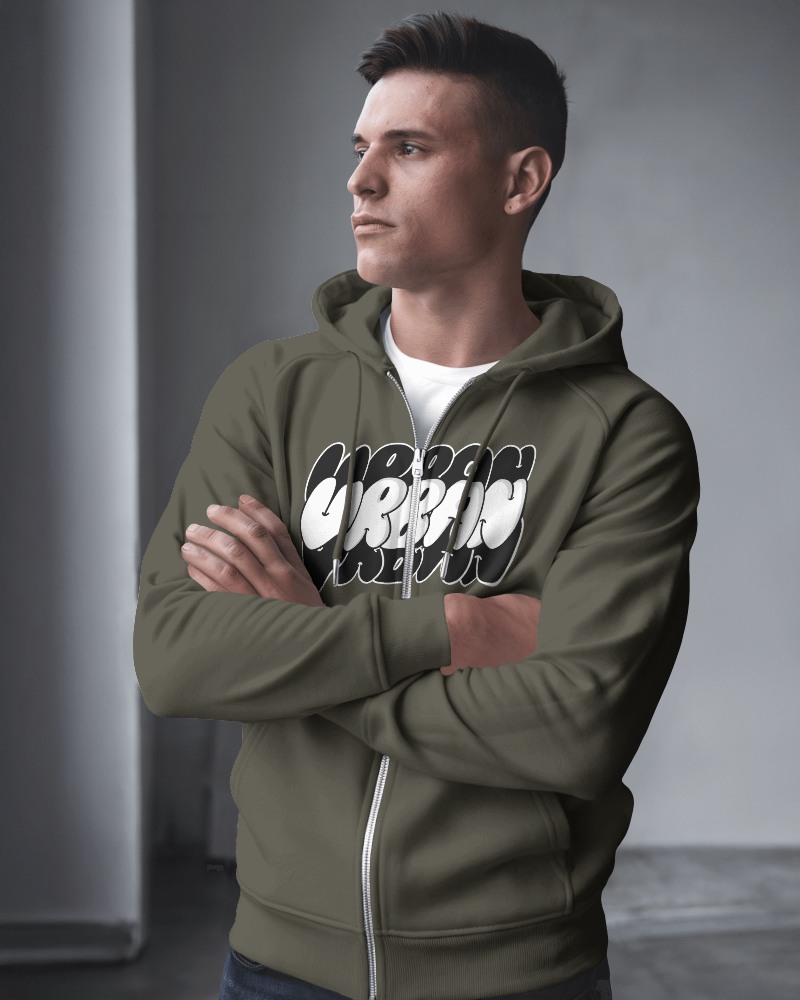
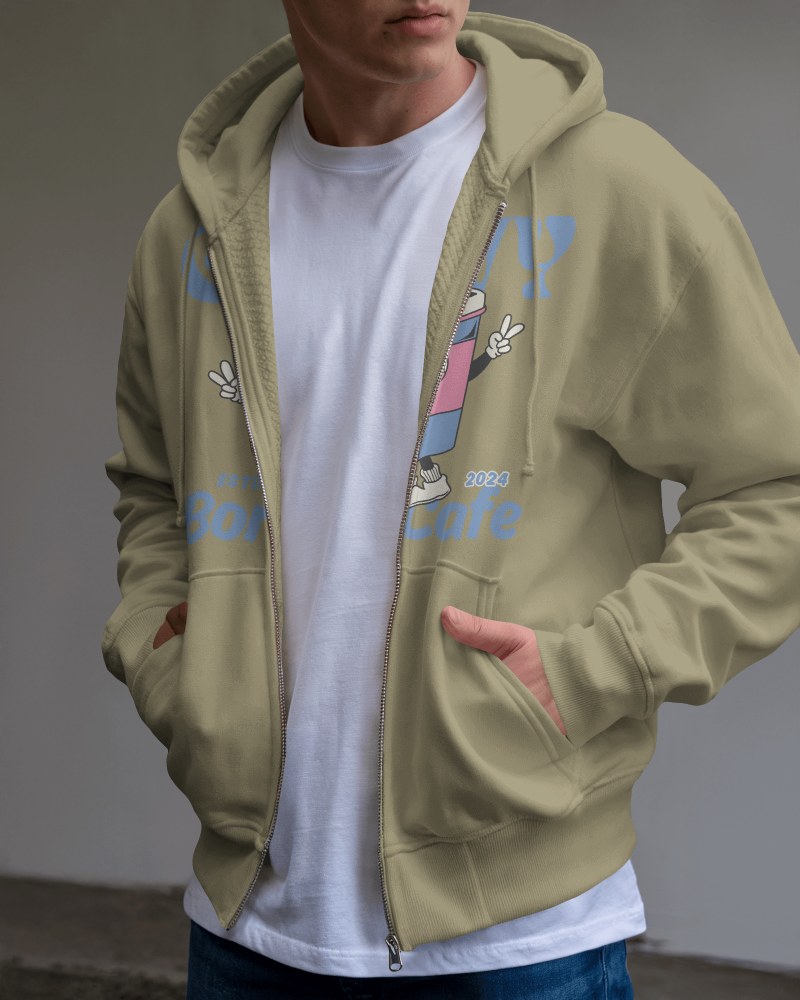
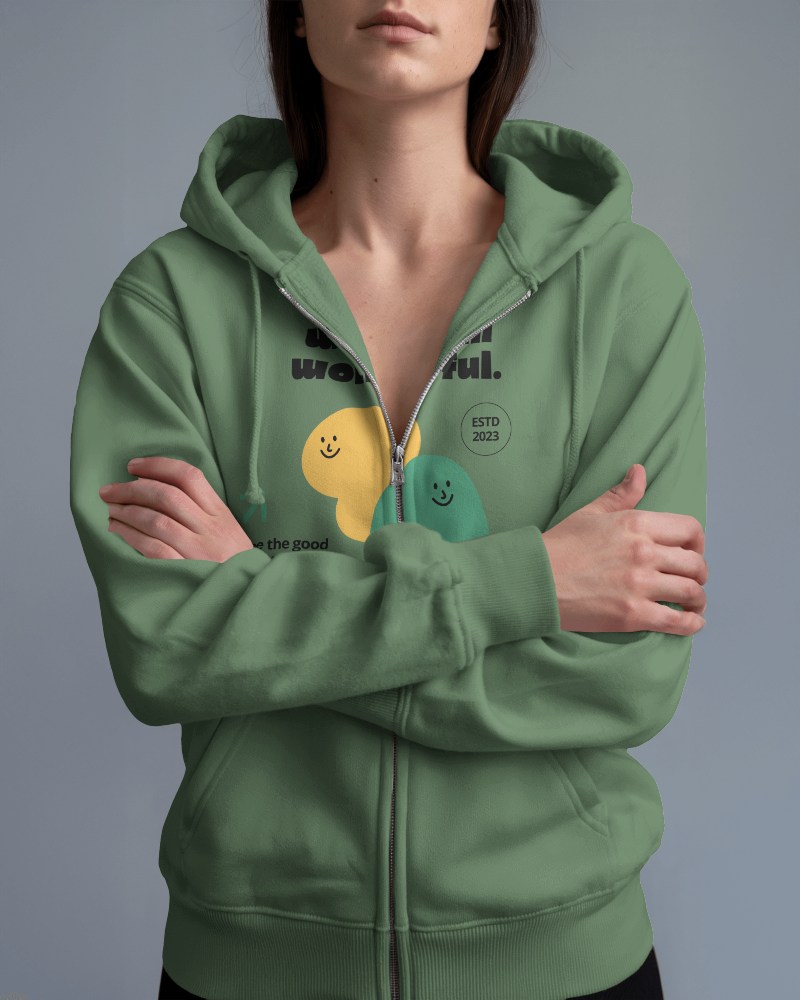
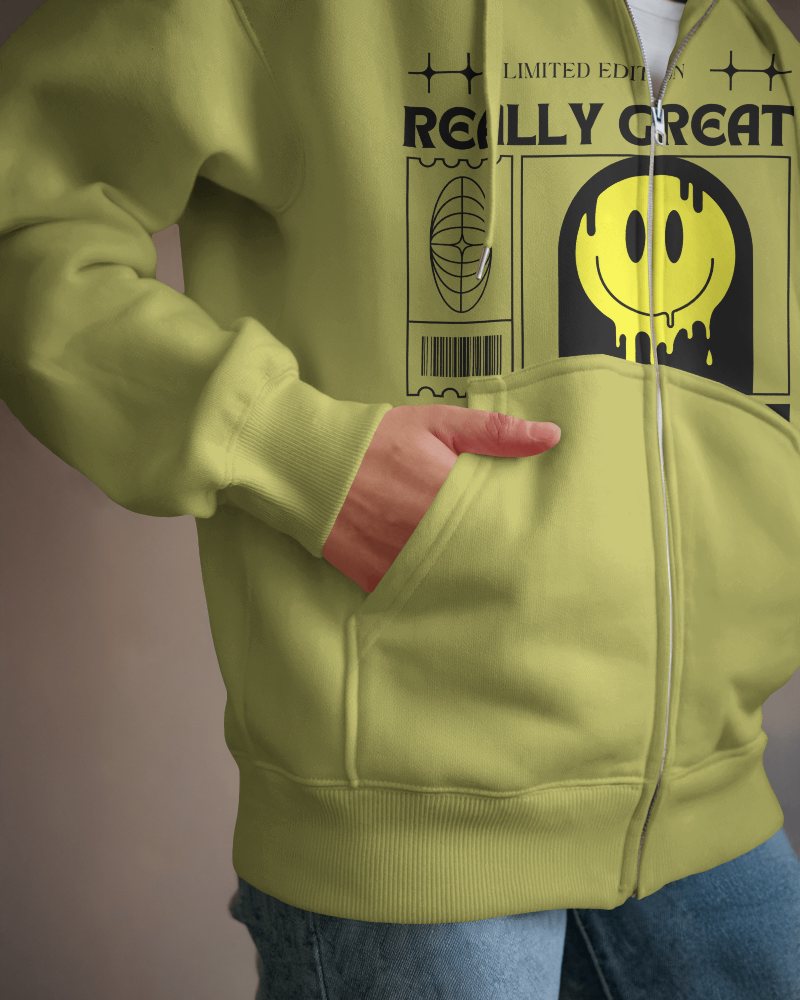
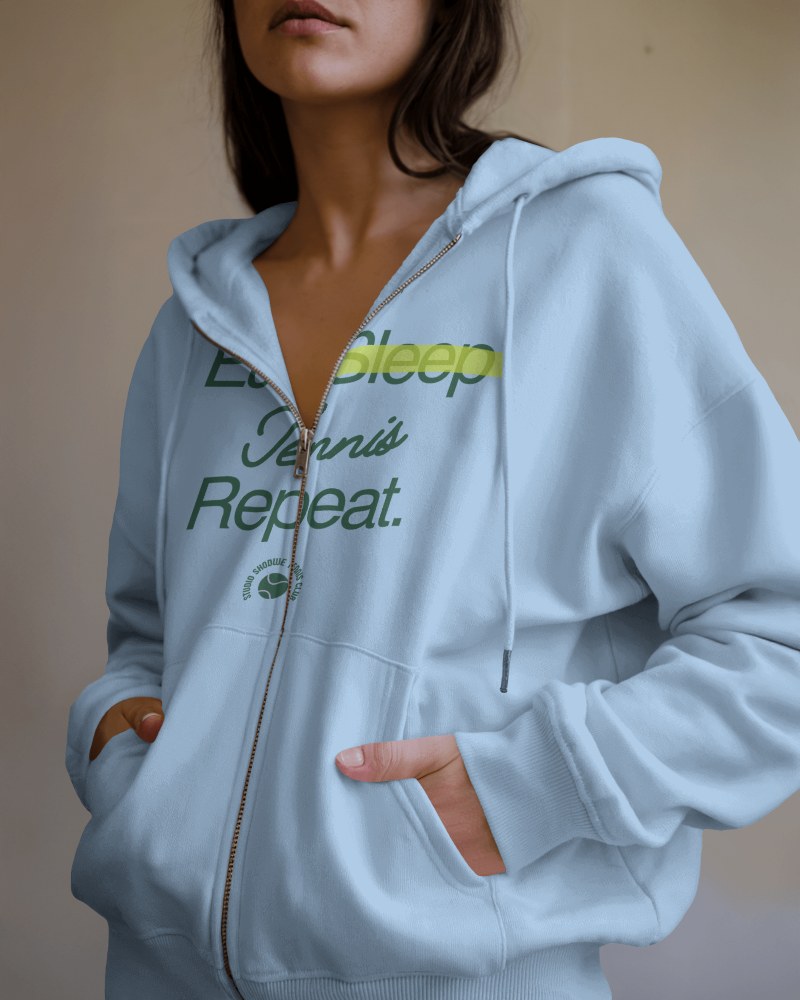
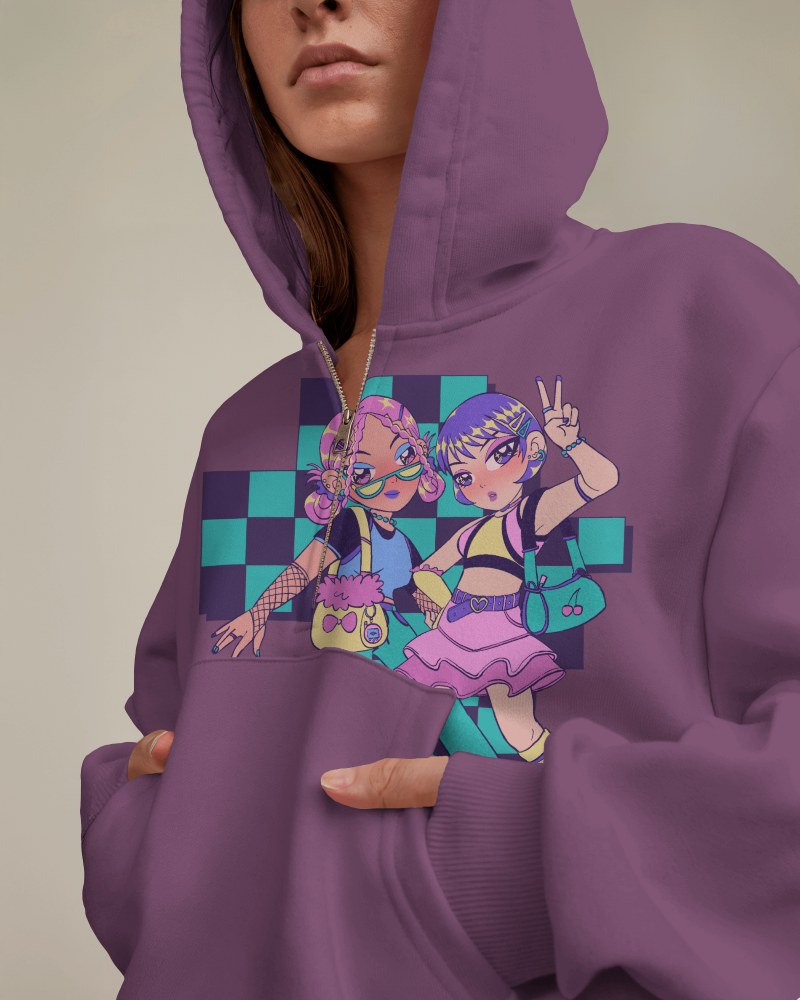
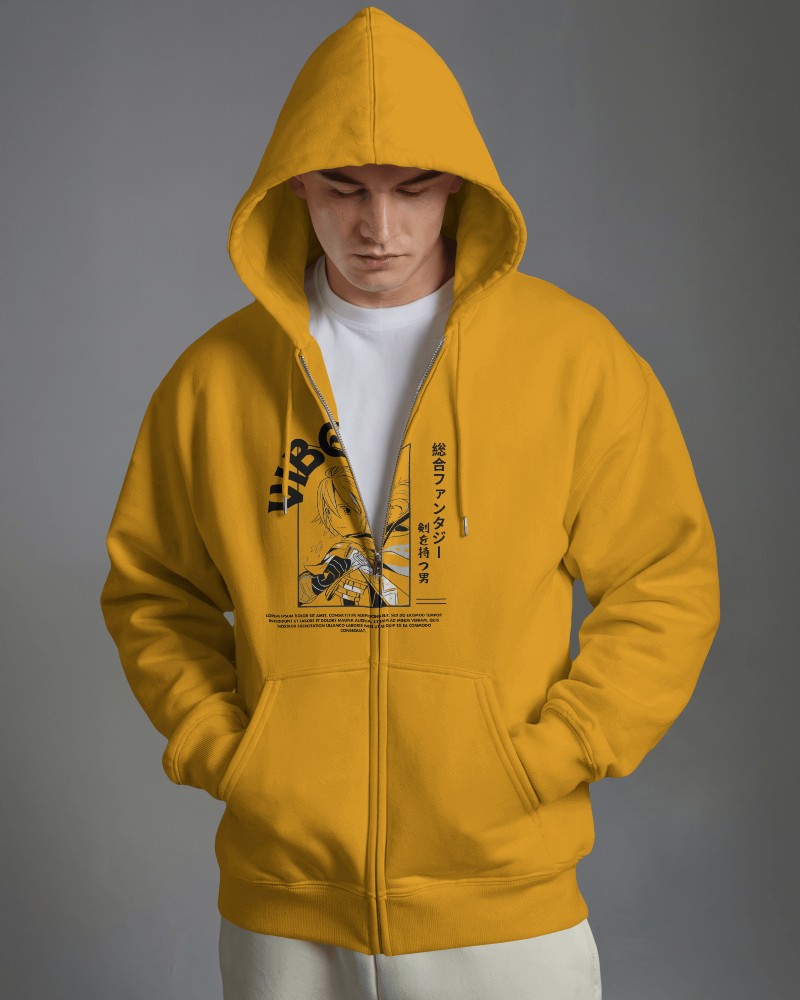
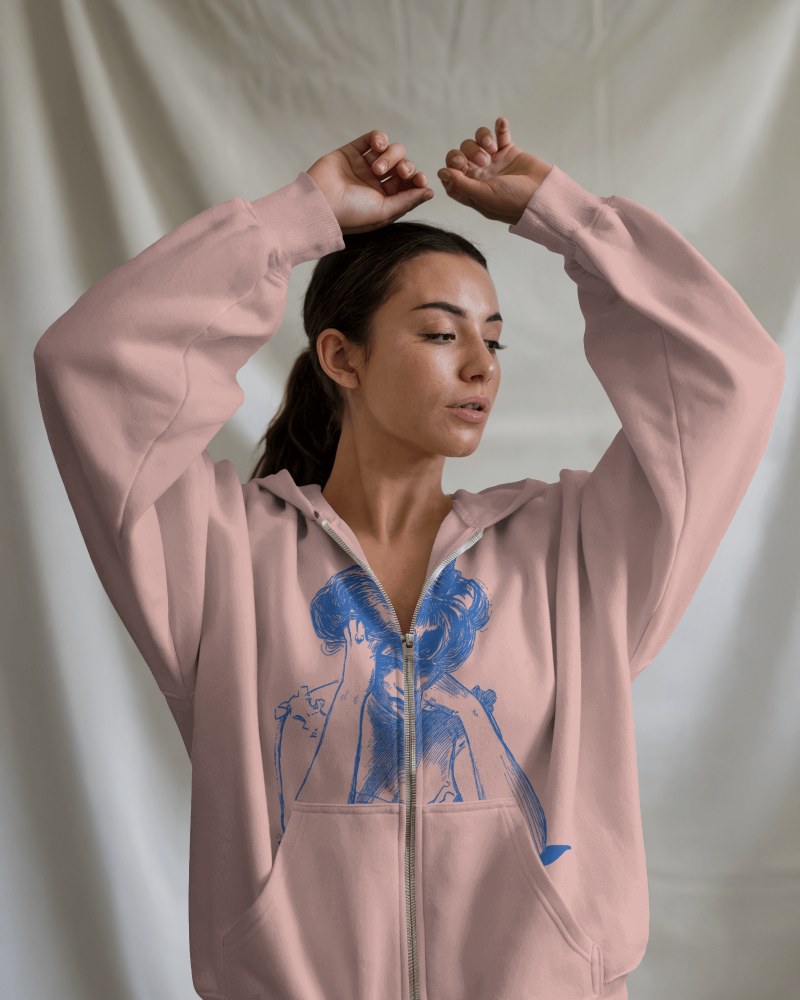
How to Create Zip Hoodie Mockup with Mockey
To create a zip hoodie mockup:
- Step 1: Go to Mockey.ai and sign up for free.
- Step 2: Navigate to ‘Mockups > Apparel > Hoodie’ and choose the ‘Zip Hoodie’ tag.
- Step 3: Upload your design, customize the color or background, and download your mockup in PNG or JPG format.


FAQs on Zip Hoodie Mockups
Is the zip-up hoodie mockup tool on Mockey free to use?
Yes, most zip-up hoodie mockups on Mockey AI are free. You can pick any free template, add your design, and download it without any watermark.
Can I customize the color of my zip-up hoodie mockup?
You can customize the zip-up hoodie mockup easily. Once you select a template, you’ll land on the editor page where you can upload your design and make changes like adjusting the color or background.
Does Mockey support front and back views for full zip hoodie mockups?
You’ll find templates with both front and back views in the zip-up hoodie mockups. Using these, you can add the same design or different ones and download them easily.
Is there a watermark on the free zip-up hoodie mockups from Mockey?
There will be no watermark on your zip-up hoodie mockup if you are using Mockey AI’s free plan. And it’s not just for zip-ups; whether it’s a pullover hoodie mockup or any other style, you’ll get the same benefit.
