Free Landscape Billboard Mockup for Advertising Presentations
Design Powerful Ads with free Landscape Billboard Mockups on Mockey! Customize and download your billboard mockup in just a few clicks. Start creating now!
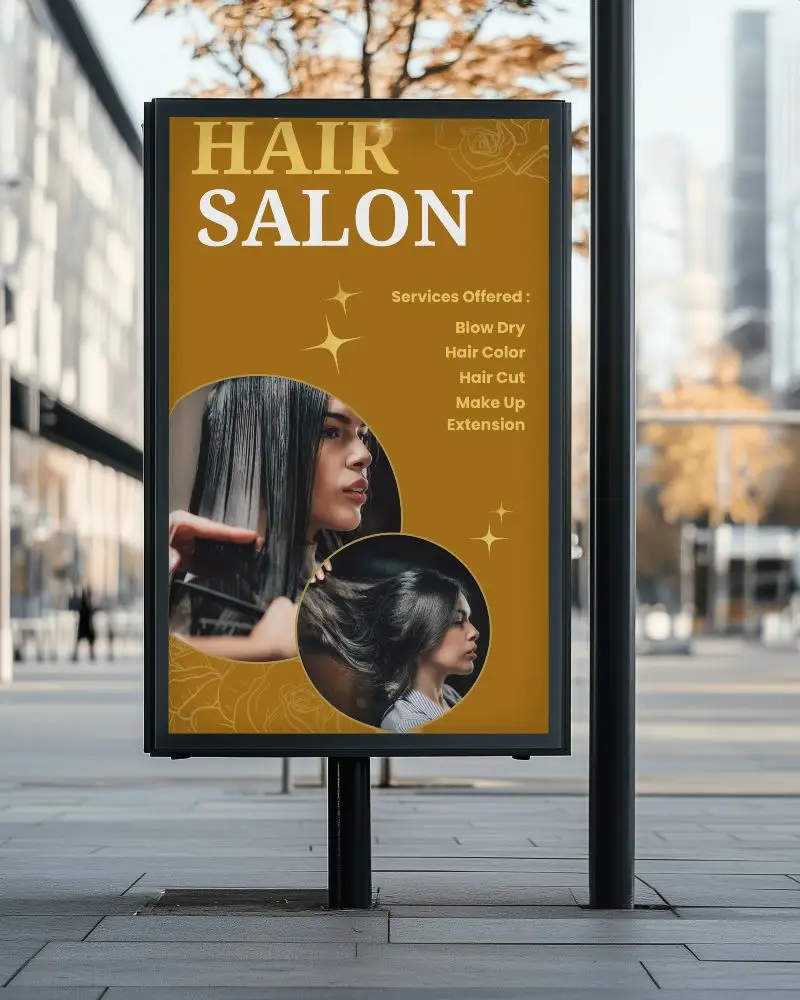
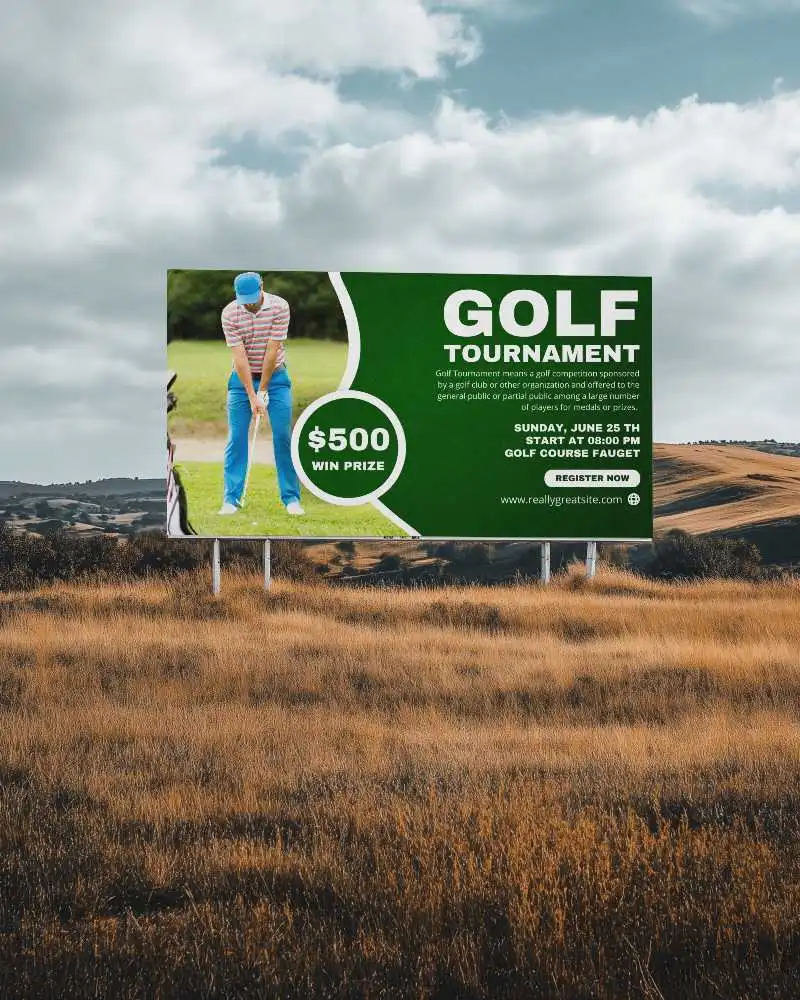
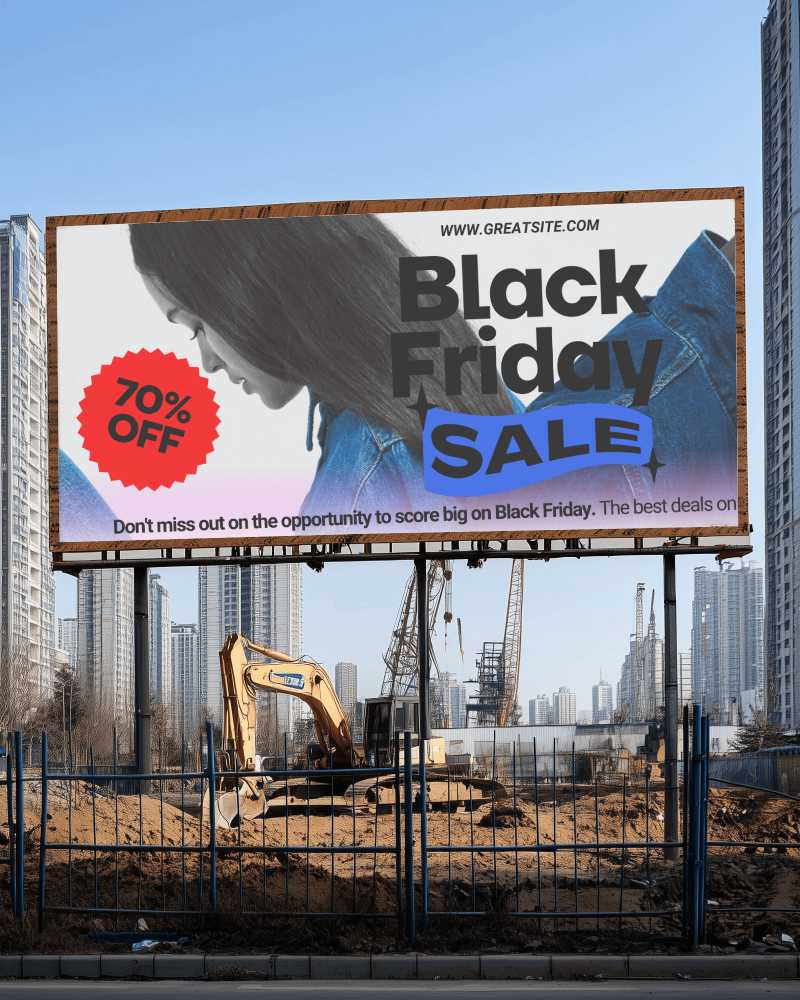
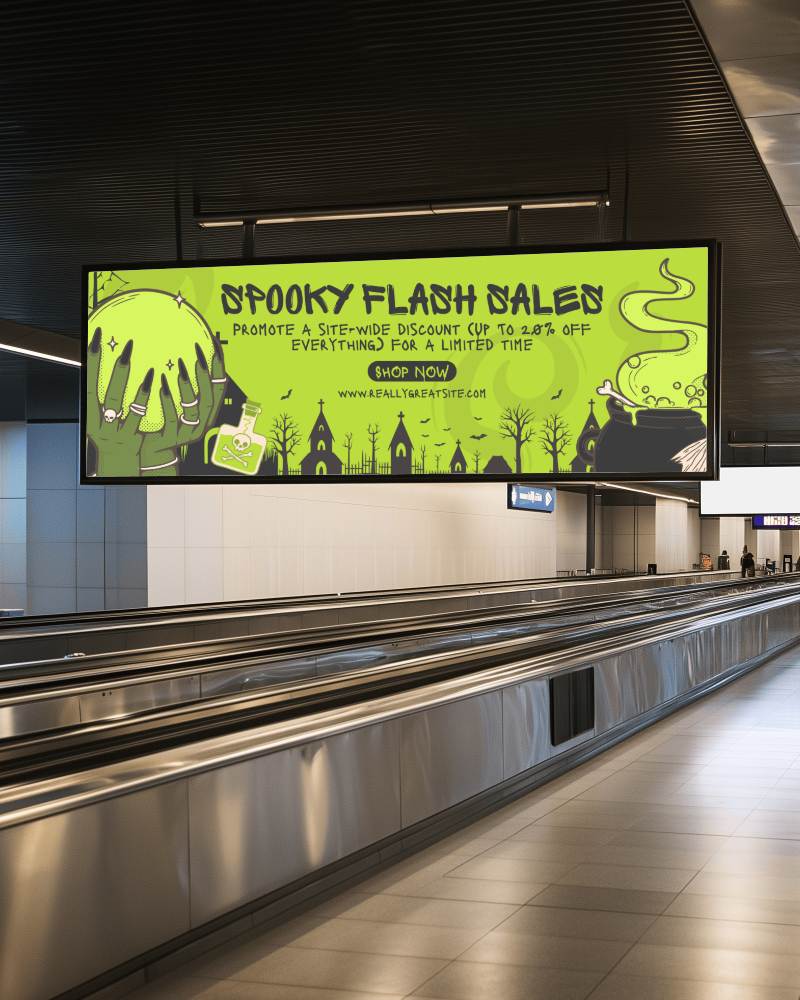
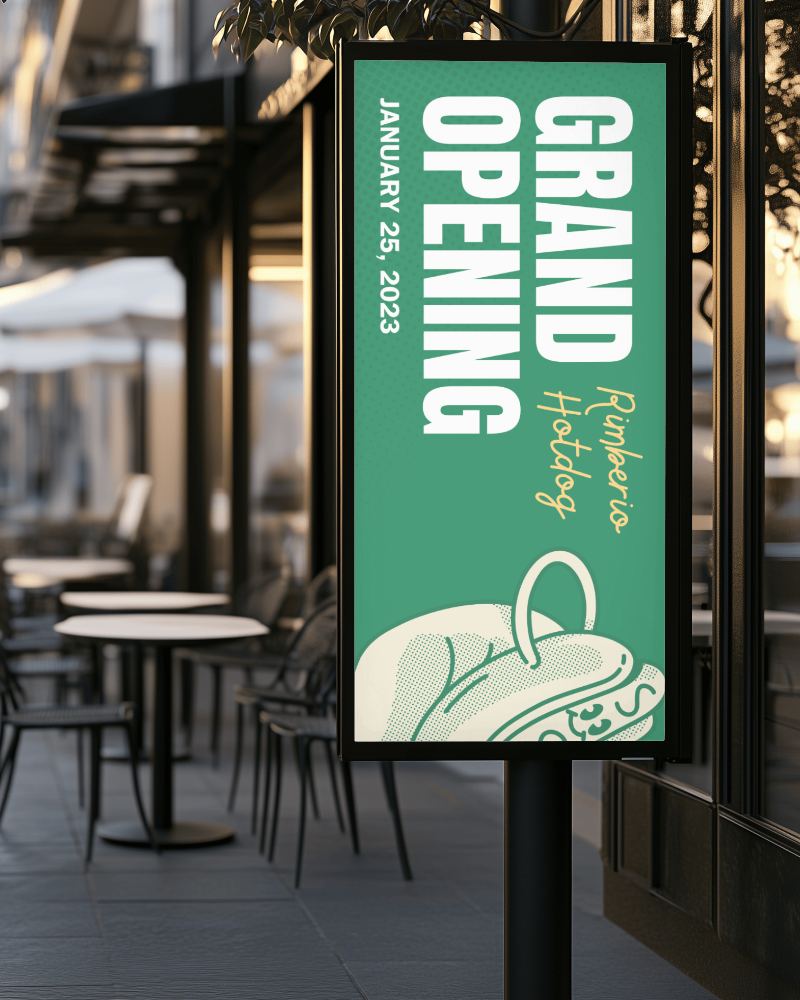
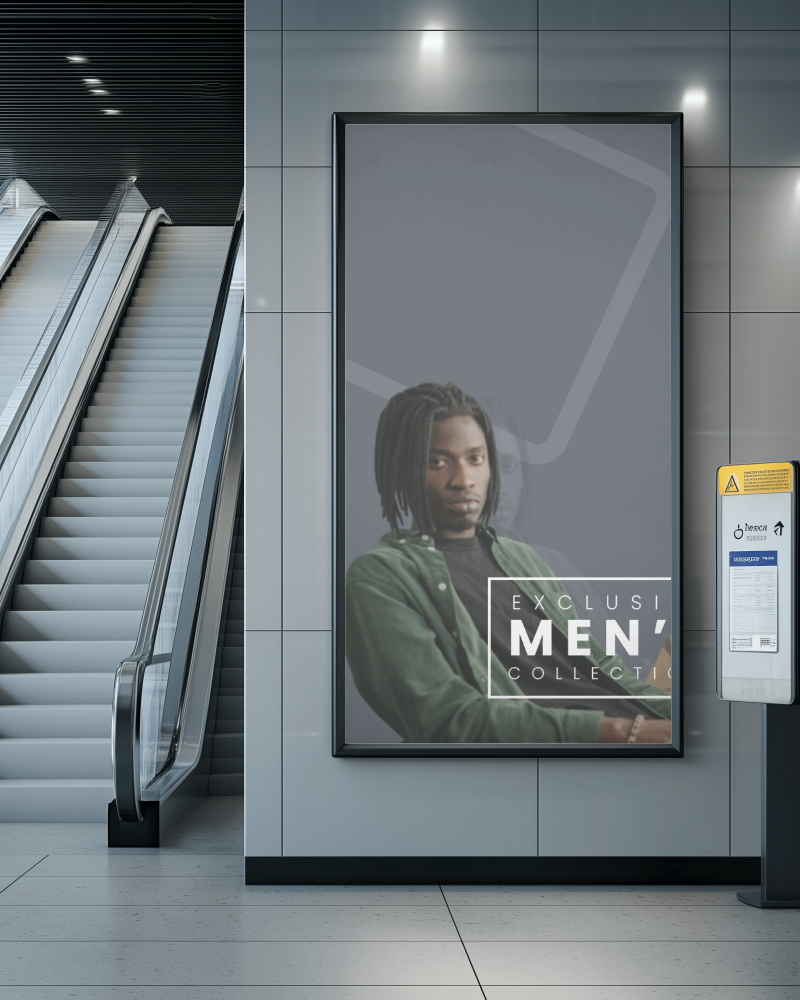
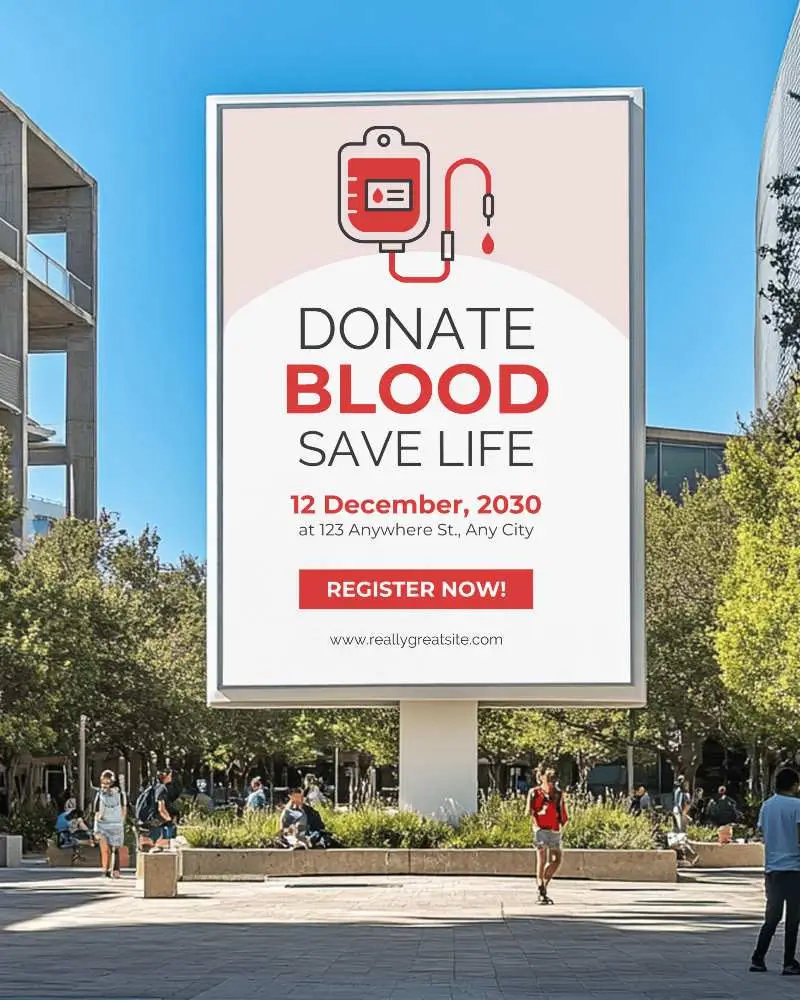
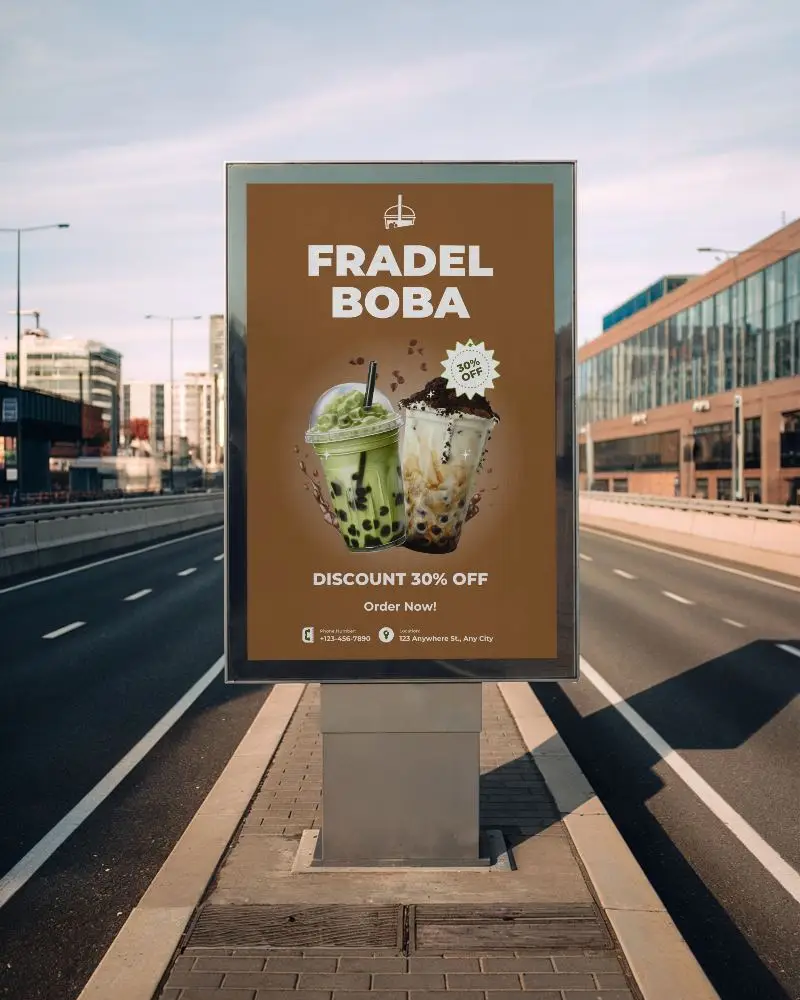
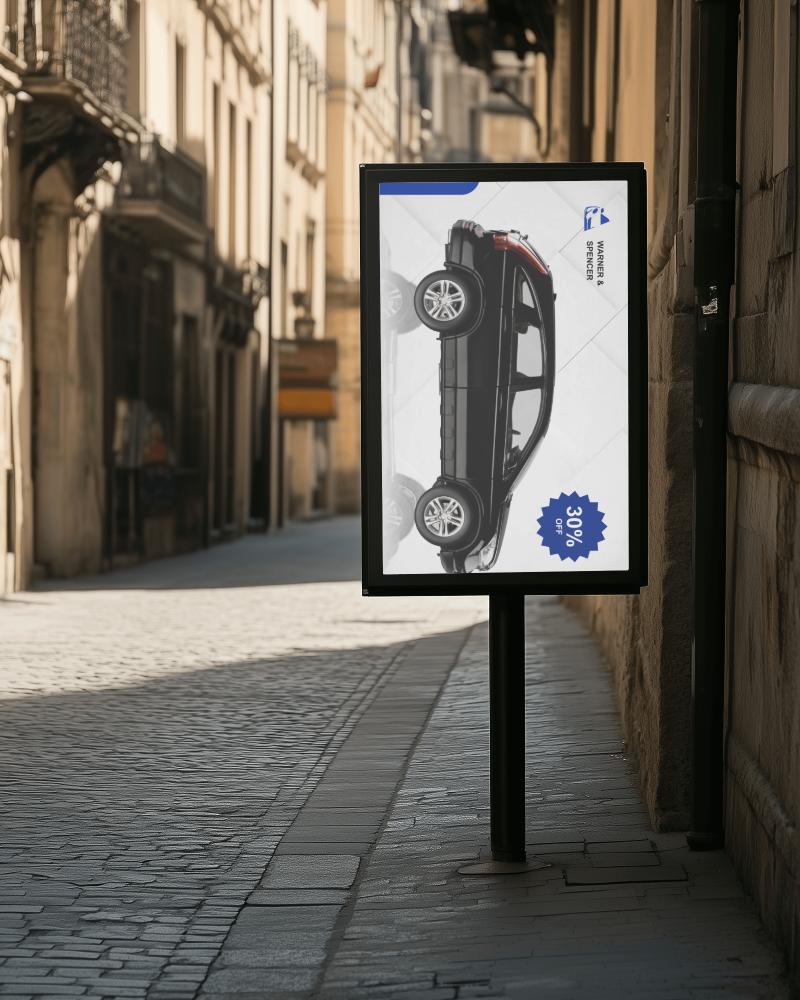
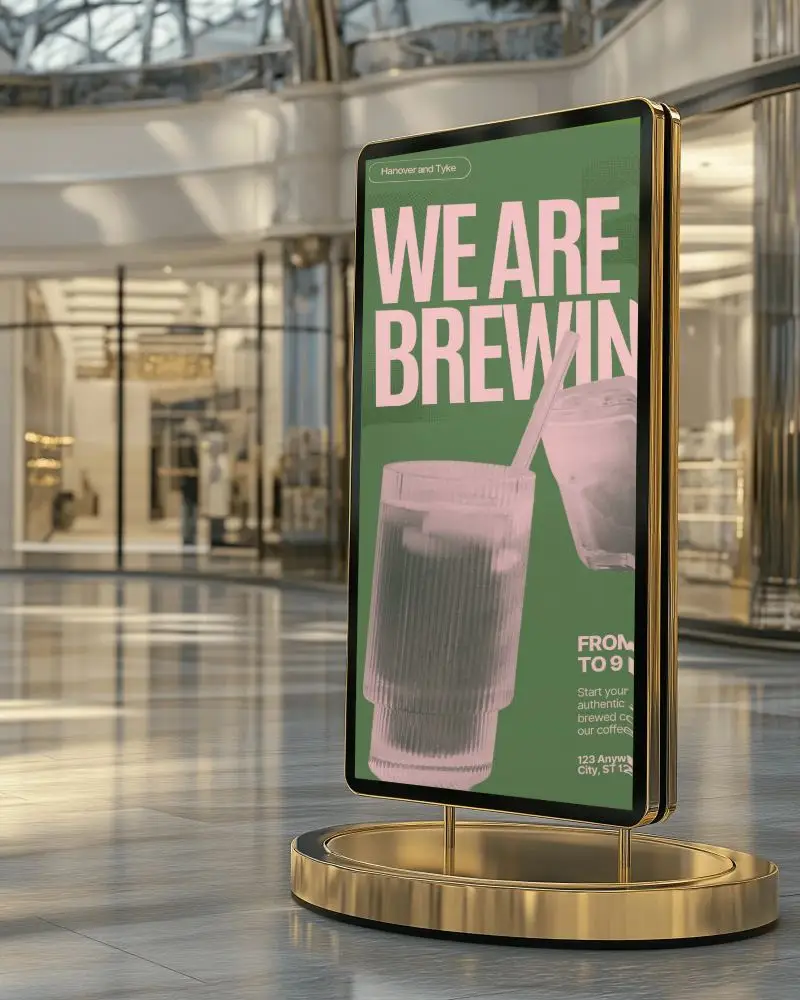
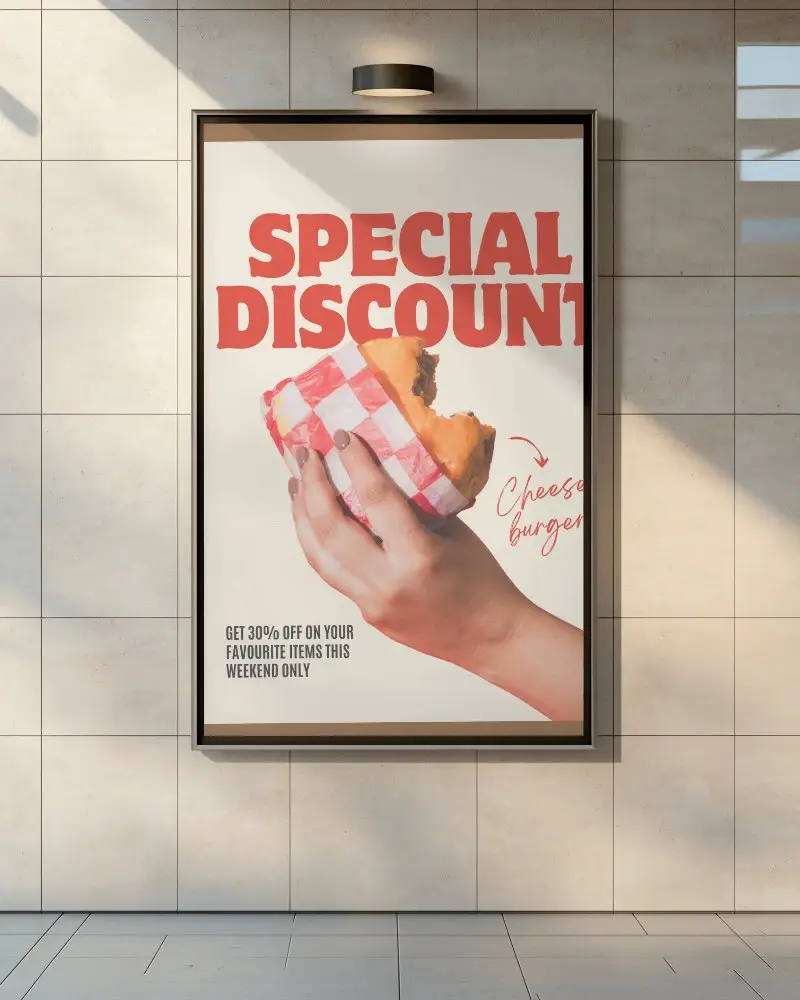
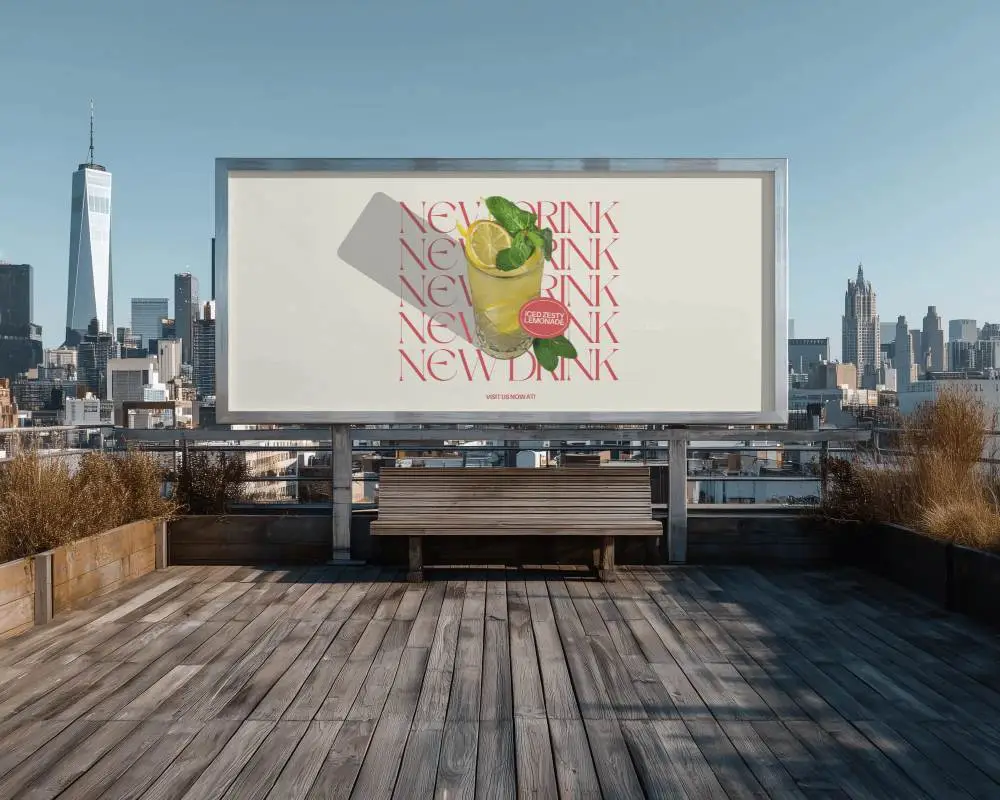
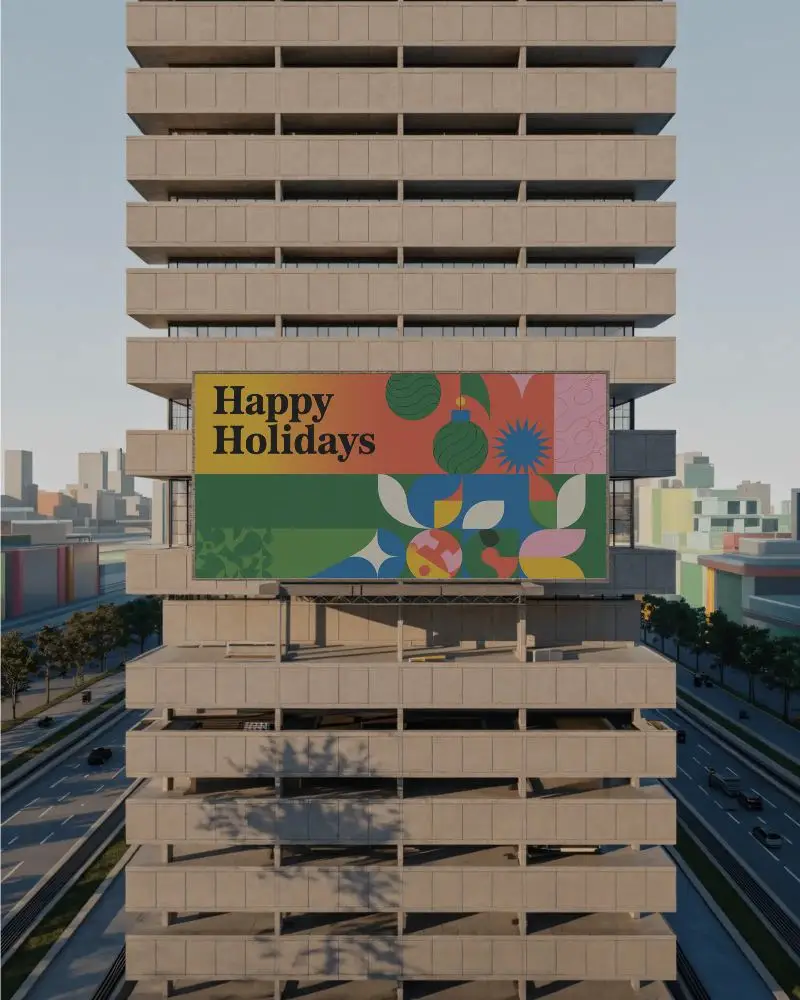
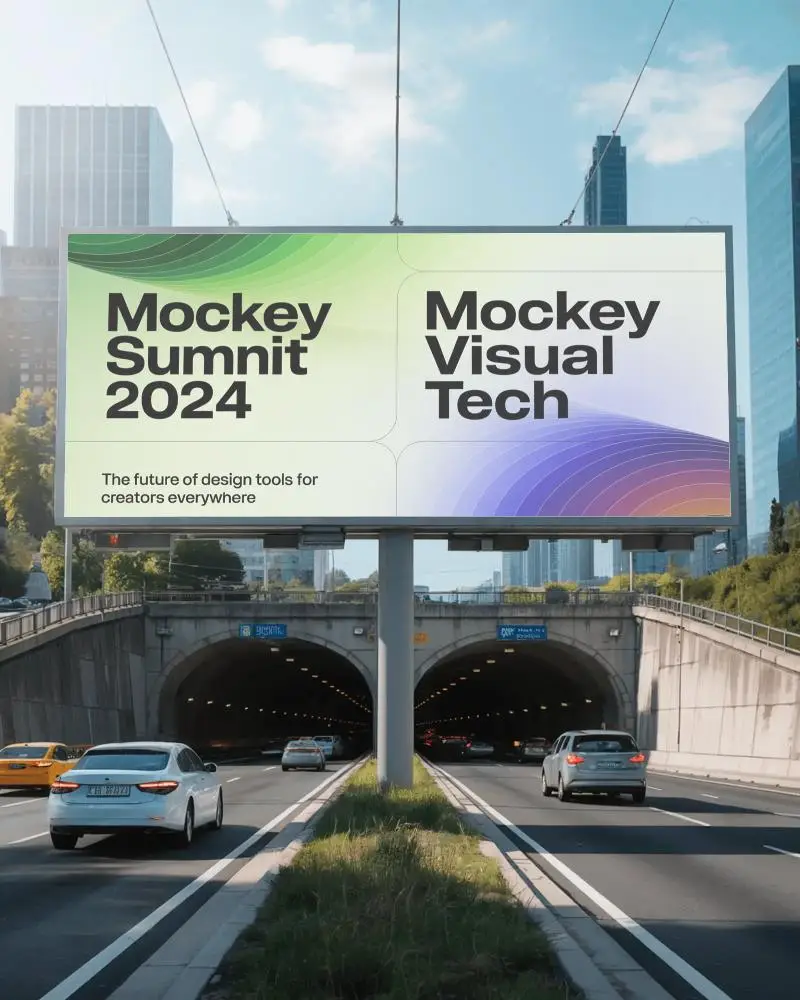
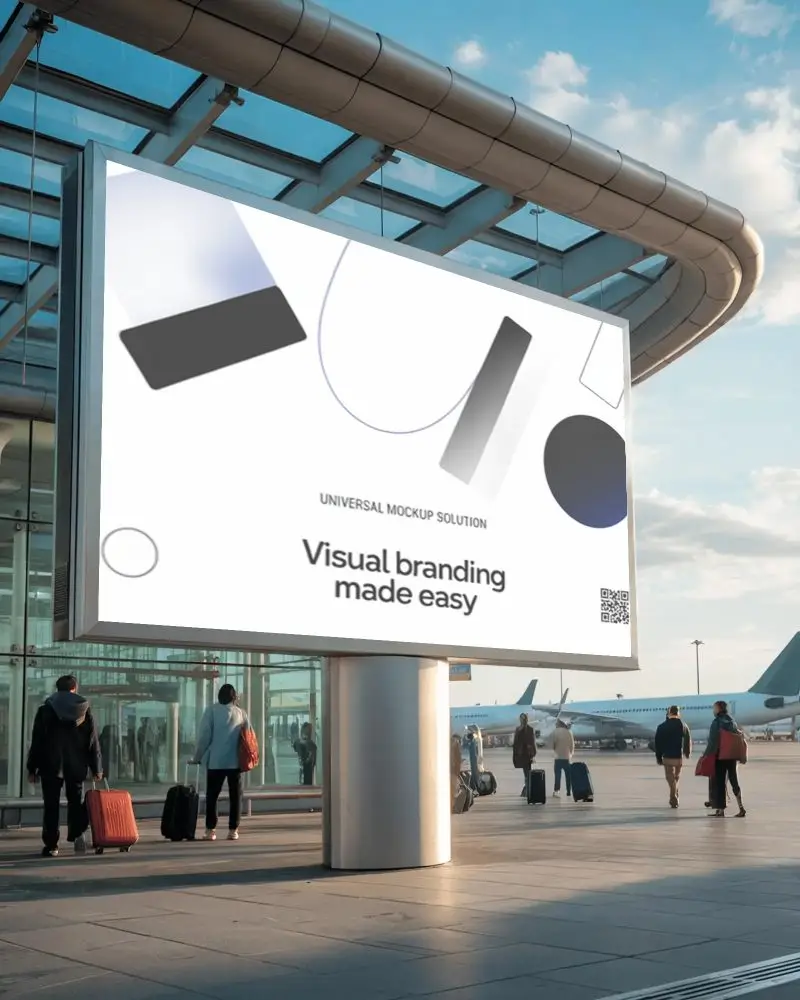
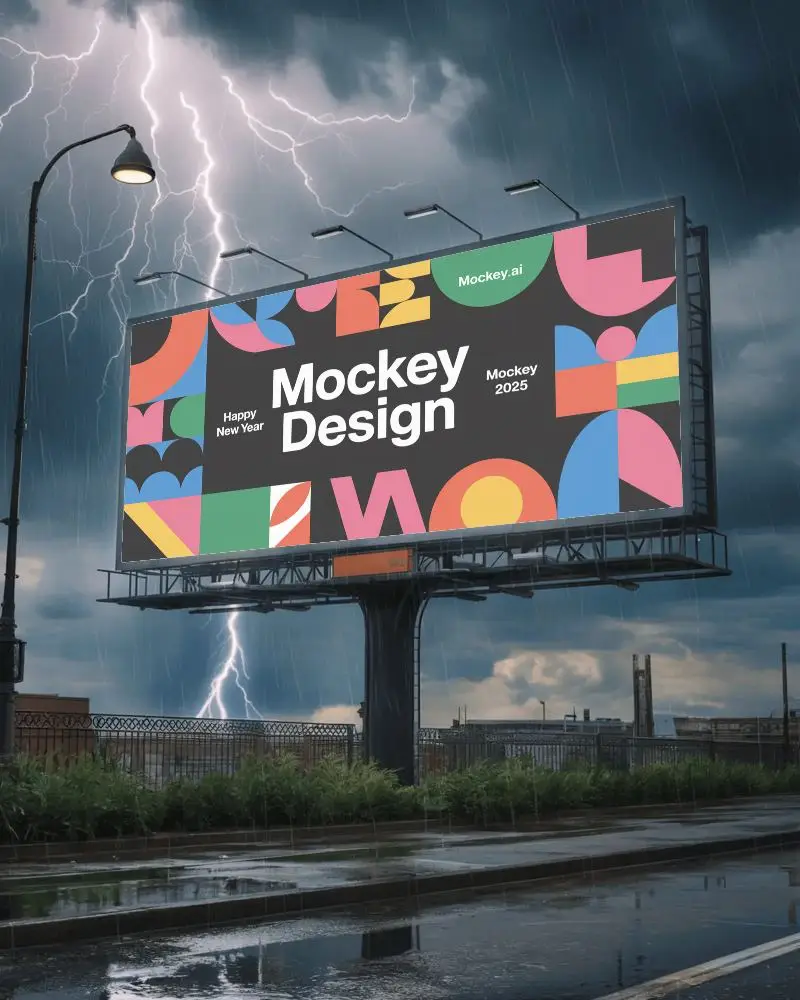
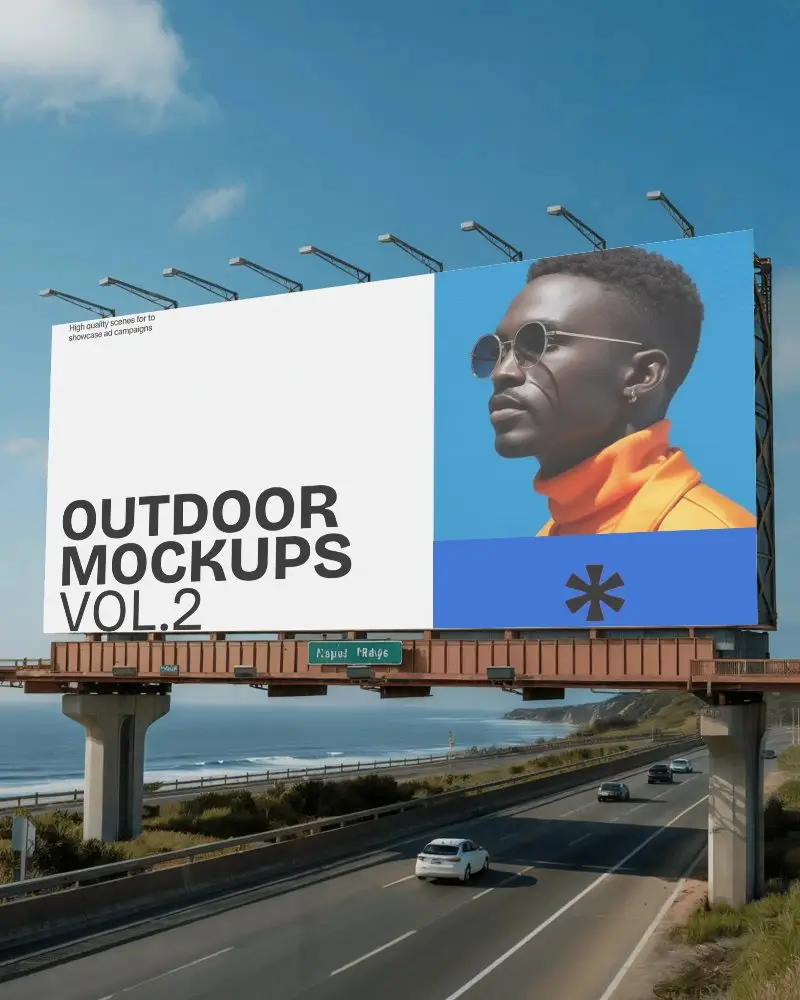
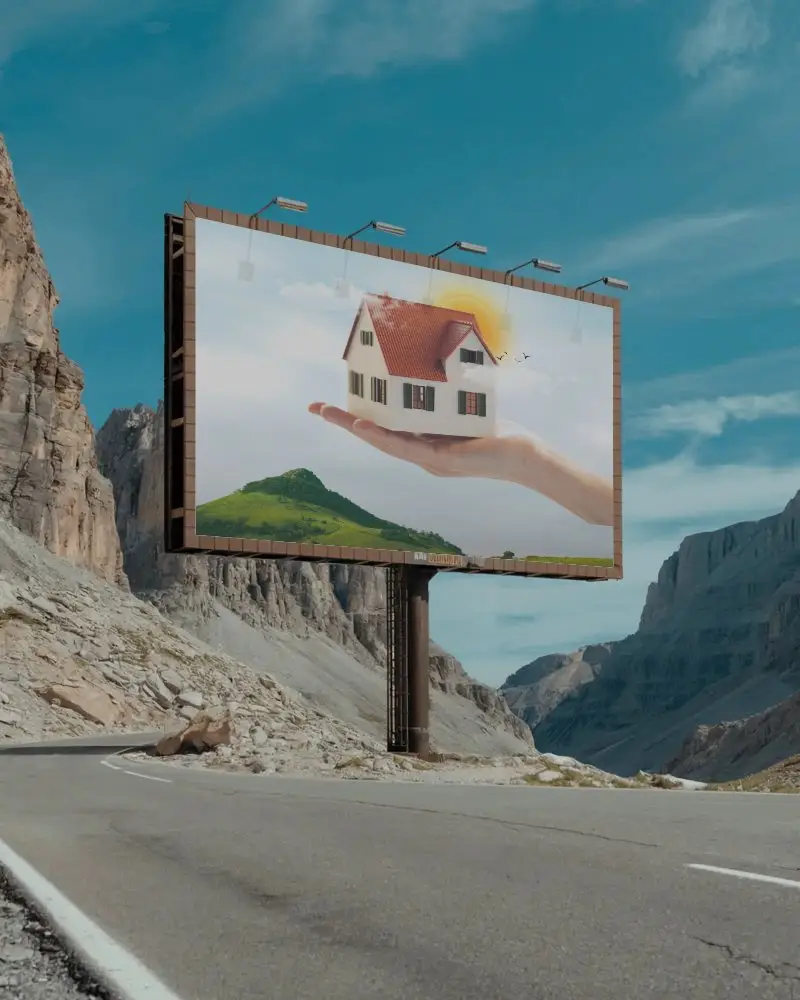
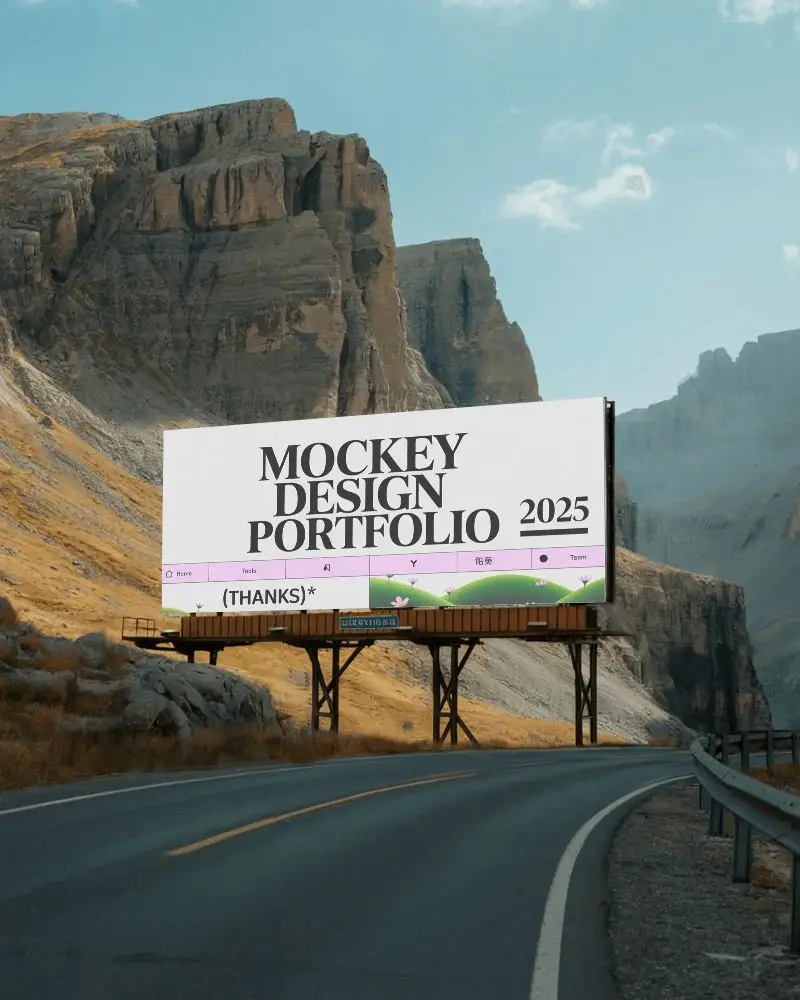
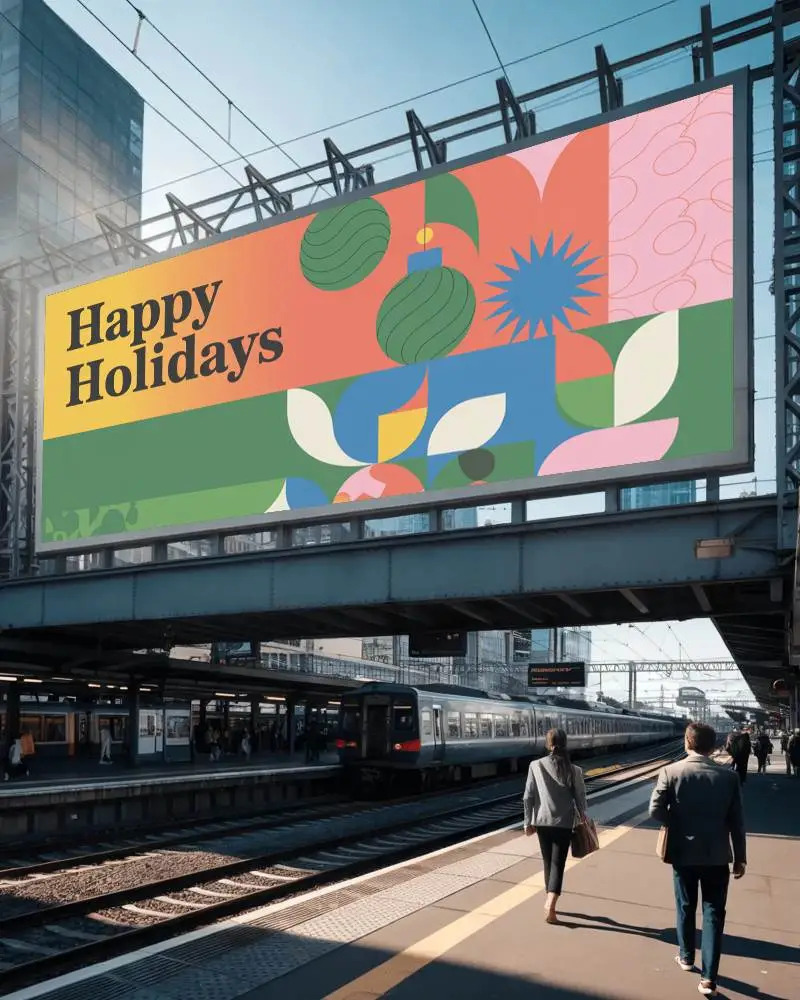
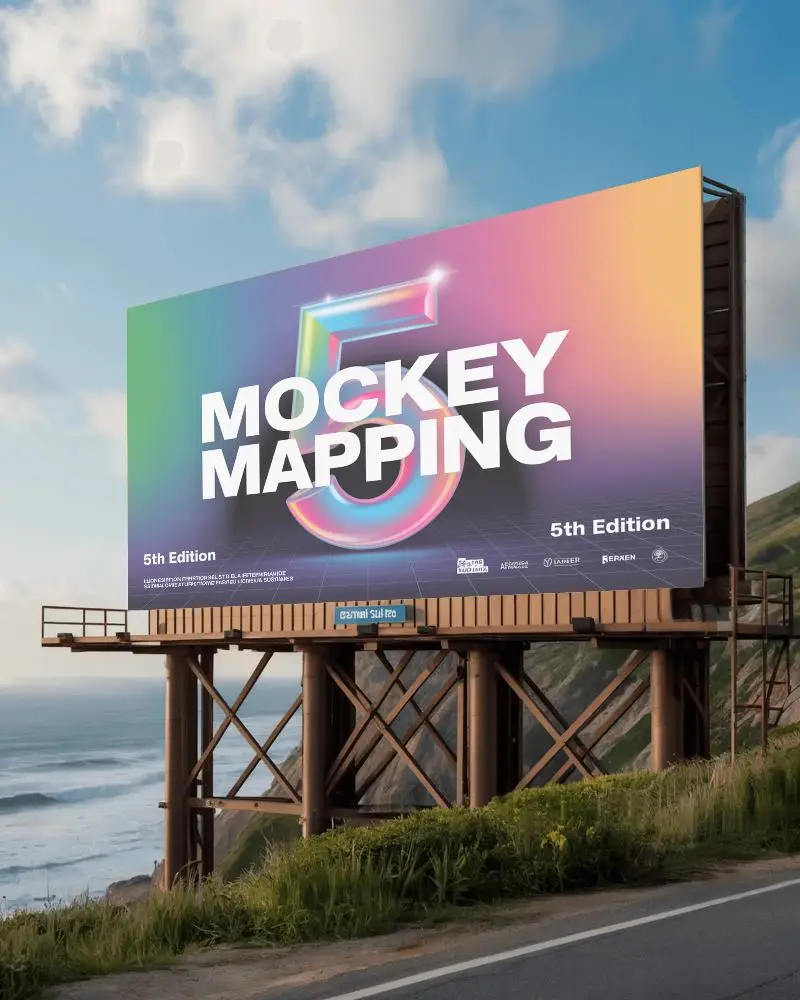
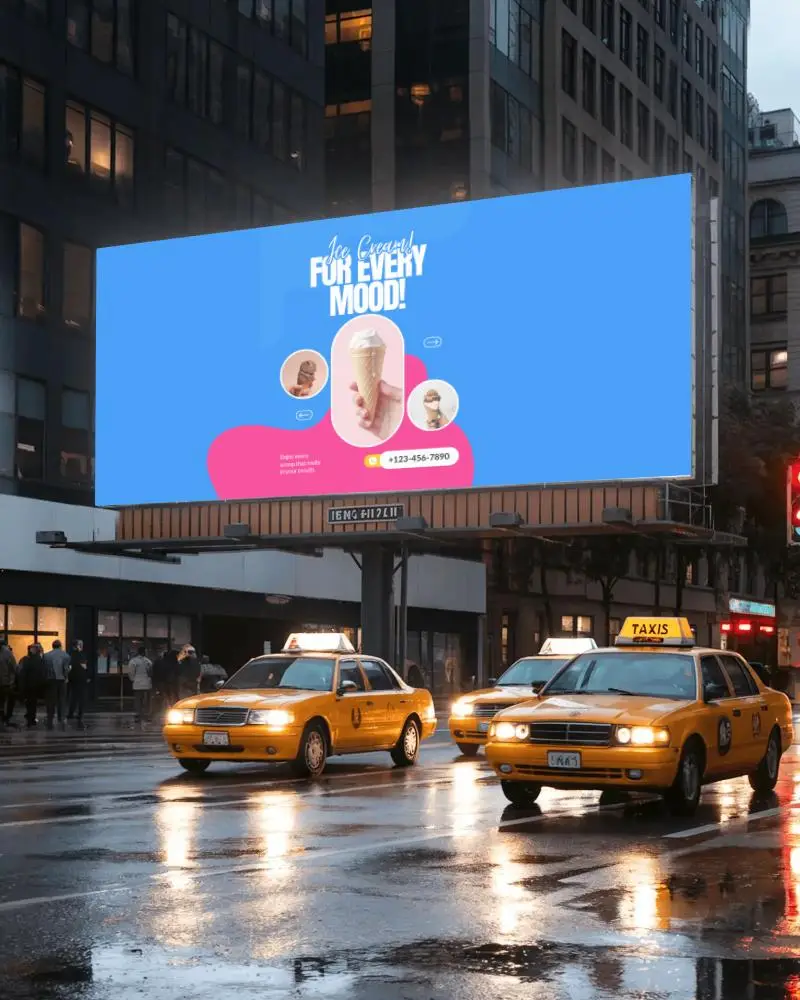
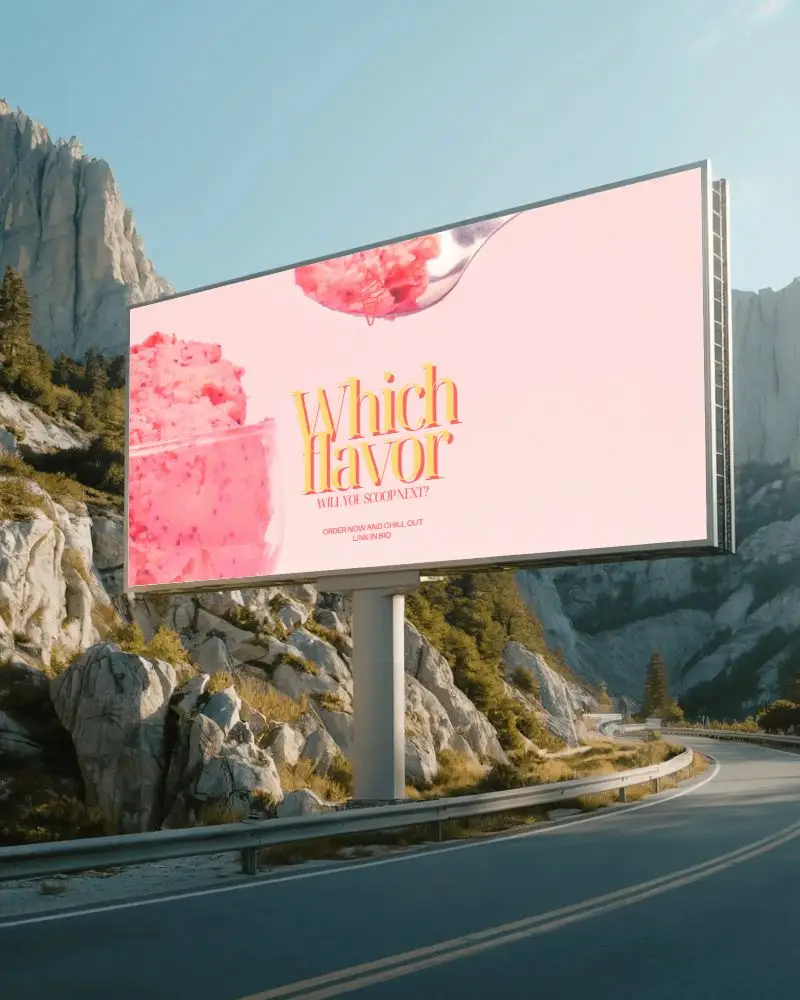
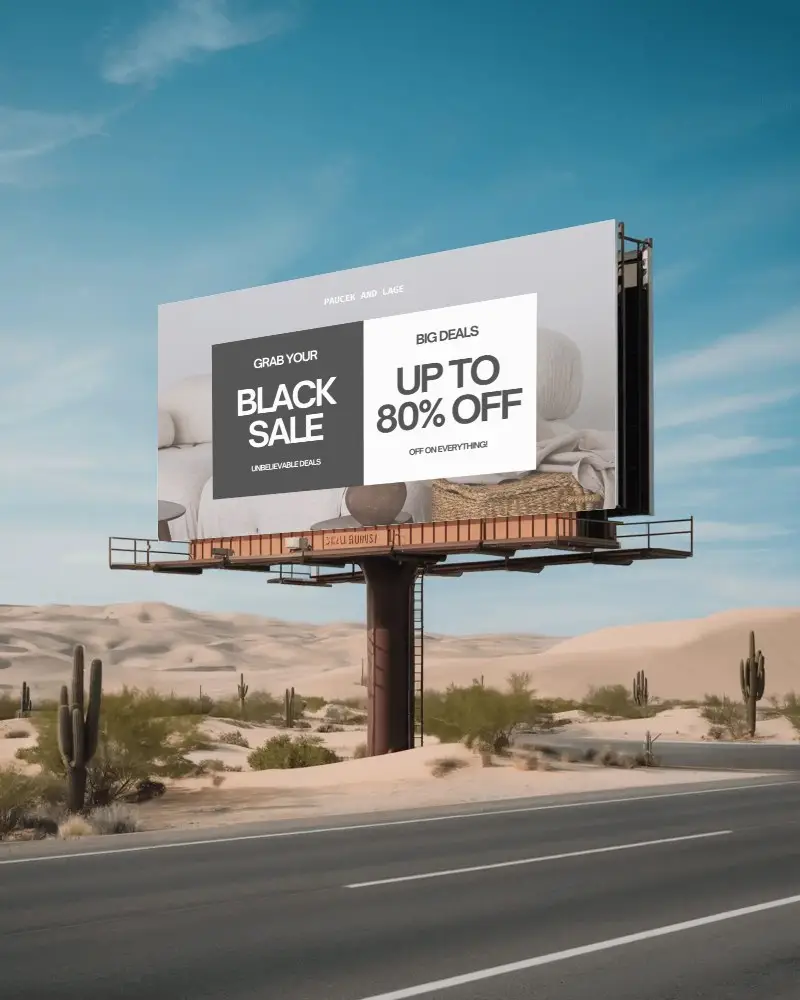
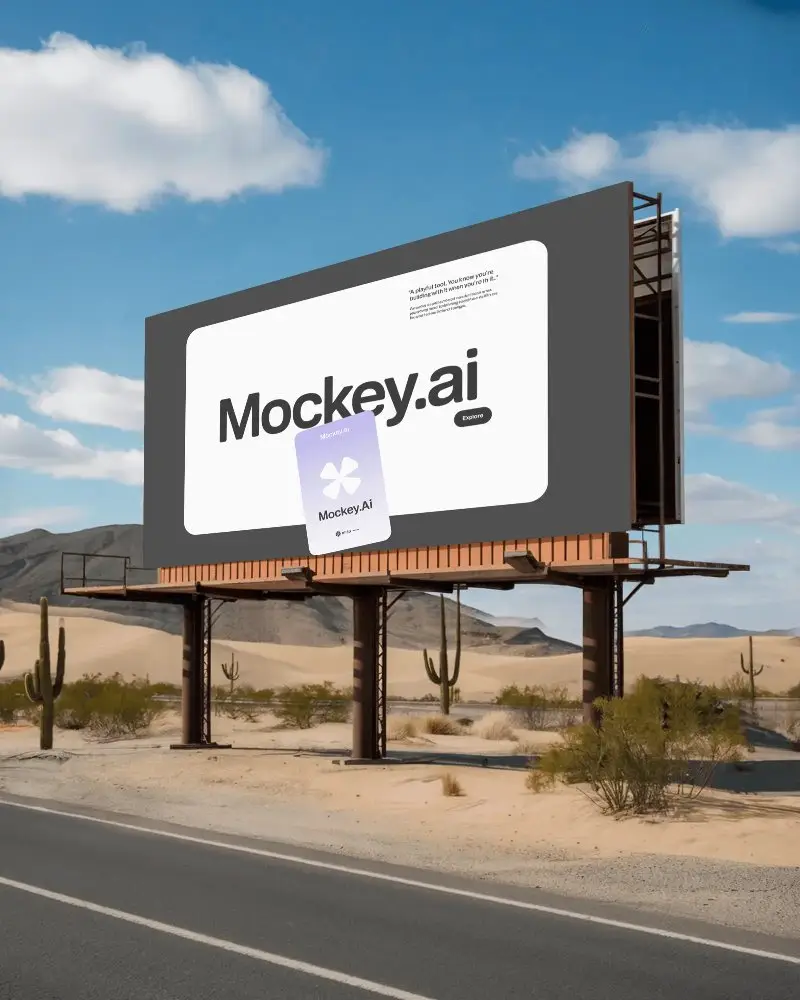
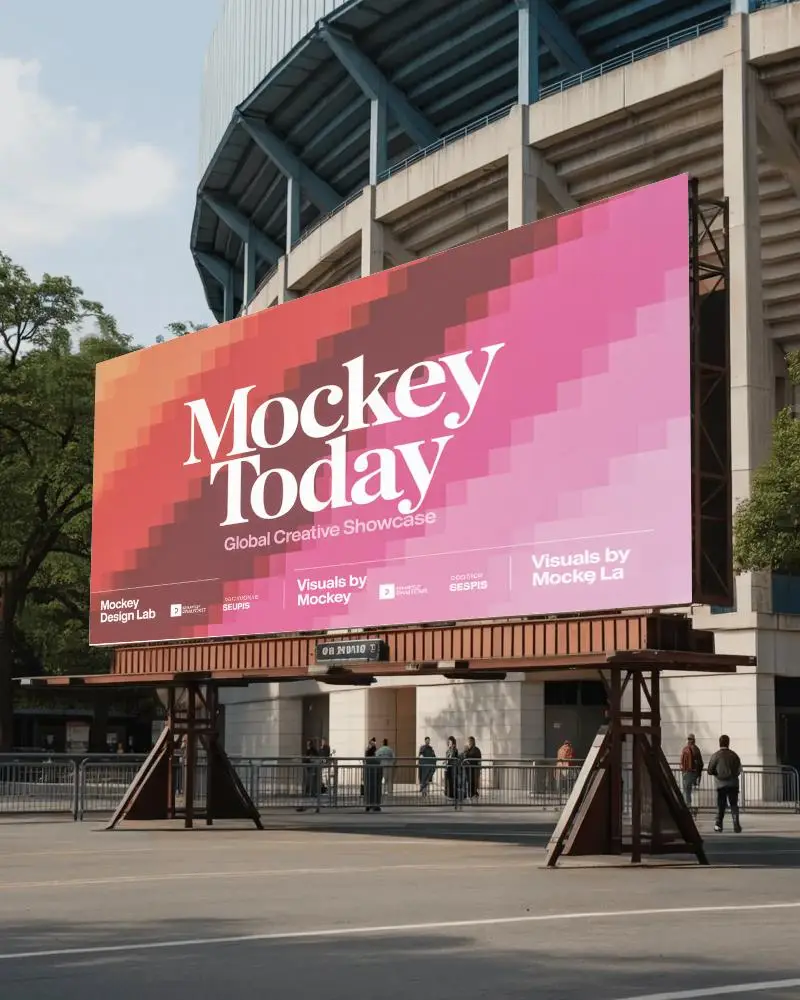
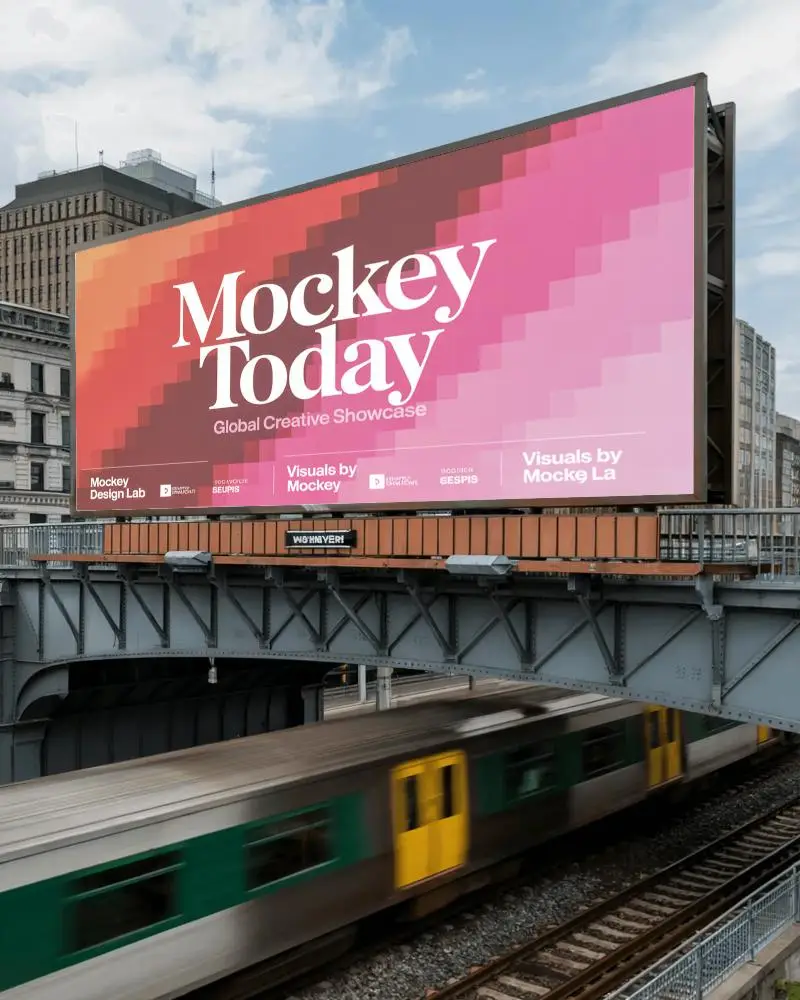
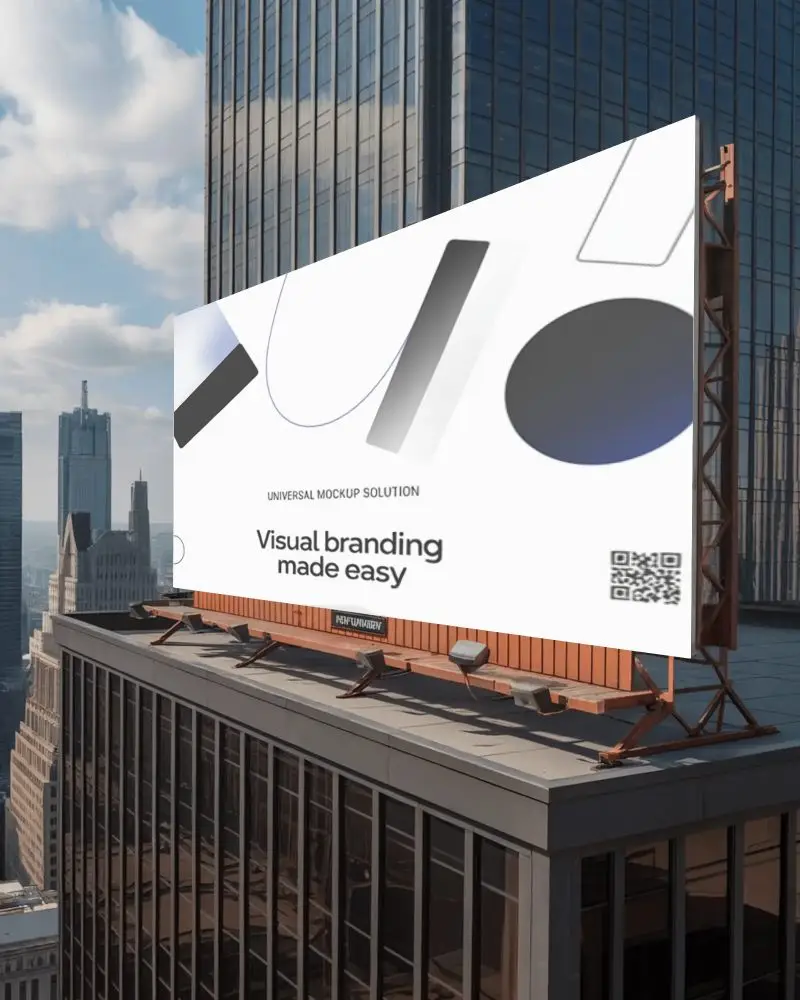
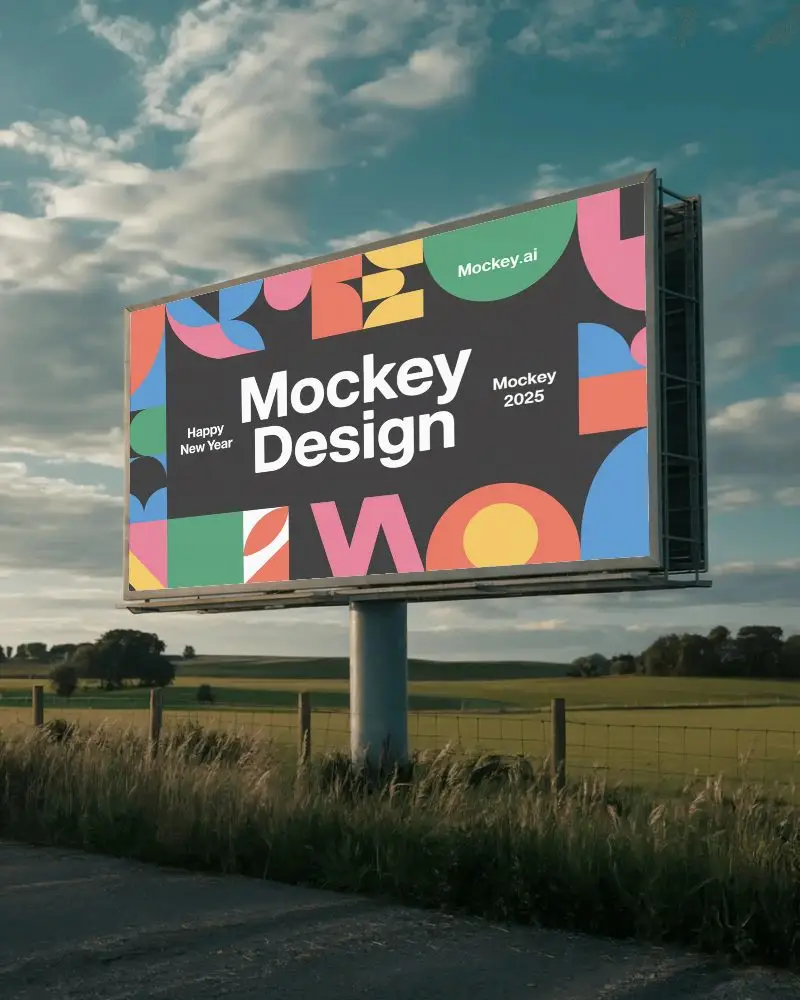
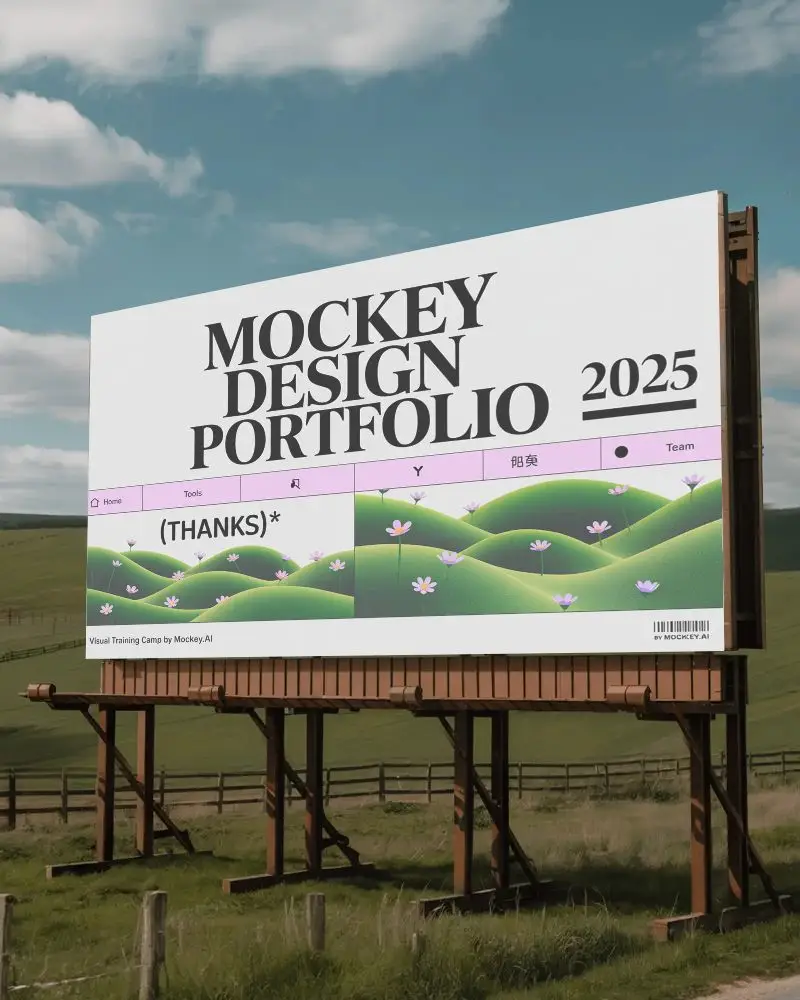
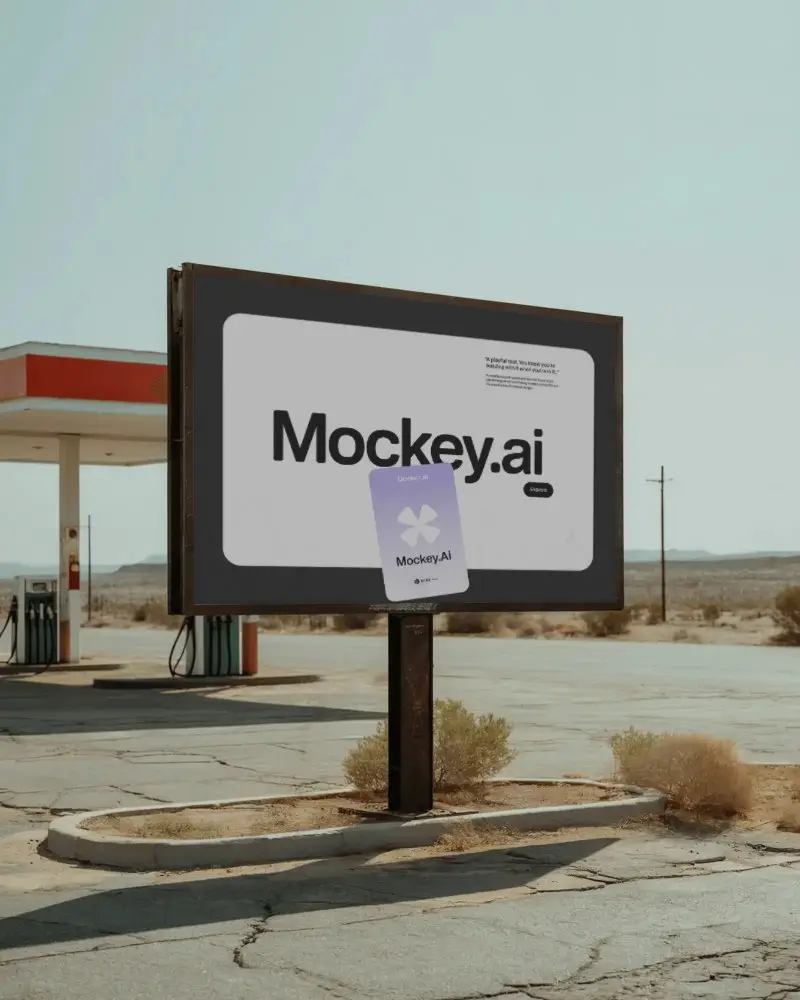
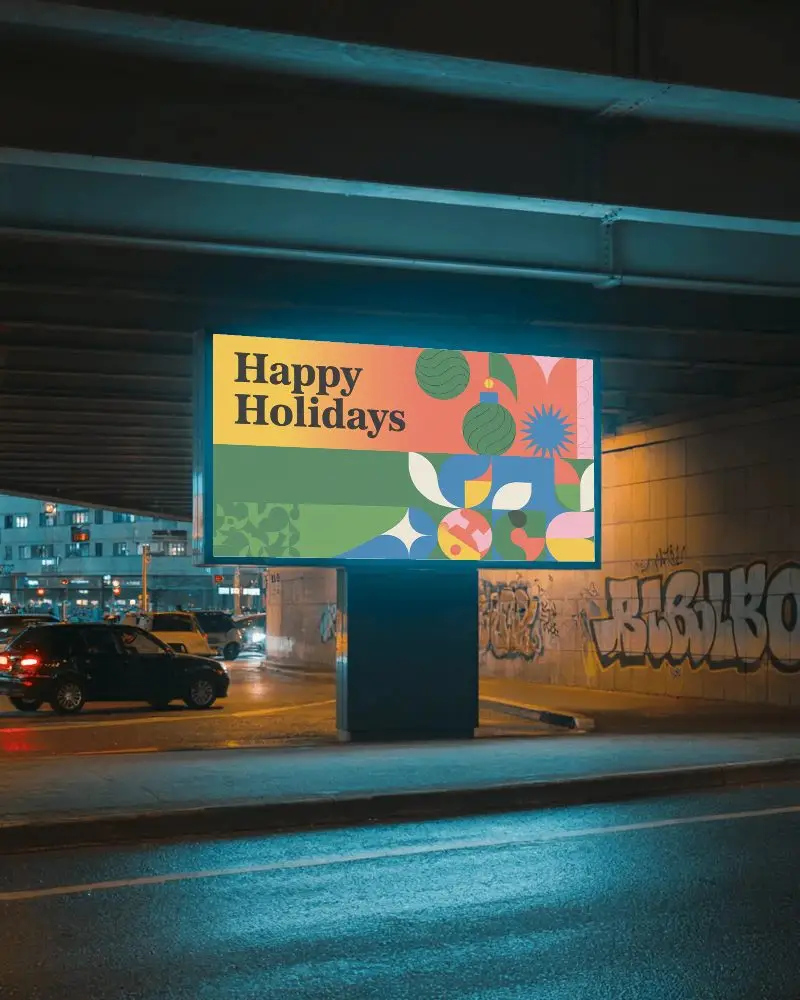
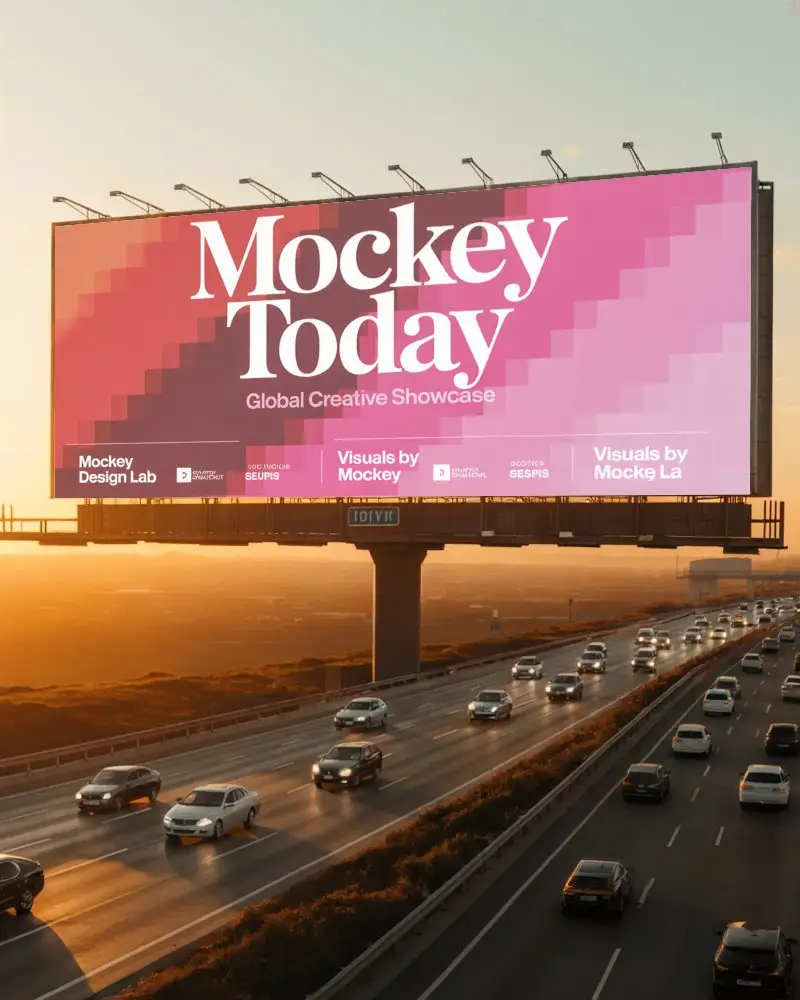
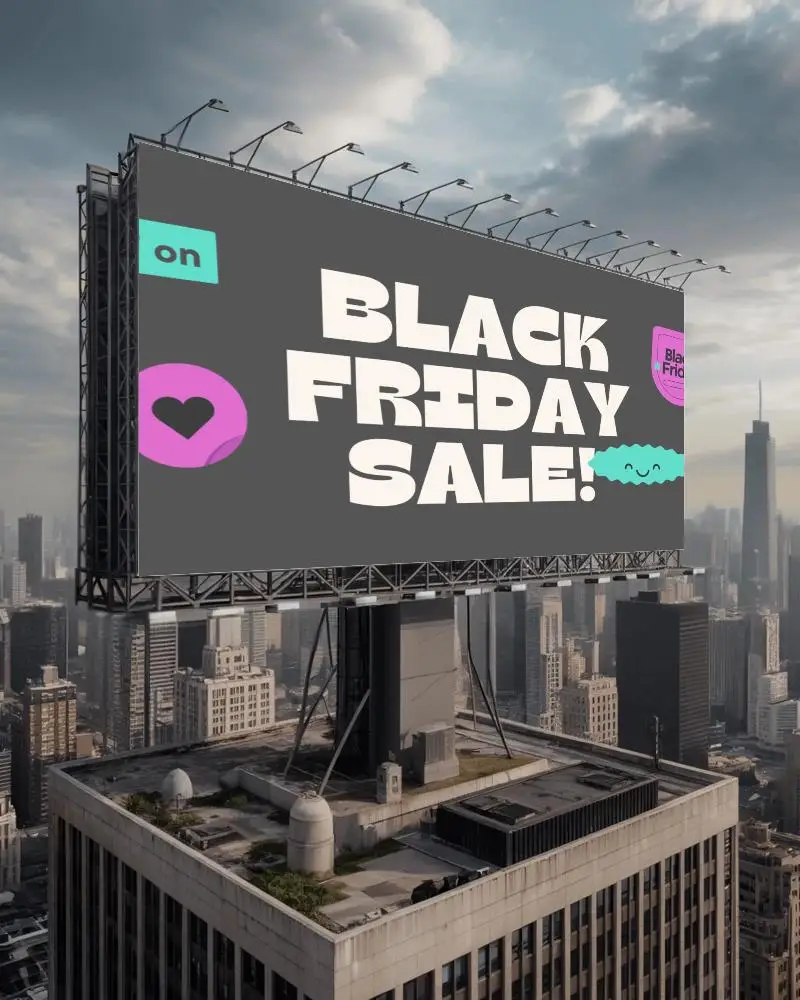
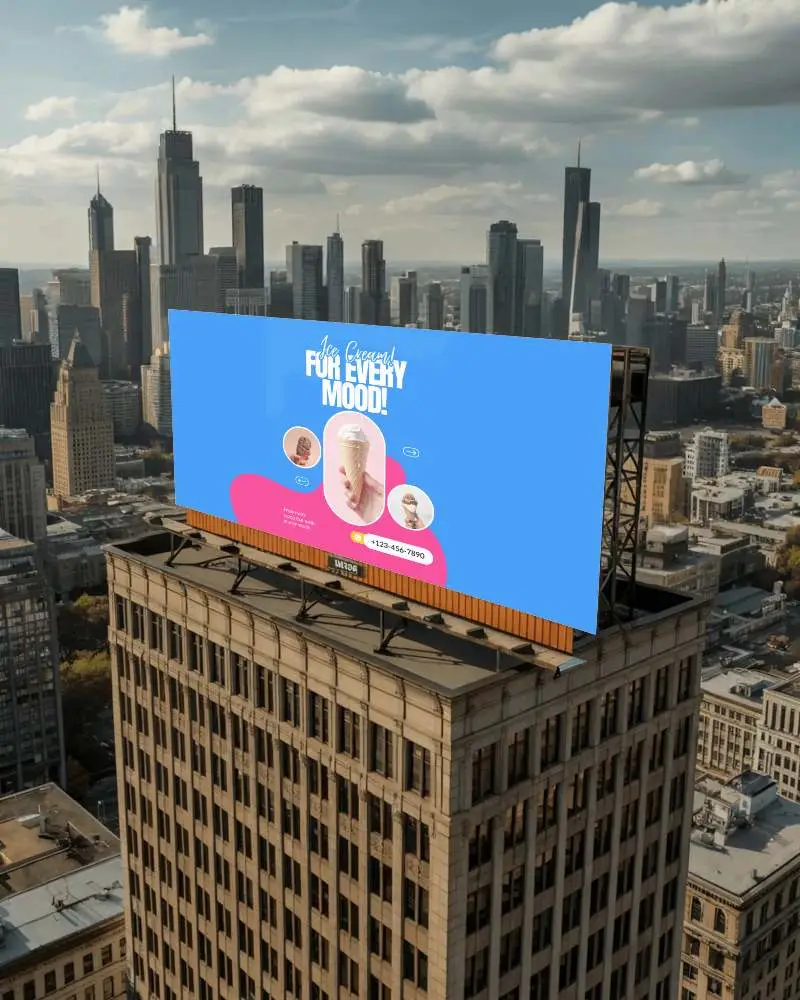
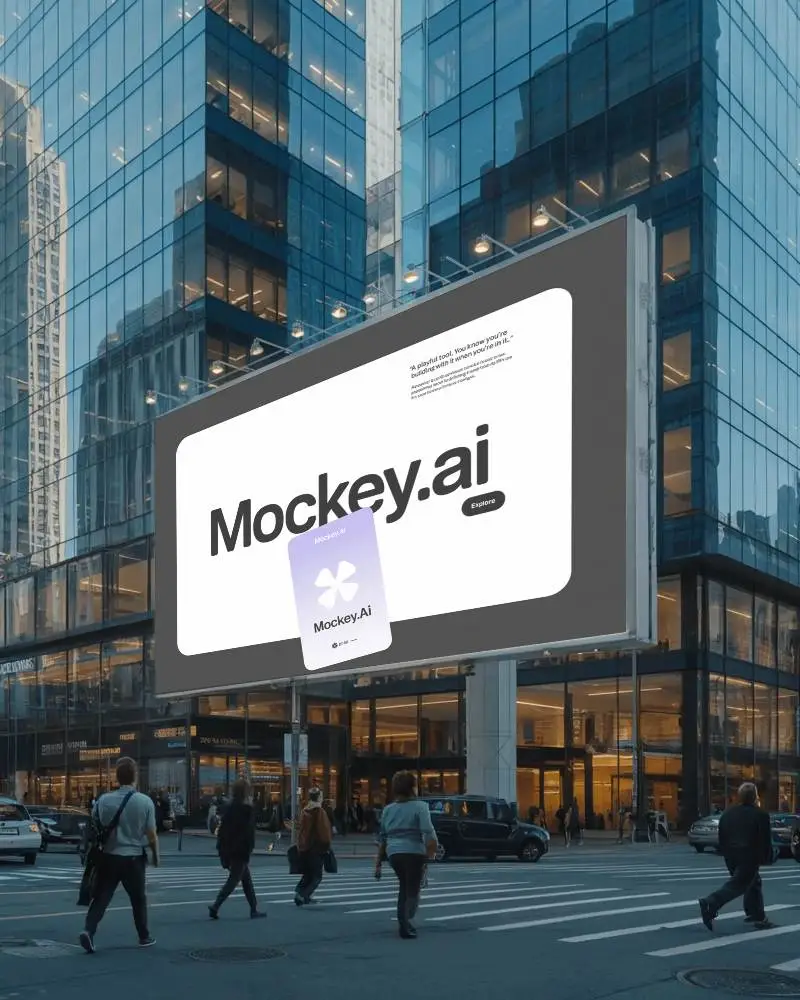
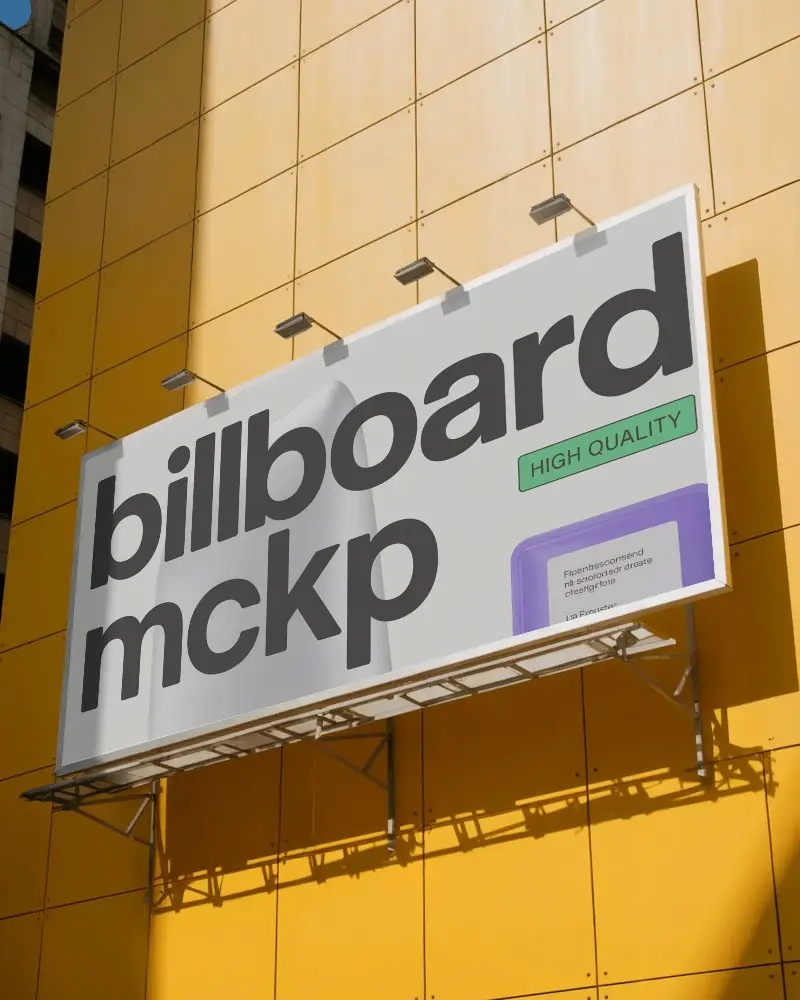
How to Create Landscape Billboard Mockup with Mockey
To create a landscape billboard mockup in Mockey AI:
- Step 1: Navigate to Mockups > Print > Billboard > Landscape and choose a template from the library.
- Step 2: On the following page, you'll find the option to upload your design and adjust the template's colors in the Edit section. If you upgrade to the Creator Plan, you can also access AI tools.
- Step 3: Finally, click the Download button to save your Landscape Billboard mockup in either PNG or JPEG format, available in various sizes.


FAQs on Landscape Billboard Mockups
What is Landscape Billboard Mockup?
A Landscape Billboard Mockup is a digital picture that shows how an advertisement will look on a big outdoor board in a landscape orientation.
Why create a Landscape Billboard mockup?
A landscape billboard mockup helps get feedback, save money, improve presentations, and display artwork before printing.
Why Use Mockey’s Landscape Billboard Mockup?
Mockey AI’s Landscape Billboard Mockup is free, easy to use, and high quality. It offers many pre-made backgrounds and works with AI tools.
Is this Landscape Billboard Mockup Free?
Mockey AI has free landscape billboard mockups. You can download them in PNG and JPEG format.
Are Mockey’s landscape billboard mockups suitable for both digital and print ads?
Mockey AI’s billboard mockups work for online and print ads. Edit colors, and use pre-made or transparent backgrounds images easily. For printing, adjust the image quality if needed.
Can I edit my landscape billboard mockup after downloading it?
No, you can’t change it after downloading. If you want a new look, you must make it again from the start.
What file formats can I download my landscape billboard mockup in?
You can download landscape billboard mockups from Mockey AI in JPEG/PNG format, with a resolution of up to 1600 × 2000 pixels.
Do I need design experience to use Mockey’s landscape billboard mockups?
You don’t need design skills to use Mockey’s landscape billboard mockups. It’s easy! Just pick a template, add design, and customize.
