Free Indoor Banner Mockup for Social Media, Event & Advertising
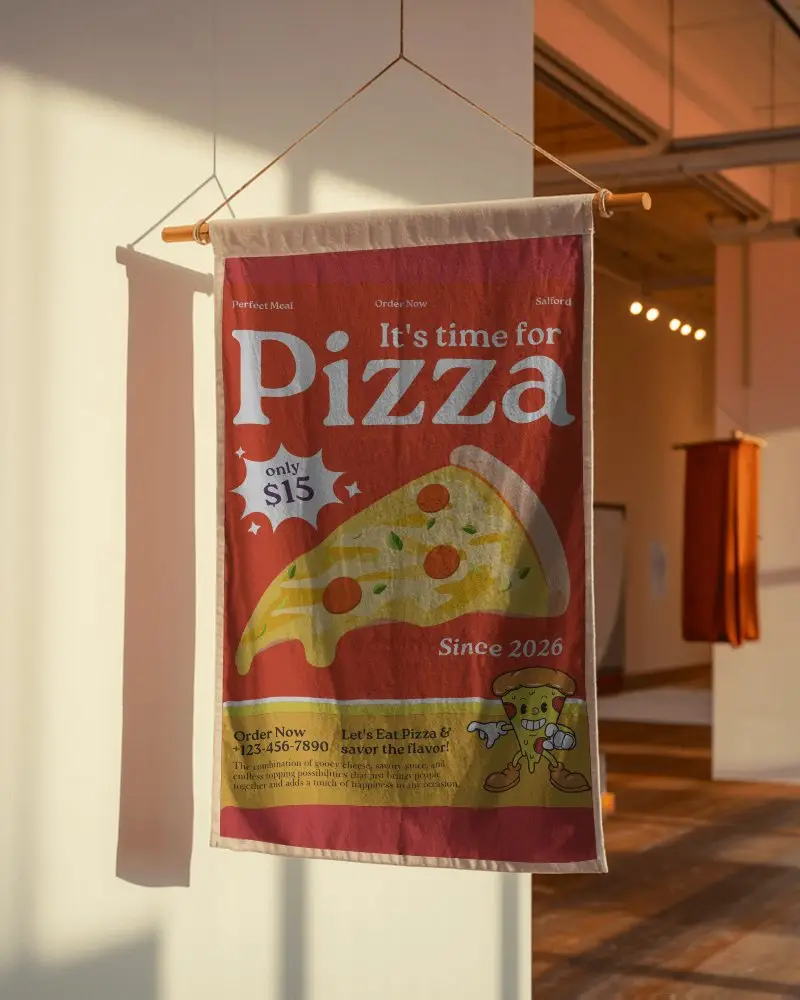
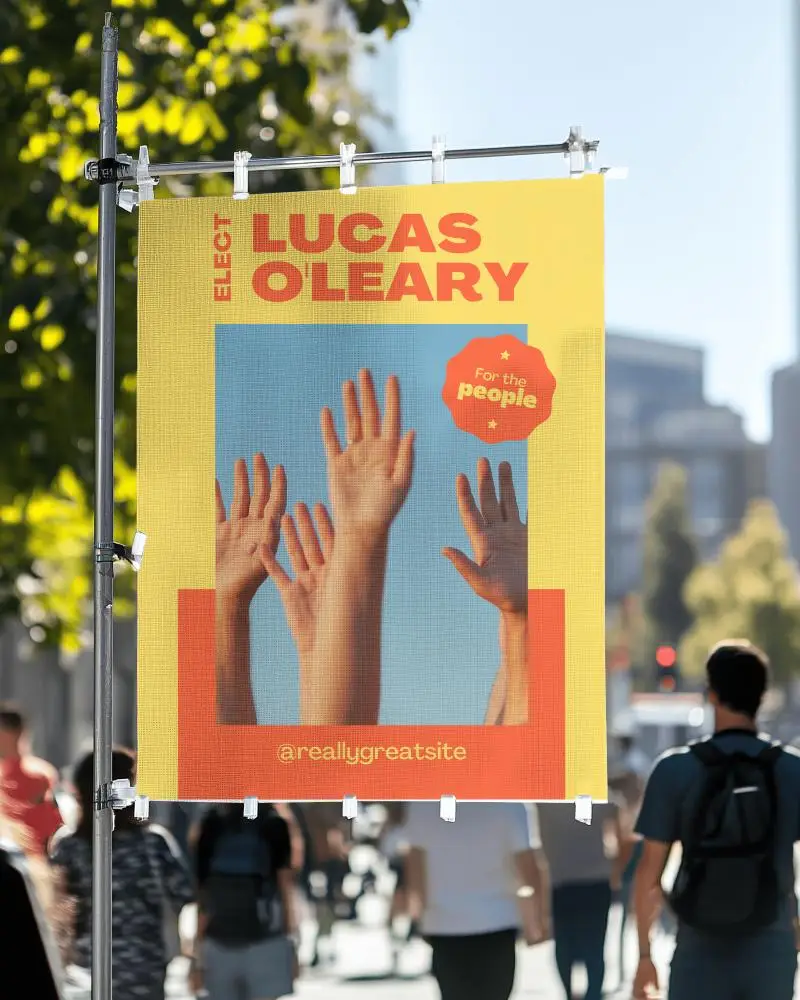
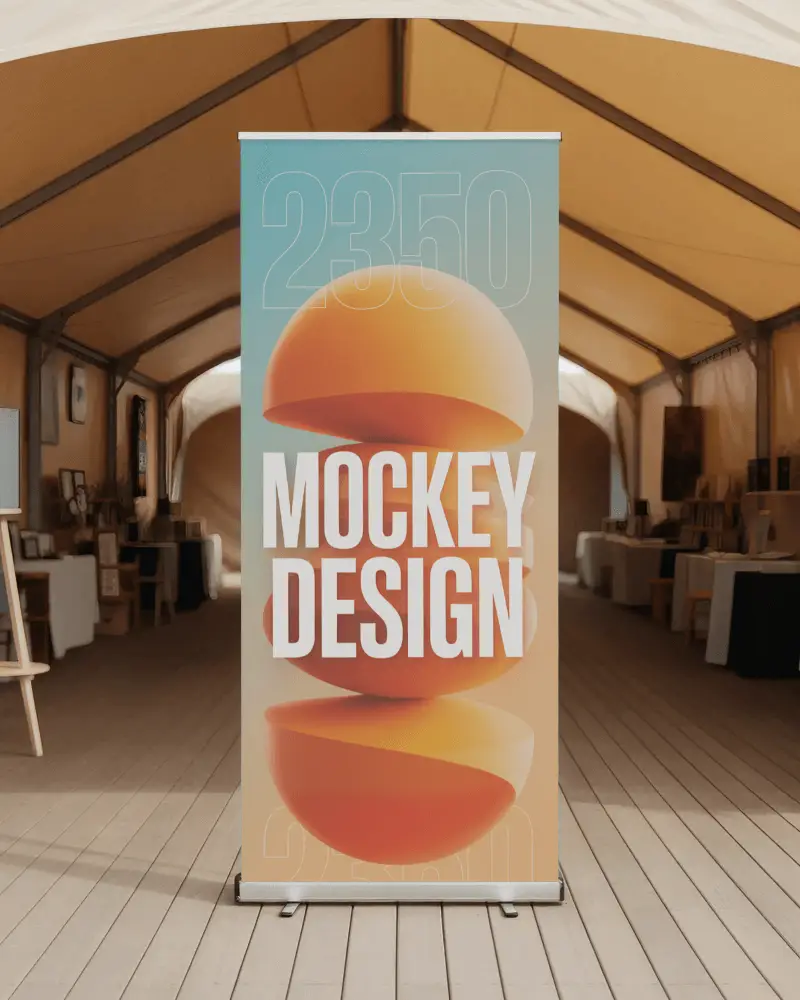
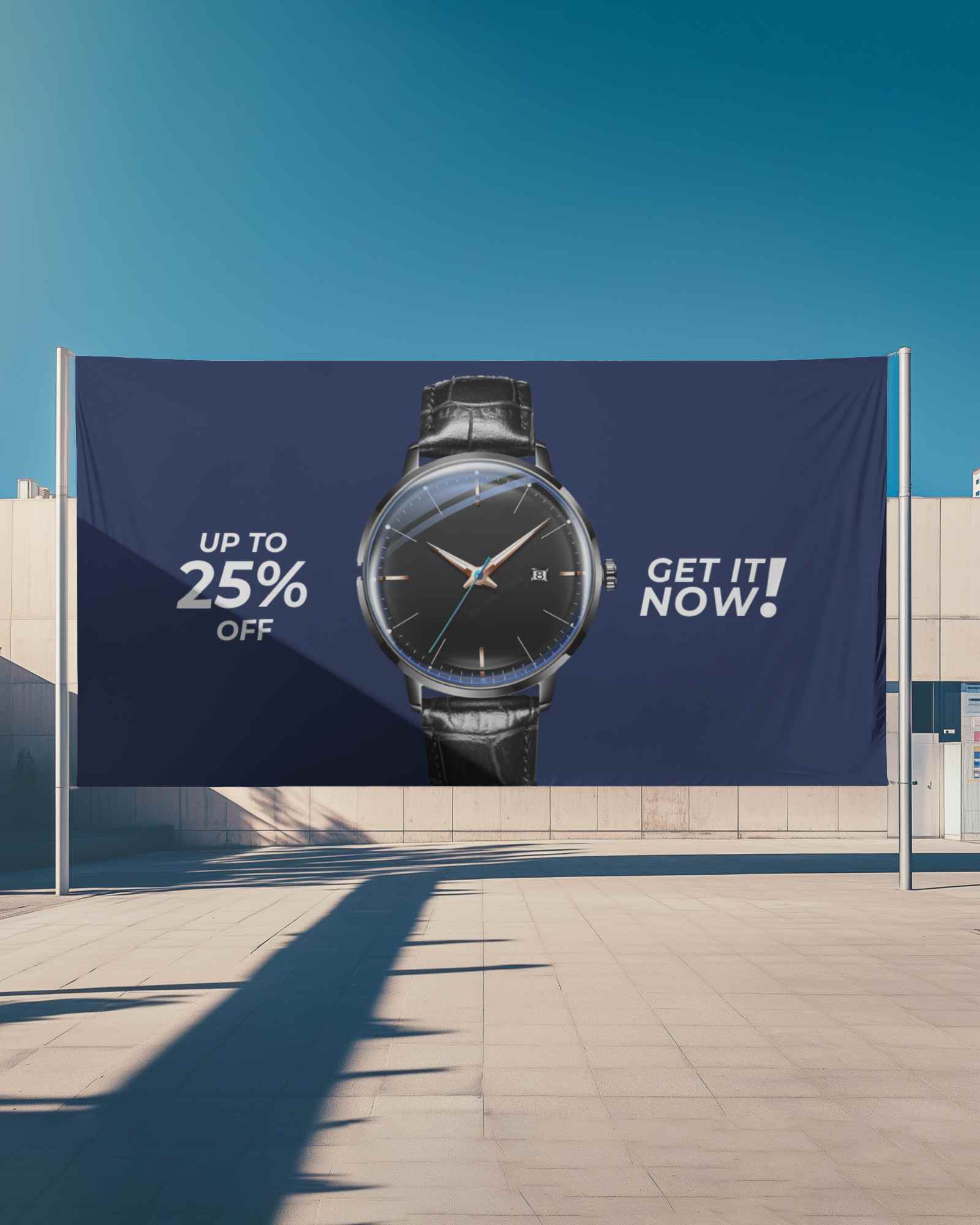
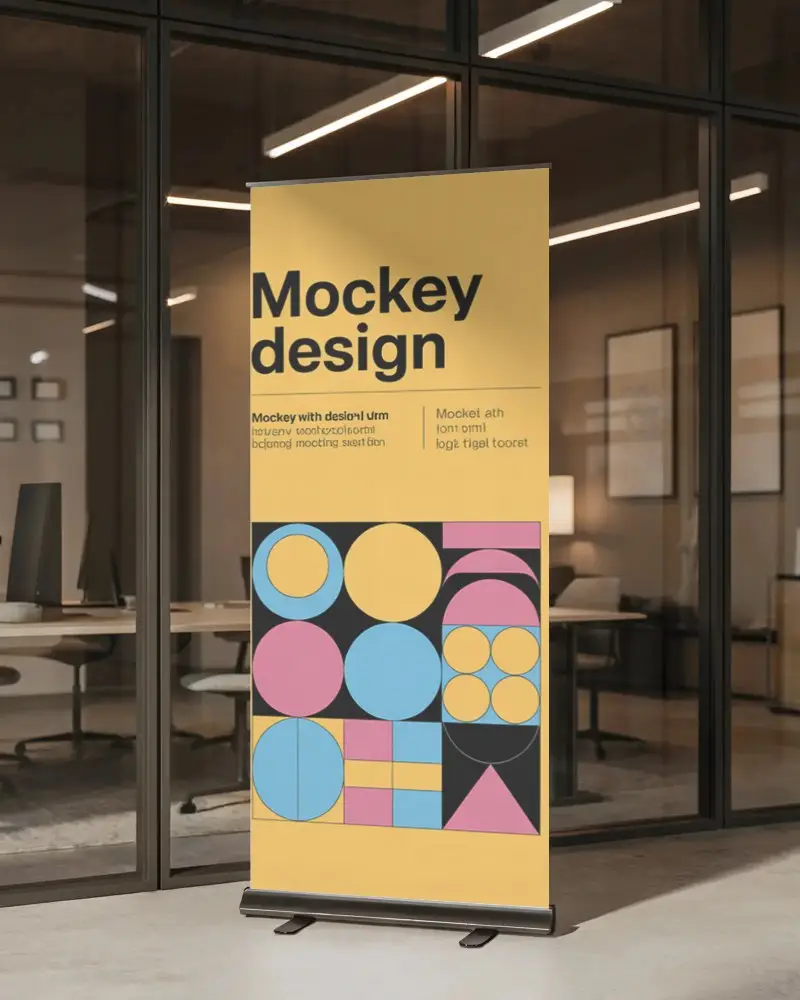
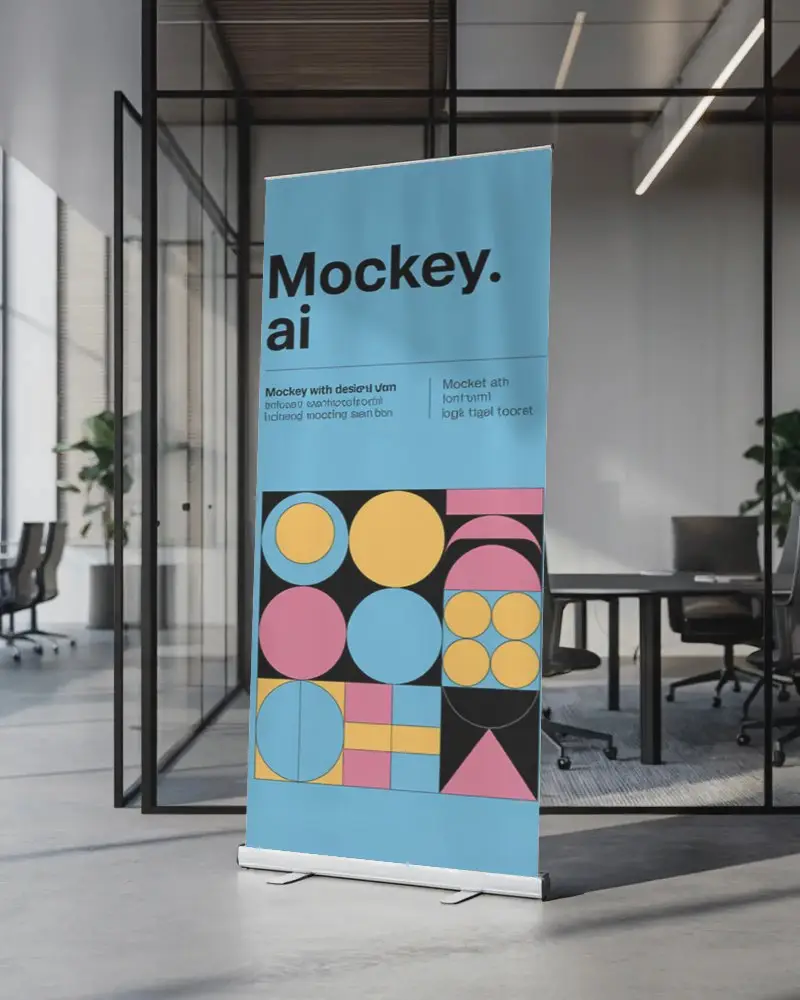
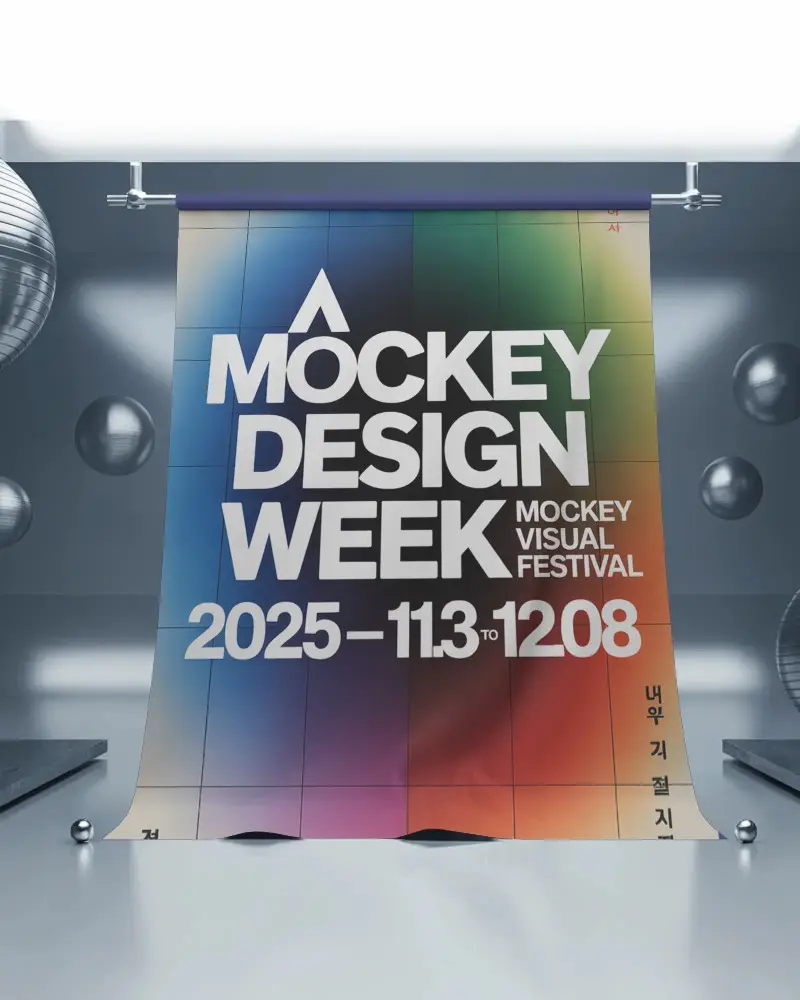
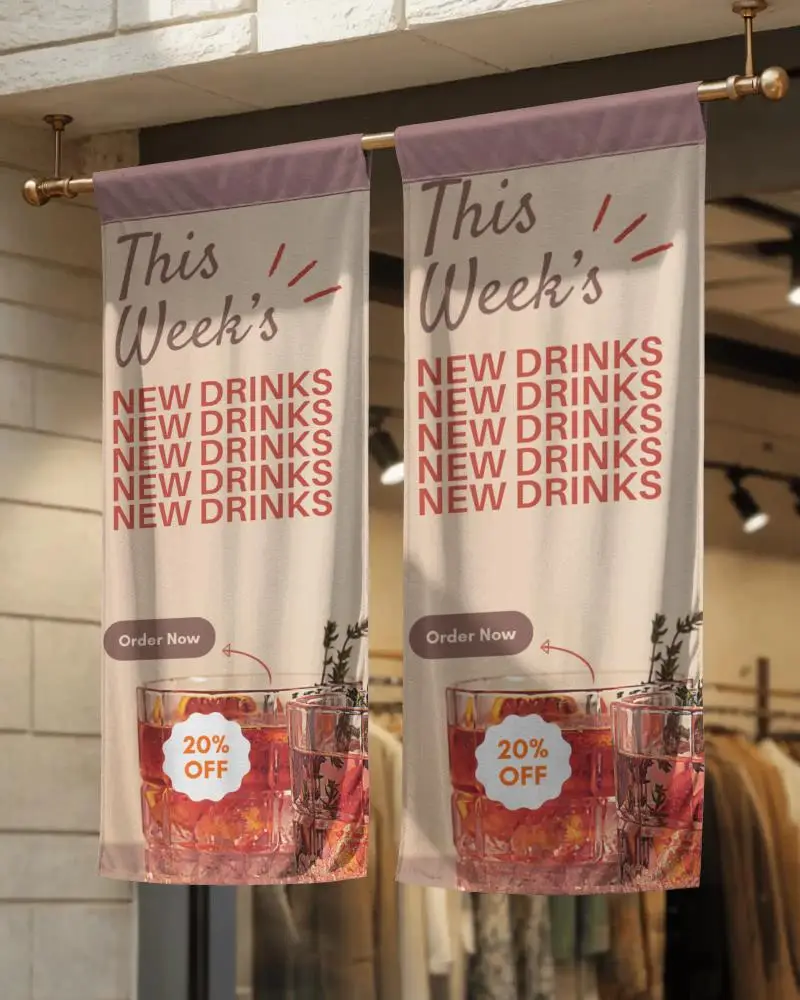
Get a free Indoor banner mockup in high resolution without watermarks with Mockey. Perfect for social media, branding, events, advertising, and marketing presentations.
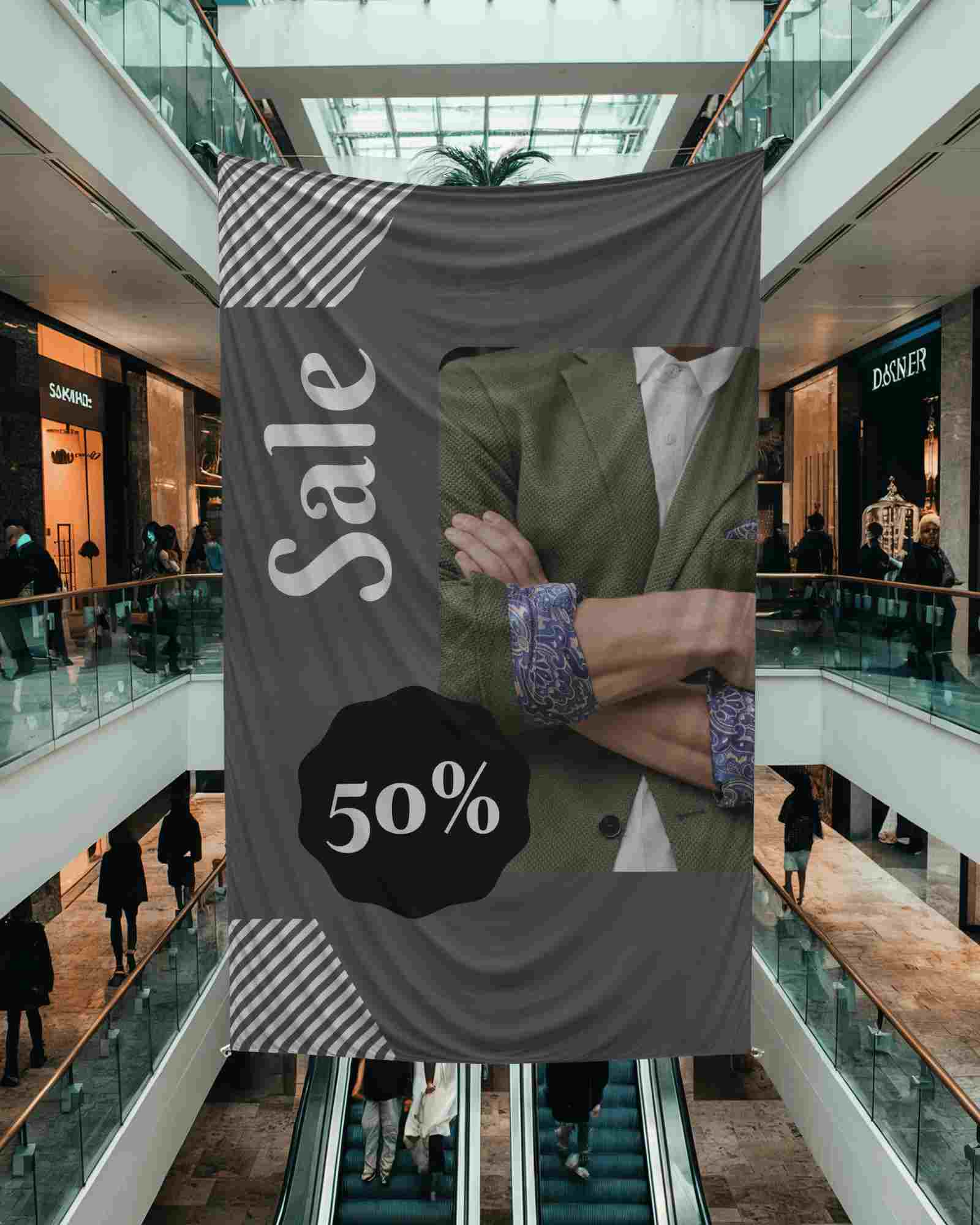
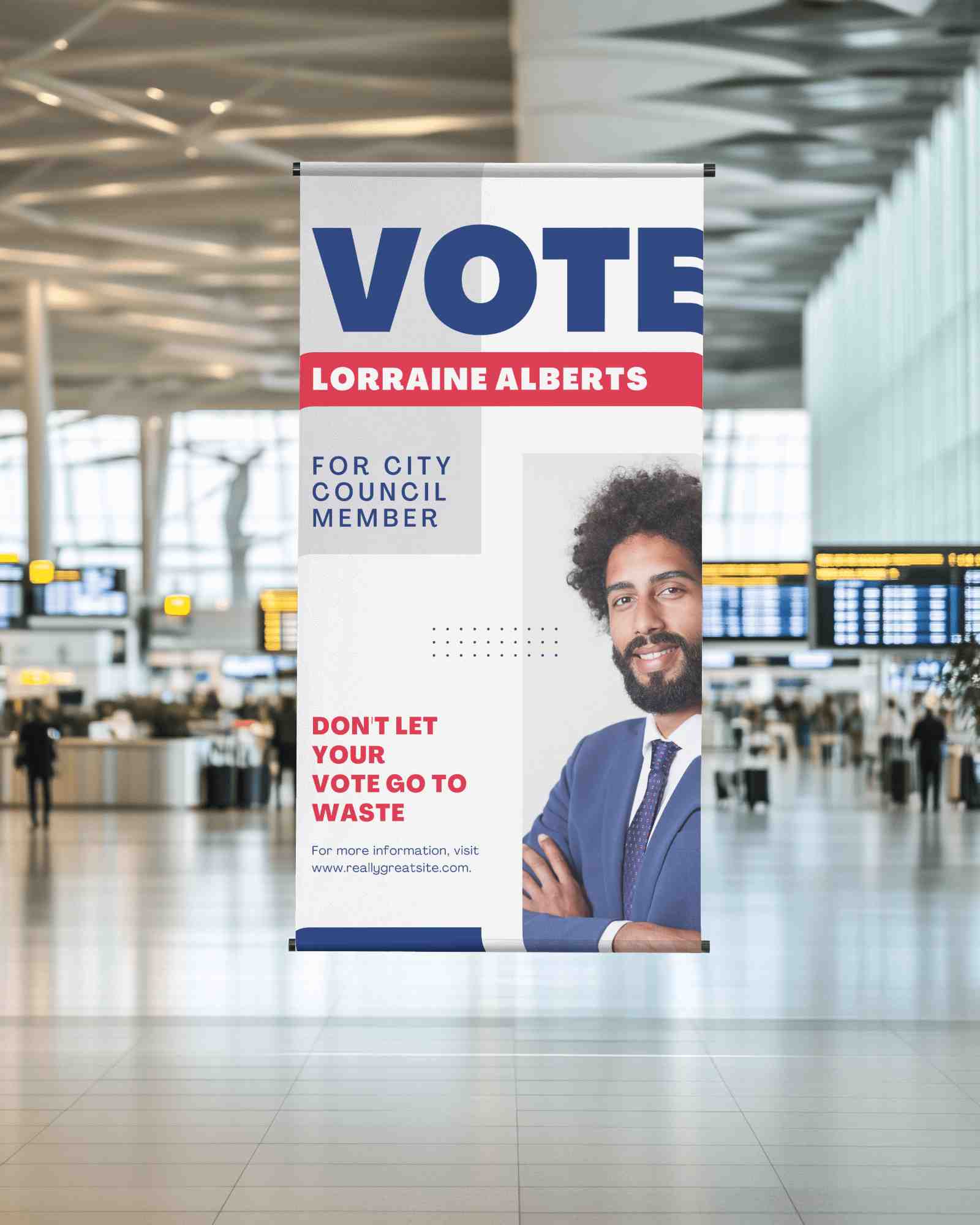
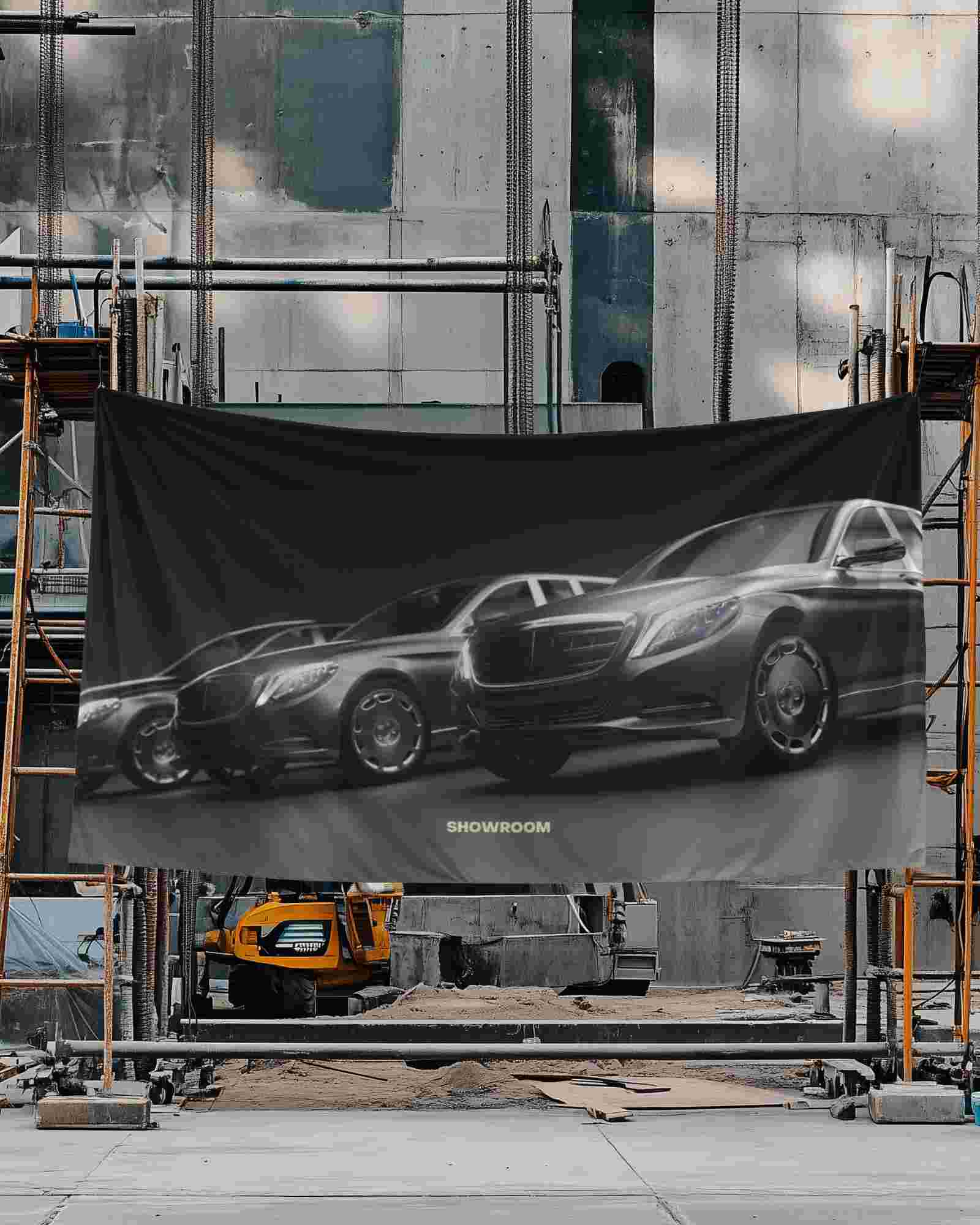
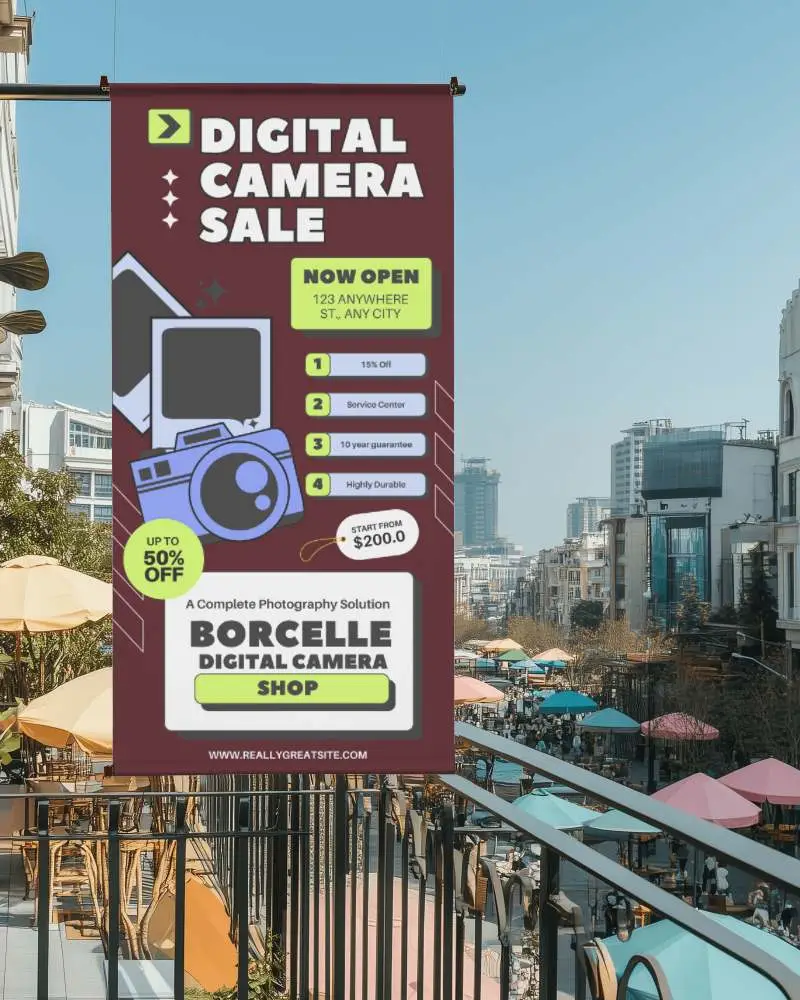
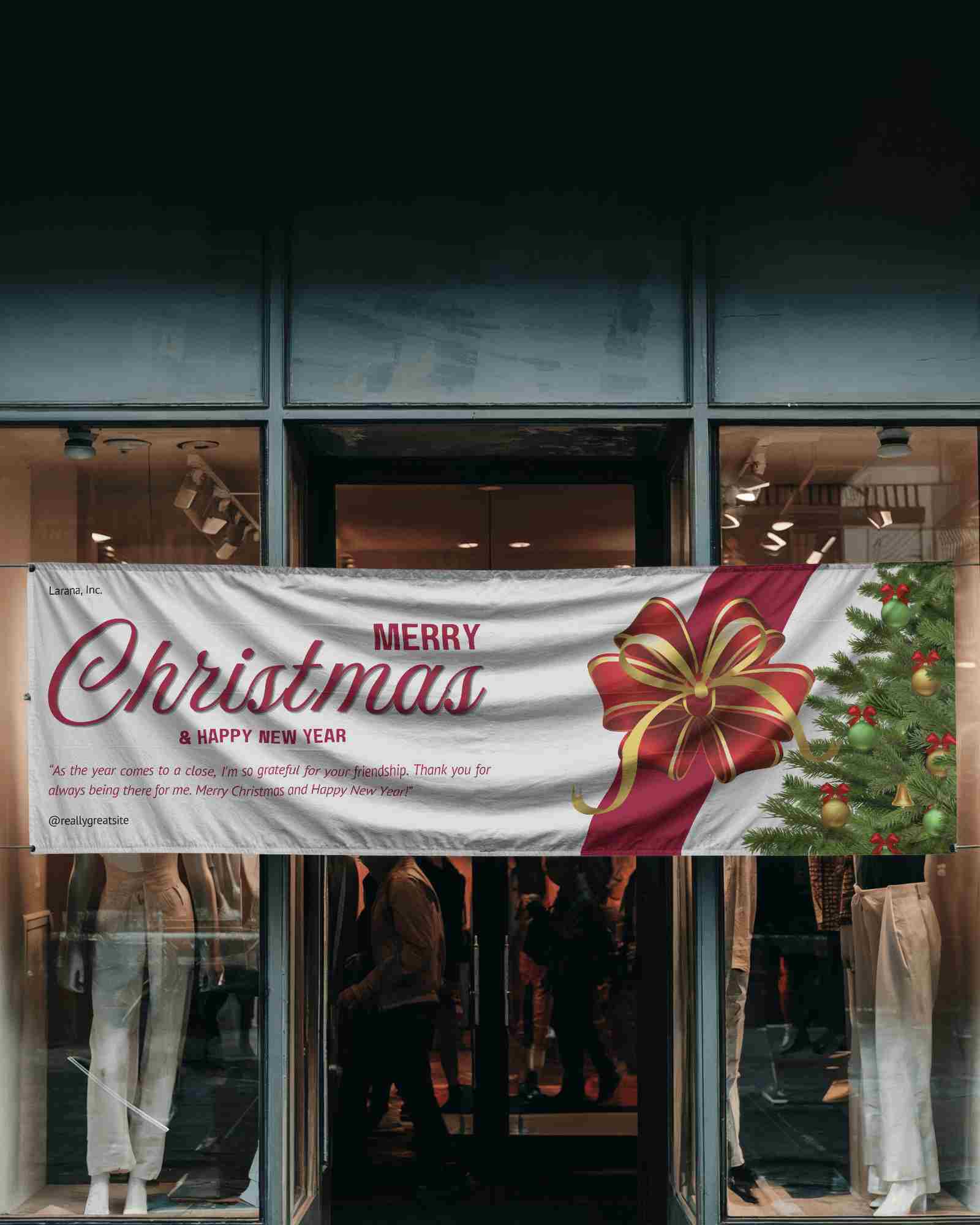
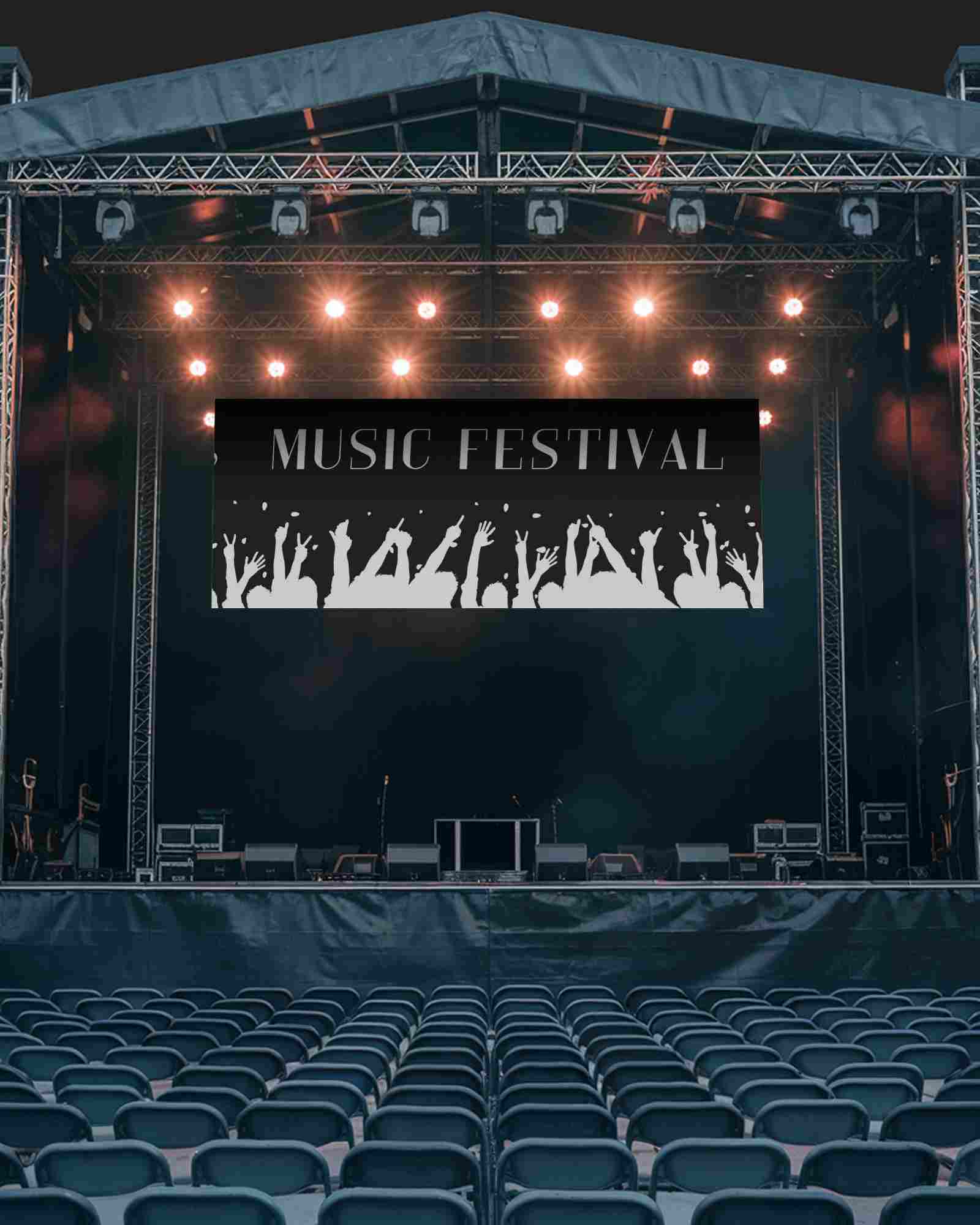
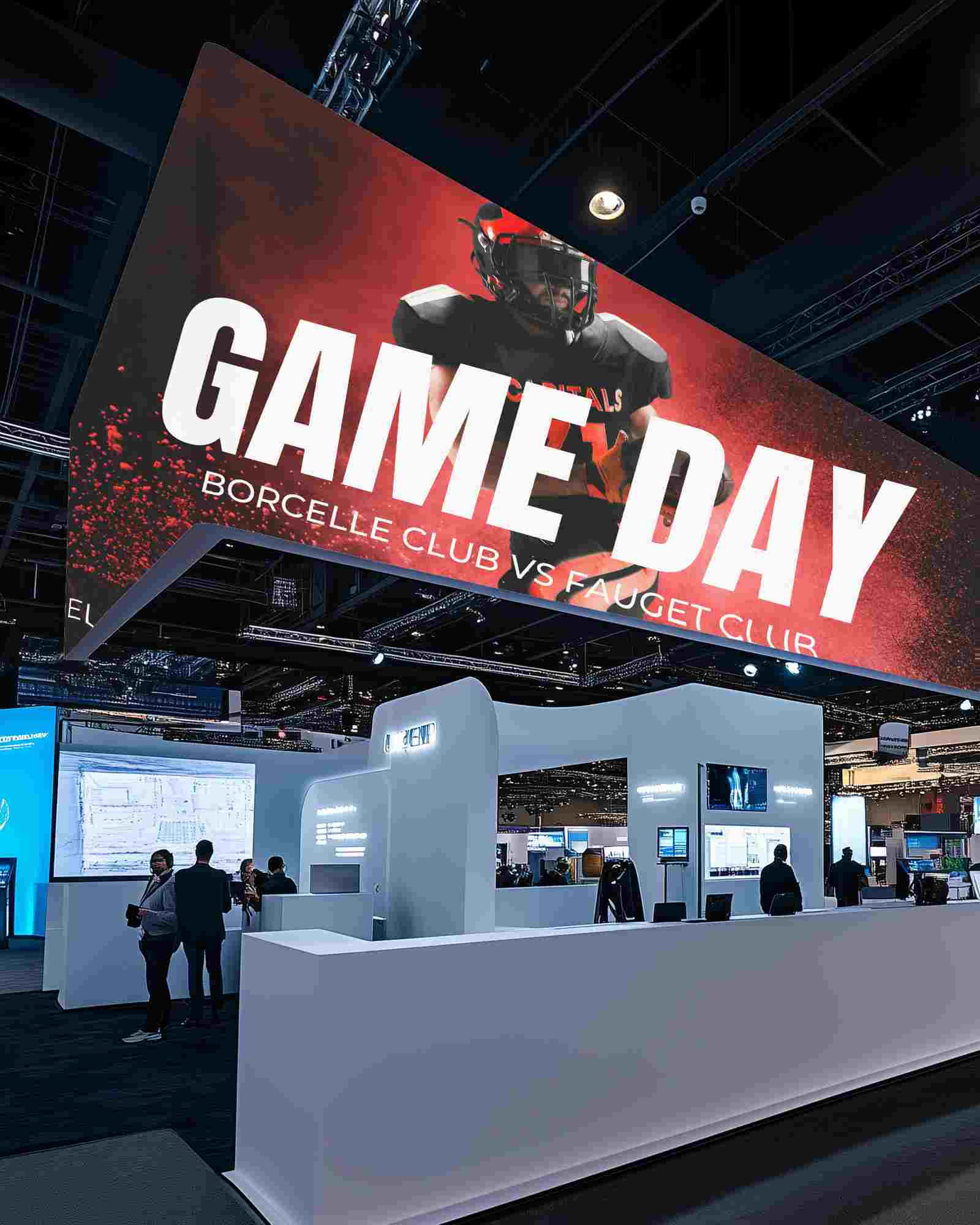
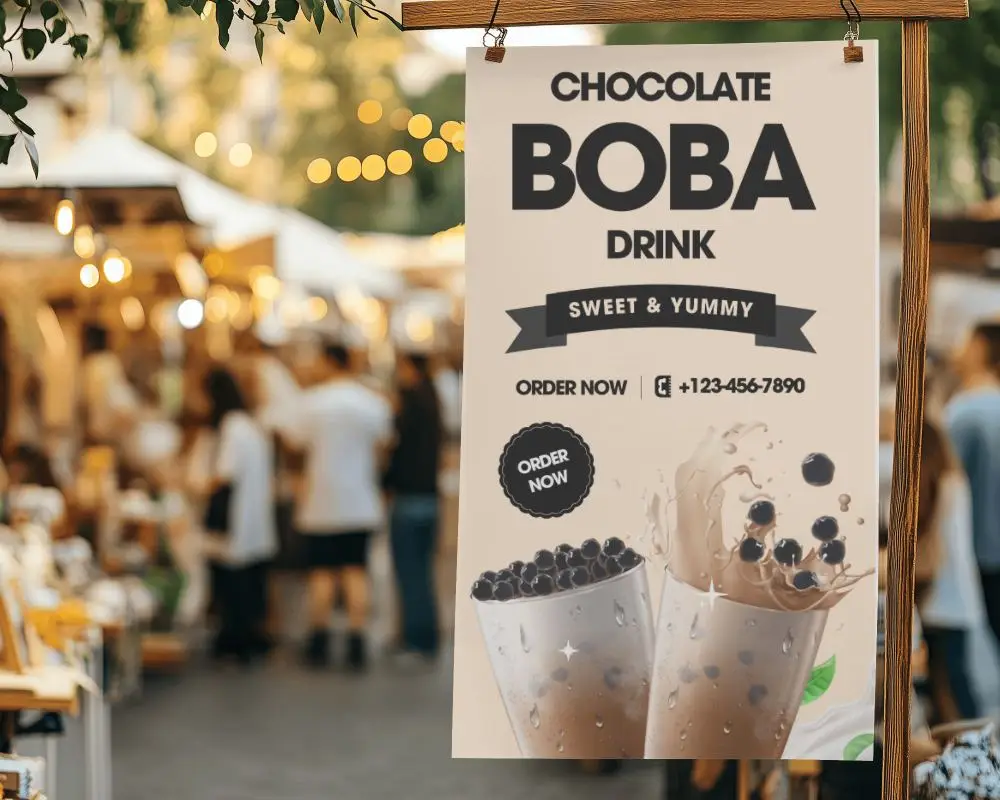


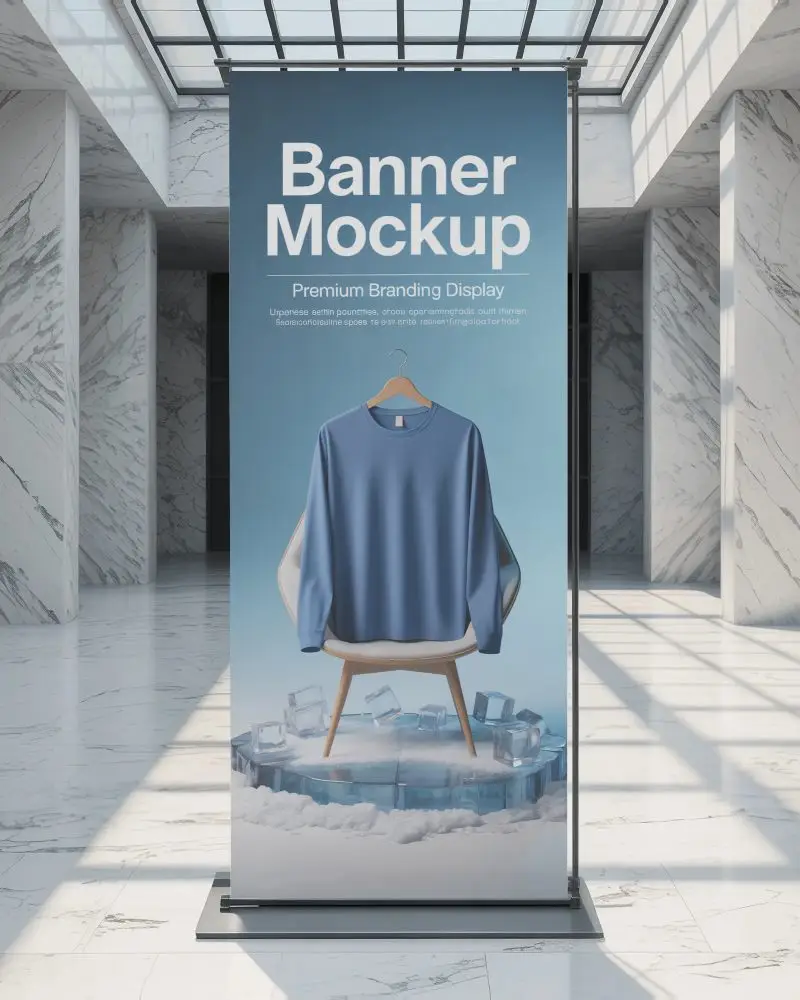
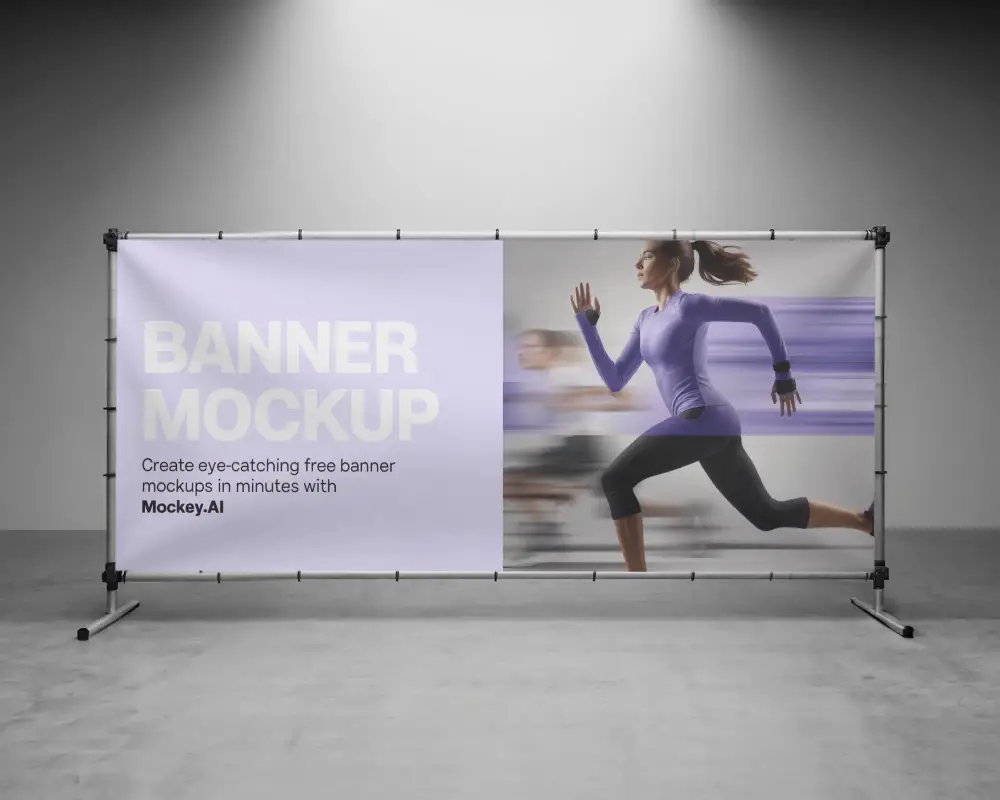
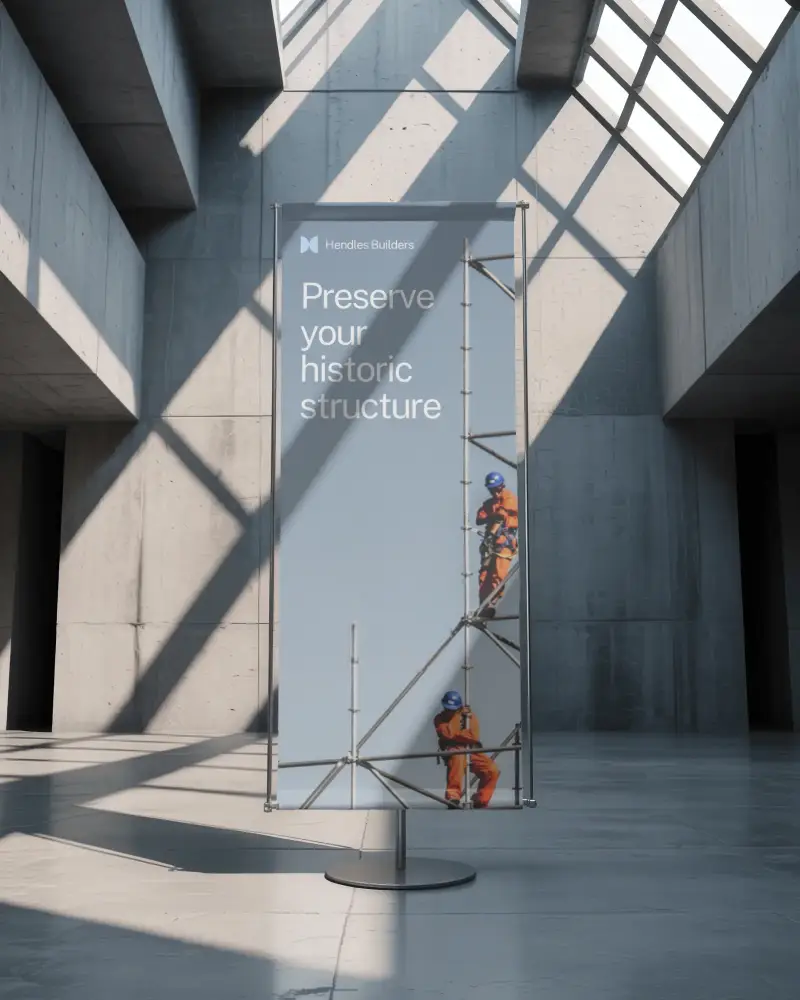

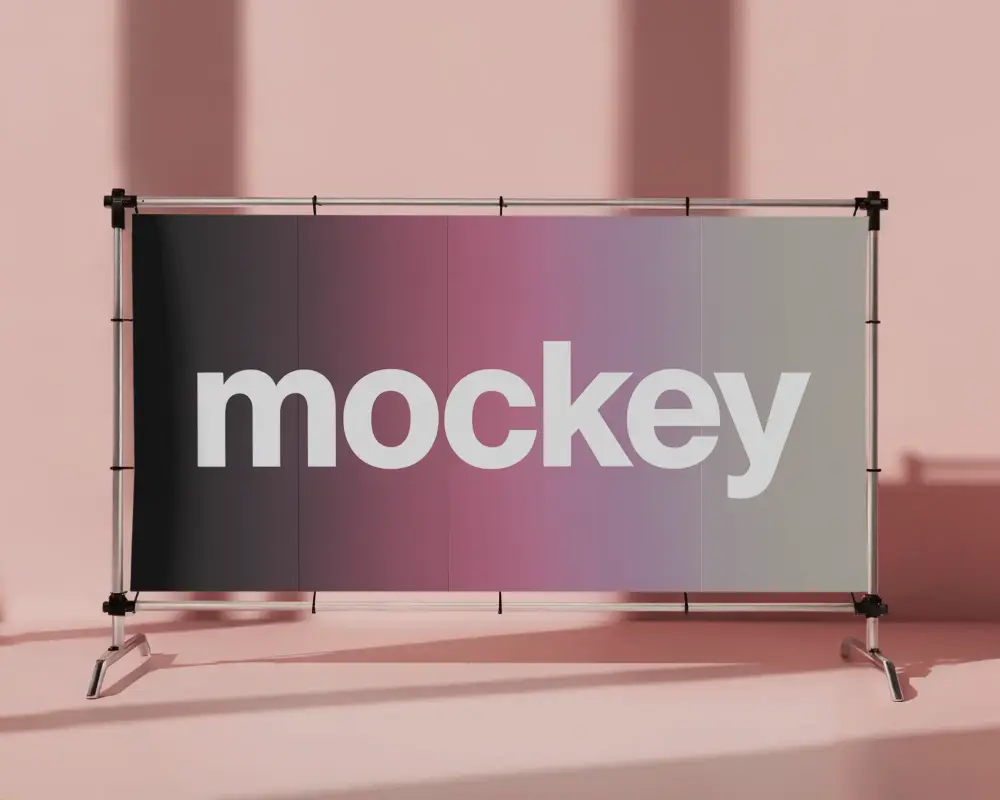
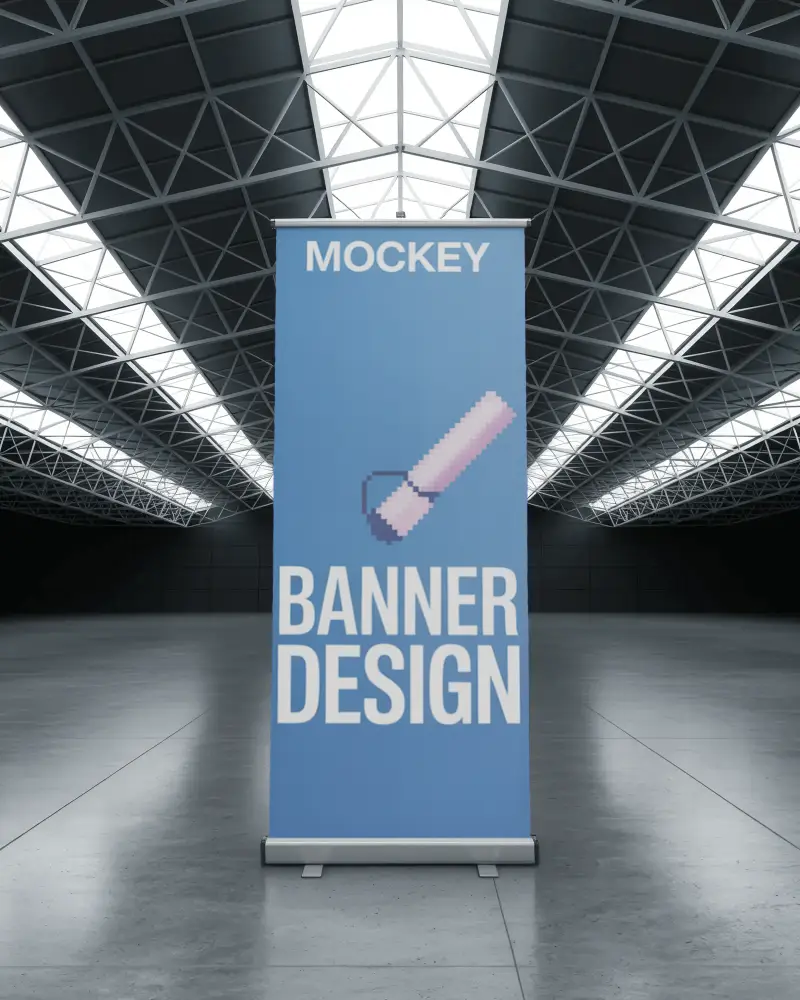
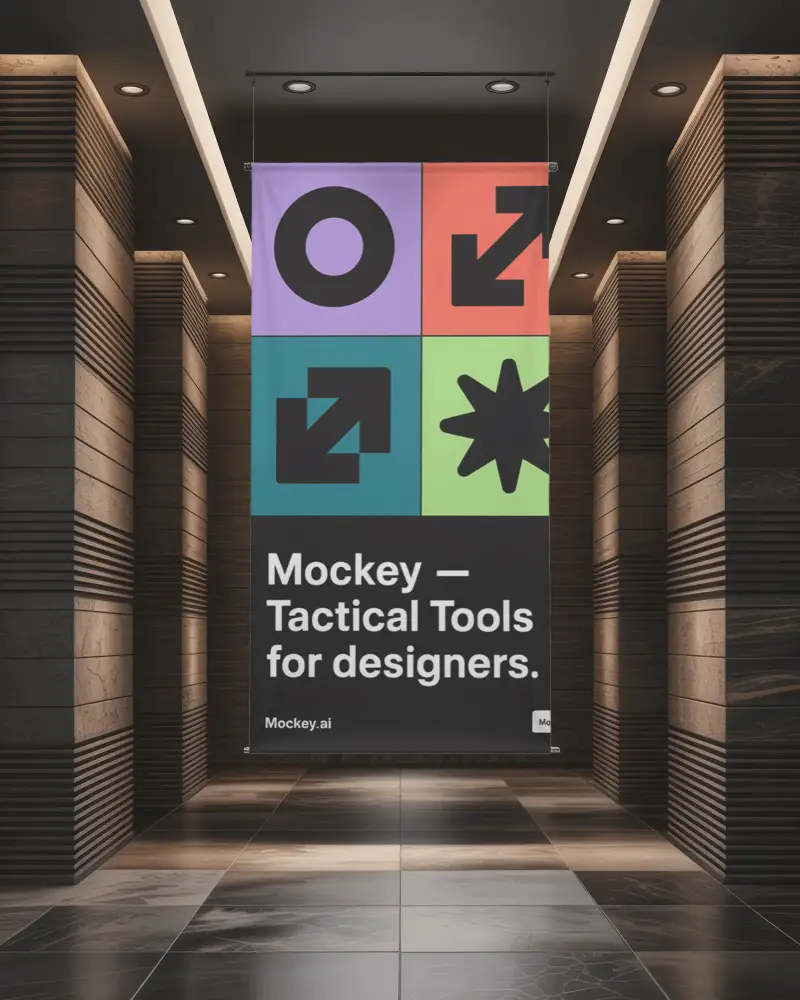
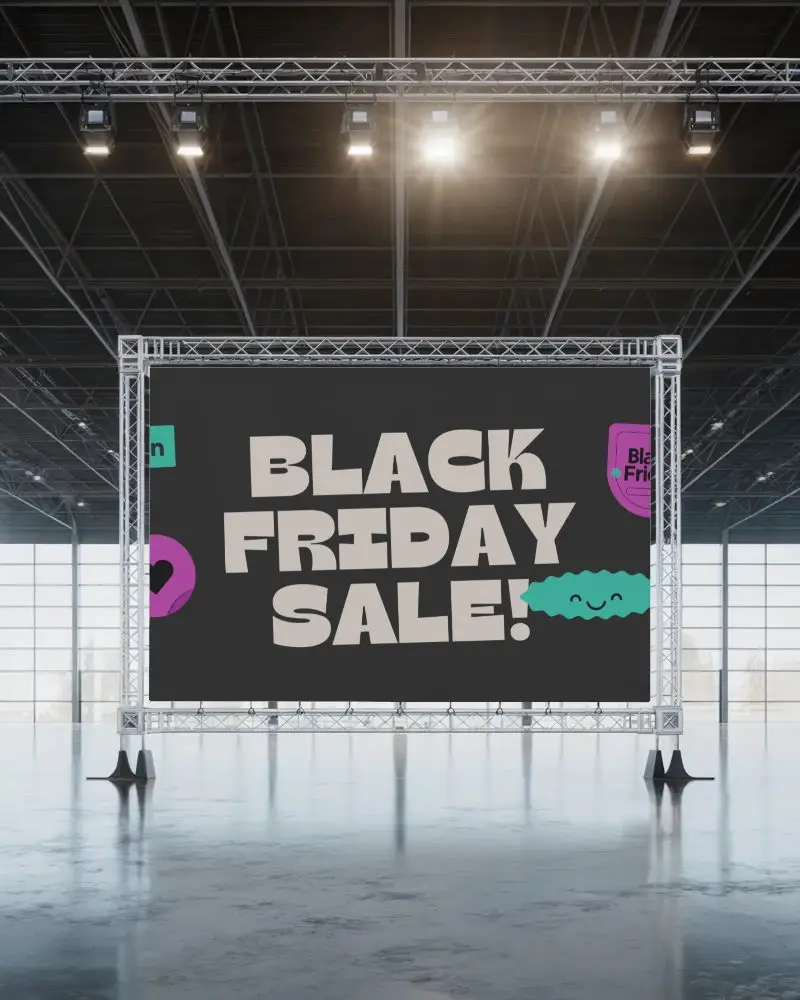
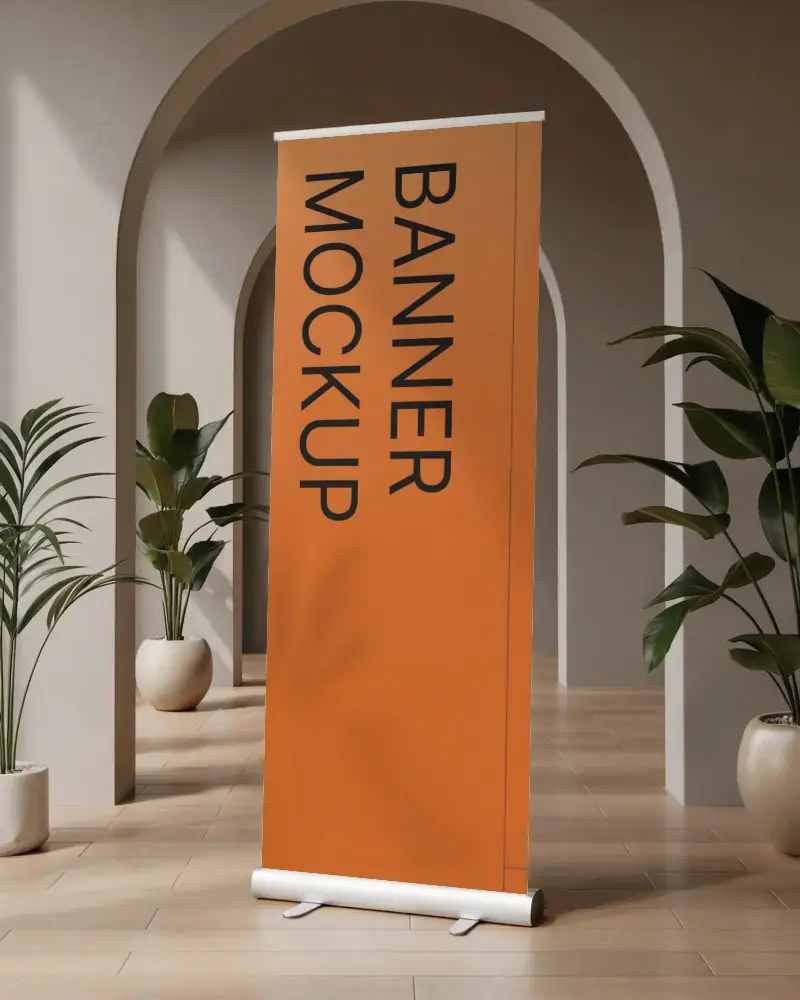

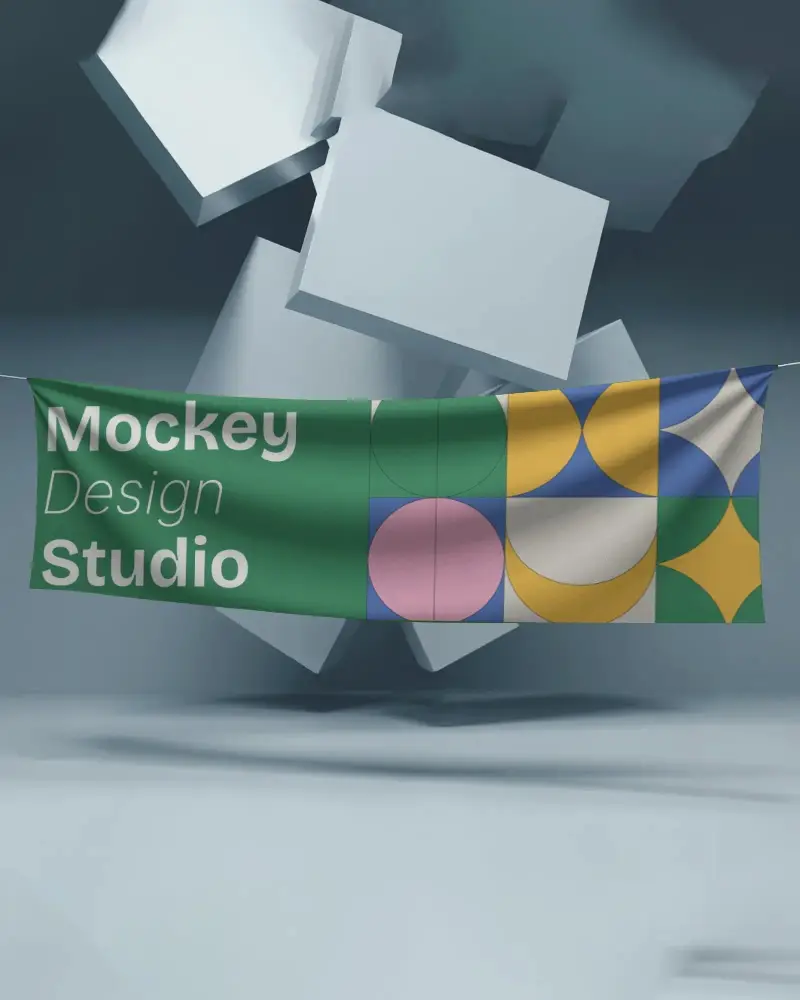
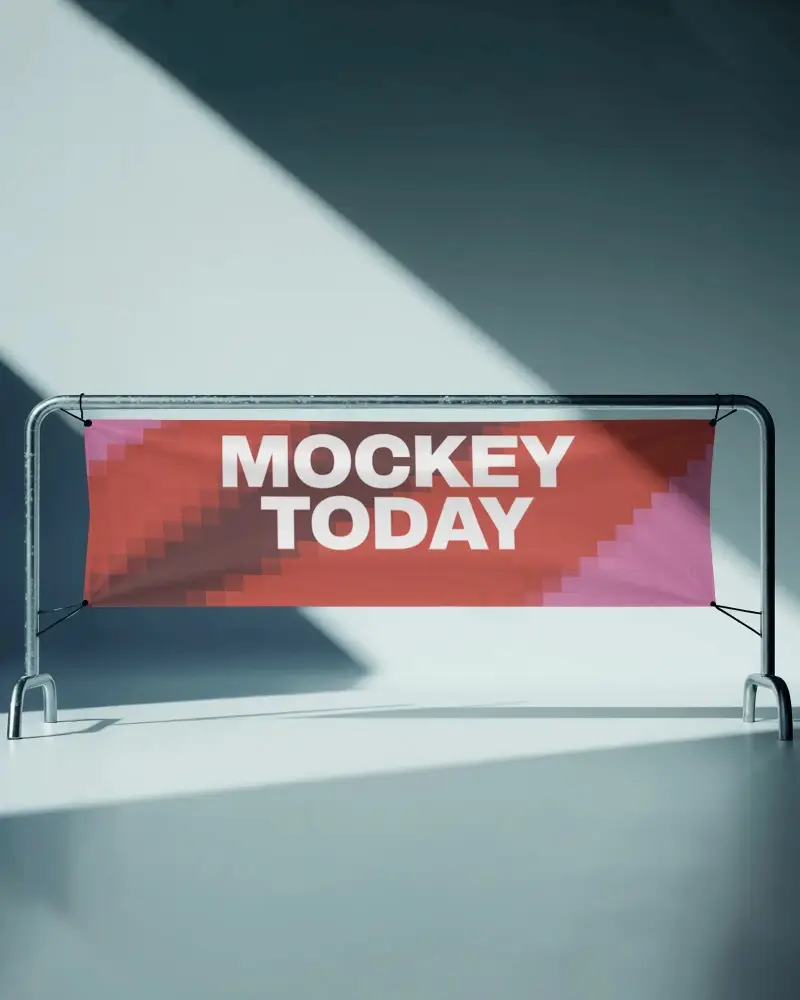
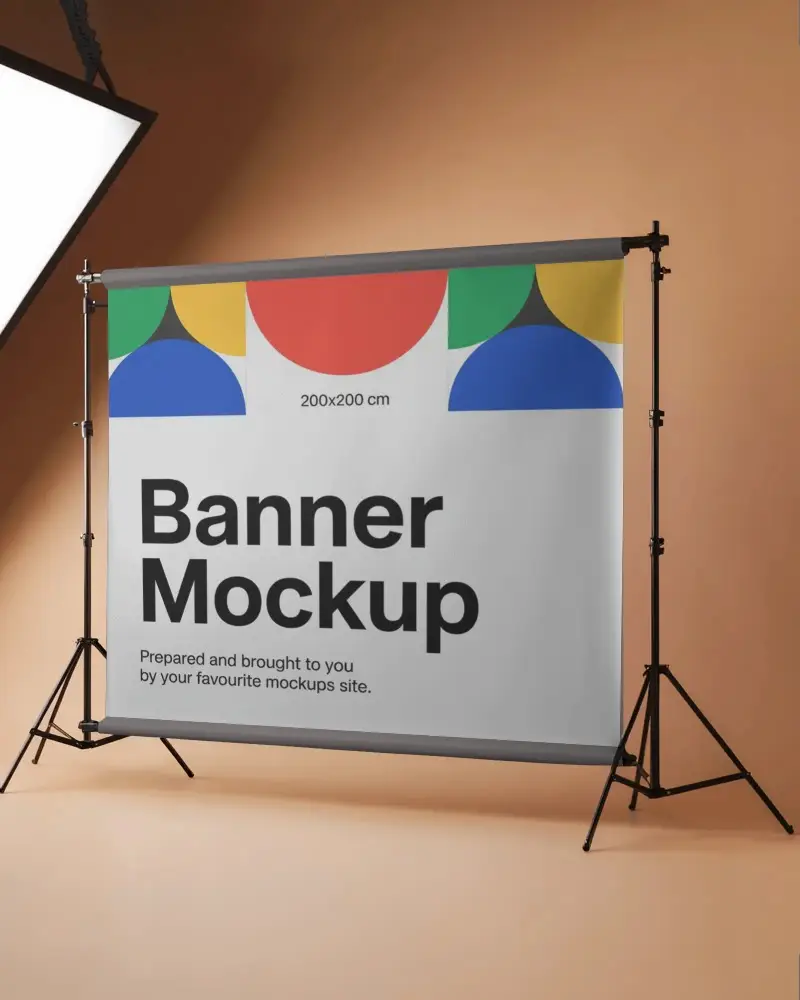
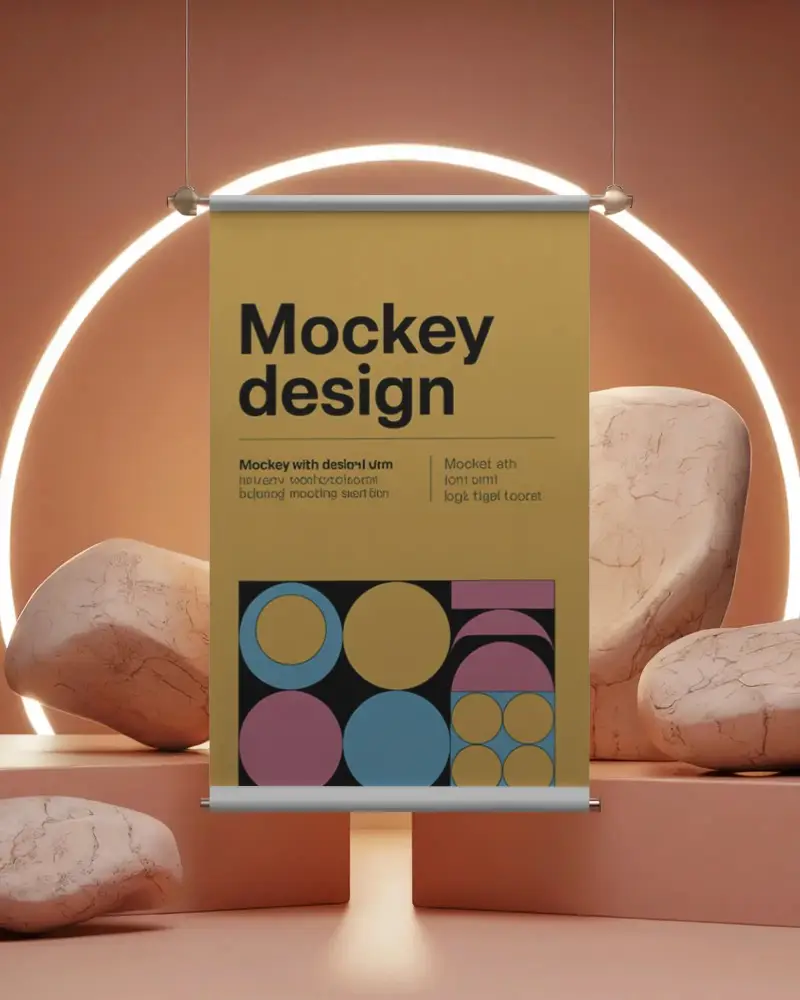
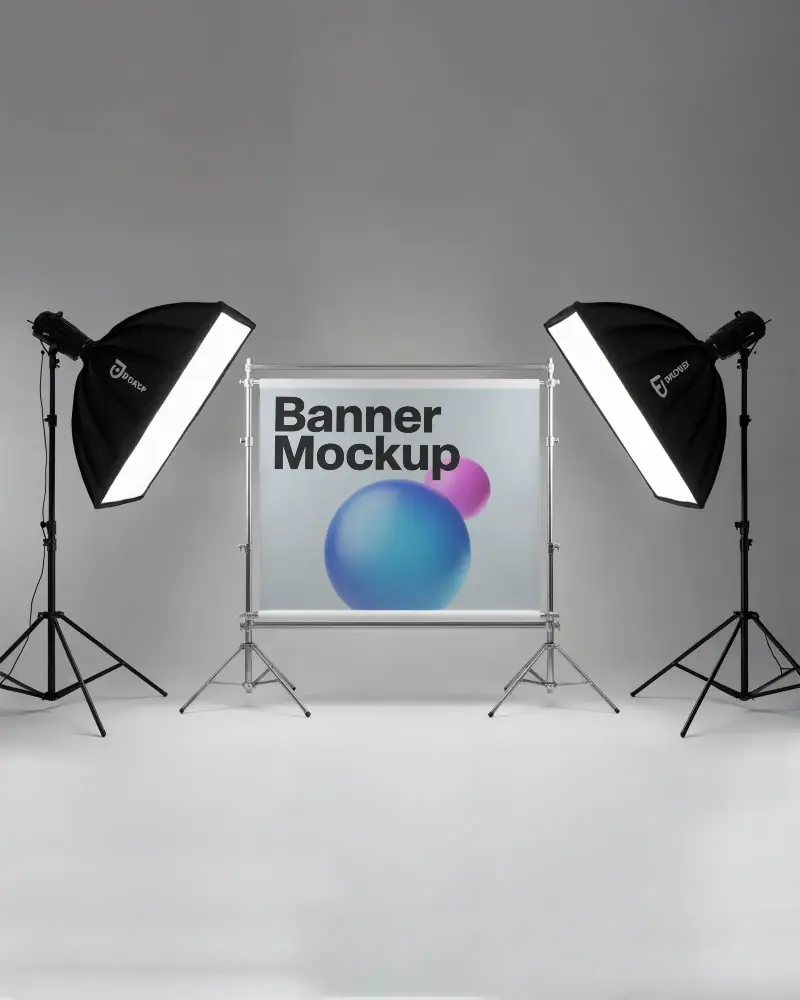
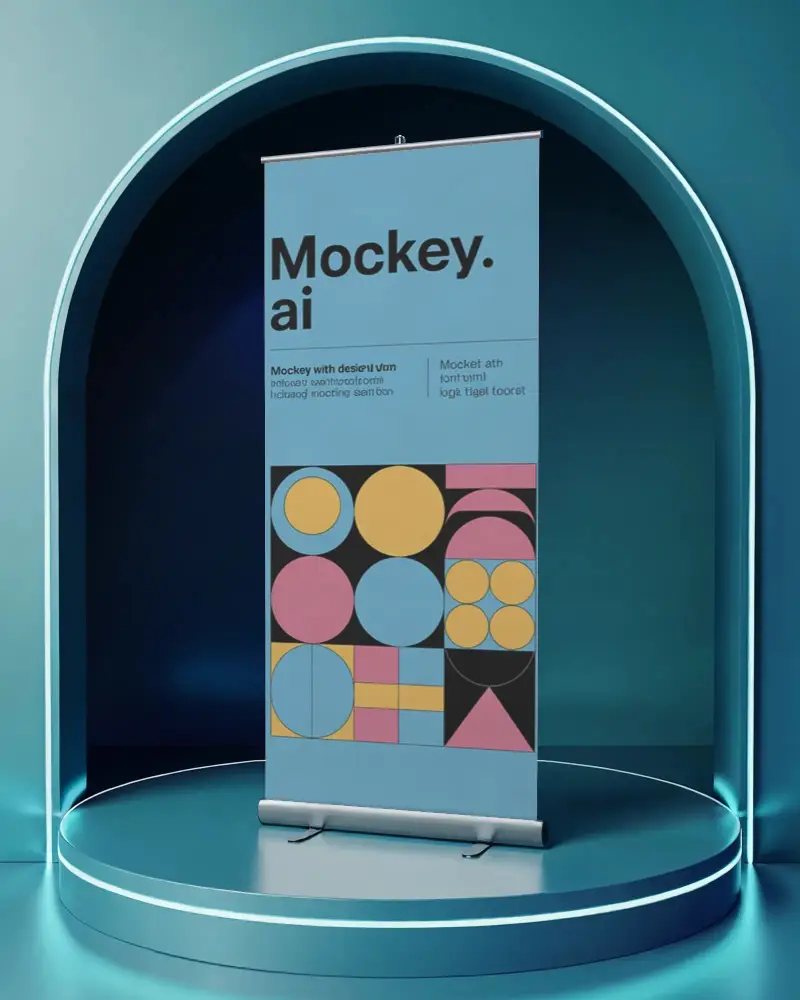
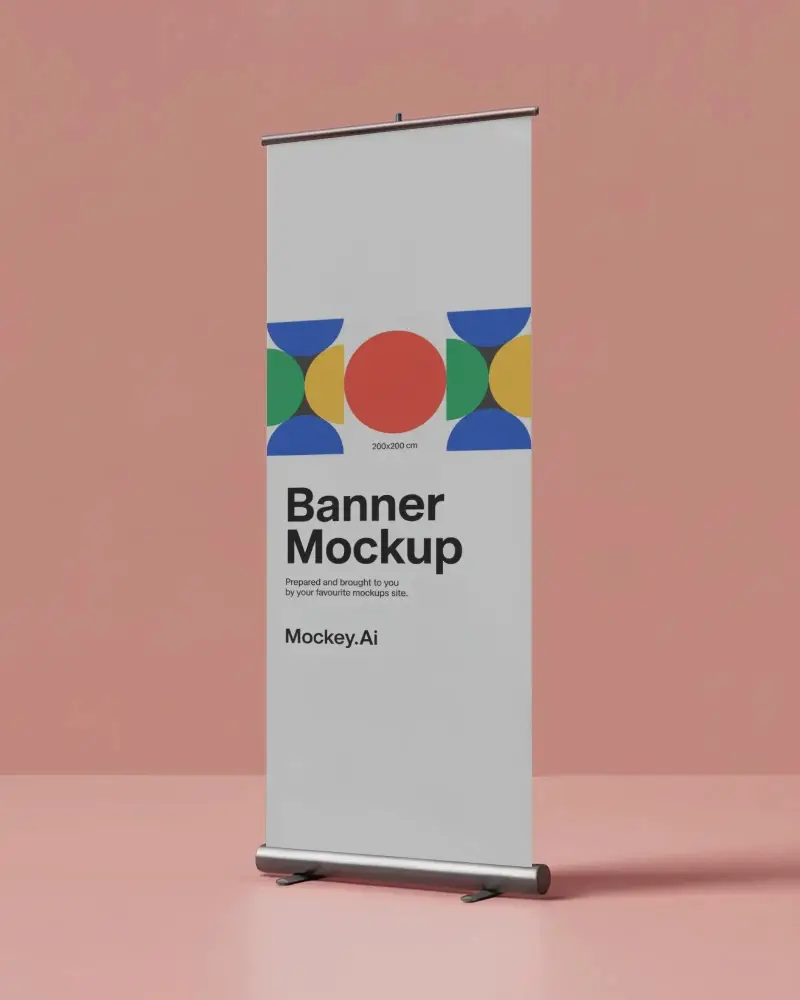
How to Make Indoor Banner Mockup with Mockey
To create an indoor banner mockup in Mockey AI:
- Step 1: Sign up on Mockey and go to: Mockups > Print > Banner > Indoor.
- Step 2: Choose a template, upload your design, and customize the size, colors, and background.
- Step 3: Click Download and save your banner mockup as a JPG (free) or PNG (PRO) file.


FAQs on Indoor Banner Mockups
What is an Indoor banner mockup?
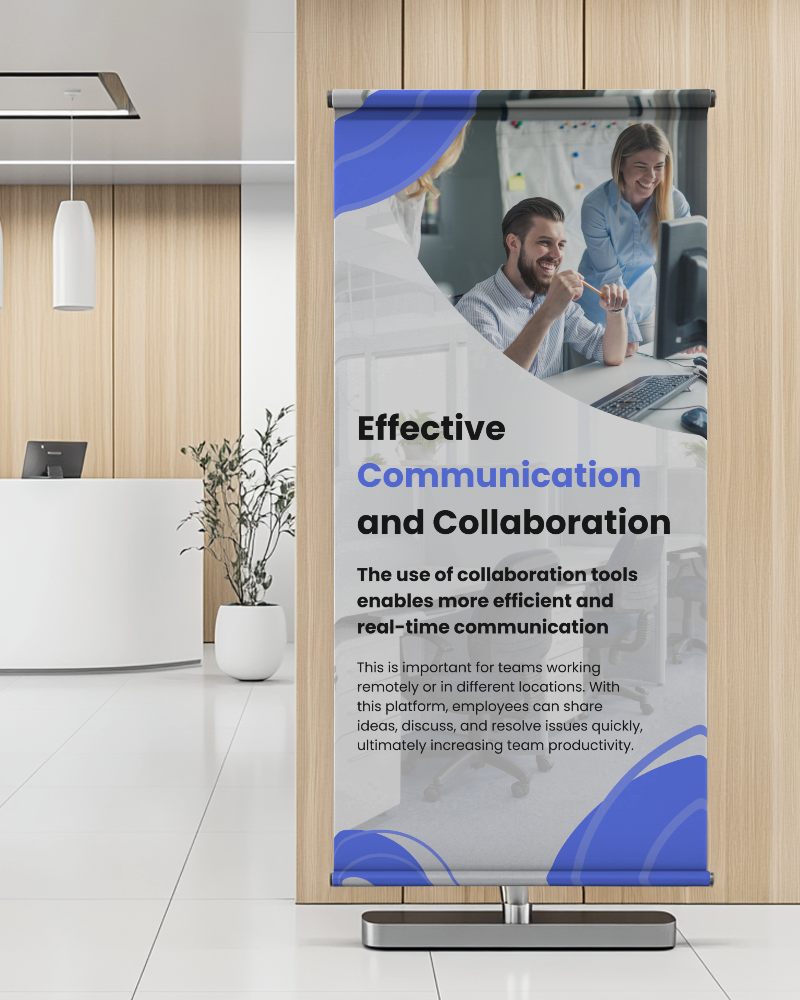
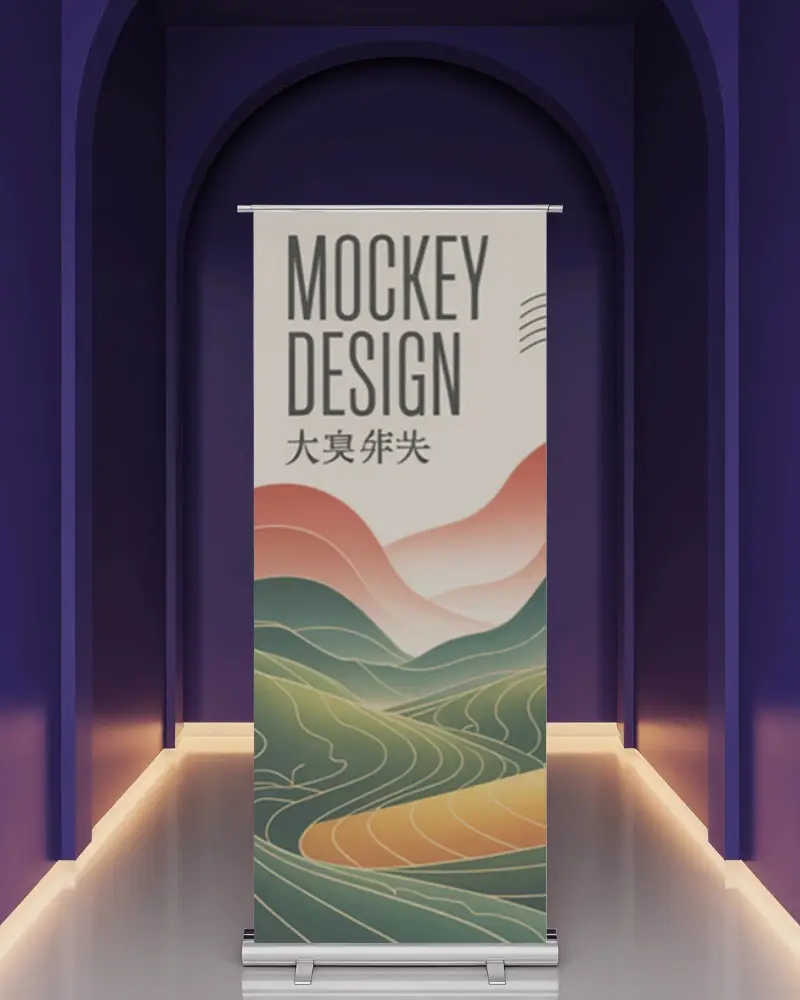
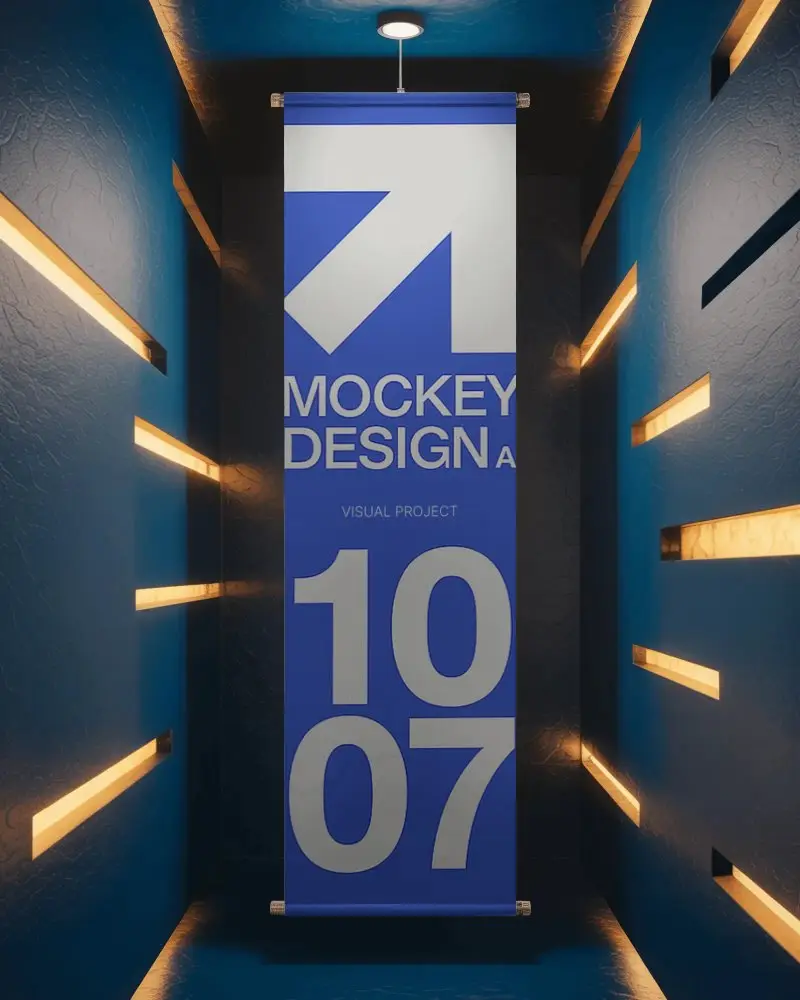
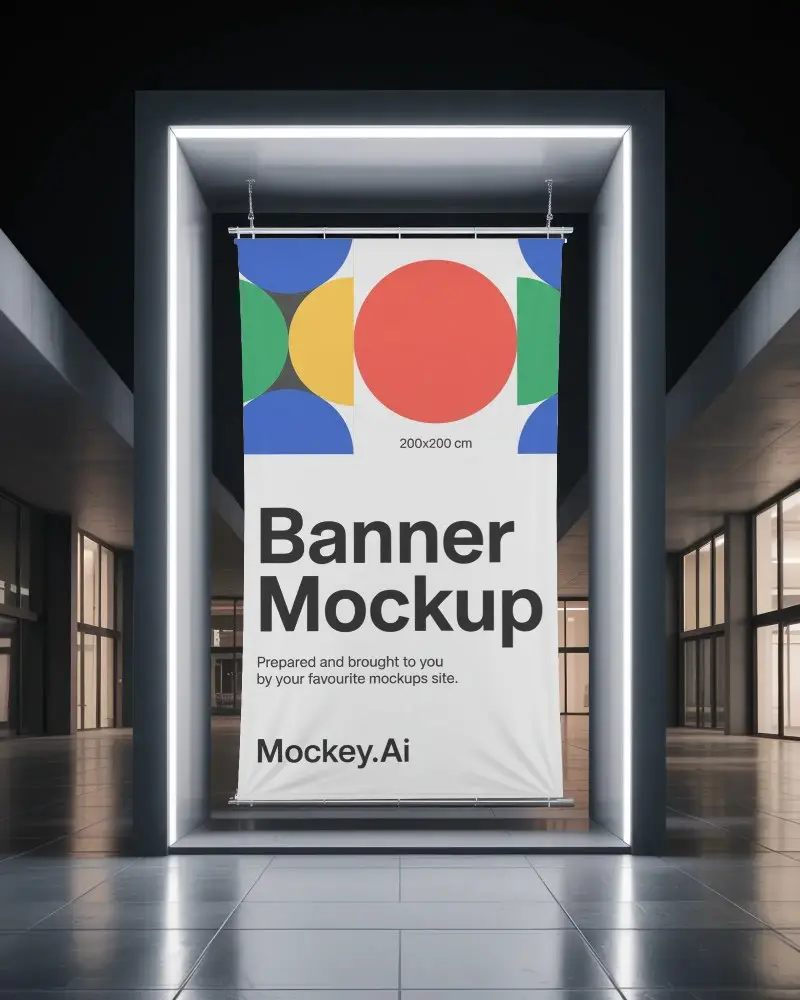
An indoor banner mockup is a digital picture that shows how a banner will look inside a place like a mall or a shop.
Why create an Indoor banner mockup?
Creating an indoor banner mockup helps change designs easily, avoids mistakes before printing, saves money, and helps businesses create better ads that attract more customers.
Why Use Mockey’s Indoor Banner Mockup?
Mockey's indoor banner mockup makes presentations better, spots design mistakes, helps in marketing and lets you quickly create and customize banners for different uses.
Can I customize the Indoor banner mockups on Mockey.ai?
Yes, you can customize indoor banner mockups on Mockey.ai. Choose from huge templates, upload your picture, resize, change colors, and adjust the background.
Do I need any design software to use Mockey.ai?
You don’t need any special software to use Mockey AI. Just upload your picture, pick a template, and change colors or sizes easily.
What file formats can I download my Indoor banner mockup in?
You can get your indoor banner mockup from Mockey AI in two ways. Free users get a JPG file (small size). PRO users get a PNG file (big size, better quality). PRO gives clearer, sharper images.
How do I access the free Indoor banner mockups on Mockey.ai?
First, join Mockey AI. Then, open the mockups section. Find the Banner inside the Print category. Now, look at the top of all the templates. You will see the Indoor tag there.
Is this Indoor banner mockup free?
Yes, Mockey AI has free indoor banner mockups to download. They look great and can be used for any project without paying.
