Free Cropped Hoodie Mockups Online
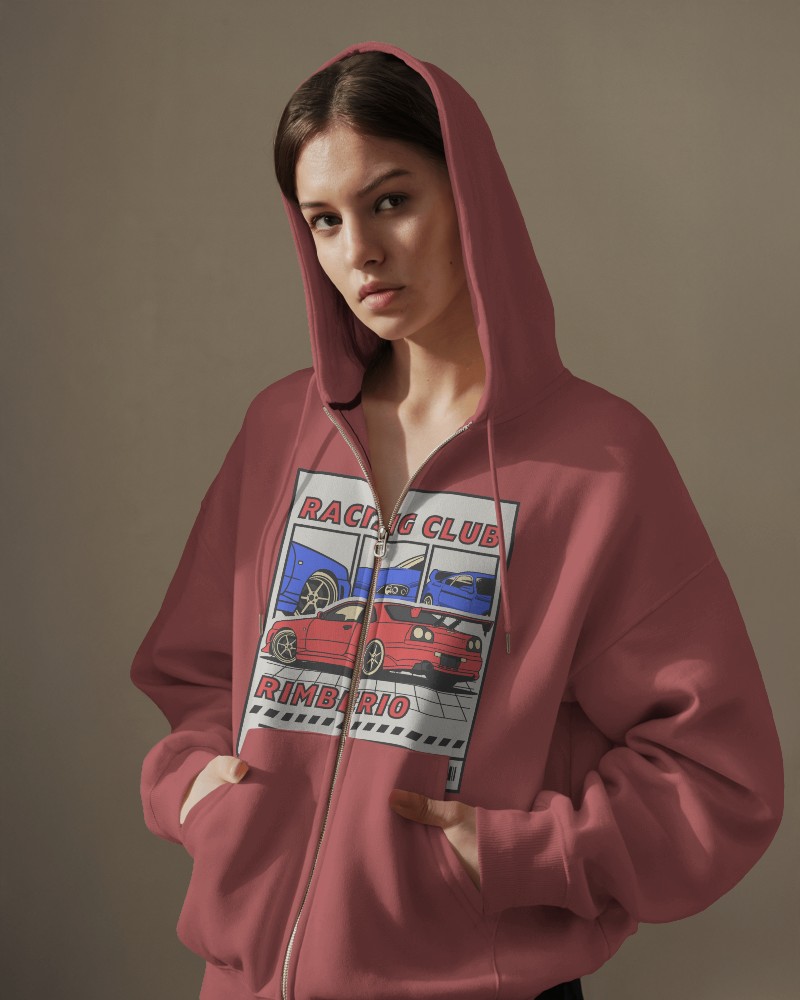
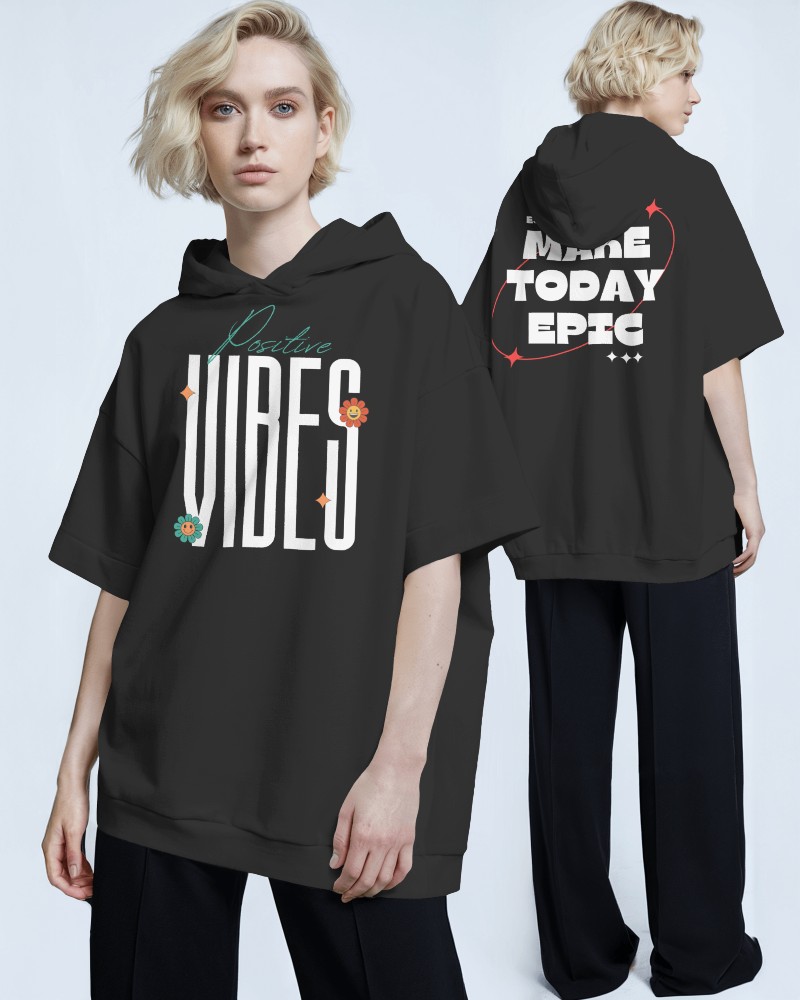
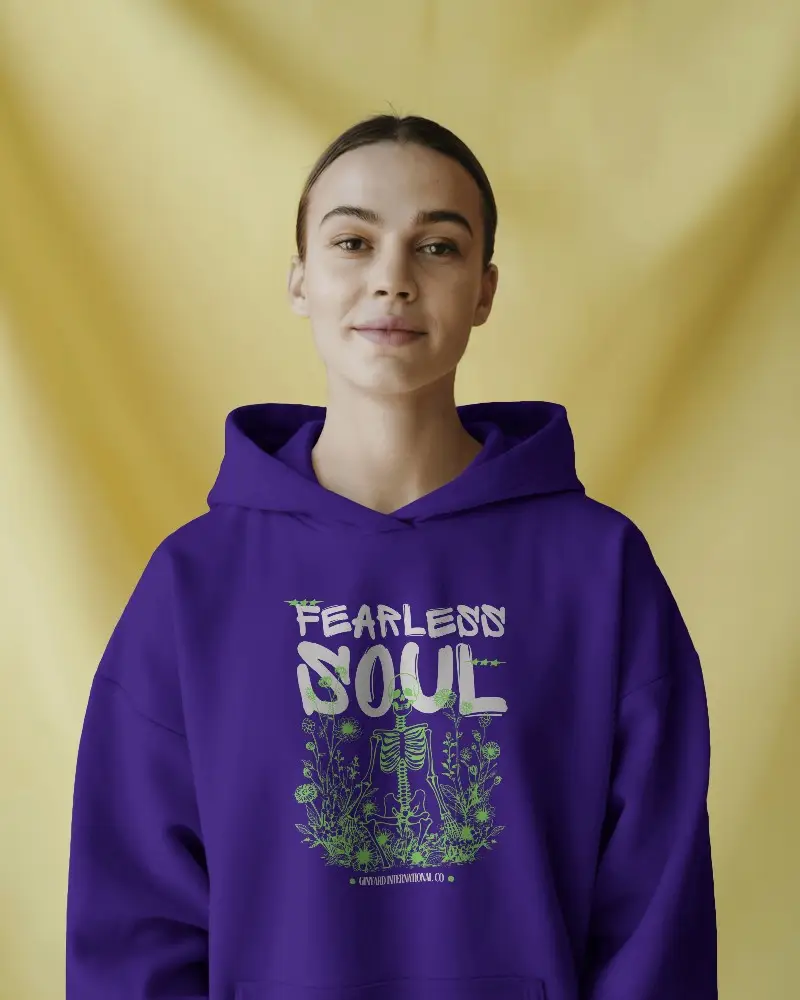
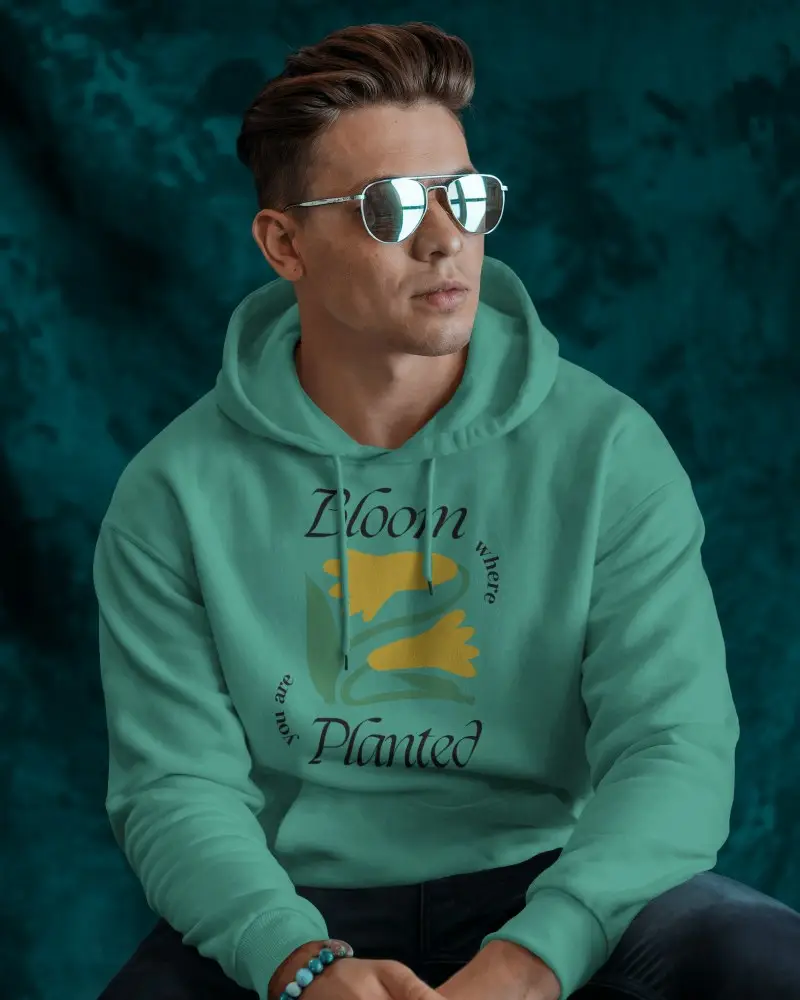
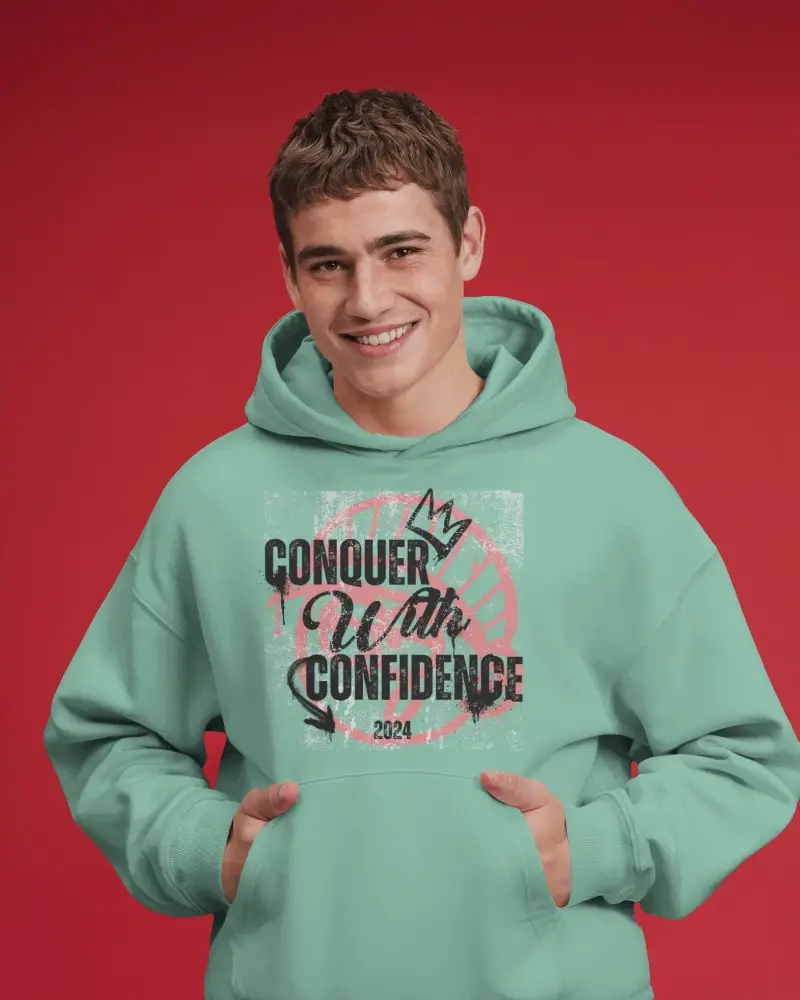
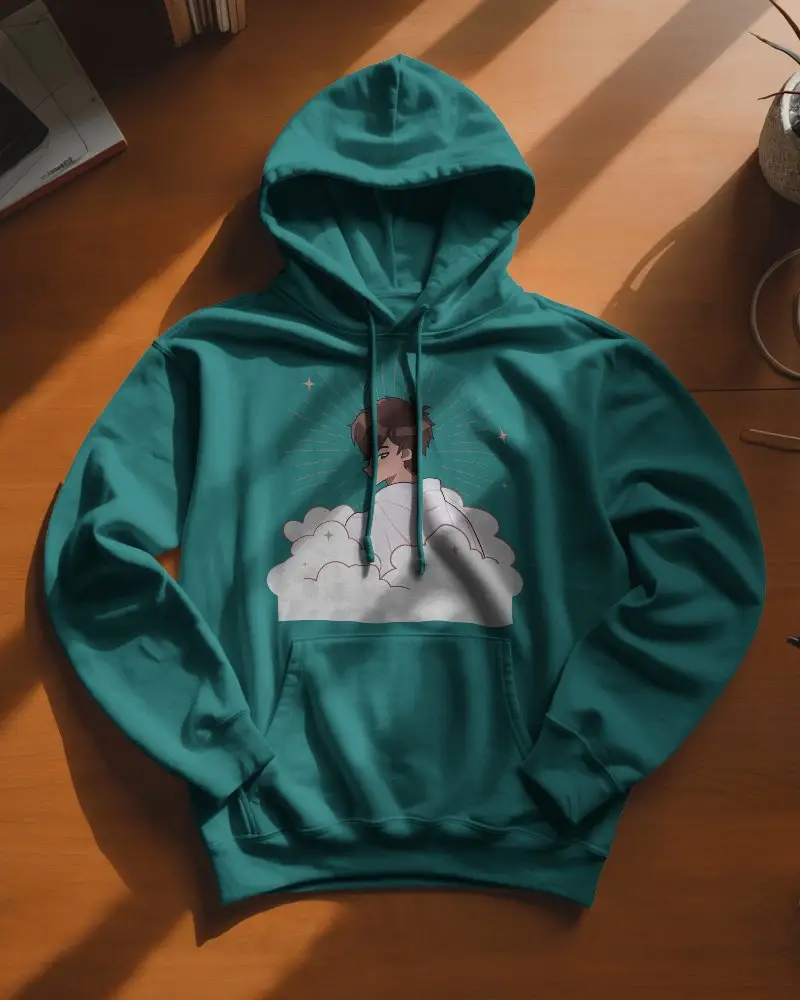
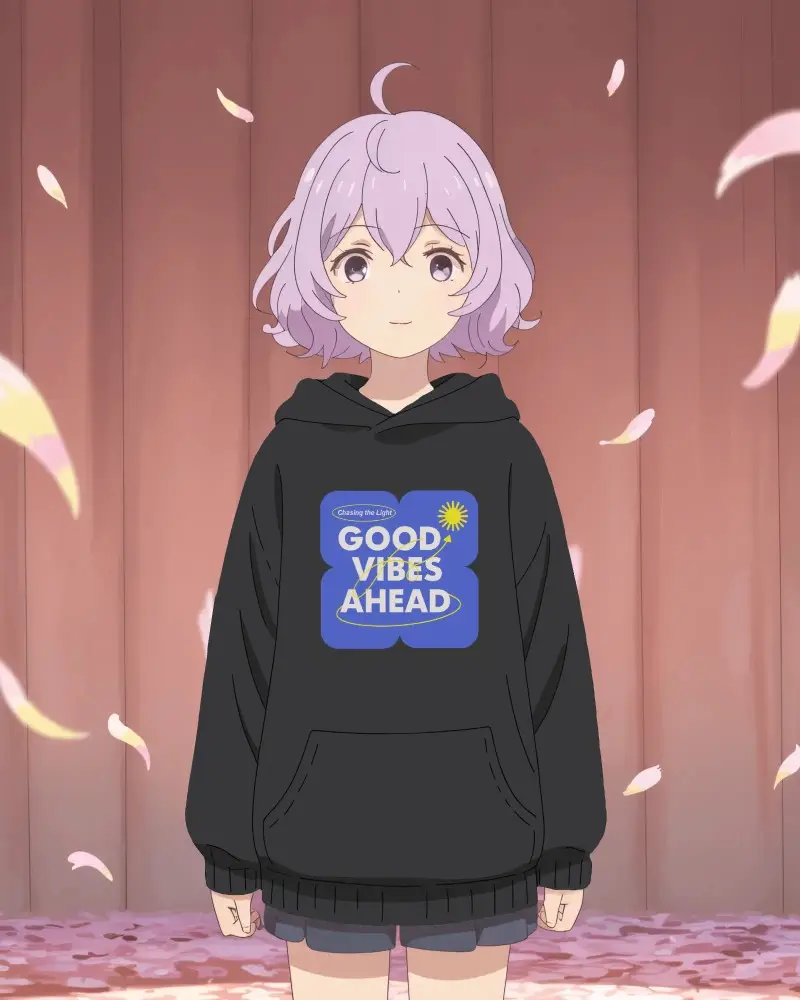
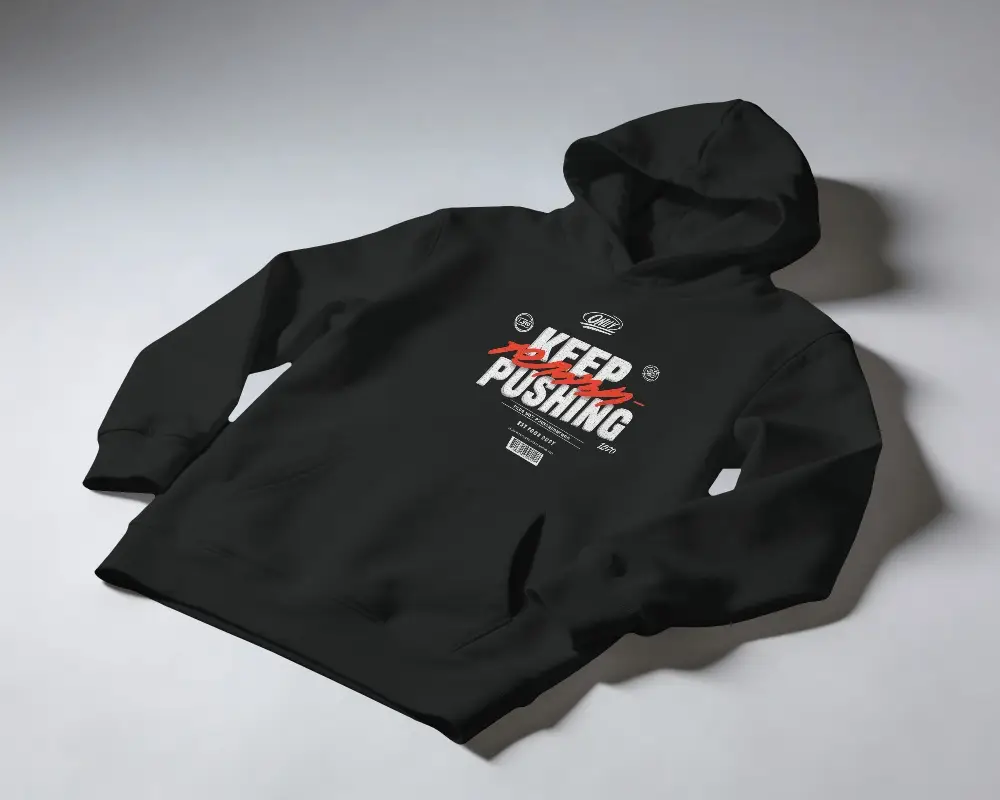
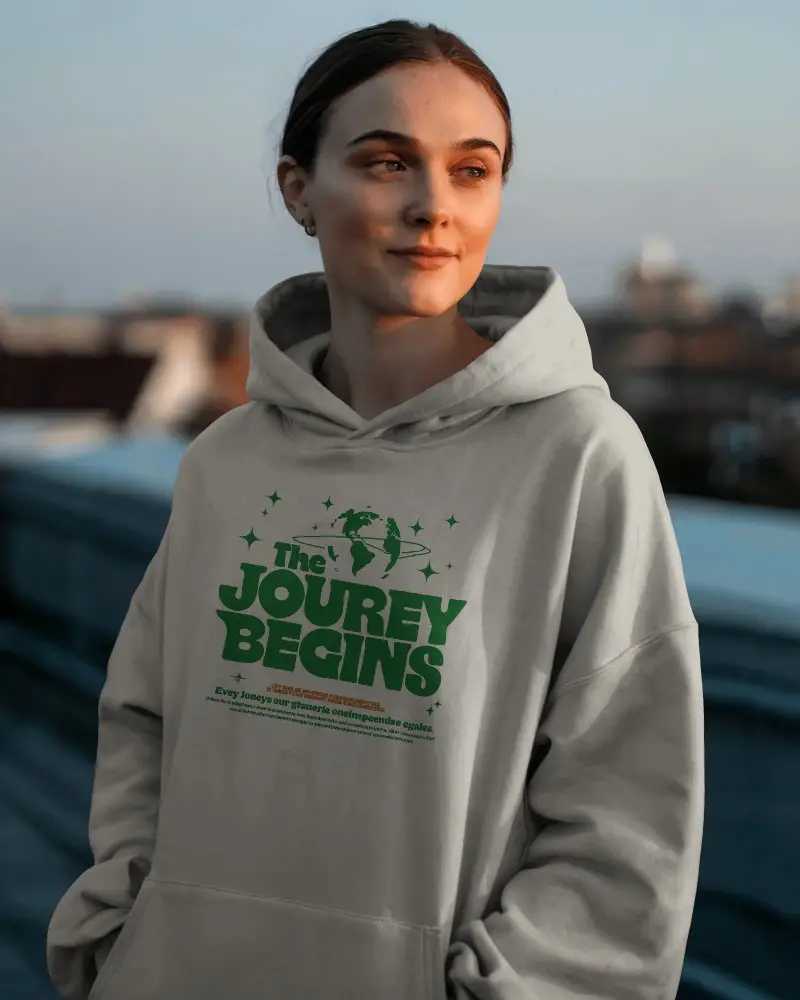
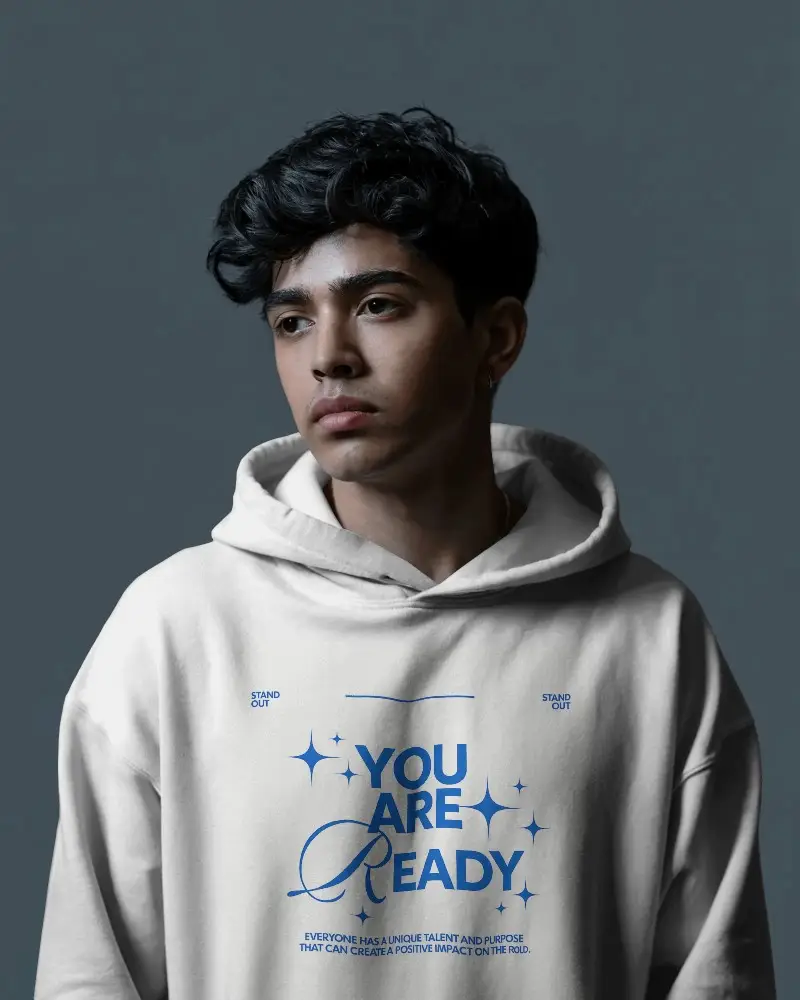
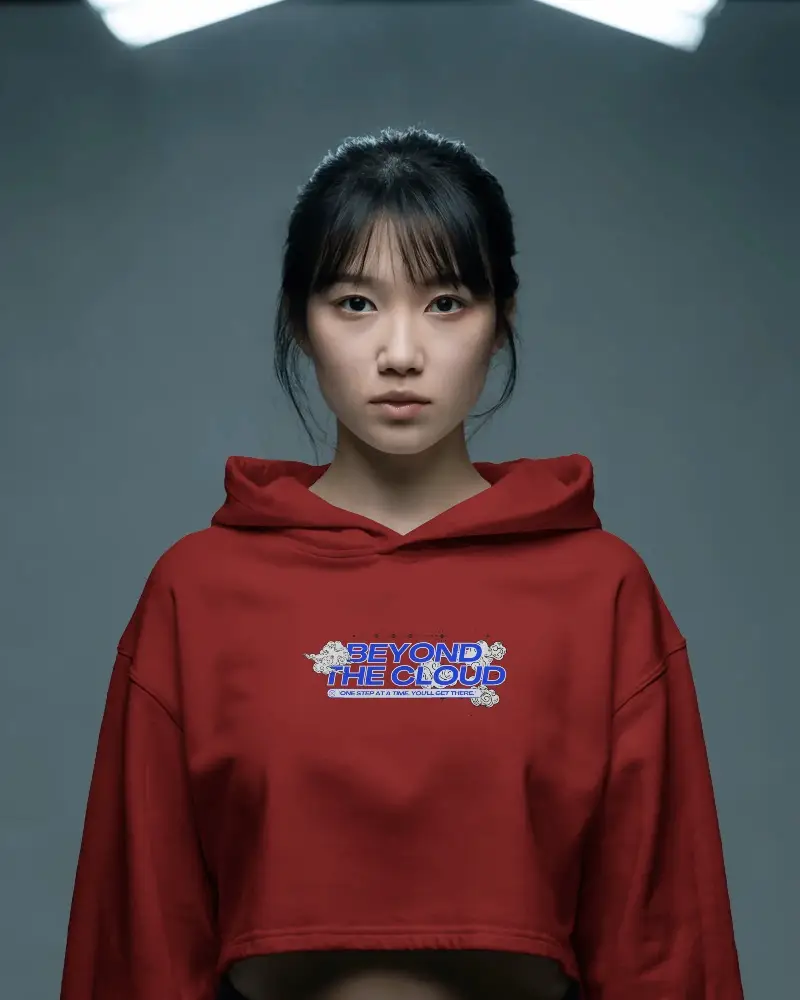
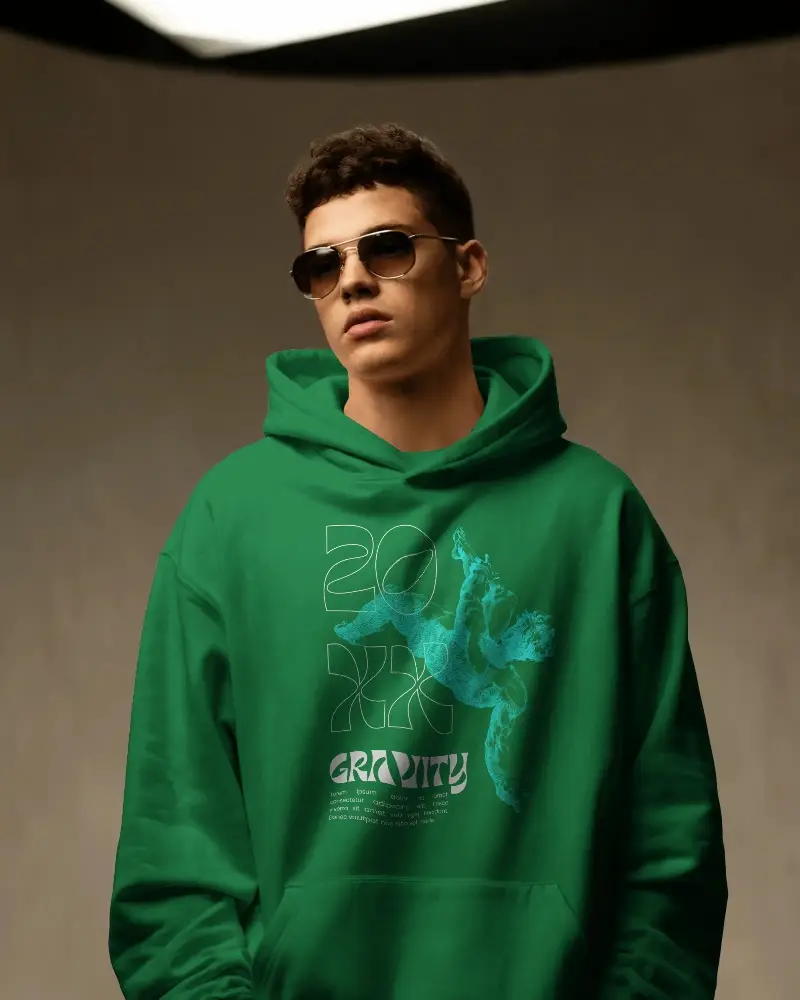
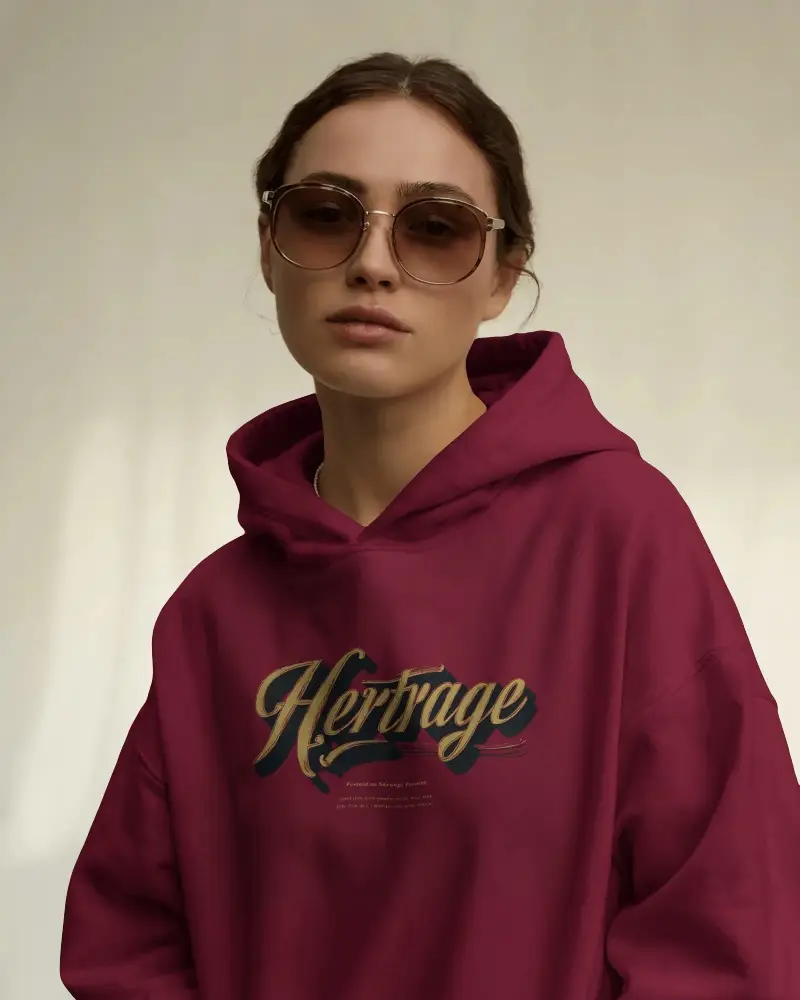
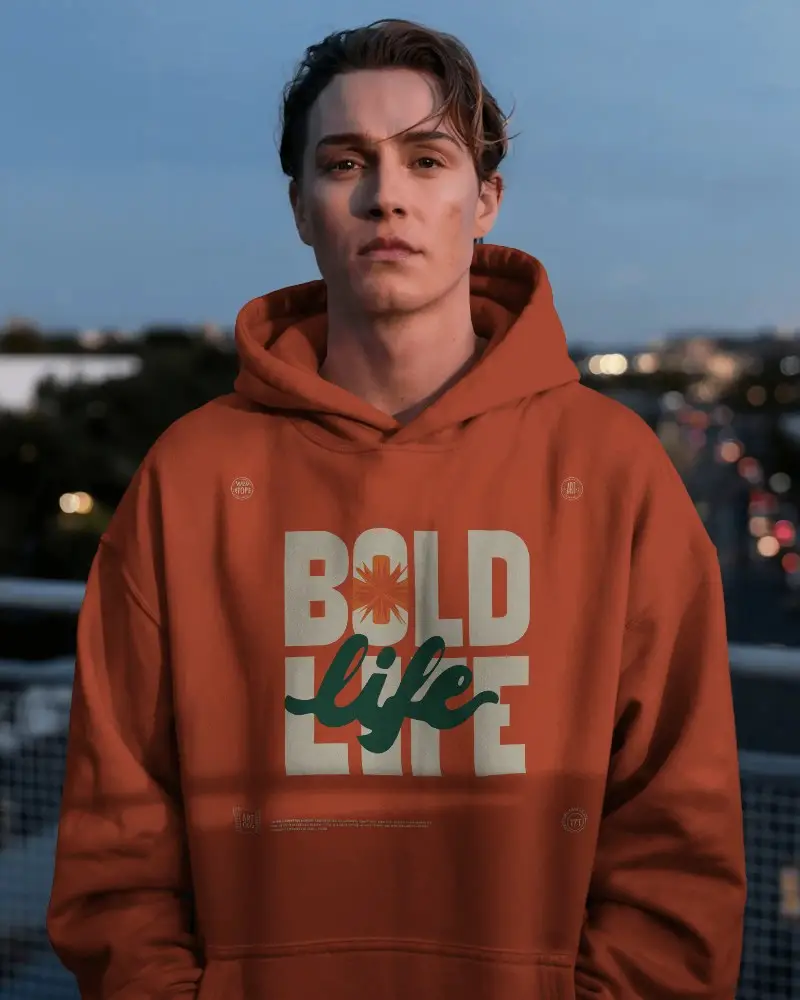
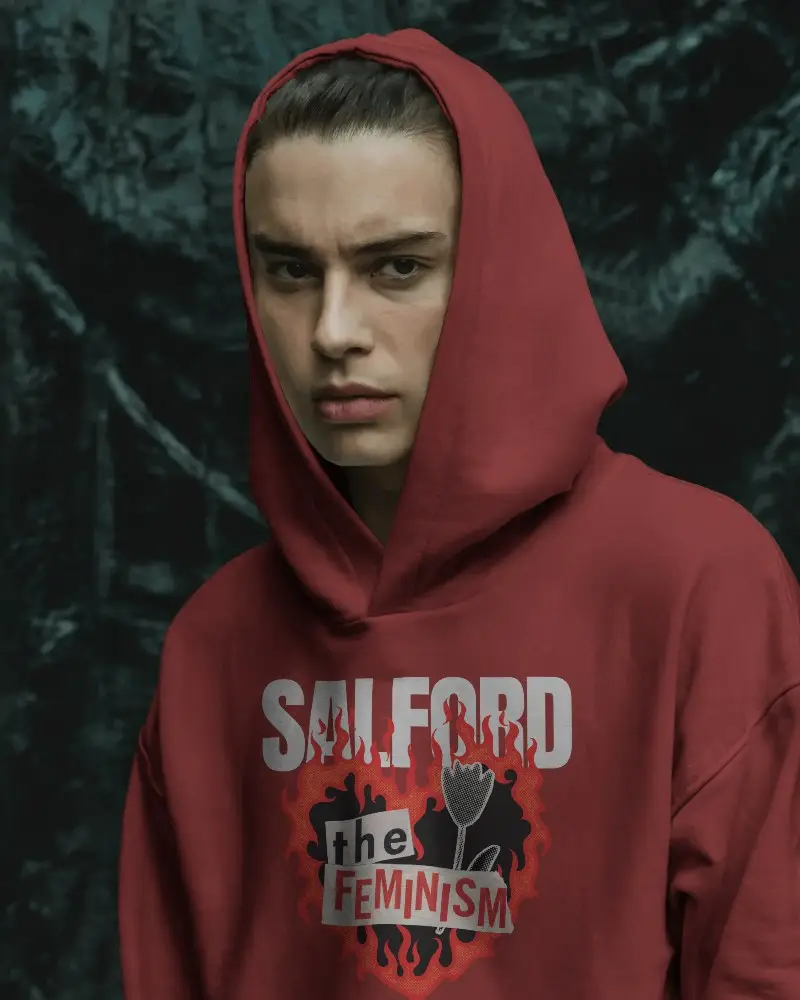
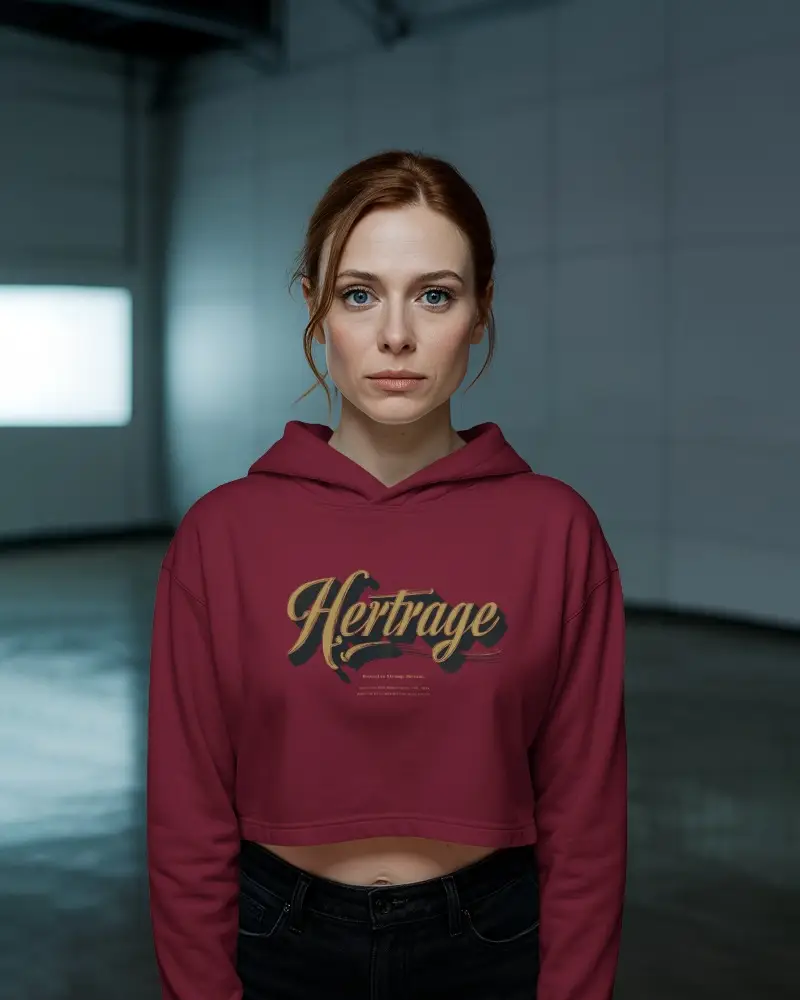
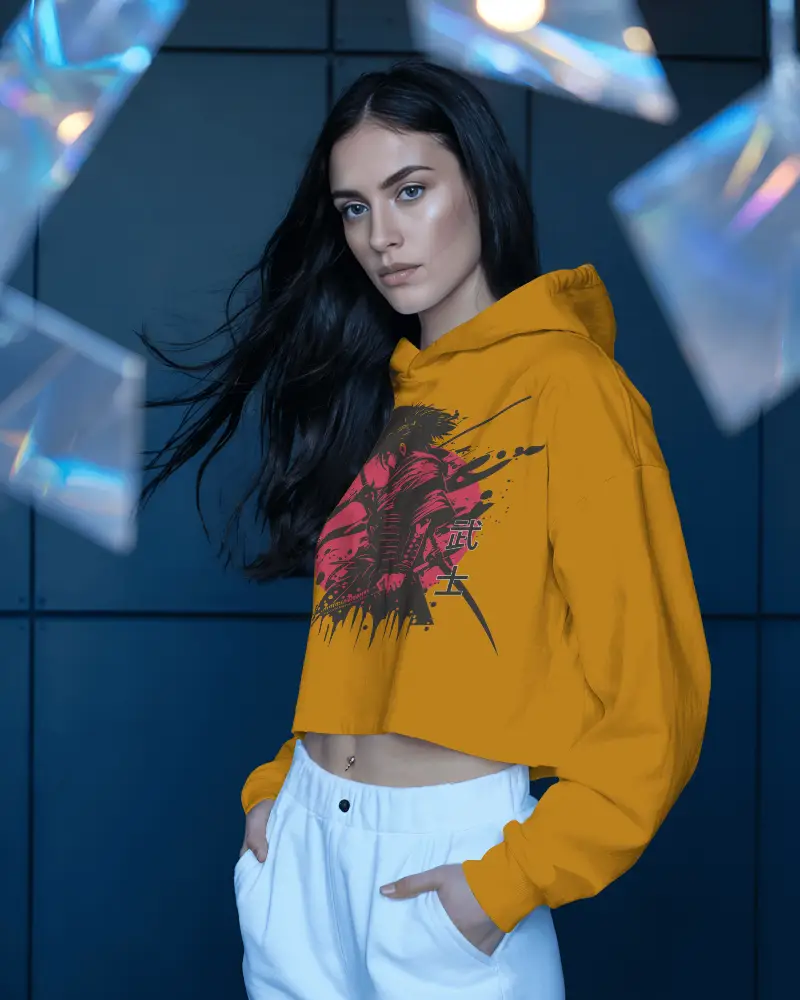
Discover stylish crop hoodie mockups to showcase your trendy brand designs with ease. These cropped hoodie mockups feature realistic textures, customizable colors, and perfect lighting to highlight your brand in a modern, eye-catching way for online stores or creative portfolios.
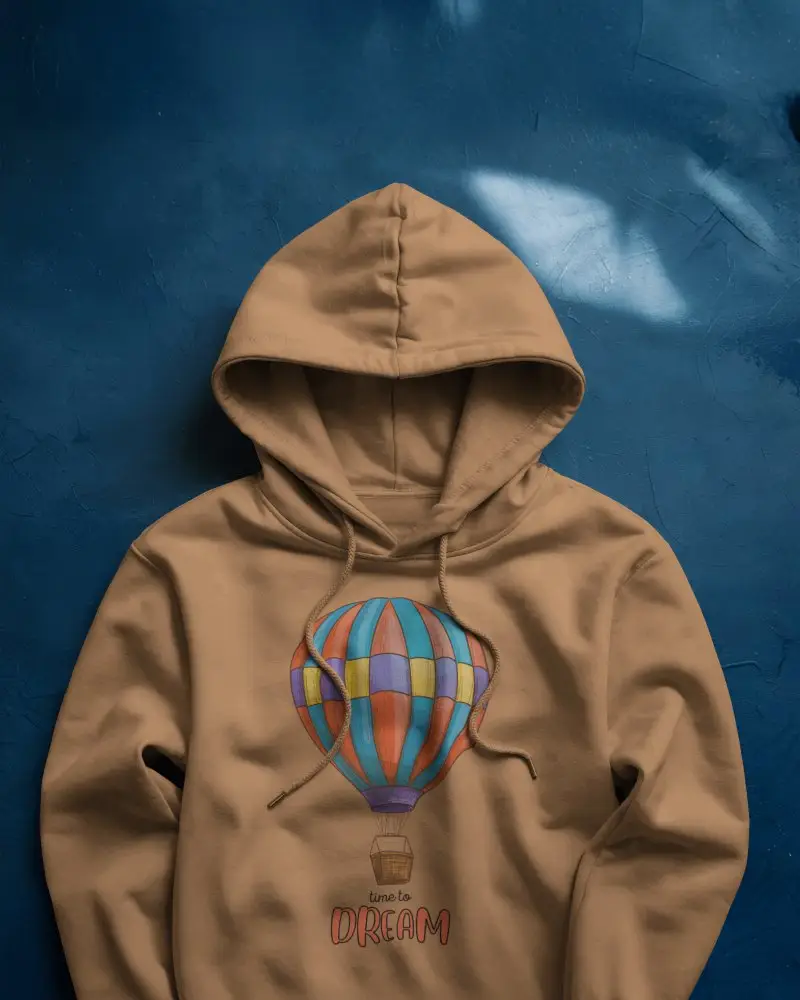
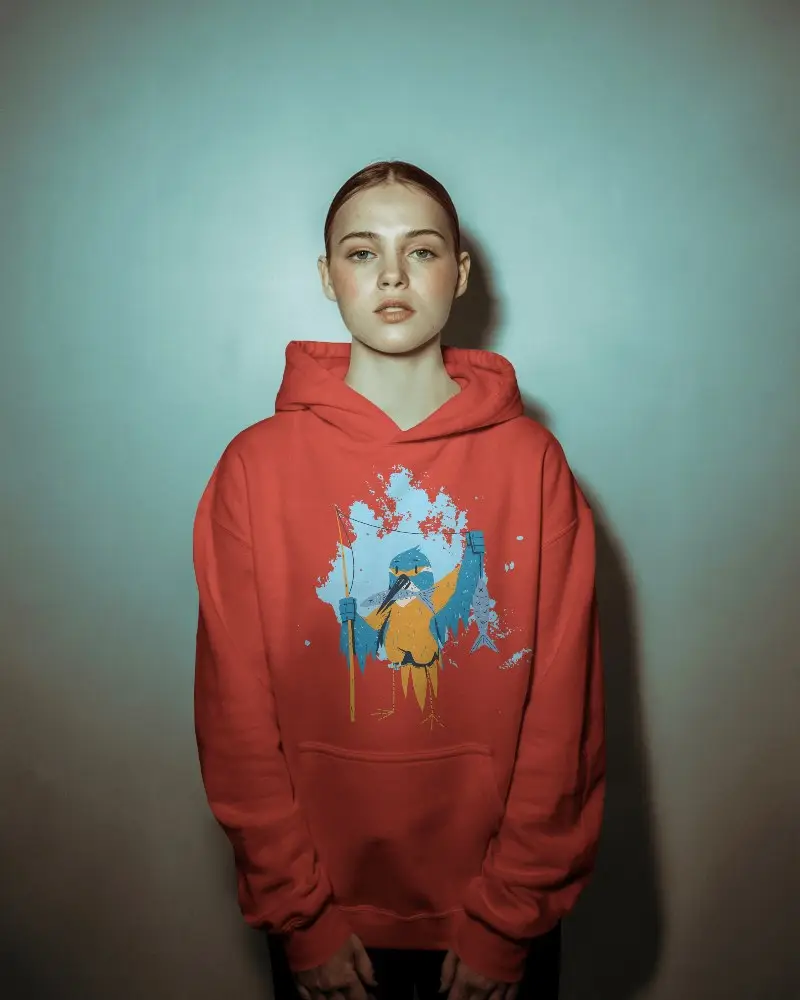
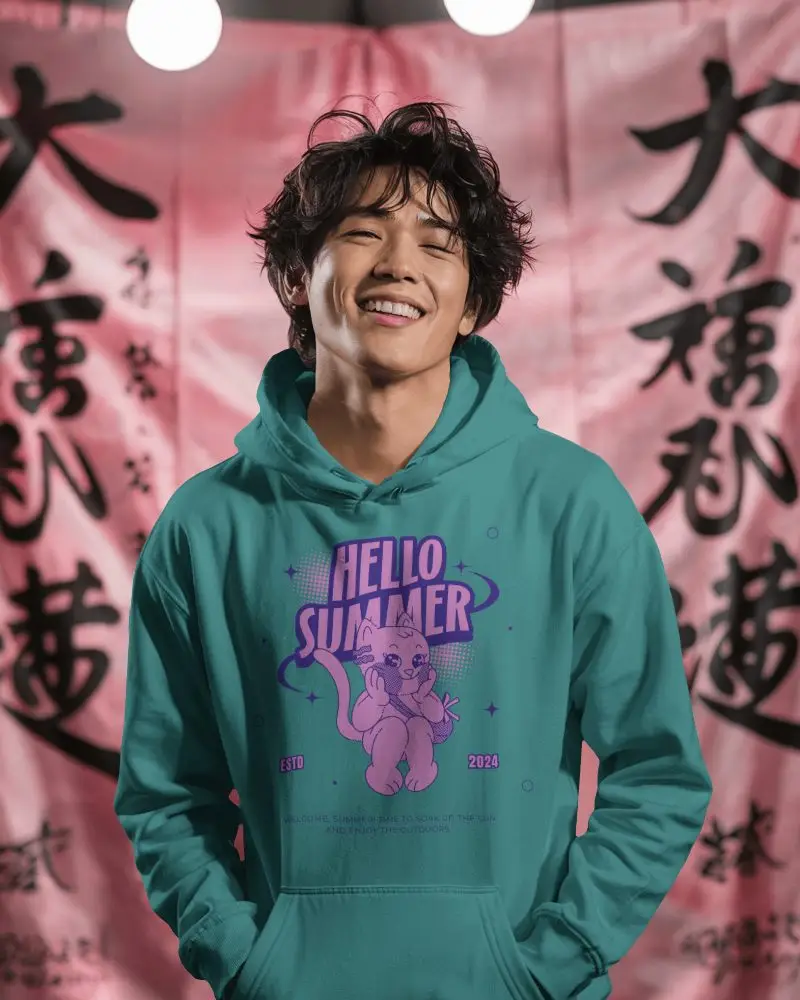
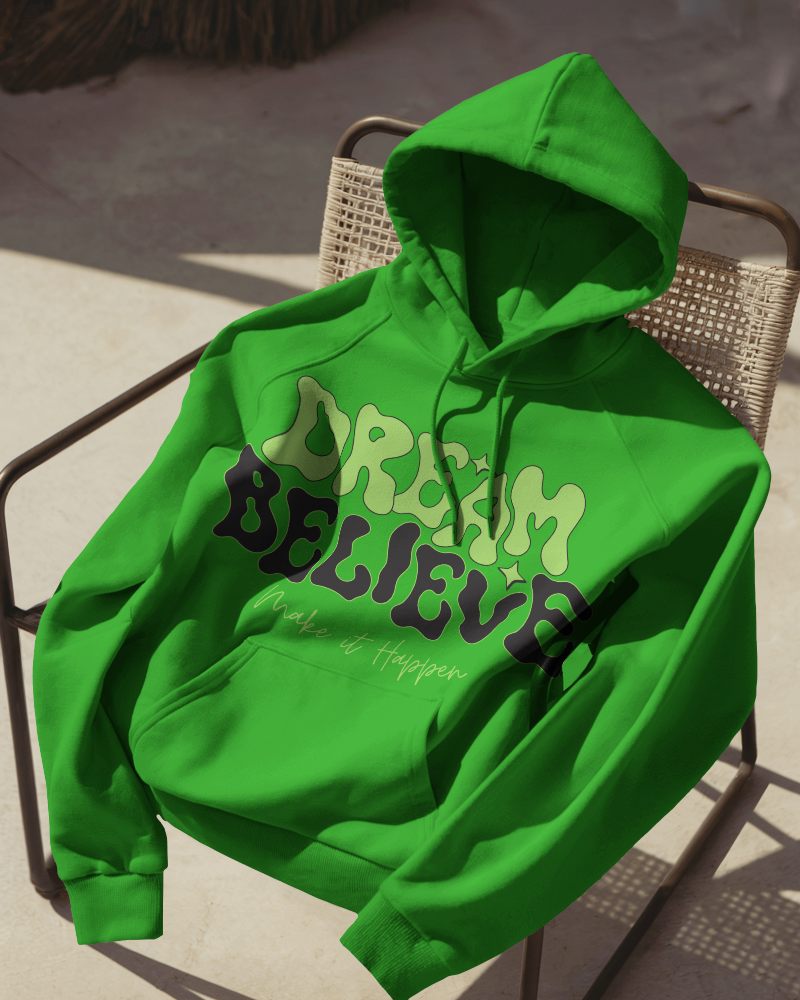
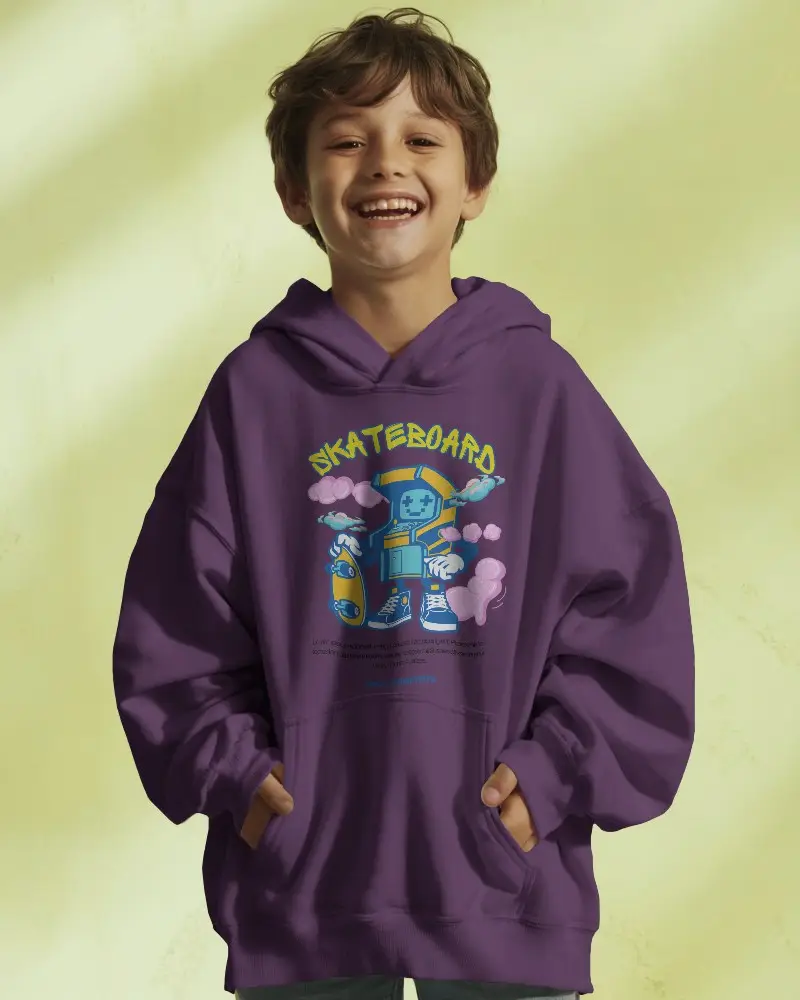
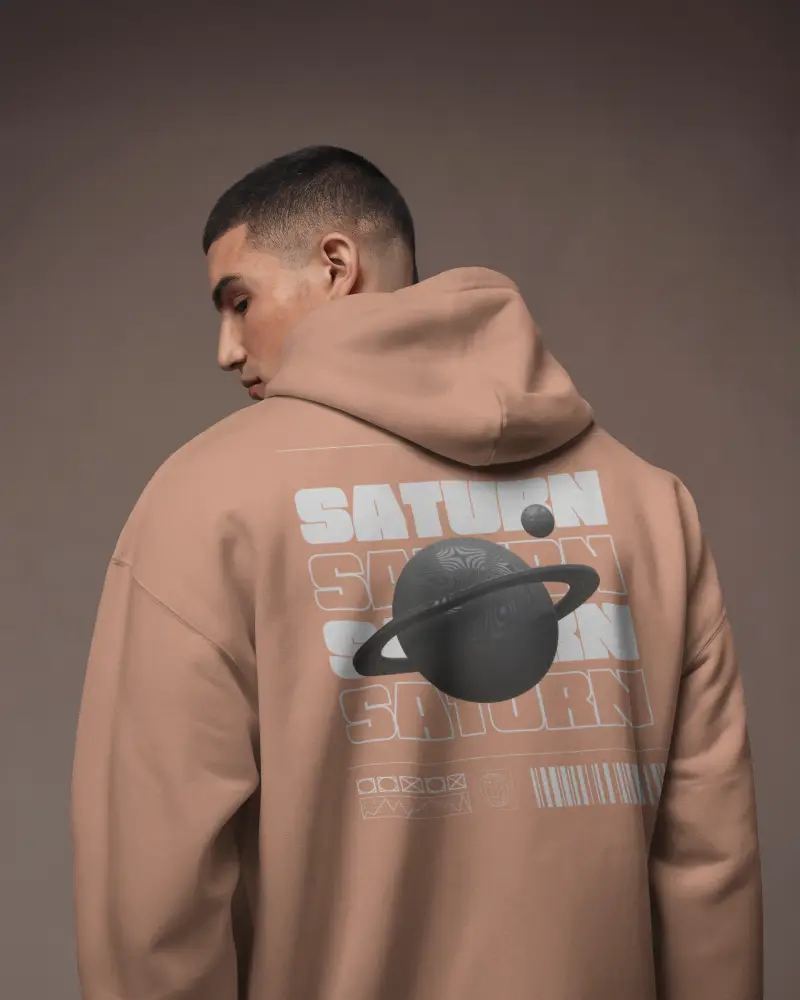
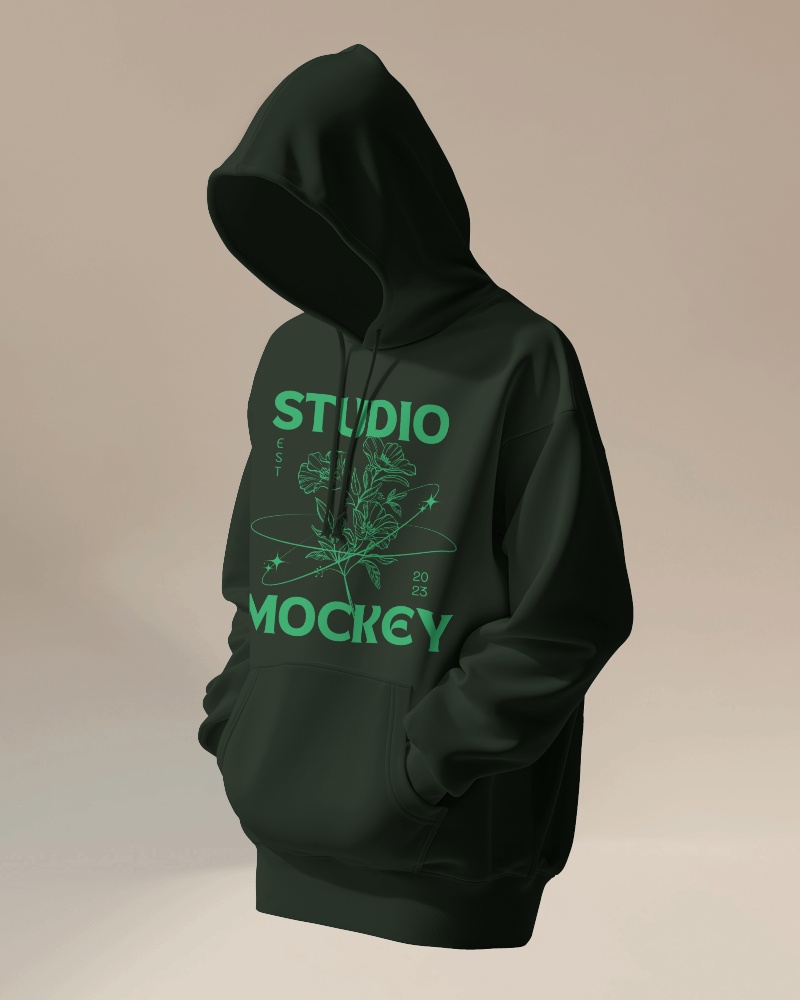
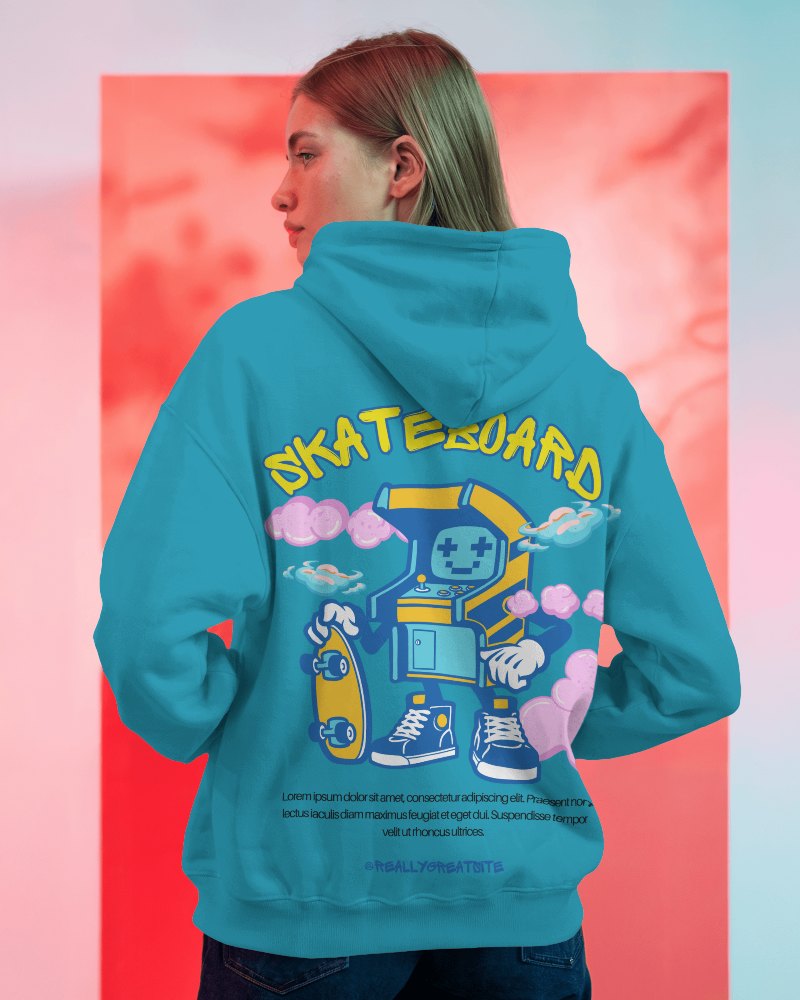
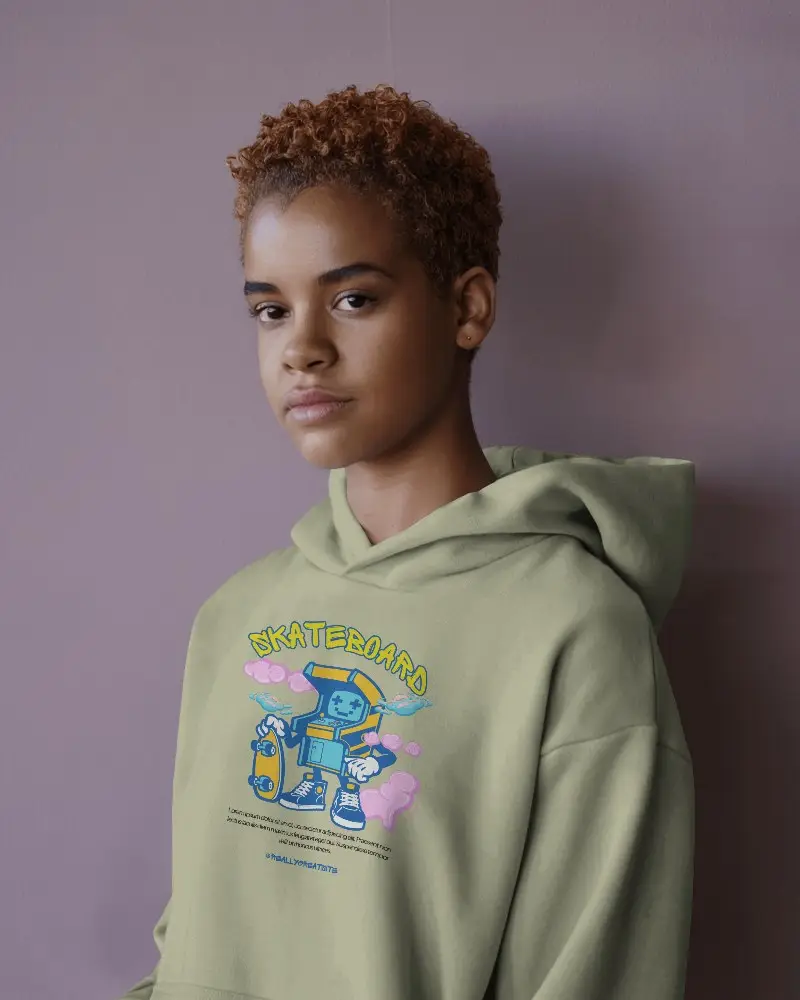
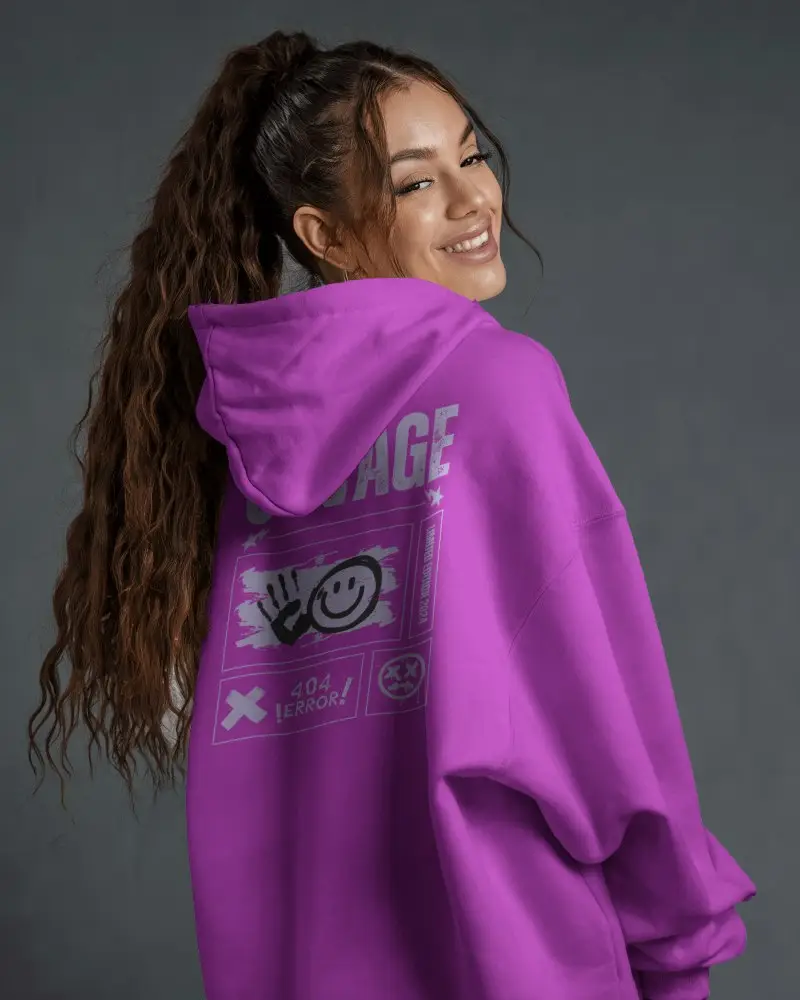
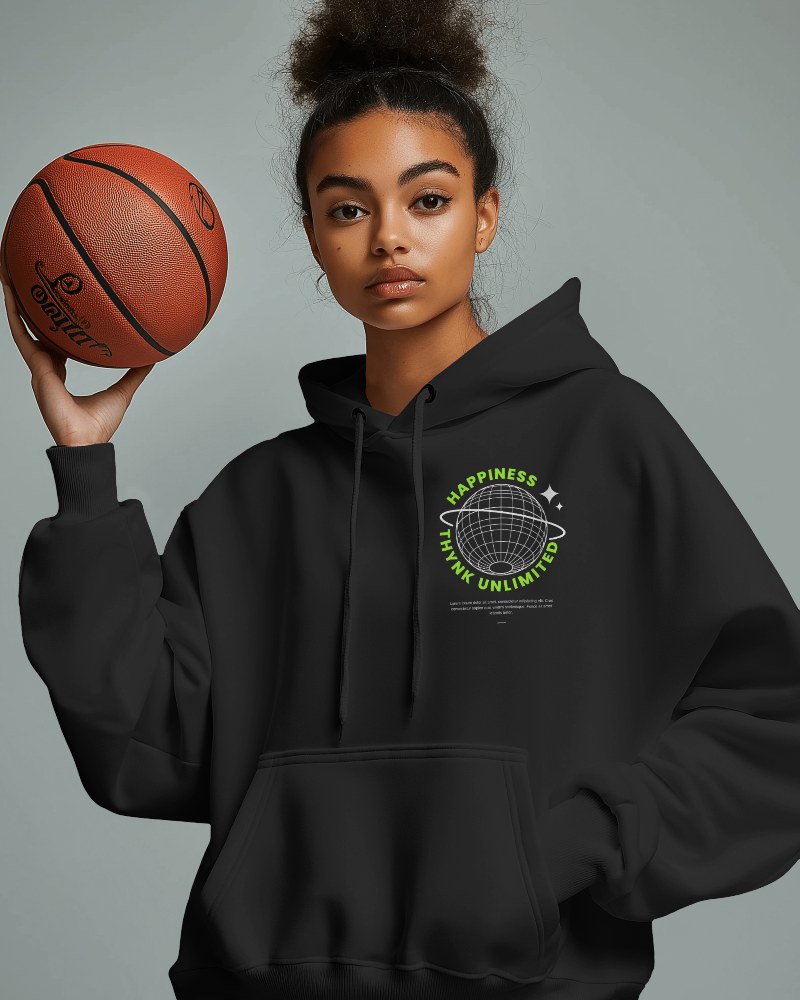
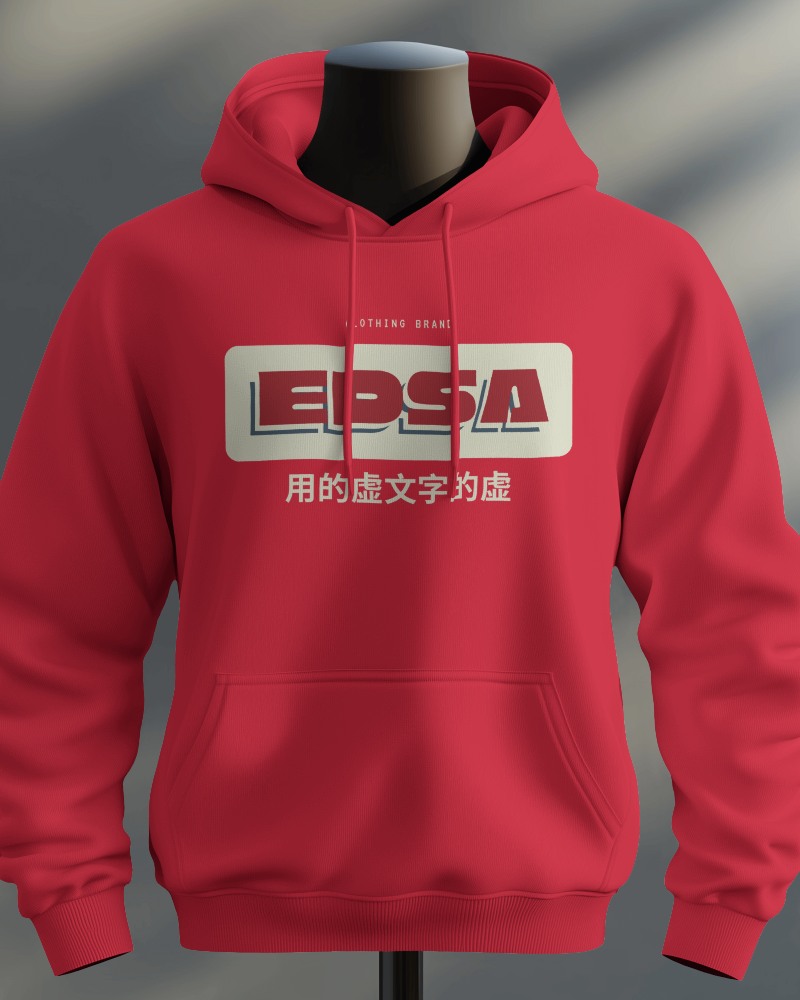
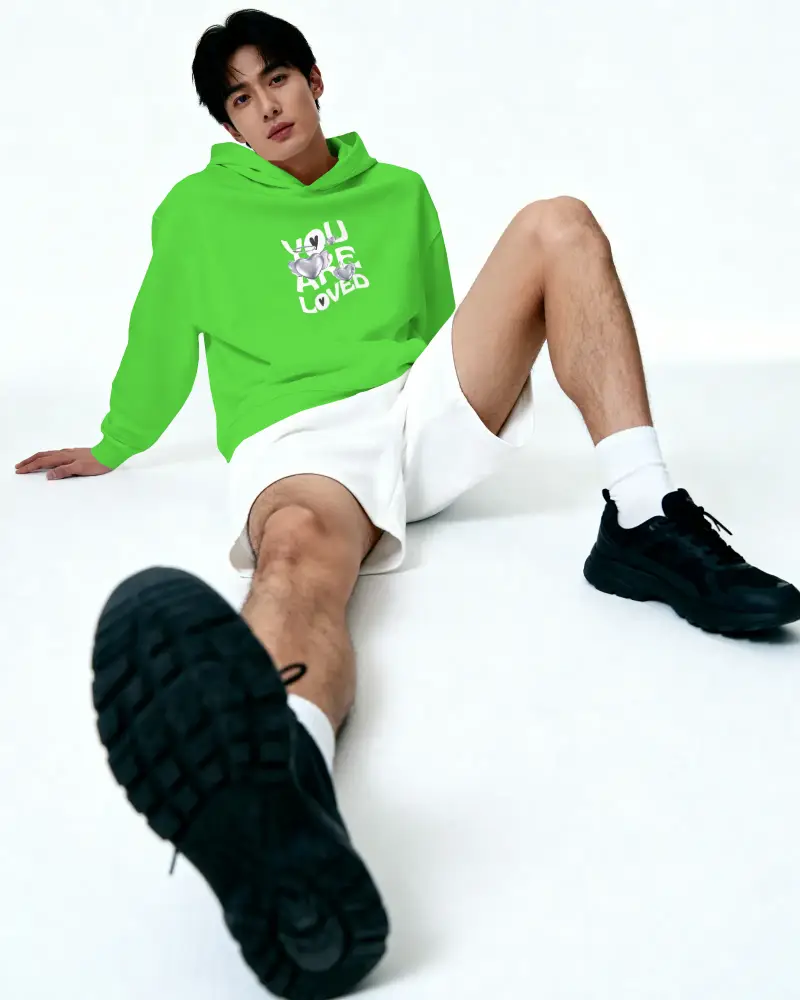
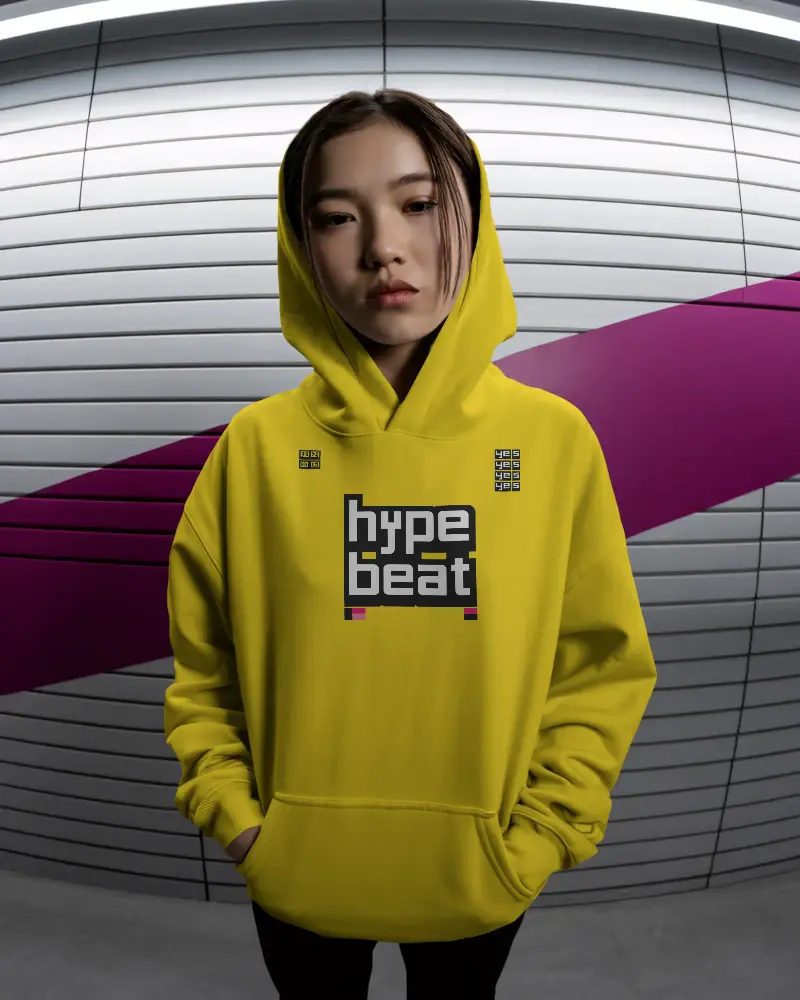
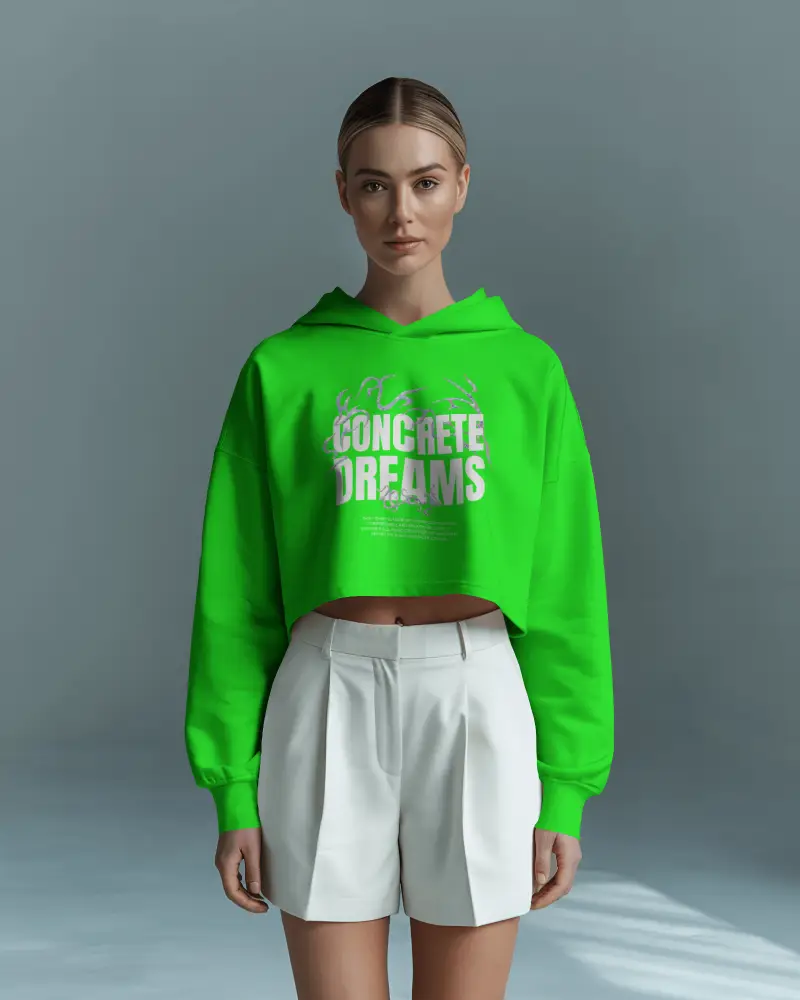
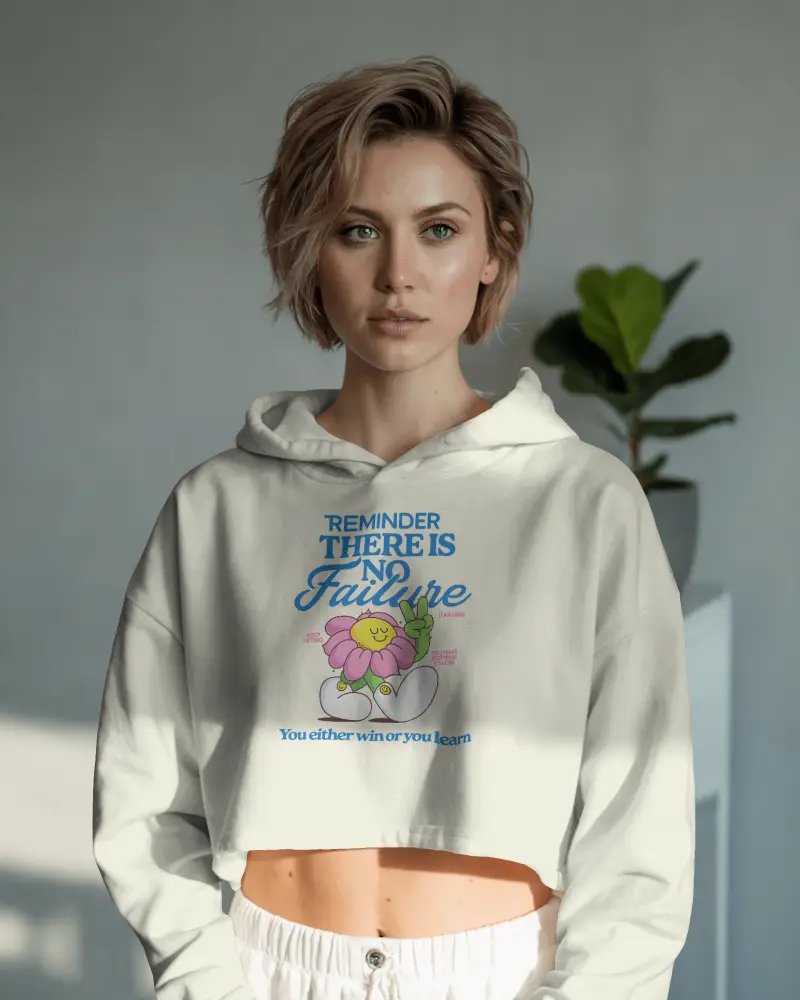

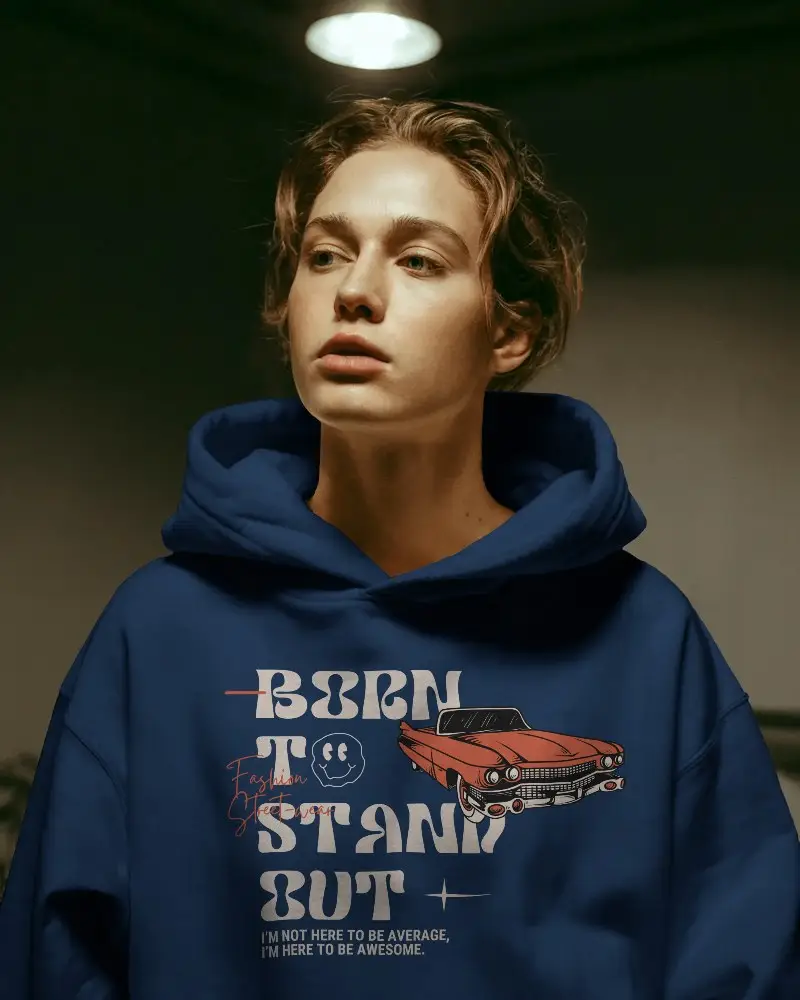
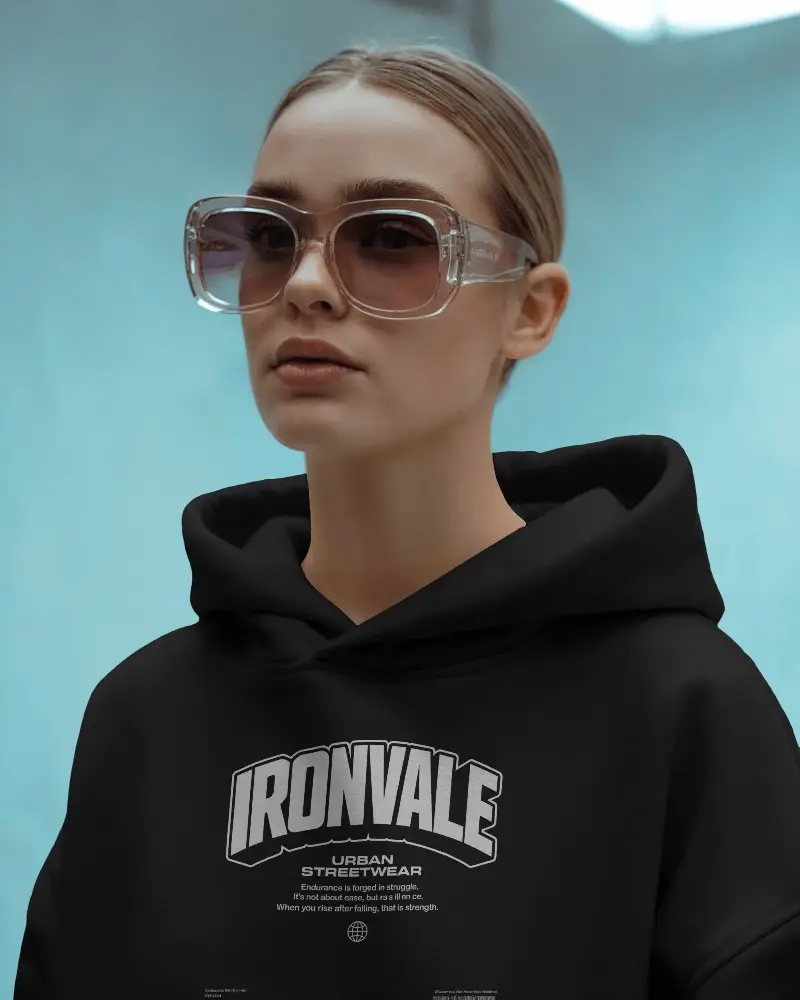
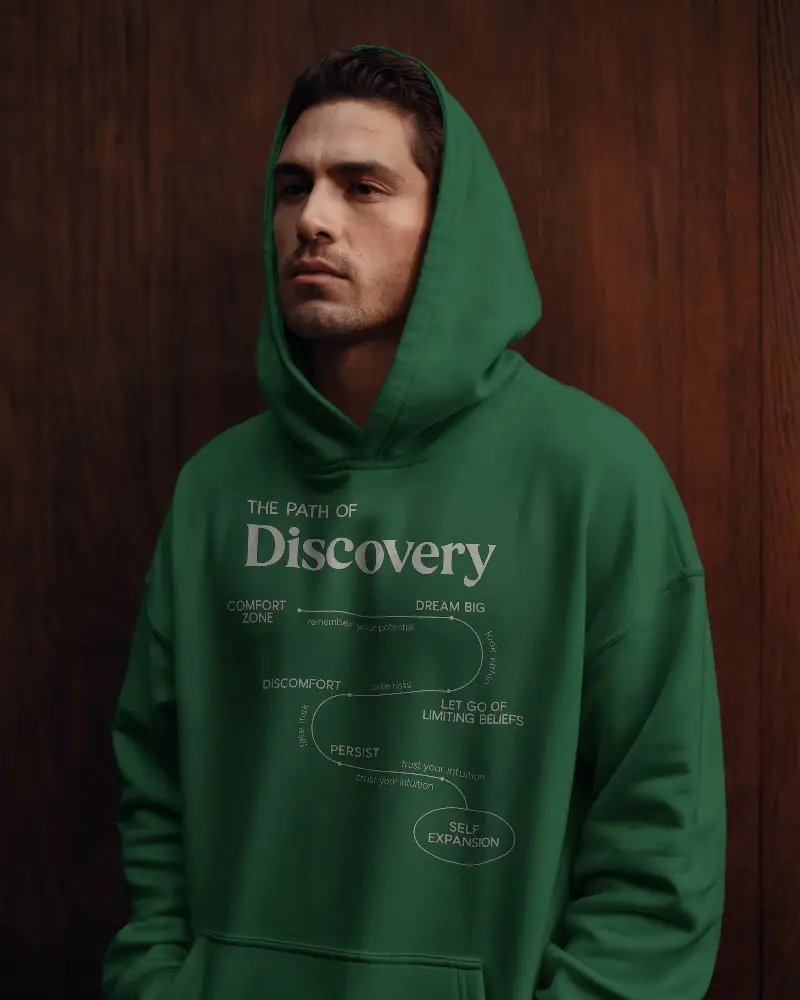
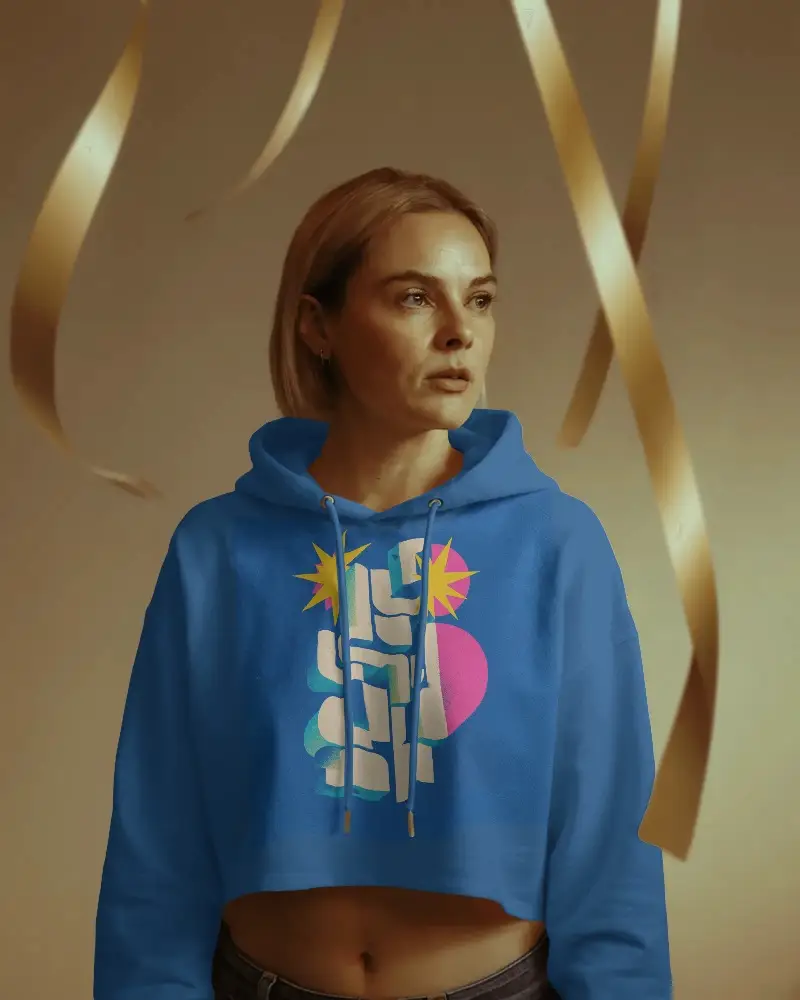
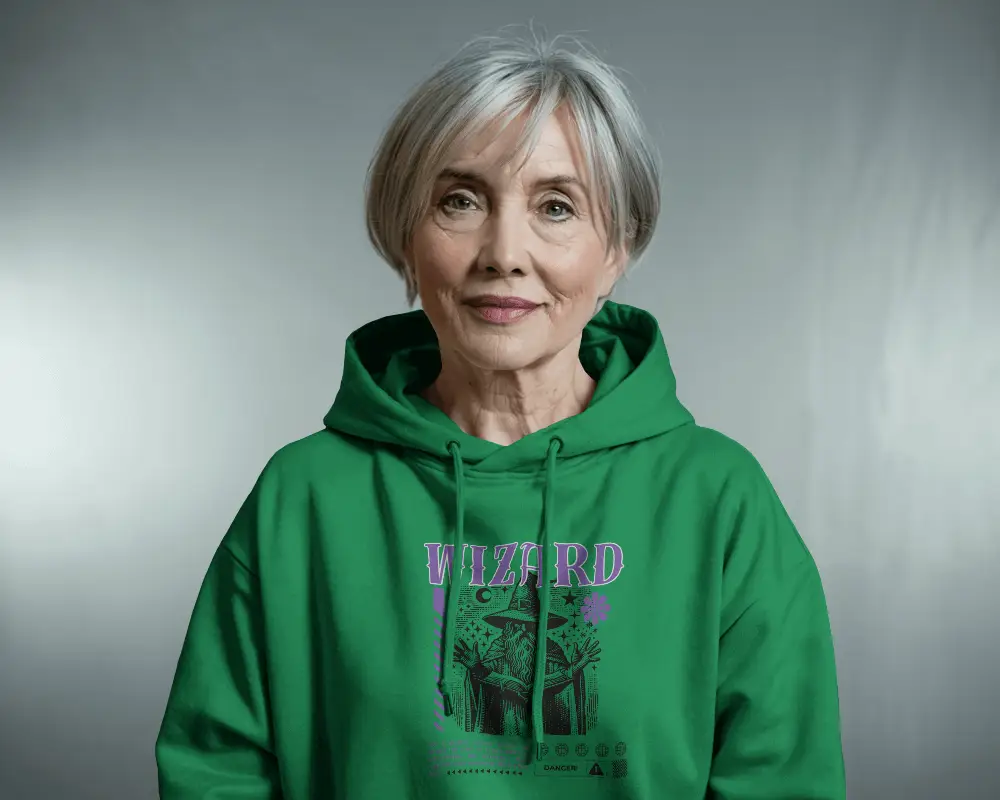
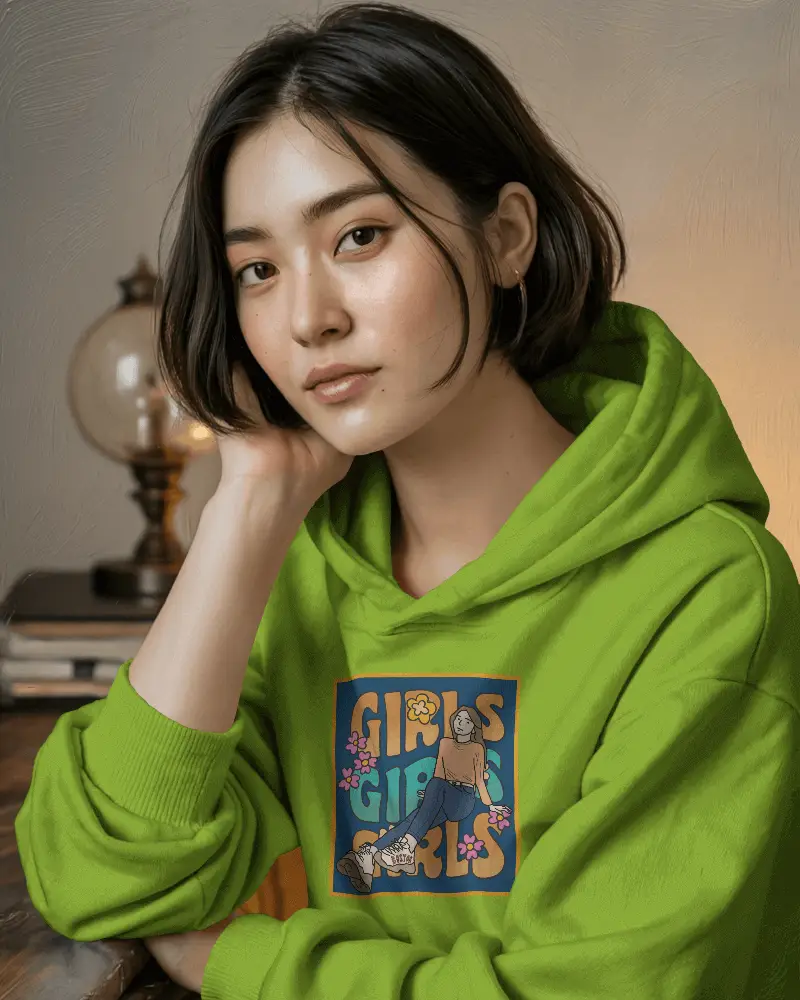
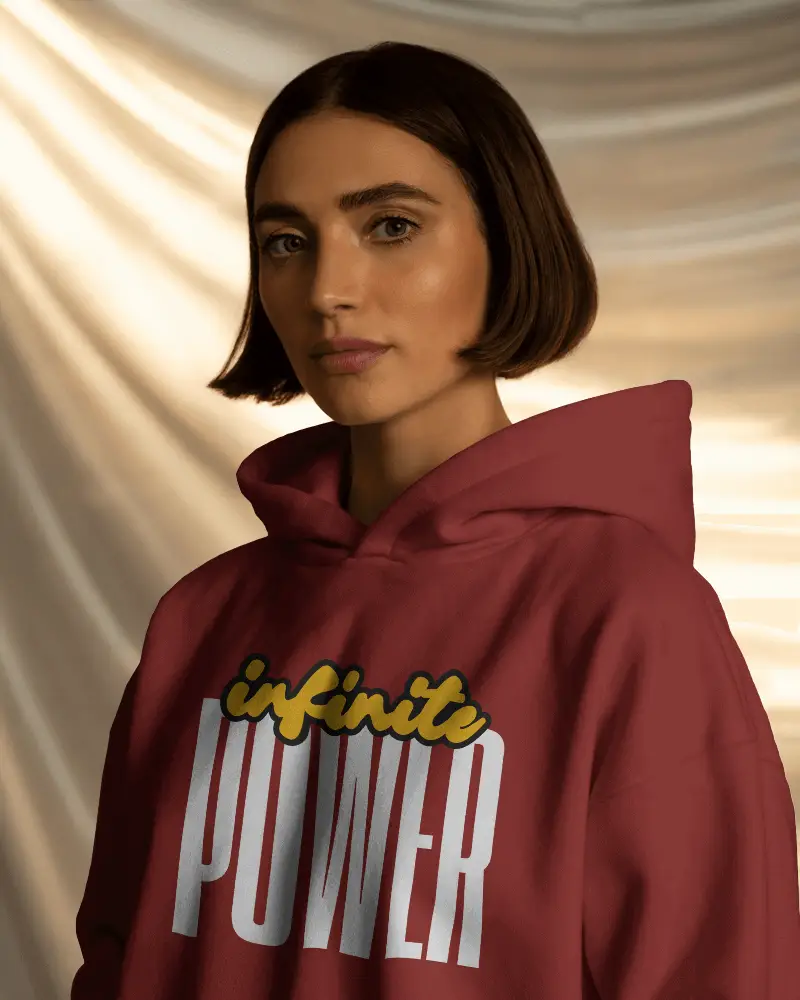
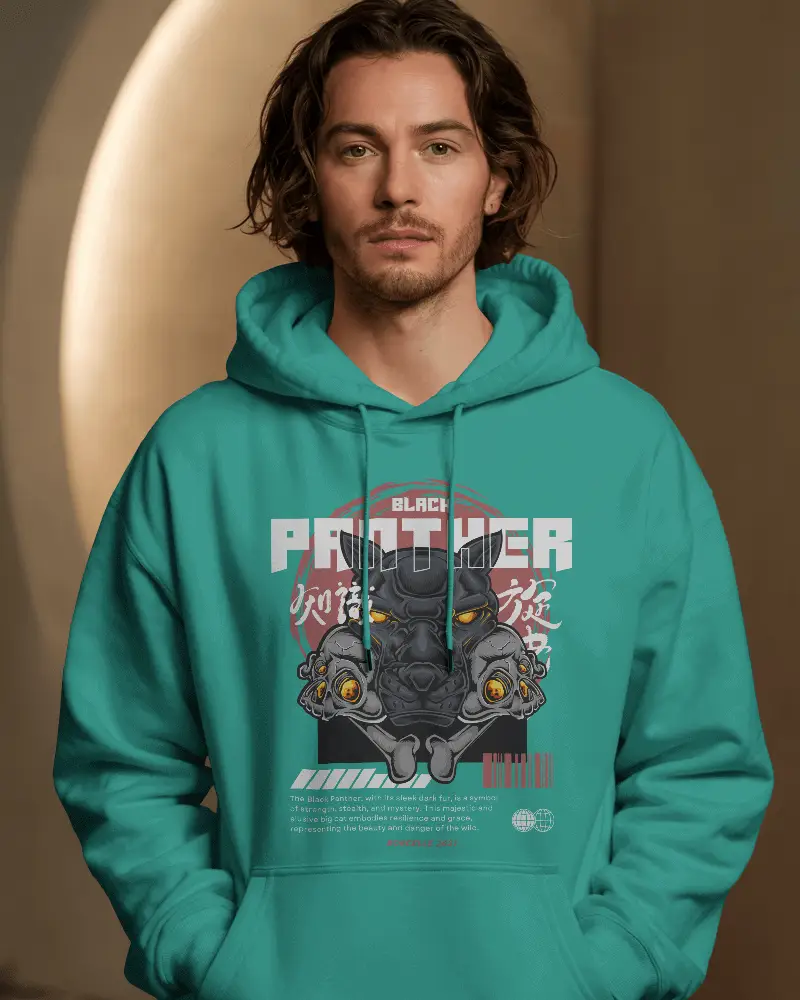
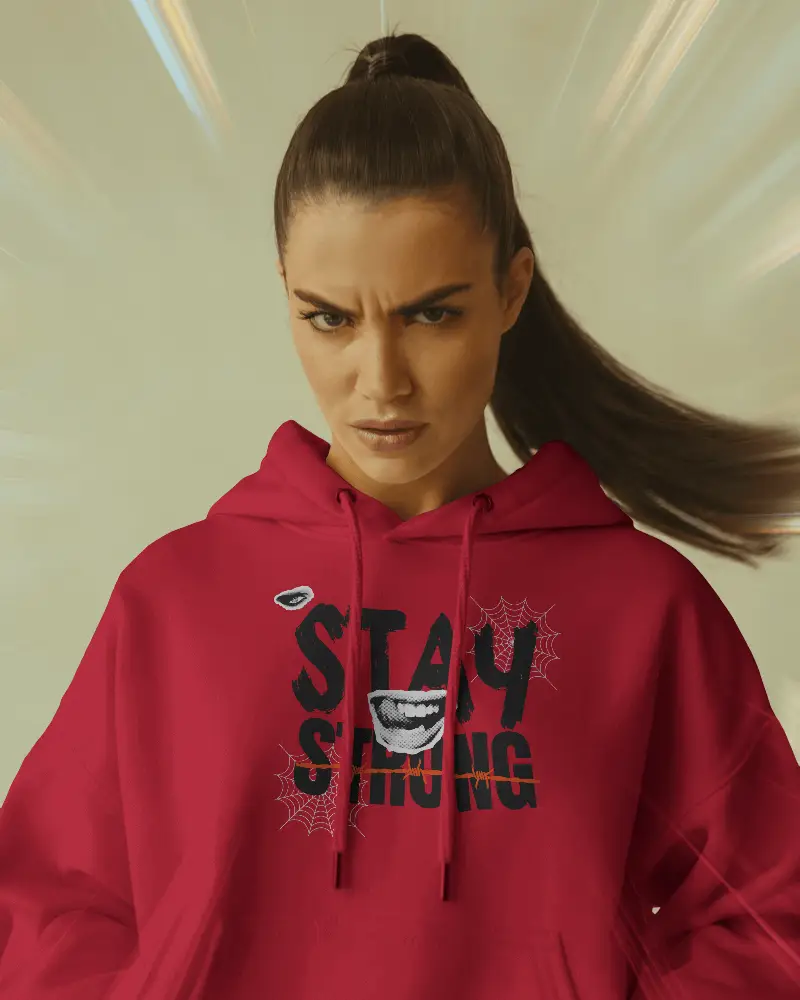
How to Create Crop Hoodie Mockup with Mockey AI
To create a crop hoodie mockup:
- Step 1: Sign up or log in to Mockey.ai and navigate to ‘Mockups’.
- Step 2: Go to ‘Apparel > Hoodie’ and select the ‘Crop Hoodie’ tag.
- Step 3: Upload your design, customize the color and layout, then download your crop hoodie mockup in high quality.


FAQs on Crop Hoodie Mockups
Who can use a crop hoodie mockup?
Fashion brands, online retailers, and streetwear designers can all use crop hoodie mockups. They don’t need to do any real photoshoots. Just a mockup generator is enough to display any custom design.
Is this Crop Hoodie Mockup Free?
Mockey AI offers a free plan that includes mostly free crop hoodie mockup templates. You can customize and download these templates even on the free plan.
Are crop hoodie mockups available in different angles and colors?
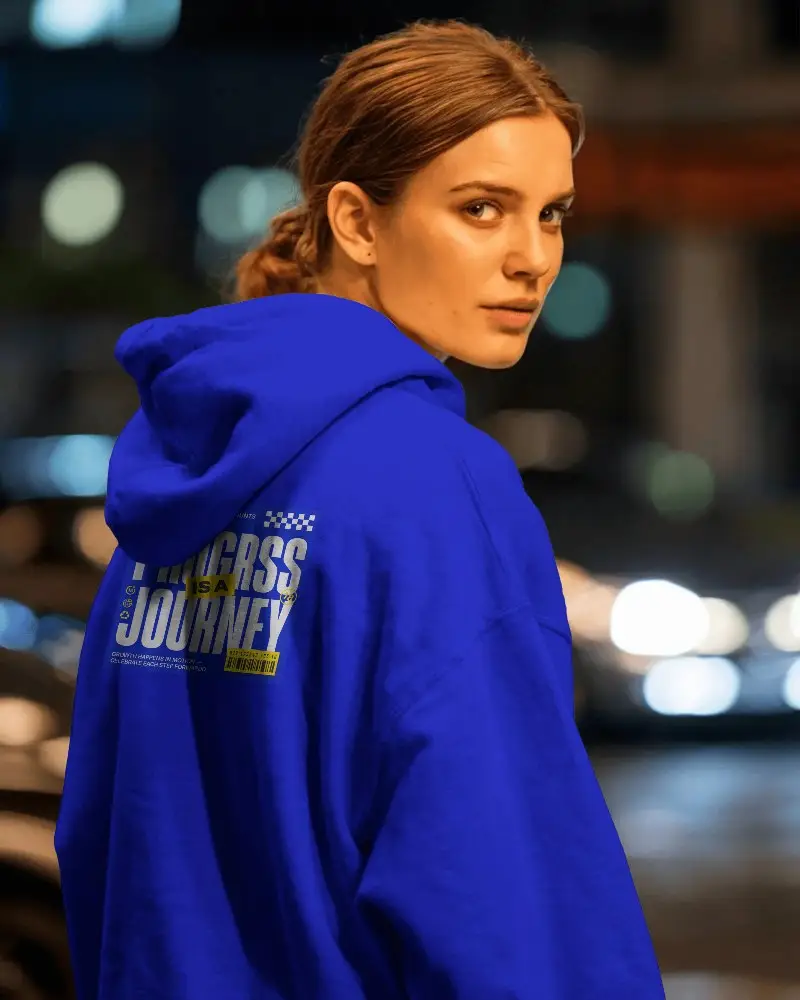
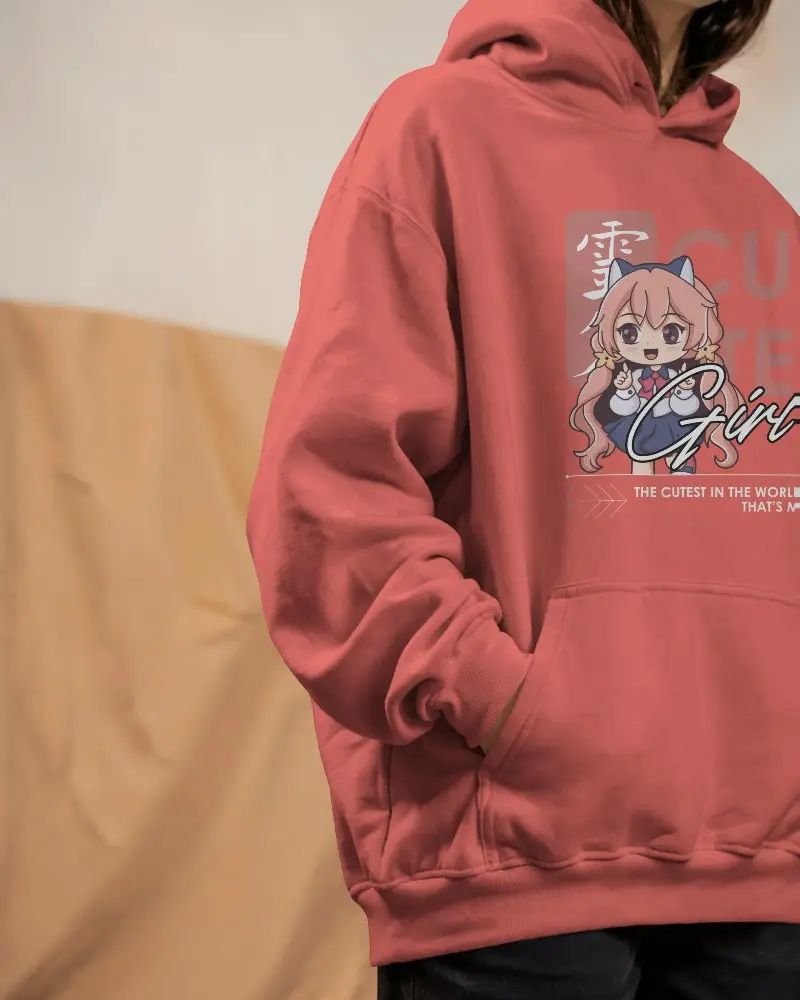
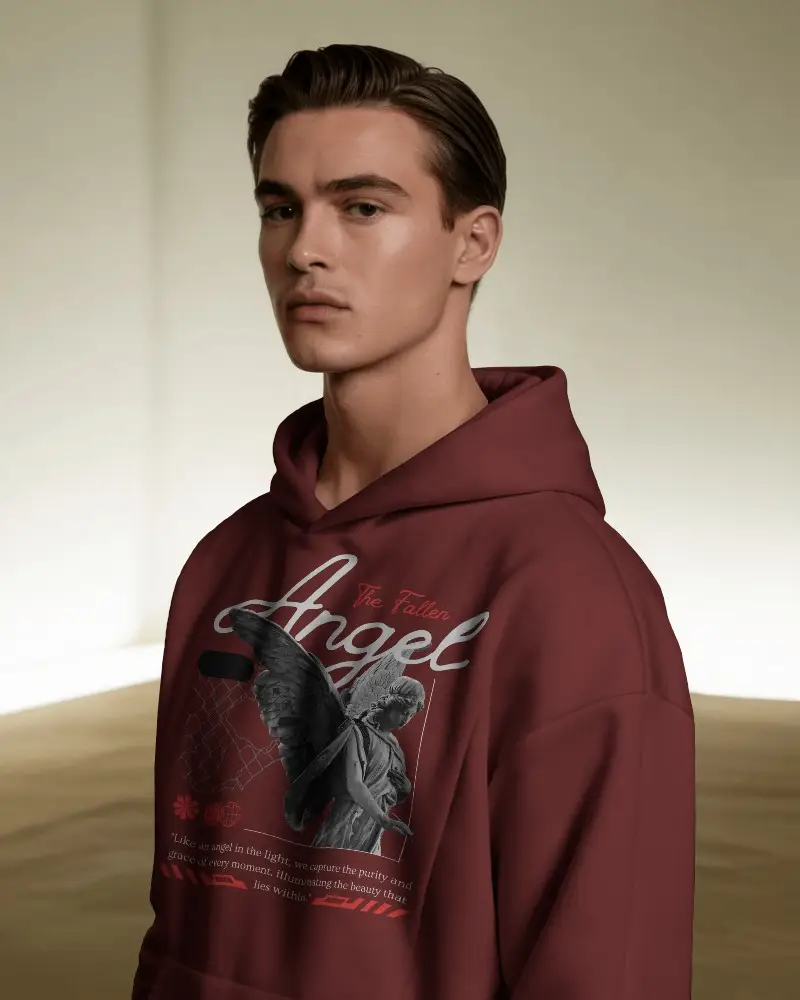
There are many crop hoodie mockup templates available, shown from different angles. You can also change the colors easily on the editor page—modify them to any color you want.
Where can I find more hoodie styles besides crop hoodie mockups?
Besides crop hoodie mockups, Mockey AI offers many other styles too, like zip hoodie mockups or oversized hoodie mockups, all ready for customization.
Why use a crop hoodie mockup instead of a full hoodie mockup?
A crop hoodie mockup lets you focus on the design of the cropped garment. It highlights patterns or logos. A cropped top style can also benefit from its trendy look.
