Free Boxy Hoodie Mockups
Show your designs in style with boxy hoodie mockups. Perfect for fashion brands and designers to present bold, modern, and trendy hoodie designs with a relaxed fit.
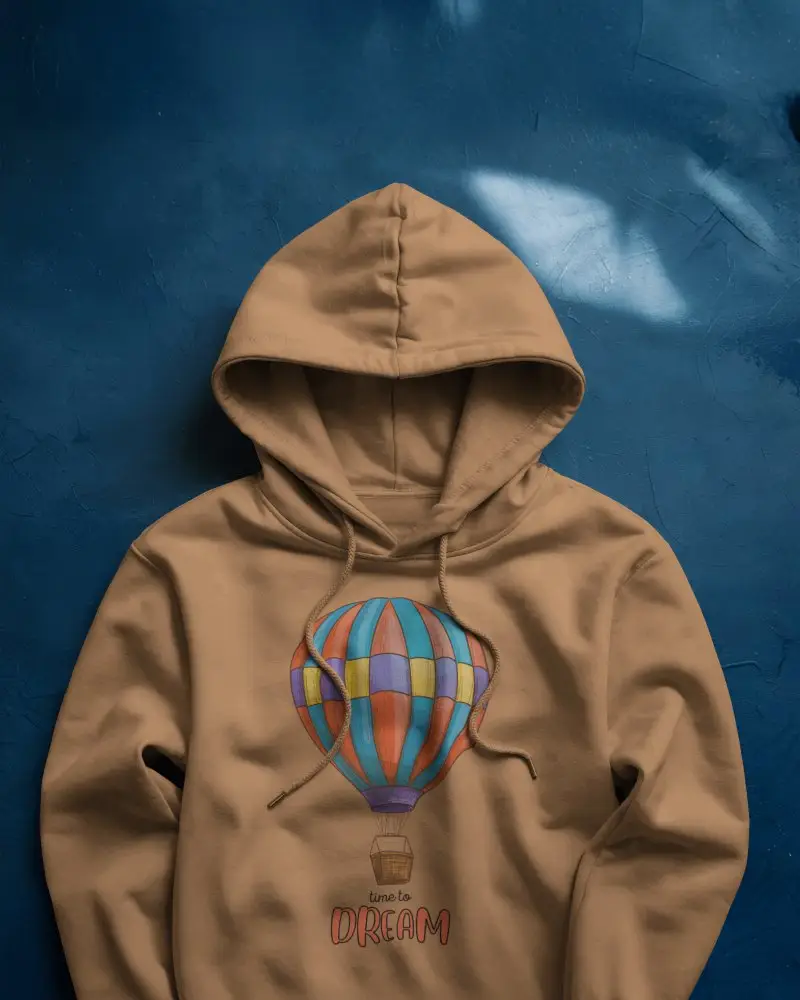
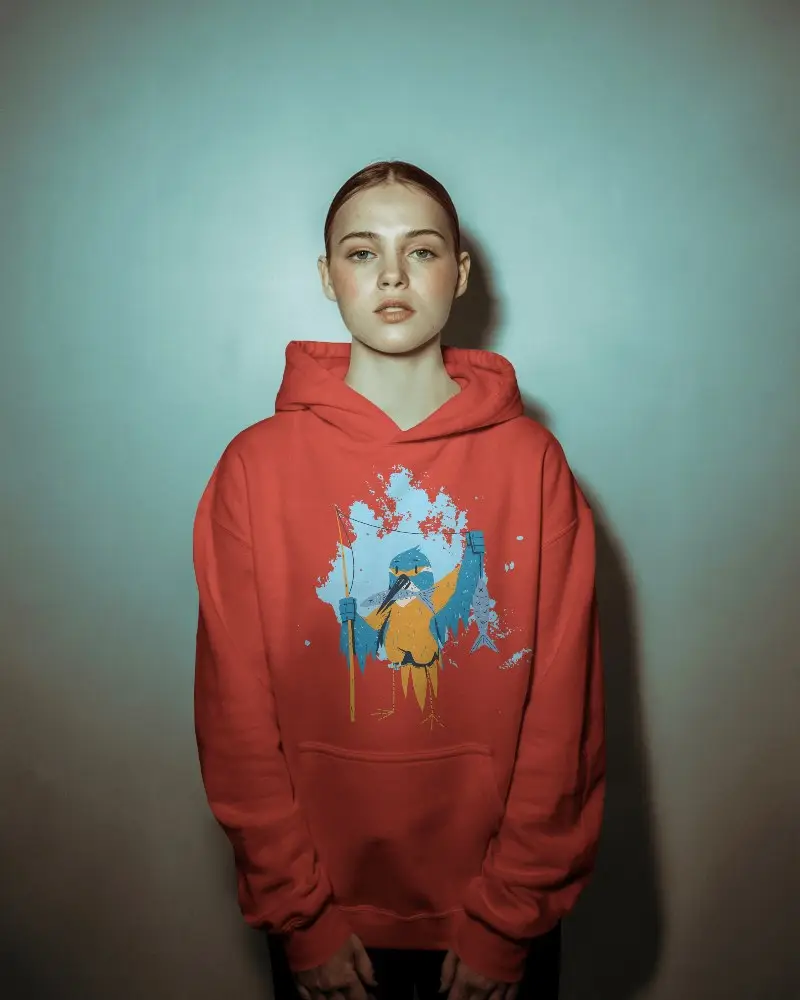
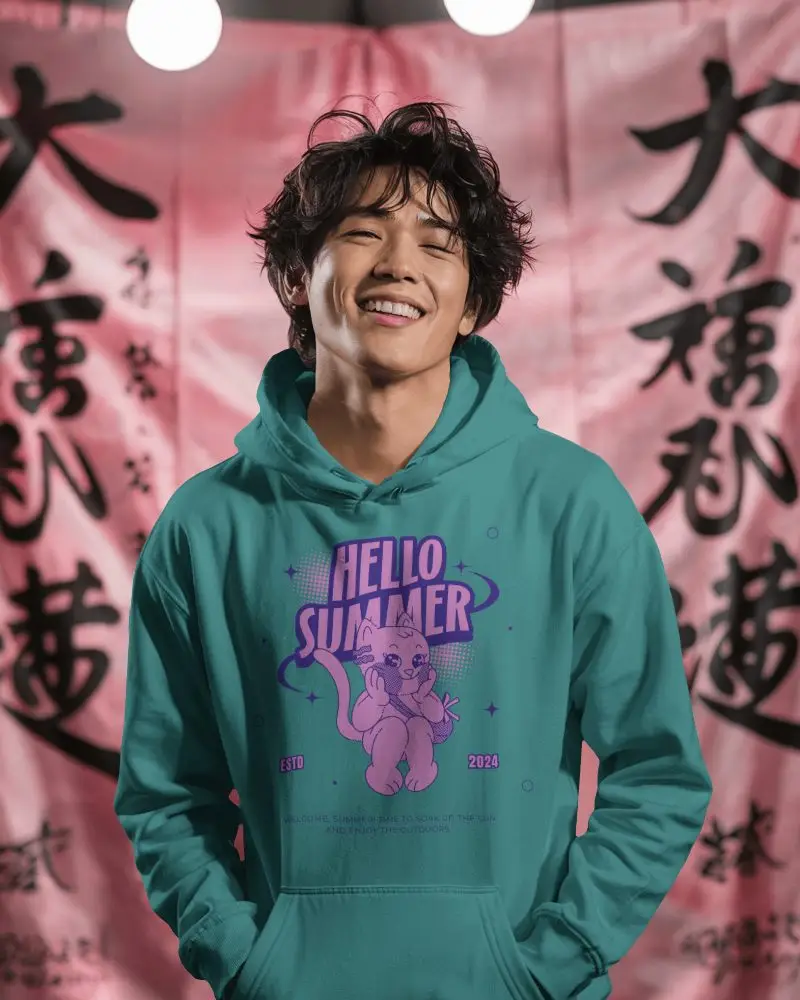
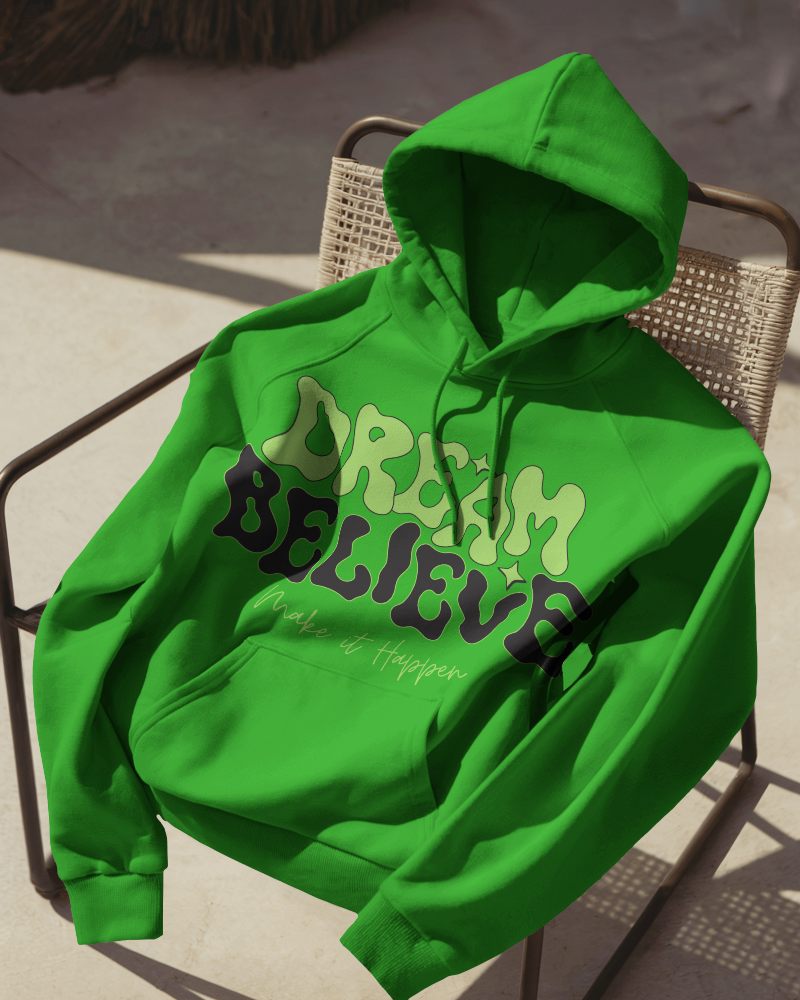
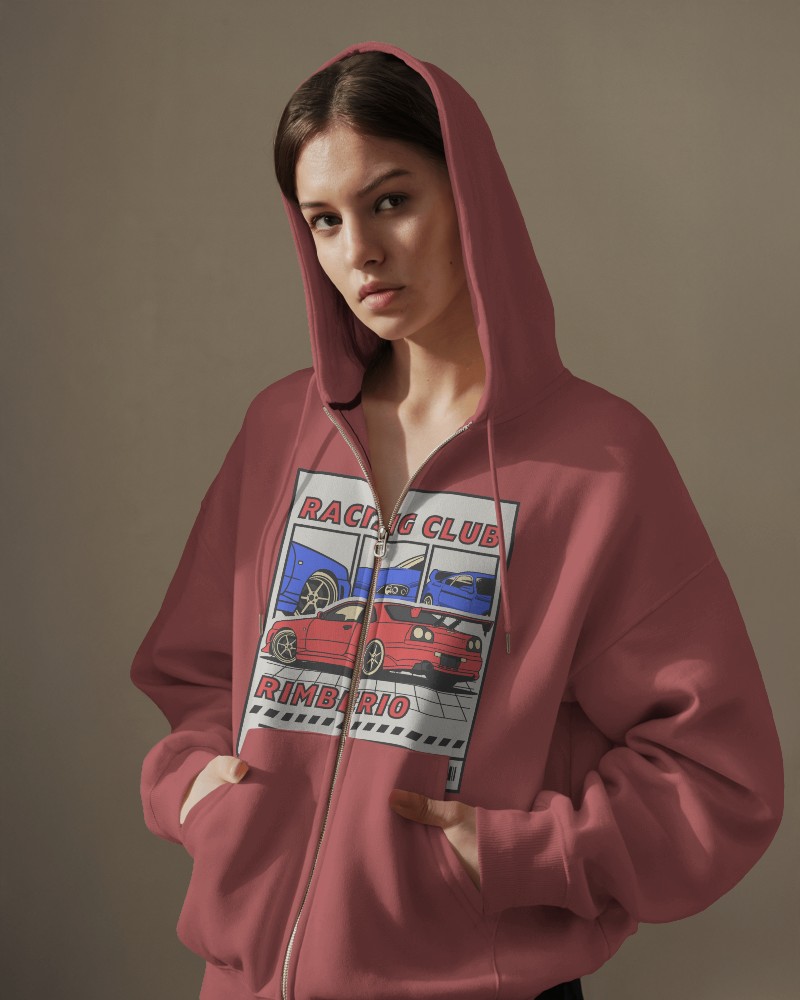
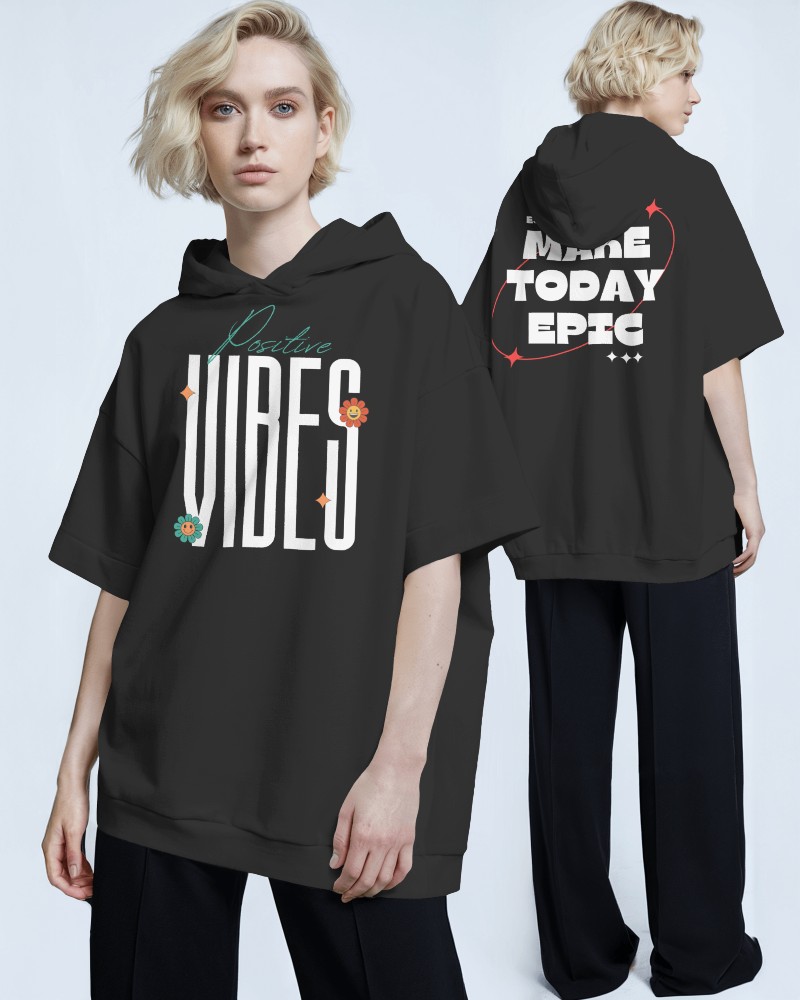
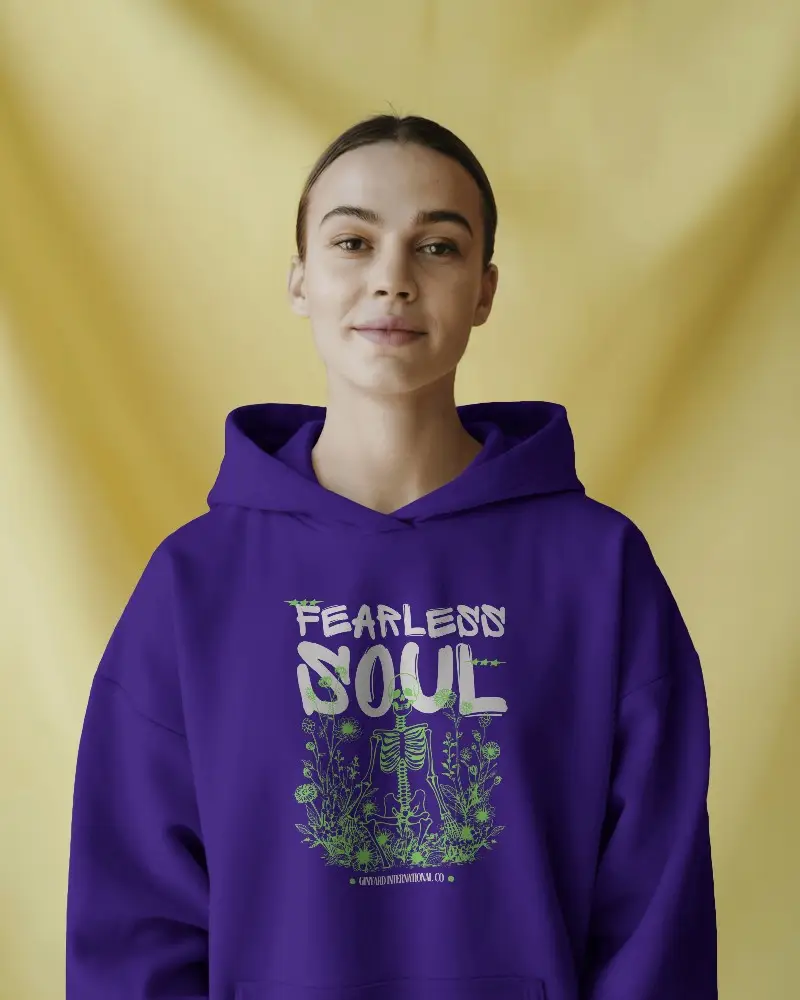
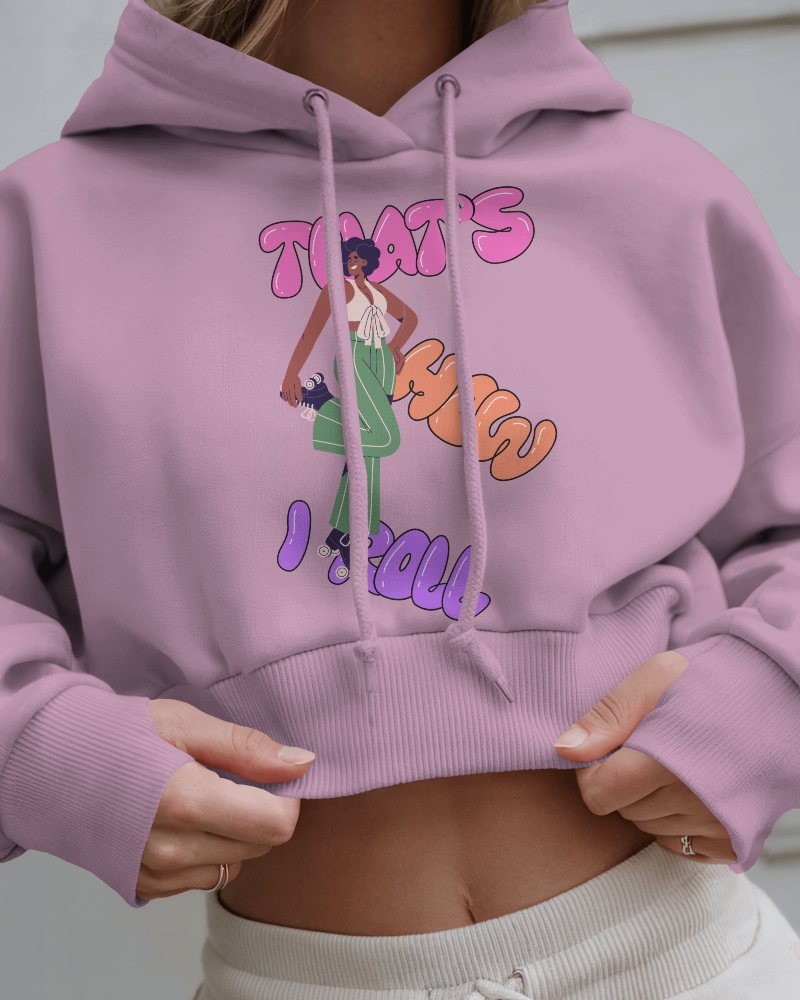
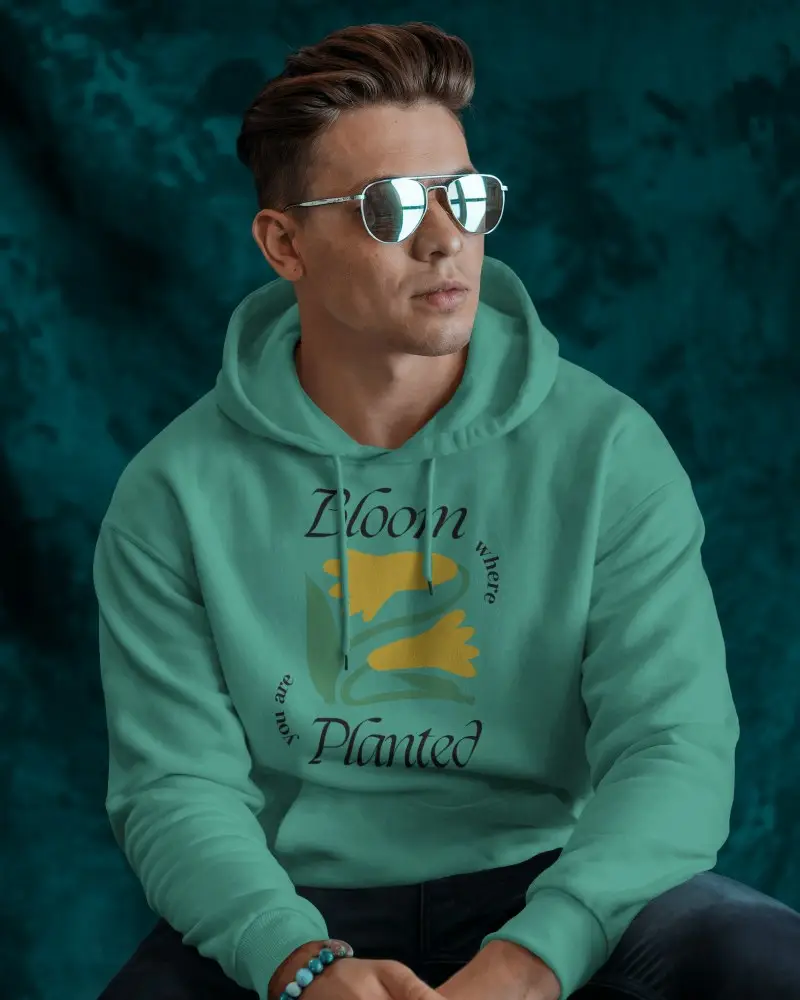
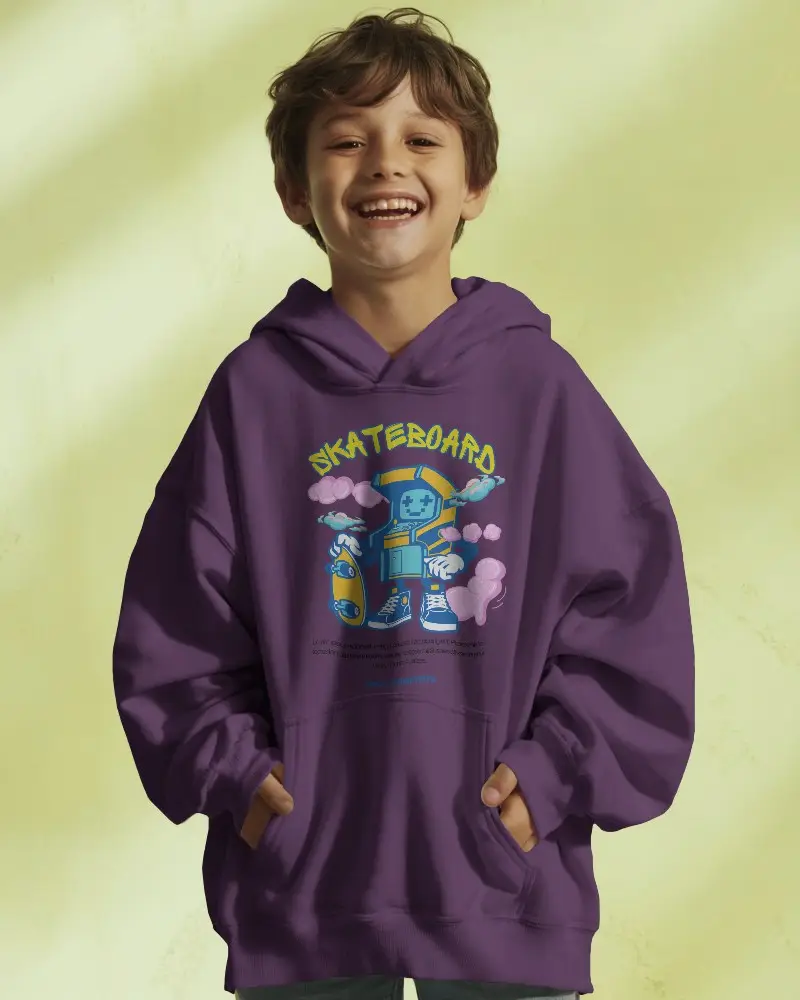
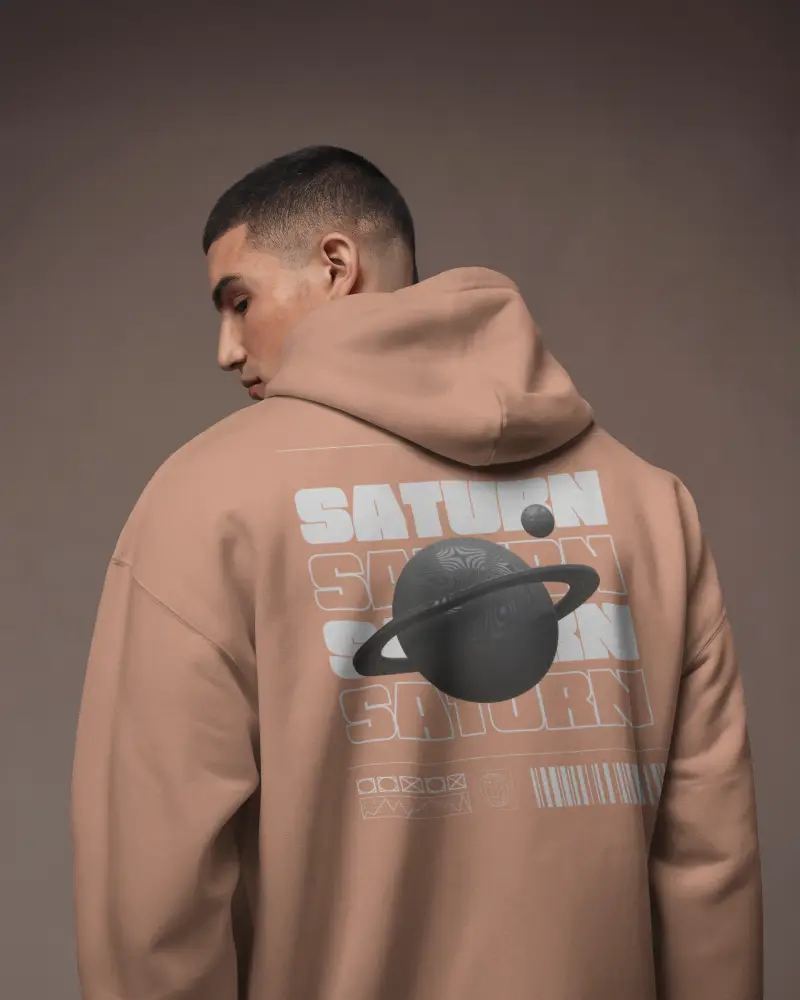
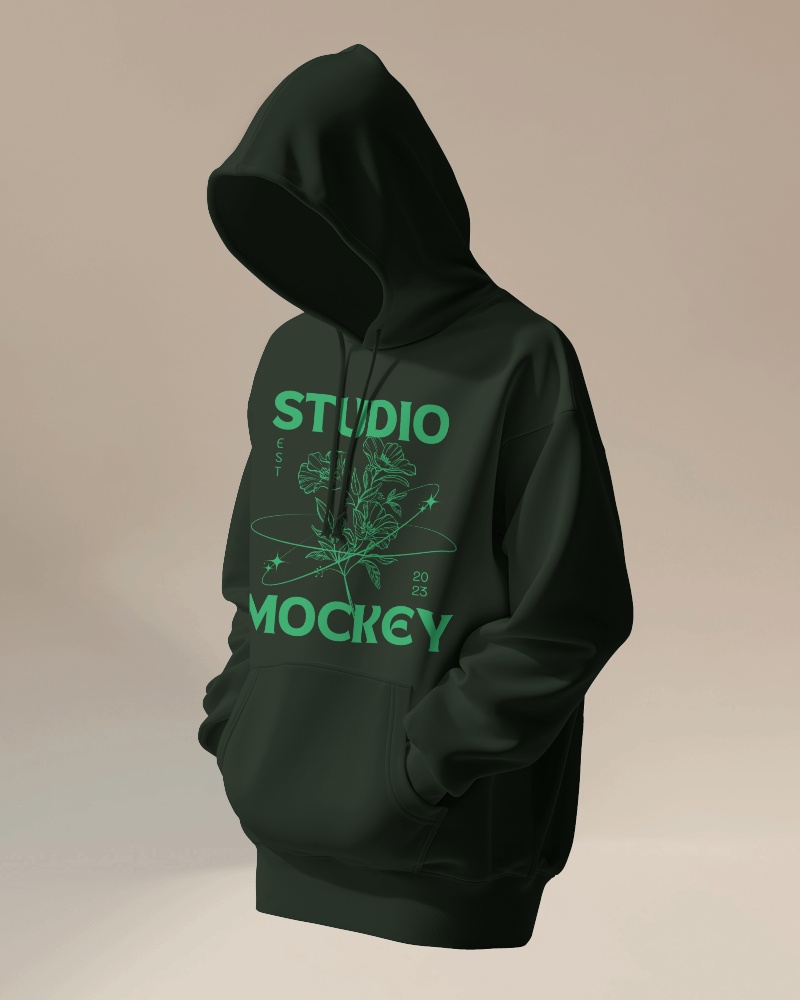
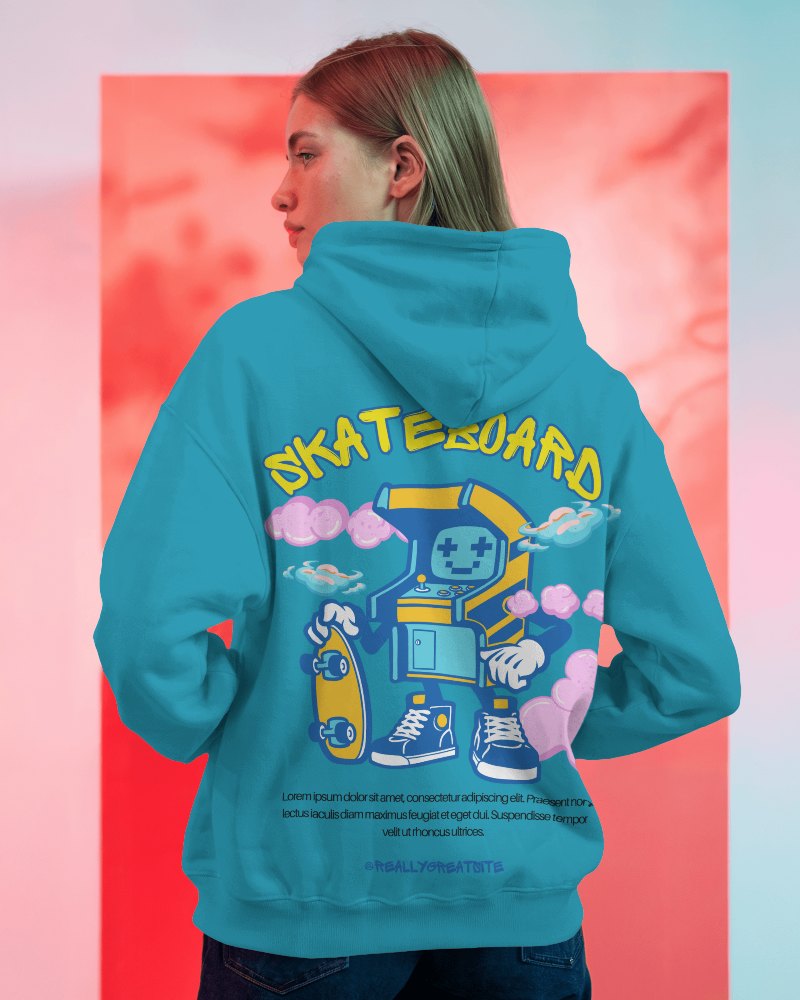
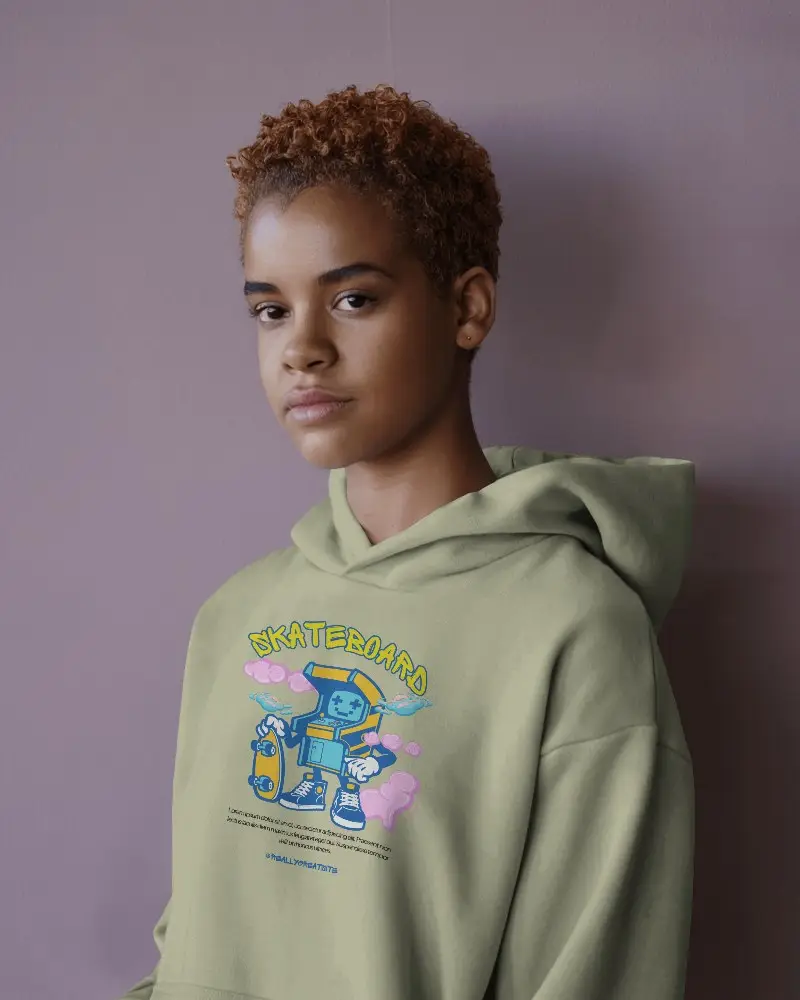
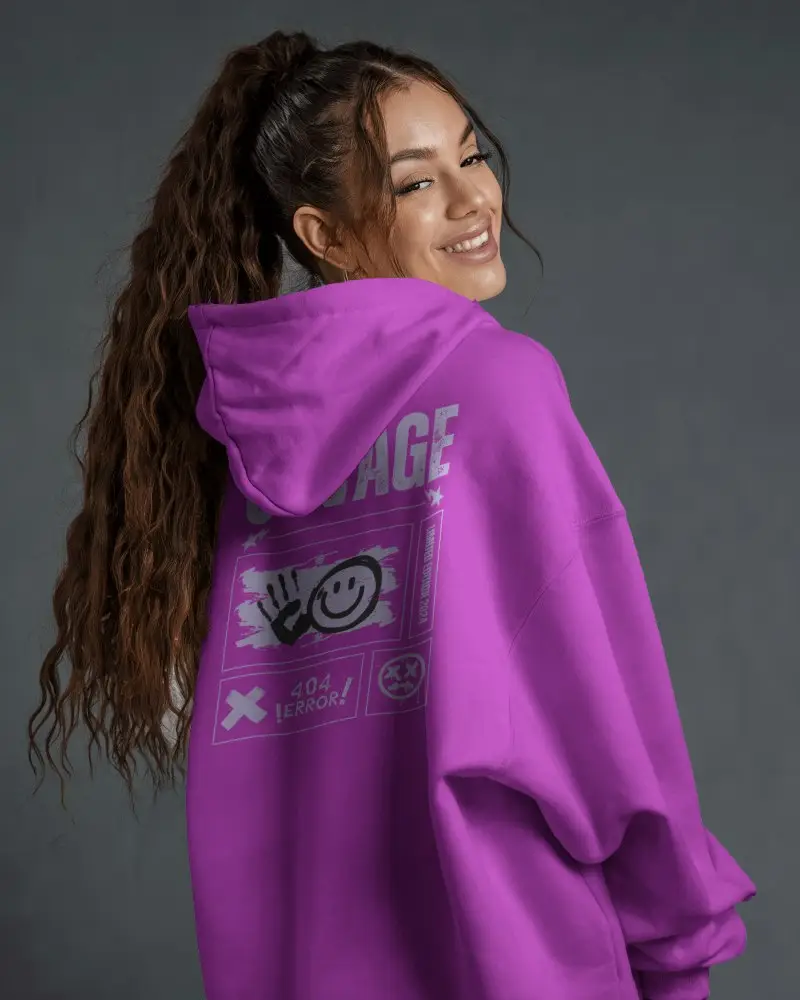
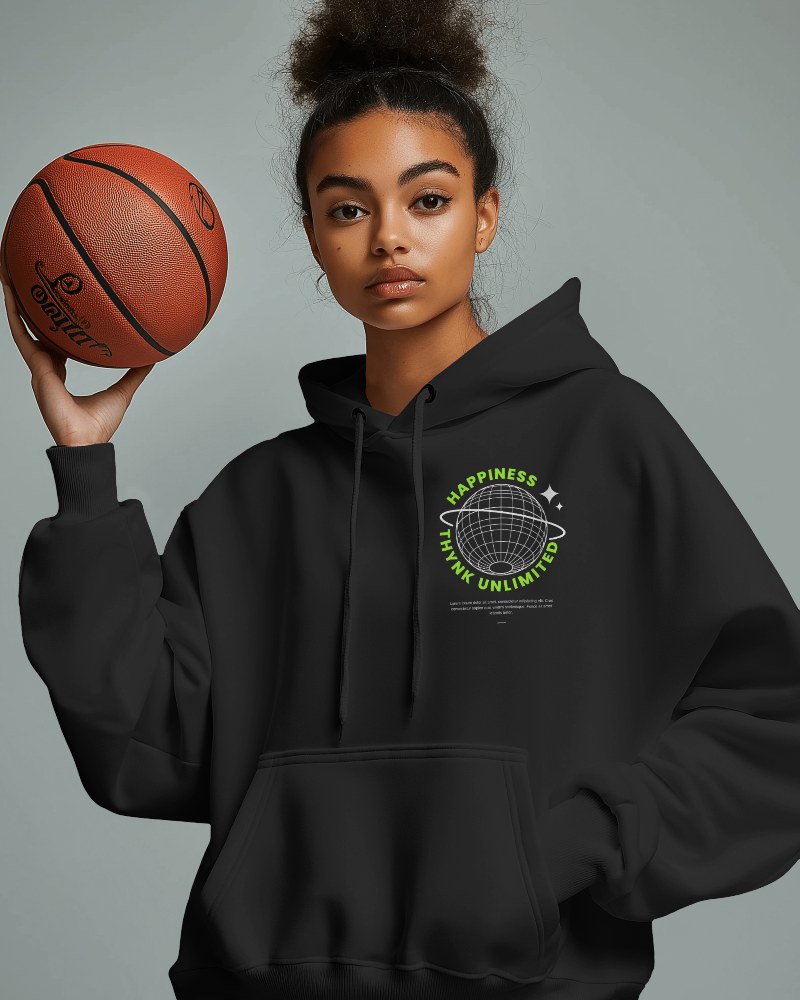
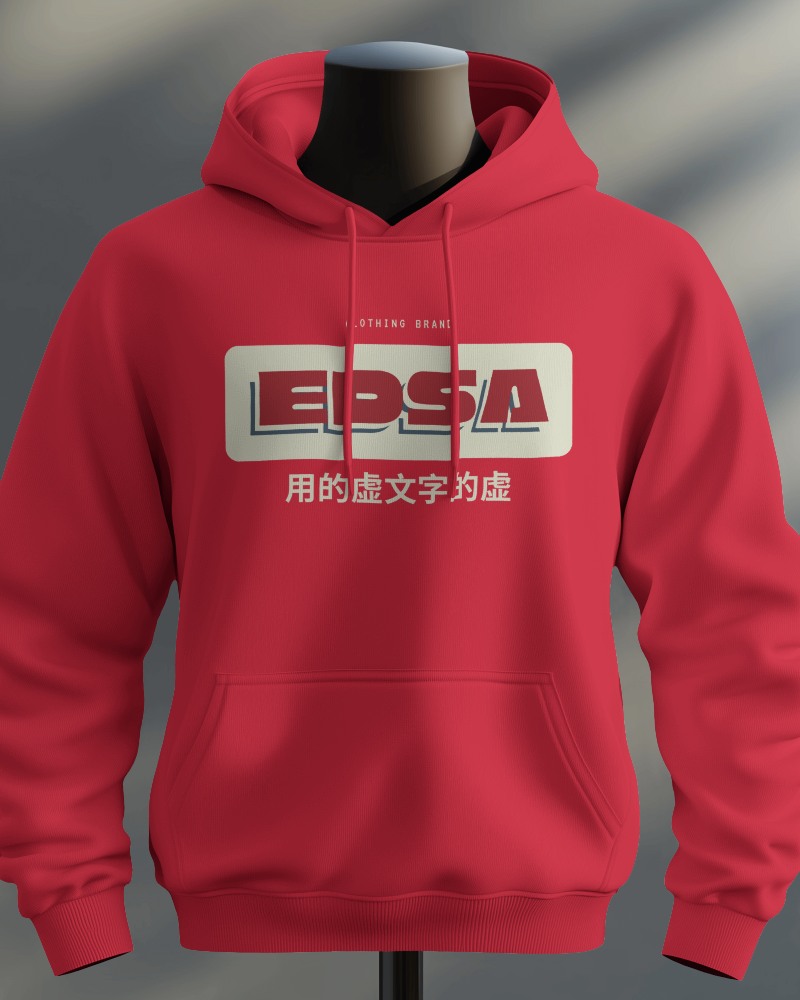
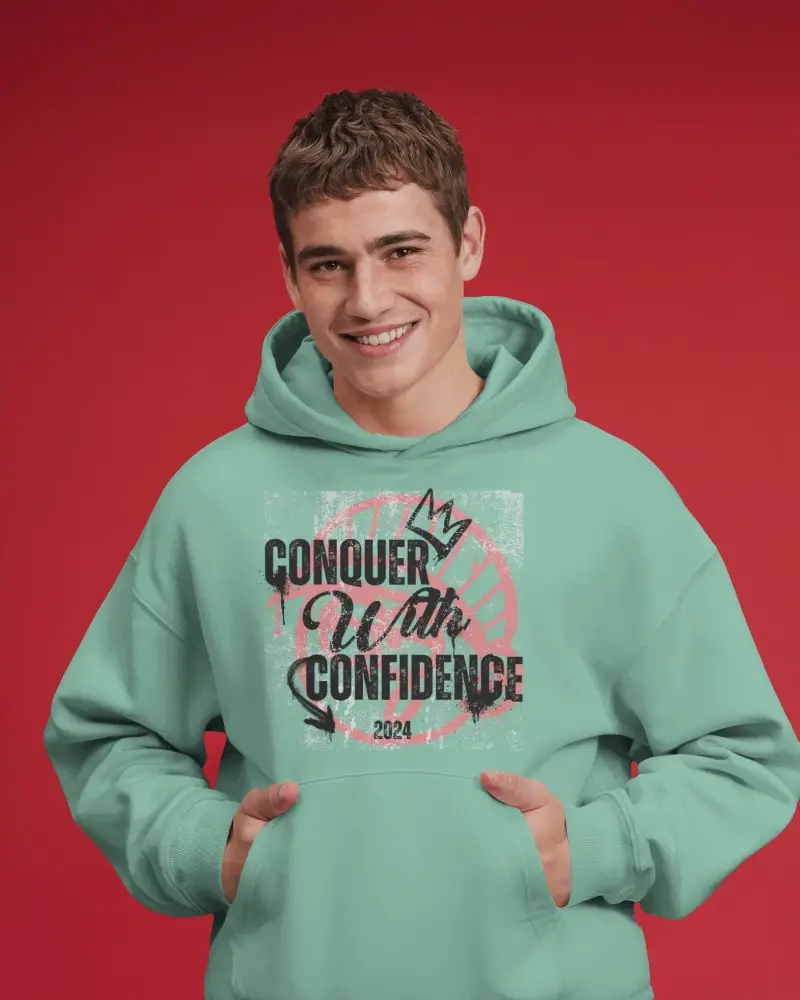
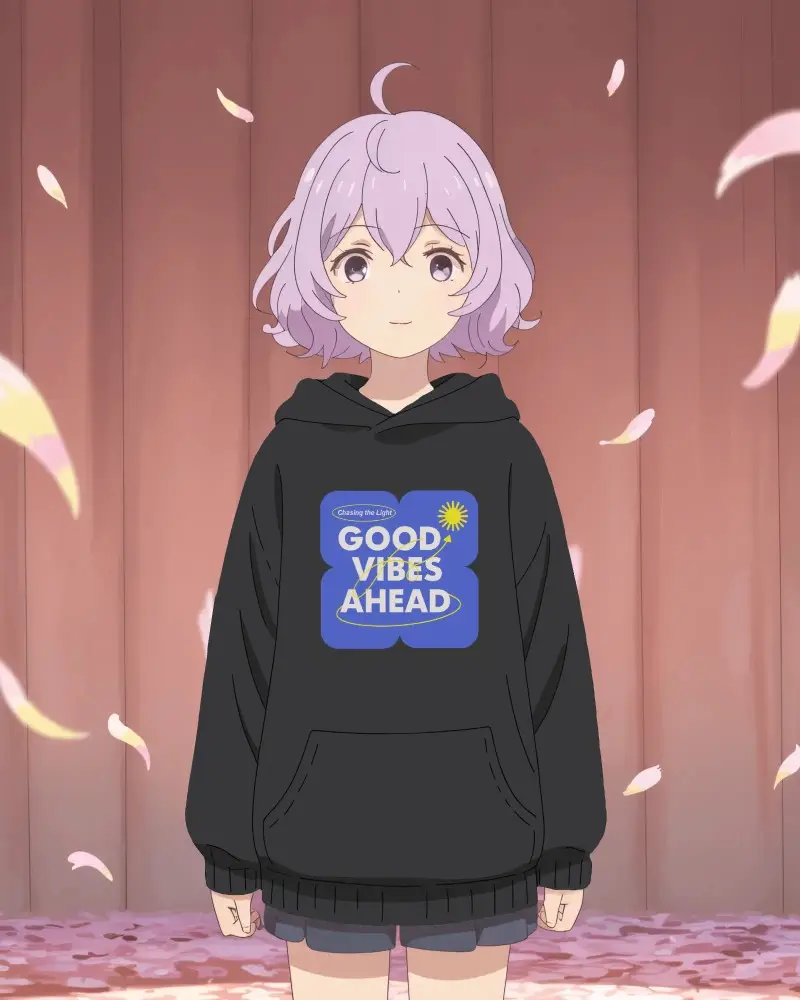
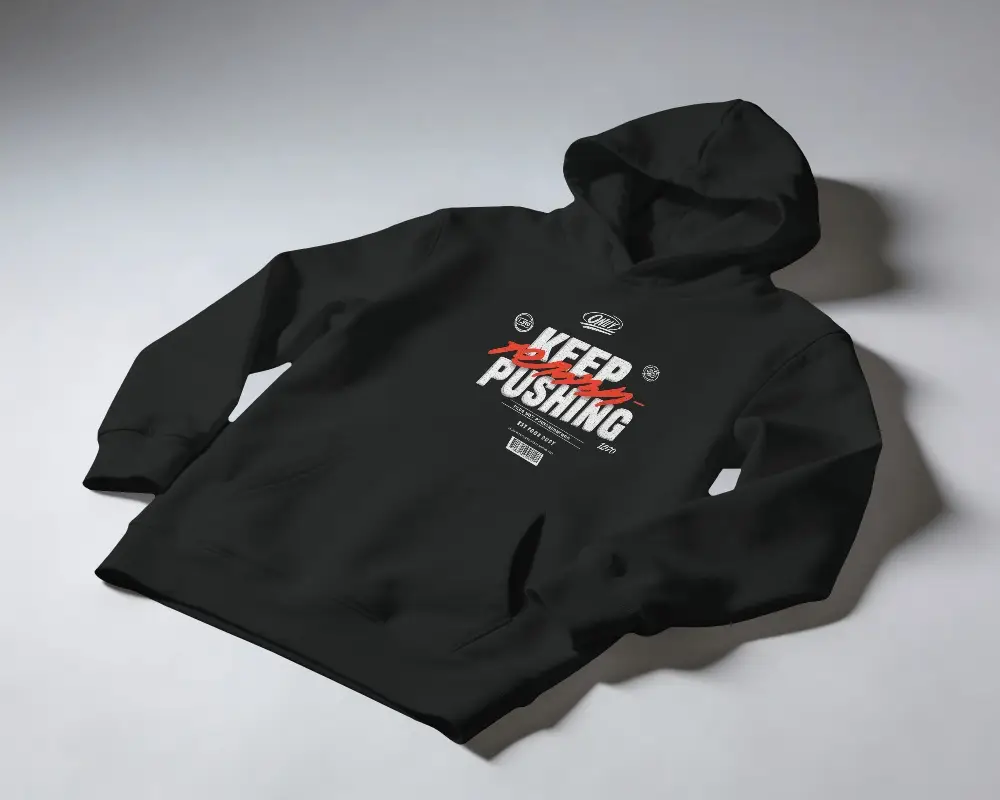
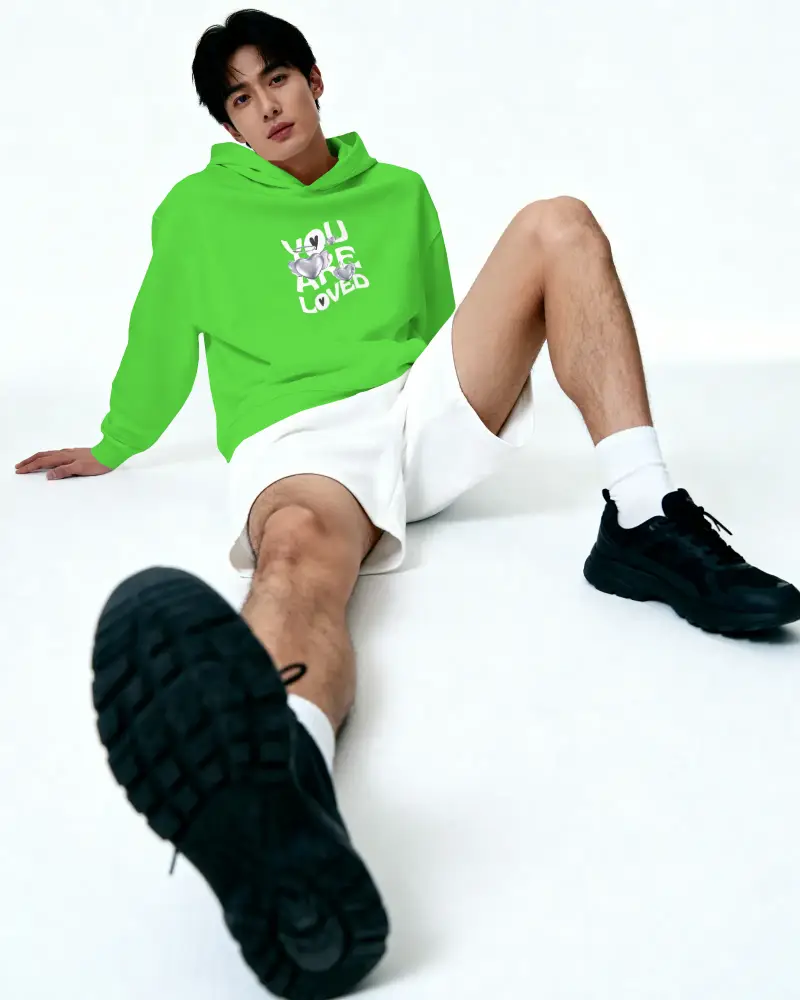
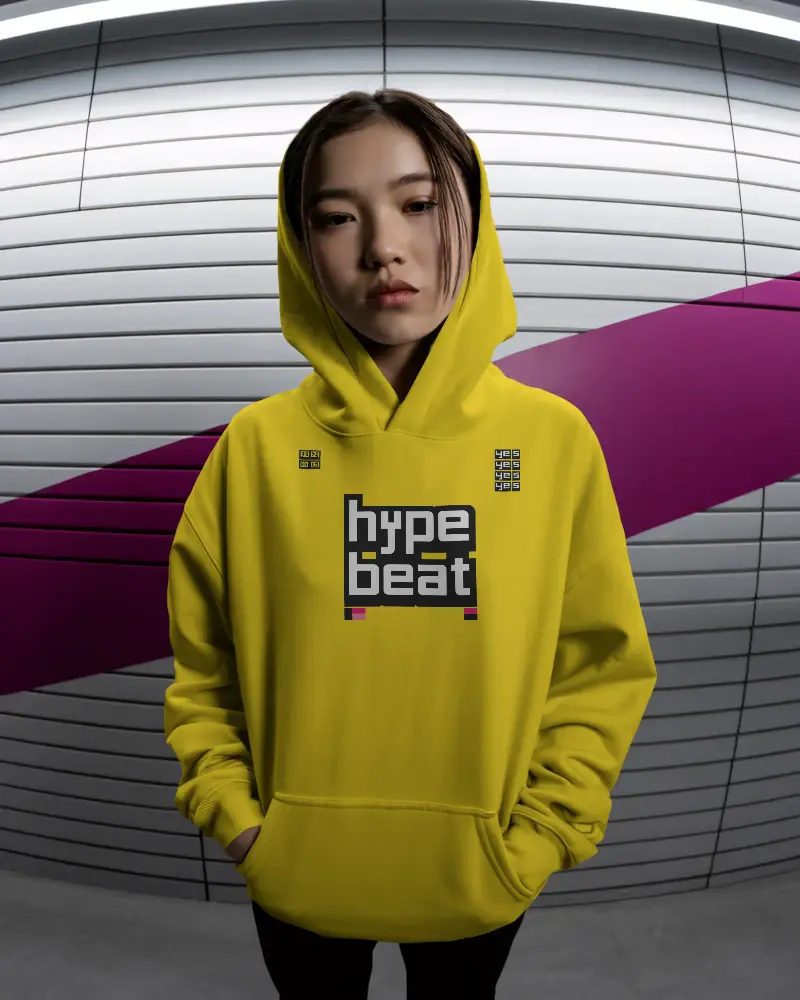
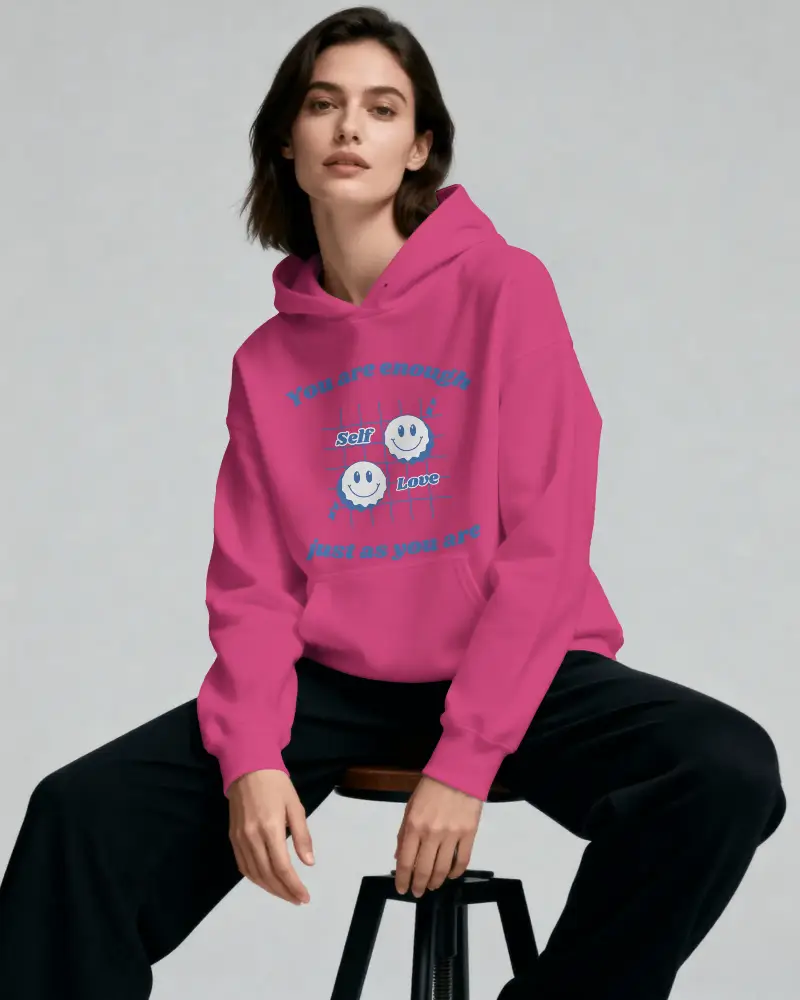
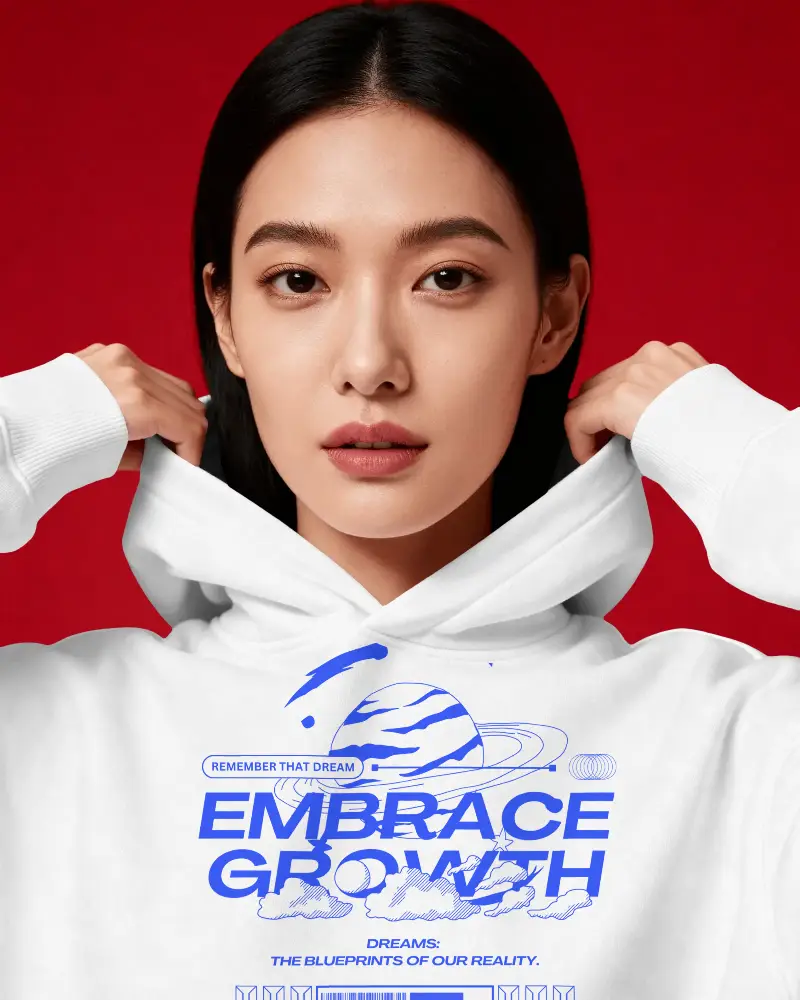
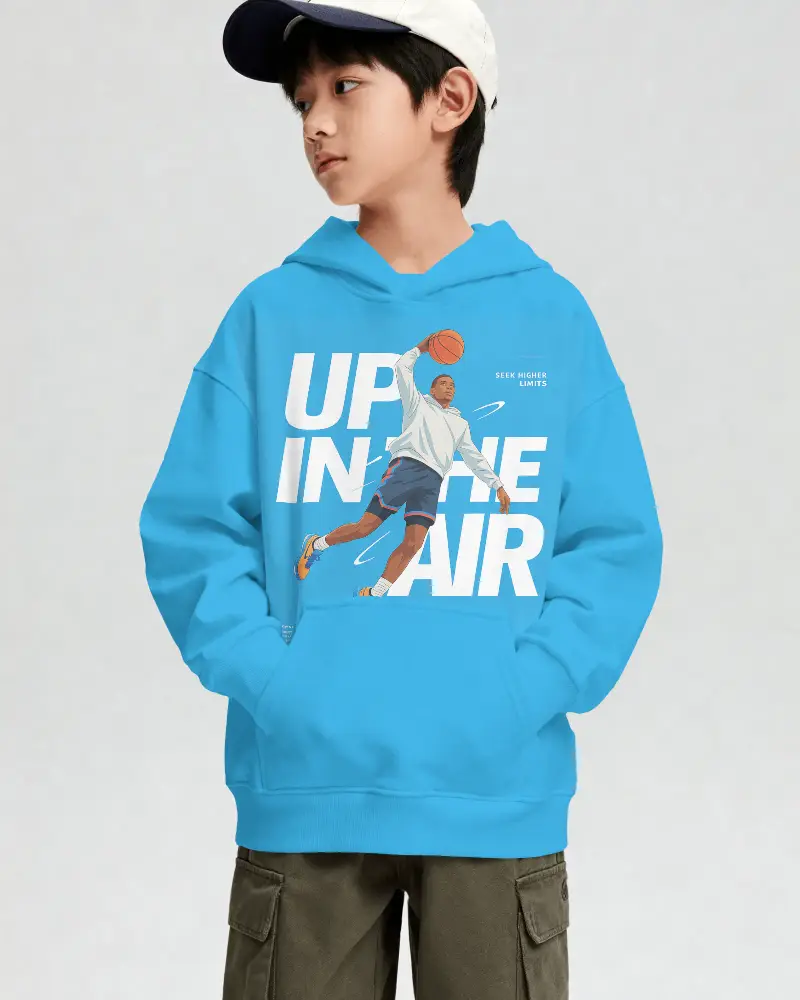
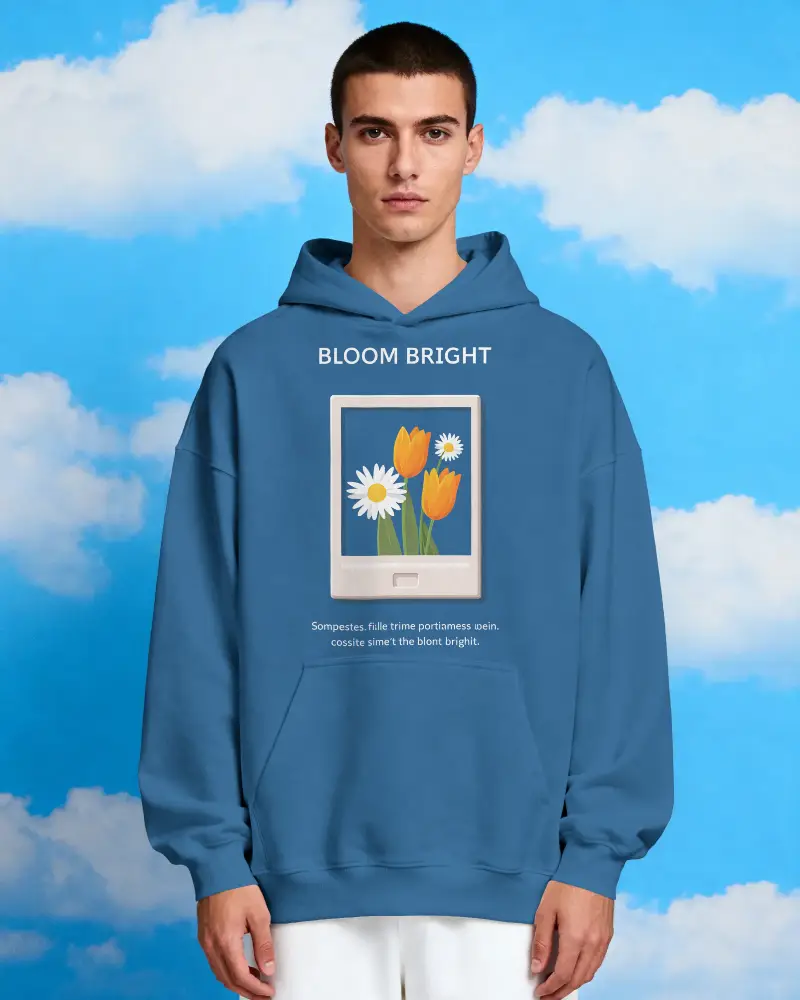
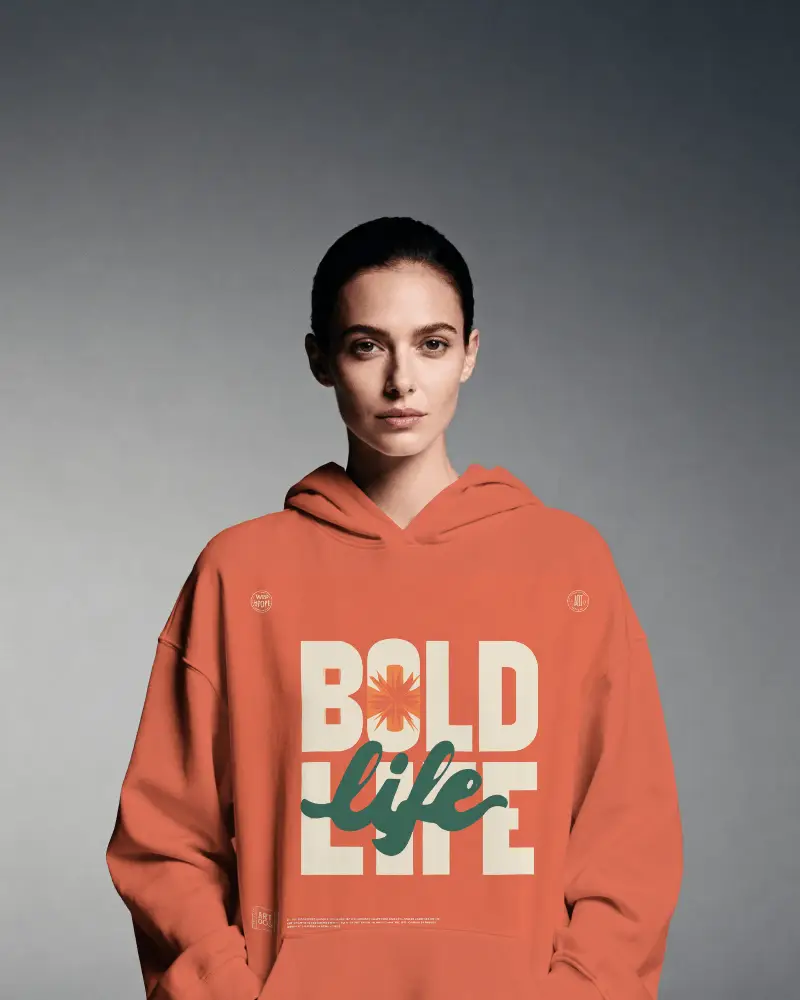
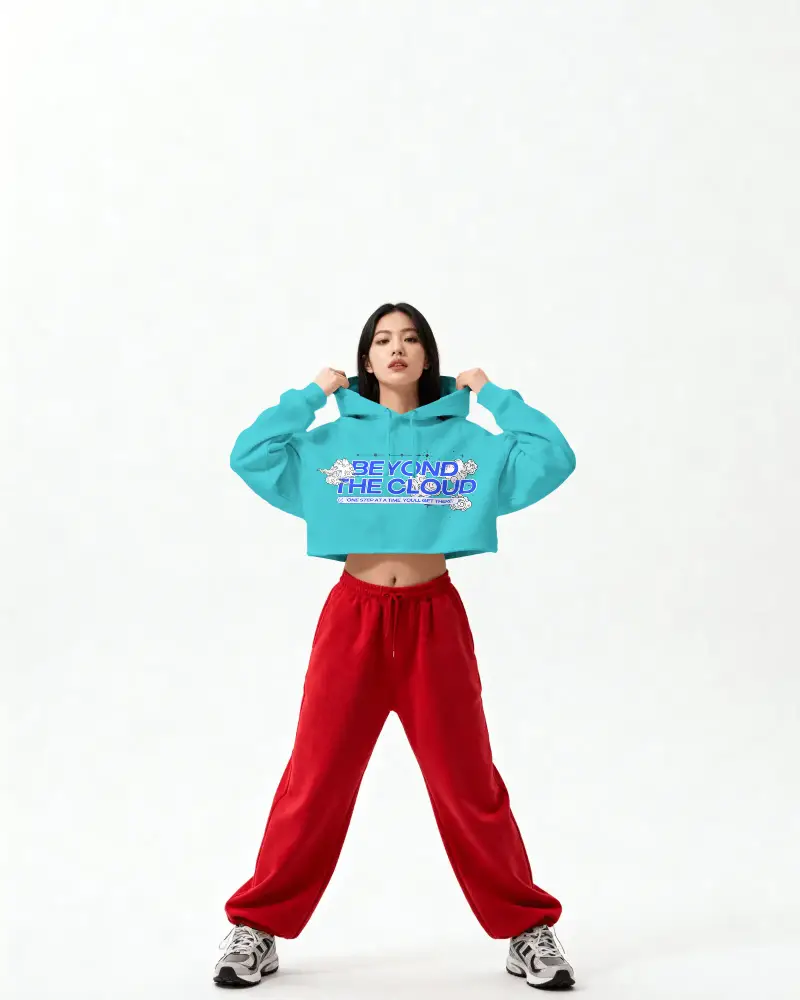
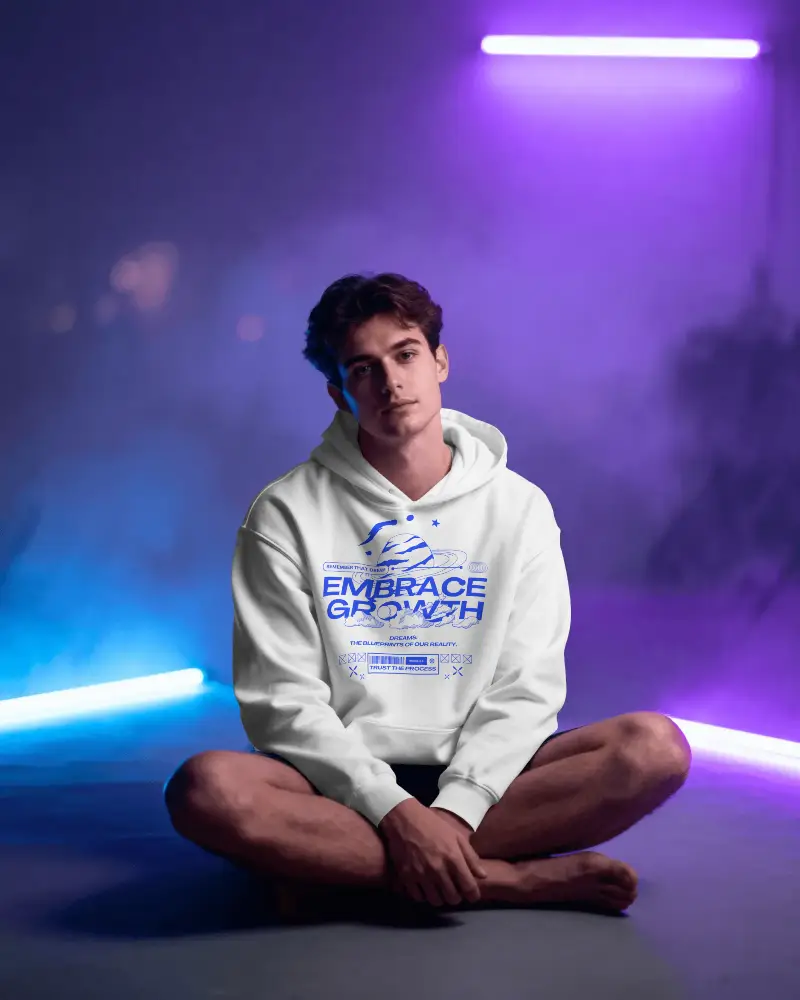
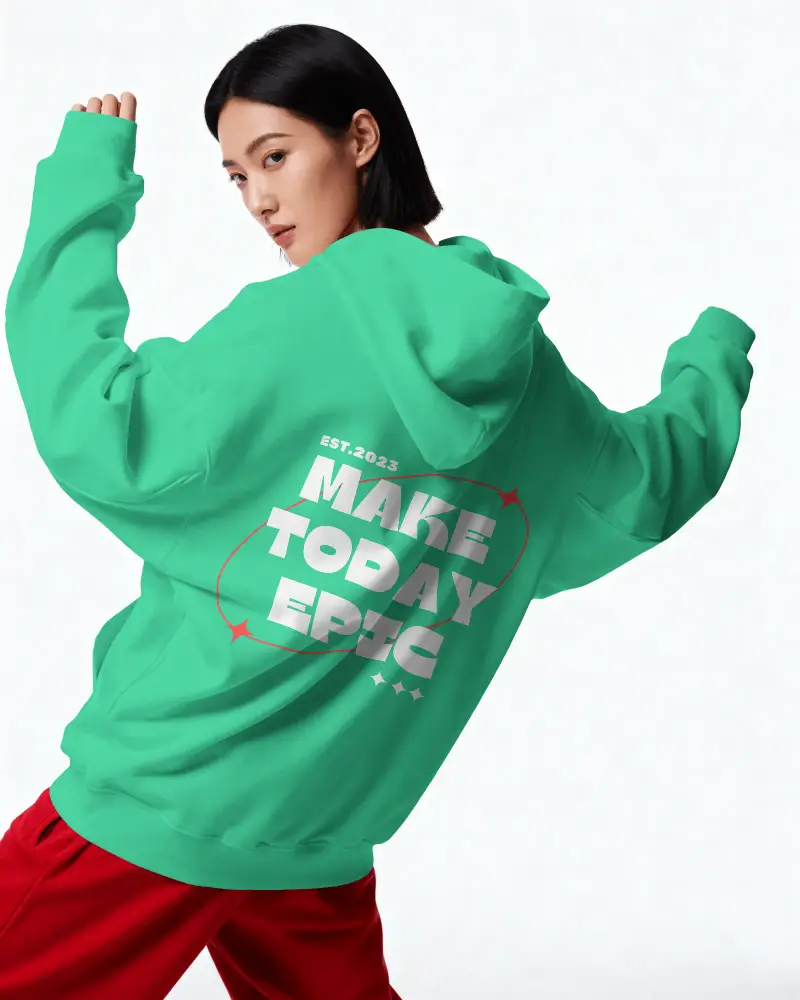
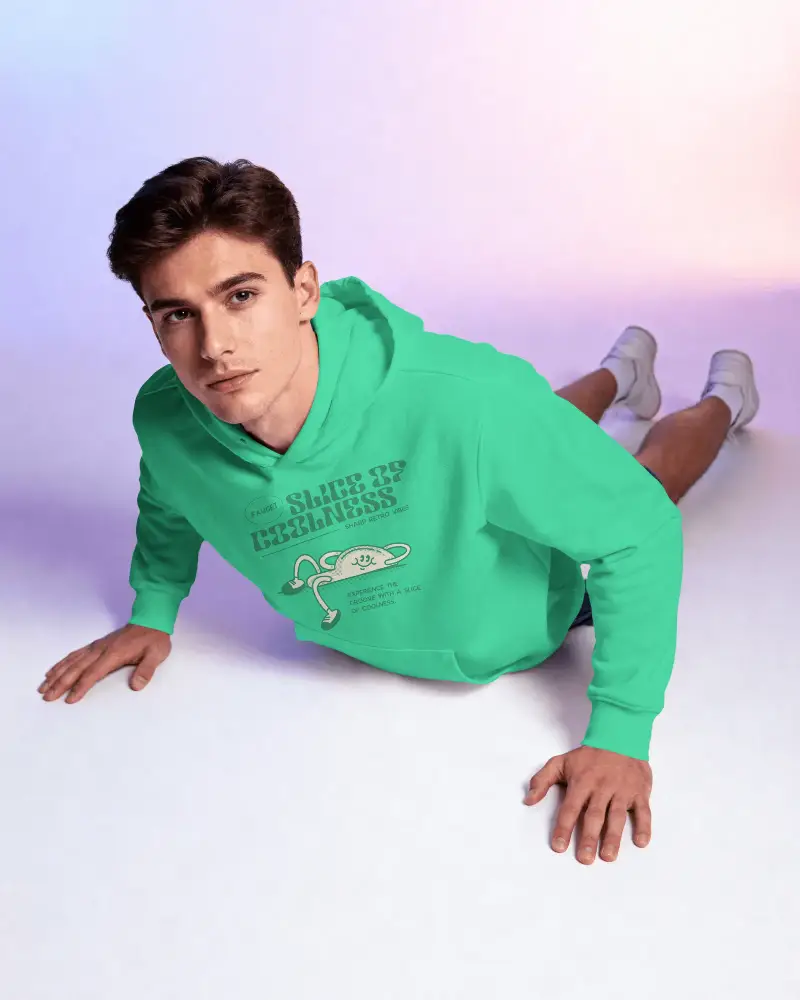
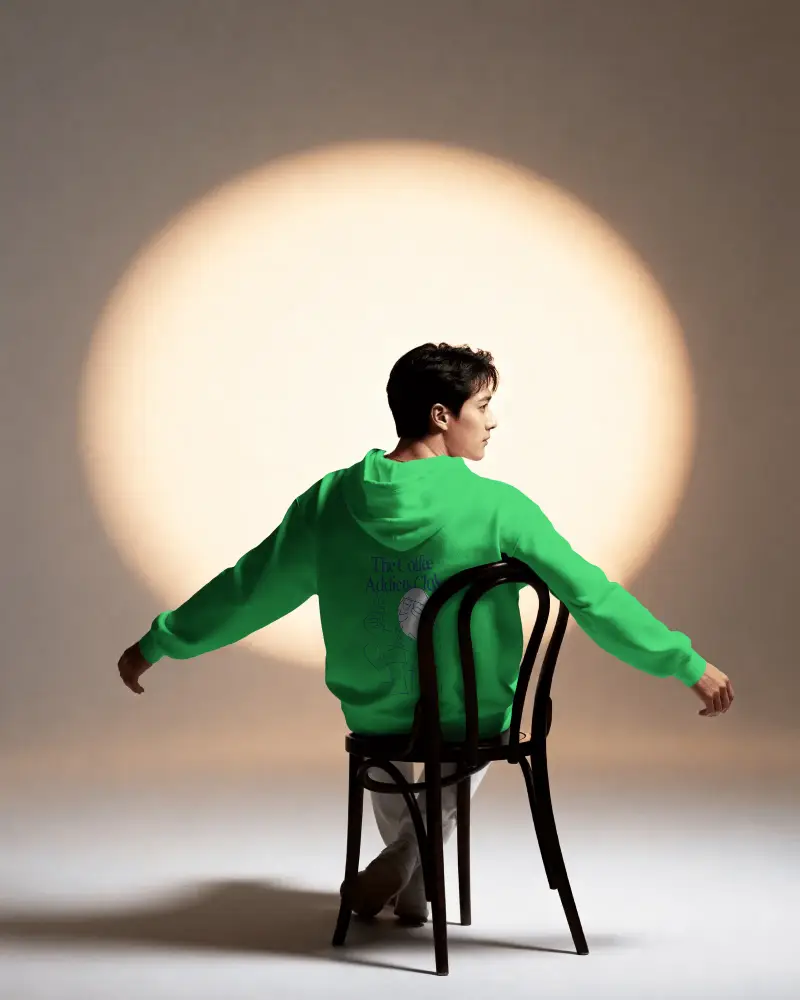
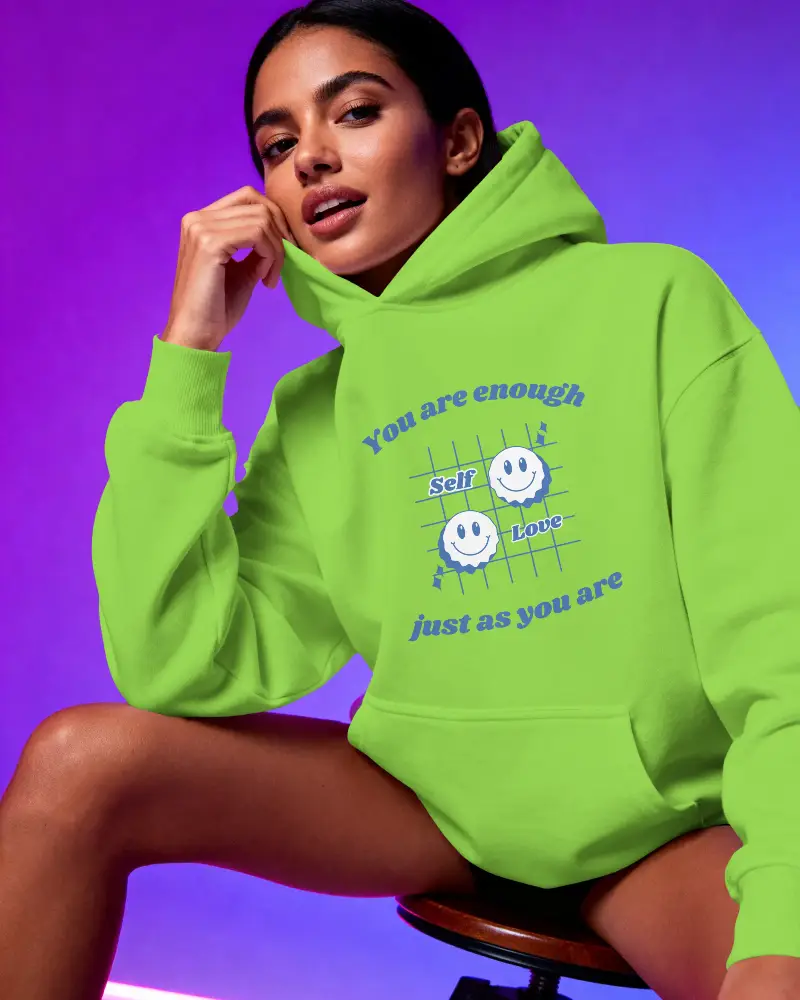
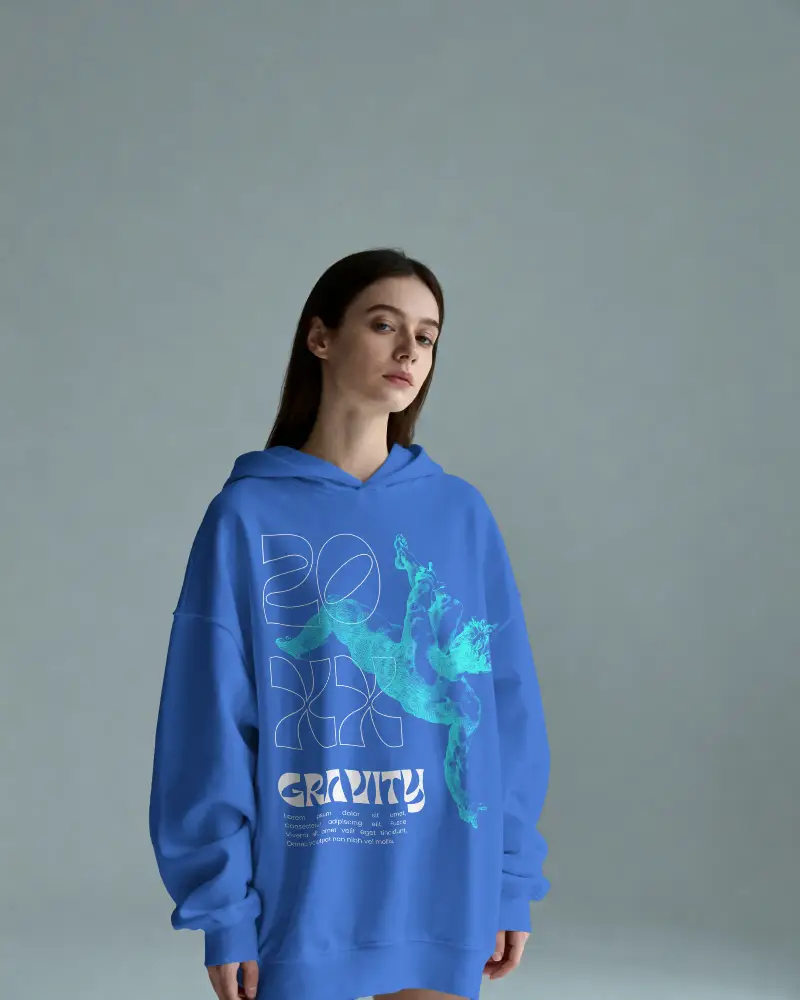
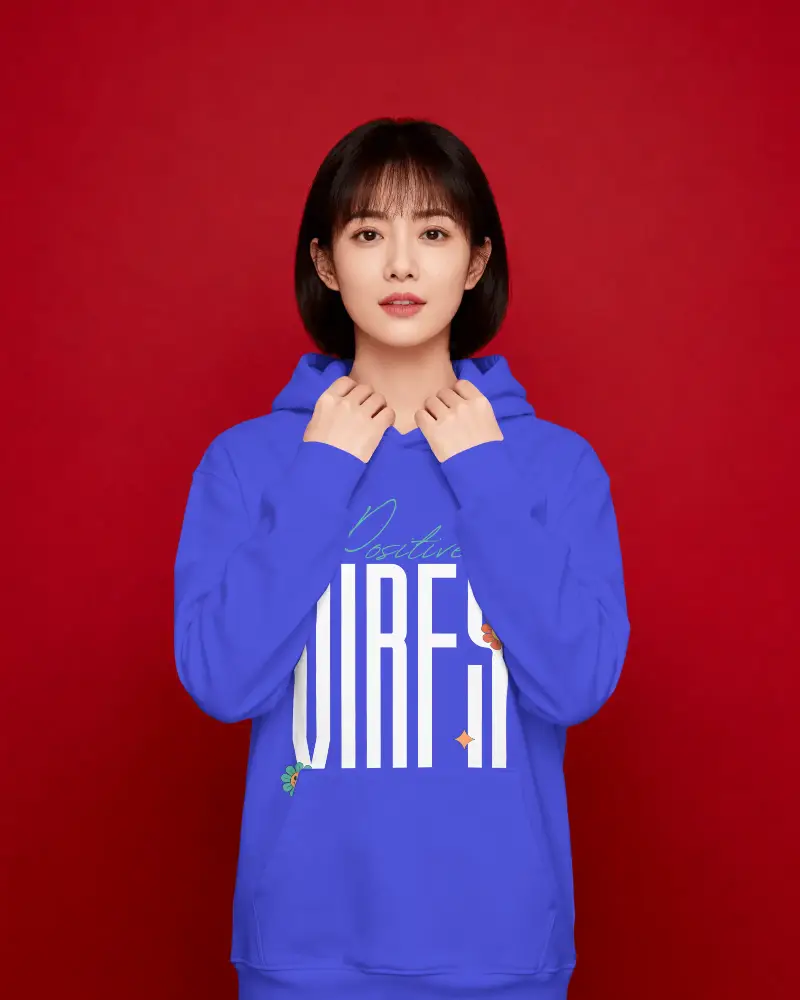
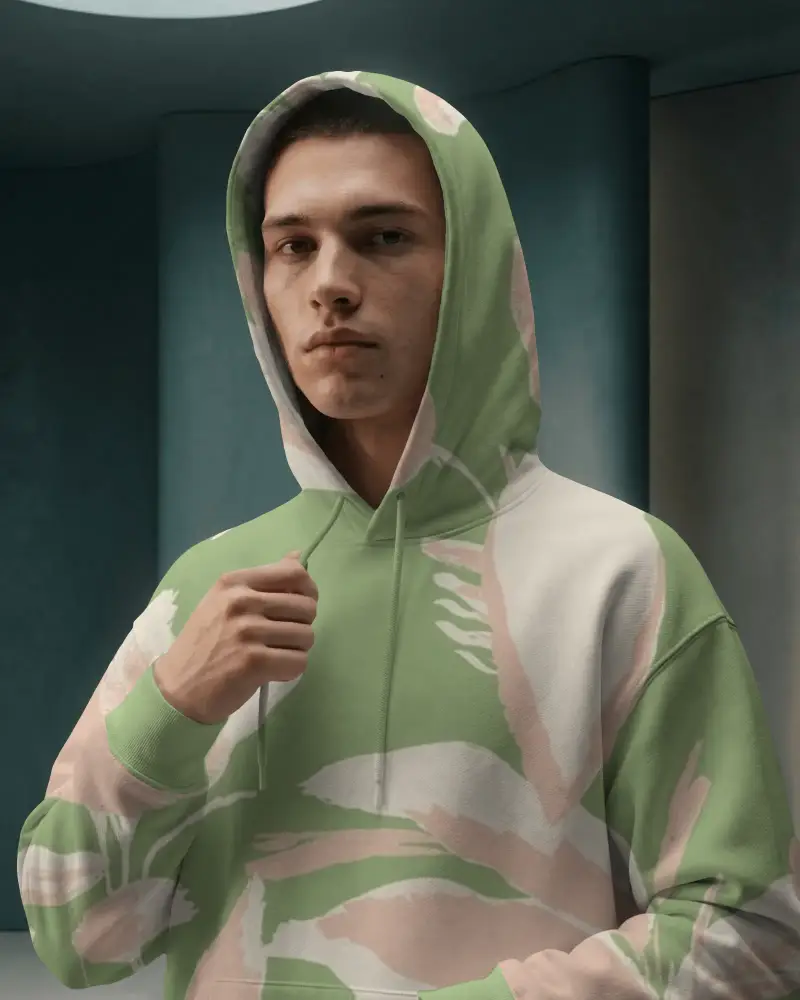
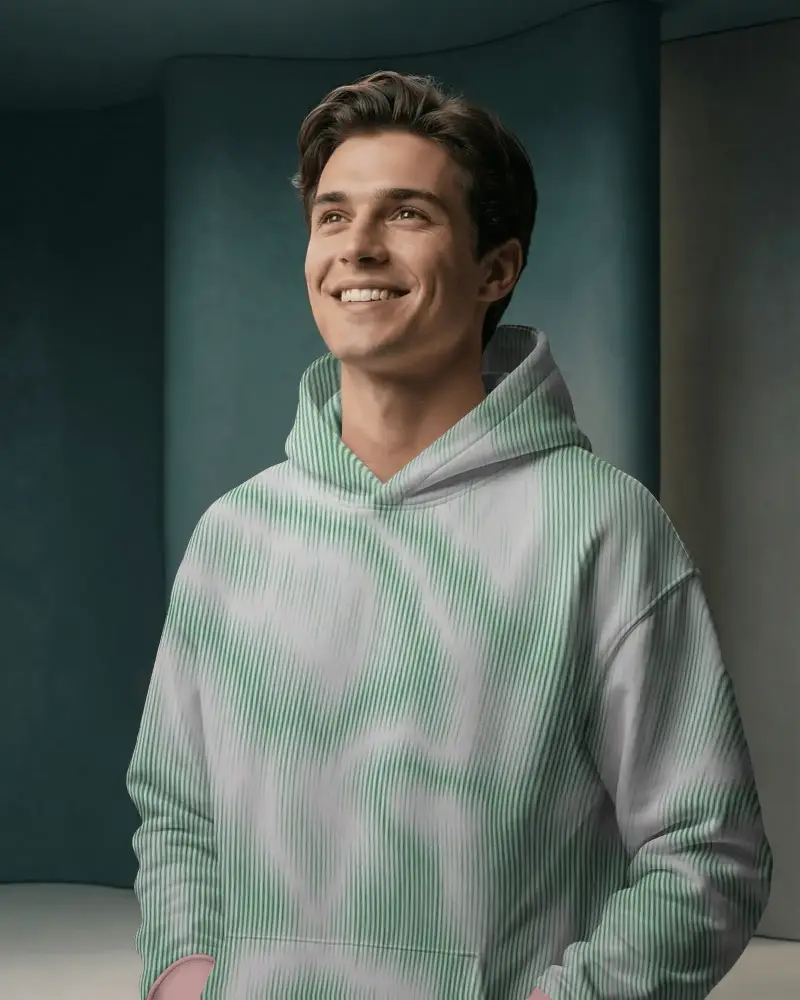
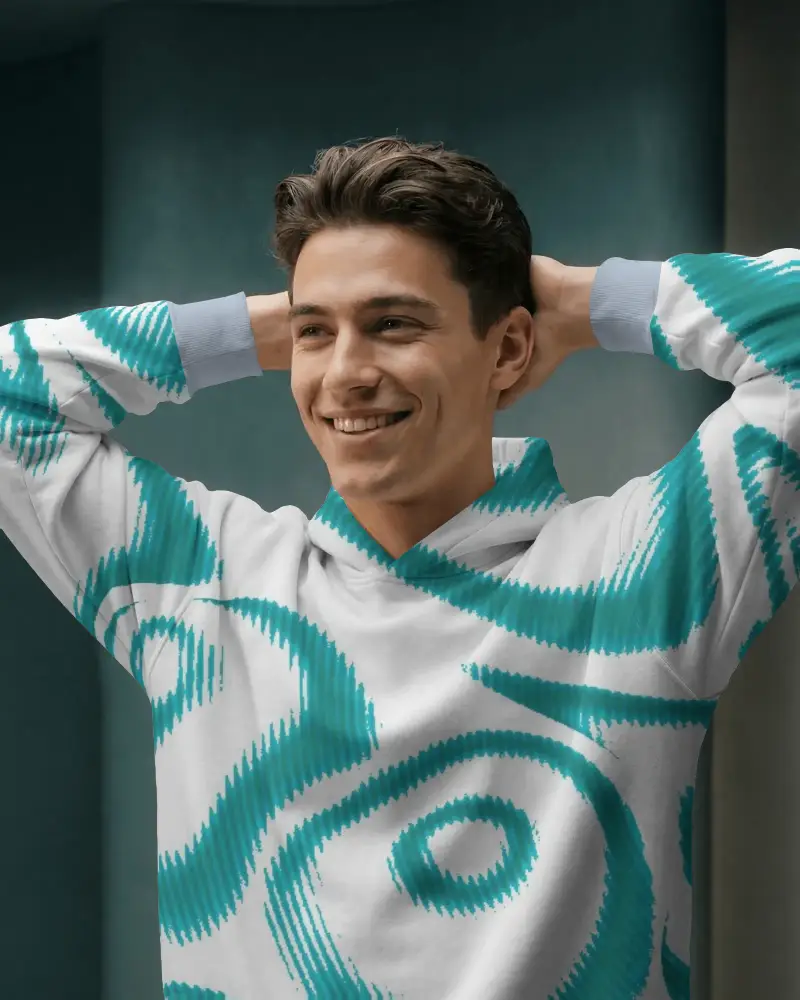
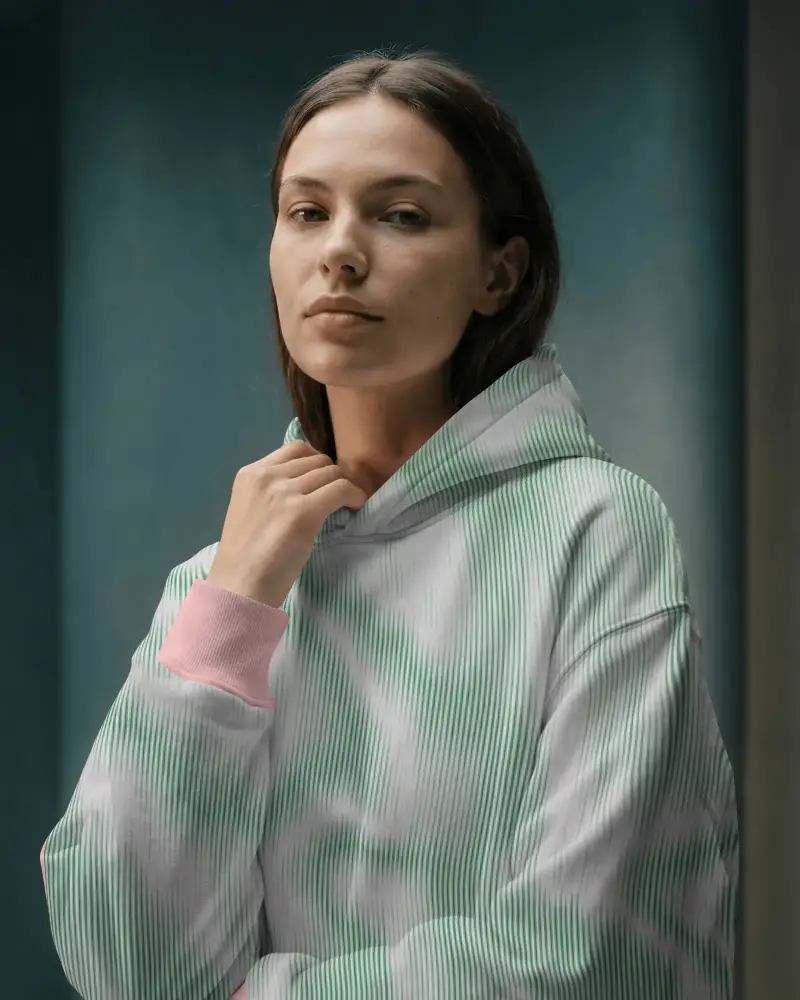
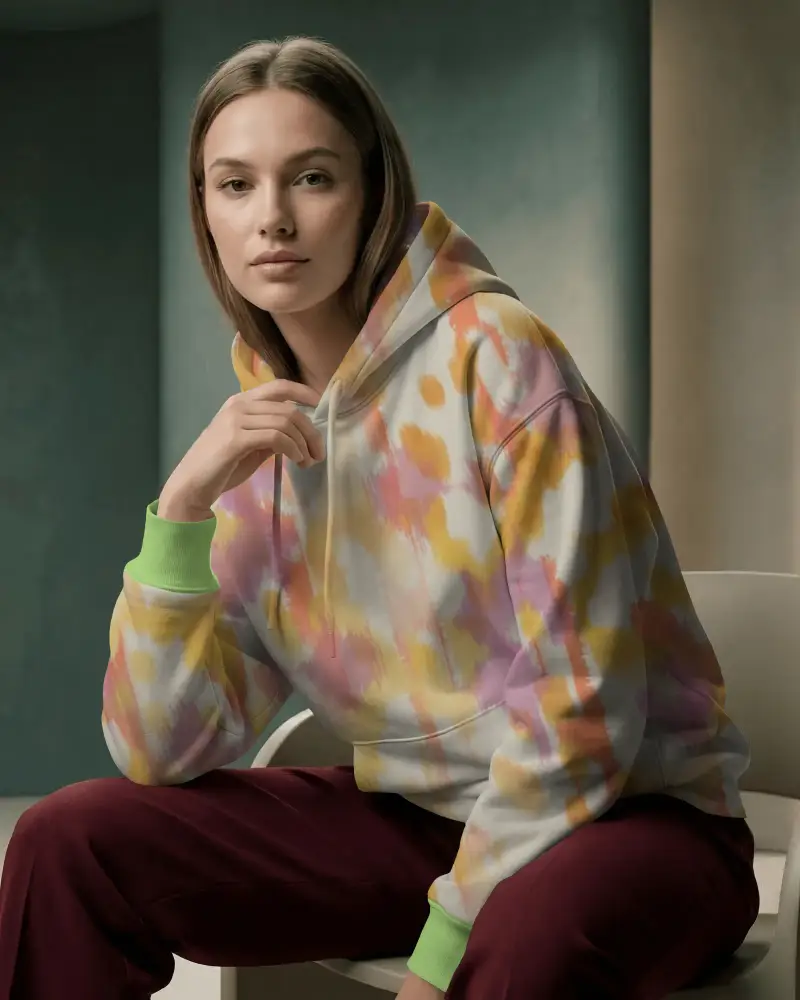
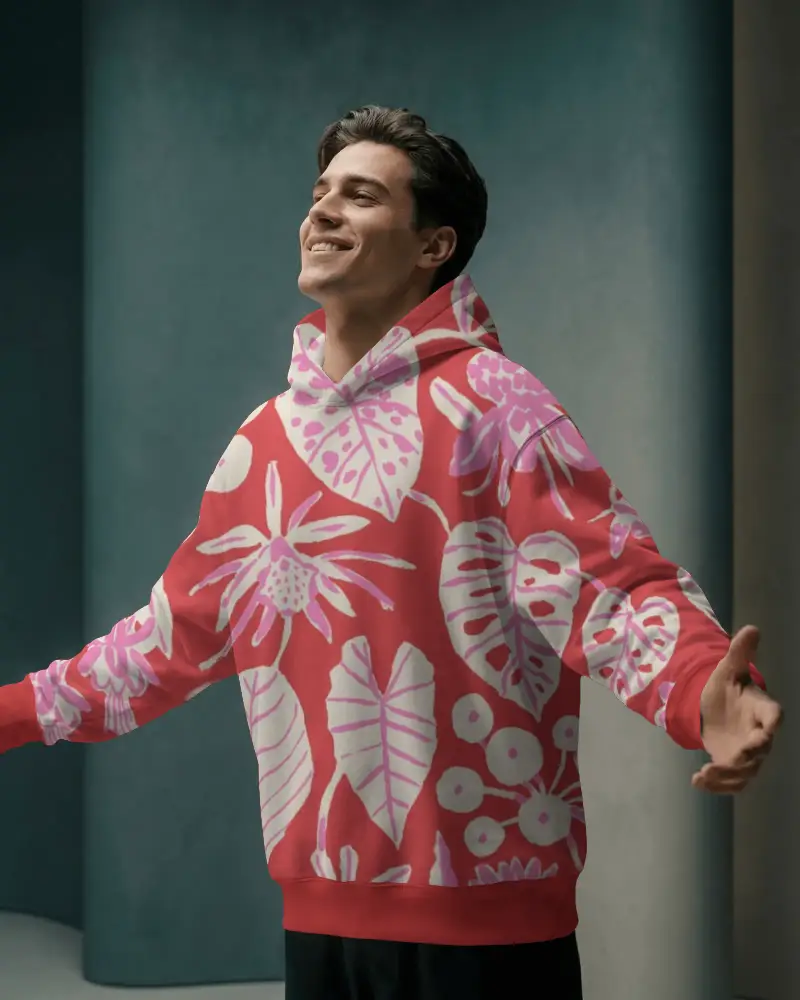
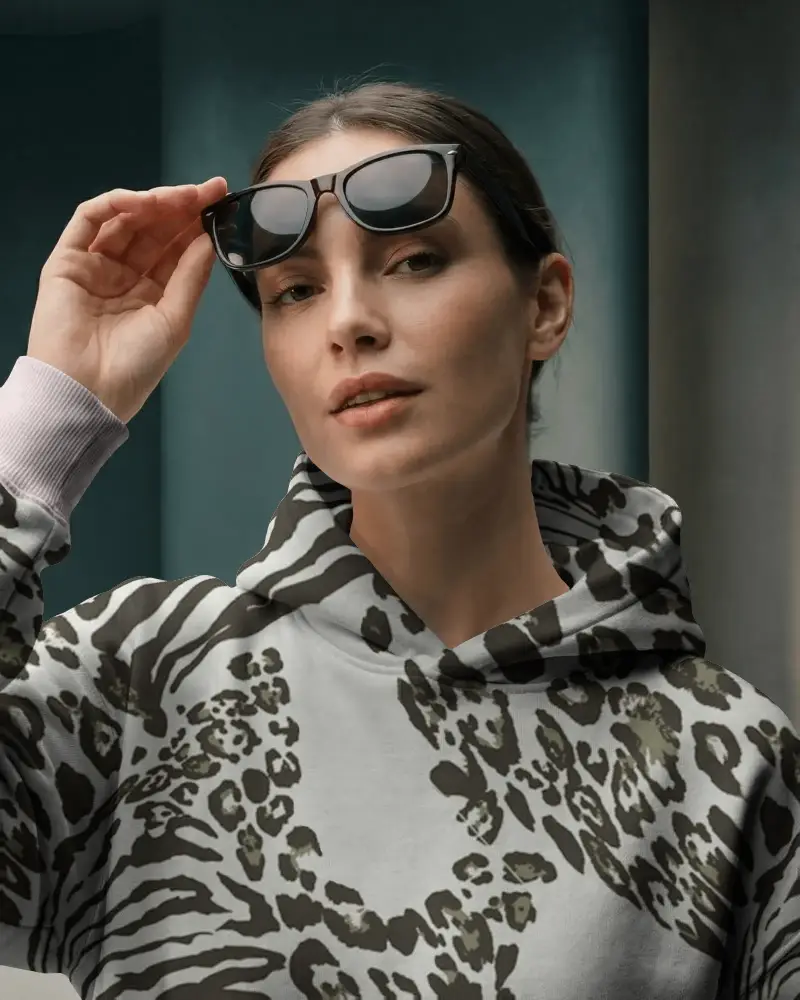
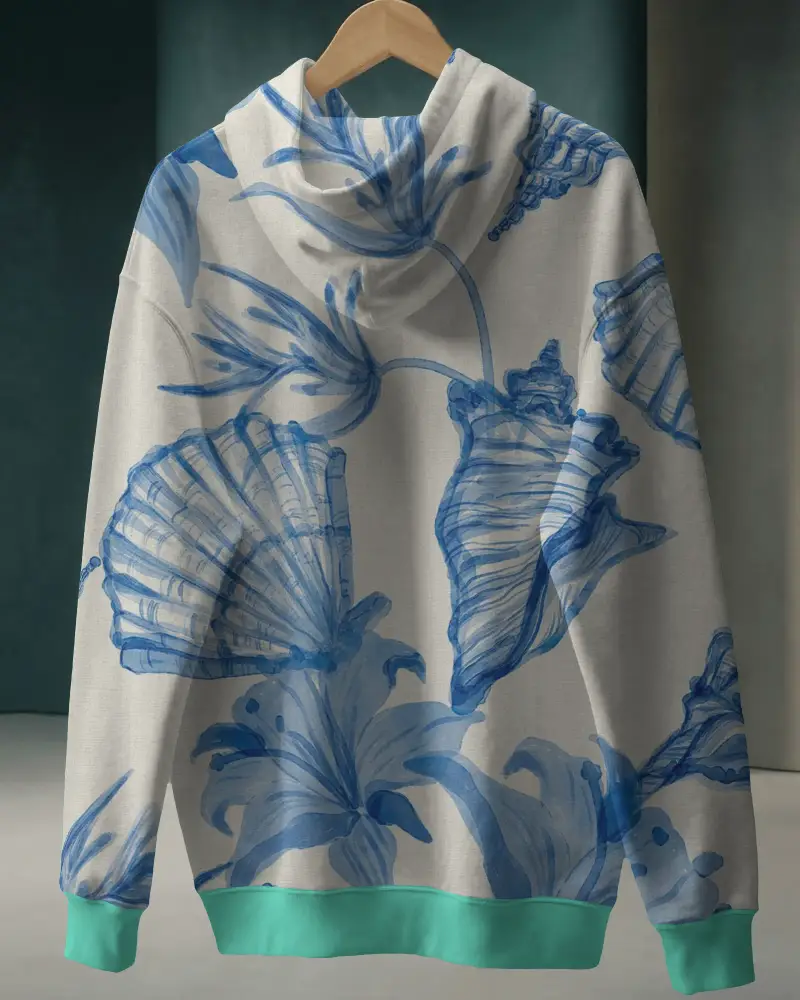
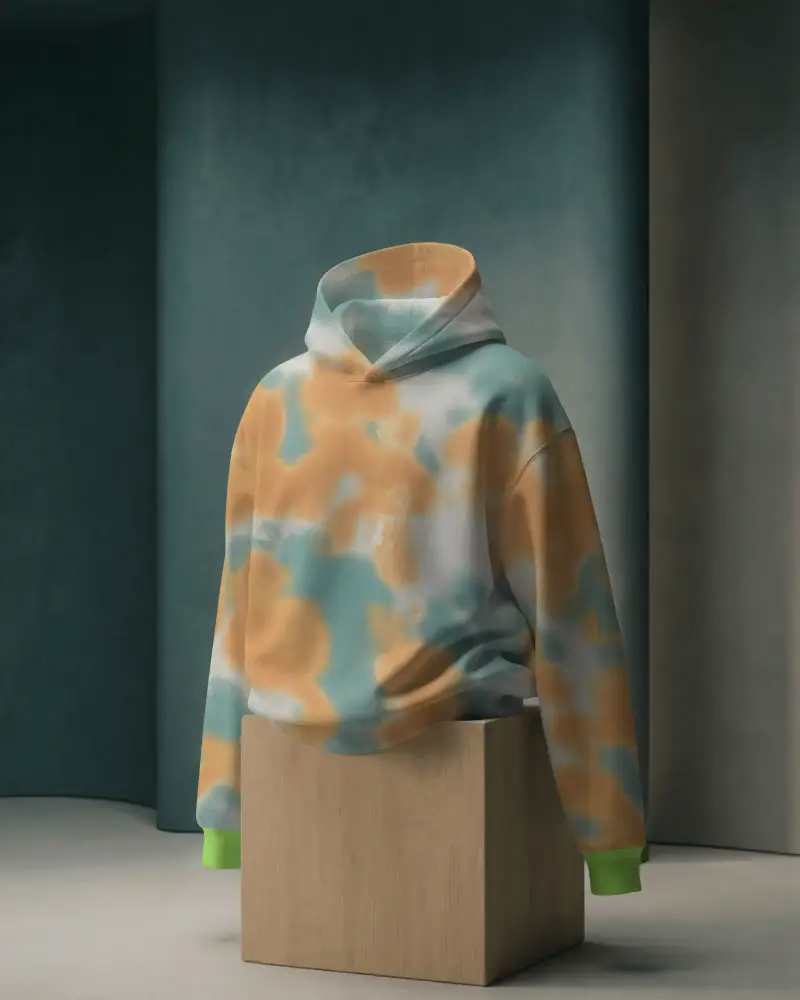
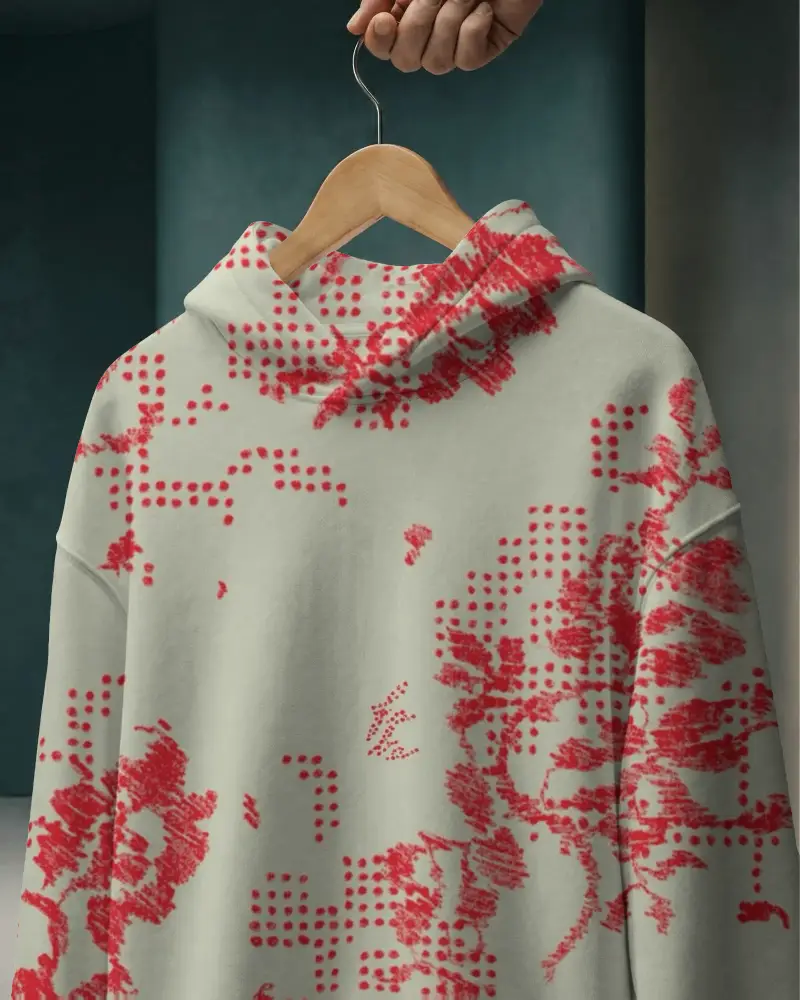
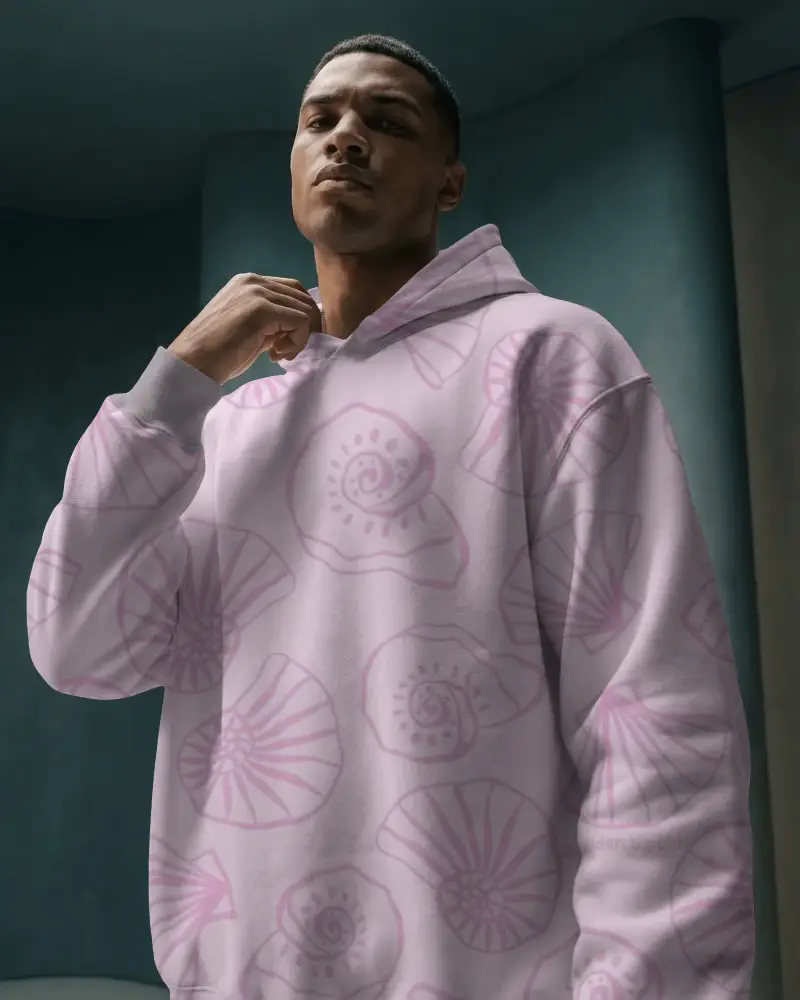
How to Create Boxy Hoodie Mockup with Mockey AI
To create a boxy hoodie mockup:
- Step 1: Sign up or log in to Mockey.ai and head to the ‘Mockups’ section.
- Step 2: Go to ‘Apparel > Hoodie’ and select the ‘Boxy Hoodie’ tag.
- Step 3: Upload your design, adjust its position or color, and download your boxy hoodie mockup in PNG or JPG format.


FAQs on Boxy Hoodie Mockups
Why use a boxy hoodie mockup?
Boxy hoodies are becoming very popular with today’s generation, and showing custom designs on a boxy hoodie mockup helps boost sales. A hoodie mockup generator offers many ready-made boxy templates that bring nothing but benefits.
Can I customize the color and design on a boxy hoodie mockup?
After uploading your design to the boxy hoodie mockup, you can make adjustments like expanding or rotating it. You can also modify the color and choose any shade you want.
Where can I explore more hoodie mockups besides the boxy style?
Mockey AI is the best platform for hoodie mockups, including boxy styles and more. You get over 1,000 templates in different styles. You can start customizing them with its free plan.
Is the boxy hoodie mockup suitable for streetwear brands?
The boxy hoodie mockup fits streetwear brands perfectly. The shape is trendy and in style today. A loose, relaxed look is often preferred by modern streetwear.
