Free Blank Banner Mockup for Social Media, Event & Advertising
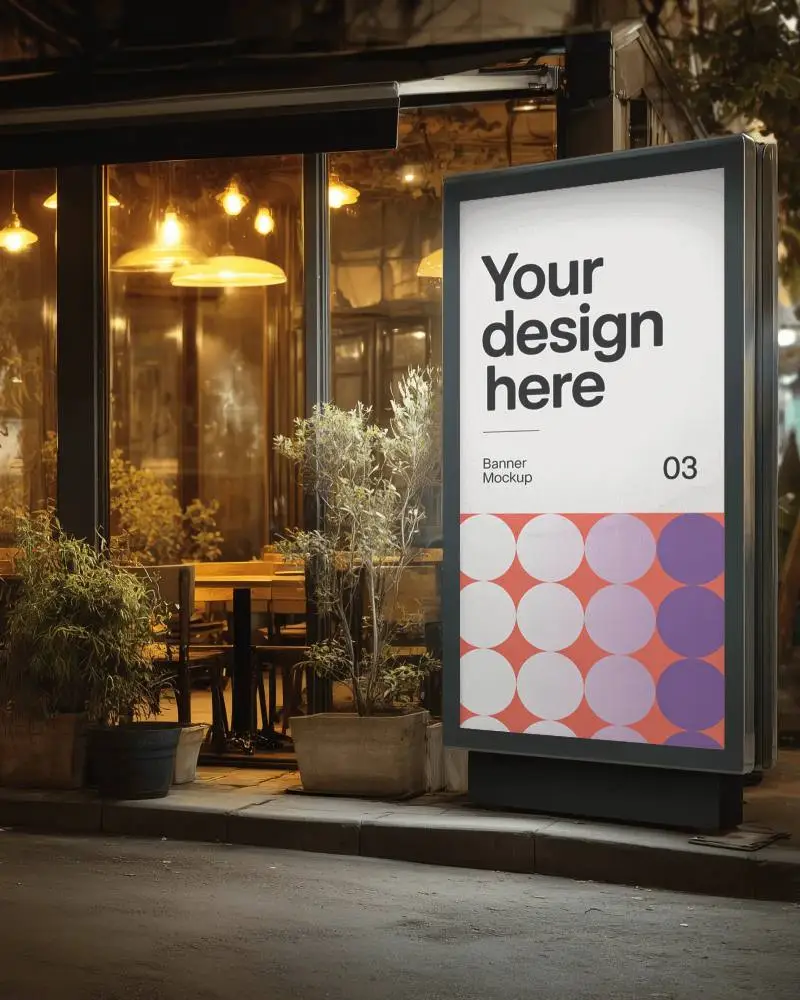
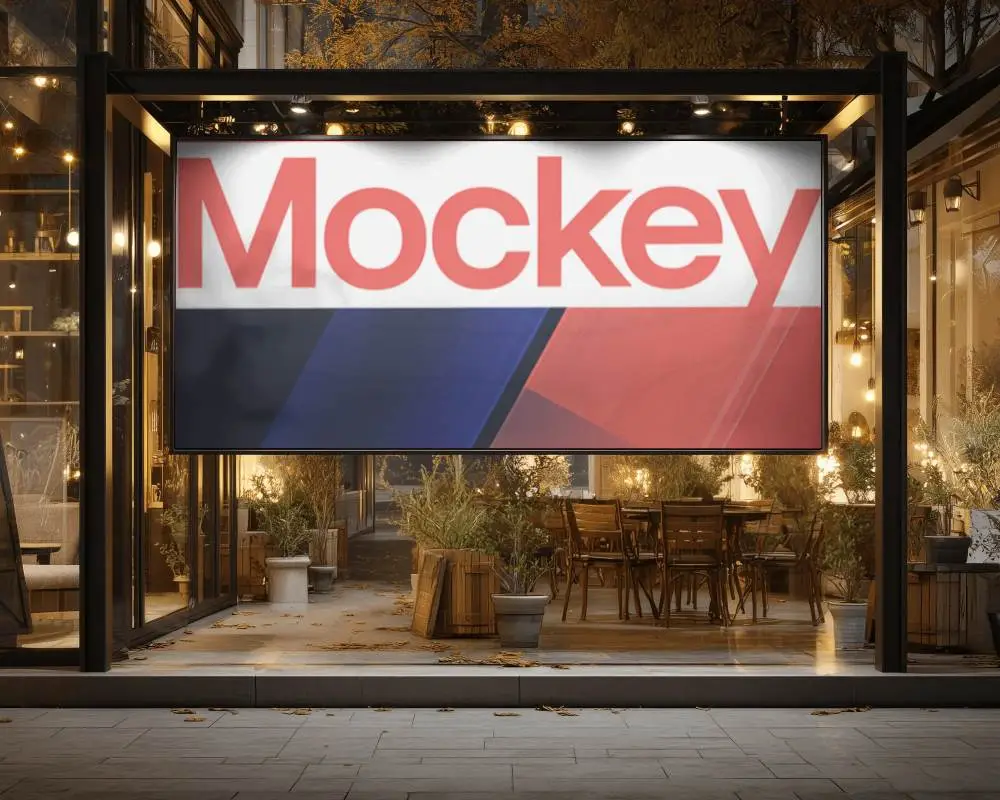
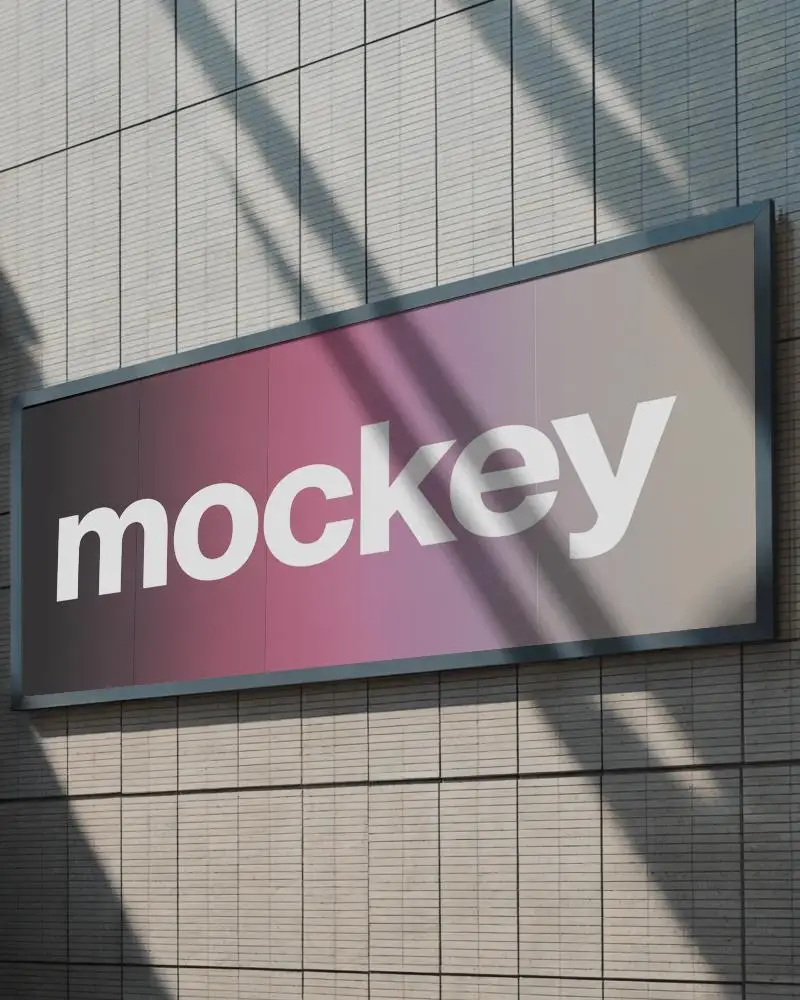
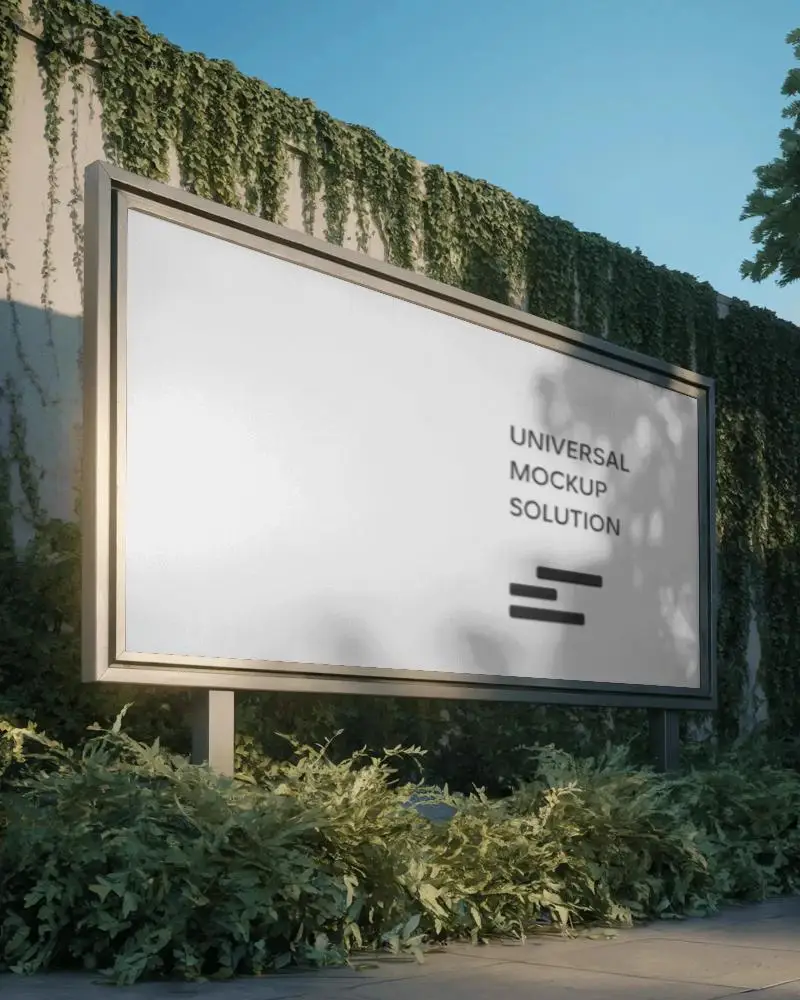
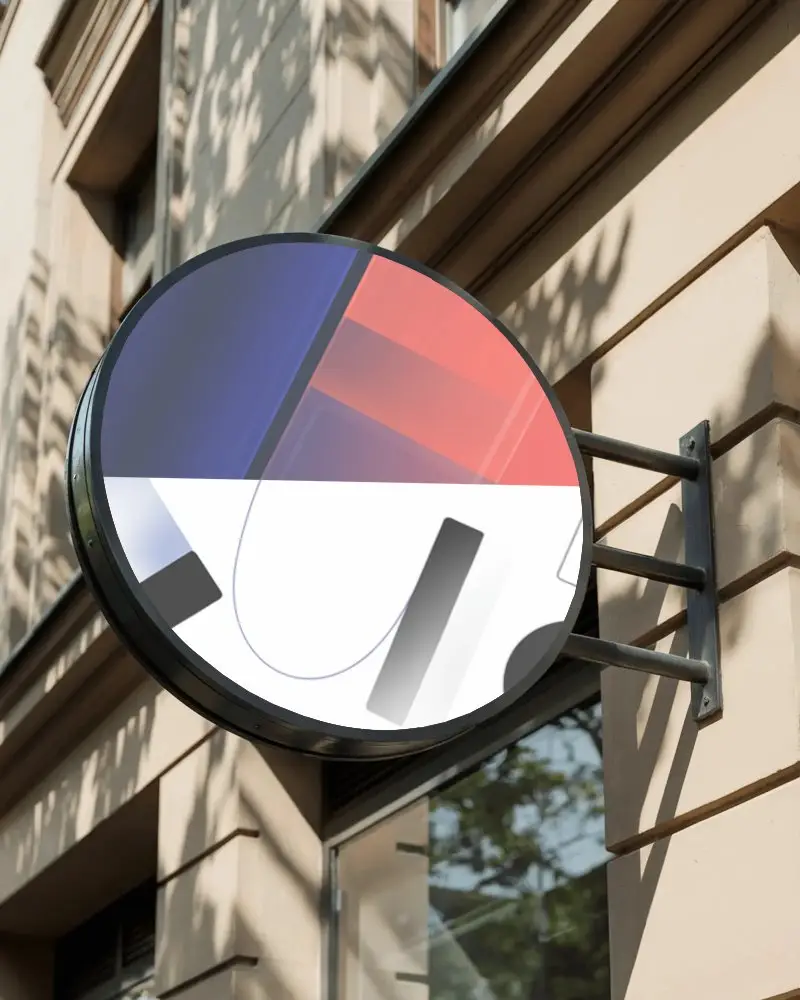
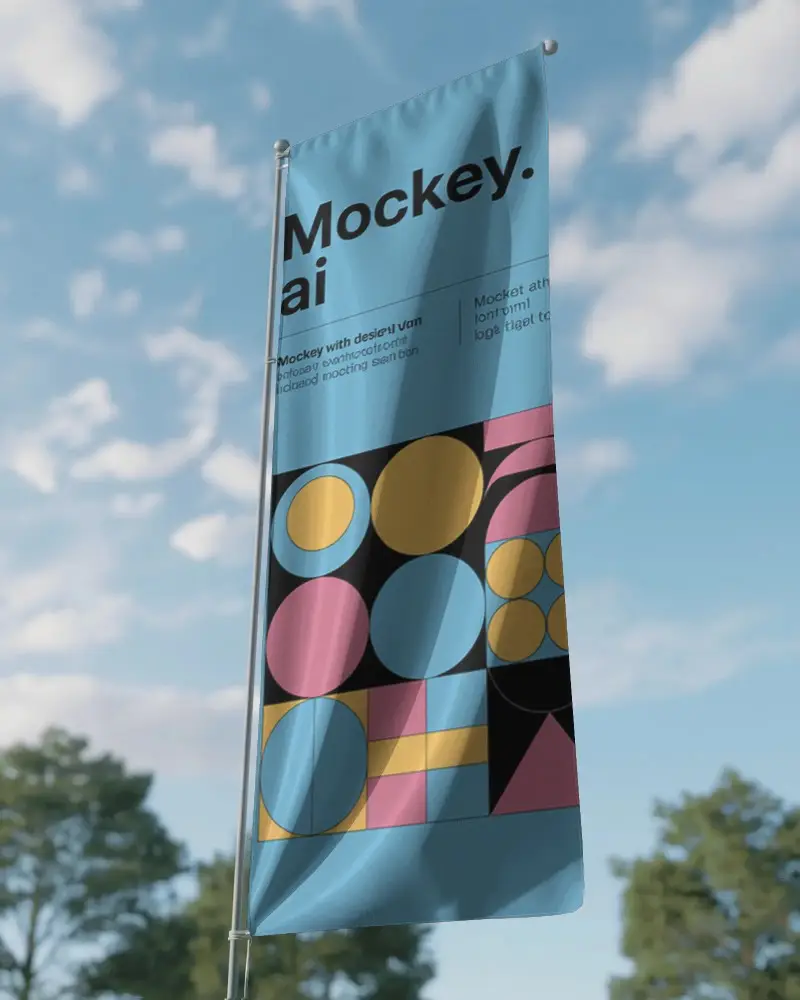
Get a free Blank banner mockup in high resolution without watermarks with Mockey. Perfect for social media, branding, events, advertising, and marketing presentations.
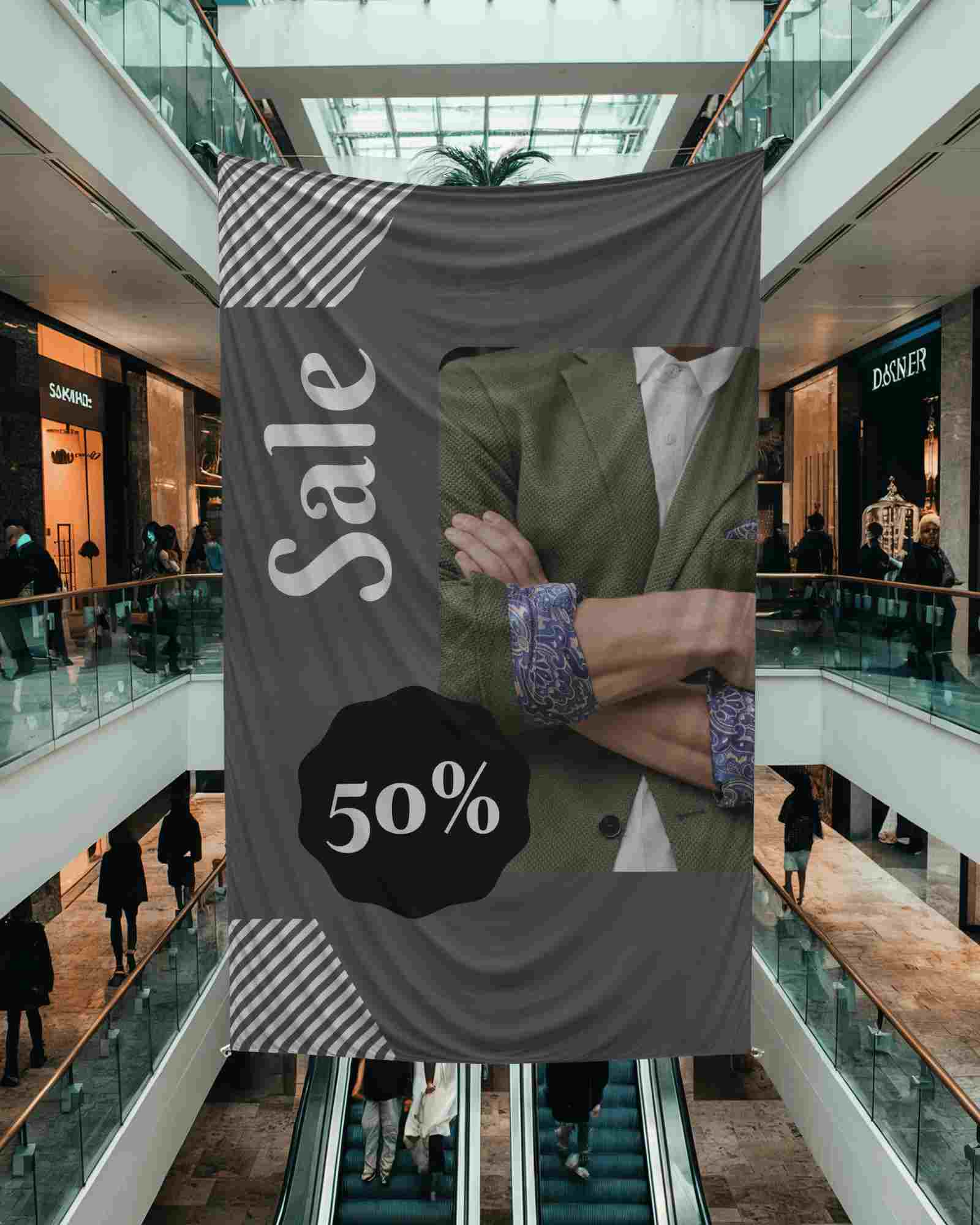
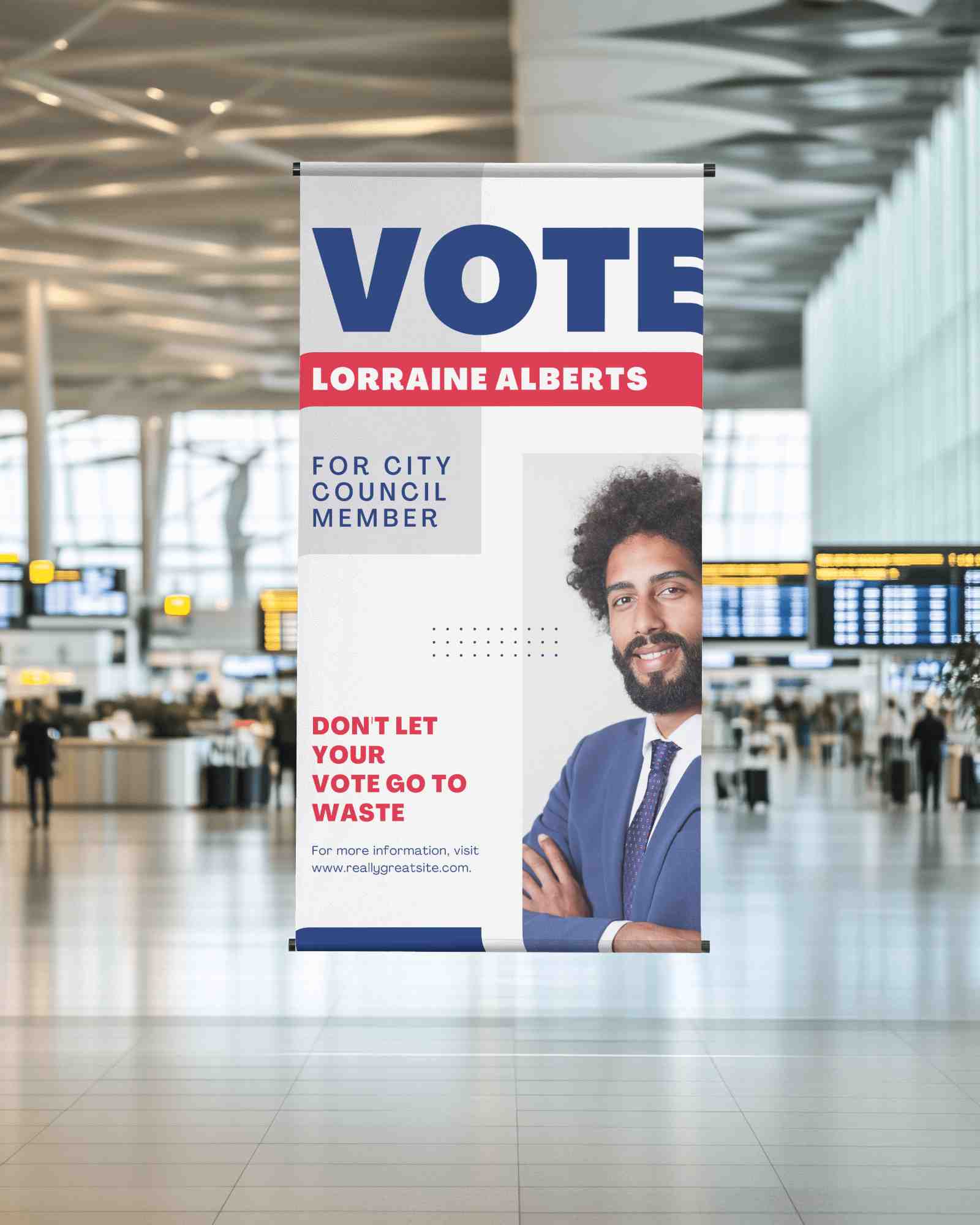
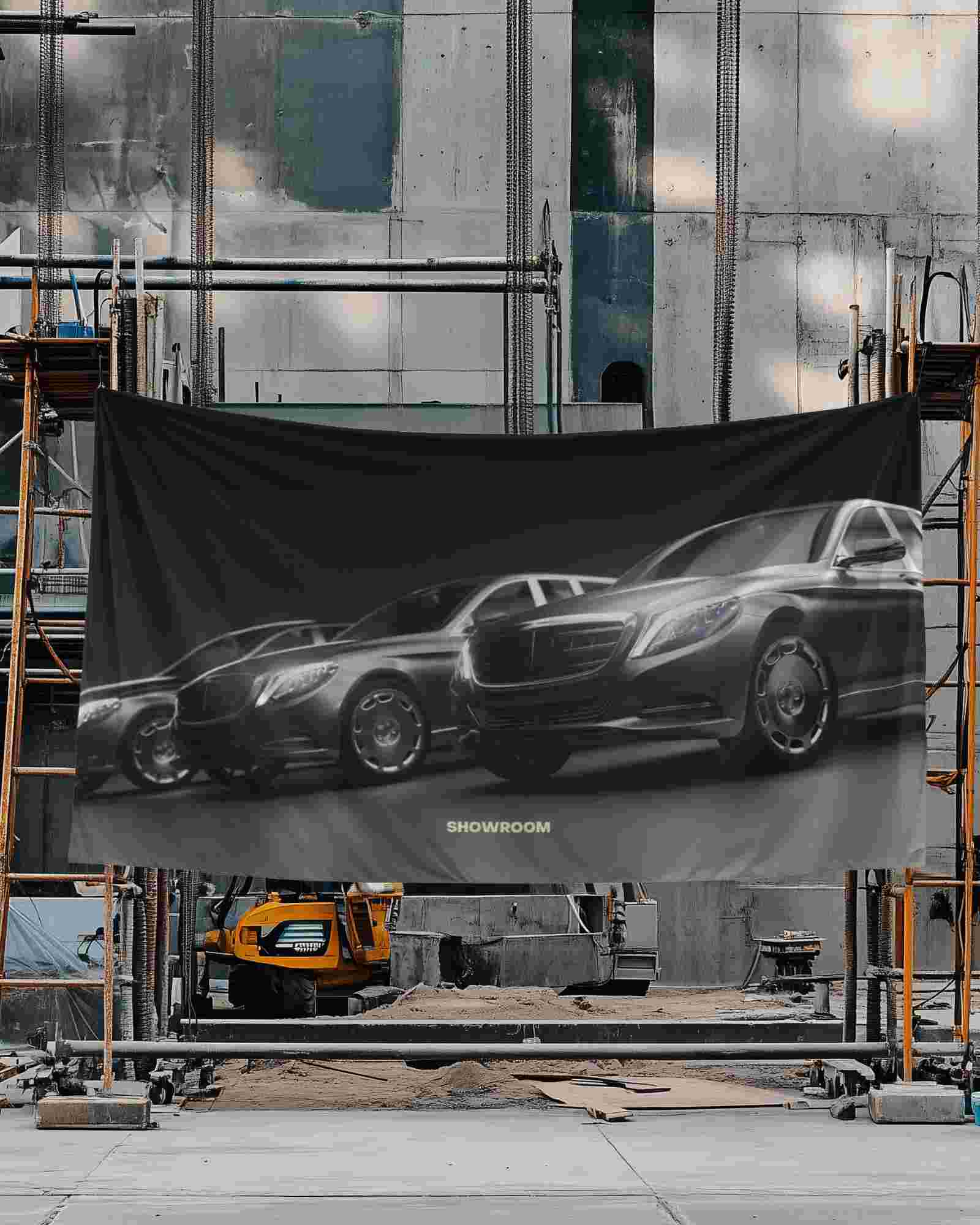
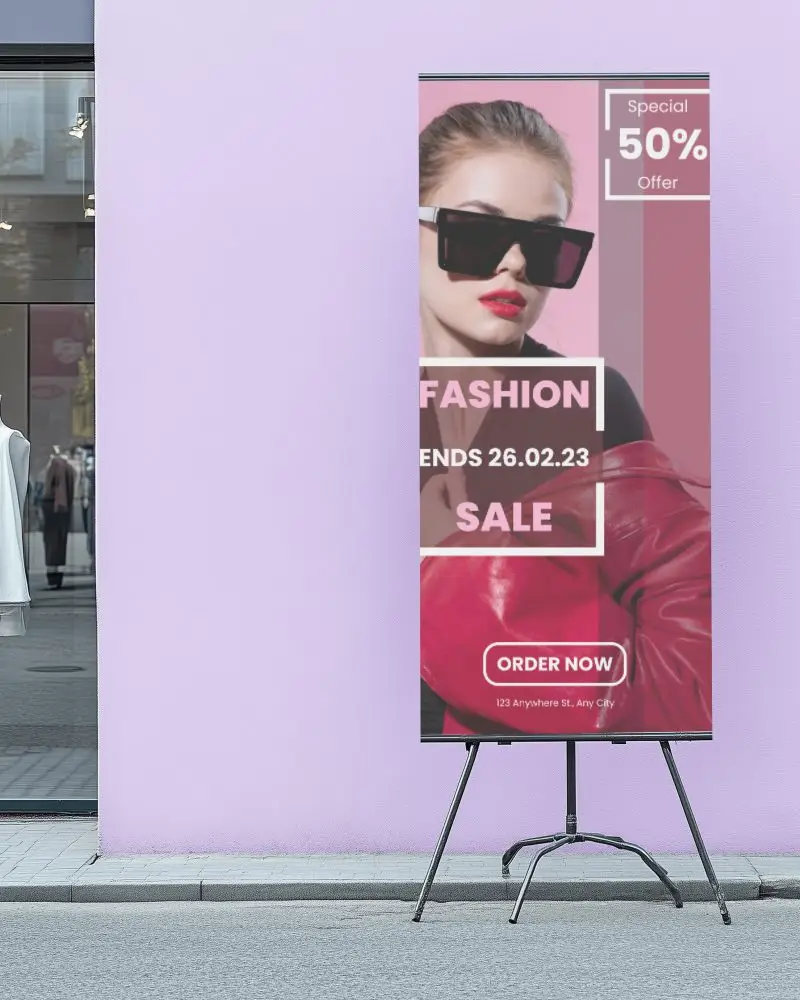
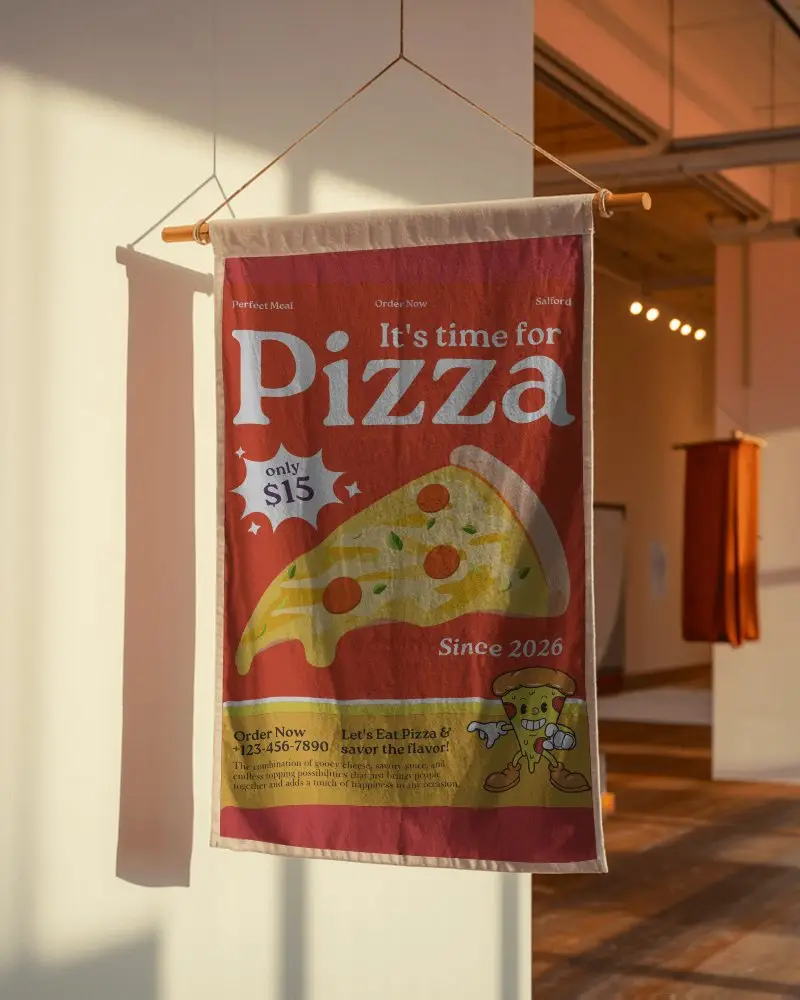
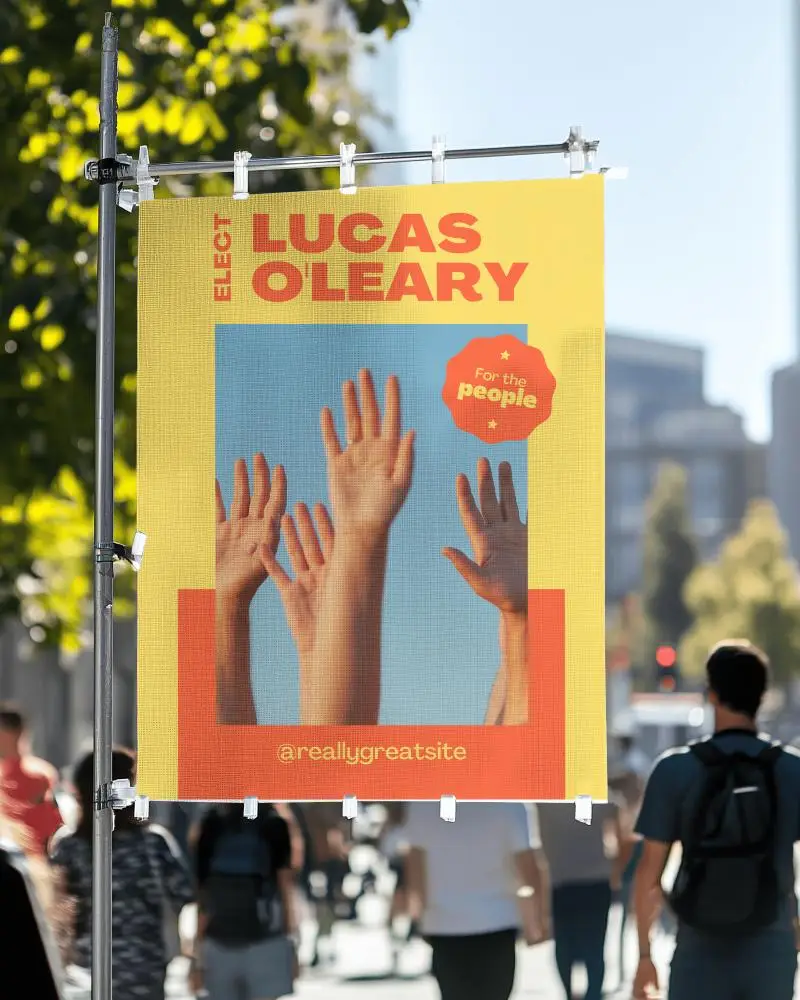
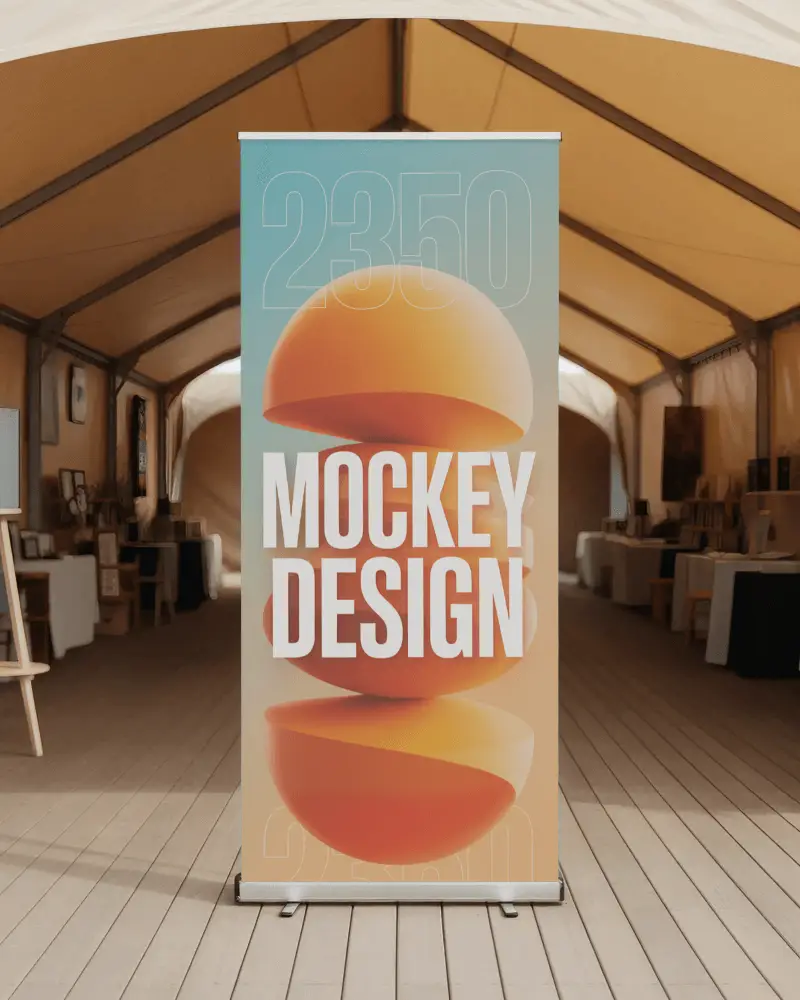
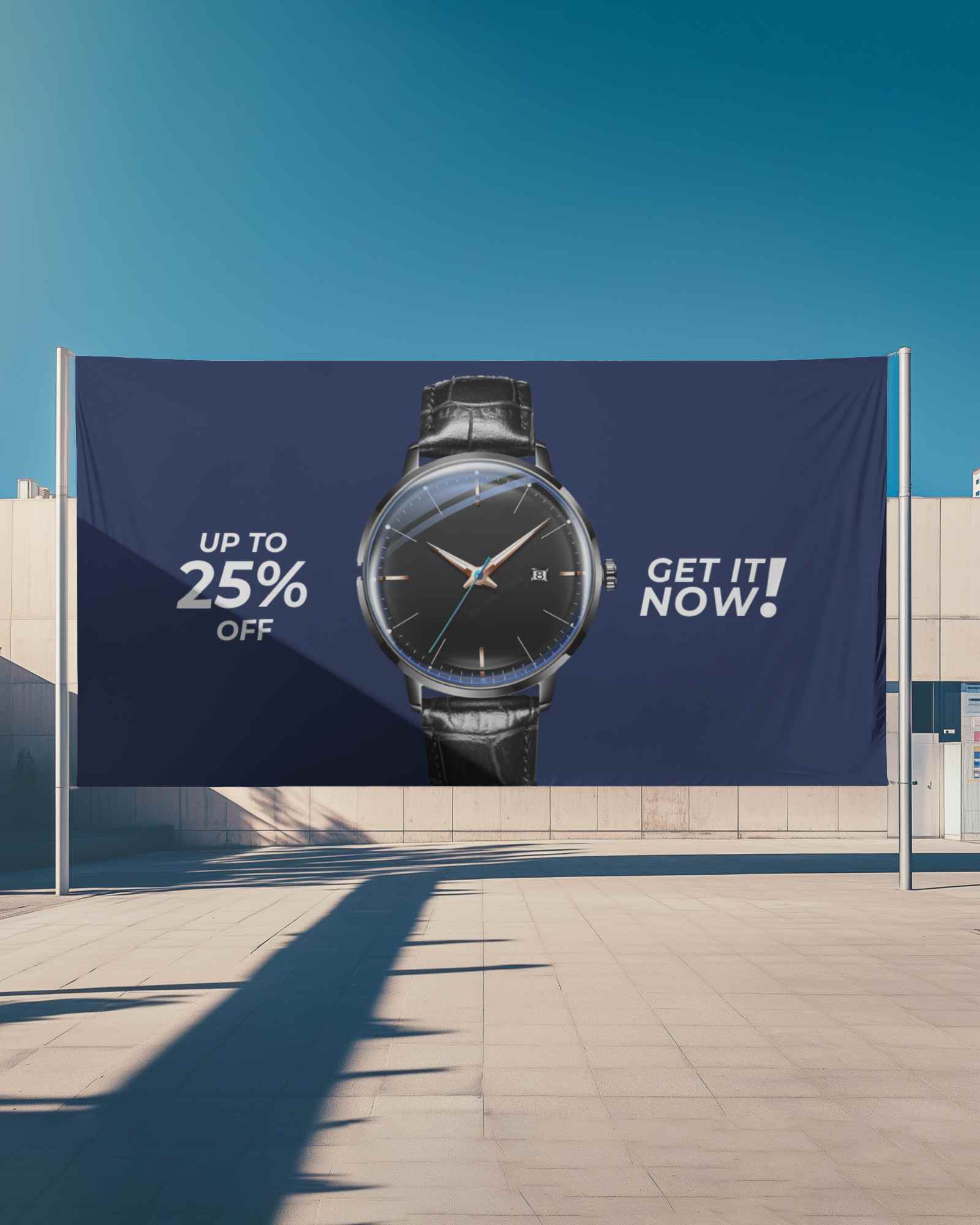
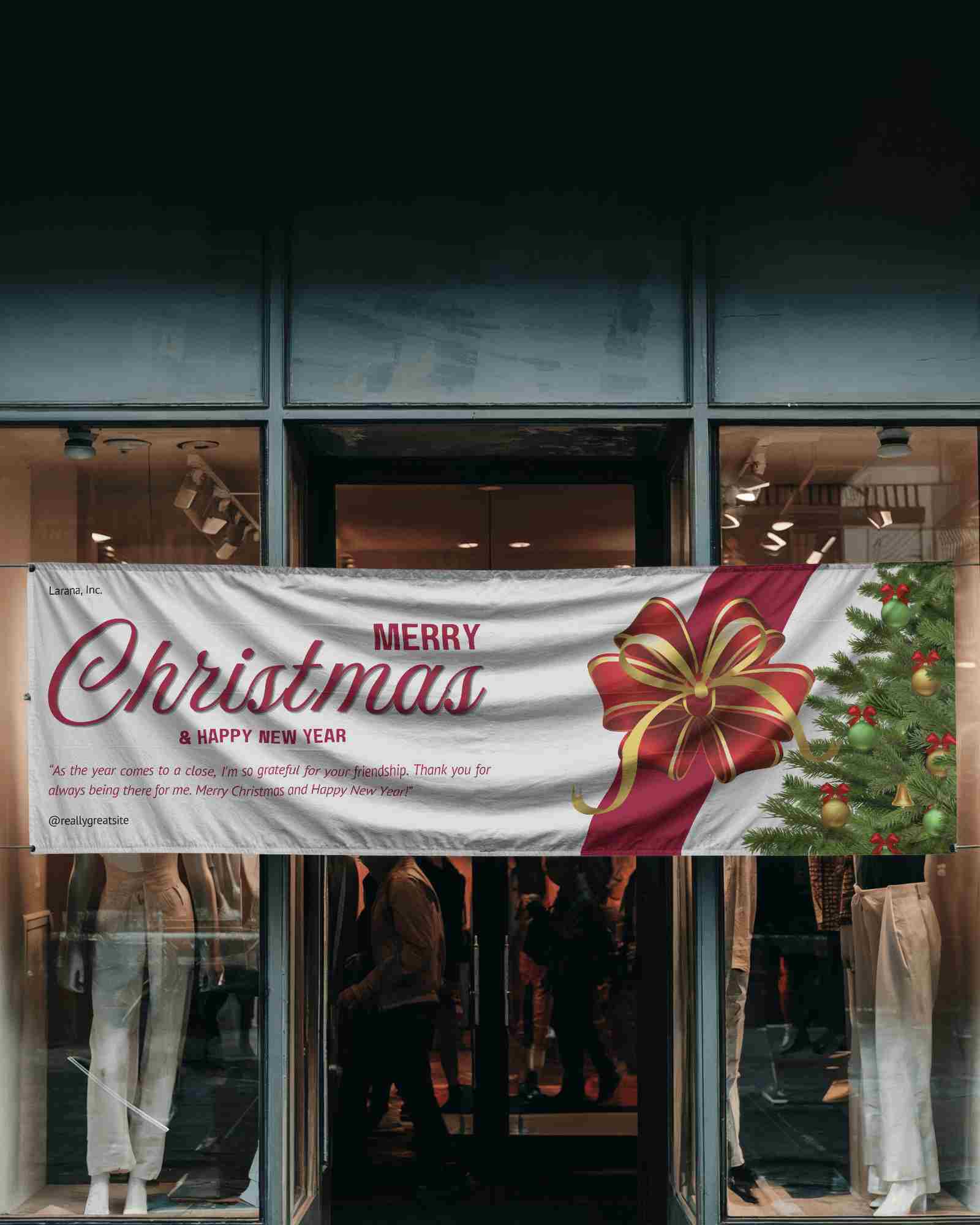
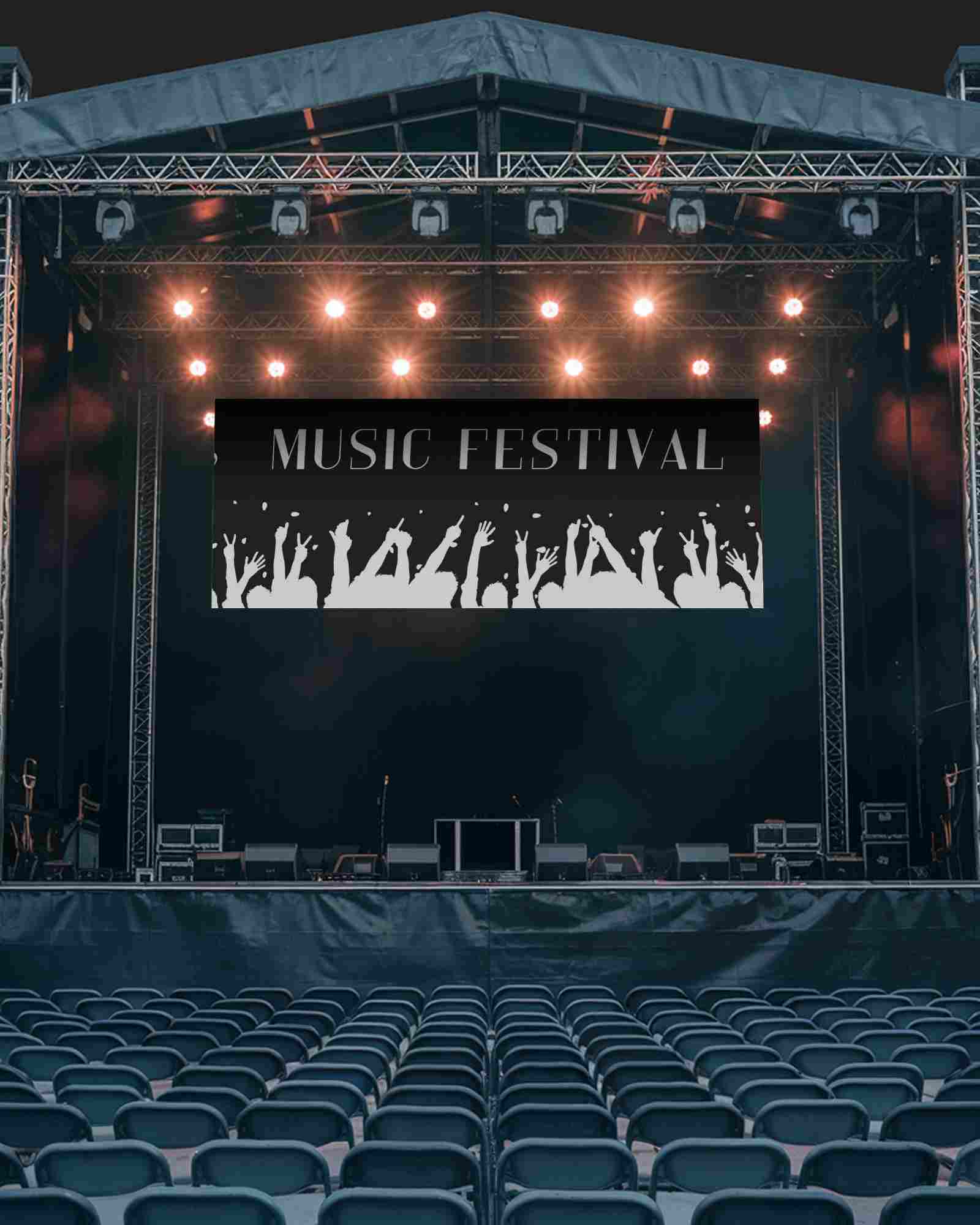

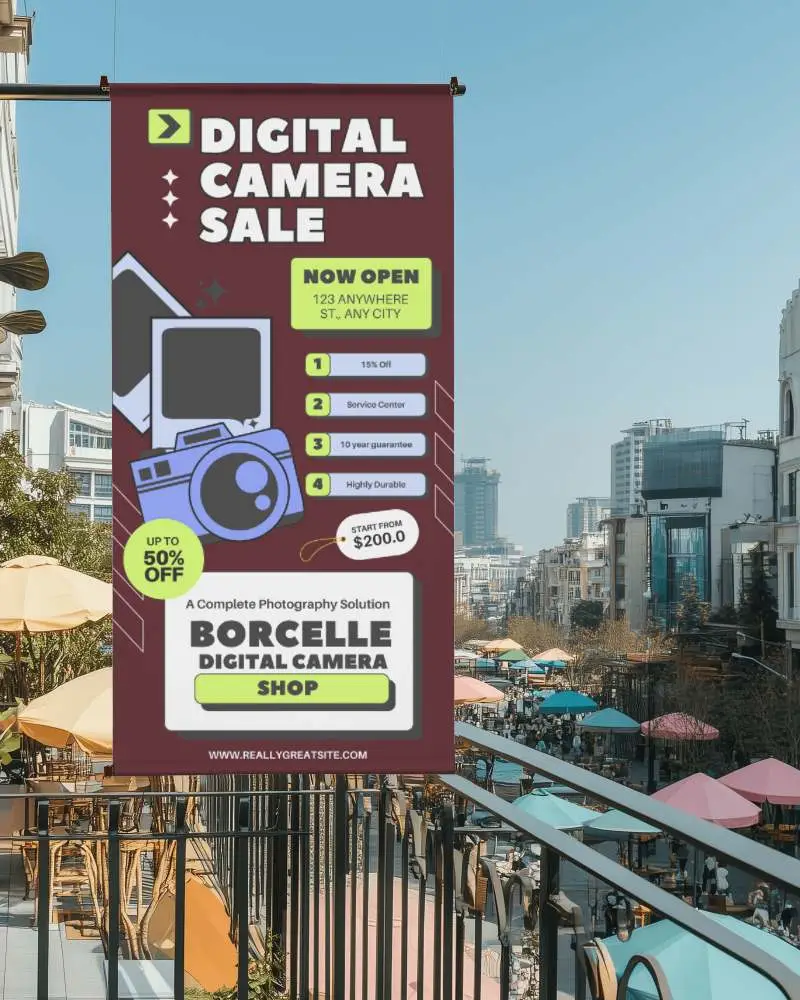
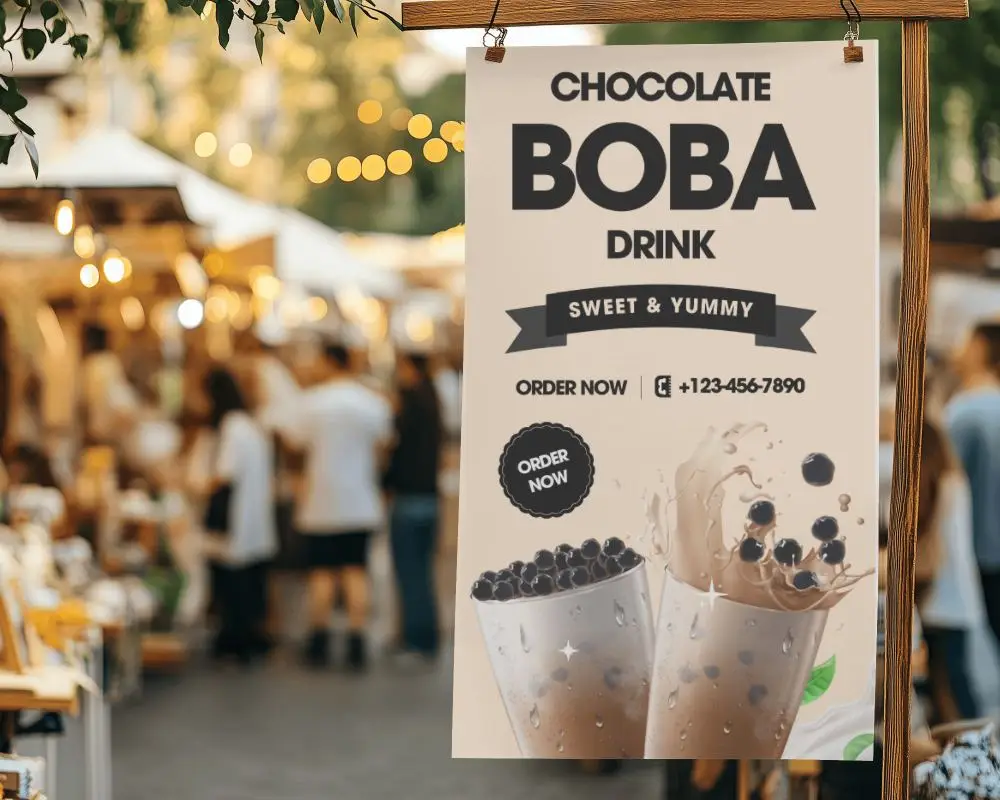
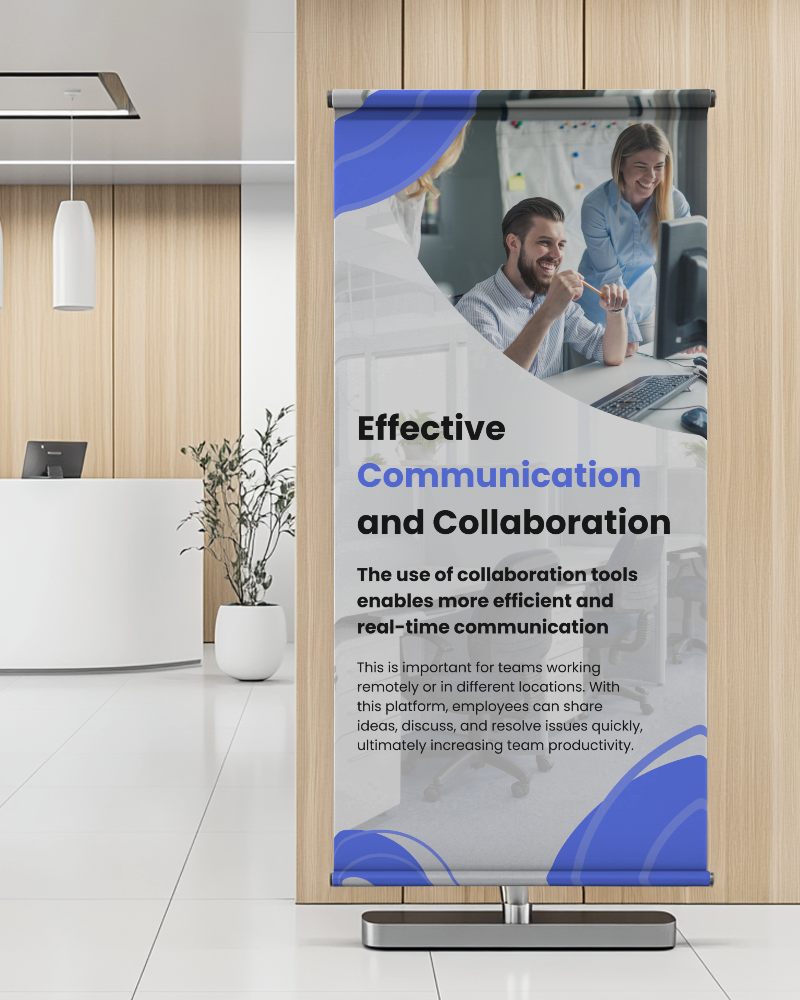

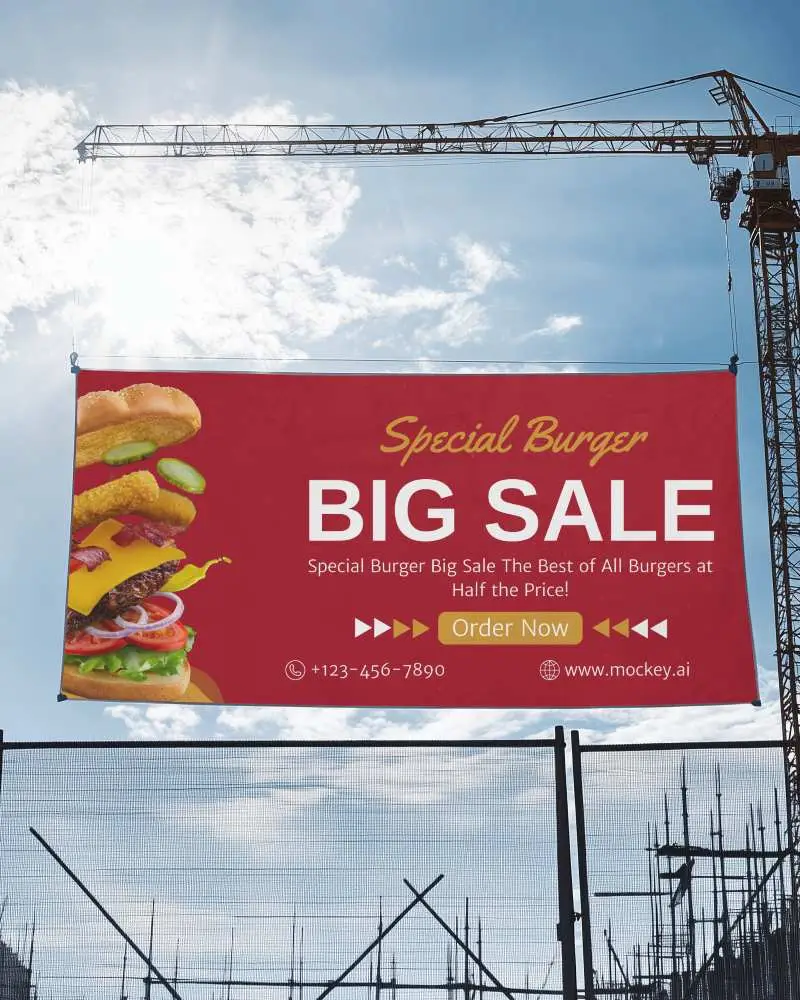
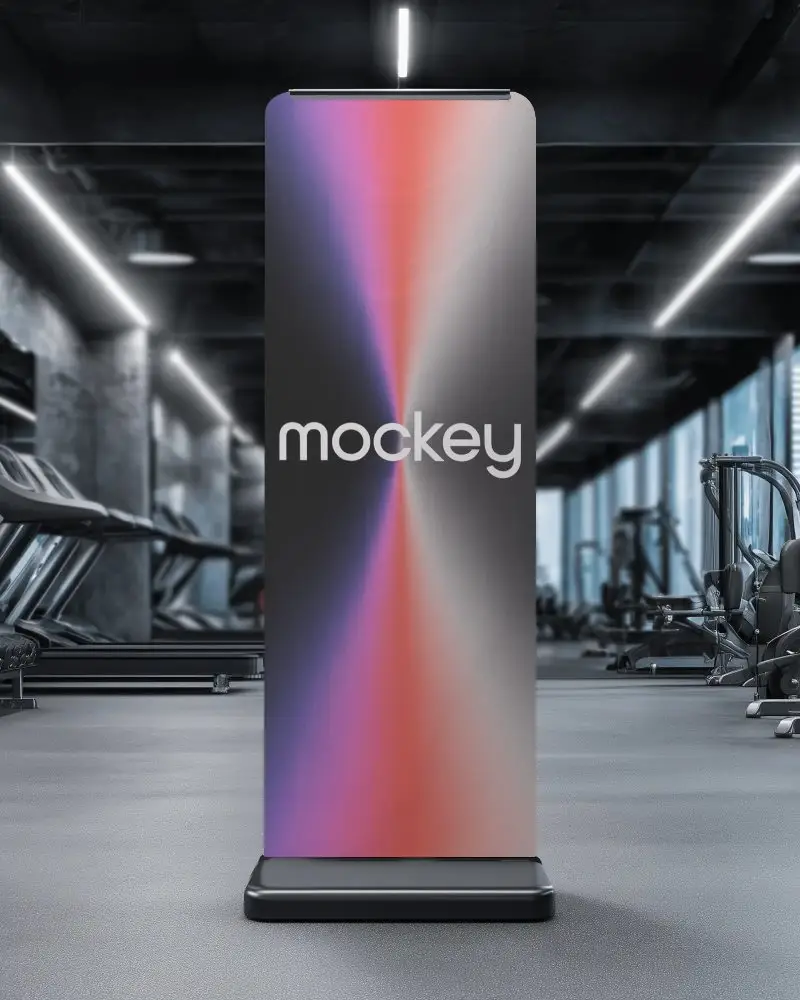
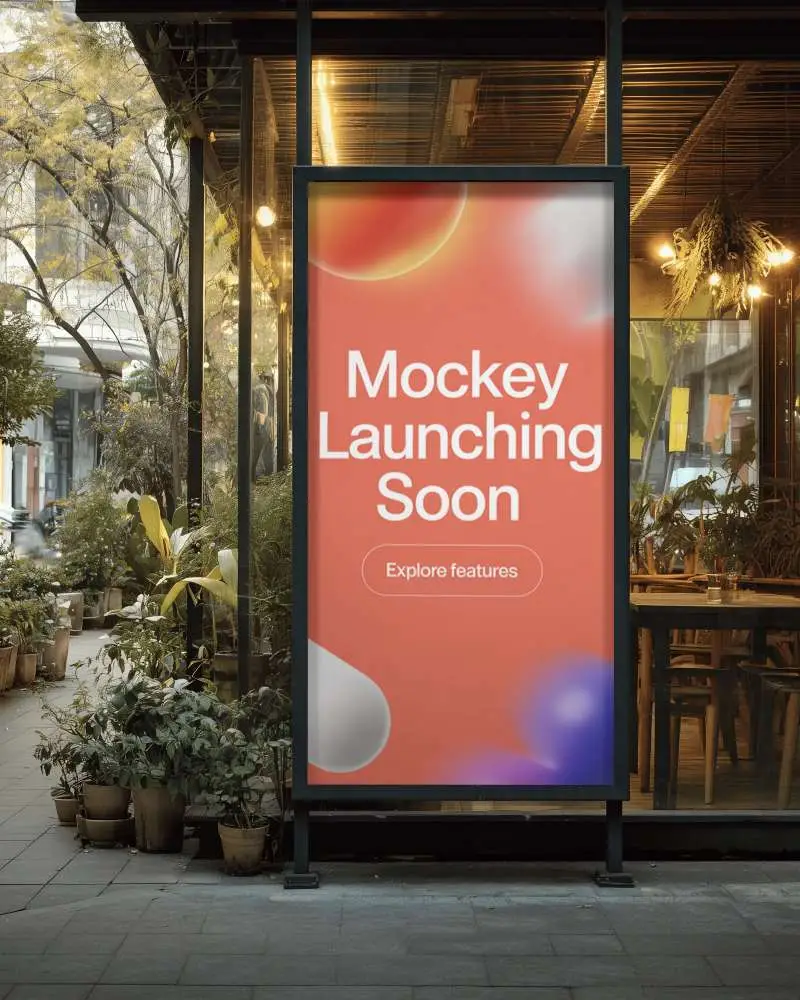
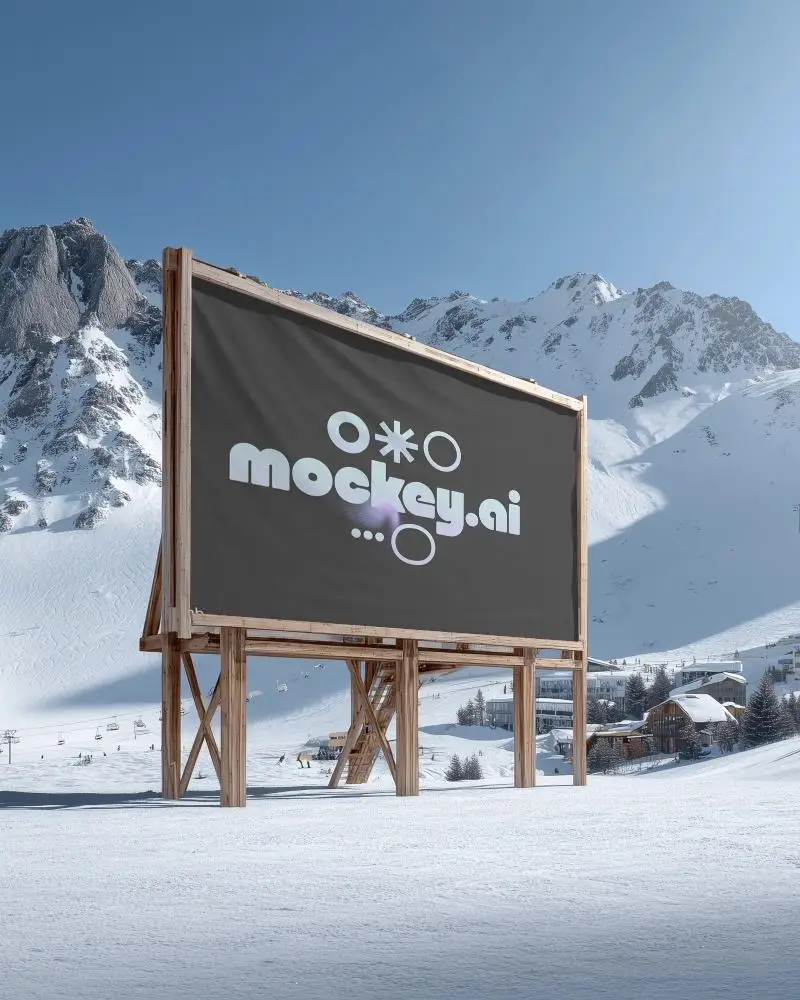
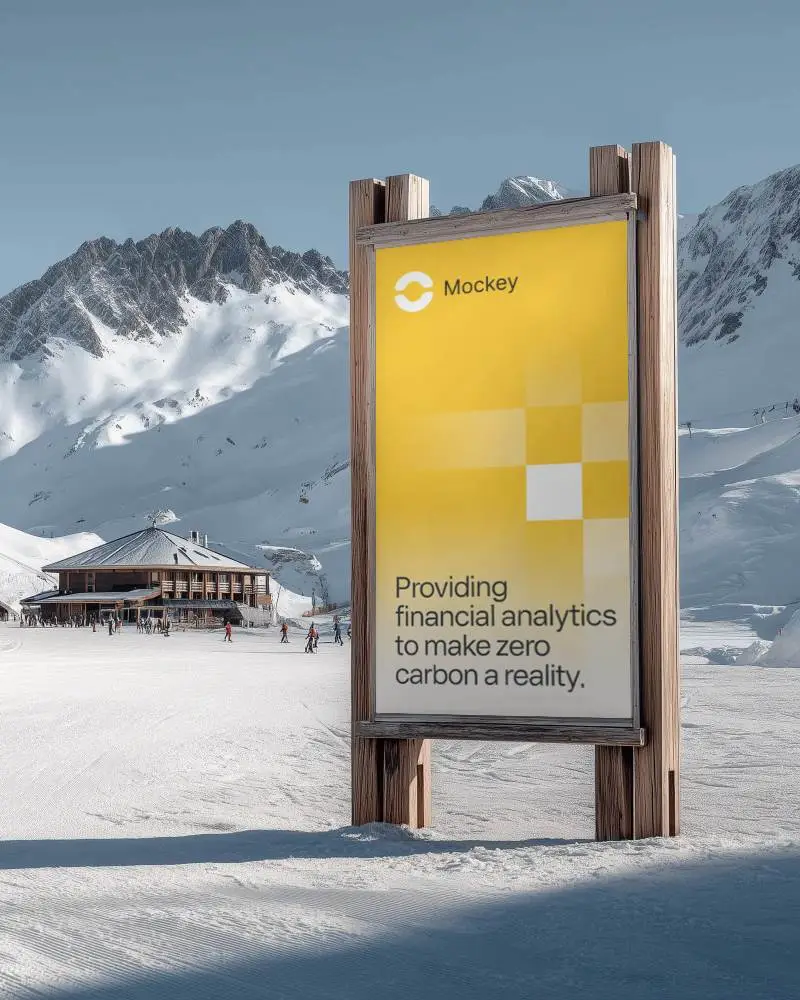
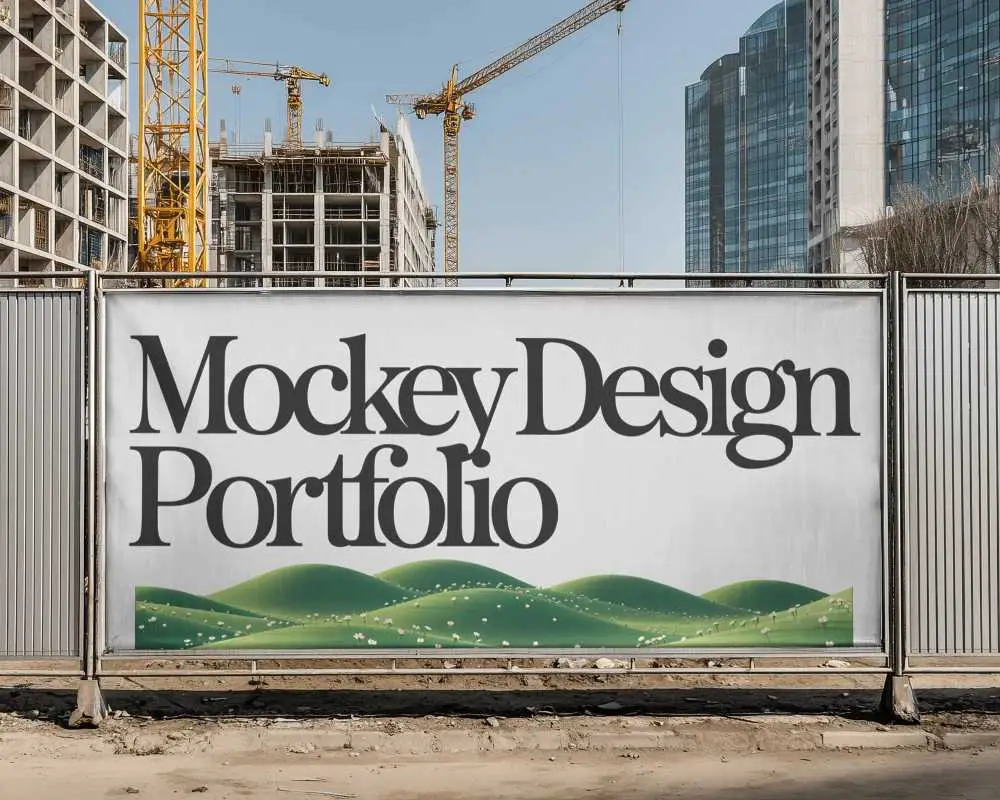
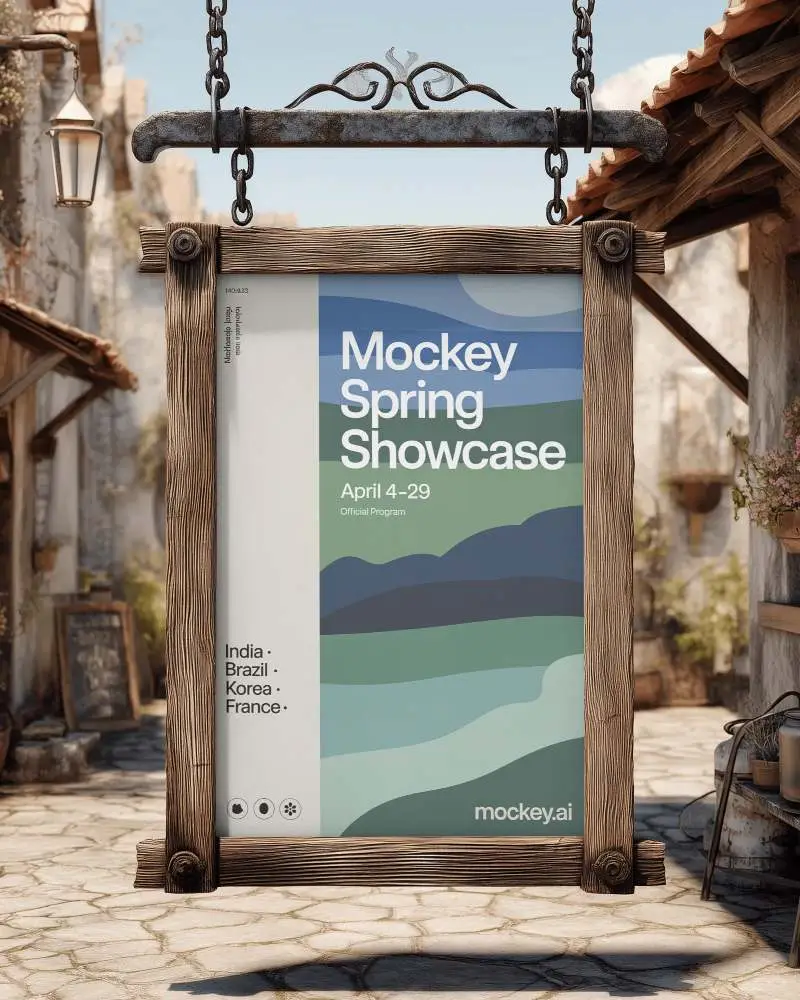
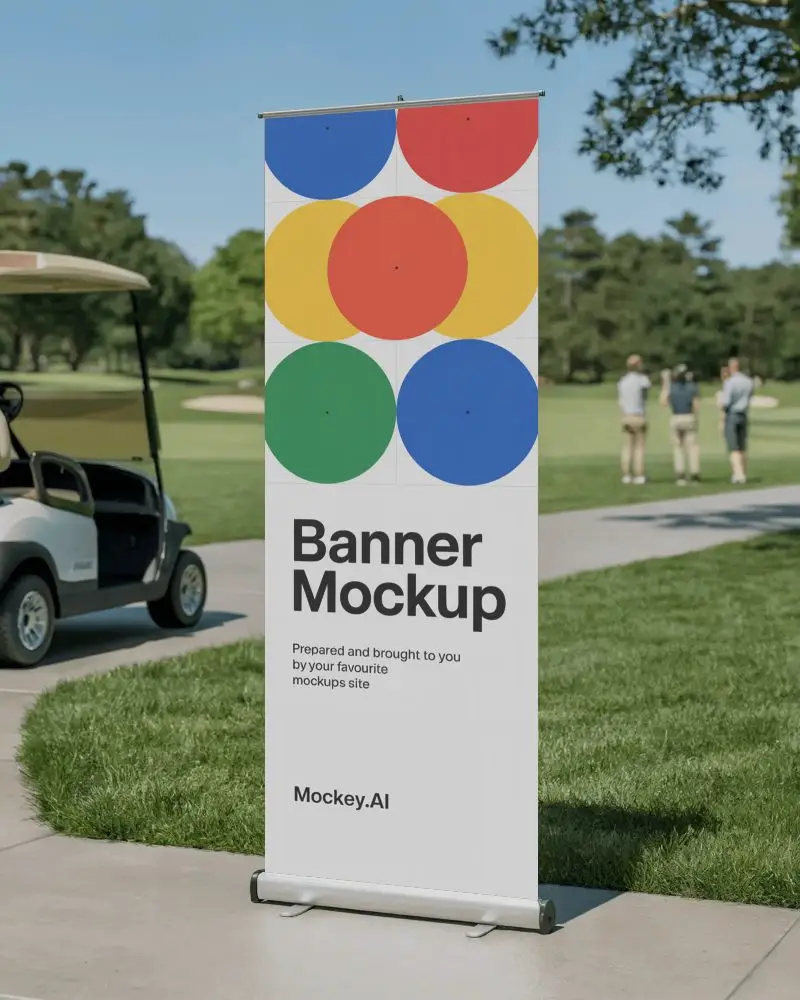
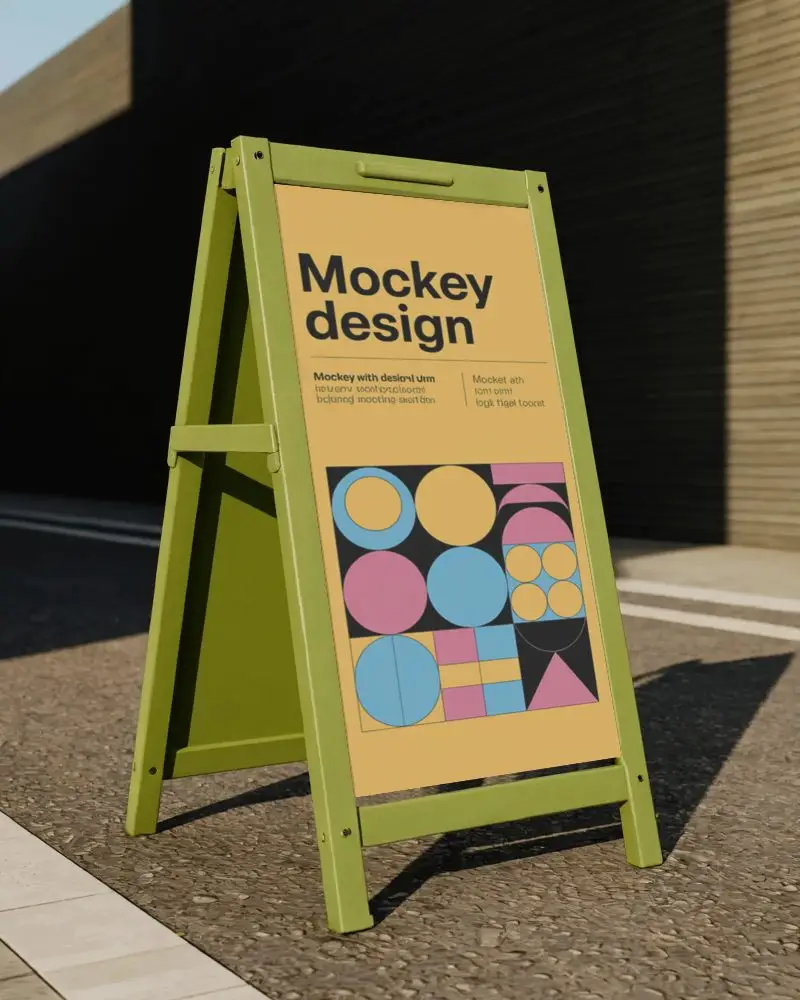
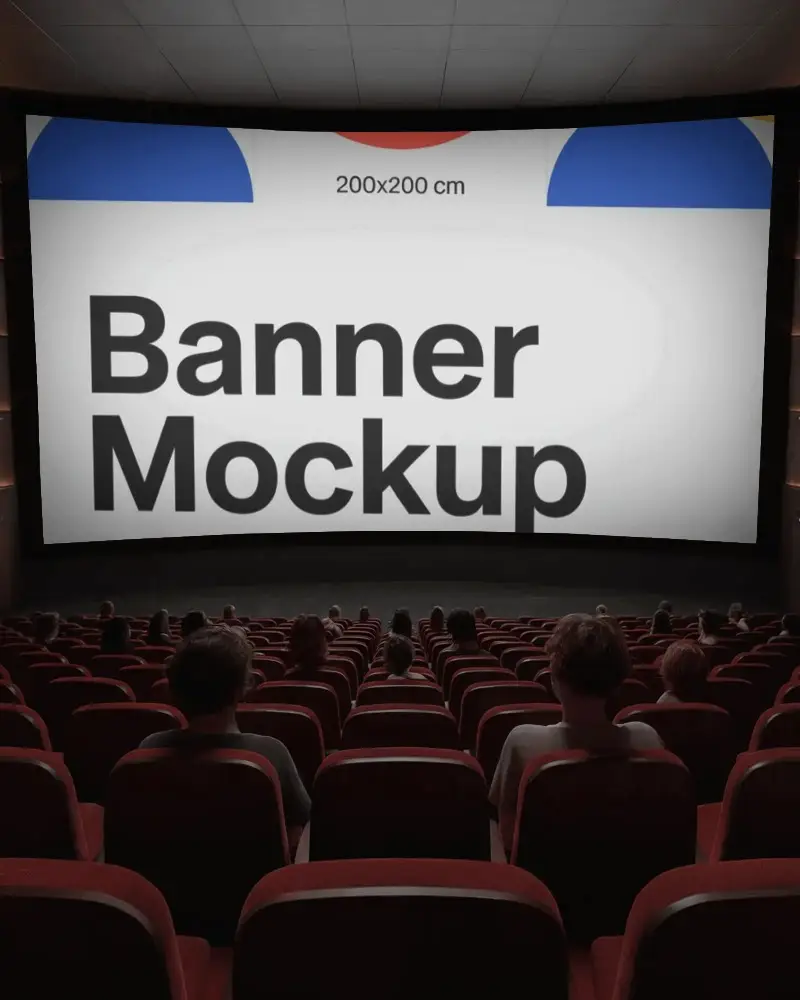
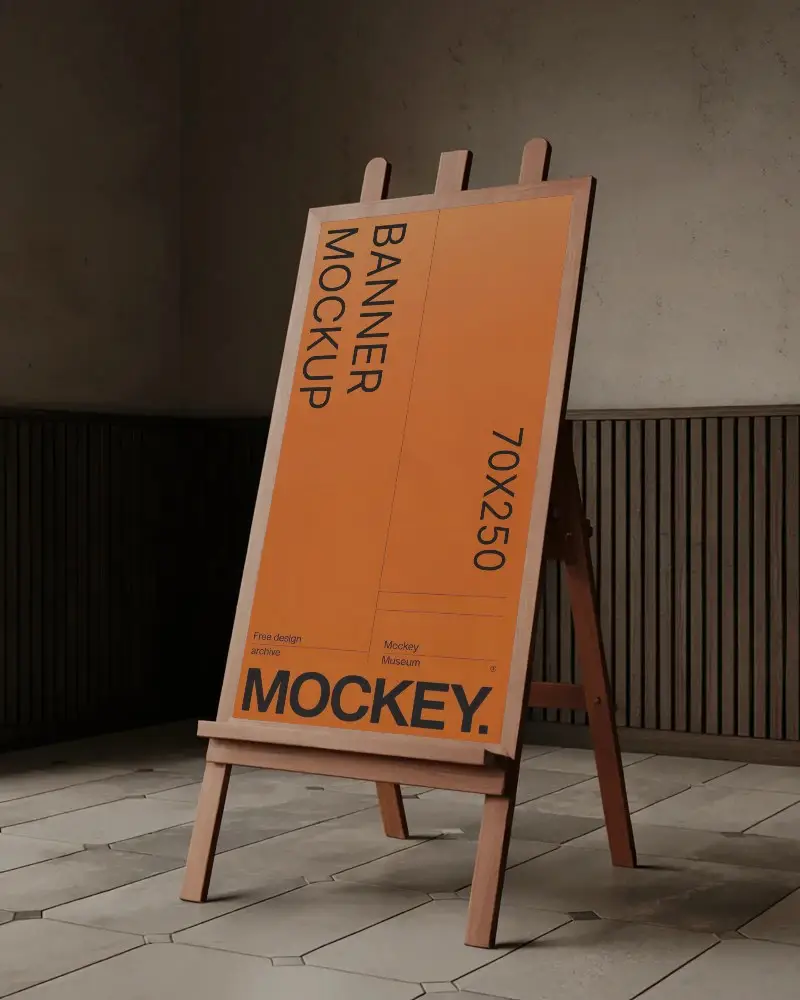
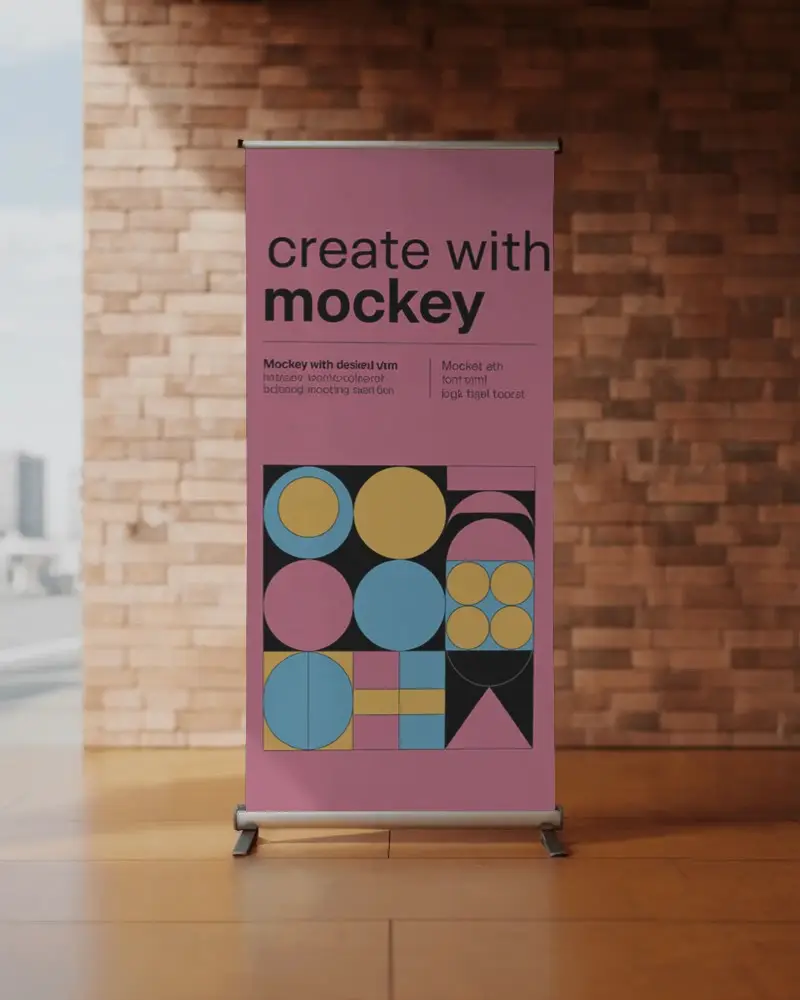
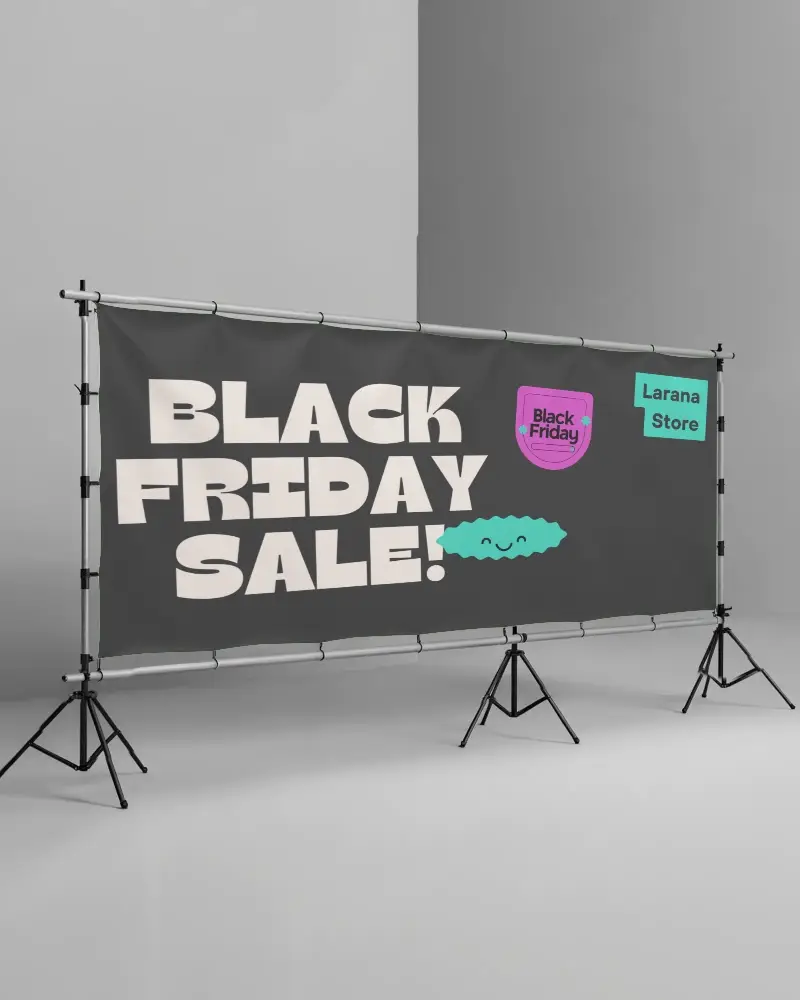
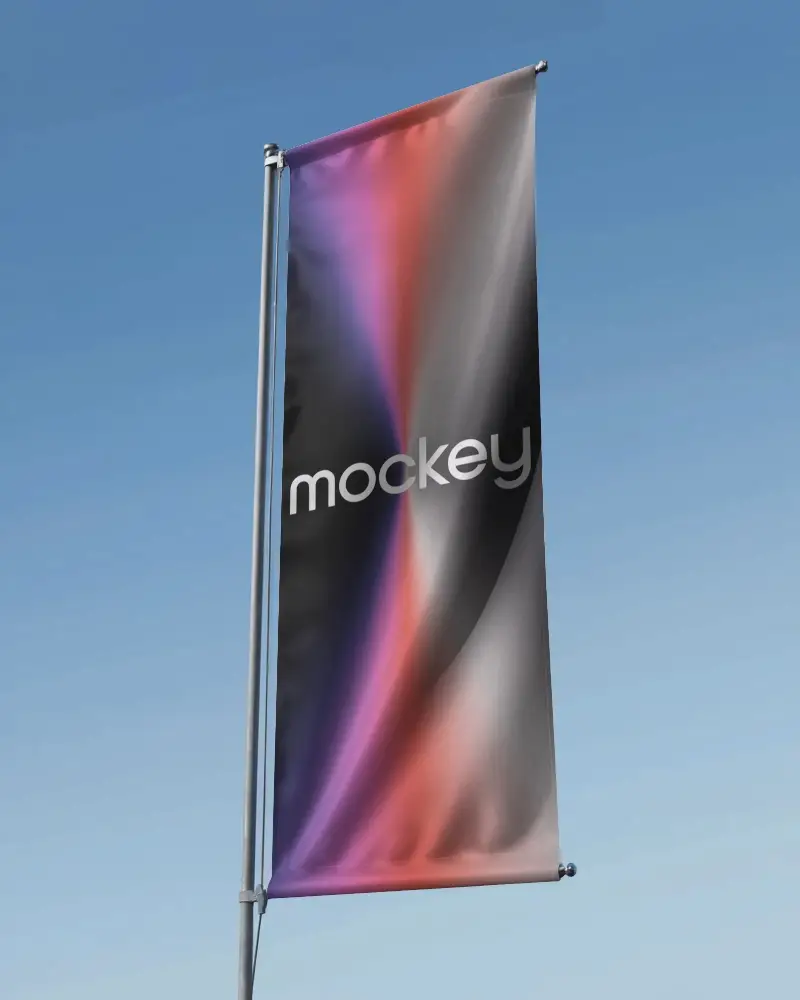
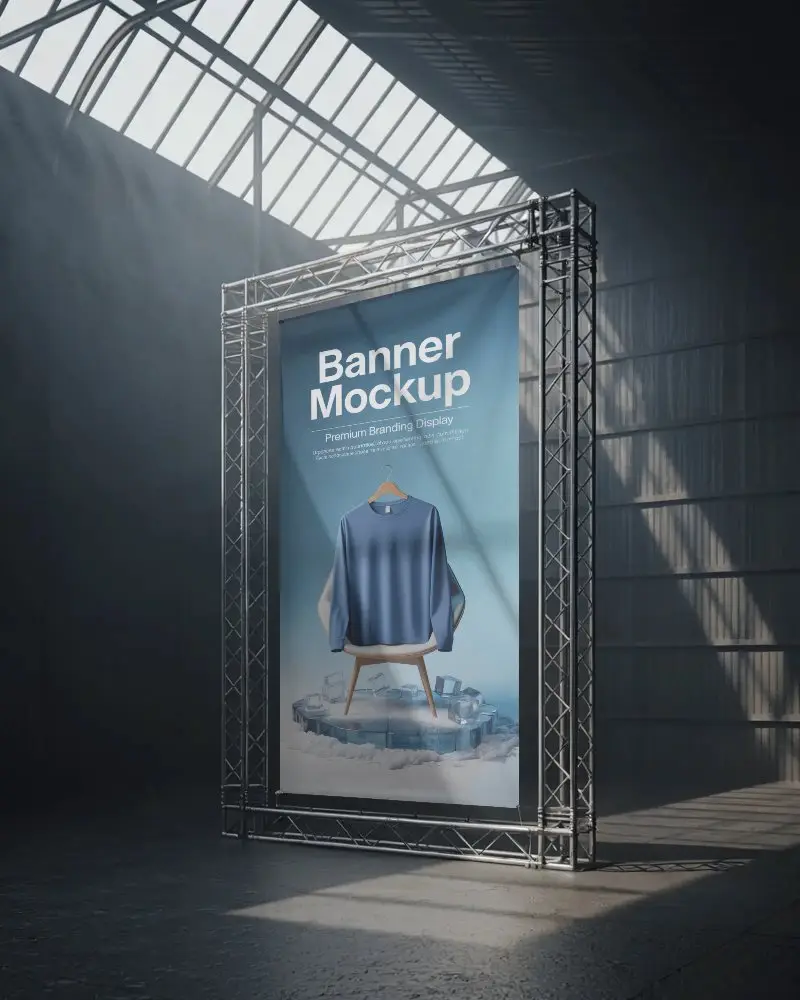
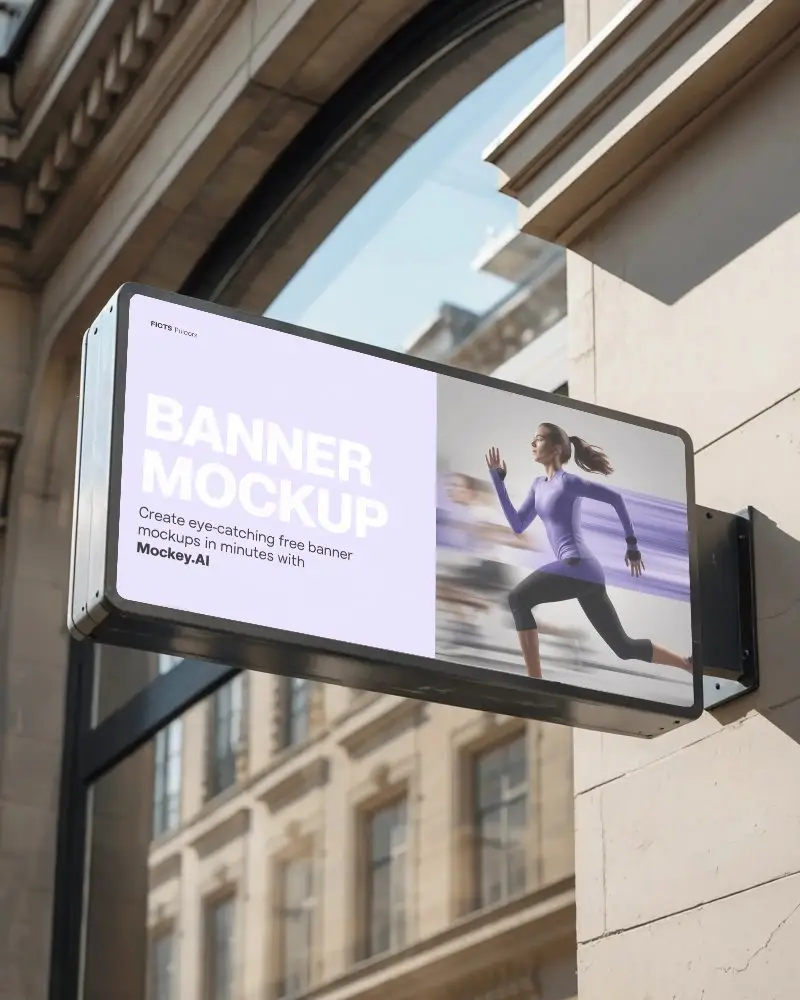
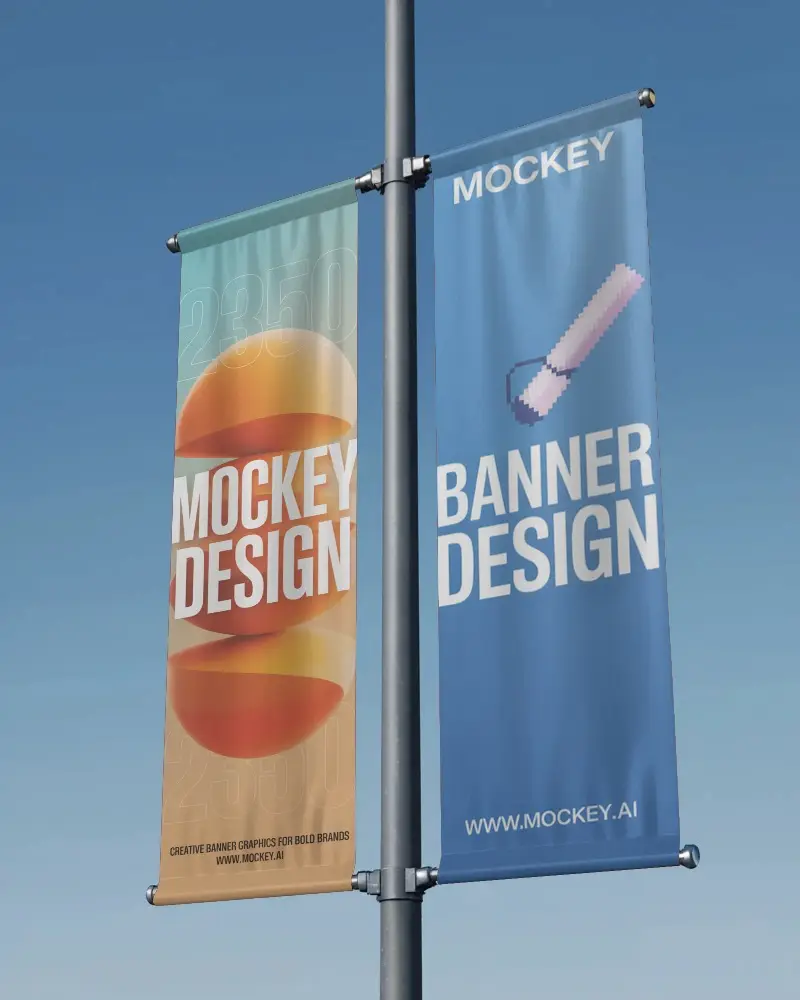
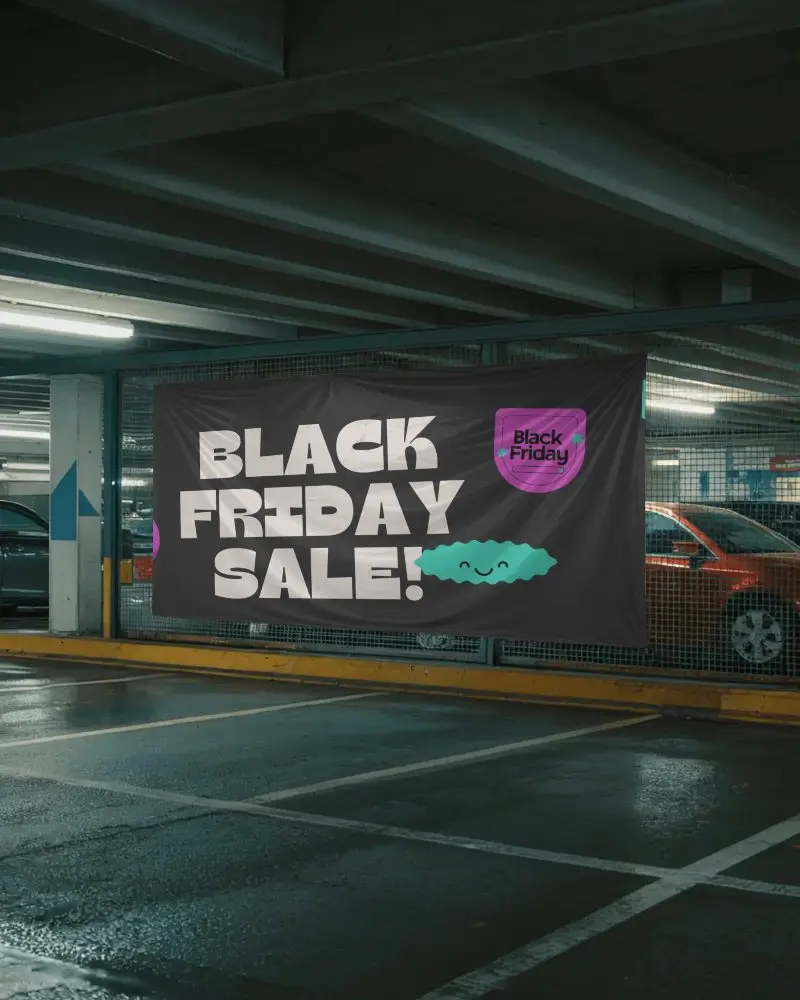
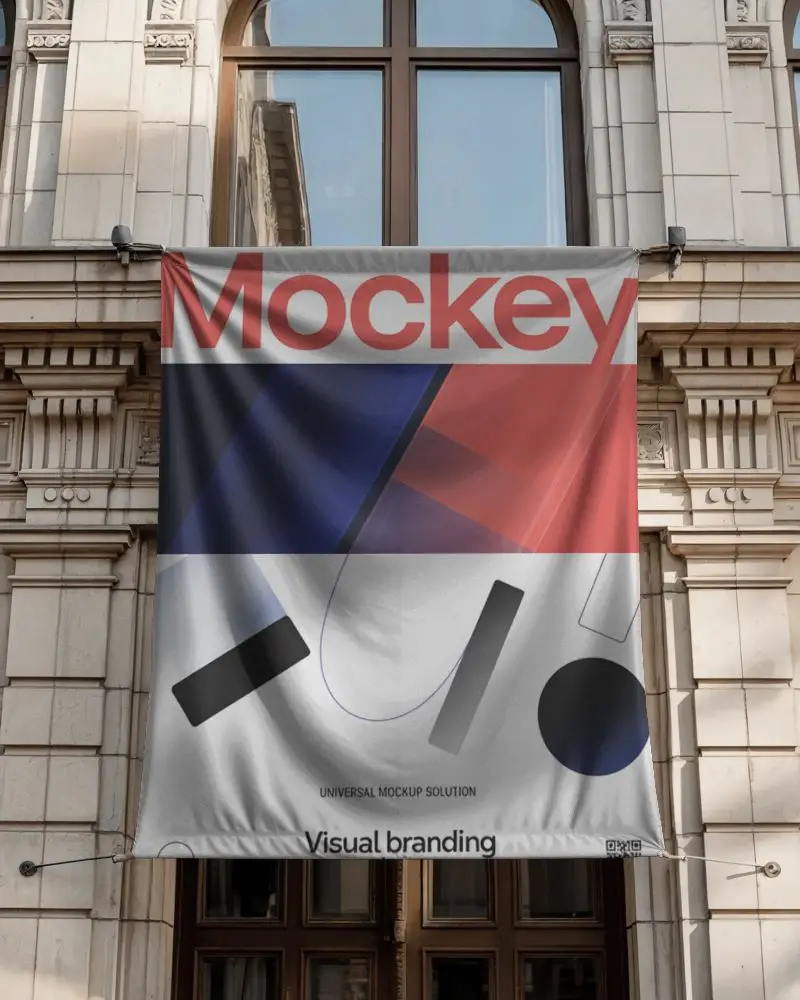
How to Make Blank Banner Mockup with Mockey
To create a blank banner mockup in Mockey AI:
- Step 1: Sign up on Mockey and go to: Mockups > Print > Banner > Blank.
- Step 2: Pick a blank banner template, upload your design, and adjust background or colors as needed.
- Step 3: Click the Preview button, then download the final mockup as a PNG or JPEG file.


FAQs on Blank Banner Mockups
What is a Blank banner mockup?
A blank banner mockup is a digital template that shows how a blank banner will look when you add your own design before printing.
Why create a Blank banner mockup?
A blank banner mockup is a test version where they can change colors, backgrounds, and designs. This makes sure everything looks right and matches the brand’s style before use.
Why Use Mockey’s Blank Banner Mockup?
Mockey's Blank Banner Mockup is simple for anyone to use. It quickly makes clear, good-looking mockups for different needs. It saves time and costs nothing, so everyone can enjoy using it without any trouble.
Can I customize the Blank banner mockups on Mockey.ai?
In Mockey AI, you can customize a blank banner your own. Pick a template, change the color, adjust your design, and press the preview button to see how it looks before using it.
Do I need any design software to use Mockey.ai?
You don’t need to download any other app to use the Mockey AI mockup tool. You can change colors, add designs, and do more right there. Everything works in one place, simple and easy.
What file formats can I download my Blank banner mockup in?
You can get your blank banner mockup from Mockey in PNG or JPG format. The best quality is 1600 x 2000 pixels for printing or using online.
How do I access the free Blank banner mockups on Mockey.ai?
Go to Mockey AI and make an account. Open the Mockups section, choose Banner under Print, and look at the top of the templates. You will see a blank tag there.
Is this Blank banner mockup free?
Mockey AI lets you make free blank banner mockups. Pick from huge templates, add your design, and edit easily with colors and using AI visuals.
