Yoga Mat Mockups for Fitness, Gym & Wellness Brands
Show your yoga mat designs the way customers expect to see them. clean, realistic, and ready for sale. With our yoga mat mockup generator, you can instantly place your artwork on flat lay, rolled, or lifestyle scenes without any design skills. Perfect for fitness brands, print-on-demand sellers, and anyone building a strong visual identity.
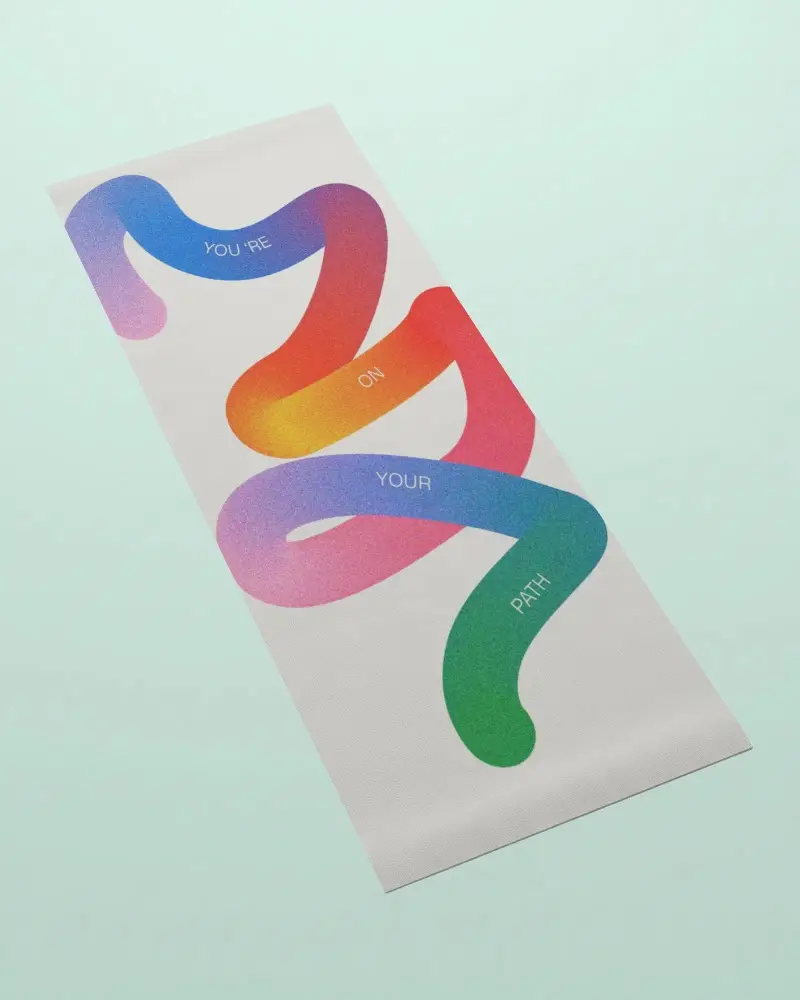
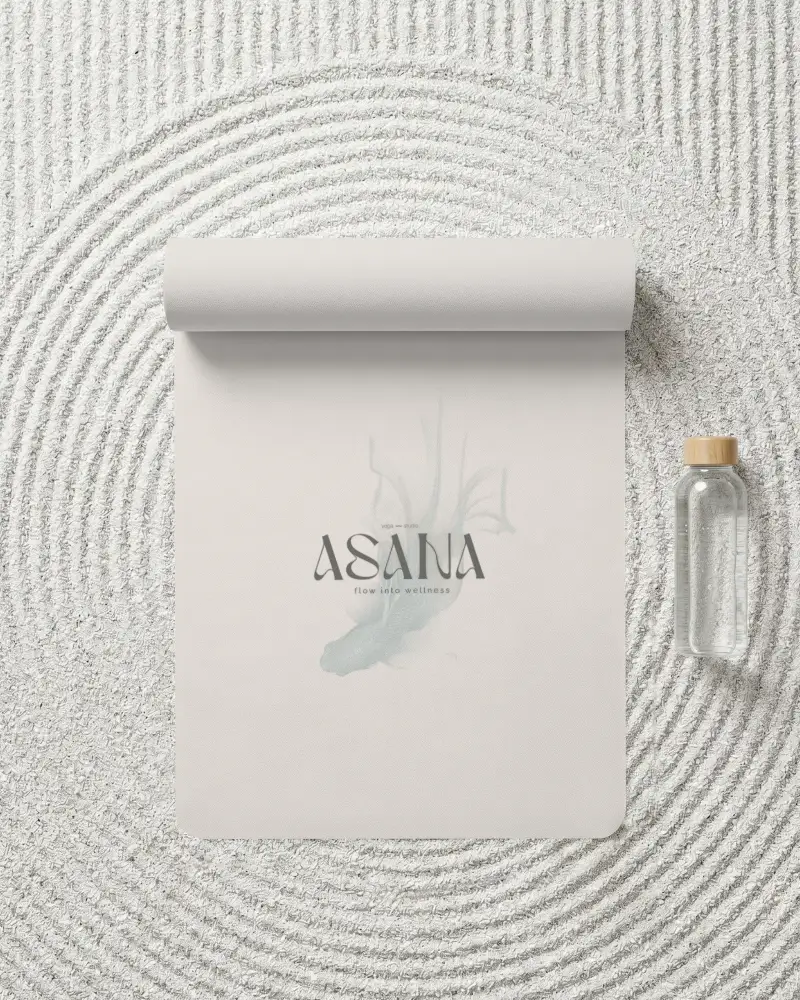
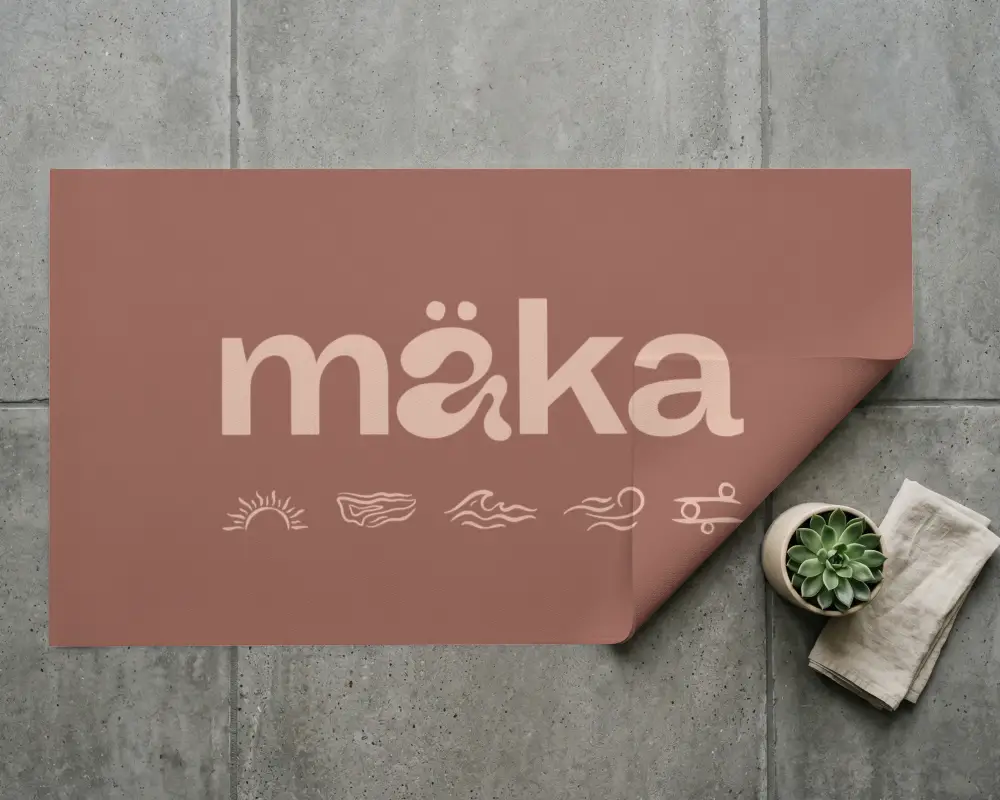
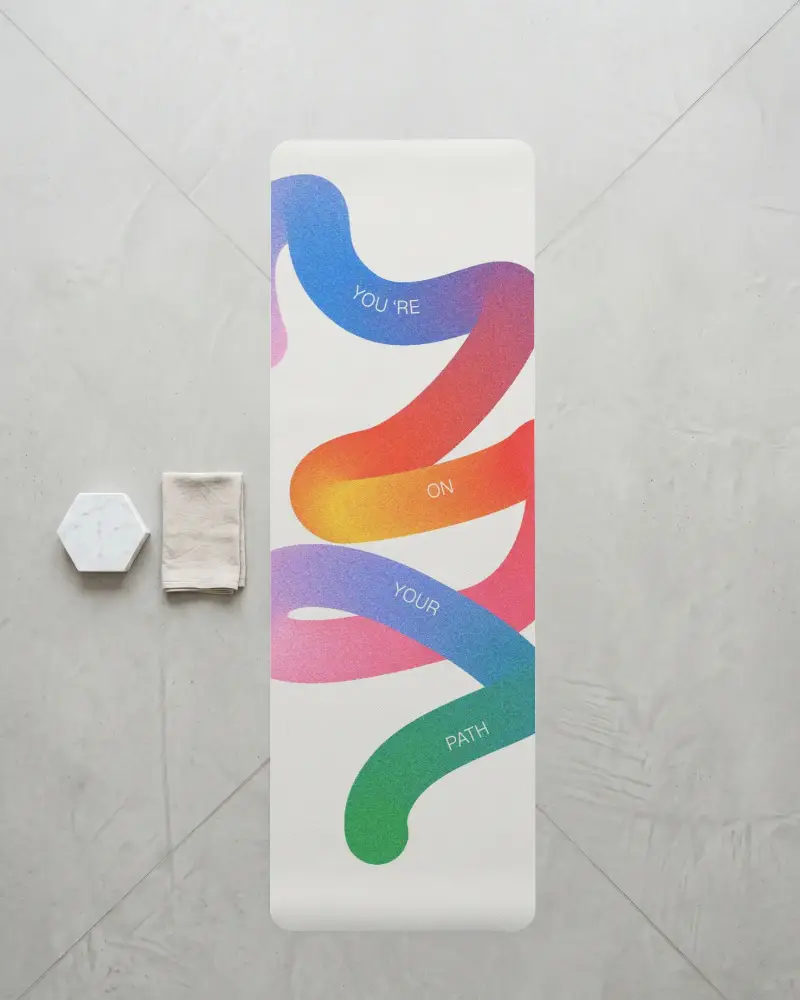
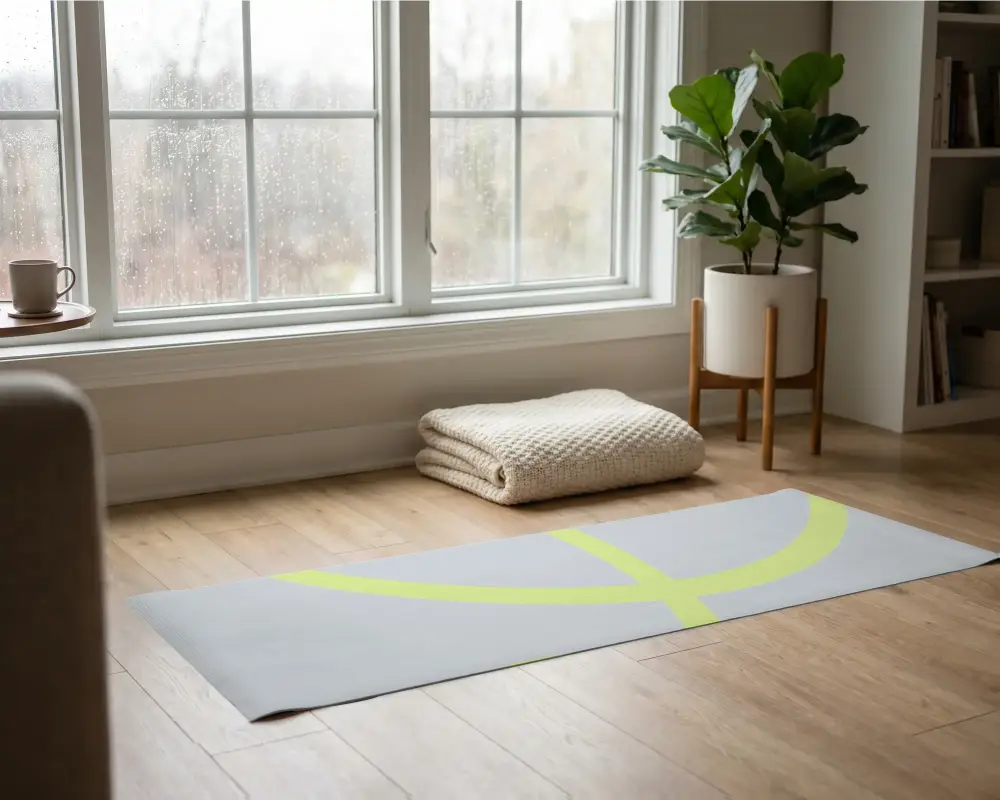
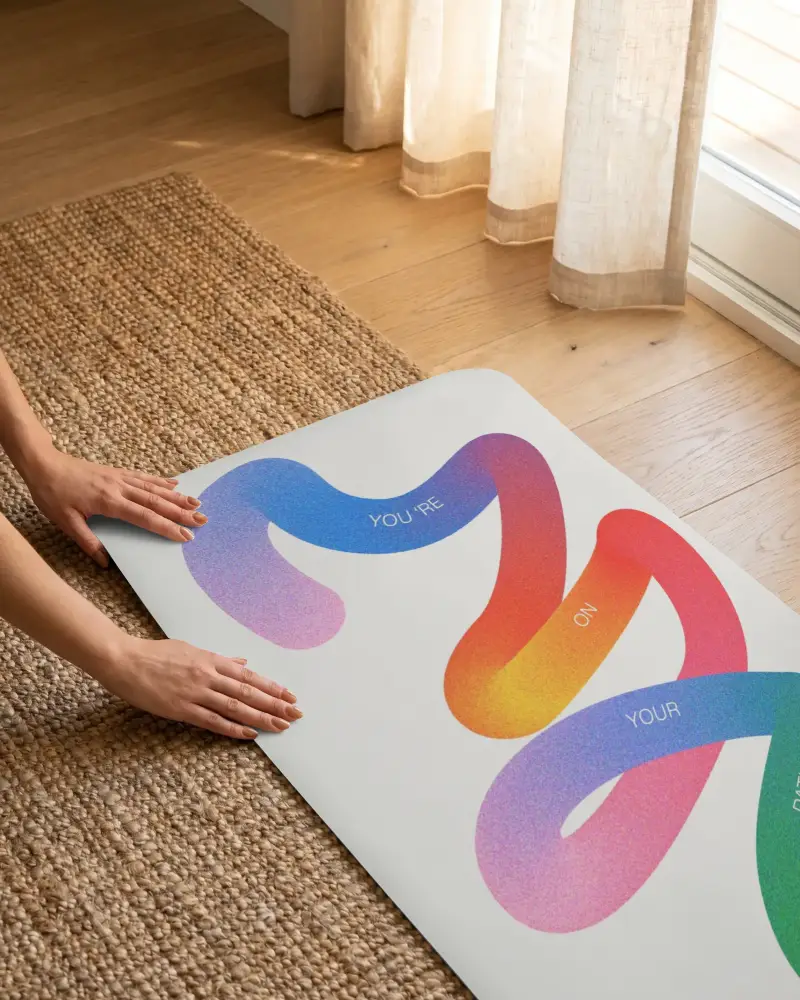
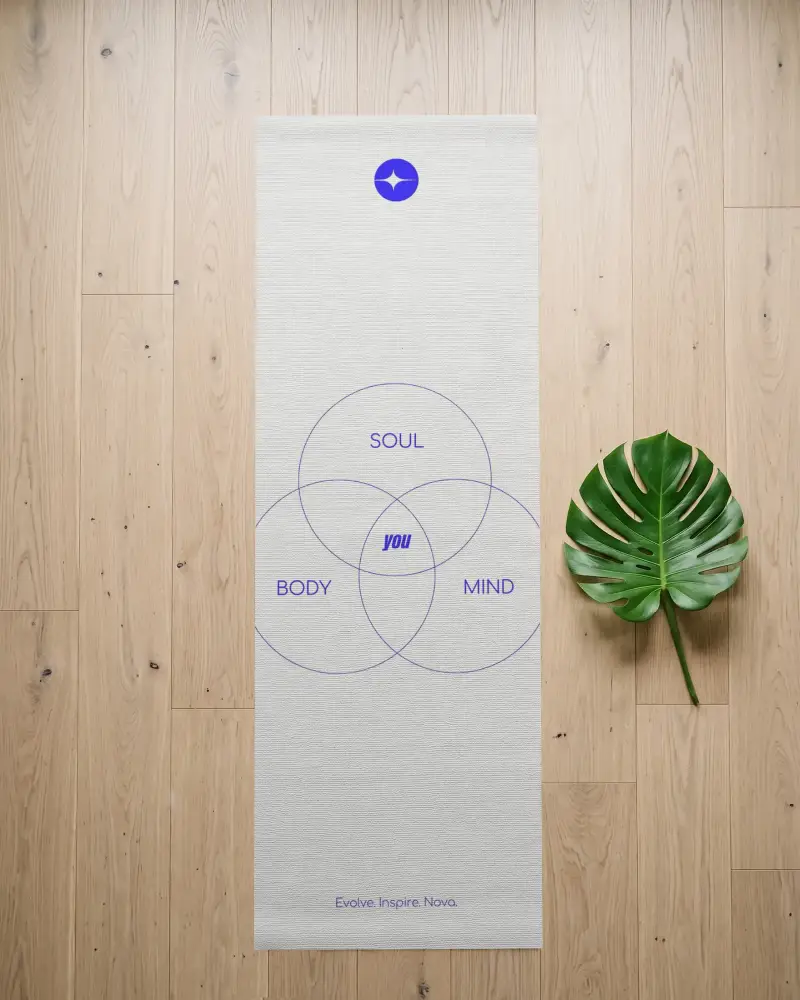
How to Create a Yoga Mat Mockup with Mockey AI
To create a yoga mat mockup:
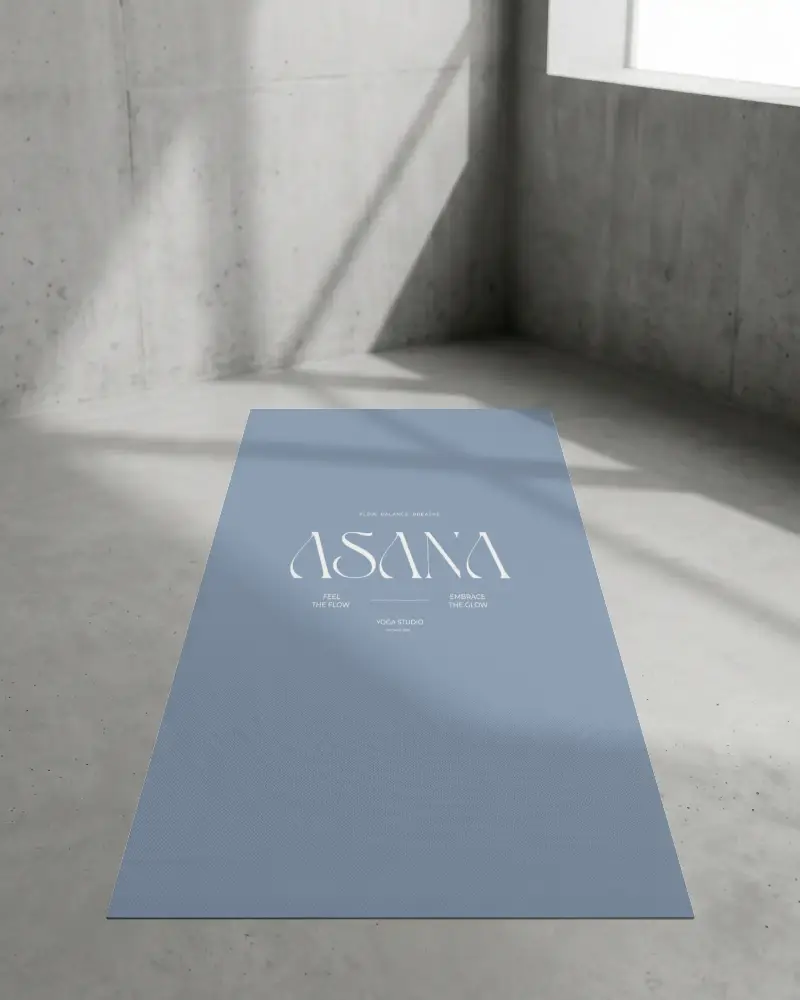
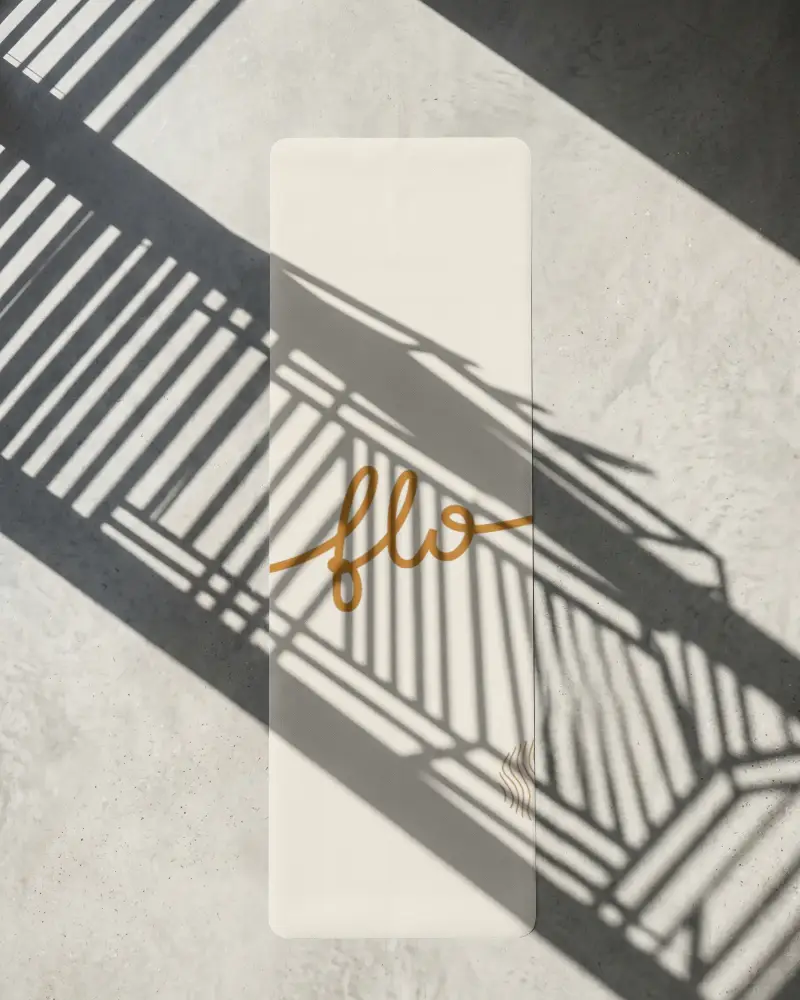
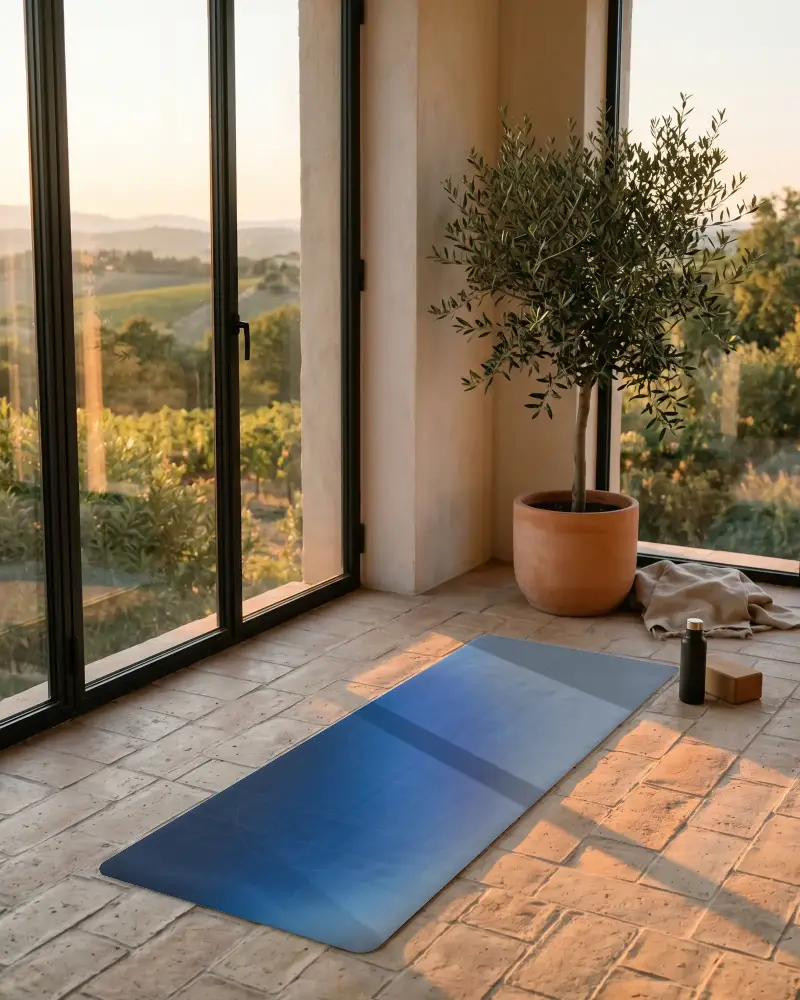
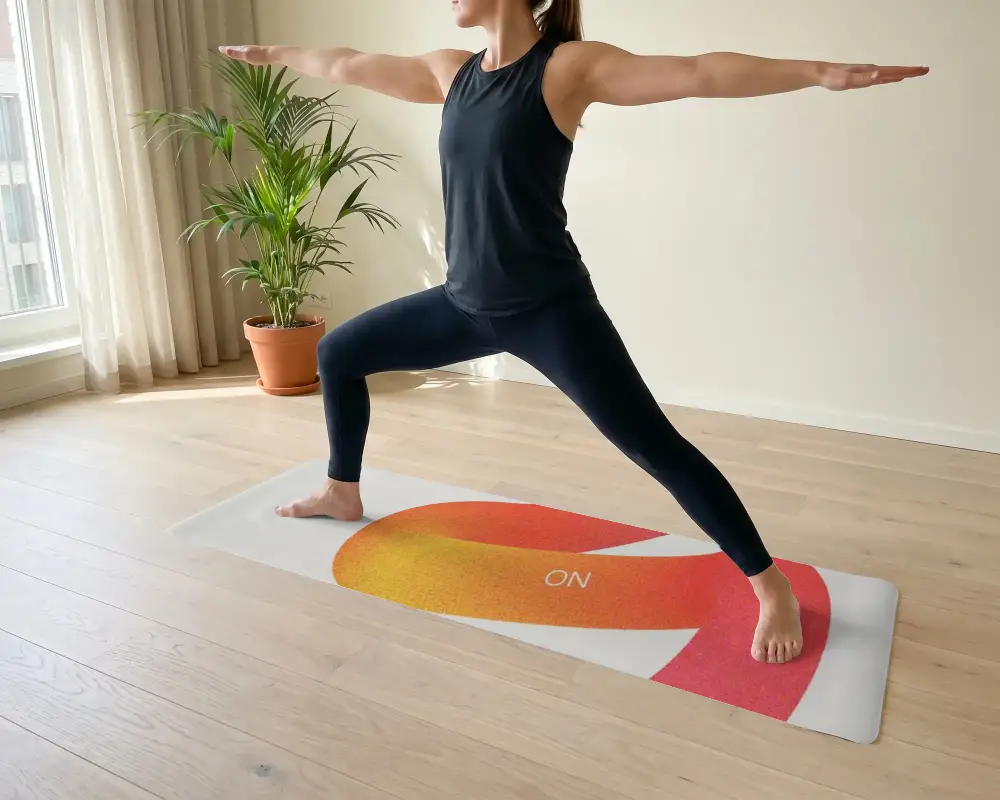
- Step 1: Explore our library to select from rolling, standing, close-up, and horizontal yoga mats.
- Step 2: Upload the design, correct the position, or edit the color.
- Step 3: Click Download to save the yoga mat mockup.


FAQs on yoga-mat Mockups
What types of yoga mat mockups are available?
You get standing, horizontal, rolled, and close-up yoga mat mockups in Mockey.
Can I customize yoga mat mockups without Photoshop?
You can customize yoga mat mockups without using Photoshop. In Mockey, select a yoga mat mockup template to add your design, then customize with colors, apply warping, or create multiple-angle shots.
Are these yoga mat mockups suitable for ecommerce?
Mockey's yoga mat mockups are best for ecommerce. Ordering samples for every design gets expensive fast, so mockups are the practical option. Make sure the preview matches the real product, because buyers will complain if it looks misleading.
Do I get high-resolution yoga mat mockups?
To get high-resolution yoga mat mockups, you'll need to choose a paid plan. Purchase the Starter plan to download high-resolution yoga mat mockups in PNG format.
Is the yoga mat mockup generator free to use?
You can use Mockey's yoga mat mockup generator for free. Just pick any free template, upload your design, edit it without any charges, and export it with no watermark.
