Realistic Standing Yoga Mat Mockups
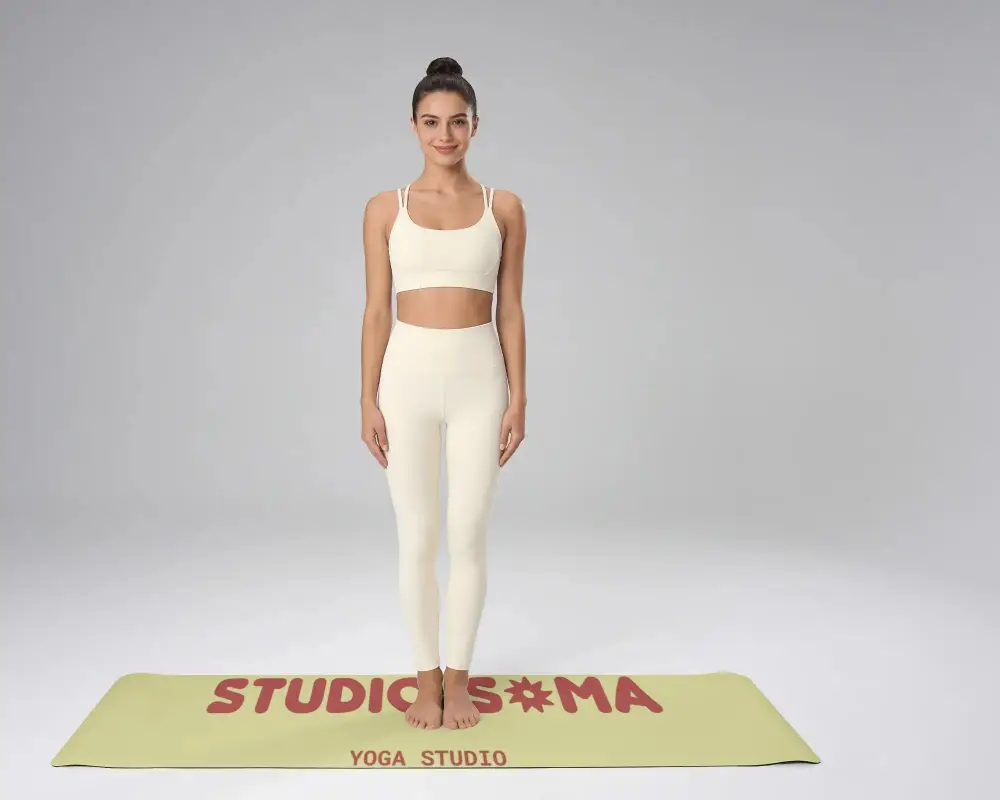
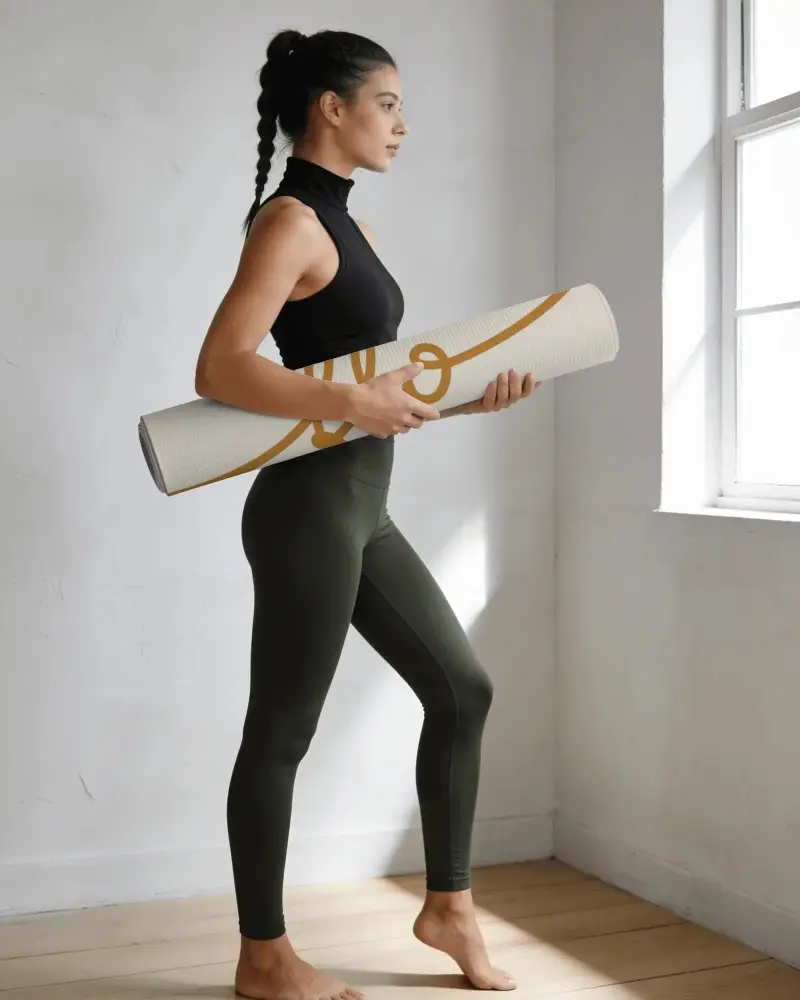
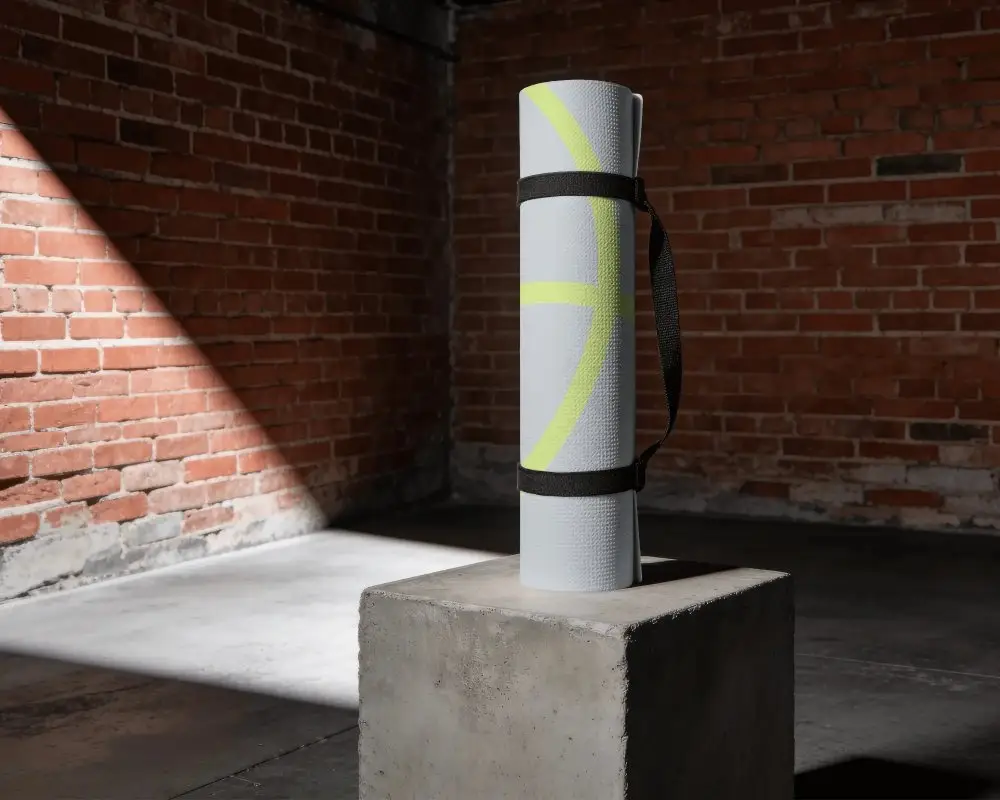
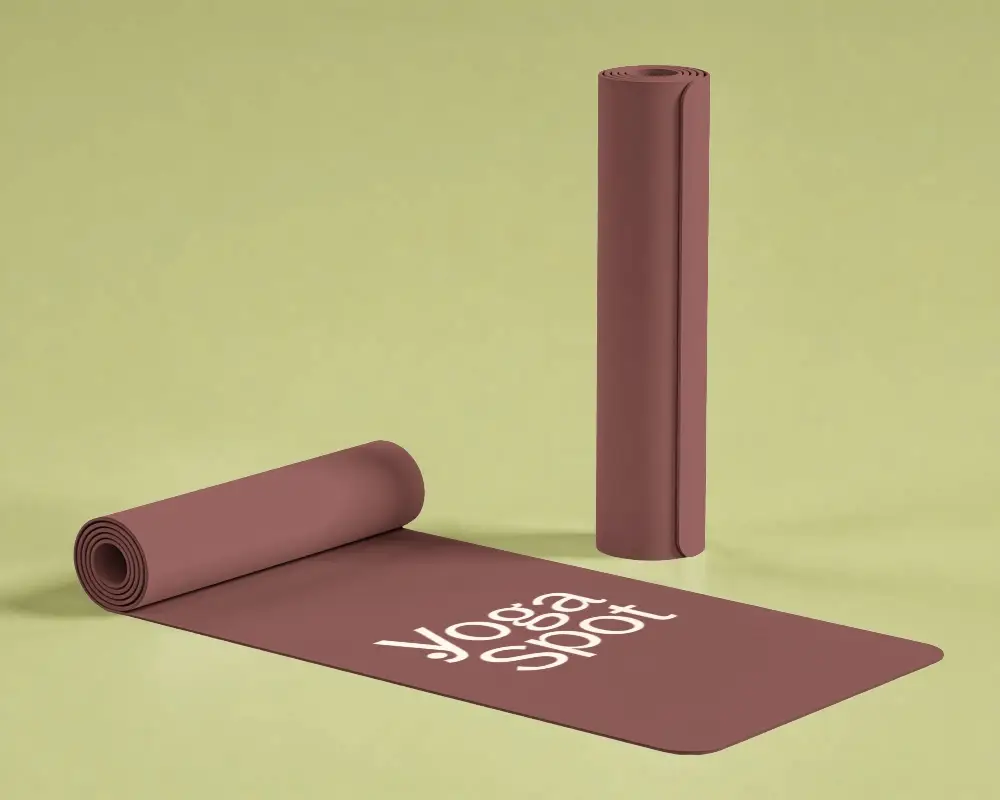
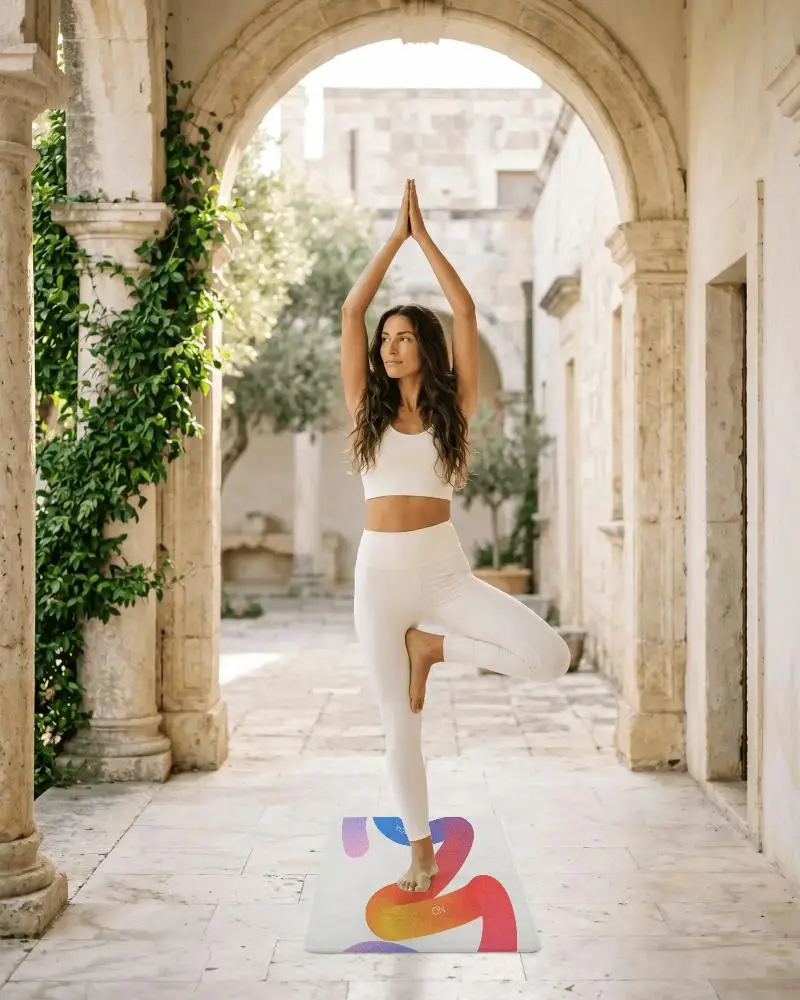
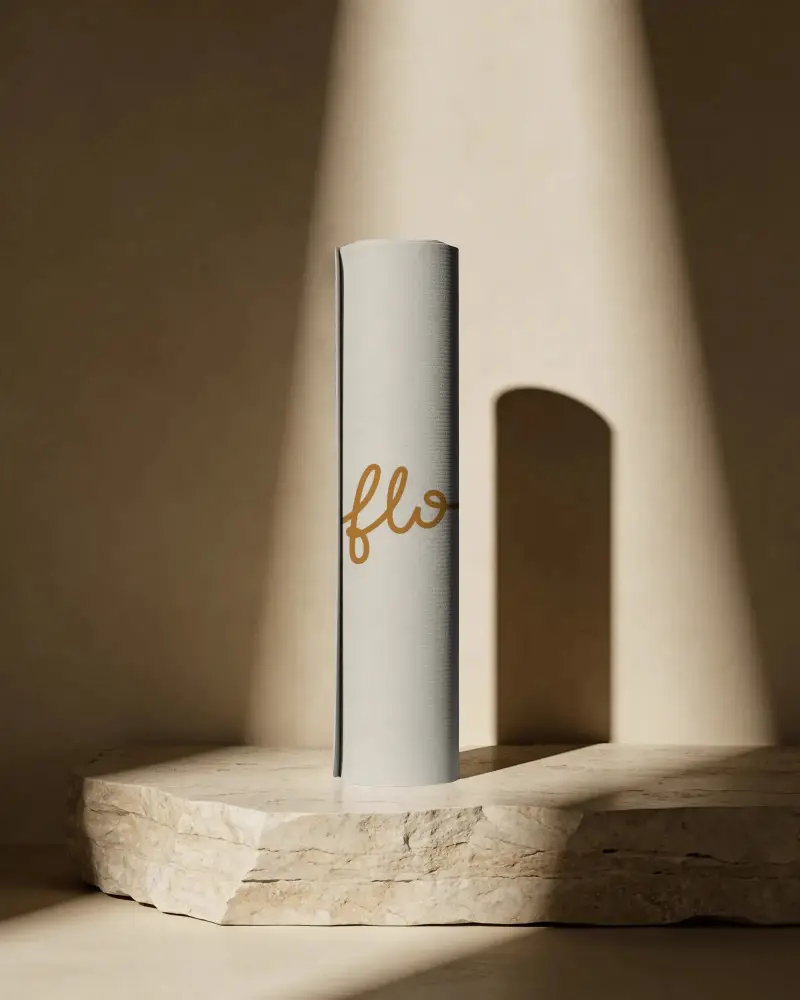
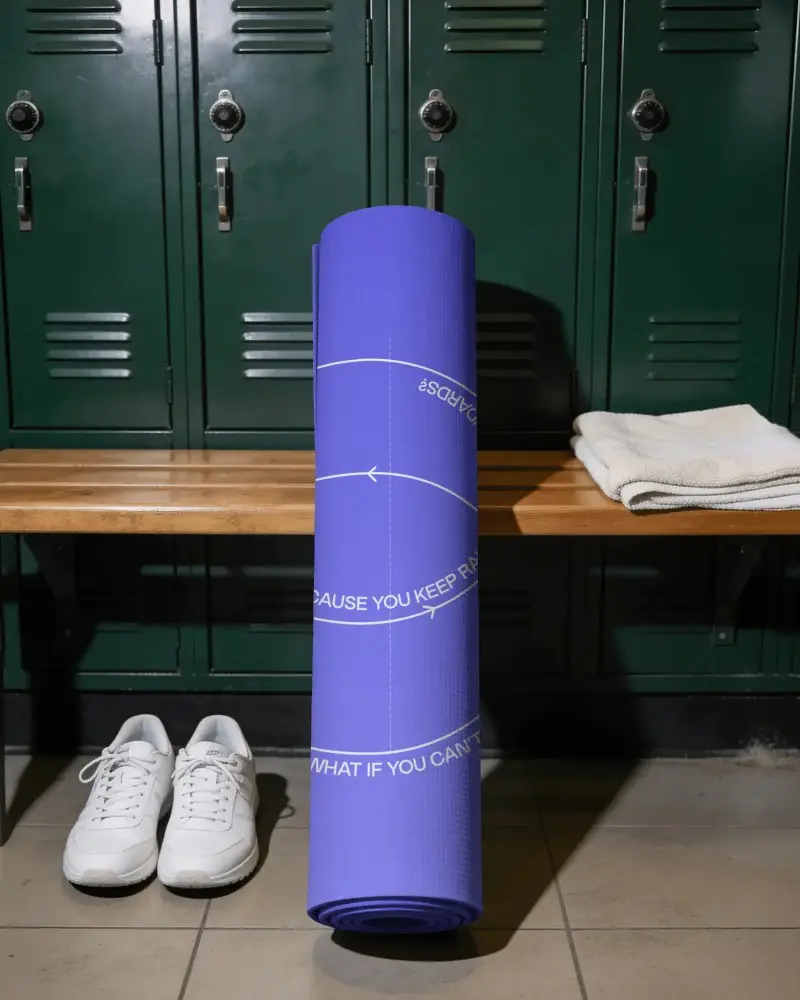
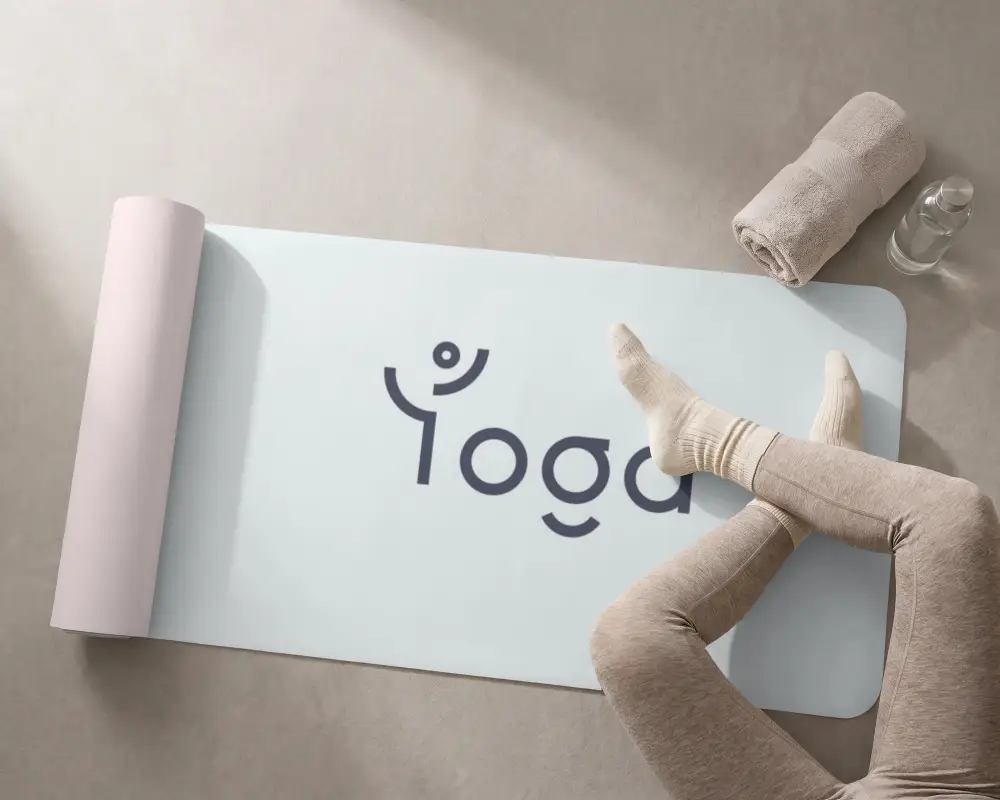
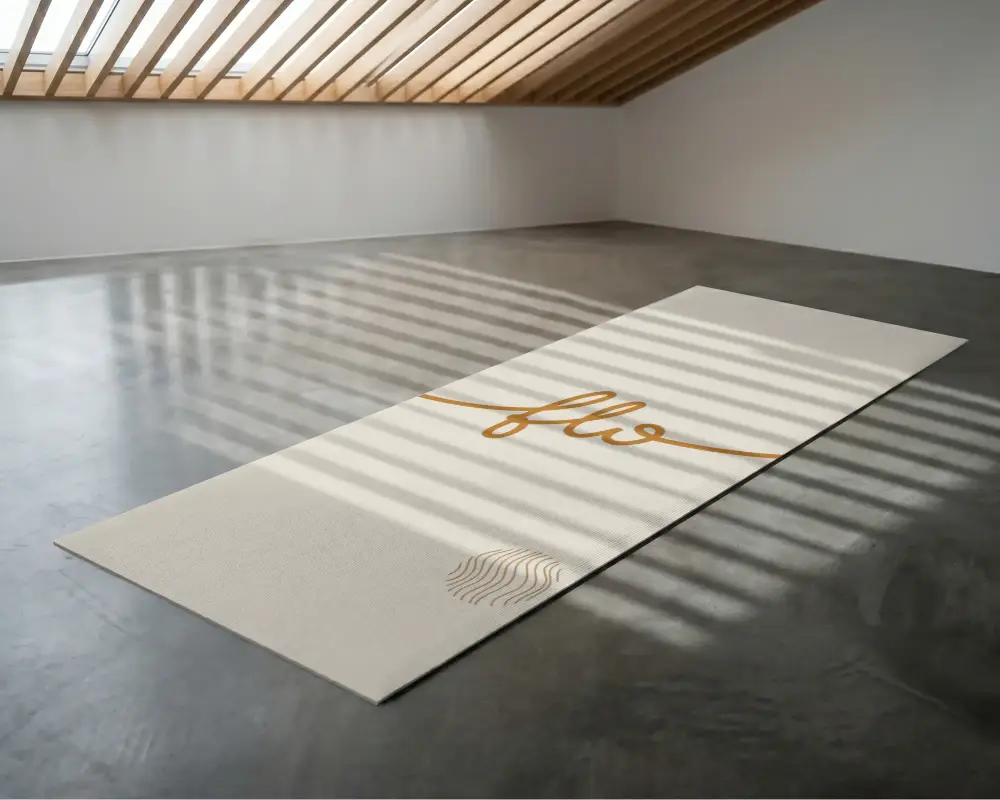
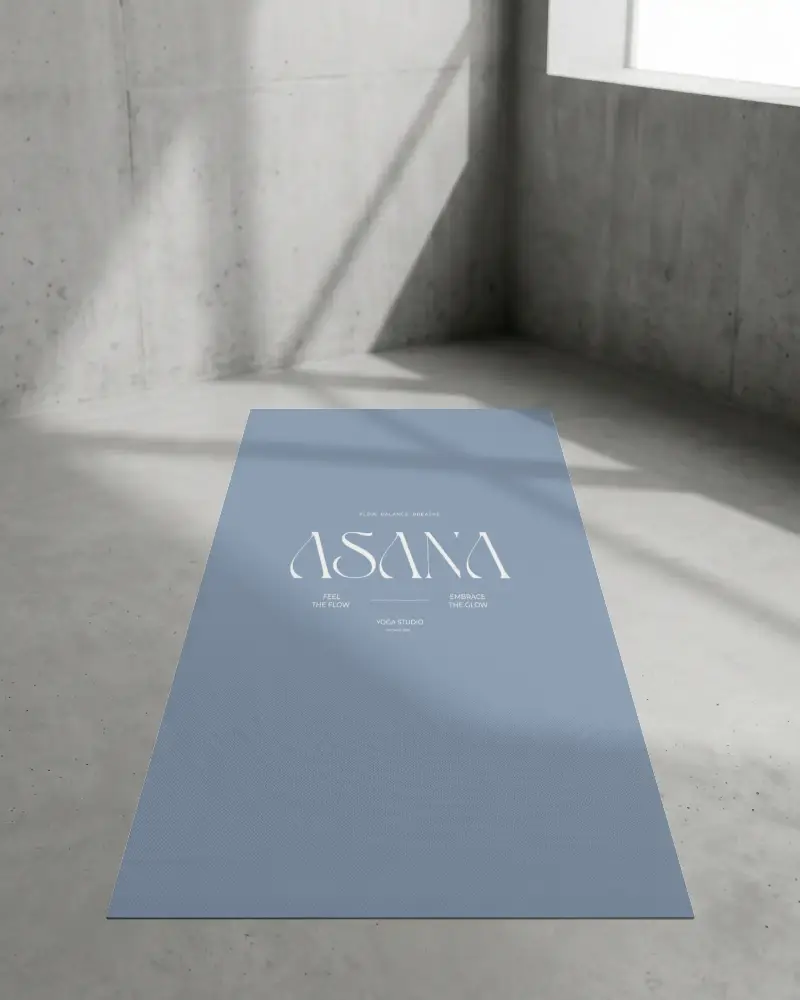
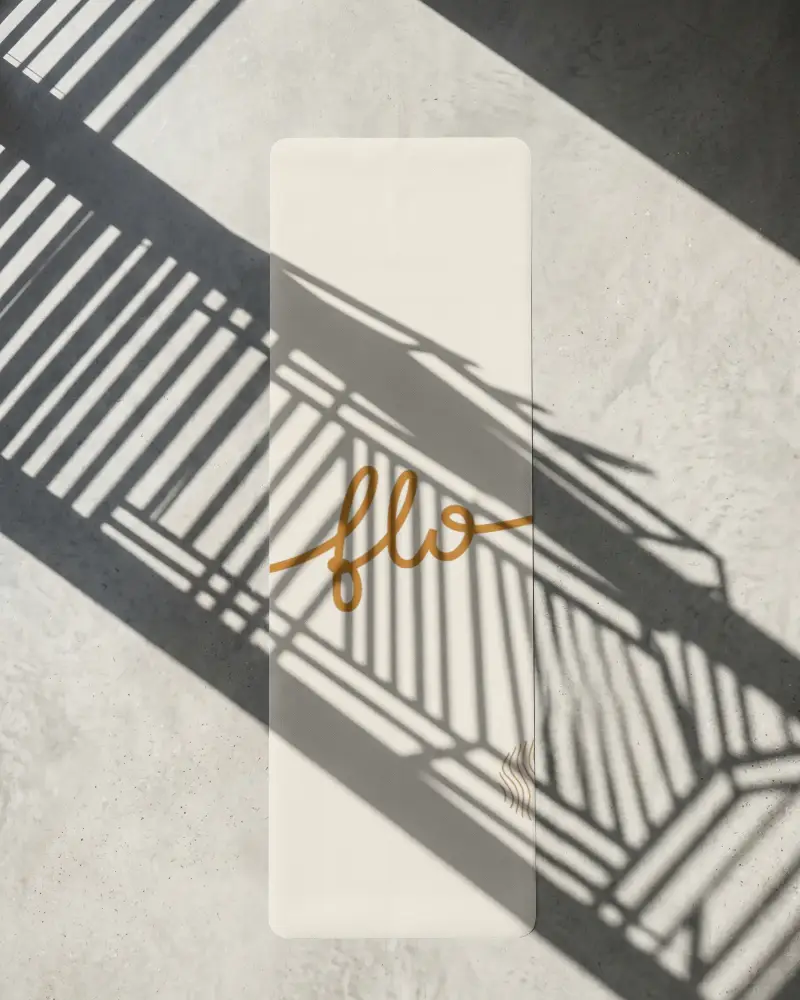
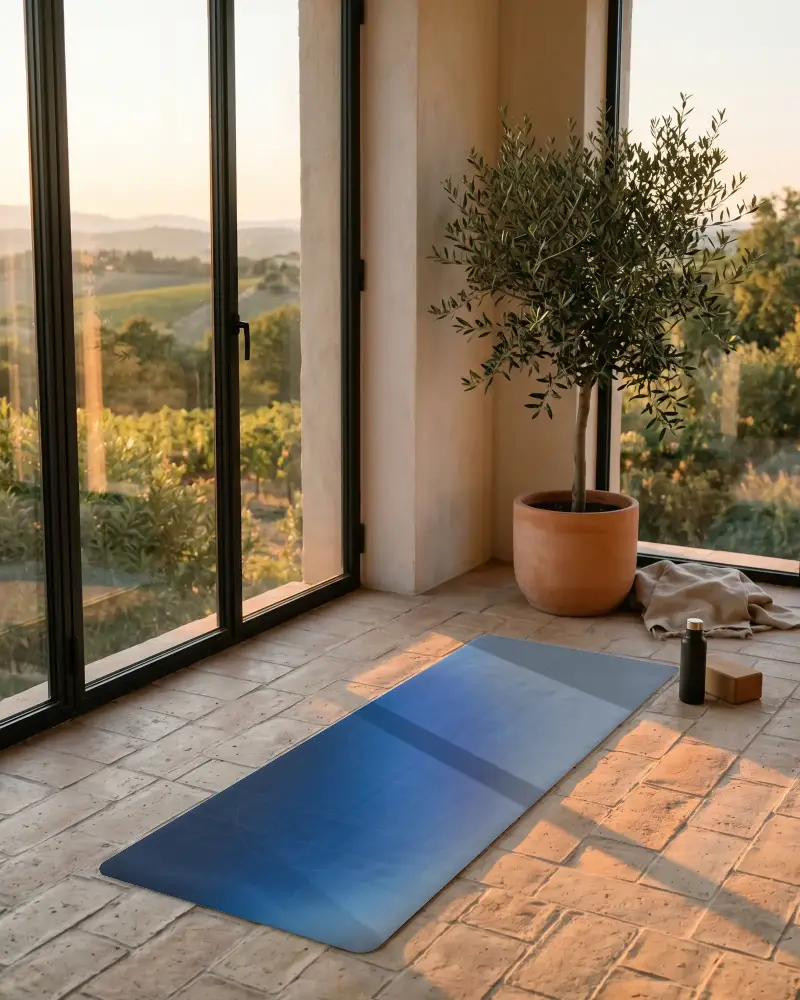
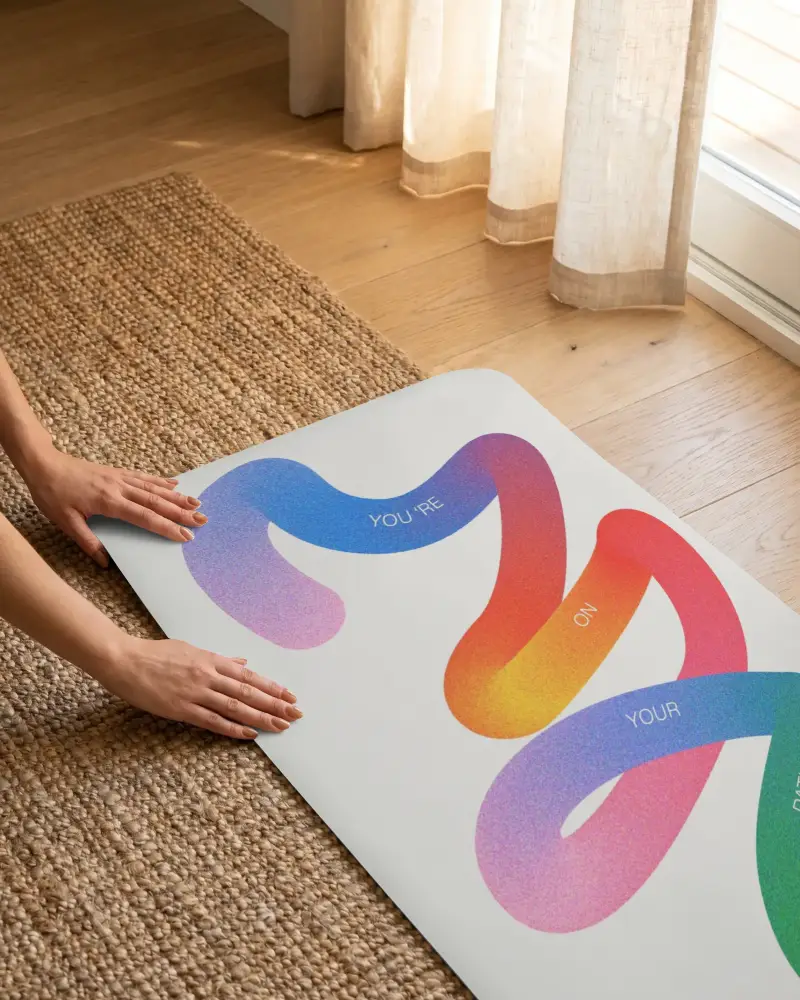
When you're building a fitness brand, presentation matters. These Standing Yoga Mat mockups help you showcase your designs in a way that looks polished, natural, and ready to go live. Easily try different angles, backgrounds, and styles to match your brand. No complicated tools, just upload your design and get a polished mockup in moments.
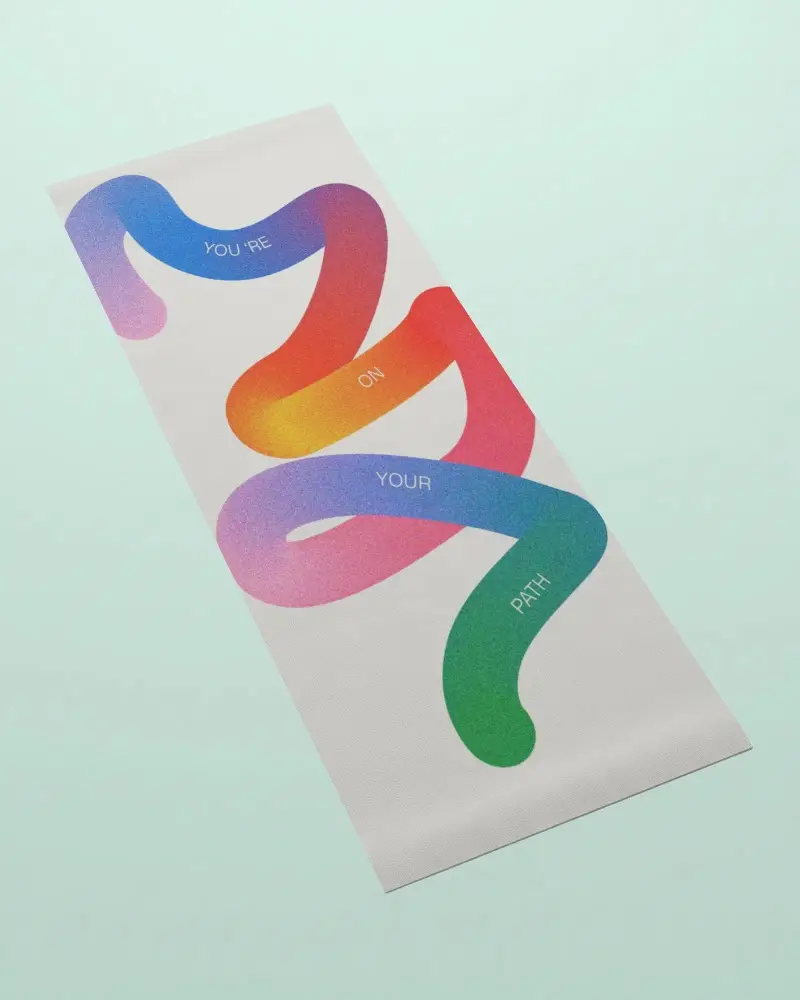
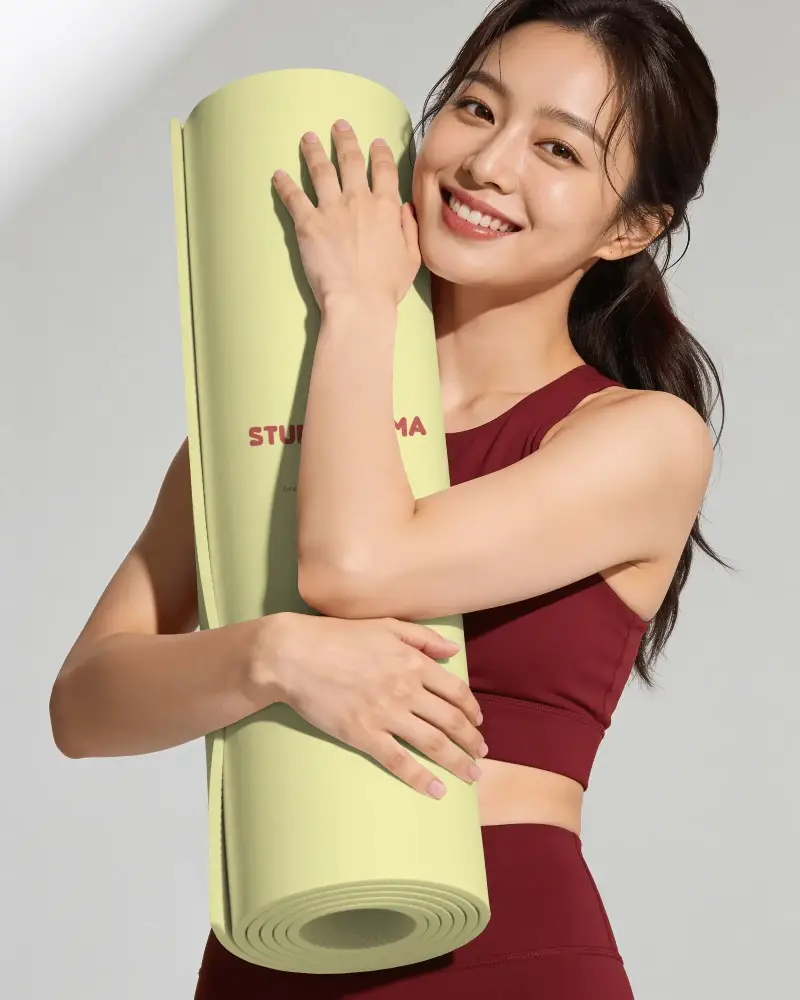
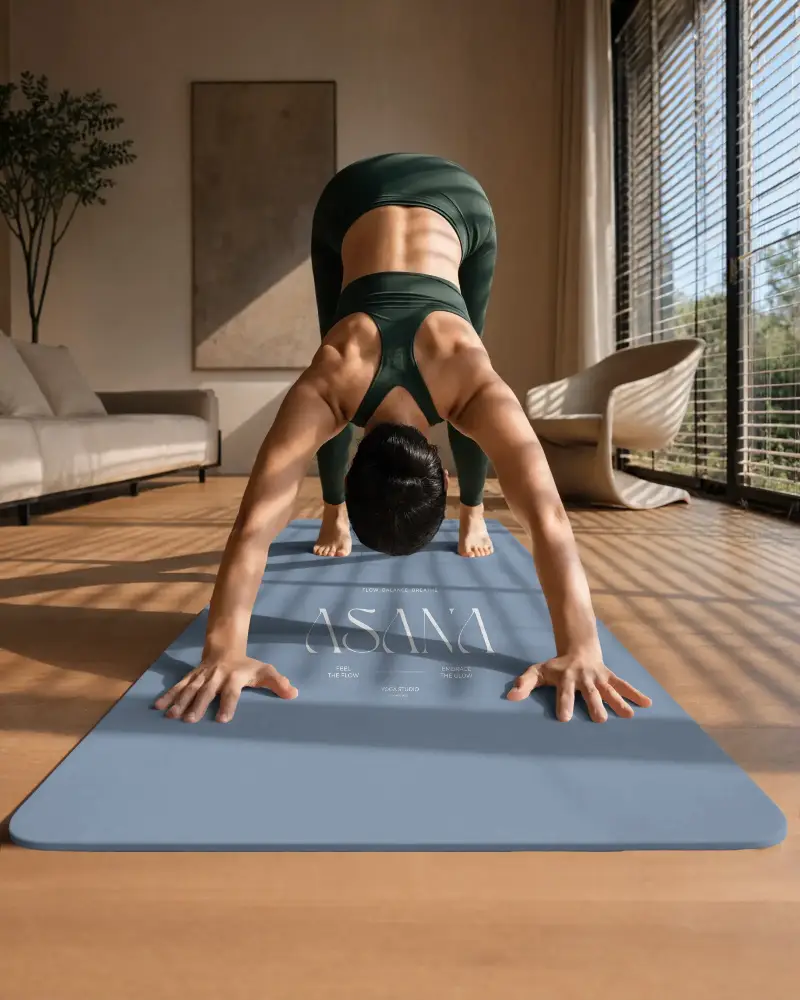
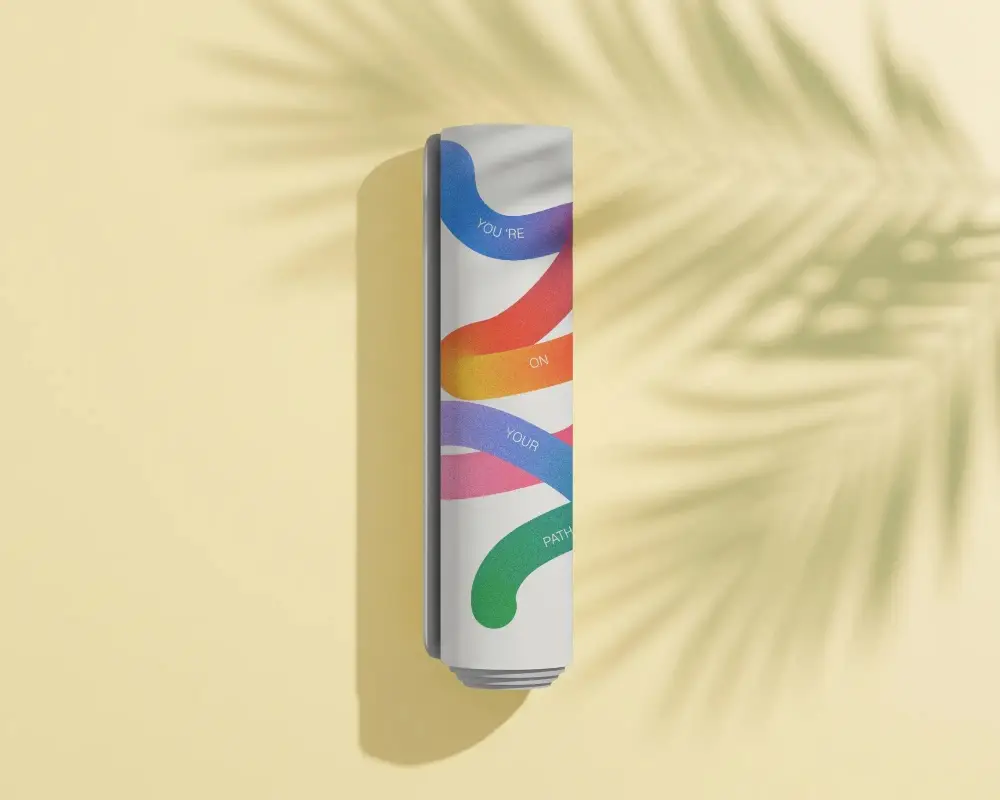
How to Create a Standing Yoga Mat Mockup with Mockey AI
To create a Standing Yoga Mat mockup:
- Step 1: Select a yoga mat from Mockey's library.
- Step 2: Once you add the design, adjust the position, or modify the mat color.
- Step 3: Your Standing Yoga Mat mockup will be saved after clicking Download and selecting the format and size.


FAQs on Standing Yoga Mat Mockups
What is a Standing Yoga Mat mockup?
A Standing Yoga Mat mockup is a preview image that shows your design on a rolled, standing, or horizontal yoga mat. In the Mockey mockup generator, you'll find the best ready-made templates.
How can I create a Standing Yoga Mat mockup without design tools?
You can create a Standing Yoga Mat mockup without using design tools. With the help of Mockey, you get ready-made templates to upload the design, make color changes, or adjustments.
Are Standing Yoga Mat mockups high quality?
Yes. You get high-quality Standing Yoga Mat mockups in Mockey AI with details like rubber-like textures, which give you a premium look.
Can I download my Standing Yoga Mat mockup after customizing it?
You can download the Standing Yoga Mat mockup after customization. Press the Download button, choose the file format and size, and after that, it gets saved automatically.
Will there be a watermark on my Standing Yoga Mat mockup?
Your Standing Yoga Mat mockup will be watermark-free, even on the free plan.
