iPhone Video Mockups
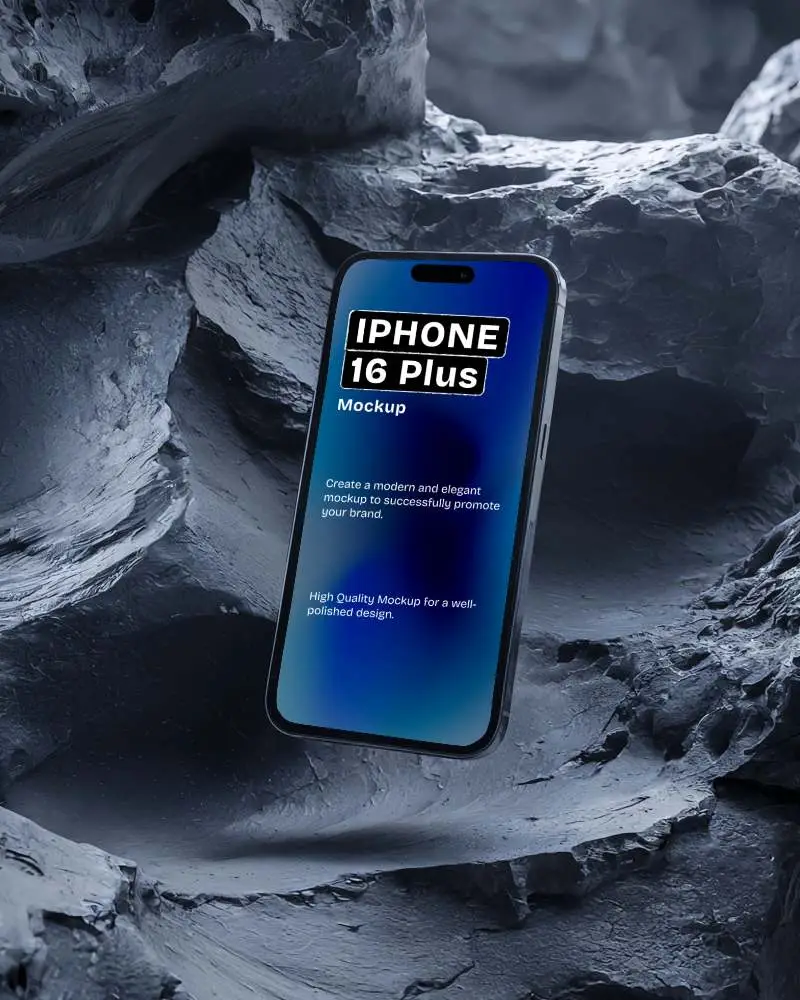
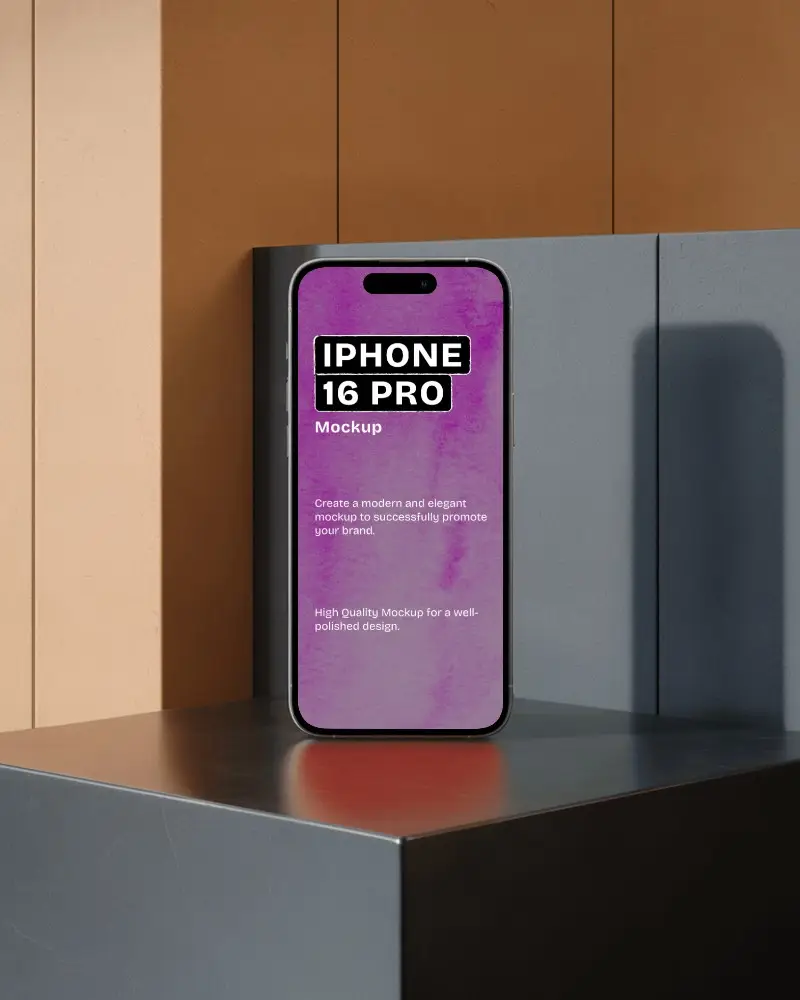
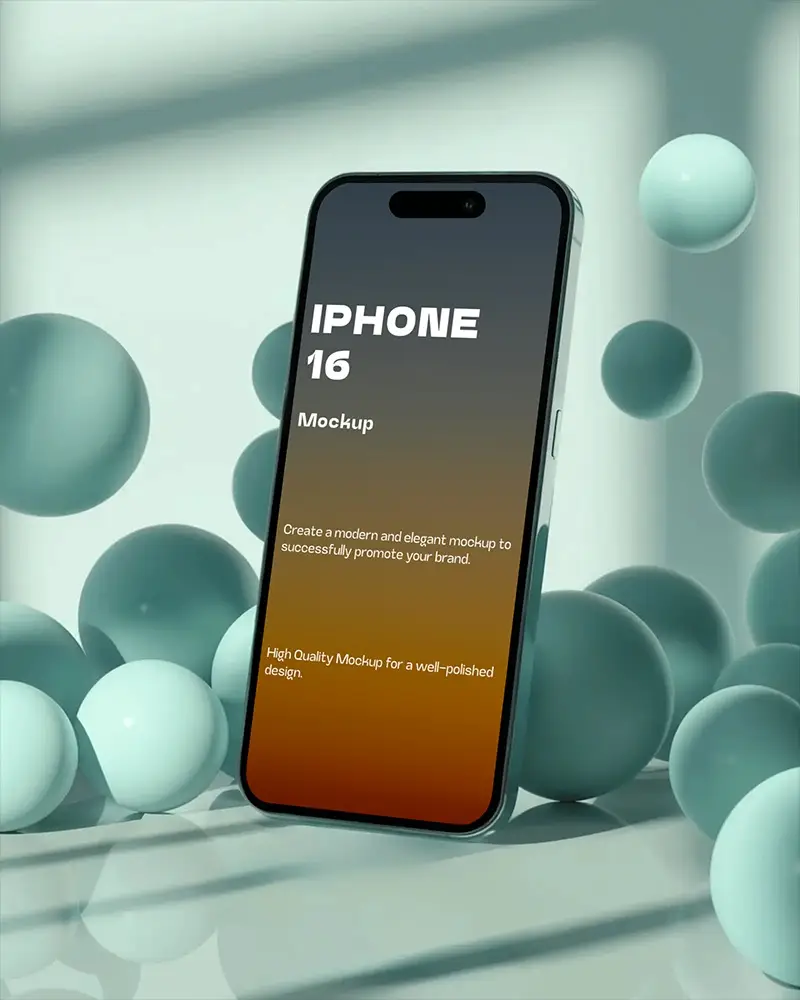
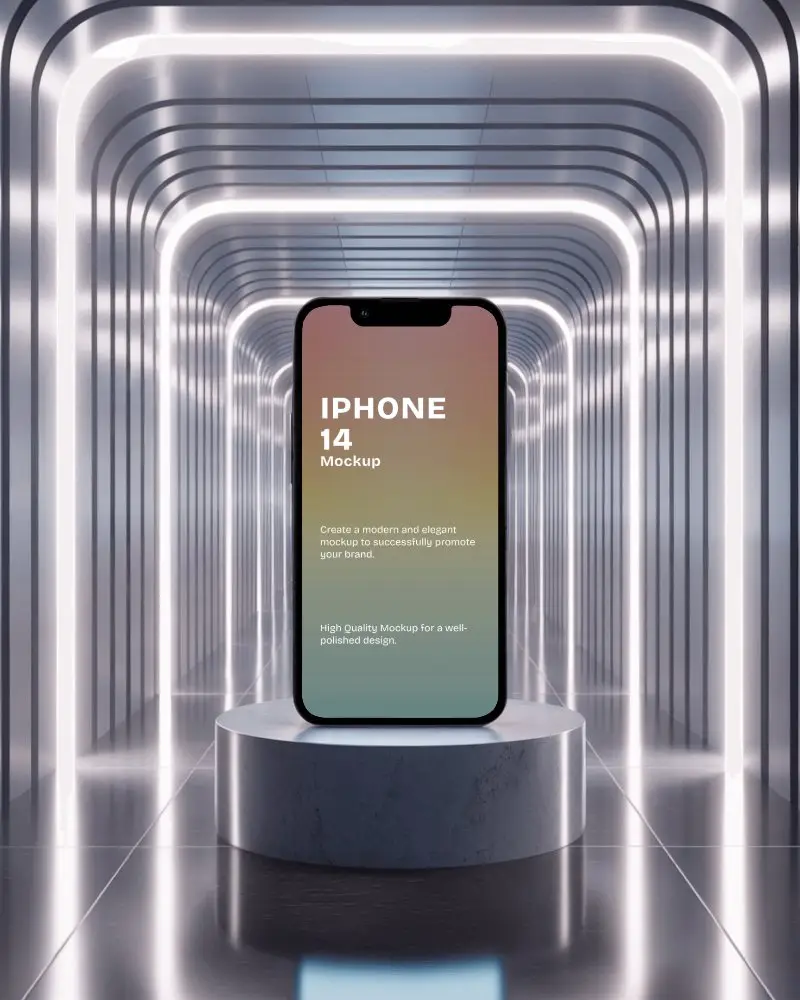
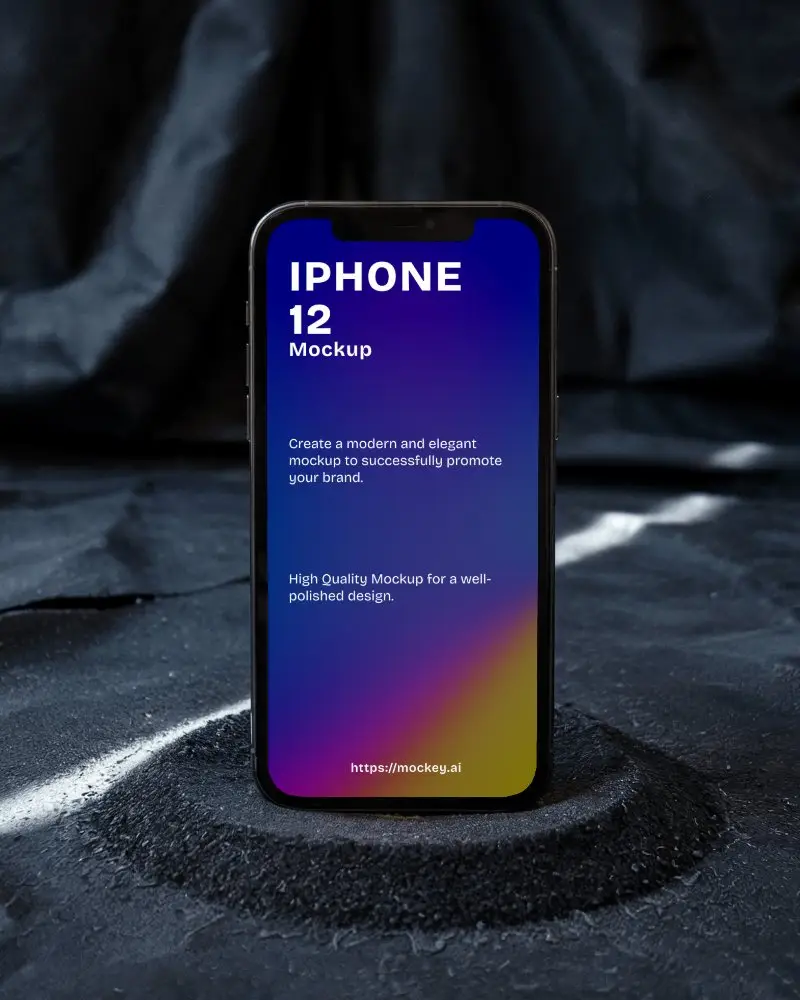
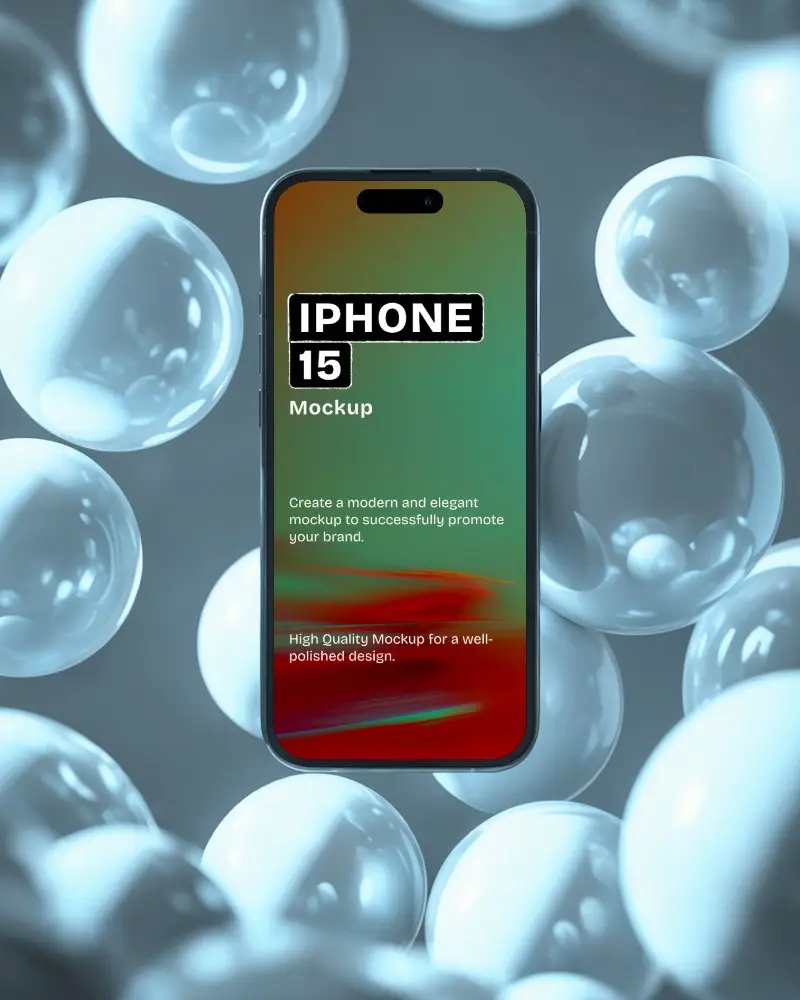
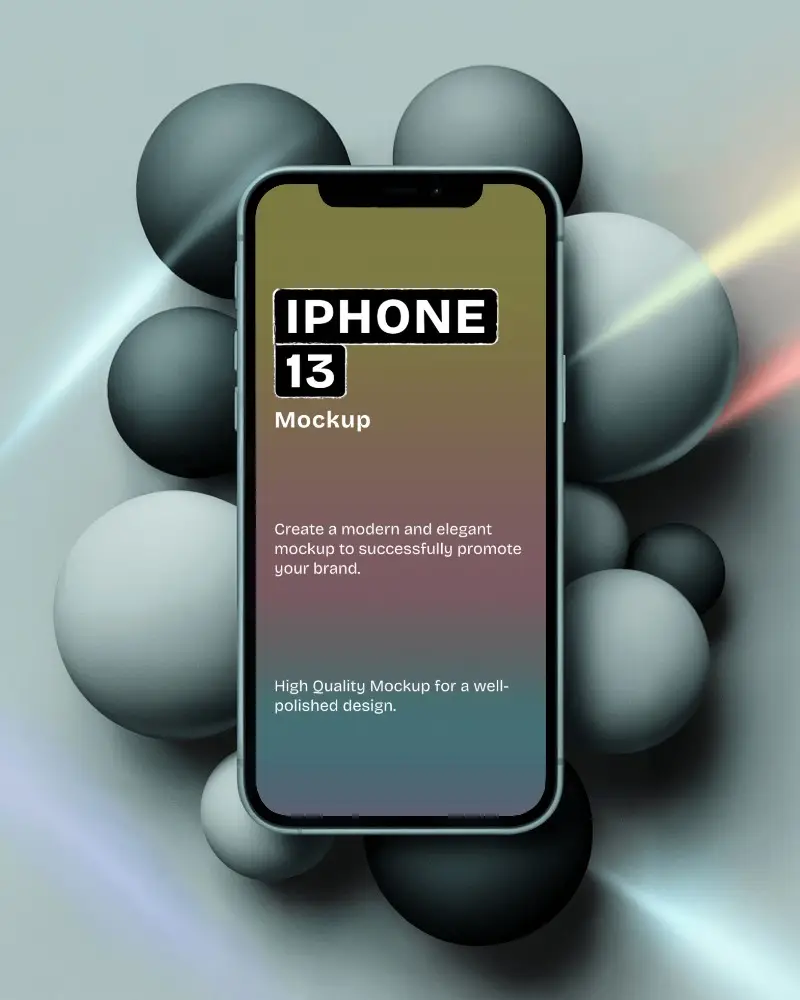
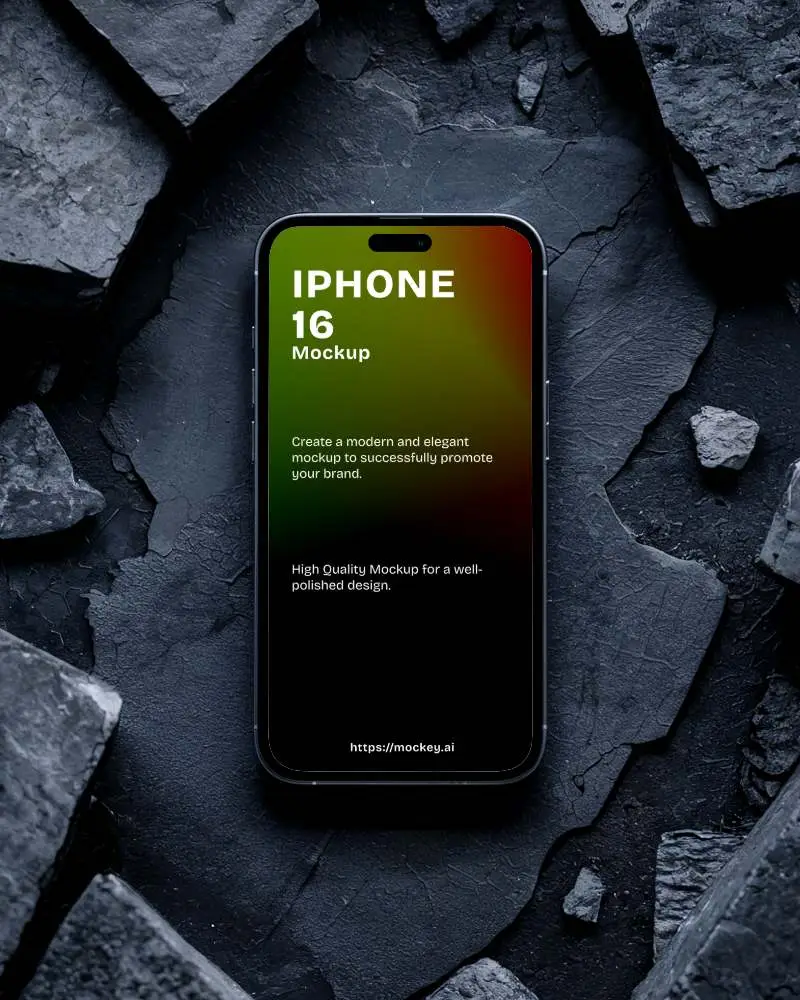
With Mockey AI, you can create iPhone video mockups in seconds. Upload your design and generate high quality animated mockups that help your brand stand out online.
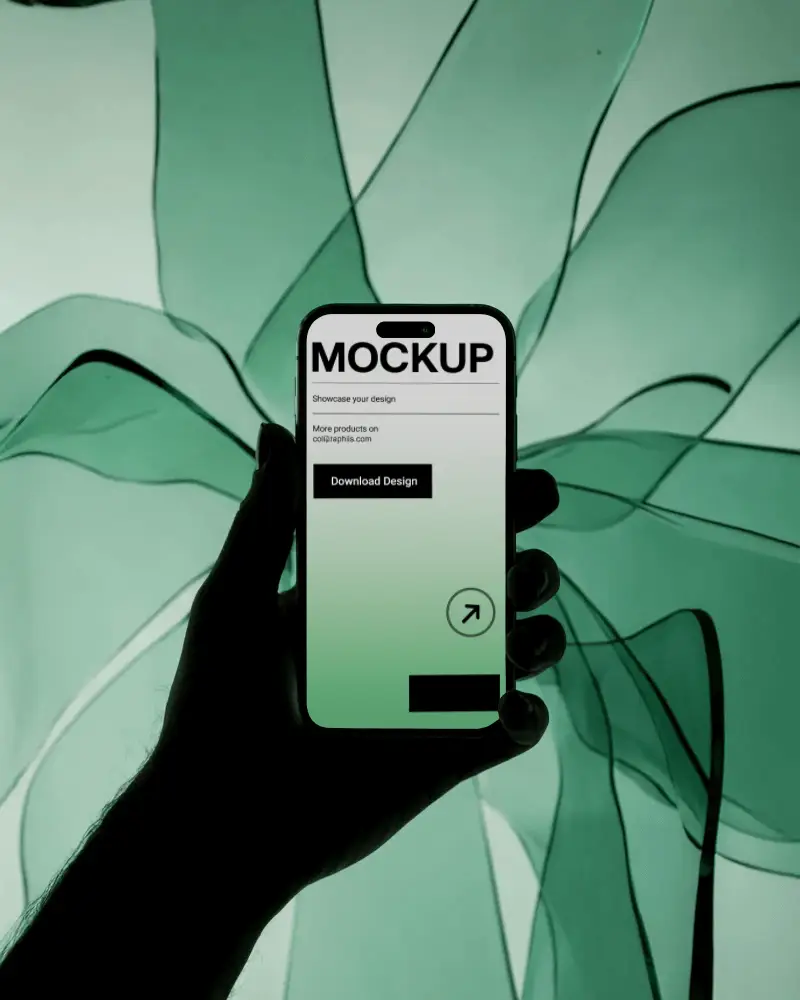
How to Create an iPhone Video Mockup in Mockey AI
To create iPhone video mockups:
- Step 1: Upgrade to the MAX plan. Explore the 'Video Mockups' section and in the 'Tech' category, select 'iPhone'.
- Step 2: Choose a video template. After adding a design, proceed with customization.
- Step 3: Click on 'Generate Video'. Save the video mockup of the iPhone.


FAQs on iphone Video Mockups
What is an iPhone video mockup?
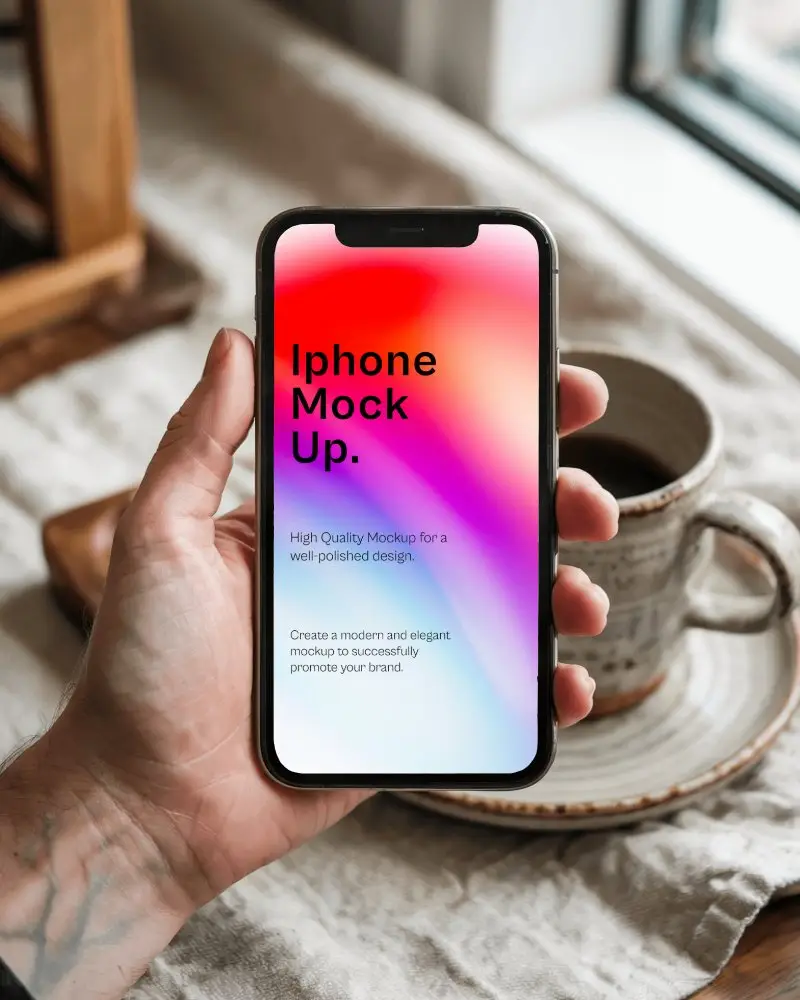
An iPhone video mockup is a short video clip of an iPhone model that clients use to preview screenshots and app designs. In Mockey, video templates of different iPhone models are available for customization.
What iPhone models are typically available in video mockups?
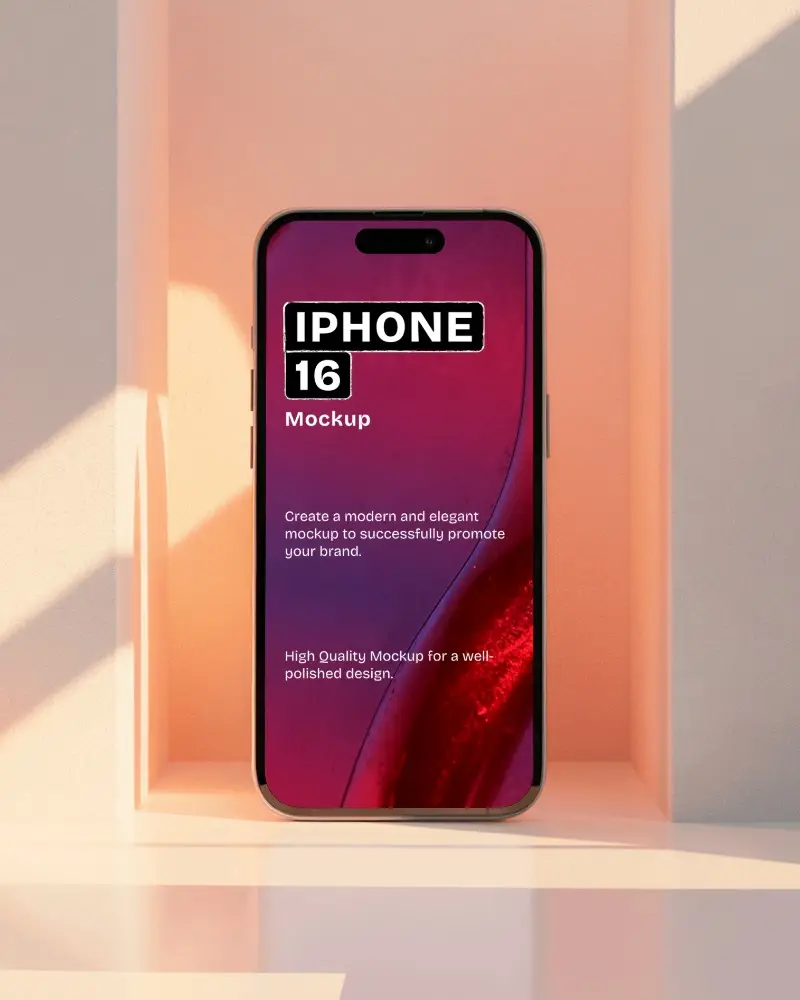
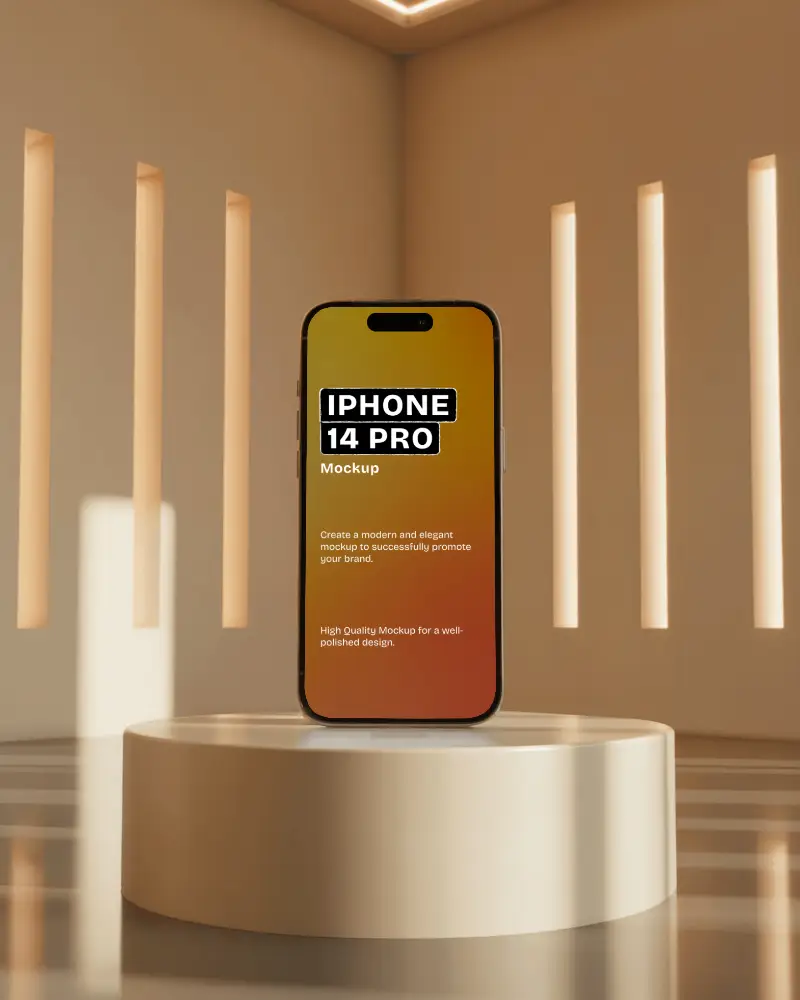
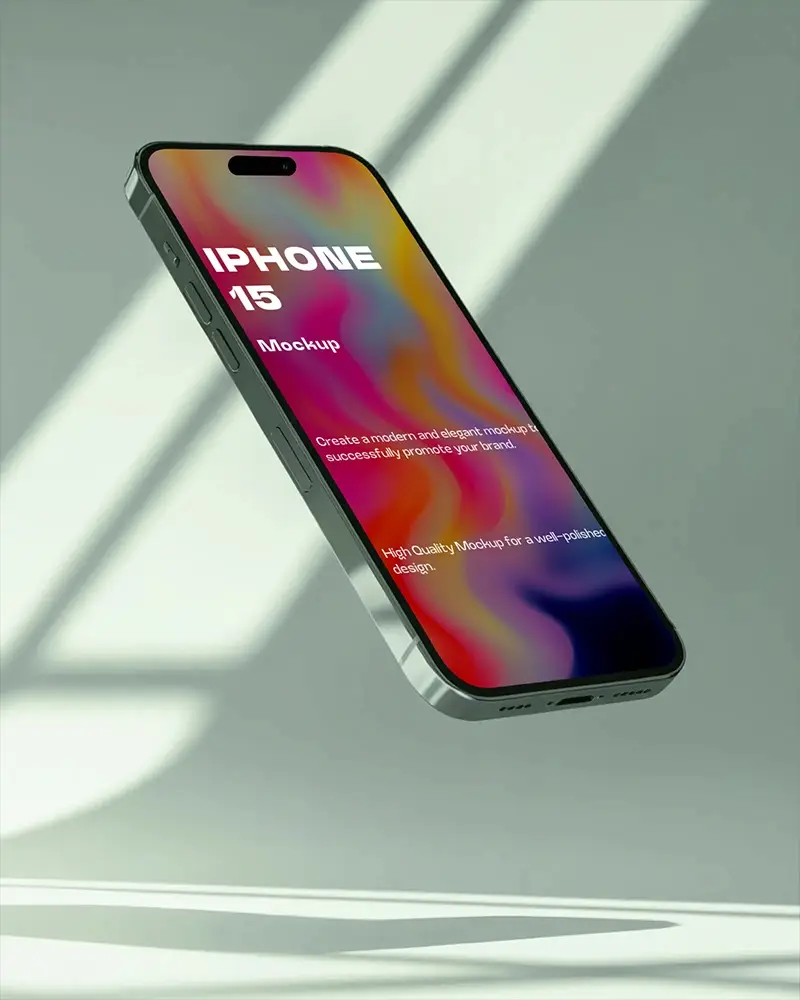
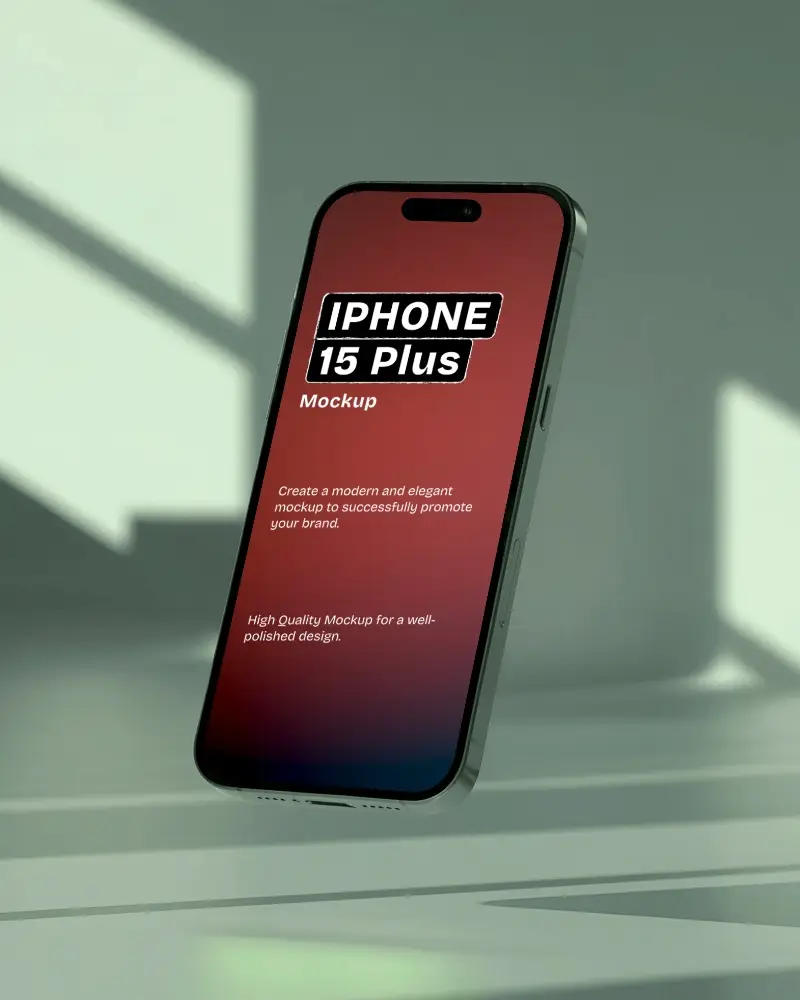
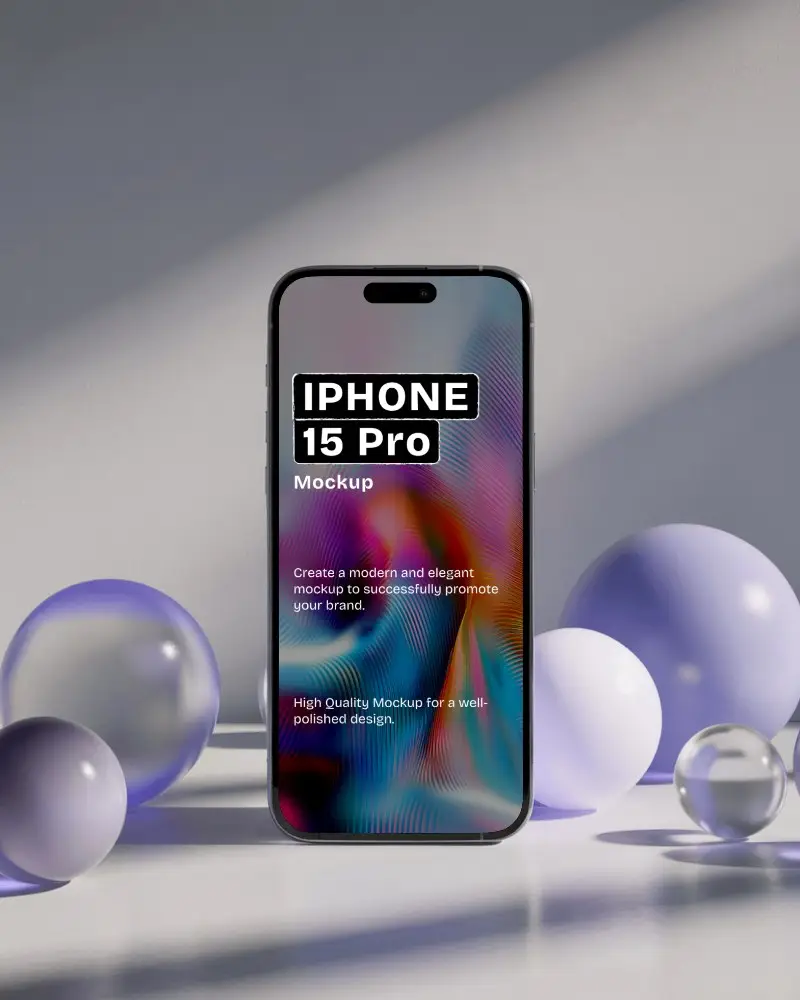
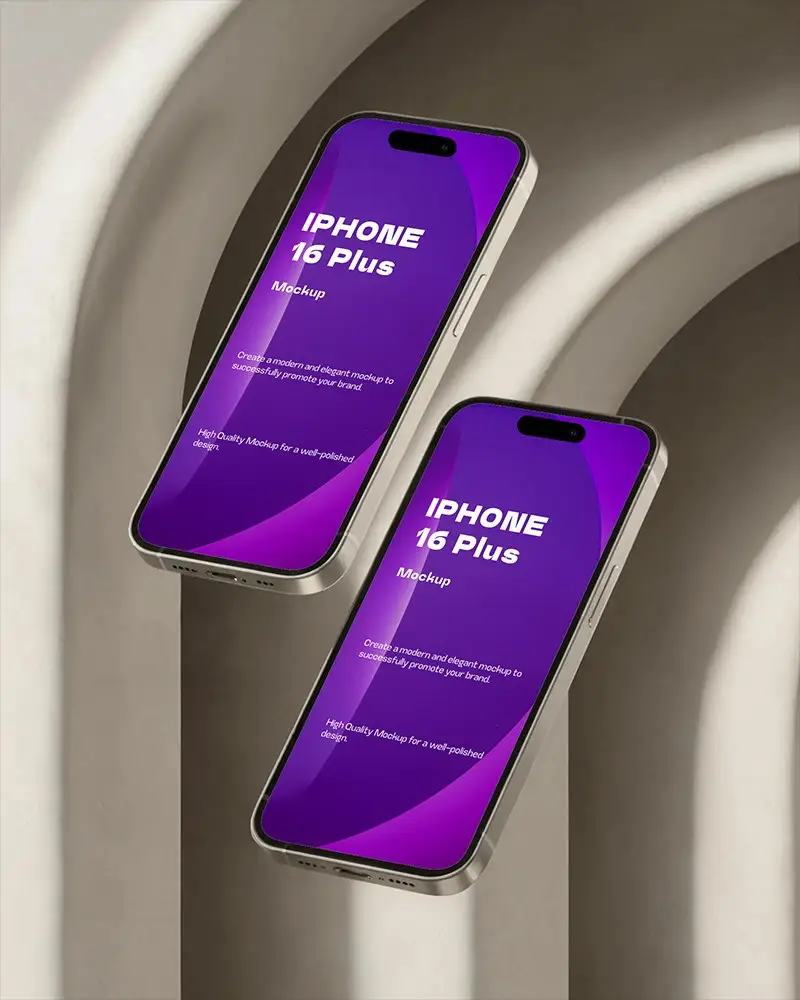
The iPhone 14 series, iPhone 15 series, iPhone 16 series, and iPhone 17 series are available in Mockey AI’s video mockups.
Why should I use an iPhone video mockup?
Use an iPhone video mockup to display the app or website screenshots. It adds movement, interaction, and life to your work. Unlike static images, it shows the real user journey. Video mockups also boost professionalism and leave a stronger brand impression.
Is the iPhone video mockup suitable for social media promotion?
An iPhone video mockup is highly suitable for social media. More attention is drawn to moving visuals than to plain screenshots. It also highlights how easy they are to use on mobile, reaching a wider audience.
