Modern IPhone X iPhone Video Mockup – High-Impact Visuals by Mockey
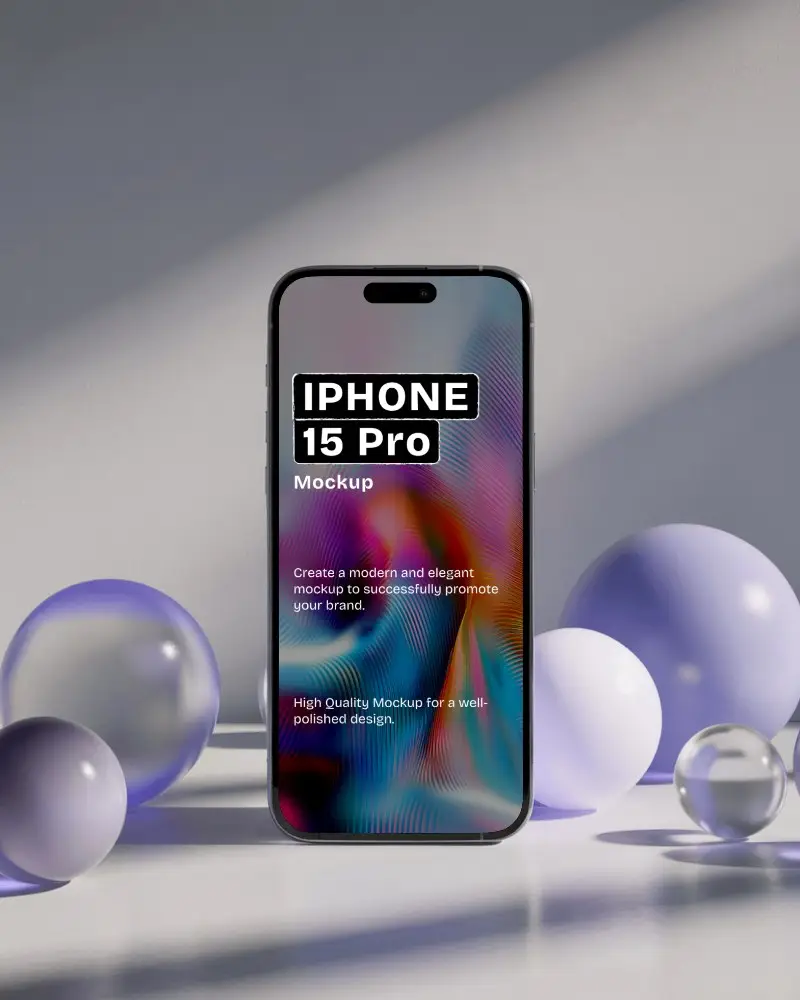
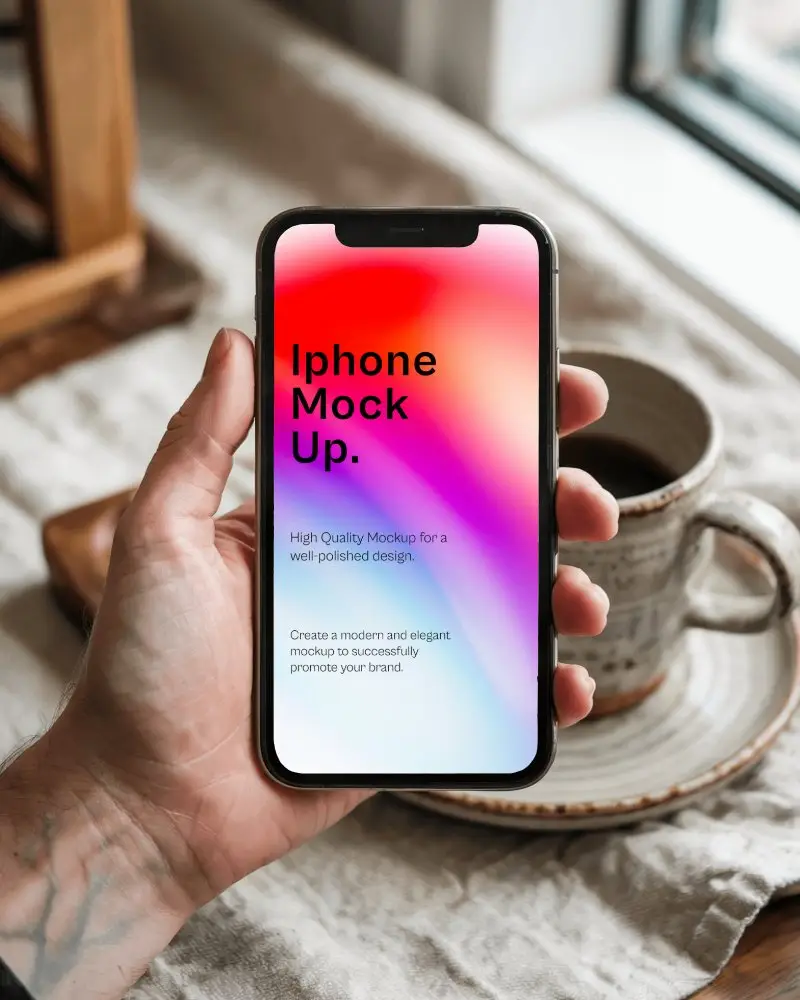
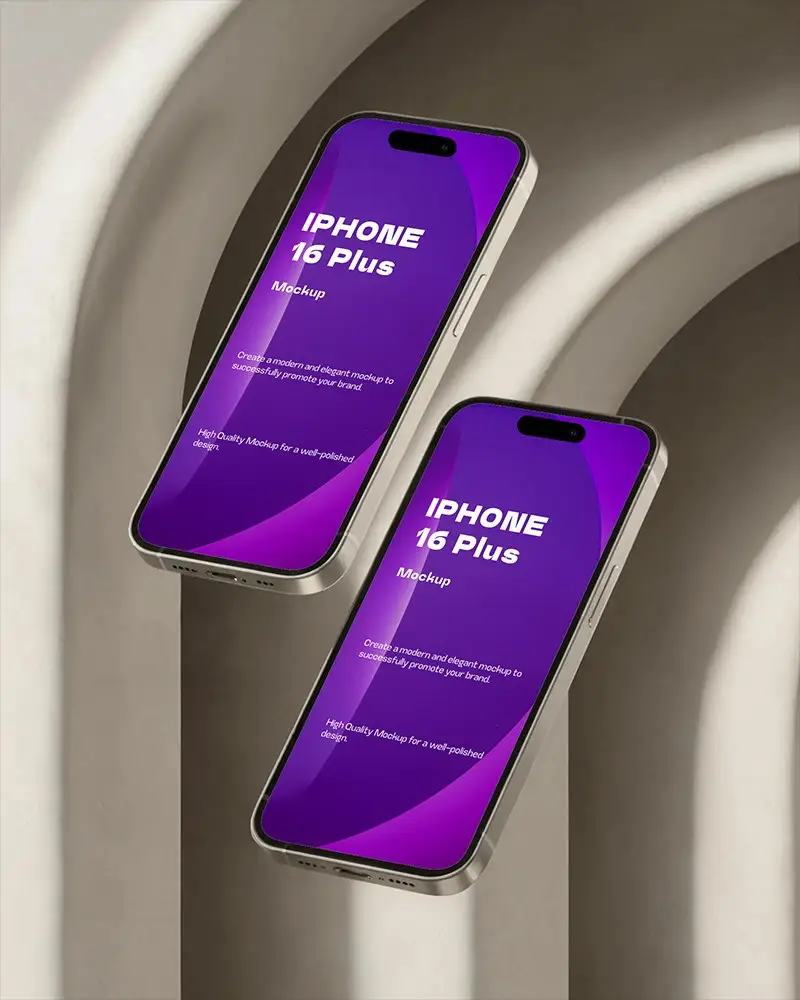
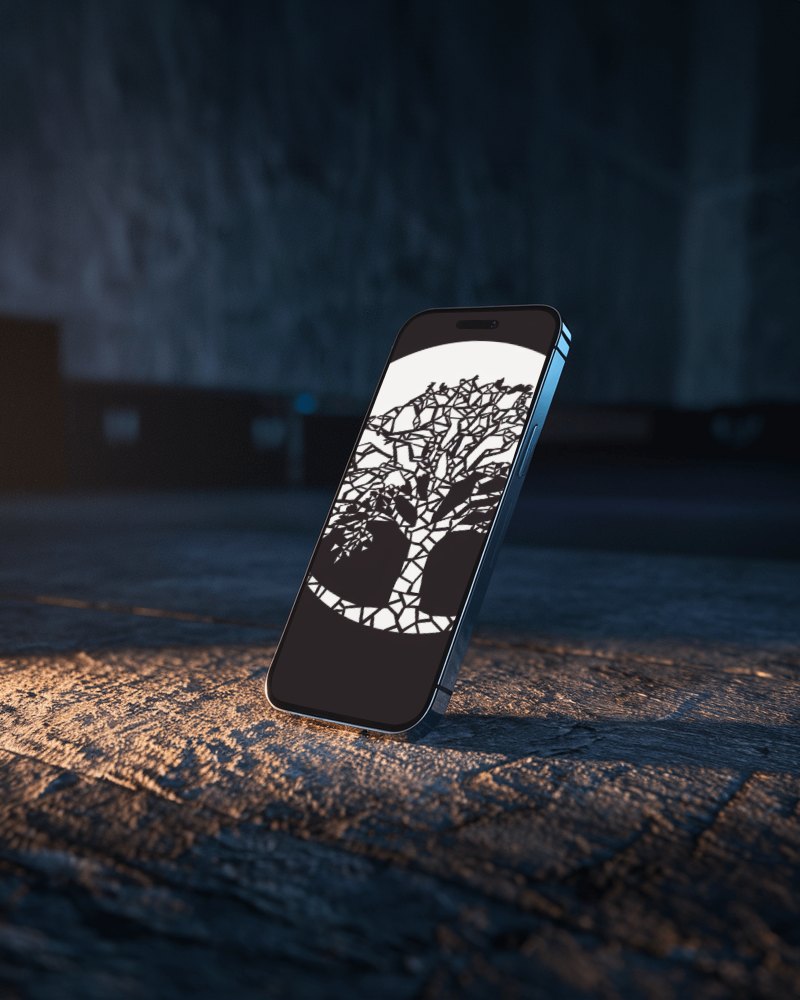
Bring depth and movement to your app showcase with Mockey’s IPhone X iPhone video mockup. Smooth rotation, crisp screen clarity, and realistic lighting make your UI, product screens, or creative layouts stand out instantly—perfect for creators, developers, and marketers who want presentation-ready visuals without editing tools.
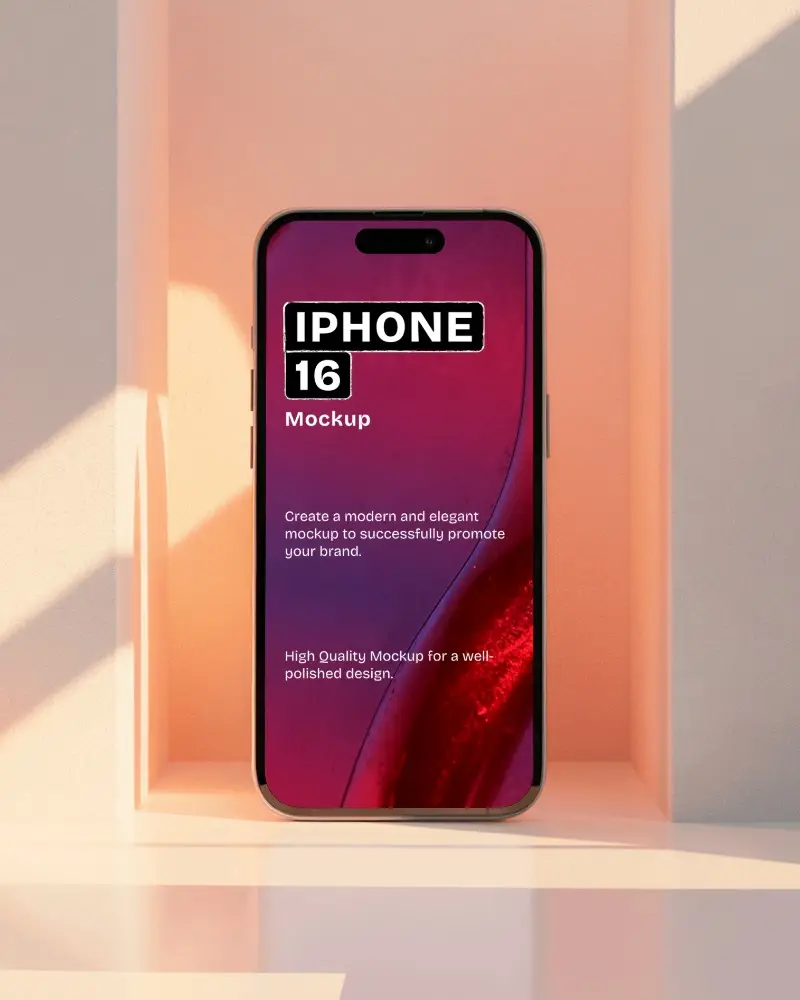
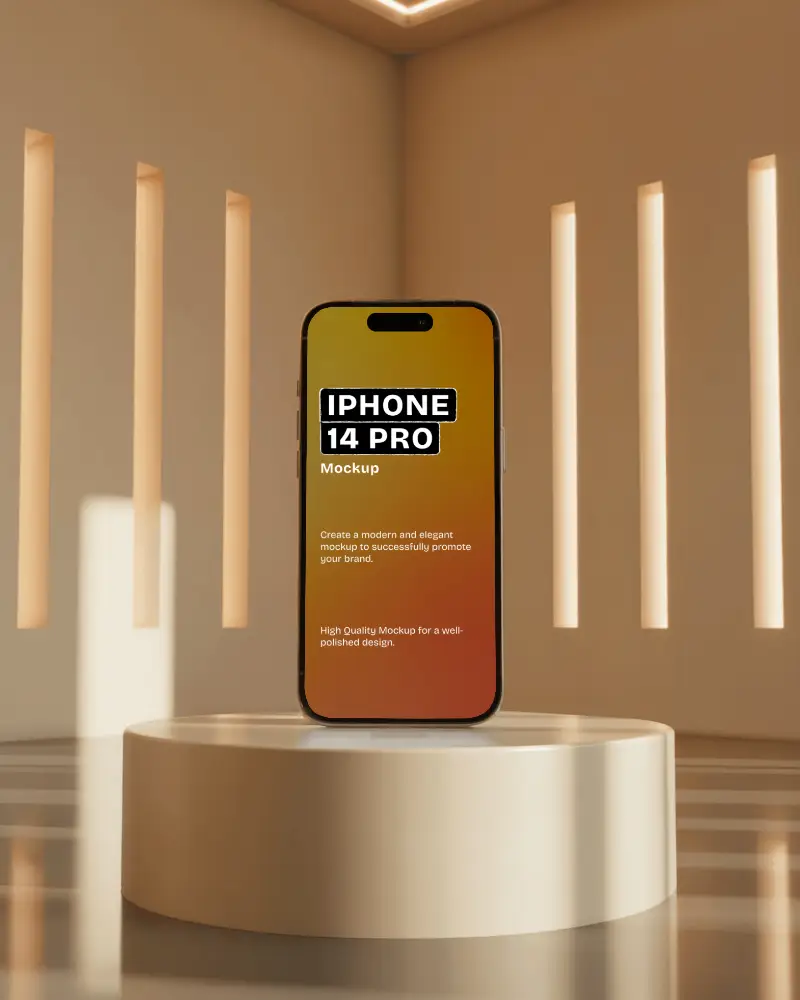
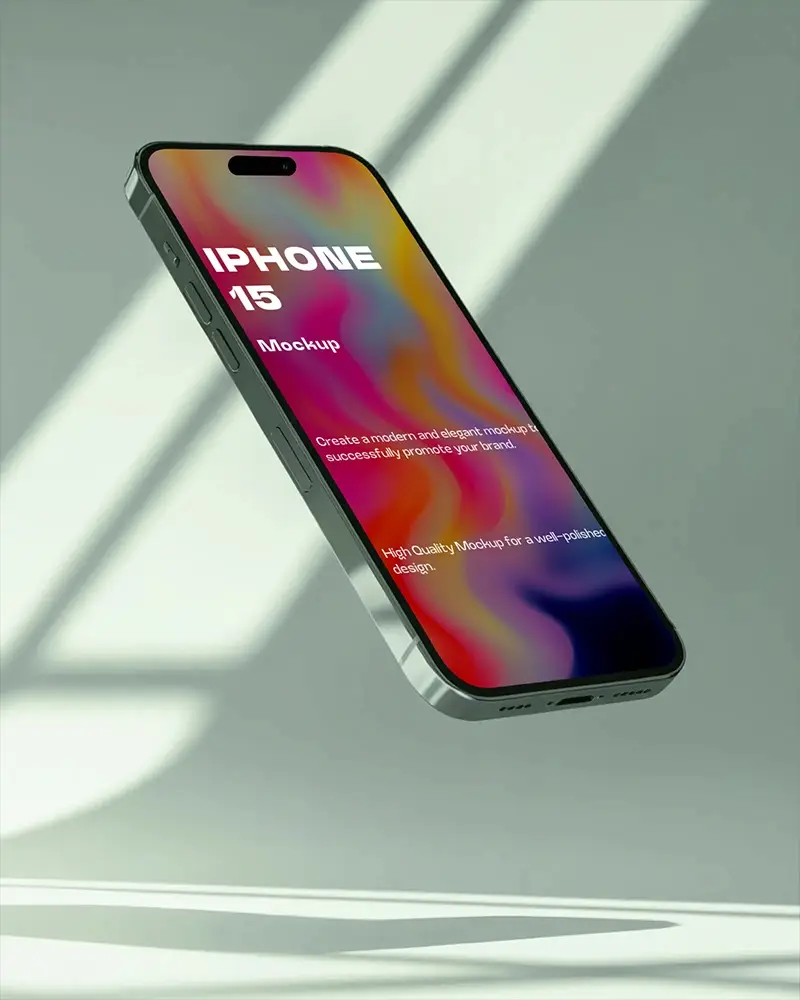
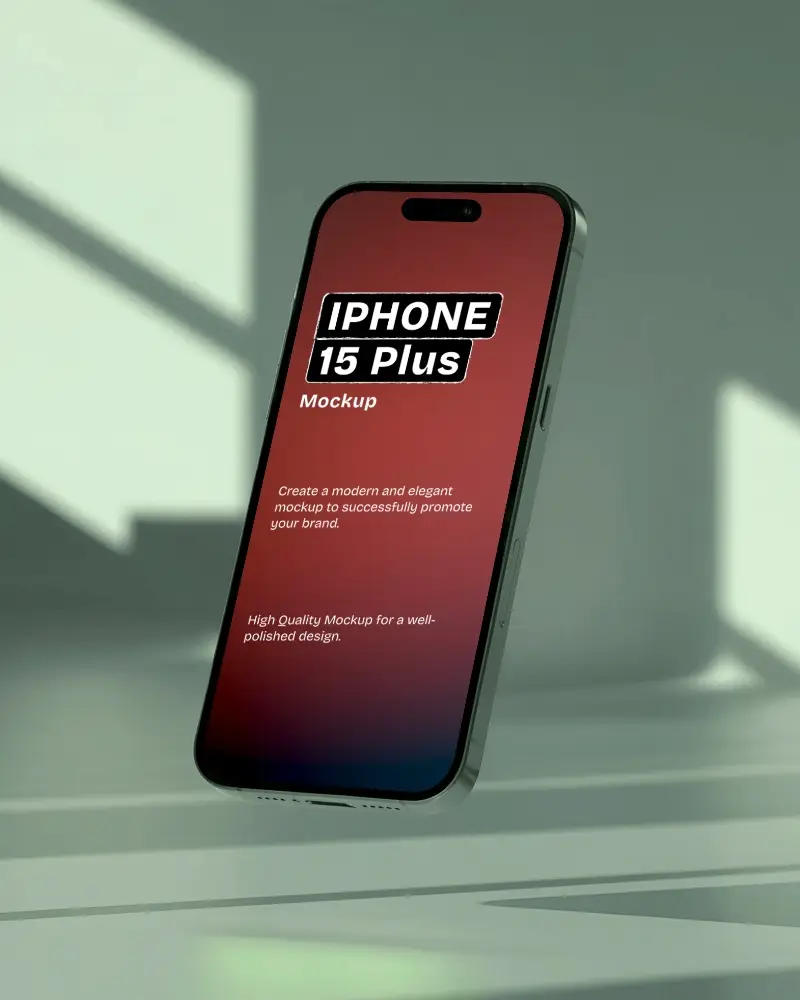
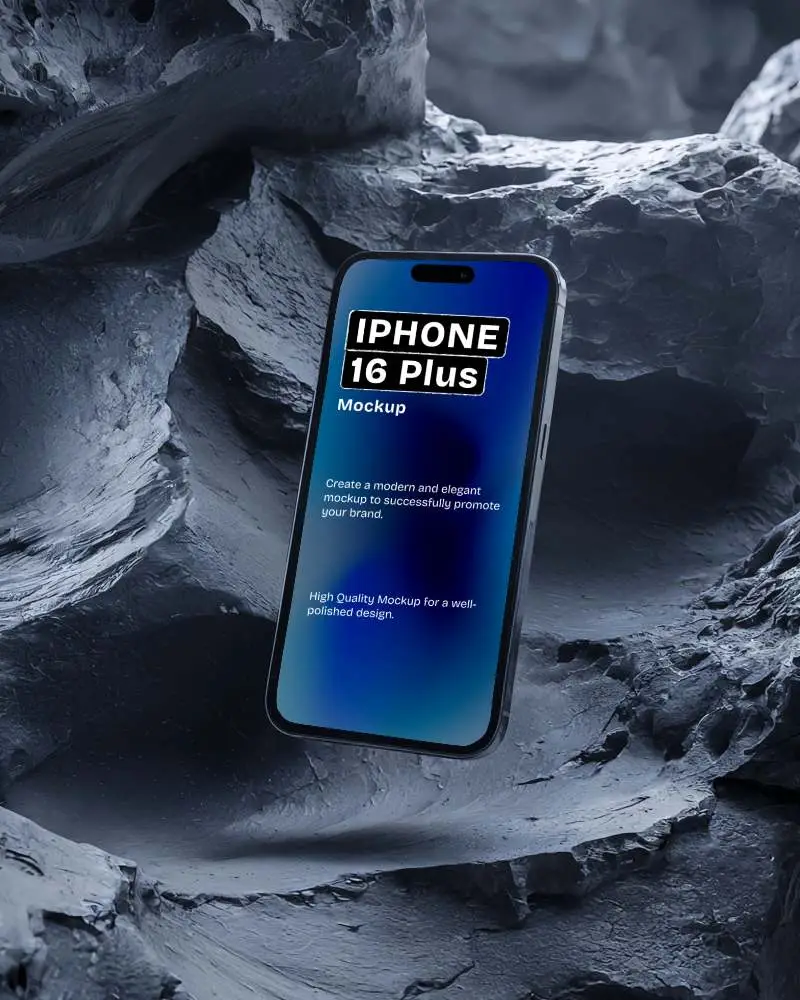
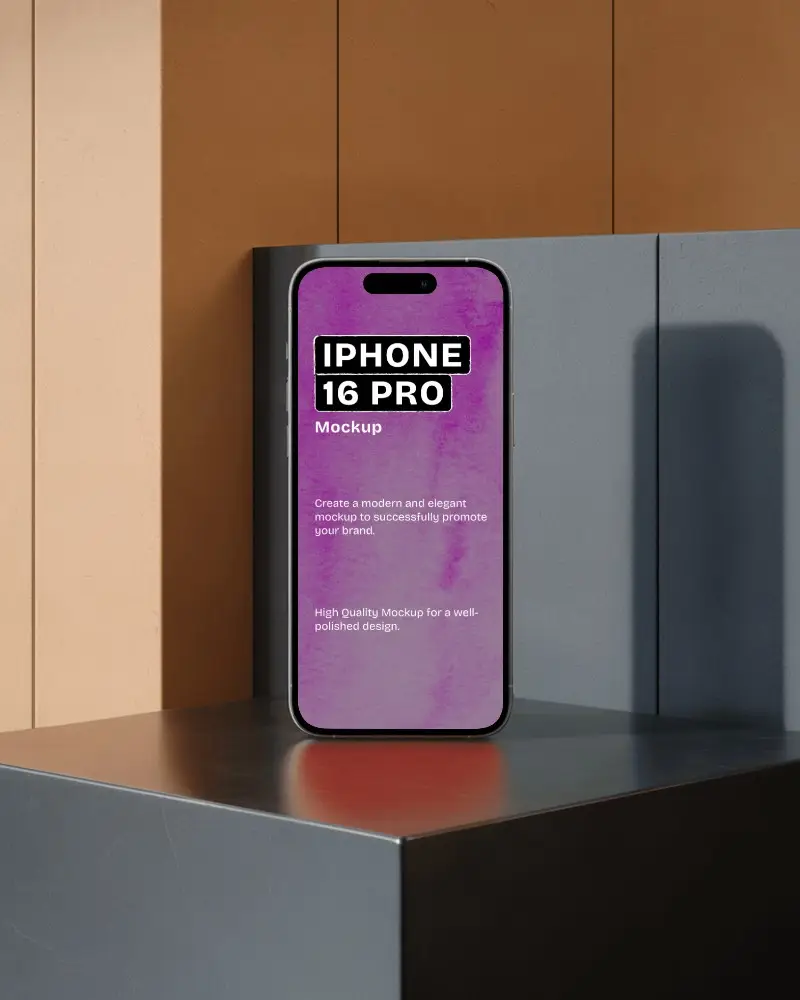
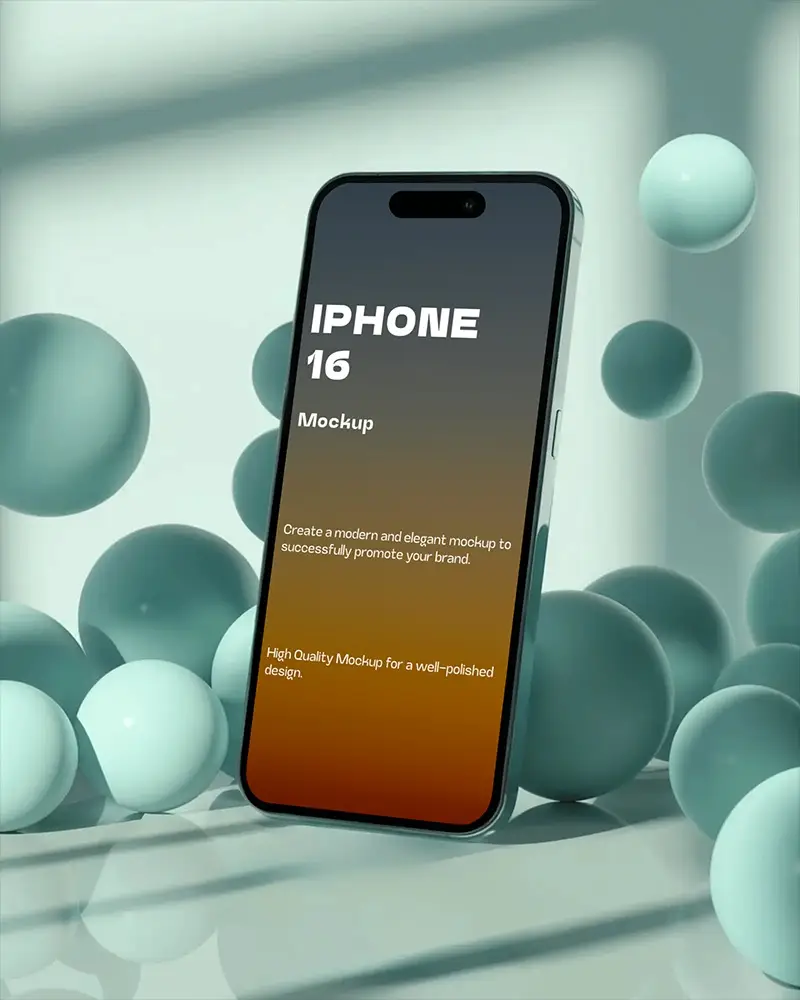
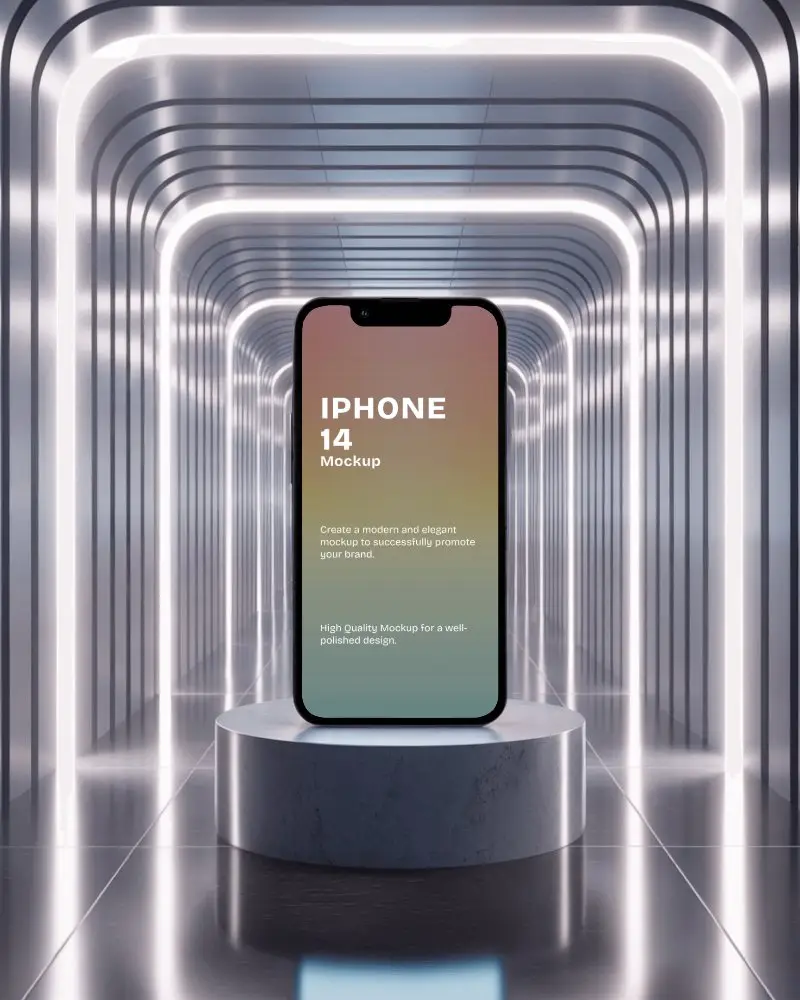
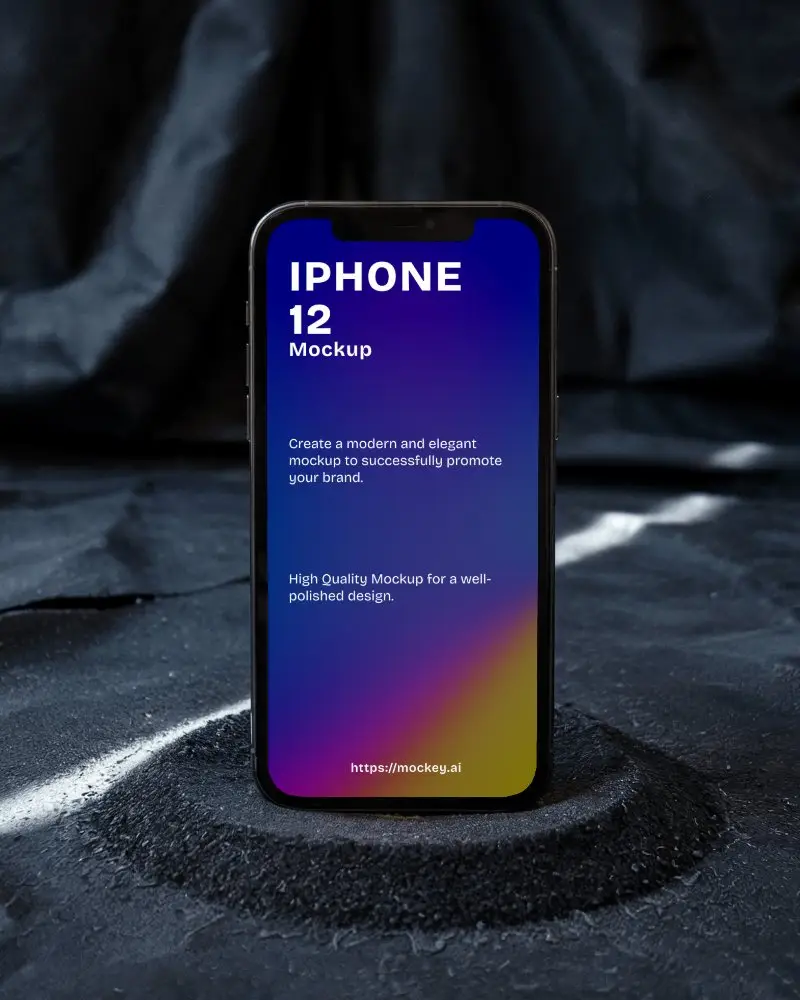
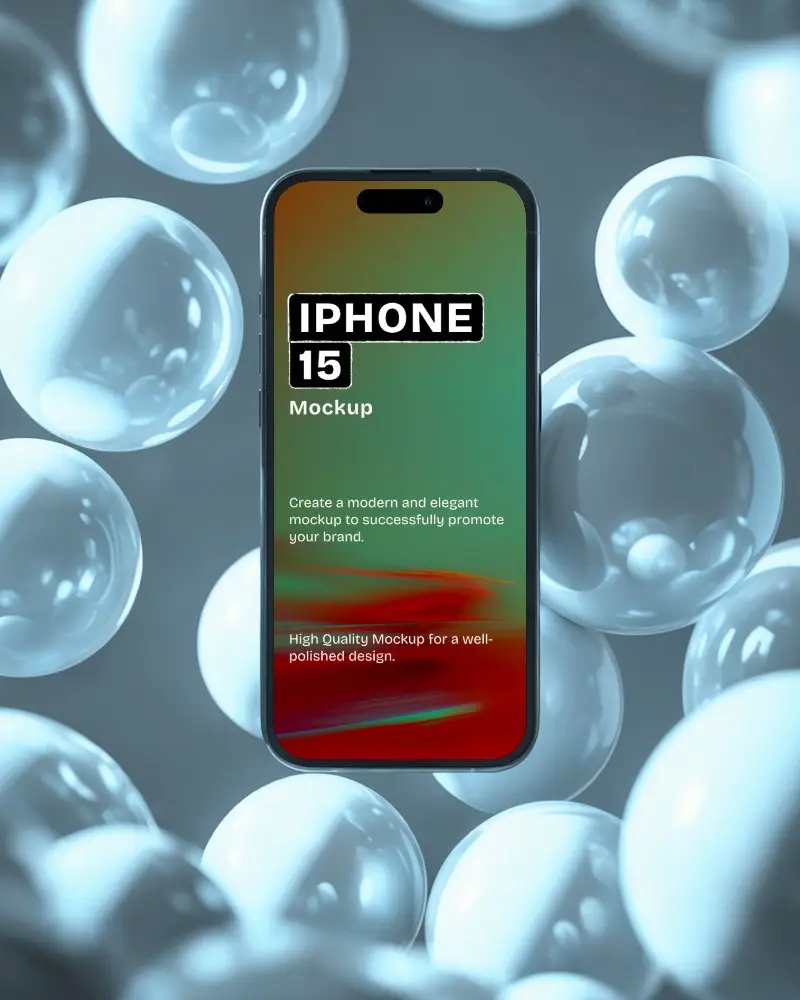
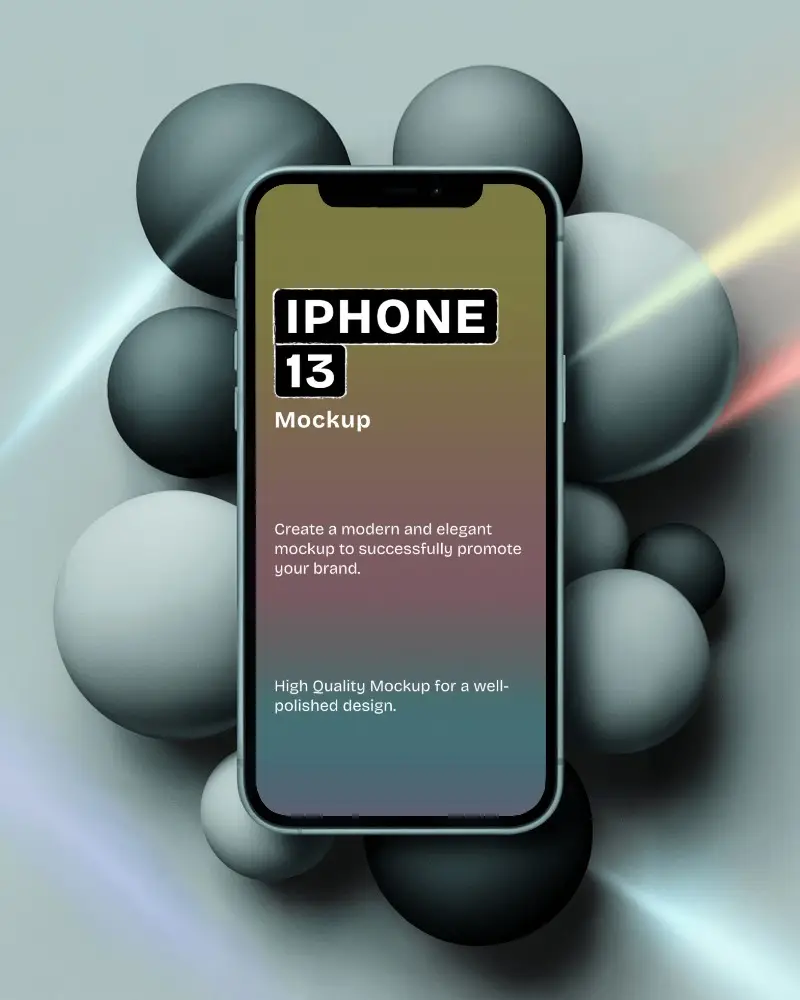
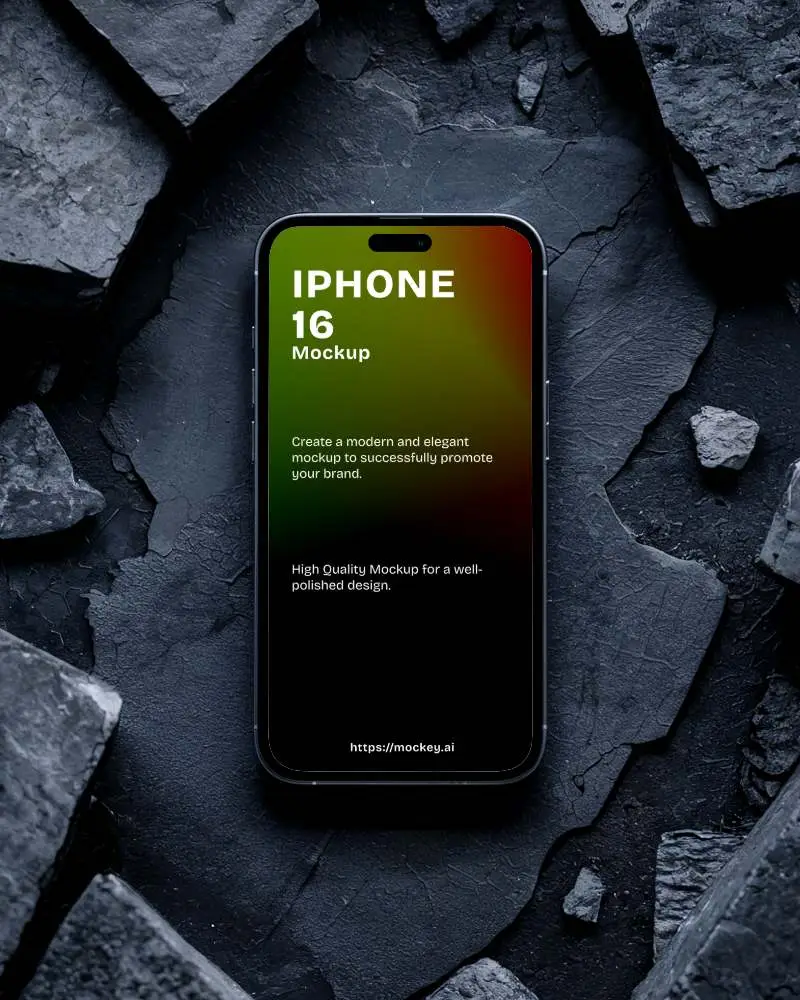
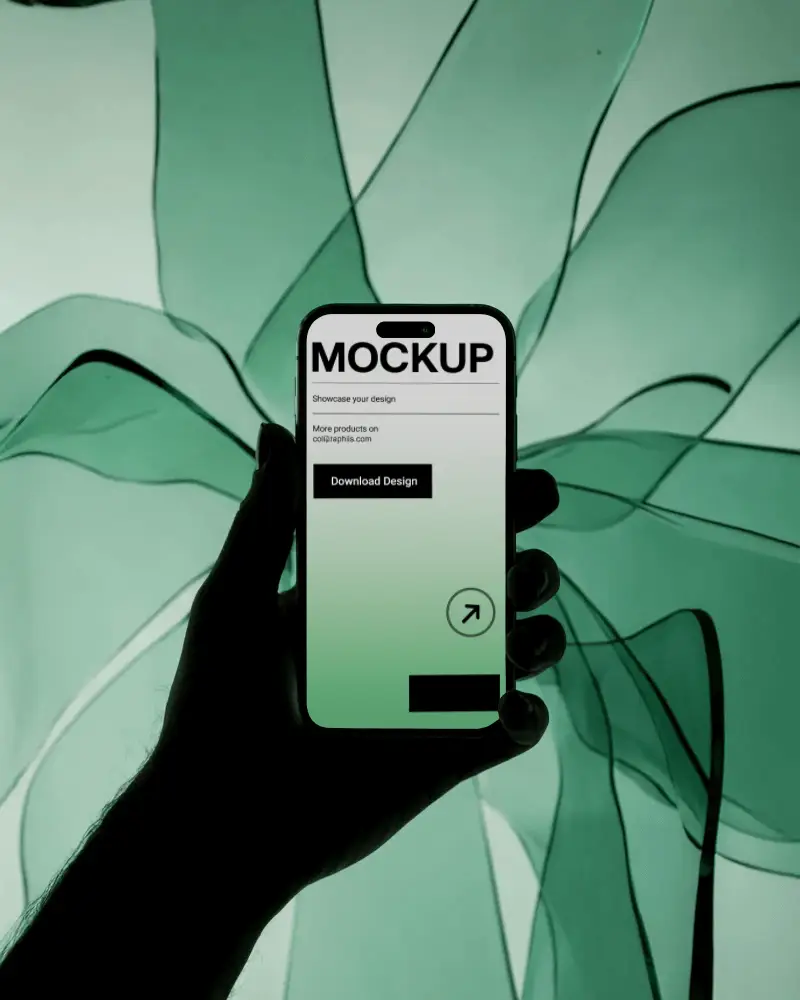
How to Create a IPhone X iPhone Video Mockup
To create a IPhone X iPhone video mockup:
- Step 1: Upgrade to a plan by clicking Pricing, then open the Video Mockups section and navigate to Tech > iPhone.
- Step 2: Choose a video template, upload your design, crop it to fit the screen, and customize as needed.
- Step 3: Click Generate Video to save the IPhone X iPhone video mockup in MP4 format.


FAQs on Iphone X Video Mockups
Can I upload my app screenshots directly into the IPhone X iPhone video mockup?
Yes, you can upload your app screenshots directly. Click Upload Design, crop your screenshot, and it will fit perfectly onto the iPhone video template.
Will the IPhone X iPhone video mockup adjust my design to fit the screen perfectly?
Mockey AI automatically fits your design to the iPhone screen. After uploading and cropping, your UI aligns cleanly with the device display.
Can I use the IPhone X iPhone video mockup for app store previews or promotional ads?
IPhone X iPhone video mockups work well for websites, ads outside the App Store, and social media. However, Apple requires real in-app footage for official App Store preview videos.
What file format will I get after downloading the IPhone X iPhone video mockup?
Your IPhone X iPhone video mockup will be downloaded in MP4 format, ready to use across marketing and presentation platforms.
