High Quality ID Card Video Mockups
Explore dynamic ID card video mockups on Mockey AI. Customize high-quality motion visuals to showcase your brand with clarity, creativity, and confidence.
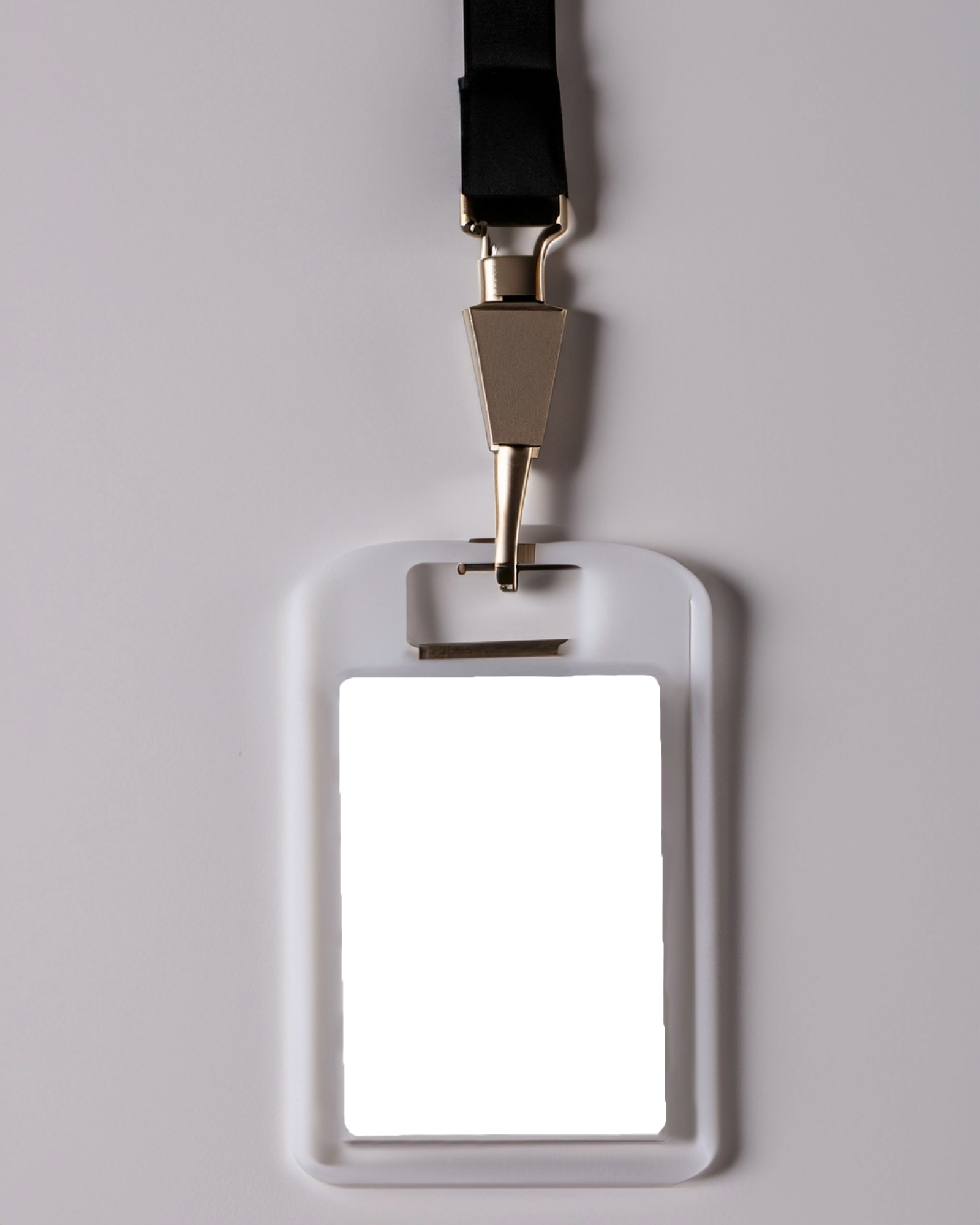

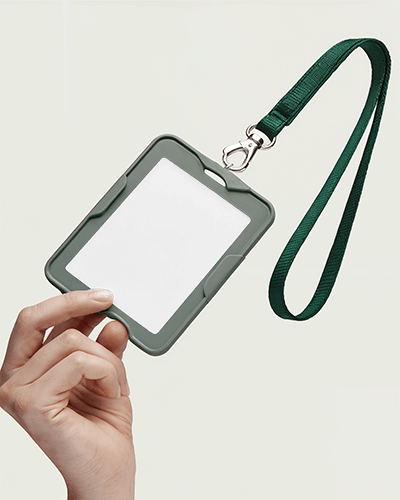
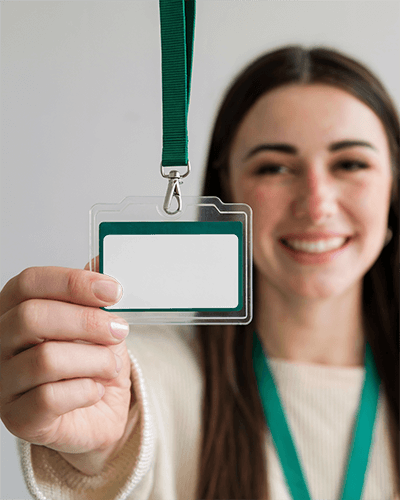

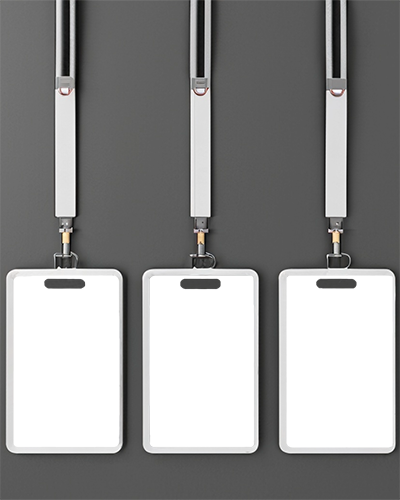
How to Create an ID Card Video Mockup with Mockey AI
To create ID card video mockups:
- Step 1: Start by getting the MAX plan. Head to 'Video Mockups' and select 'ID Card' in 'Print'.
- Step 2: Pick a template you like. Upload an image and make changes.
- Step 3: Hit 'Generate Video' to create the ID Card mockup. Download the final video in MP4 format.


FAQs on id-card Video Mockups
Do I need design skills to use ID card video mockups on Mockey AI?
You don't need any design skills to use ID card video mockups on Mockey AI. The platform gives you ready-made templates and a simple editor. You only need to upload a design, make a few minor adjustments, and you're done. No need for heavy software or expert knowledge.
Can I use my own branding in the ID card video mockup?
You can add your own branding to the ID card video mockup. Mockey AI lets you upload your logo, pick your colors, and include brand elements. This helps the final video match your brand’s look and feel. It’s simple and keeps everything on-brand.
What file formats are supported for uploading ID designs?
You can upload your ID designs in PNG or JPEG format. Both give clear images and good quality. They also keep file sizes small, so your design looks sharp without taking up too much space. Stick to PNG or JPEG to make sure your design shows up right every time.
