canvas
Vertical Canvas Video Mockups
Mockey AI provides high-quality Vertical canvas video mockups with lifelike motion and realistic wall presentations. Perfect for interior branding, art previews, and design showcases.
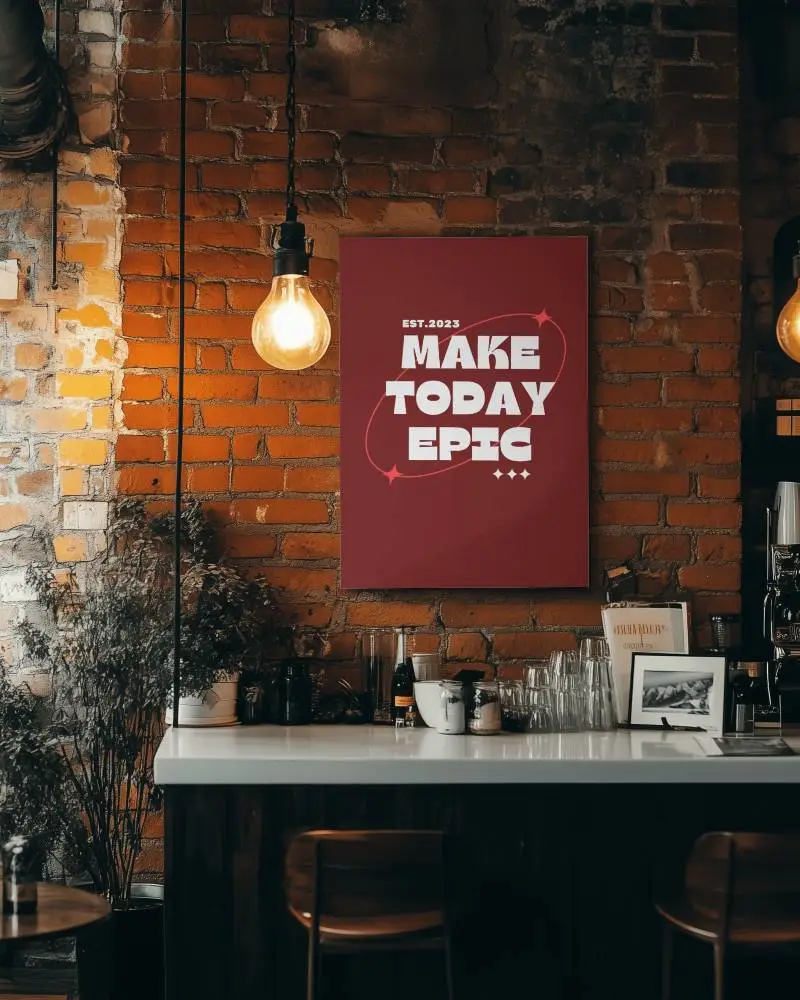
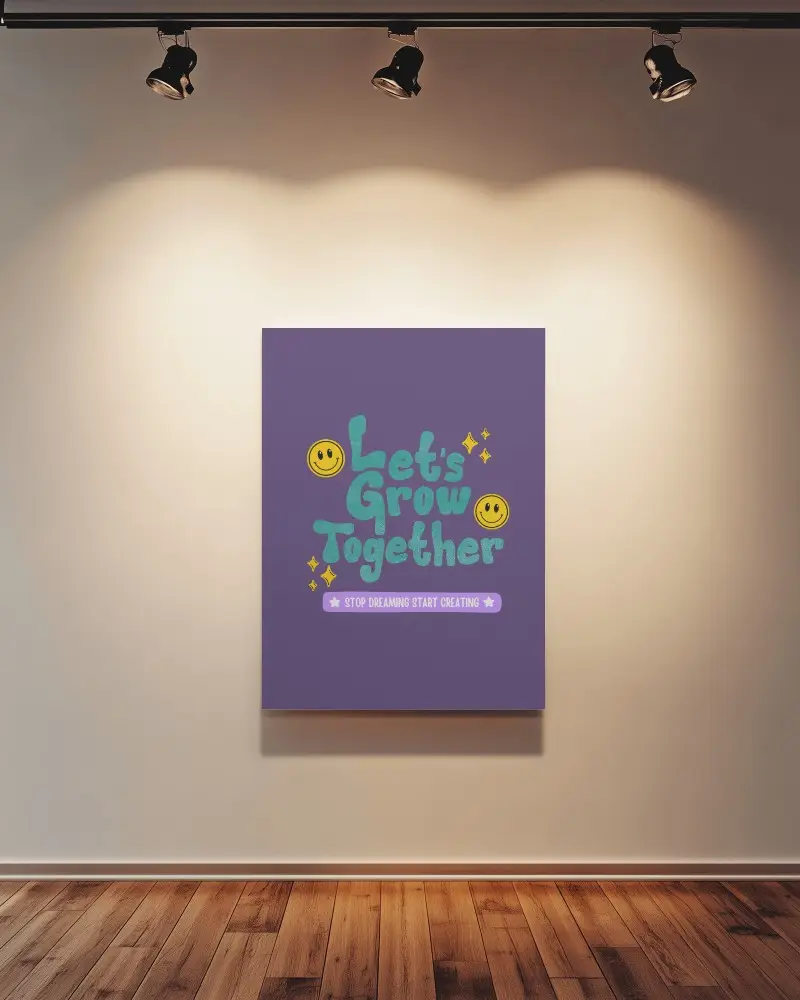
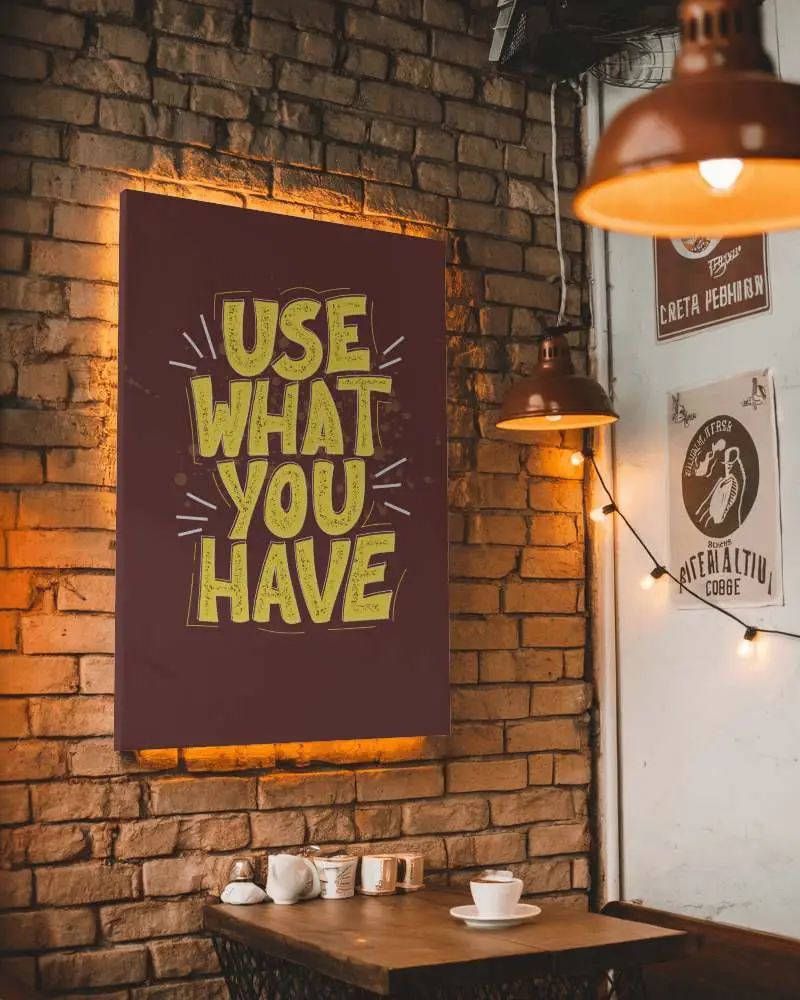
How to Create a Vertical Canvas Video Mockup with Mockey AI
To create Vertical canvas video mockups:
- Step 1: Select the CREATOR or ELITE plan to unlock video mockups.
- Step 2: Navigate to Video Mockups > Print > Canvas.
- Step 3: Upload your artwork, customize the placement, and click Generate Video to save your Vertical canvas video mockup.


FAQs on Vertical Canvas Video Mockups
What are Vertical canvas video mockups used for?
Vertical canvas video mockups help artists and brands showcase wall art in realistic interior environments before printing.
Can I upload my own artwork to a Vertical canvas video mockup?
Yes, you can upload your design, resize it to fit the frame, and generate a professional Vertical canvas video mockup easily.
Are Vertical canvas video mockups good for eCommerce?
Yes, animated canvas mockups improve product previews and help customers visualize artwork in real-life settings.
